Storyboard Art Style
Explore storyboard art: sequential rough panels, expressive framing, motion arrows, production notes, and grayscale visual planning.
Instantly rendered in Storyboard — or transform a photo
Storyboard Gallery
Tap any artwork to explore it
What is Storyboard Art Style?
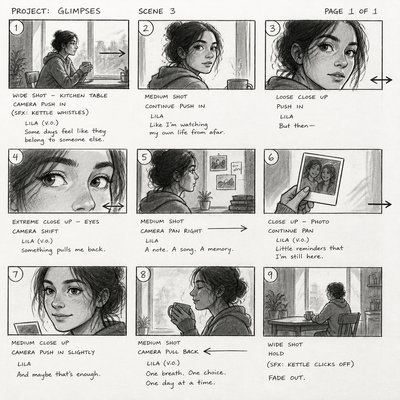
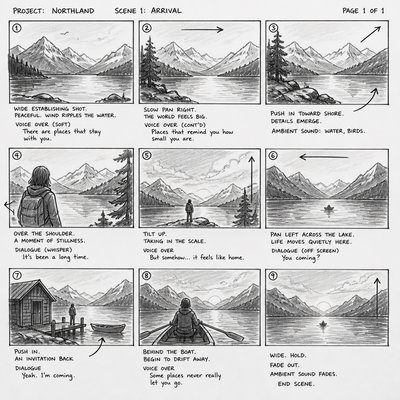
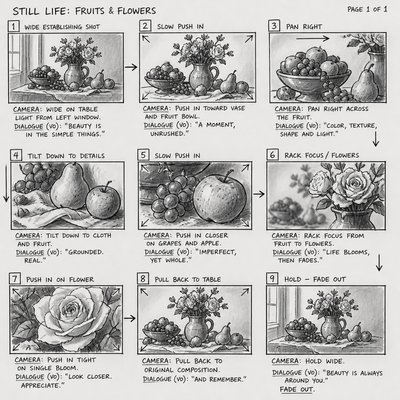
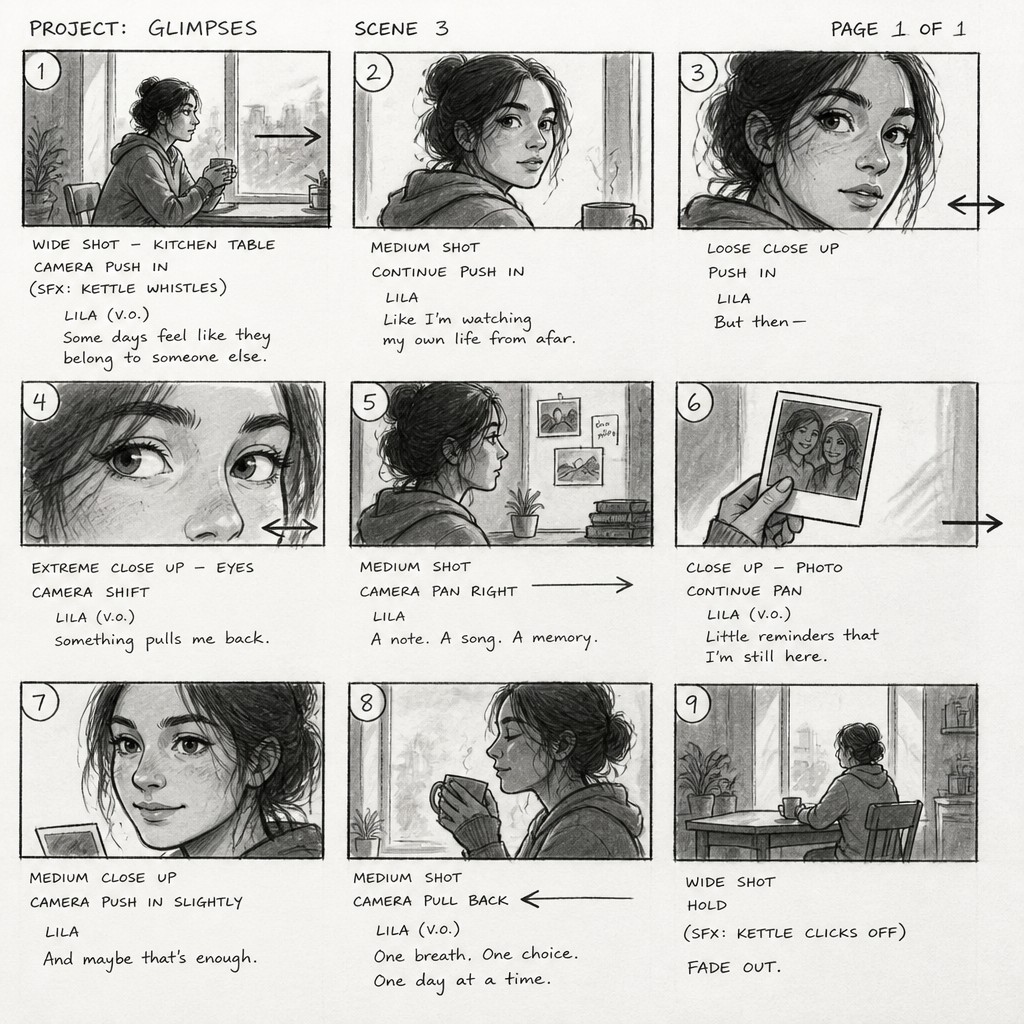
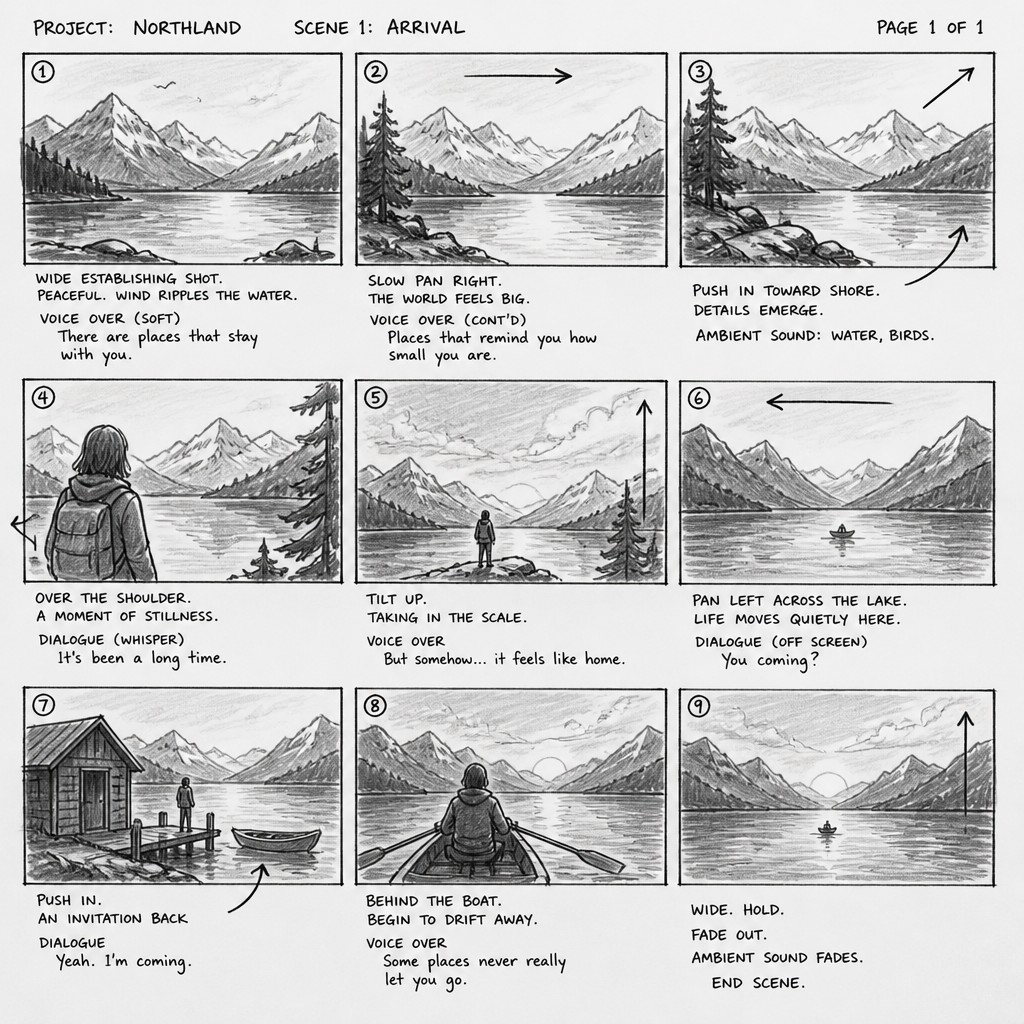
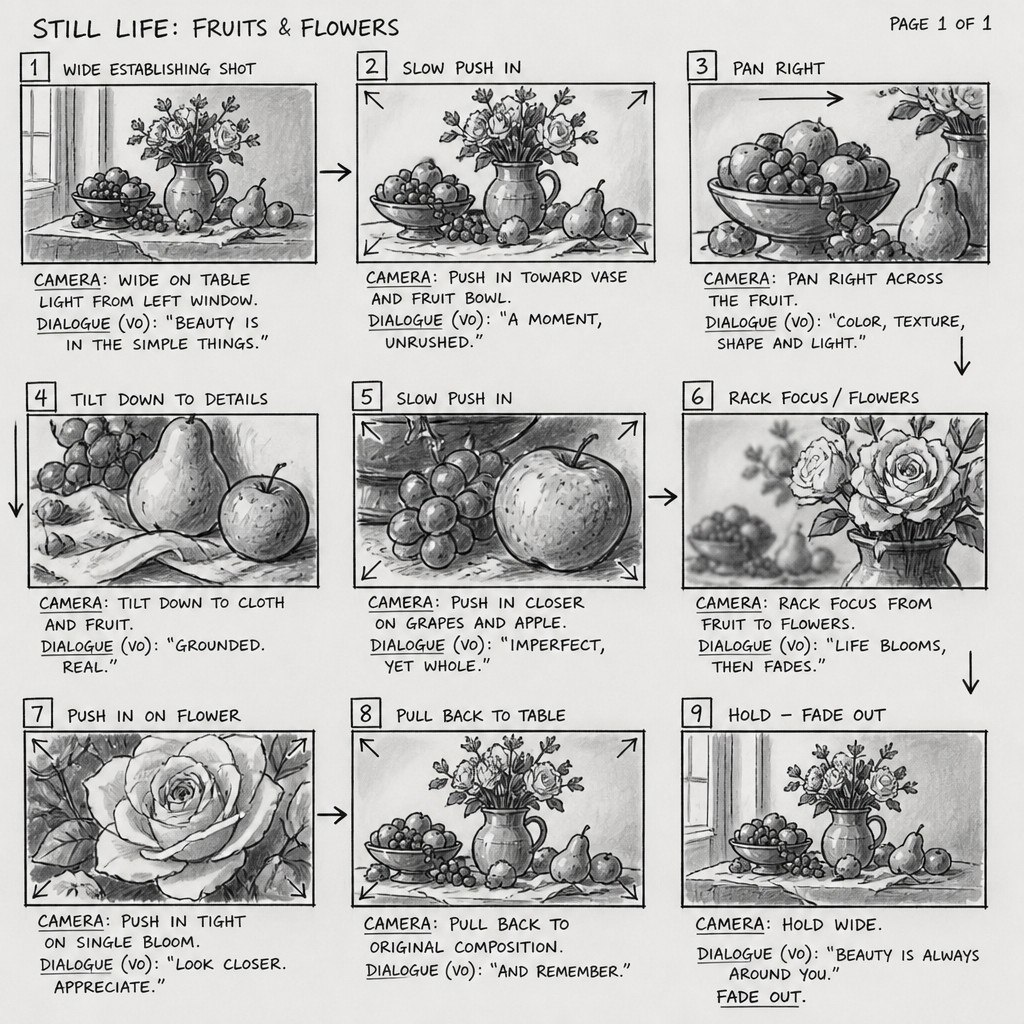
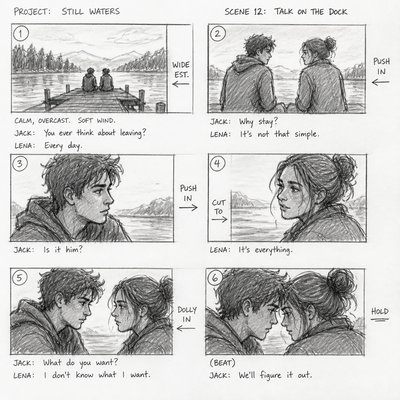
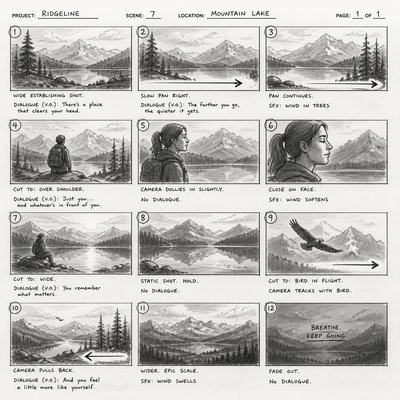
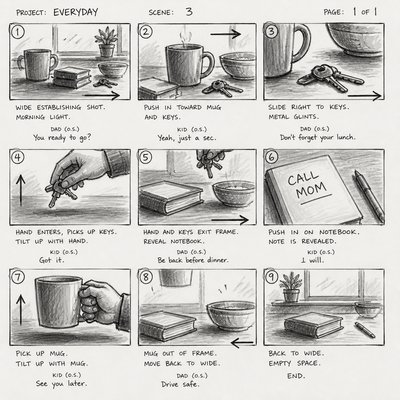
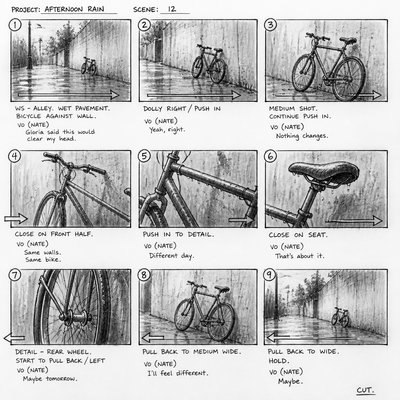
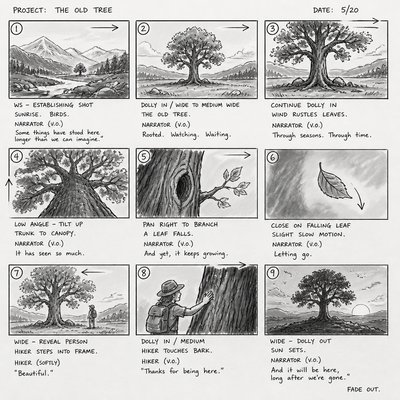
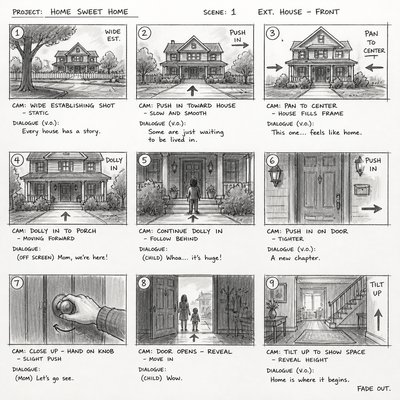
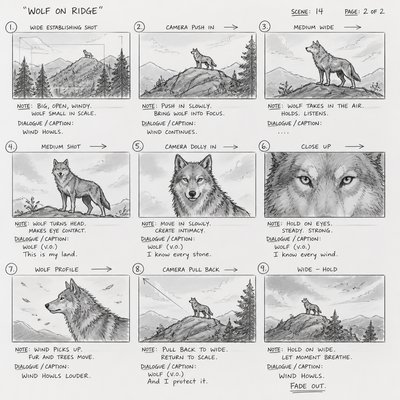
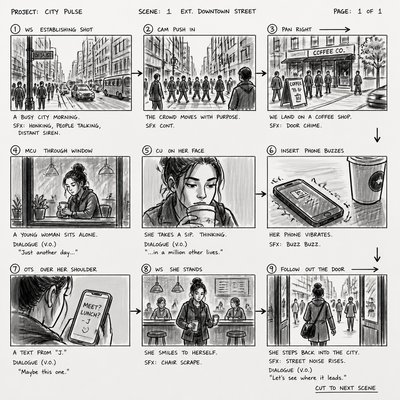
Storyboard art is a sequential drawing style used to visualize a scene before it is filmed, animated, illustrated, or otherwise produced. It typically presents a series of small rectangular panels showing changing camera angles, character positions, gestures, props, and major actions. The drawings are usually quick and economical rather than polished, prioritizing clarity of movement and composition over surface detail.
Its visual identity comes from the combination of rough sketching and production notation. Loose pencil or marker lines, simplified figures, grayscale value blocks, panel numbers, arrows, framing guides, handwritten dialogue, and camera instructions make the planning process visible. The resulting image often resembles a hybrid of comics page, film shot list, animation layout, and working document.
Try It On Your Photos
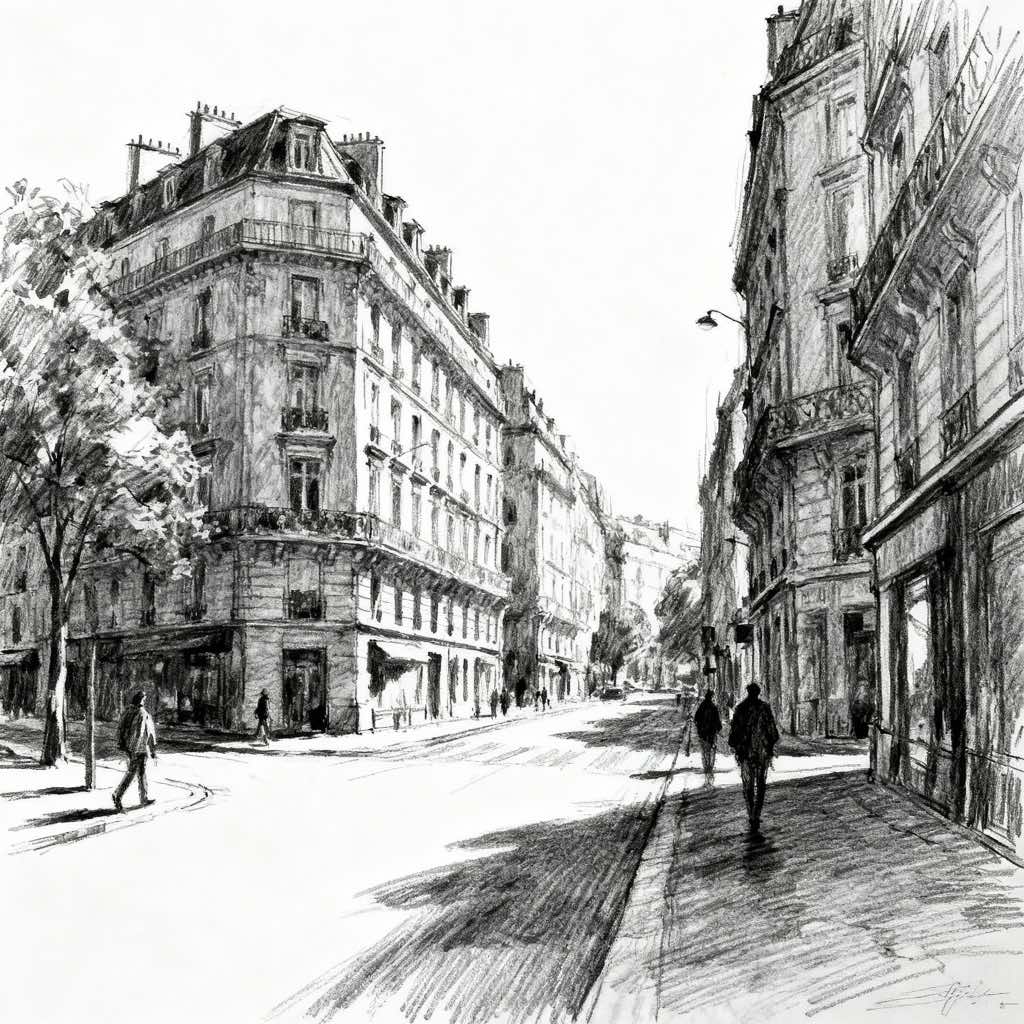
Upload any photo and convert it into Storyboard Art Style — drag the sliders to compare before and after.

What Defines Storyboard Art Style
The signature details, up close
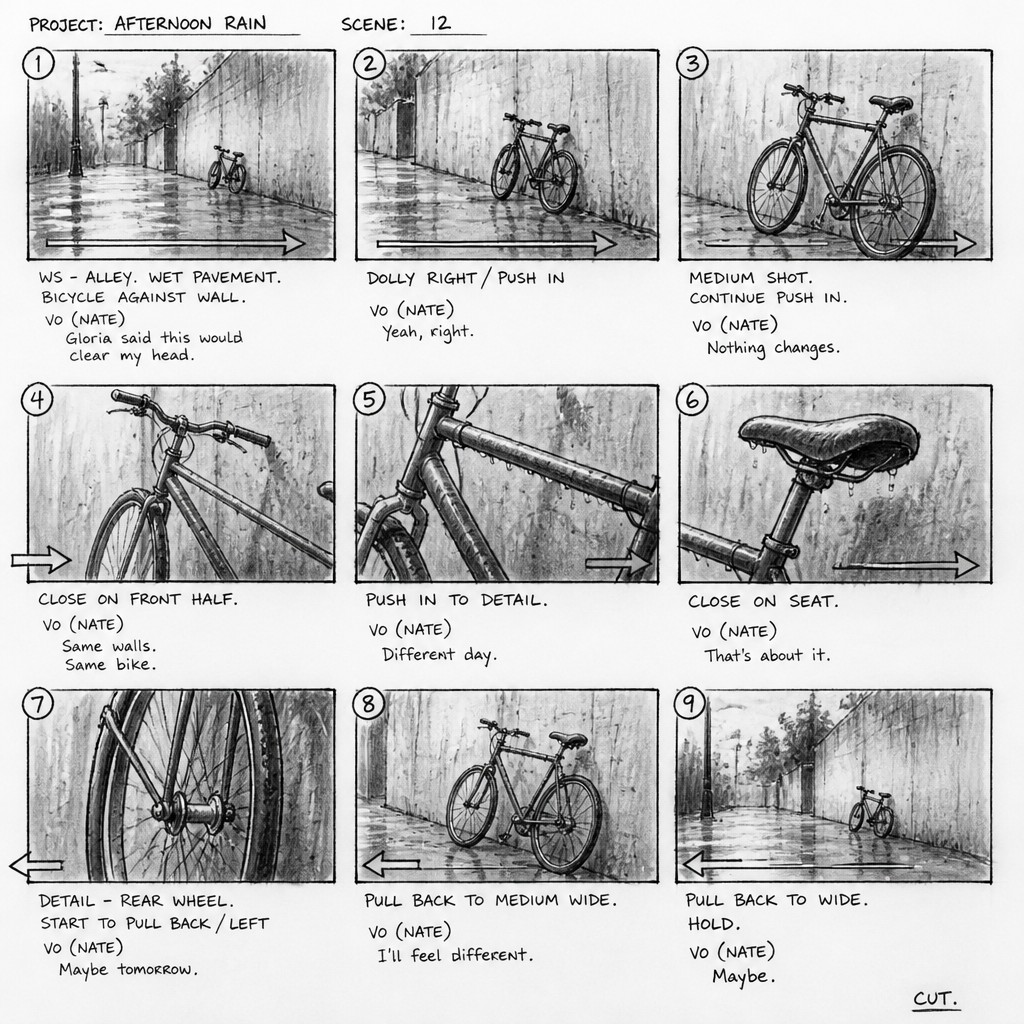
Sequential panel structure
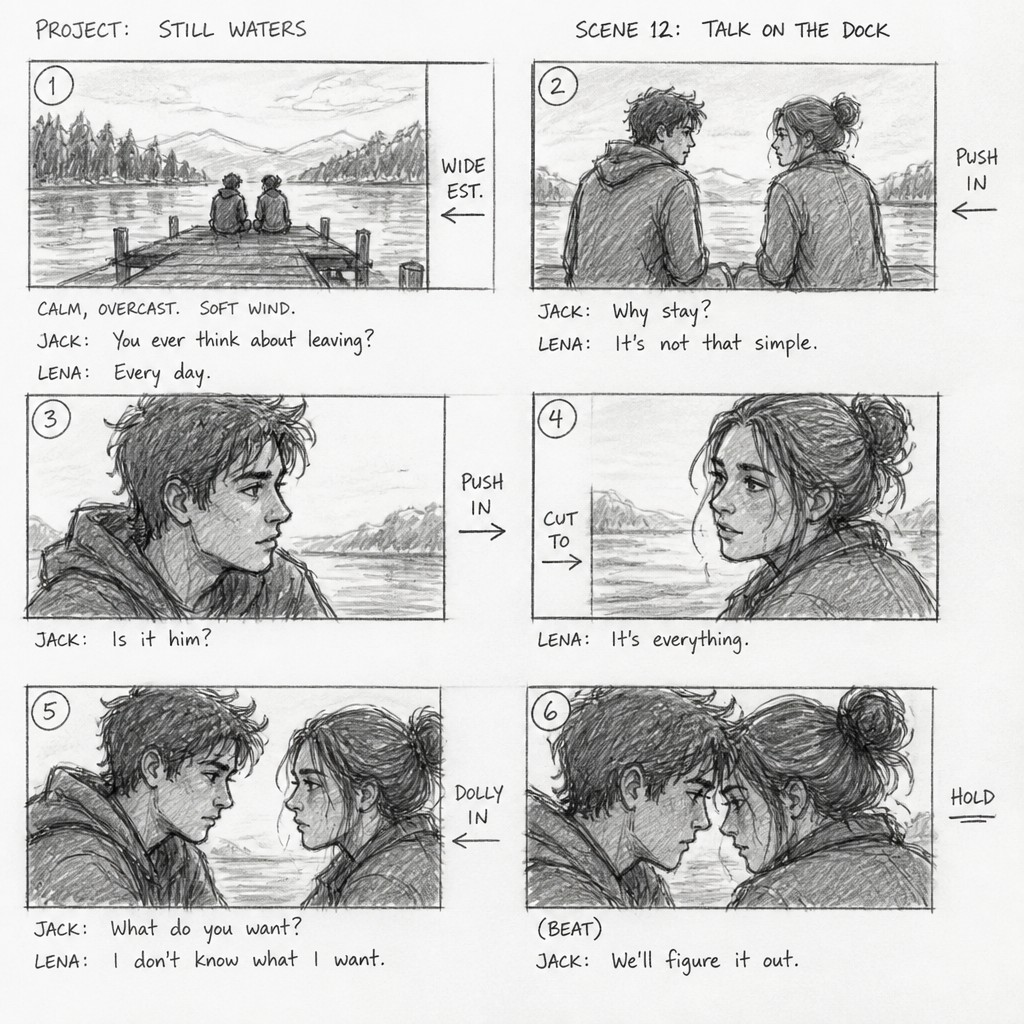
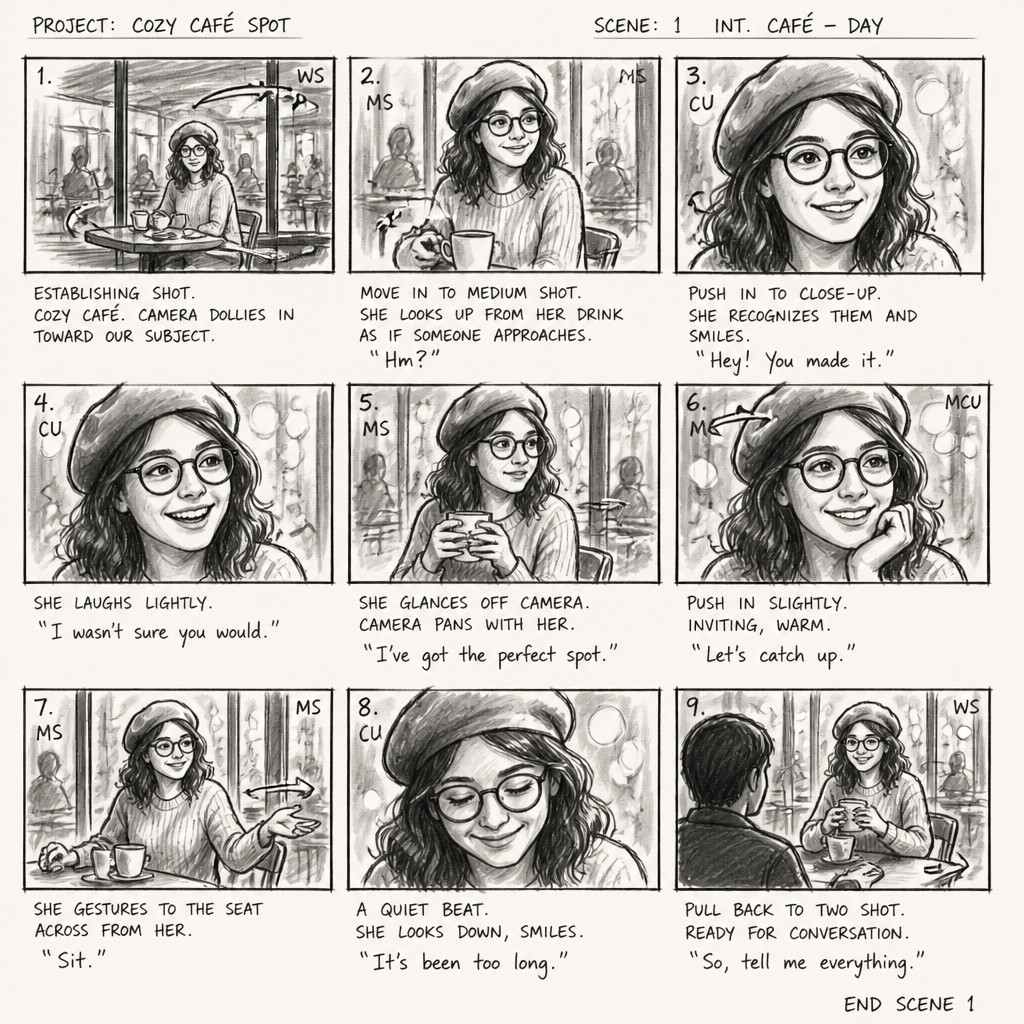
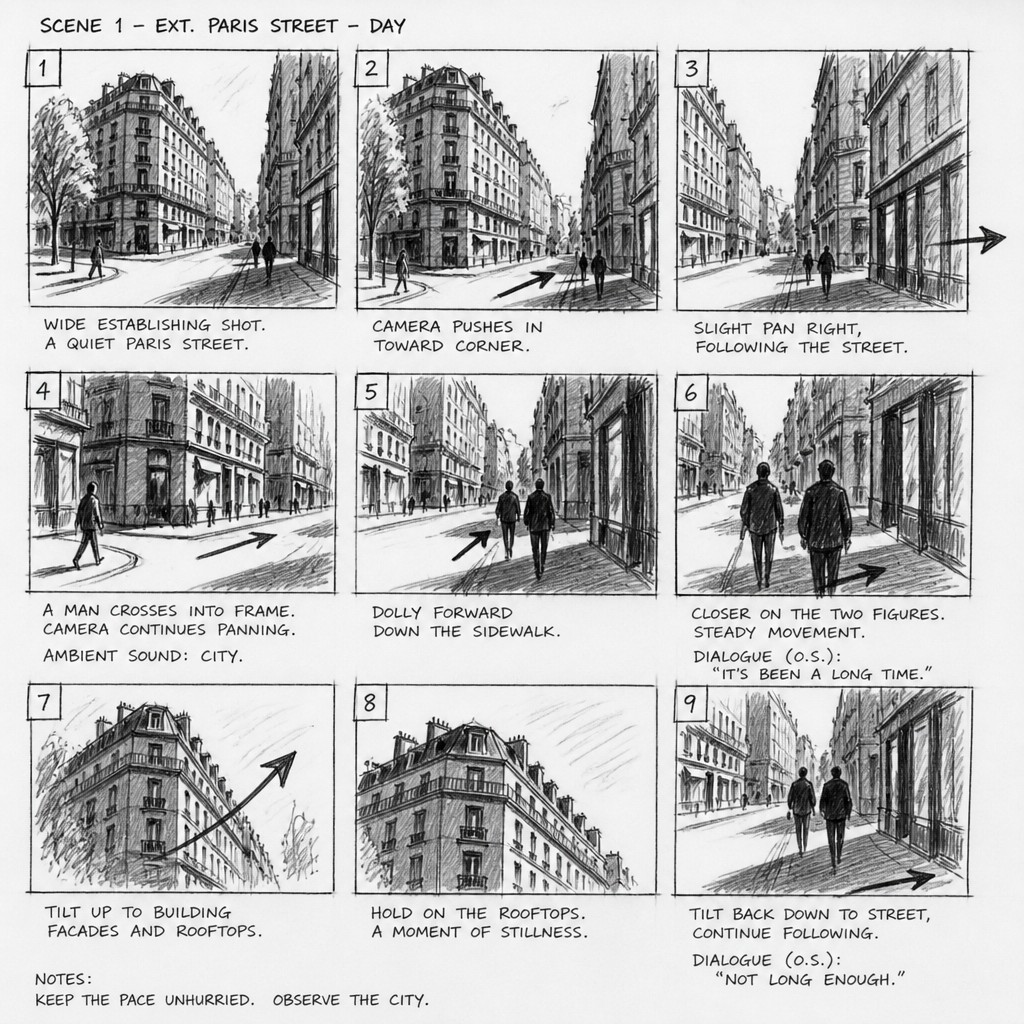
The image is divided into numbered or ordered rectangular frames, with each panel representing a distinct moment, shot, or change in viewpoint. Panel spacing and layout help communicate rhythm and continuity.
Loose gestural drawing
Quick pencil, graphite, charcoal, or marker strokes capture pose, direction, scale, and action without fully rendering anatomy or texture. Visible construction lines reinforce the provisional quality.
Cinematic framing
Panels use recognizable shot types such as close-up, medium shot, wide shot, over-the-shoulder view, and low or high angles. Bold framing lines and simplified backgrounds clarify the intended composition.
Motion and camera annotations
Arrows indicate pans, tilts, tracking movement, zooms, character paths, or shifts in attention. Notes may identify lens emphasis, transitions, entrances, exits, and timing.
Handwritten production text
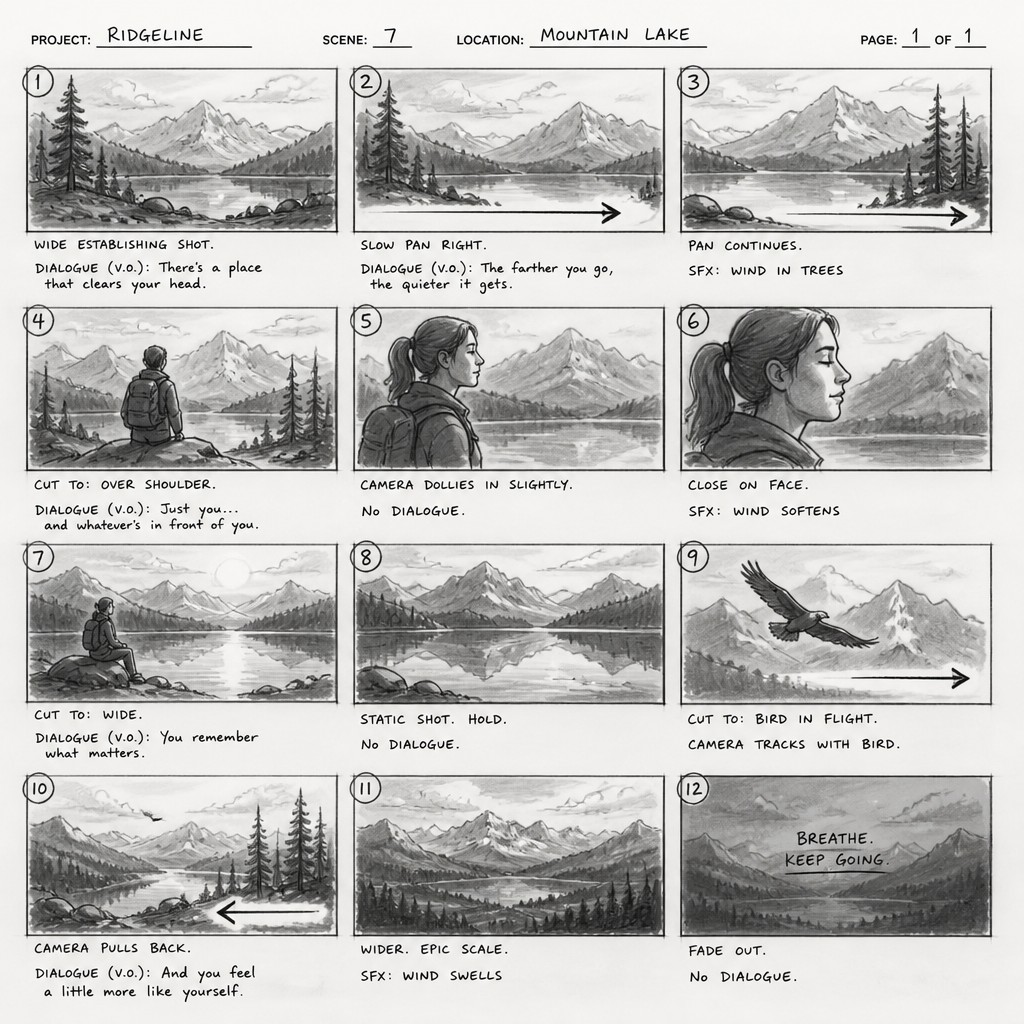
Dialogue, sound effects, scene descriptions, shot numbers, and staging instructions often appear beneath or beside the panels. Uneven lettering gives the work the appearance of an active working document.
Grayscale value planning
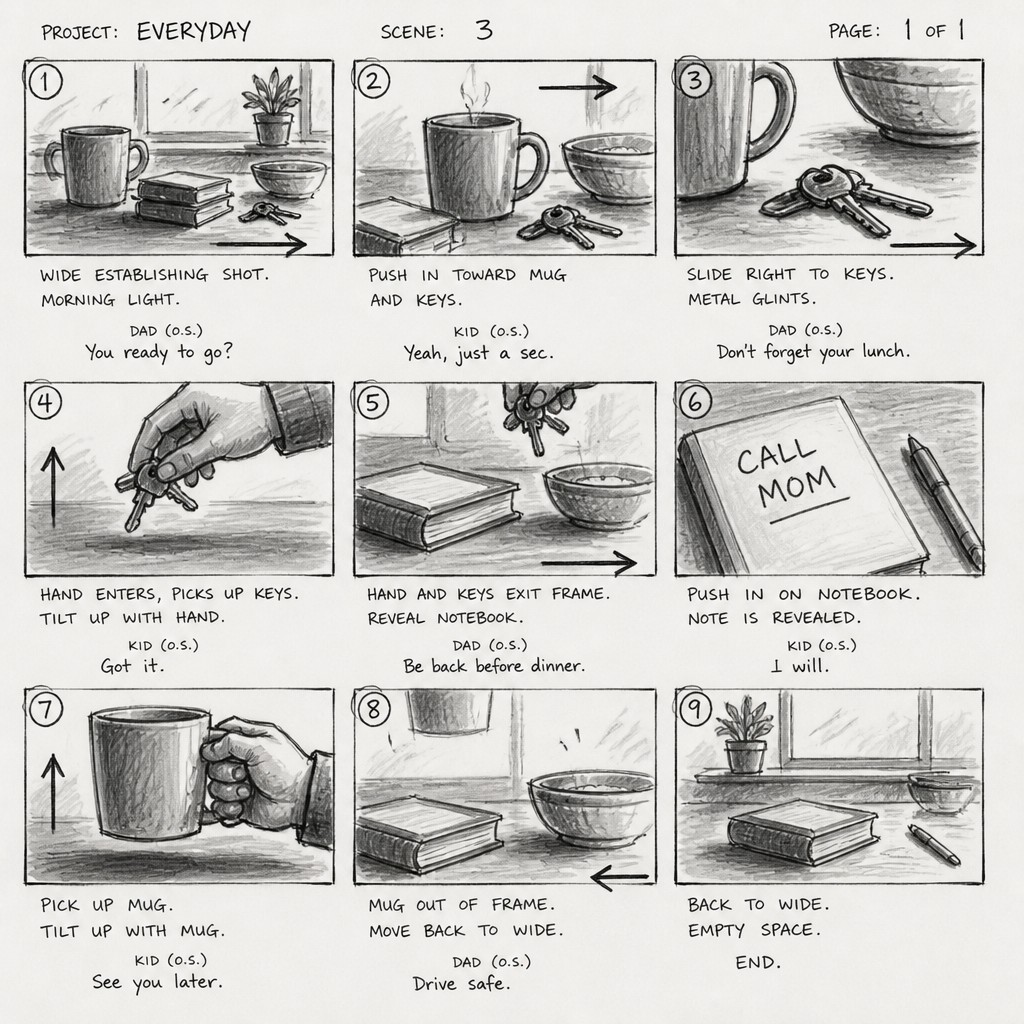
Limited gray shading separates foreground, middle ground, and background while establishing light, silhouette, and mood. Broad tonal masses are favored over detailed color rendering.
Economical environmental detail
Locations are suggested with a few decisive lines, perspective guides, props, and silhouettes. Detail is included when it explains story, spatial relationships, or camera continuity.
Storyboard Prompt Ideas
Start from an idea — each one opens the generator with the style ready to go. See all 40 Storyboard prompts →
How to Create Storyboard Art
Master the craft step by step — or skip straight to creating. Read the full guide →
- 1
Build a readable panel grid
Divide the page into six to twelve small frames and leave room for captions or dialogue. Number the panels so the sequence reads immediately from left to right or top to bottom.
- 2
Draw action before detail
Begin with horizon lines, simple perspective shapes, gesture lines, and silhouettes that establish movement and screen direction. Add only the environmental details necessary to identify the setting and action.
- 3
Use varied shot scales
Alternate wide views with medium shots and close-ups to create visual rhythm and clarify information. Mark camera changes with arrows and brief notes rather than trying to communicate everything through finished rendering.
- 4
Work in restrained values
Use graphite, ink wash, gray marker, or a small digital grayscale palette to block in light and shadow. Keep the tonal hierarchy simple so poses, silhouettes, and focal points remain legible at a glance.
- 5
Add authentic production marks
Include panel numbers, arrows, frame guides, handwritten captions, dialogue fragments, sound cues, and camera directions. These annotations should support the sequence instead of becoming random decoration.
- 6
Guide a digital or prompt-based workflow
For digital creation, combine a rough pencil or marker texture with a clean panel grid and separate annotation layers. In a text prompt, specify sequential numbered frames, cinematic shot variation, motion arrows, grayscale shading, simplified figures, and handwritten notes while naming the subject and action clearly.
The Story
History & Origins of Storyboard
Storyboard art developed from earlier forms of sequential visual planning used in illustrated narratives, theatrical design, advertising, and animation. During the growth of twentieth-century cinema and animation production, filmmakers and visual artists increasingly used rows of drawings to organize shots, staging, continuity, camera movement, and editing before expensive production began.
The form has remained flexible rather than becoming a single historical art movement. It appears in live-action film, television, animation, game development, commercials, music videos, comics, and interactive media. Contemporary storyboard aesthetics often preserve the practical marks of production documents while adapting them into standalone illustrations, concept art, editorial graphics, and digital compositions.
Influences: Storyboard art draws on sequential comics, animation layout drawing, film shot planning, theatrical blocking, editorial sketching, concept art, and production design documents. Its loose linework also reflects the economy of gesture drawing and the compositional emphasis of cinematic photography. The combination of image and annotation connects it to technical illustration, graphic notation, and other visual systems that explain action through ordered diagrams.
Frequently Asked Questions
What defines storyboard art?
Its defining feature is sequential visual planning: multiple panels show how a scene unfolds over time. Rough drawing, cinematic framing, arrows, panel numbers, grayscale values, and written production notes are common, but the essential quality is clarity of action and shot progression rather than polished finish.
Is storyboard art the same as a comic?
They share panels, sequential images, and sometimes dialogue, but their purposes differ. Comics are generally intended as a finished reading experience, while storyboards are working documents that prioritize staging, camera direction, continuity, timing, and production communication.
Does storyboard art have to be black and white?
No. Grayscale is common because it allows artists to work quickly and emphasize composition, lighting, and silhouettes. Color may be added to clarify mood, characters, locations, or visual effects, especially in animation, games, and commercial production.
How rough should a storyboard be?
It should be as rough as possible while remaining clear to the intended viewer. A few lines can be enough when pose, screen direction, camera angle, and important props are unmistakable; more detailed drawings are useful when continuity, effects, costumes, or complex environments need explanation.
Where is storyboard art used?
It is used in film, television, animation, commercials, music videos, video games, comics, virtual production, and interactive experiences. It can also function as presentation art, visual development, teaching material, or an independent graphic illustration style.
How can I make a convincing image in this style?
Start with a clear action and divide it into distinct moments or camera views. Use simplified figures, strong silhouettes, limited grayscale, visible sketch marks, and meaningful arrows or notes; a clean panel grid and consistent screen direction will make the sequence feel intentional.
Create your first Storyboard artwork
Describe anything — or upload a photo — and see it in Storyboard Art Style in seconds.
Related Styles
Discover similar art styles