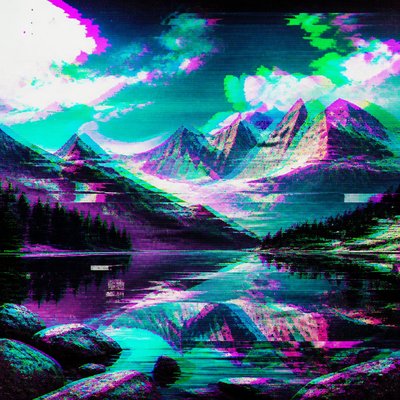
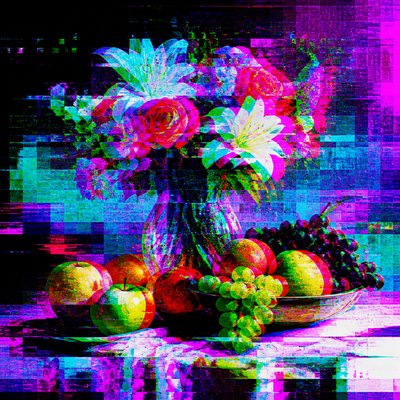
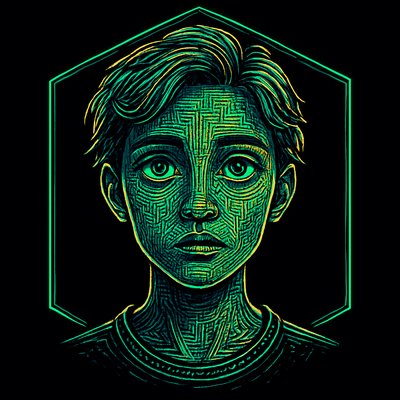
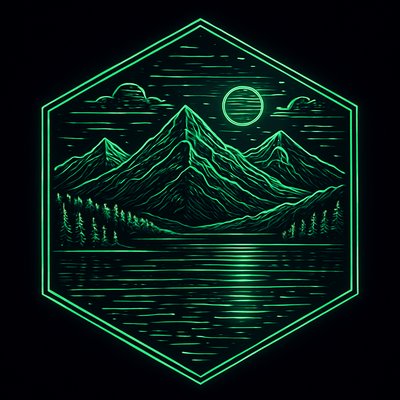
Digital Art Style
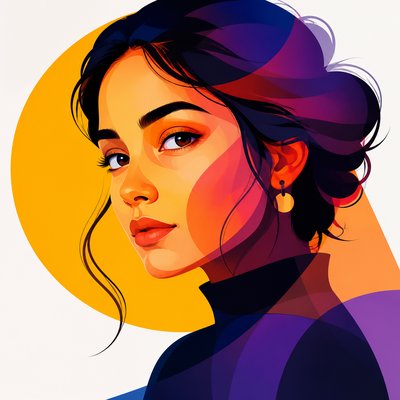
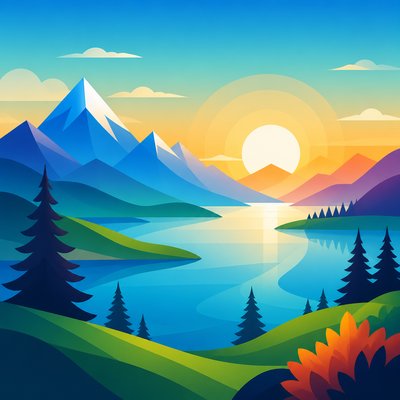
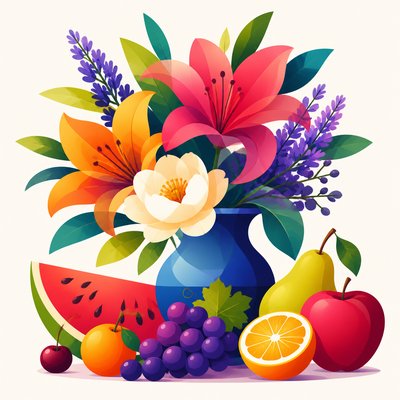
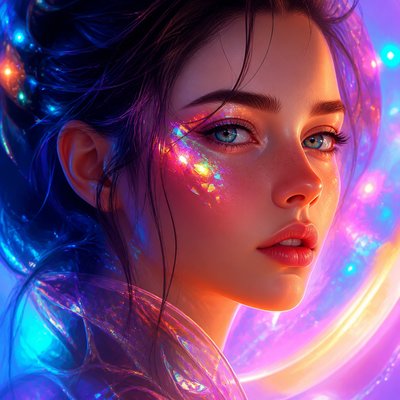
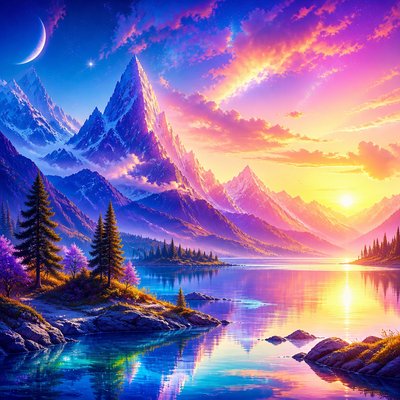
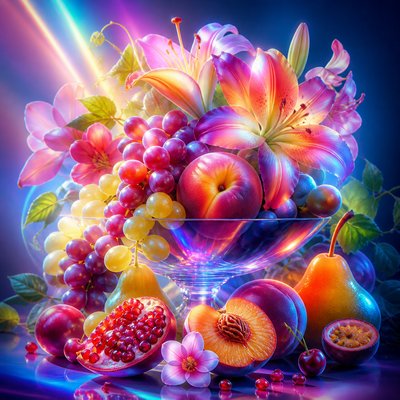
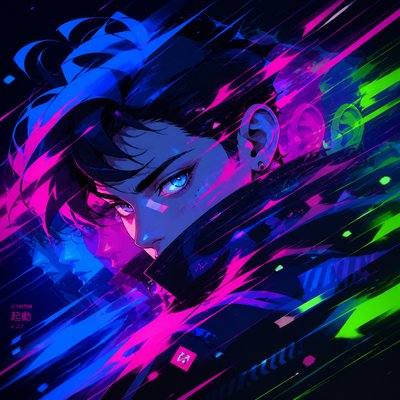
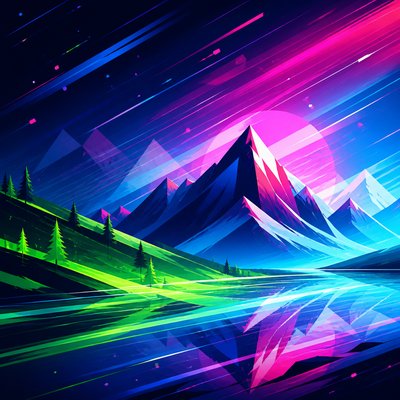
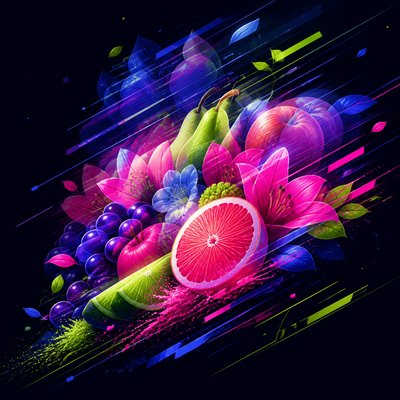
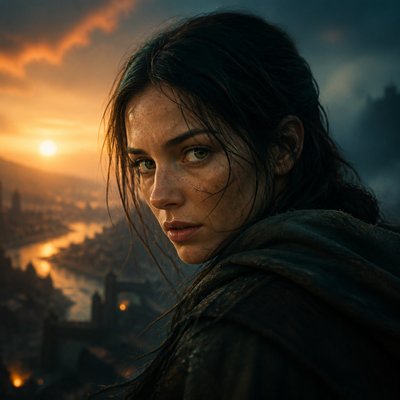
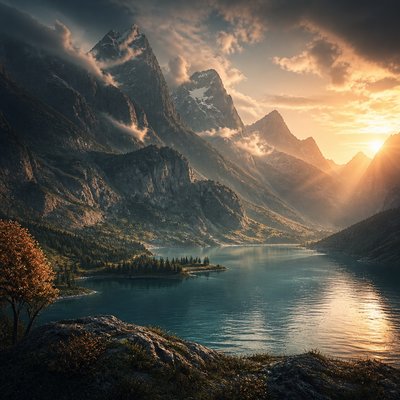
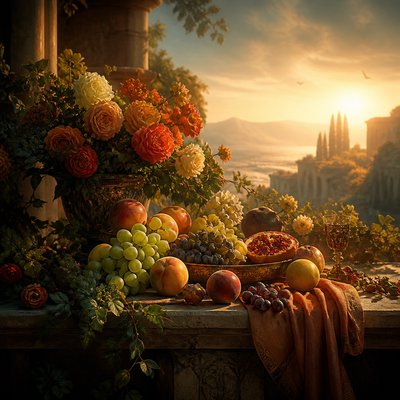
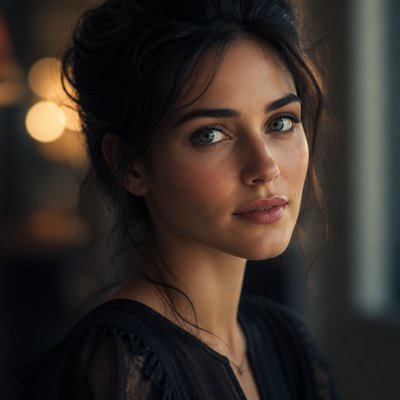
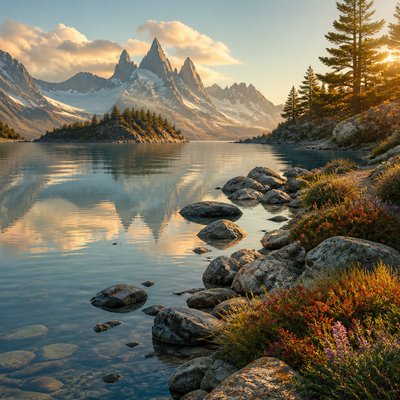
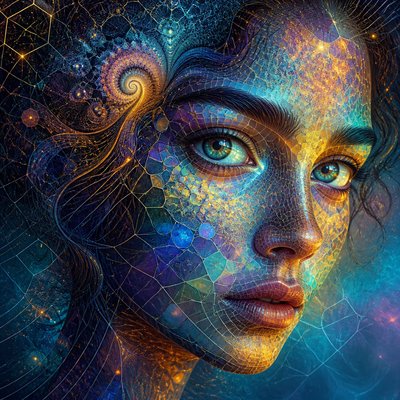
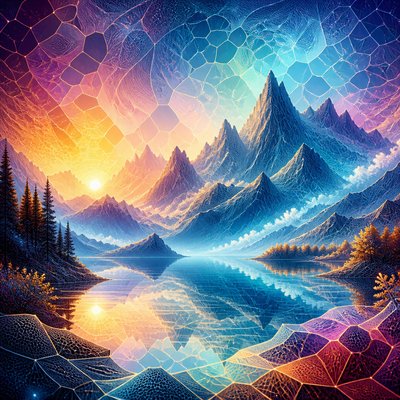
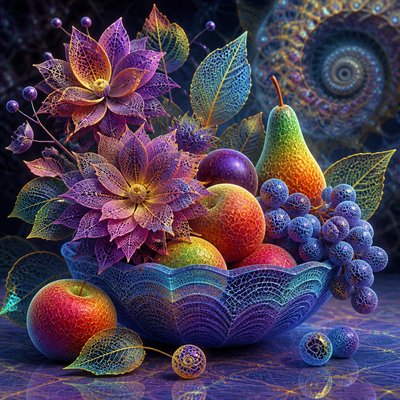
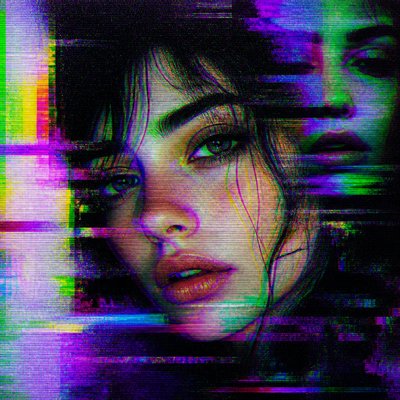
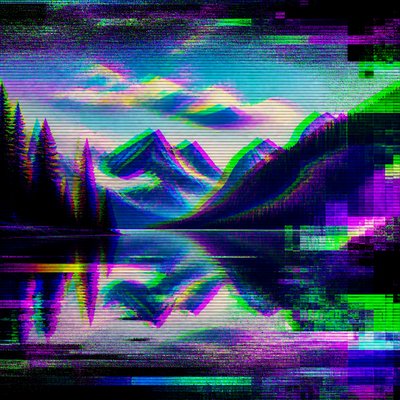
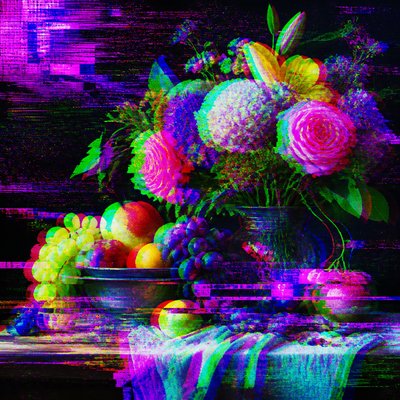
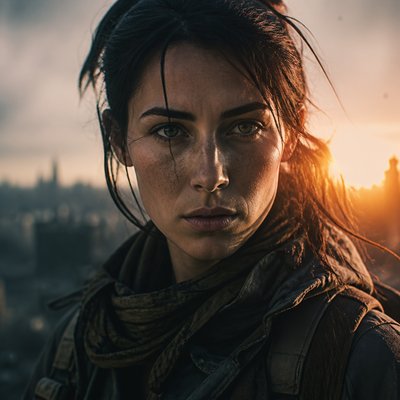
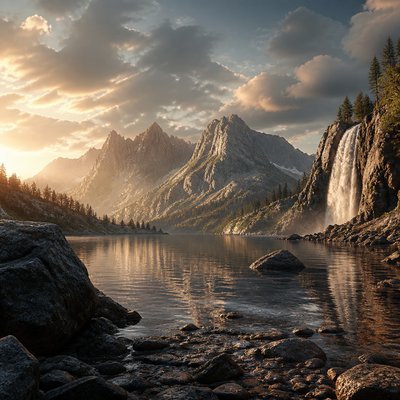
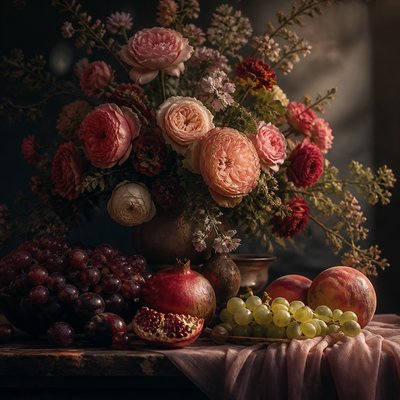
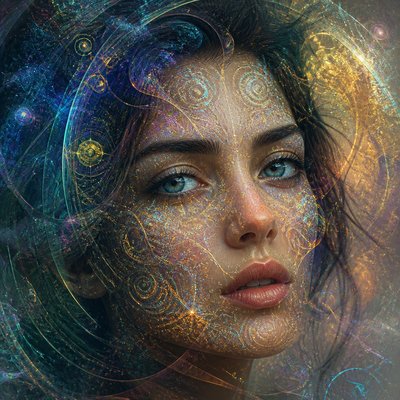
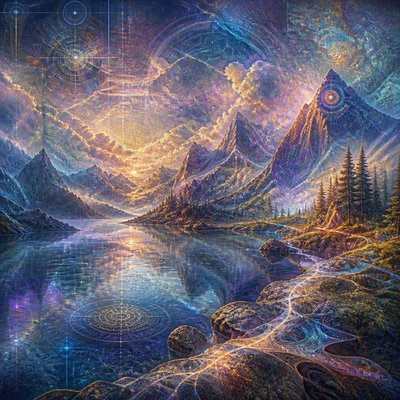
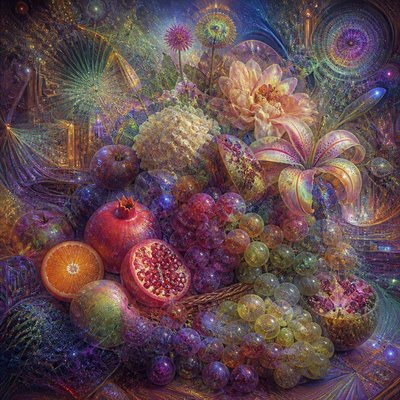
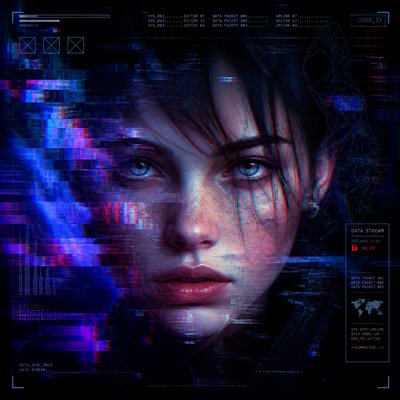
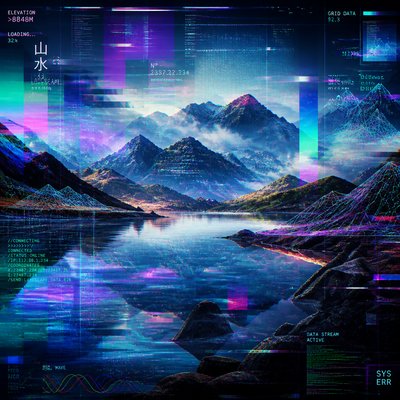
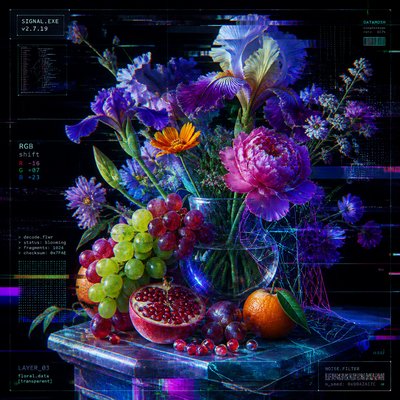
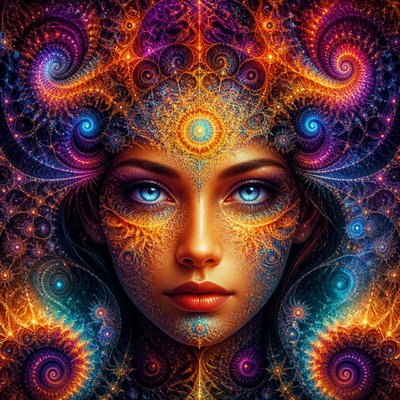
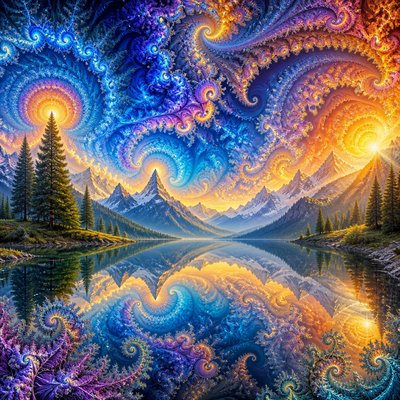
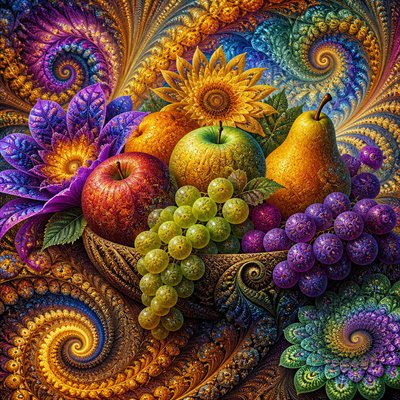
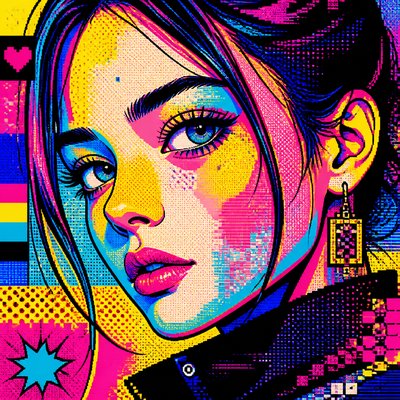
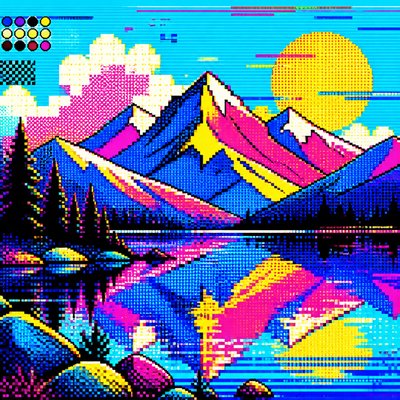
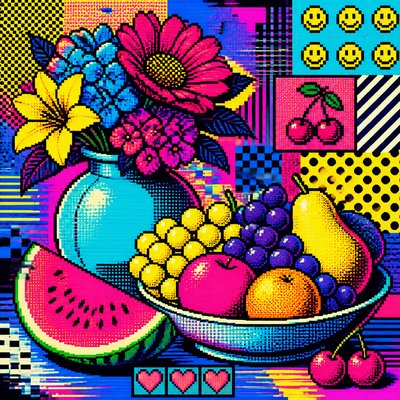
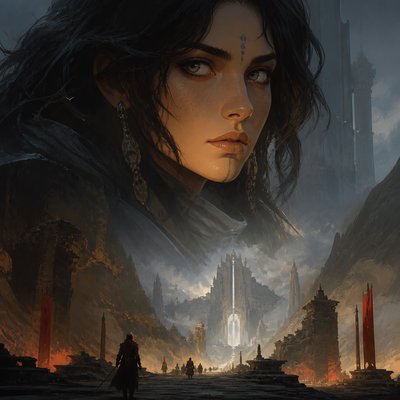
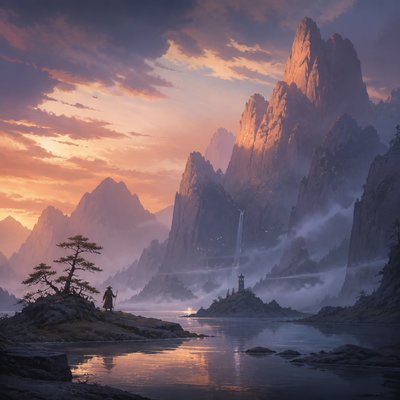
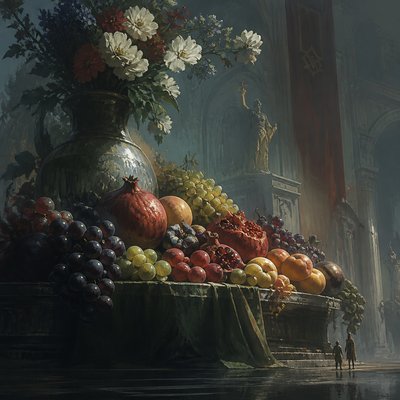
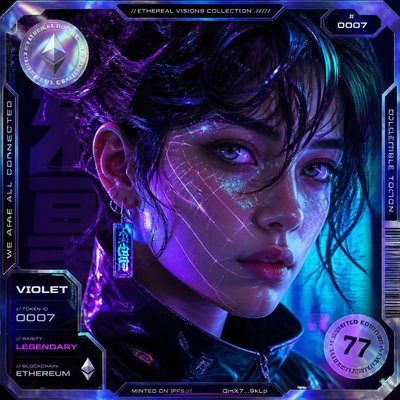
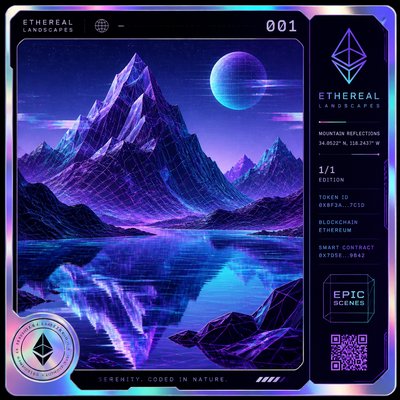
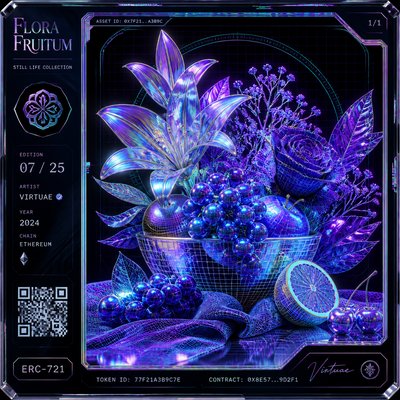
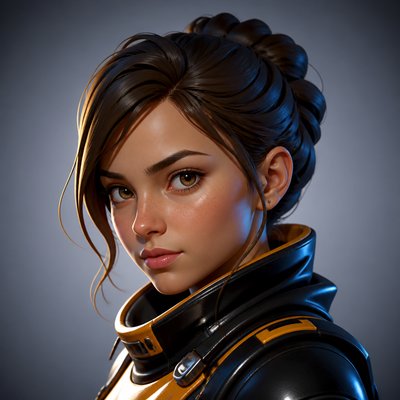
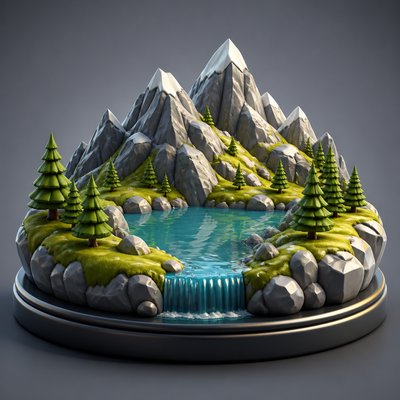
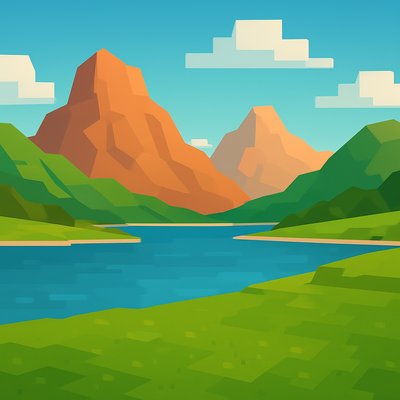
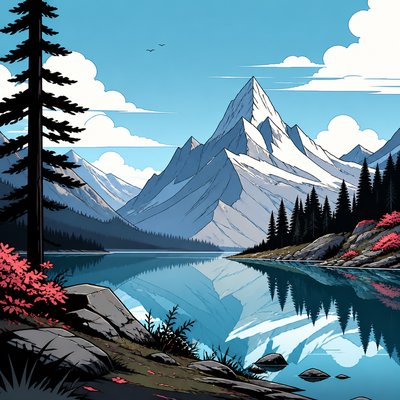
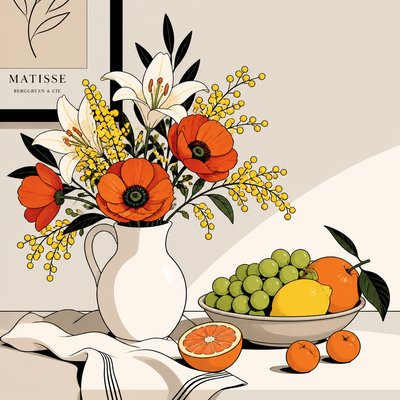
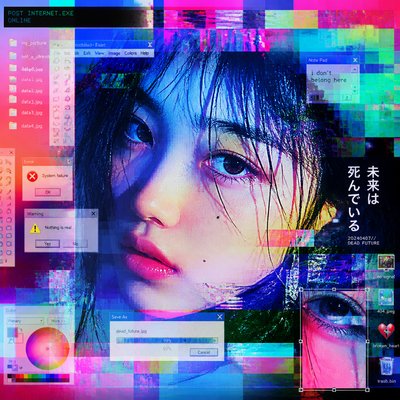
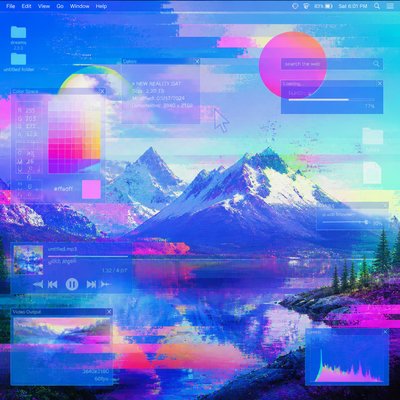
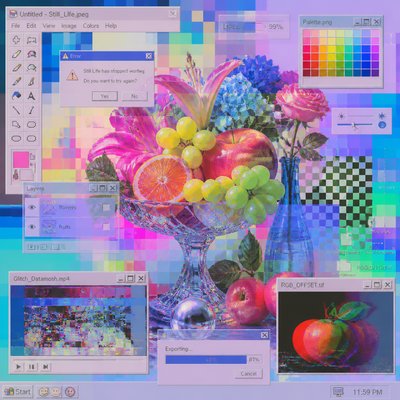
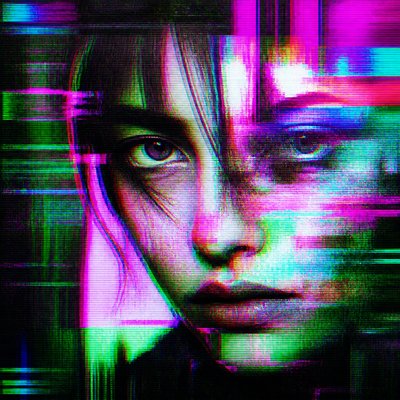
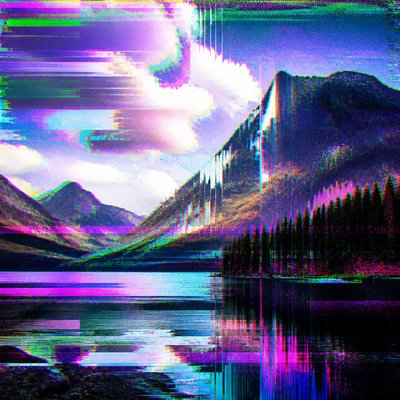
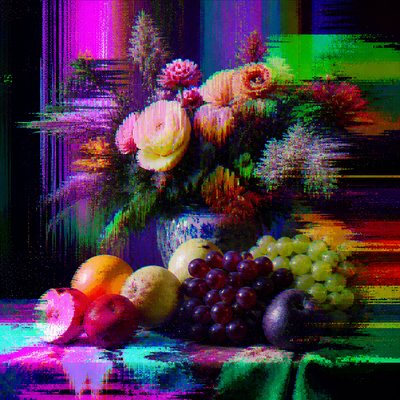
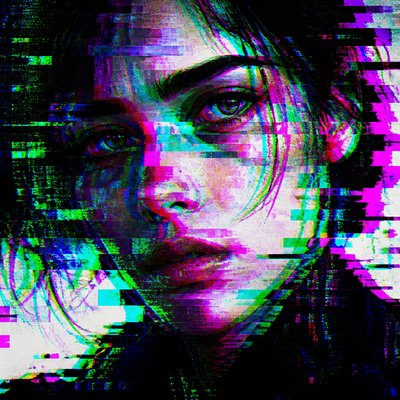
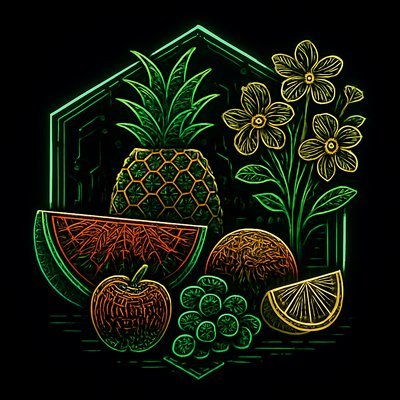
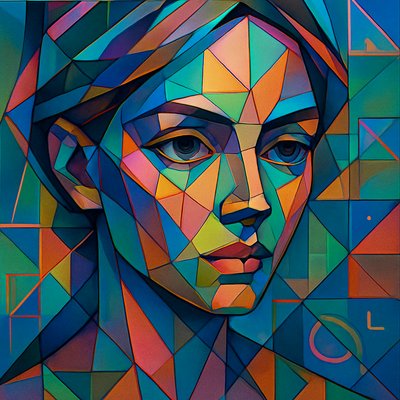
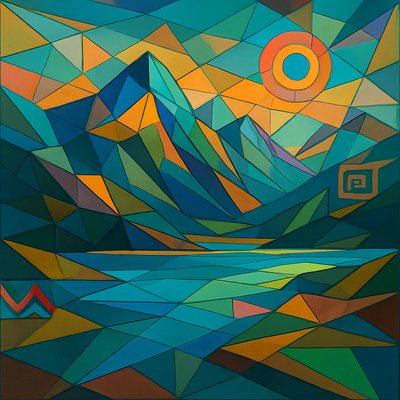
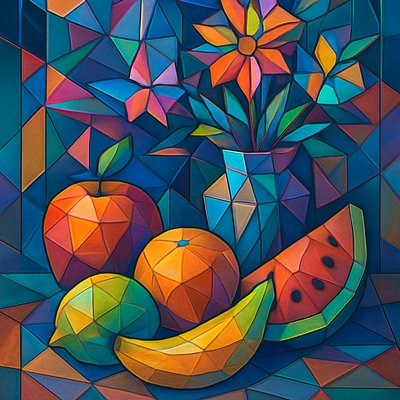
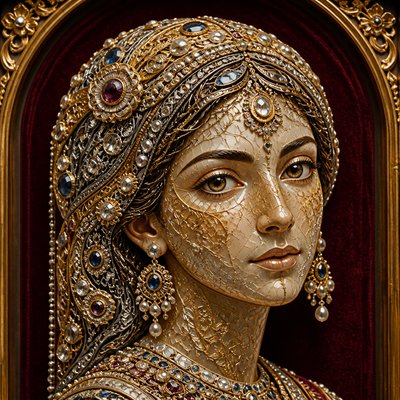
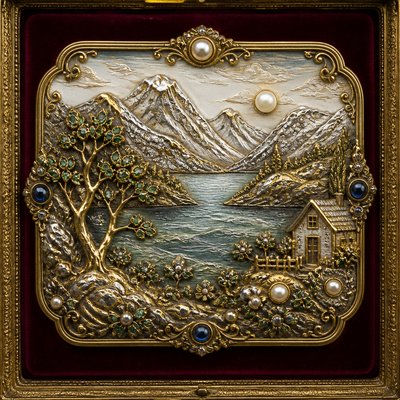
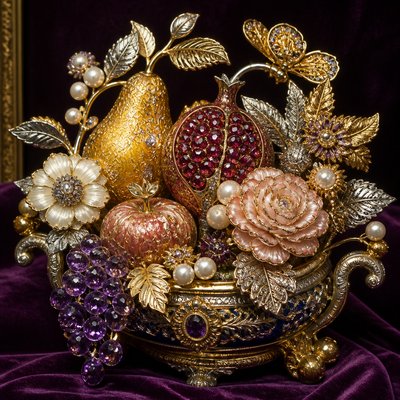
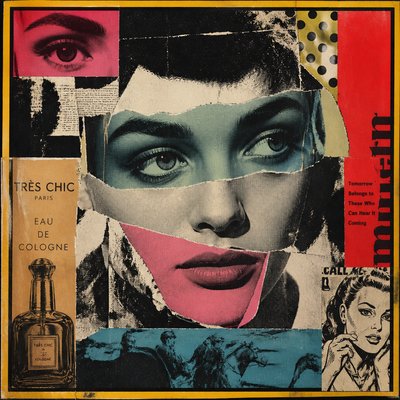
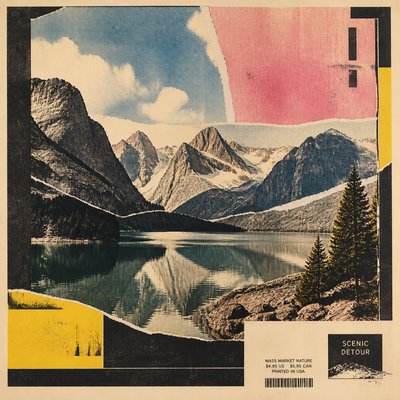
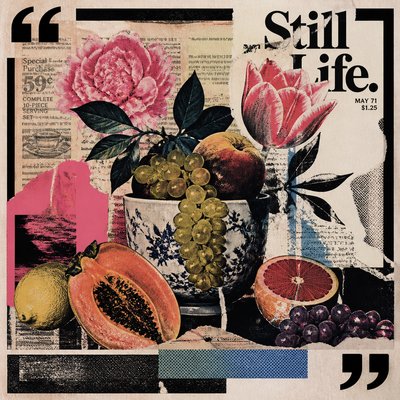
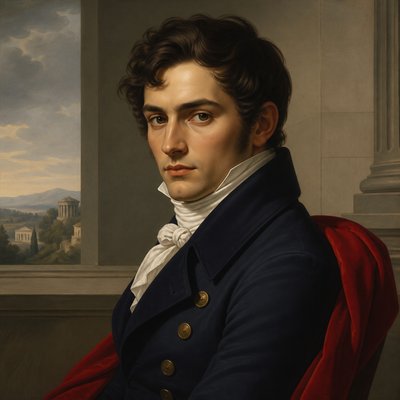
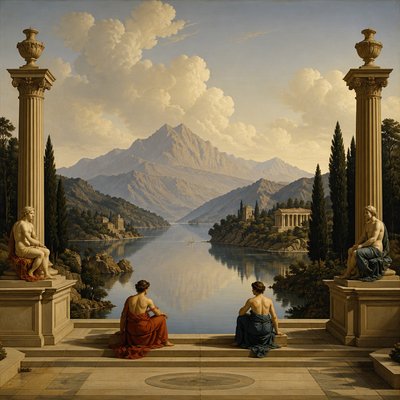
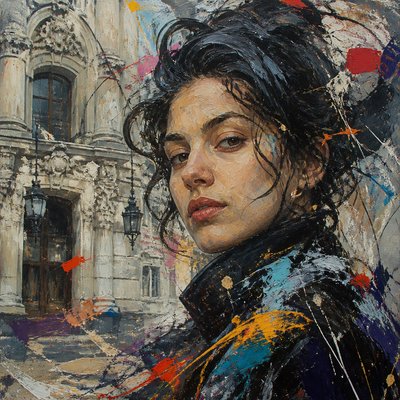
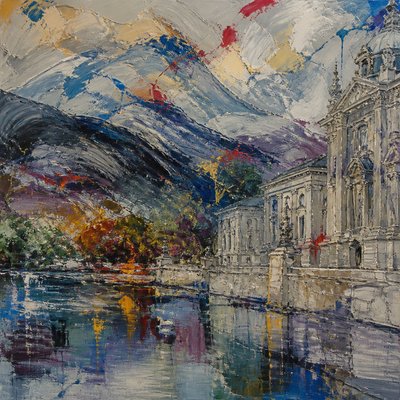
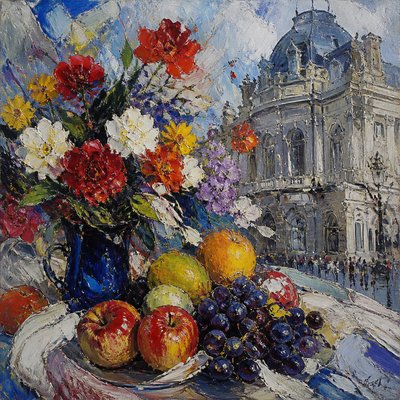
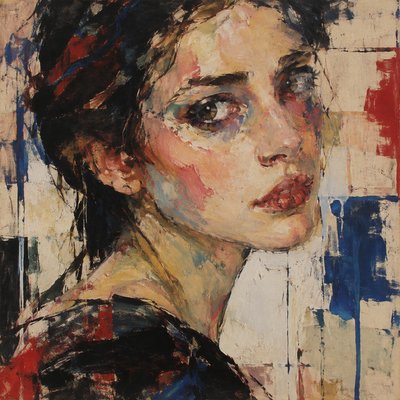
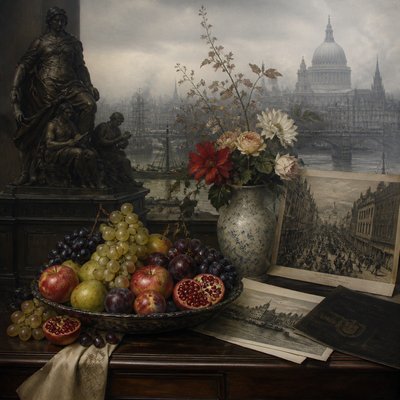
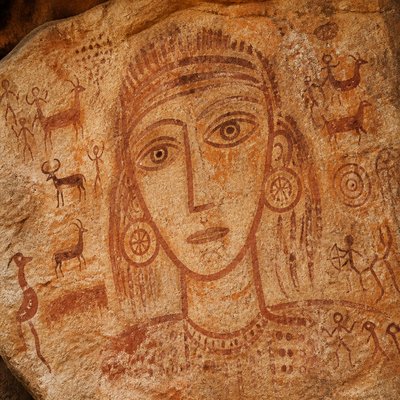
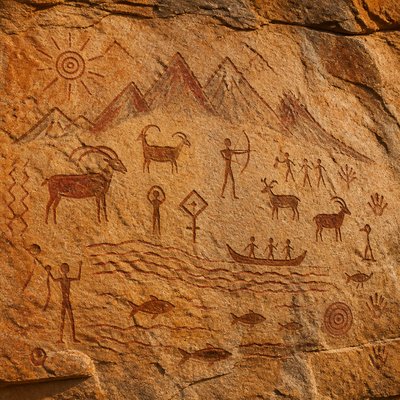
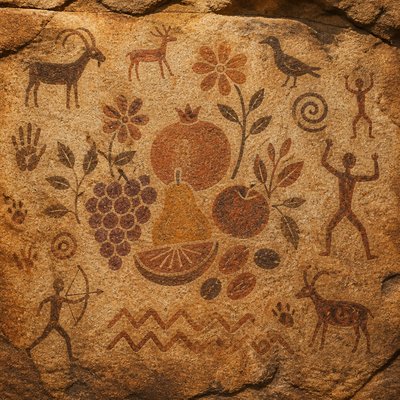
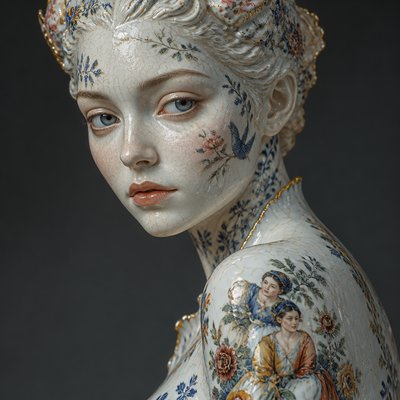
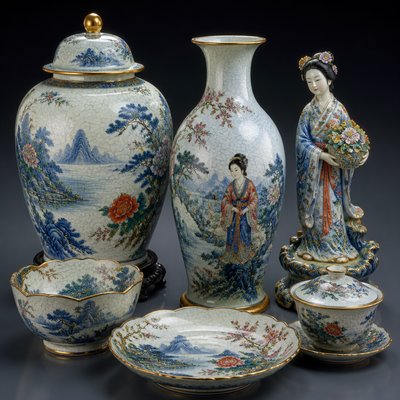
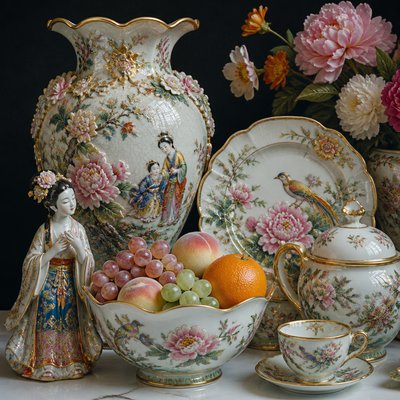
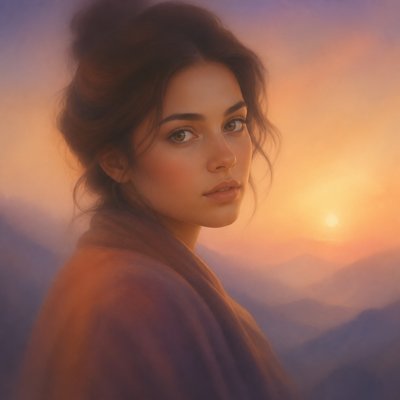
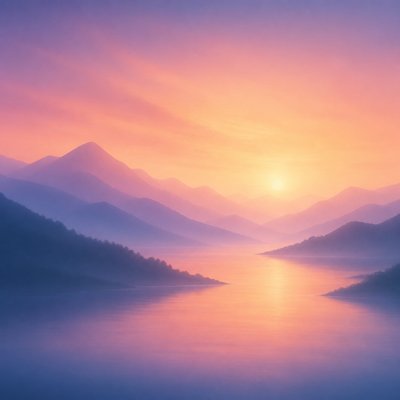
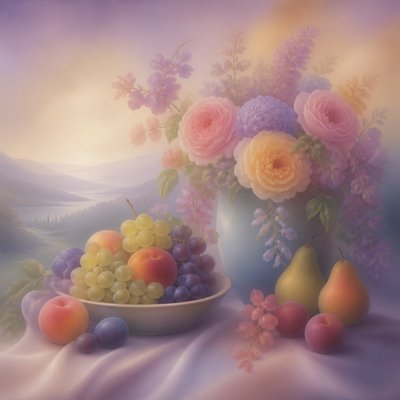
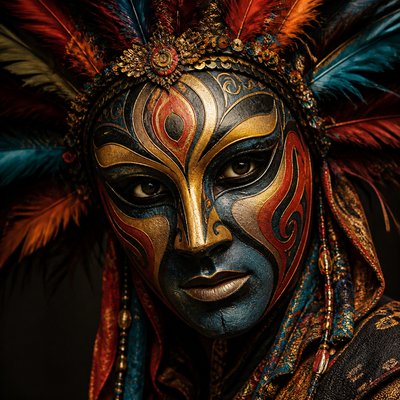
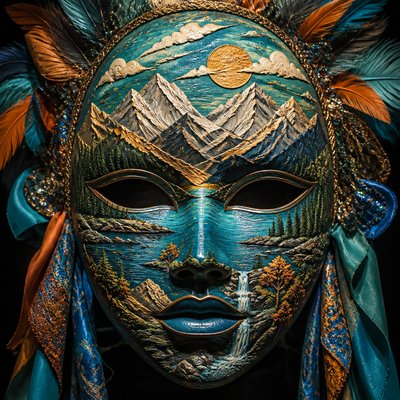
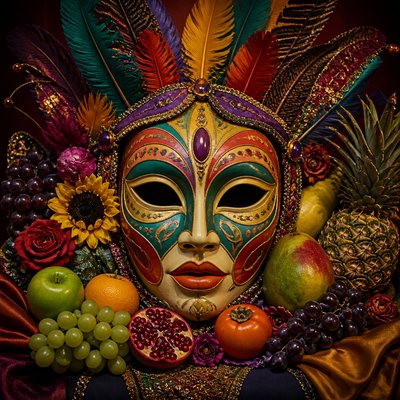
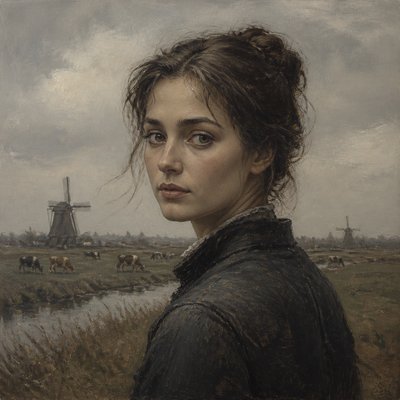
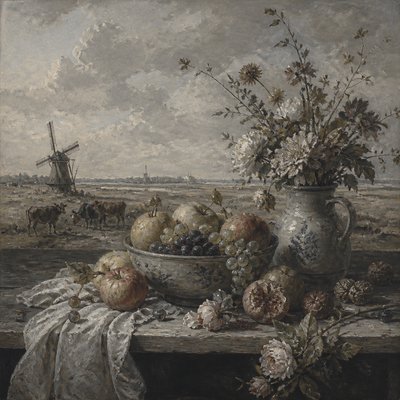
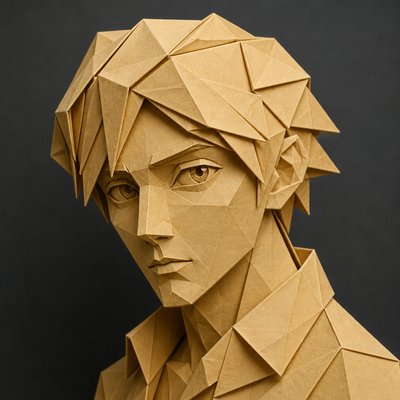
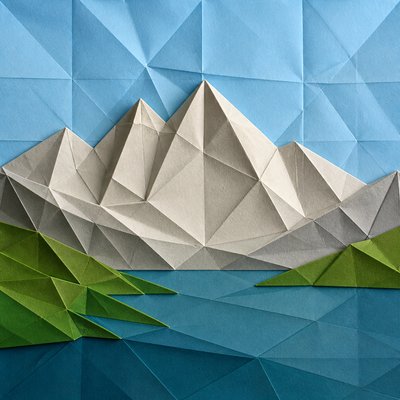
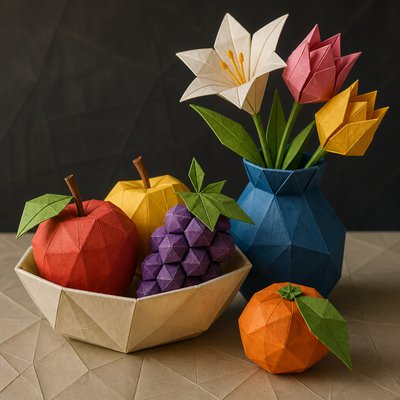
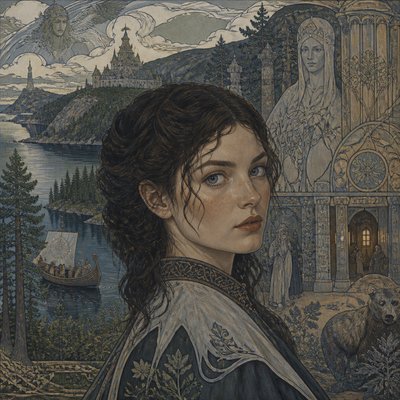
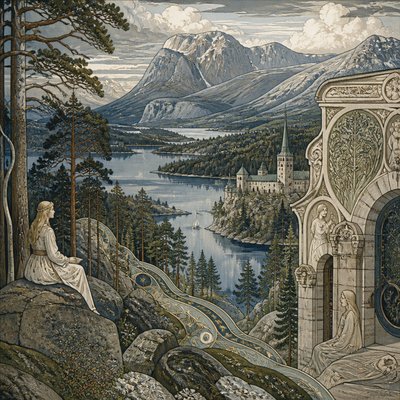
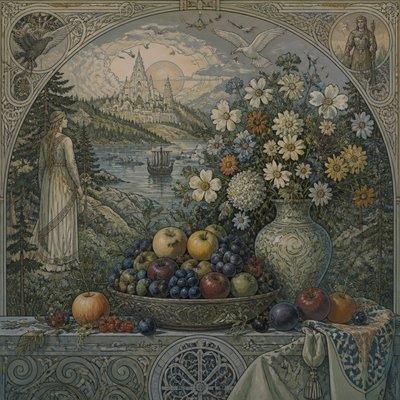
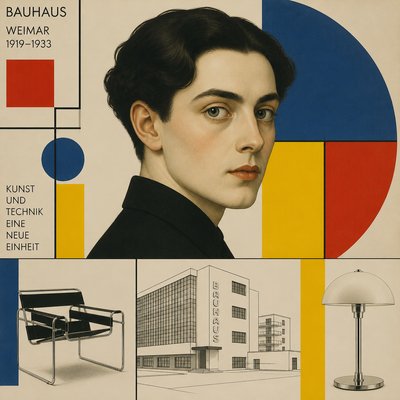
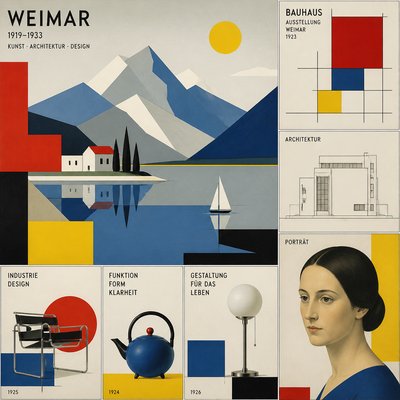
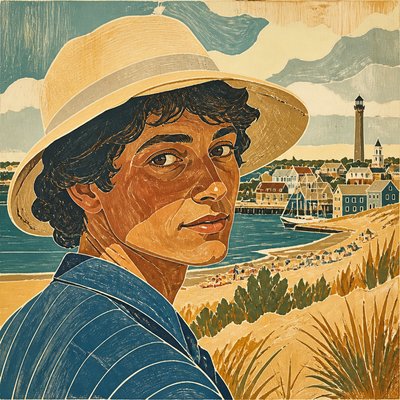
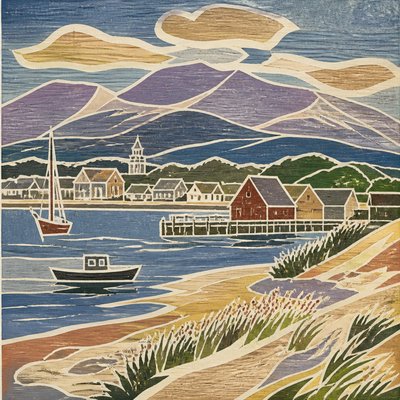
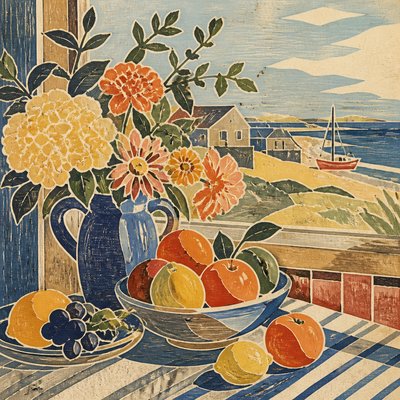
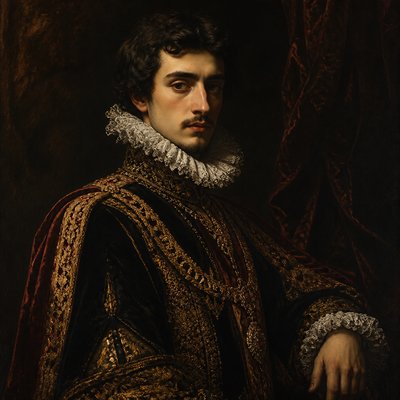
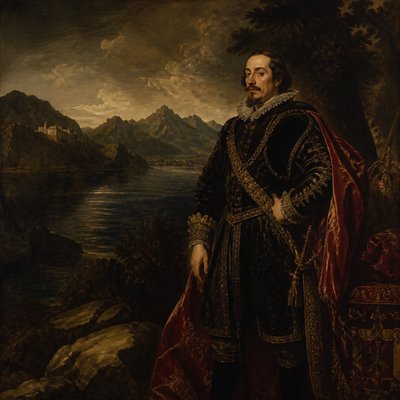
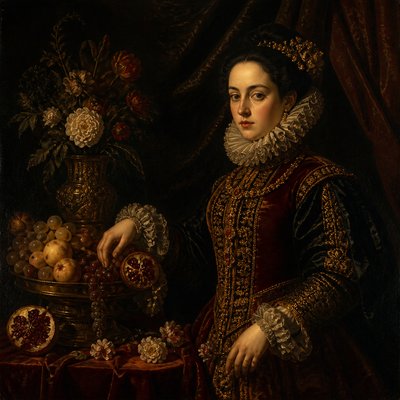
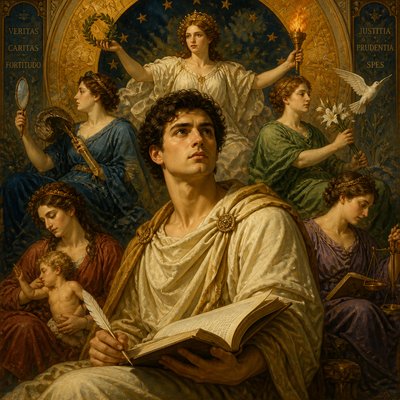
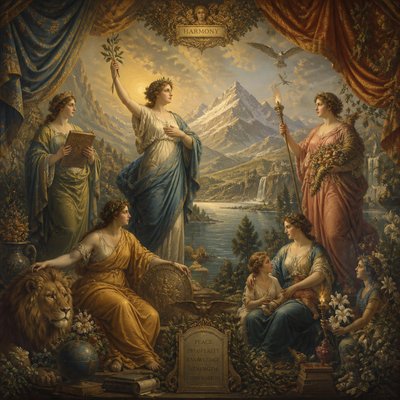
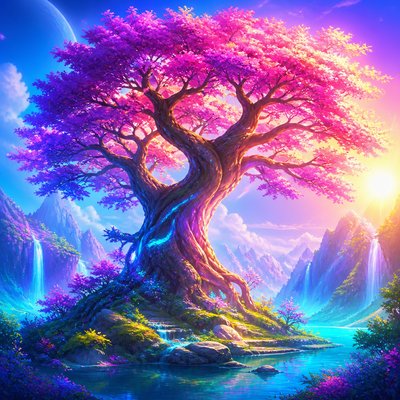
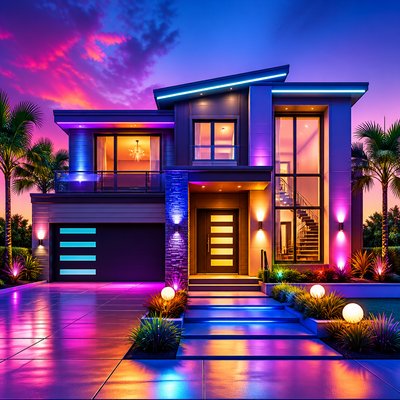
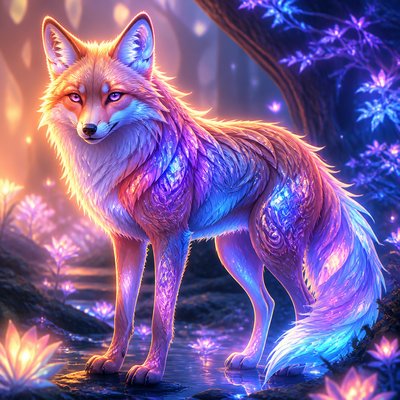
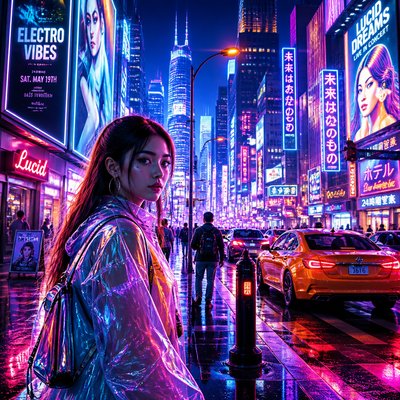
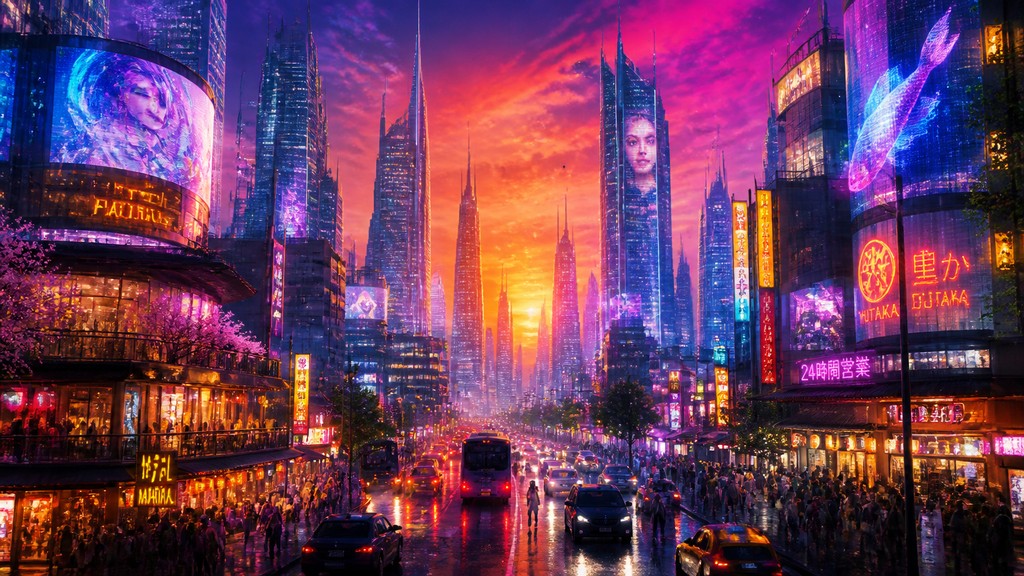
Polished computer-generated imagery with smooth gradients, luminous color, crisp edges, and the sleek precision of digital media.
Instantly rendered in Digital — or transform a photo
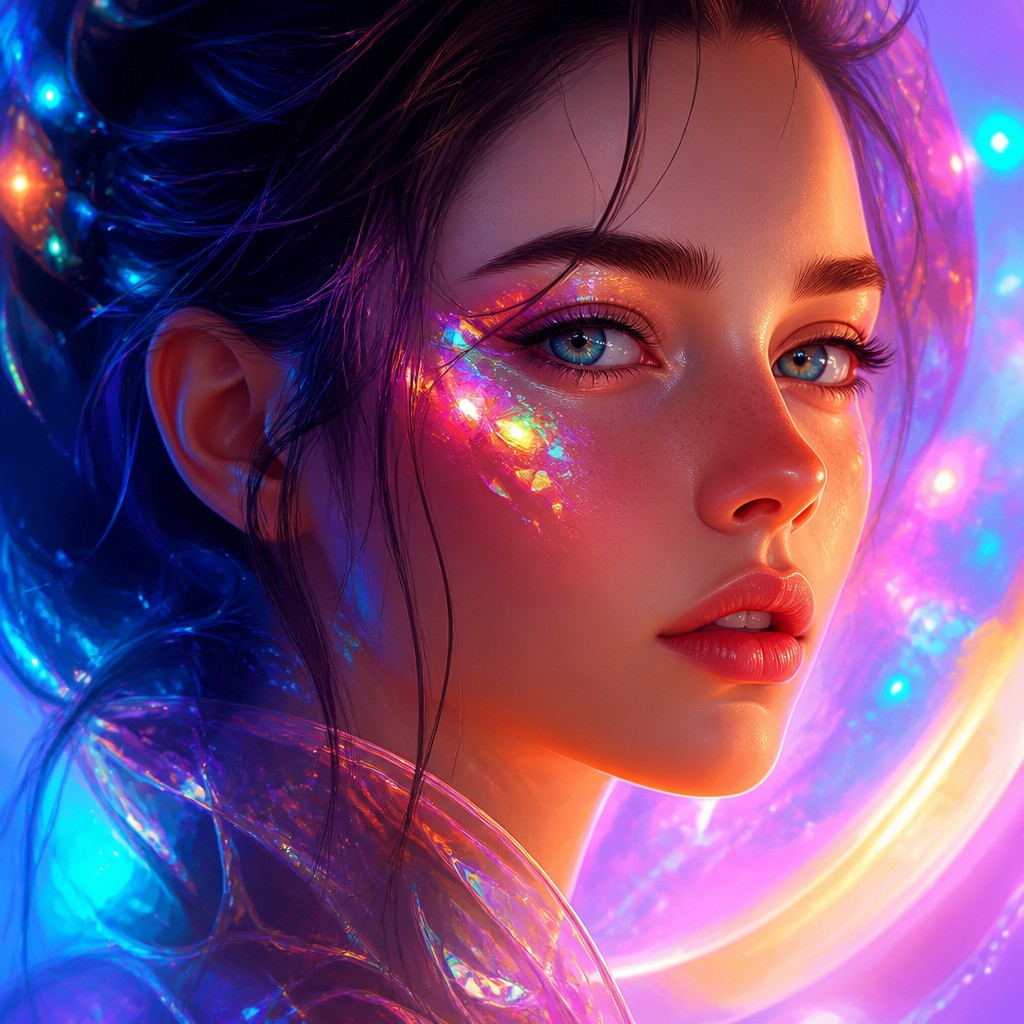
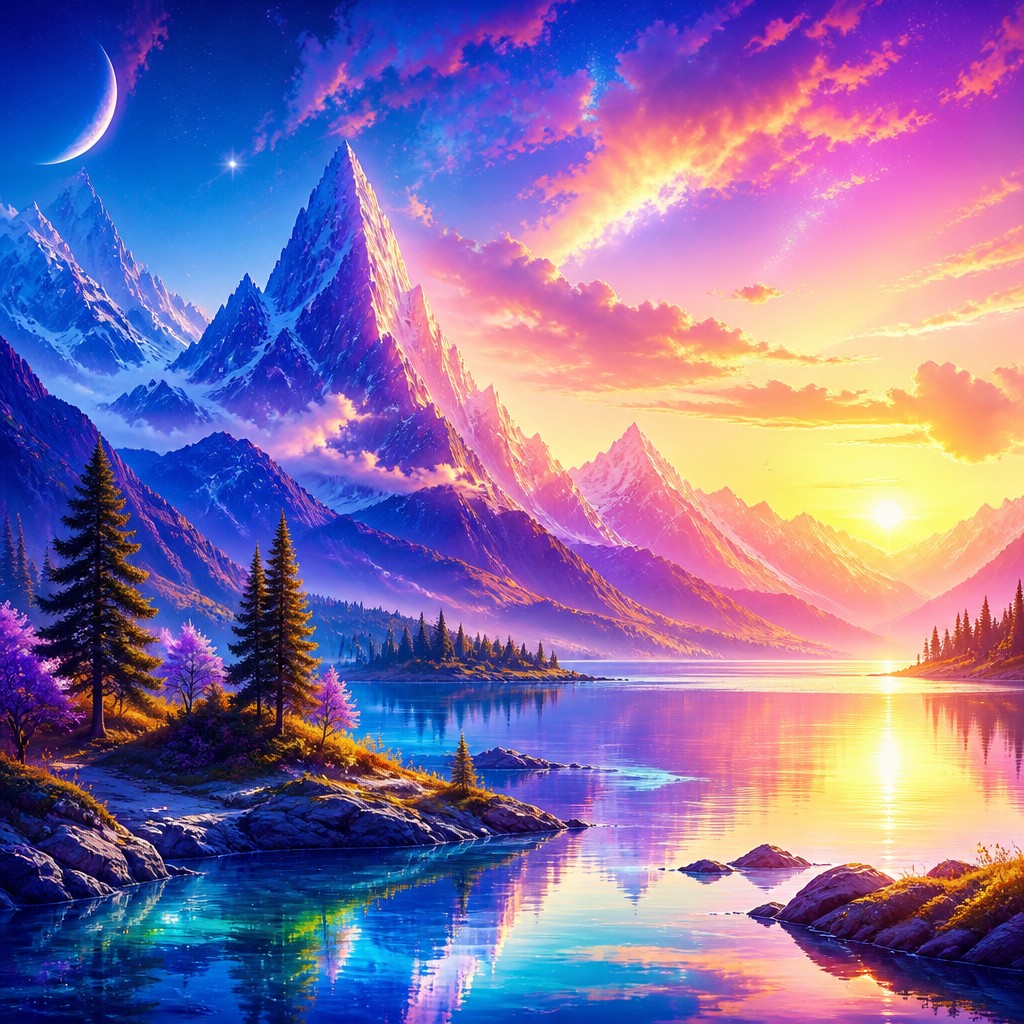
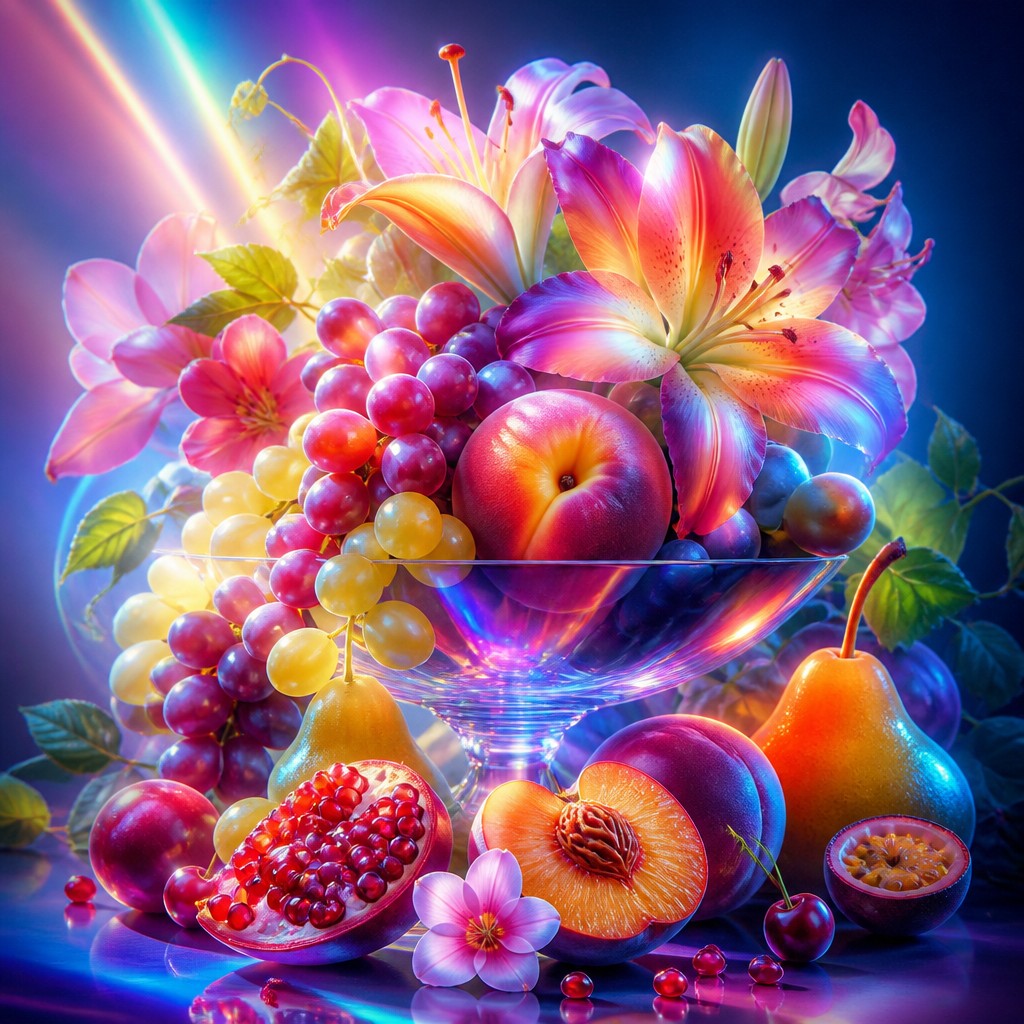
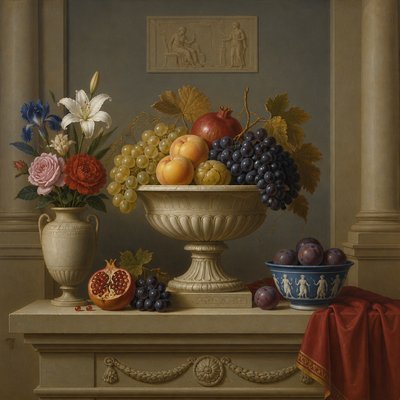
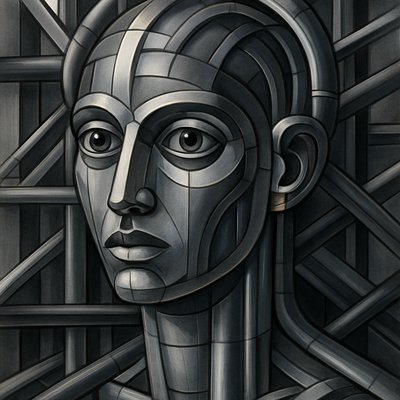
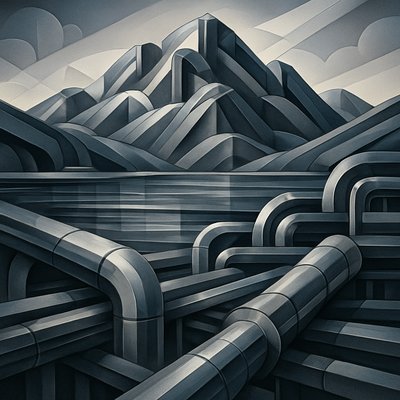
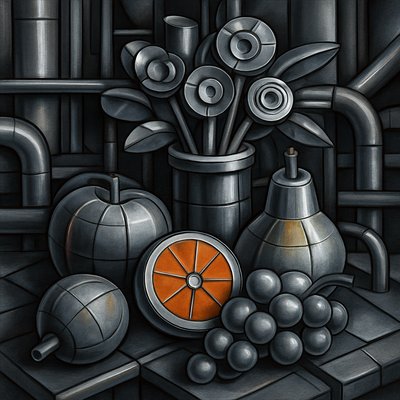
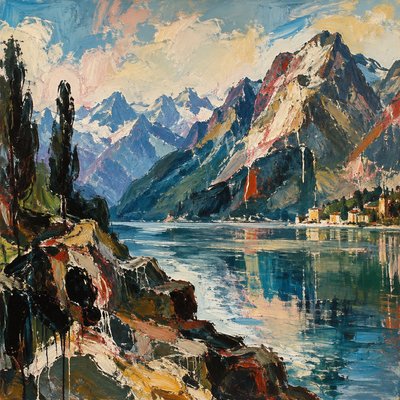
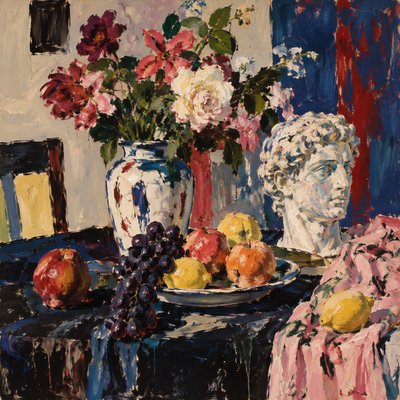
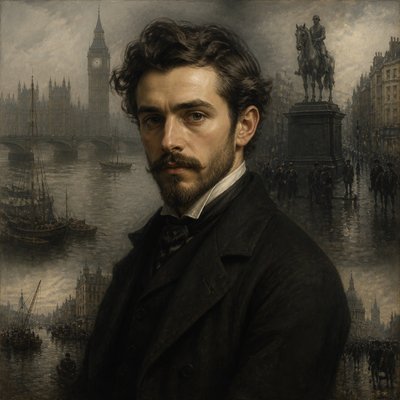
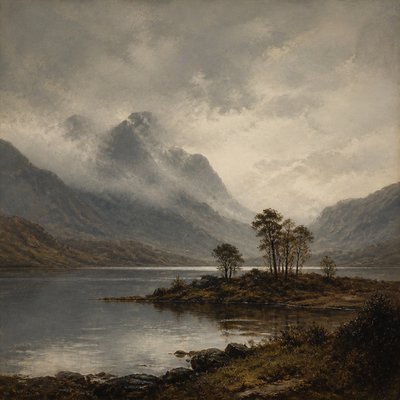
Digital Gallery
Tap any artwork to explore it
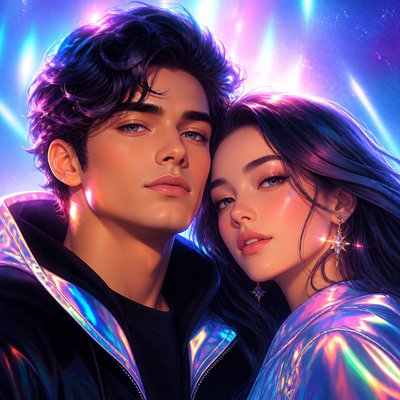
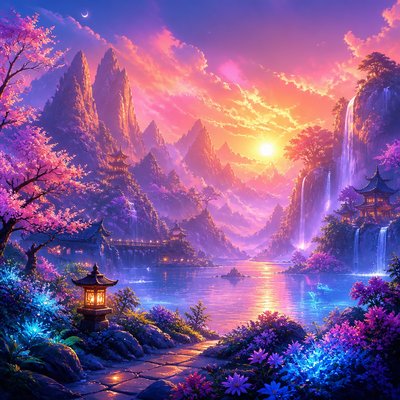
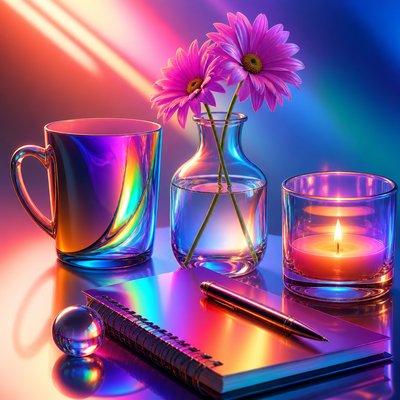
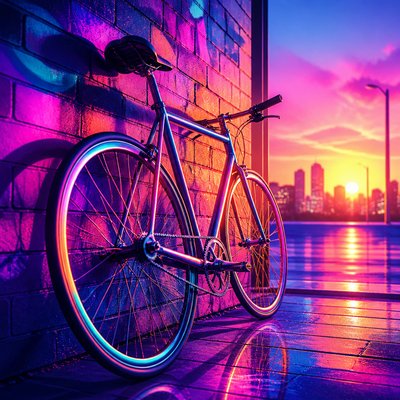
What is Digital Art Style?
Digital art style refers to imagery created or finished with software rather than physical paint, ink, or film. Its defining look comes from the capabilities of the medium itself: perfectly blended gradients, crisp anti-aliased edges, precise layering, and color that can be pushed well beyond the limits of traditional materials.
Visually, it often feels clean, luminous, and controlled. Light sources may bloom softly, highlights can take on subtle iridescence, and forms can be built from translucent layers that create depth without visible texture. The result is an image language associated with contemporary screens, high-resolution output, and the technical freedom to refine every detail without the imperfections of wet media or paper grain.
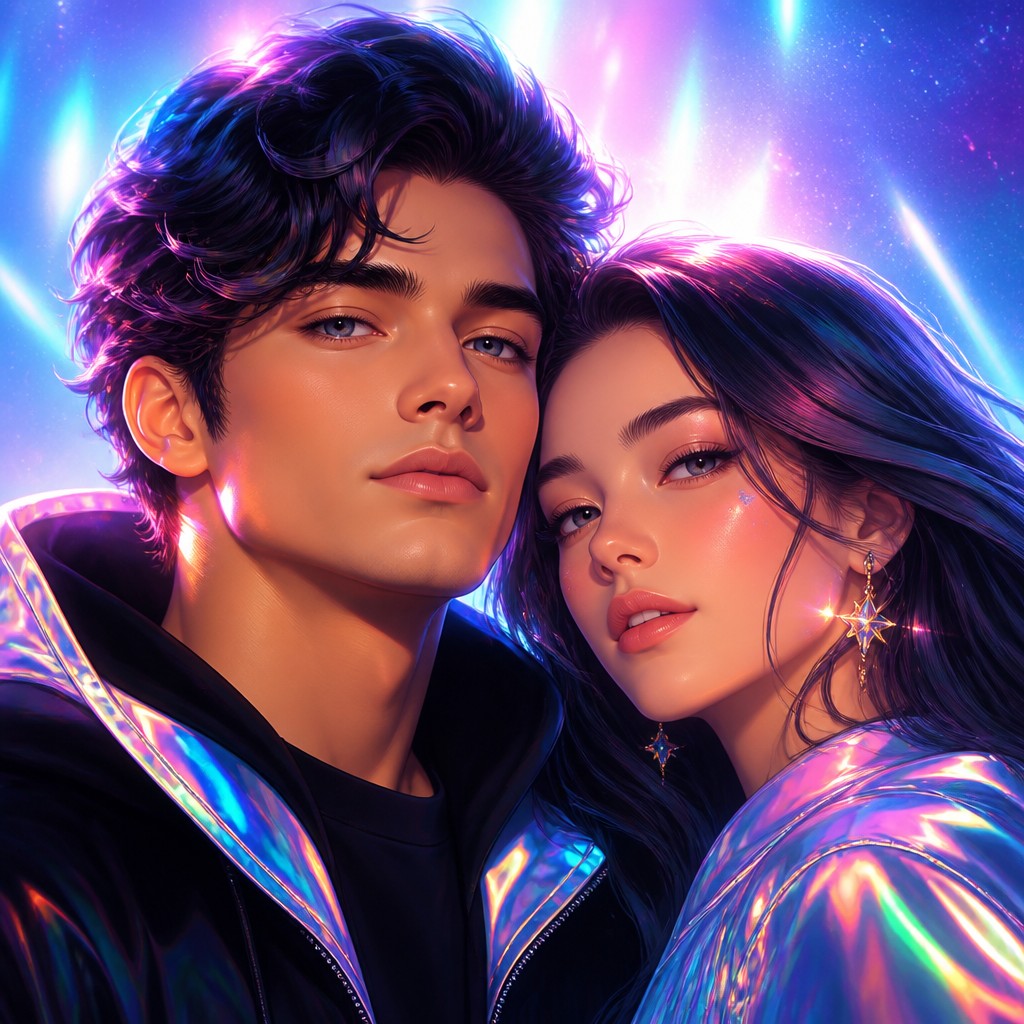
Try It On Your Photos
Upload any photo and convert it into Digital Art Style — drag the sliders to compare before and after.


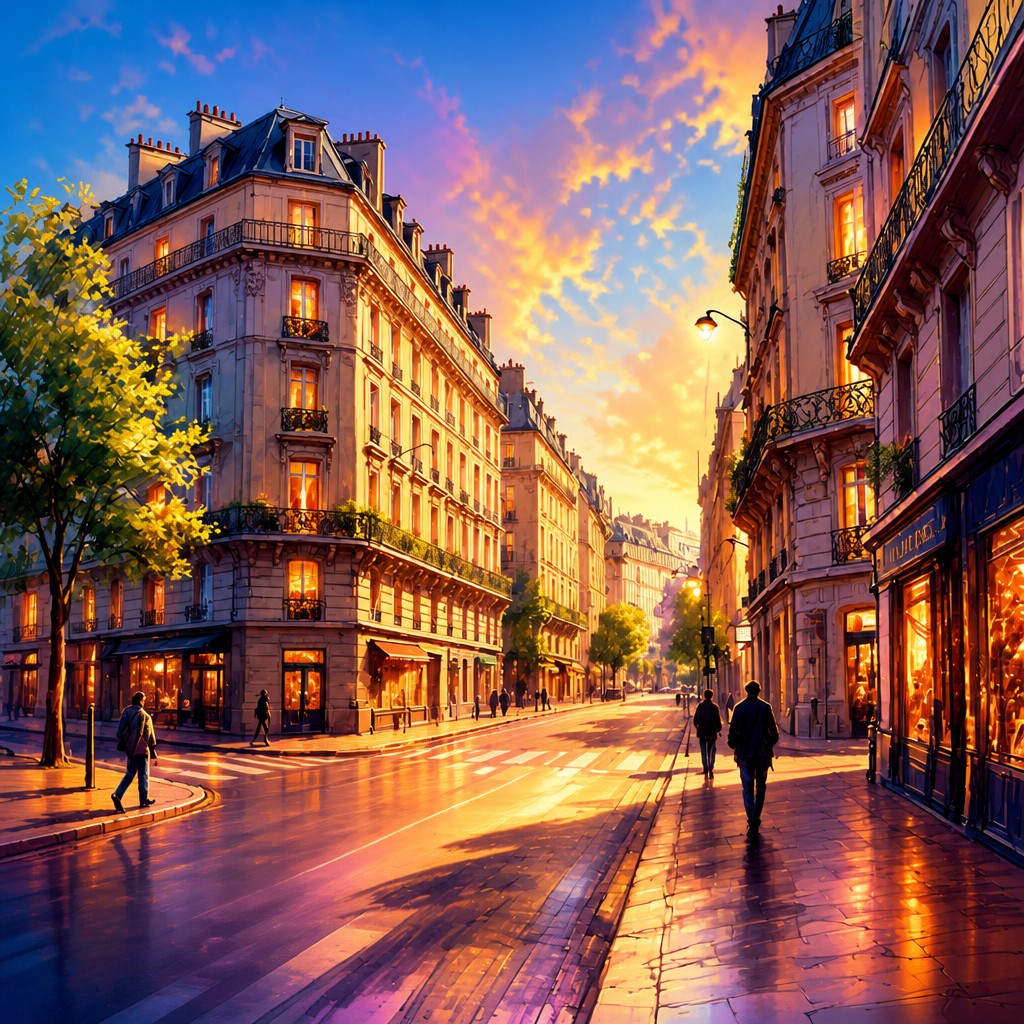
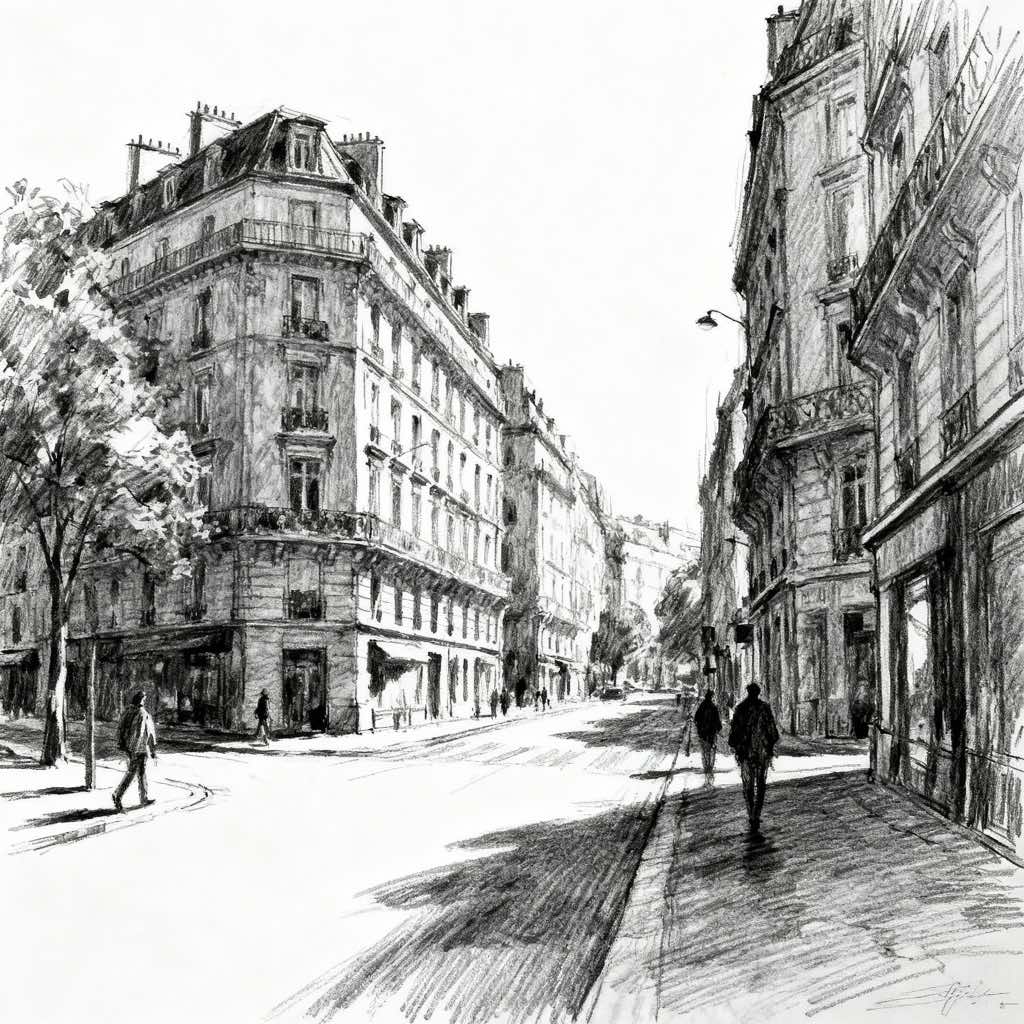
What Defines Digital Art Style
The signature details, up close
Smooth gradient transitions
Color changes are often seamless, with little to no visible brush grain or banding. This gives forms a clean, modeled look and helps surfaces feel polished and dimensional.
Crisp, anti-aliased edges
Outlines and hard transitions tend to be sharply defined yet visually clean. Even complex shapes remain precise because the digital workflow avoids the rough breakup typical of many traditional media.
Luminous, saturated color
Colors are frequently vivid, high-contrast, and sometimes pushed beyond naturalistic limits. The palette can feel electric, neon, or hyperreal while still remaining controlled.
Soft glow and bloom
Light sources often radiate a subtle halo, especially around reflective or high-energy areas. This effect reinforces a screen-based, futuristic, or cinematic atmosphere.
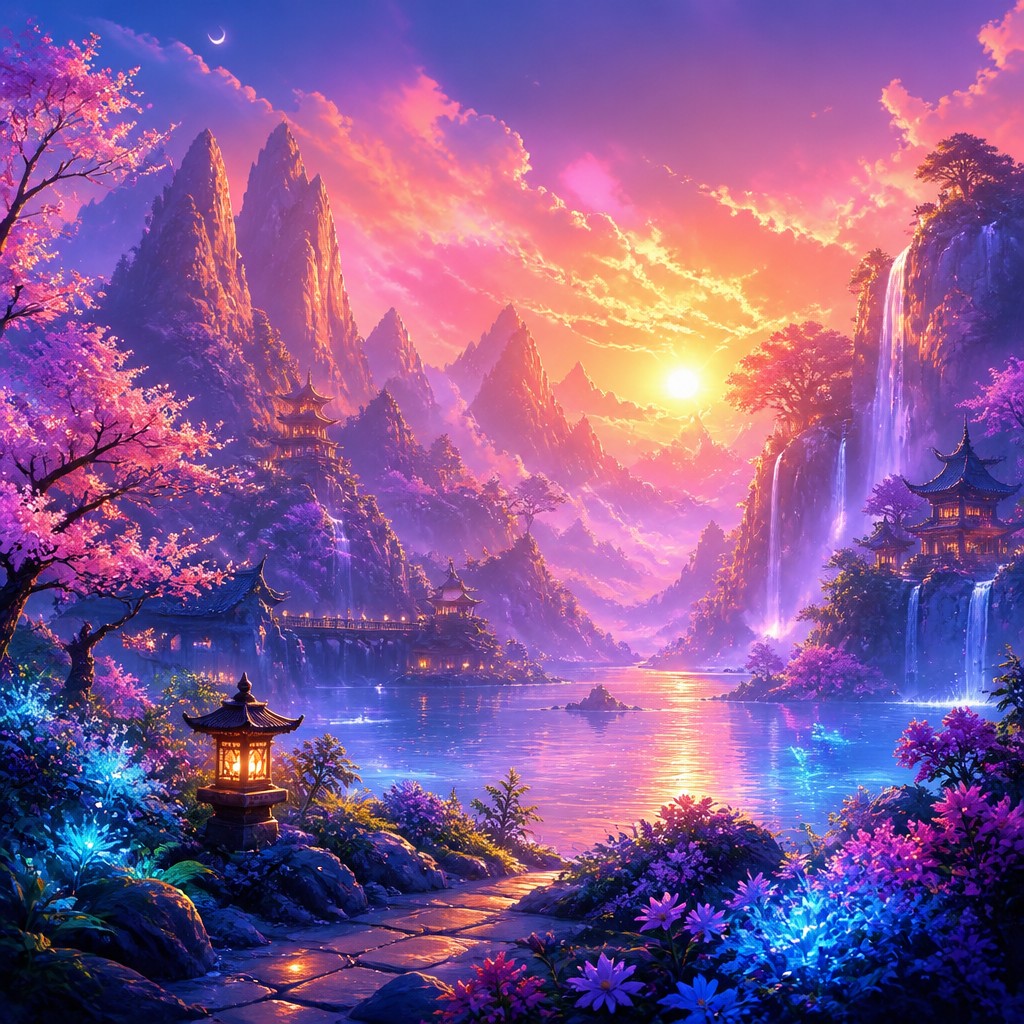
Layered translucency
Depth is commonly built through overlapping transparent shapes, glazes, or effects. This creates a sense of complexity without heavy texture or thick material presence.
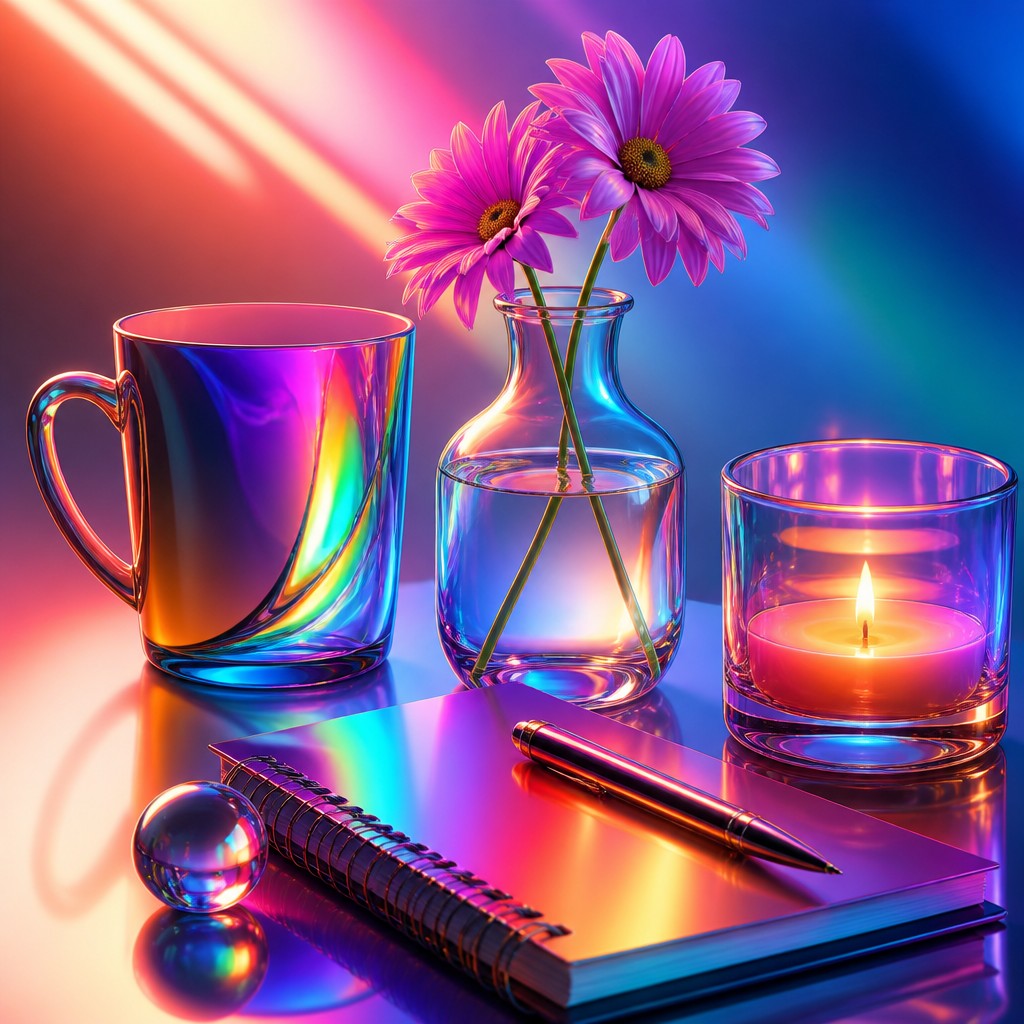
Pristine surface quality
The image usually appears noise-free and meticulously finished. Imperfections such as paper texture, paint drag, or visible pigment deposits are minimized or removed.
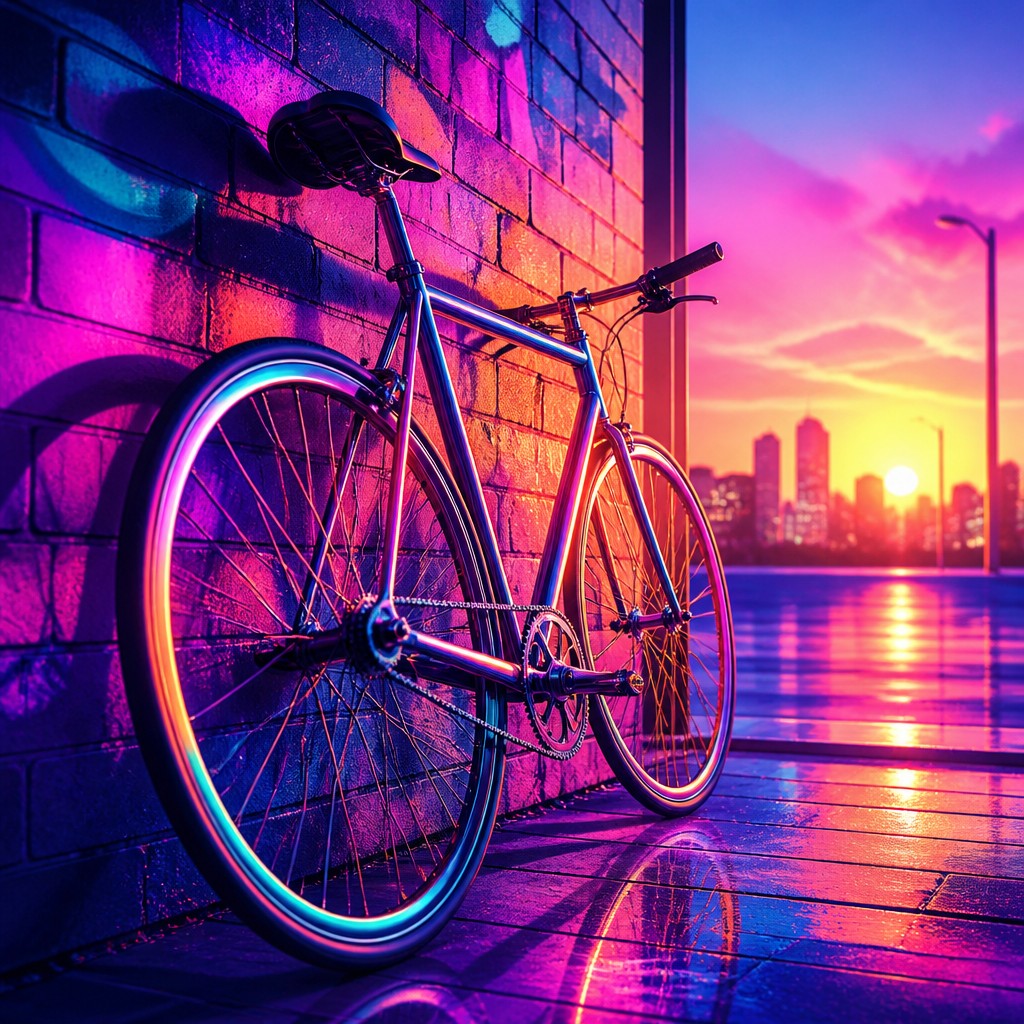
Holographic highlight accents
Specular highlights may shift toward iridescent or synthetic color changes. This produces a sleek, futuristic sheen associated with digital rendering and modern visual effects.
Try It
Create Videos in Digital Art Style
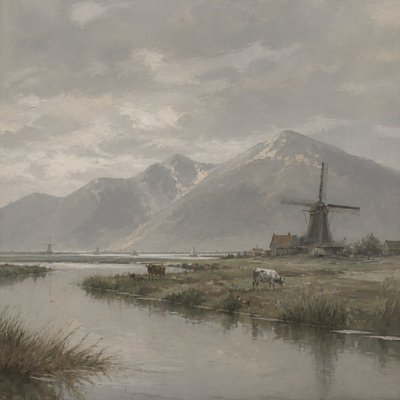
Styles aren't just for stills — describe a scene or animate an image and get a short video rendered in Digital. Press play to see this pond come to life.
Make a VideoDigital Prompt Ideas
Start from an idea — each one opens the generator with the style ready to go. See all 40 Digital prompts →
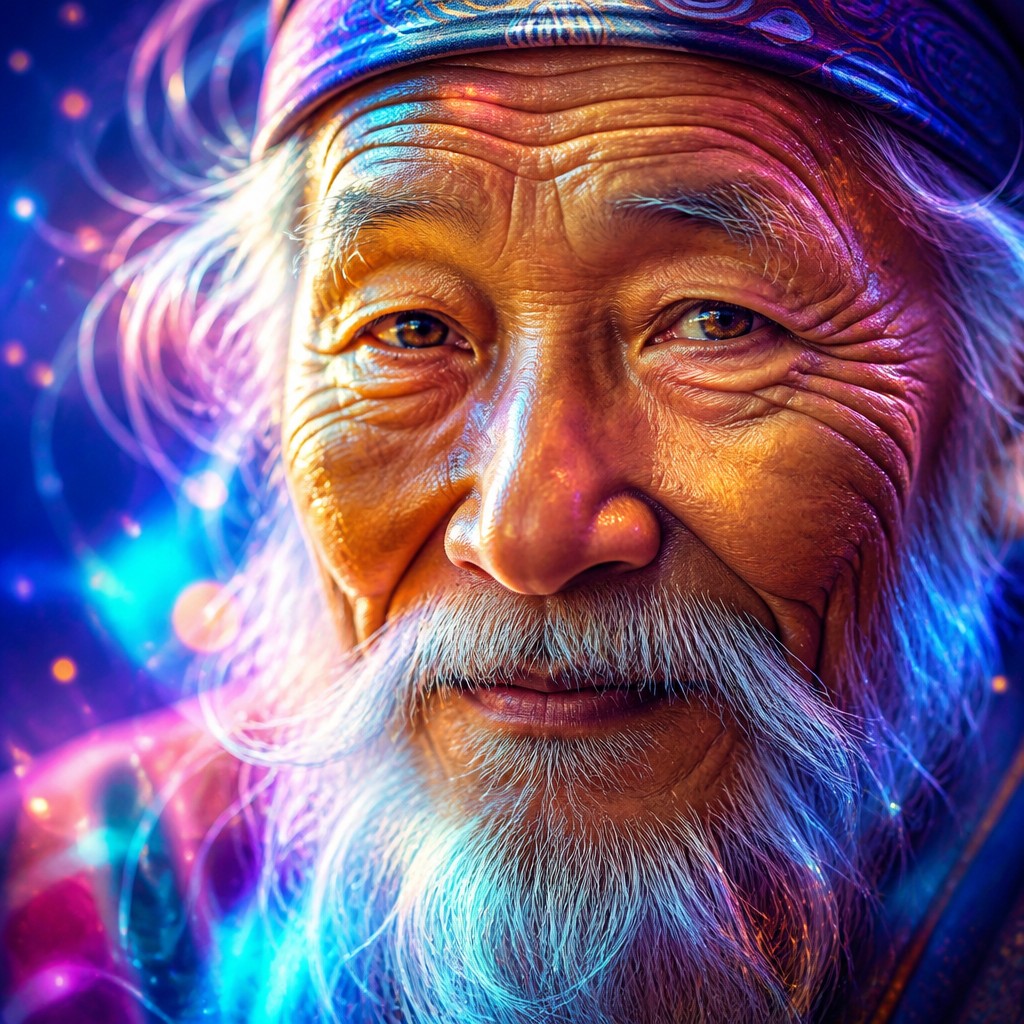
“close-up portrait of an elderly person with expressive weathered features”
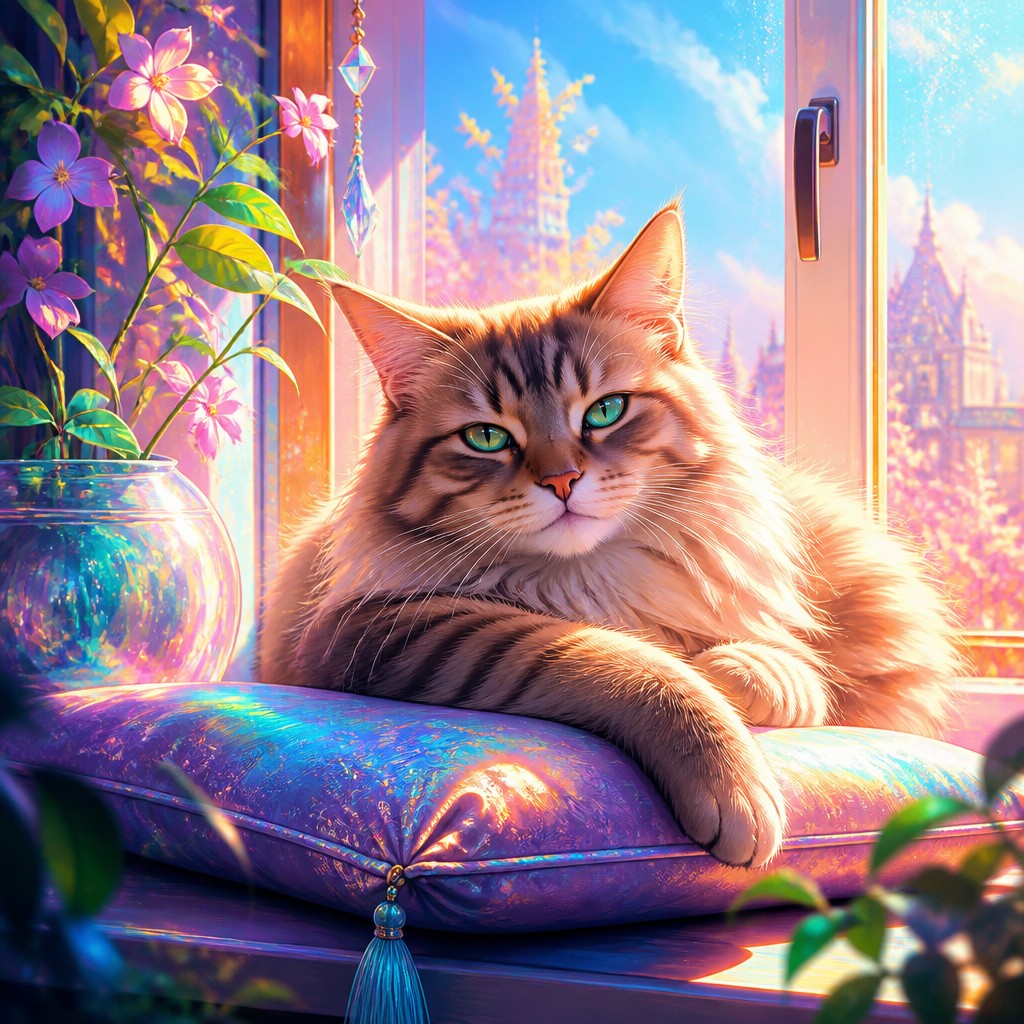
“a cat lounging in a sunlit window”
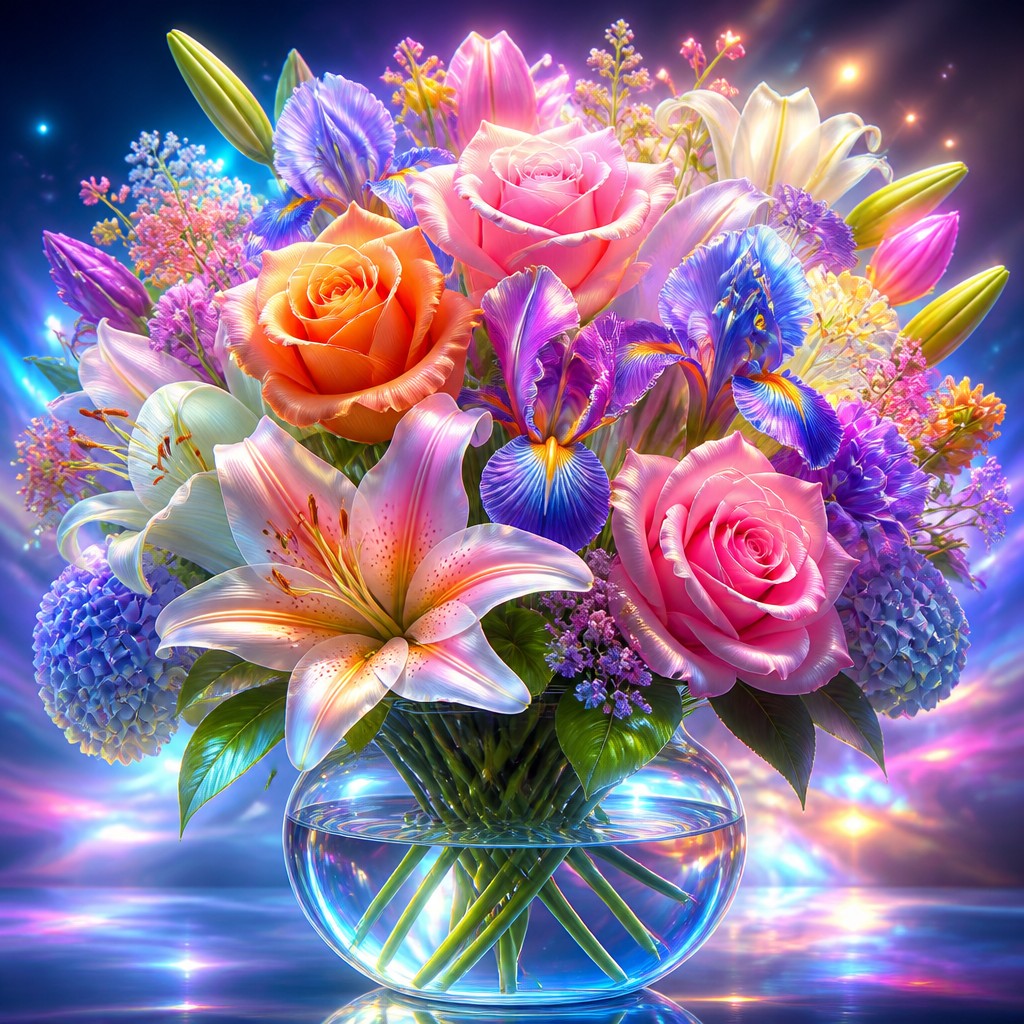
“bouquet of flowers in a glass vase”
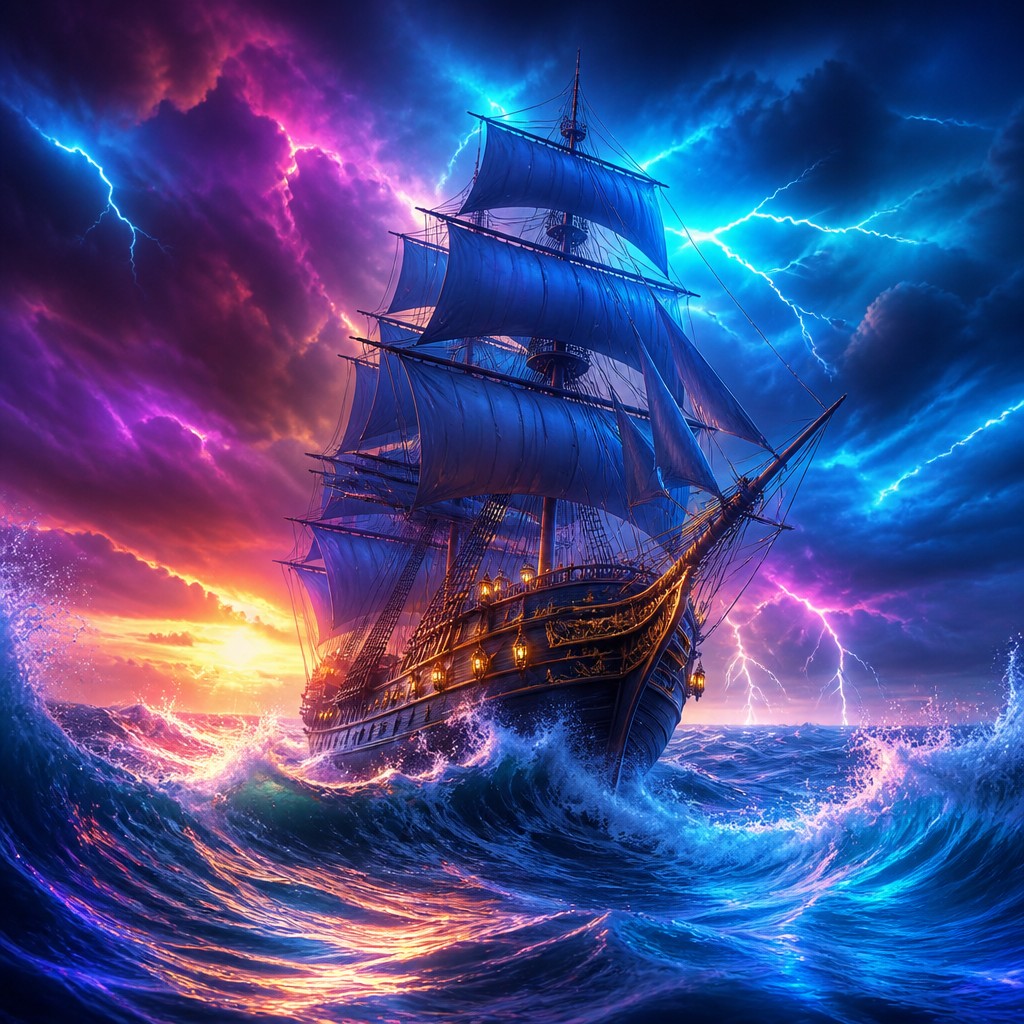
“sailing ship on a stormy sea”
How to Create Digital Art
Master the craft step by step — or skip straight to creating. Read the full guide →
- 1
Build with layers and masks
In digital software, separate the subject into base shapes, shadows, highlights, and effect layers so you can refine each independently. This lets you achieve the clean depth and precision typical of the style.
- 2
Use hard-edged shapes with controlled softness
Start with accurate silhouettes and crisp contours, then add selective glow, blur, or atmospheric effects only where needed. A strong contrast between sharp structure and soft light is central to the look.
- 3
Push color intentionally
Choose saturated hues and test cooler or hotter color shifts in shadows and highlights rather than relying on muted naturalism. The style often works best when color is expressive but harmonized through a limited scheme.
- 4
Refine lighting for a polished finish
Use bright specular highlights, subtle rim light, and bloom around strong light sources to create a sleek digital feel. Avoid heavy texture if the goal is the clean, contemporary finish associated with this style.
- 5
Prompt for precision and screen-like clarity
When generating images, describe smooth gradients, crisp edges, luminous saturated color, translucent layers, and a polished finish. Subject details should be specific, but the style cues should emphasize rendering quality, lighting, and color behavior.
- 6
Balance detail with simplicity
Too many competing textures can weaken the style’s clarity. Keep focal detail sharp while letting secondary areas remain smooth and graphic so the image reads as deliberate and digitally composed.
The Story
History & Origins of Digital
Digital art emerged in the late 20th century alongside the development of computers, graphics software, tablets, and image-editing tools. Early practitioners worked with limited resolution and restricted color palettes, but as software and hardware improved, digital processes became central to illustration, concept art, motion graphics, game art, and web design.
Its aesthetic lineage is broad rather than a single historical movement. It draws from illustration, airbrush rendering, graphic design, science fiction art, animation, and the polished visual language of screens and interfaces. The style’s hallmark precision reflects the advantages of digital production: unlimited undo, layers, masks, effects, vector sharpness, and color control that allow an artist to create highly refined images with a distinctly contemporary finish.
Influences: This style is closely related to digital illustration, concept art, graphic design, and computer-generated imagery, and it also inherits visual ideas from airbrush art, science-fiction illustration, animation, and screen-based media. Among historical touchpoints, the clean color organization and compositional clarity of graphic design, along with the luminous atmospheres often seen in science-fiction illustration, are especially relevant. It differs from painterly traditions such as Impressionism or oil painting because it emphasizes precision, layer control, and effects that are native to software rather than pigment or canvas.
Frequently Asked Questions
What defines the digital art style?
Its core traits are smooth gradients, crisp edges, saturated color, and a highly controlled finish. The image usually feels polished rather than tactile, with effects such as bloom, glow, and layered translucency that are easier to achieve digitally than in traditional media.
How is this different from digital painting?
Digital painting often tries to imitate brushwork, canvas texture, and traditional media behavior. Digital art style in this sense is broader and more effect-driven, often celebrating the medium’s exactness, clean surfaces, and unlimited color manipulation.
Can this style look realistic?
Yes, but realism is usually enhanced by idealized lighting and color rather than strict photographic accuracy. The style can be hyperreal, cinematic, or fantastical while still retaining its clean digital finish.
What subjects work well in this style?
It works especially well for sci-fi scenes, fantasy characters, portraits, product imagery, interfaces, and futuristic environments. Subjects with strong light sources, reflective surfaces, or layered forms tend to show the style most clearly.
How do I make a traditional artwork look like this?
Use smooth blending, clean outlines, and carefully controlled highlights, then minimize visible texture. If working traditionally, digital post-processing can help add glow, saturation, and the pristine surface quality associated with the style.
Where is this style commonly used?
It is common in concept art, game art, advertising, book covers, character design, motion graphics, and online illustration. Its clarity and visual impact make it effective anywhere a modern, polished image is needed.
Create your first Digital artwork
Describe anything — or upload a photo — and see it in Digital Art Style in seconds.
Make Something with Digital
Compare Digital
Related Styles
Discover similar art styles