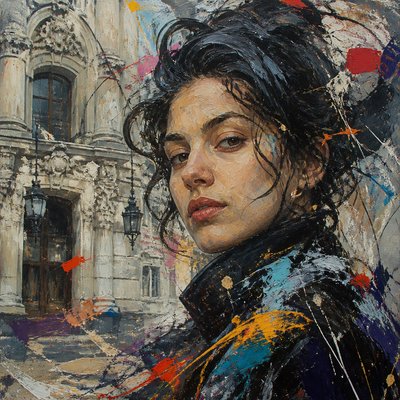
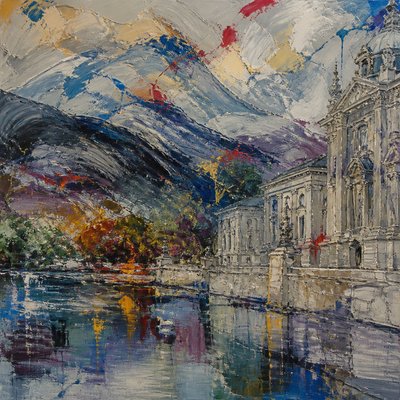
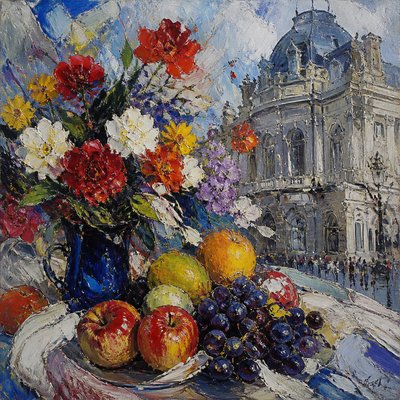
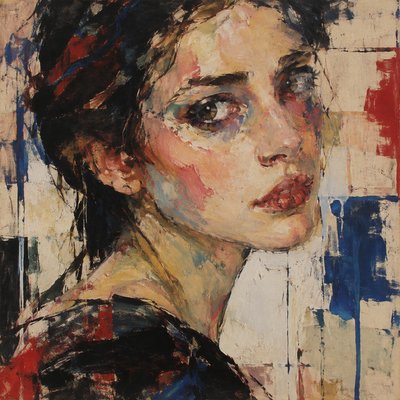
New Media Art Style
Digital, internet-influenced art with glitch, code, interfaces, neon, and interactive aesthetics shaped by new media culture.
Instantly rendered in New Media — or transform a photo
New Media Gallery
Tap any artwork to explore it
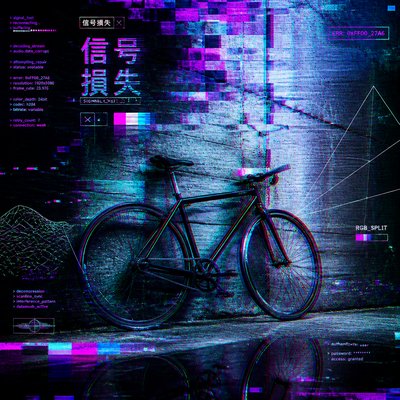
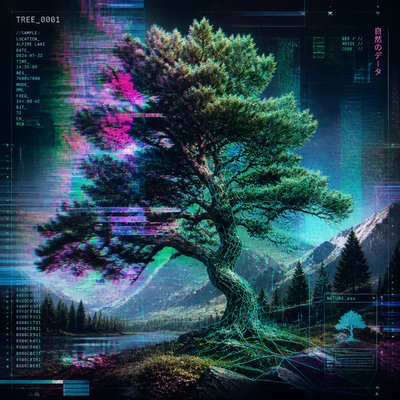
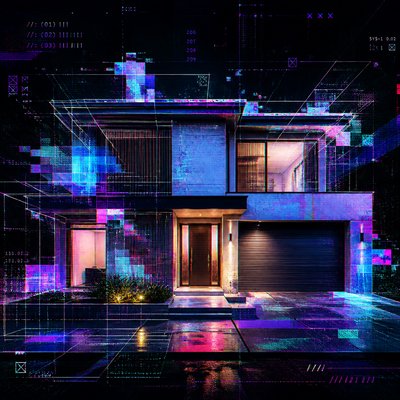
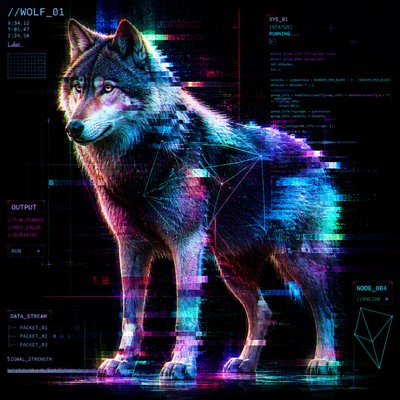
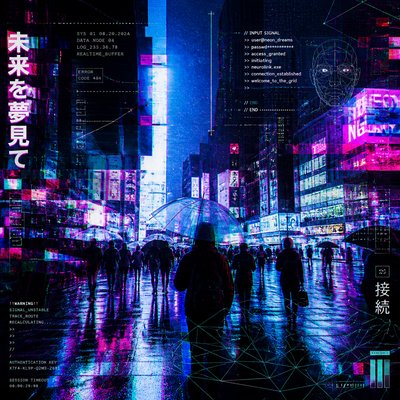
What is New Media Art Style?
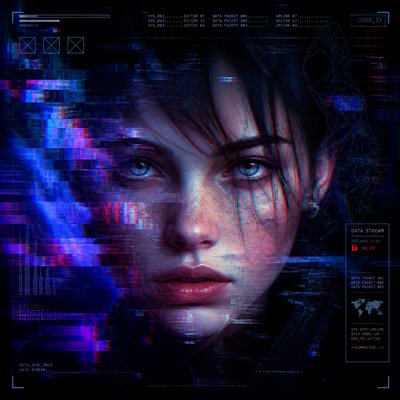
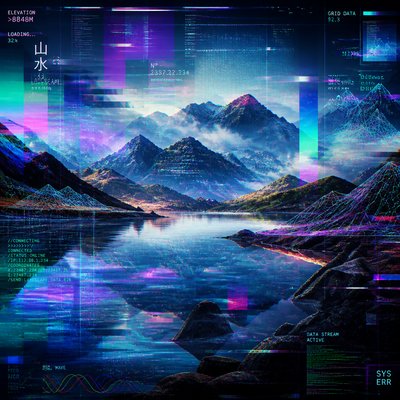
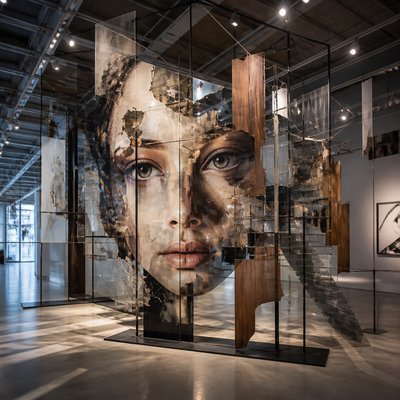
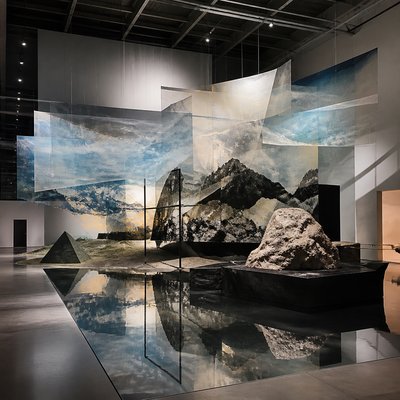
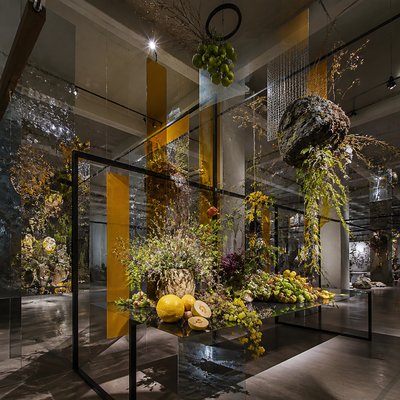
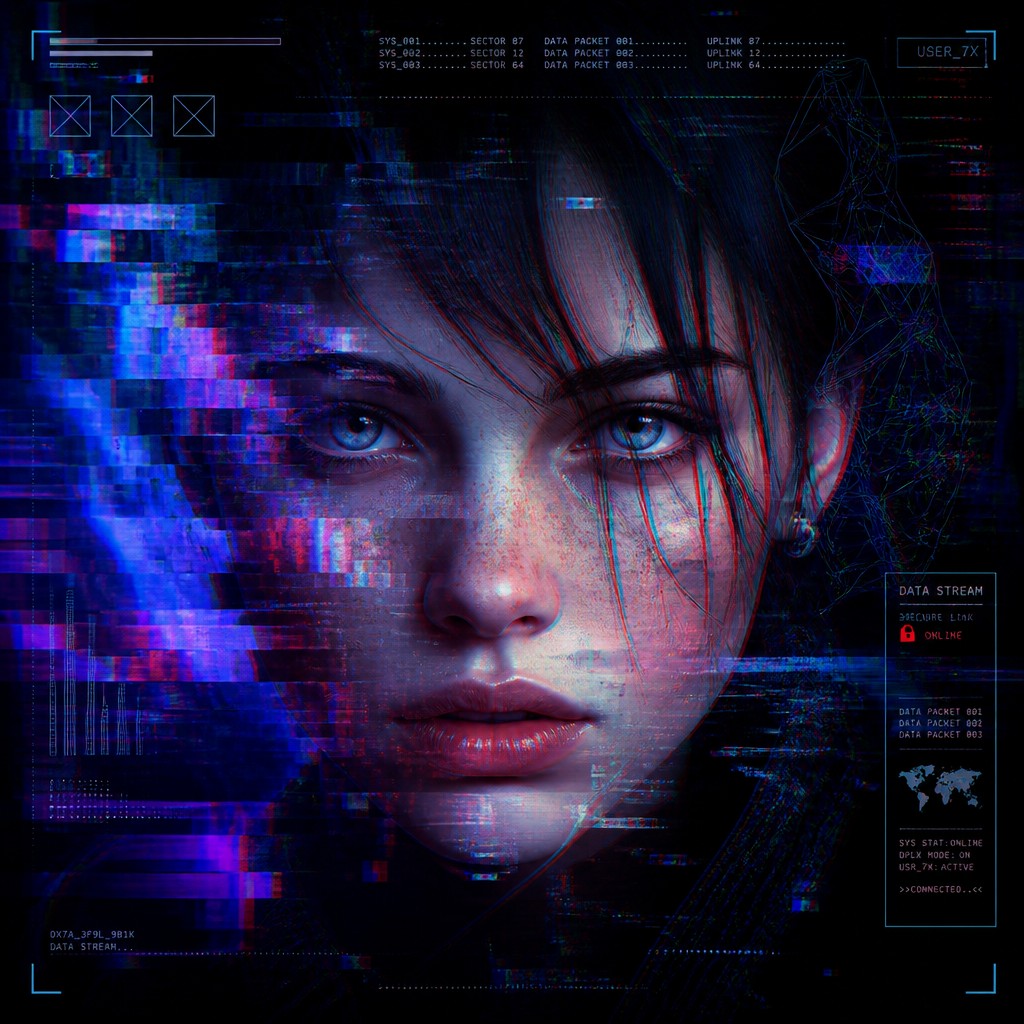
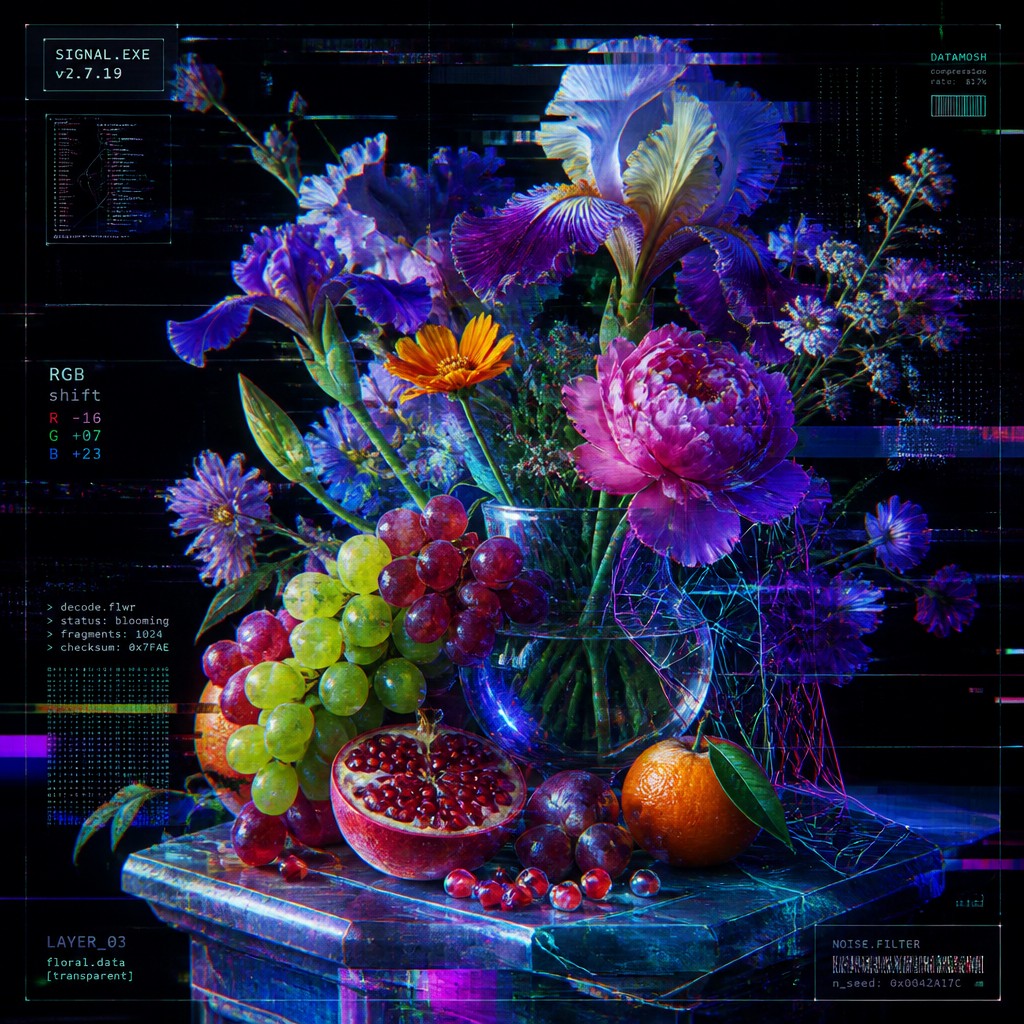
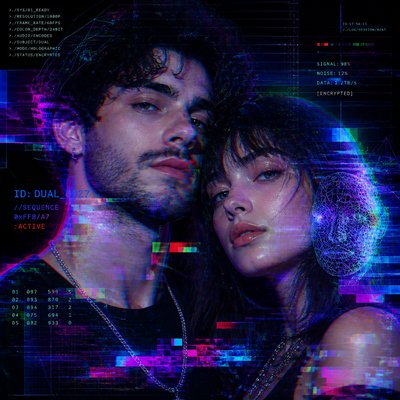
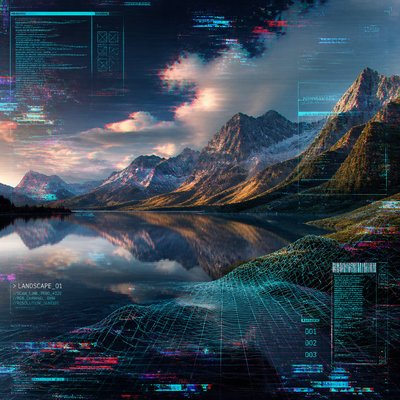
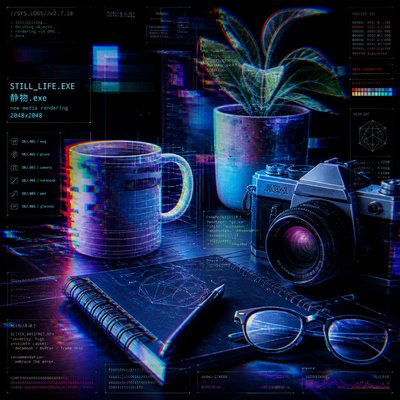
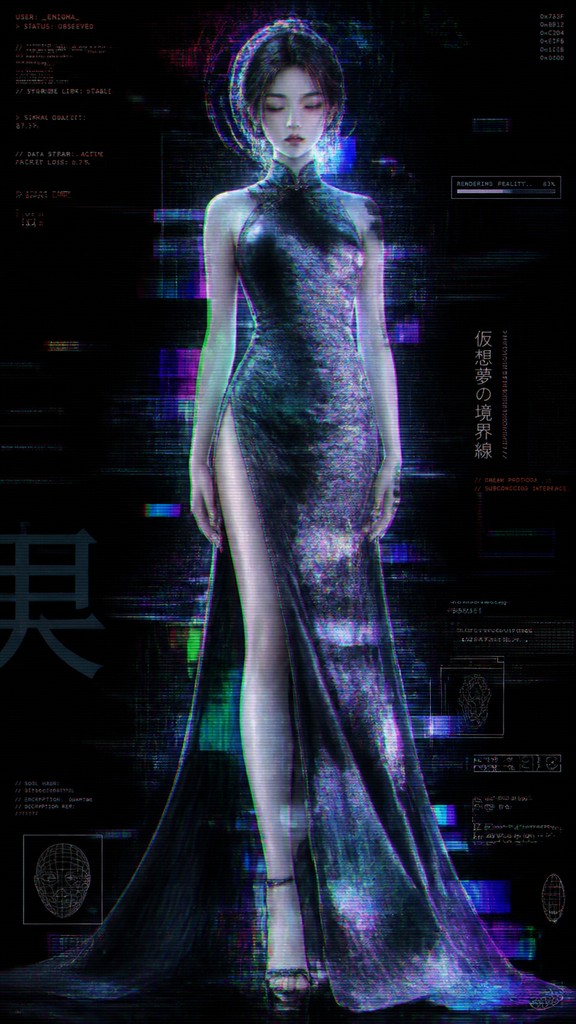
New media art is not a single look so much as a family of visual strategies shaped by digital technologies, networked communication, and interactive systems. In image form, it often combines glitch artifacts, pixelation, scan lines, compression noise, wireframe structures, translucent interface layers, and luminous RGB color shifts to suggest images that are being transmitted, processed, or interrupted by a machine.
Its visual identity comes from the conditions of digital media itself: screens, software, data streams, webcams, game engines, and the internet. Rather than hiding technical artifacts, new media aesthetics often foreground them as content. The result can feel unstable, immersive, hyper-connected, or deliberately synthetic, reflecting how contemporary perception is mediated by software and how images now circulate as code as much as as objects.
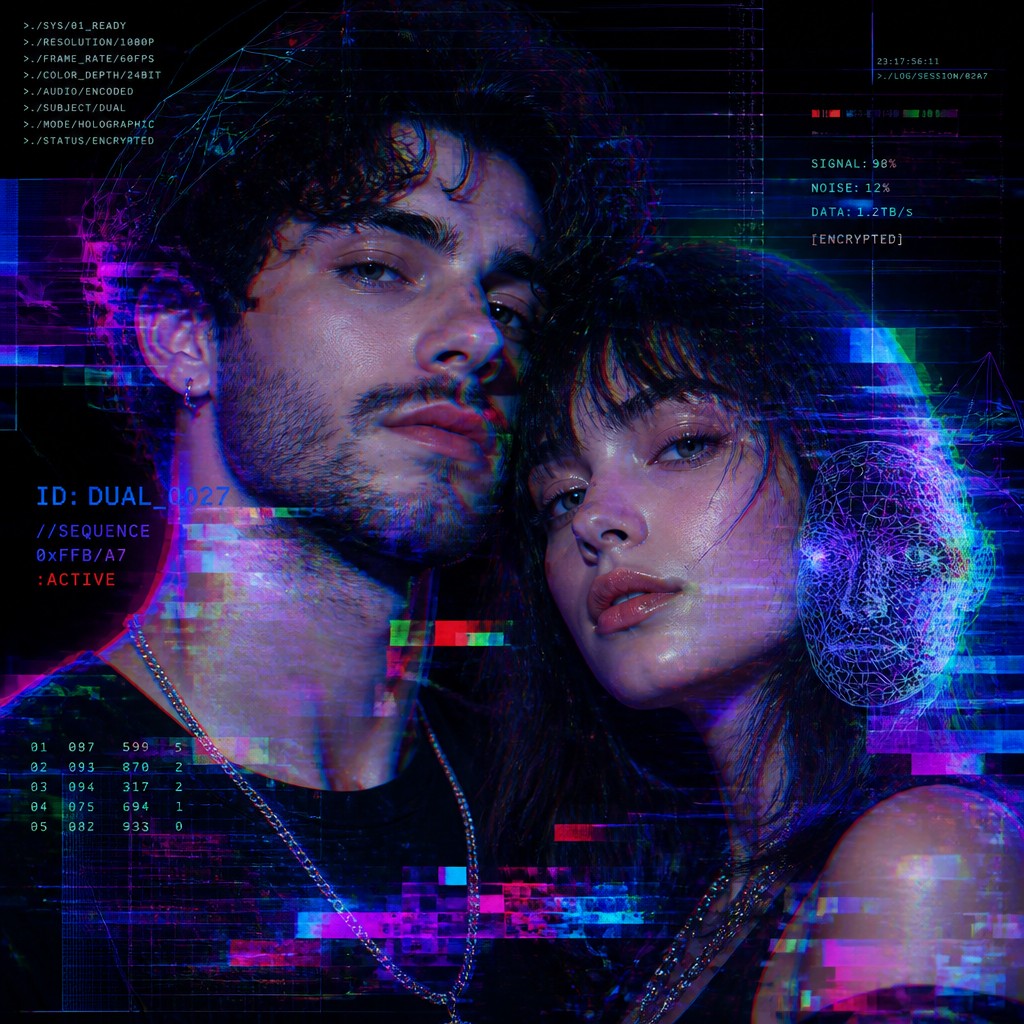
Try It On Your Photos
Upload any photo and convert it into New Media Art Style — drag the sliders to compare before and after.
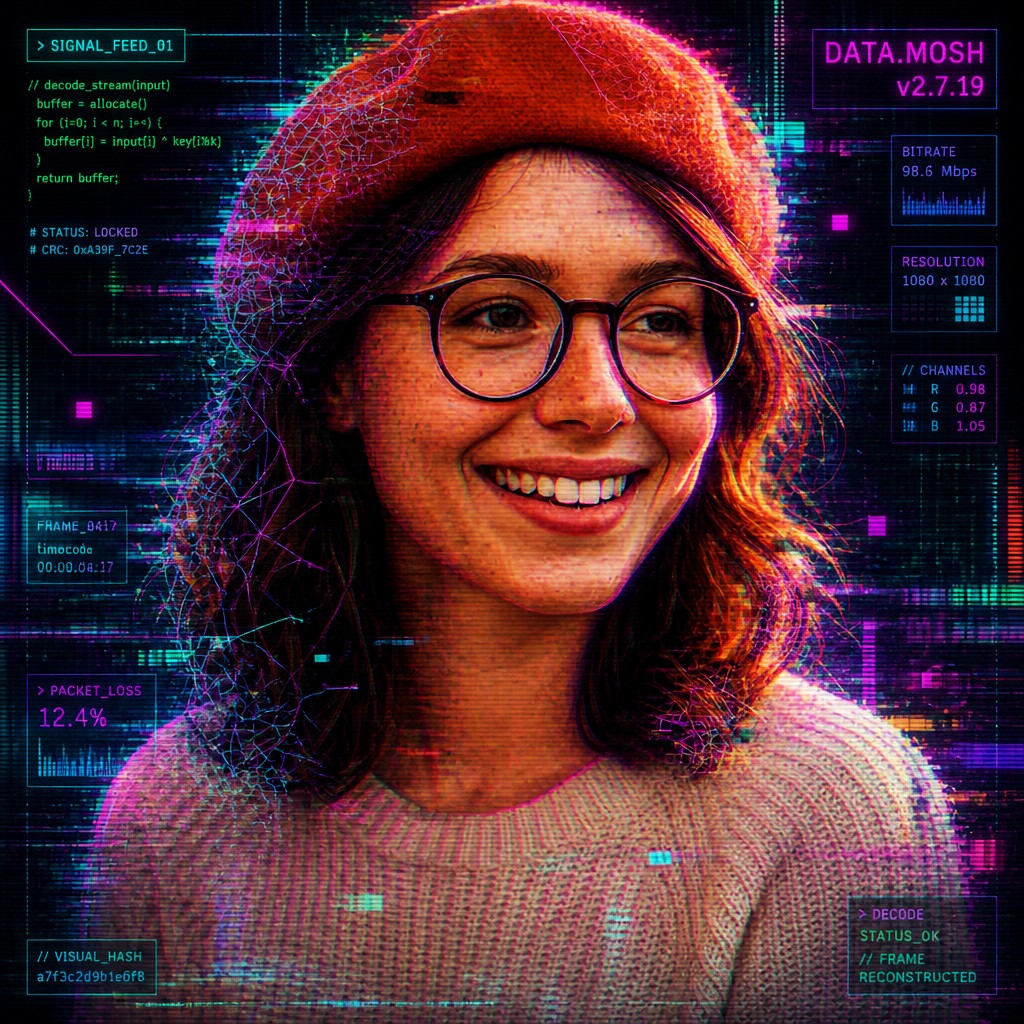

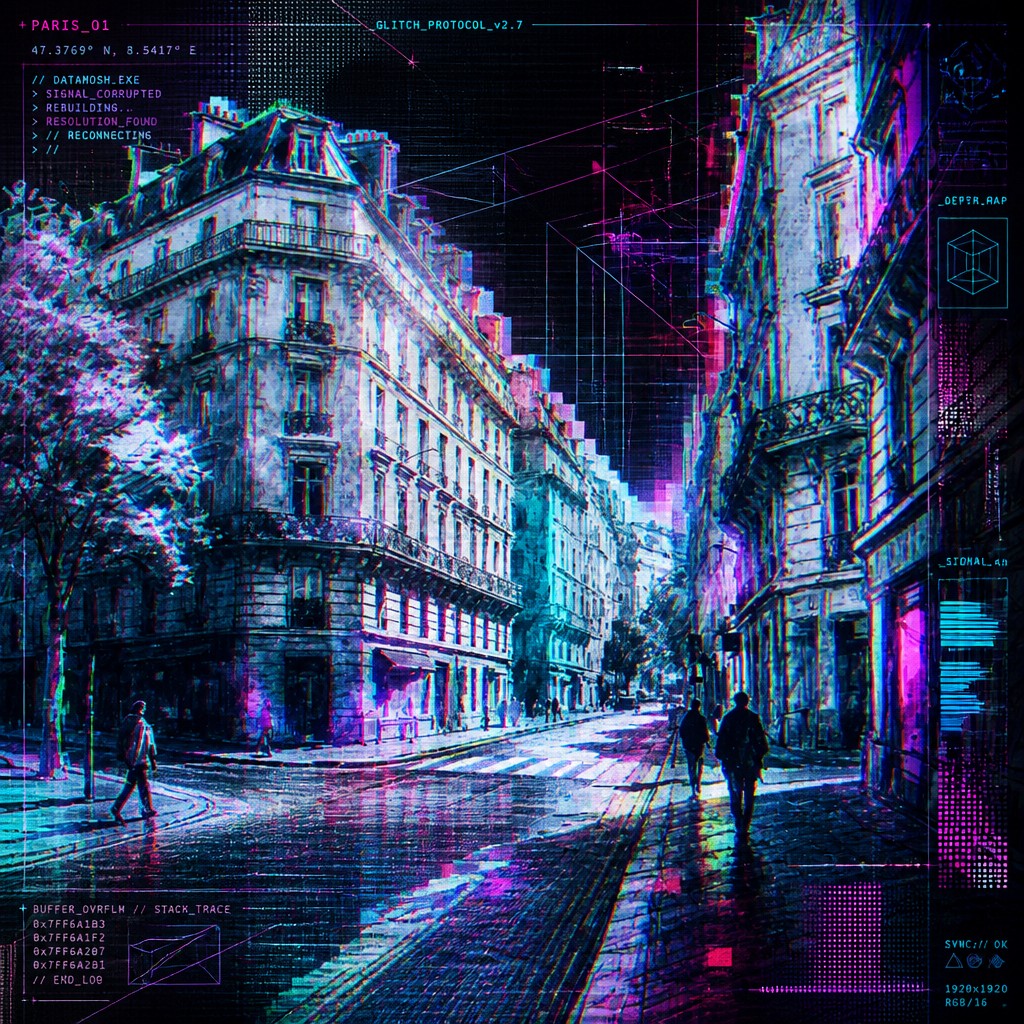
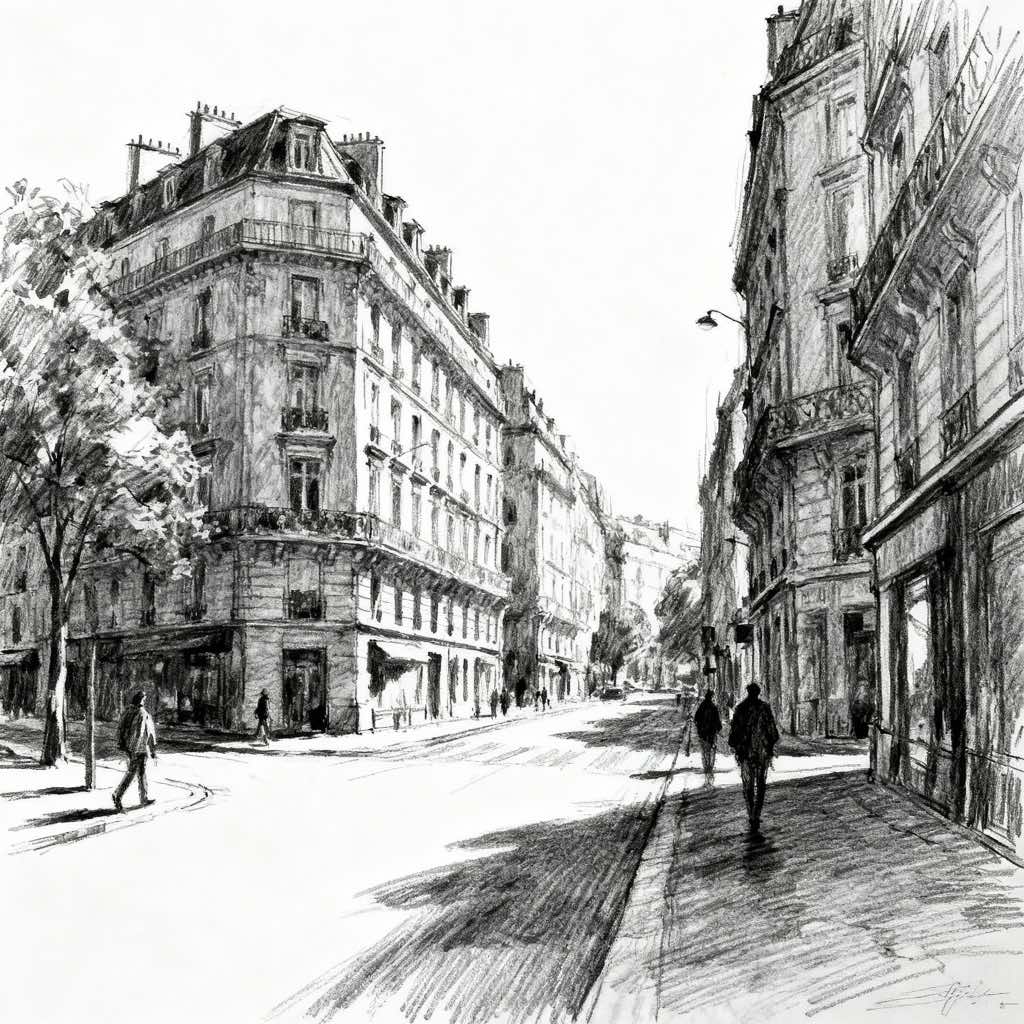
What Defines New Media Art Style
The signature details, up close
Glitch and datamosh fragmentation
Images often break apart through tearing, corruption, smearing, and digital misregistration. These distortions signal the instability of electronic transmission and the materiality of code.
Pixelation and compression texture
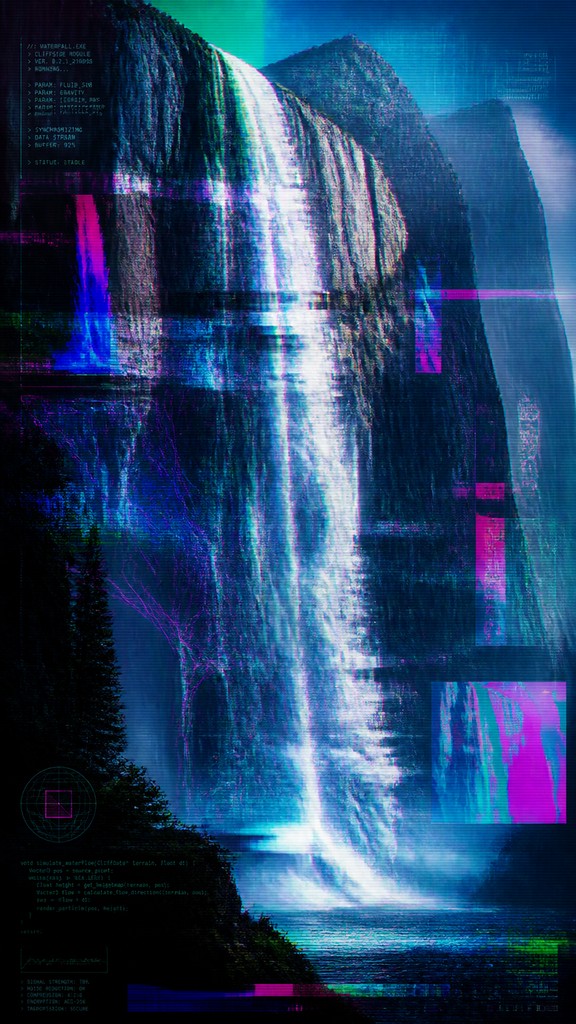
Low-resolution blocks, artifacting, and codec noise may appear as deliberate surface qualities. Even when the image is crisp, traces of file compression or screen degradation often remain visible.
RGB splits and chromatic aberration
Color channels may separate slightly, producing vibrating outlines and an electronic afterimage. This creates a sense of signal drift or misalignment between image layers.
Interface layering and translucent depth
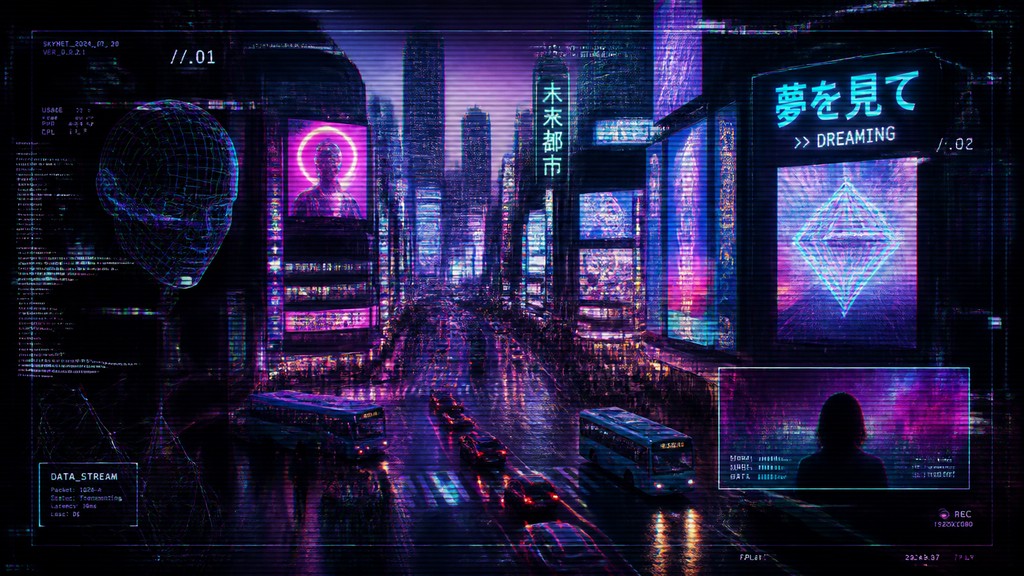
Floating panels, windows, overlays, and HUD-like elements create a screen-native composition. The image often feels built from multiple digital layers rather than from a single unified space.
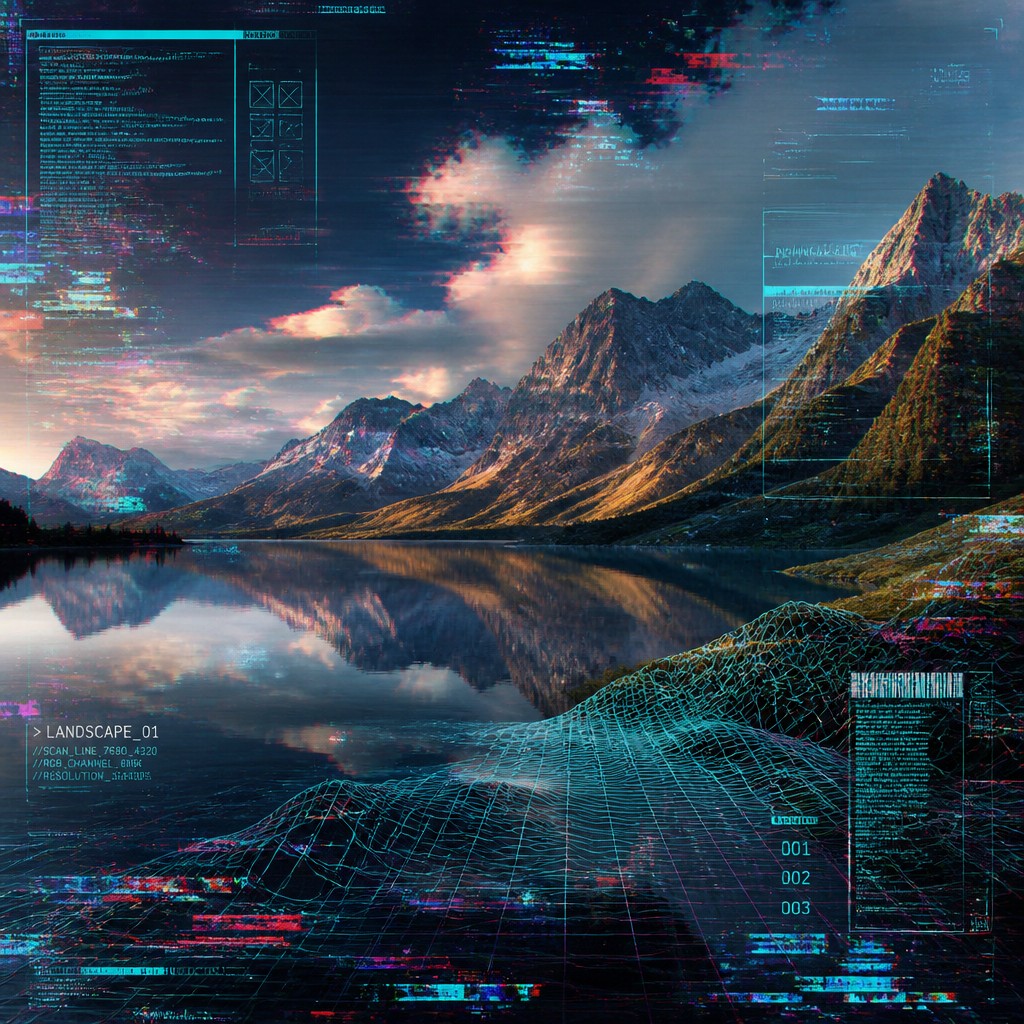
Wireframes and synthetic geometry
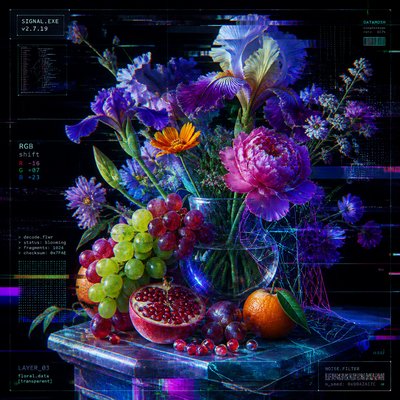
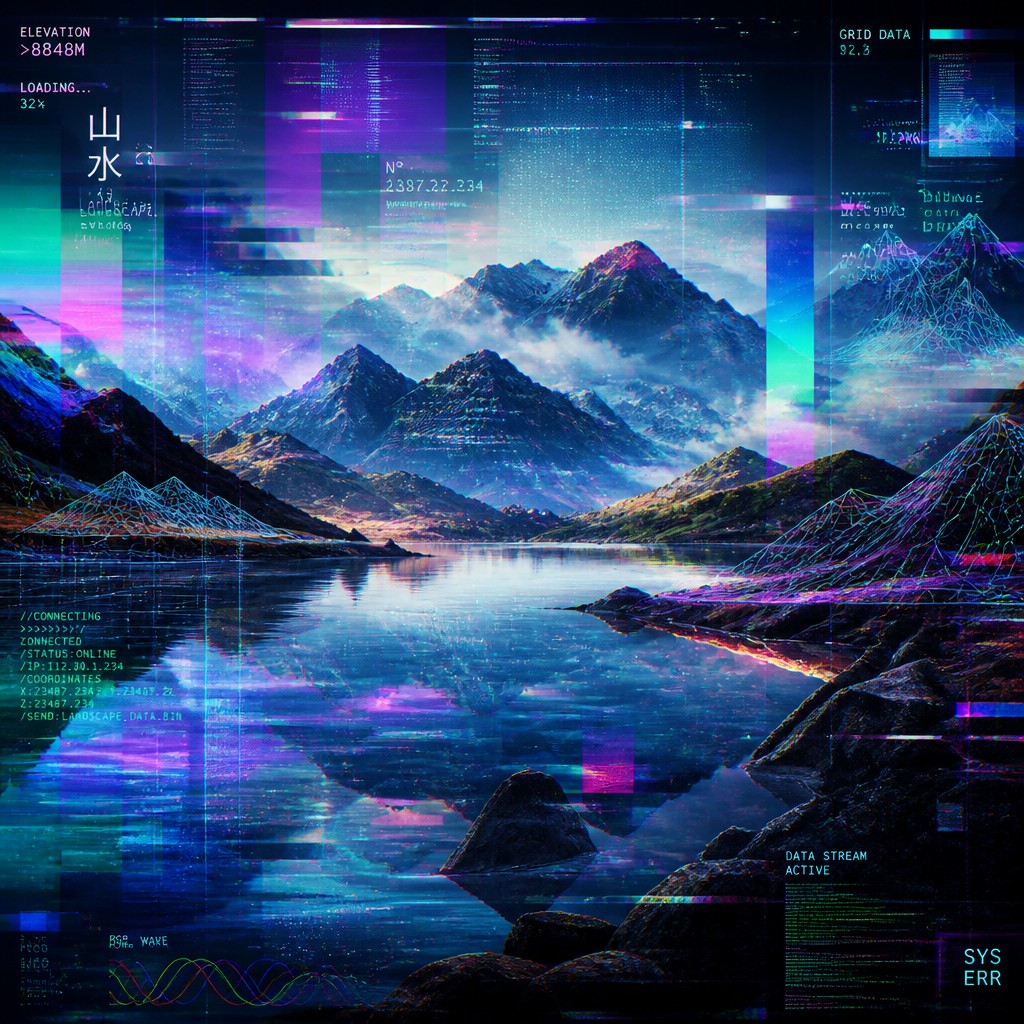
Meshes, grids, vectors, and schematic forms suggest 3D modeling or virtual environments. These structures often intersect with photographic elements to create a hybrid of real and constructed space.
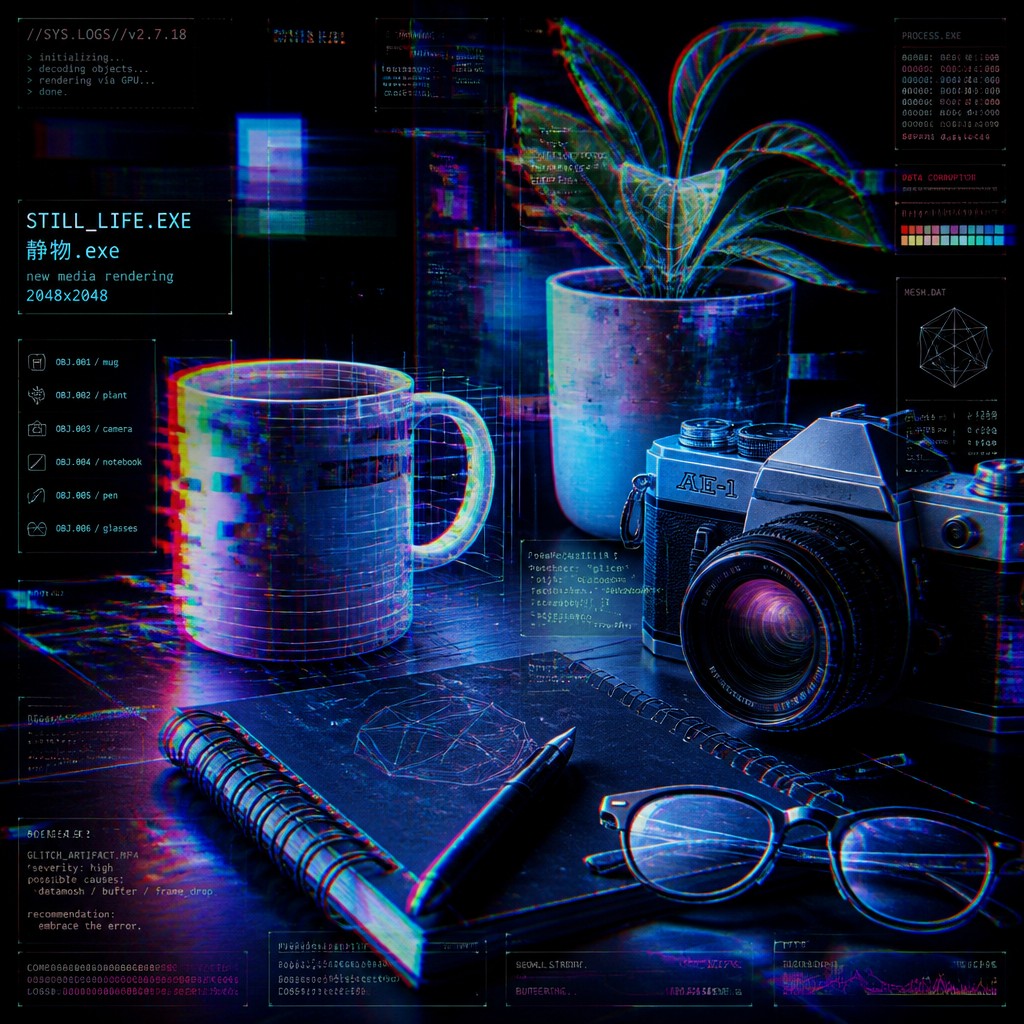
Neon luminosity and screen-black contrast
Bright cyan, magenta, violet, green, and electric blue accents typically glow against deep dark backgrounds. The palette often evokes monitors, LEDs, holograms, and nocturnal digital environments.
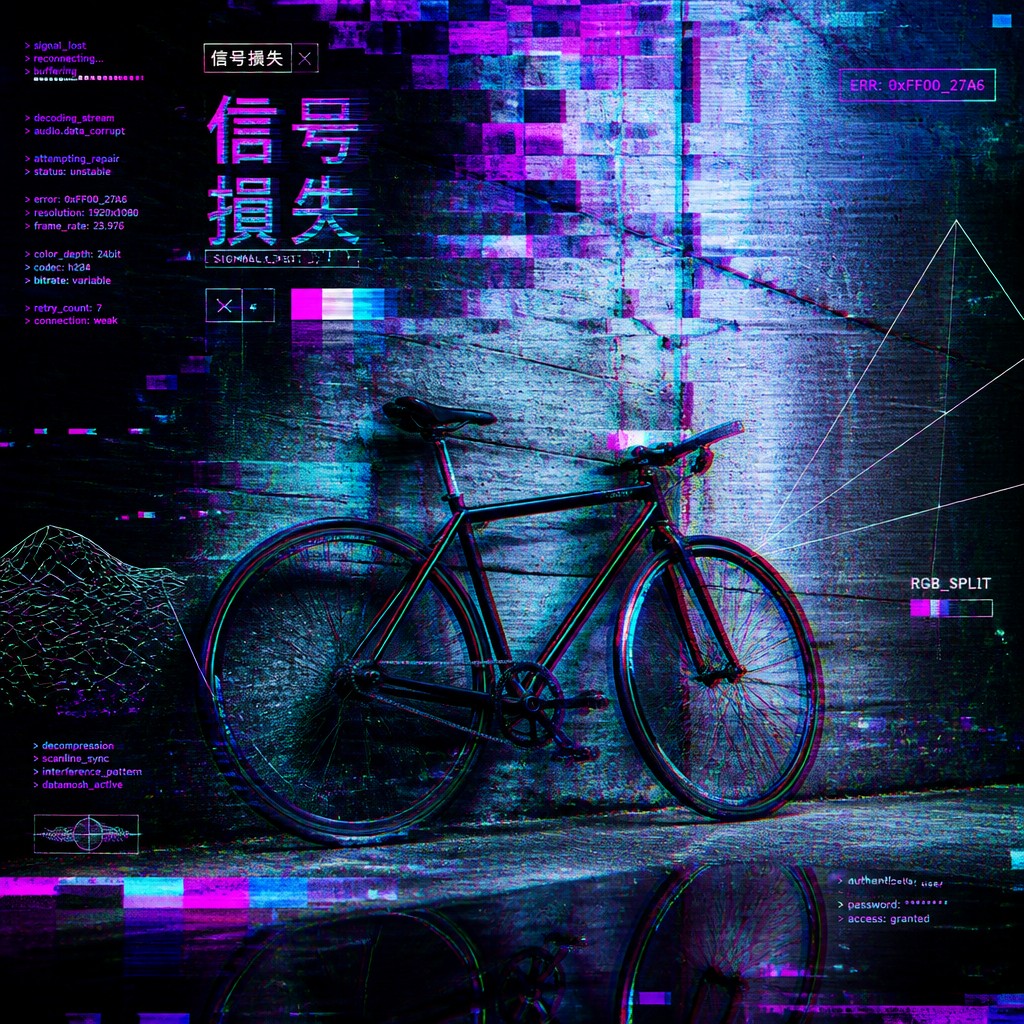
Data-like rhythm and coded surfaces
Repeated lines, scan marks, and system-like patterns imply information flow. The surface may feel as though it is being rendered, transmitted, or decoded in real time.
Try It
Create Videos in New Media Art Style
Styles aren't just for stills — describe a scene or animate an image and get a short video rendered in New Media. Press play to see this pond come to life.
Make a VideoNew Media Prompt Ideas
Start from an idea — each one opens the generator with the style ready to go. See all 40 New Media prompts →
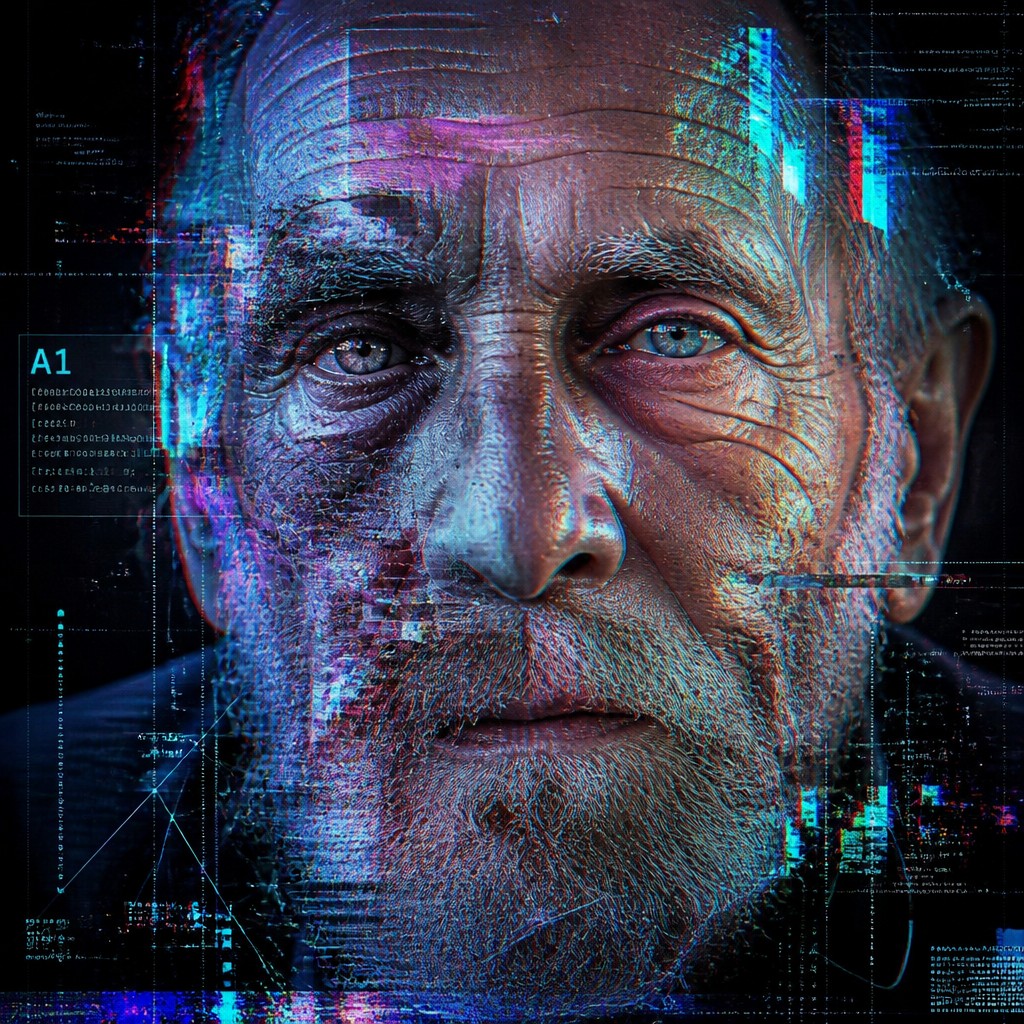
“close-up portrait of an elderly person with expressive weathered features”
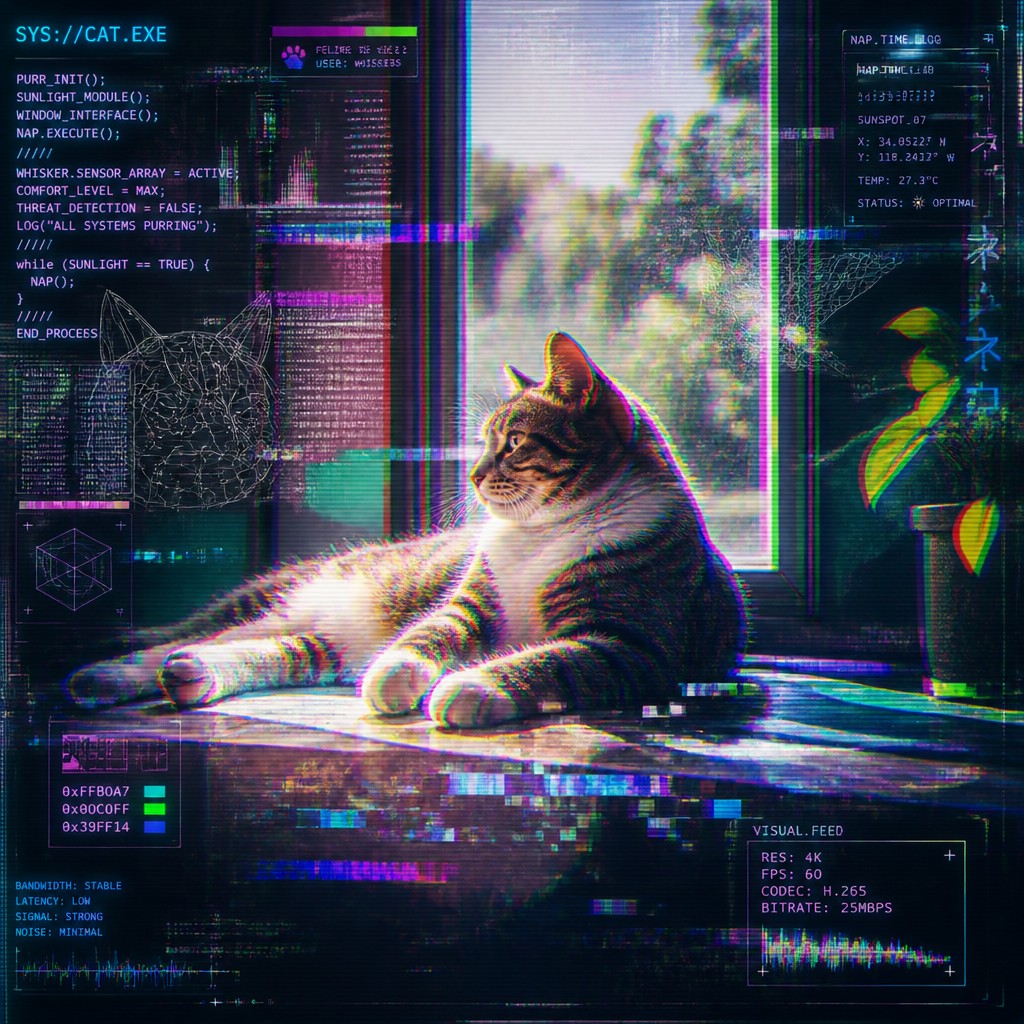
“a cat lounging in a sunlit window”
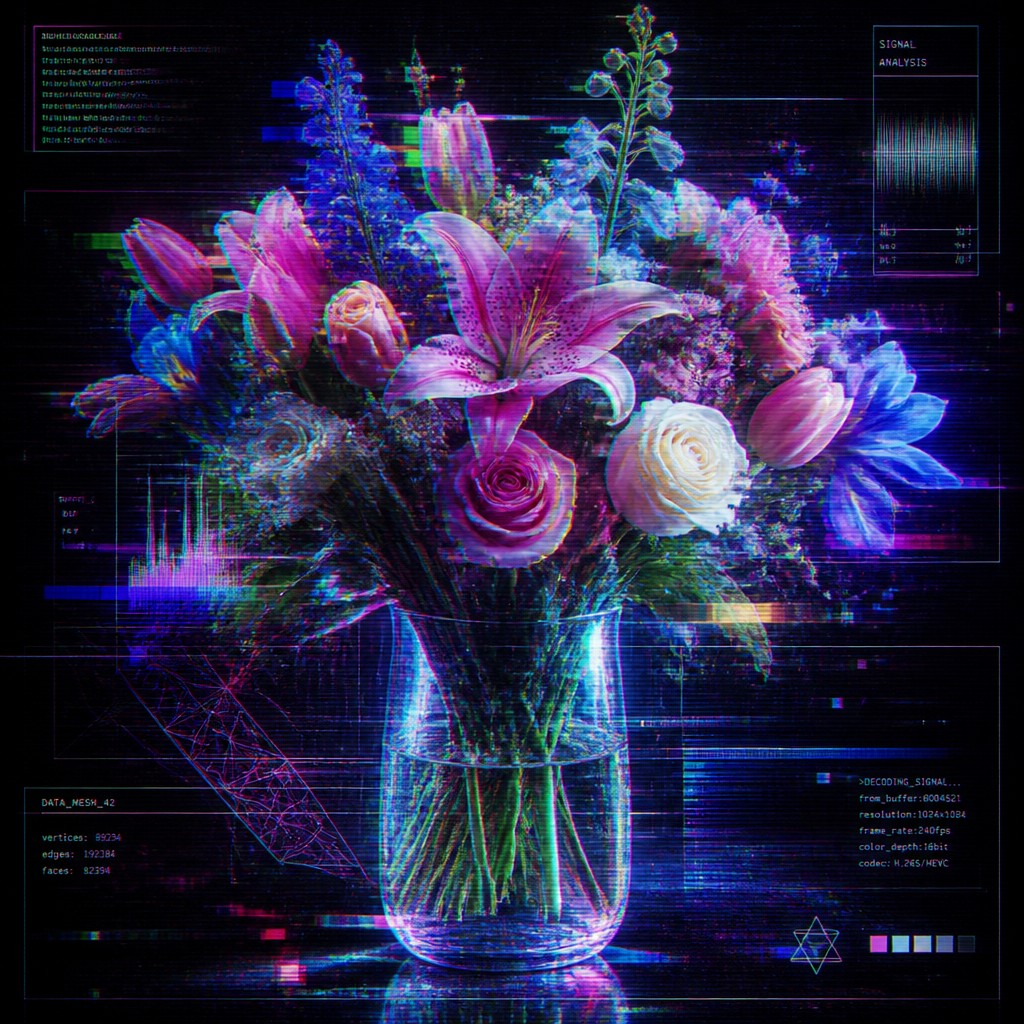
“bouquet of flowers in a glass vase”
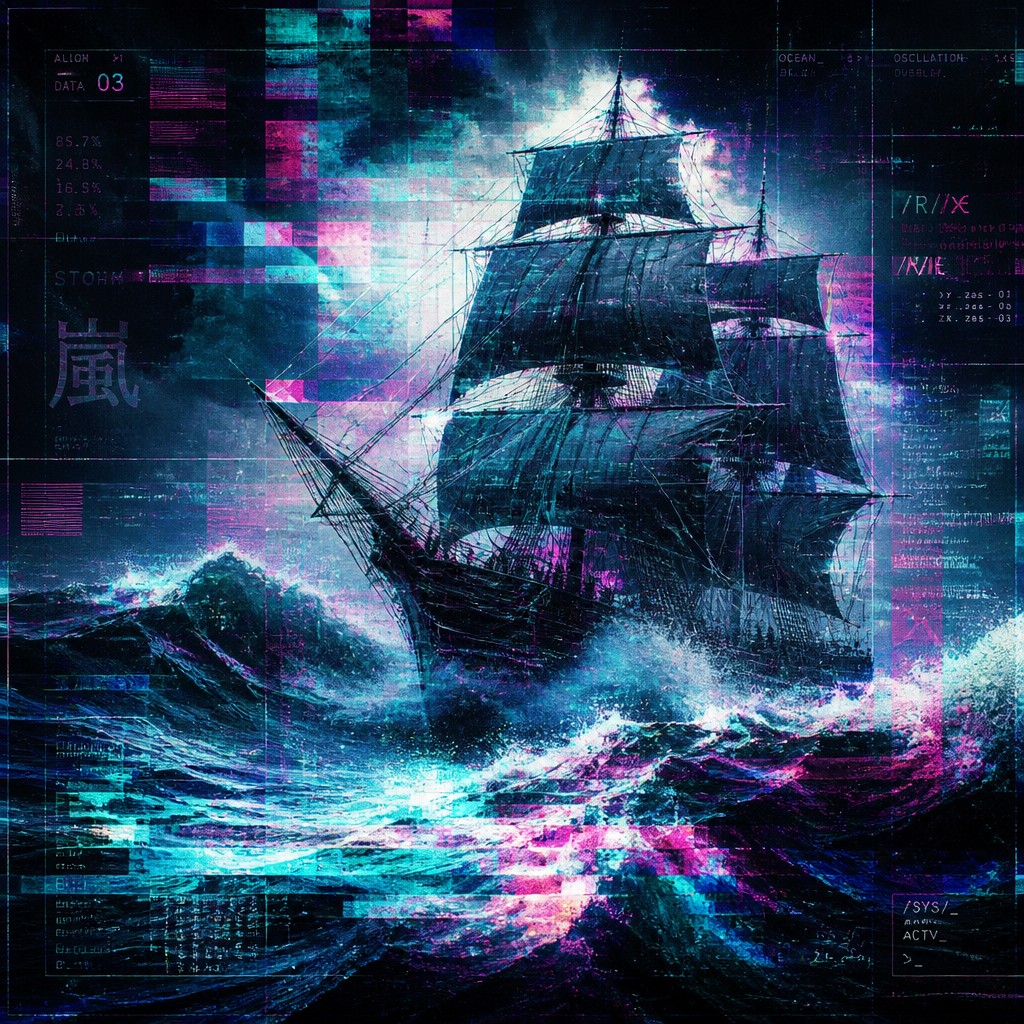
“sailing ship on a stormy sea”
How to Create New Media Art
Master the craft step by step — or skip straight to creating. Read the full guide →
- 1
Build the image in layers
Combine photographic, vector, and interface-like components so the picture feels assembled rather than painted in one pass. In traditional media, this can be approximated through collage, masking, and overprinting; in digital tools, use stacked layers, transparency, and blended modes.
- 2
Introduce controlled digital errors
Add distortion selectively: tear edges, offset channels, warp sections, or simulate compression artifacts. The goal is not random chaos but a readable image interrupted by recognizable technical failure.
- 3
Use a screen-centric palette
Favor saturated RGB hues, electric neon highlights, and strong black fields. Small areas of intense light work better than a uniformly bright image, since contrast is what makes the glow feel electronic.
- 4
Mix realistic and synthetic elements
Pair photographic subjects with wireframes, grids, HUD overlays, or schematic geometry. The tension between the tactile and the virtual is central to the style.
- 5
Preserve compositional clarity
Even with heavy texture, the main subject should remain legible. When generating with prompts, describe the subject first, then add terms for glitch, scan lines, RGB split, translucent interface layers, and neon screen-light effects.
- 6
Reference time-based media when appropriate
If creating by hand, think like a video artist or motion designer: use repeated marks, directional streaks, and the impression of movement across a display. This helps the still image retain the temporal feel associated with digital media.
The Story
History & Origins of New Media
New media art emerged in the late 20th century alongside personal computing, video art, electronic graphics, telecommunications, and the internet. Its lineage is closely tied to experimental media practices from the 1960s onward, including video art, computer art, net art, interactive installation, and digital collage. Because it is defined by evolving technologies rather than a fixed historical period, new media art has continually changed with each shift in hardware, software, and network culture.
Its aesthetic roots can be traced to several traditions: the mechanized image experiments of early computer art, the screen-based temporal logic of video art, the fragmentation of postmodern collage, and the critical use of systems and participation in conceptual and installation art. As digital imaging became widespread, glitches, pixelation, interface metaphors, and synthetic lighting moved from technical byproducts into intentional stylistic devices, forming the visual language now associated with new media aesthetics.
Influences: New media art draws from video art, computer art, net art, interactive installation, and the visual language of digital graphics and user interfaces. It also overlaps with postmodern collage, cyberpunk imagery, and experimental abstraction. In the broader history of media-based art, influential pioneers of computer-generated art, algorithmic drawing, conceptual text-based installation, and screen-based electronic practice are important reference points for different strands of computational, information-driven, and networked work.
Frequently Asked Questions
What defines new media art visually?
New media art is defined by its use of digital and network-based aesthetics: glitch, pixelation, interface layers, code-like structures, and screen lighting. It often looks as if the image is being processed, streamed, or interrupted by a system rather than simply painted or photographed. The style can be polished or noisy, but it usually keeps some trace of digital mediation visible.
Is new media art the same as digital art?
Not exactly. Digital art is a broader category that includes any art made with digital tools, while new media art refers more specifically to work shaped by contemporary media technologies, interactivity, networks, and screen culture. Many new media artworks are digital, but the term also emphasizes how technology changes the experience of viewing and communication.
How is this style different from glitch art?
Glitch art focuses more narrowly on corruption, distortion, and technical error as the subject or method of the work. New media art can include glitch effects, but it also embraces interfaces, data aesthetics, virtual space, interactivity, and communication systems. Glitch is one visual language within the wider new media vocabulary.
Where is new media art commonly used?
It appears in experimental illustration, motion graphics, album art, web design, game visuals, immersive installations, and contemporary digital photography. It is also common in poster design and editorial imagery when a project wants to suggest technology, network culture, or a futuristic atmosphere. In fine art contexts, it often appears in installations, projections, and interactive works.
How can I make my own image in this style?
Start with a clear subject, then add layers of digital texture such as RGB splits, scan lines, wireframes, and interface overlays. Whether working by hand or digitally, think in terms of signal, noise, and layered screens rather than traditional paint surface alone. In prompt-based workflows, describe both the subject and the technical effects you want visible.
What subjects work best in this style?
Portraits, urban scenes, futuristic landscapes, data-driven symbols, and devices work especially well because they can be easily translated into a screen-based visual language. Subjects with strong silhouettes also hold up well against fragmentation and overlay effects. The style is especially effective when the subject has a conceptual link to communication, surveillance, memory, or virtual space.
Create your first New Media artwork
Describe anything — or upload a photo — and see it in New Media Art Style in seconds.
Make Something with New Media
Compare New Media
Related Styles
Discover similar art styles