AI Interior Design
Redesign your room in seconds. Upload a photo and watch AI restyle it — same layout, same furniture placement, completely new look.
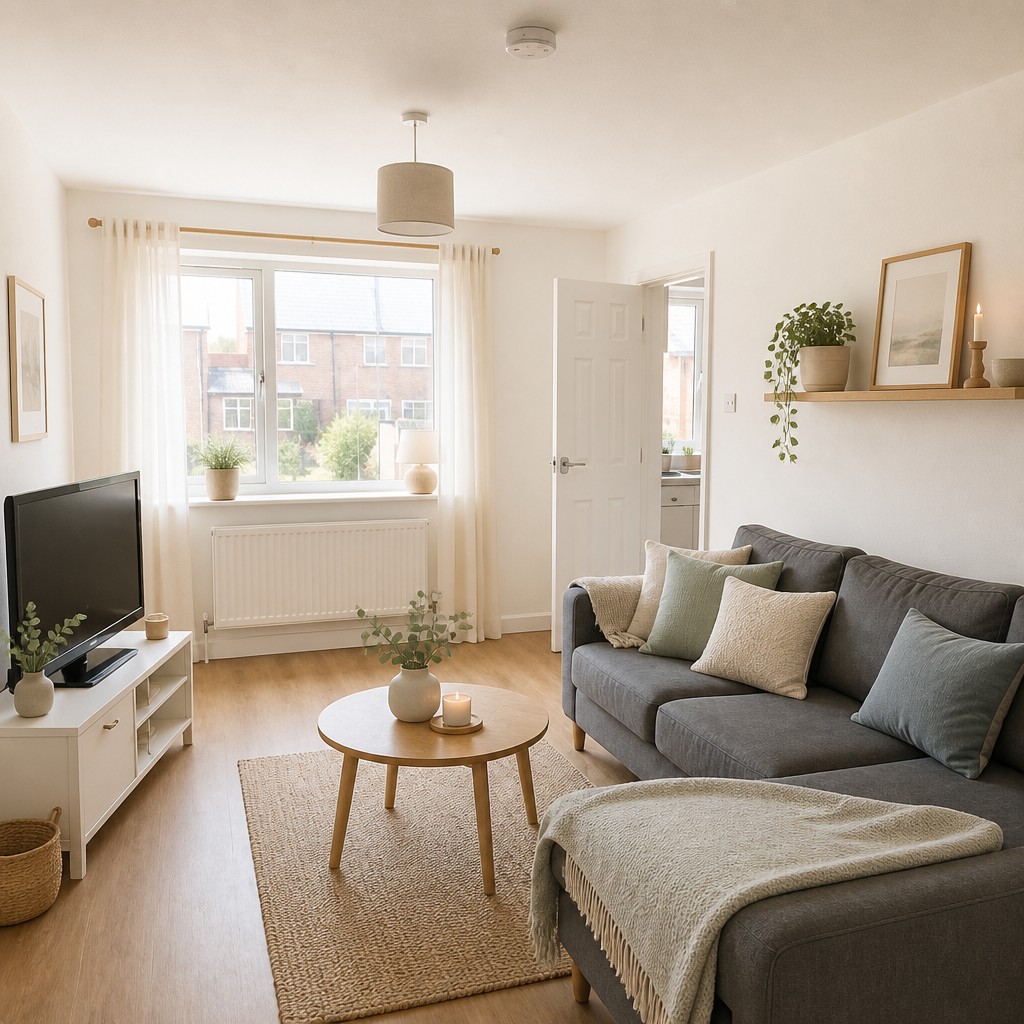
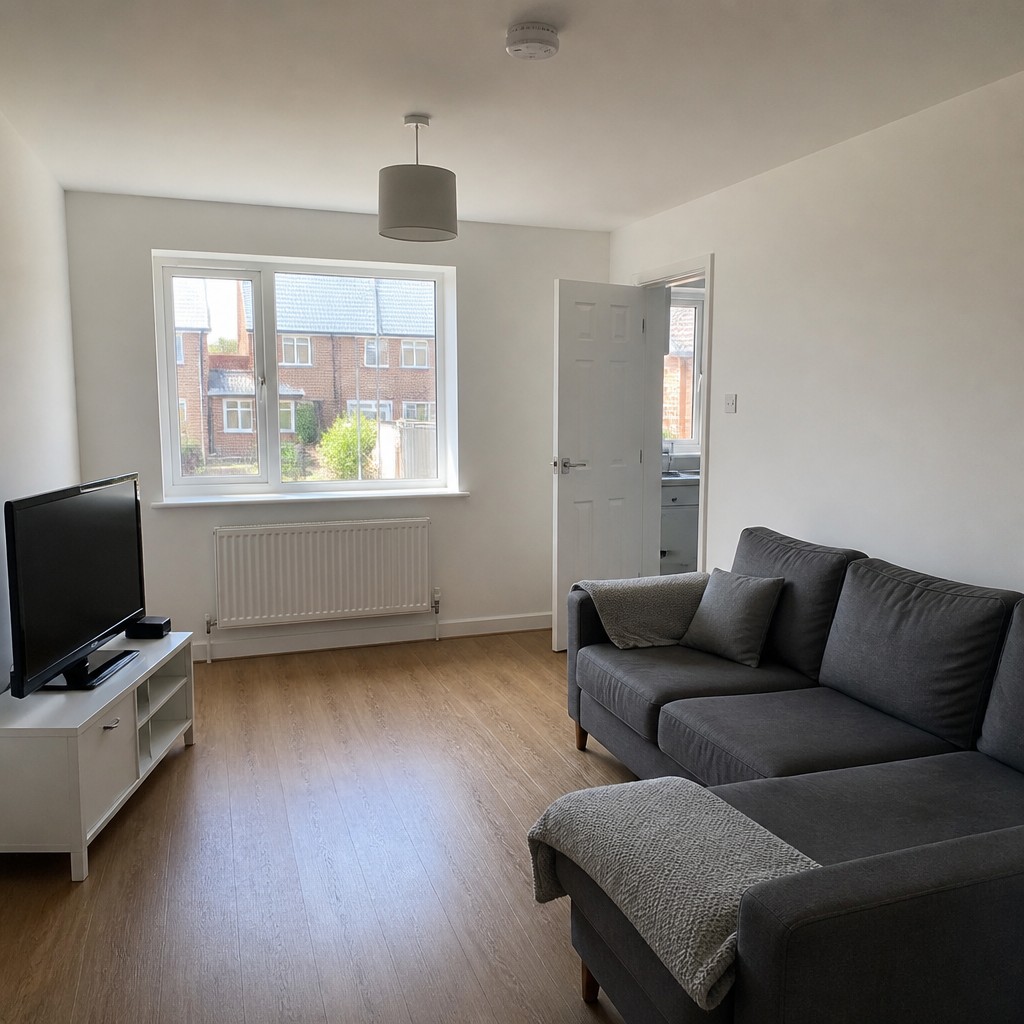
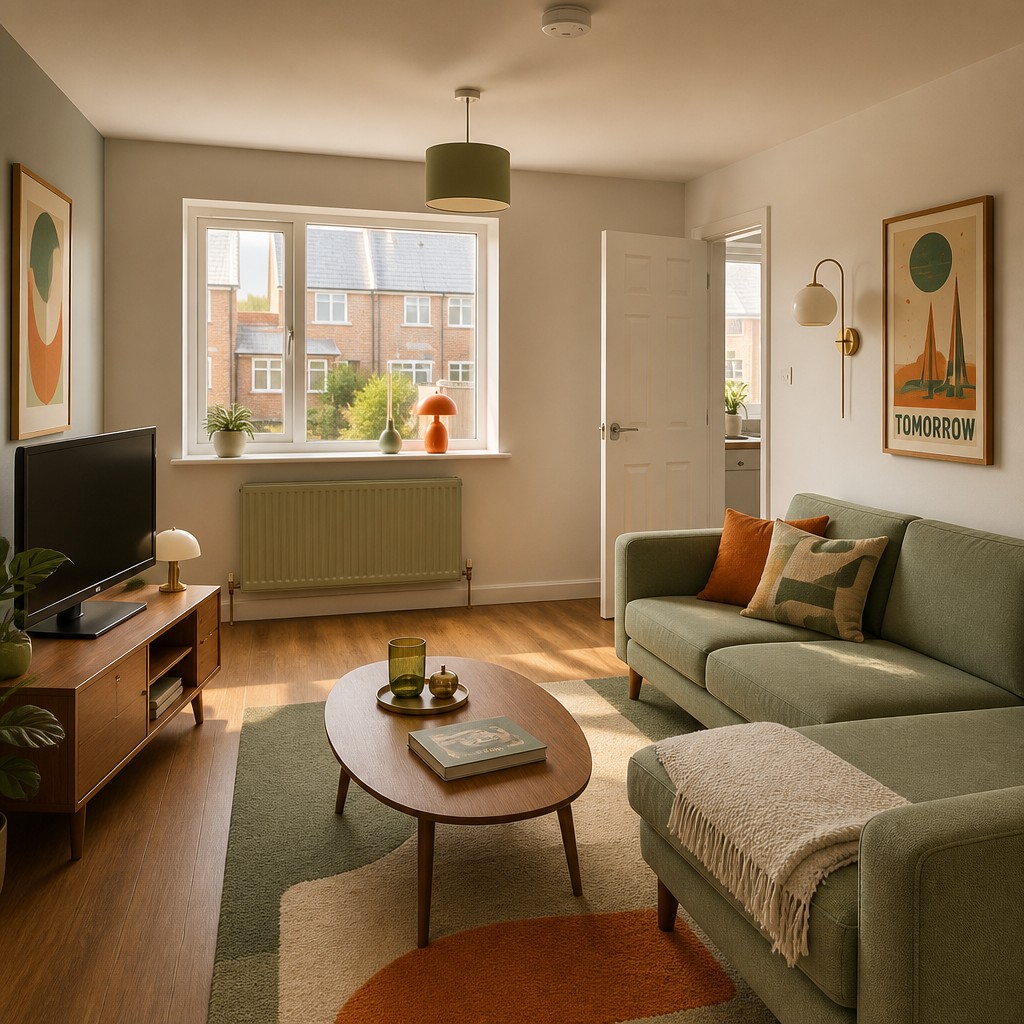
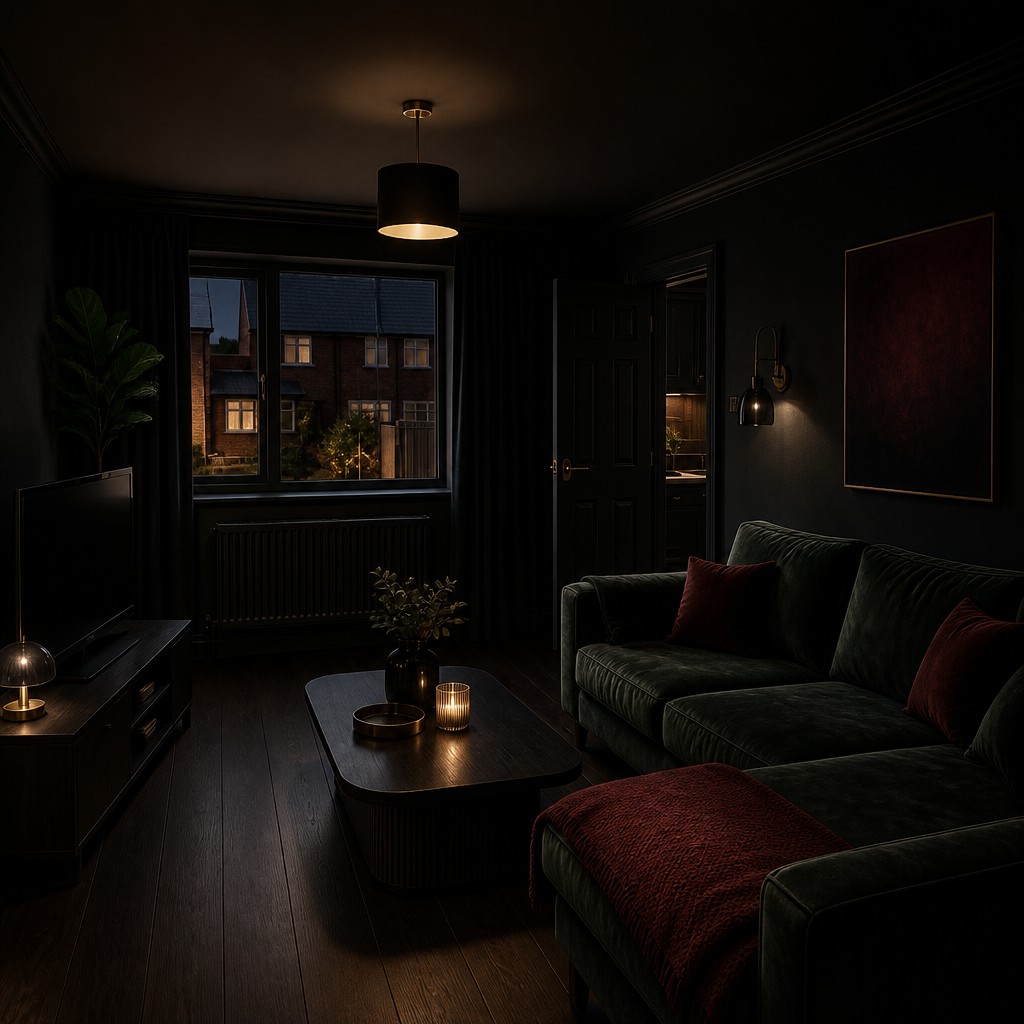
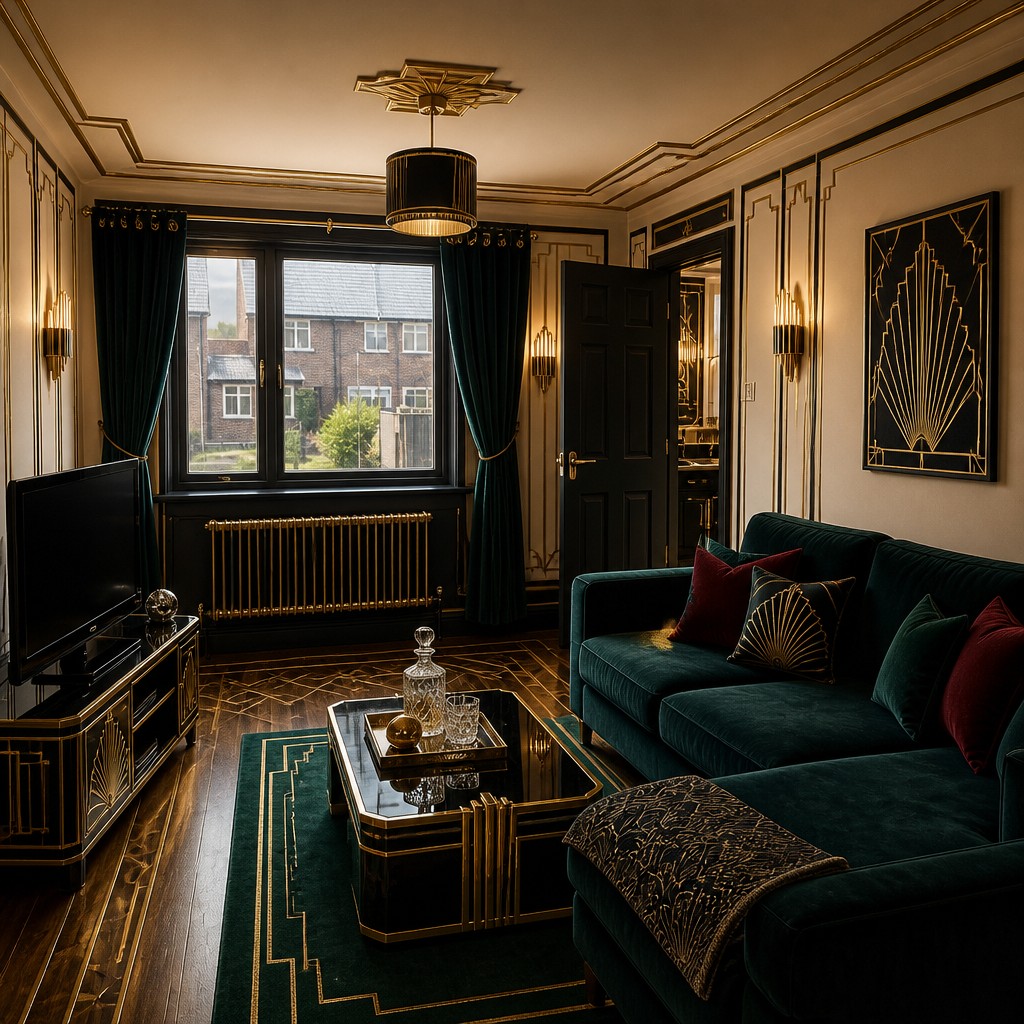
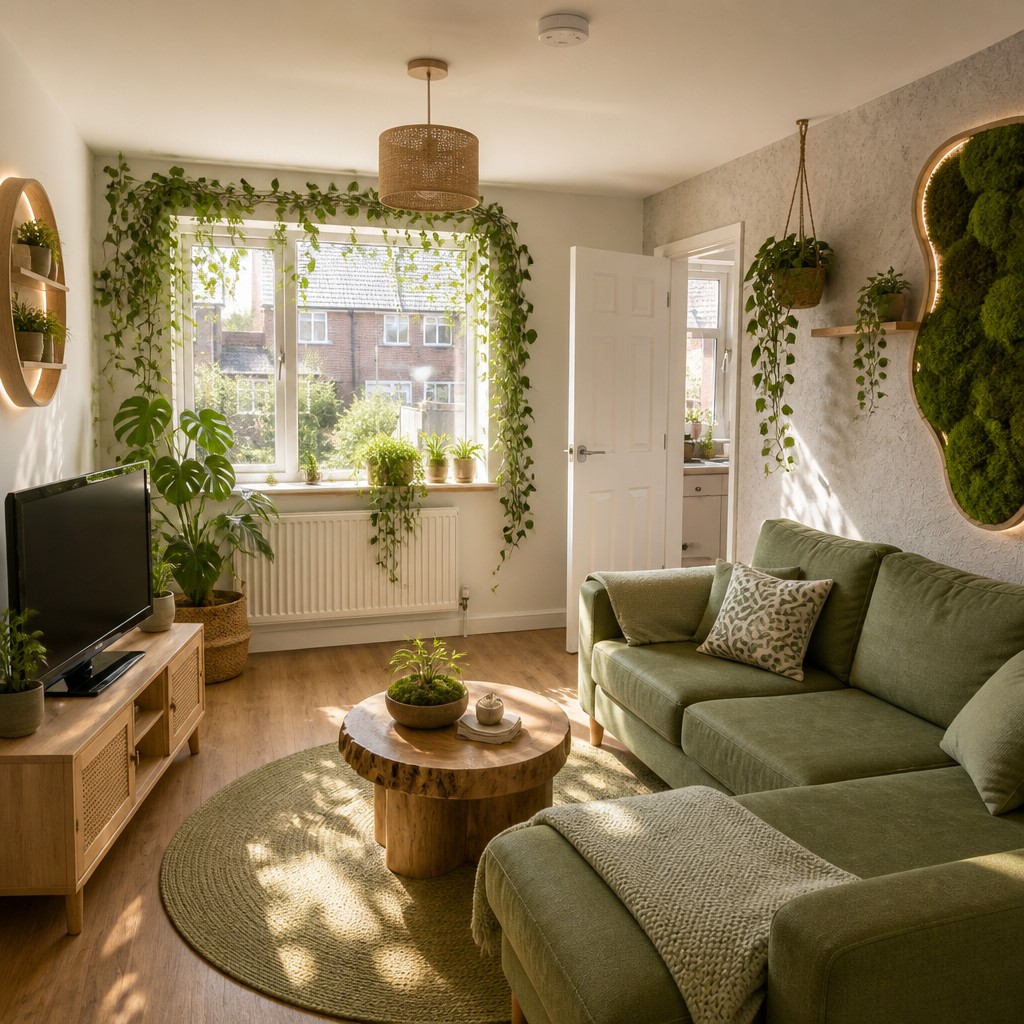
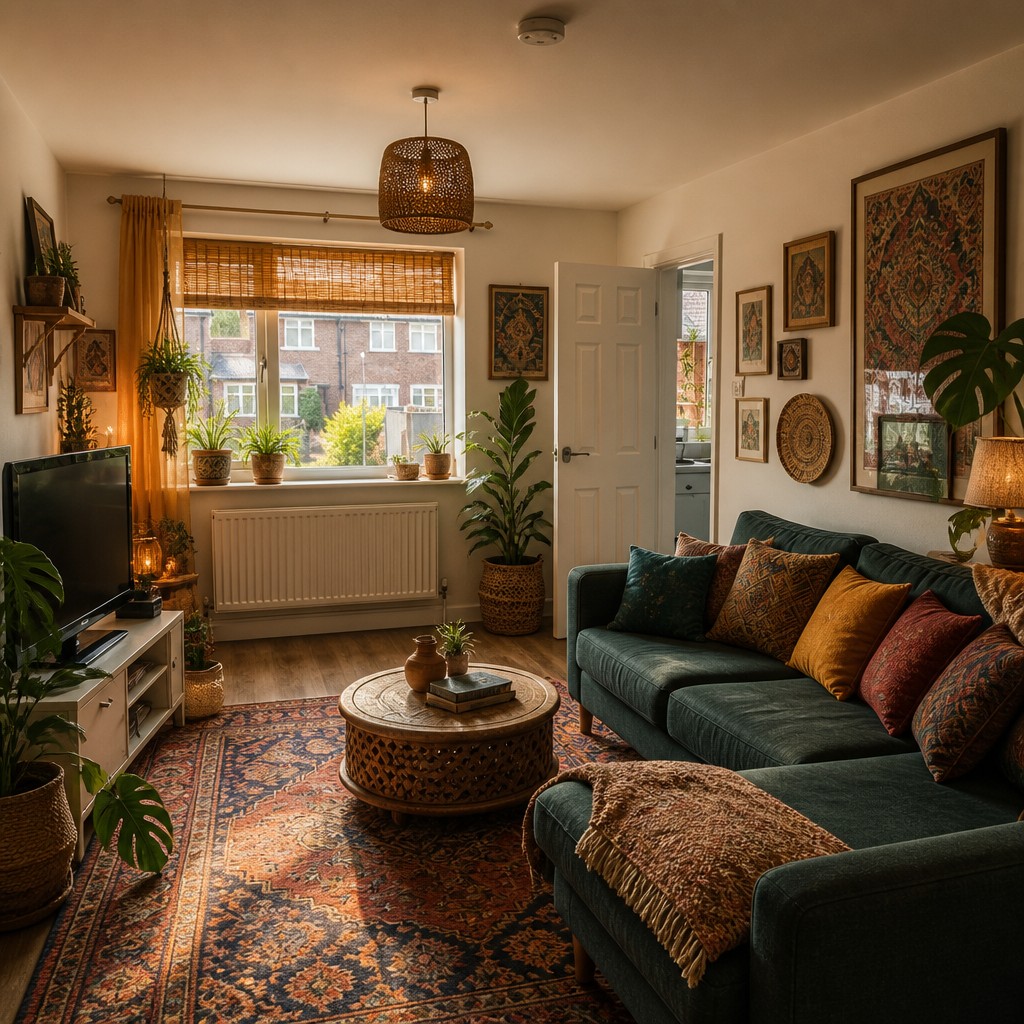
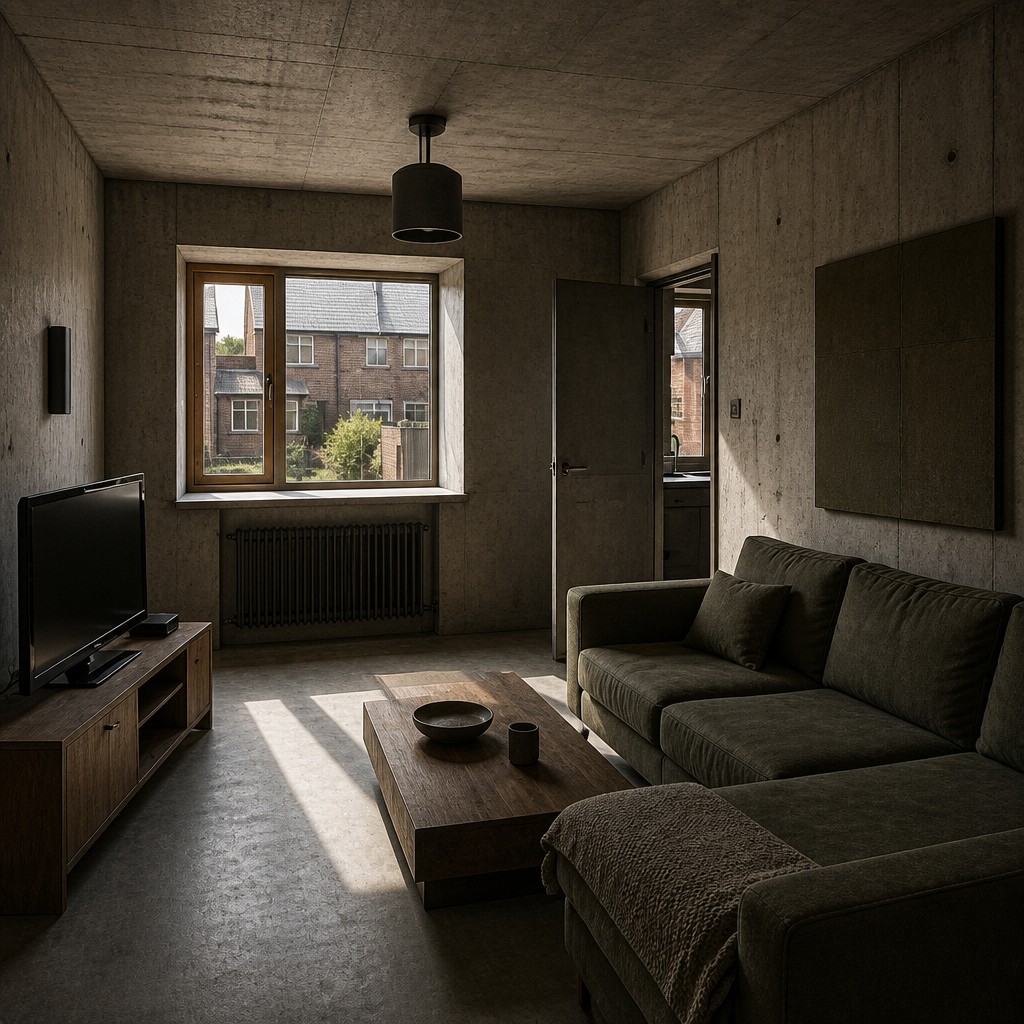
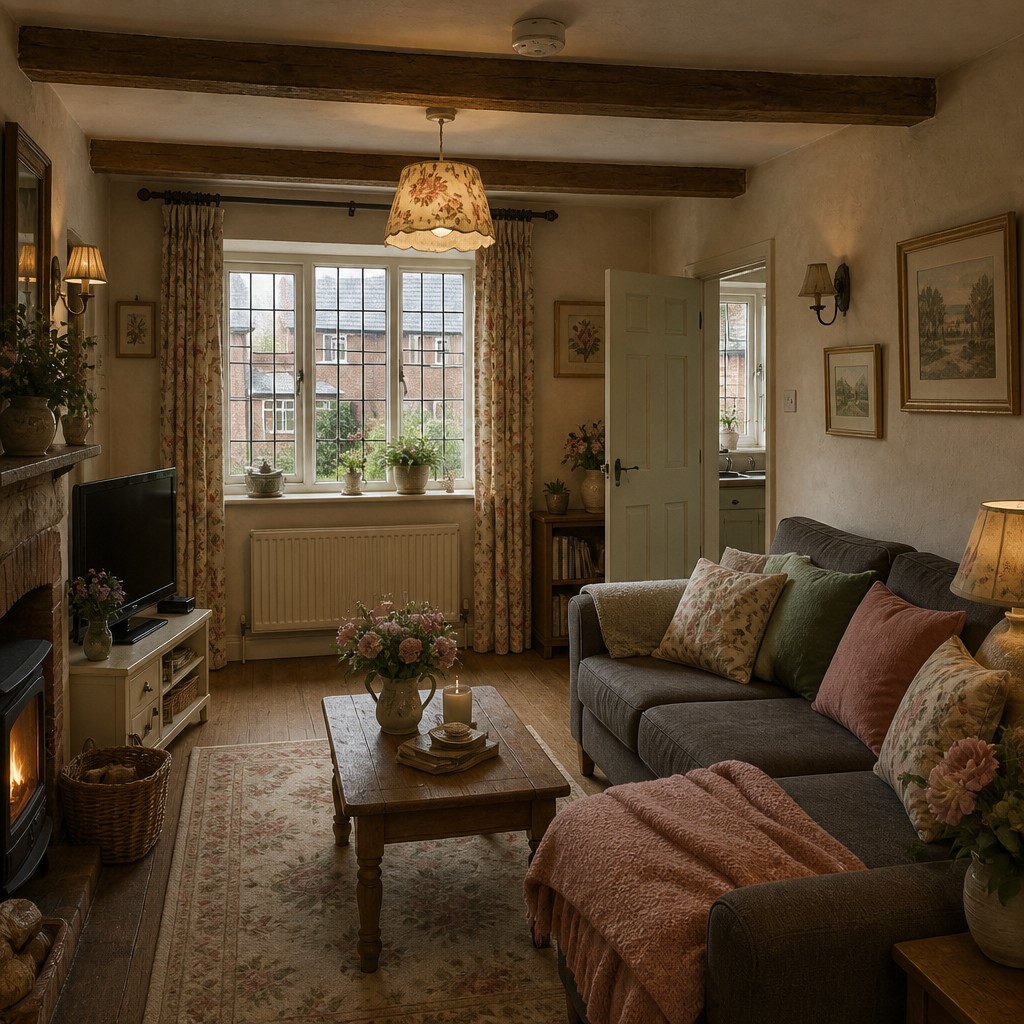
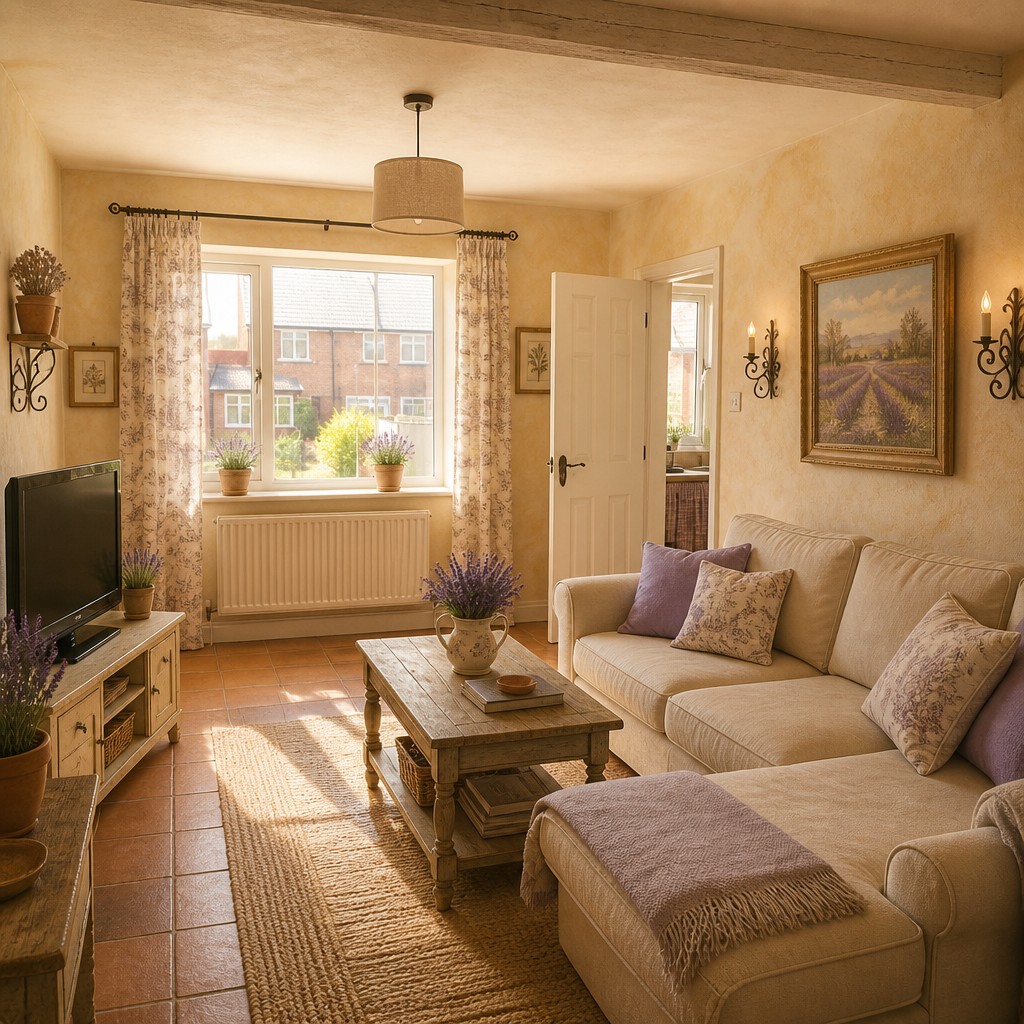
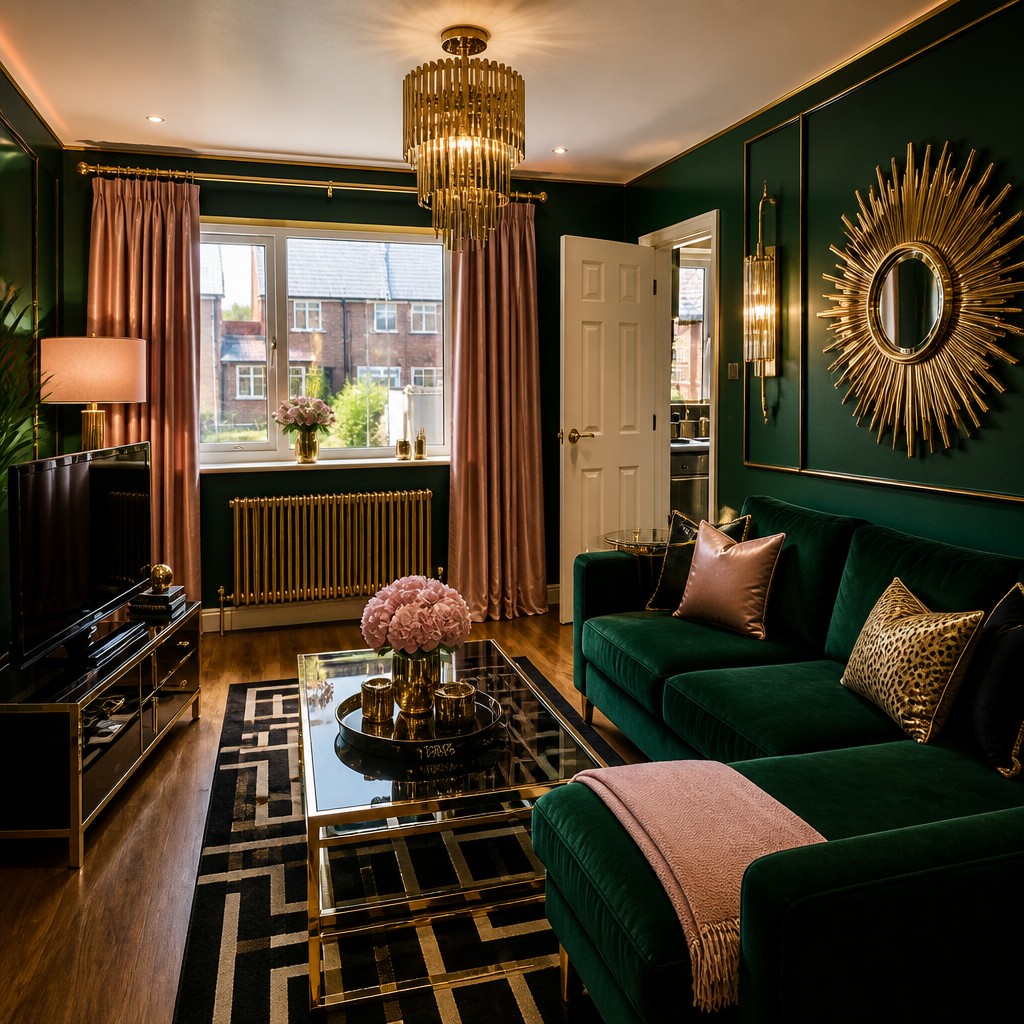
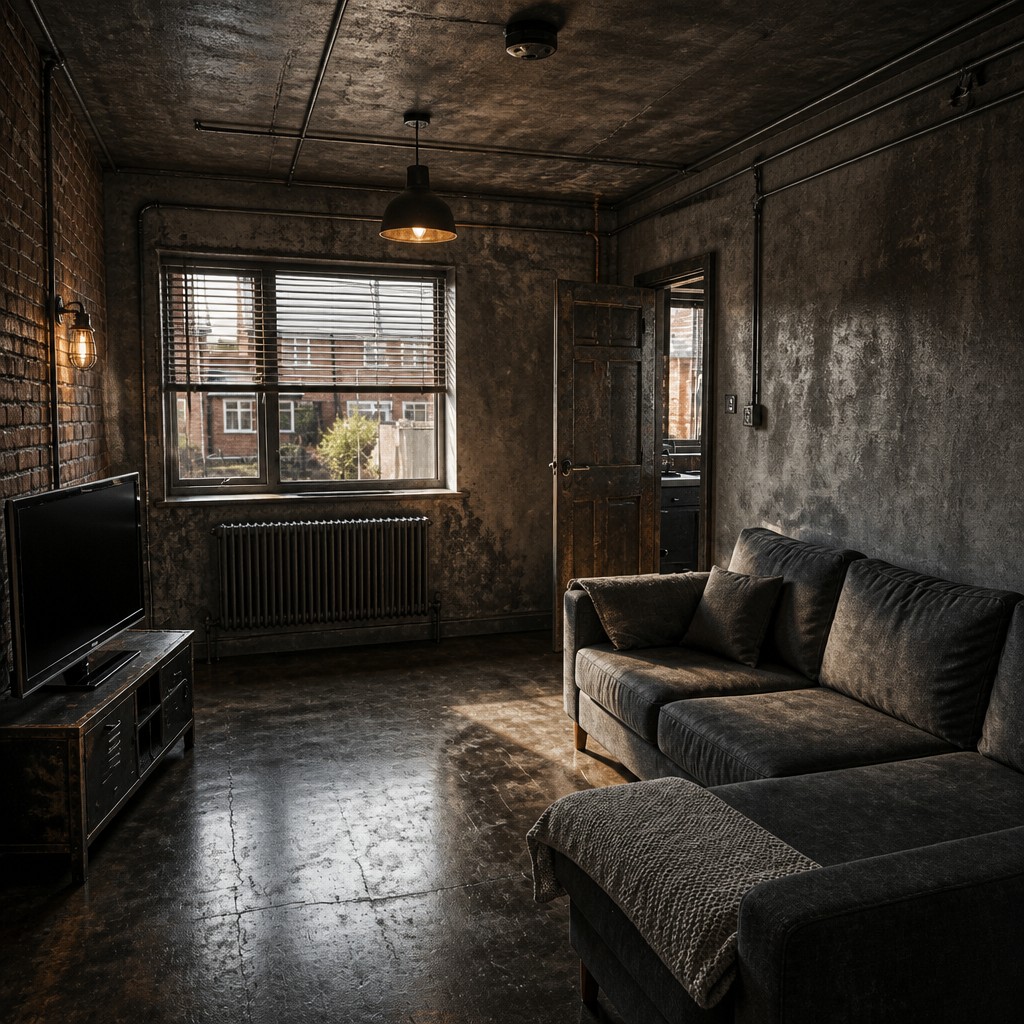
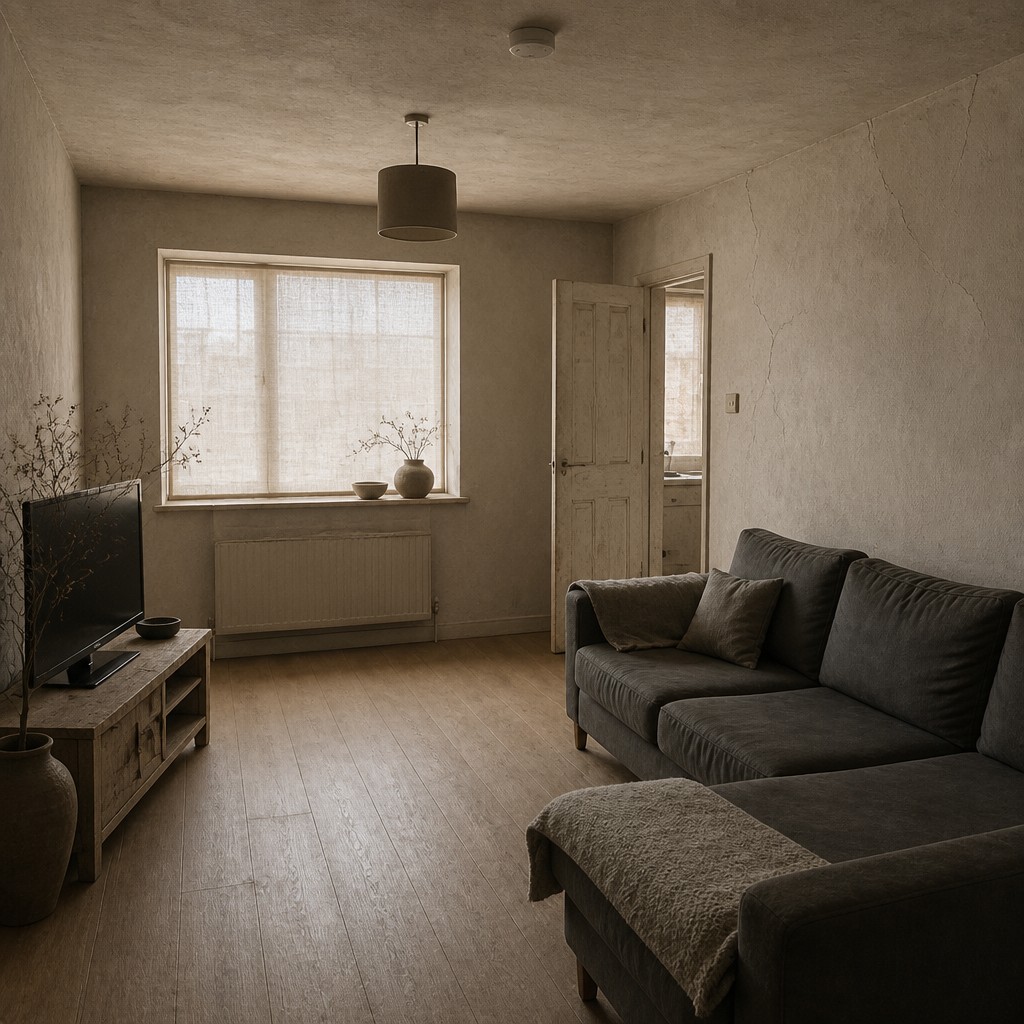
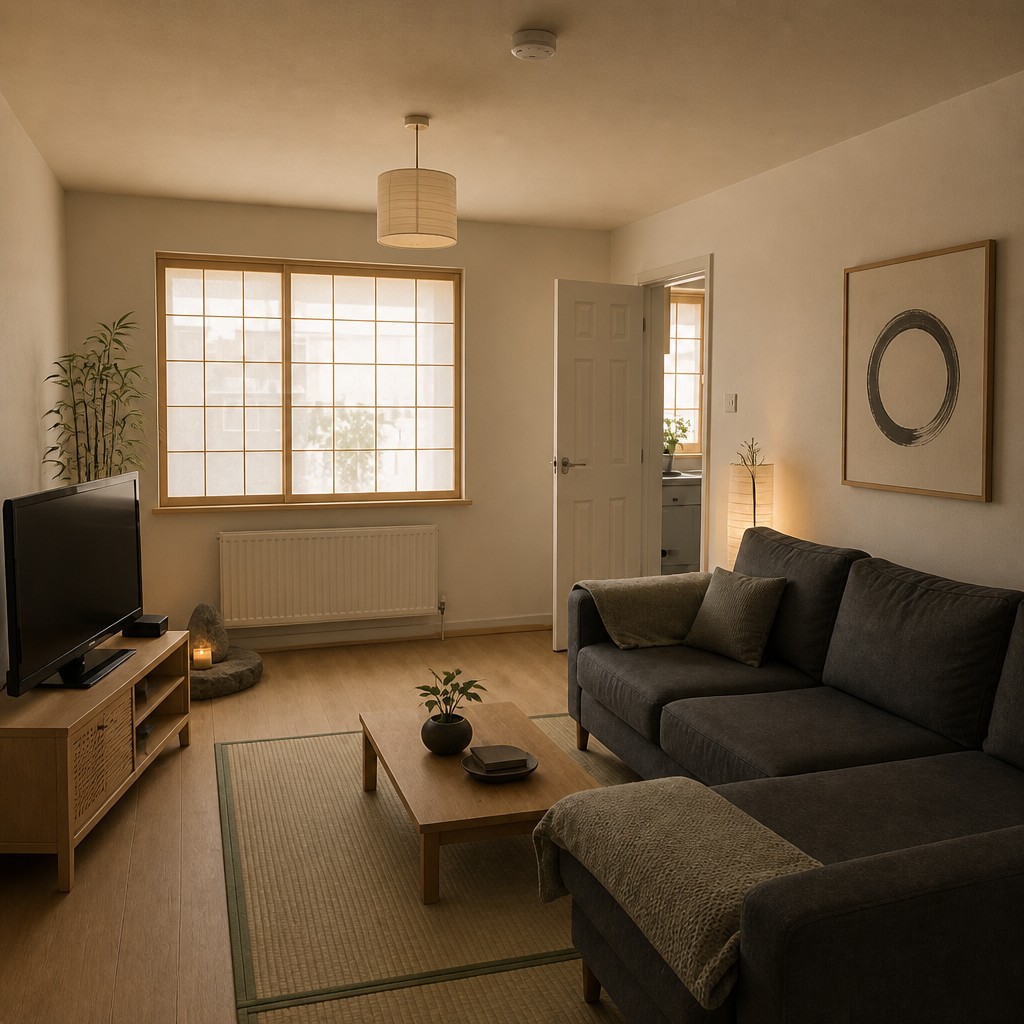
Repainting is a weekend; re-imagining is instant. Our AI interior design generator takes a photo of your actual room and re-renders it in the style you choose — cozy Scandinavian, warm Japandi-adjacent minimalism, moody and dramatic, coastal and airy, or full maximalist. Because it works from your photo, the bones of the room stay recognizable: your window stays where it is, your sofa keeps its spot, but the palette, materials, lighting and decor transform. Use it to test a direction before buying a single cushion, to brief a designer with pictures instead of adjectives, or just to see your space with fresh eyes.
One room, 29 styles
Every image below started from the exact same photo — that's what your room could look like.
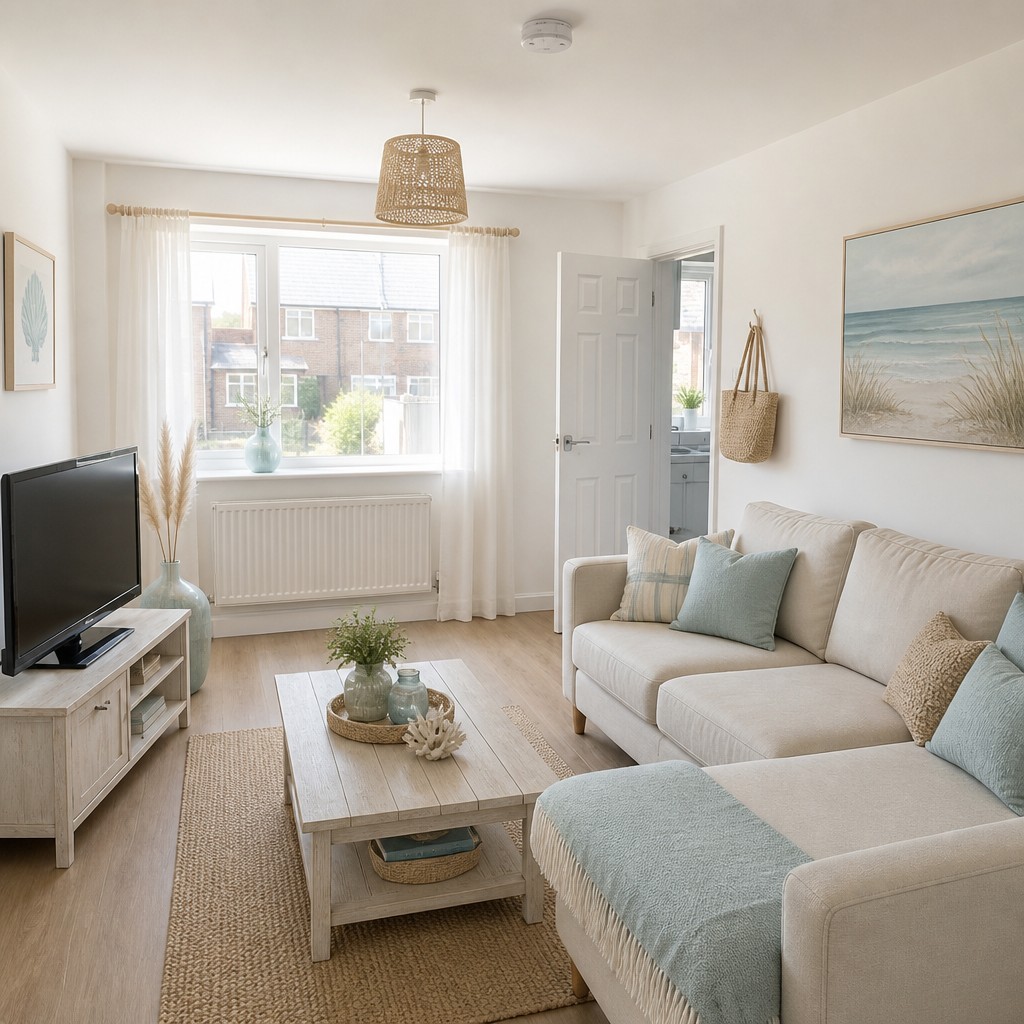
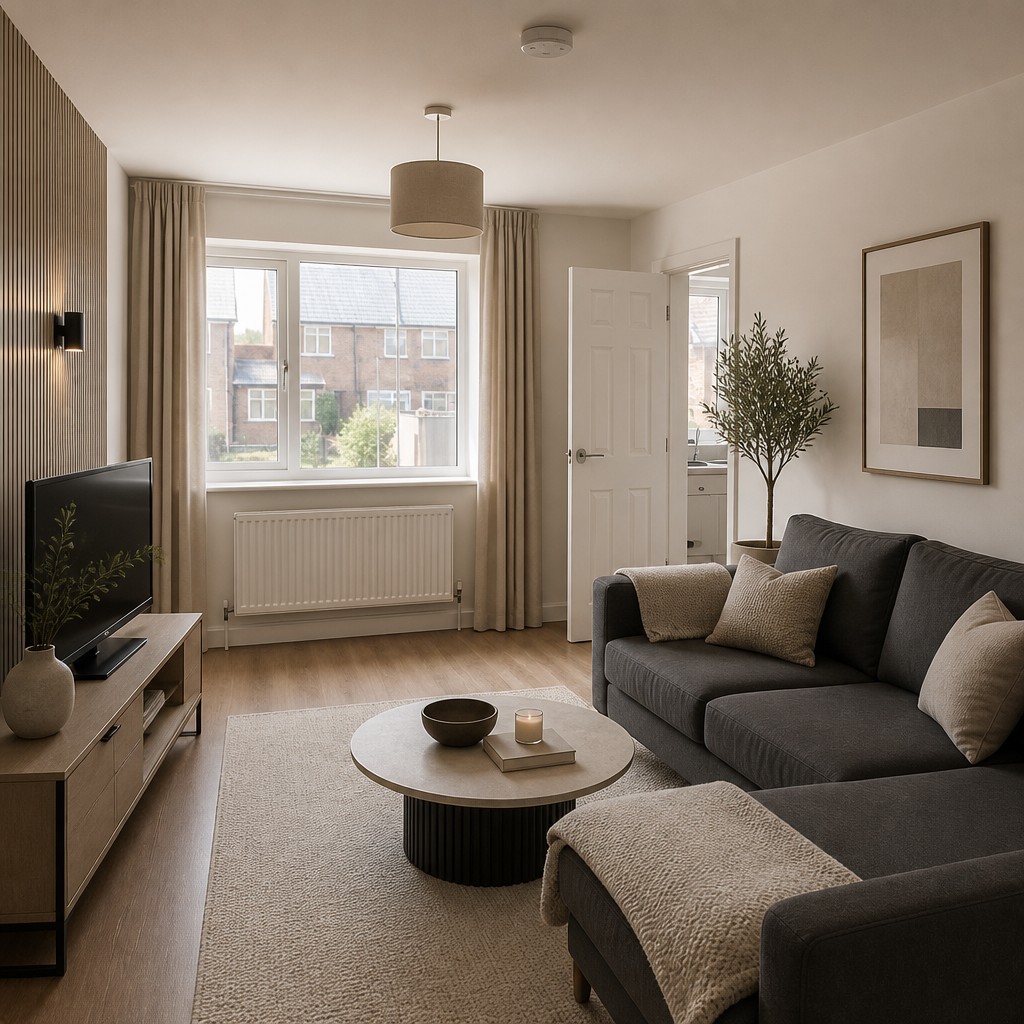
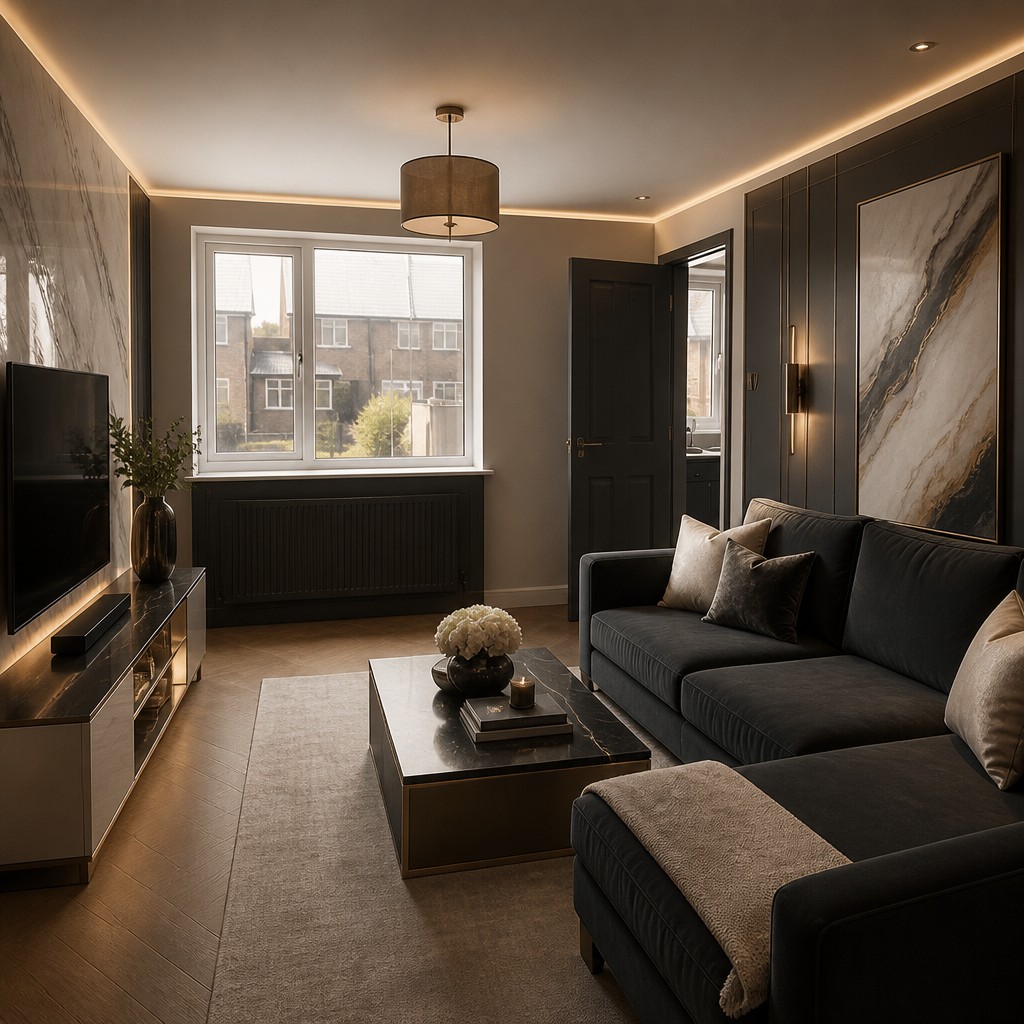
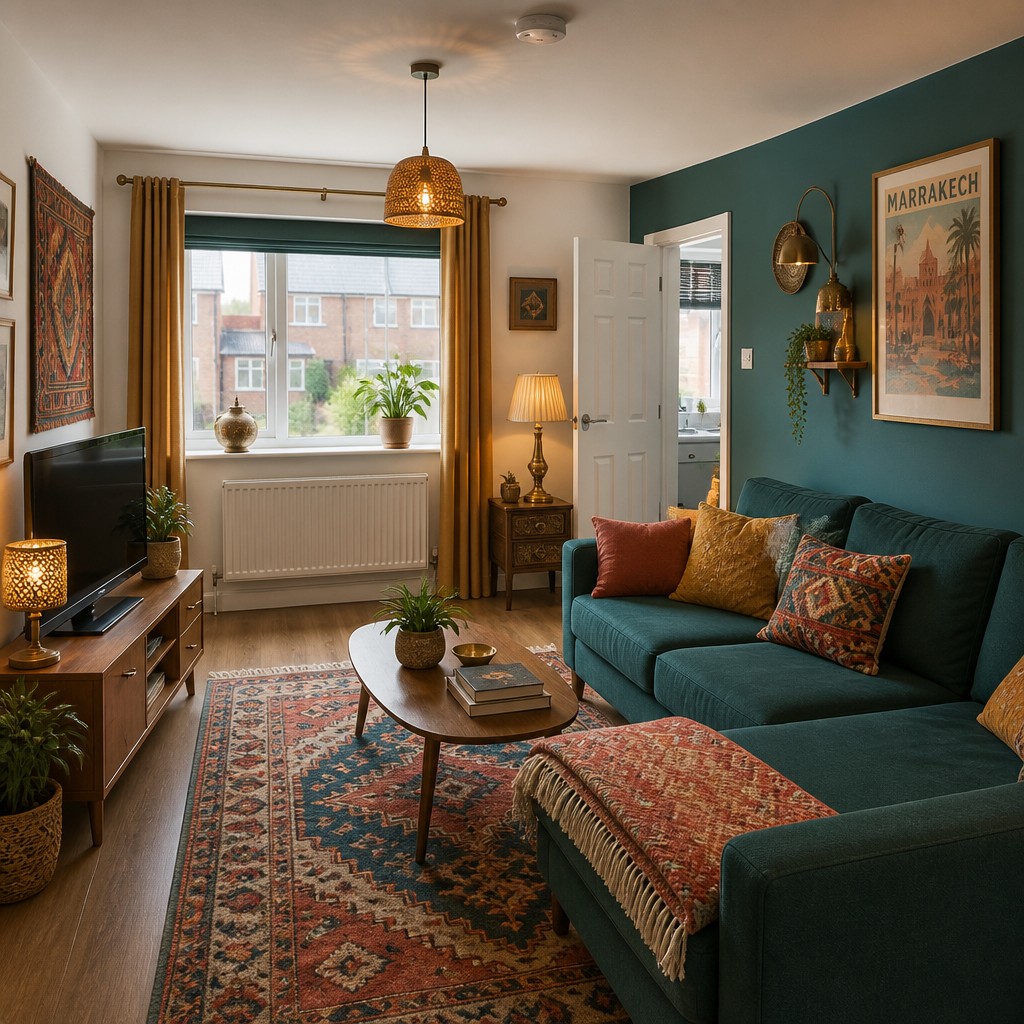
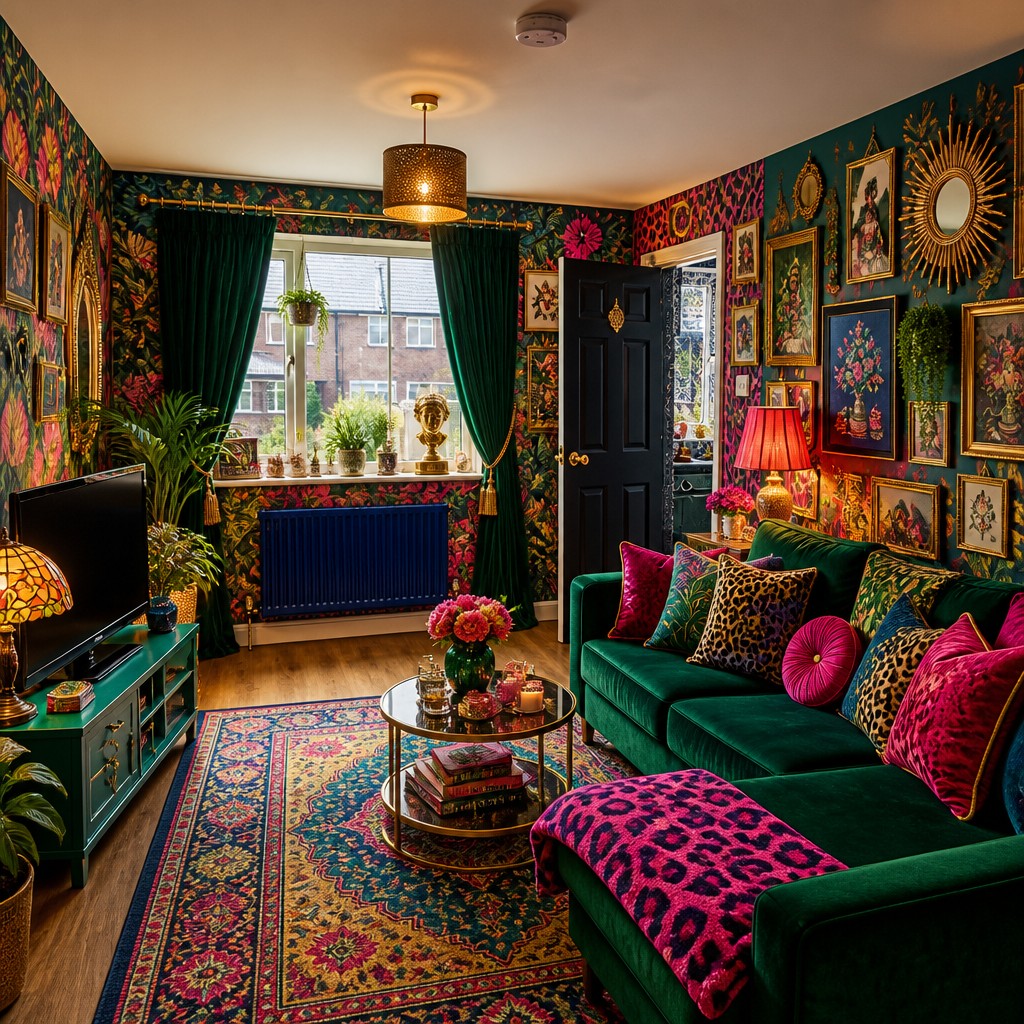
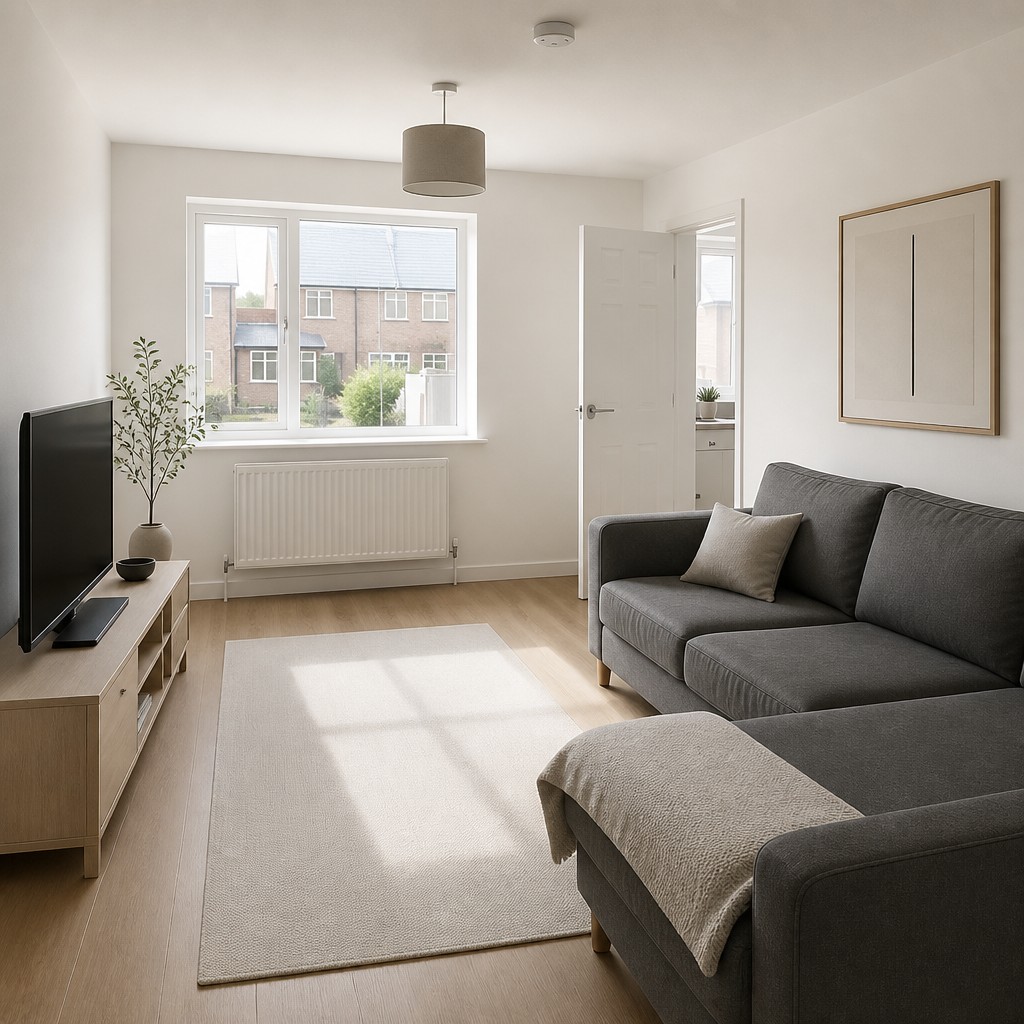
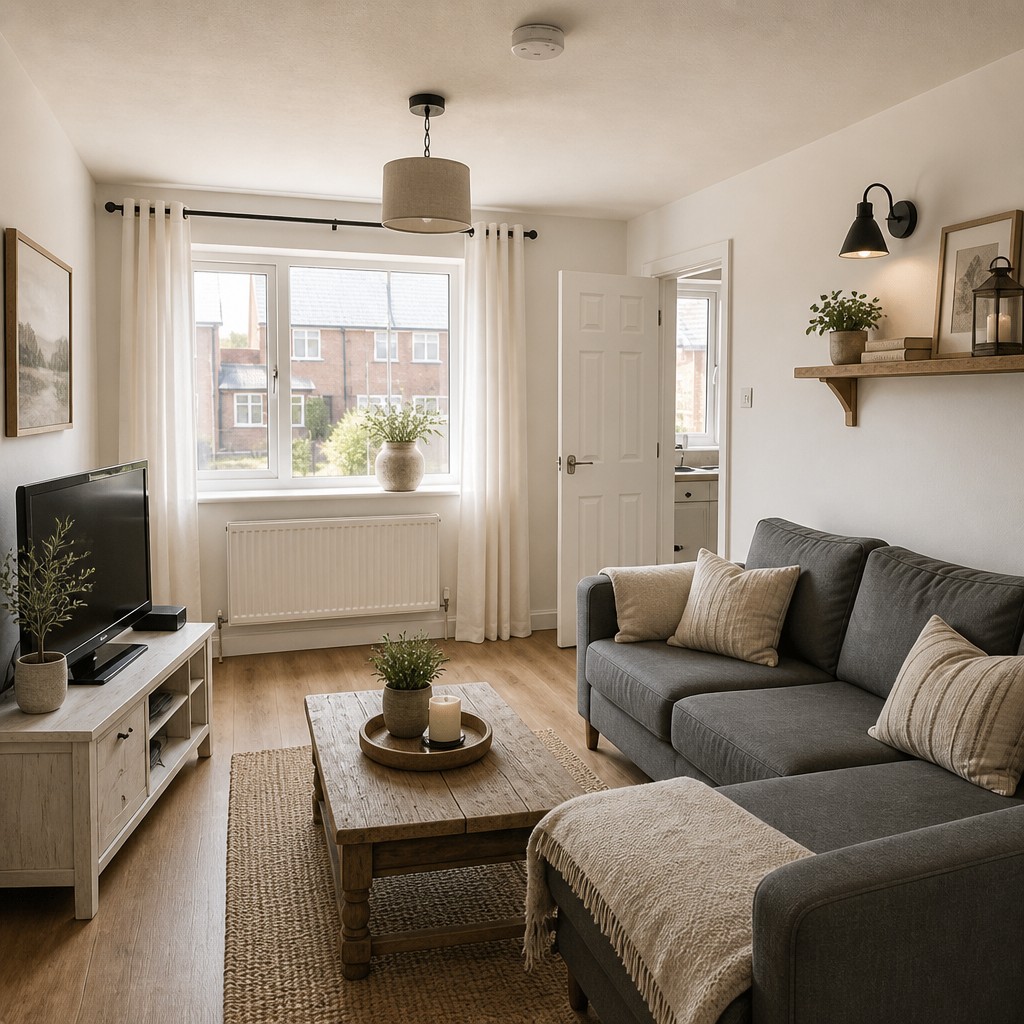
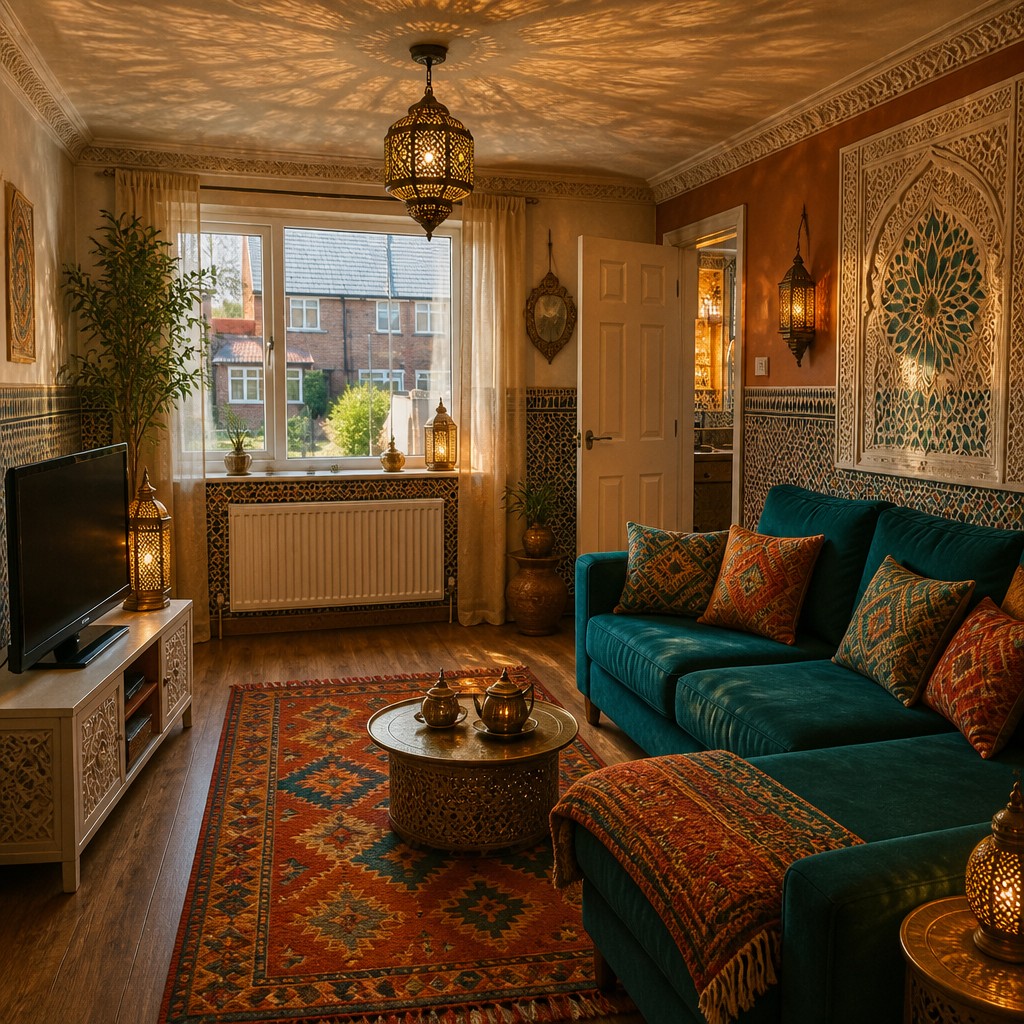
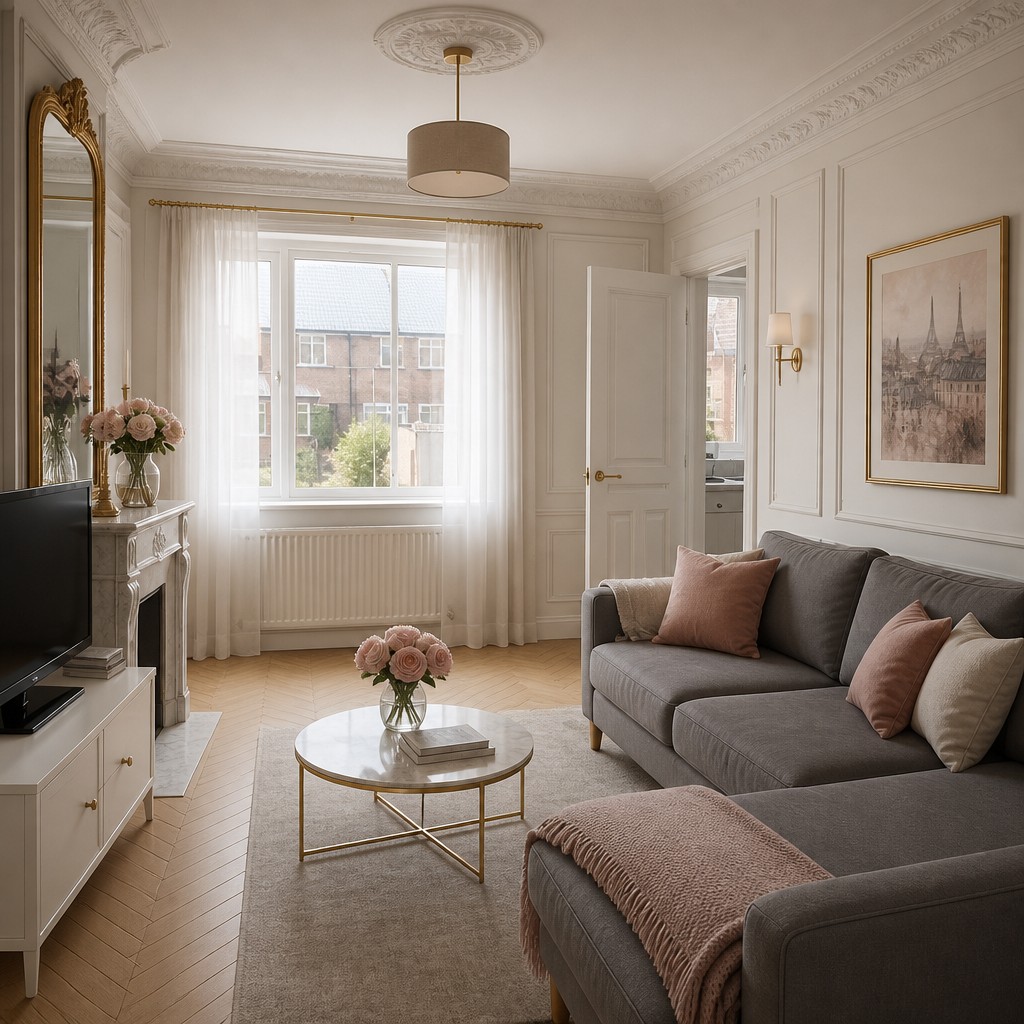
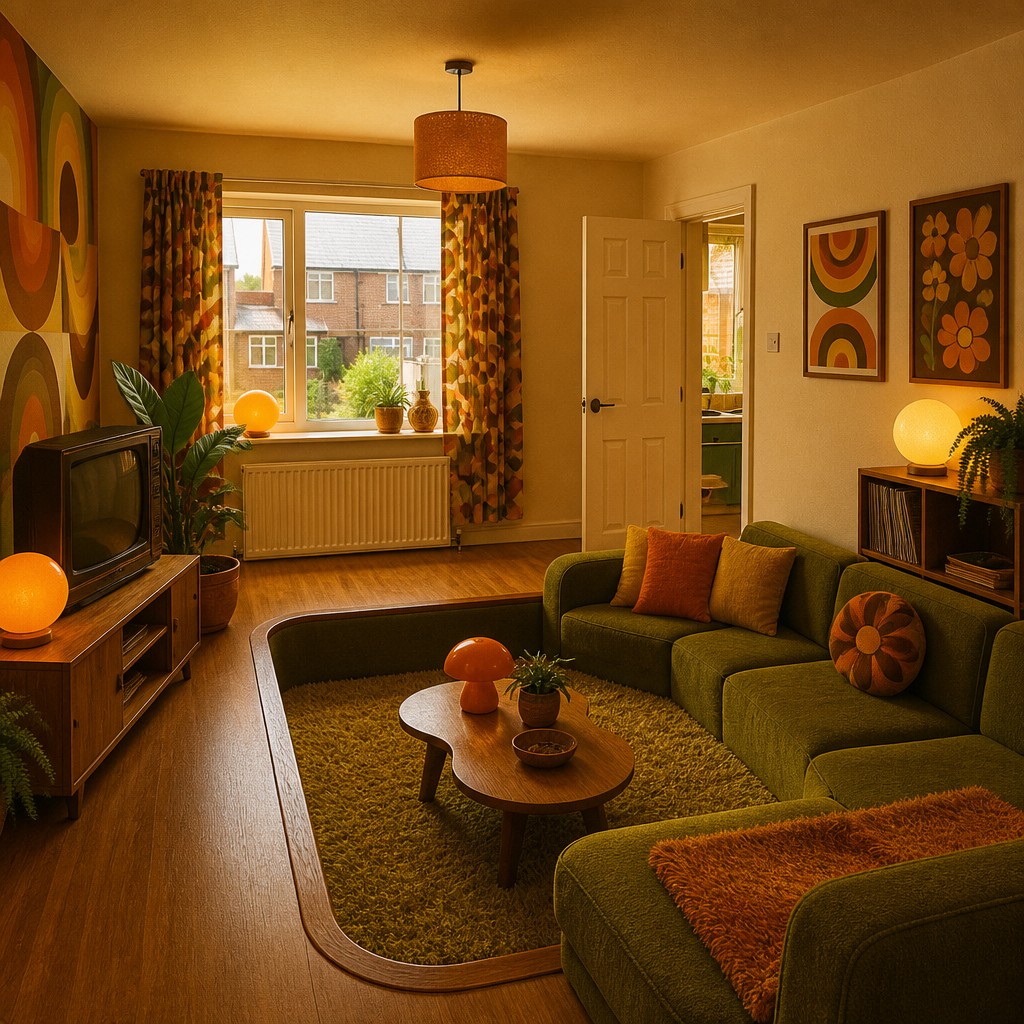
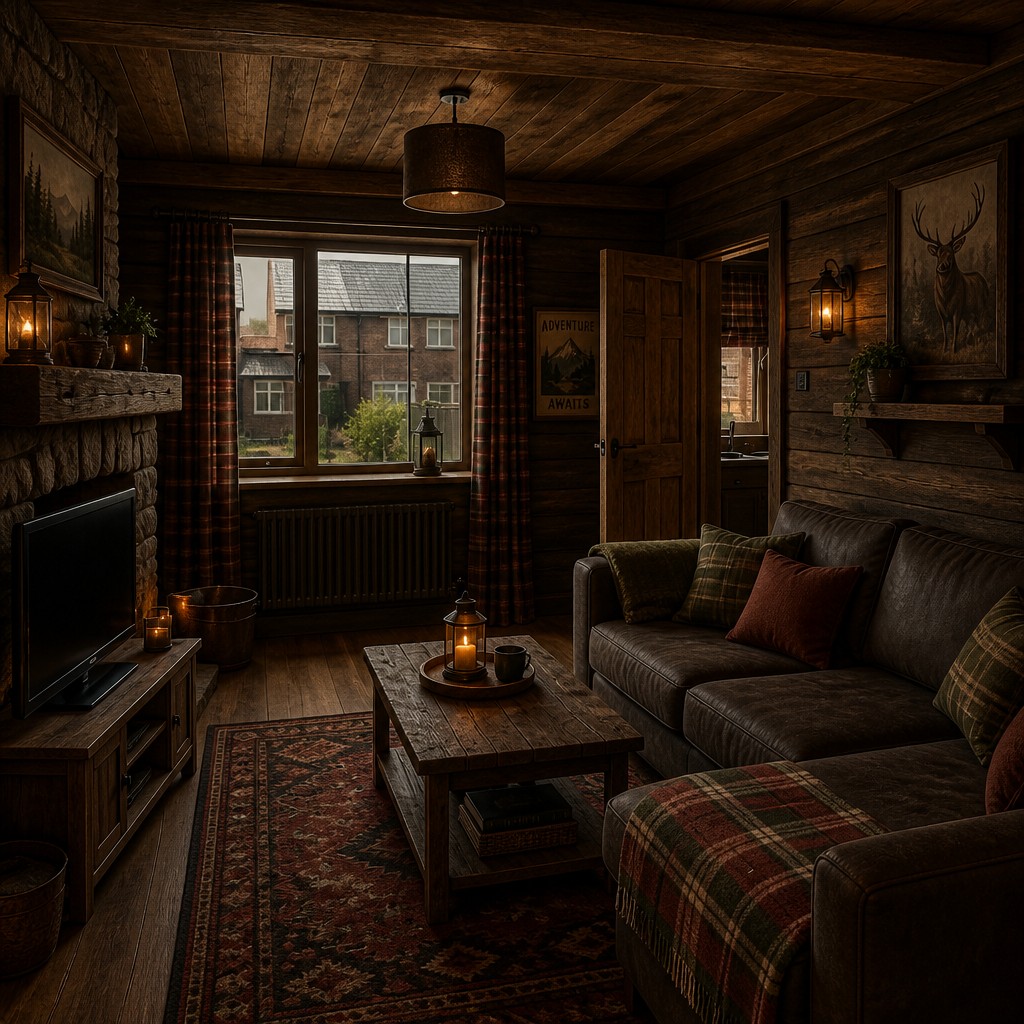
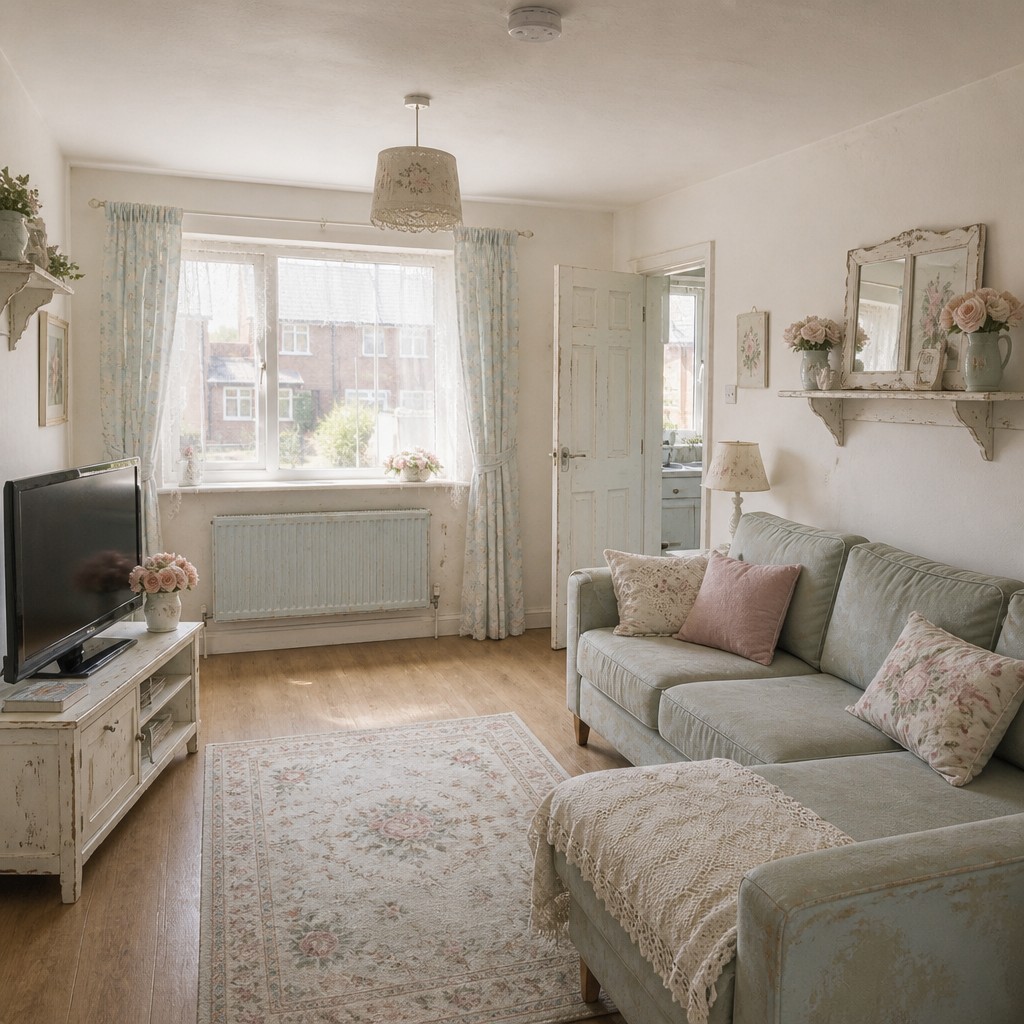
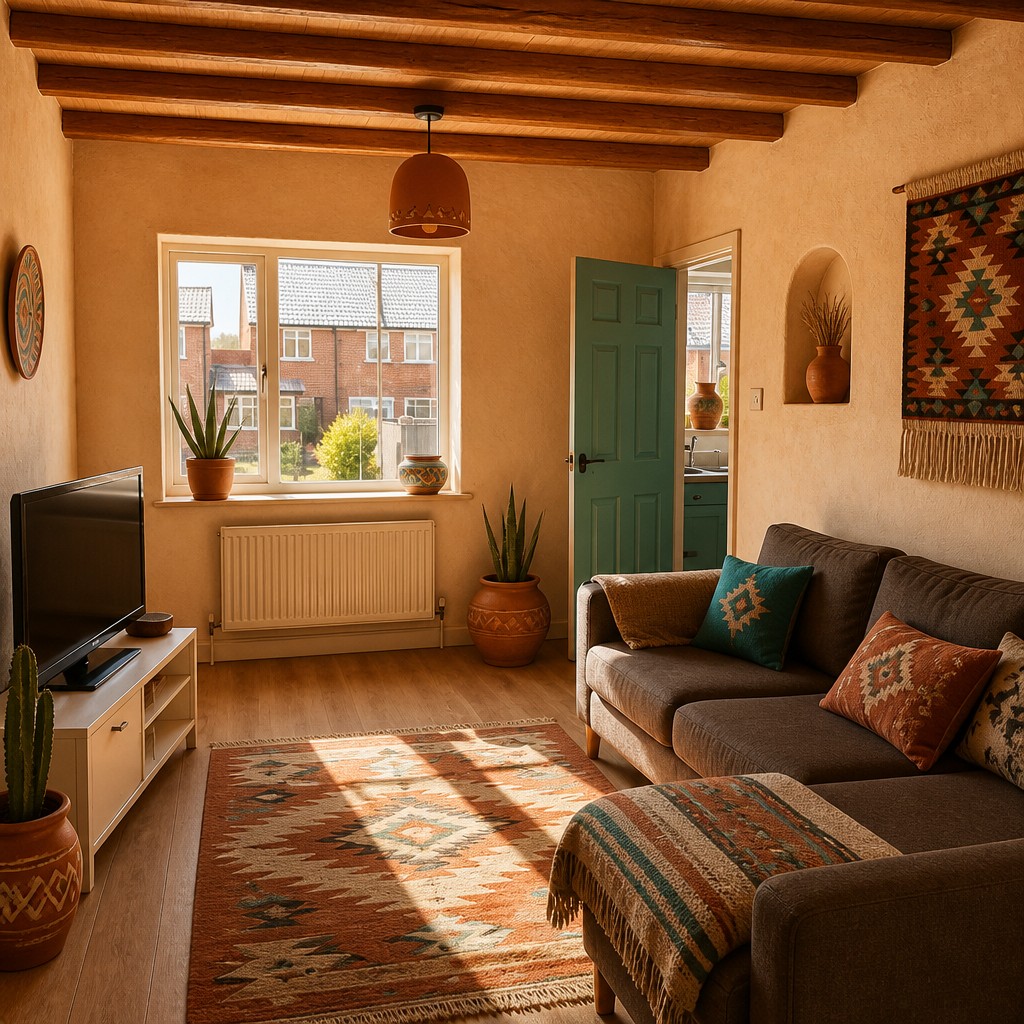
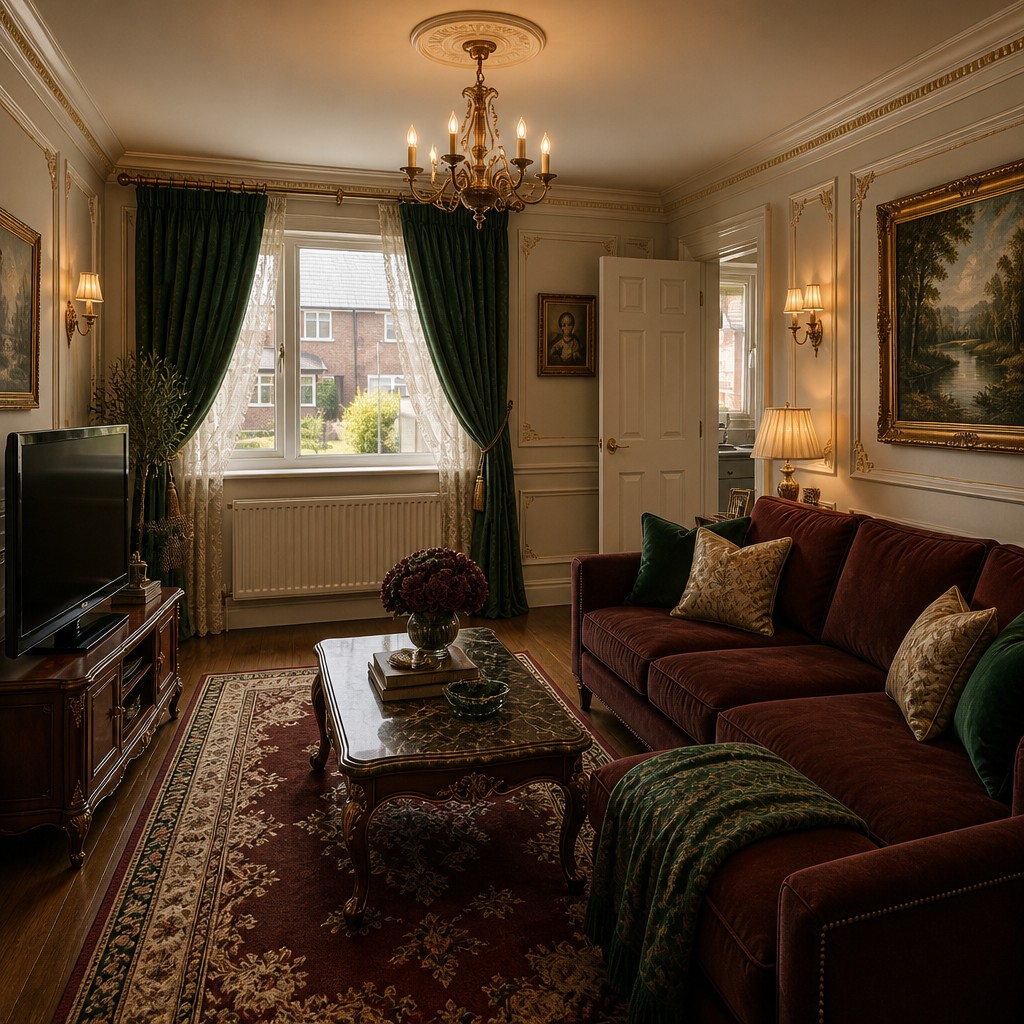
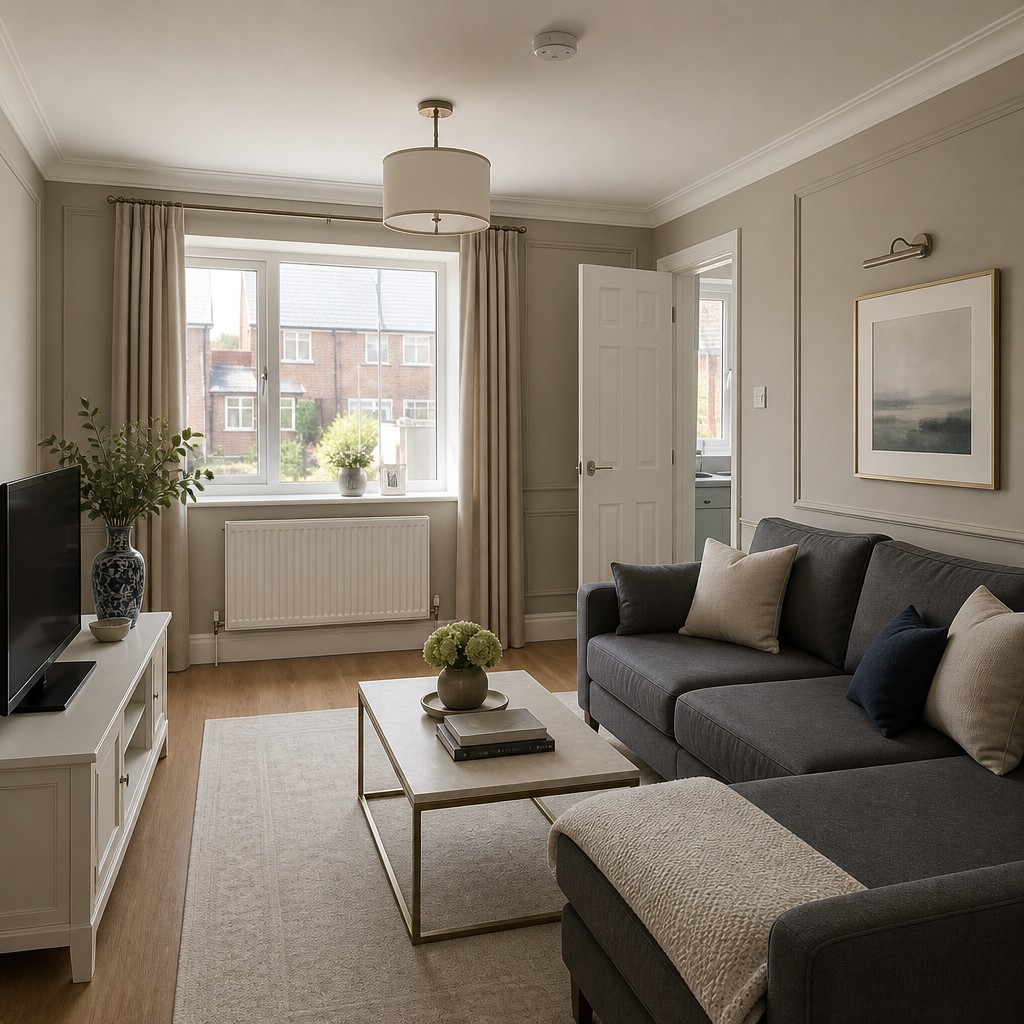
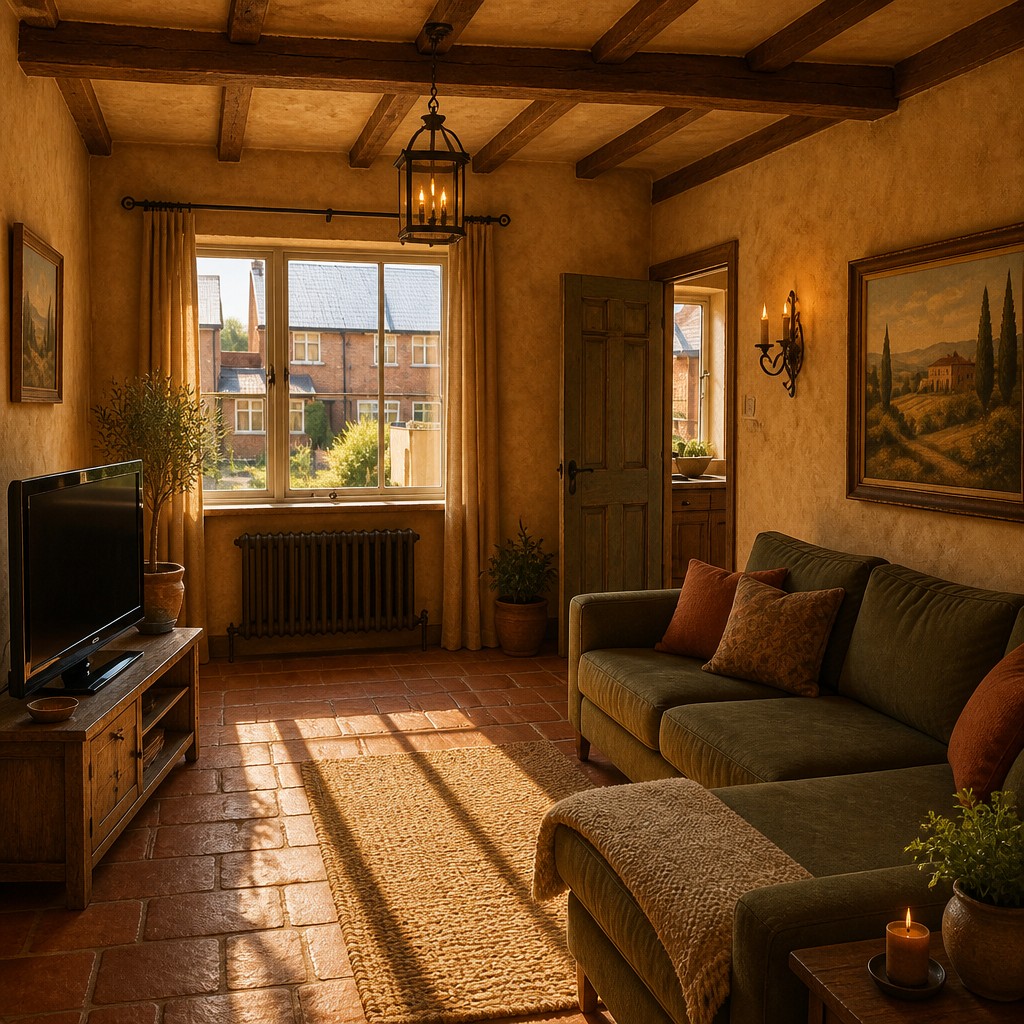
How It Works
Snap your room
Any phone photo works — daylight and a straight-on angle give the best results.
Pick a style
Choose from 29 interior design styles, from Wabi-Sabi to Hollywood Regency. Preview them all below on the same room.
Generate & compare
The AI re-renders your room in that style in seconds. Try a few styles side by side before you commit to one.
Bring It to Life
Every style can also generate video.
Art Deco
Biophilic
Bohemian
Frequently Asked Questions
How does AI interior design work?+
You upload a photo of your room and choose a style. The AI re-renders the photo keeping your room’s layout and composition while transforming colors, materials, furniture finishes, lighting and decor to match the chosen interior design style.
Will it keep my room’s layout?+
Yes — the generator works from your photo, so walls, windows and major furniture placement stay recognizable. It restyles what’s there rather than inventing a different room.
Which interior styles can I try?+
All 29 styles on this page, including Scandinavian, Mid-Century Modern, Japandi-style Zen minimalism, Industrial, Bohemian, Art Deco, Coastal, Modern Farmhouse, Dark Moody and Maximalist. Every example above was generated from the same photo, so you can compare them fairly.
Is it free?+
You can try it free — upload a photo, pick a style and generate. Creating an account lets you save results and generate more.
Can I use it for real renovation planning?+
It’s a visualization tool, not an architectural plan — perfect for exploring directions, agreeing on a style with your partner, or briefing a designer or contractor with concrete images.
Can I generate a video of the redesign?+
Yes. Every style also supports video generation, so you can turn a styled render into a short ambient clip of the room.