Pixel Art Style
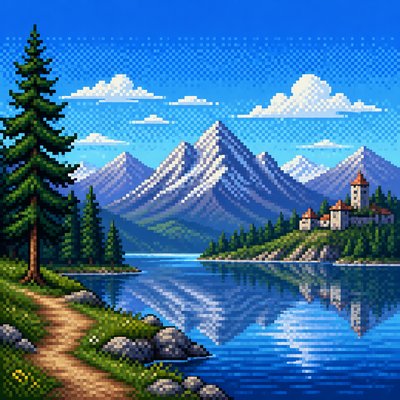
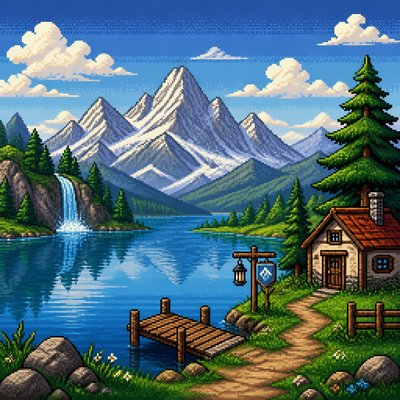
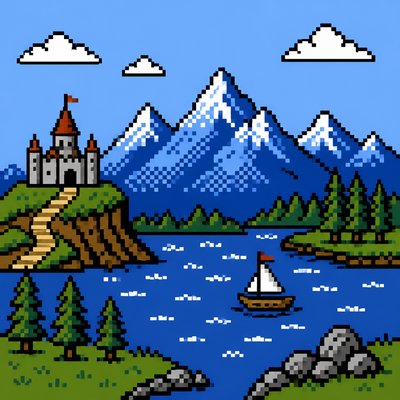
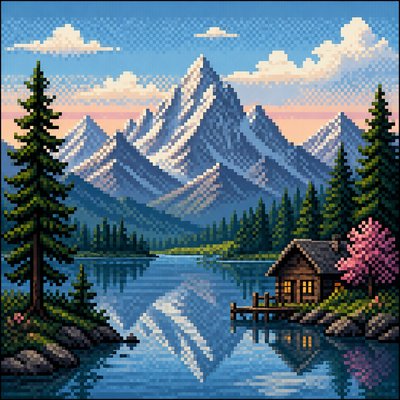
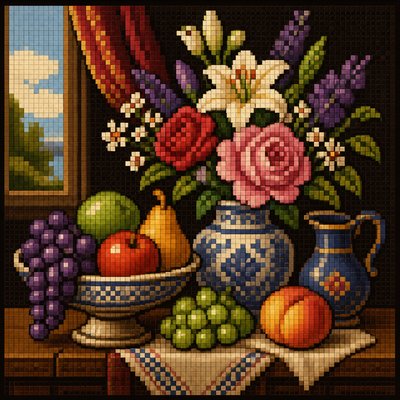
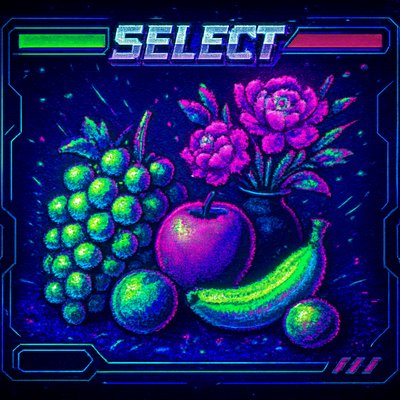
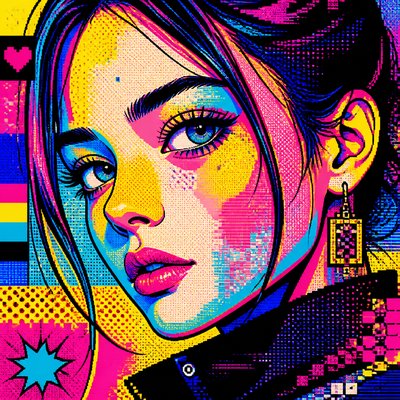
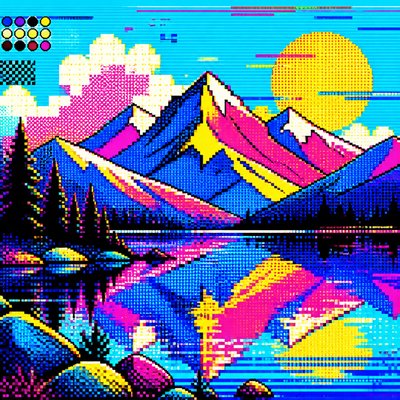
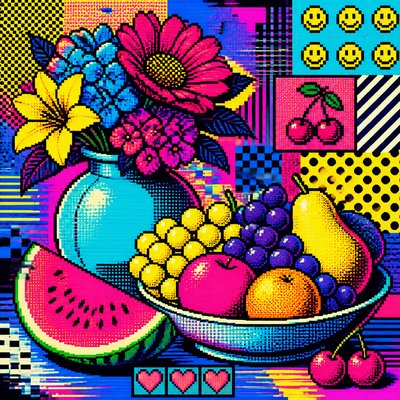
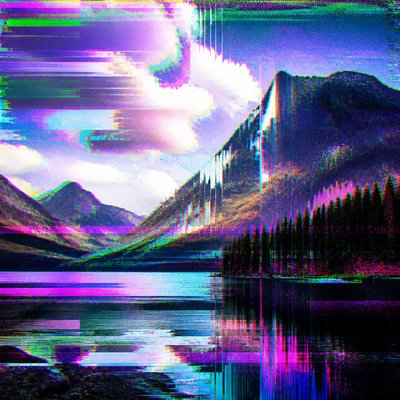
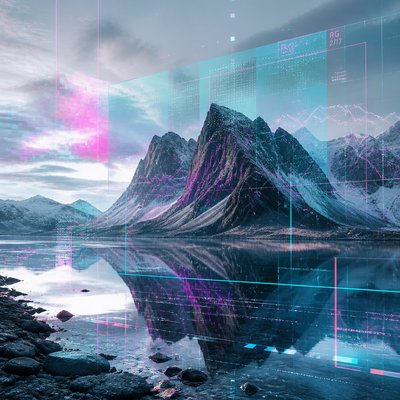
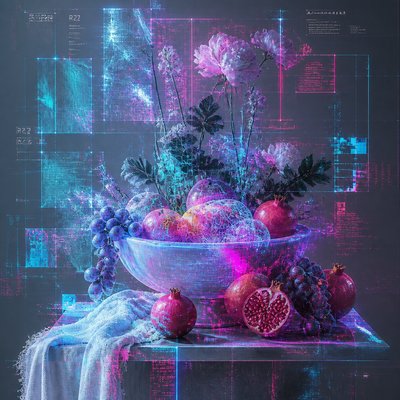
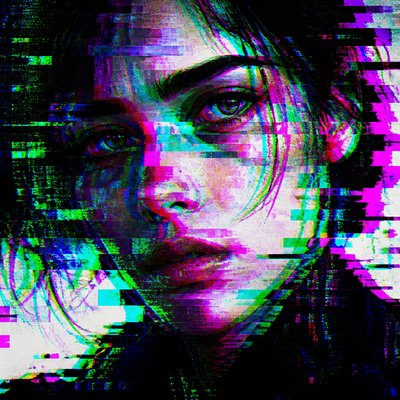
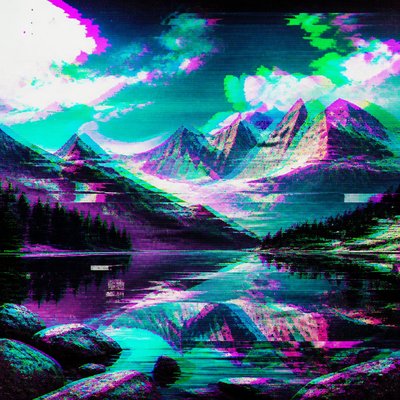
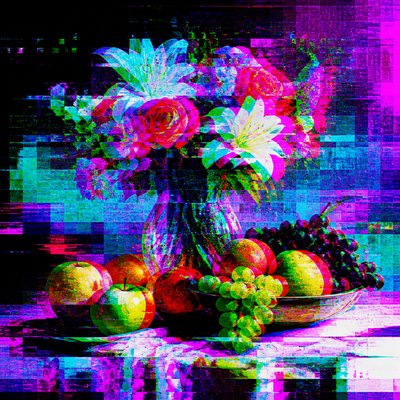
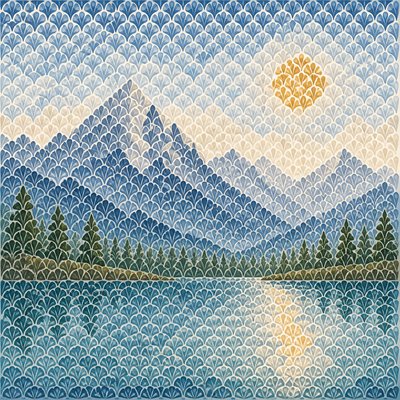
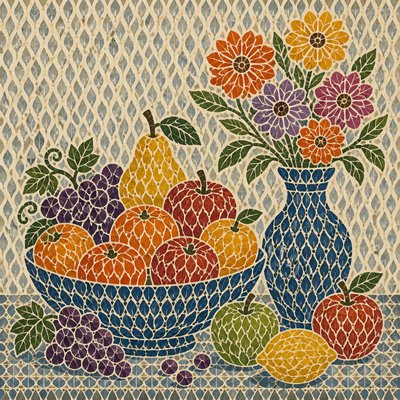
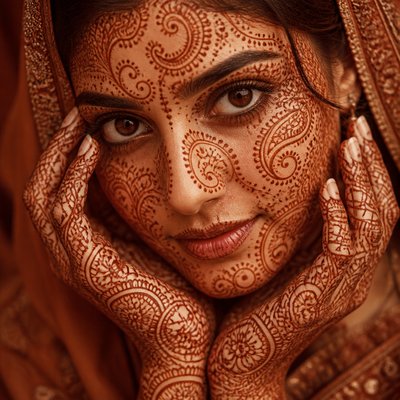
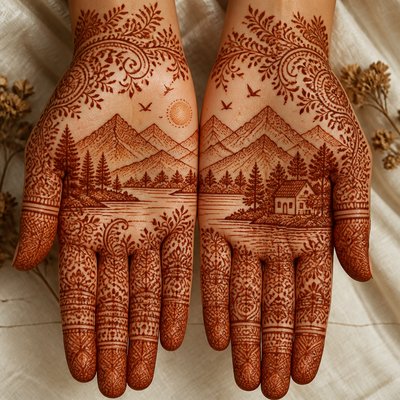
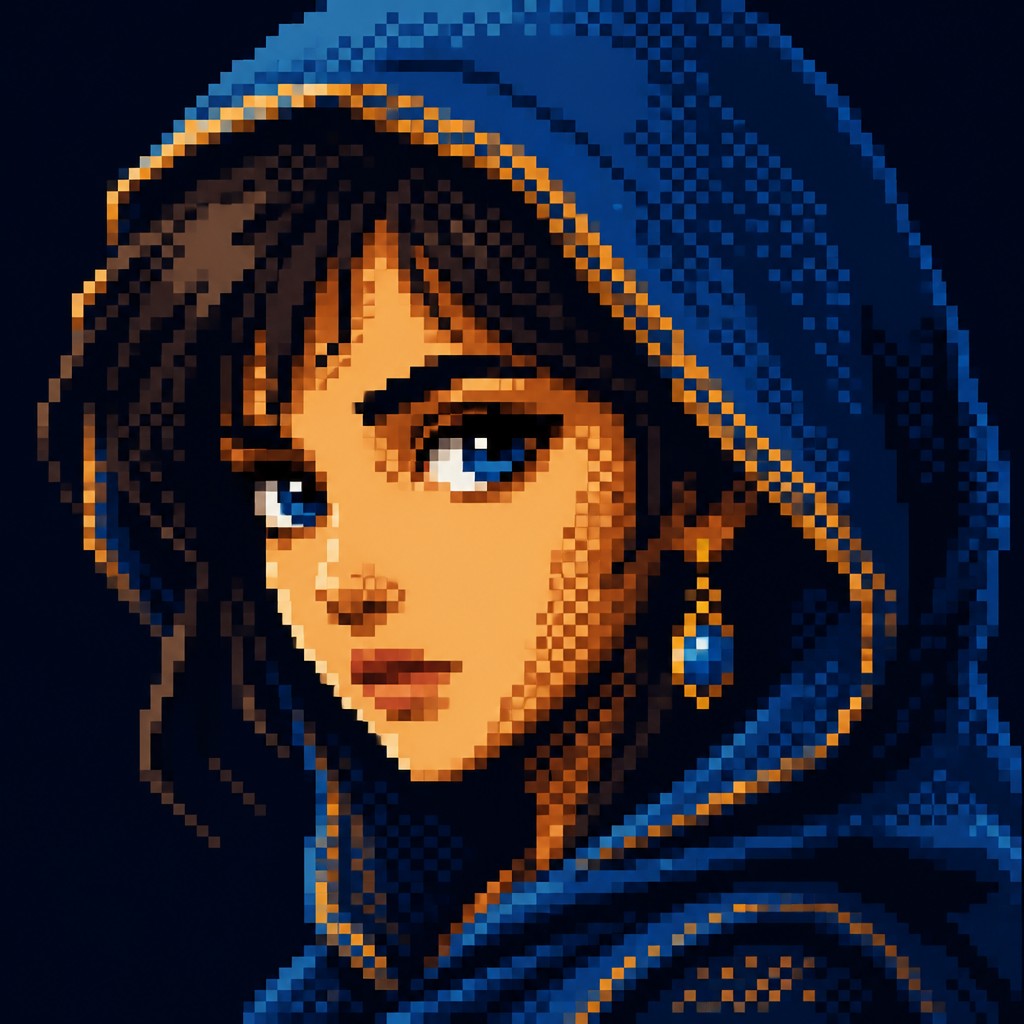
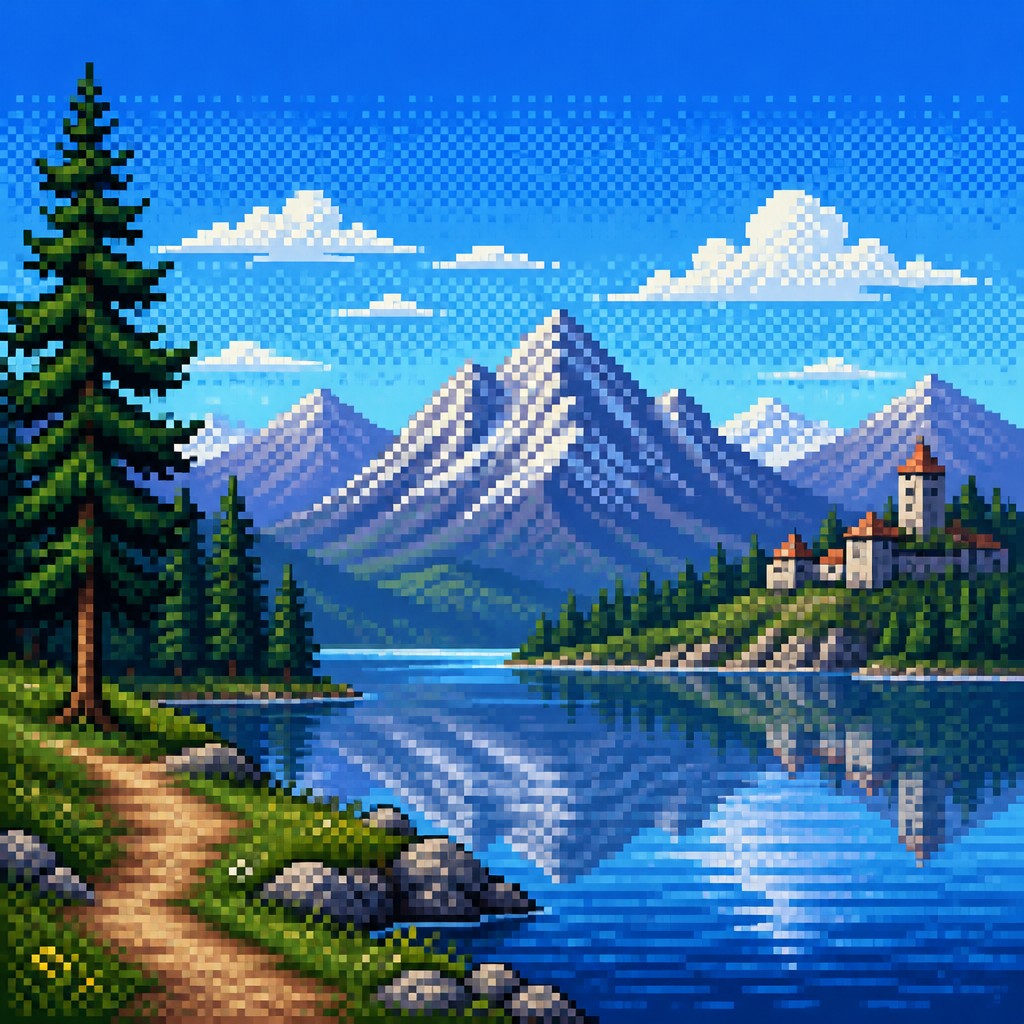
Retro digital art made from visible square pixels, sharp edges, limited color palettes, and nostalgic 8-bit and 16-bit game aesthetics.
Instantly rendered in Pixel — or transform a photo

Pixel Gallery
Tap any artwork to explore it


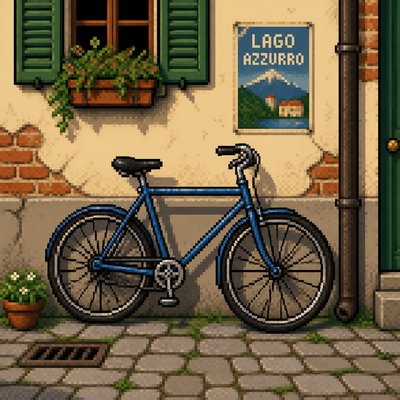
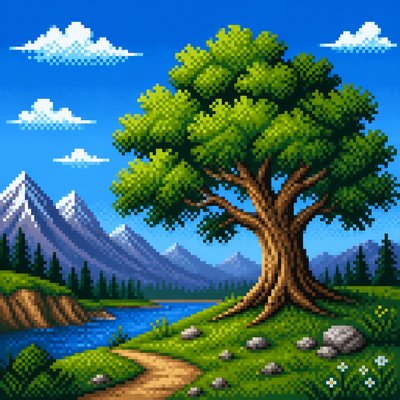


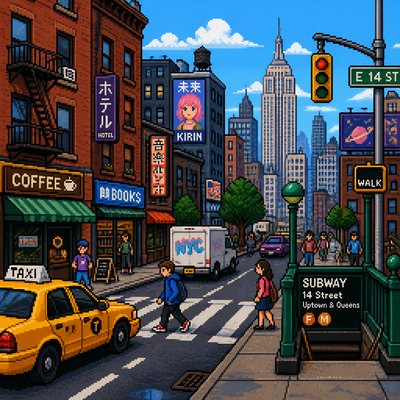
What is Pixel Art Style?
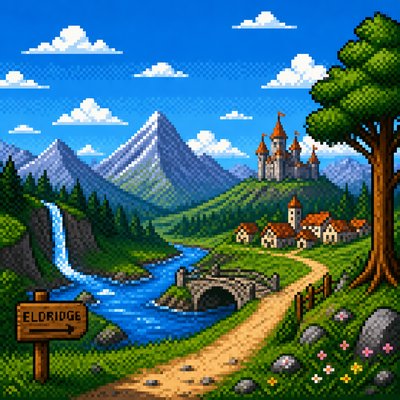
Pixel art is a digital image-making style in which forms are constructed from individual visible pixels arranged on a strict grid. Rather than hiding the digital medium, it emphasizes it: edges stay crisp and blocky, curves become stepped, and shading is often built with carefully chosen clusters of color. The result is an image that feels compact, graphic, and deliberately handmade at the smallest scale.
Its visual identity comes from early computer and video-game hardware, when limited screen resolutions and indexed color palettes made every pixel matter. Even when created today with modern software, pixel art retains that old-screen charm through flat fills, hard-edged shadows, dithering, and restrained color use. It can be playful or highly detailed, but it always depends on disciplined placement rather than continuous-tone painting.

Try It On Your Photos
Upload any photo and convert it into Pixel Art Style — drag the sliders to compare before and after.


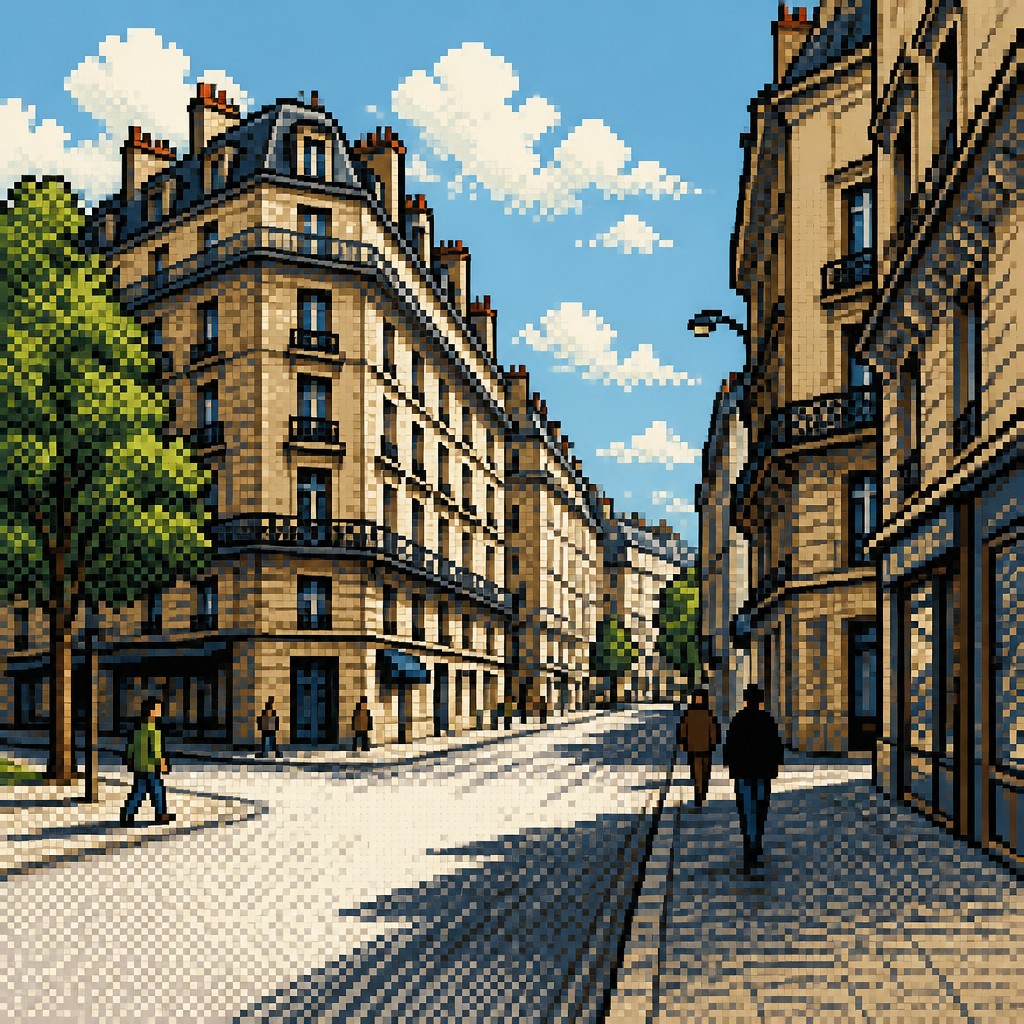
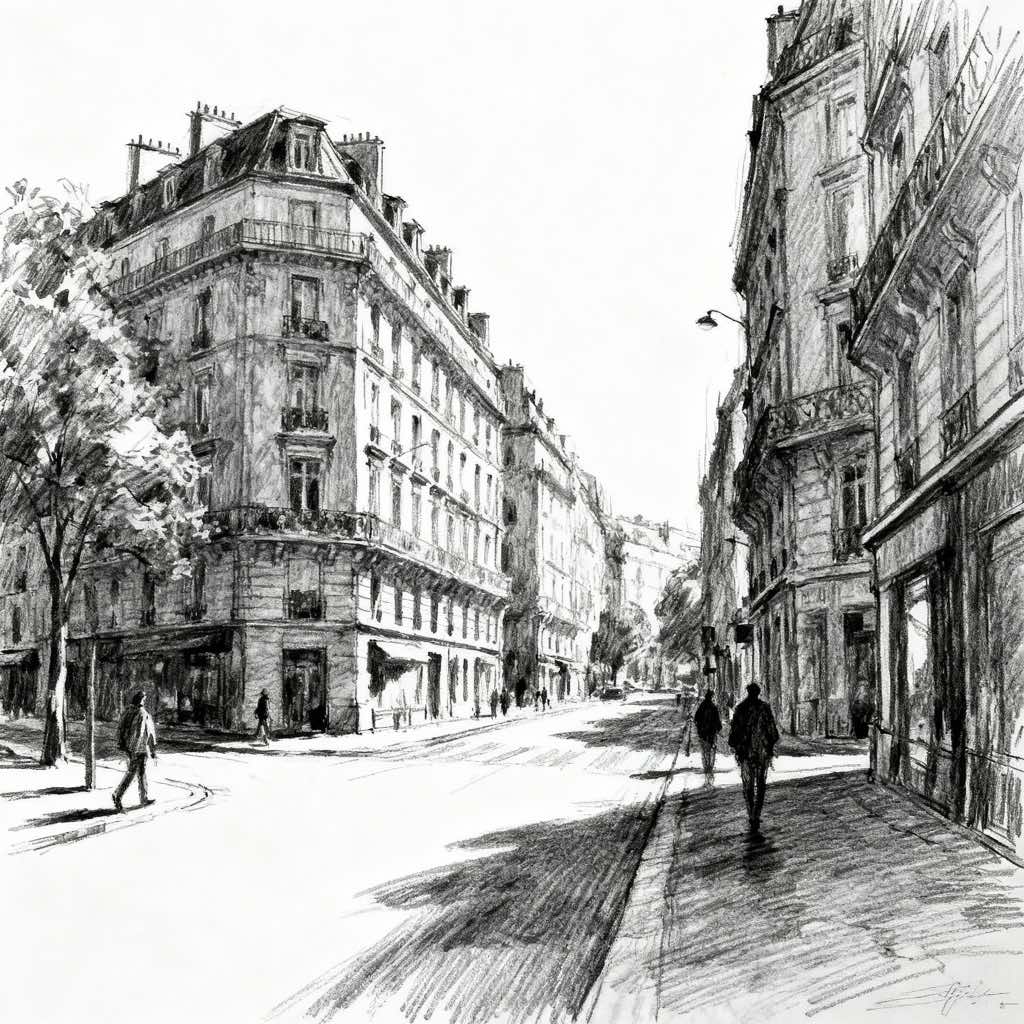
What Defines Pixel Art Style
The signature details, up close
Visible square pixels
The image is made from discrete pixel units that remain apparent to the viewer. The grid is part of the look, not something to be smoothed away.
Limited indexed palette
Colors are usually restricted to a small, carefully chosen set. This keeps the image cohesive and reflects the practical limits of early hardware.
Aliased, stepped edges
Curves and diagonals appear as stair-step forms rather than smooth lines. This gives objects a crisp, geometric silhouette.
Dithering and texture patterns
Shading often uses alternating pixel patterns to suggest gradients, noise, or midtones. Dithering adds depth without relying on blur or subtle blending.
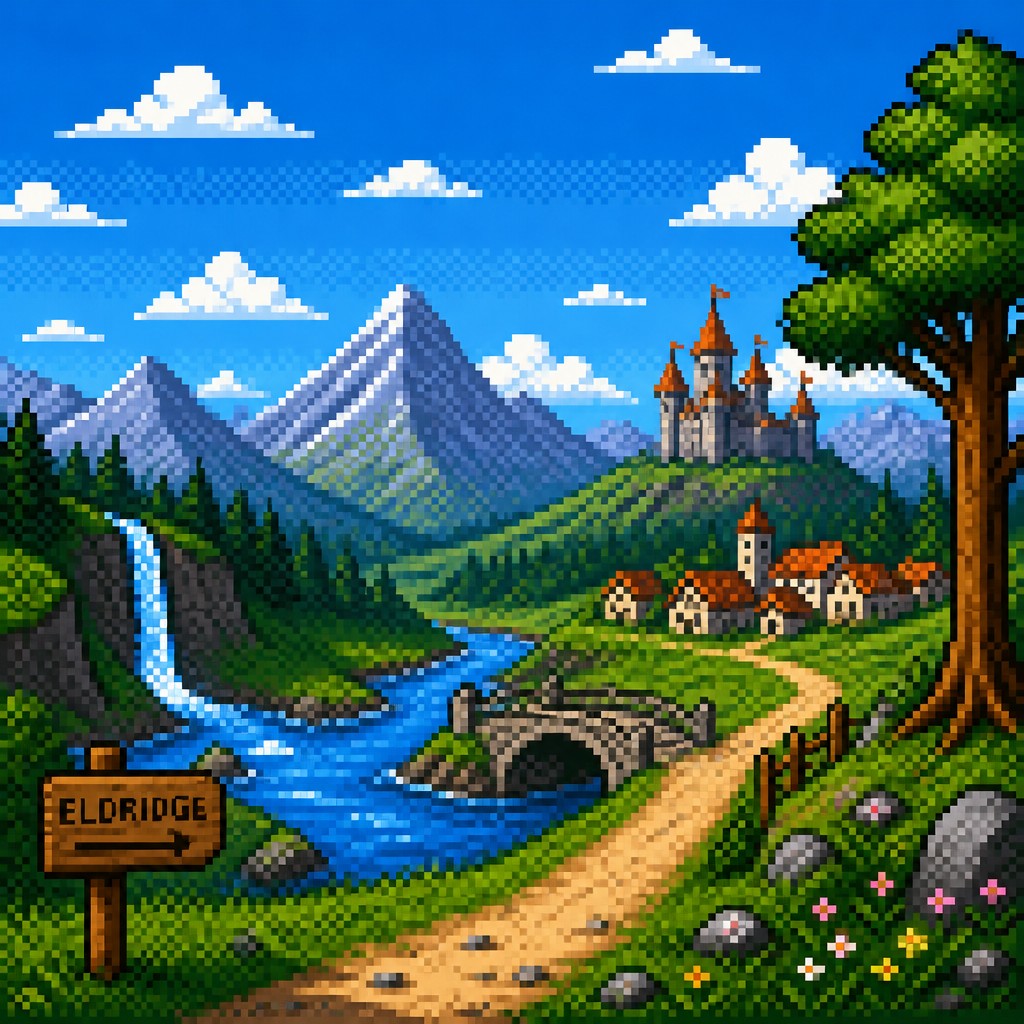
Chunky highlights and shadows
Light and shade are usually built from compact blocks of color with clear boundaries. Forms read through shape logic more than painterly blending.

Flat fills and clean separation
Areas of color are typically flat and contained within crisp outlines or hard transitions. This clarity helps small images stay legible.
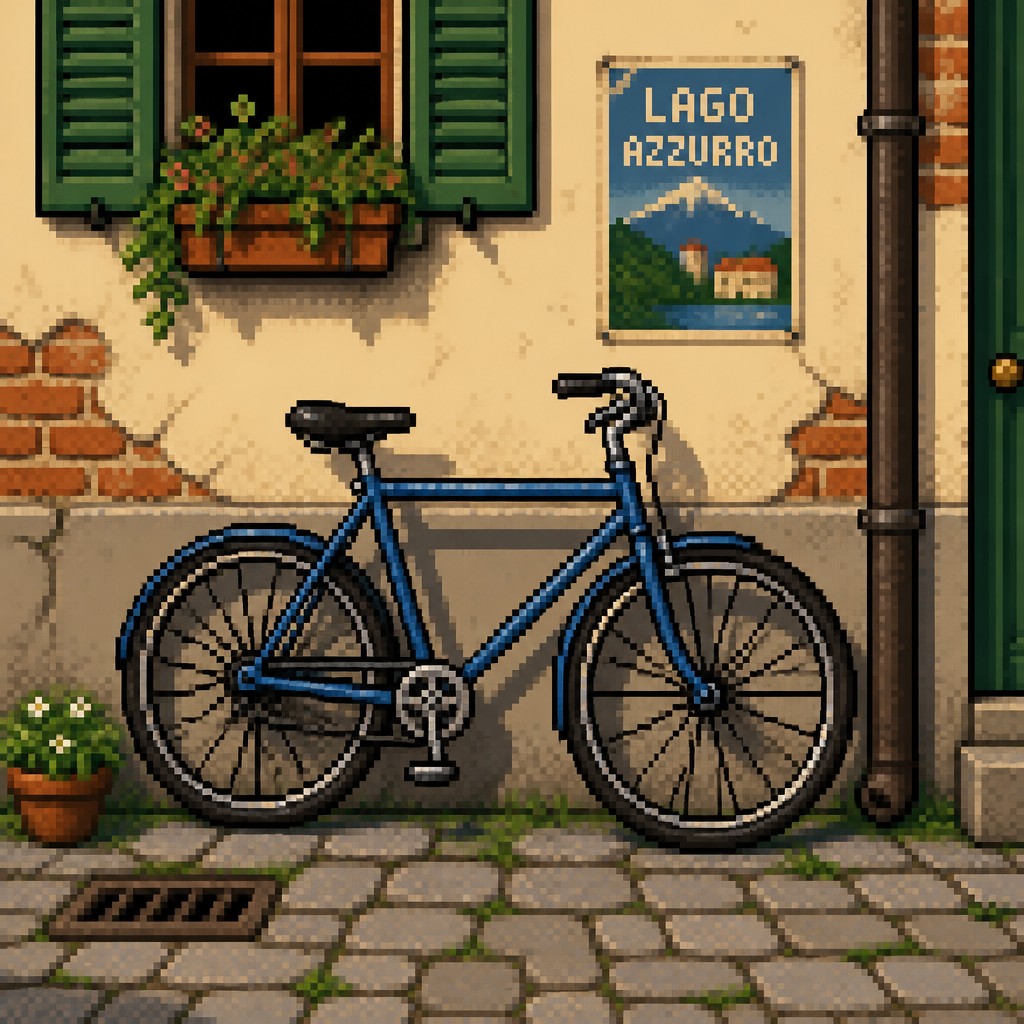
Nostalgic game-era mood
The overall effect recalls 8-bit and 16-bit video games, menus, sprites, and tile-based worlds. The style often feels playful, synthetic, and intentionally retro.
Try It
Create Videos in Pixel Art Style
Styles aren't just for stills — describe a scene or animate an image and get a short video rendered in Pixel. Press play to see this pond come to life.
Make a VideoPixel Prompt Ideas
Start from an idea — each one opens the generator with the style ready to go. See all 40 Pixel prompts →

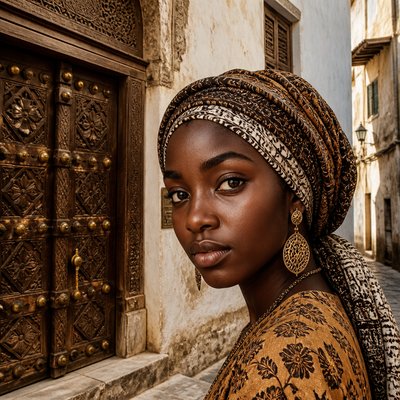
“close-up portrait of an elderly person with expressive weathered features”

“a cat lounging in a sunlit window”

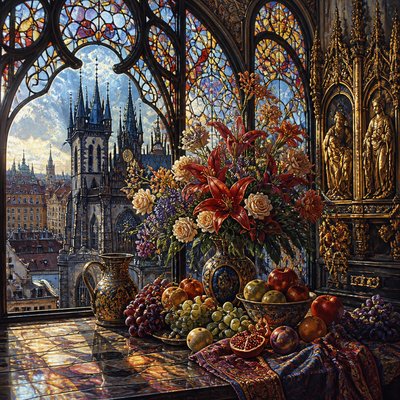
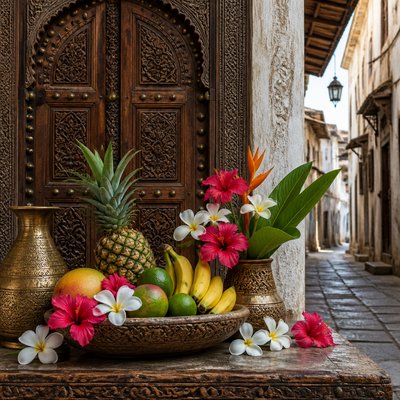
“bouquet of flowers in a glass vase”

“sailing ship on a stormy sea”
How to Create Pixel Art
Master the craft step by step — or skip straight to creating. Read the full guide →
- 1
Work from a grid
Draw or set up a visible pixel grid first, then build shapes one block at a time. Keep proportions simple so the silhouette reads clearly at small sizes.
- 2
Limit your palette
Choose a small number of colors and rely on value contrast, not subtle blending. A disciplined palette makes the image feel authentic and helps every pixel contribute.
- 3
Use hard edges and no anti-aliasing
Avoid soft brushes, blur, and smooth line interpolation. For traditional or digital work, each edge should remain sharply defined and stepped.
- 4
Shade with clusters and dithering
Instead of painting gradients, place pixels in patterns that suggest light falloff or texture. Small checkerboards, clusters, and sparse noise can simulate volume while preserving the blocky look.
- 5
Design for readability at low resolution
Simplify detail and emphasize silhouette, contrast, and iconic shapes. In prompt-based generation, specify low resolution, visible pixels, a strict grid, limited colors, and no anti-aliasing.

The Story
History & Origins of Pixel
Pixel art emerged from the technical constraints of early home computers, arcade machines, and console video games in the late 1970s and 1980s, when low resolutions and limited memory required images to be designed pixel by pixel. Artists working for systems such as the Atari 2600, Nintendo Entertainment System, and Sega Master System developed a visual language of icons, sprites, tiles, and backgrounds that maximized clarity within severe limits. As hardware improved in the 16-bit era, pixel art became more expressive while still retaining its block-based structure.
After being displaced in many commercial contexts by higher-resolution graphics and 3D rendering, pixel art remained influential through independent game development, internet art communities, and nostalgia for retro interfaces. Its lineage is not tied to a single fine-art movement but to digital craft, early computer graphics, and game design traditions. Today it is used both as a nostalgic reference and as a deliberate aesthetic choice that values clarity, limitation, and visible construction.
Influences: Pixel art is closely related to early computer graphics, arcade and console game art, and icon design, with practical echoes of mosaic-like image construction and modular patterning. Its visual logic also overlaps with low-resolution bitmap illustration and certain aspects of graphic design, where clarity, simplification, and strong silhouettes matter. Unlike painting traditions that prioritize continuous brushwork, pixel art treats each mark as a discrete unit, making its craftsmanship legible in the final image.

Frequently Asked Questions
What defines pixel art?
Pixel art is defined by visible individual pixels, a strict grid, and a limited palette. The image should look intentionally constructed from small square units rather than smoothed into a continuous-toned picture. Its charm comes from restraint and precision.
How is pixel art different from digital painting?
Digital painting usually imitates brushstrokes, soft blending, and painterly surfaces. Pixel art does the opposite: it keeps edges hard, avoids anti-aliasing, and relies on discrete blocks of color. The medium is meant to remain visible.
Why does pixel art look nostalgic?
It recalls the technical limits of early video games and home computers, when low resolutions and few colors shaped the appearance of on-screen images. Many people associate that look with childhood games, arcade cabinets, and early software. The nostalgia is both visual and cultural.
Can pixel art be detailed?
Yes, but the detail must still be built from pixels rather than smooth rendering. Skilled artists use careful color placement, dithering, and silhouette design to suggest complexity within a limited resolution. The image remains block-based even when highly refined.
Where is pixel art commonly used?
It is common in indie video games, character sprites, animations, UI icons, app graphics, and nostalgic illustration. It is also popular in online art communities because the style is recognizable and adaptable. Many creators use it for both functional and decorative images.
How do I make a prompt for pixel art?
Ask for visible square pixels, a strict grid, limited colors, hard edges, and no anti-aliasing. It also helps to describe the subject plainly and add cues like 8-bit, 16-bit, dithering, and game sprite aesthetics. Clear resolution-minded language usually produces the strongest result.
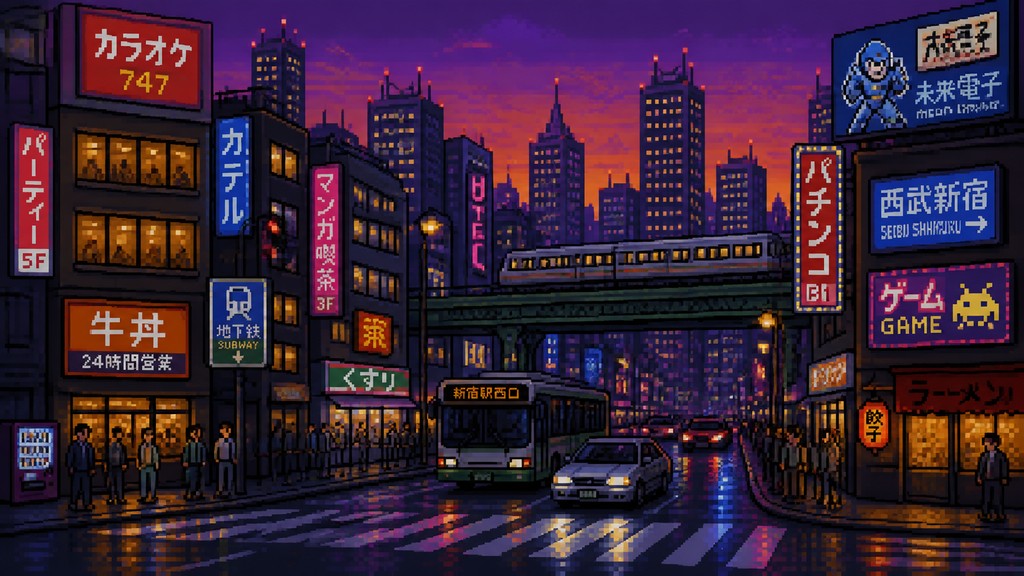
Create your first Pixel artwork
Describe anything — or upload a photo — and see it in Pixel Art Style in seconds.
Make Something with Pixel
Compare Pixel
Related Styles
Discover similar art styles