Pixel vs 16-Bit Pixel: What's the Difference?
Pixel Art Style is retro digital artwork built from visible square pixels, crisp edges, and intentionally limited palettes. It often evokes early game graphics, simple animation, and a handmade digital feel.
16-Bit Pixel Art Style uses the same pixel-based language but usually with richer color, more shading, and finer detail. People compare them because both are nostalgic and game-inspired, but one reads as simpler and more minimal while the other feels more polished and expansive.
Same Prompt, Both Styles
Each pair below was generated from the identical prompt — only the style changed.
“portrait of two people together”


“wide landscape with natural scenery”
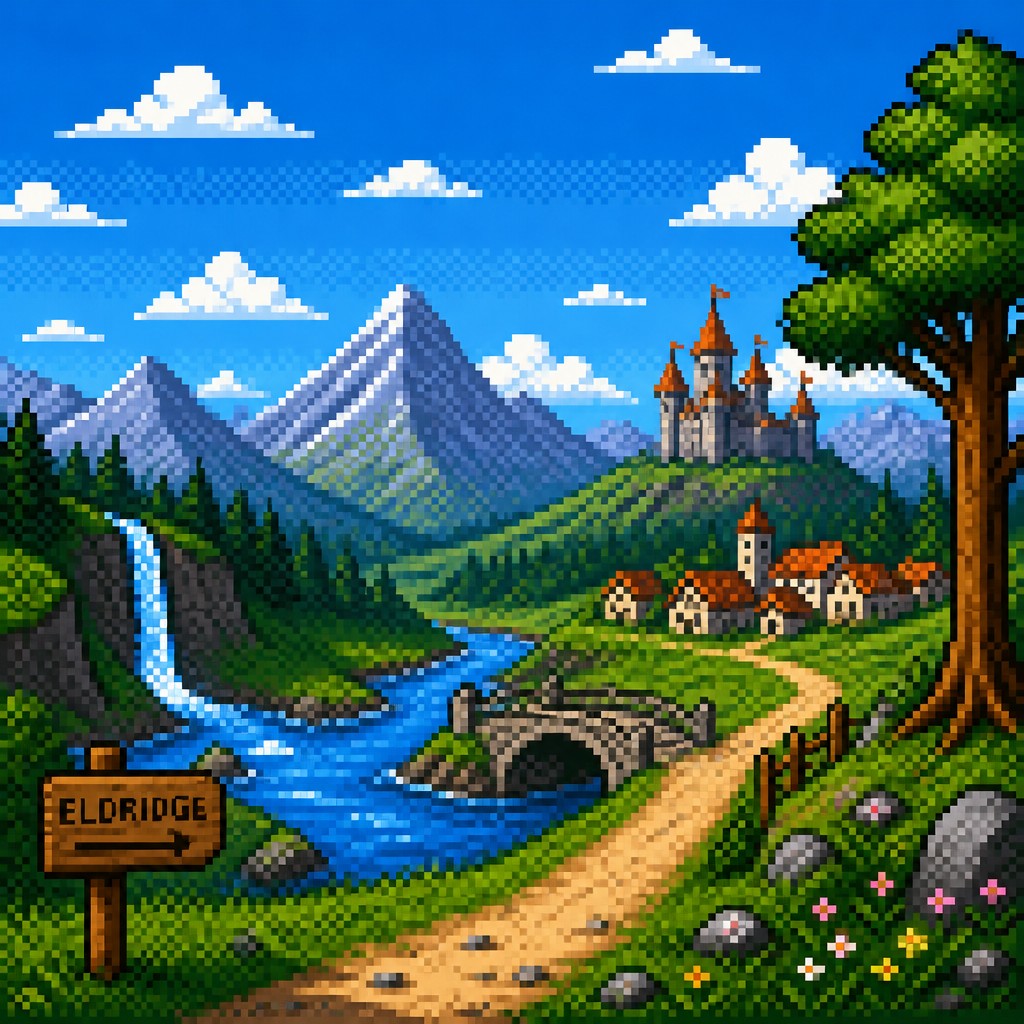
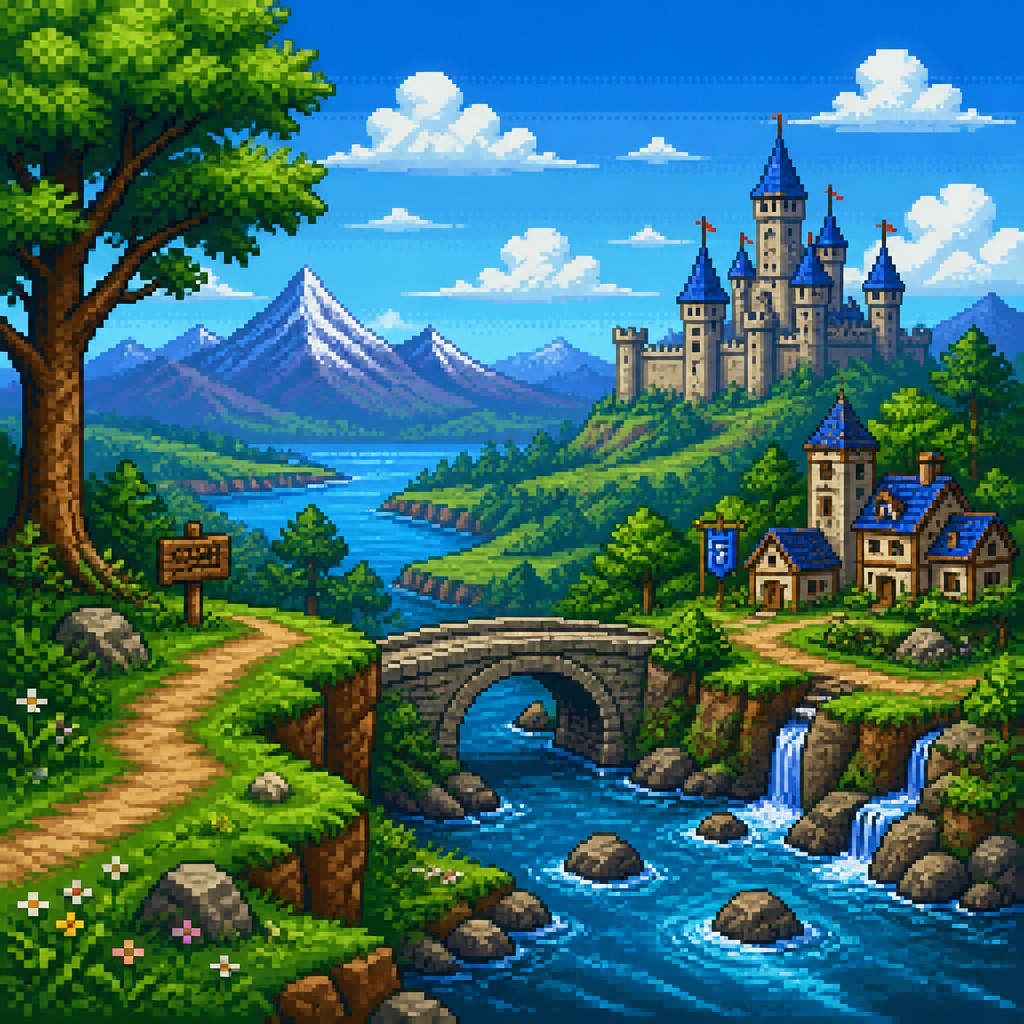
“still life with everyday objects”


“bicyle resting against a wall”
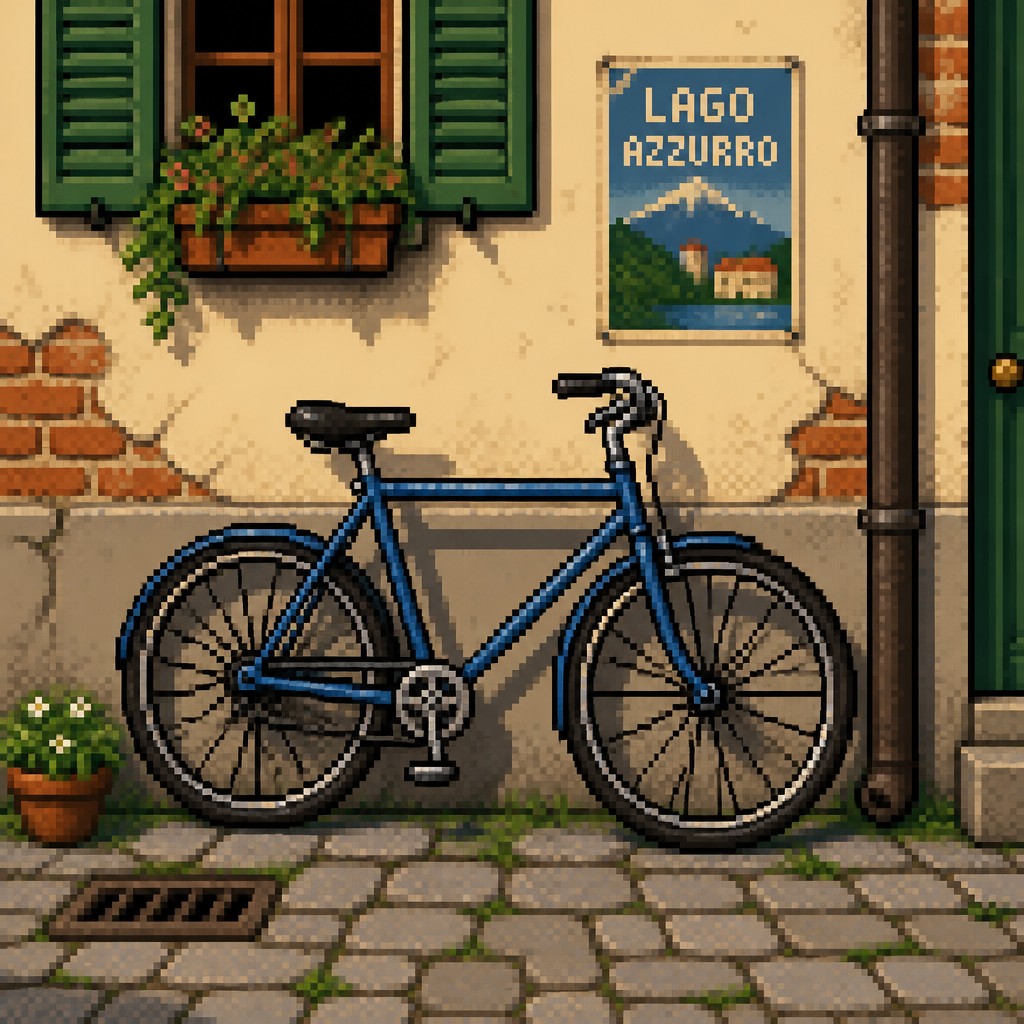
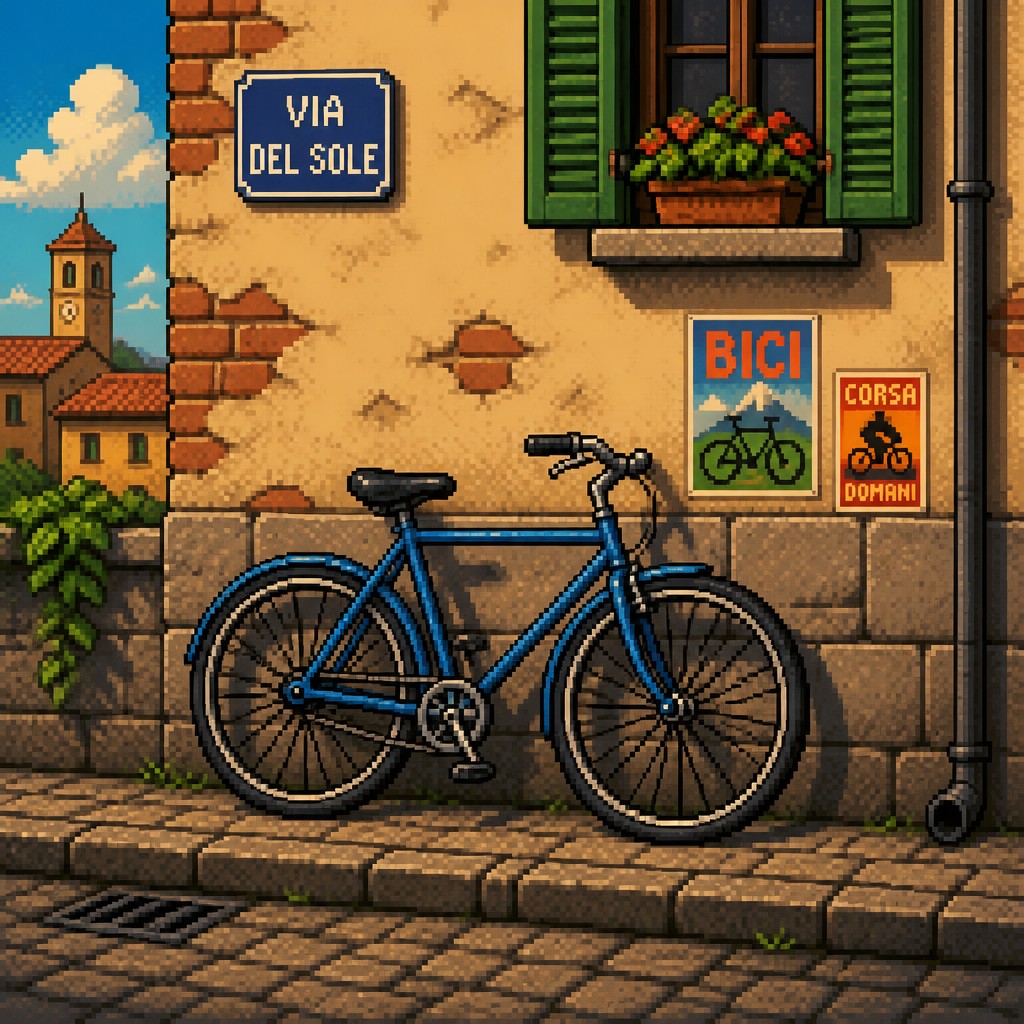
Key Differences
| Pixel | 16-Bit Pixel | |
|---|---|---|
| Color palette | Fewer colors; stronger restrictions create a simpler, classic look. | More colors; smoother gradients and richer tonal variety. |
| Detail level | Simplified shapes and reduced internal detail. | More nuanced features, texture, and layered detail. |
| Line & form | Chunkier forms with obvious pixel steps and sharp outlines. | Cleaner contours with more refined pixel placement. |
| Visual complexity | Minimal and readable at a glance. | Denser visuals with more surface information. |
| Mood | Playful, nostalgic, and often more abstract. | Immersive, polished, and slightly more cinematic. |
| Best use cases | Icons, simple game sprites, and stylized retro graphics. | Characters, scenes, and artwork needing more depth. |
| Mood | nostalgic, playful, graphic, compact | nostalgic, playful, compact, vibrant |
| Energy | balanced | balanced |
| Detail level | moderate | detailed |
| Color | limited palettes, high contrast, bright accents | limited but richer retro palette |
| Texture | blocky, crisp, grid-based | visible pixel clusters, crisp edges |
| Origin | 1980s-1990s video game era | late 1980s–1990s console era |
| Best for | video games, icons, character sprites, retro posters, UI elements, digital illustrations | video games, retro posters, sprite art, UI icons, fantasy scenes, nostalgic branding |
| Difficulty | moderate | moderate |
Which Should You Choose?
Pick Pixel Art Style when you want a bold, minimal retro look that is quick to read, easy to animate, and strong on nostalgia. Pick 16-Bit Pixel Art Style when you want the same retro appeal but with more detail, richer color, and a more finished presentation. If your project needs clarity and simplicity, choose A; if it needs atmosphere and visual depth, choose B.
Frequently Asked Questions
Is 16-Bit Pixel Art Style just a more detailed version of Pixel Art Style?
Often, yes in terms of visual feel, but not always in practice. The 16-bit look usually implies richer color and finer detail, while general pixel art can be much simpler and more restrictive.
Which style is easier to animate?
Pixel Art Style is usually easier to animate because it uses fewer details and simpler shapes. The 16-bit look can still animate well, but the extra detail often takes more time to maintain consistently.
Which style feels more nostalgic?
Both feel nostalgic, but they evoke slightly different memories. Pixel Art Style tends to feel older and more minimal, while 16-Bit Pixel Art Style feels richer and more like late classic console graphics.
Can both styles be used outside games?
Yes, both work well for posters, icons, branding, illustrations, and motion graphics. The main difference is whether you want a simpler retro statement or a more detailed retro atmosphere.