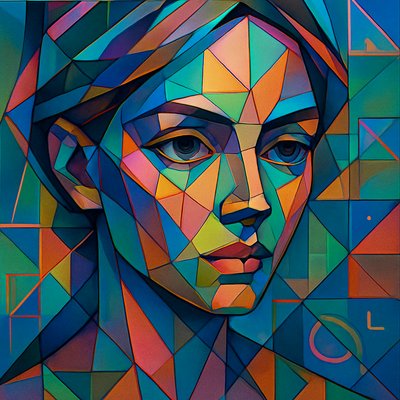
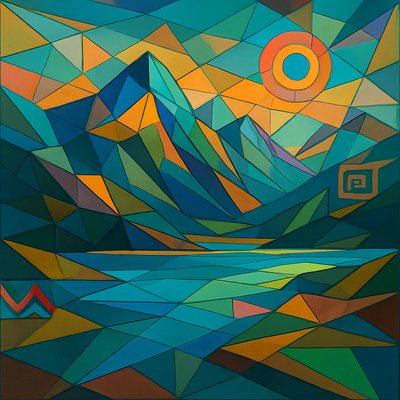
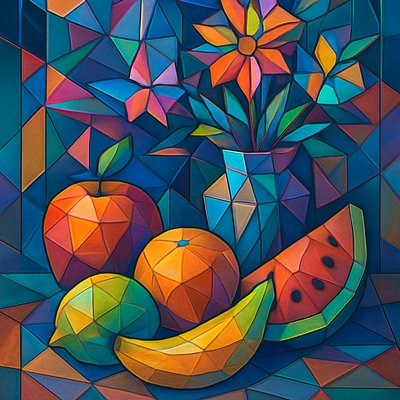
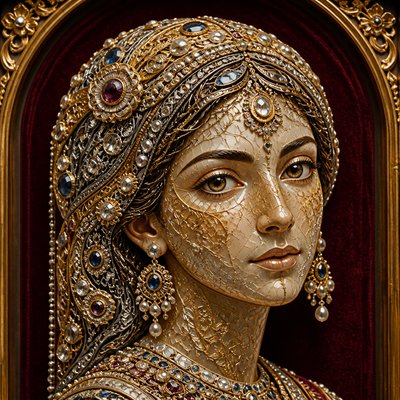
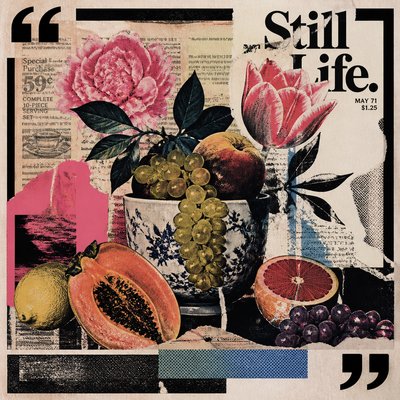
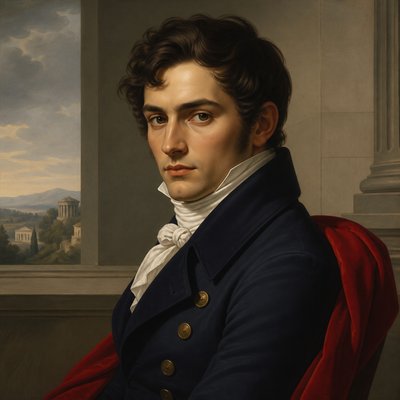
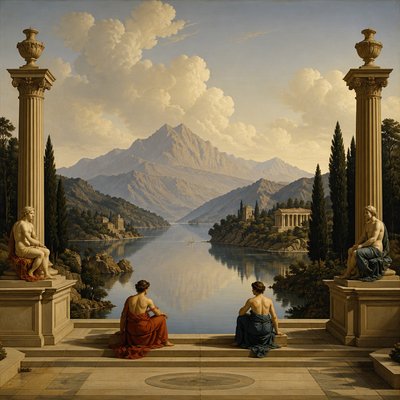
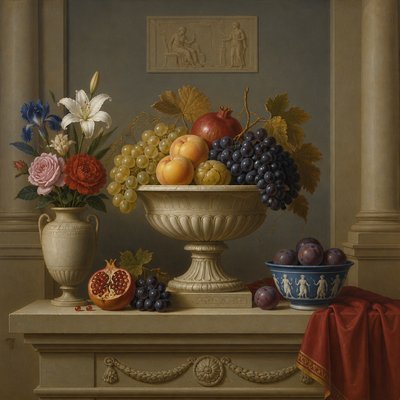
Digital Pop Art Style
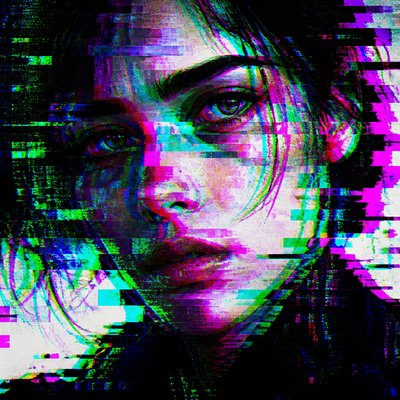
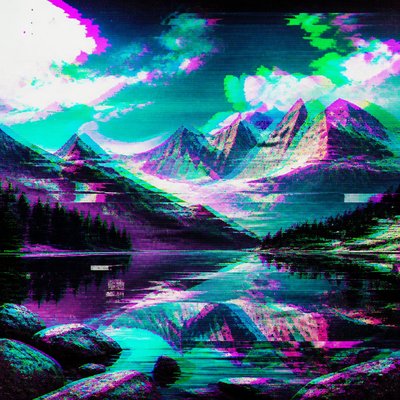
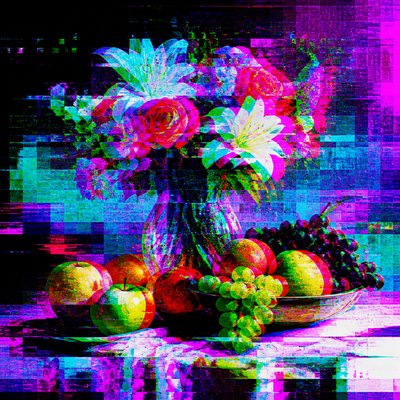
Bold pop-art visuals fused with pixels, emoji, glitch textures, and internet-age color for contemporary digital culture.
Instantly rendered in Digital Pop — or transform a photo
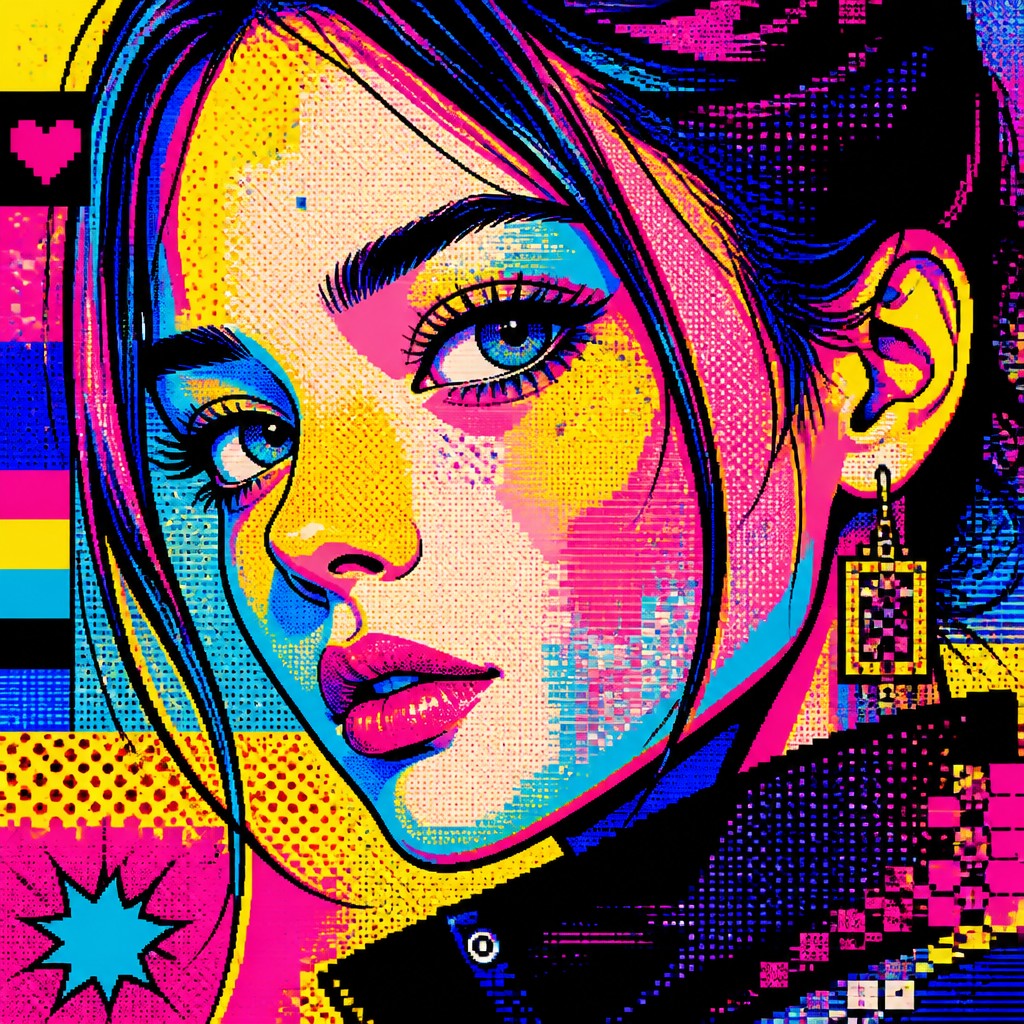
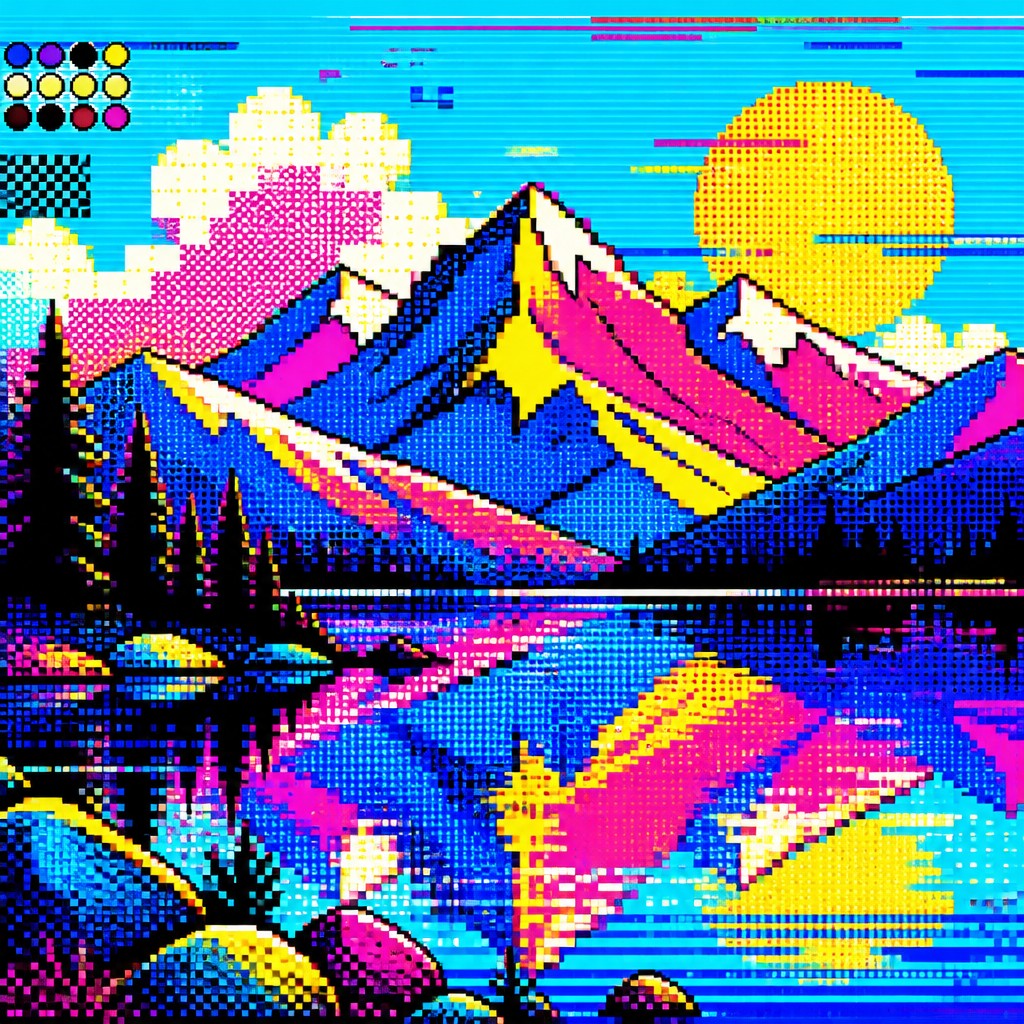
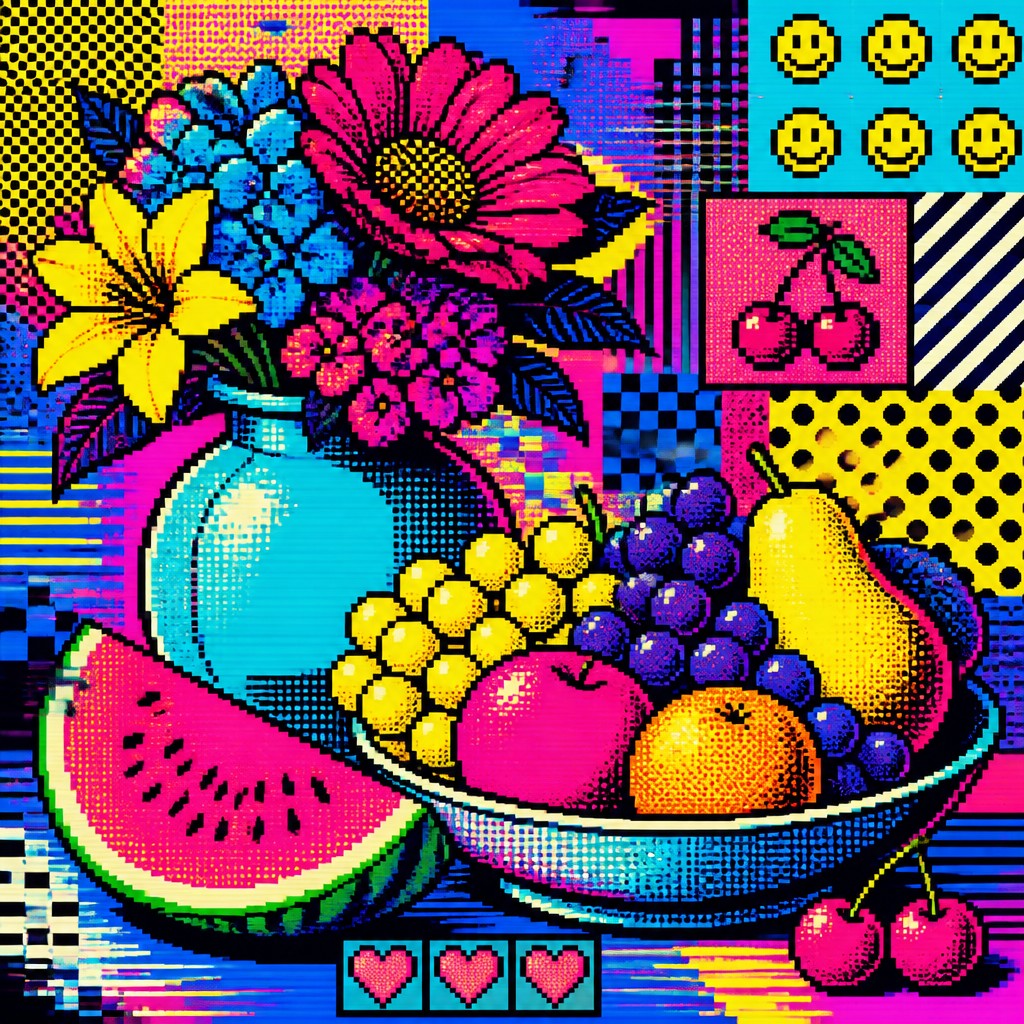
Digital Pop Gallery
Tap any artwork to explore it
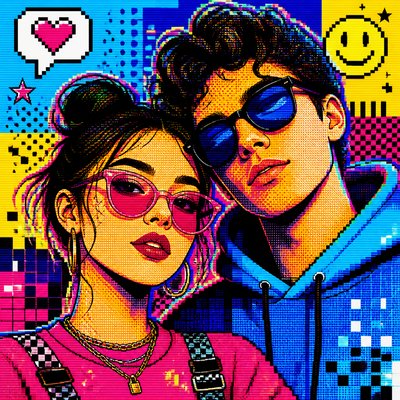
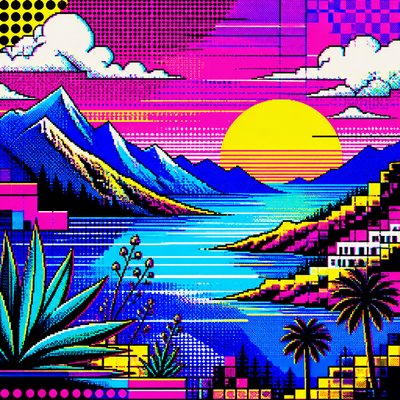
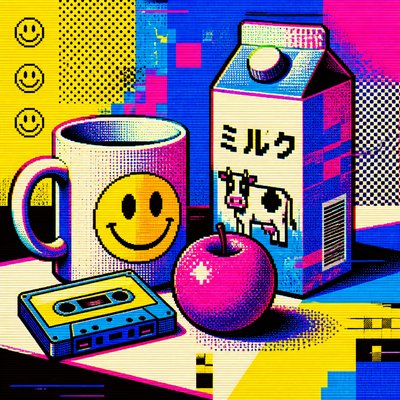
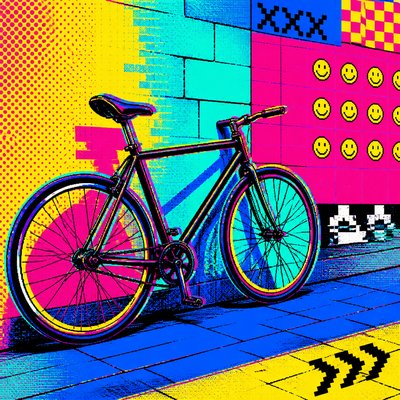
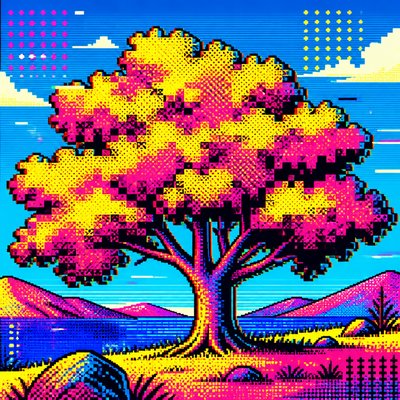
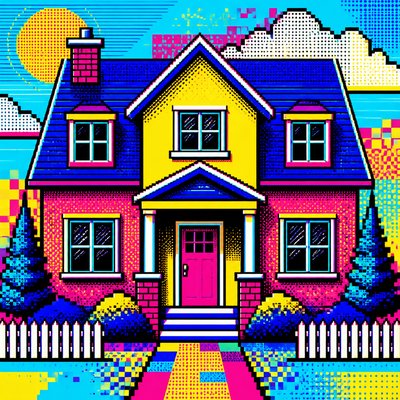
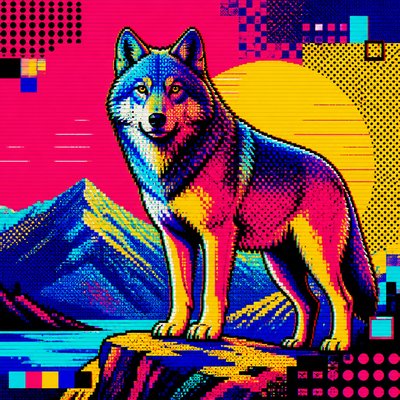
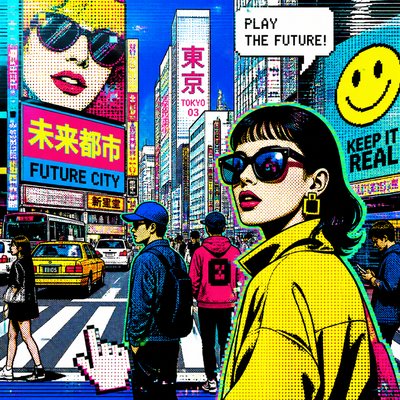
What is Digital Pop Art Style?
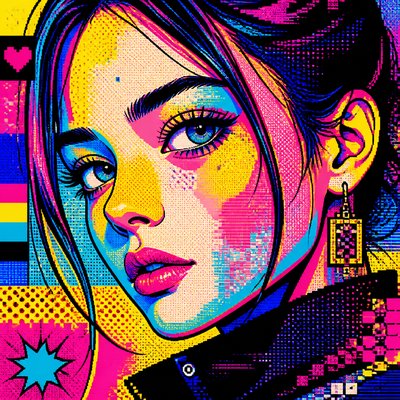
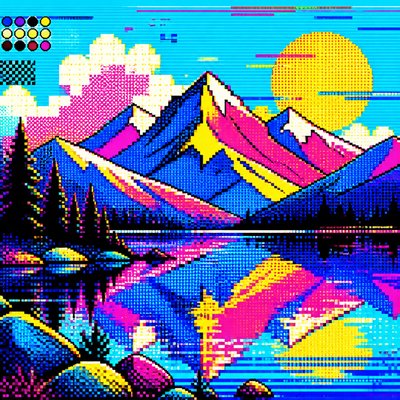
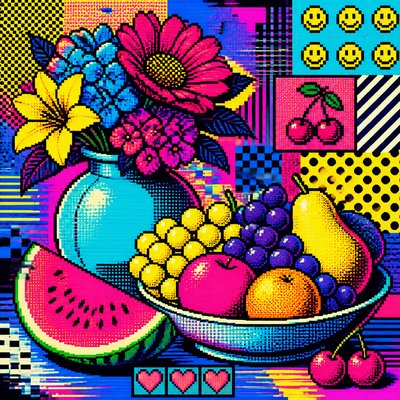
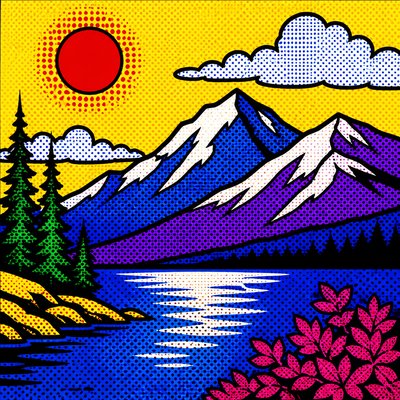
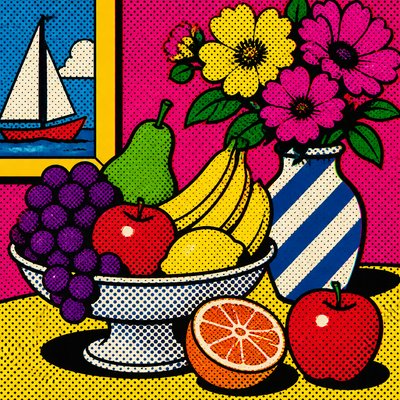
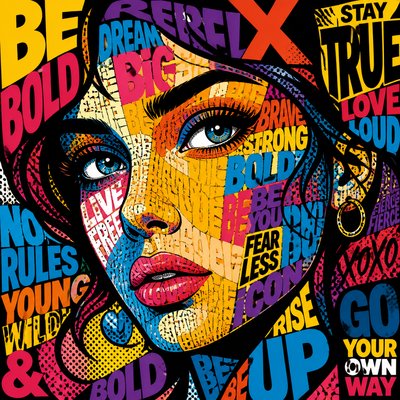
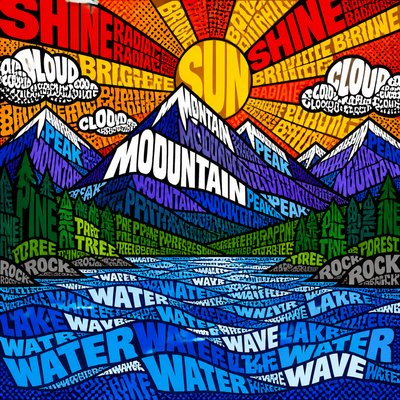
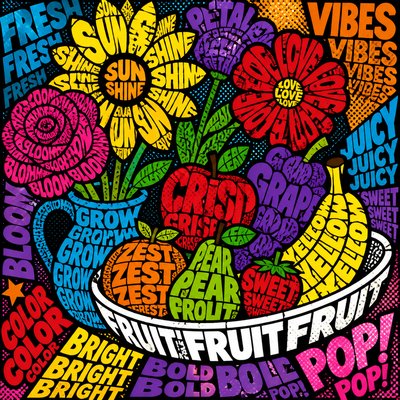
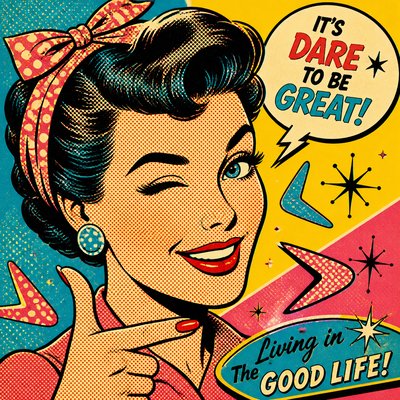
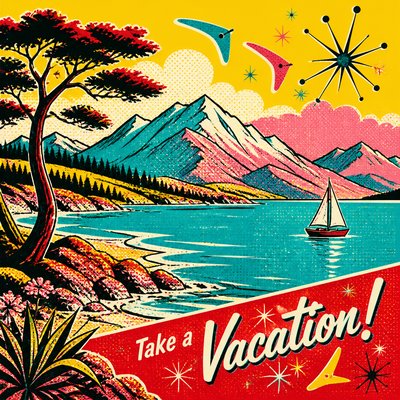
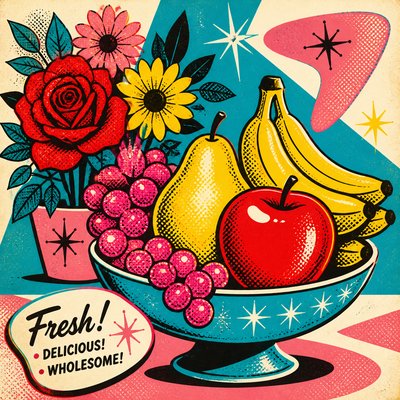
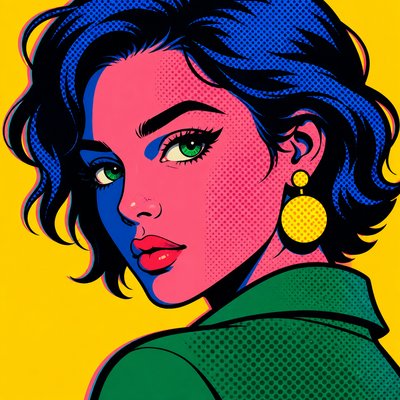
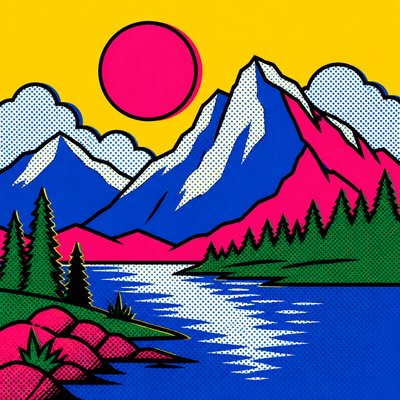
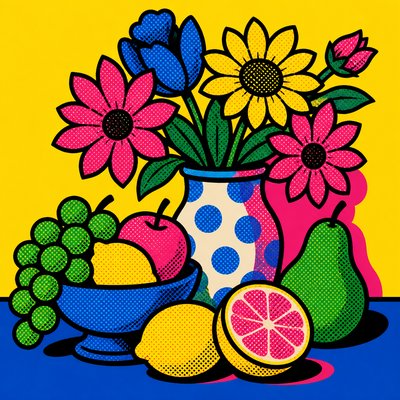
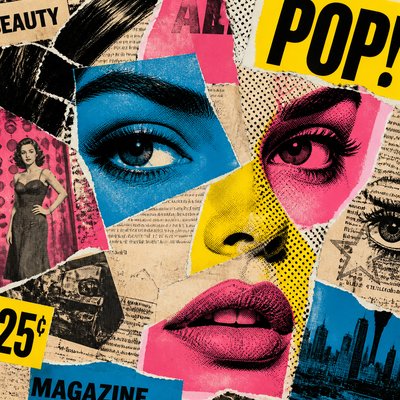
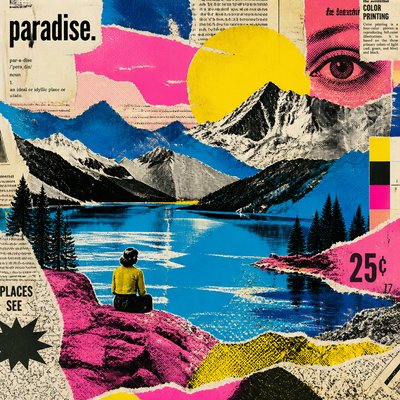
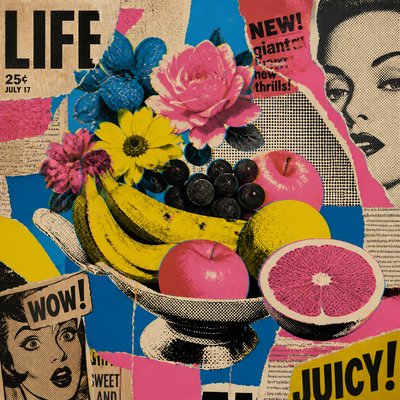
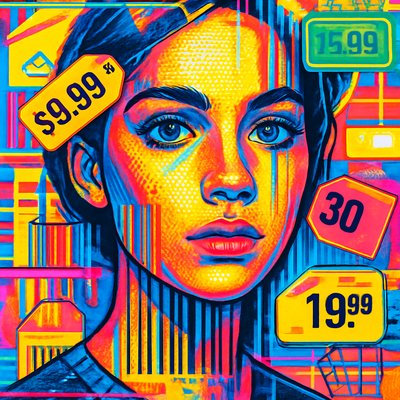
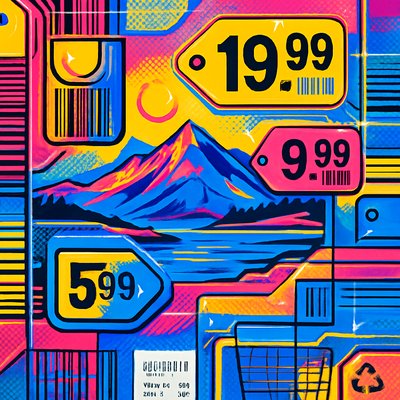
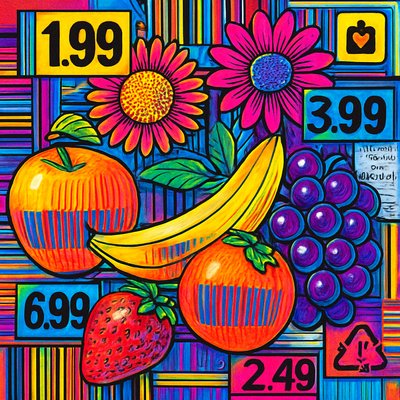
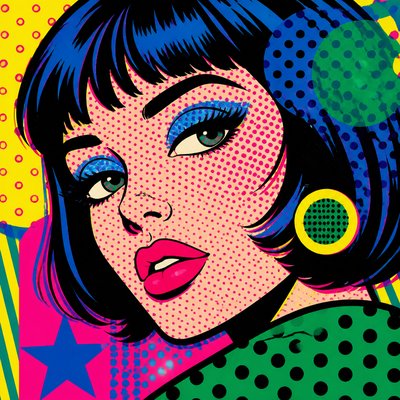
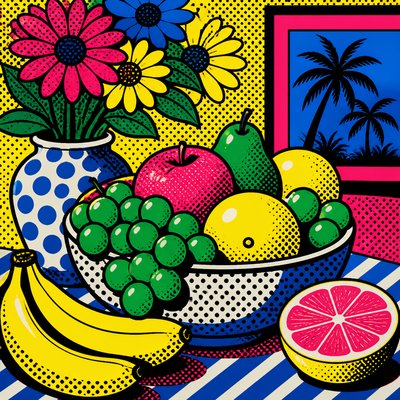
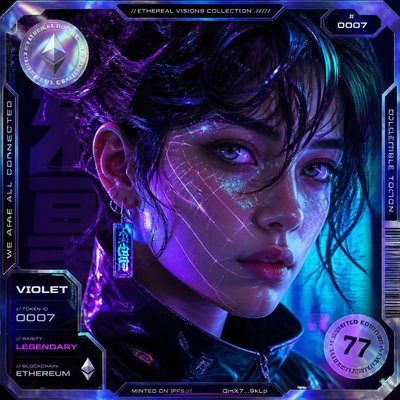
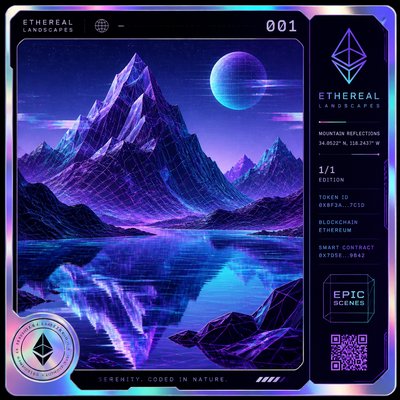
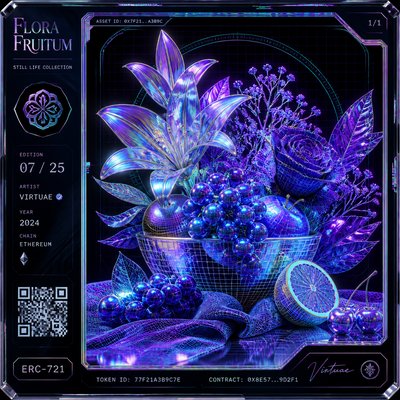
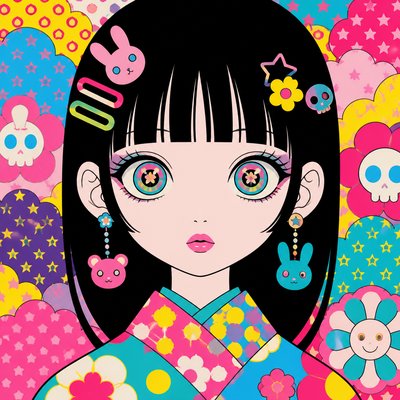
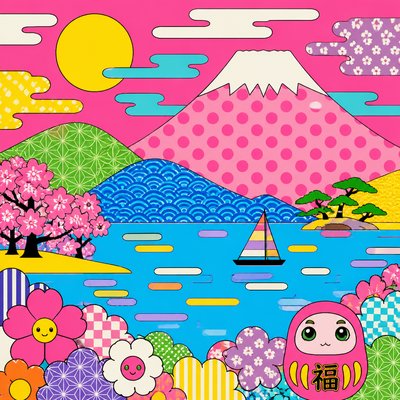
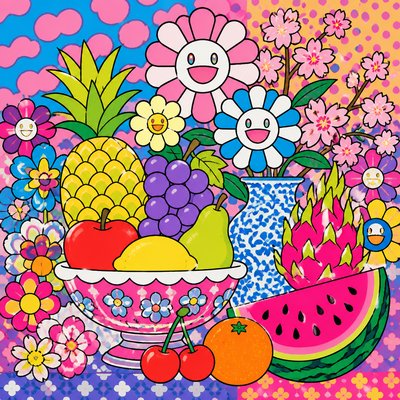
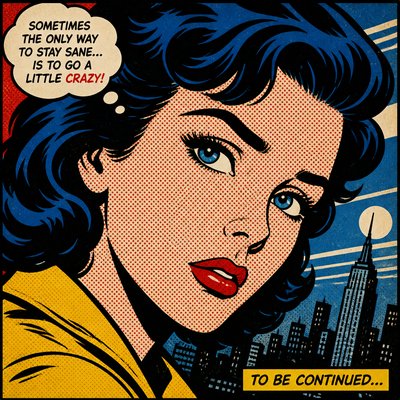
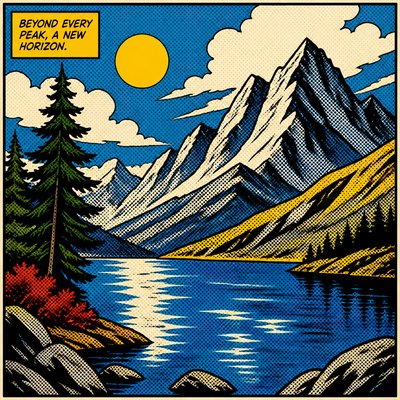
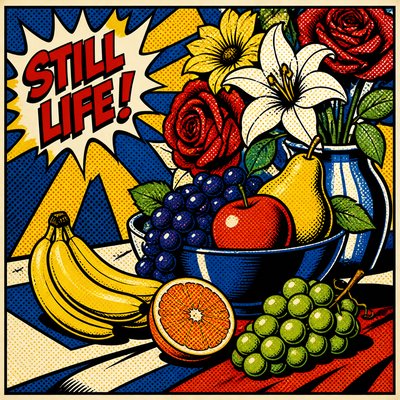
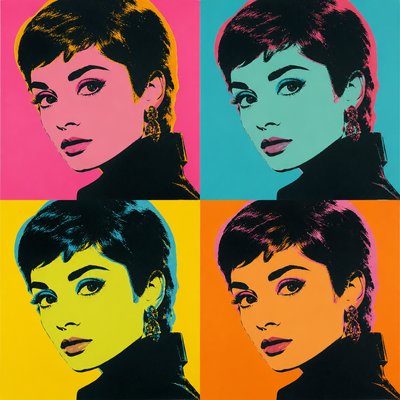
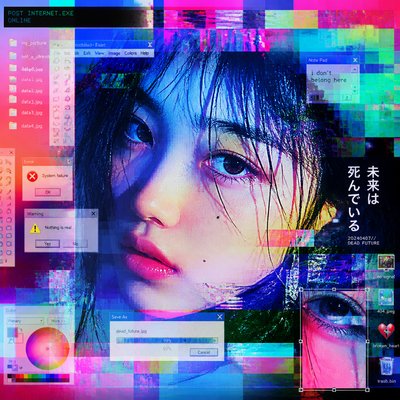
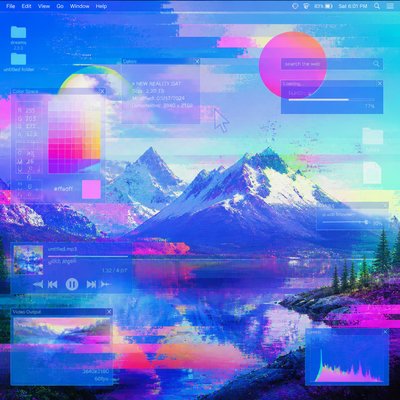
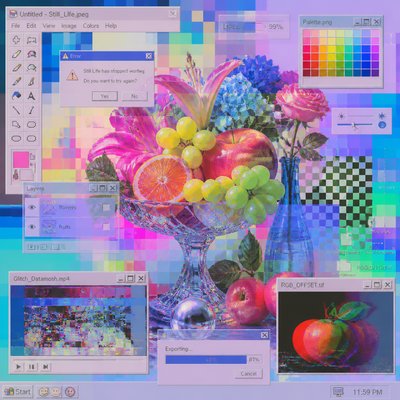
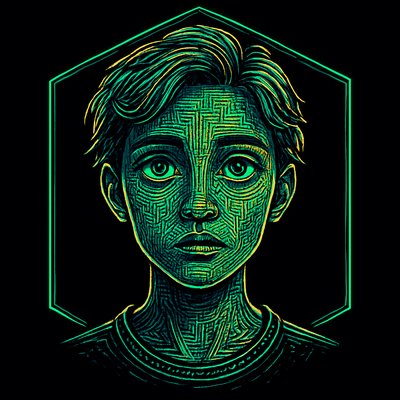
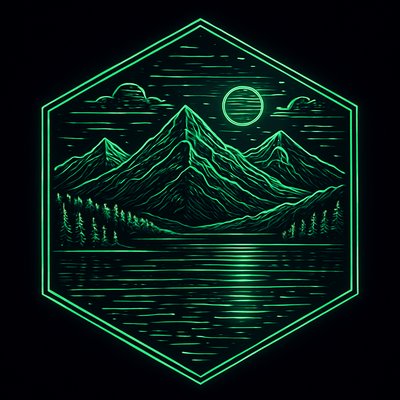
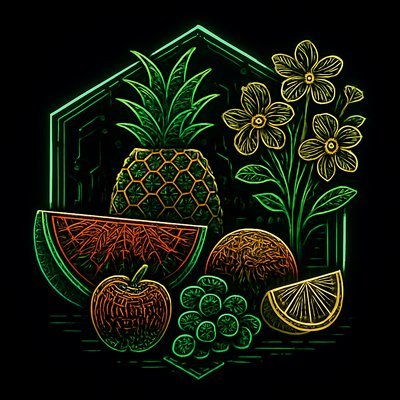
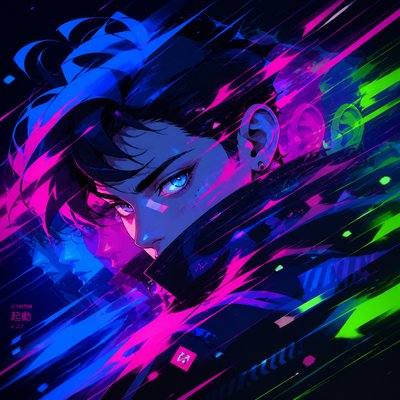
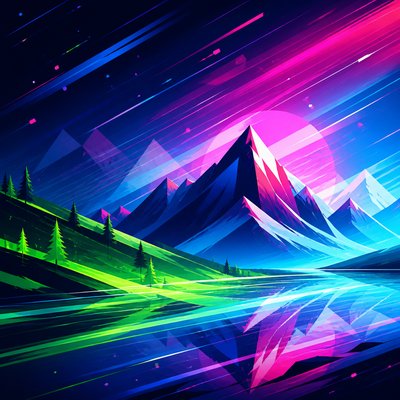
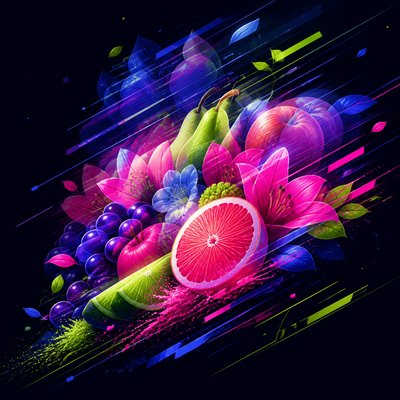
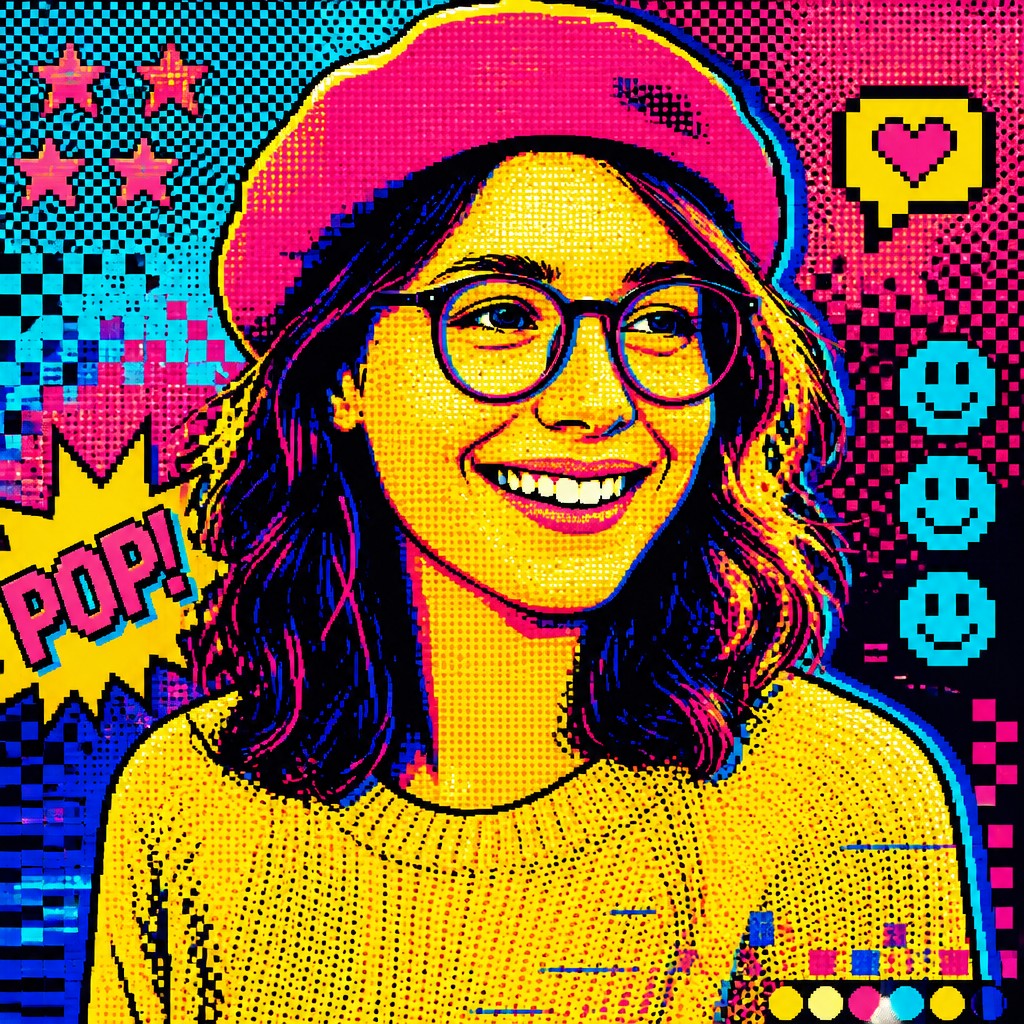
Digital Pop Art is a contemporary style that translates internet culture into the visual language of pop art. It combines bold contour lines, flat color fields, halftone dots, and screen-like graphic structures with pixels, emoji, UI fragments, and glitch effects, creating images that feel both comic-book direct and unmistakably digital.
The style works because it treats online life as a shared picture system: icons, notifications, avatars, reaction symbols, and interface grids become the raw materials of composition. Its look is deliberately crisp, saturated, and highly legible, using simplified shapes and modular repetition to comment on the speed, noise, and visual shorthand of the internet era.
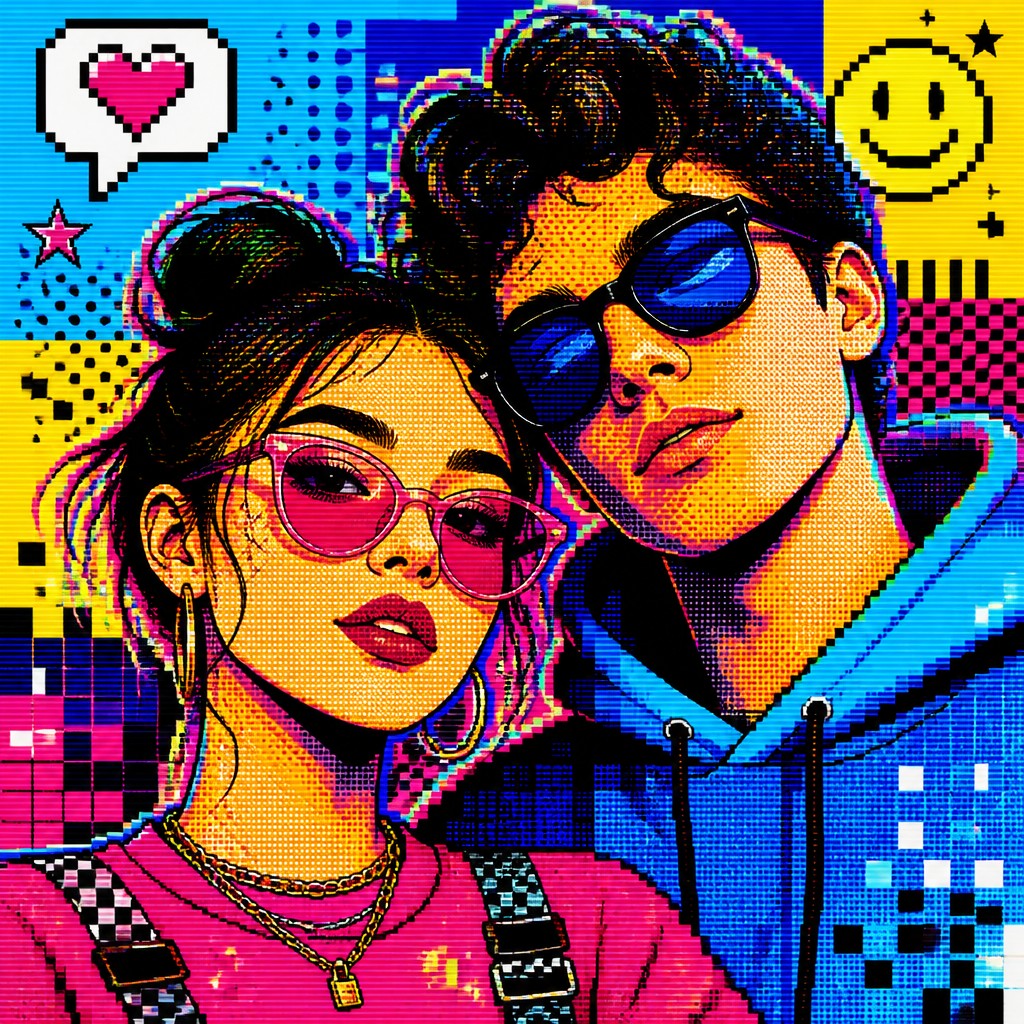
Try It On Your Photos
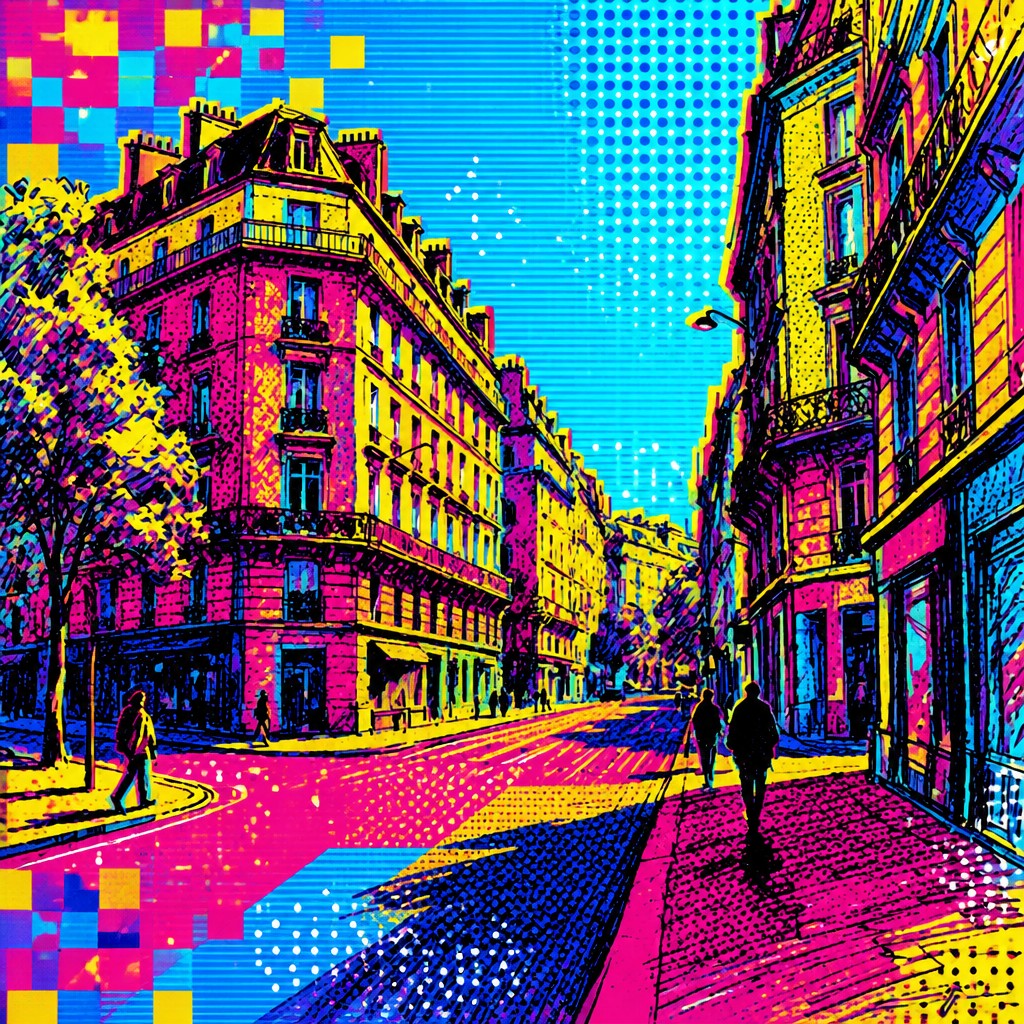
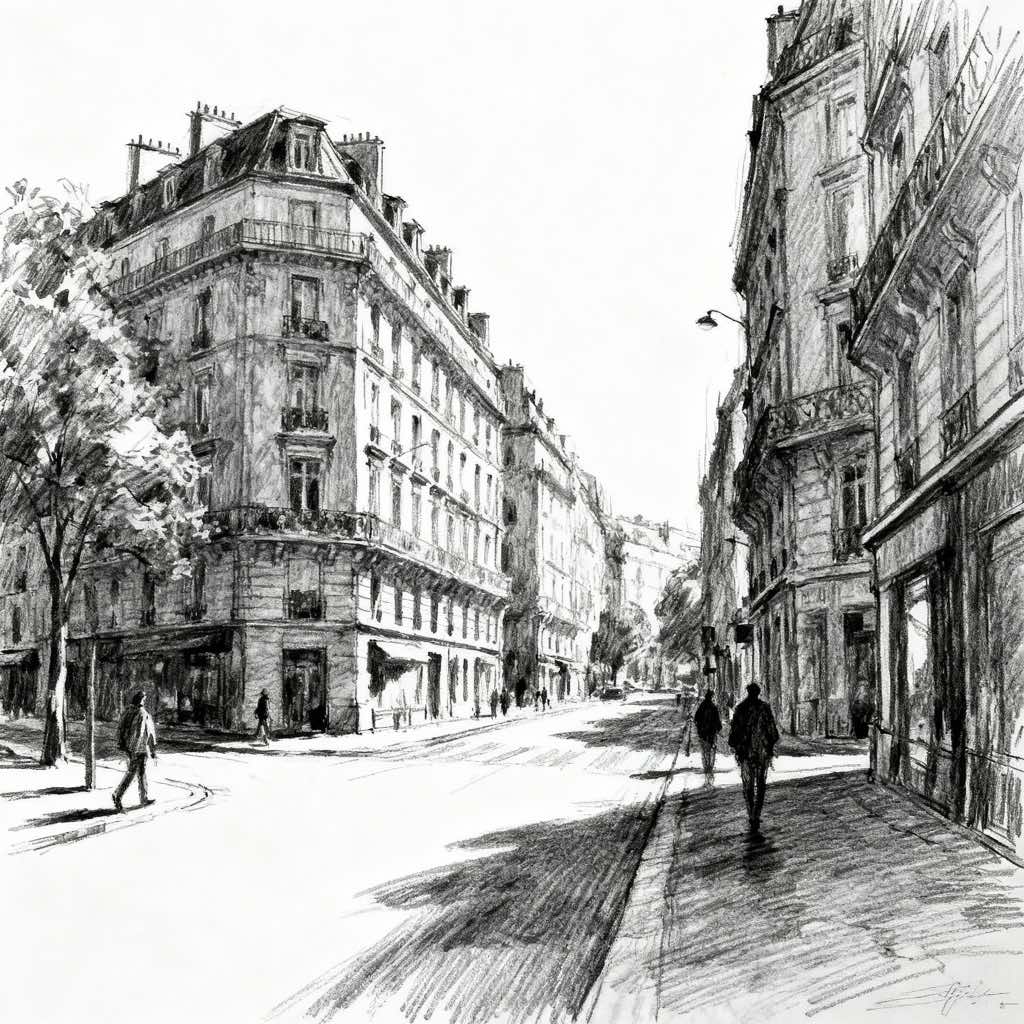
Upload any photo and convert it into Digital Pop Art Style — drag the sliders to compare before and after.

What Defines Digital Pop Art Style
The signature details, up close
Flat, high-impact color
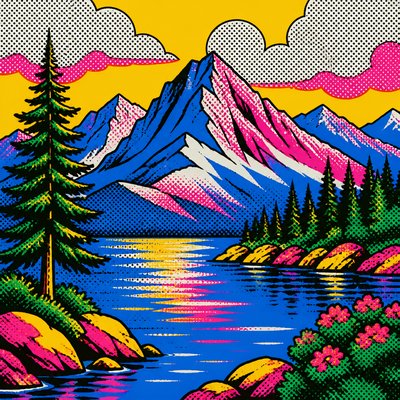
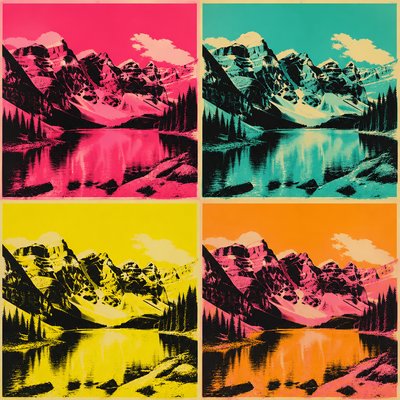
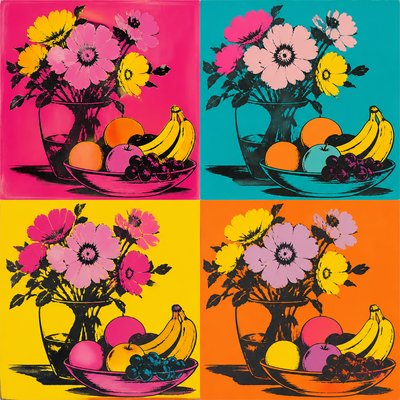
The palette is typically saturated and synthetic, with cyan, magenta, yellow, electric blue, and sharp black defining the image. Colors are applied in clean blocks that emphasize clarity over tonal modeling.
Thick black contour lines
Objects are usually outlined with bold, decisive lines that echo comic art and screen-print poster design. These outlines separate forms cleanly and help the image read instantly at a glance.
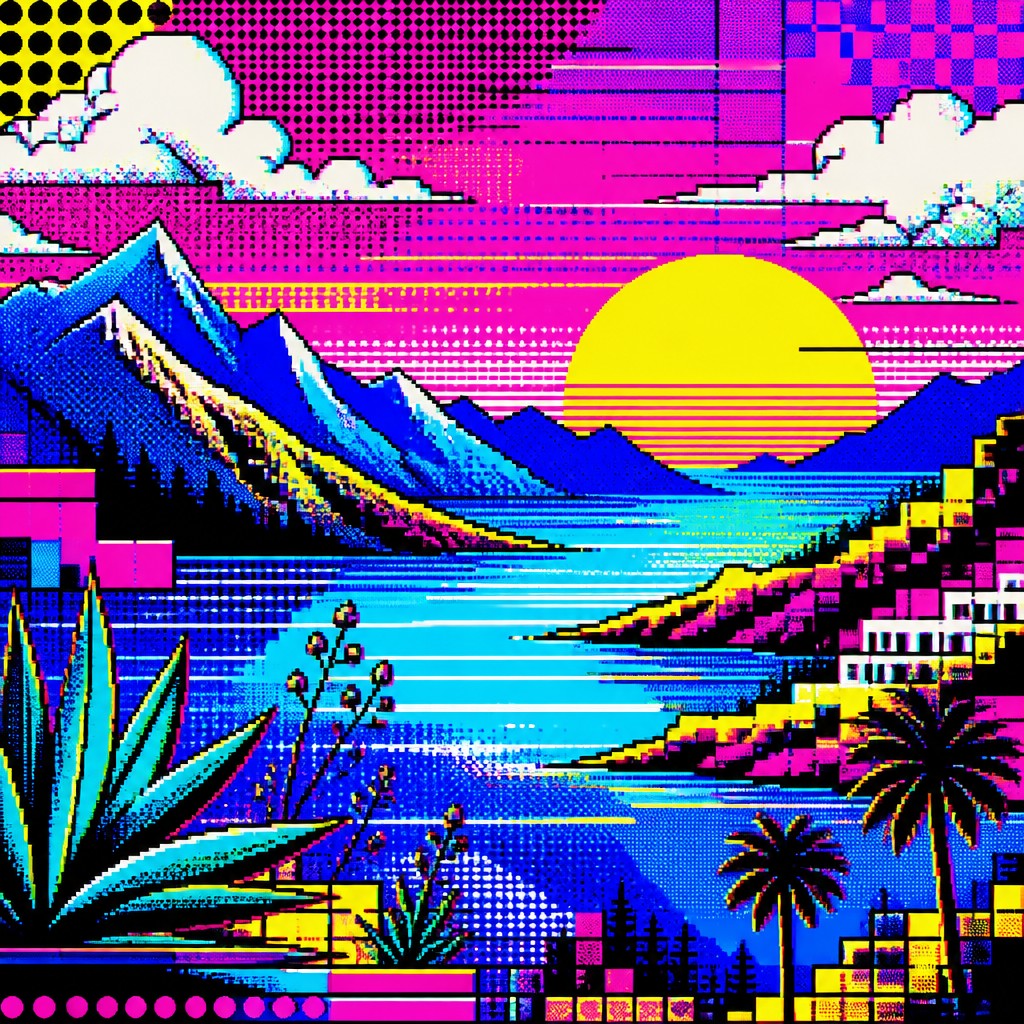
Halftone and pixel fusion
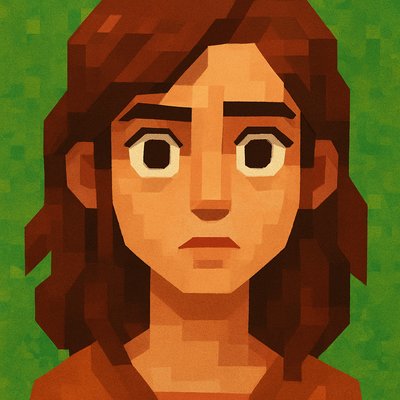
Classic Ben-Day or halftone dots are often mixed with pixel blocks, dithering, or low-resolution textures. This fusion creates a bridge between print culture and digital display aesthetics.
Glitch and screen artifacts
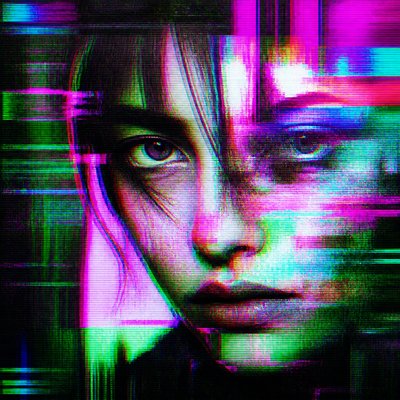
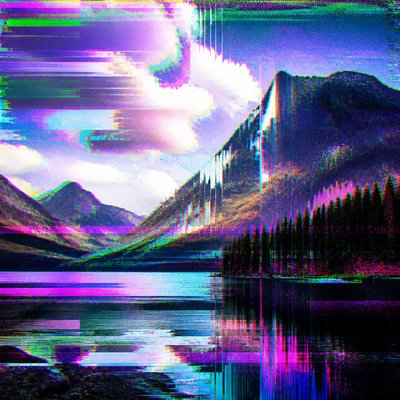
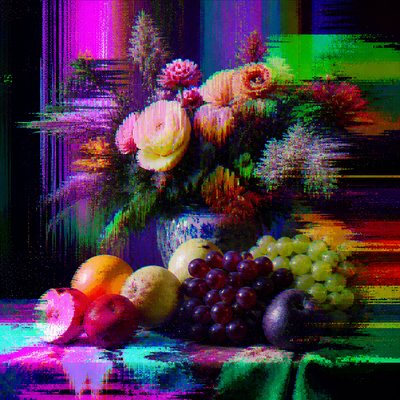
Subtle scan lines, RGB color separation, compression-like noise, or interface distortions suggest the image is passing through a digital system. These marks add contemporary texture without overwhelming the composition.
Internet iconography
Emoji, cursors, chat bubbles, tabs, hearts, notifications, and other UI elements often appear as motifs or compositional devices. They give the style its topical connection to online communication.
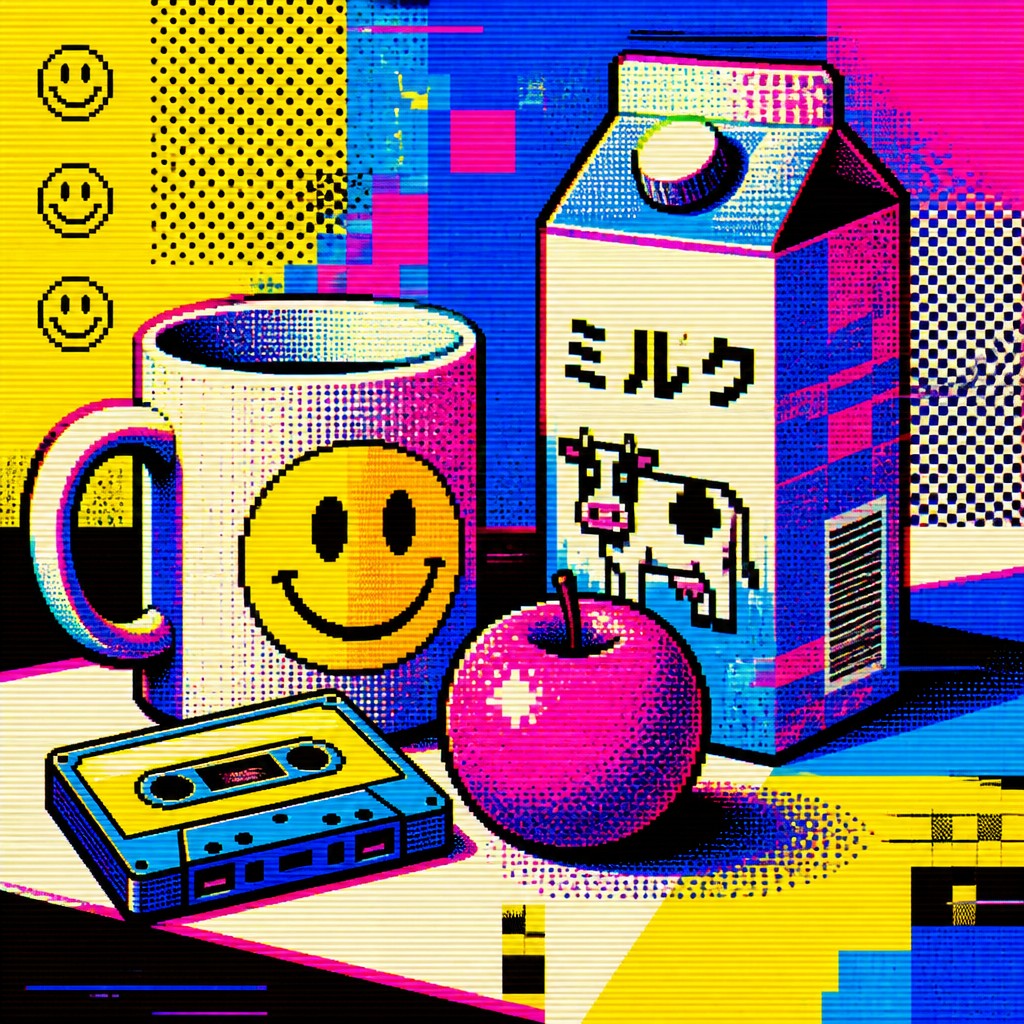
Modular, poster-like composition
Designs are often organized into repeated panels, grids, or emblem-like clusters. The structure feels declarative and graphic, much like a poster, app interface, or meme template.
Try It
Create Videos in Digital Pop Art Style
Styles aren't just for stills — describe a scene or animate an image and get a short video rendered in Digital Pop. Press play to see this pond come to life.
Make a VideoDigital Pop Prompt Ideas
Start from an idea — each one opens the generator with the style ready to go. See all 40 Digital Pop prompts →
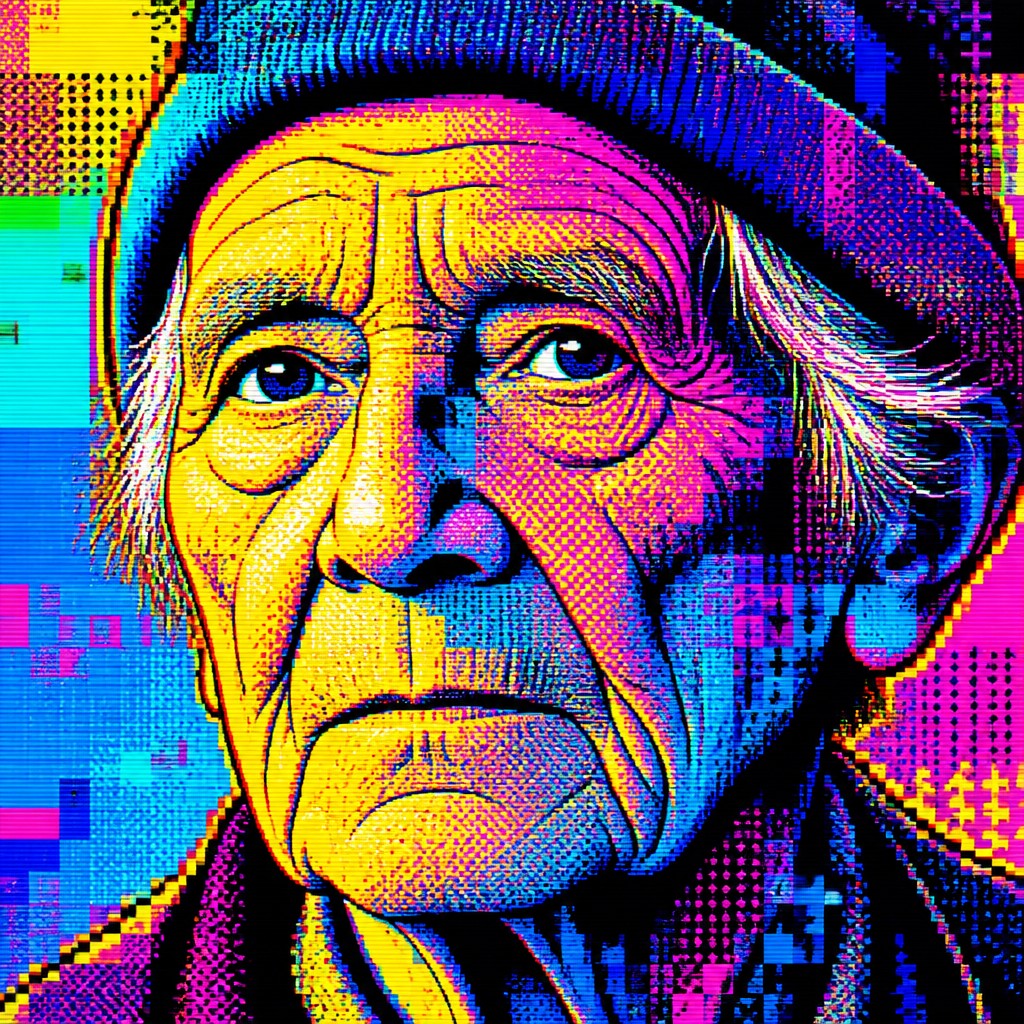
“close-up portrait of an elderly person with expressive weathered features”
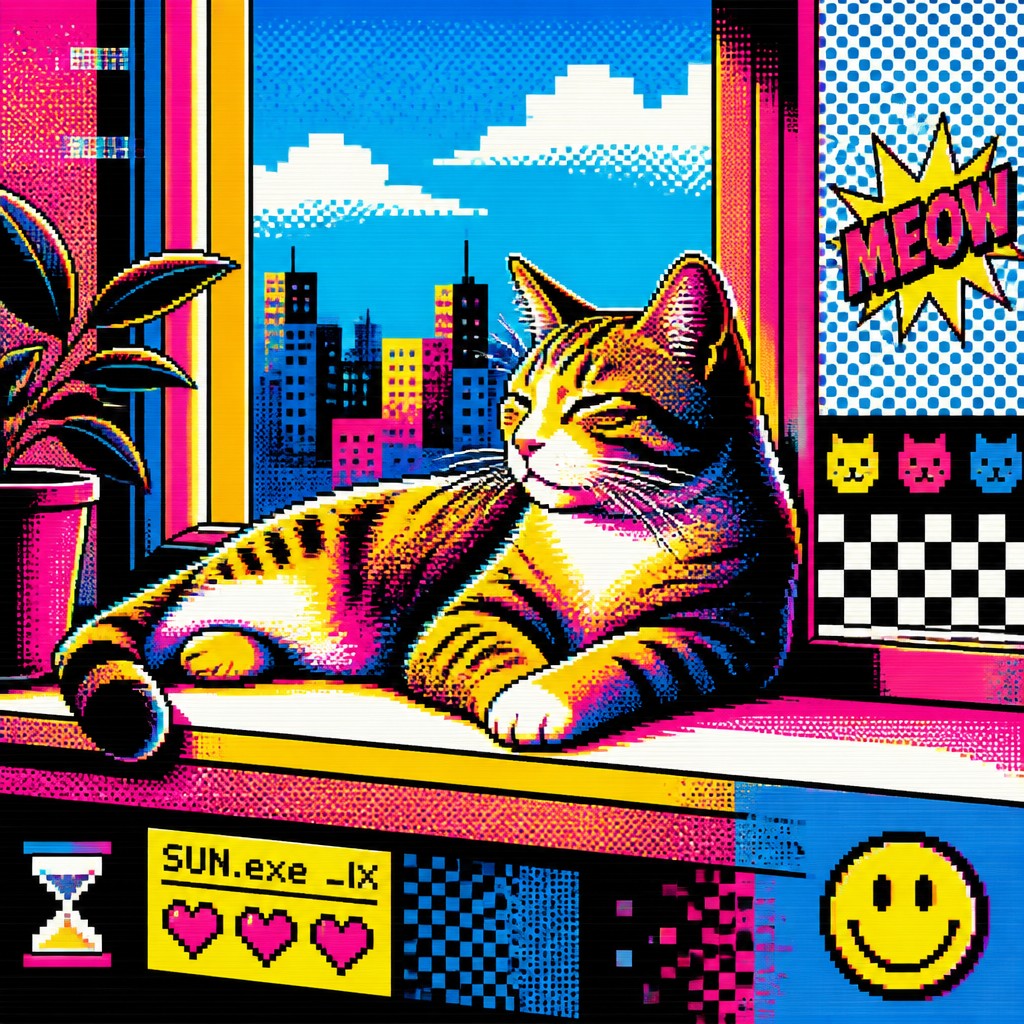
“a cat lounging in a sunlit window”
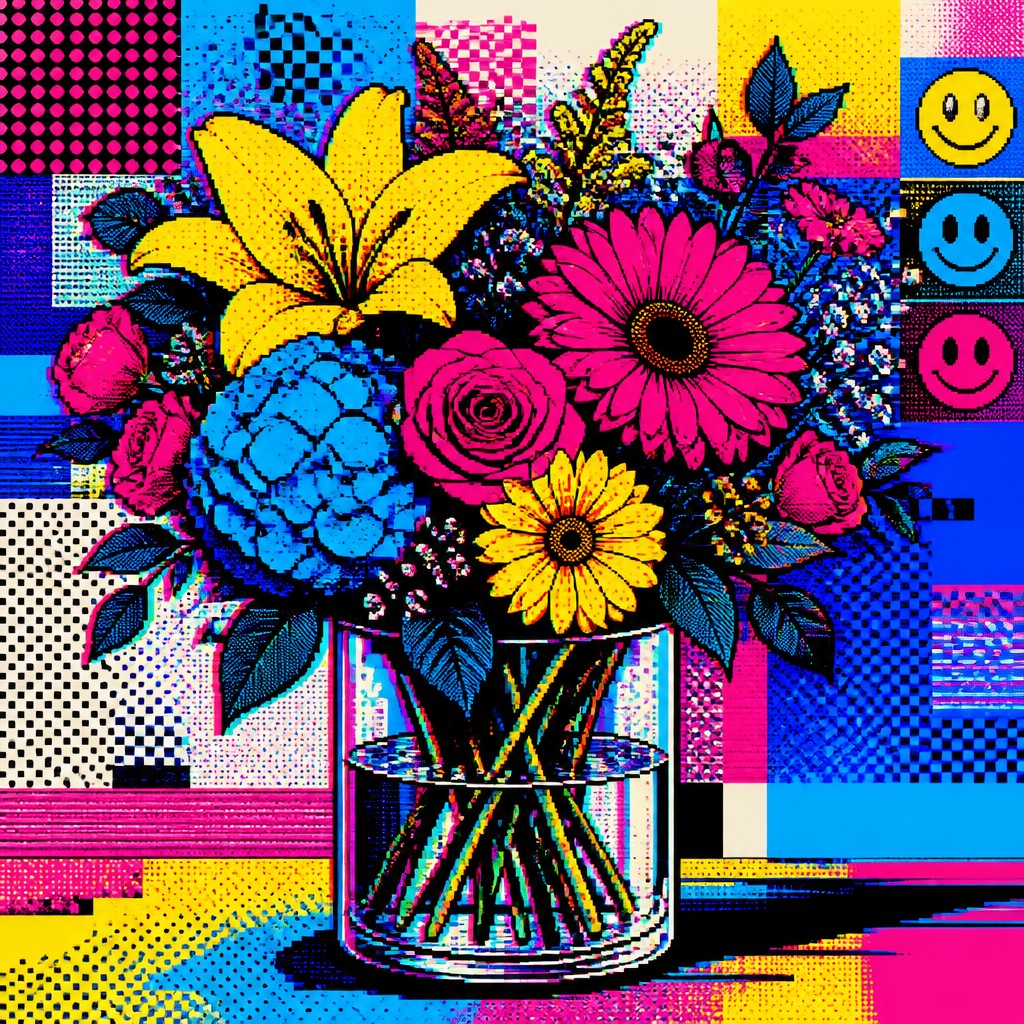
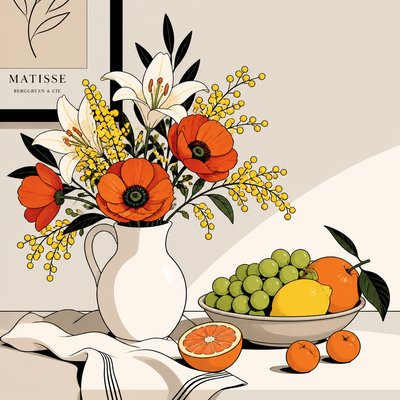
“bouquet of flowers in a glass vase”
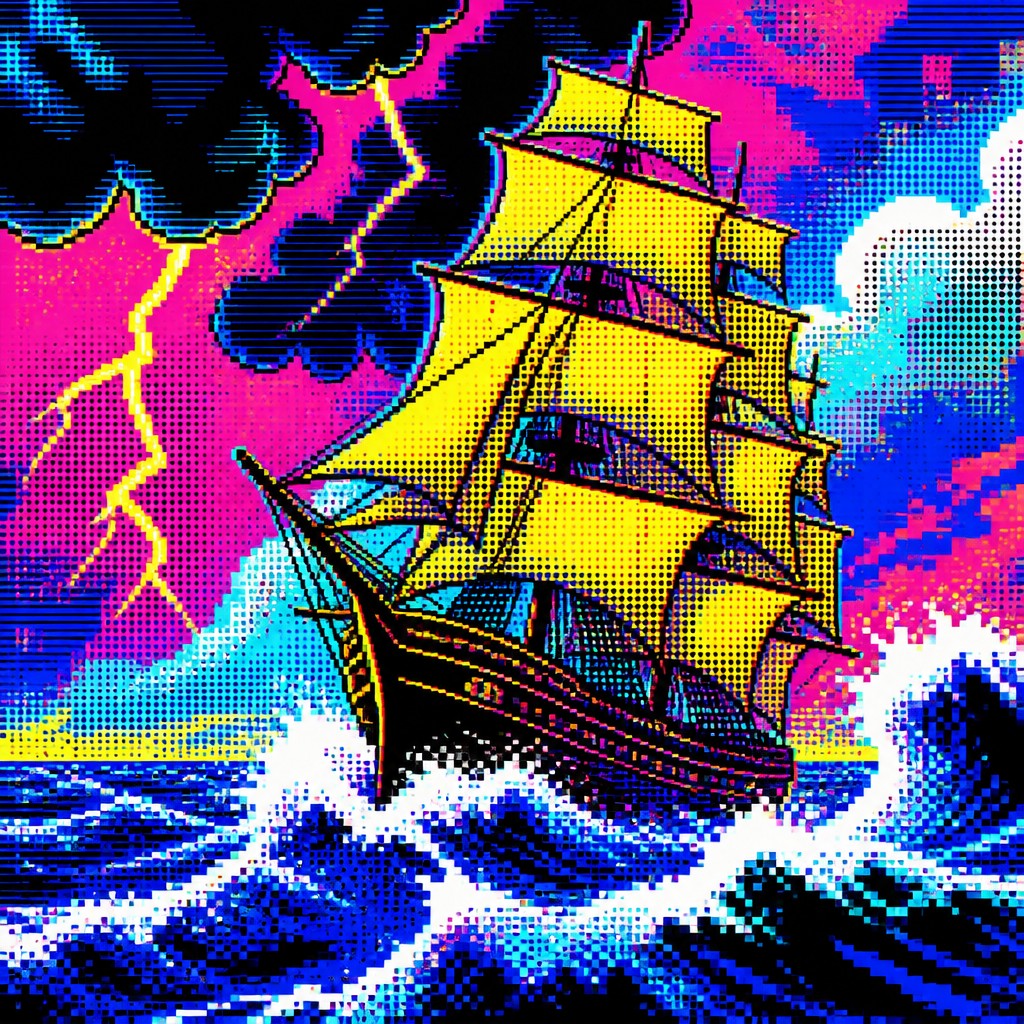
“sailing ship on a stormy sea”
How to Create Digital Pop Art
Master the craft step by step — or skip straight to creating. Read the full guide →
- 1
Start with a simple, iconic subject
Choose a clear focal point such as a portrait, product, device, or symbol so the image can be reduced into bold shapes. Digital Pop Art depends on immediate readability, so avoid overly complex scenes unless they are simplified into graphic zones.
- 2
Build the image from flat shapes and outlines
Use strong contour lines, separated color regions, and minimal shading. In traditional work, this can be done with ink and acrylic or marker; in digital work, use layer masks, vector shapes, and hard-edged brushes.
- 3
Add print and screen effects
Introduce halftone dots, dithering, scan lines, and slight RGB misregistration to simulate the overlap of print and display technologies. Keep these effects controlled so they support the composition rather than obscuring it.
- 4
Integrate digital culture motifs
Place emoji, notification badges, reaction icons, app windows, chat bubbles, or cursor-like symbols into the composition as decorative and narrative elements. These motifs anchor the work in contemporary internet life.
- 5
Use a prompt with both subject and texture cues
When generating from text, describe the subject first, then specify flat color, black outlines, halftone dots, pixel blocks, glitch texture, and saturated RGB palette. Strong prompt structure helps the result stay graphic instead of drifting into generic digital illustration.

The Story
History & Origins of Digital Pop
Digital Pop Art does not correspond to a single historical movement with a fixed founding date; it is an AI-native and contemporary hybrid style that grows out of several established traditions. Its lineage includes Pop Art’s appropriation of mass culture, comic-book graphics, screen-print aesthetics, and later digital design languages shaped by interfaces, memes, and social media.
The style develops from the idea that everyday media imagery can be elevated into art through repetition, flattening, and stylization. Where mid-20th-century Pop Art responded to advertising, comics, and consumer goods, Digital Pop Art responds to feeds, notifications, emojis, avatars, and screen-based culture, updating the same logic for an online visual environment.
Influences: Digital Pop Art draws most directly from Pop Art, especially the commercial imagery and mass-media critique associated with leading postwar pop artists, as well as from comic-book illustration, screen printing, and poster design. It also incorporates visual habits from web design, emoji systems, UI graphics, and the compression artifacts of digital imaging, creating a hybrid that is as much about networked communication as about consumer culture.
Frequently Asked Questions
What defines Digital Pop Art?
Its defining traits are bold outlines, flat saturated color, halftone or pixel textures, and imagery borrowed from internet culture. The style looks like Pop Art updated for screens, feeds, and digital communication.
How is it different from traditional Pop Art?
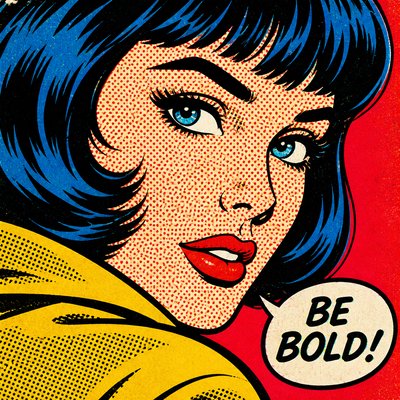
Traditional Pop Art focused on advertising, celebrity, consumer products, and mass media of the mid-20th century. Digital Pop Art keeps that graphic clarity but adds pixels, emojis, UI elements, and glitch effects to reflect online life.
Is Digital Pop Art the same as glitch art?
No. Glitch art centers on corruption, error, and digital breakdown, while Digital Pop Art uses glitch-like effects as one ingredient in a more playful, poster-like composition. It is usually cleaner, more colorful, and more graphic than pure glitch art.
What subjects work best in this style?
Portraits, consumer objects, devices, social-media scenes, cityscapes, and meme-like symbols all work well because they can be simplified into bold visual icons. Subjects with strong silhouettes and familiar digital associations are especially effective.
How can I make my own Digital Pop Art image?
Use high-contrast color, thick outlines, and a limited set of textures such as halftone dots, scan lines, and pixel blocks. Whether working by hand or digitally, keep the composition graphic and use internet-era symbols as recurring motifs.
Where is this style commonly used?
It appears in poster design, editorial illustration, album art, social media graphics, and contemporary digital illustration. Its clarity and strong color make it useful anywhere an image needs to feel immediate, modern, and culturally legible.
Create your first Digital Pop artwork
Describe anything — or upload a photo — and see it in Digital Pop Art Style in seconds.
Make Something with Digital Pop
Compare Digital Pop
Related Styles
Discover similar art styles