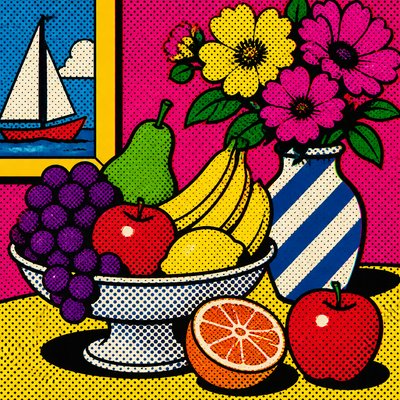
Post-Internet Art Style
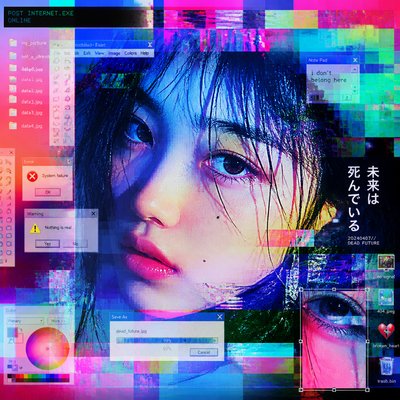
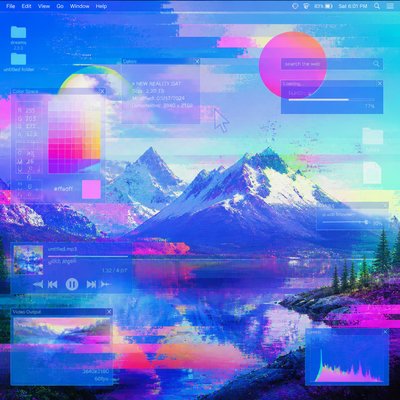
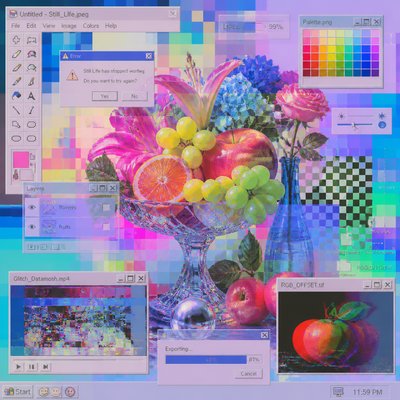
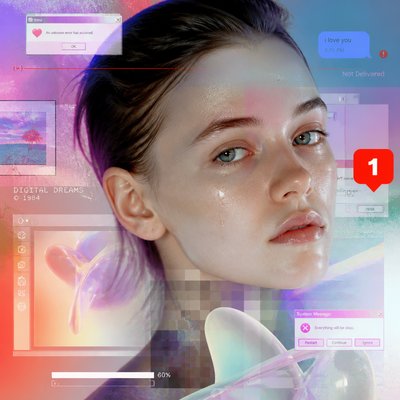
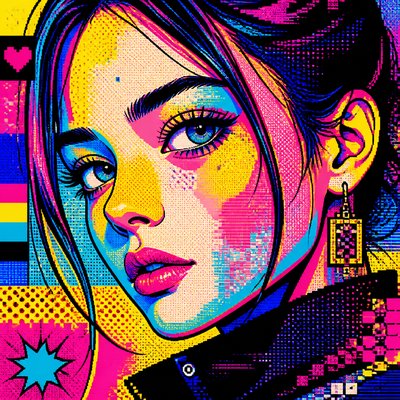
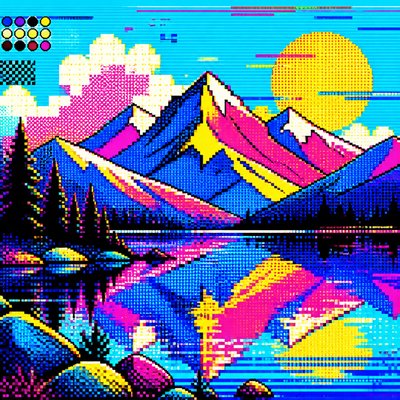
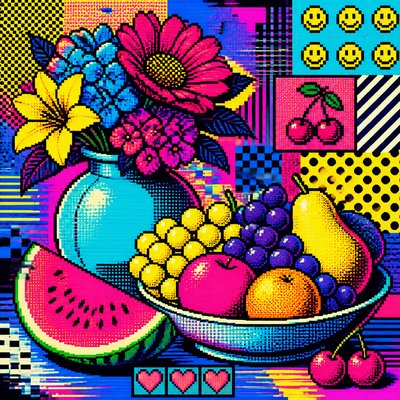
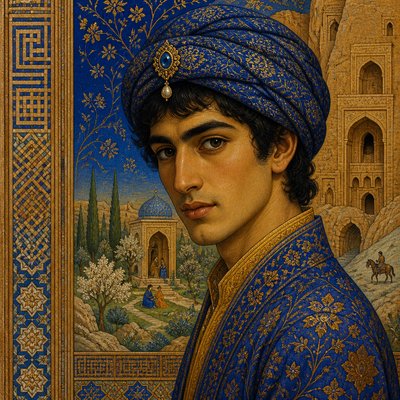
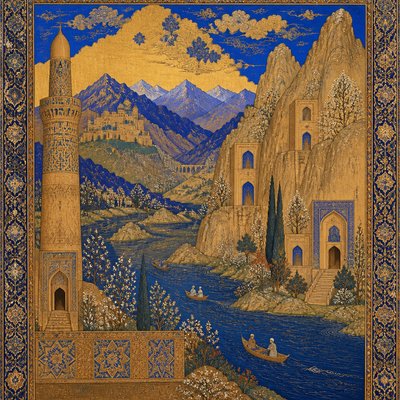
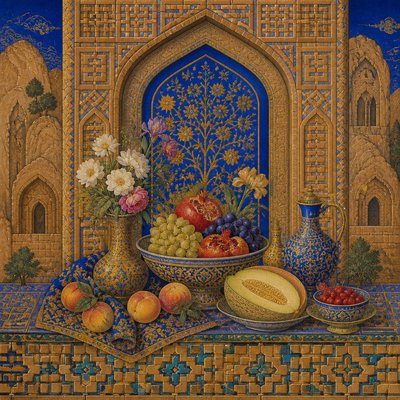
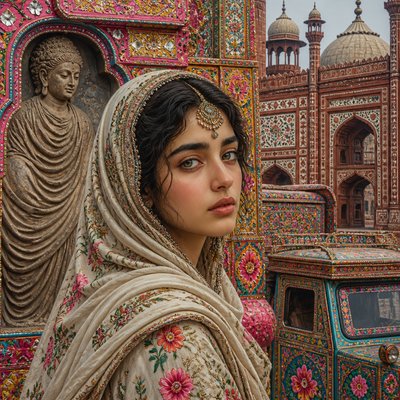
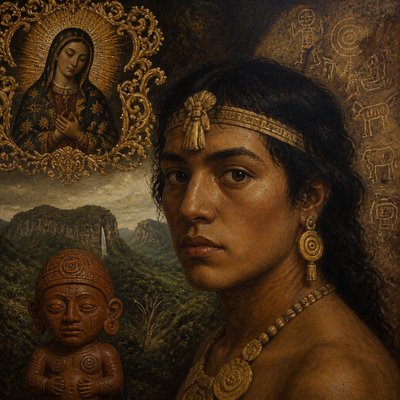
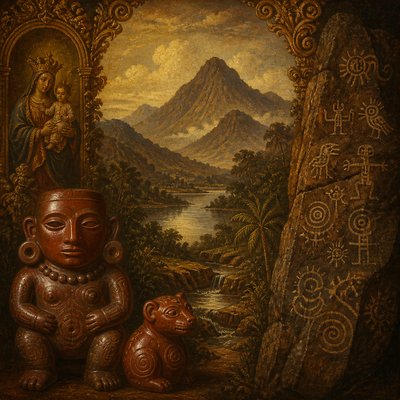
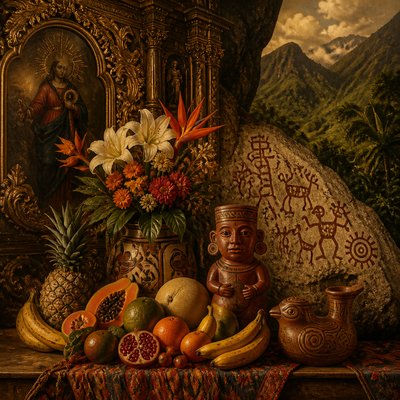
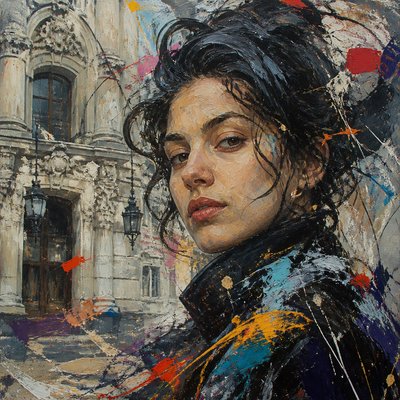
Glitchy digital aesthetics, compressed textures, and layered screens that show how internet culture reshapes perception and reality.
Instantly rendered in Post-Internet — or transform a photo
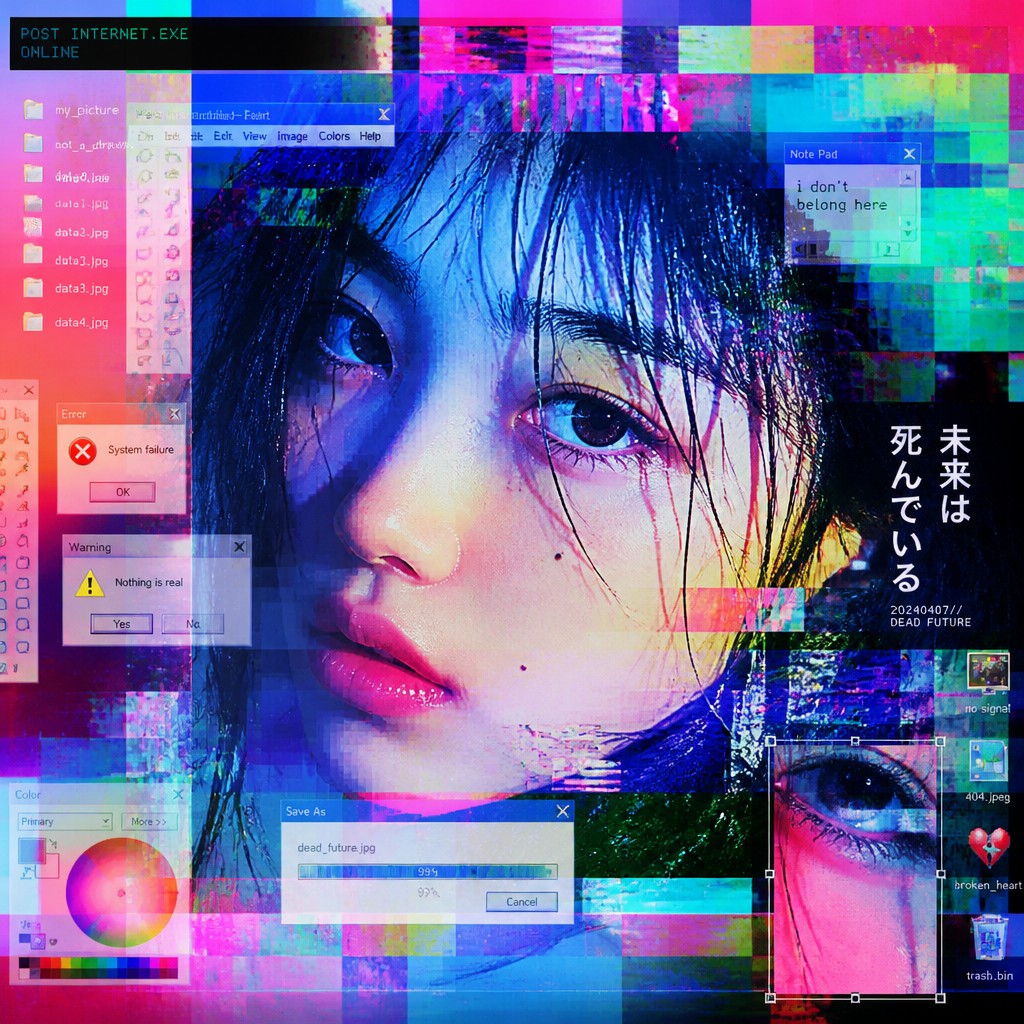
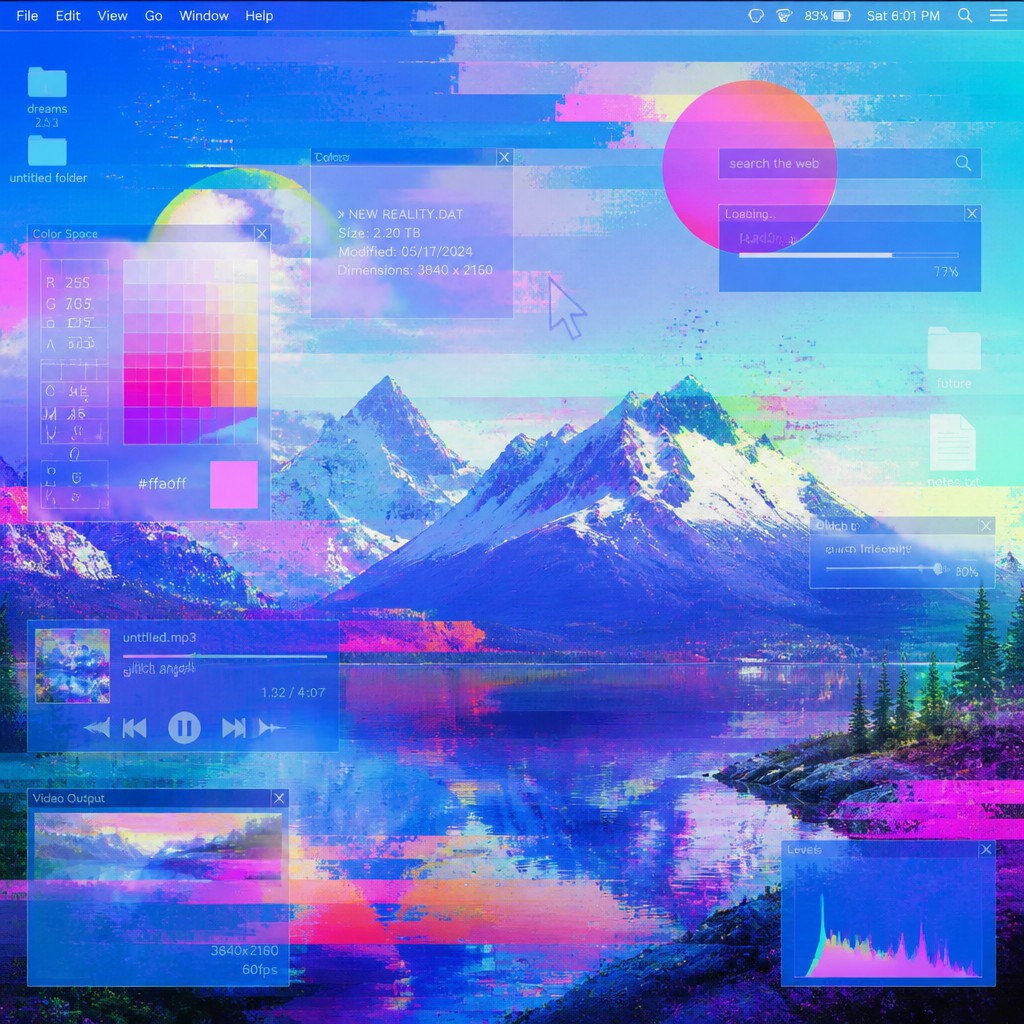
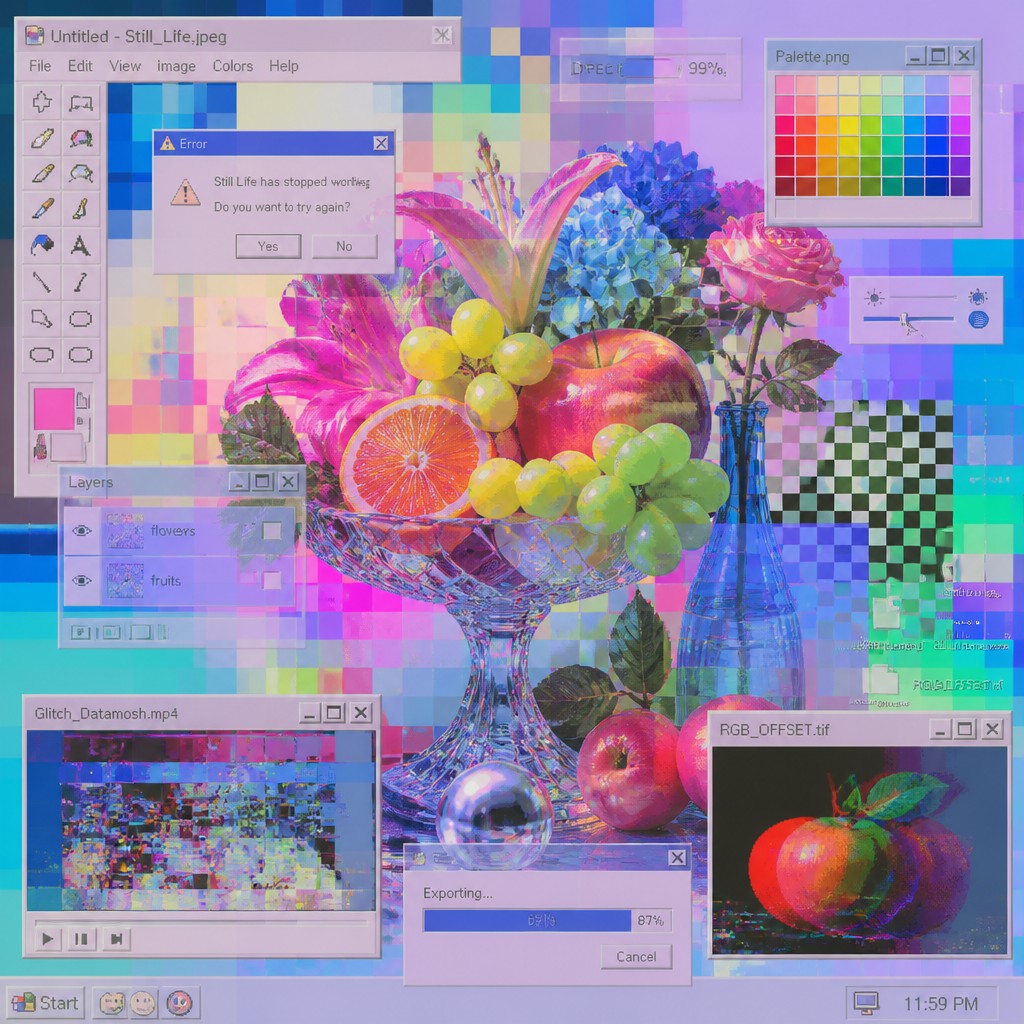
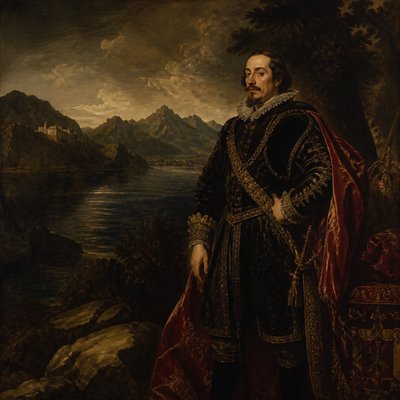
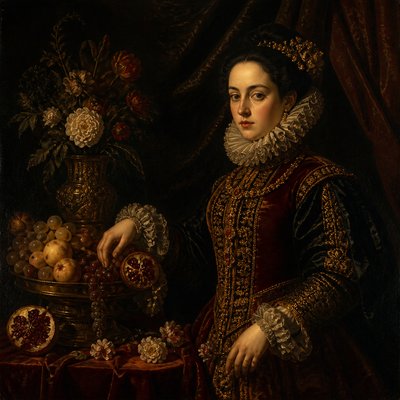
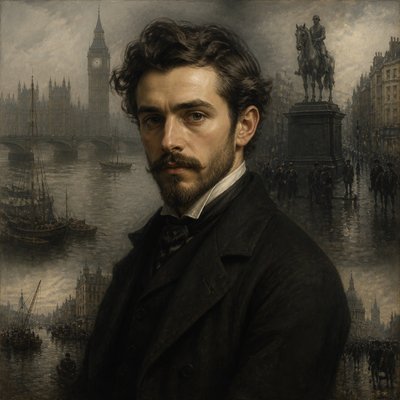
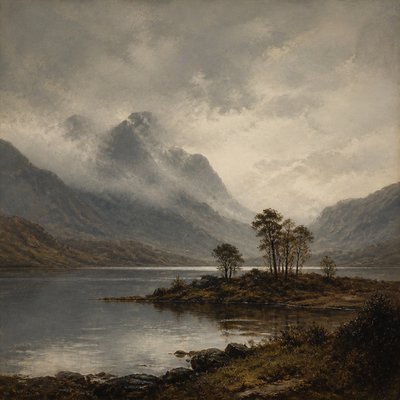
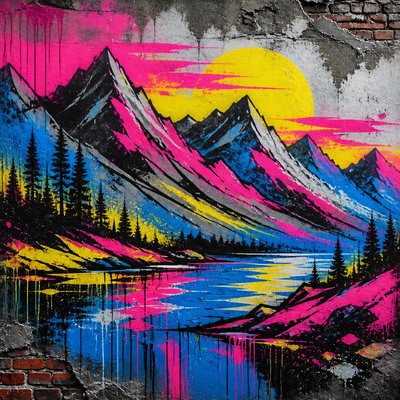
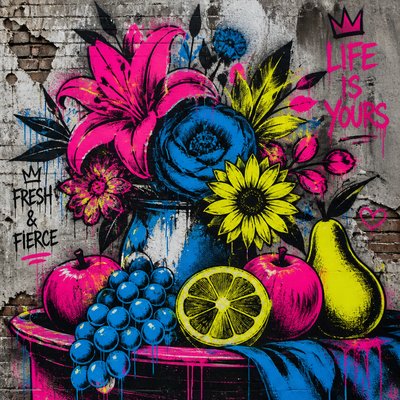
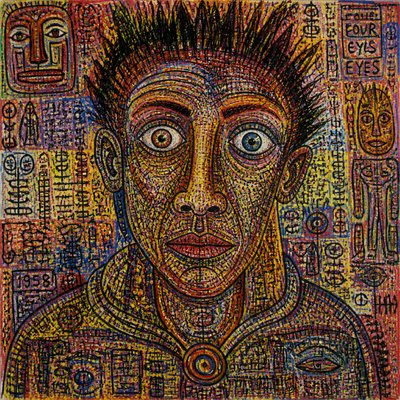
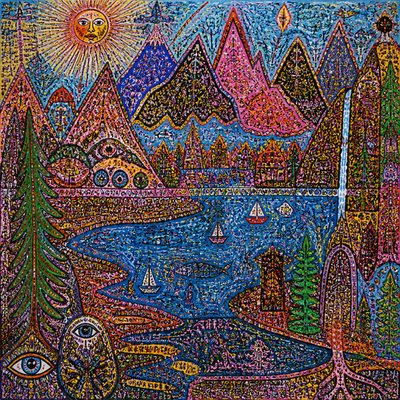
Post-Internet Gallery
Tap any artwork to explore it
What is Post-Internet Art Style?
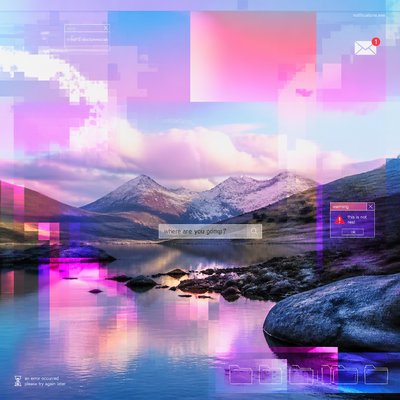
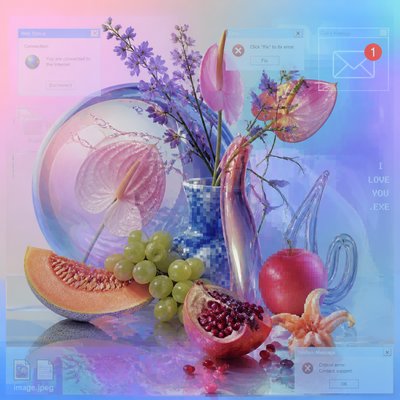
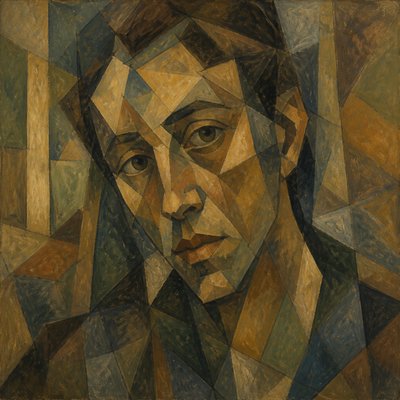
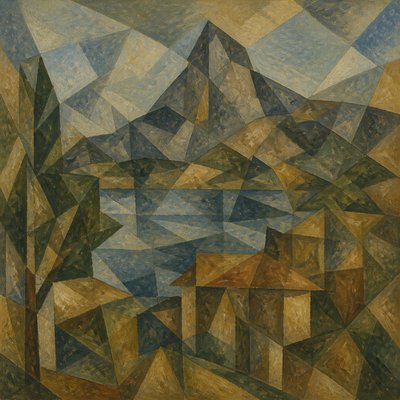
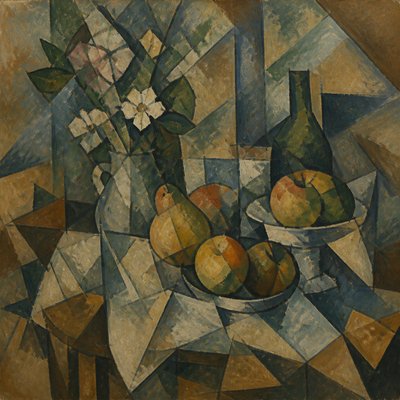
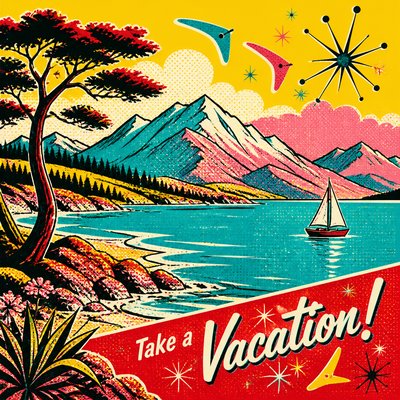
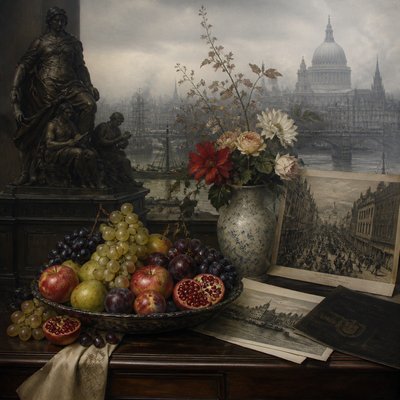
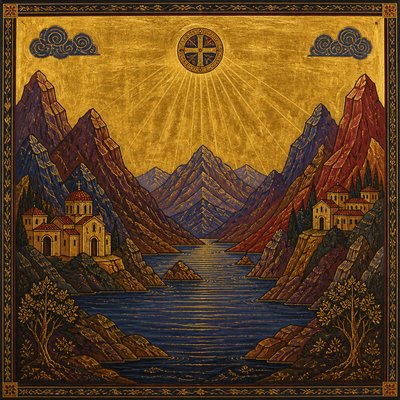
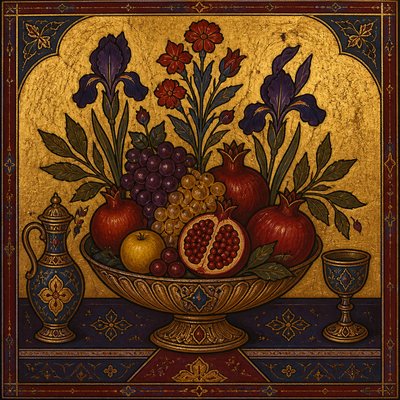
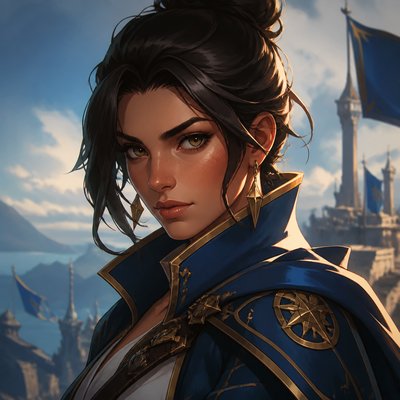
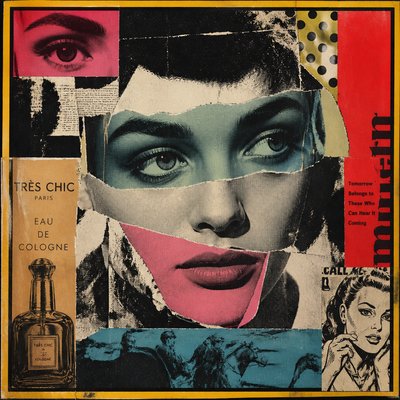
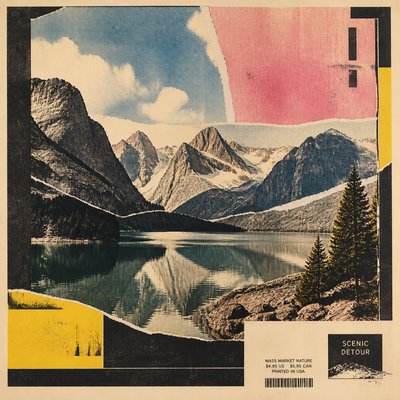
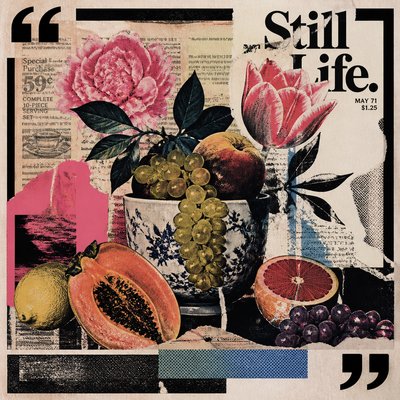
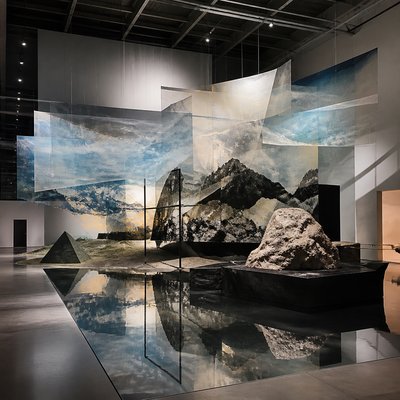
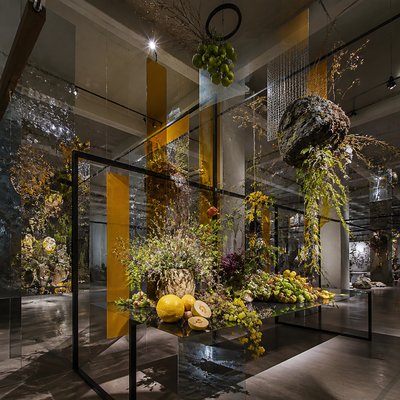
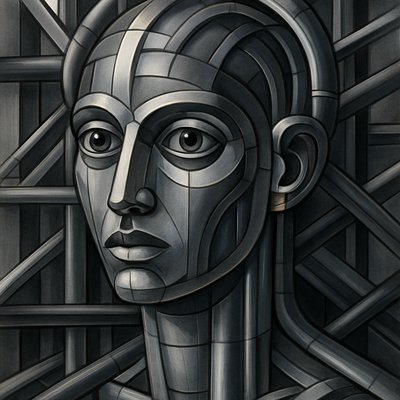
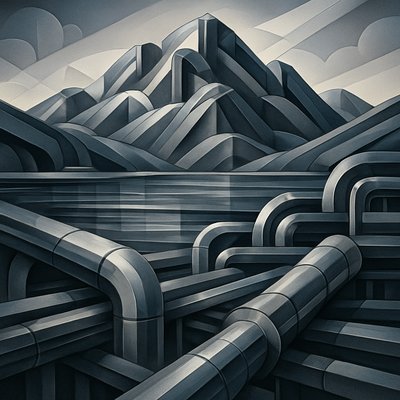
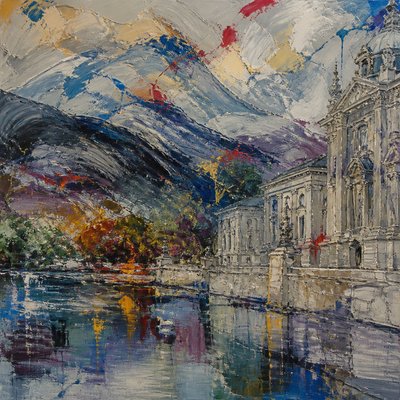
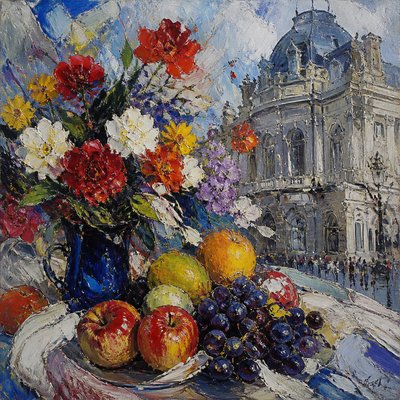
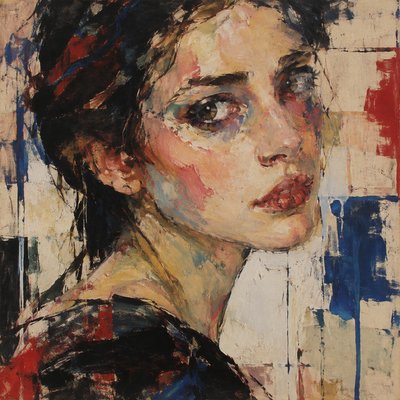
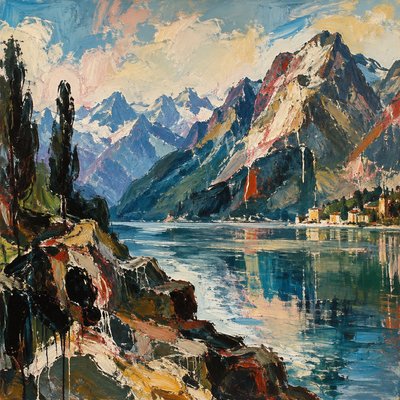
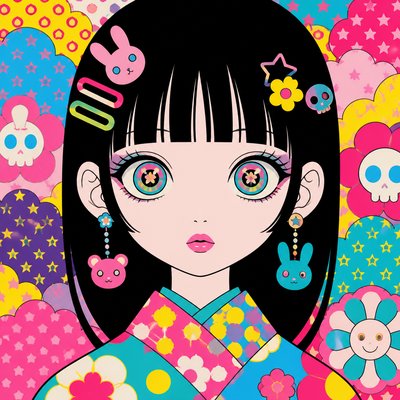
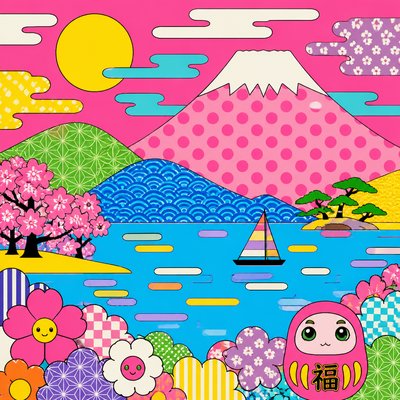
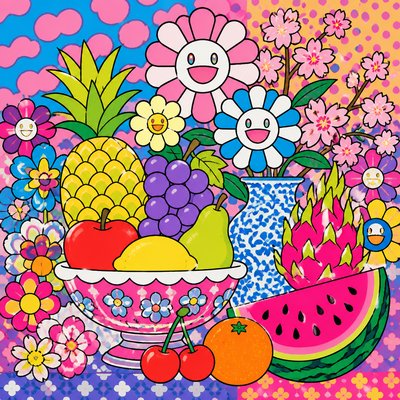
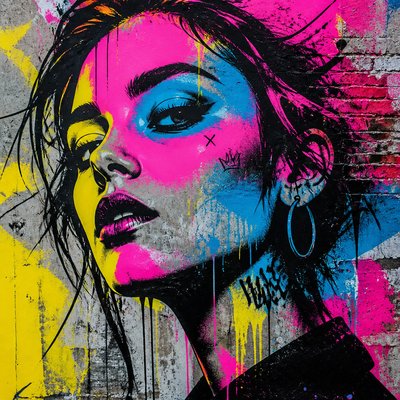
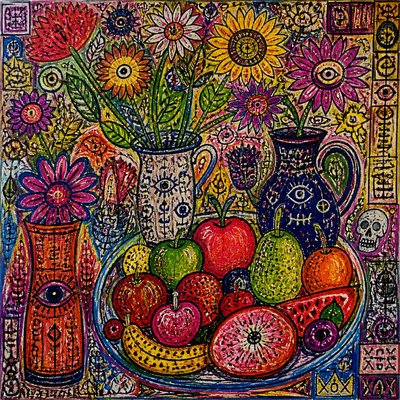
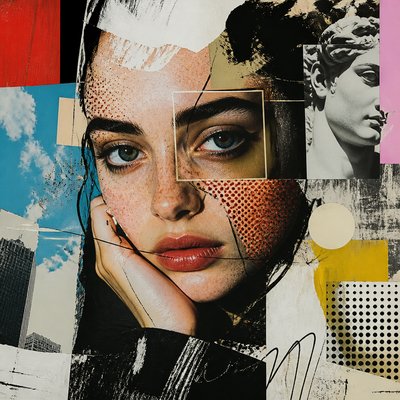
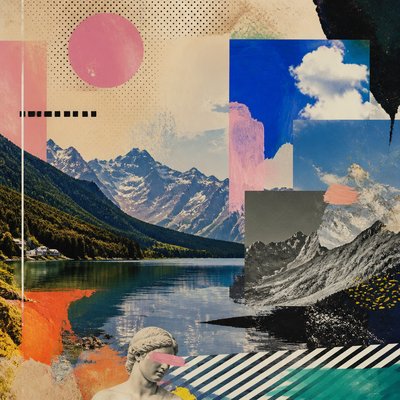
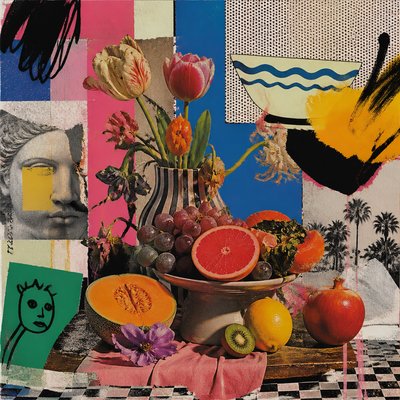
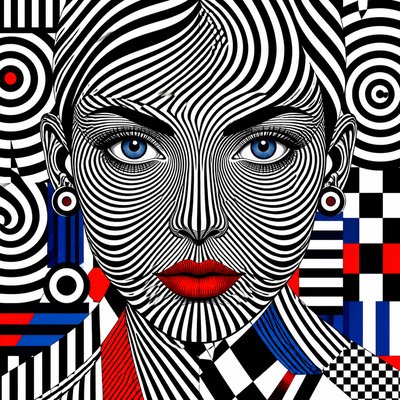
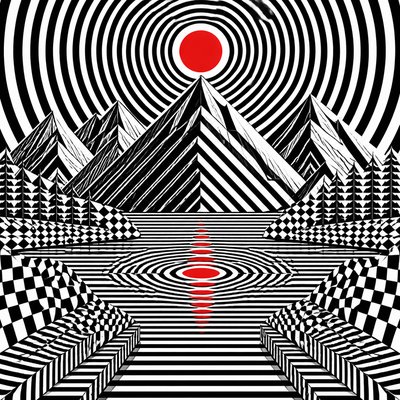
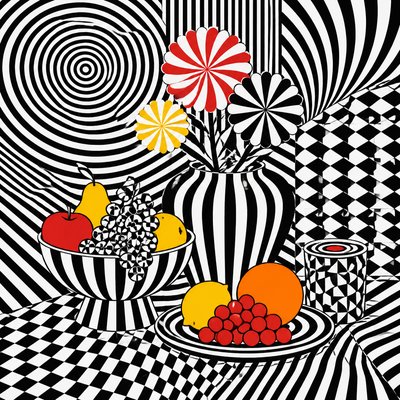
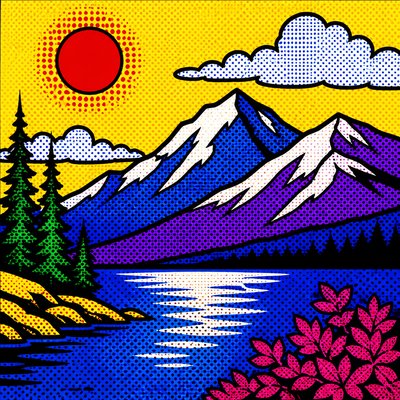
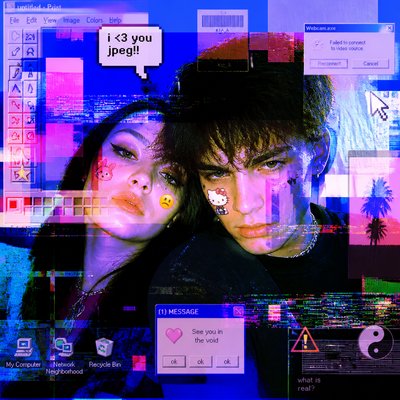
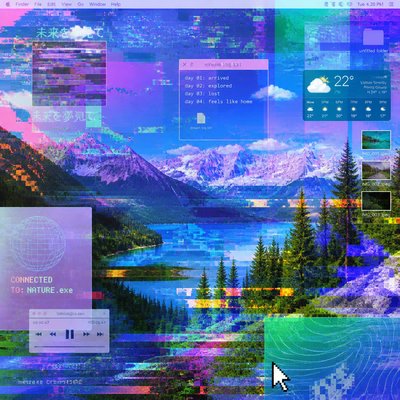
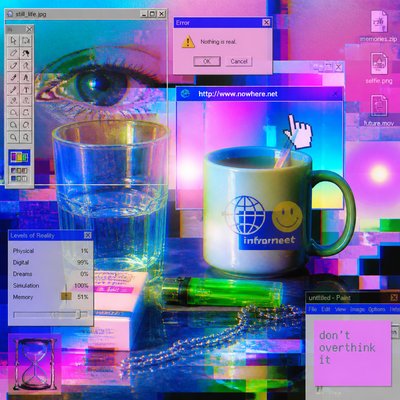
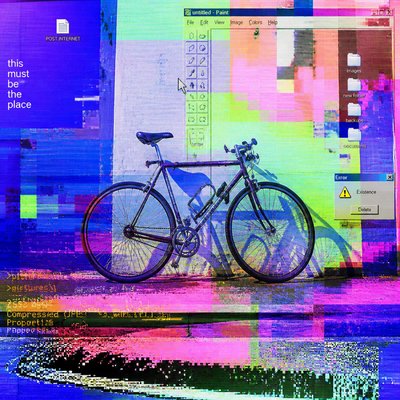
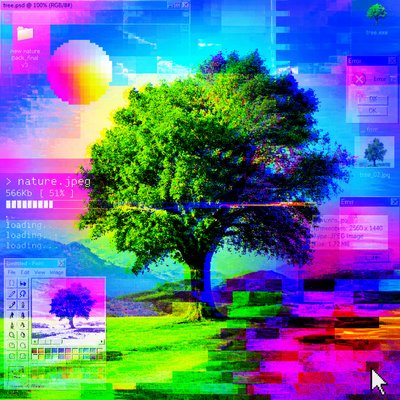
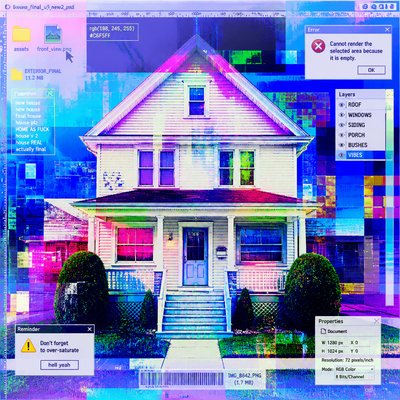
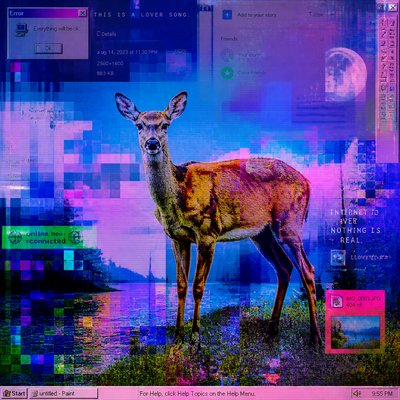
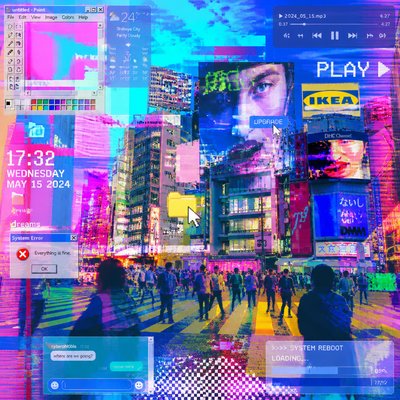
Post-internet art is an art style shaped by the visual logic of online life. It treats screenshots, browser windows, compression artifacts, interface layering, and digital noise not as errors to hide but as core visual material. The result often feels screen-native even when it is made for print, sculpture, photography, or painting: images appear flattened, overprocessed, and suspended between physical presence and mediated display.
Its look comes from the aesthetics of constant connectivity: saturated LCD color, glowing highlights, transparent overlays, pixelation, datamoshing, and the uneasy coexistence of smooth vector shapes with low-resolution fragments. Post-internet art is less about a single medium than about an attitude toward images after the internet, when reality is increasingly filtered through feeds, windows, tabs, and endlessly circulated files.
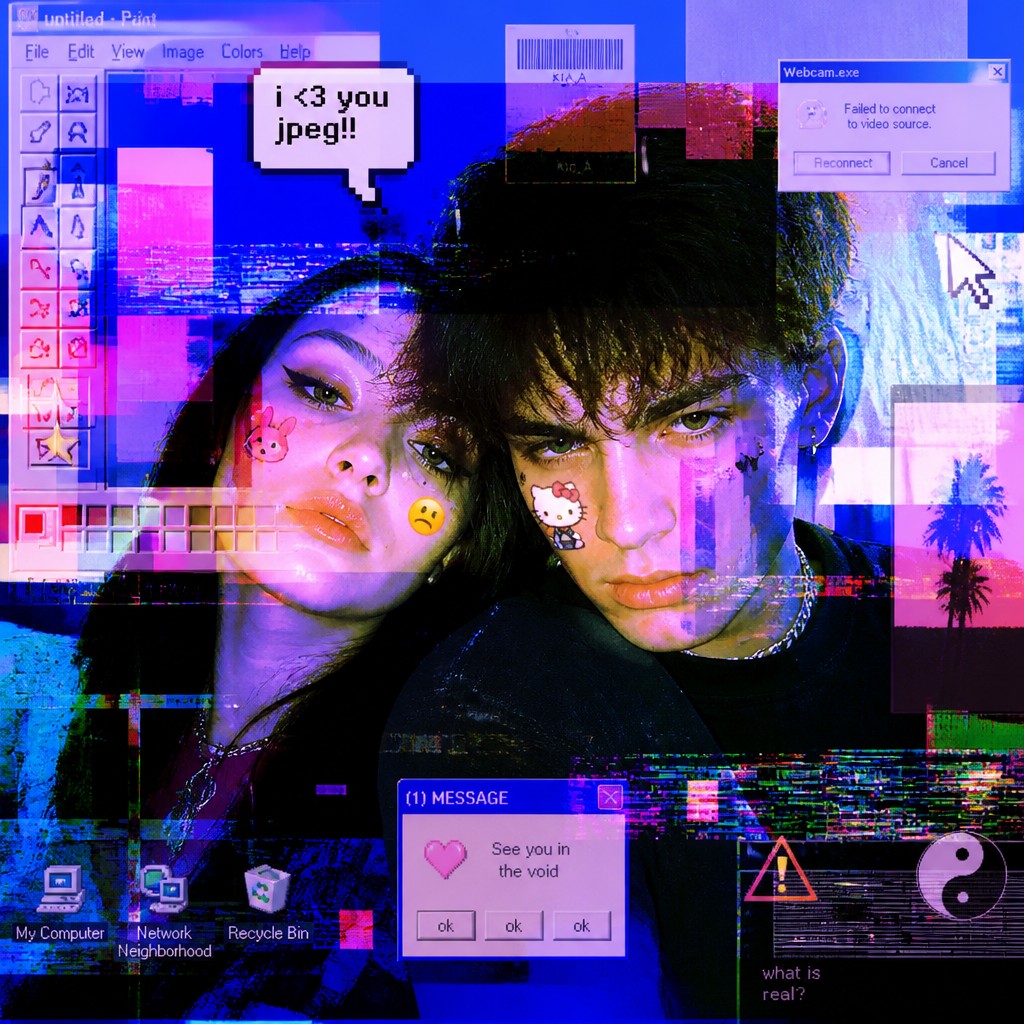
Try It On Your Photos
Upload any photo and convert it into Post-Internet Art Style — drag the sliders to compare before and after.
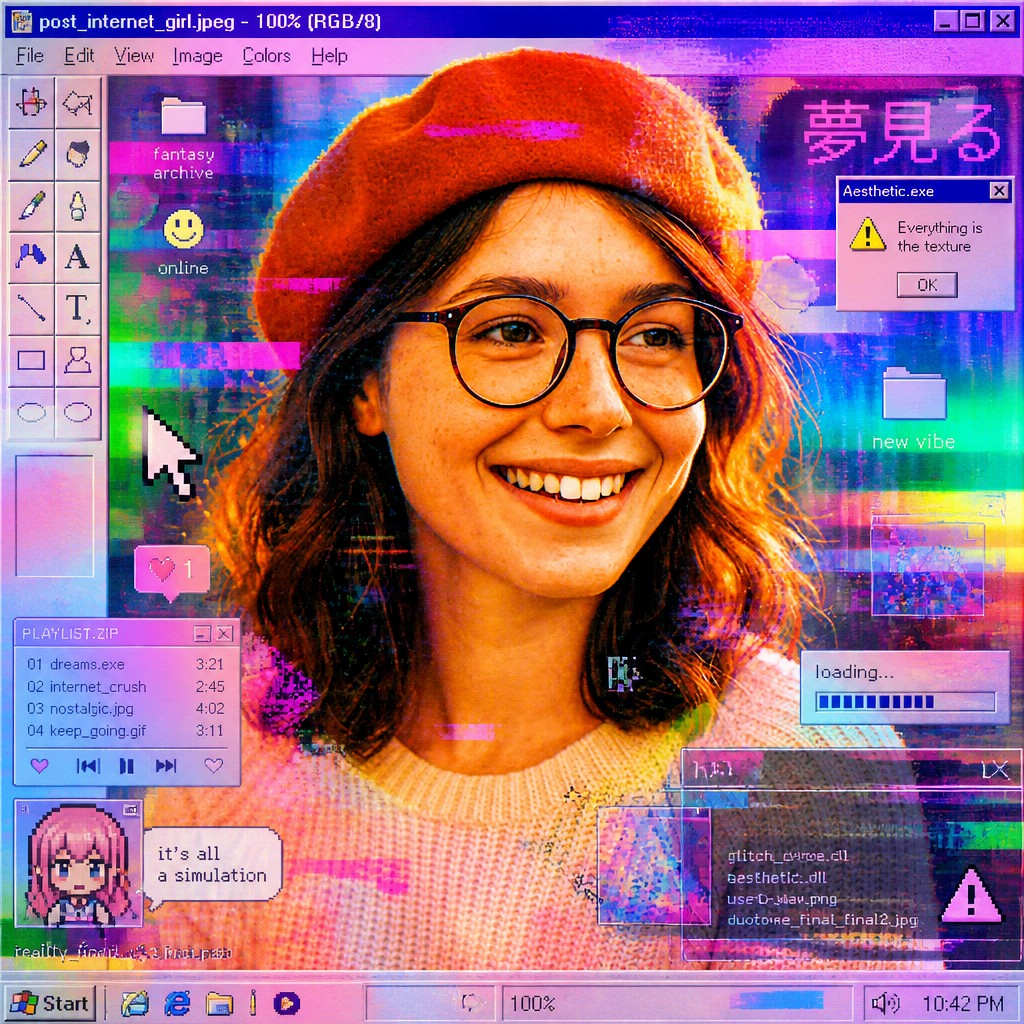

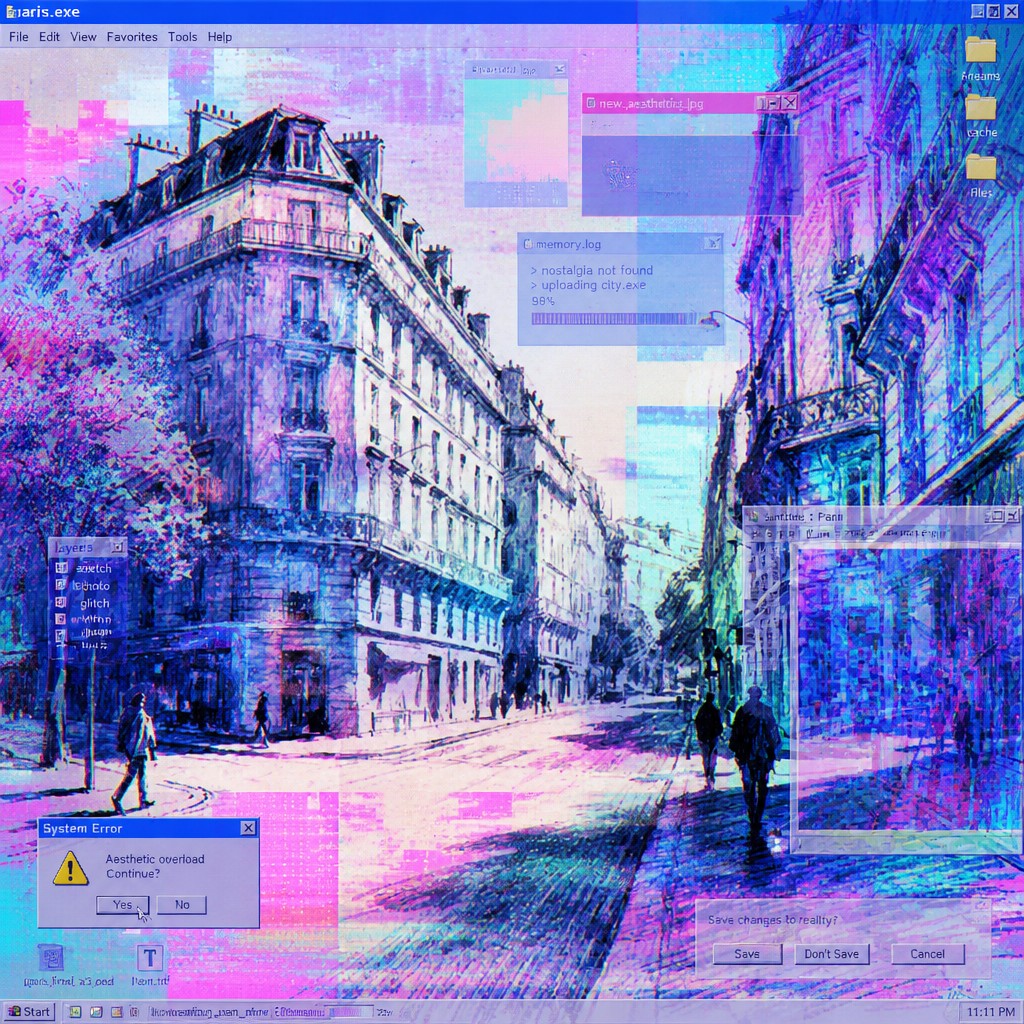
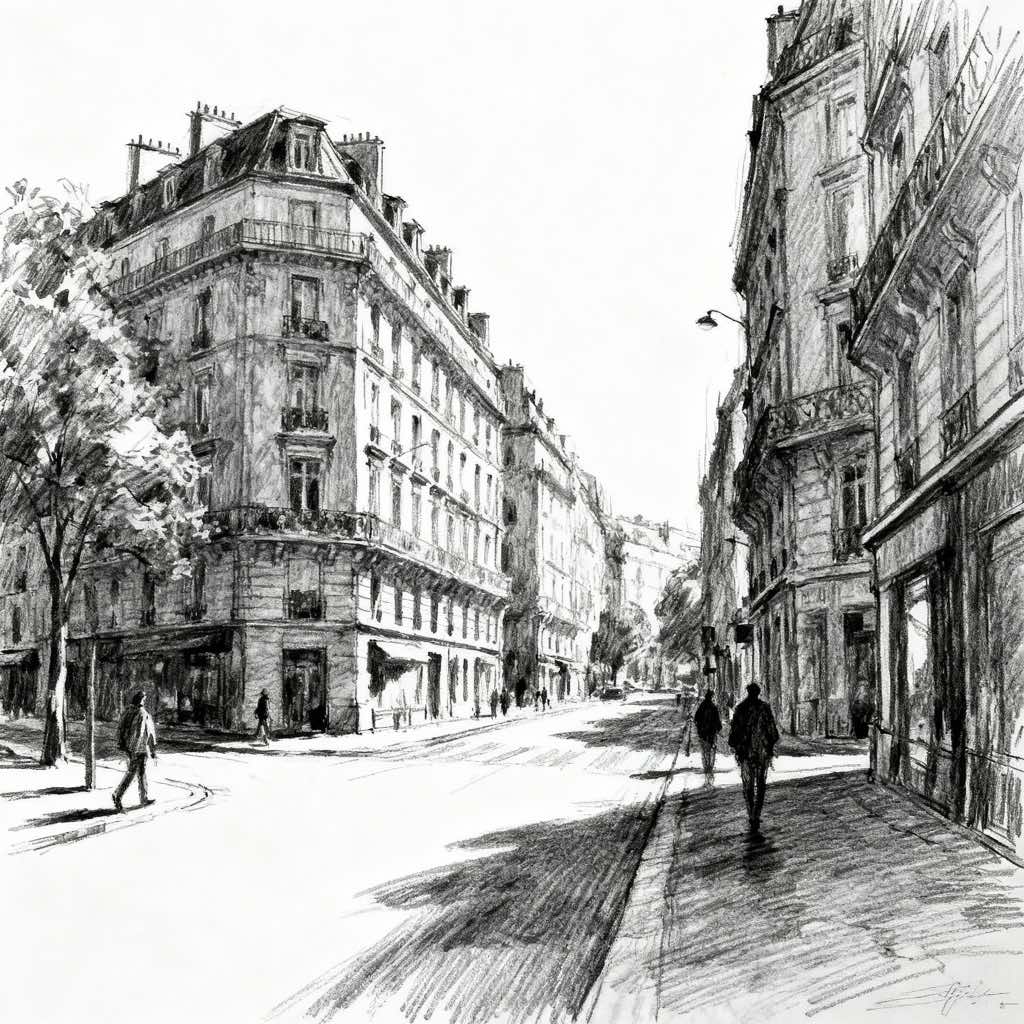
What Defines Post-Internet Art Style
The signature details, up close
Glitch as texture
Compression errors, signal breaks, datamosh smears, and corrupted pixels are used deliberately rather than repaired. These marks give the work a sense of unstable transmission.
Screen-native color
Colors often mimic the brightness of LCD displays: neon cyan, magenta, electric blue, and artificial white glow. The palette tends to feel illuminated from within.
Interface layering
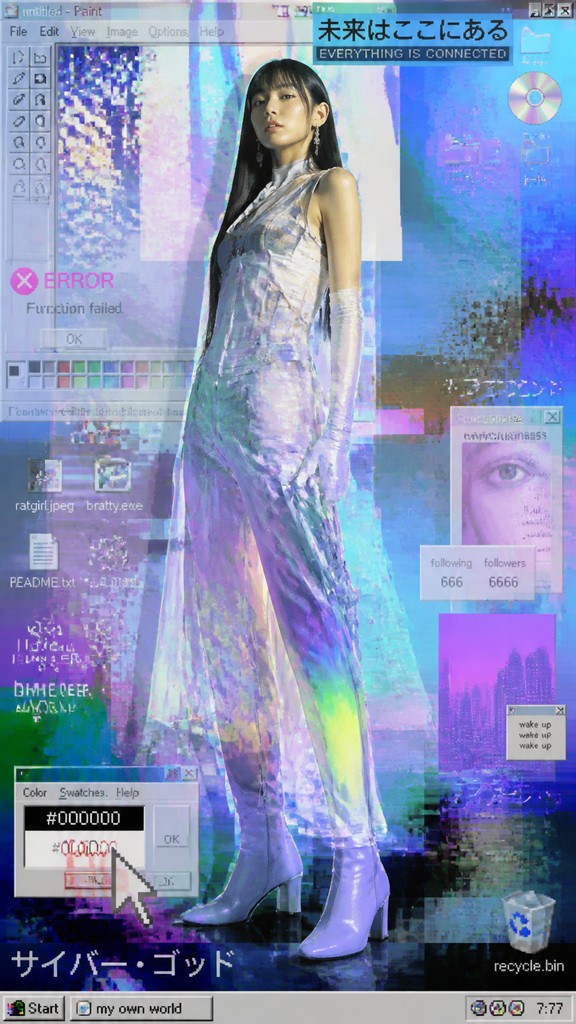
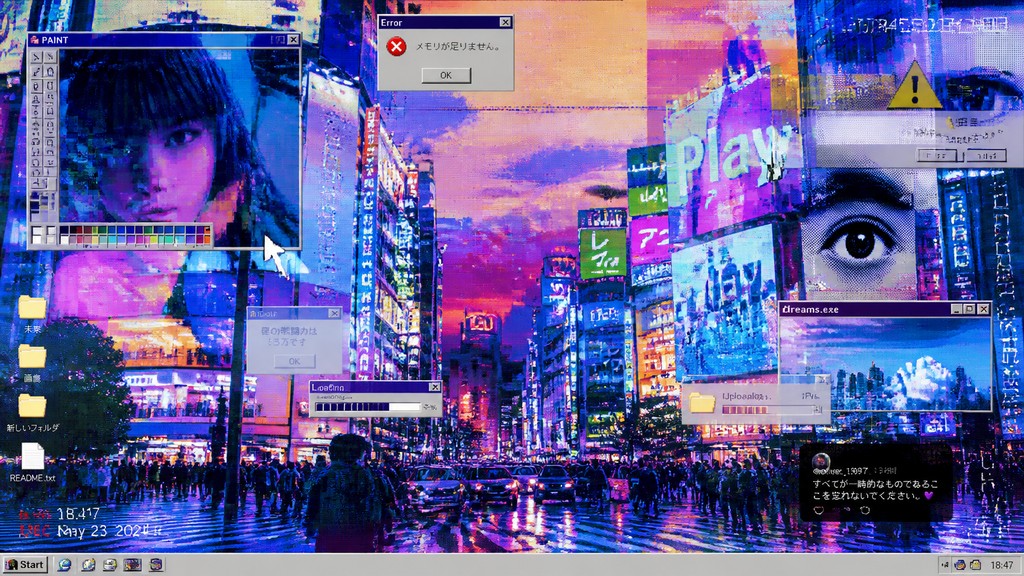
Overlapping panes, windows, cursors, menus, and translucent overlays suggest browsing, multitasking, and fractured attention. The image often reads like several digital surfaces stacked together.
Flattened spatial logic
Depth is frequently minimized or destabilized, creating a screenshot-like plane where image, text, and UI elements occupy the same field. Multiple viewpoints collapse into one compressed surface.
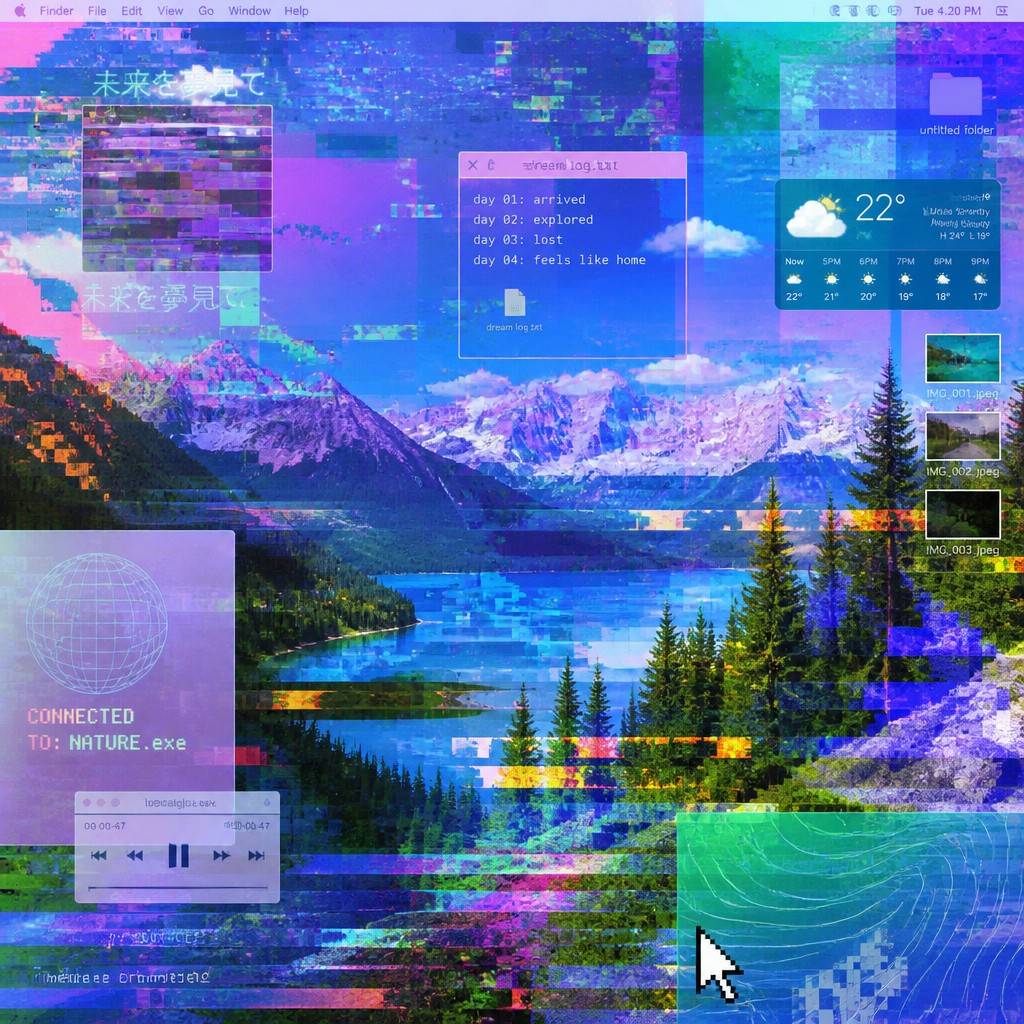
Hybrid material translation
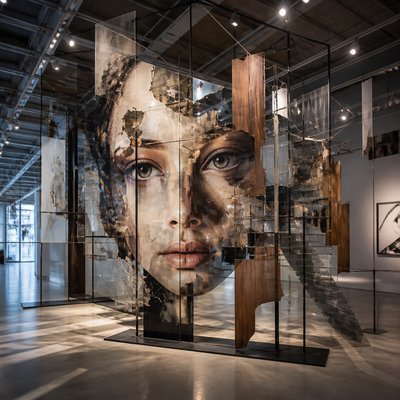
Digital aesthetics are often rendered in physical media such as painting, sculpture, print, or installation. The tension between tactile object and virtual image is central to the style.
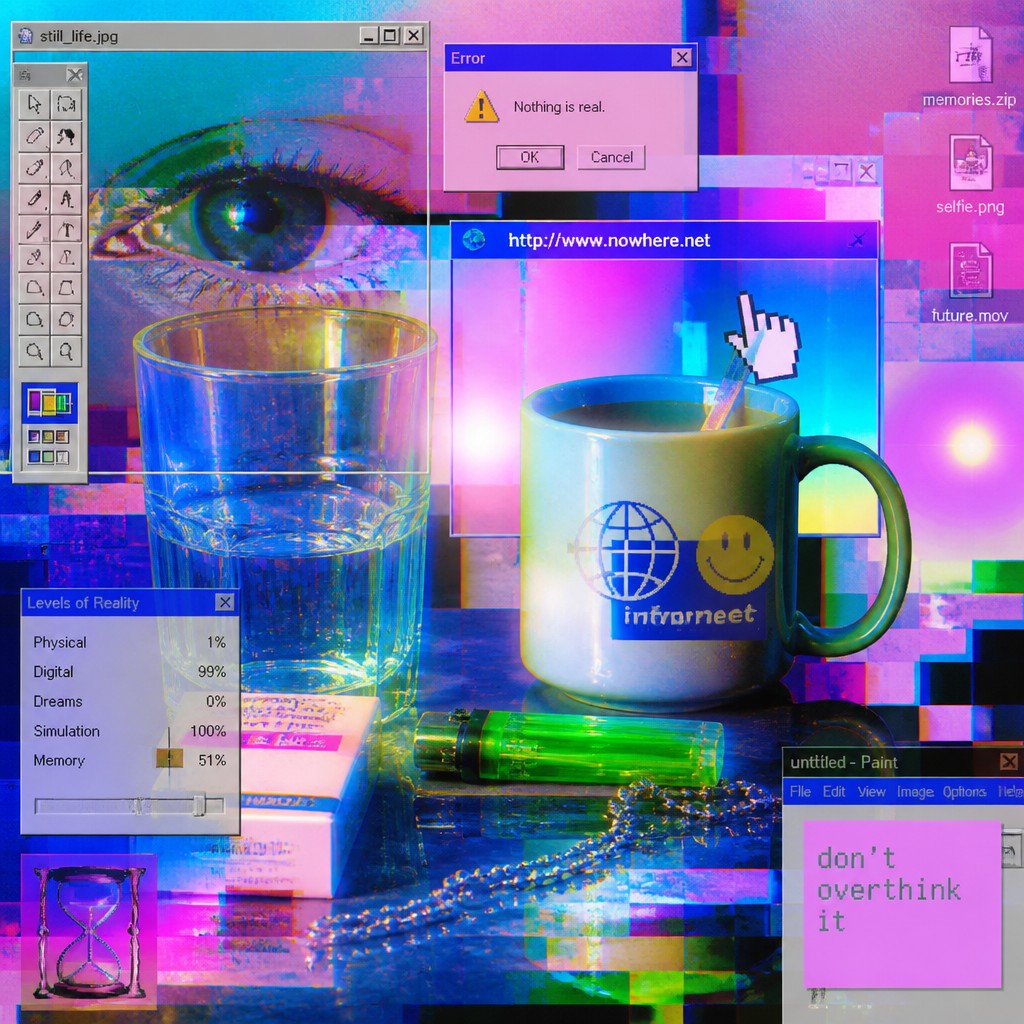
Post-processed imagery
Surfaces may look heavily filtered, compressed, or algorithmically altered, echoing the way images circulate online. The work often appears as if it has been reposted, resized, or remixed many times.
Try It
Create Videos in Post-Internet Art Style
Styles aren't just for stills — describe a scene or animate an image and get a short video rendered in Post-Internet. Press play to see this pond come to life.
Make a VideoPost-Internet Prompt Ideas
Start from an idea — each one opens the generator with the style ready to go. See all 40 Post-Internet prompts →
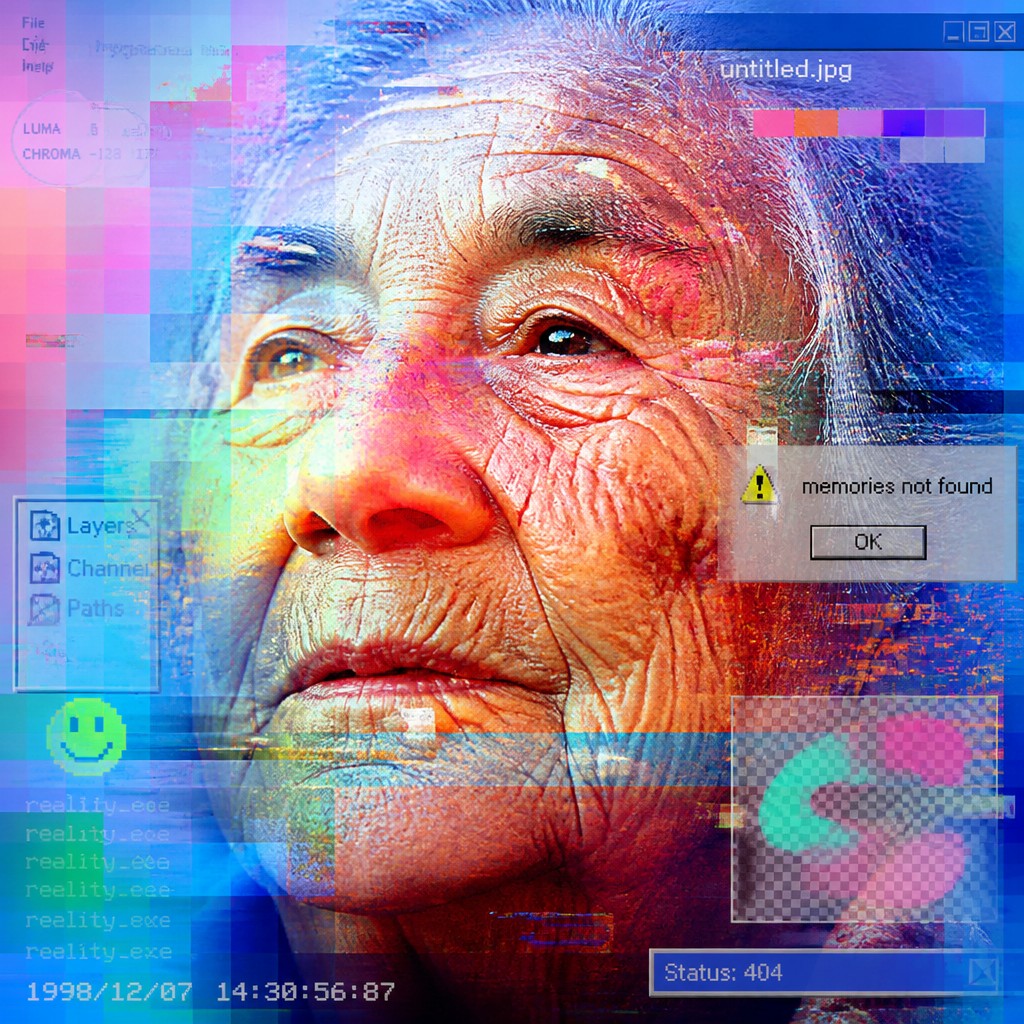
“close-up portrait of an elderly person with expressive weathered features”
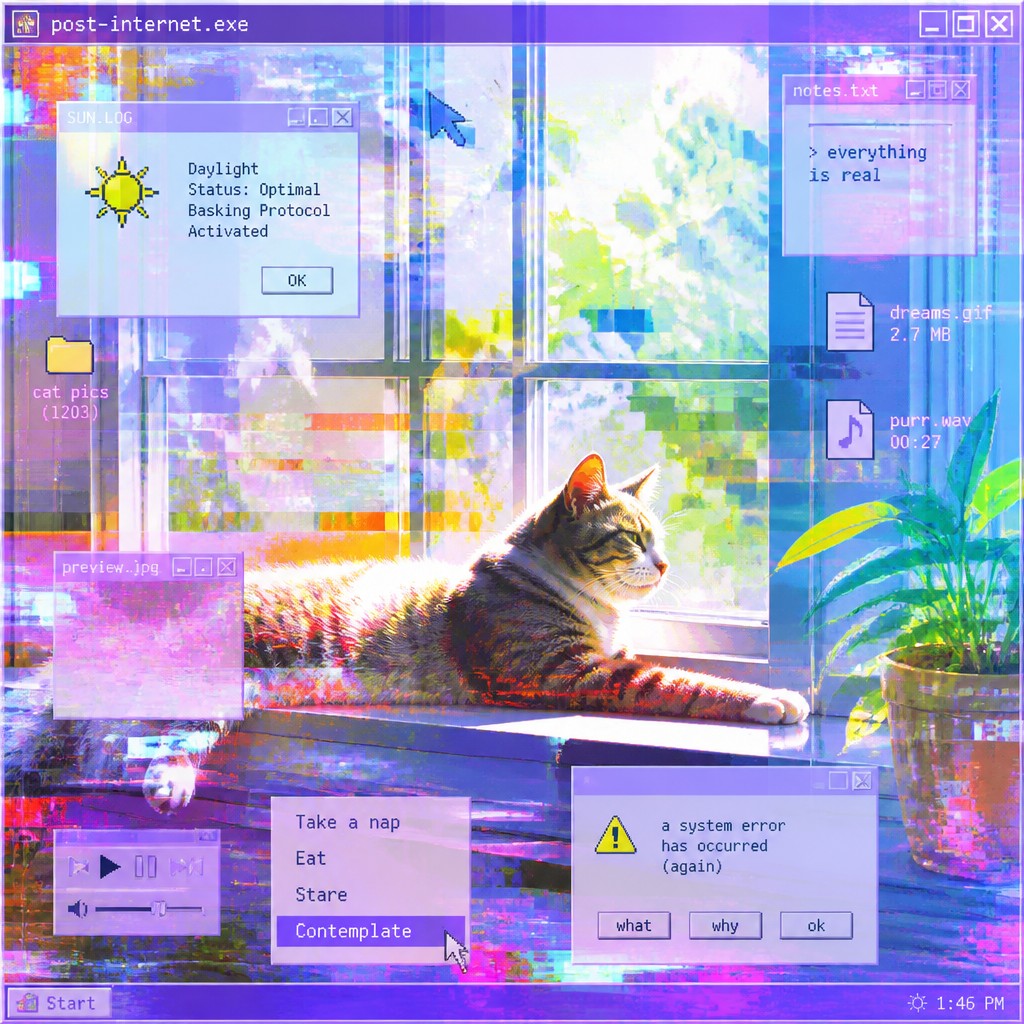
“a cat lounging in a sunlit window”
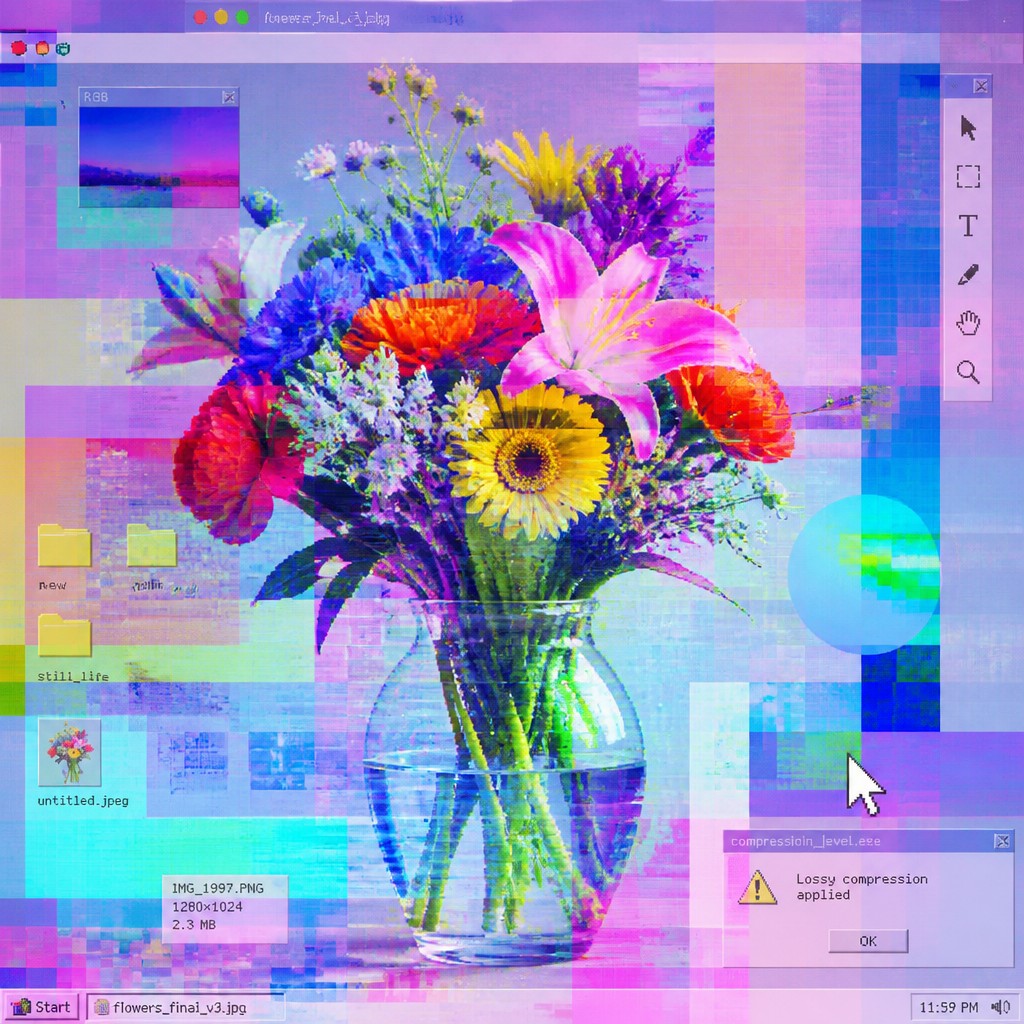
“bouquet of flowers in a glass vase”
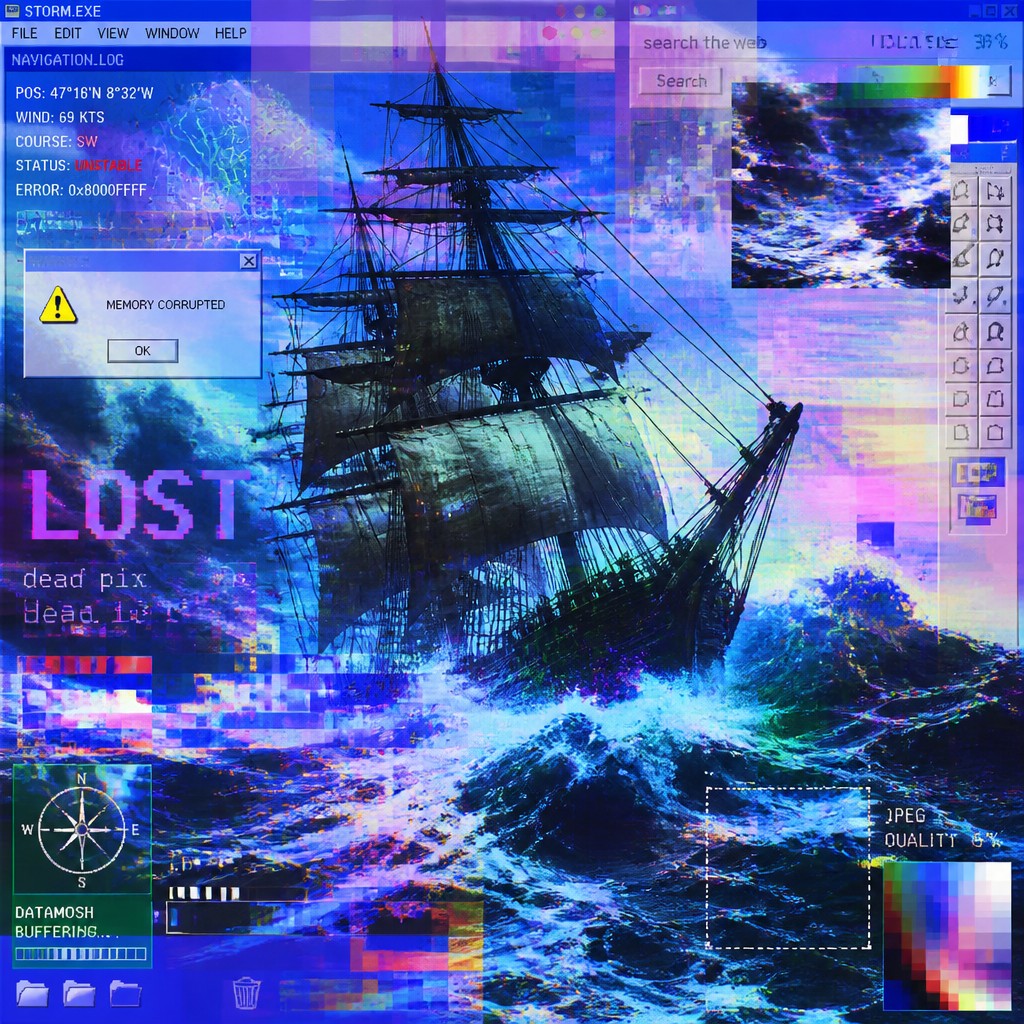
“sailing ship on a stormy sea”
How to Create Post-Internet Art
Master the craft step by step — or skip straight to creating. Read the full guide →
- 1
Build from screen references
Start with screenshots, browser layouts, app interfaces, or social media compositions, then reinterpret them rather than copying them literally. In traditional media, paint the structure of a screen with crisp edges and layered rectangles; in digital work, mimic the rhythm of tabs, notifications, and panes.
- 2
Use compression and noise intentionally
Add JPEG artifacts, pixel breakup, scanline-like noise, and color banding as compositional elements. If you are working by hand, translate these into rough edges, halftone fields, or broken gradients.
- 3
Layer incompatible image languages
Combine vector-clean forms, photographic fragments, text, and UI symbols in one composition. The style depends on friction between polished digital surfaces and degraded or fragmented data.
- 4
Flatten and backlight the image
Keep shadows shallow and use luminous color to suggest the glow of a monitor rather than natural light. Even in physical media, the image should feel as though it is being emitted by a screen.
- 5
Translate the concept into the prompt
When generating images, specify compressed textures, translucent overlays, glitch artifacts, saturated display colors, and screenshot-like framing. Keep the subject clear, then add the visual traits of online circulation and mediated perception.
The Story
History & Origins of Post-Internet
The term post-internet emerged in the late 2000s and early 2010s to describe art made in an environment where the internet was no longer a separate realm but part of everyday visual culture. It is not a formal historical movement with a fixed founding moment; rather, it developed from networked art, net art, digital collage, glitch aesthetics, appropriation practices, and the broader turn toward screen-based experience in contemporary life. Artists associated with the discourse include leading post-internet artists and related practitioners, among others, though the style is broader than any single group.
Its aesthetic lineage reaches back to pop art, appropriation art, conceptual art, early digital art, and the visual language of software interfaces and consumer electronics. As online imagery became ubiquitous, post-internet art absorbed the look of compressed files, commercial web design, social media feeds, and image-search detritus, then translated those effects into painting, installation, sculpture, photography, and video.
Influences: Post-internet art is related to net art, glitch art, appropriation art, conceptual art, and the legacy of pop art. It also draws from the design language of user interfaces, web graphics, social media aesthetics, and early digital image manipulation. In a broader art-historical sense, it inherits from major postwar pop artists and appropriation artists in its interest in circulation, reproduction, and mediated images, while also responding to the screen culture that shaped contemporary life.

Frequently Asked Questions
What defines post-internet art?
It is defined by art that reflects the internet’s impact on how images are made, seen, and understood. Visually, it often uses glitches, compression artifacts, layered interfaces, and a flattened screen-based composition. Conceptually, it deals with online circulation, mediated identity, and the collapse of boundaries between digital and physical experience.
Is post-internet art the same as glitch art?
No. Glitch art focuses specifically on digital corruption, file errors, and transmission failures as an aesthetic. Post-internet art can include glitch effects, but it is broader and more conceptual, often combining digital aesthetics with painting, photography, sculpture, or installation.
What media can be used in this style?
Almost any medium can work: digital illustration, photo manipulation, painting, print, video, sculpture, and installation. The key is not the medium itself but the way it reflects screen culture, online circulation, and the visual habits of internet life.
Why does post-internet art often look flat or compressed?
That look comes from the visual conditions of online viewing, where images are resized, reposted, compressed, and stacked in interfaces. Flattening the space makes the work feel like it belongs to a screen environment rather than a classical illusionistic scene.
How do I make my own post-internet artwork?
Use the aesthetics of browsing: windows, overlays, artifacts, low-resolution fragments, and luminous display color. You can make it by hand with collage or painting, or digitally by layering screenshots, adding compression effects, and composing as if the image were circulating online.
Where is post-internet art commonly used?
It appears in contemporary galleries, editorial illustration, album art, fashion imagery, web design experiments, and social-media-native visual culture. It is especially common wherever artists want to express how digital life shapes identity, memory, and reality.
Create your first Post-Internet artwork
Describe anything — or upload a photo — and see it in Post-Internet Art Style in seconds.
Make Something with Post-Internet
Compare Post-Internet
Related Styles
Discover similar art styles