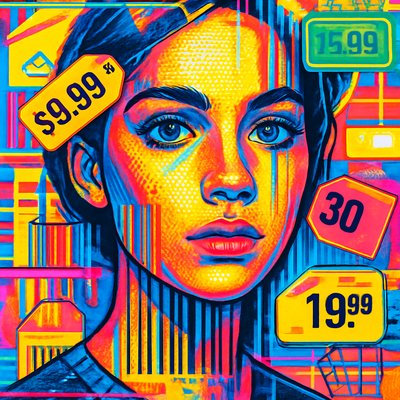
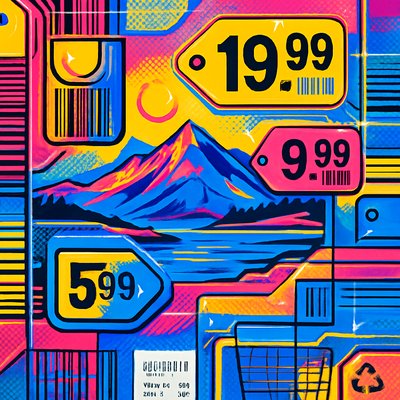
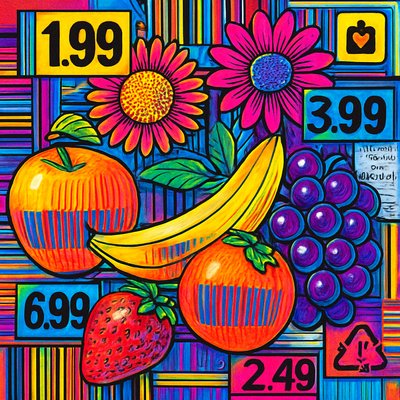
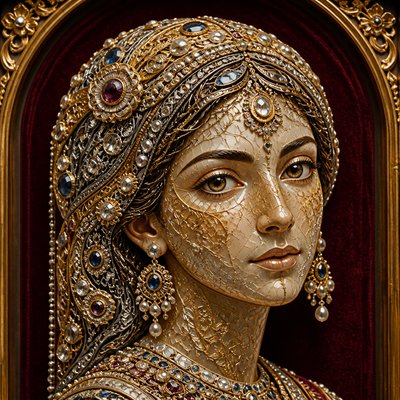
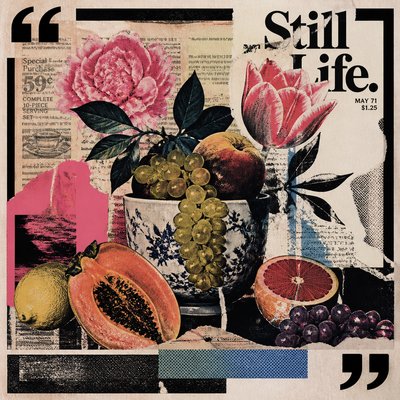
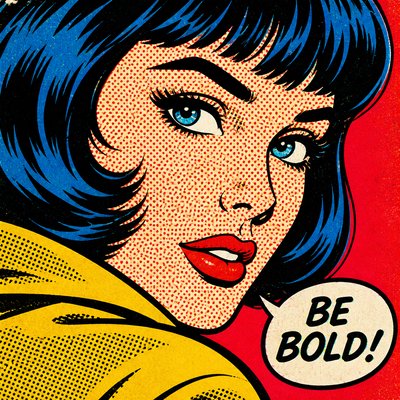
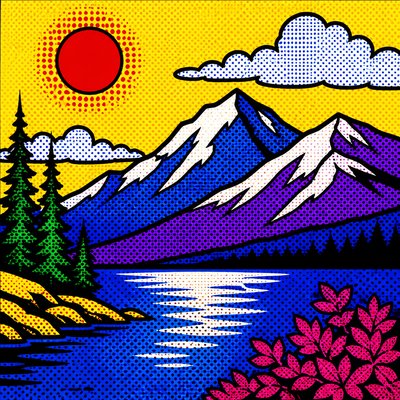
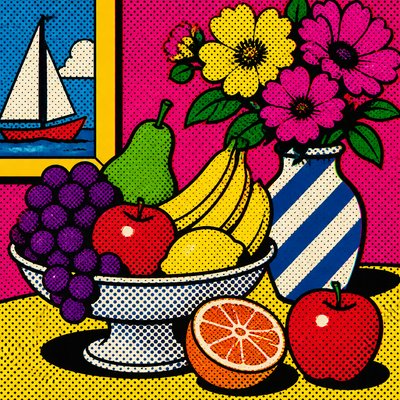
Motion Graphics Digital Art Style
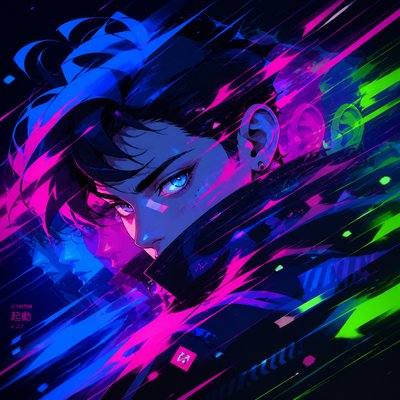
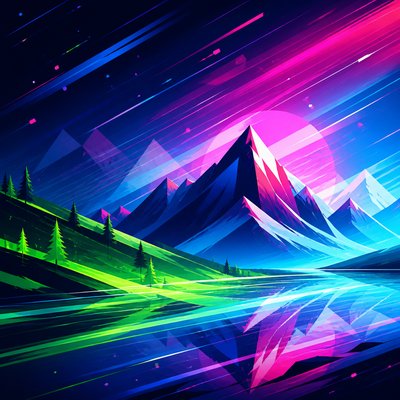
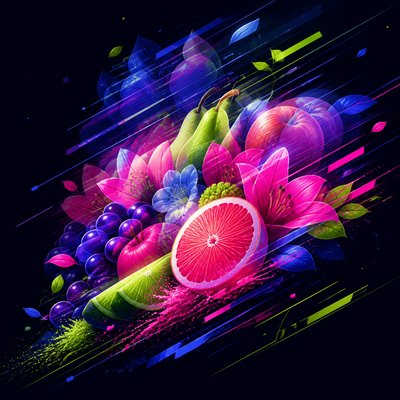
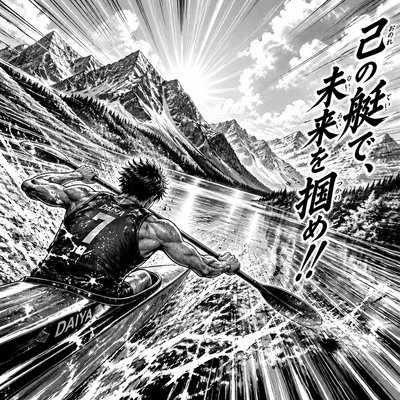
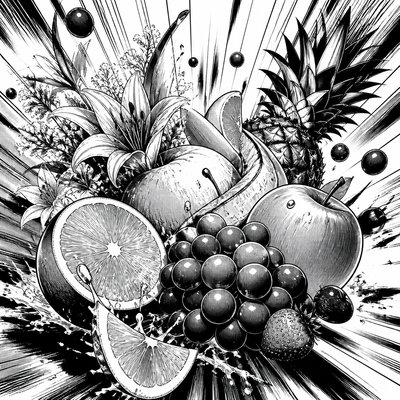
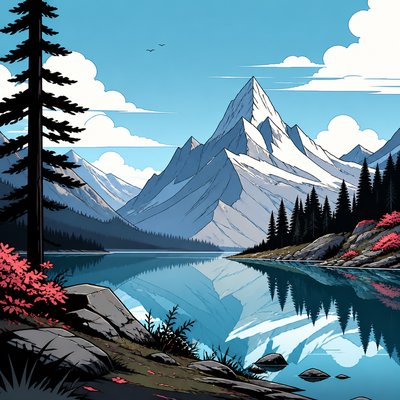
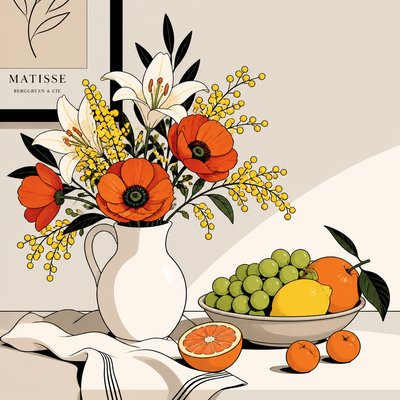
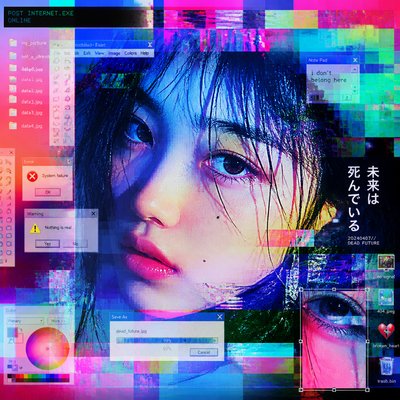
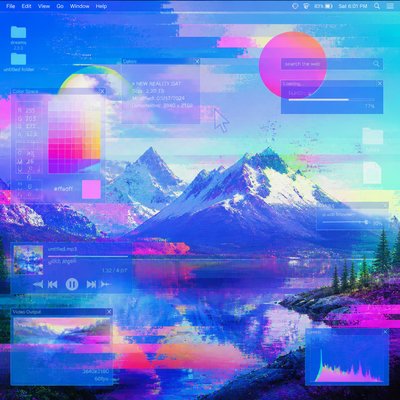
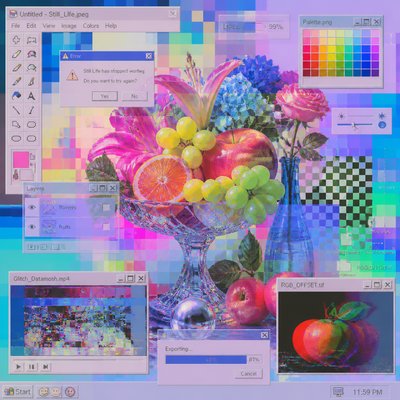
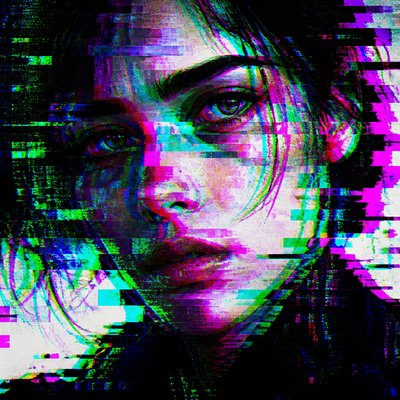
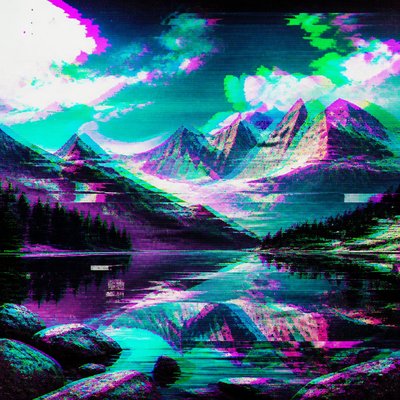
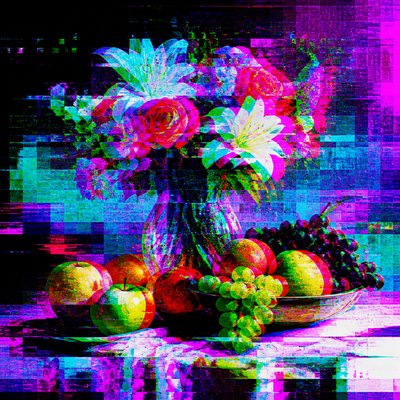
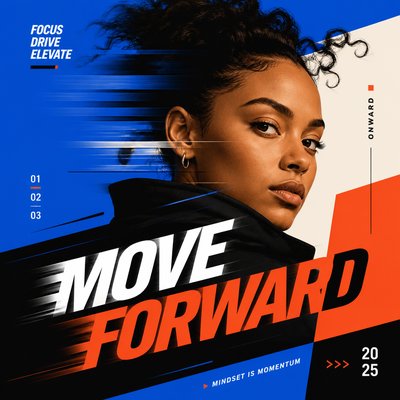
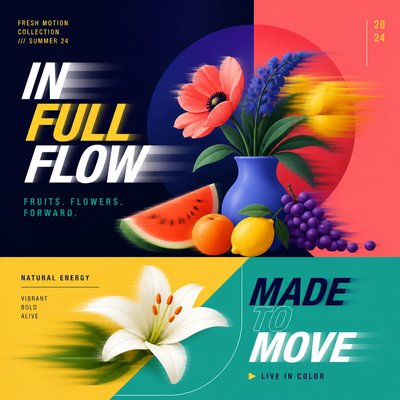
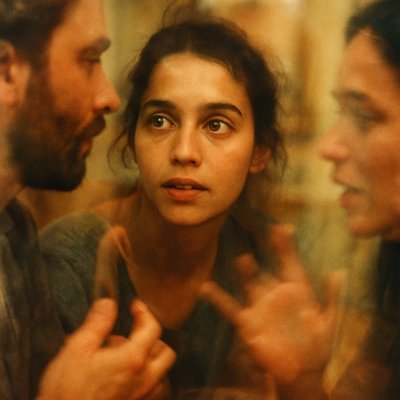
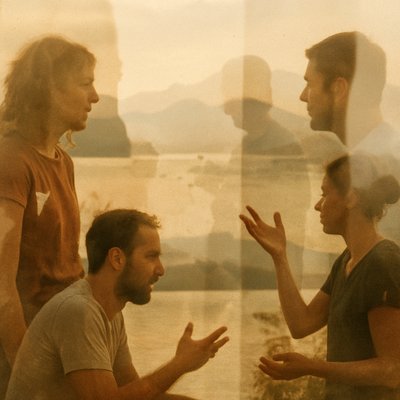
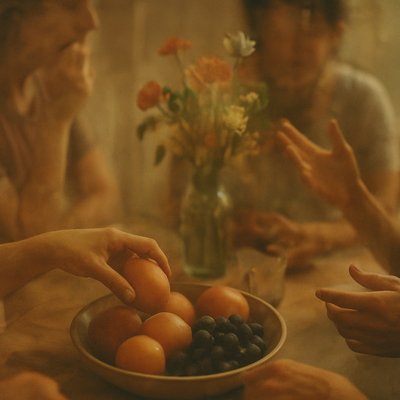
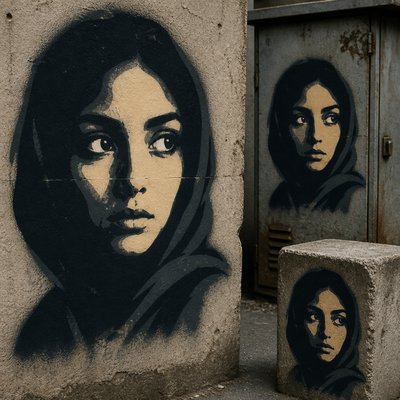
Dynamic still-frame graphics with motion blur, kinetic typography, glowing gradients, and bold vector forms.
Instantly rendered in Motion Graphics Digital — or transform a photo
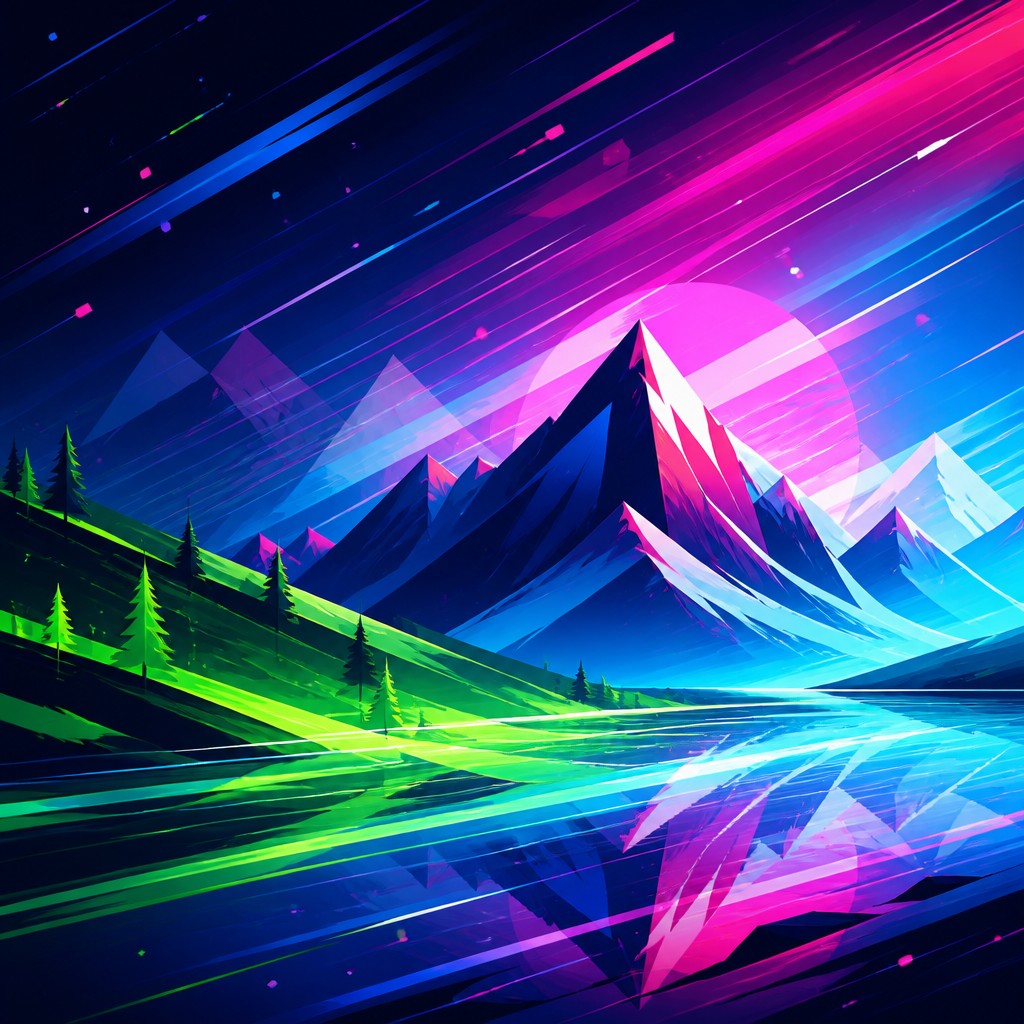
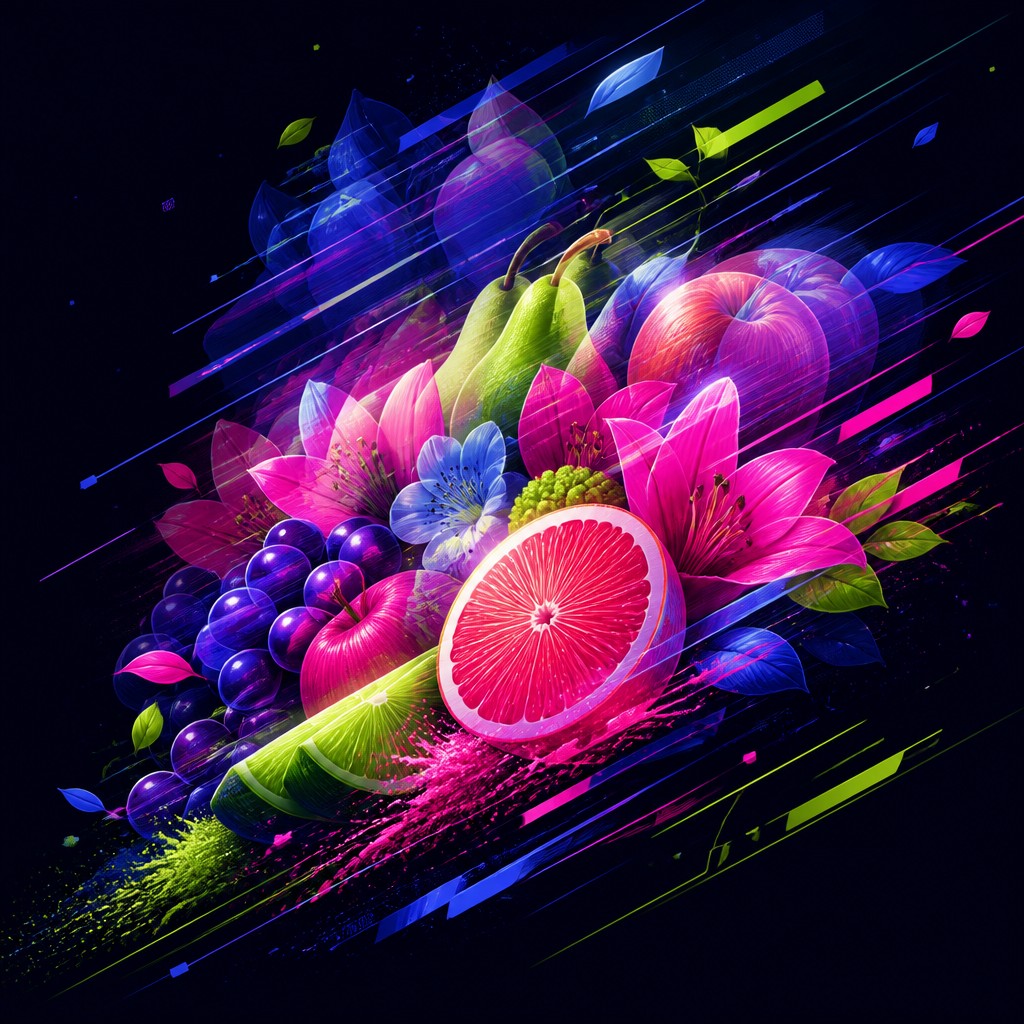
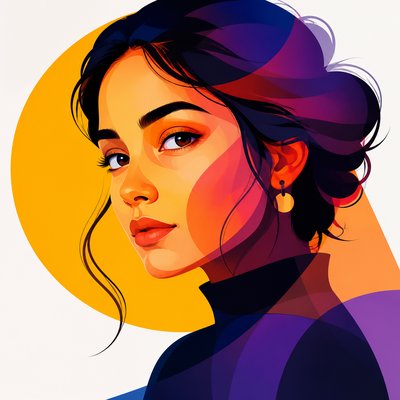
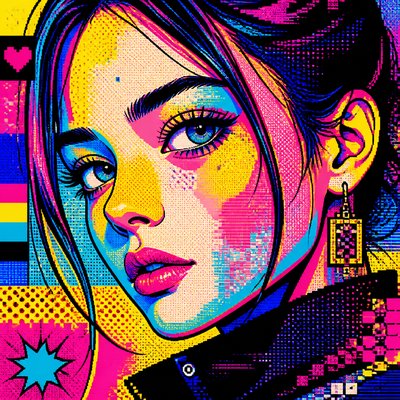
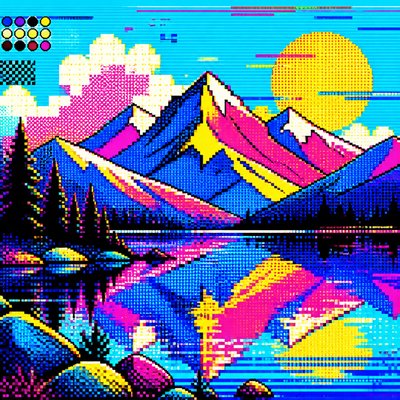
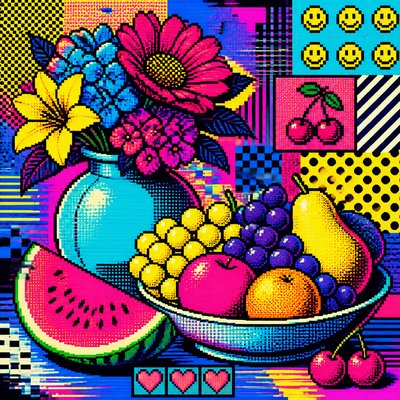
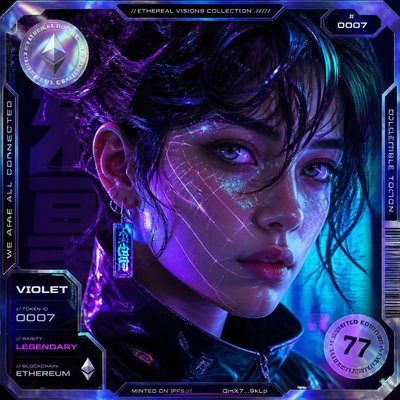
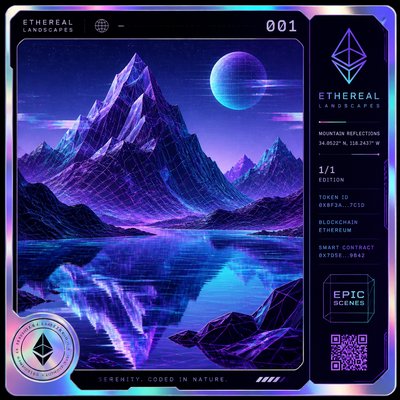
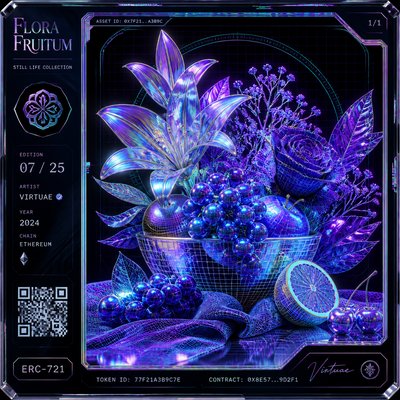
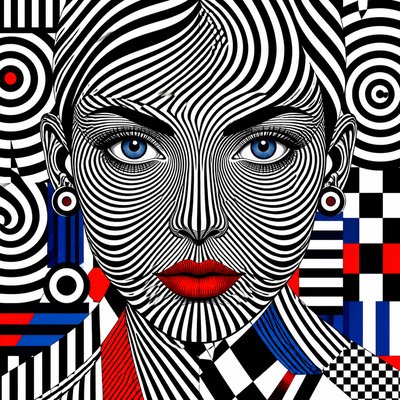
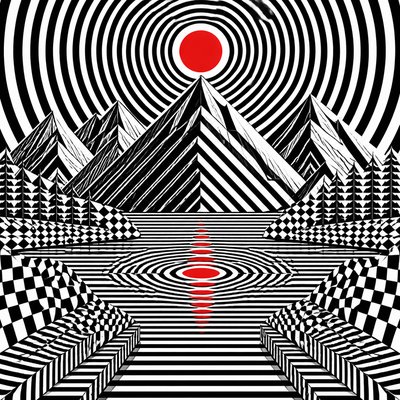
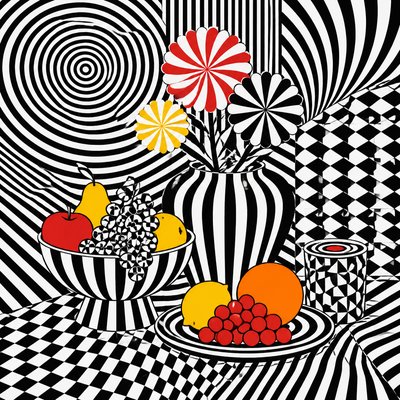
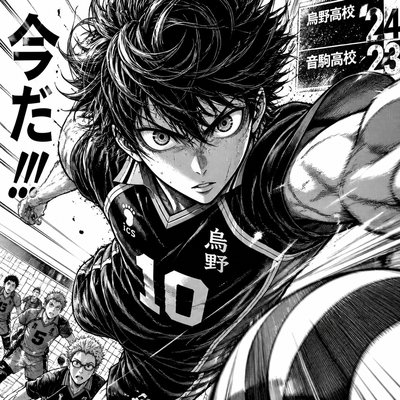
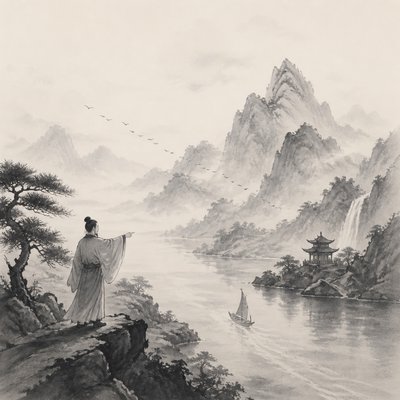
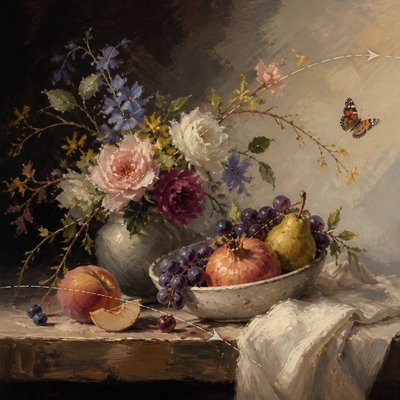
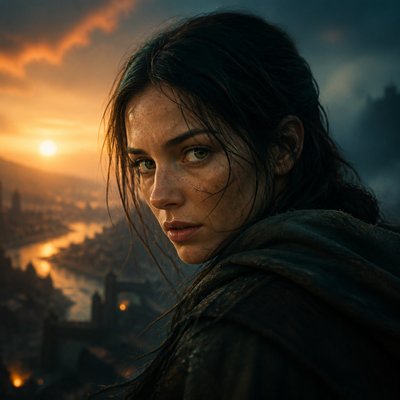
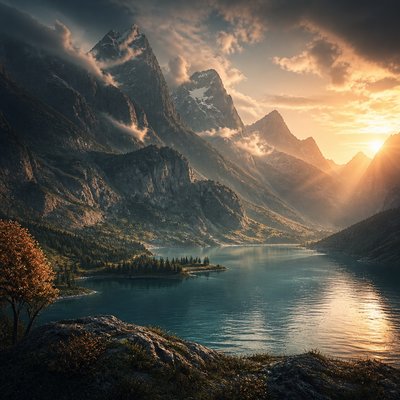
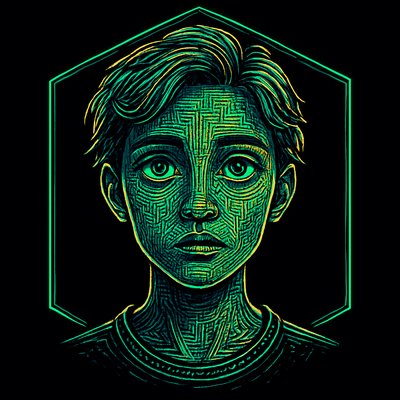
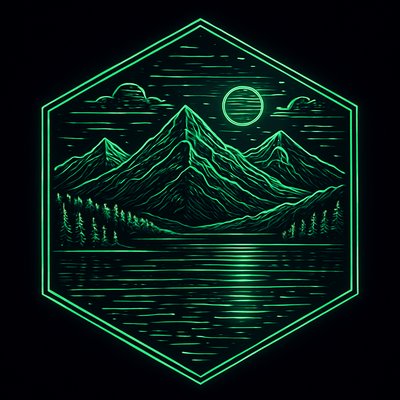
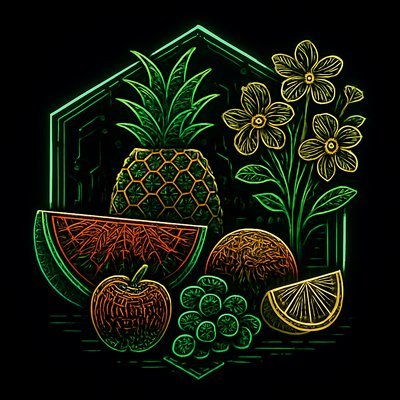
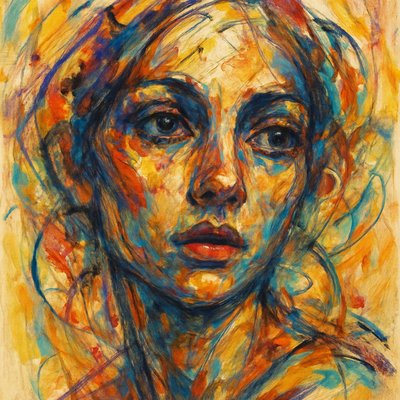
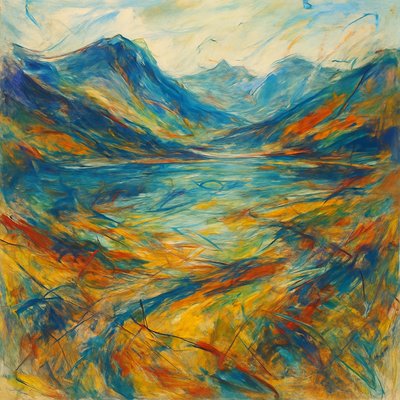
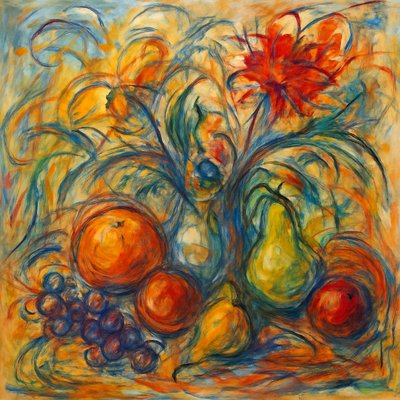
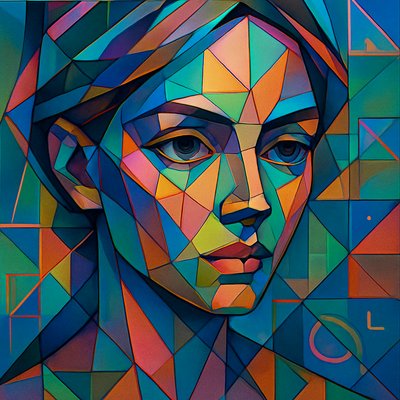
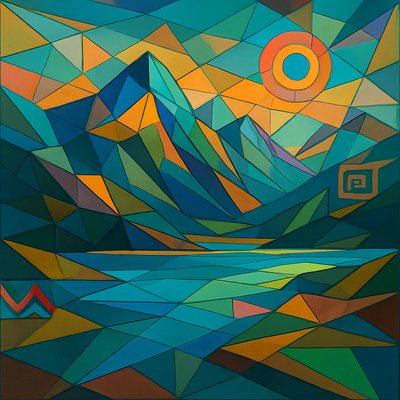
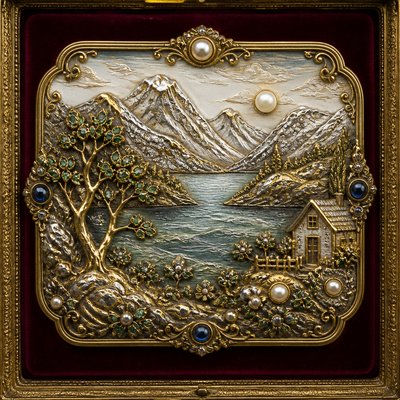
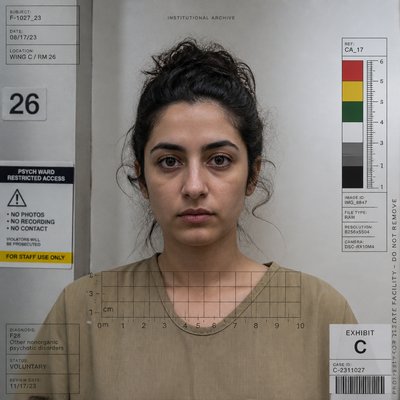
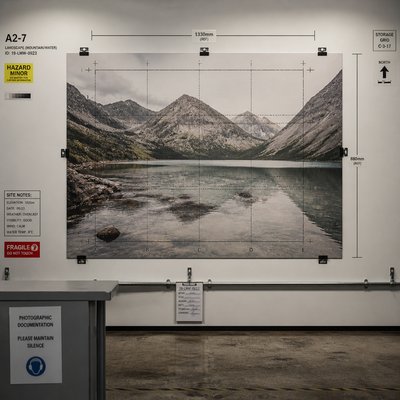
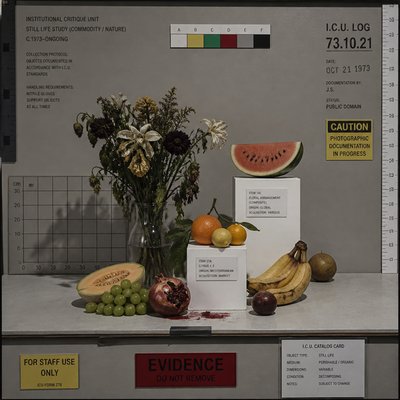
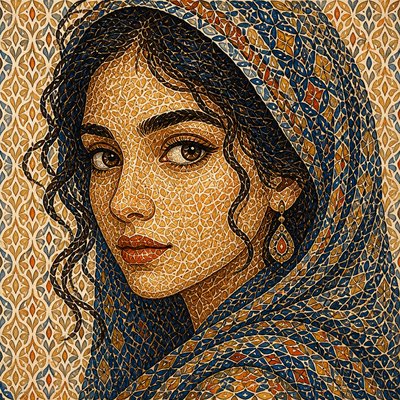
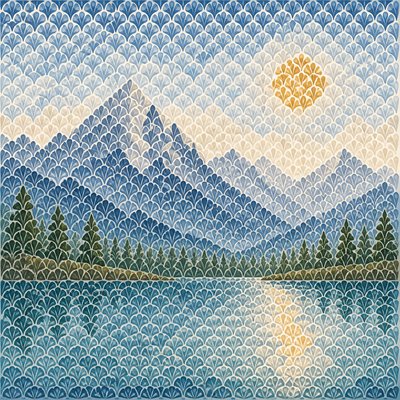
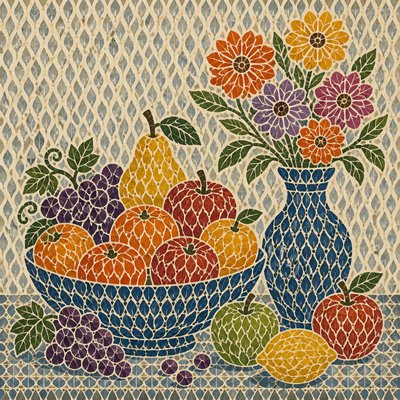
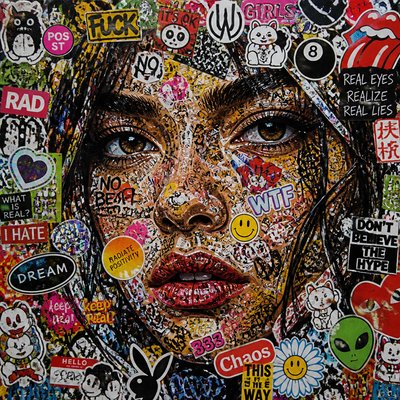
Motion Graphics Digital Gallery
Tap any artwork to explore it

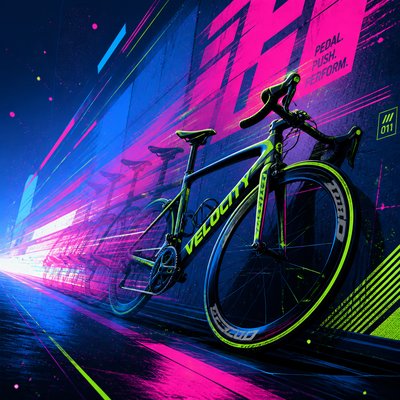
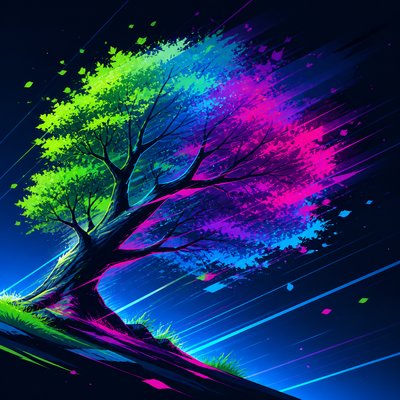
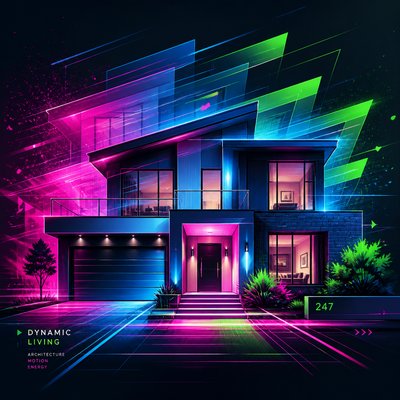
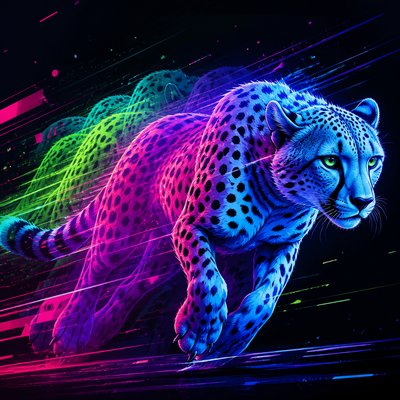
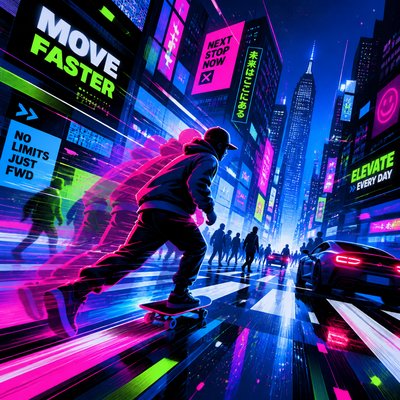
What is Motion Graphics Digital Art Style?
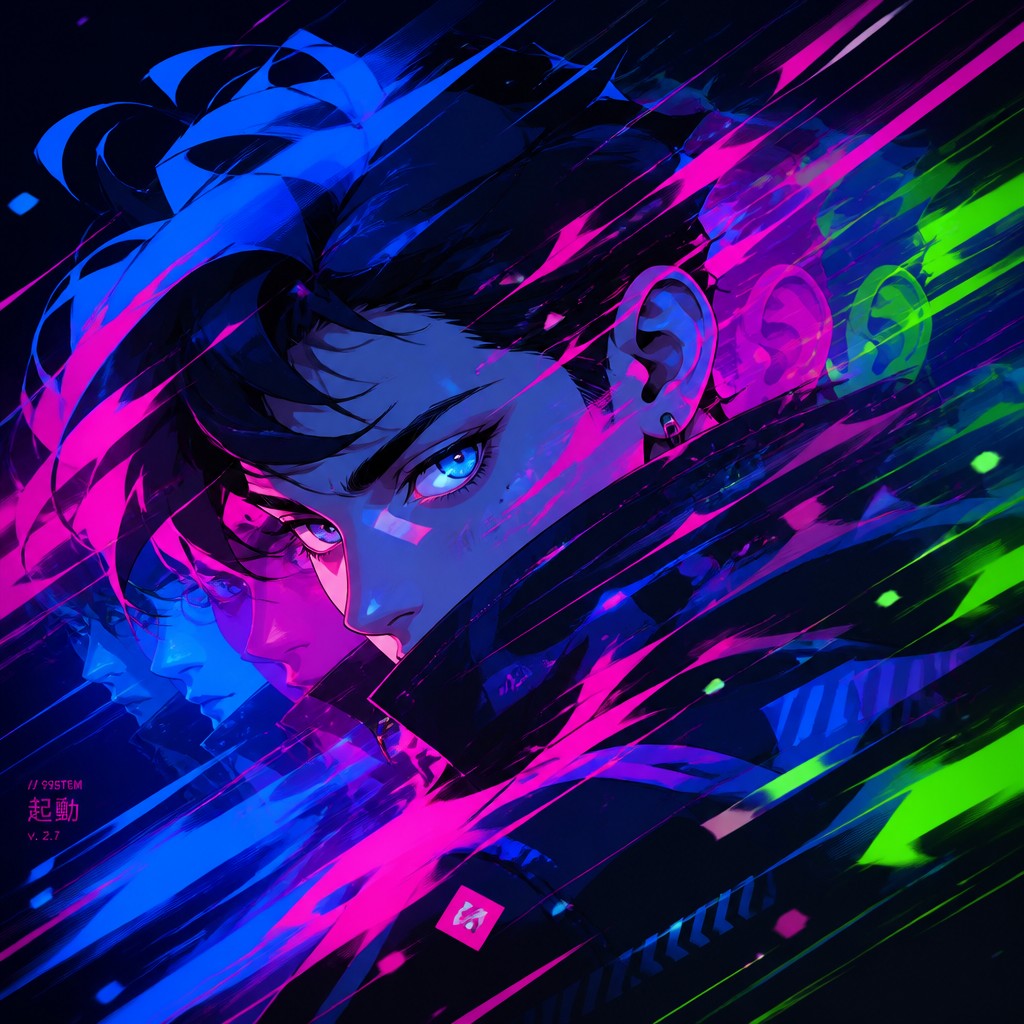
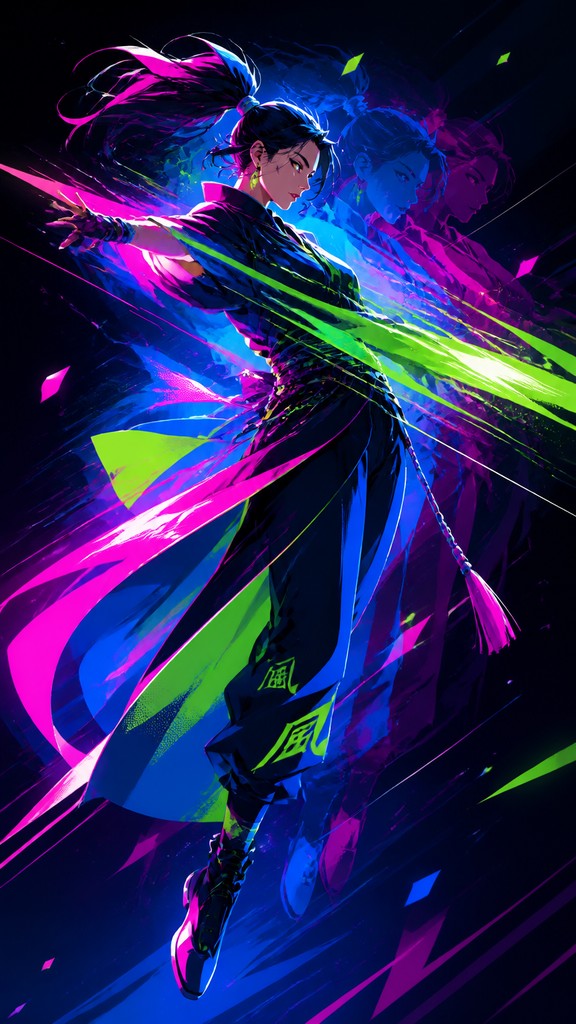
Motion graphics digital art is a still-image style that borrows the visual language of animation, broadcast design, and digital title sequences. Rather than depicting a single frozen pose in a static way, it composes the frame to imply movement through diagonal layouts, streaking effects, layered duplicates, and typographic rhythm. The result is an image that feels as if it were paused in the middle of an edit or title animation.
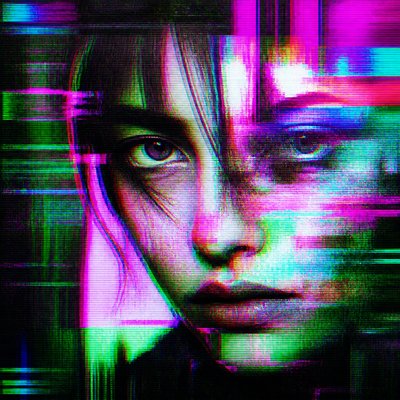
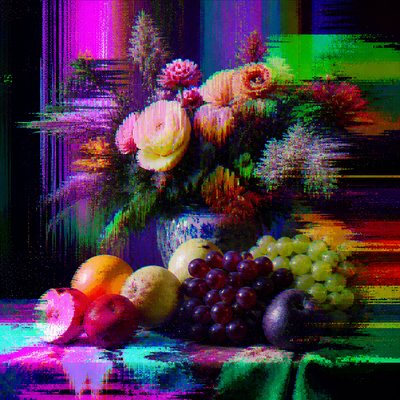
Its visual identity is built from clean vector shapes, sharp edges, luminous gradients, and controlled chaos. Motion blur, speed lines, particle traces, and transparent overlays create a sense of momentum, while bold color contrasts and contemporary screen-based effects give the work a sleek, high-energy finish. The style looks the way it does because it translates animation principles—timing, anticipation, overlap, follow-through, and acceleration—into a single composition.
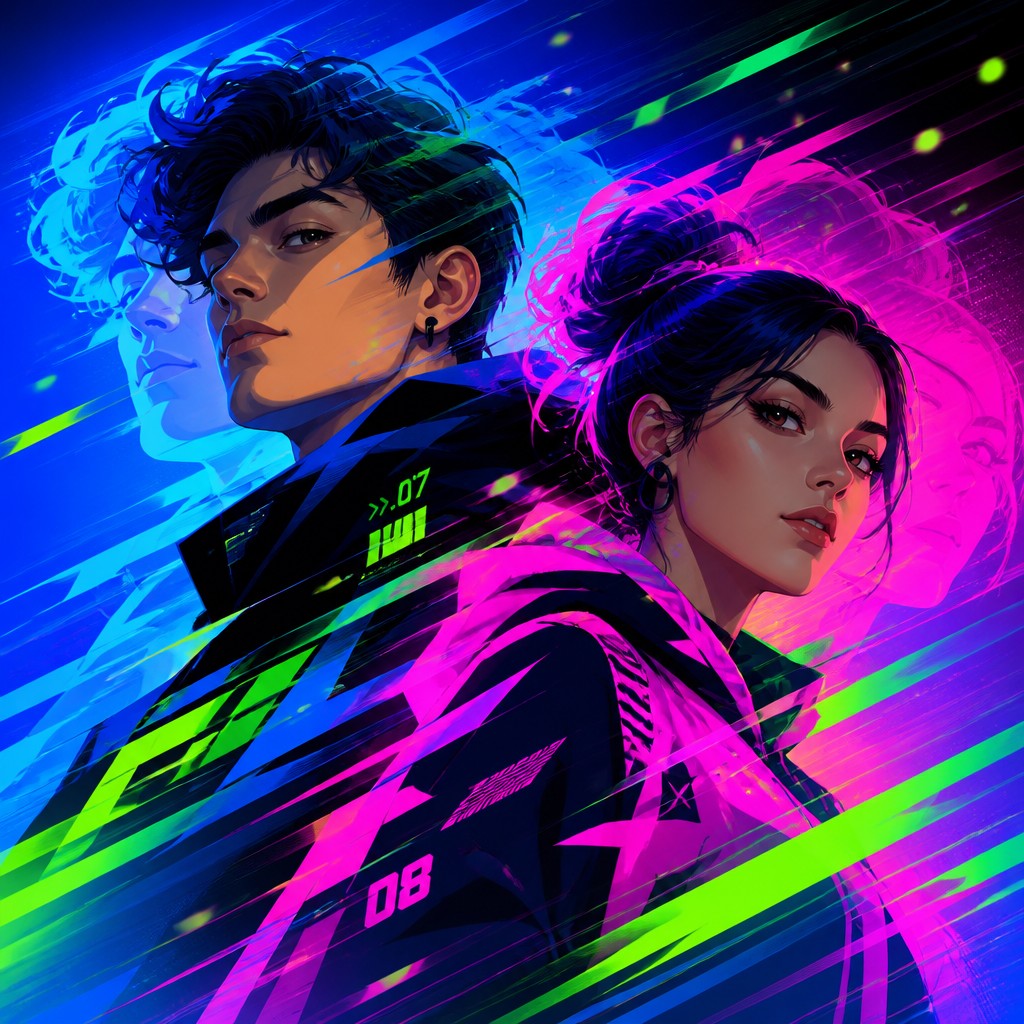
Try It On Your Photos
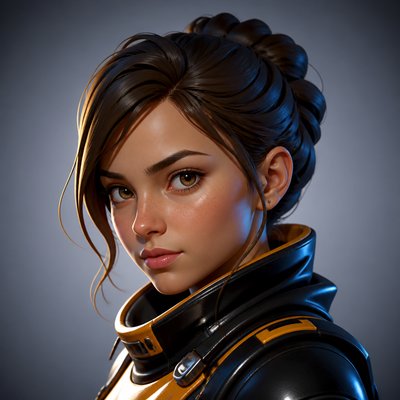
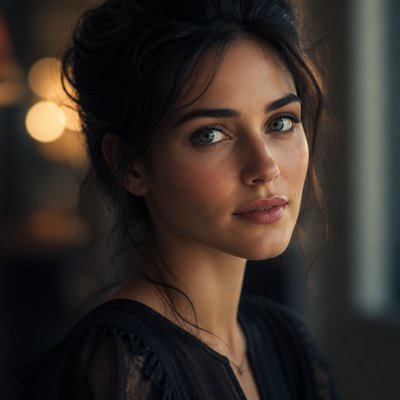
Upload any photo and convert it into Motion Graphics Digital Art Style — drag the sliders to compare before and after.
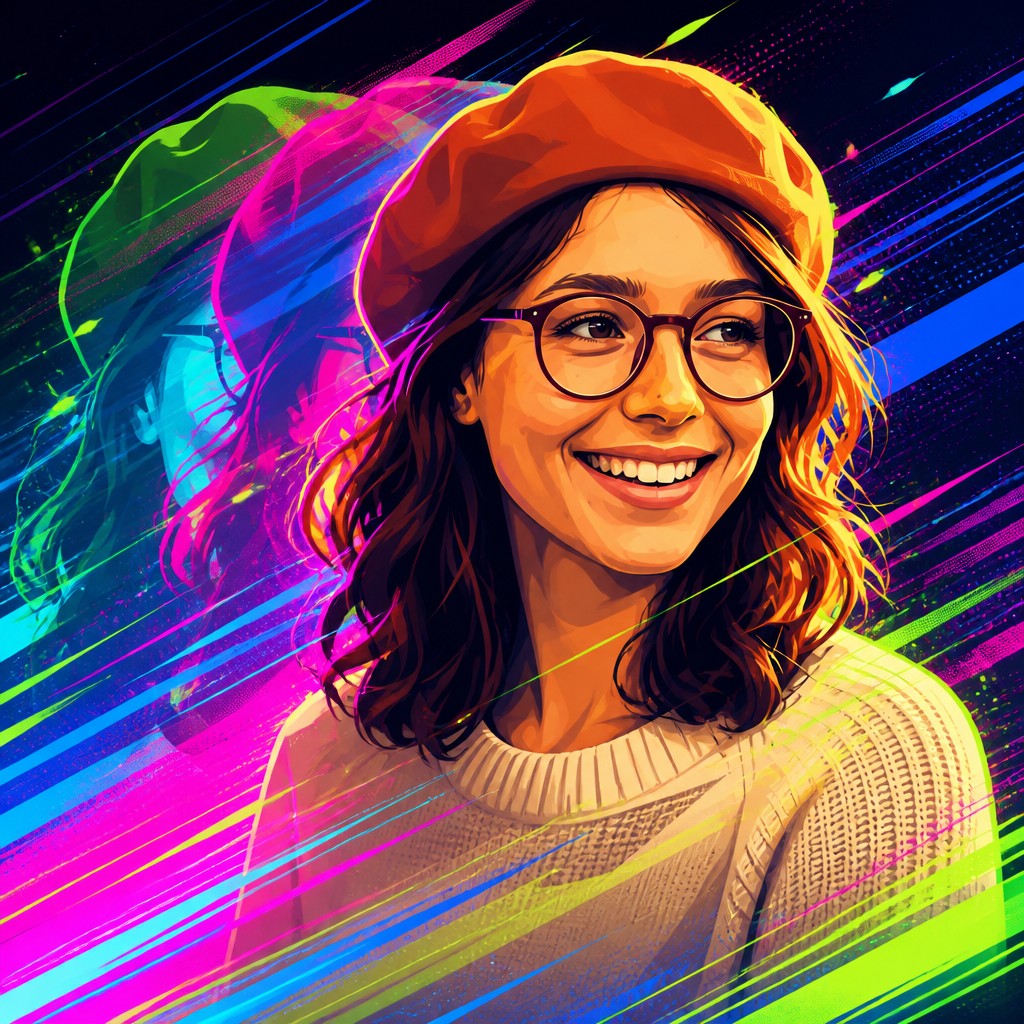

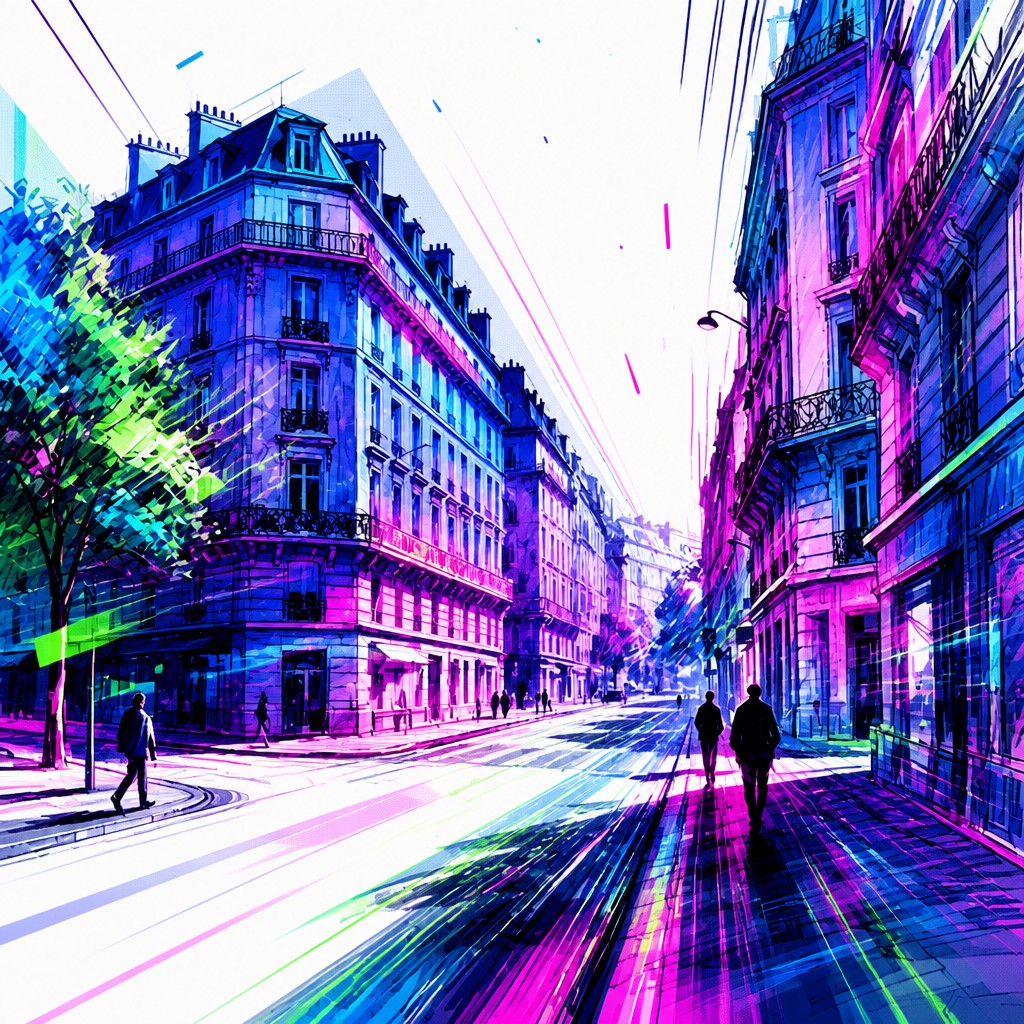
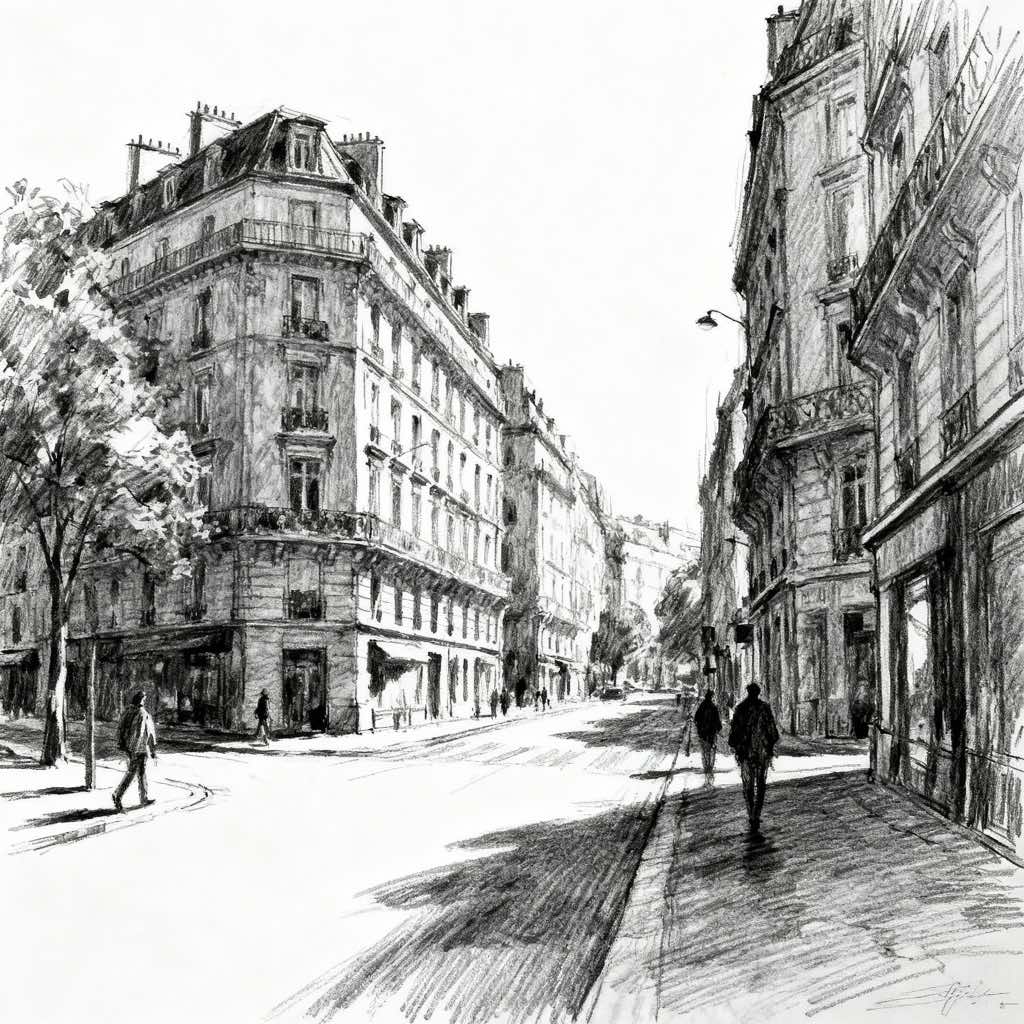
What Defines Motion Graphics Digital Art Style
The signature details, up close
Kinetic composition
The frame is often arranged along diagonals or off-center vectors so the eye feels pulled across the image. This imbalance creates the impression of ongoing movement rather than a settled, static pose.
Motion blur and streaks
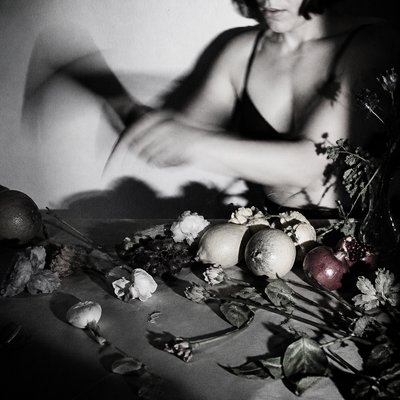
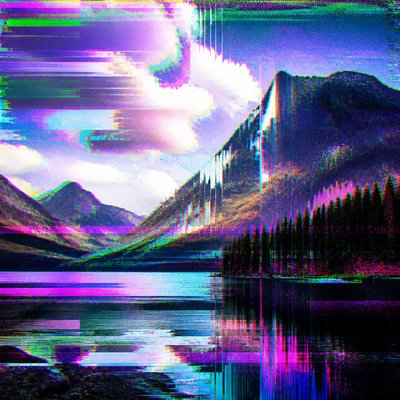
Blur trails, speed lines, and directional smears imply rapid movement frozen at a single instant. These effects are used sparingly or aggressively depending on whether the image aims for subtle motion or intense impact.
Layered duplication
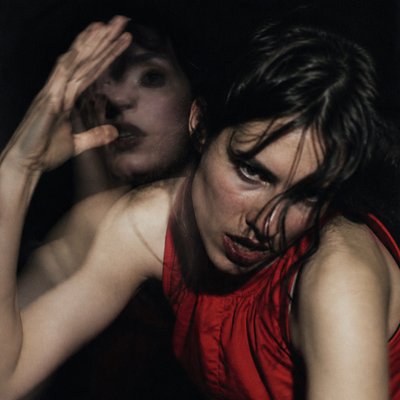
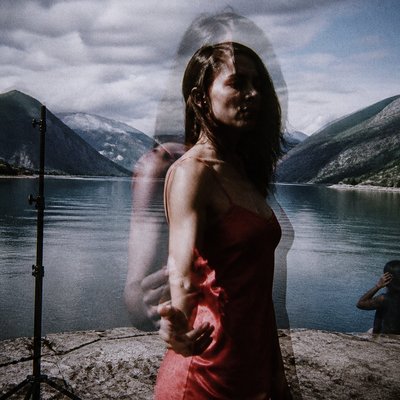
Semi-transparent repeats of objects, letters, or silhouettes suggest frame-by-frame progression. This creates a visual echo that mimics animation timing and trailing exposure.
Bold vector clarity
Forms tend to be clean, graphic, and sharply edged, often with a digital or vector-like precision. Even when the image is busy, the main shapes remain legible and engineered.
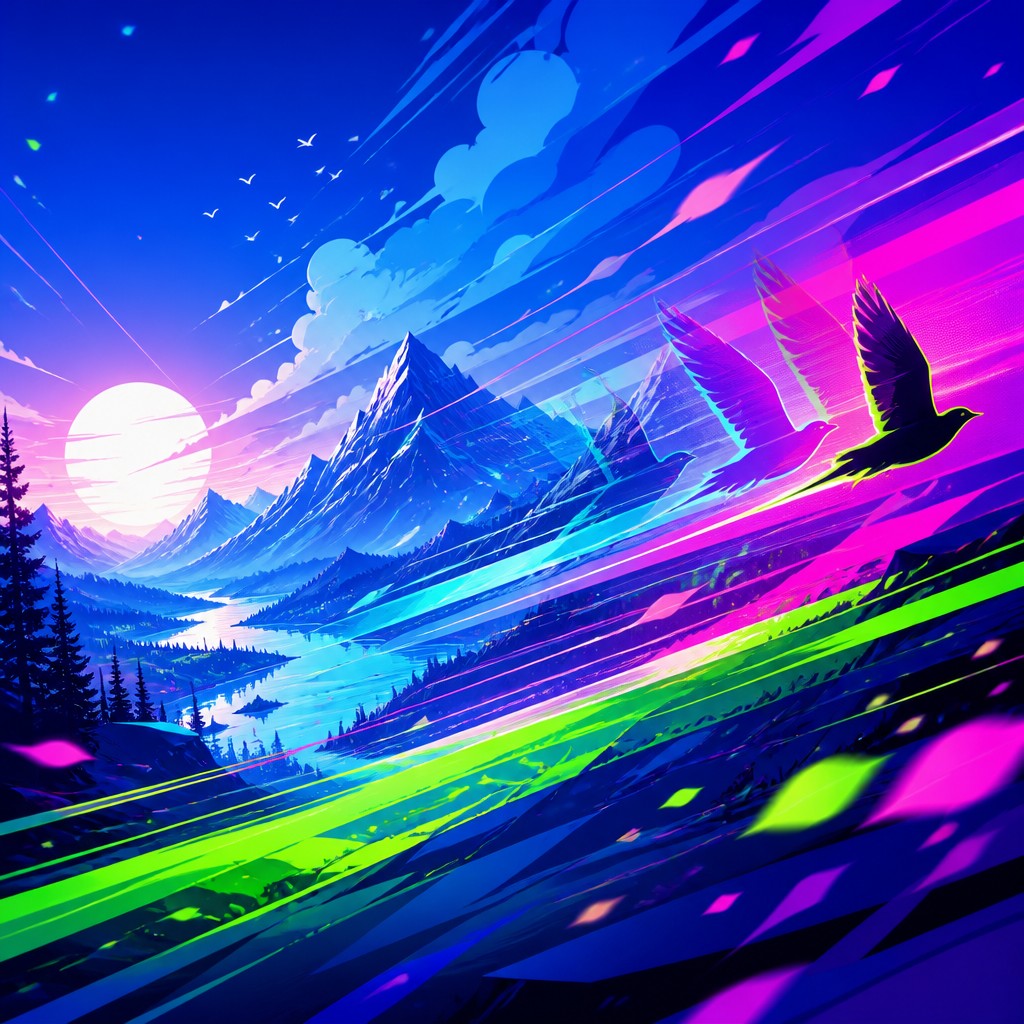
Electric color systems
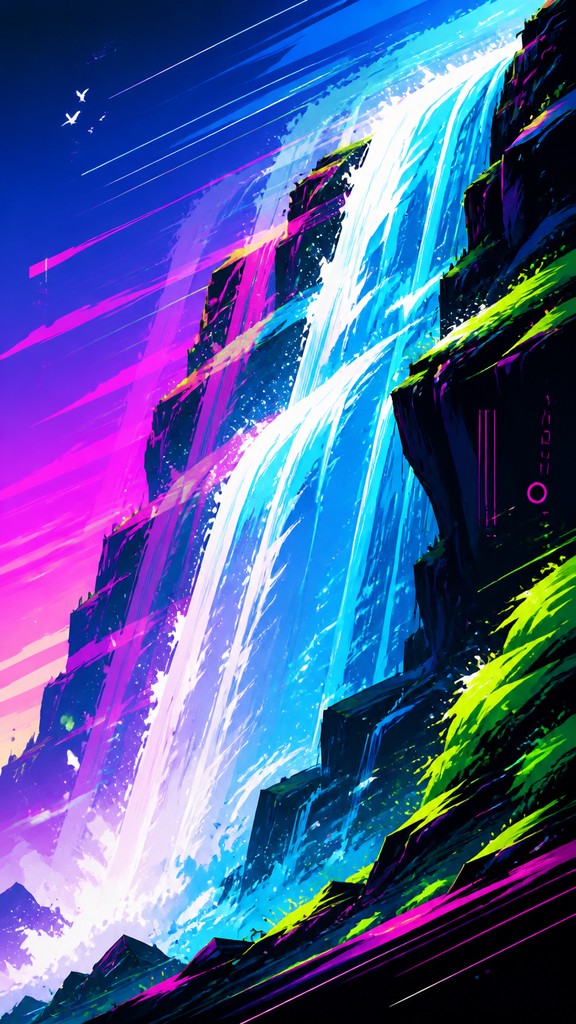
Vibrant gradients, neon accents, and high-contrast palettes are common, especially blues, magentas, greens, and fluorescent highlights. Color often functions like a lighting effect, intensifying the sense of speed and energy.
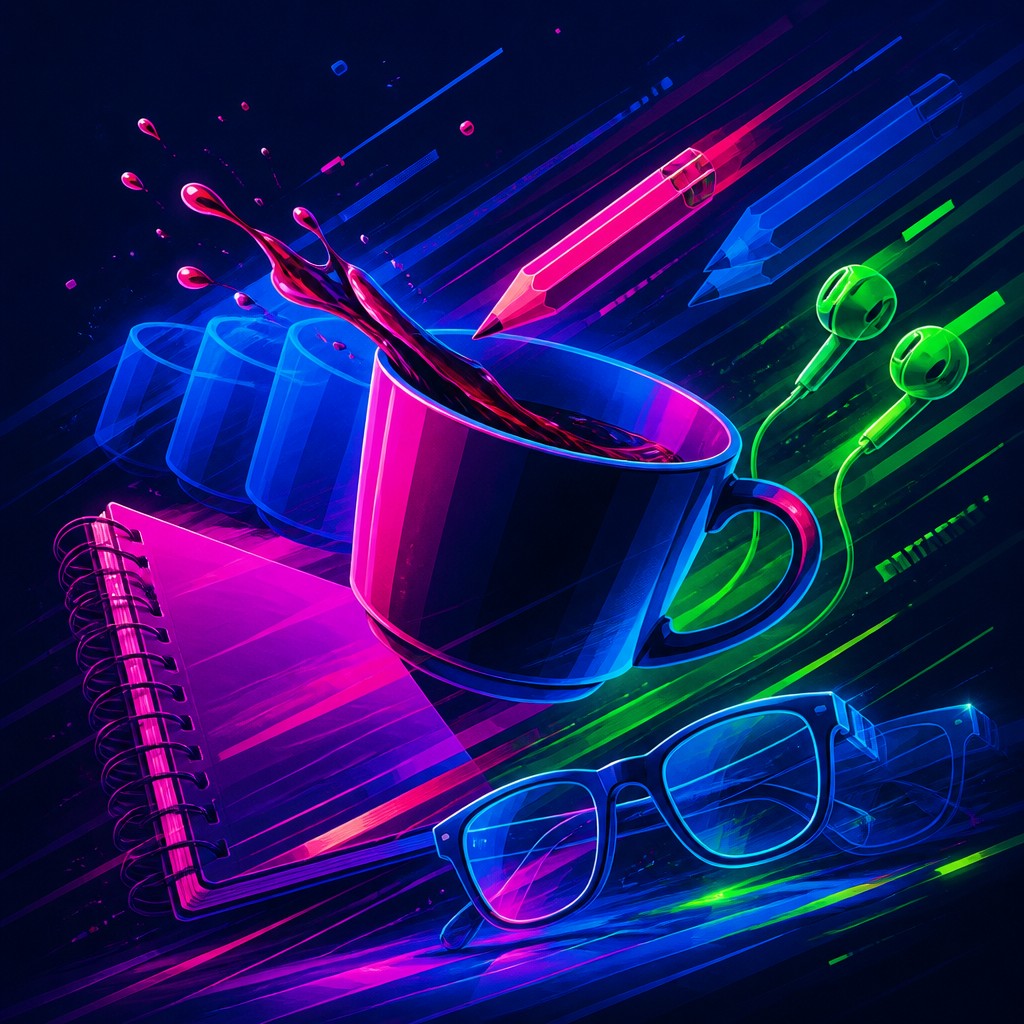
Particles and glow
Small flecks, spark-like debris, and luminous halos fill negative space and reinforce the feeling of atmospheric motion. These details help the image read as an active digital environment rather than a flat graphic.
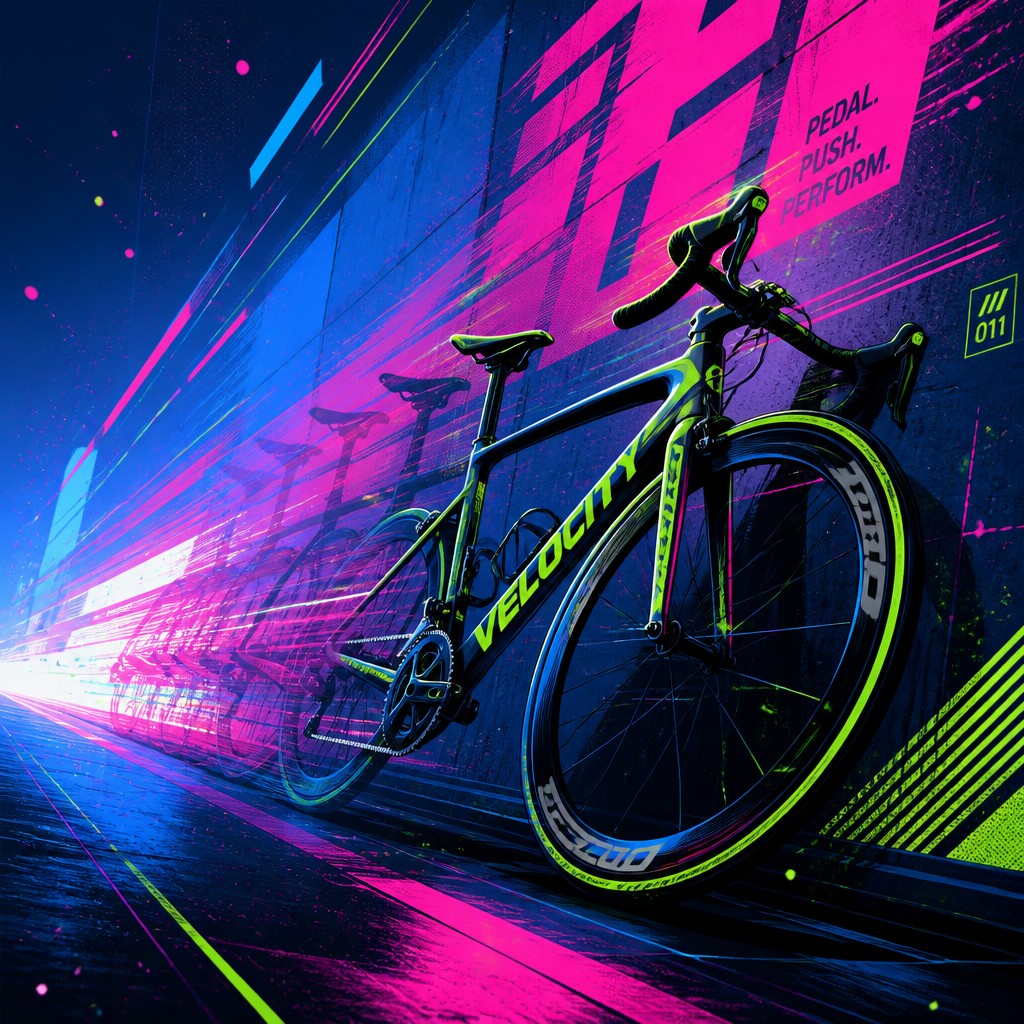
Typographic momentum
When text appears, it is usually integrated as a moving visual element rather than a neutral label. Kinetic typography, cropped letterforms, and staggered alignment help text participate in the composition's rhythm.
Try It
Create Videos in Motion Graphics Digital Art Style
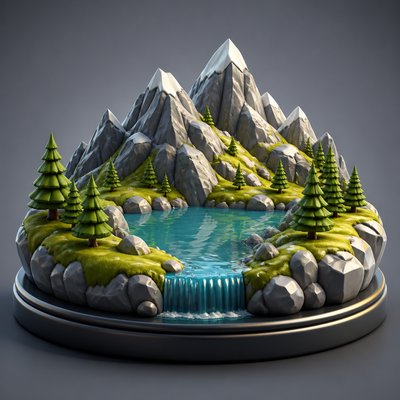
Styles aren't just for stills — describe a scene or animate an image and get a short video rendered in Motion Graphics Digital. Press play to see this pond come to life.
Make a VideoMotion Graphics Digital Prompt Ideas
Start from an idea — each one opens the generator with the style ready to go. See all 40 Motion Graphics Digital prompts →
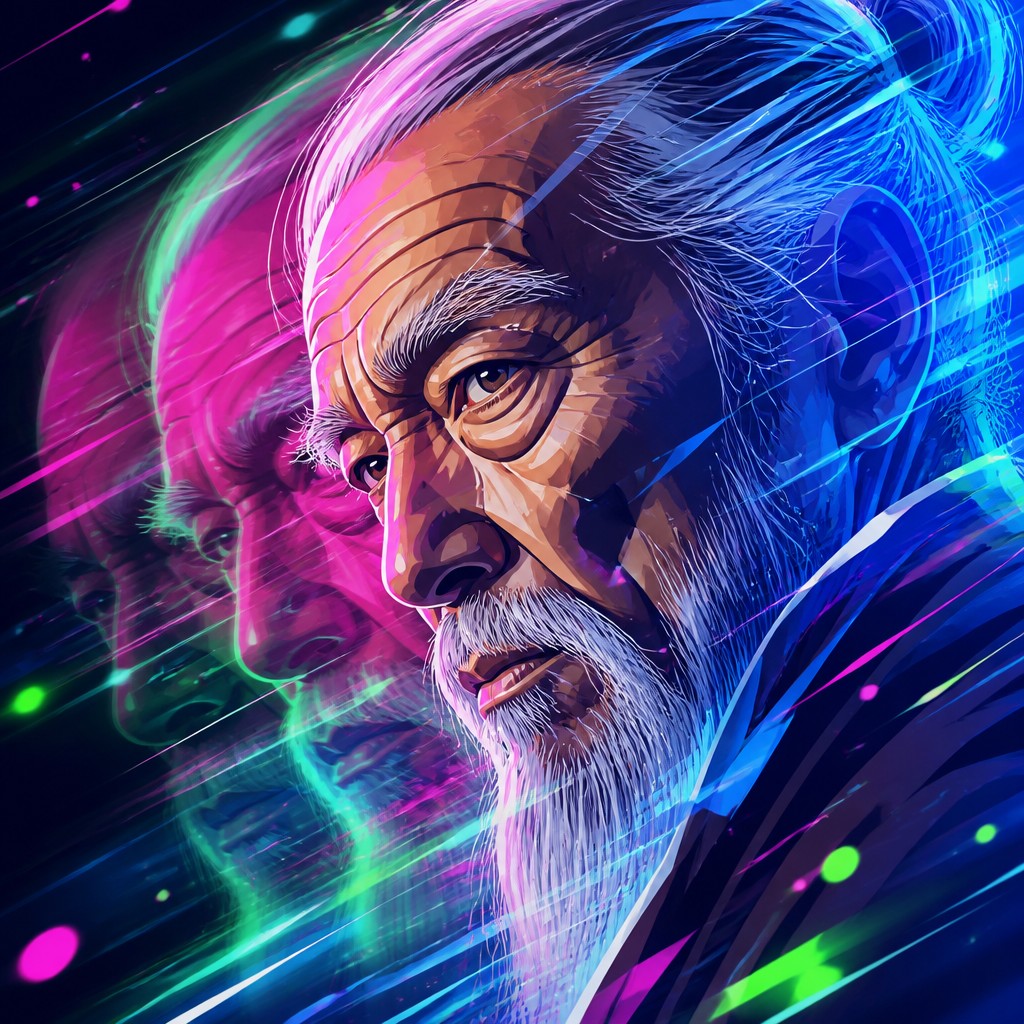
“close-up portrait of an elderly person with expressive weathered features”
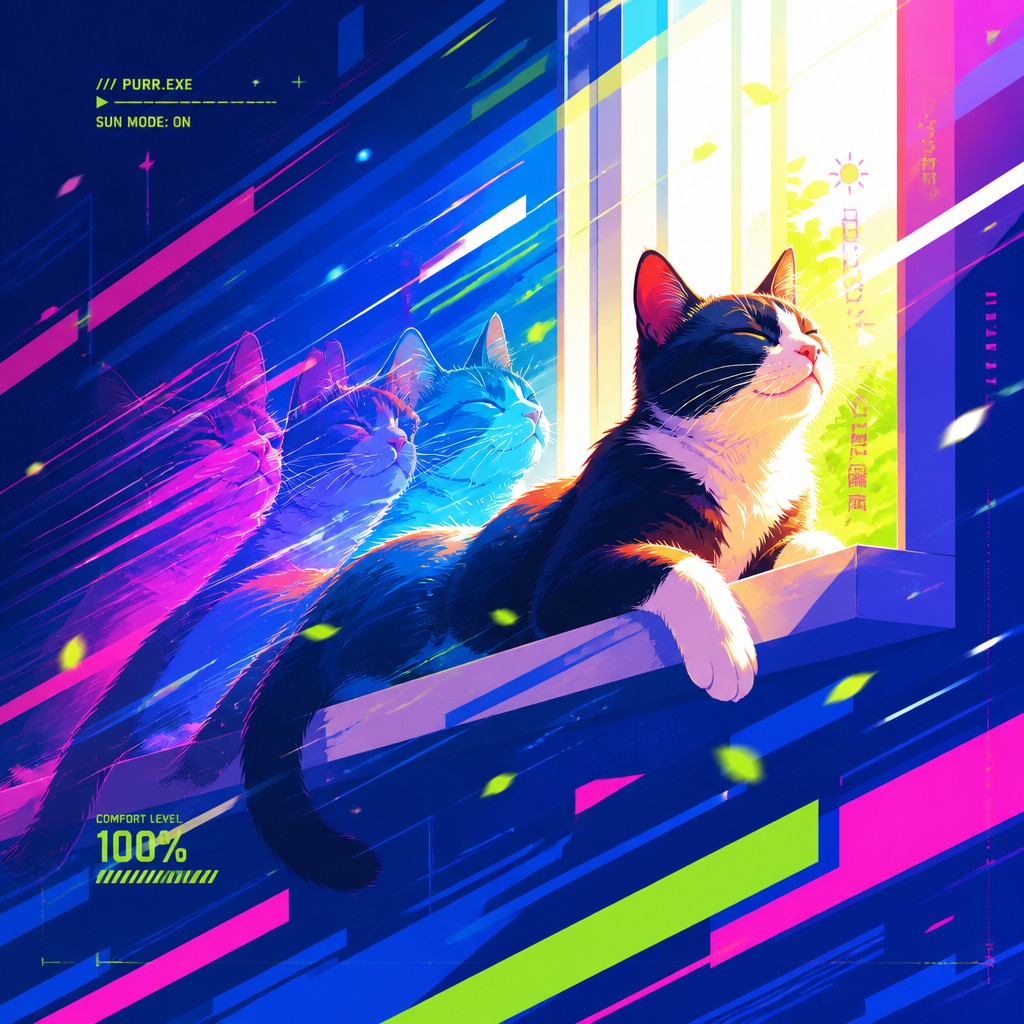
“a cat lounging in a sunlit window”
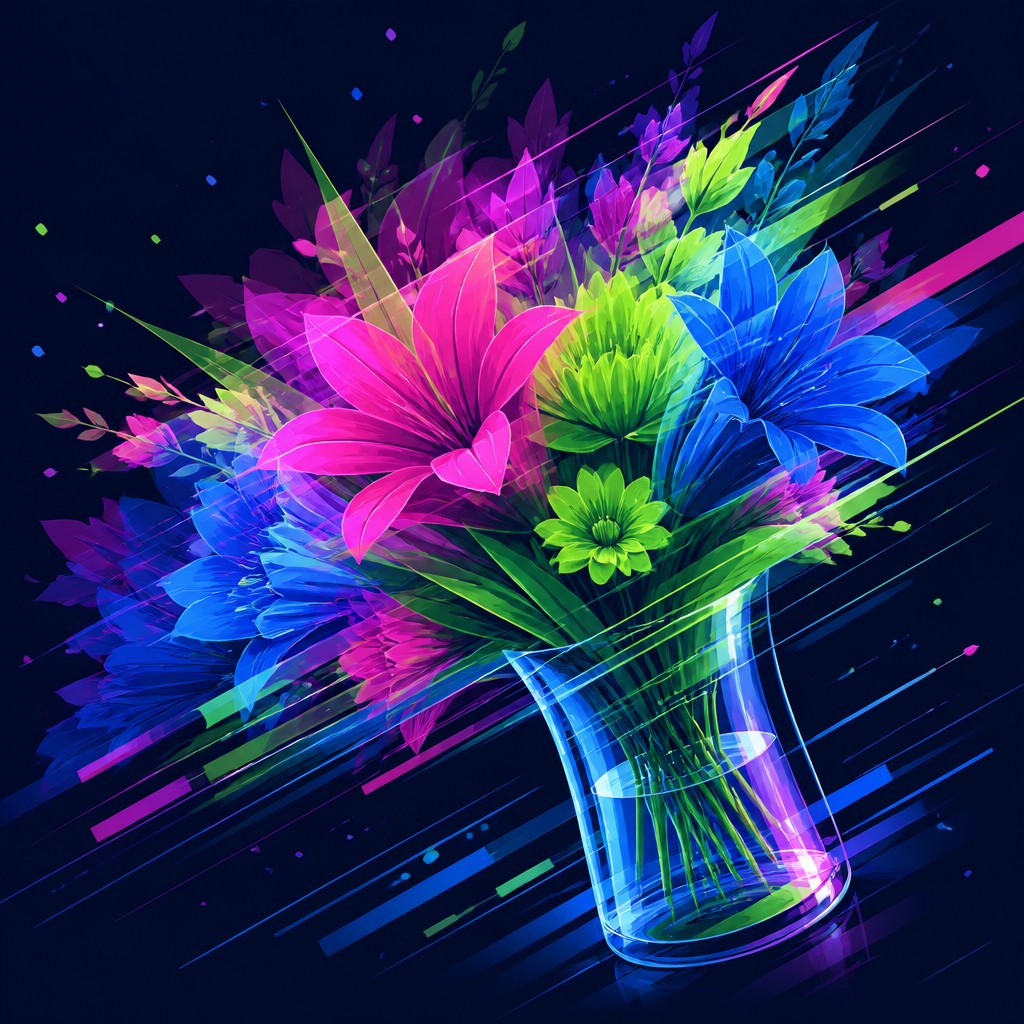
“bouquet of flowers in a glass vase”
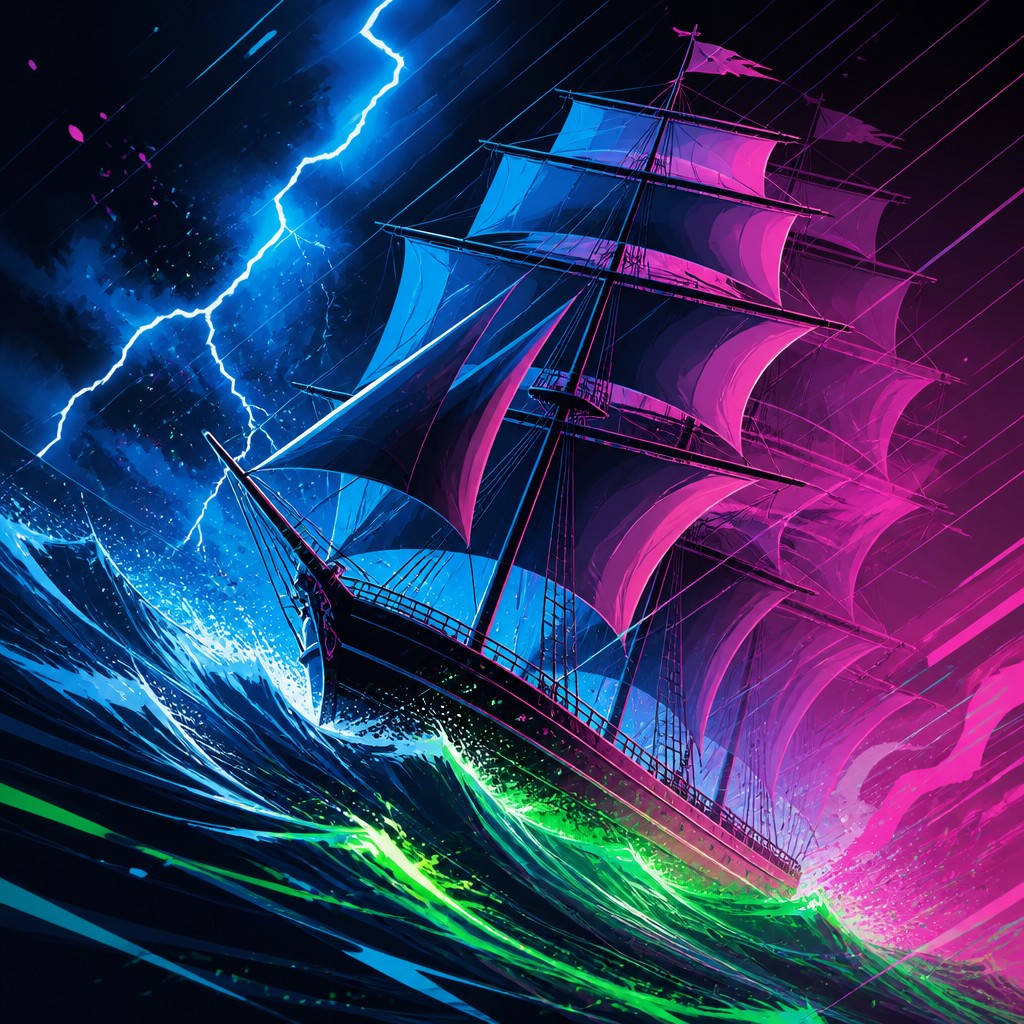
“sailing ship on a stormy sea”
How to Create Motion Graphics Digital Art
Master the craft step by step — or skip straight to creating. Read the full guide →
- 1
Build a directional composition
Start with a strong diagonal or sweeping curve and place the main subject off-center to suggest movement. In digital design, use overlapping layers and cropped framing to make the image feel like a captured moment from a larger sequence.
- 2
Use blur as structure, not decoration
Apply motion blur, echo trails, or duplicated silhouettes in the same direction as the implied action. Keep the blur consistent with the subject's movement so the effect reads as kinetic intent rather than an accidental filter.
- 3
Design with vector-like shapes and contrast
Favor crisp outlines, simplified geometry, and controlled spacing so the image remains readable at a glance. Strong value contrast and clean negative space help the motion effects stand out.
- 4
Add luminous digital finishes
Use gradients, glows, particle specks, and reflective highlights to evoke screen-based postproduction. In traditional mixed media, this can be approximated with translucent overlays, airbrushed accents, or layered marker and ink shapes.
- 5
Treat typography as motion
If text is included, break it into fragments, stagger it, or angle it to echo the movement of the image. In prompt-based creation, specify kinetic typography, title-sequence energy, or broadcast graphic design to guide the layout.
- 6
Prompt for a paused animation frame
Describe the subject, then add terms such as 'frozen mid-motion,' 'speed-line trails,' 'layered duplicates,' and 'glowing vector graphics.' Emphasize the intended tempo—sleek, explosive, futuristic, or editorial—so the result feels like a still from motion design.
The Story
History & Origins of Motion Graphics Digital
Motion graphics emerged in the 20th century from the convergence of graphic design, film titles, television branding, and experimental animation. Its lineage includes modernist typography, Swiss and constructivist layout principles, cel animation, and later digital compositing tools that made layering, blur, glow, and particle effects routine. As computer graphics became central to broadcast packages, music videos, advertising, and game interfaces, motion graphics developed a recognizable visual vocabulary that could communicate energy and information quickly.
As a still-image aesthetic, motion graphics digital art is not a historic movement in the traditional sense but a contemporary synthesis of these screen-based traditions. It draws especially from title design, UI visuals, 1990s and 2000s broadcast graphics, VJ visuals, and the broader digital design culture of motion and interface. The style has become common in promotional art, album imagery, event posters, and concept visuals because it can suggest tempo, technology, and momentum without requiring literal animation.
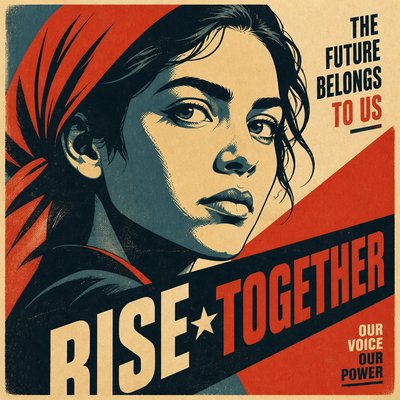
Influences: This style is closely related to motion design, broadcast graphics, title sequences, kinetic typography, and digital collage. Its visual logic also draws from modernist graphic design, especially the clarity of the Bauhaus and Swiss traditions, as well as constructivist diagonals and propaganda-style dynamism; for historical references, leading Constructivist and Bauhaus-era graphic experimenters are relevant for their spatial experimentation and machine-age composition. Contemporary screen culture—music videos, game interfaces, VJ visuals, and social-media graphics—also strongly shapes its look.
Frequently Asked Questions
What defines motion graphics digital art?
It is defined by the suggestion of movement inside a still image. The key features are directional composition, motion blur, layered echoes, and a polished digital finish that feels borrowed from animation and title design.
How is it different from generic digital art?
Generic digital art can describe almost any digitally made image, while this style specifically emphasizes motion cues and screen-based graphic language. It usually looks more engineered, more typographic, and more rooted in animation principles than a typical illustration.
Is this the same as 3D render art?
Not necessarily. Motion graphics art may include 3D elements, but it can also be fully flat, vector-based, or collage-like. What matters most is the sense of kinetic sequencing and broadcast-style composition rather than dimensional rendering alone.
Where is this style commonly used?
It is common in title cards, event posters, music visuals, advertising, social media campaigns, and concept art for technology or entertainment brands. It works well whenever an image needs to communicate energy, modernity, or speed.
How do I make a still image feel like it is moving?
Use diagonal framing, overlapping forms, duplicated outlines, and blur trails in the same direction as the action. Small particles, glow, and staggered typography also help the eye register a sense of momentum.
Can this style be applied to portraits or products?
Yes, and that is one of its strengths. Portraits and objects become more dramatic when they are treated as if they are caught in an animated sequence, surrounded by trails, graphic layers, and high-contrast digital effects.

Create your first Motion Graphics Digital artwork
Describe anything — or upload a photo — and see it in Motion Graphics Digital Art Style in seconds.
Make Something with Motion Graphics Digital
Related Styles
Discover similar art styles