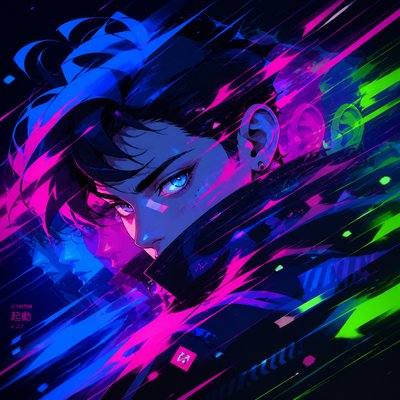
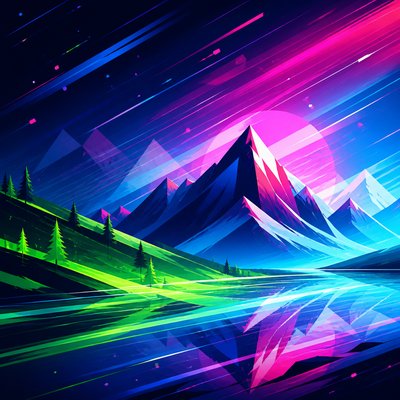
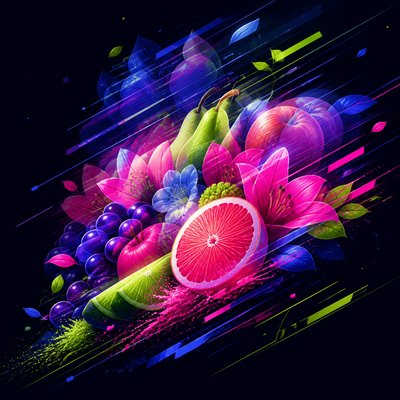
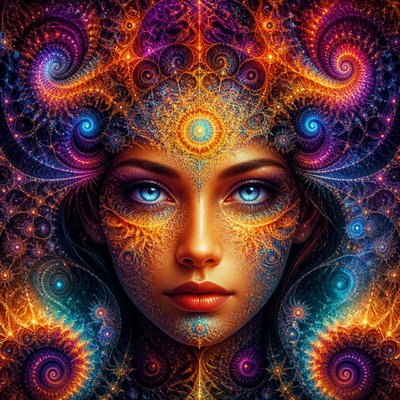
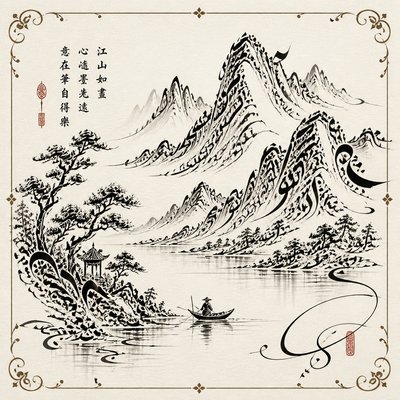
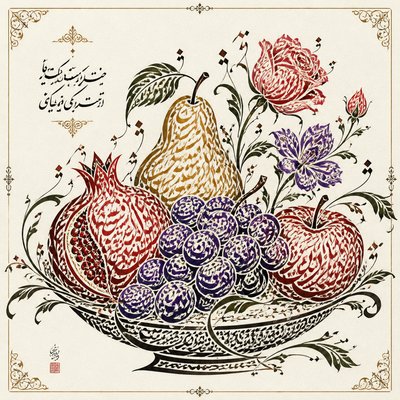
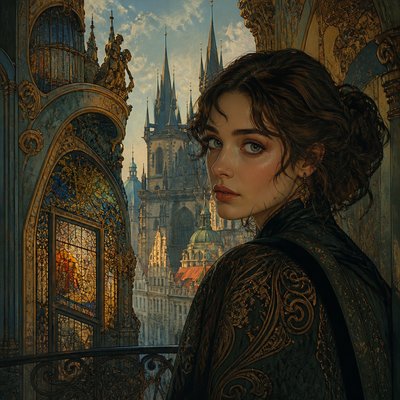
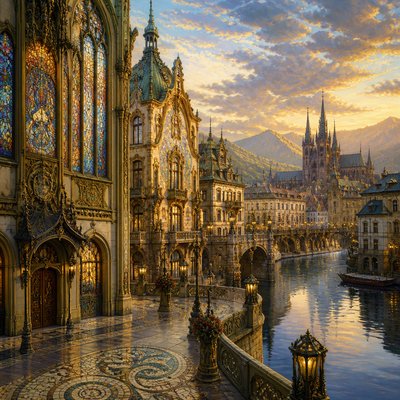
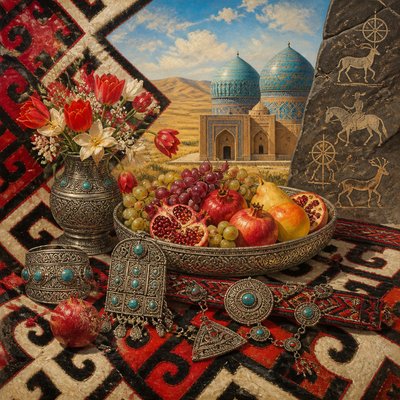
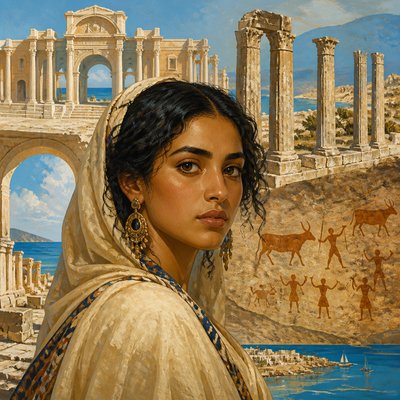
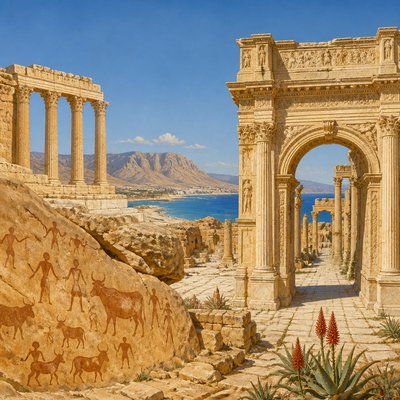
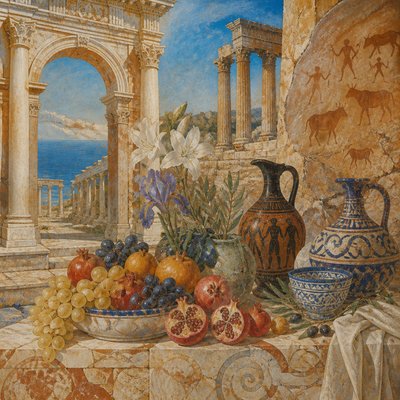
Vector Digital Art Style
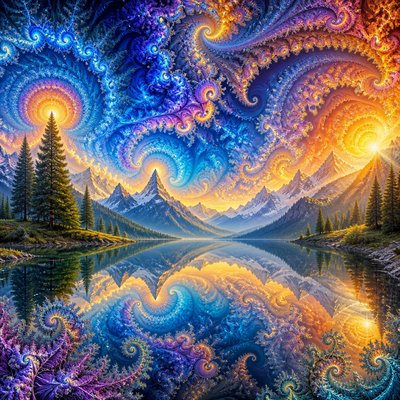
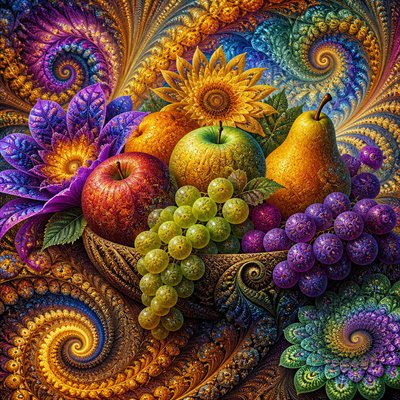
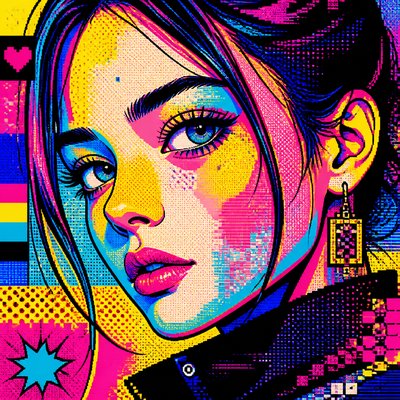
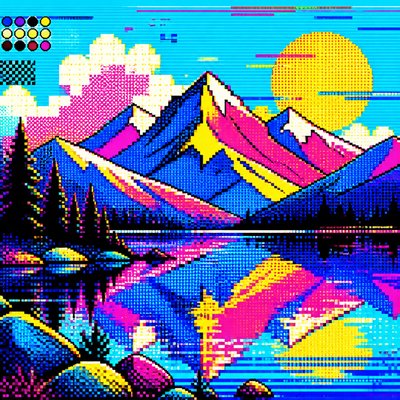
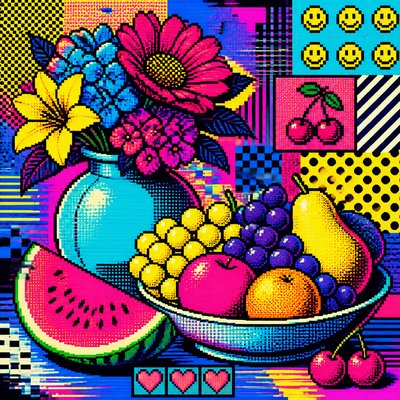
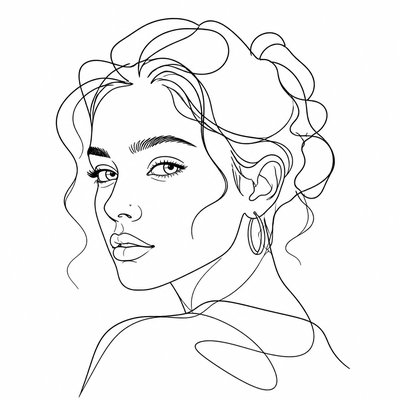
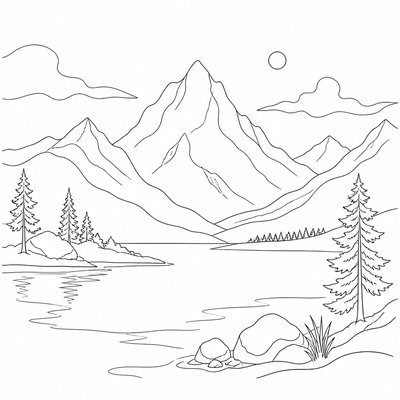
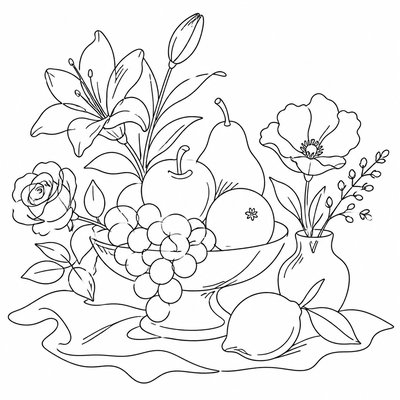
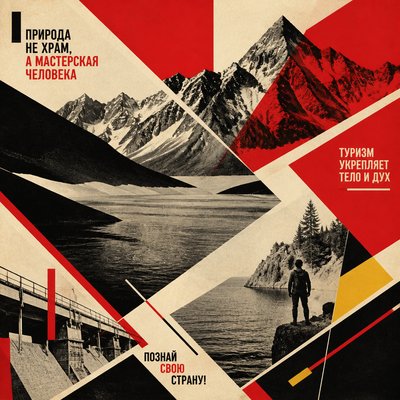
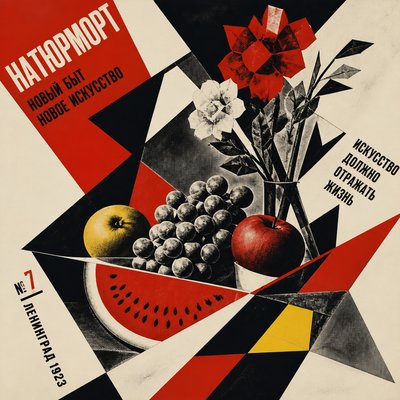
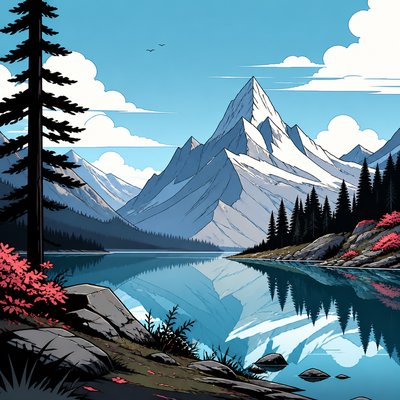
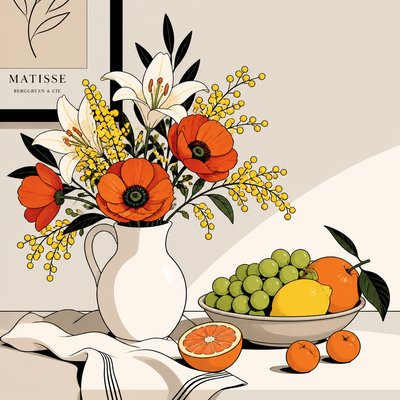
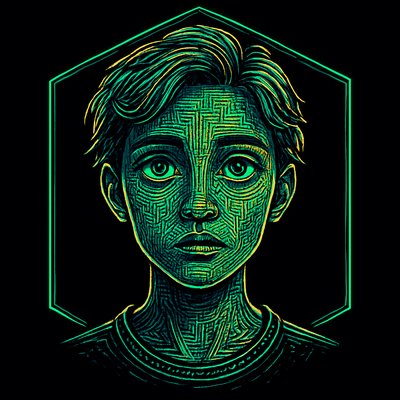
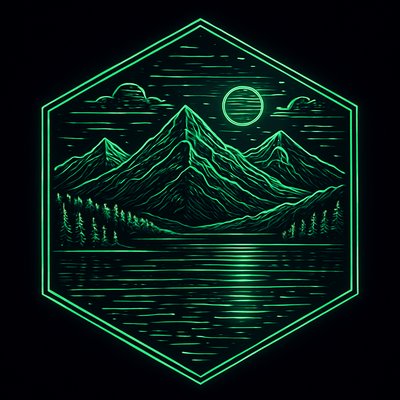
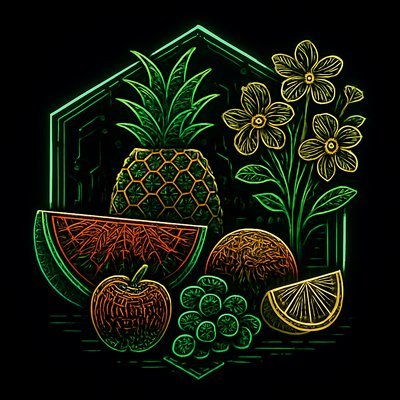
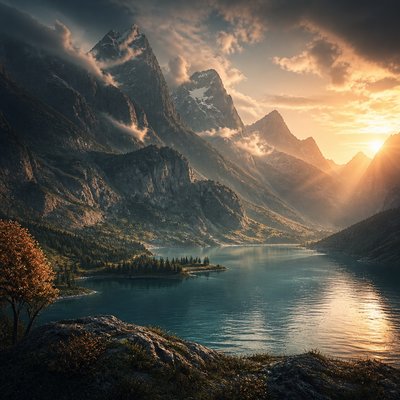
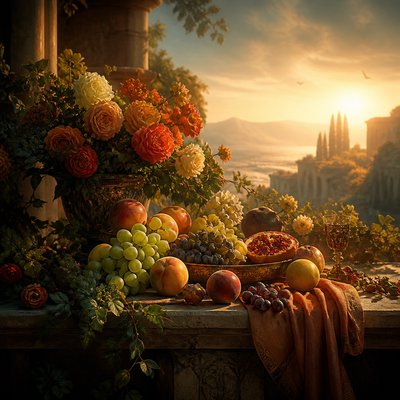
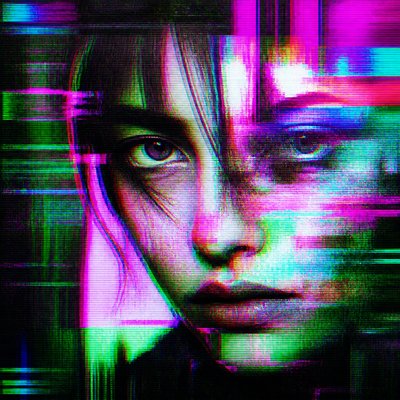
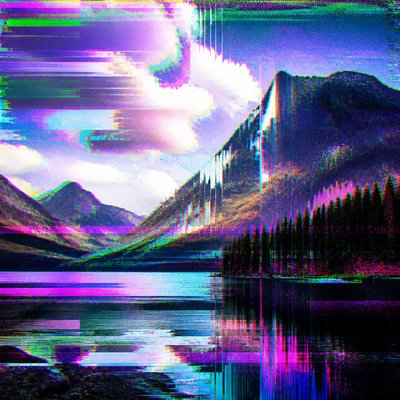
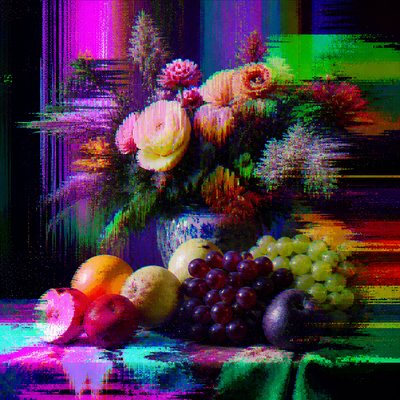
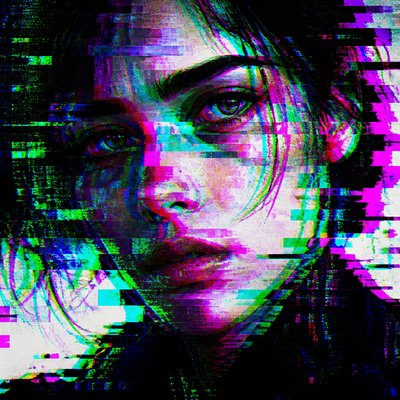
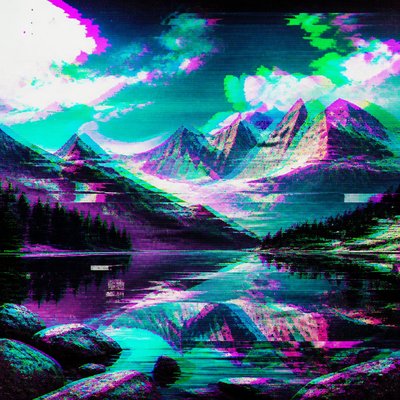
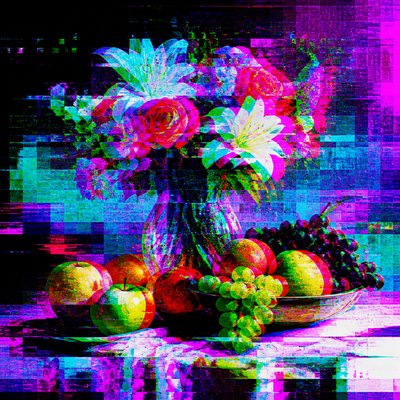
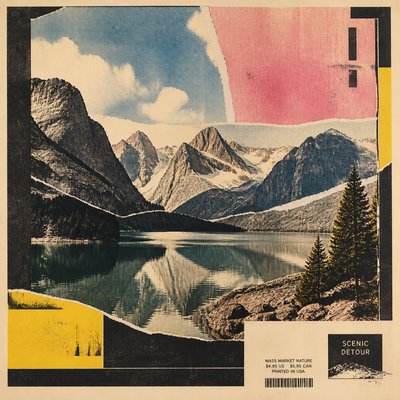
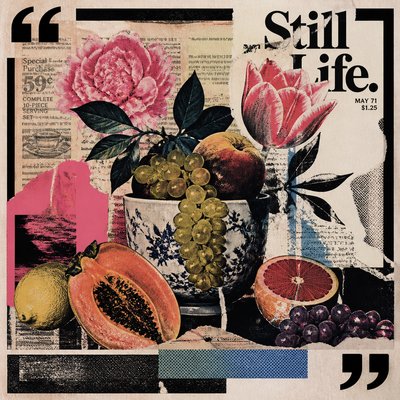
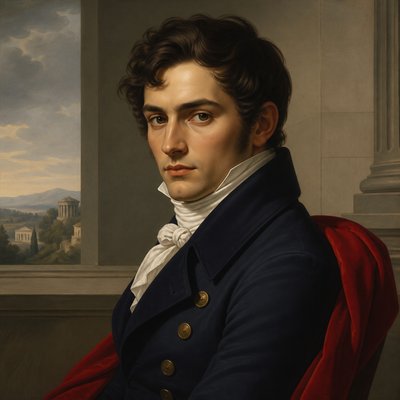
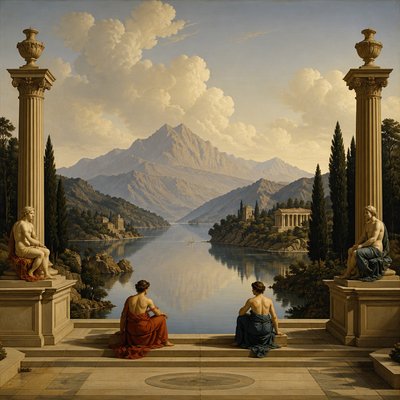
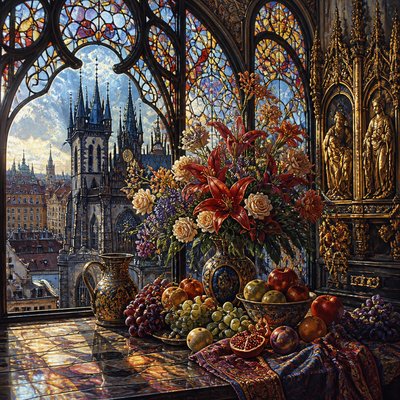
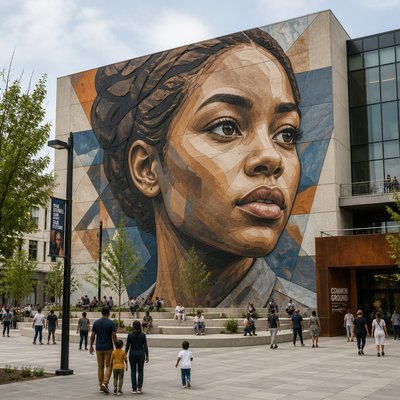
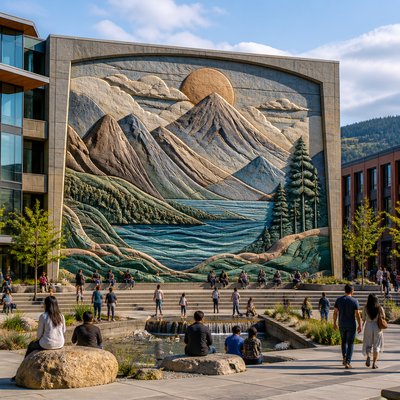
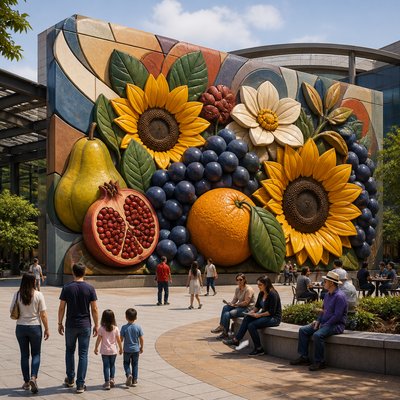
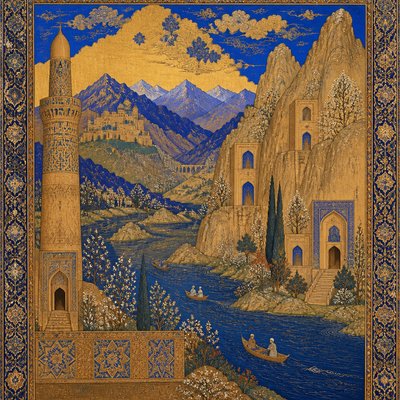
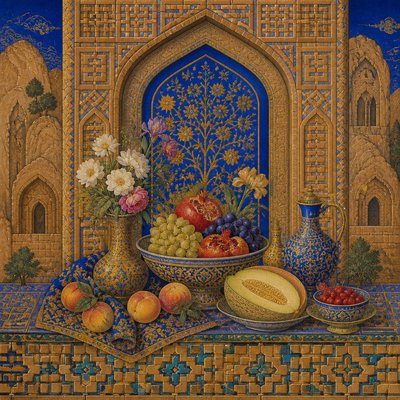
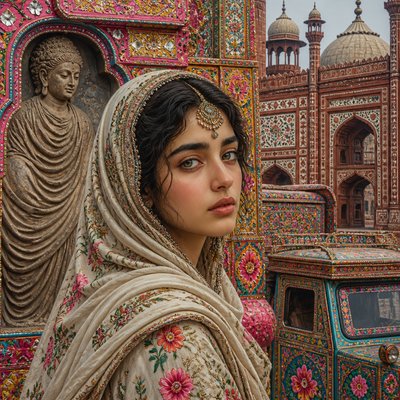
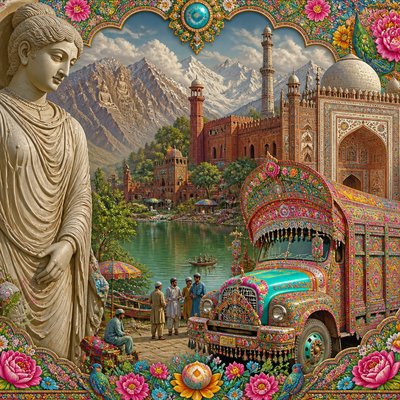
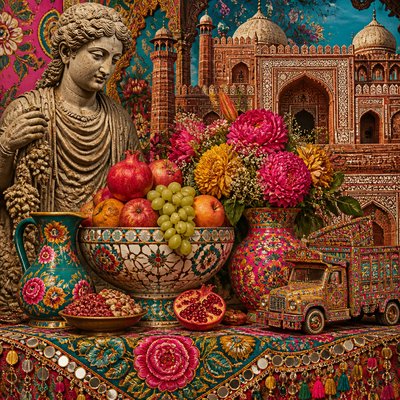
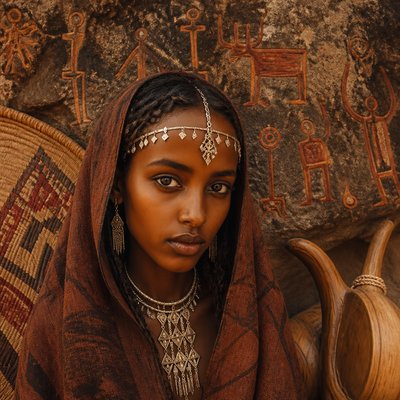
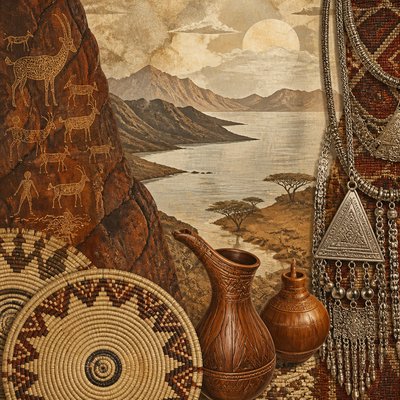
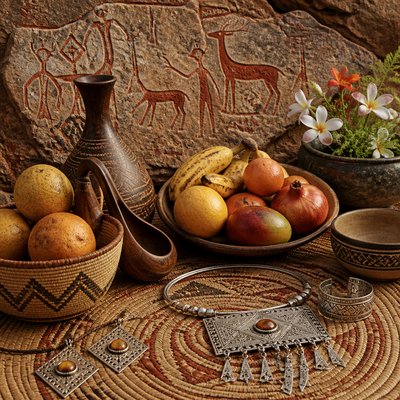
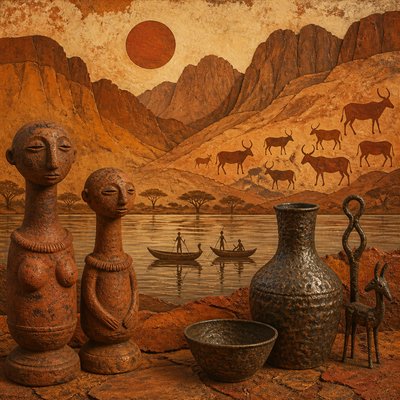
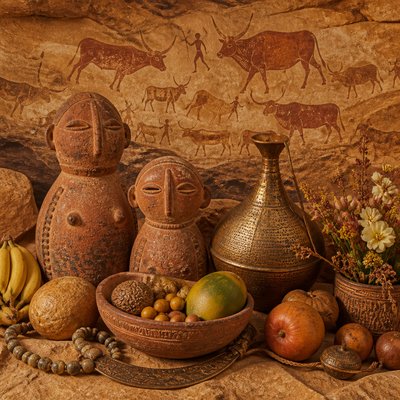
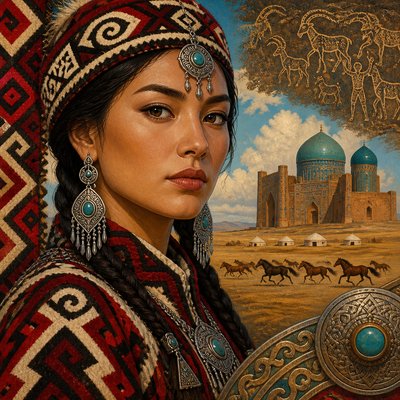
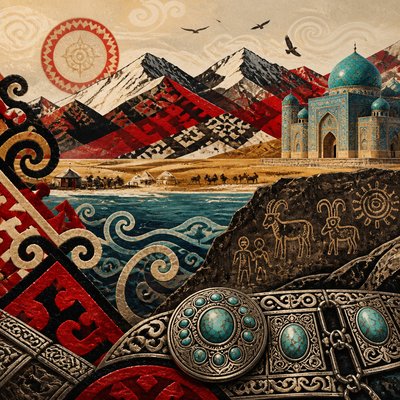
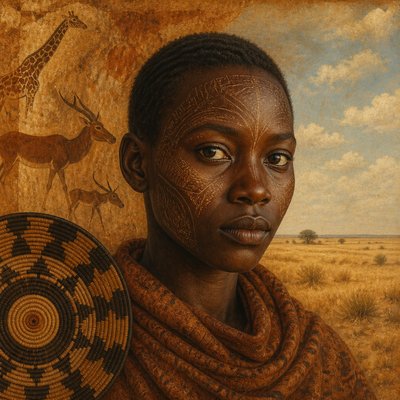
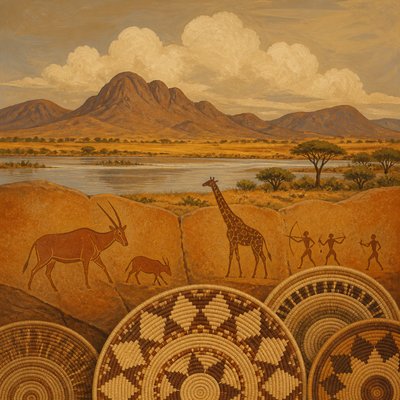
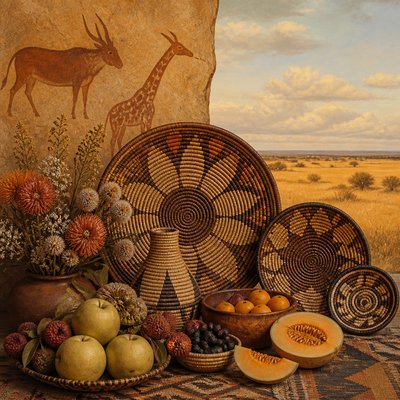
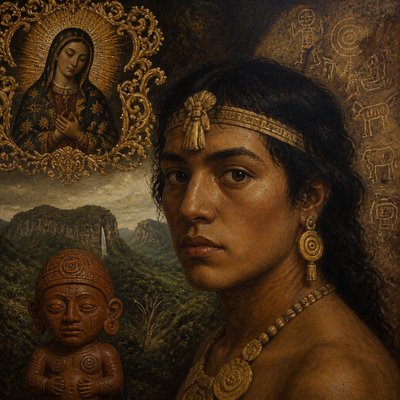
Crisp vector illustrations with clean curves, flat color, gradients, and scalable precision for logos, icons, posters, and digital art.
Instantly rendered in Vector Digital — or transform a photo


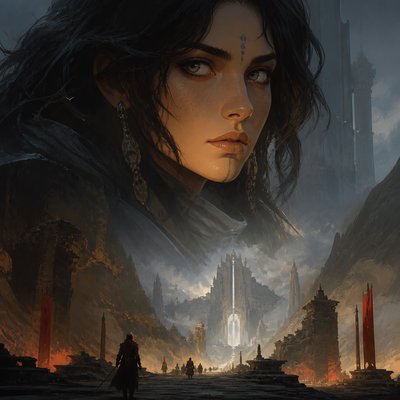
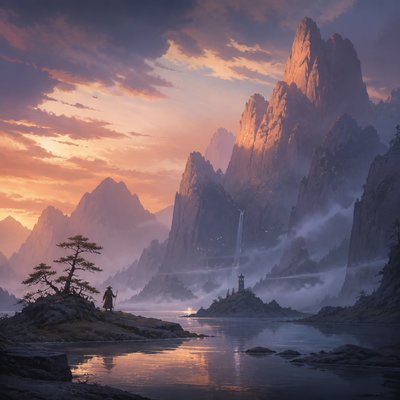
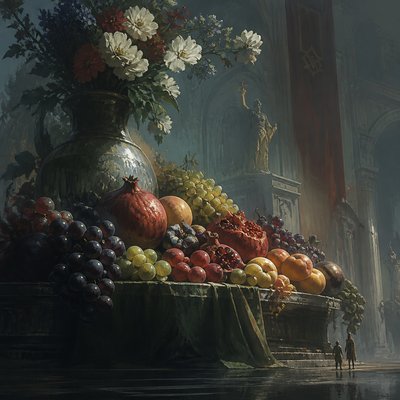
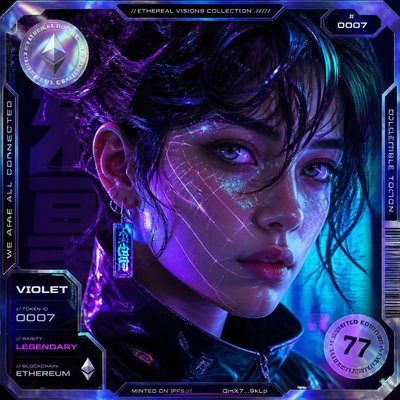
Vector Digital Gallery
Tap any artwork to explore it





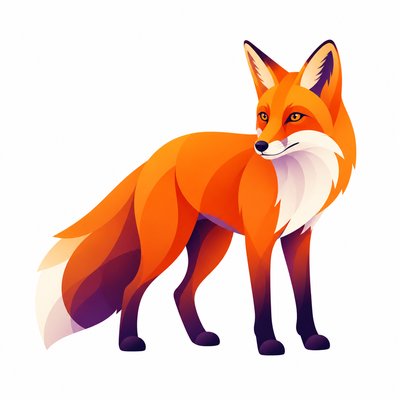
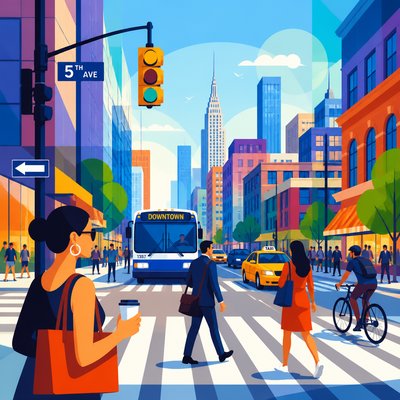
What is Vector Digital Art Style?
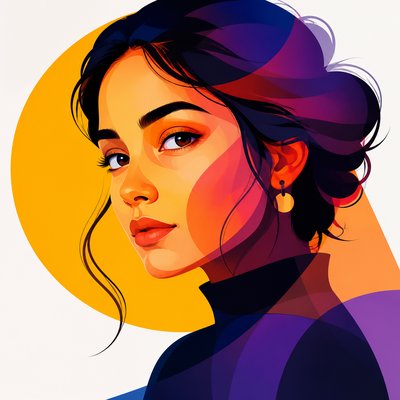
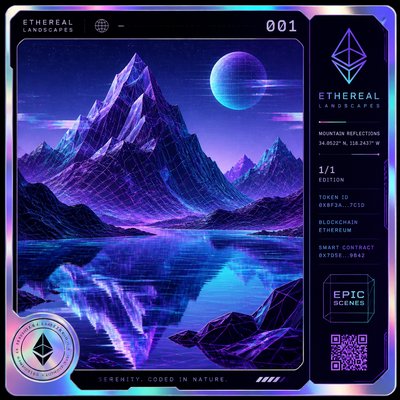
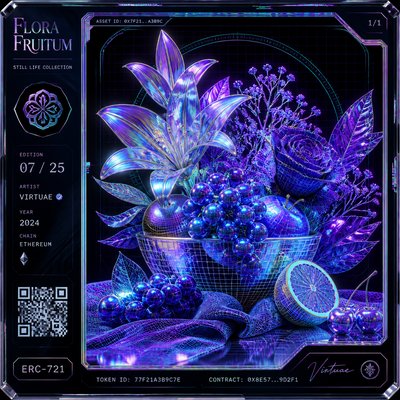
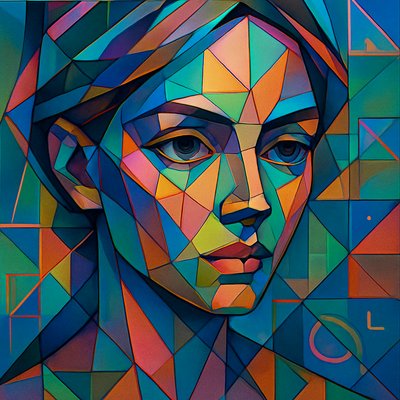
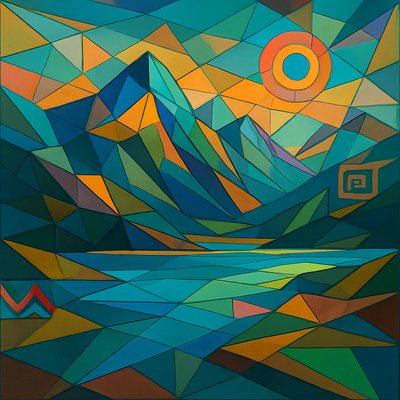
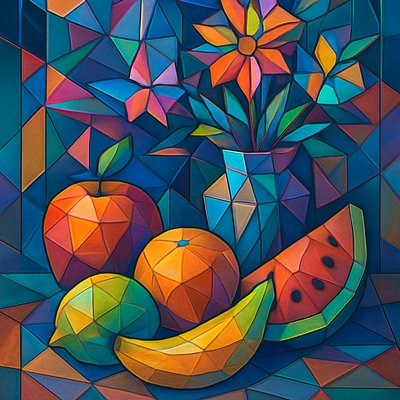
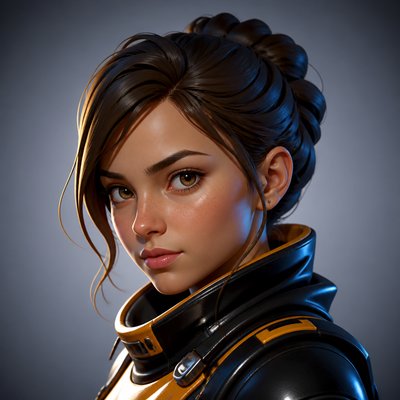
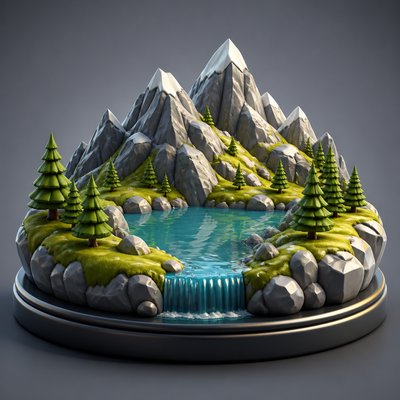
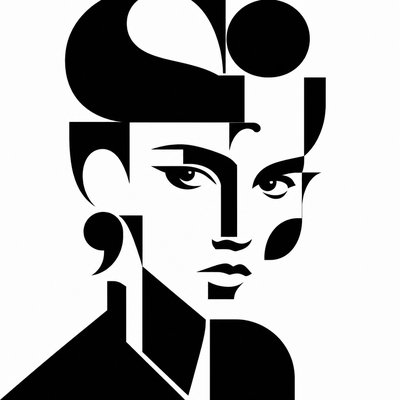
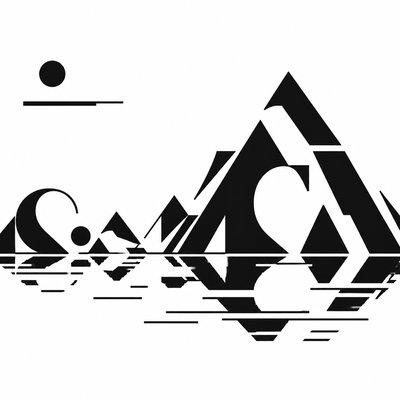
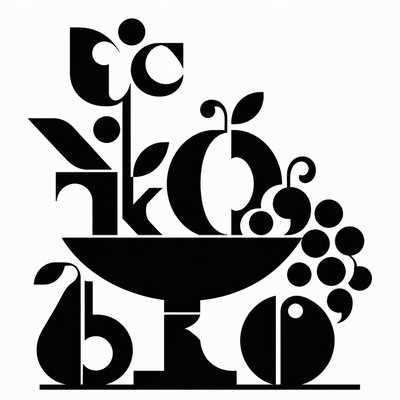
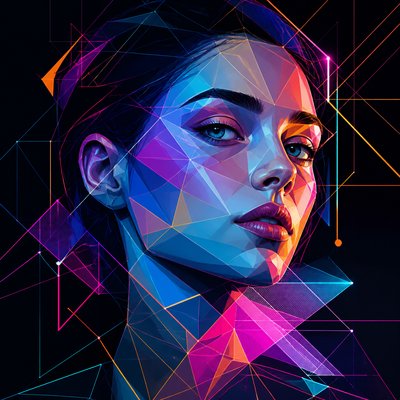
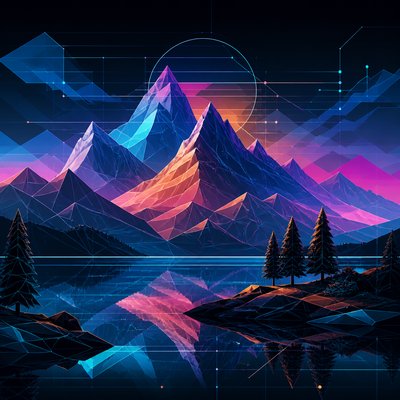
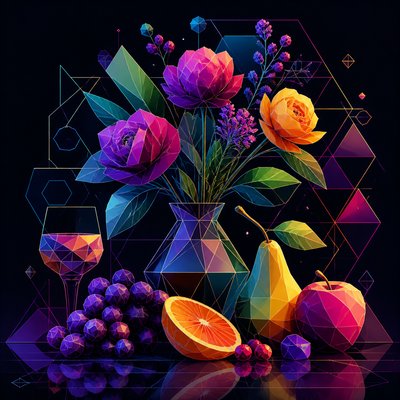
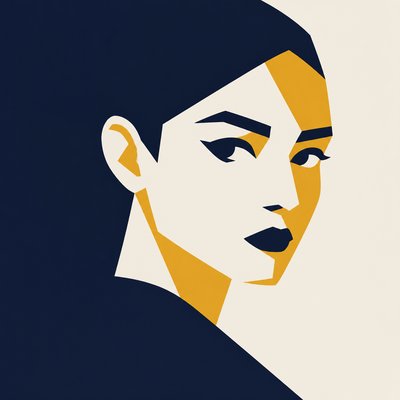
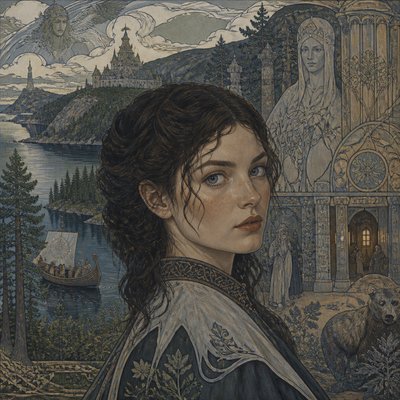
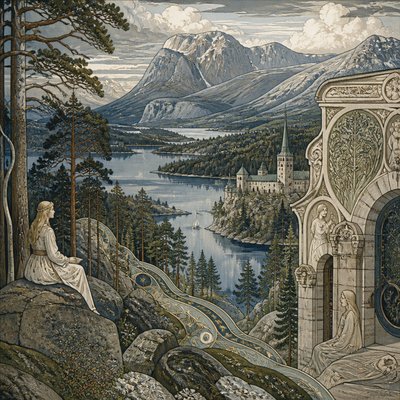
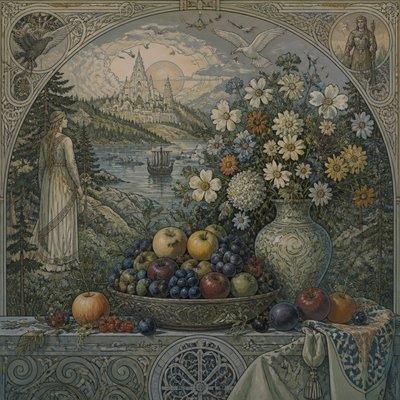
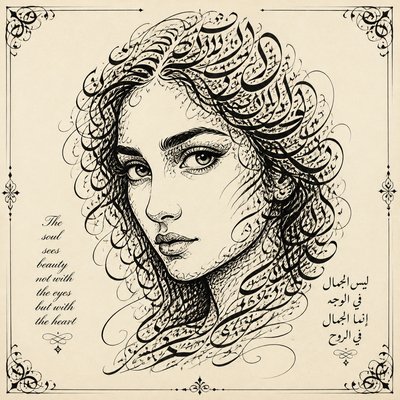
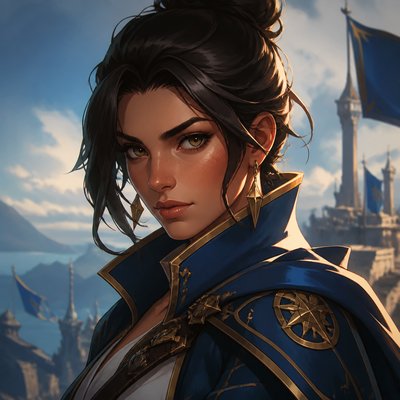
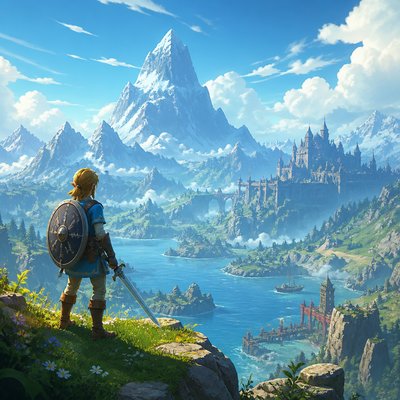
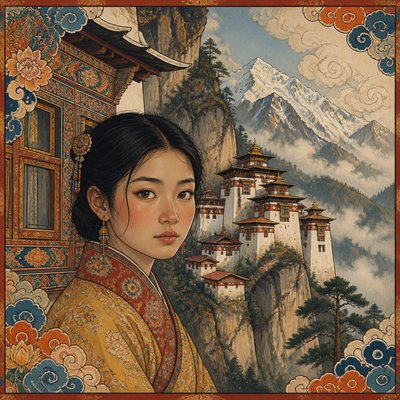
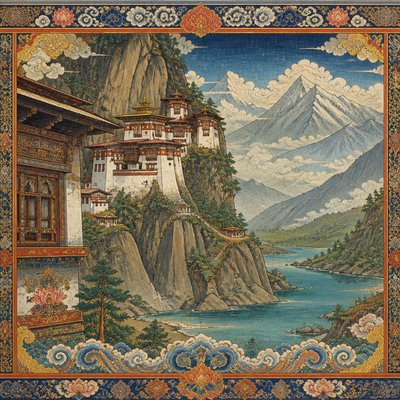
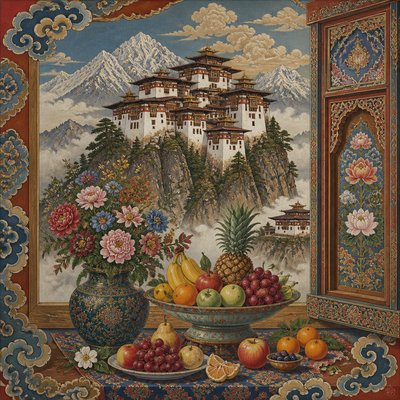
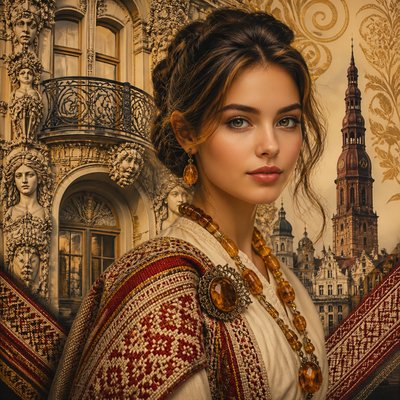
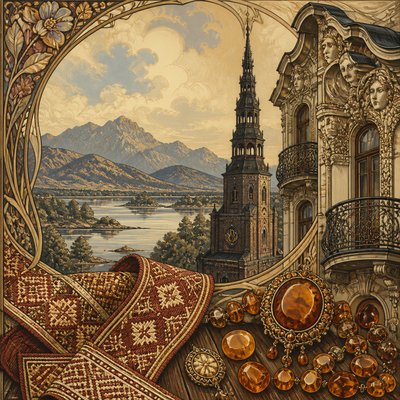
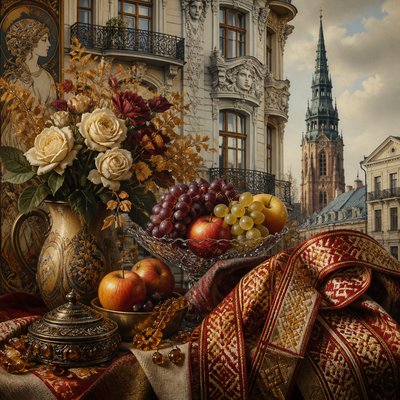
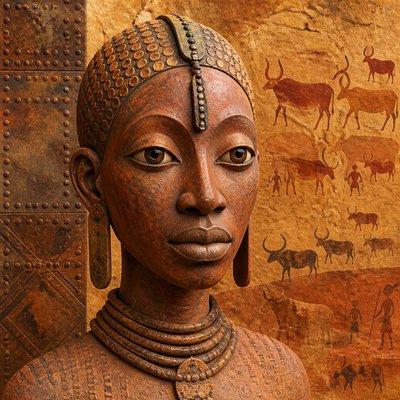
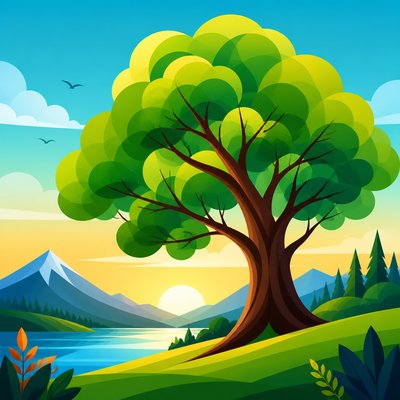
Vector digital art is a digitally constructed illustration style built from lines, curves, shapes, and color regions rather than continuous pixel-based brushwork. Its visual identity is defined by smooth contours, flat planes of color, controlled gradients, and razor-sharp edges that remain clean at any scale. Because the image is mathematically described, it can be enlarged or reduced without the softness or breakup associated with raster imagery.
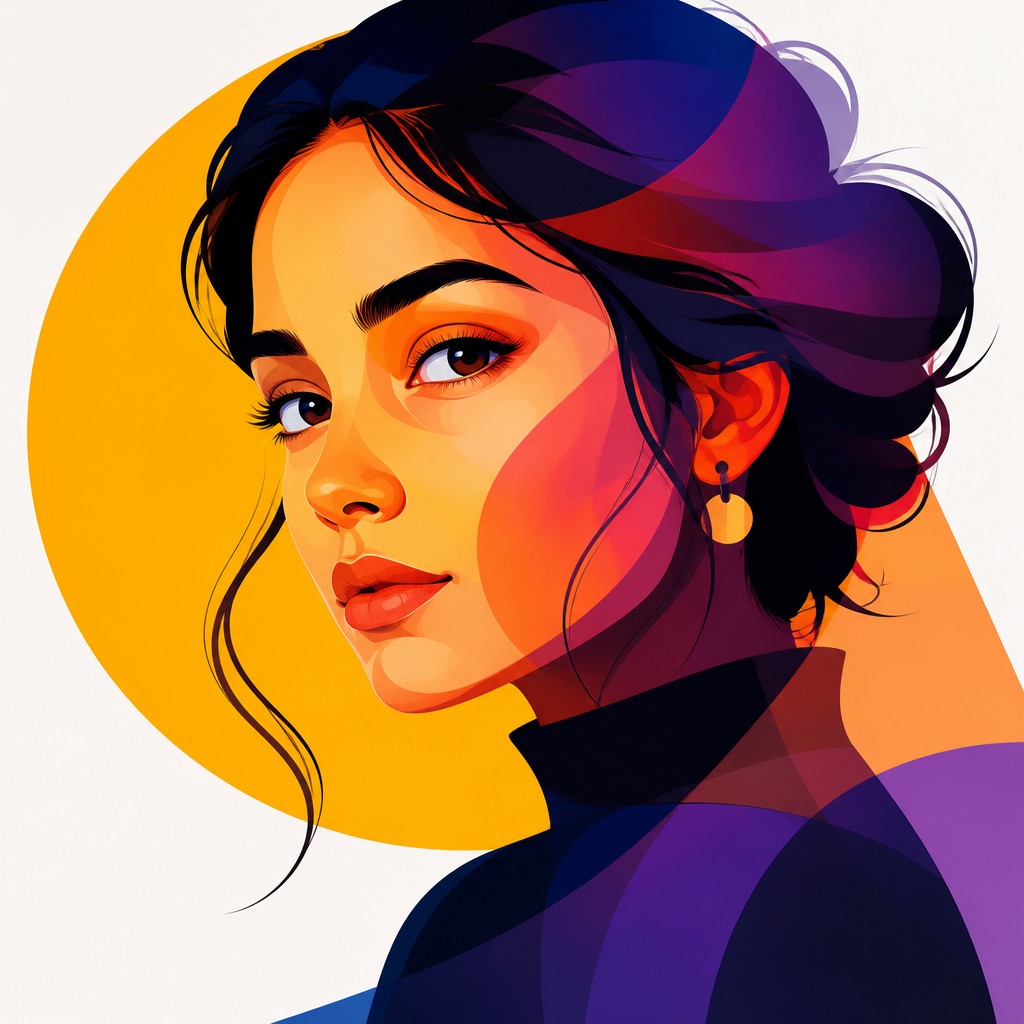
A typical vector look combines simplified forms, strong silhouettes, and a polished design clarity. Depth is often suggested through overlapping translucent shapes, selective shading, and complementary color contrast rather than painterly texture. The result is an image language that feels modern, legible, and graphic, making it common in branding, editorial illustration, interfaces, infographics, icon systems, and stylized character art.

Try It On Your Photos
Upload any photo and convert it into Vector Digital Art Style — drag the sliders to compare before and after.


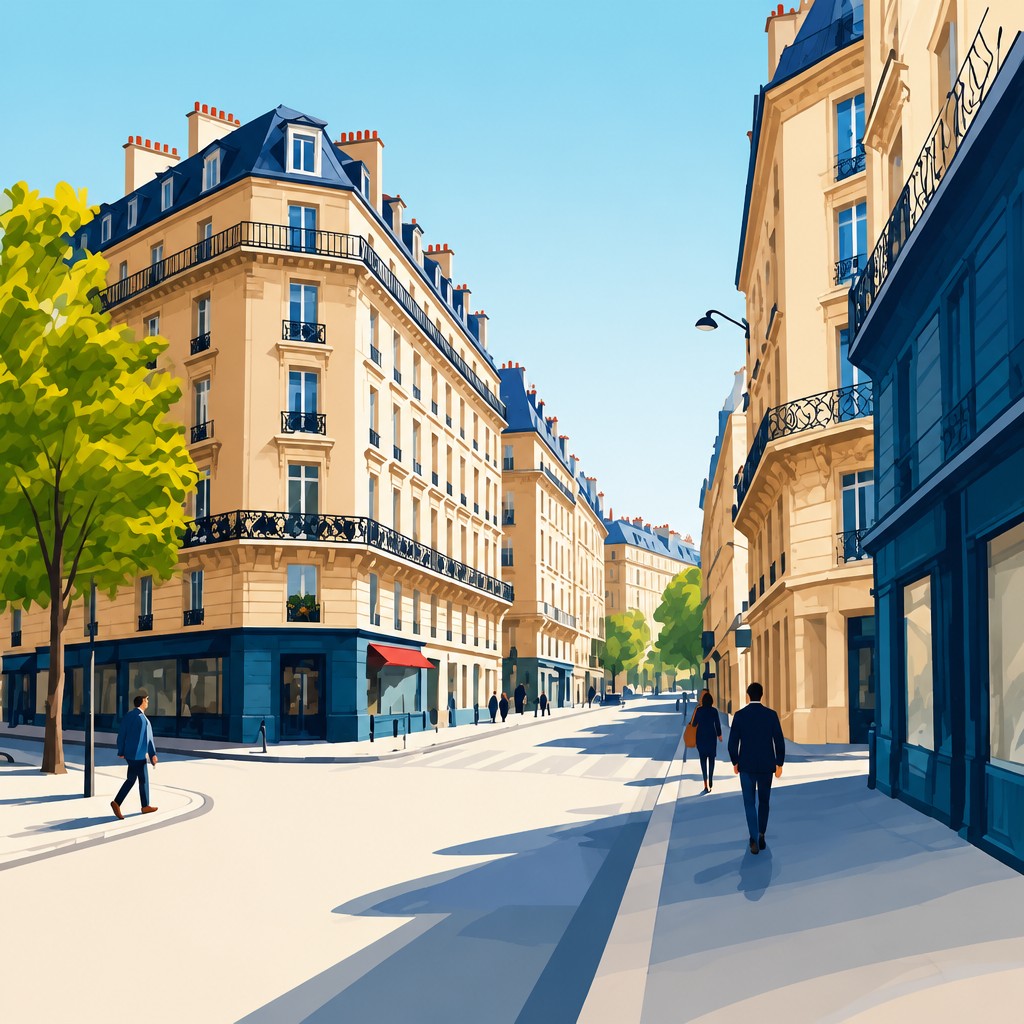
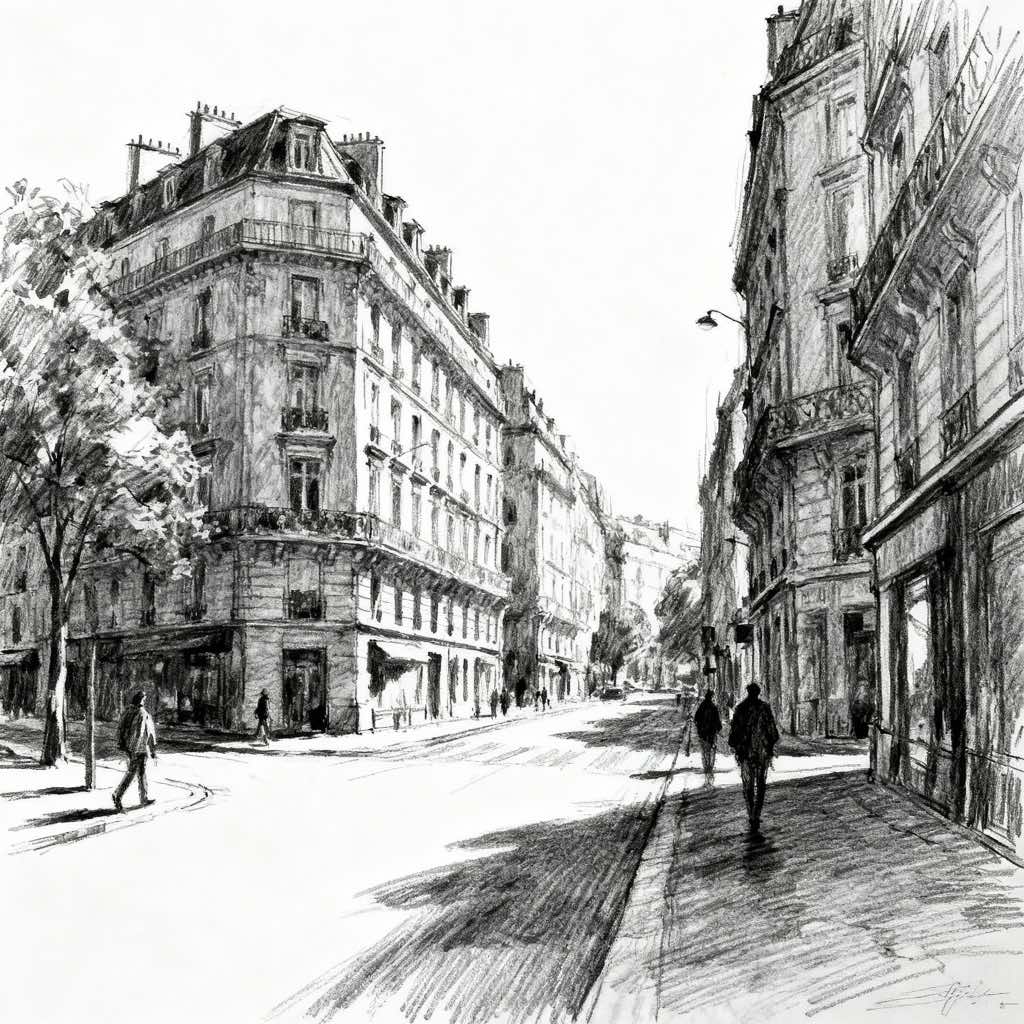
What Defines Vector Digital Art Style
The signature details, up close
Mathematically precise edges
Forms are built from paths, curves, and anchor-defined shapes, so contours stay crisp and uniform. This gives the artwork a clean, engineered appearance even when the subject is organic.
Flat color planes and gradients
Large areas of color are usually simplified into solid fills or seamless gradients. Shading is restrained and controlled, avoiding heavy texture or brush simulation.
Simplified geometry
Subjects are reduced to clear structural shapes such as circles, arcs, polygons, and clean silhouettes. This simplification makes the image immediately readable at a glance.
High scalability
Because the artwork is based on vectors, it can be resized without losing edge fidelity. This is one of the defining practical advantages of the style.

Layered transparency
Translucent overlaps are often used to imply depth, lighting, or complex color mixing. These overlaps add richness while preserving the flat, graphic character.

Bold contrast and negative space
Strong figure-ground relationships help the subject stand out clearly from the background. Negative space is treated as an active design element rather than an empty area.
Try It
Create Videos in Vector Digital Art Style
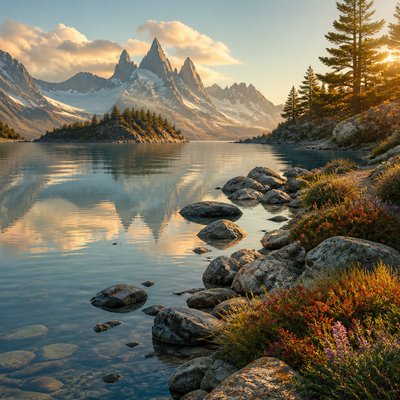
Styles aren't just for stills — describe a scene or animate an image and get a short video rendered in Vector Digital. Press play to see this pond come to life.
Make a VideoVector Digital Prompt Ideas
Start from an idea — each one opens the generator with the style ready to go. See all 40 Vector Digital prompts →

“close-up portrait of an elderly person with expressive weathered features”

“a cat lounging in a sunlit window”

“bouquet of flowers in a glass vase”
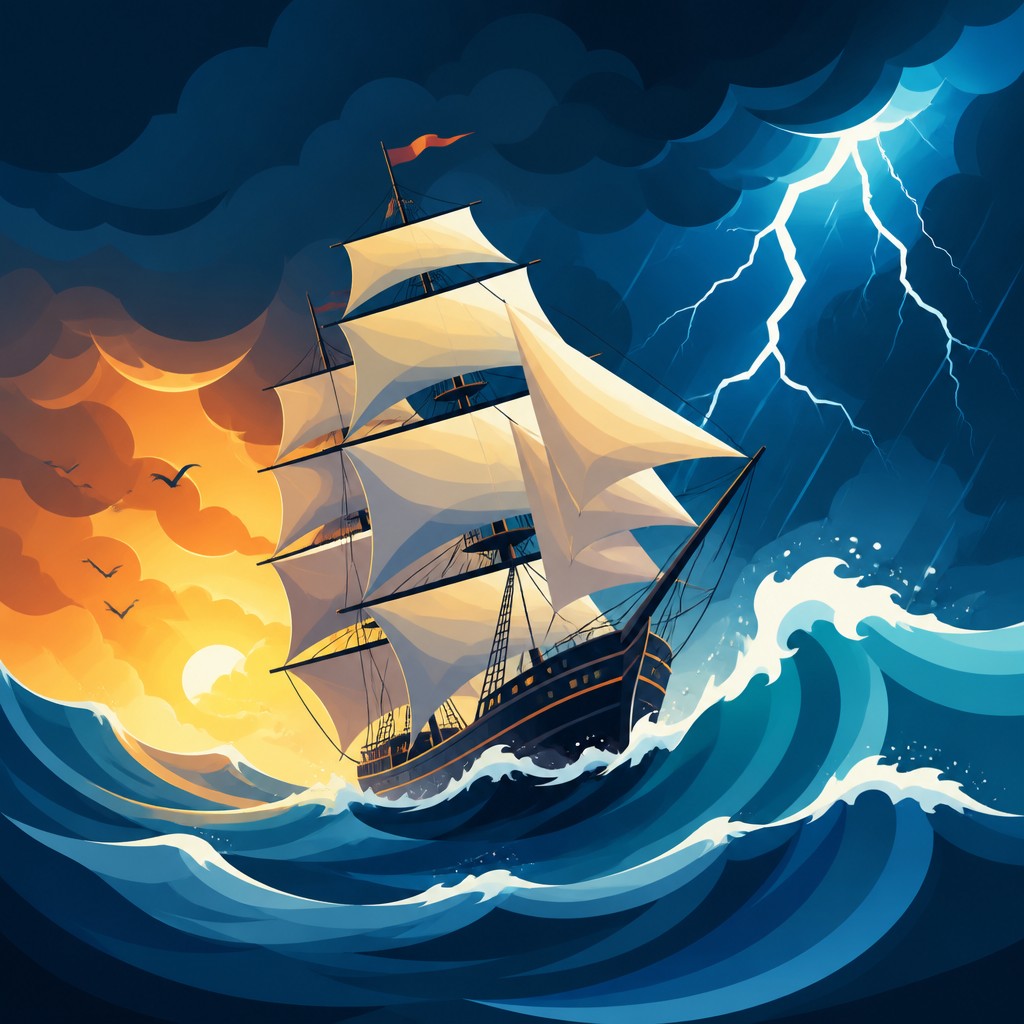
“sailing ship on a stormy sea”
How to Create Vector Digital Art
Master the craft step by step — or skip straight to creating. Read the full guide →
- 1
Build the image from clean shapes
Start with basic geometry and simple contours before adding detail. In traditional planning, sketch the structure first; in digital software, use vector paths, shape tools, and the pen tool to construct the composition.
- 2
Limit texture and keep surfaces smooth
Avoid visible brushstrokes, paper grain, and noisy shading. Use solid fills, gentle gradients, and crisp masks so the final image reads as polished and frictionless.
- 3
Use a controlled palette
Choose a small set of colors with deliberate contrast, especially complementary or near-complementary pairings. Strong palette control helps the artwork feel cohesive and ensures the shapes remain legible.
- 4
Design for silhouette and readability
A successful vector image should be identifiable even as a black-and-white outline. If the subject becomes unclear when simplified, adjust the proportions and spacing before adding finishing details.
- 5
Add depth with overlaps rather than painterly effects
Create dimension through stacked layers, subtle transparency, and strategic shadow shapes instead of textured rendering. This keeps the artwork consistent with the flat, graphic language of the style.
- 6
Prompt for structural clarity when generating digitally
Describe the subject with terms such as clean vector illustration, smooth curves, flat colors, crisp edges, layered shapes, and minimal texture. If using image-to-image, preserve the original composition but ask for simplified geometry, refined contours, and scalable graphic rendering.
The Story
History & Origins of Vector Digital
Vector digital art emerged from the rise of computer graphics and desktop publishing in the late 20th century, when designers began using mathematical paths to create logos, diagrams, technical illustrations, and typography with precise scalability. Early vector workflows were shaped by programs such as Adobe Illustrator and by the needs of print and identity design, where clean reproduction at many sizes was essential. Over time, the approach expanded beyond commercial graphics into editorial illustration, motion graphics, web design, and stylized digital art.
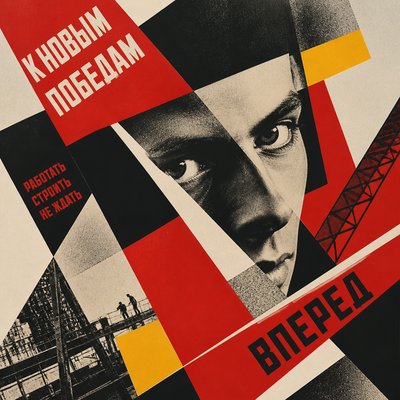
Its aesthetic lineage is closely connected to modernist graphic design, flat-color poster art, constructivist composition, and mid-20th-century corporate identity systems, all of which favored clarity, reduction, and visual economy. Contemporary vector art also absorbs ideas from flat design, iconography, and simplified cartoon illustration, while using digital tools to add smoother gradients, layered transparencies, and highly controlled color relationships.
Influences: Vector digital art draws from modern graphic design, especially logo design, poster design, and editorial illustration, as well as the clarity principles of mid-century identity systems. Its simplified forms also echo constructivist design and flat poster traditions, while its color logic and compositional economy relate to minimalist and modernist approaches. In digital form, it overlaps with UI iconography, motion graphics, and contemporary flat design, but distinguishes itself through more expressive illustration and more elaborate color layering.

Frequently Asked Questions
What defines vector digital art?
It is defined by images built from mathematical paths, shapes, and fills rather than raster pixels. The style is usually recognizable by smooth contours, flat or softly graded color, and exceptionally crisp edges. It is designed to remain sharp at any size.
How is it different from raster digital painting?
Raster painting relies on pixels and often shows brush texture, blended strokes, and resolution-dependent detail. Vector art uses editable shapes and curves, which gives it cleaner edges and easier scaling. Raster tends to feel painterly; vector tends to feel graphic and engineered.
Is vector art always flat and simple?
Not necessarily. While many vector images are minimal, the style can also include layered transparencies, gradients, and complex compositions. The key is that the forms remain clean, controlled, and structurally precise.
What is vector art used for?
It is widely used in logos, icons, branding, posters, infographics, web graphics, app interfaces, and editorial illustrations. It is also popular for stylized portraits, character art, and decorative scenes that need a polished, scalable look.
How can I make my photo look like vector art?
Simplify the image into clear shapes, reduce texture, and emphasize strong outlines and color blocks. In digital editing, this often means tracing important forms, flattening tonal noise, and replacing photographic detail with clean graphic abstraction.
Why does vector art look so clean?
Its clean appearance comes from path-based construction, limited texture, and deliberate color organization. Because the shapes are mathematically defined, the edges remain precise and the composition reads with exceptional clarity.
Create your first Vector Digital artwork
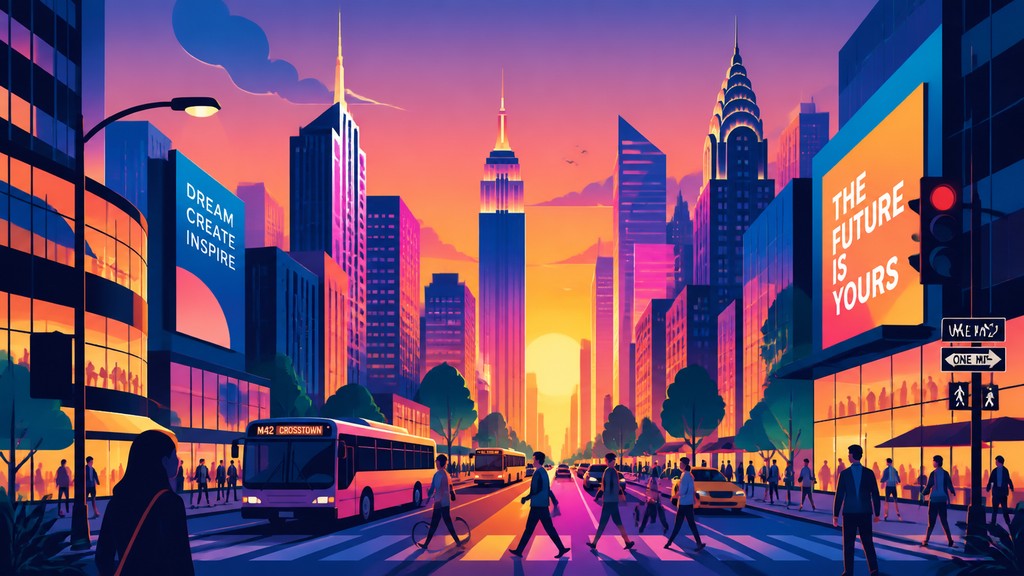
Describe anything — or upload a photo — and see it in Vector Digital Art Style in seconds.
Make Something with Vector Digital
Compare Vector Digital
Related Styles
Discover similar art styles