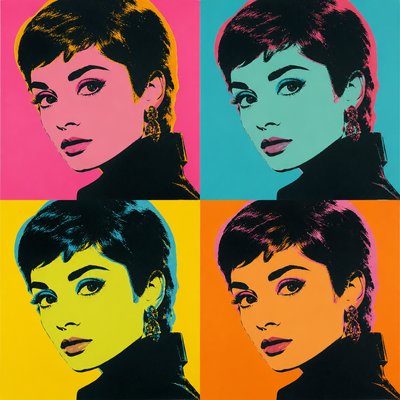
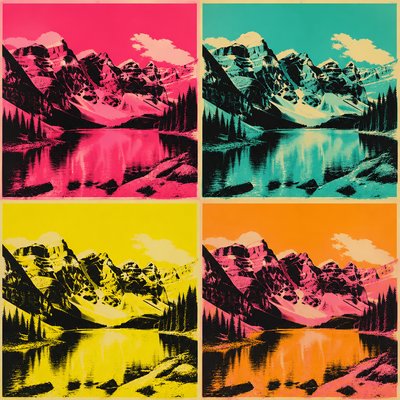
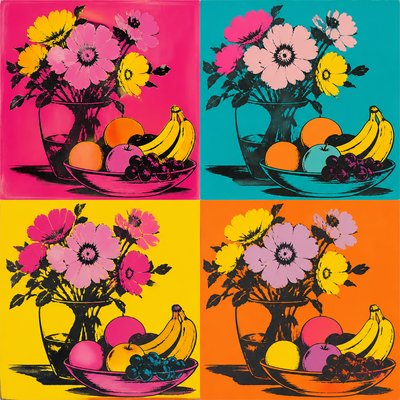
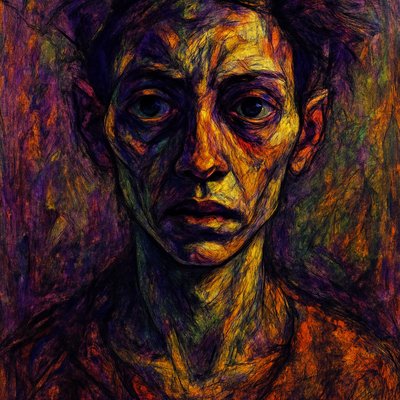
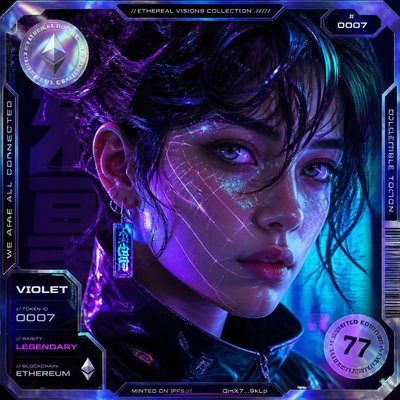
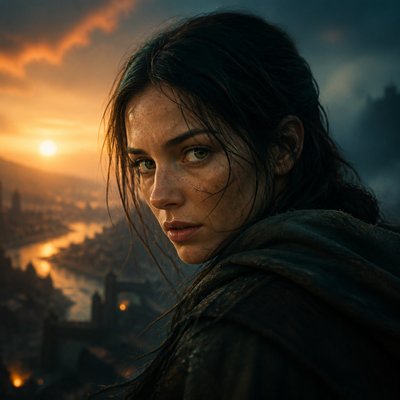
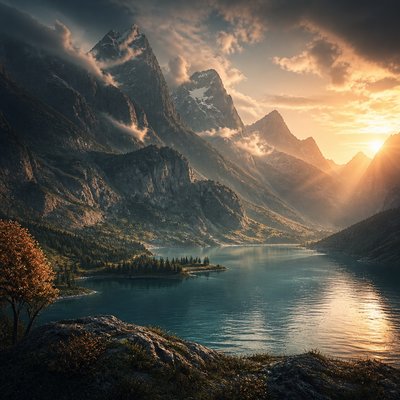
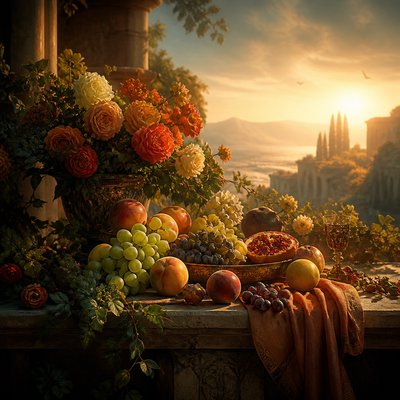
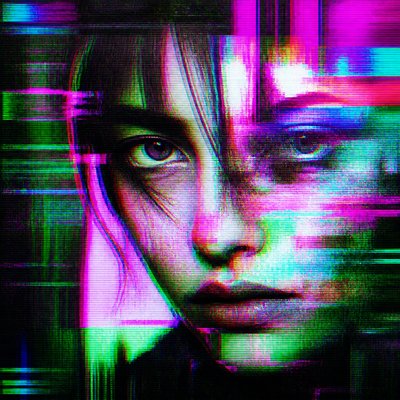
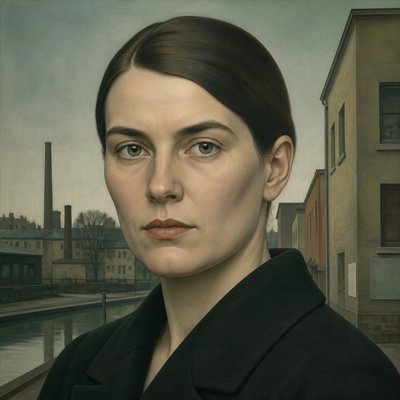
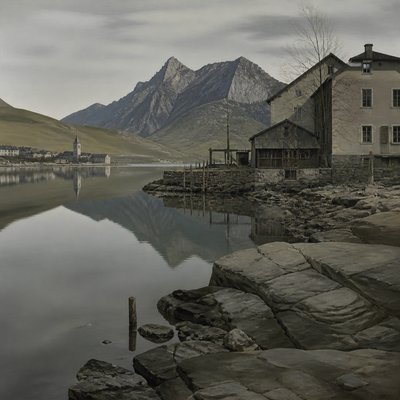
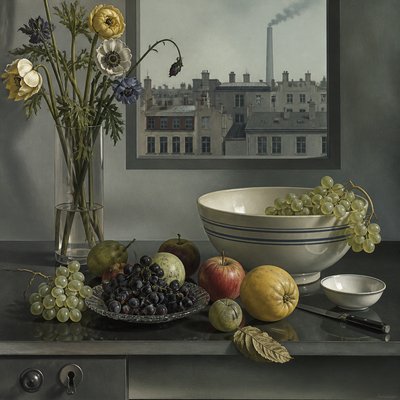
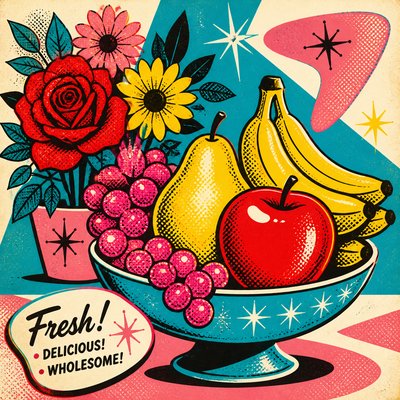
Digital Illustration Portrait Style
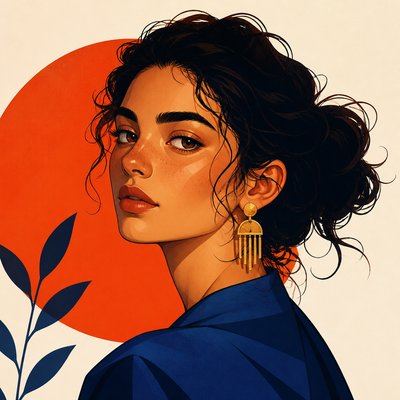
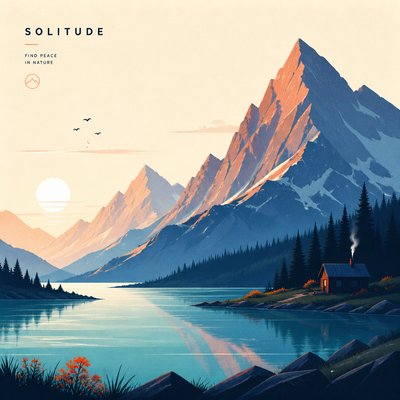
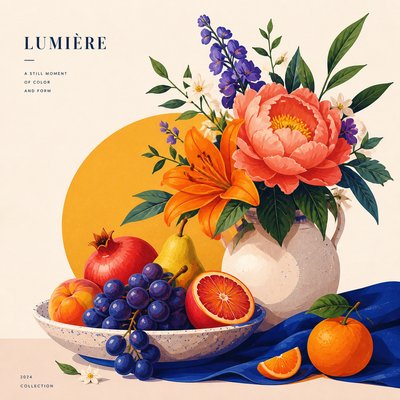
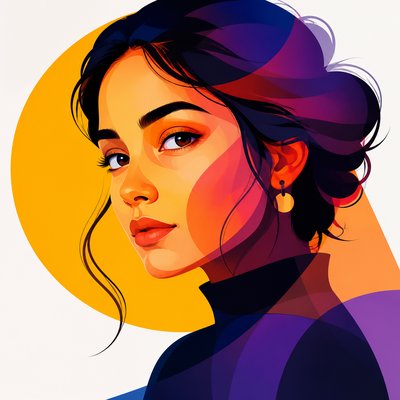
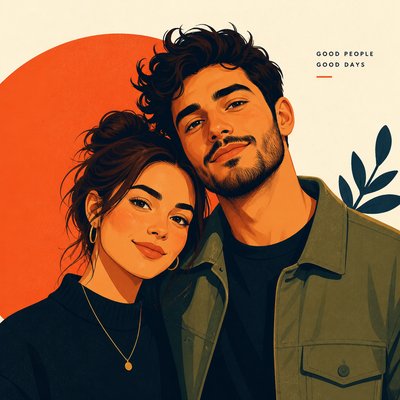
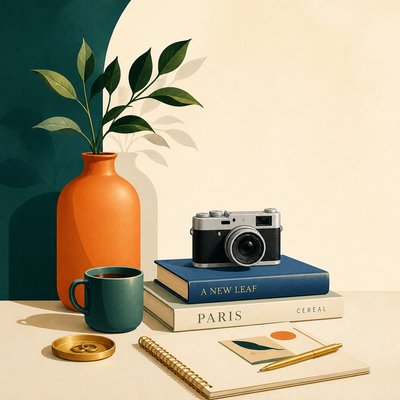
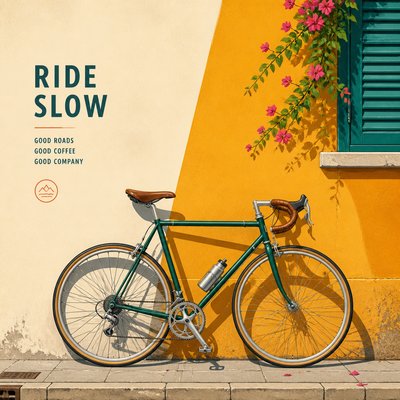
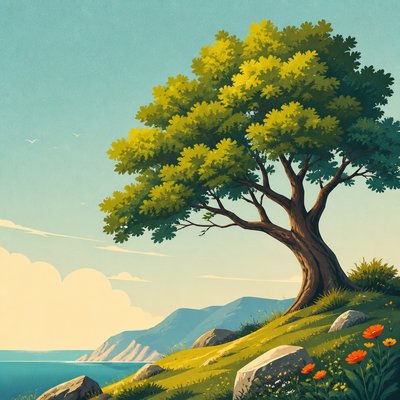
Clean-line digital portraiture with smooth gradients, saturated color, and editorial polish for modern illustrations.
Instantly rendered in Digital Illustration Portrait — or transform a photo
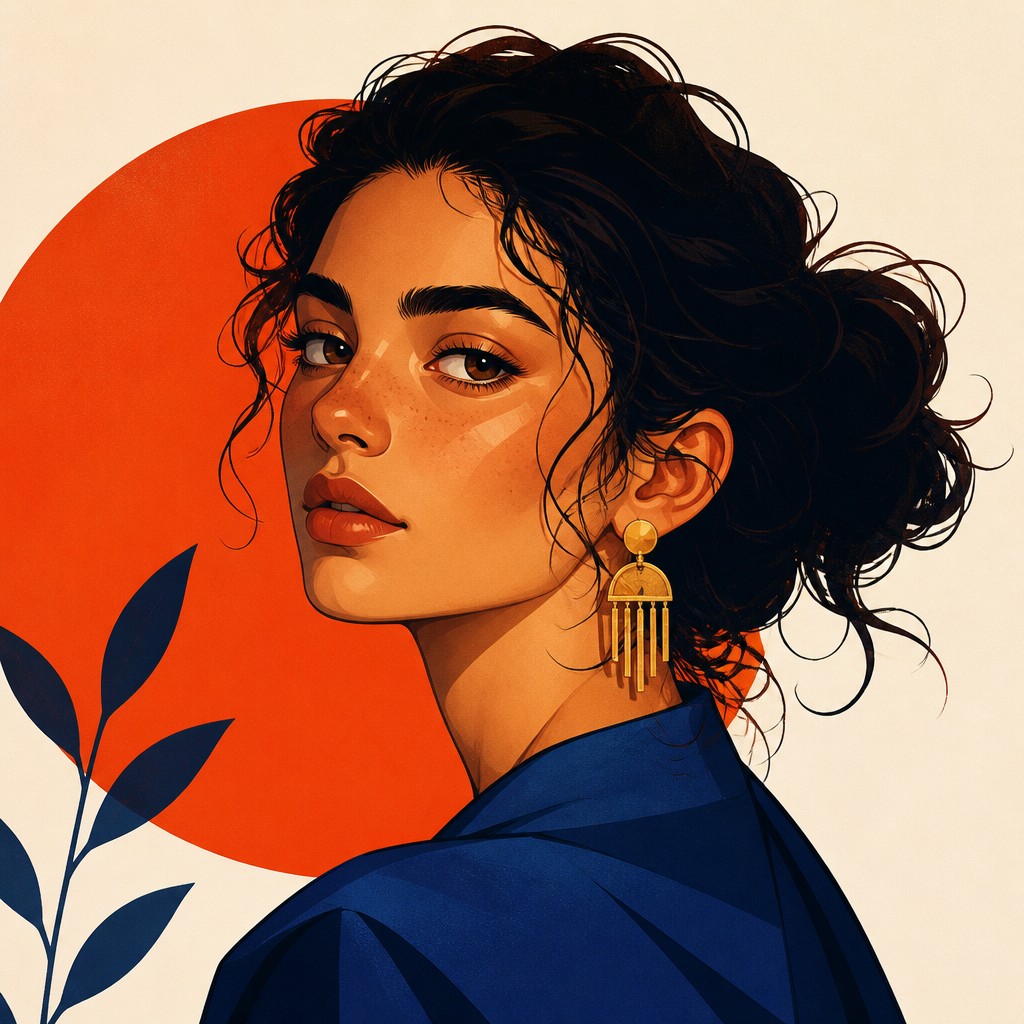
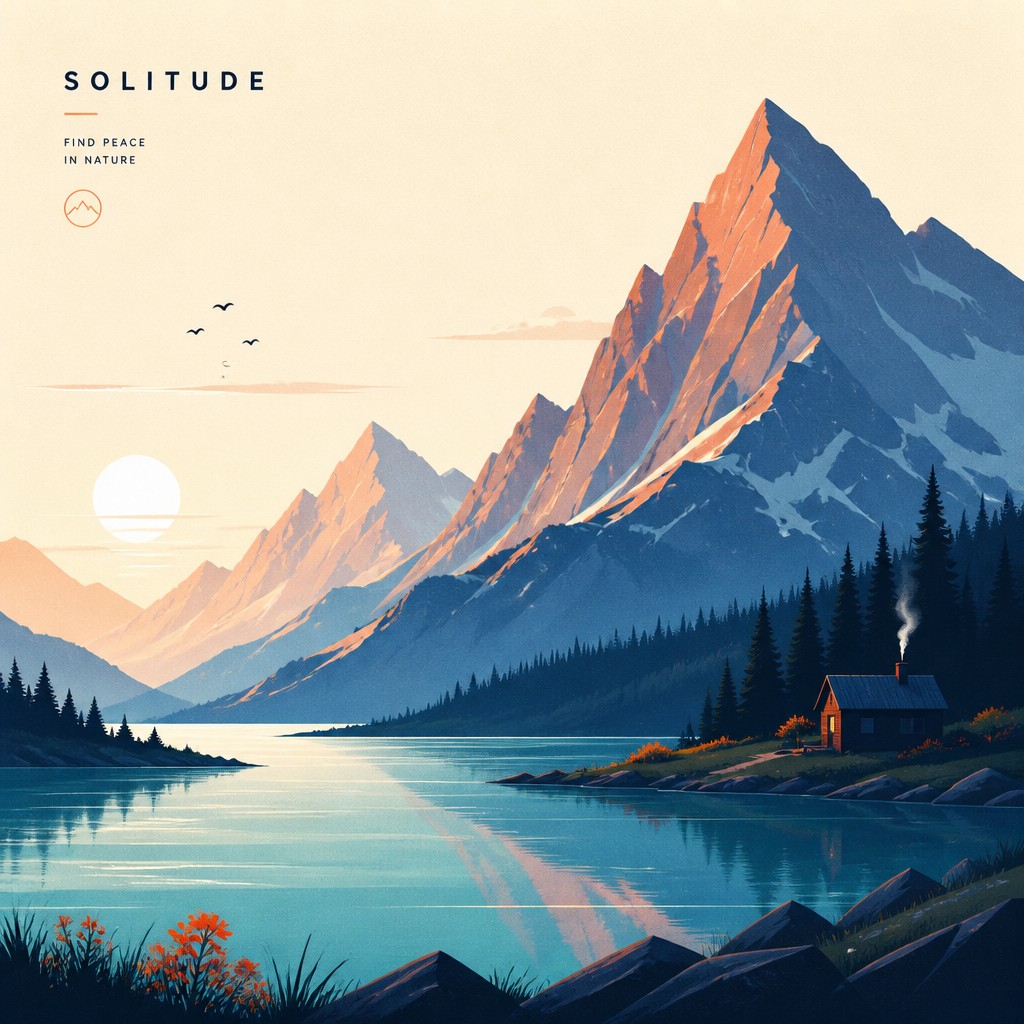
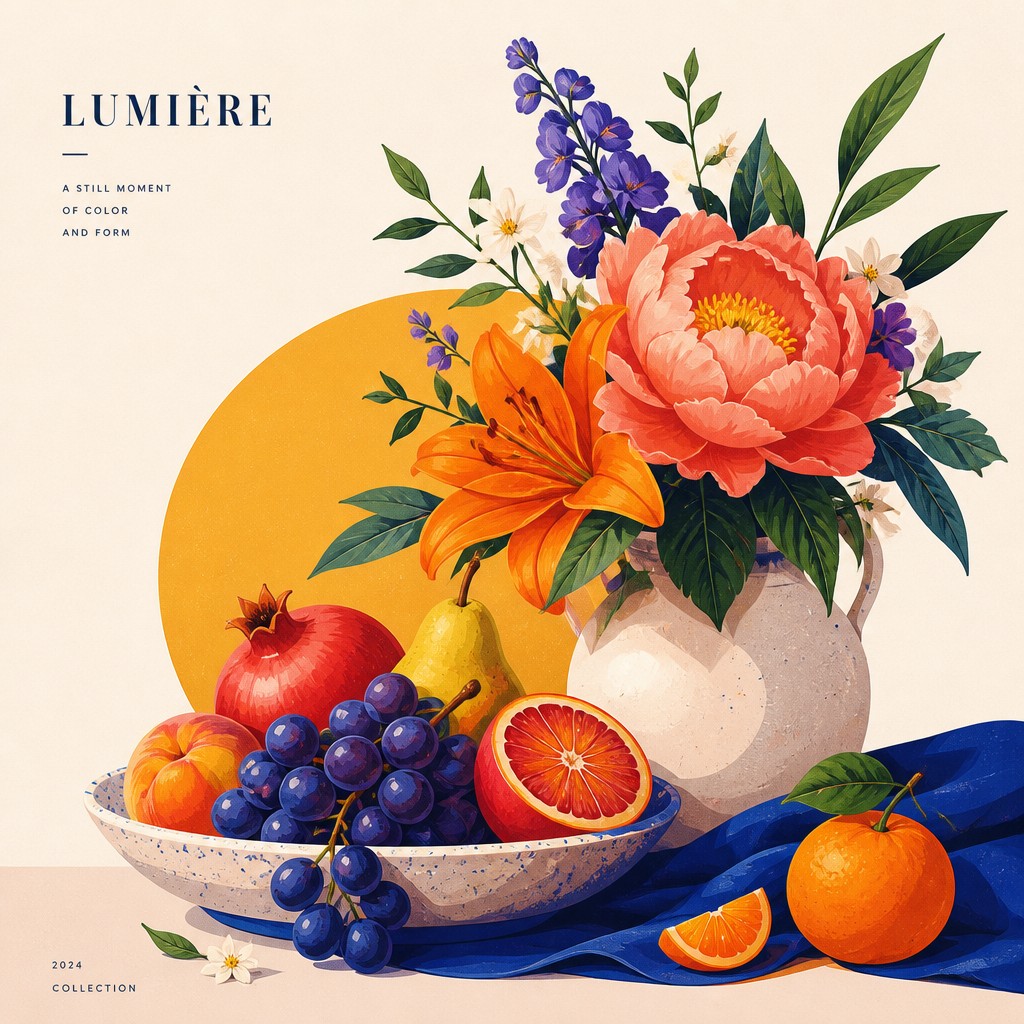
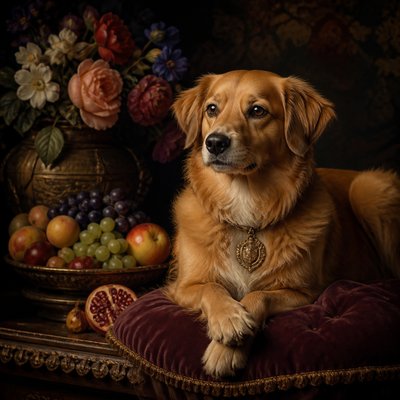
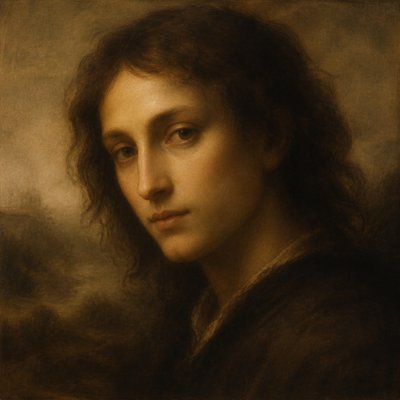
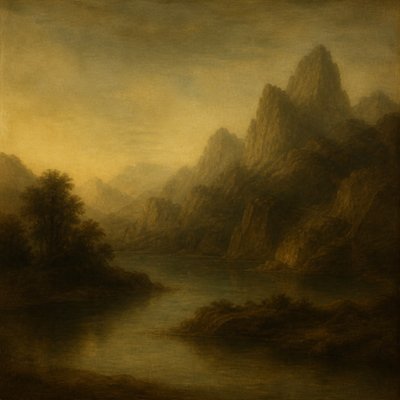
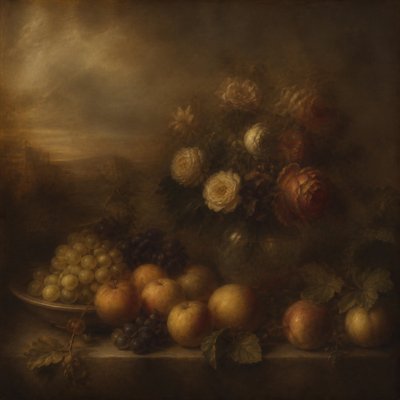
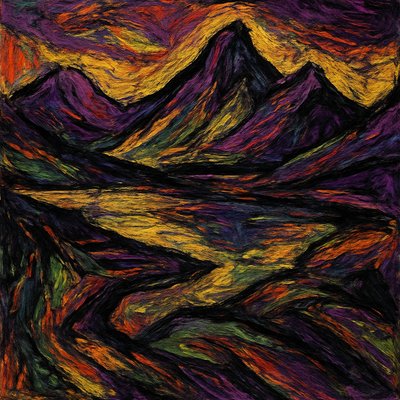
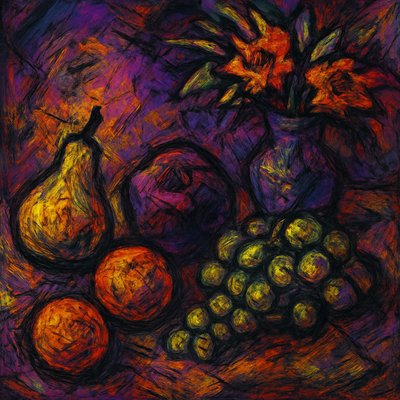
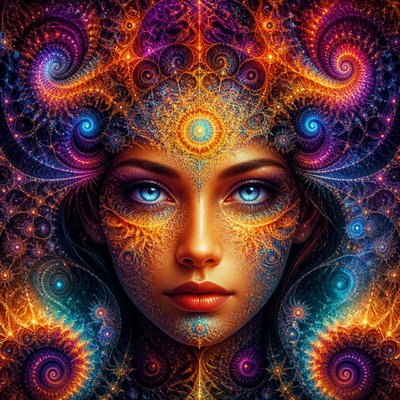
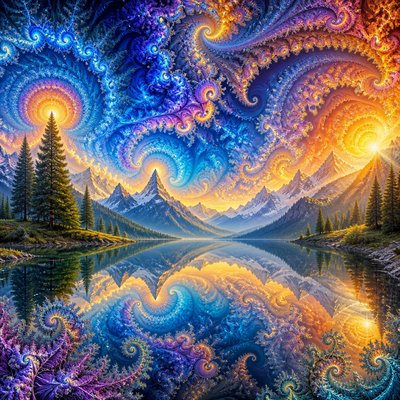
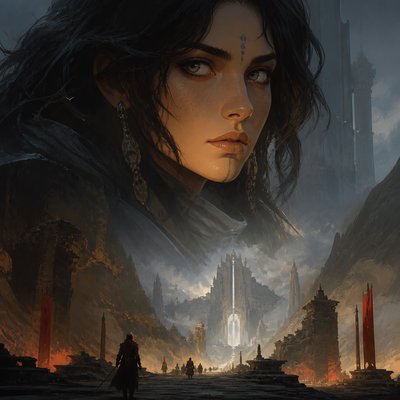
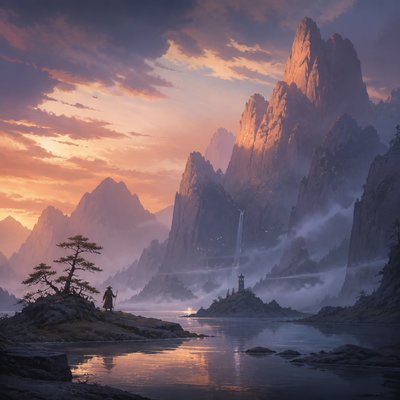
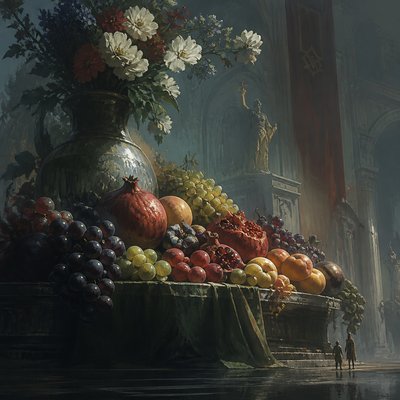
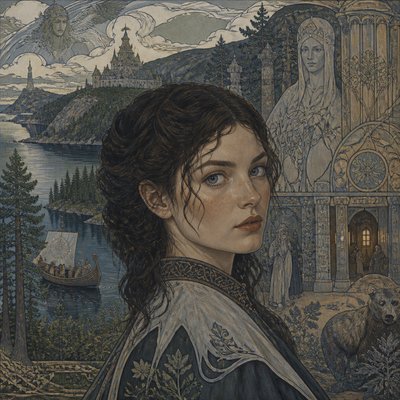
Digital Illustration Portrait Gallery
Tap any artwork to explore it


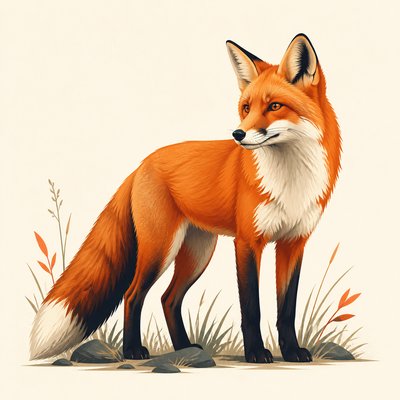
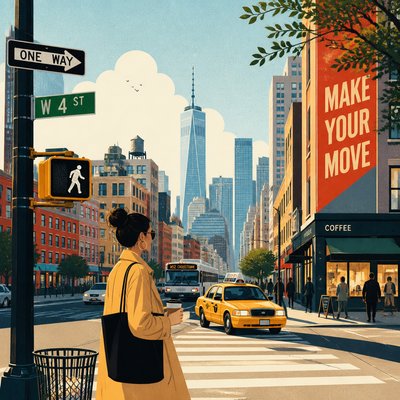
What is Digital Illustration Portrait Style?
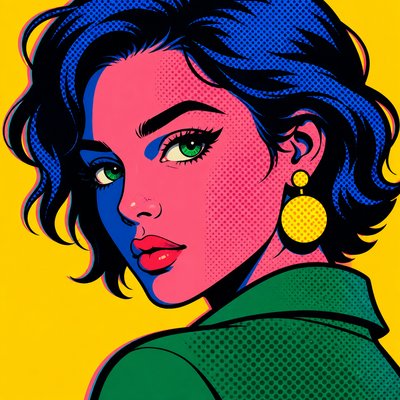
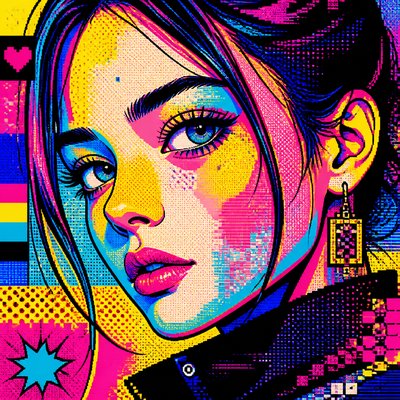
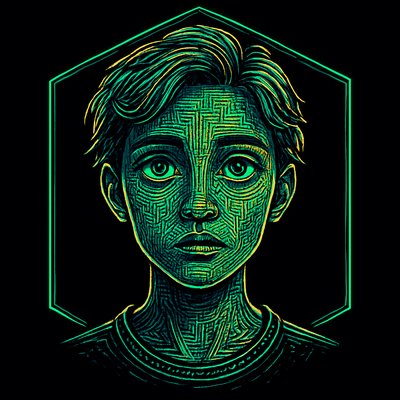
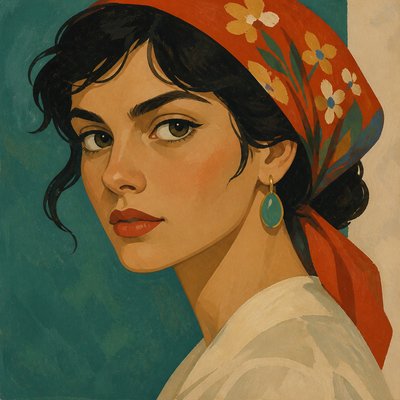
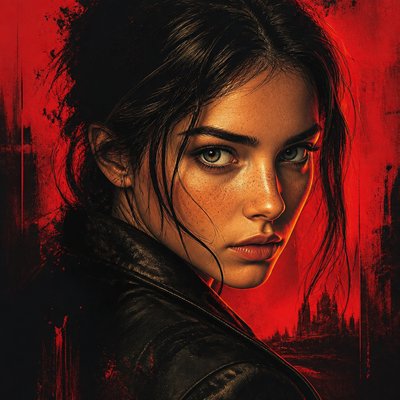
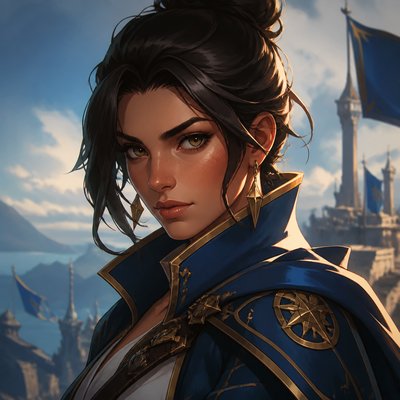
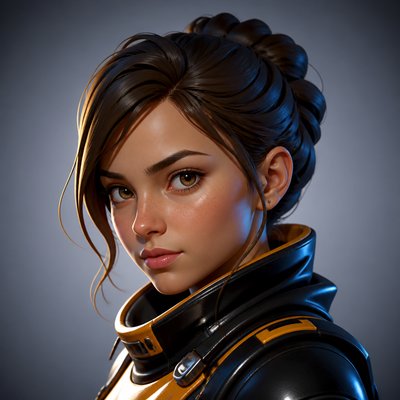
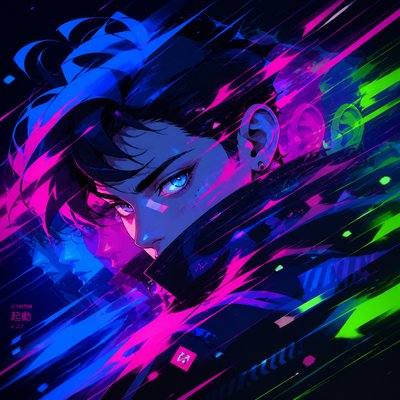
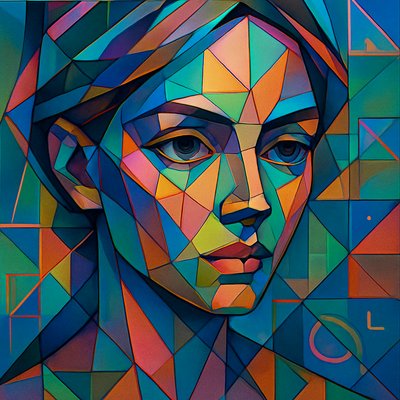
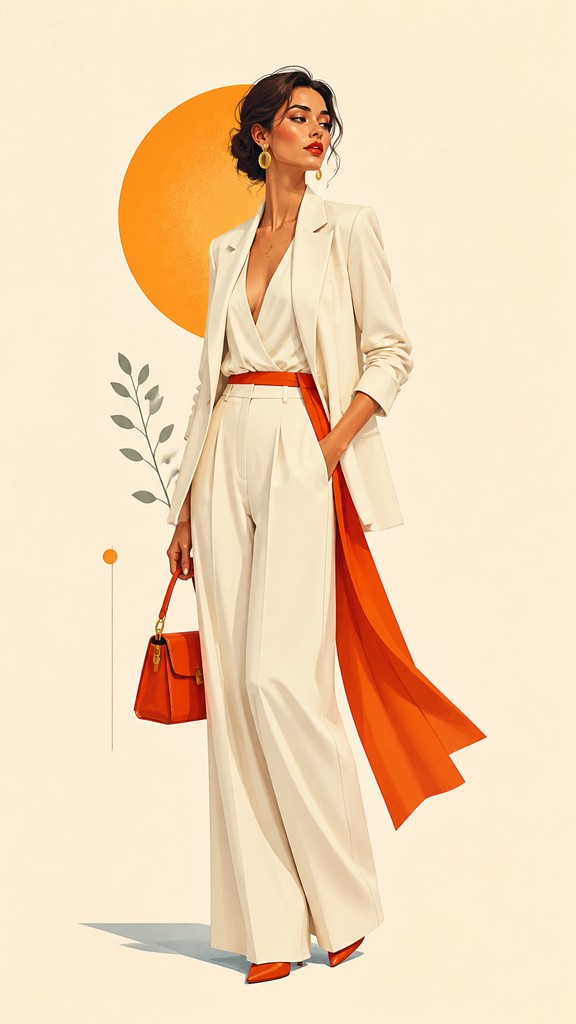
Digital illustration portrait style is a contemporary approach to portrait making that combines the structure of traditional portraiture with the visual clarity of modern digital art. It typically uses clean, vector-like linework, simplified forms, smooth gradient shading, and controlled color relationships to produce a portrait that reads clearly at both large and small sizes.
Its visual identity is shaped by design thinking as much as by painting. Instead of relying on loose brushwork or heavy texture, the style emphasizes crisp edges, flat graphic passages, and polished transitions of light and shadow. The result is a portrait that feels contemporary, editorial, and adaptable, with enough stylization to remain expressive while still retaining a recognizable likeness or character presence.
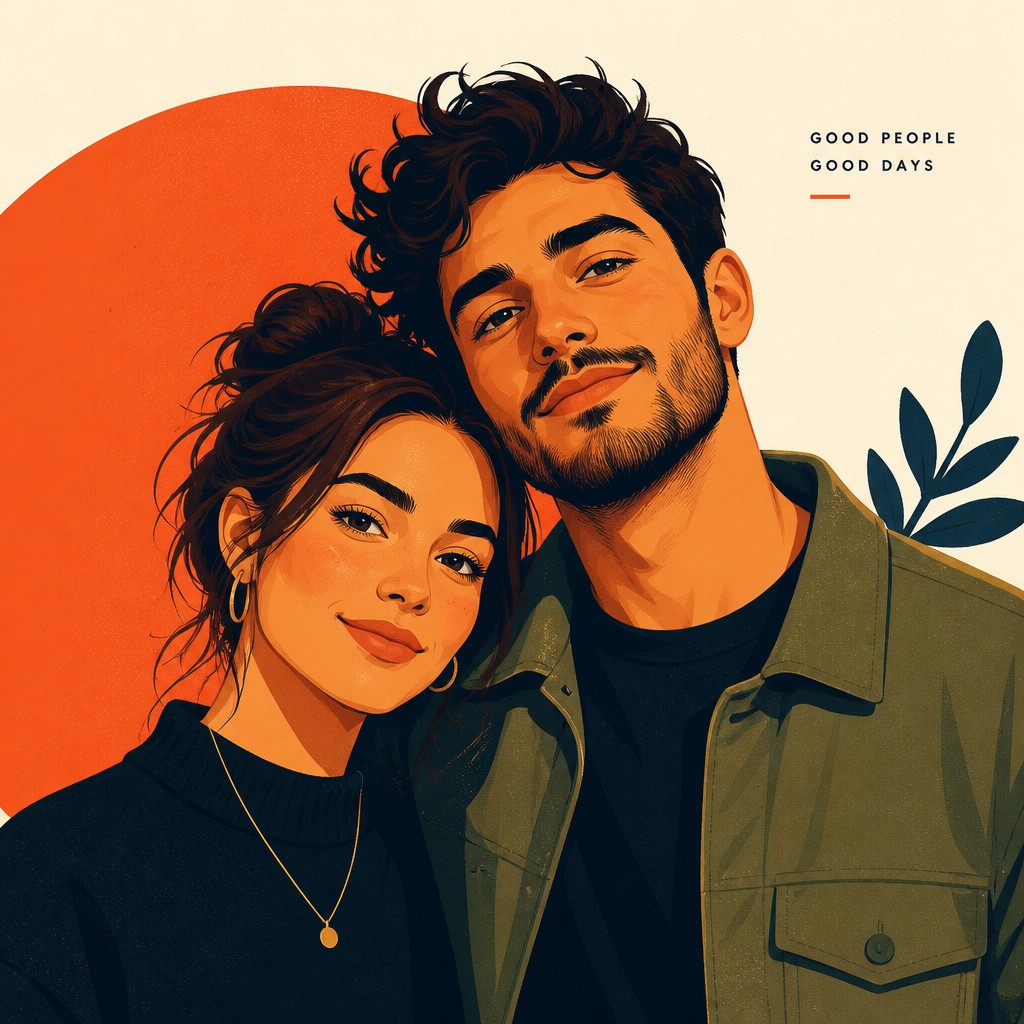
Try It On Your Photos
Upload any photo and convert it into Digital Illustration Portrait Style — drag the sliders to compare before and after.
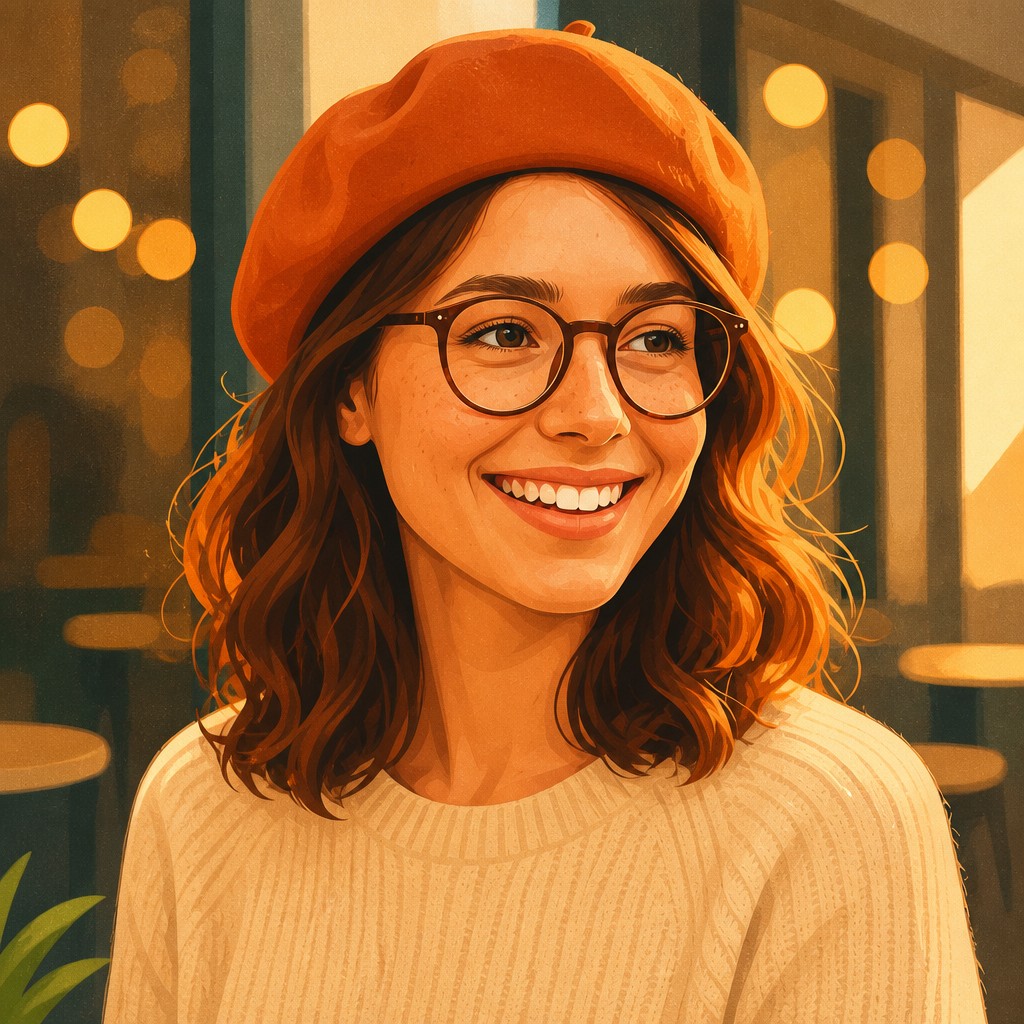

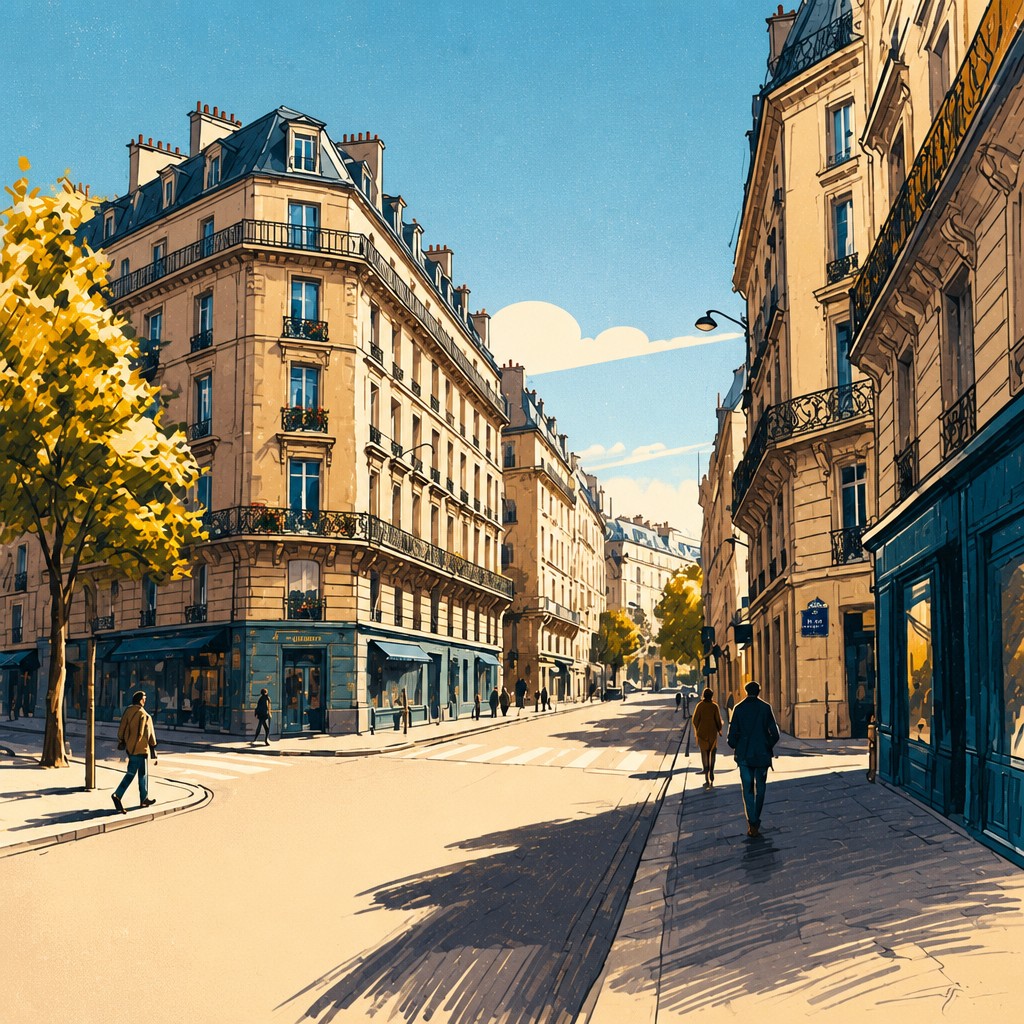
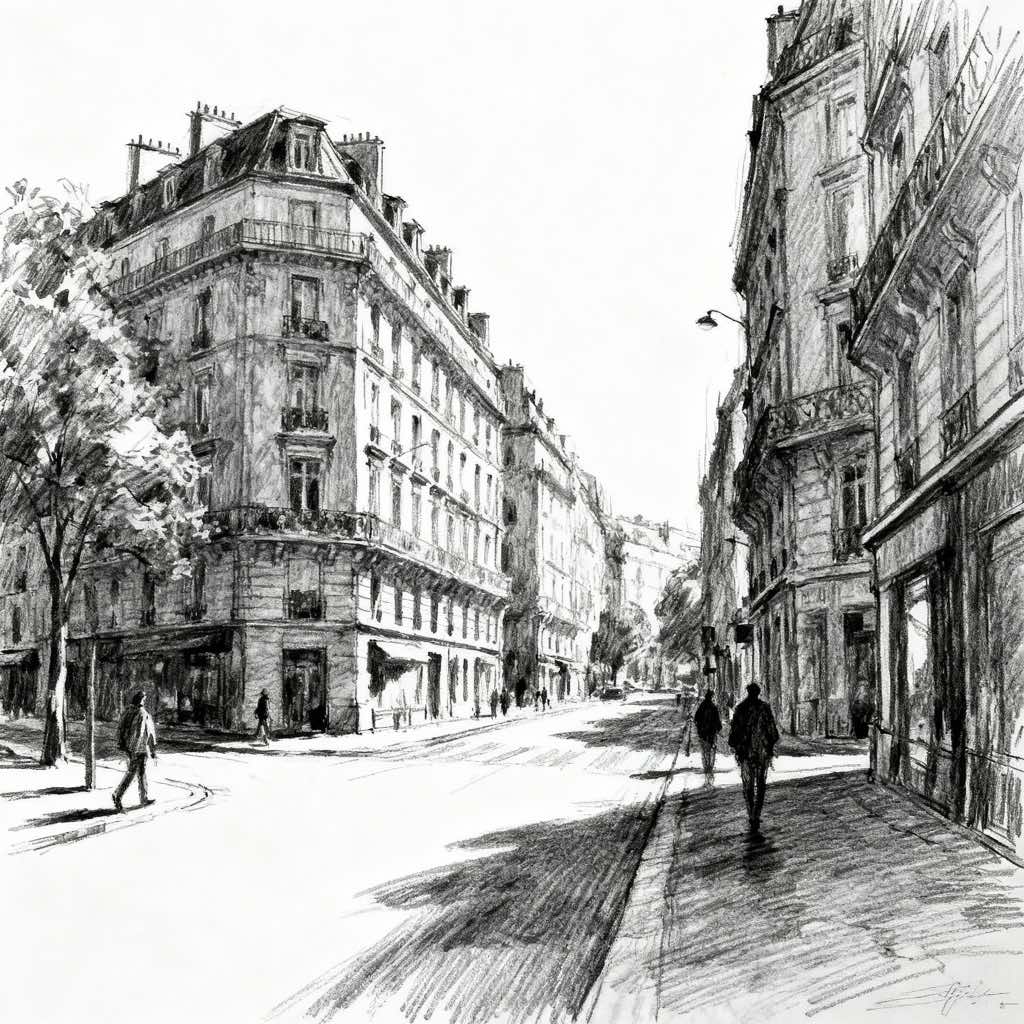
What Defines Digital Illustration Portrait Style
The signature details, up close
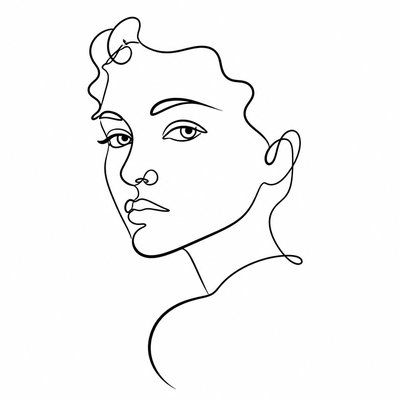
Clean, defined linework
Outlines are precise and deliberate, often resembling vector paths or inked contour drawing. The linework helps organize facial features, hair, and clothing into readable shapes.
Simplified but dimensional forms
Features are reduced to clear structural shapes rather than highly realistic detail. Shading is used to suggest volume without losing the graphic clarity of the portrait.
Smooth gradient shading
Light transitions are soft and controlled, often achieved with digital gradients or airbrushed blends. This gives the image a polished, modern finish.
Saturated, balanced color
The palette often uses vivid hues with complementary accents to create visual energy. Color is chosen strategically to support mood, skin tone, and focal hierarchy.

Crisp edge hierarchy
Important contours remain sharp while less important areas may be softened or simplified. This contrast guides the viewer’s attention to the face and expression.
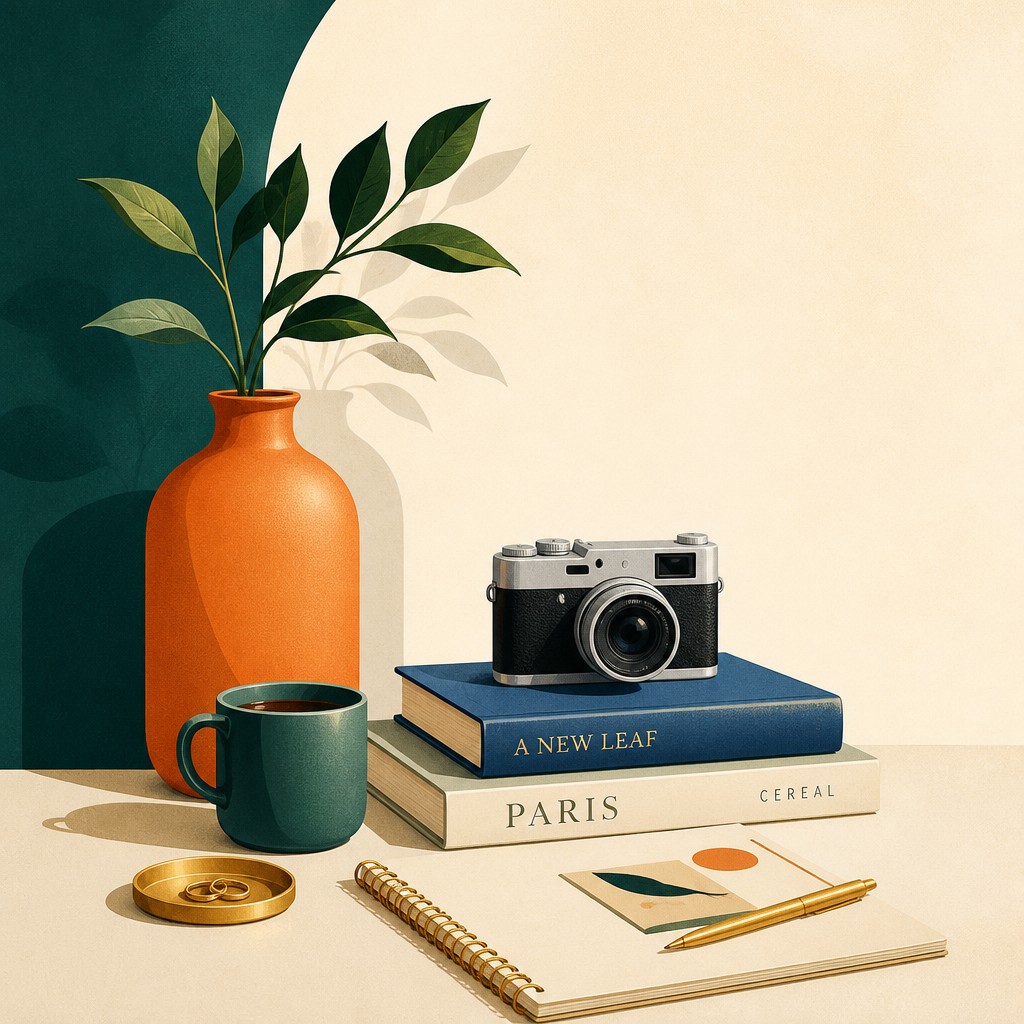
Graphic negative space
Backgrounds are often restrained, abstract, or minimal, allowing the portrait to stand out. The open space reinforces a contemporary editorial feel.
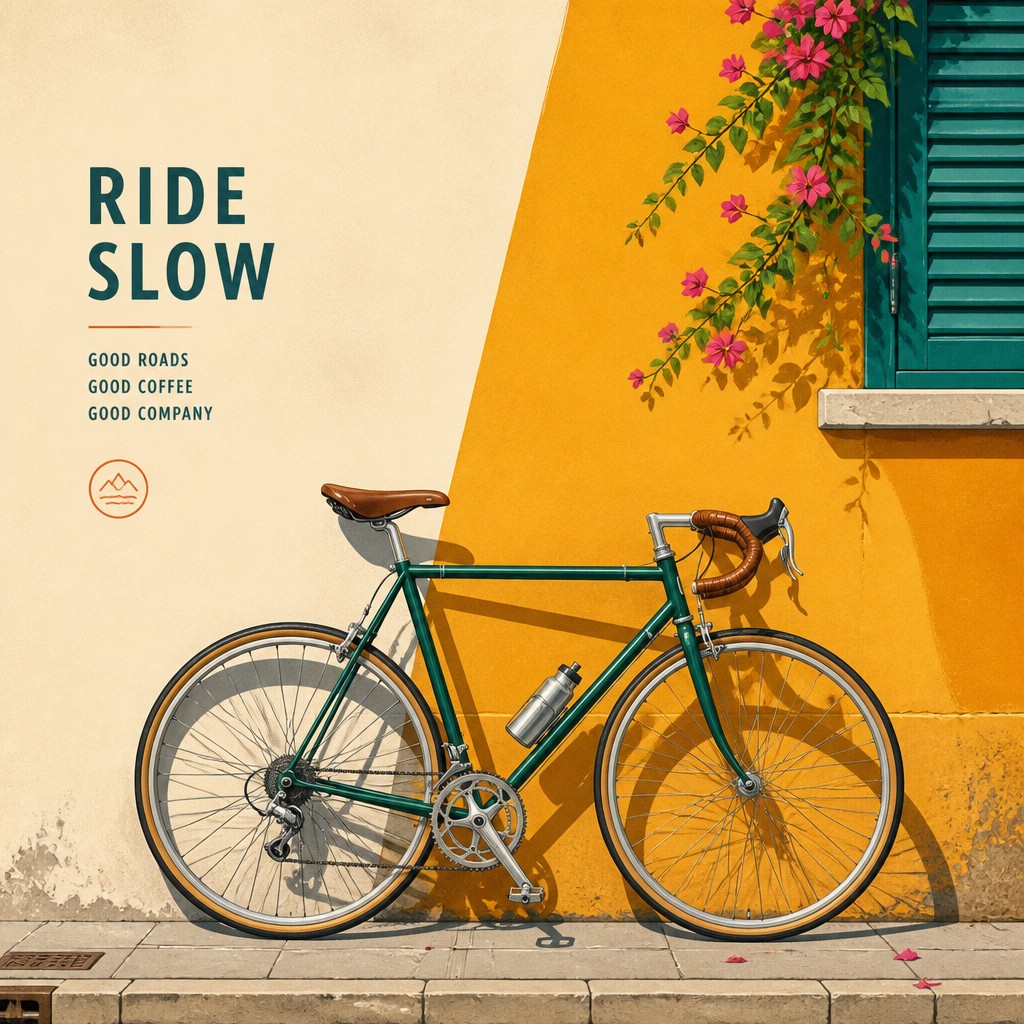
Subtle texture or grain
A light grain overlay or paper-like noise may be added to prevent the image from feeling too sterile. The texture introduces warmth while preserving digital precision.
Try It
Create Videos in Digital Illustration Portrait Style
Styles aren't just for stills — describe a scene or animate an image and get a short video rendered in Digital Illustration Portrait. Press play to see this pond come to life.
Make a VideoDigital Illustration Portrait Prompt Ideas
Start from an idea — each one opens the generator with the style ready to go. See all 40 Digital Illustration Portrait prompts →
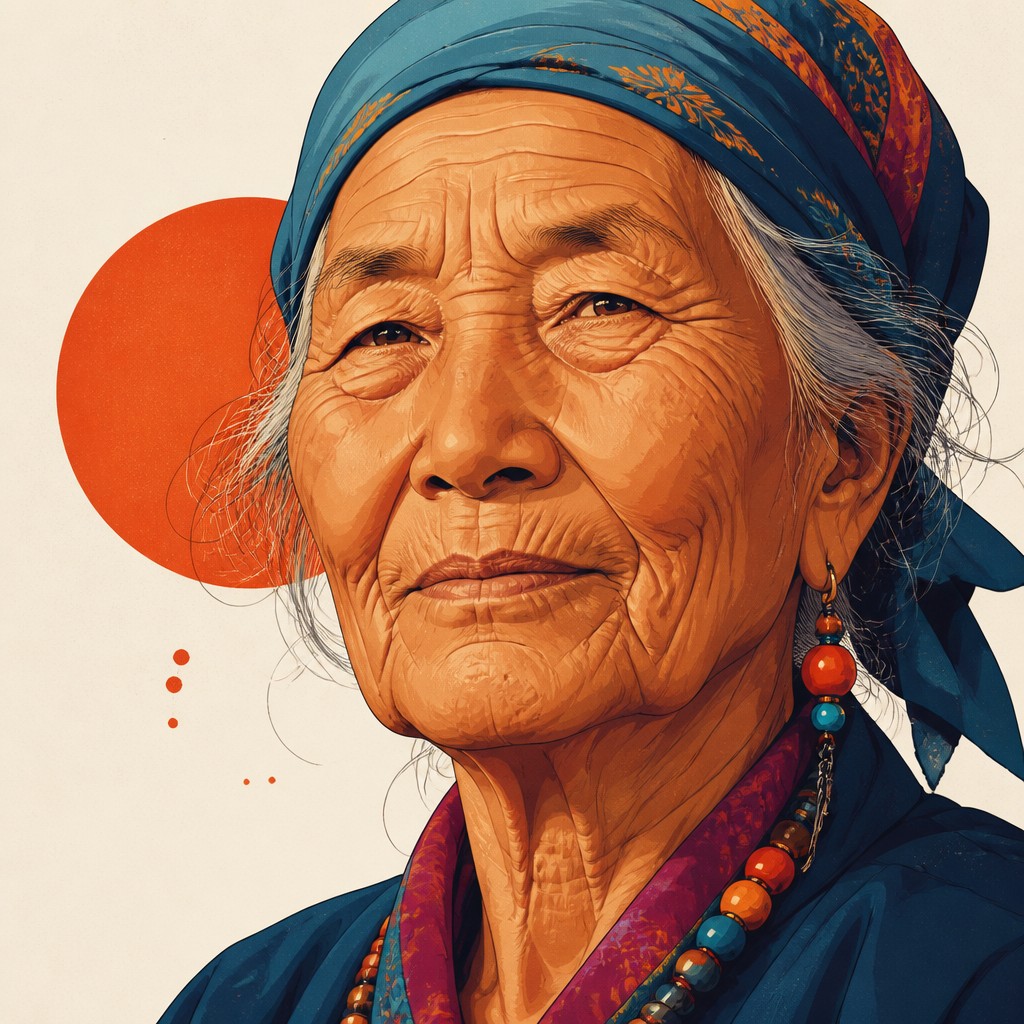
“close-up portrait of an elderly person with expressive weathered features”
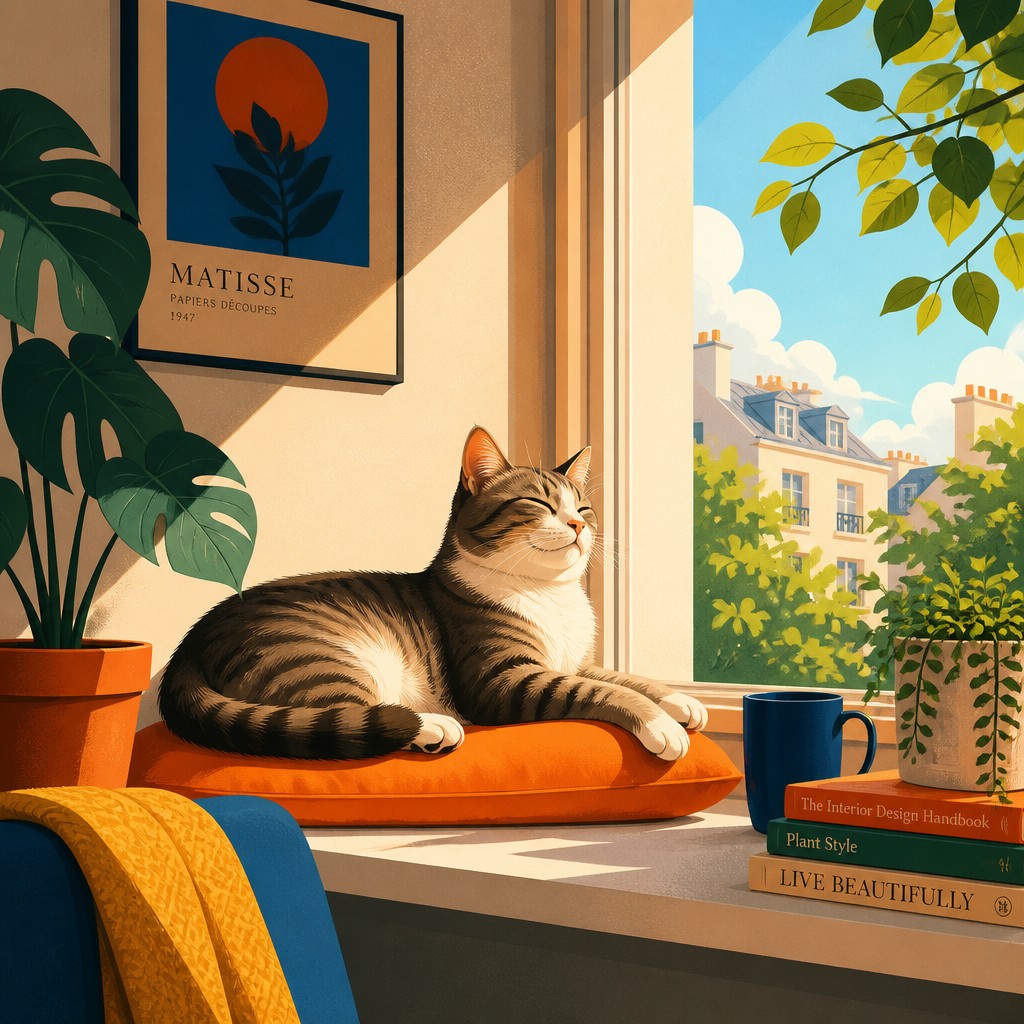
“a cat lounging in a sunlit window”
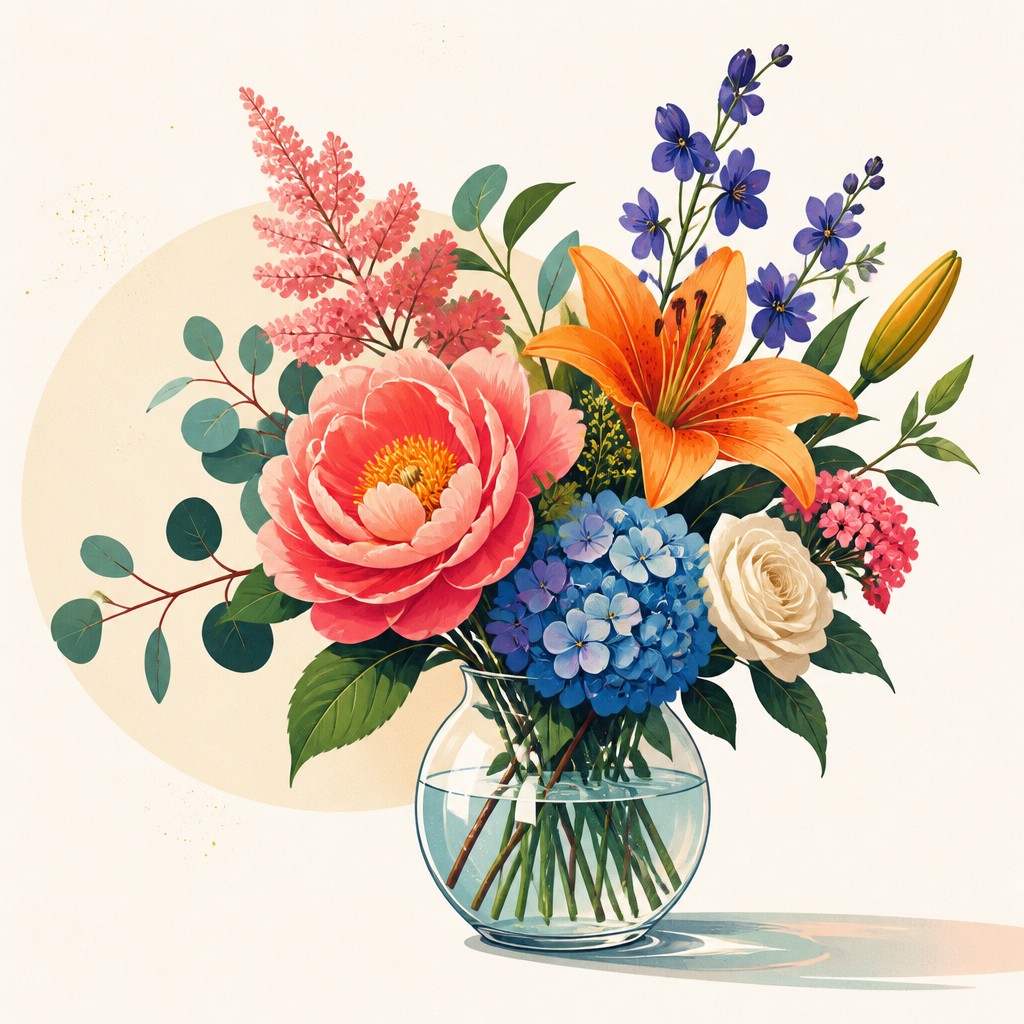
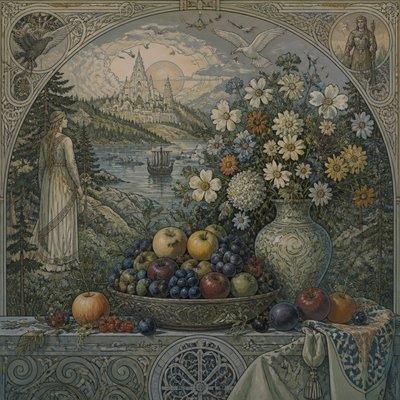
“bouquet of flowers in a glass vase”
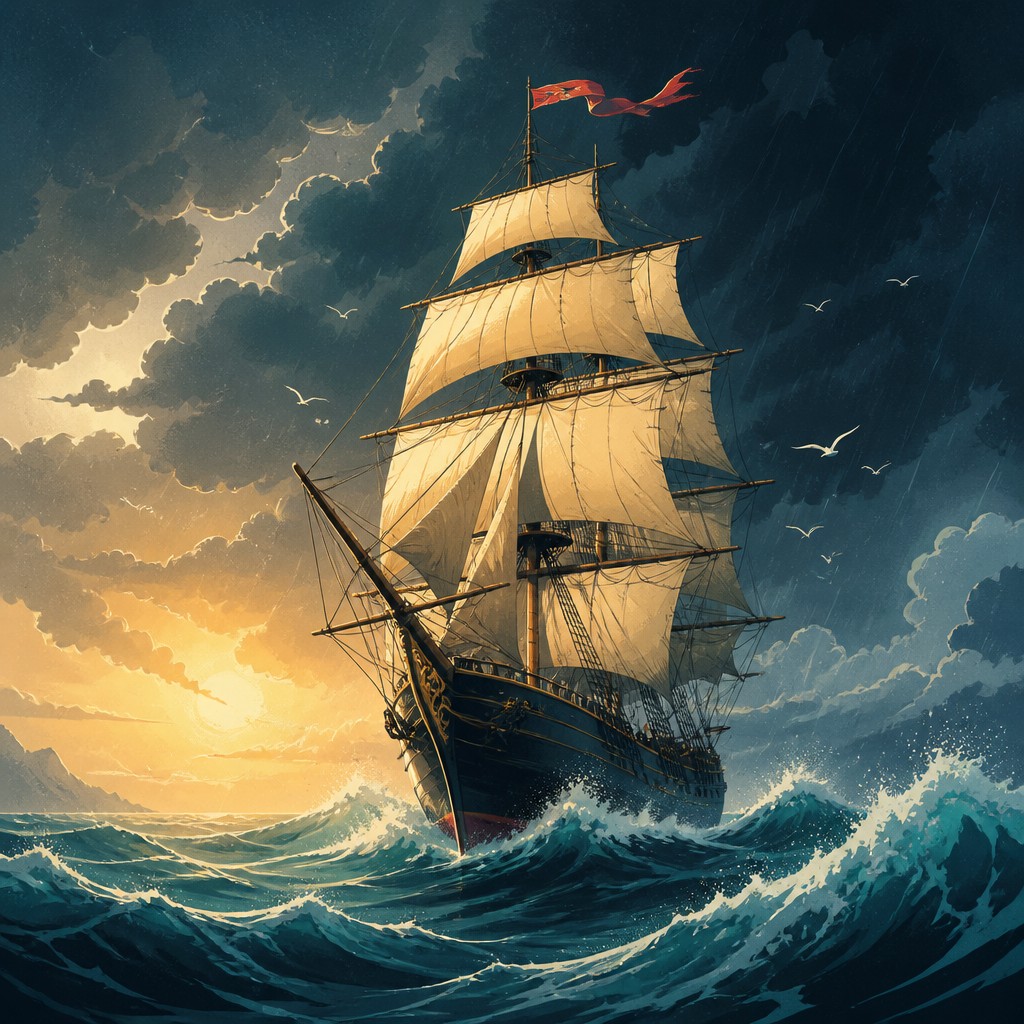
“sailing ship on a stormy sea”
How to Create Digital Illustration Portrait Art
Master the craft step by step — or skip straight to creating. Read the full guide →
- 1
Build the face from simple structure
Start with clear proportions and reduce the head, features, and hair into strong readable shapes. Whether drawing by hand or digitally, the style works best when form is simplified before detail is added.
- 2
Use linework as a design element
Keep contours clean and intentional, with line weight changes used to separate planes and emphasize important features. Avoid overly sketchy marks unless they are part of a deliberate stylistic choice.
- 3
Model volume with gradients, not heavy rendering
Apply smooth transitions for cheeks, nose, lips, and jaw rather than dense painterly texture. In digital workflows, gradient meshes, soft brushes, and masked color layers are especially effective.
- 4
Choose a limited but vivid palette
Use a dominant color scheme and add one or two accent hues to create contrast and depth. Strong palette decisions matter more here than complex textural detail.
- 5
Preserve flat and rendered contrast
Let some areas remain graphic and flat while others receive more dimensional treatment. That tension between illustration and painting is central to the look.
- 6
For prompt-based generation, specify clarity and finish
Describe the portrait subject, then request clean vector-like lines, smooth gradient shading, saturated editorial color, and minimal background clutter. If needed, mention grain, negative space, and crisp edge definition to steer the result toward this polished illustration aesthetic.
The Story
History & Origins of Digital Illustration Portrait
This style does not belong to a single historical movement. It emerged from the overlap of digital painting, vector illustration, editorial design, and contemporary portrait illustration, especially as screen-based workflows made it easier to combine line art, layered color, and controlled gradients in one image. Its look also reflects the broader shift in commercial art toward image systems that reproduce cleanly across print, web, and social media.
Its aesthetic lineage can be traced to several traditions: the simplified shapes and flat color of modern graphic design, the contour clarity of illustration, the dimensional modeling of painting, and the polished finish common in advertising and magazine art. In digital form, tools for gradient meshes, layer masks, and brush-based rendering allowed artists to create portraits that sit between vector graphics and painterly illustration.
Influences: This style draws from editorial illustration, graphic design, and digital painting, with clear echoes of vector-based commercial art and the simplified portrait traditions of modern illustration. It also overlaps with the clean contour emphasis found in poster art and the color planning of mid- to late-20th-century design culture, while remaining distinct from fully flat vector work because it usually preserves some modeled depth. In a broader art-historical sense, it shares an interest in reduction and clarity with modernist design, but its finished look is specifically shaped by digital production methods rather than by any single canonical movement.
Frequently Asked Questions
What defines digital illustration portrait style?
It is defined by clean linework, simplified facial structure, smooth digital shading, and a polished contemporary finish. The portrait usually feels designed rather than painted in a traditional sense, with a strong balance of flat graphic areas and modeled volume.
How is it different from vector art?
Vector art is usually more strictly flat, with crisp shapes and limited painterly shading. Digital illustration portrait style often uses vector-like clarity but allows gradient blending, soft rendering, and subtle texture to create more depth.
How is it different from painterly digital portraiture?
Painterly digital portraits usually imitate brushwork, layered paint, and more visible texture. This style is cleaner and more design-driven, with stronger contour control and a more graphic, editorial appearance.
Where is this style commonly used?
It is common in editorial illustration, album art, posters, branding, book covers, and social media visuals. Its clean readability makes it effective wherever a portrait needs to look modern, stylized, and adaptable across formats.
Can this style be used for realistic portraits?
Yes, but realism is usually secondary to clarity and design. The likeness can be accurate while still being simplified into graphic shapes and controlled color relationships.
What should I ask for when creating it digitally?
Ask for clean contour lines, smooth gradient shading, saturated but balanced color, and a refined editorial finish. If making a portrait from a photo, provide a clear subject reference and keep the background simple so the stylization remains focused on the face.
Create your first Digital Illustration Portrait artwork
Describe anything — or upload a photo — and see it in Digital Illustration Portrait Style in seconds.
Make Something with Digital Illustration Portrait
Compare Digital Illustration Portrait
Related Styles
Discover similar art styles