Pixel vs 8-Bit Pixel: What's the Difference?
Pixel Art Style is a broad digital art approach built from visible square pixels, crisp edges, and intentionally limited color palettes. It often evokes retro game graphics, especially 8-bit and 16-bit aesthetics, while still being used for modern illustrations, icons, and animations.
8-Bit Pixel Art Style is a more specific subset of pixel art that leans into the earliest video game look: chunkier pixels, fewer colors, and simplified sprite-like shapes. People compare the two because they share the same core building blocks, but one is broader and more flexible while the other is more strictly tied to classic early-game visual conventions.
Same Prompt, Both Styles
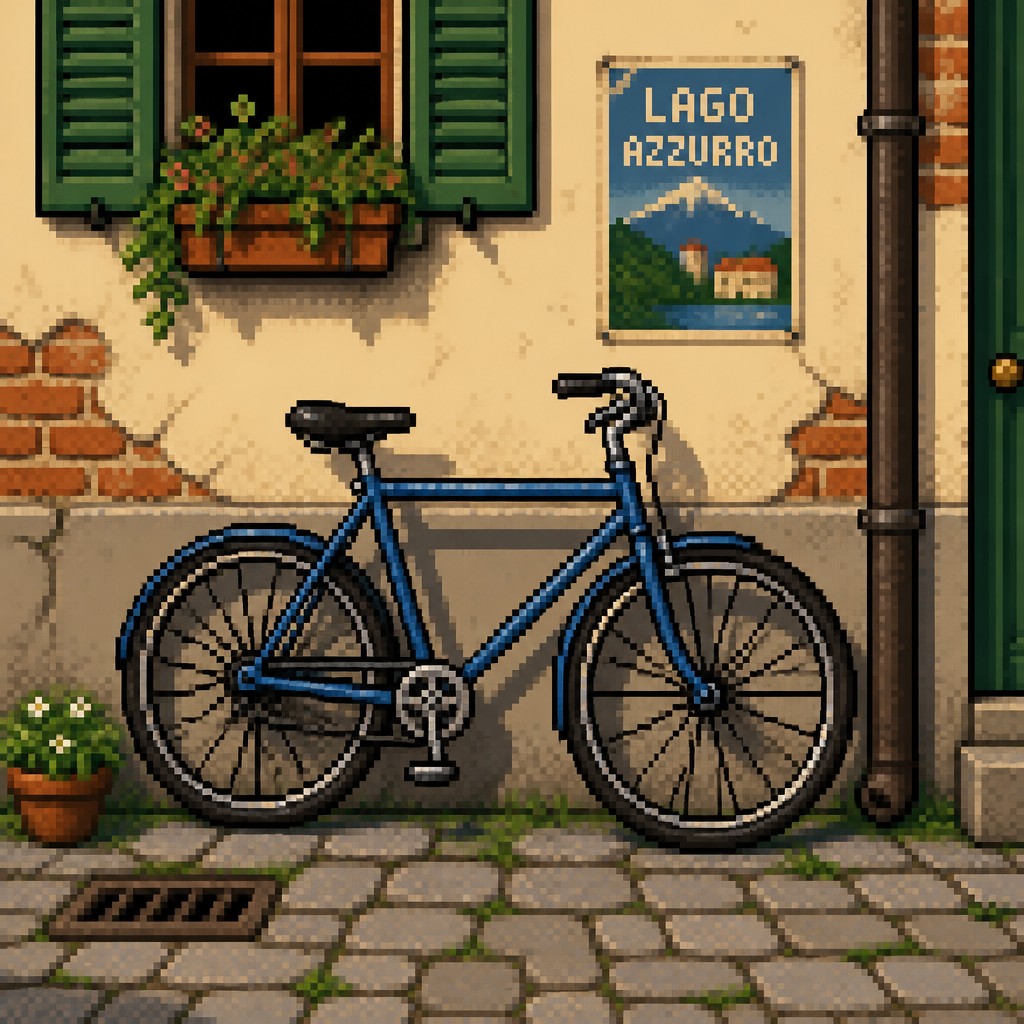
Each pair below was generated from the identical prompt — only the style changed.
“portrait of two people together”


“wide landscape with natural scenery”
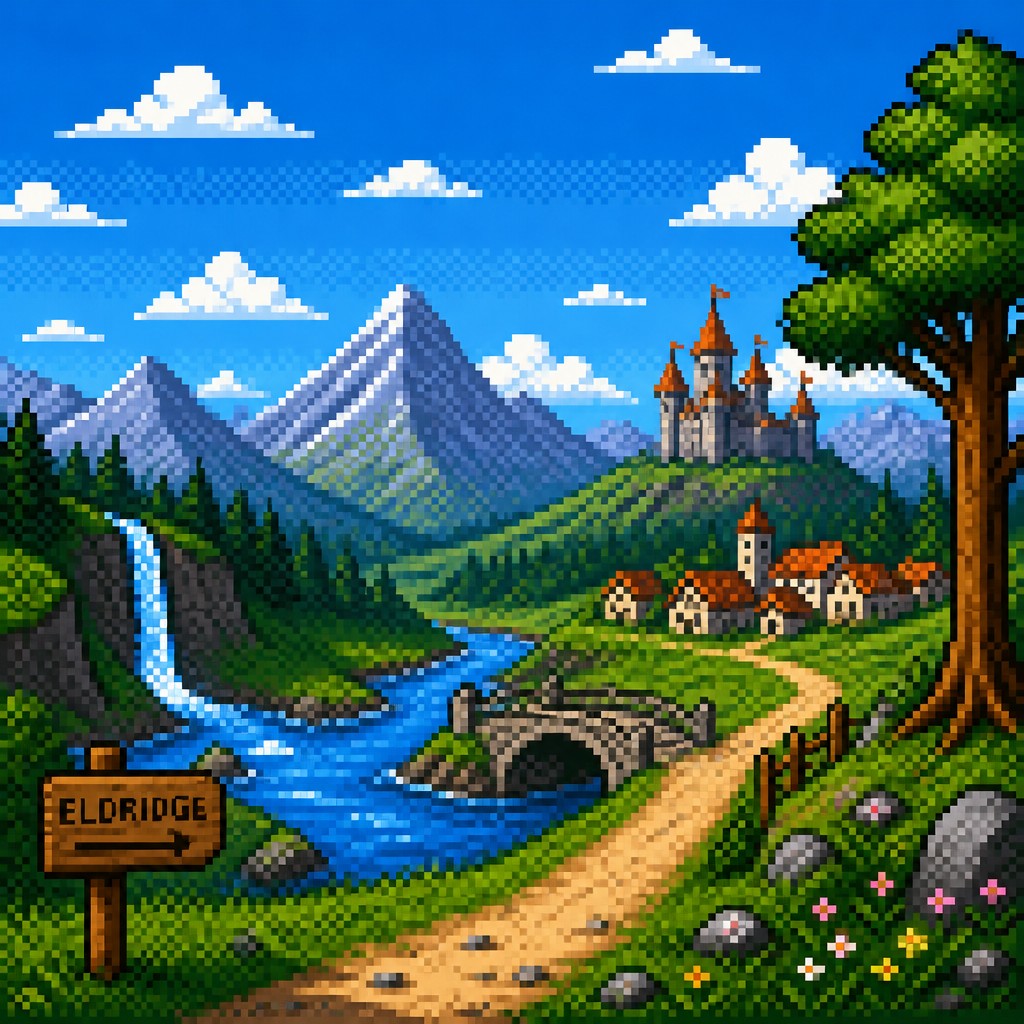
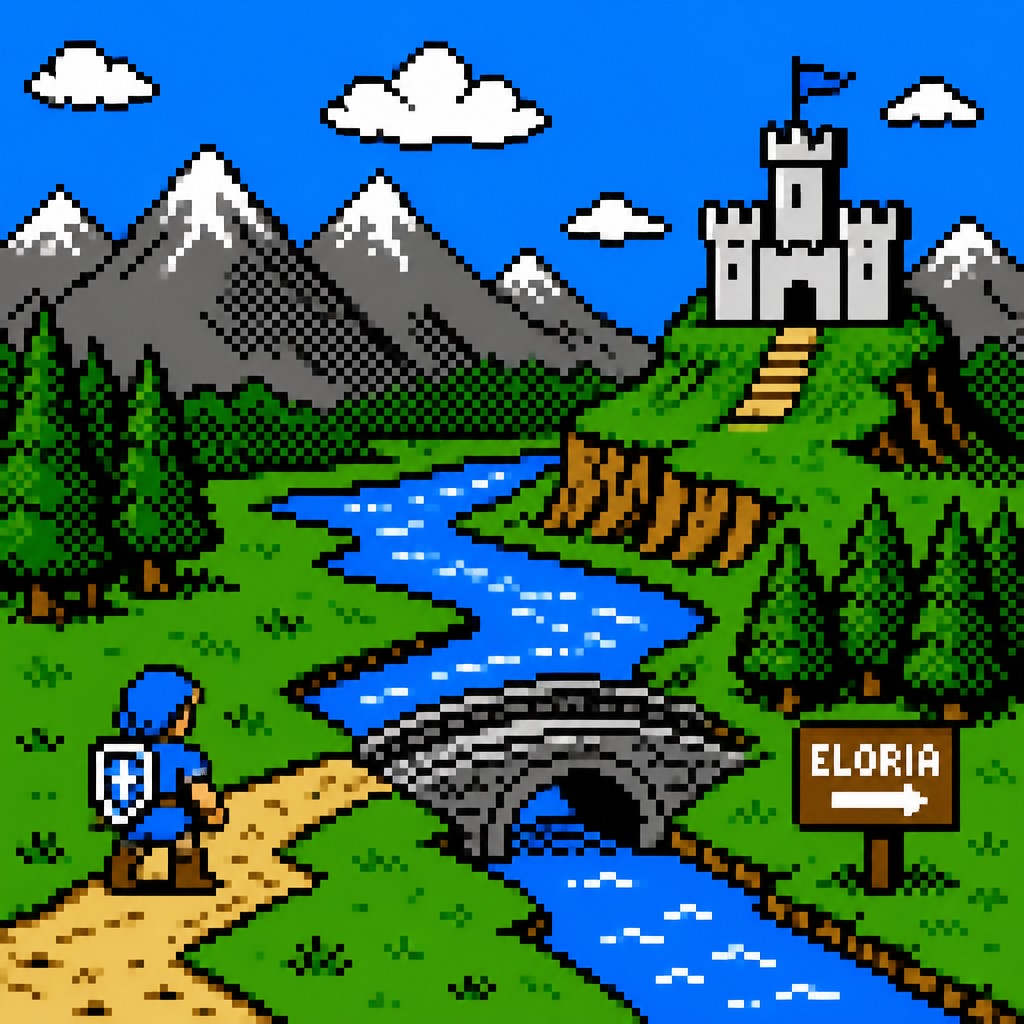
“still life with everyday objects”


“bicyle resting against a wall”

Key Differences
| Pixel | 8-Bit Pixel | |
|---|---|---|
| Scope | Broad pixel-based style covering many retro-inspired looks. | Narrower style focused on early console-era visuals. |
| Pixel size | Can use small or moderate pixels depending on resolution. | Usually uses chunkier, more visibly discrete pixels. |
| Color palette | Often limited, but can be relatively expanded for depth. | Typically stricter, with very few colors and strong contrast. |
| Detail level | Can include more shading, texture, and nuanced forms. | Keeps forms simplified for iconic, readable silhouettes. |
| Visual inspiration | Draws from 8-bit and 16-bit game aesthetics more broadly. | Specifically echoes early 8-bit game sprites and interfaces. |
| Use cases | Works for games, UI, posters, and modern retro illustration. | Best for nostalgic game-like icons, sprites, and mascots. |
| Mood | nostalgic, playful, graphic, compact | nostalgic, playful, retro, iconic |
| Energy | balanced | balanced |
| Detail level | moderate | minimal |
| Color | limited palettes, high contrast, bright accents | restricted, high-contrast, limited palette |
| Texture | blocky, crisp, grid-based | chunky, visibly pixelated, crisp |
| Origin | 1980s-1990s video game era | 1980s home computer and console era |
| Best for | video games, icons, character sprites, retro posters, UI elements, digital illustrations | video games, icons, posters, stickers, album covers |
| Difficulty | moderate | moderate |
Which Should You Choose?
Pick Pixel Art Style if you want more flexibility, a wider retro range, or the ability to balance nostalgia with extra detail. Choose 8-Bit Pixel Art Style if you want a stricter old-school game feel, bold readability, and a more unmistakably classic arcade or console look.
Frequently Asked Questions
Is 8-Bit Pixel Art Style the same as general Pixel Art Style?
Not exactly. 8-Bit Pixel Art Style is a specific type of pixel art, while Pixel Art Style is a broader category that includes many retro-inspired looks. The general style can be more flexible in palette, detail, and resolution.
Which style is more authentic to early video games?
8-Bit Pixel Art Style is usually closer to the earliest video game look because it emphasizes chunky pixels and very limited colors. General Pixel Art Style can still feel retro, but it may reflect later and more varied pixel-based aesthetics.
Which style is easier to read at small sizes?
8-Bit Pixel Art Style often reads more clearly because of its bold shapes and simplified forms. However, Pixel Art Style can also be highly readable if the artist controls contrast and silhouette well.
Can both styles be used in modern design?
Yes. Pixel Art Style is often chosen for modern projects that want flexibility and nostalgia, while 8-Bit Pixel Art Style is chosen when the goal is a more iconic retro gaming feel. Both work well for games, branding, and decorative graphics.