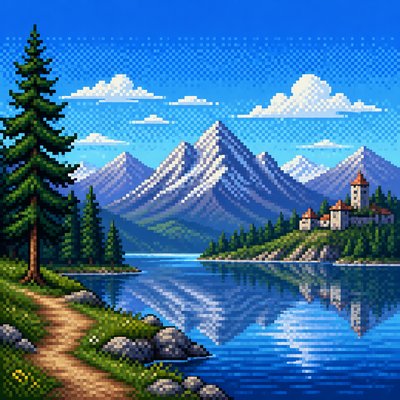
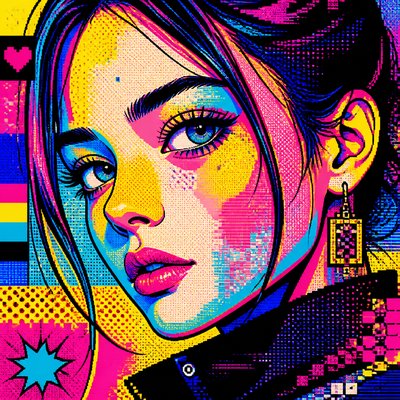
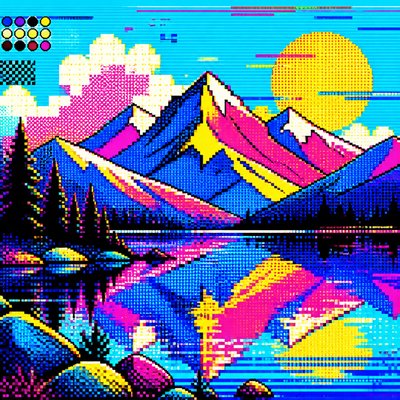
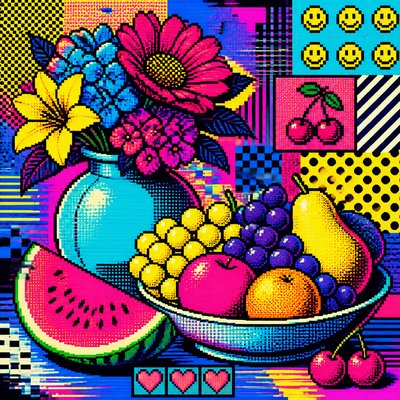
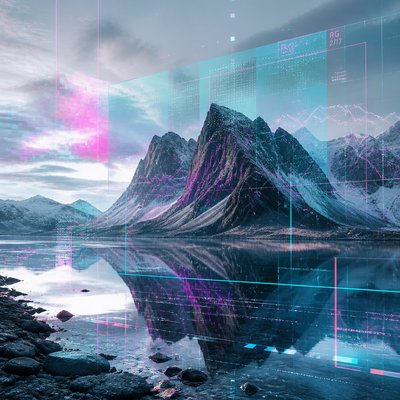
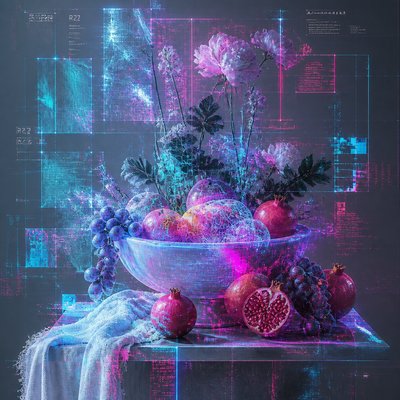
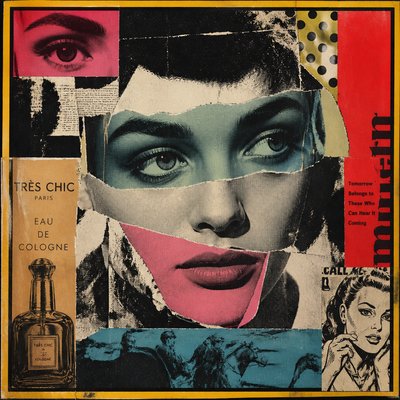
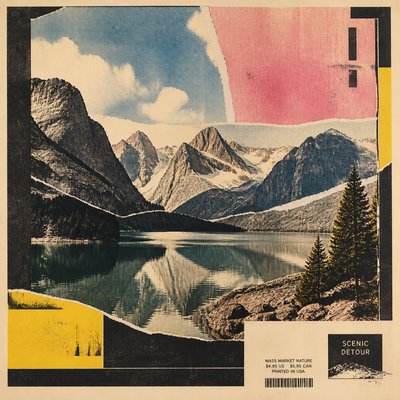
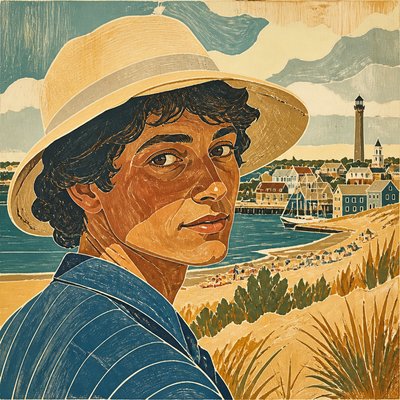
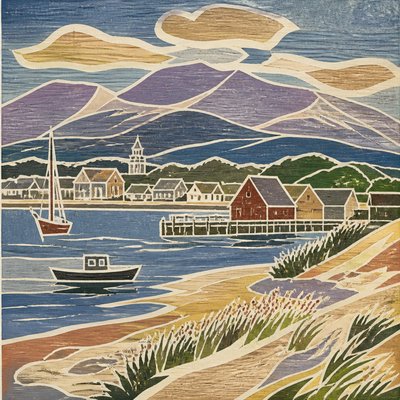
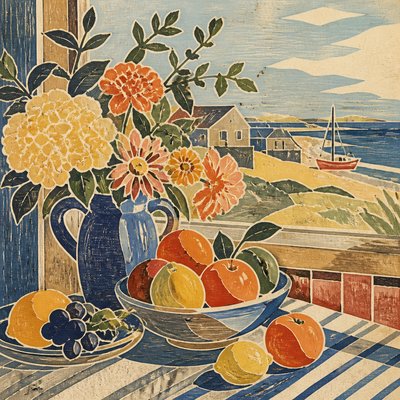
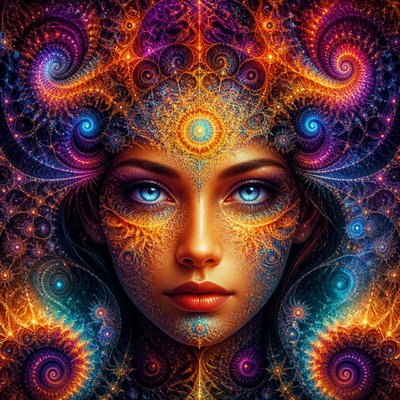
16-Bit Pixel Art Style
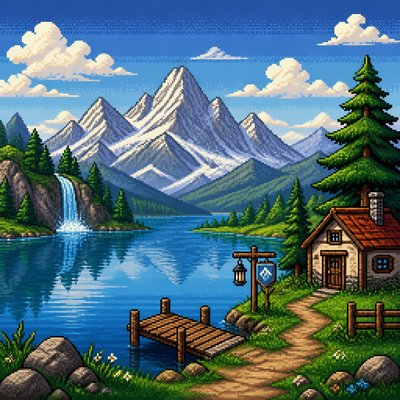
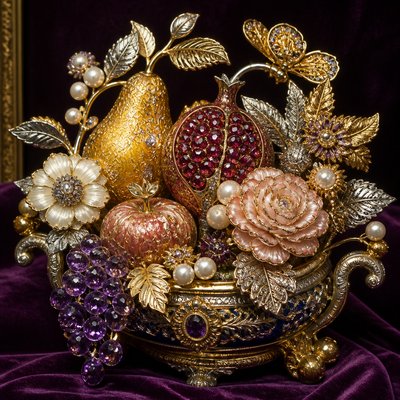
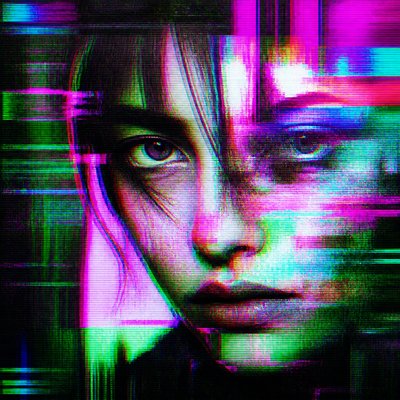
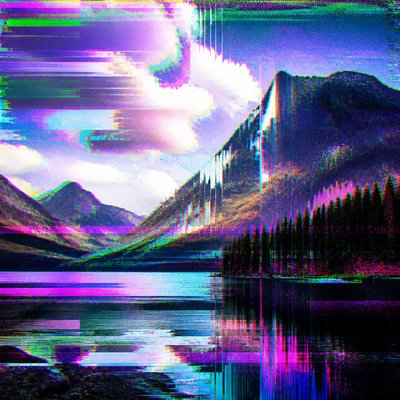
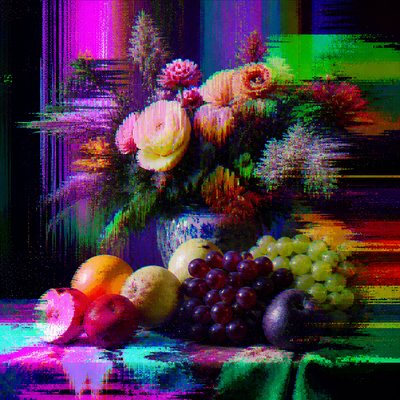
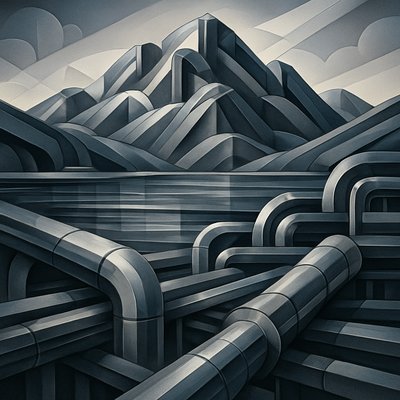
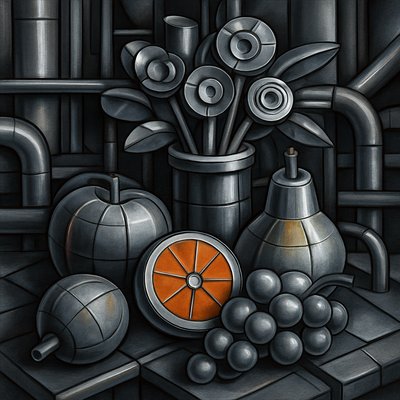
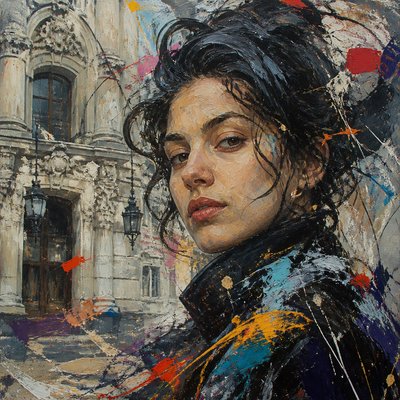
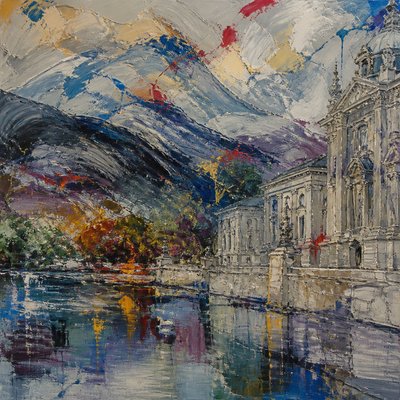
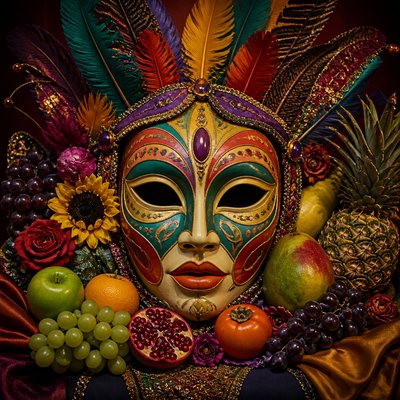
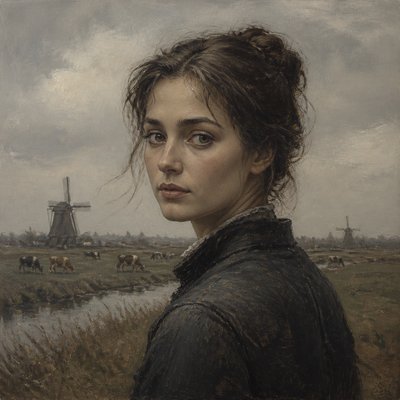
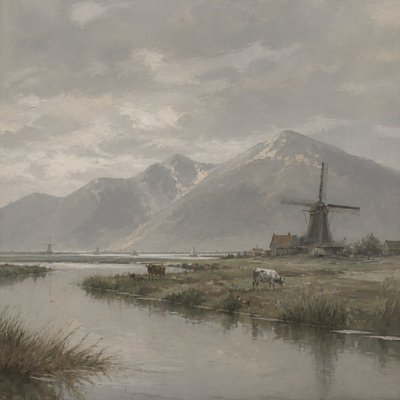
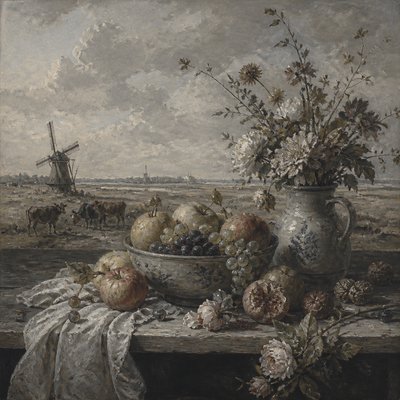
Pixelated retro graphics with richer color, sharper detail, and the nostalgic look of 16-bit console art.
Instantly rendered in 16-Bit Pixel — or transform a photo

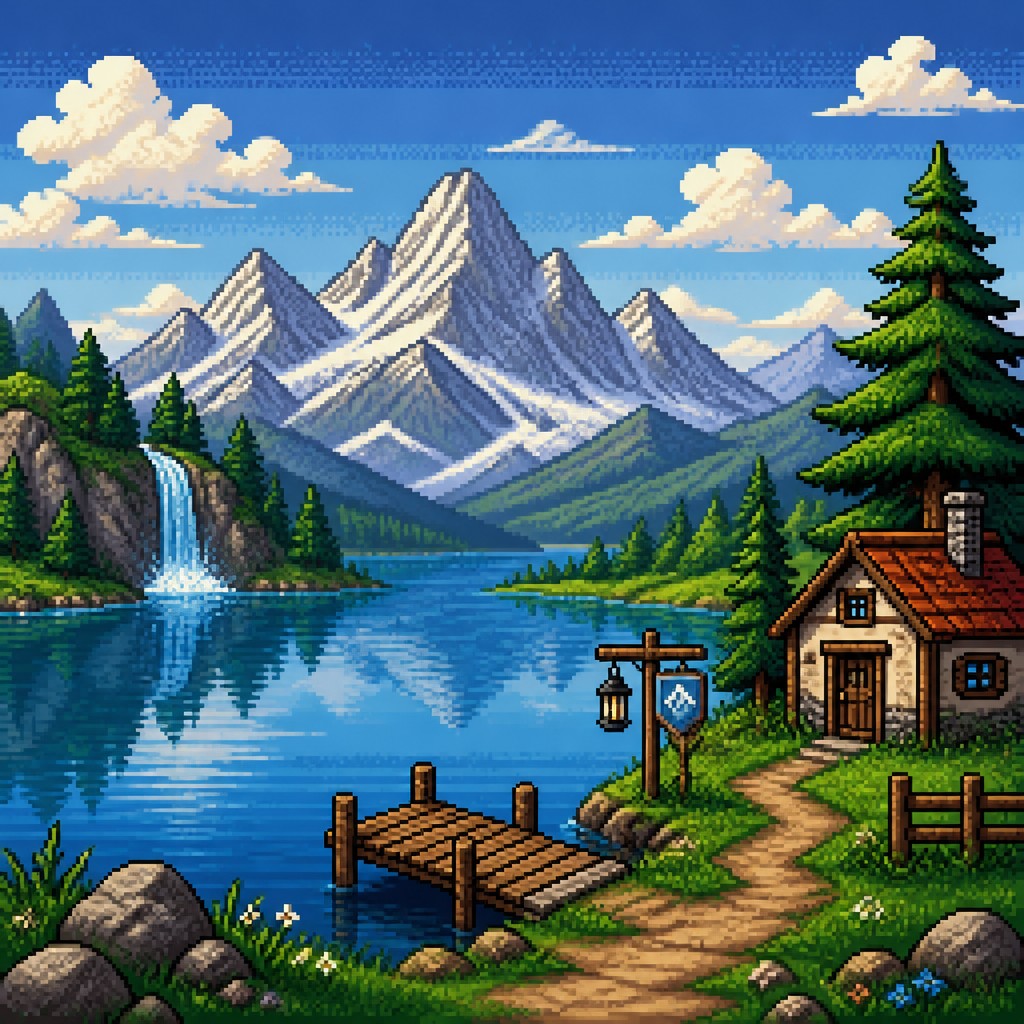
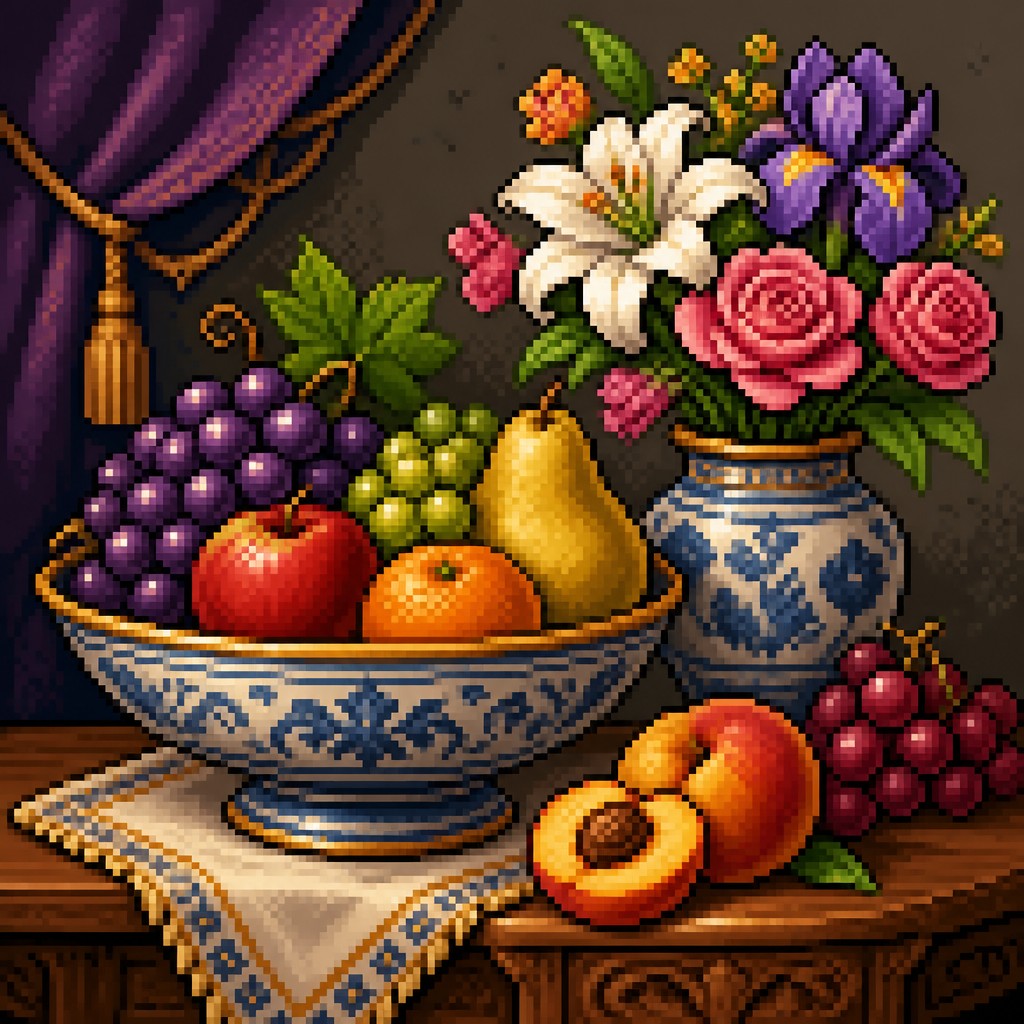
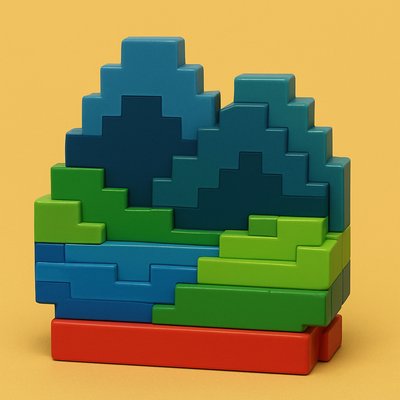
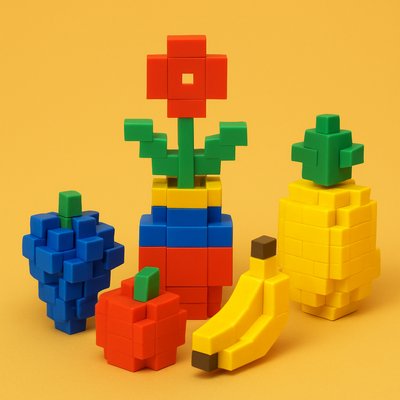
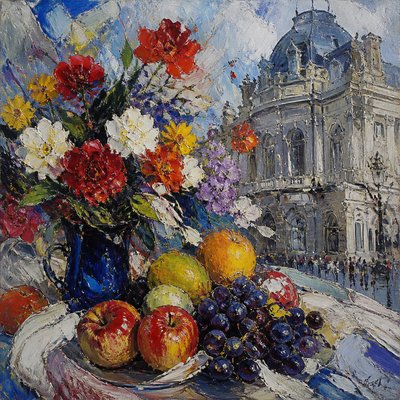
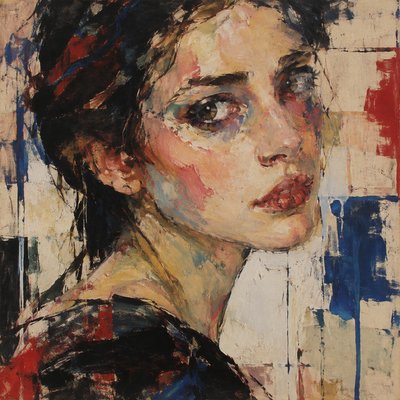
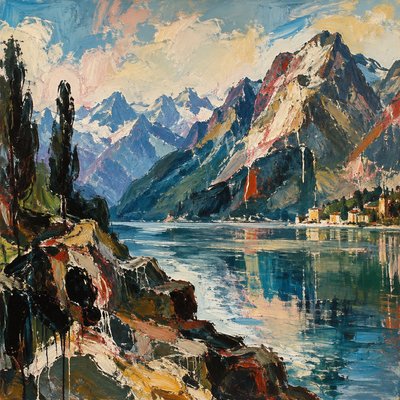
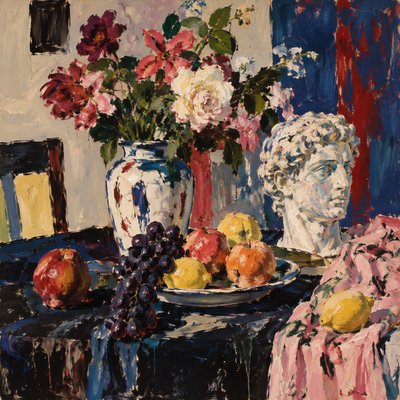
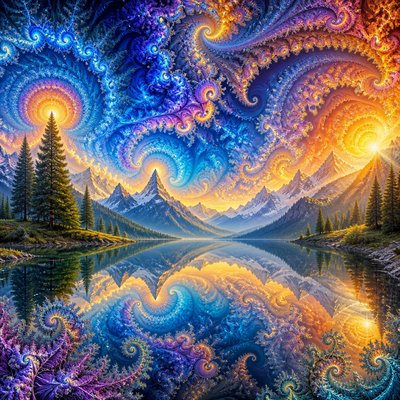
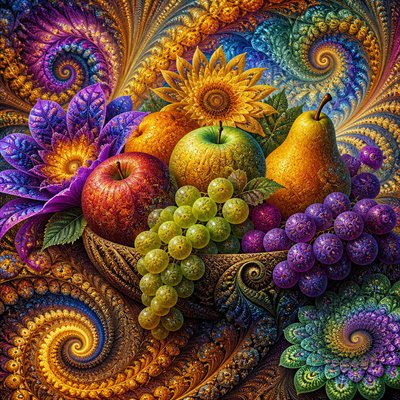
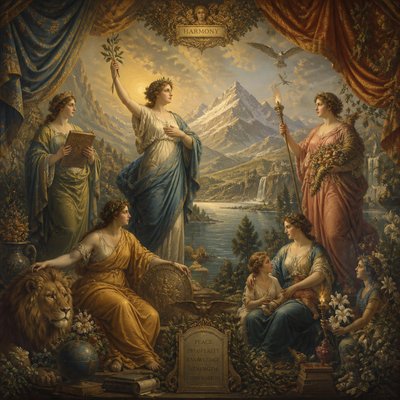
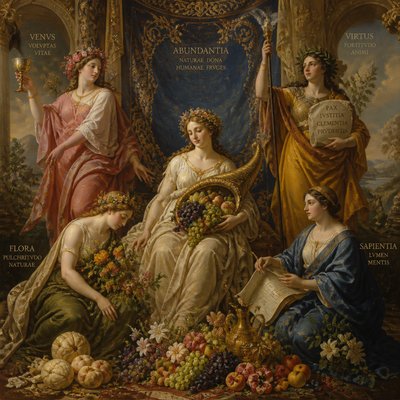
16-Bit Pixel Gallery
Tap any artwork to explore it

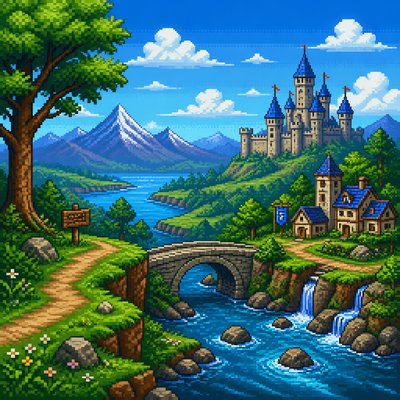

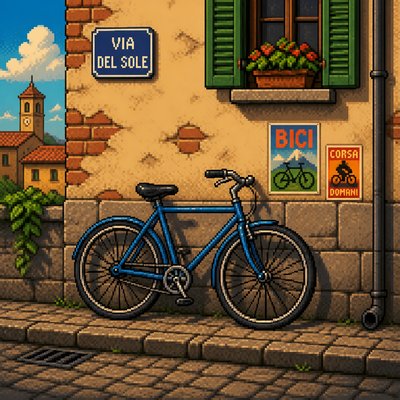
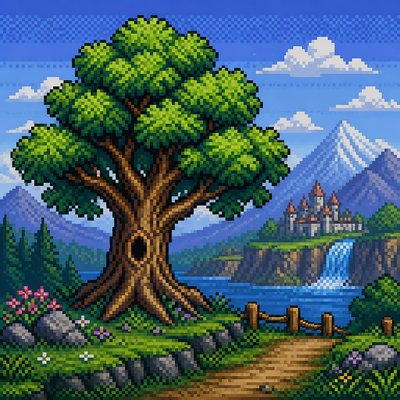


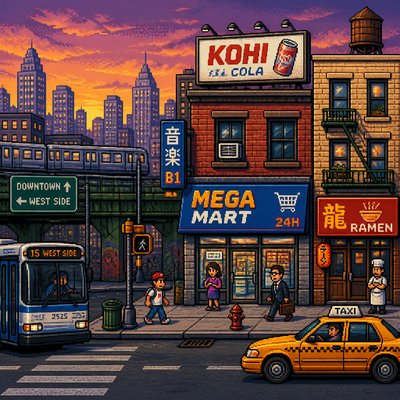
What is 16-Bit Pixel Art Style?
16-bit pixel art is a retro digital aesthetic built from visible square pixels, limited color palettes, and carefully placed clusters of color that simulate form, depth, and motion. It is associated with the visual language of early console and computer games from the late 1980s and 1990s, when hardware constraints shaped images into compact, readable compositions.
What distinguishes the style is not simply low resolution, but the disciplined use of pixel placement. Artists rely on strong silhouettes, controlled shading, and subtle dithering to suggest materials, lighting, and atmosphere without losing the crisp, blocky charm of the grid. Compared with earlier 8-bit imagery, 16-bit pixel art typically allows richer palettes, smoother gradients through banding, and more detailed environments and character designs.
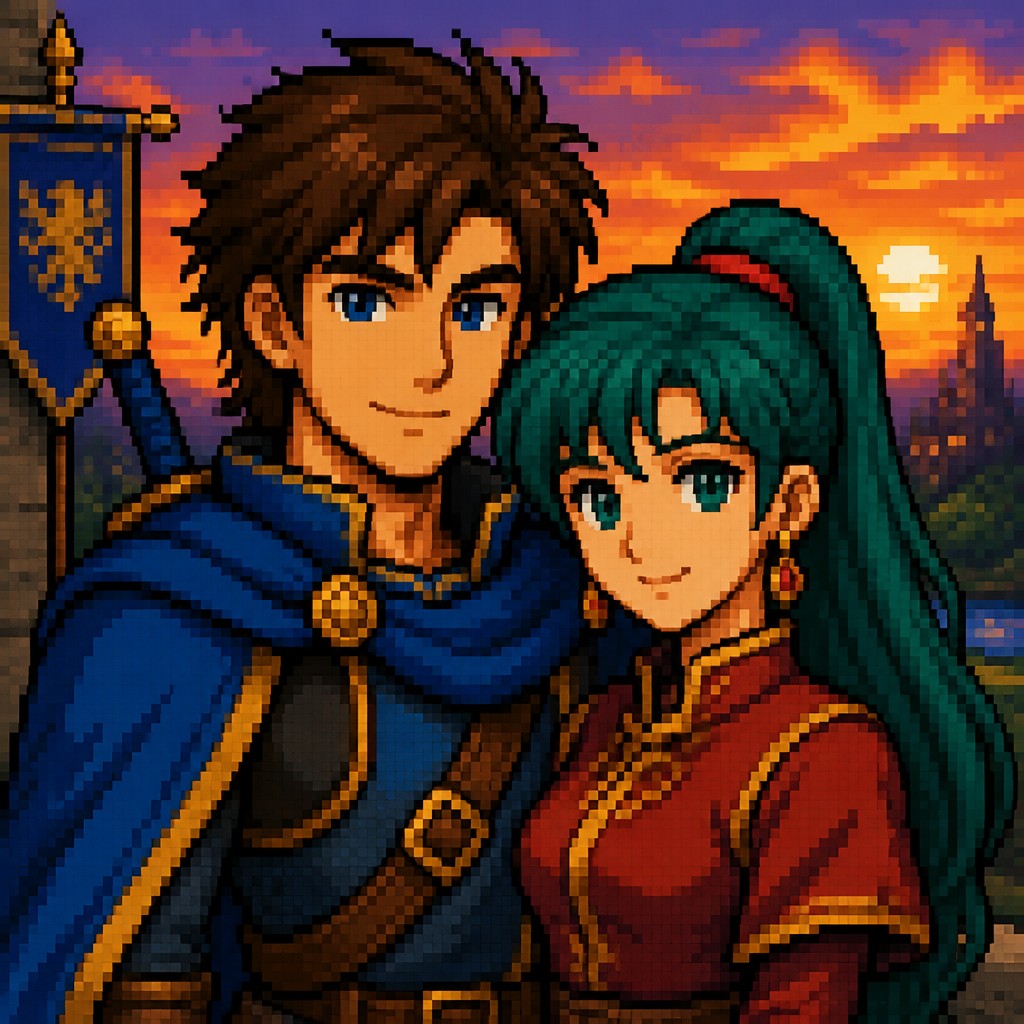
Try It On Your Photos
Upload any photo and convert it into 16-Bit Pixel Art Style — drag the sliders to compare before and after.


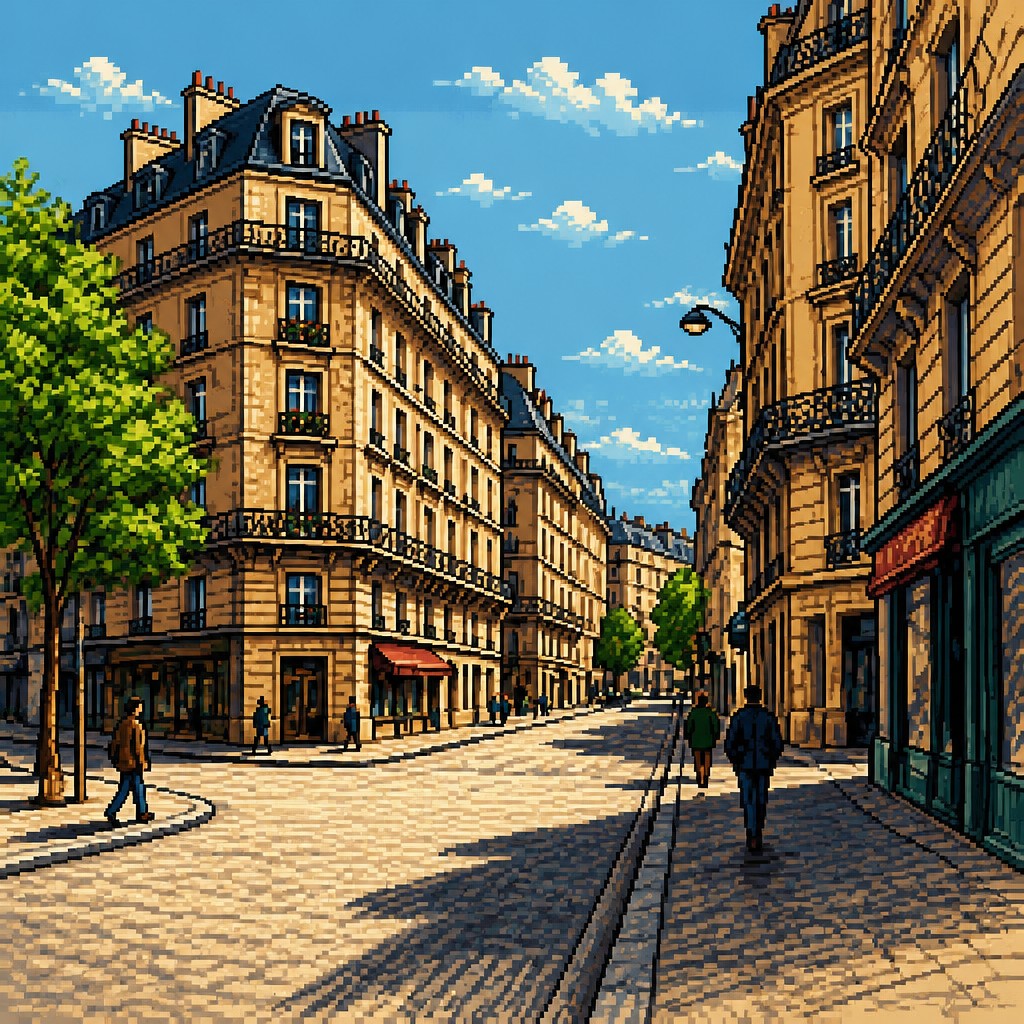
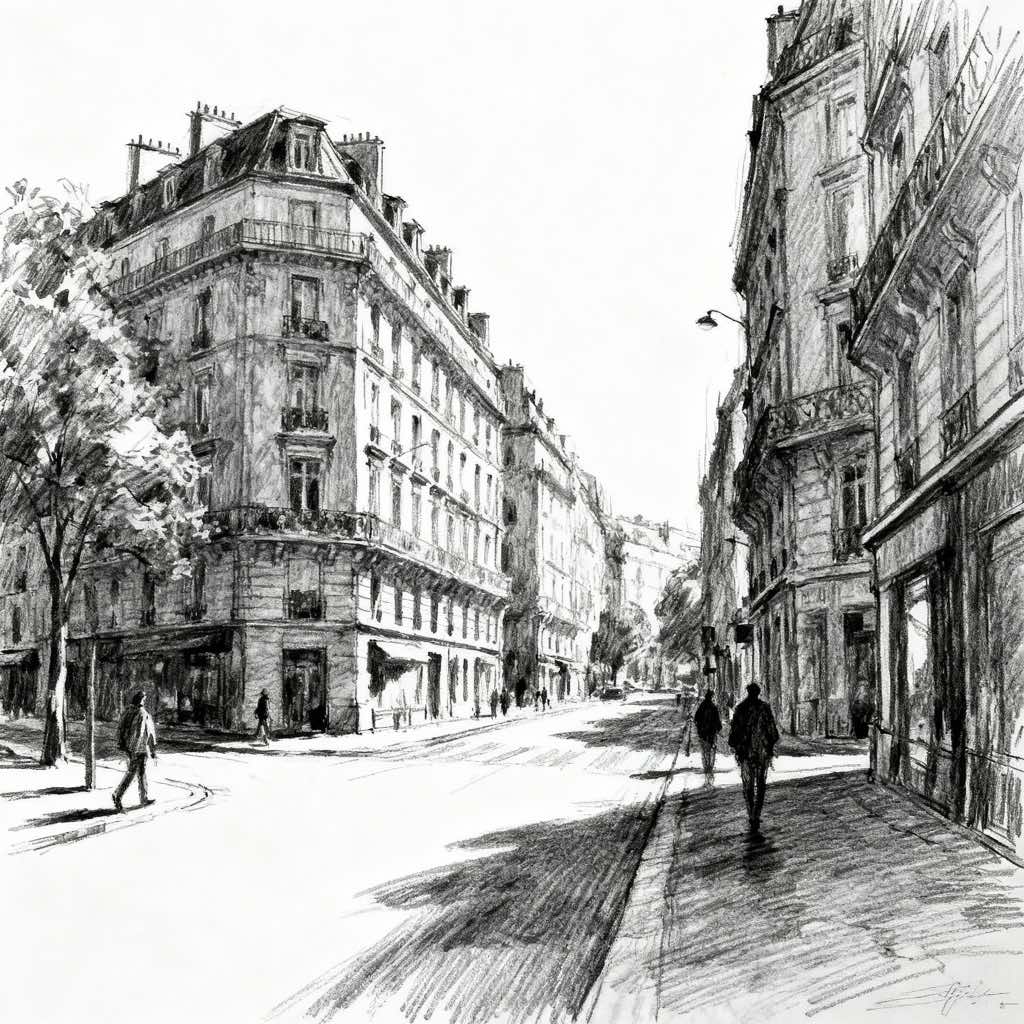
What Defines 16-Bit Pixel Art Style
The signature details, up close
Visible grid structure
The image is built from clearly readable square pixels, often with crisp edges and no attempt to conceal the underlying raster. The grid is part of the aesthetic, not a flaw.
Limited but richer palette
Colors are restrained compared with full digital painting, but typically more varied than in 8-bit art. This allows nuanced skin tones, atmospheric backgrounds, and more convincing materials.
Cluster-based shading
Forms are modeled through grouped pixels rather than smooth brushwork. Artists use banded shadows, highlights, and small dithering patterns to suggest volume and texture.
Bold silhouettes and readable shapes
Characters, creatures, and objects are designed to be legible at small sizes. Dark contour accents and strong shape contrast help separate figures from the background.
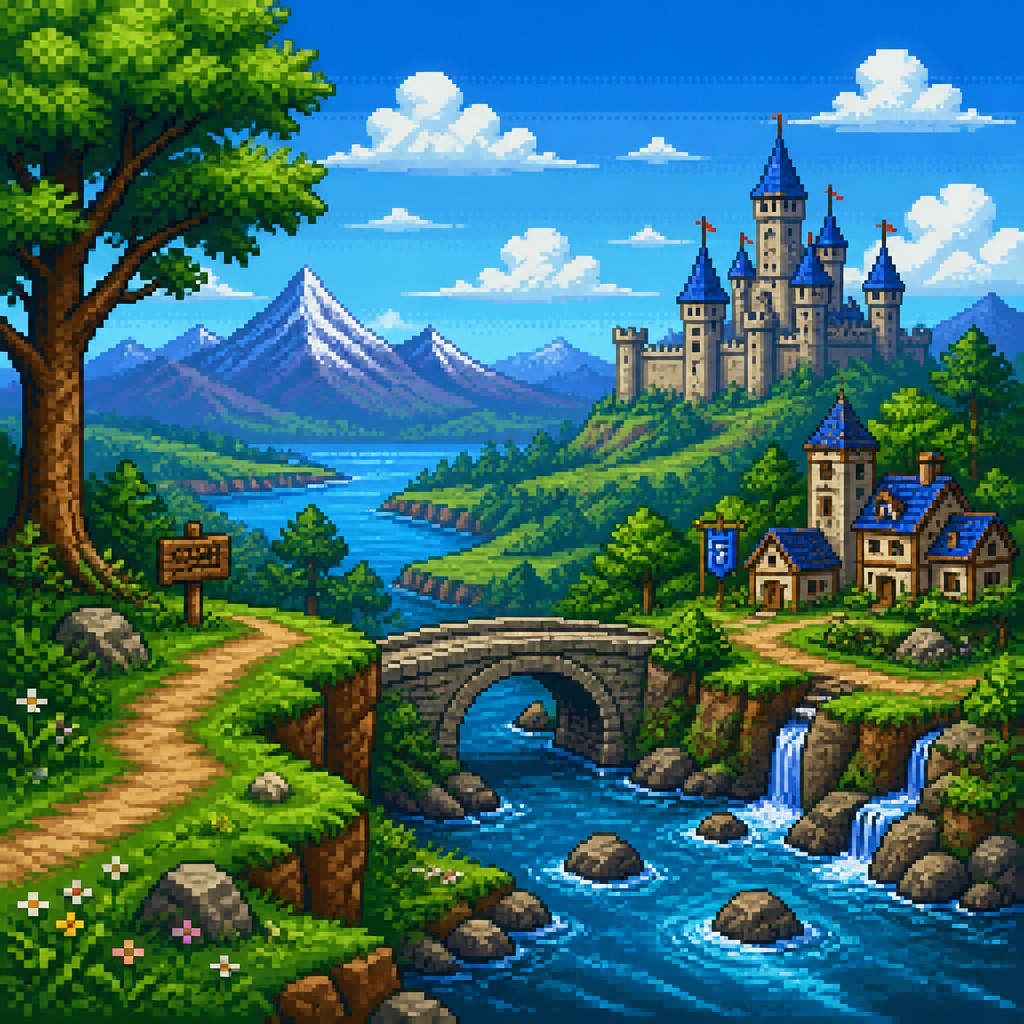
Flat or layered perspective
Depth is usually conveyed through stacked planes, side views, or simplified isometric-like structures rather than fully realistic perspective. This creates clarity and a game-like spatial rhythm.

Nostalgic game-era atmosphere
The style often evokes sprite-based adventures, platformers, RPGs, and action games from the 16-bit era. Even in new subjects, it carries a sense of classic interactive media.
Try It
Create Videos in 16-Bit Pixel Art Style
Styles aren't just for stills — describe a scene or animate an image and get a short video rendered in 16-Bit Pixel. Press play to see this pond come to life.
Make a Video16-Bit Pixel Prompt Ideas
Start from an idea — each one opens the generator with the style ready to go. See all 40 16-Bit Pixel prompts →

“close-up portrait of an elderly person with expressive weathered features”
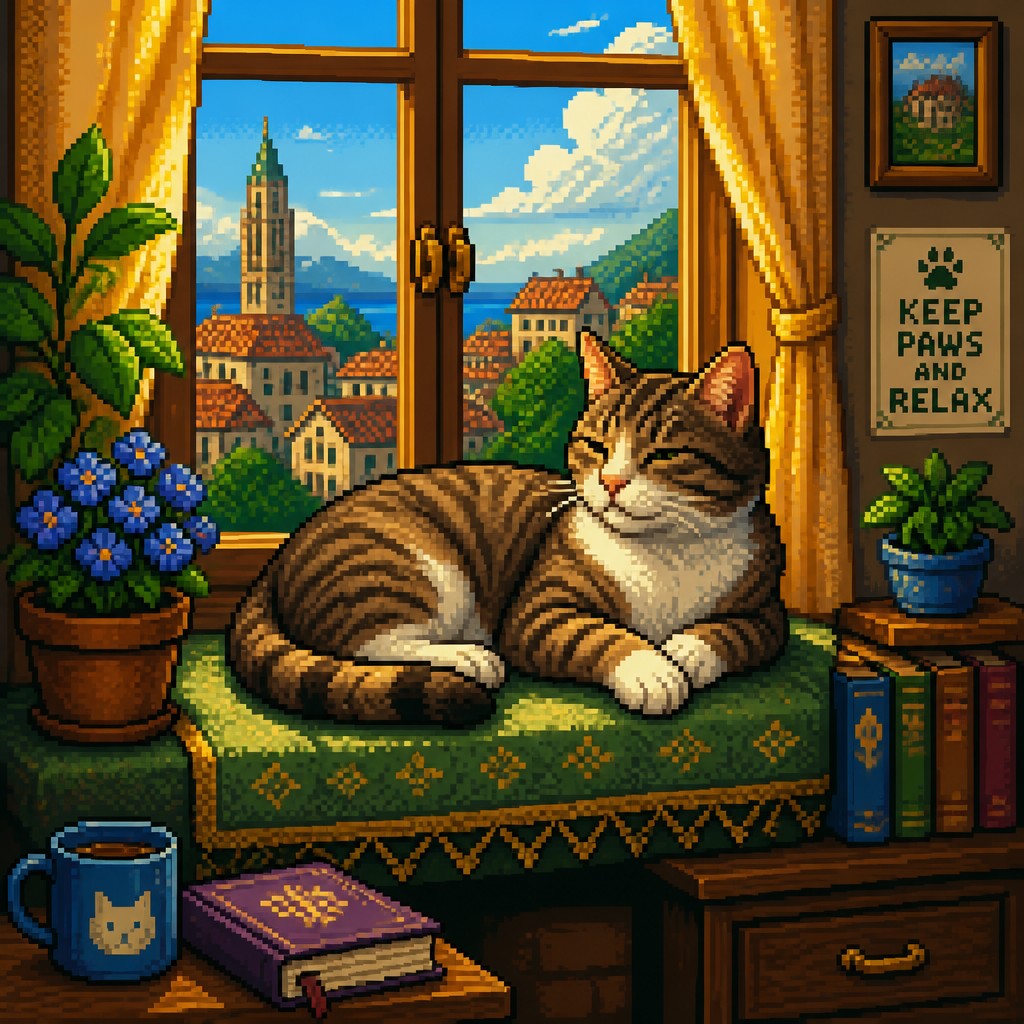
“a cat lounging in a sunlit window”

“bouquet of flowers in a glass vase”
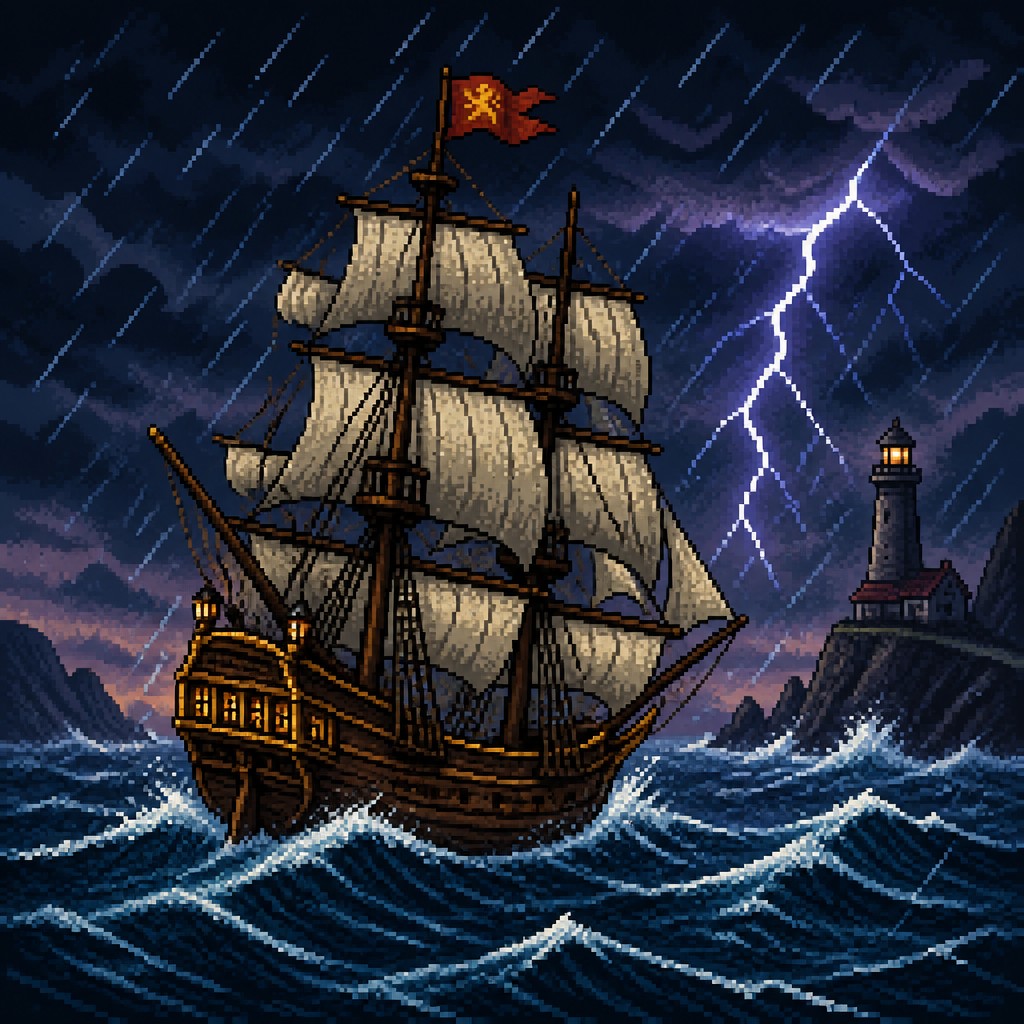
“sailing ship on a stormy sea”
How to Create 16-Bit Pixel Art
Master the craft step by step — or skip straight to creating. Read the full guide →
- 1
Work on a fixed pixel grid
Whether drawing by hand or digitally, start at a low resolution and keep every mark aligned to the grid. Avoid soft edges and continuous gradients unless they are intentionally simulated through pixel clusters.
- 2
Design for readability first
Simplify the subject into a strong silhouette before adding detail. If the image will be small, prioritize clear shape design, recognizable contrast, and distinct focal points.
- 3
Build shading with steps and dither
Use a few discrete tonal jumps instead of smooth blending, and reserve dithering for selective transitions like fabric, metal, fog, or shadow. This preserves the handmade pixel texture that defines the look.
- 4
Limit the palette deliberately
Choose a controlled set of colors and reuse them across the image so the scene feels cohesive. Small palette shifts can imply different materials, but too many hues will dilute the retro effect.
- 5
For digital or AI generation, specify the raster rules
Ask for crisp visible square pixels, aligned grid structure, hand-placed pixel clusters, banded shading, and a limited palette. Mention whether you want a character sprite, RPG environment, side-scrolling scene, or top-down tile-art composition.
The Story
History & Origins of 16-Bit Pixel
16-bit pixel art emerged from the technical limits and creative solutions of late 20th-century video game hardware, especially the generation of arcade machines and home consoles that expanded color depth, sprite size, and background complexity. As developers gained access to more memory and broader palettes, pixel artists could build more nuanced shading, larger worlds, and more expressive characters while still working within a fixed grid.
Its visual lineage comes from early computer graphics, arcade art, and Japanese and Western game development studios that refined pixel-based image making into a distinct craft. The style remains popular because it now functions both as a nostalgic reference to the 16-bit era and as a deliberate aesthetic choice in contemporary illustration, indie games, and motion graphics.
Influences: 16-bit pixel art draws from late-1980s and 1990s video game graphics, especially sprite art, tile-based backgrounds, and console-era character design. Its visual logic also echoes arcade illustration, manga-influenced character styling in some game art, and the broader tradition of graphic simplification found in comics and animation; the style owes less to named fine-art movements than to the technical language of early digital media.
Frequently Asked Questions
What defines 16-bit pixel art?
It is defined by visible square pixels, a fixed grid, and a limited palette used to create detailed but still clearly rasterized images. Compared with earlier 8-bit looks, it usually has more color variety, smoother banding, and more elaborate shading while keeping the same blocky charm.
How is it different from 8-bit pixel art?
8-bit-style art usually feels more constrained: fewer colors, harsher limitations, and simpler shading. Sixteen-bit pixel art generally allows more nuance in skin tones, environment color, and lighting, so it looks more detailed and dimensional.
Is 16-bit pixel art the same as old video game graphics?
Not exactly. The style is inspired by the look of 16-bit-era games, but modern artists often use it selectively and sometimes combine it with contemporary composition or animation. It is best understood as an aesthetic derived from that hardware generation rather than a literal historical format.
What kinds of subjects work best in this style?
Characters, fantasy scenes, sci-fi environments, platformer-style landscapes, and top-down maps are especially effective because they benefit from clear shapes and readable forms. The style can also work for portraits, but it usually looks strongest when the subject has a bold silhouette and simple lighting.
How do I make my image look authentically pixelated?
Use a low resolution, keep edges crisp, and avoid smoothing tools that blur the grid. Build tones with small clusters of pixels, use limited colors, and embrace the slight blockiness rather than trying to hide it.
Where is 16-bit pixel art used today?
It appears in indie games, posters, album art, animations, merchandise, and nostalgic illustrations. Many creators use it either to reference classic game aesthetics or to give modern subjects a clear, playful, retro visual identity.

Create your first 16-Bit Pixel artwork
Describe anything — or upload a photo — and see it in 16-Bit Pixel Art Style in seconds.
Make Something with 16-Bit Pixel
Compare 16-Bit Pixel
Related Styles
Discover similar art styles