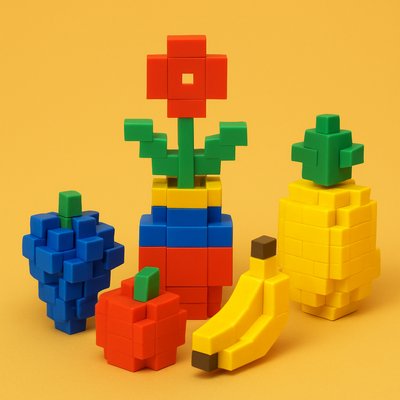
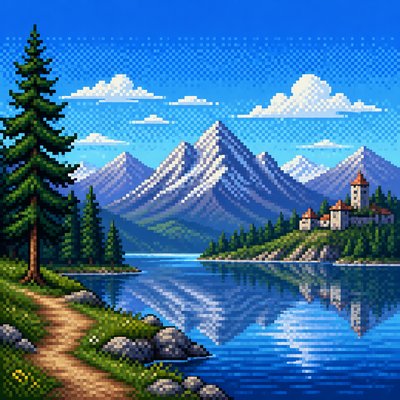
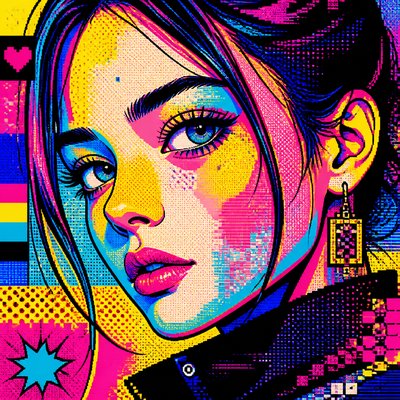
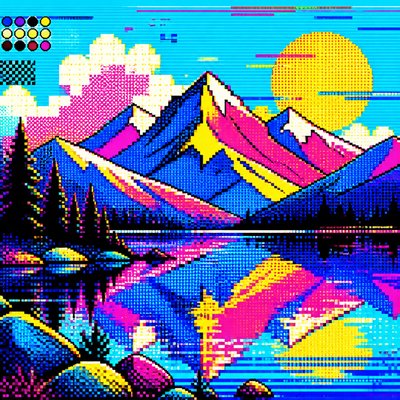
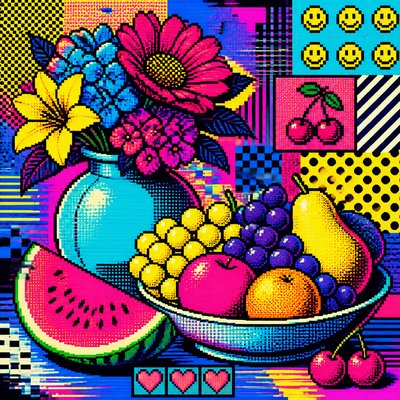
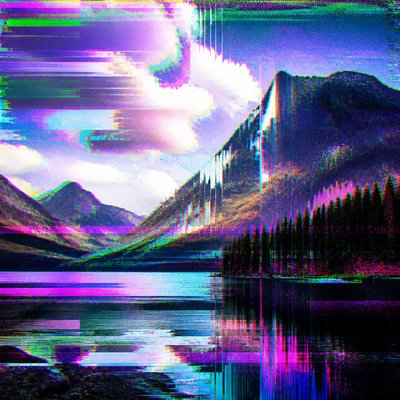
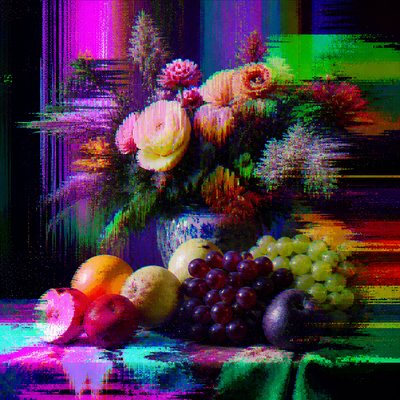
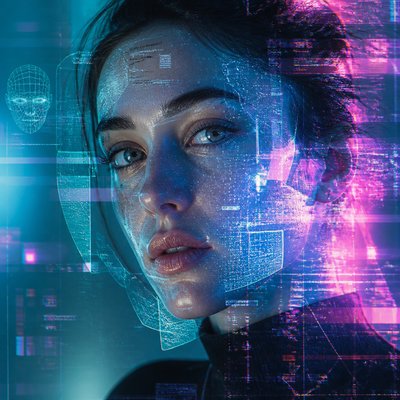
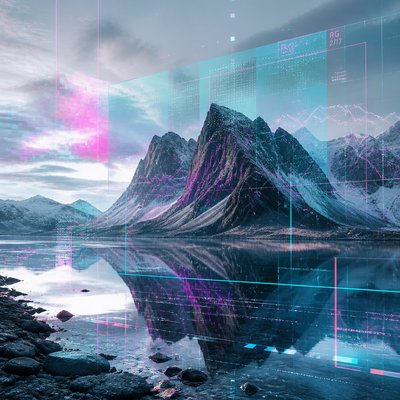
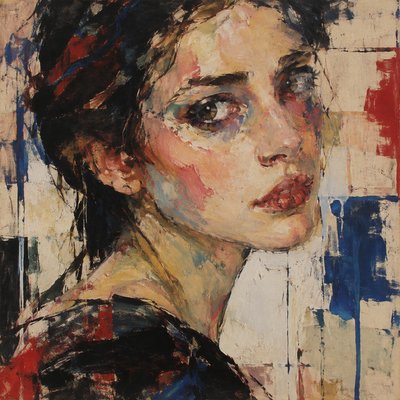
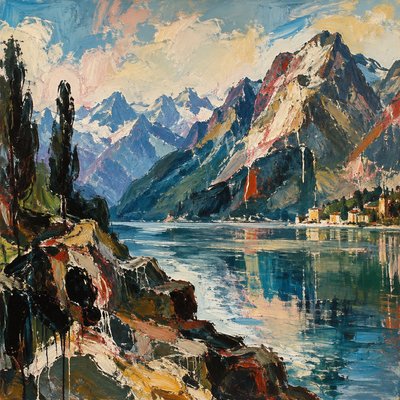
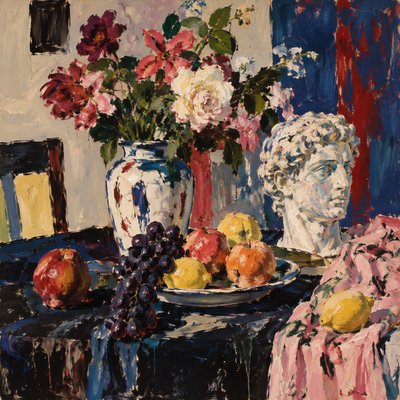
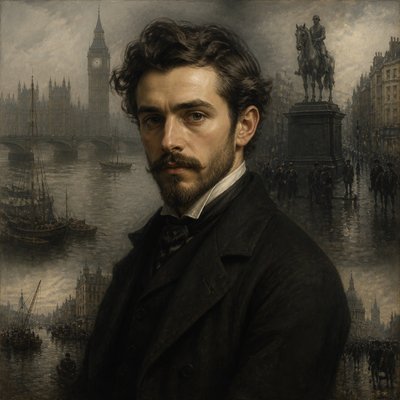
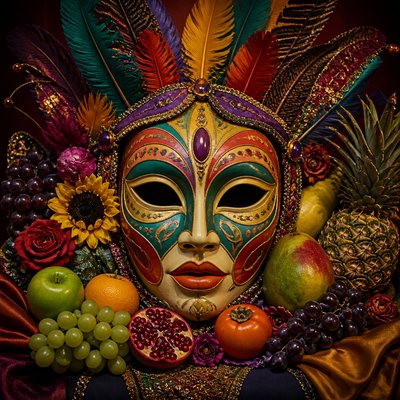
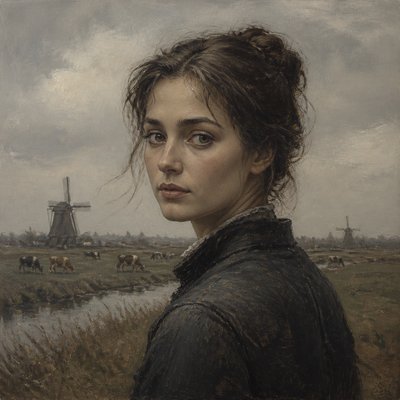
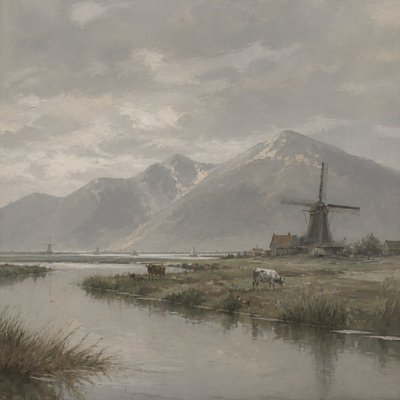
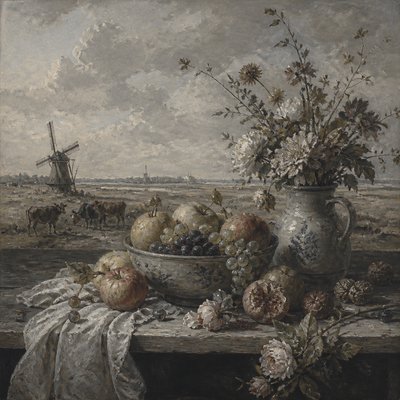
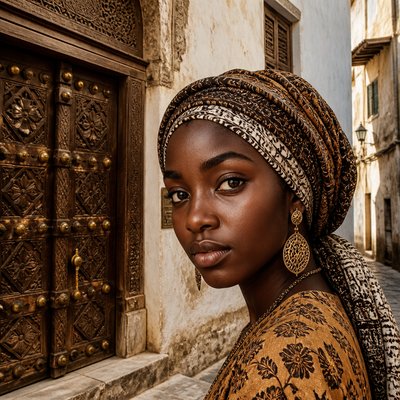
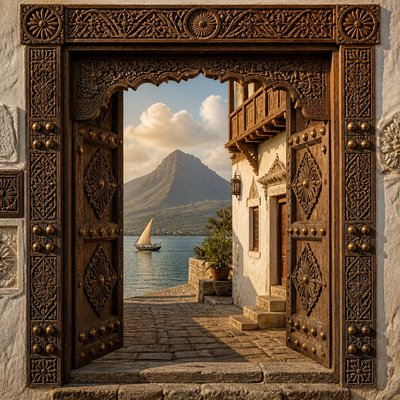
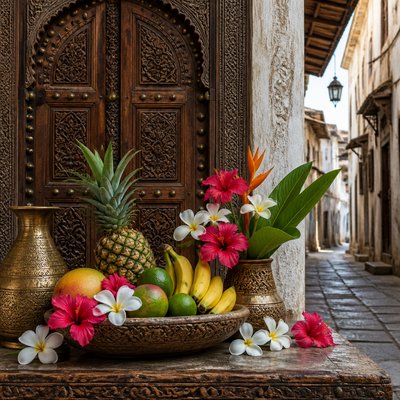
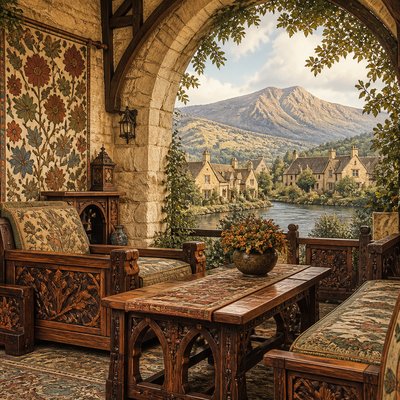
8-Bit Pixel Art Style
Classic retro pixel art with chunky pixels, limited colors, and iconic sprite-like clarity inspired by early video games.
Instantly rendered in 8-Bit Pixel — or transform a photo

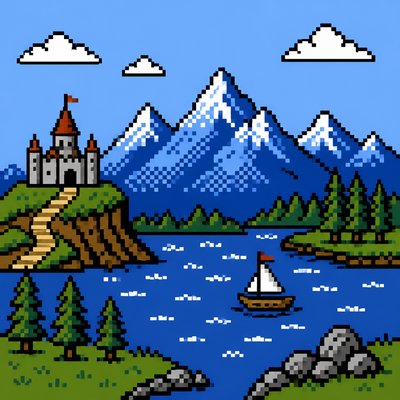
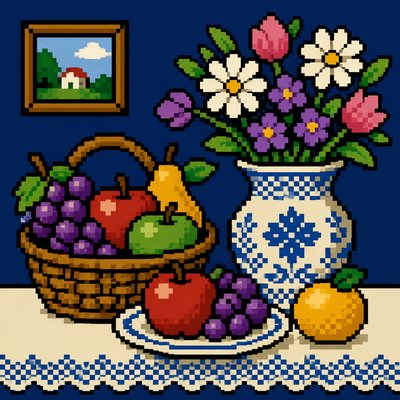
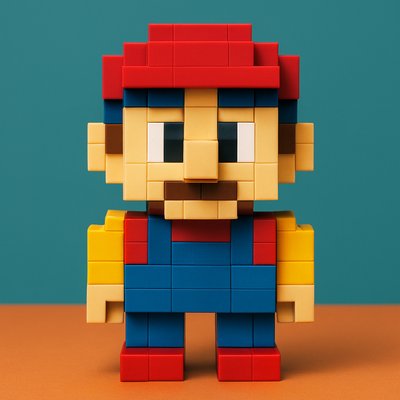
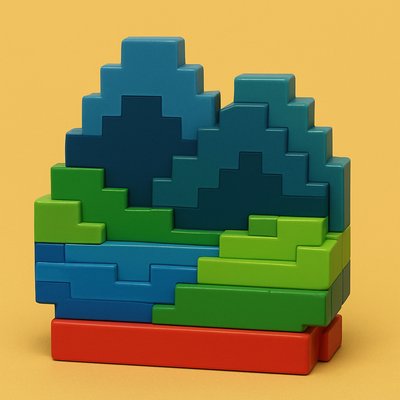
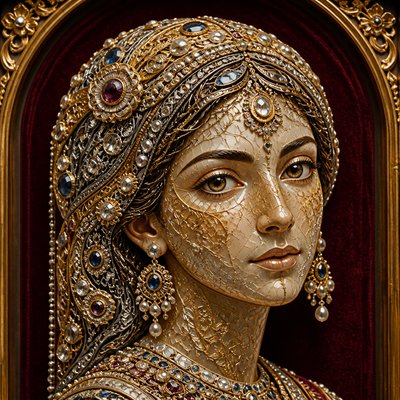
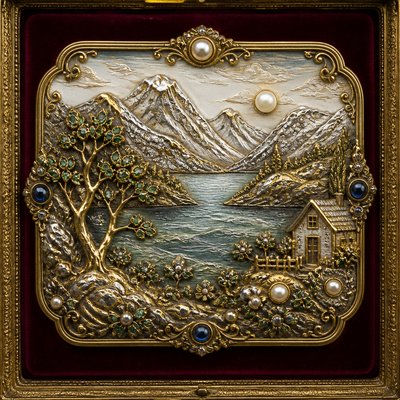
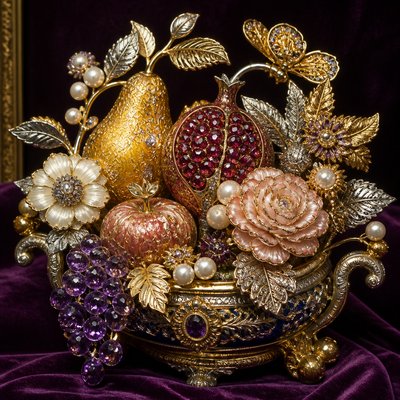
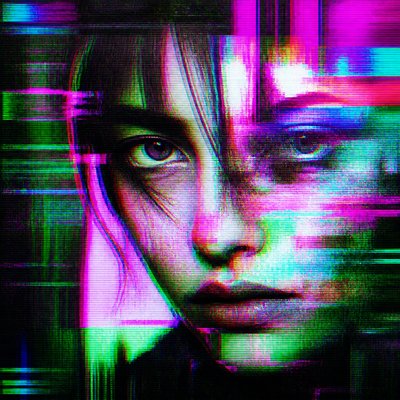
8-Bit Pixel Gallery
Tap any artwork to explore it

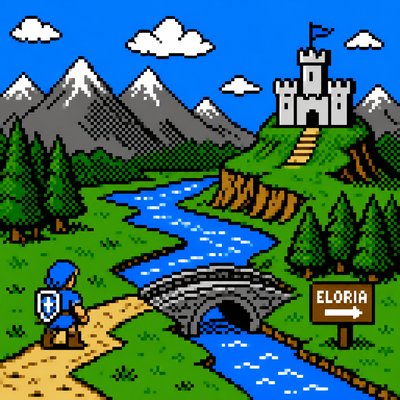

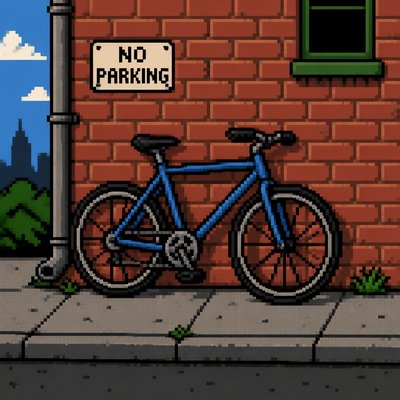



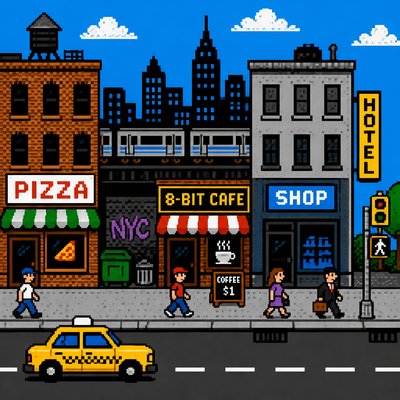
What is 8-Bit Pixel Art Style?
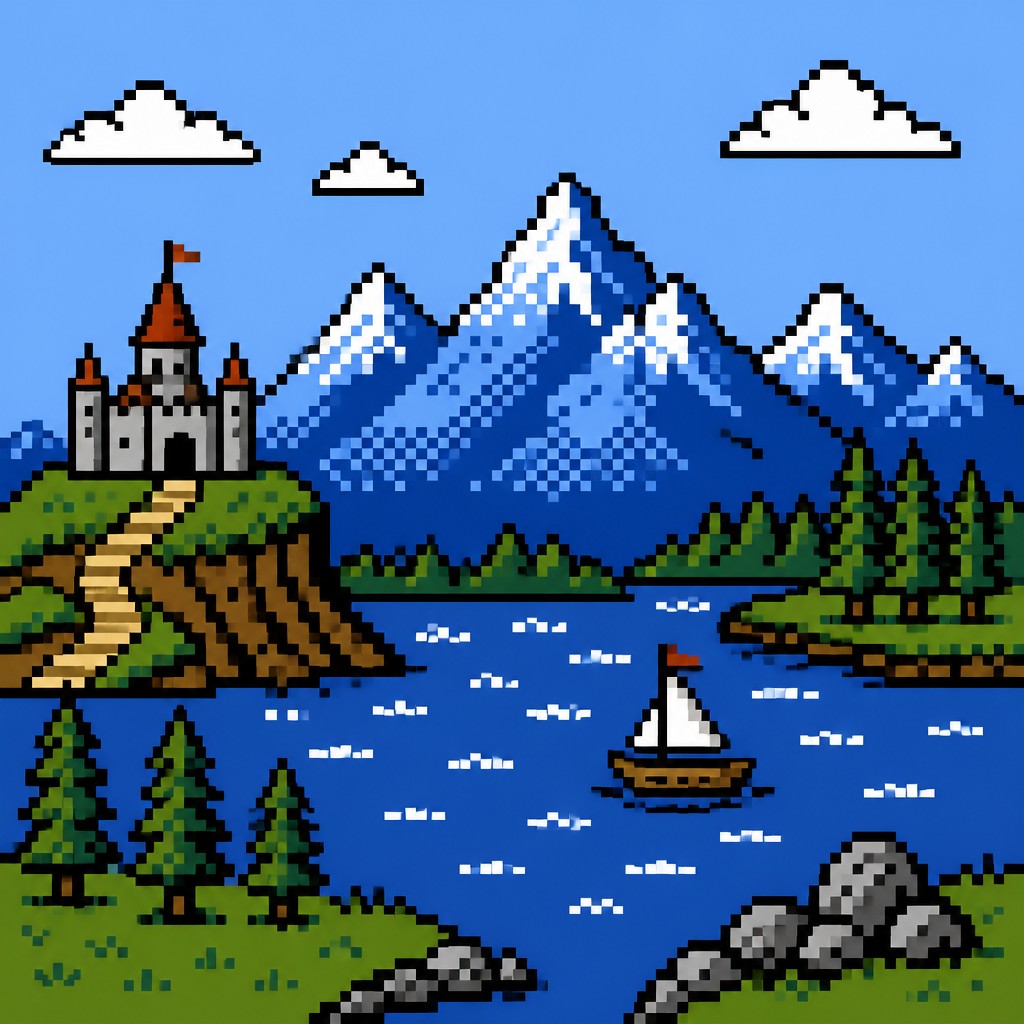
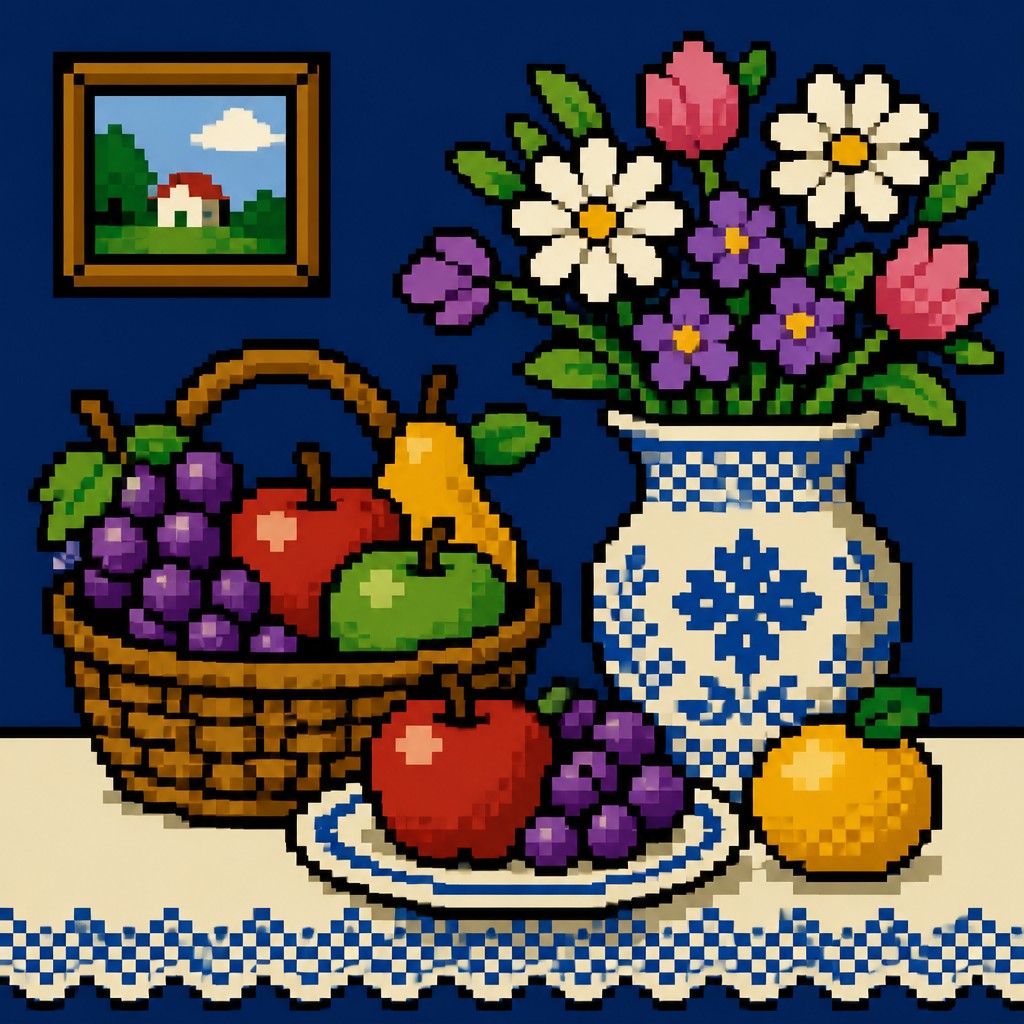
8-bit pixel art is a retro digital aesthetic built from visibly discrete square pixels, restricted color palettes, and simplified forms designed for instant readability. It recalls the look of early home computers and console games, where technical limits forced artists to work with tiny canvases, few colors, and no smooth shading.
The style is defined less by literal “8-bit” hardware than by the visual language associated with that era: blocky sprites, hard outlines, flat shapes, and basic dithering to suggest depth. Because every pixel matters, figures, objects, and environments are reduced to their essential silhouettes, producing imagery that feels iconic, compressed, and immediately legible.

Try It On Your Photos
Upload any photo and convert it into 8-Bit Pixel Art Style — drag the sliders to compare before and after.


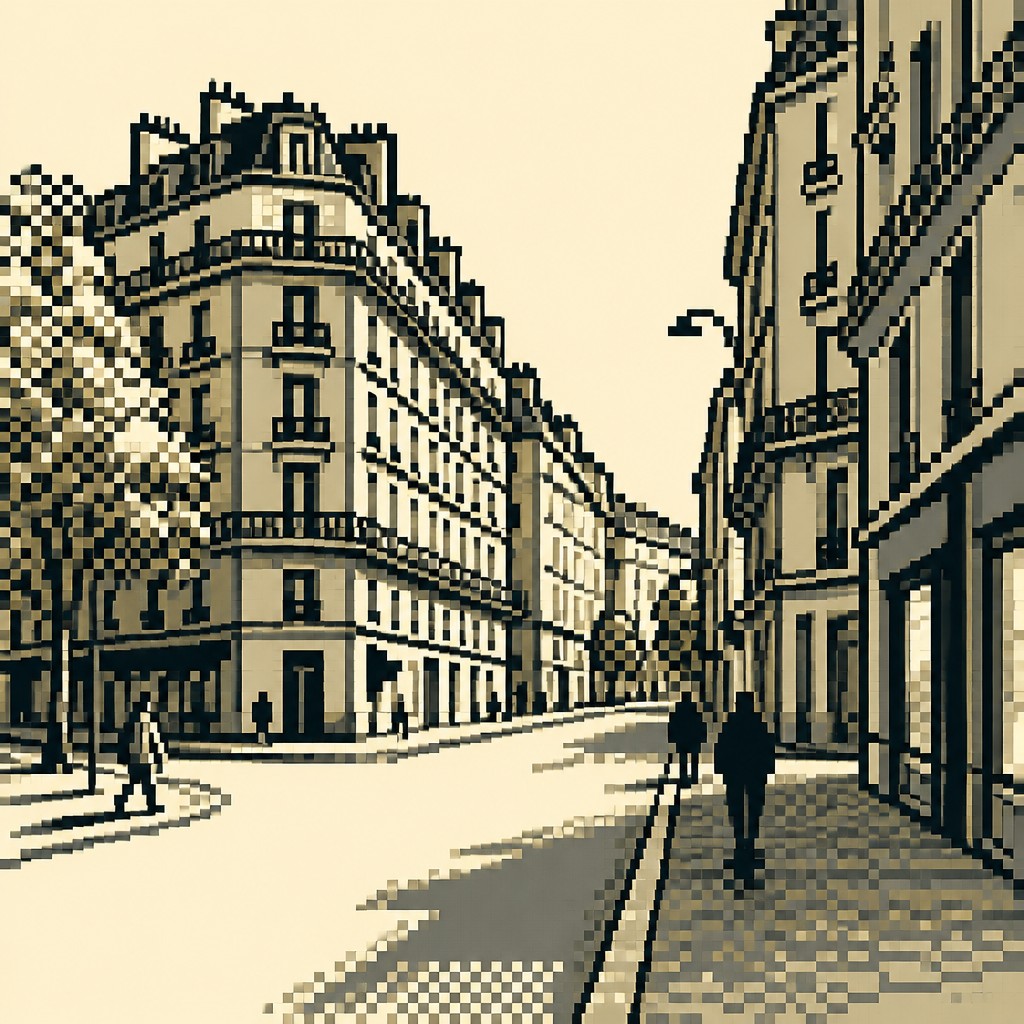
What Defines 8-Bit Pixel Art Style
The signature details, up close
Visible pixel grid
Individual square pixels remain clearly legible, with sharp edges and no smoothing. The image reads as constructed from discrete units rather than painted or anti-aliased forms.
Restricted palette
Only a small number of flat colors are used, often with strong contrast and little tonal range. Color is chosen for clarity and economy rather than realism.
Chunky silhouettes
Forms are simplified into bold, blocky shapes that can be recognized quickly at small sizes. Details are suggested with a few strategic marks rather than continuous linework.
Hard outlines
Many pixel artworks use single-pixel contour lines or crisp edge separation to define sprites and objects. Outlines help preserve readability against busy or low-contrast backgrounds.
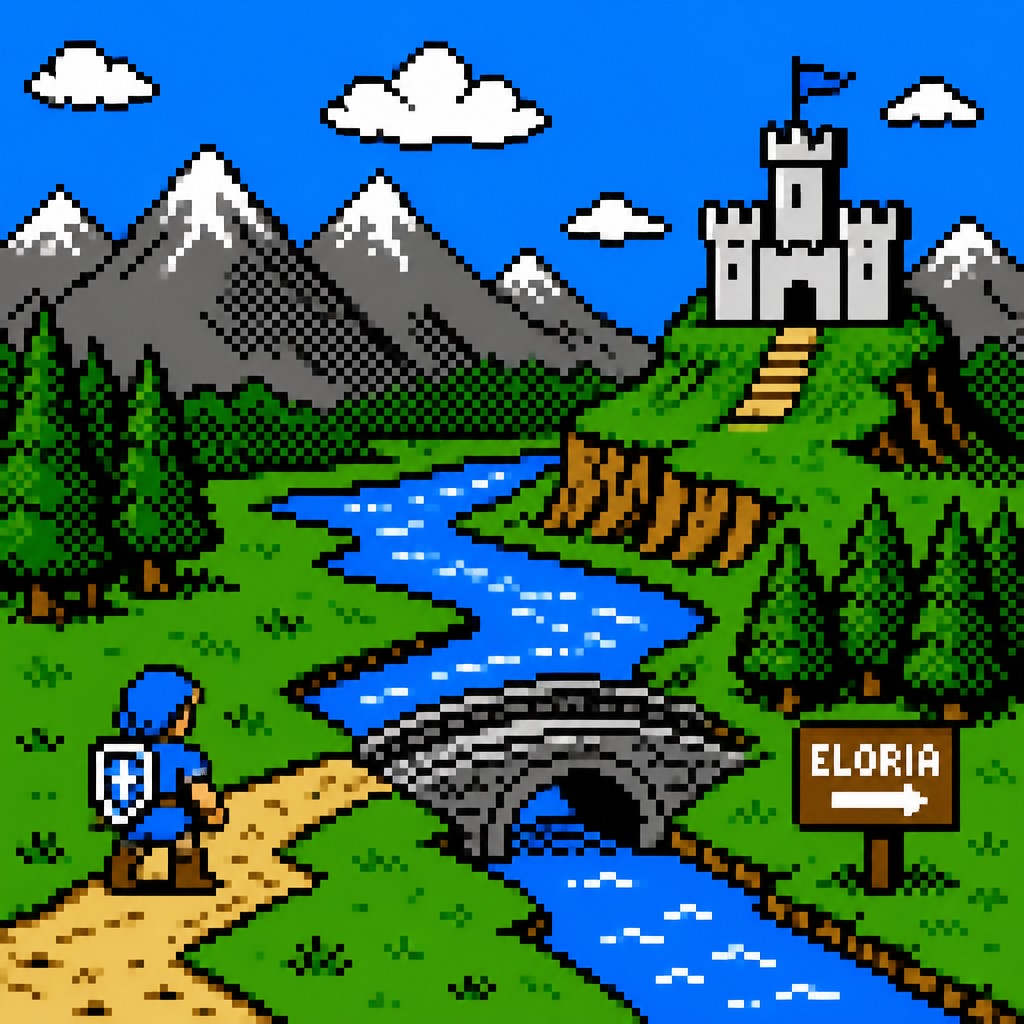
Limited shading and dithering
Volume is implied with stepped highlights, shadow blocks, or checkerboard dithering instead of gradients. This creates the illusion of texture and depth within severe technical limits.
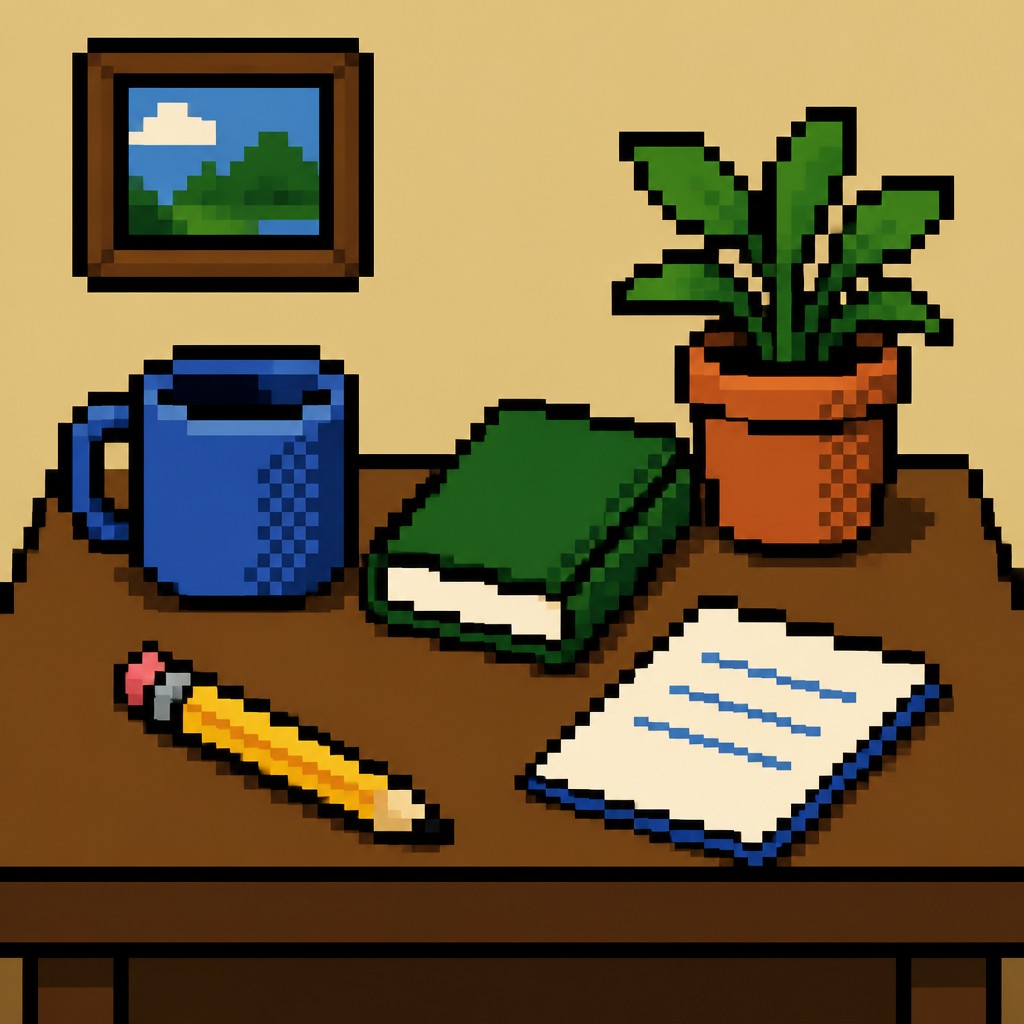
Sprite-like clarity
Subjects are composed as if they were game characters, items, or environmental tiles. Even complex scenes are reduced to iconically readable units.
Try It
Create Videos in 8-Bit Pixel Art Style
Styles aren't just for stills — describe a scene or animate an image and get a short video rendered in 8-Bit Pixel. Press play to see this pond come to life.
Make a Video8-Bit Pixel Prompt Ideas
Start from an idea — each one opens the generator with the style ready to go. See all 40 8-Bit Pixel prompts →
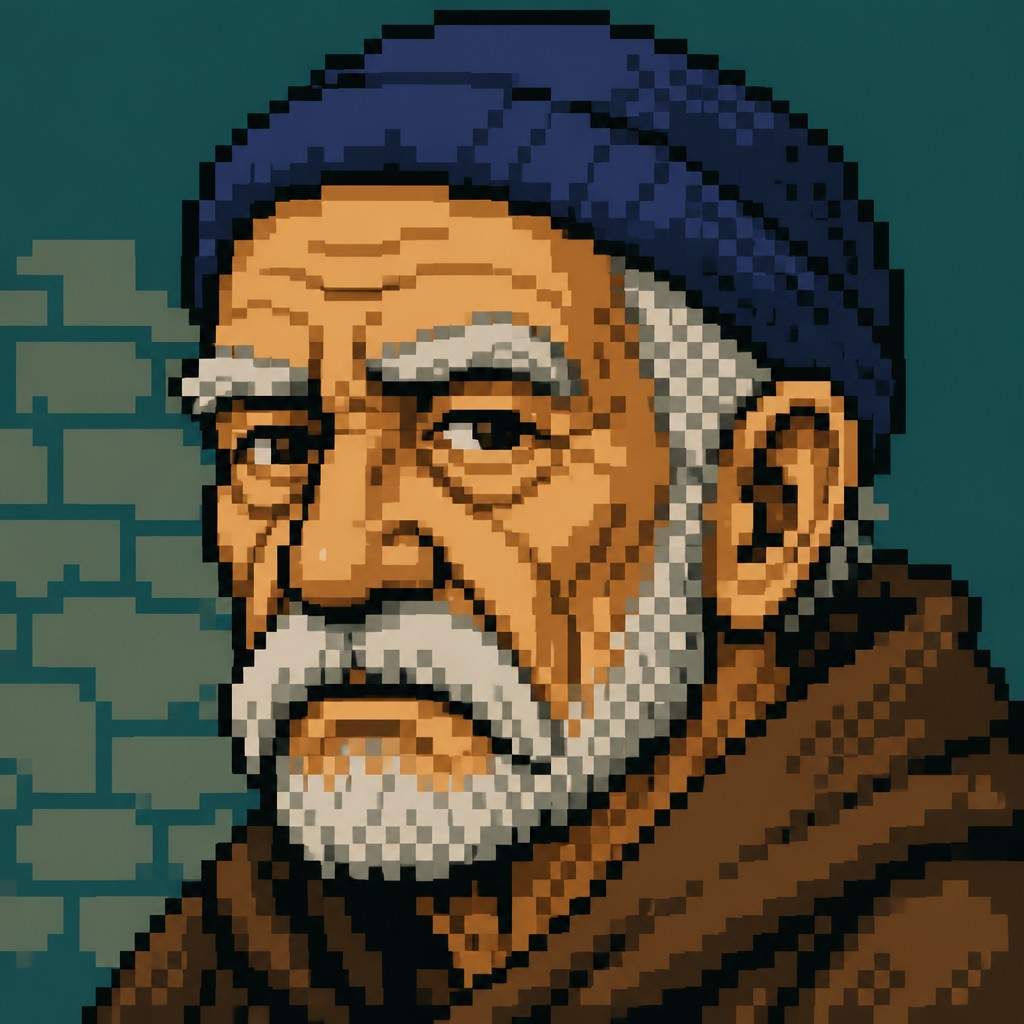
“close-up portrait of an elderly person with expressive weathered features”
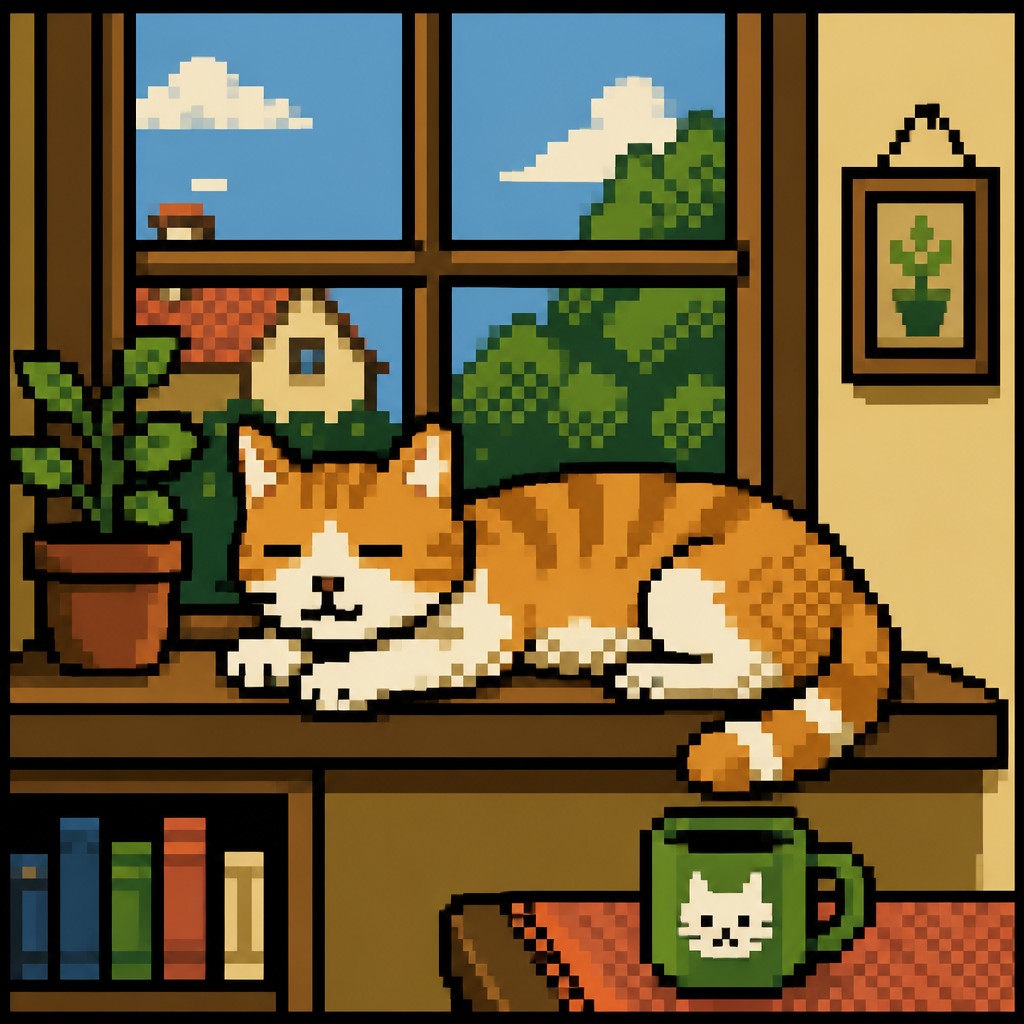
“a cat lounging in a sunlit window”
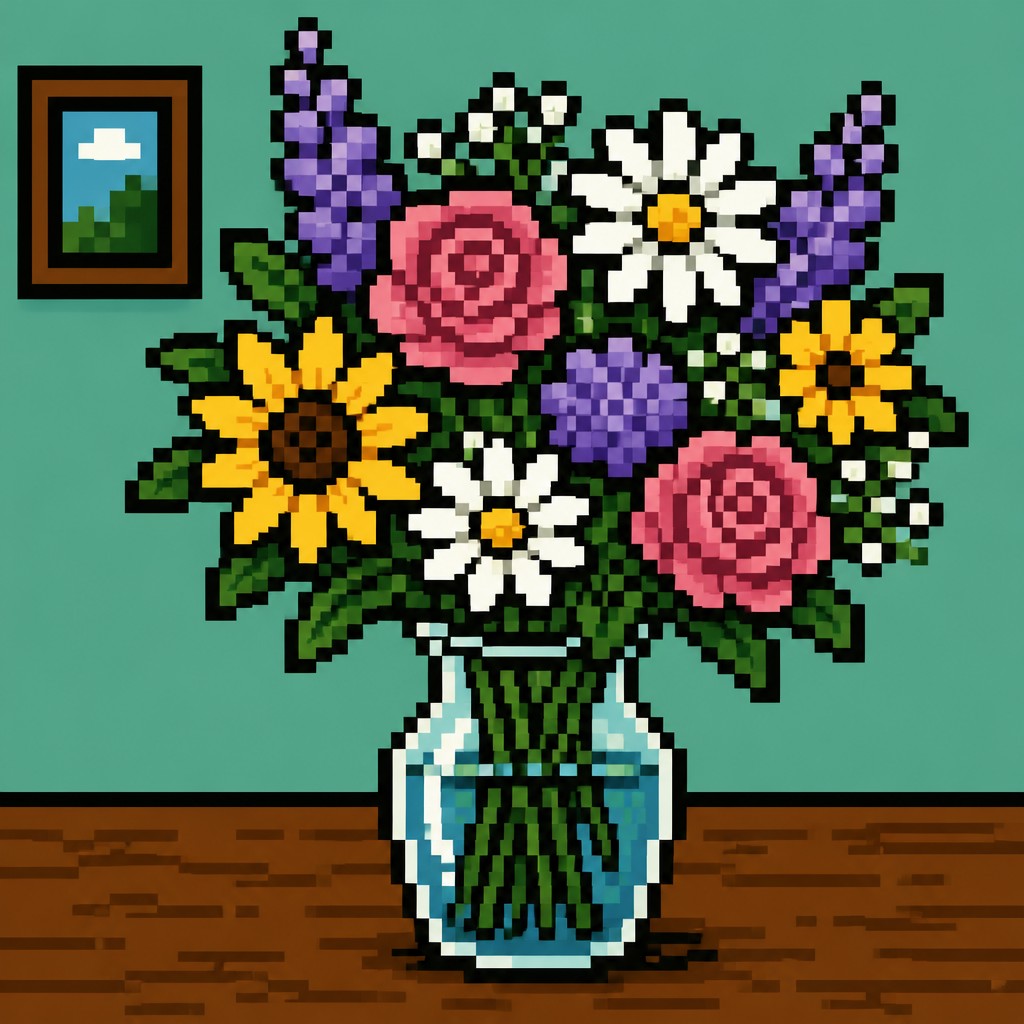
“bouquet of flowers in a glass vase”

“sailing ship on a stormy sea”
How to Create 8-Bit Pixel Art
Master the craft step by step — or skip straight to creating. Read the full guide →
- 1
Reduce the canvas first
Begin with a very small working resolution or a tightly cropped sprite sheet so every mark must be intentional. Design the subject to read clearly at thumbnail size before adding any detail.
- 2
Use a tiny palette
Limit yourself to a handful of flat colors, including only a few values for light and shadow. Avoid gradients and subtle transitions; use hard jumps in tone, selective dithering, or patterning instead.
- 3
Prioritize silhouette over detail
Block in the largest forms first and make sure the subject is recognizable by shape alone. Replace fine texture, facial nuance, and complex anatomy with simple, well-placed pixel decisions.
- 4
Control edges and shading manually
In digital work, zoom in and place pixels deliberately so curves, contours, and highlights stay crisp. For traditional methods, plan a grid and work with square units, markers, or mosaic-like marks to imitate the same structural logic.
- 5
Keep backgrounds flat and legible
Use simple layered scenery, tile-like ground planes, or minimal sky gradients if needed, but preserve the sprite’s dominance. A good prompt should mention coarse pixels, limited colors, hard outlines, and no anti-aliasing to keep the result faithful.

The Story
History & Origins of 8-Bit Pixel
8-bit pixel art emerged from the technical constraints of late 1970s and 1980s video game systems and home computers, when limited memory, low-resolution displays, and small color palettes shaped how images could be made. Artists working for systems such as the Nintendo Entertainment System, Commodore 64, and early arcade hardware developed efficient visual solutions: simple forms, strong contrast, and pattern-based shading. Those constraints became an aesthetic in their own right.
As newer hardware made smoother graphics possible, pixel art survived as both a practical 2D production method and a nostalgic visual reference. Independent games, demoscene graphics, and digital illustration later revived and refined the look, often borrowing the compact iconography of classic sprites while applying modern composition, animation, and color control. Today, “8-bit pixel art” is used broadly to evoke early game graphics, even when the precise technical details align more closely with later 16-bit-era methods.
Influences: 8-bit pixel art is rooted in early video game graphics, computer sprite design, and the broader history of limited-color digital imaging. It also overlaps with comic-book iconography, animation simplification, and graphic design principles that favor strong silhouettes and high contrast. In its modern revival, the style draws from retro gaming culture and the demoscene, while later pixel artists often refine the same visual language with greater compositional control than the original hardware allowed.

Frequently Asked Questions
What defines 8-bit pixel art?
It is defined by visible square pixels, a very limited palette, and simplified shapes that read clearly at small sizes. The look is associated with early console and computer graphics, where technical restrictions shaped the aesthetic. In practice, the style emphasizes clarity, economy, and hard-edged form.
Is 8-bit pixel art the same as 16-bit pixel art?
Not exactly. The terms are often used loosely, but 8-bit usually suggests harsher limits, fewer colors, and simpler sprites, while 16-bit graphics typically allow richer palettes, larger sprites, and more nuanced shading. Many modern works labeled “8-bit” actually borrow from a wider retro pixel-art tradition.
Why does this style look blocky and simple?
The look comes from low resolution and restricted color memory in early hardware, which forced artists to design for clarity over realism. Blocky forms, outlines, and dithering were practical solutions to technical limits. Those solutions later became the style’s defining visual character.
How do you make pixel art readable at small sizes?
Start with strong silhouettes, use contrast strategically, and avoid overcrowding the image with tiny details. Every shape should support the subject’s identity, and shading should be simplified into distinct value steps. Testing the artwork at actual display size is essential.
Where is 8-bit pixel art commonly used today?
It is widely used in indie games, retro-inspired branding, animated loops, emojis and icons, social media graphics, and nostalgic illustration. It is especially effective when a subject needs to feel playful, game-like, or instantly readable. The style also appears in album art, posters, and UI design.
Can pixel art be made digitally or traditionally?
Yes. Digital tools are the most common because they allow precise grid-based editing, but the same look can be approximated with graph paper, mosaics, bead work, or other square-unit techniques. The key is maintaining crisp edges, limited color, and pixel-like structural discipline.
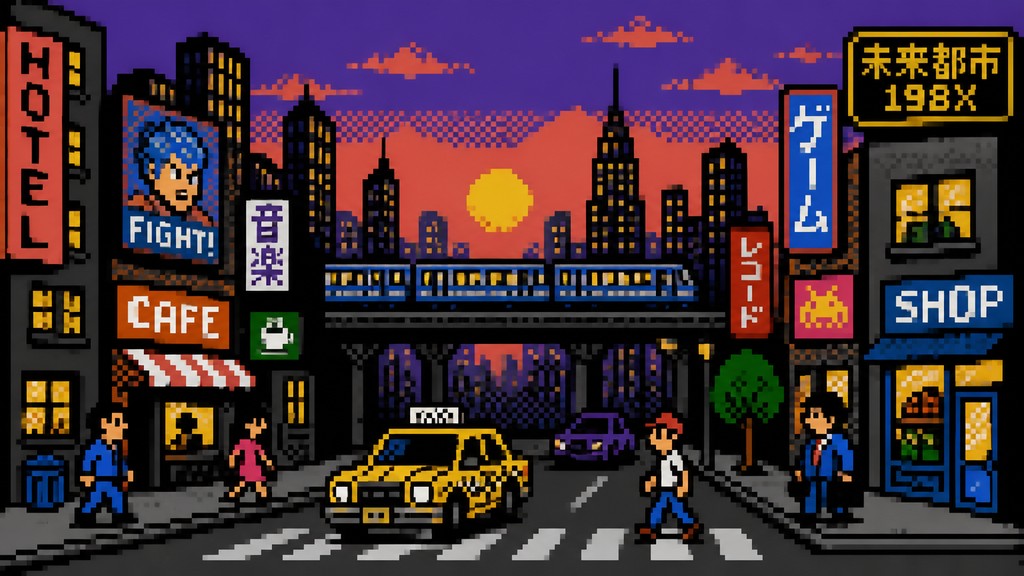
Create your first 8-Bit Pixel artwork
Describe anything — or upload a photo — and see it in 8-Bit Pixel Art Style in seconds.
Make Something with 8-Bit Pixel
Compare 8-Bit Pixel
Related Styles
Discover similar art styles