ASCII vs Pixel: What's the Difference?
ASCII art turns keyboard characters into images by arranging text, spacing, and density to suggest shape, tone, and motion. It feels minimal, nostalgic, and distinctly digital because the characters themselves become the visual material.
Pixel art builds images from visible square pixels, often with sharp edges, limited palettes, and a retro game-like look. People compare them because both styles embrace digital constraints, rely on simplification, and create recognizable images from small building blocks rather than smooth realism.
Same Prompt, Both Styles
Each pair below was generated from the identical prompt — only the style changed.
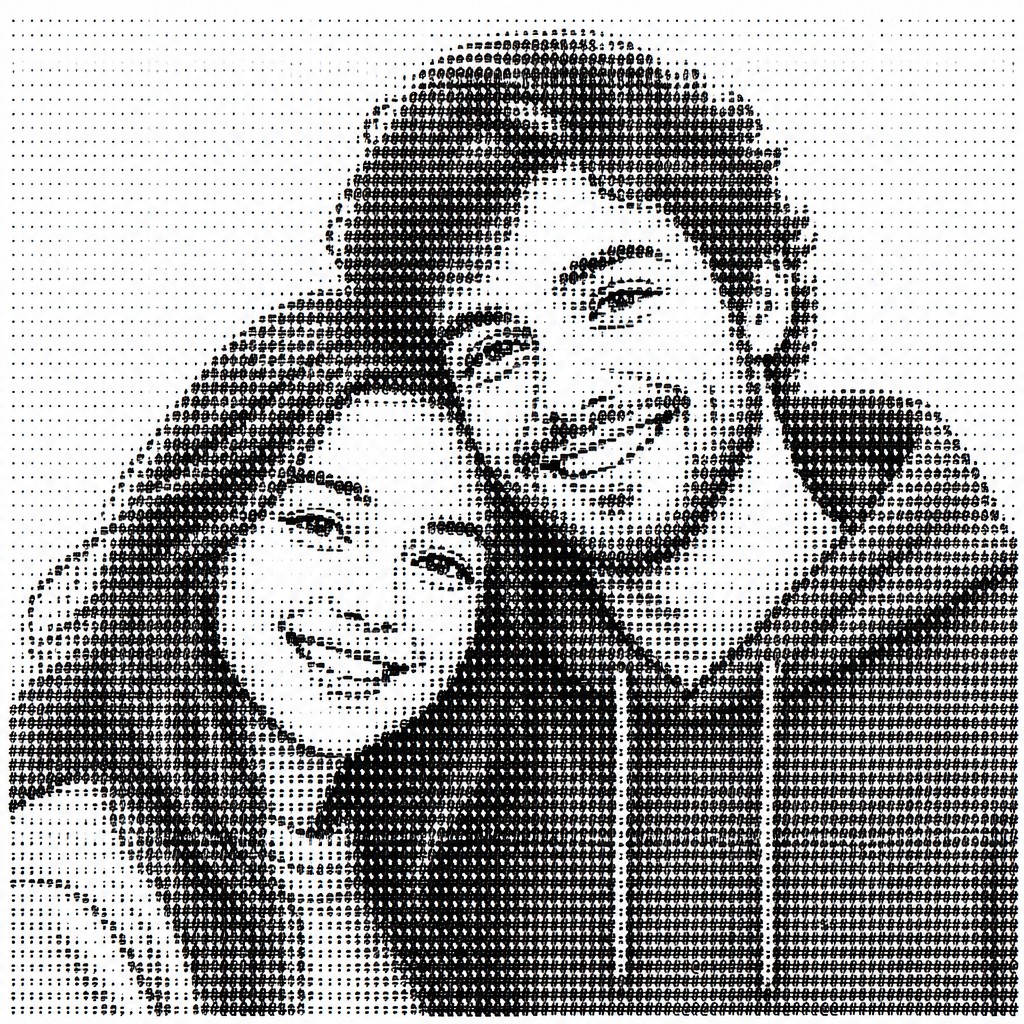

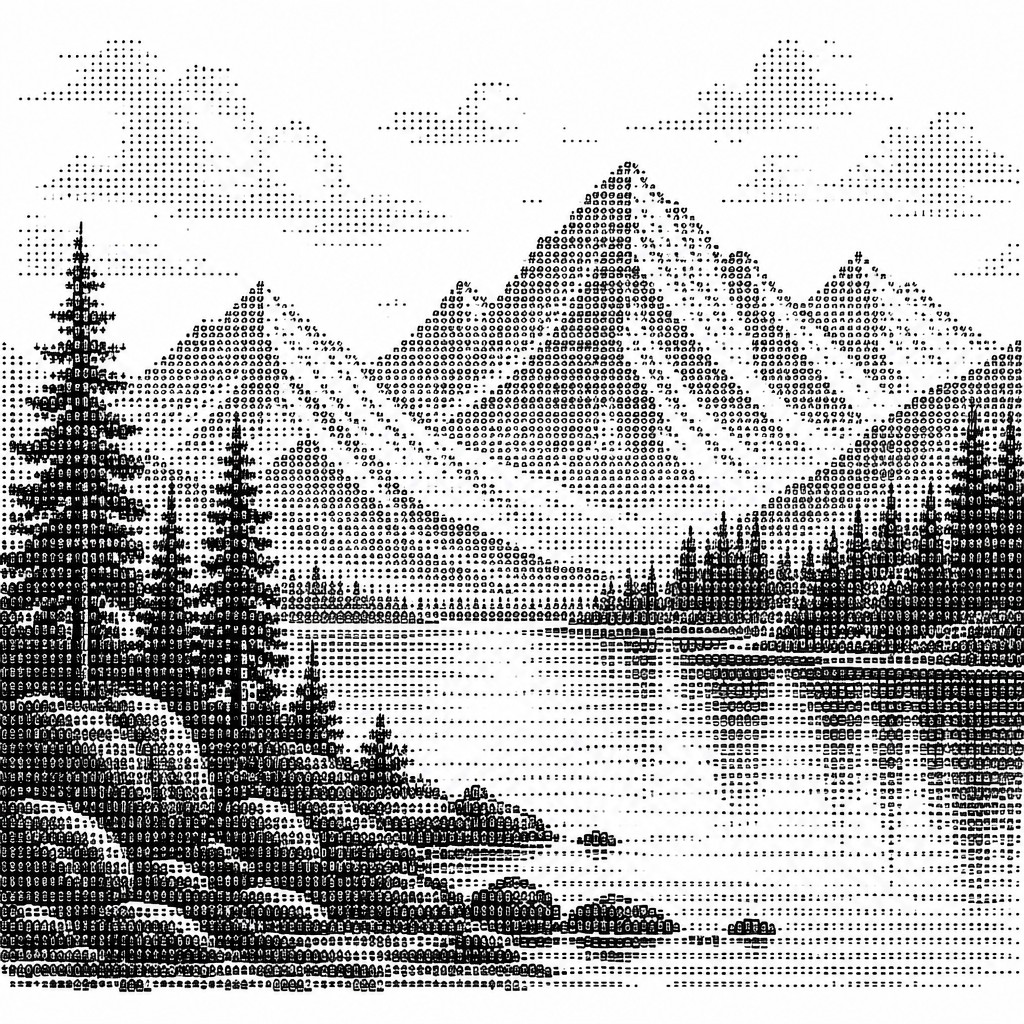
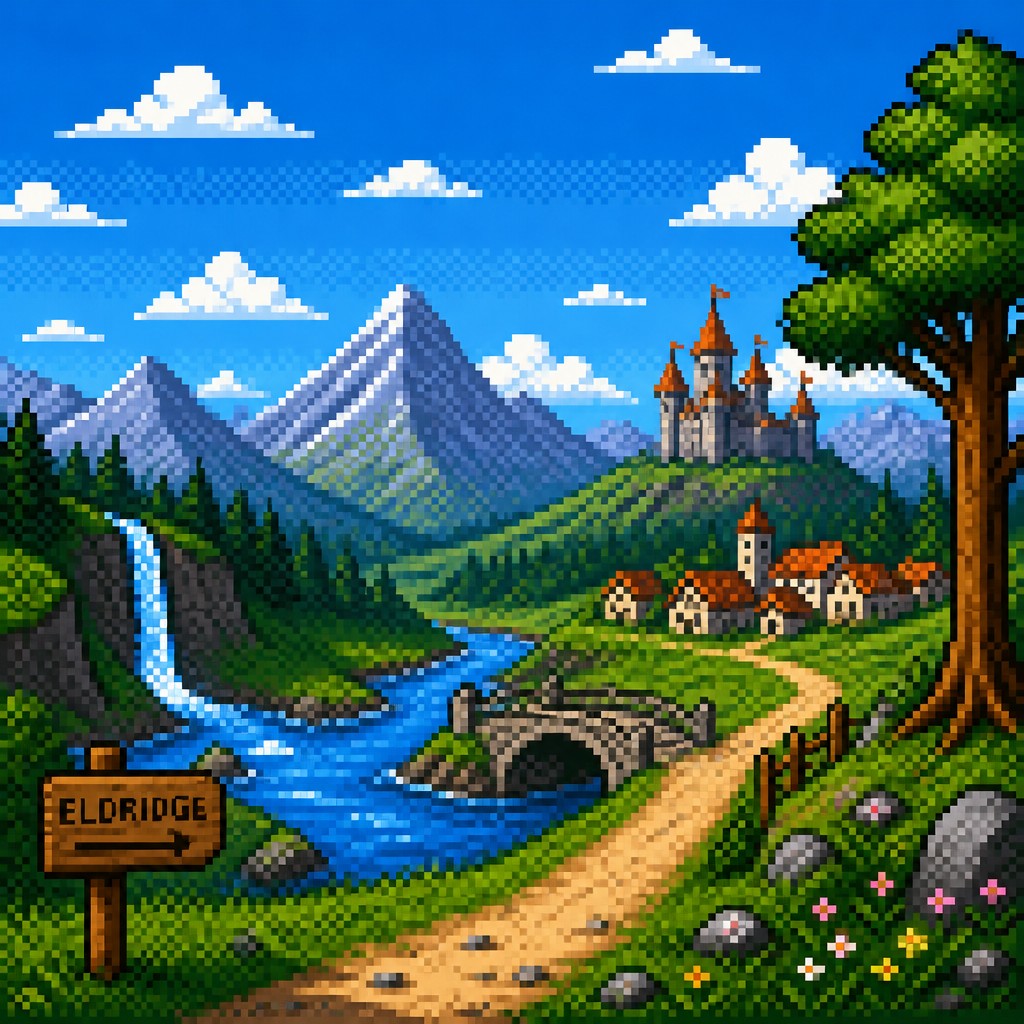


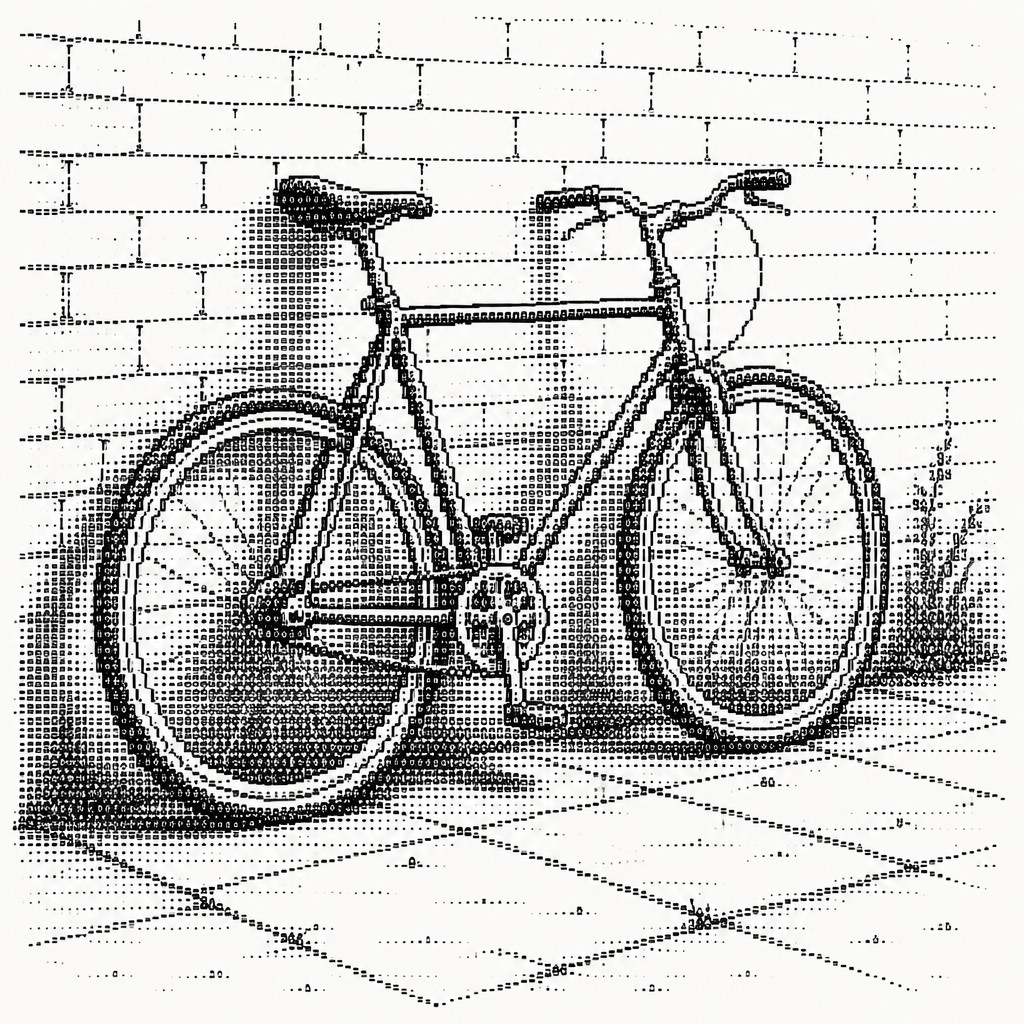
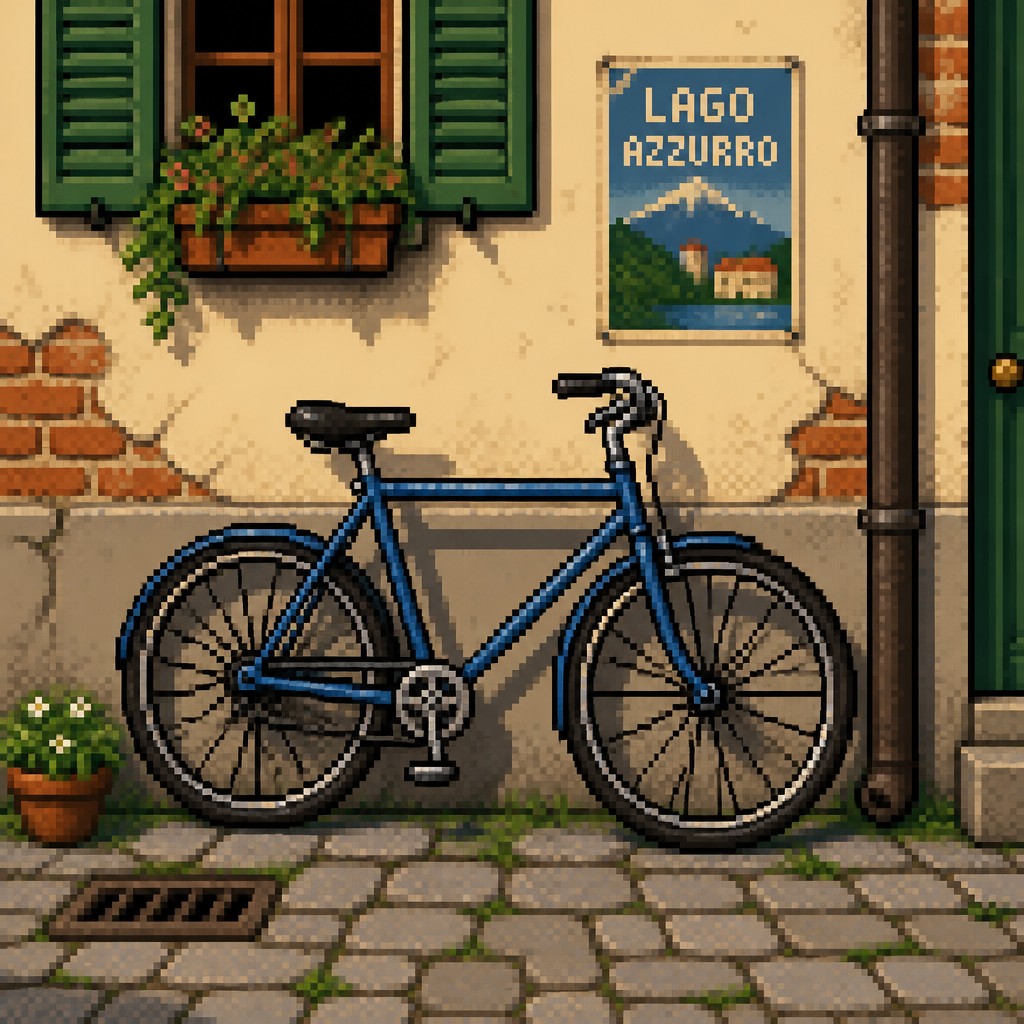
Key Differences
| ASCII | Pixel | |
|---|---|---|
| Building blocks | Uses letters, symbols, and punctuation as image parts. | Uses individual square pixels as image parts. |
| Line & form | Forms are implied by character density and spacing. | Forms are defined by crisp pixel edges and clusters. |
| Color | Usually monochrome or text-color dependent. | Often uses limited but deliberate color palettes. |
| Detail level | Best for simplified shapes, shading, and icons. | Can show more nuanced shading, texture, and animation. |
| Visual texture | Texture comes from character patterns and text rhythm. | Texture comes from visible pixel grid structure. |
| Presentation | Works naturally in plain text and code-like contexts. | Commonly used in games, sprites, and retro digital graphics. |
| Mood | nostalgic, playful, quirky, techy | nostalgic, playful, graphic, compact |
| Energy | balanced | balanced |
| Detail level | intricate | moderate |
| Color | monochrome, text-only, high-contrast | limited palettes, high contrast, bright accents |
| Texture | grainy, blocky, character-based | blocky, crisp, grid-based |
| Origin | 1980s computer terminals, digital-native aesthetic | 1980s-1990s video game era |
| Best for | terminal graphics, retro posters, code comments, chat emoticons, zines, glitchy album covers | video games, icons, character sprites, retro posters, UI elements, digital illustrations |
| Difficulty | advanced | moderate |
Which Should You Choose?
Choose ASCII art when you want a lightweight, text-native image that feels playful, compact, or old-school in a purely typographic way. Choose pixel art when you want a more image-like retro look with stronger color control, clearer forms, and the classic feel of early video games.
Frequently Asked Questions
Is ASCII art the same as pixel art?
No. ASCII art uses text characters to create images, while pixel art uses individual picture pixels. They can both look retro, but they are built from different visual units.
Which style is easier to make?
ASCII art is often faster for simple images because it only needs characters and spacing. Pixel art usually takes more time because you are placing and coloring visible pixels.
Which style is better for detailed pictures?
Pixel art is usually better for detail because it supports more controlled shapes, shading, and color variation. ASCII art can be expressive, but it is more limited by the character set.
Can both styles feel nostalgic?
Yes, both often feel nostalgic because they reflect older digital constraints. ASCII art recalls early text computing, while pixel art recalls classic game graphics and low-resolution displays.