Glitch Digital Art Style
Glitch digital art uses corruption, pixel sorting, and scan-line noise to turn digital errors into a recognizably broken aesthetic.
Instantly rendered in Glitch Digital — or transform a photo
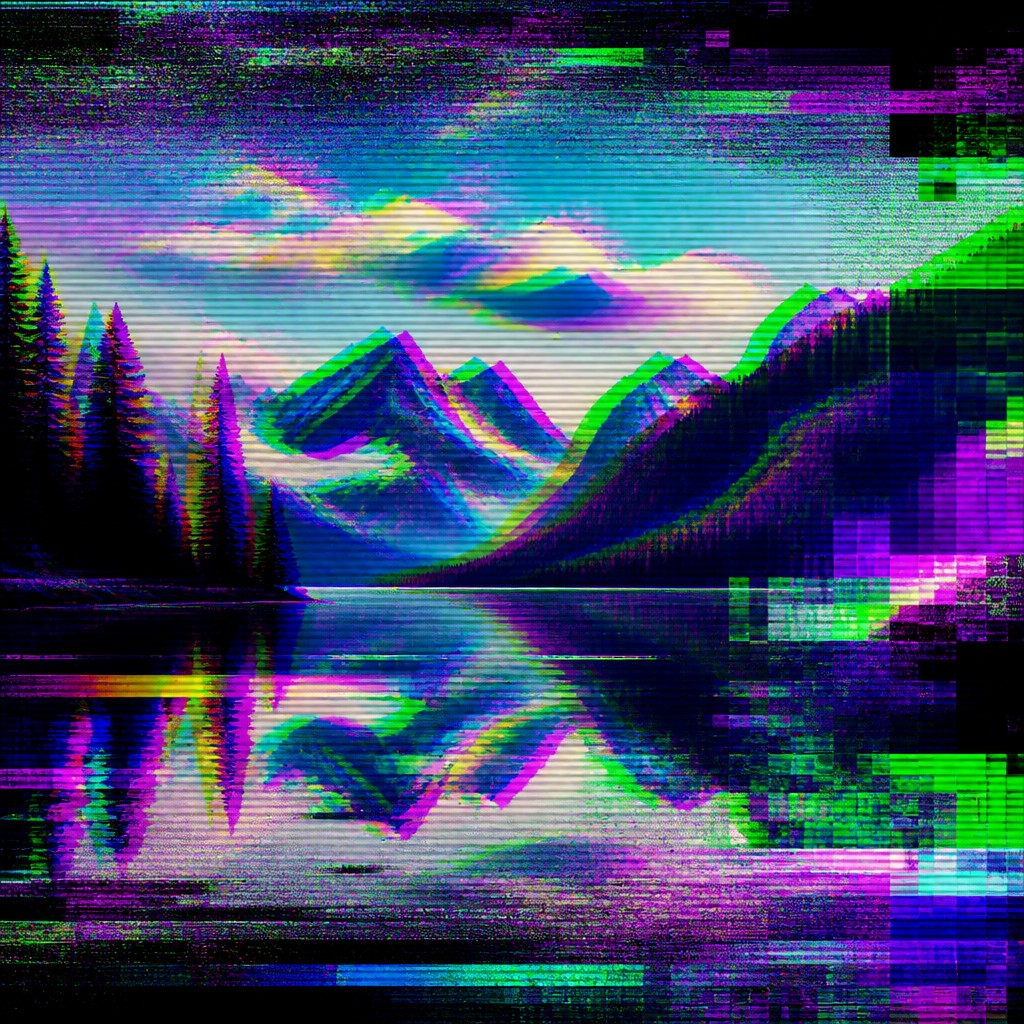
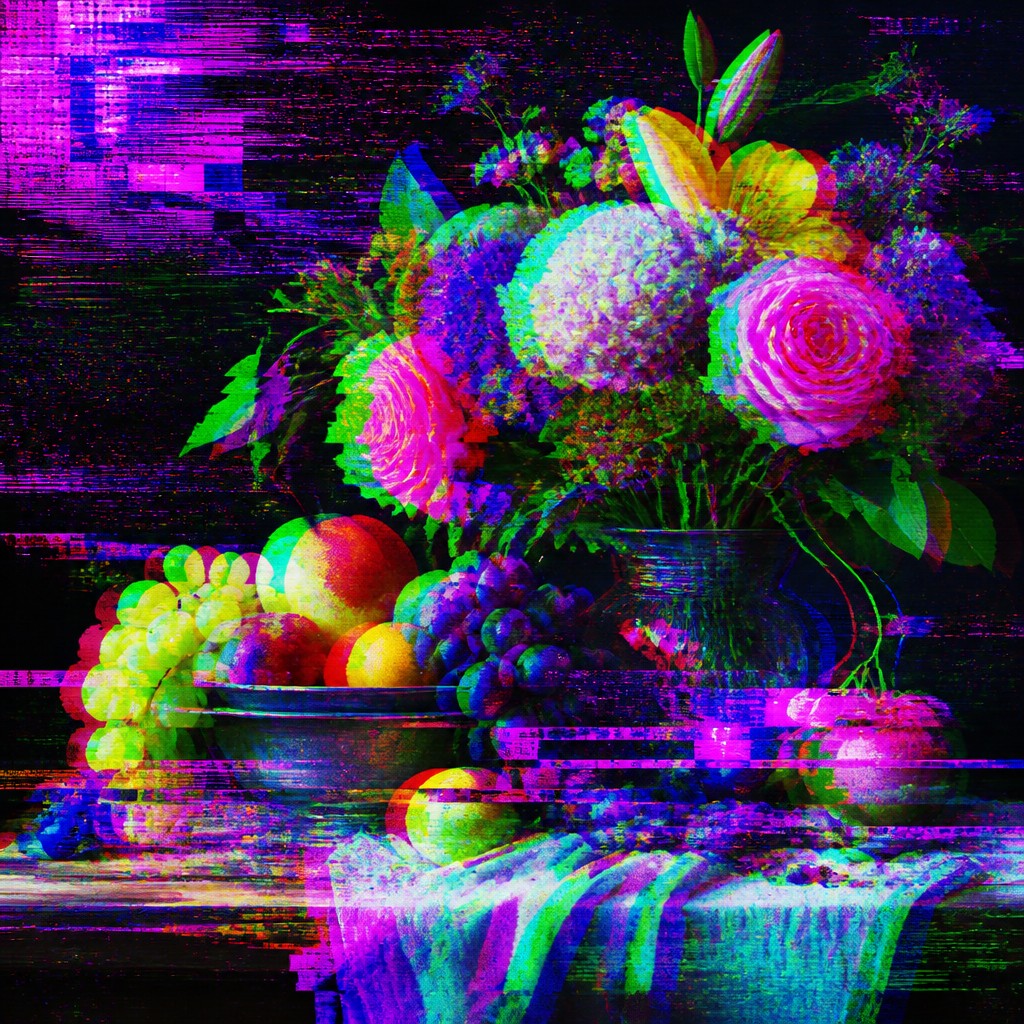
Glitch Digital Gallery
Tap any artwork to explore it
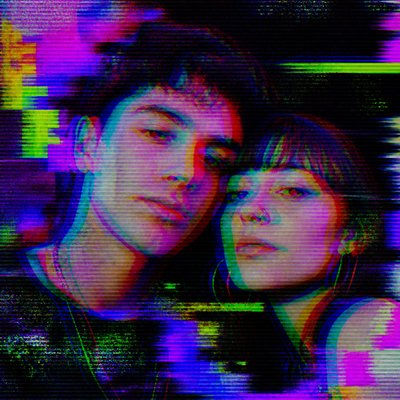
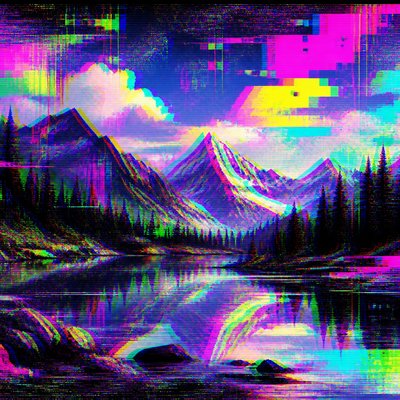
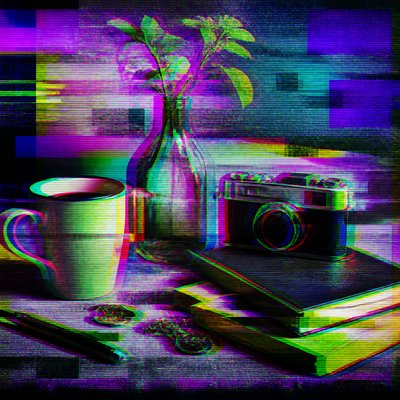
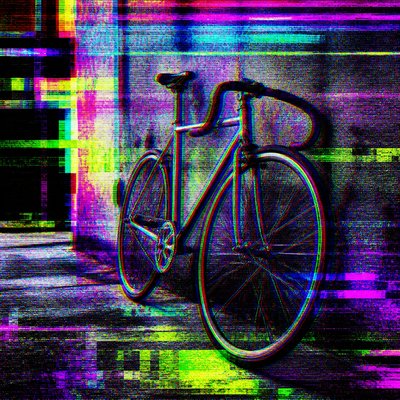
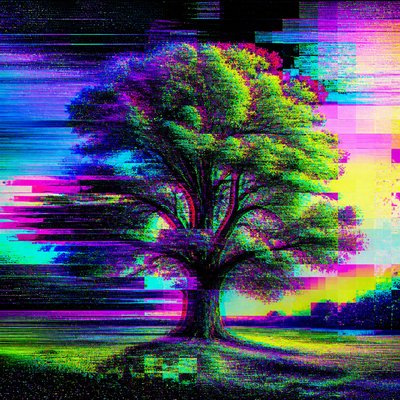
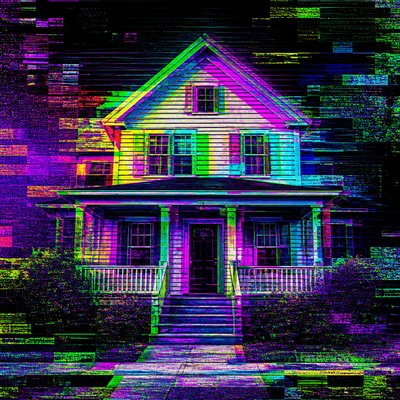
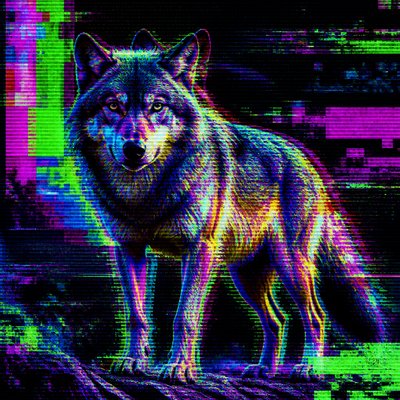
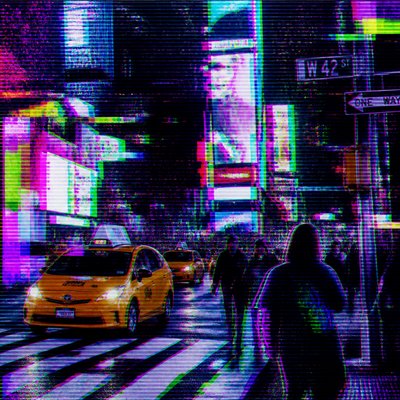
What is Glitch Digital Art Style?
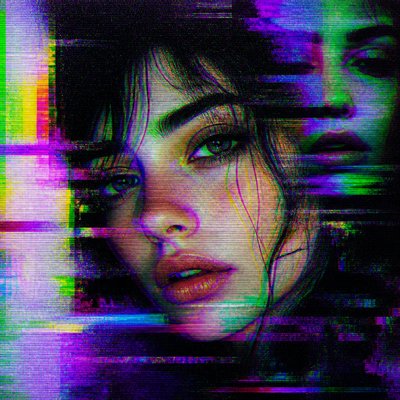
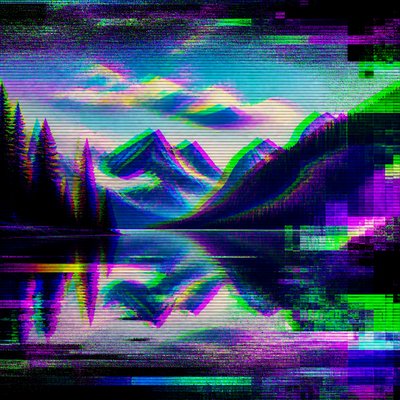
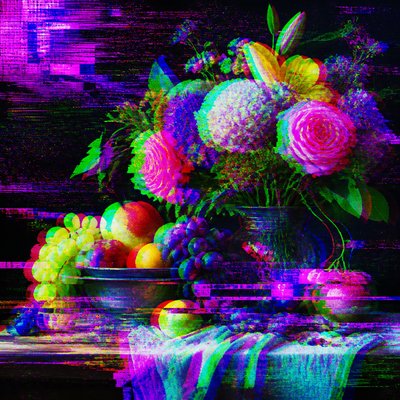
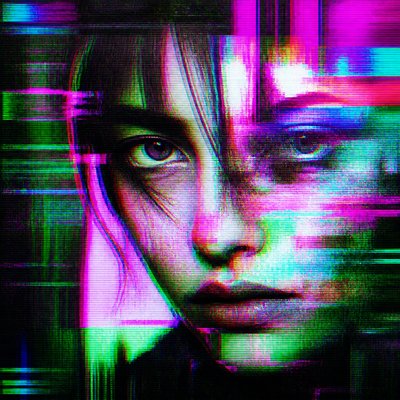
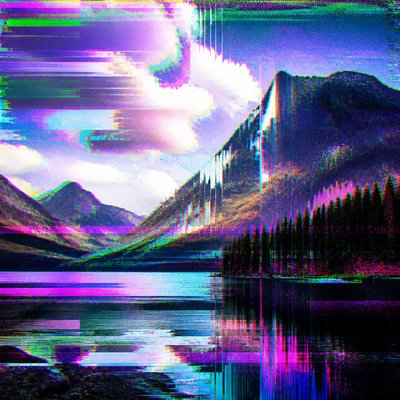
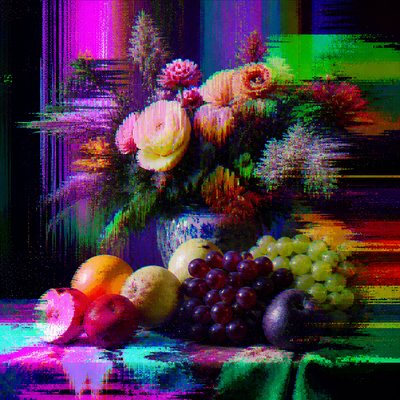
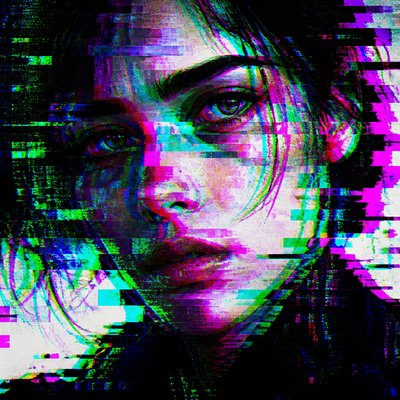
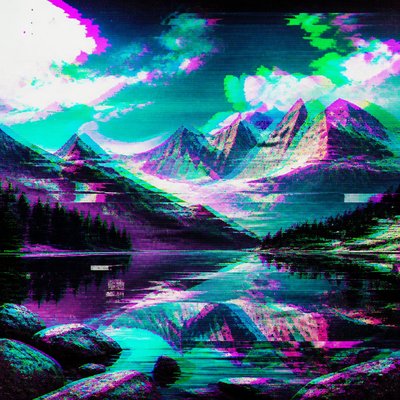
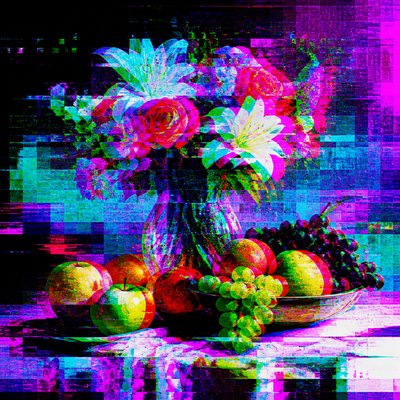
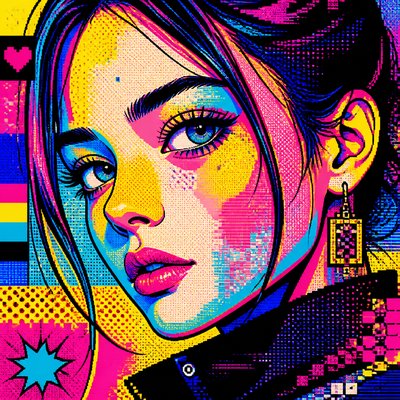
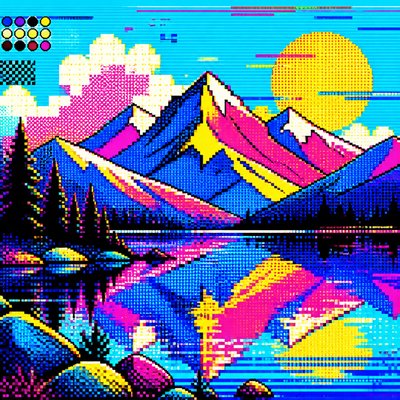
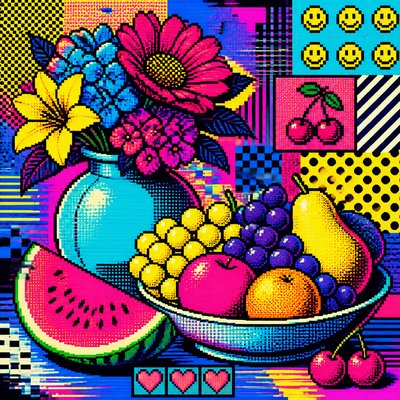
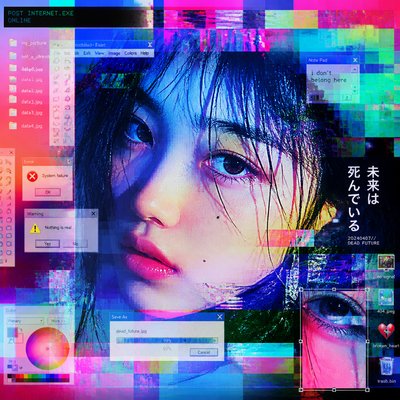
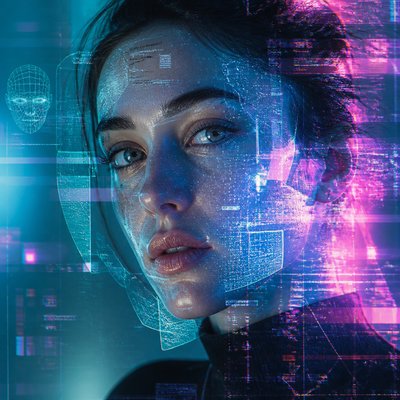
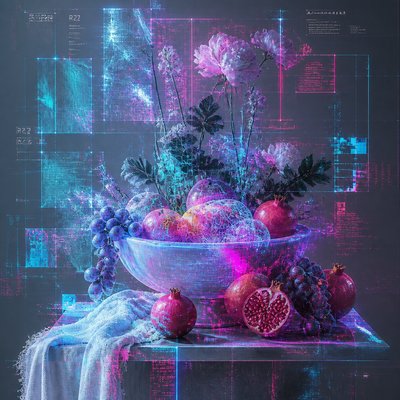
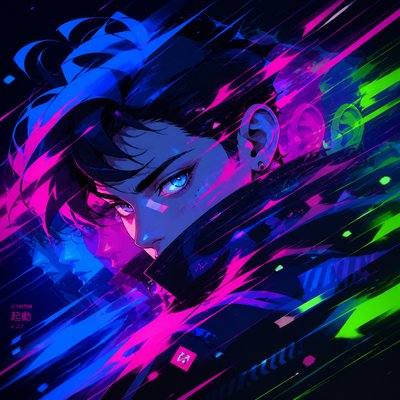
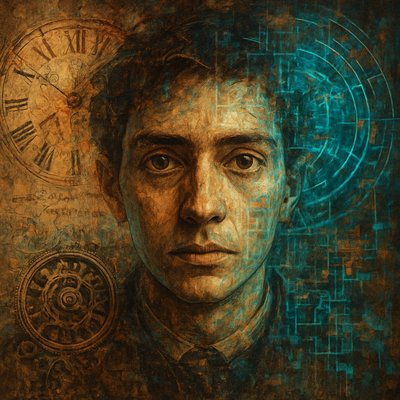
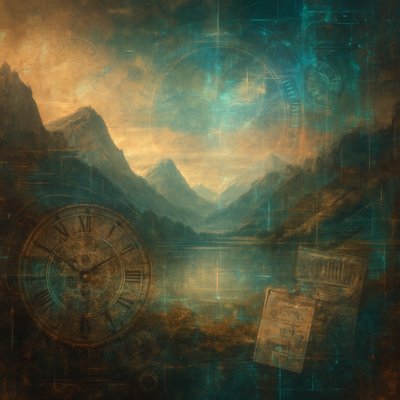
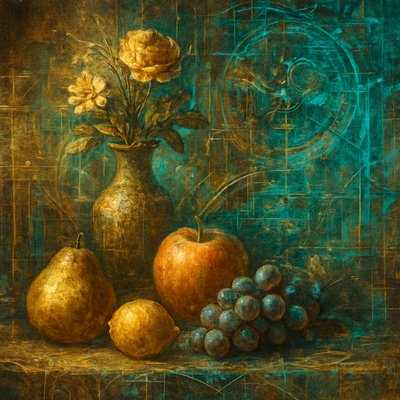
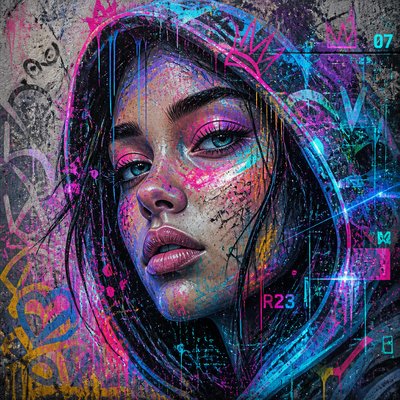
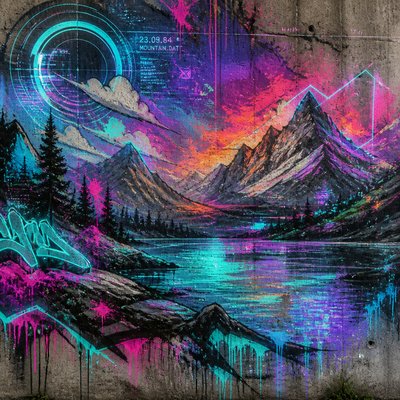
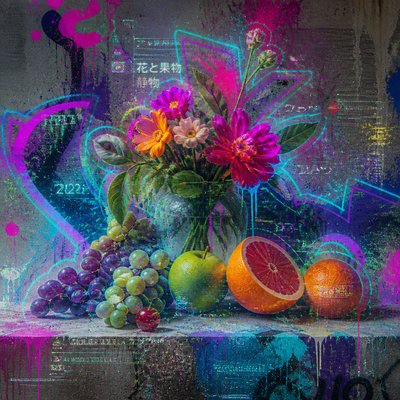
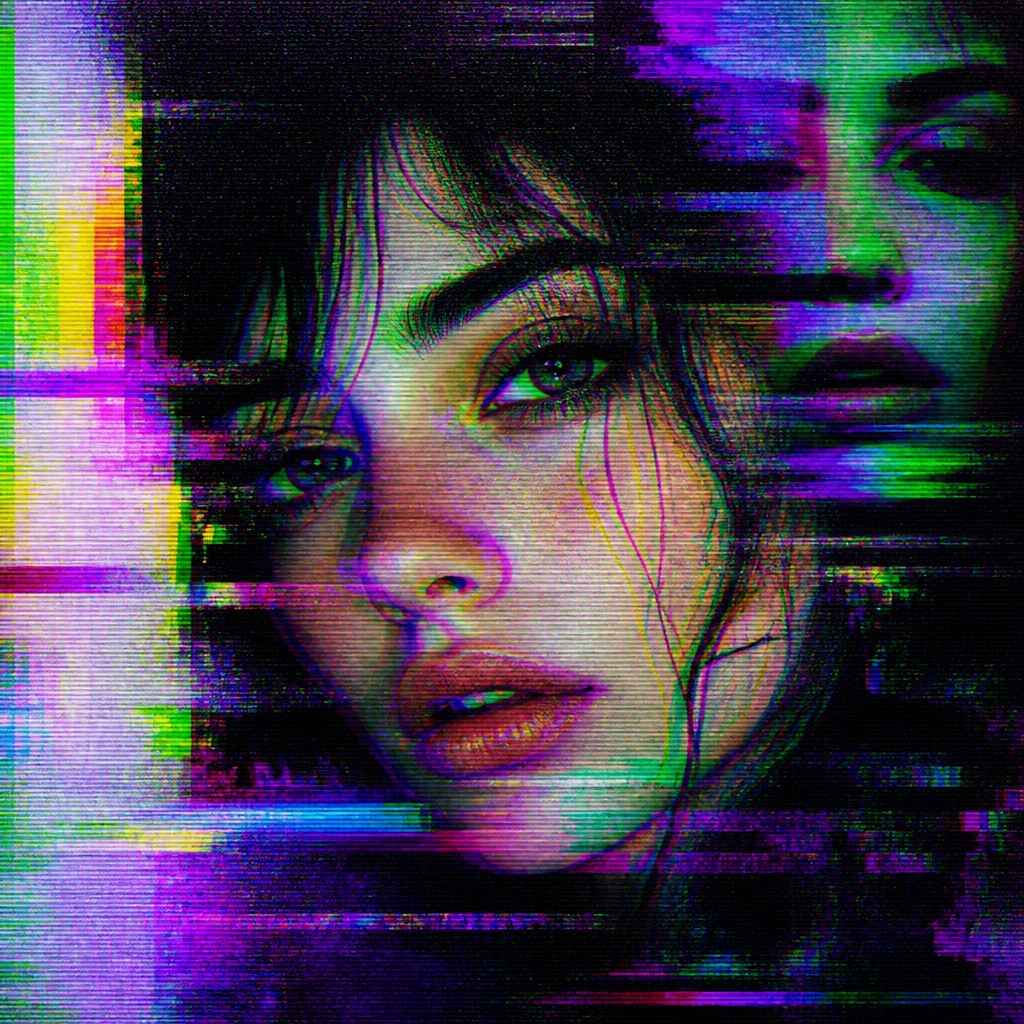
Glitch digital art is an aesthetic built from the visible failure modes of digital media. Instead of hiding compression artifacts, signal interference, pixel displacement, and channel misalignment, it foregrounds them as the subject of the image. The result often looks unstable but controlled: a familiar scene or figure remains legible while its edges splinter into noise, stripes, blocks, static, and chromatic tearing.
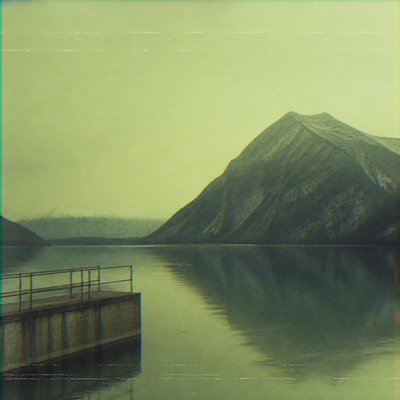
Its visual identity comes from the language of damaged electronics and corrupted files. Scan lines, interlaced ghosting, databending distortions, color-channel offsets, pixel-sorting streaks, and compression mosaics create the impression of a screen under strain. Because the look is tied to how digital systems encode, transmit, and display images, glitch art often feels both technical and expressive: it turns error into composition, and malfunction into atmosphere.
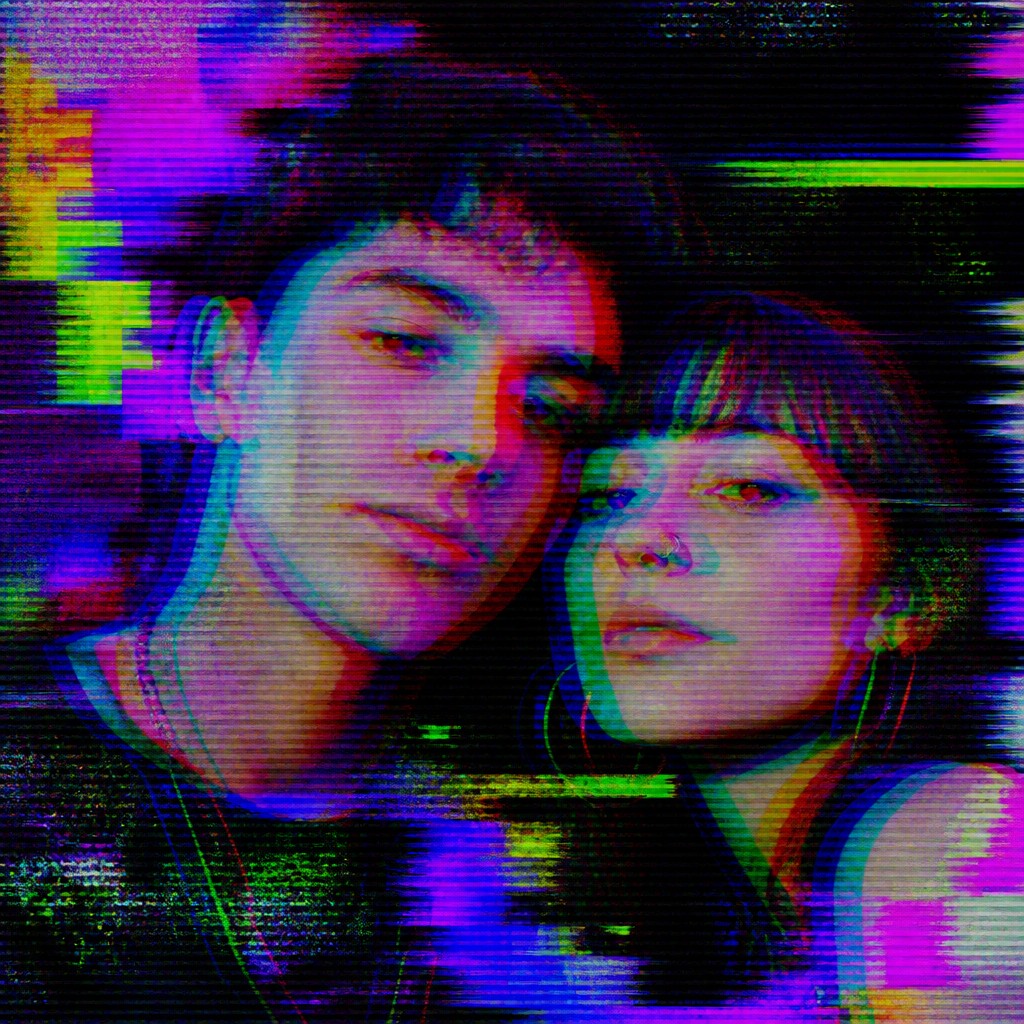
Try It On Your Photos
Upload any photo and convert it into Glitch Digital Art Style — drag the sliders to compare before and after.
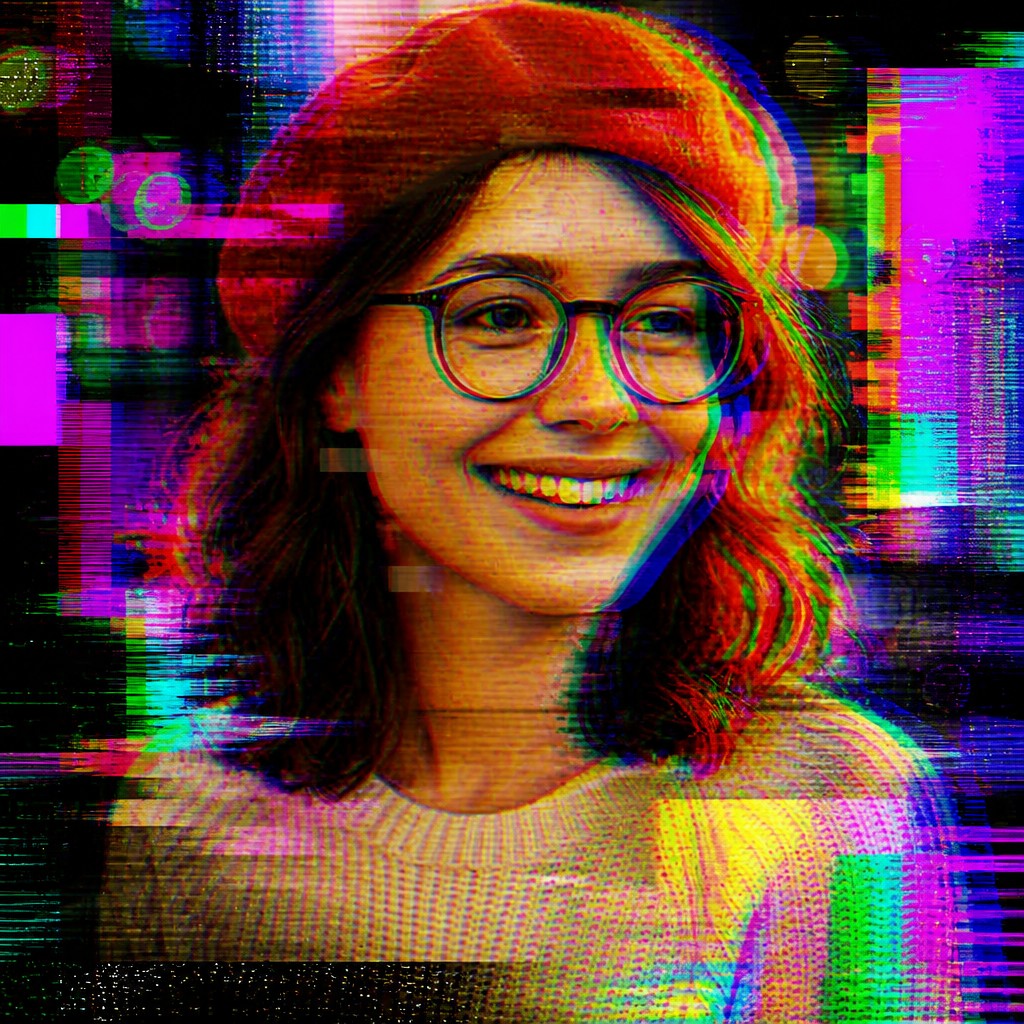

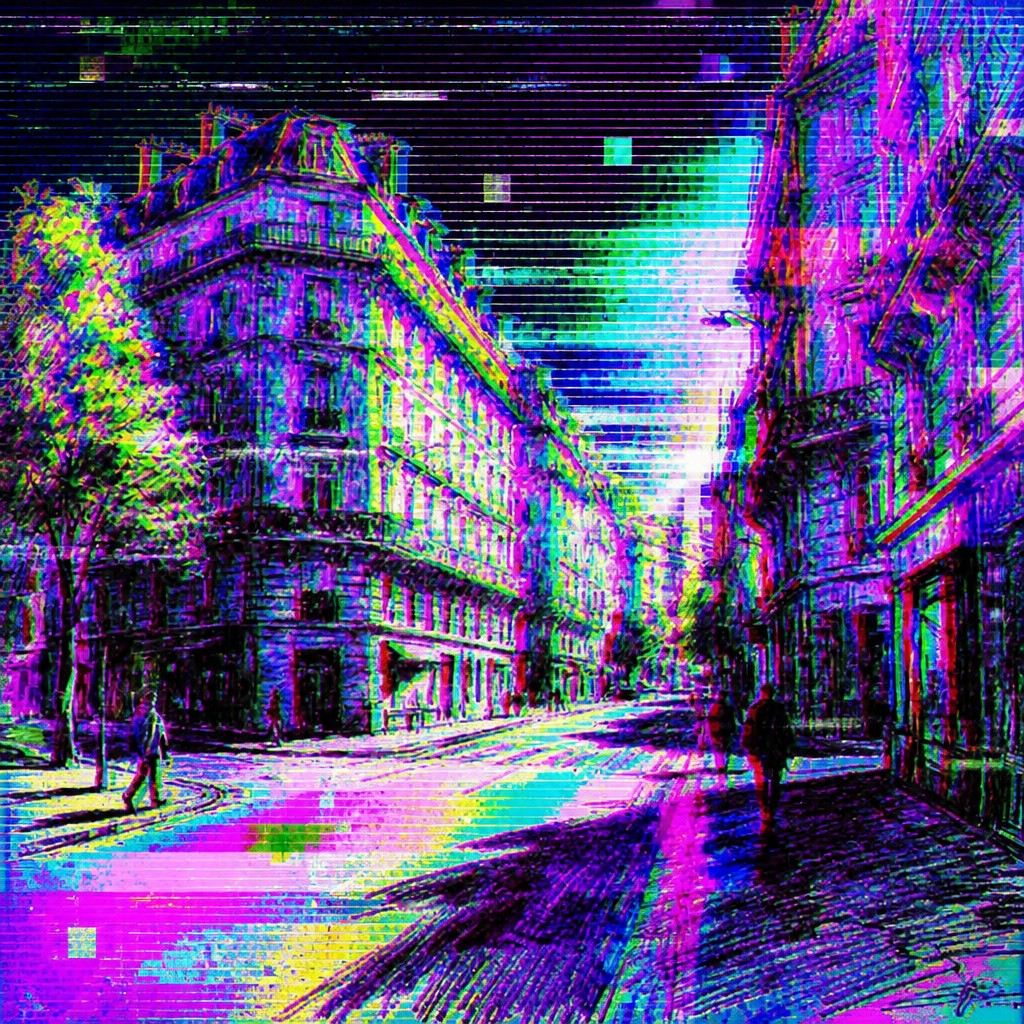
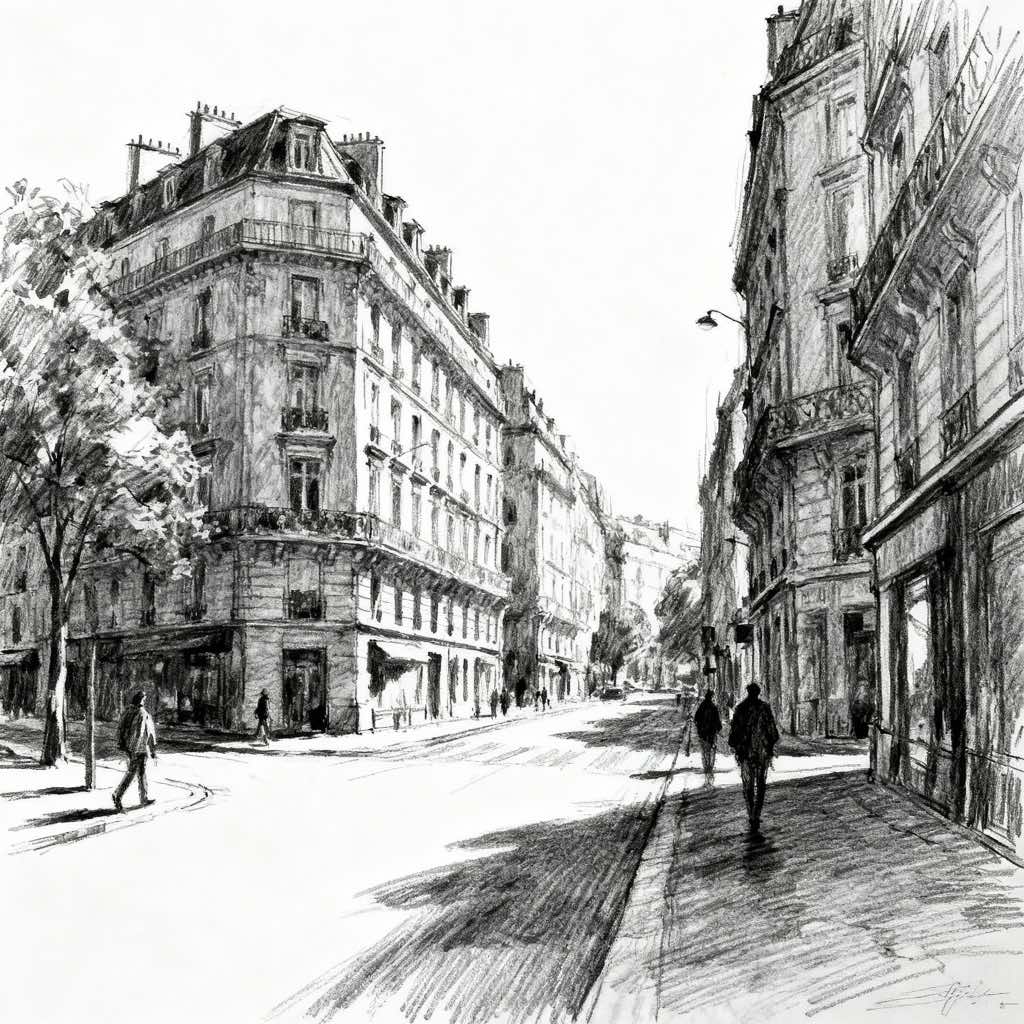
What Defines Glitch Digital Art Style
The signature details, up close
Channel separation
Red, green, and blue channels are offset so edges split into colored halos. This creates chromatic displacement that makes the image feel unstable or electronically misregistered.
Scan lines and interlacing
Horizontal bands, line skipping, and ghost doubles mimic CRT displays and damaged video signals. These marks give the surface a broadcast-like texture.
Pixel sorting and streaking
Groups of pixels are dragged into ribbons, smears, or vertical cascades. The effect suggests a file being pulled apart while preserving fragments of the original subject.
Compression artifacts
Blocky mosaics, macroblocking, and banding appear as if the image has been over-compressed or repeatedly saved. These artifacts often break large tonal areas into jagged, digital fragments.
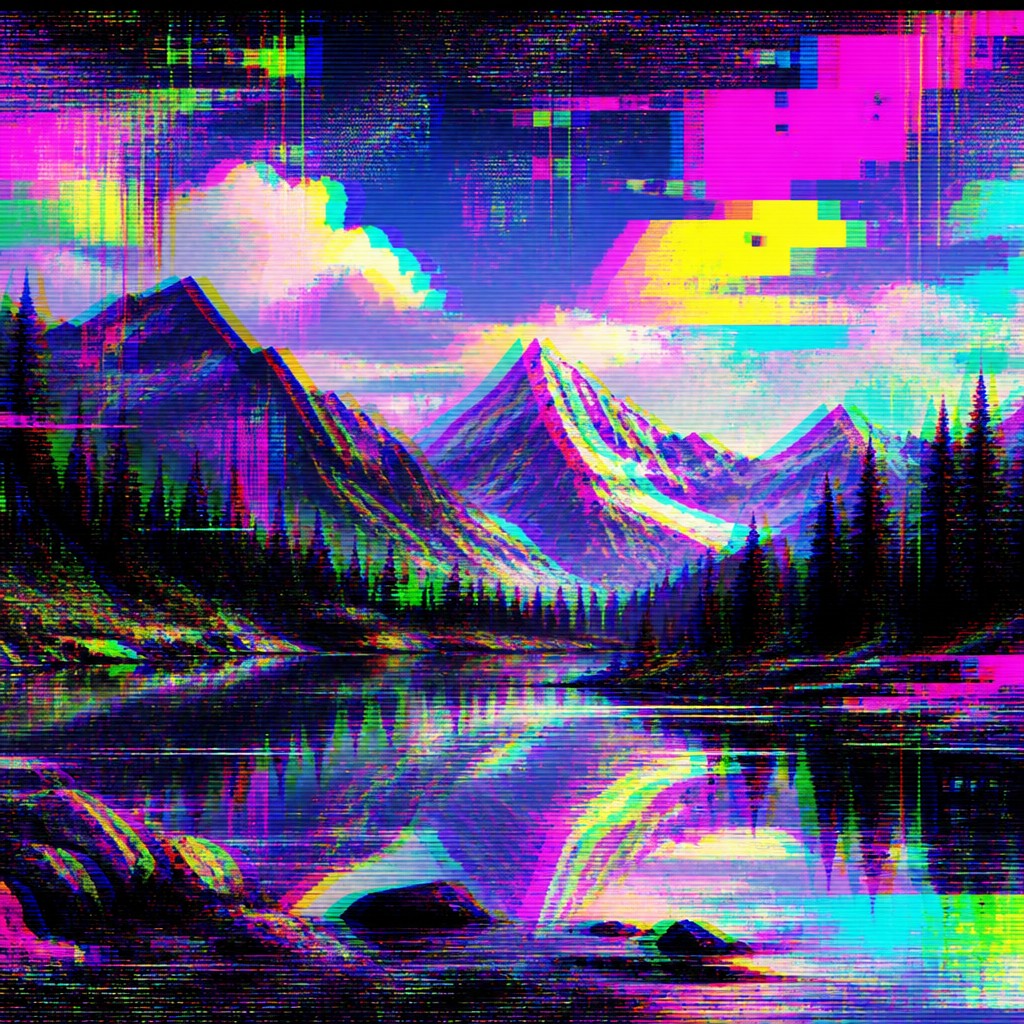
Static and interference
Noise overlays, television snow, and signal distortion add a harsh electronic surface. They can obscure parts of the image while intensifying the sense of failure.
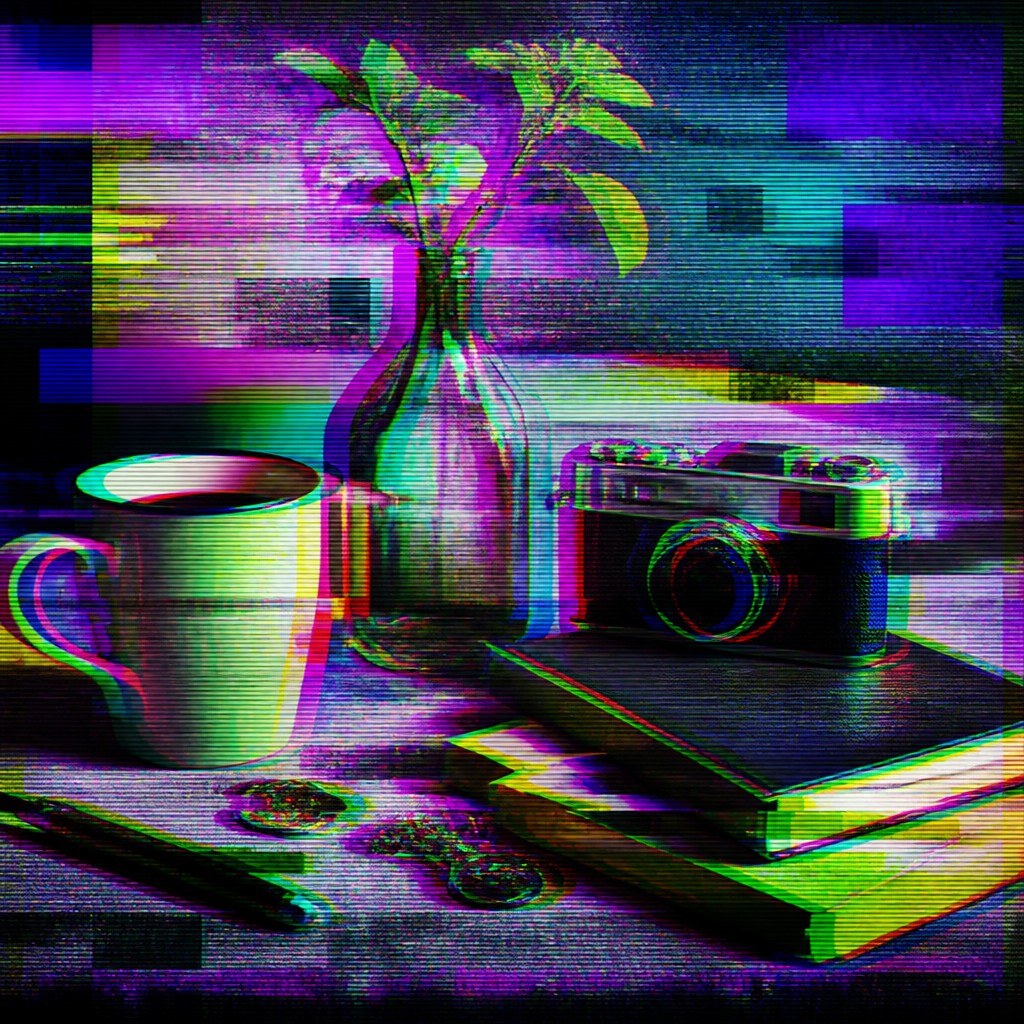
Neon corruption colors
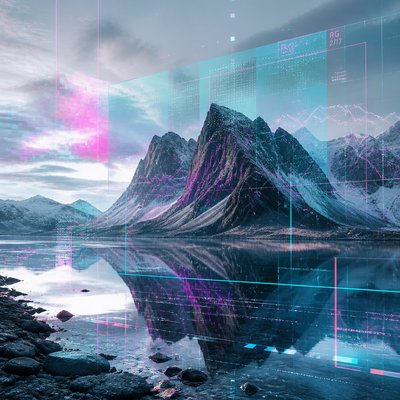
Cyan, magenta, acid green, and electric purple often dominate the palette. These synthetic hues heighten the impression of circuitry, data noise, and digital overload.
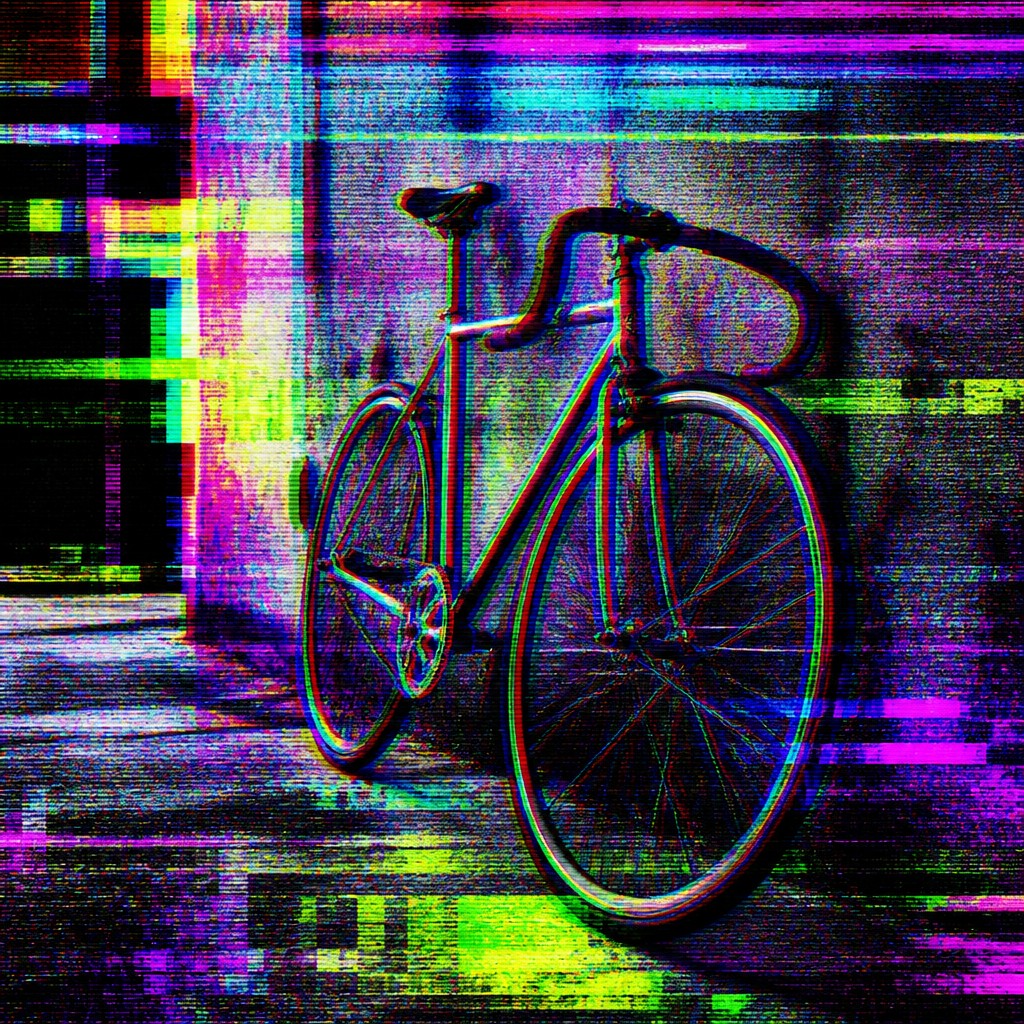
Recognizable core subject
Even with heavy distortion, the central figure or scene usually remains identifiable. This balance between legibility and breakdown is what makes the style read as glitch rather than pure abstraction.
Try It
Create Videos in Glitch Digital Art Style
Styles aren't just for stills — describe a scene or animate an image and get a short video rendered in Glitch Digital. Press play to see this pond come to life.
Make a VideoGlitch Digital Prompt Ideas
Start from an idea — each one opens the generator with the style ready to go. See all 40 Glitch Digital prompts →
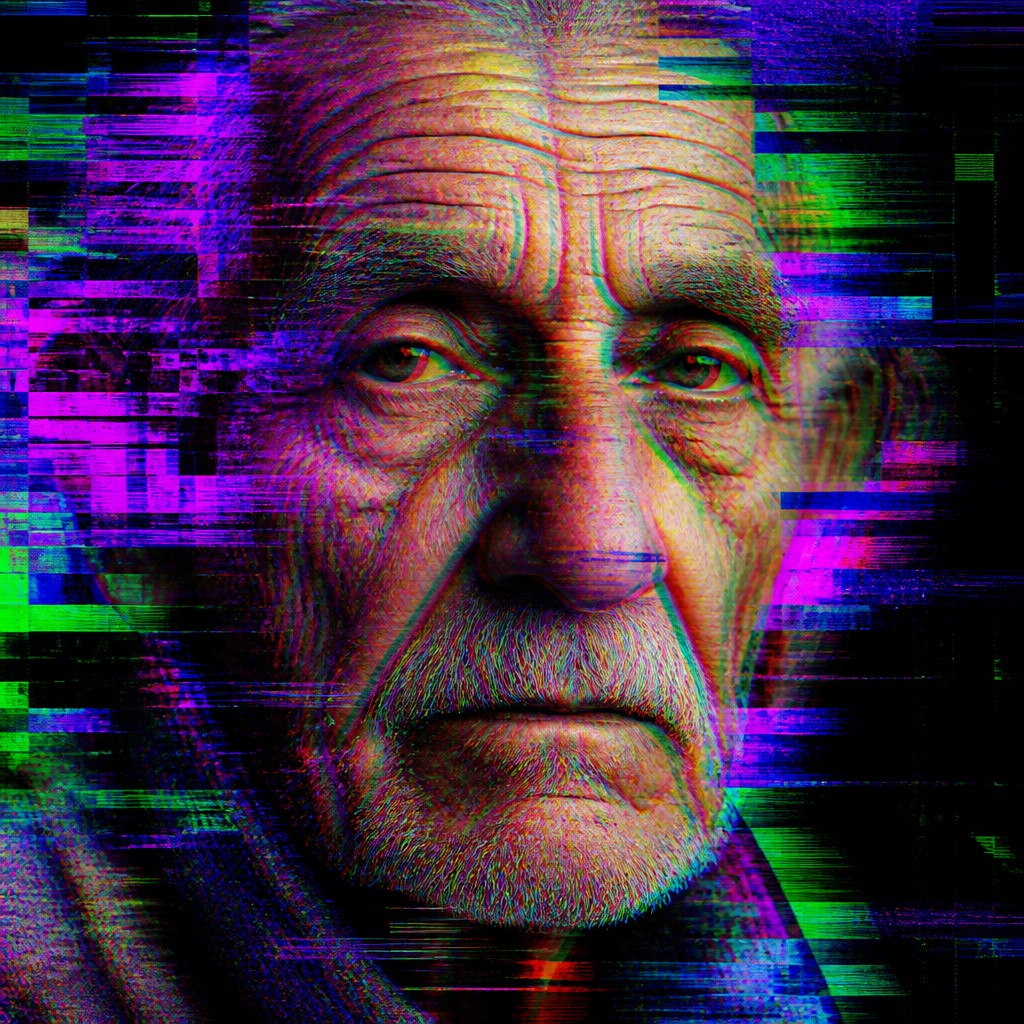
“close-up portrait of an elderly person with expressive weathered features”
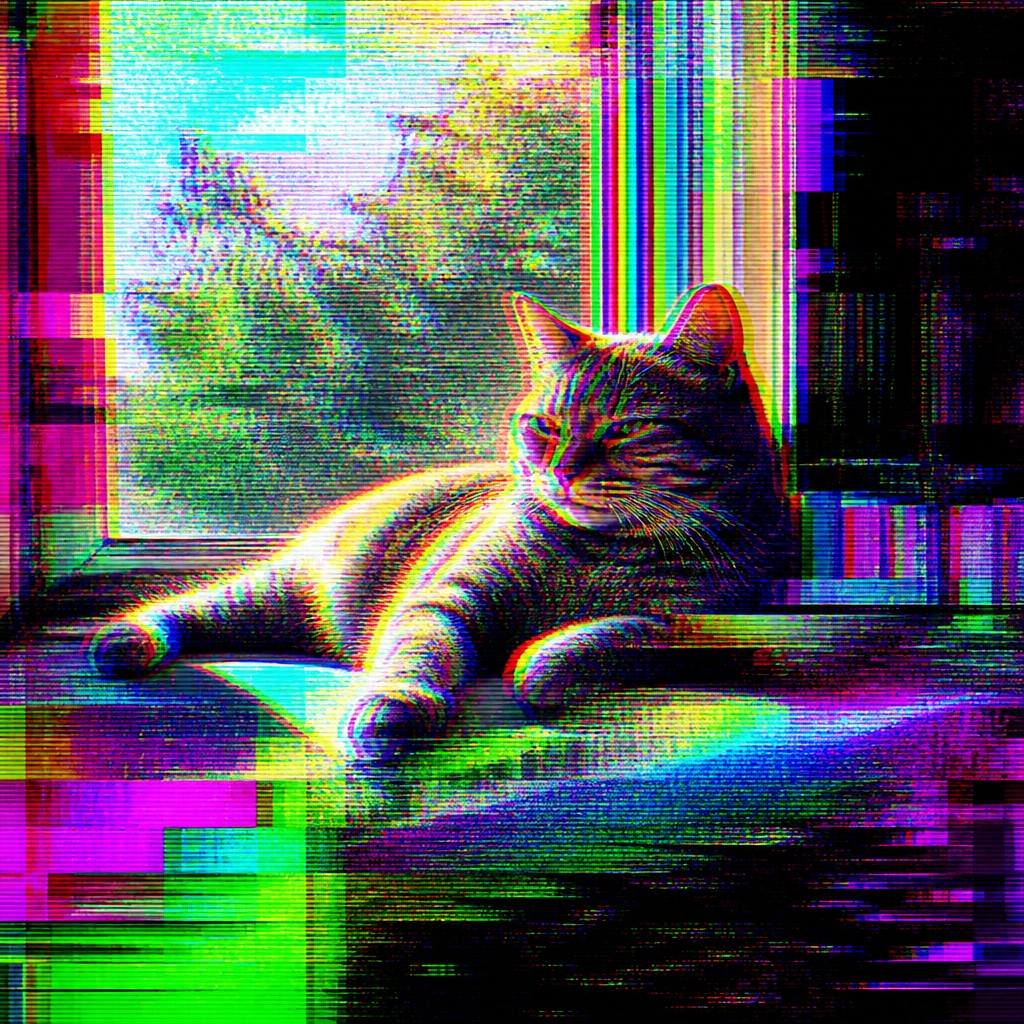
“a cat lounging in a sunlit window”
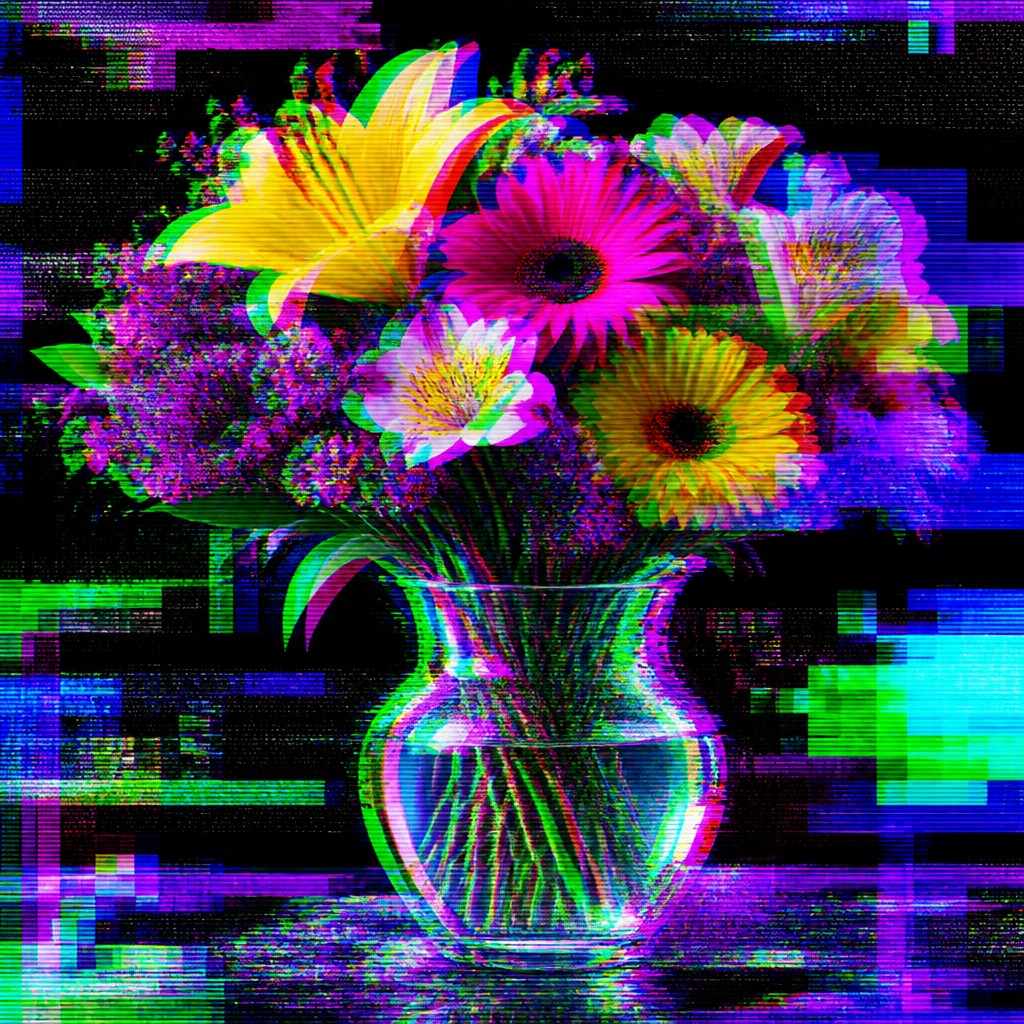
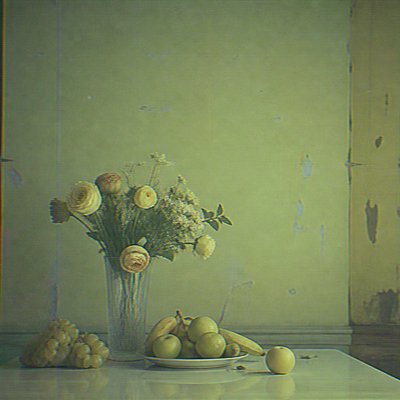
“bouquet of flowers in a glass vase”
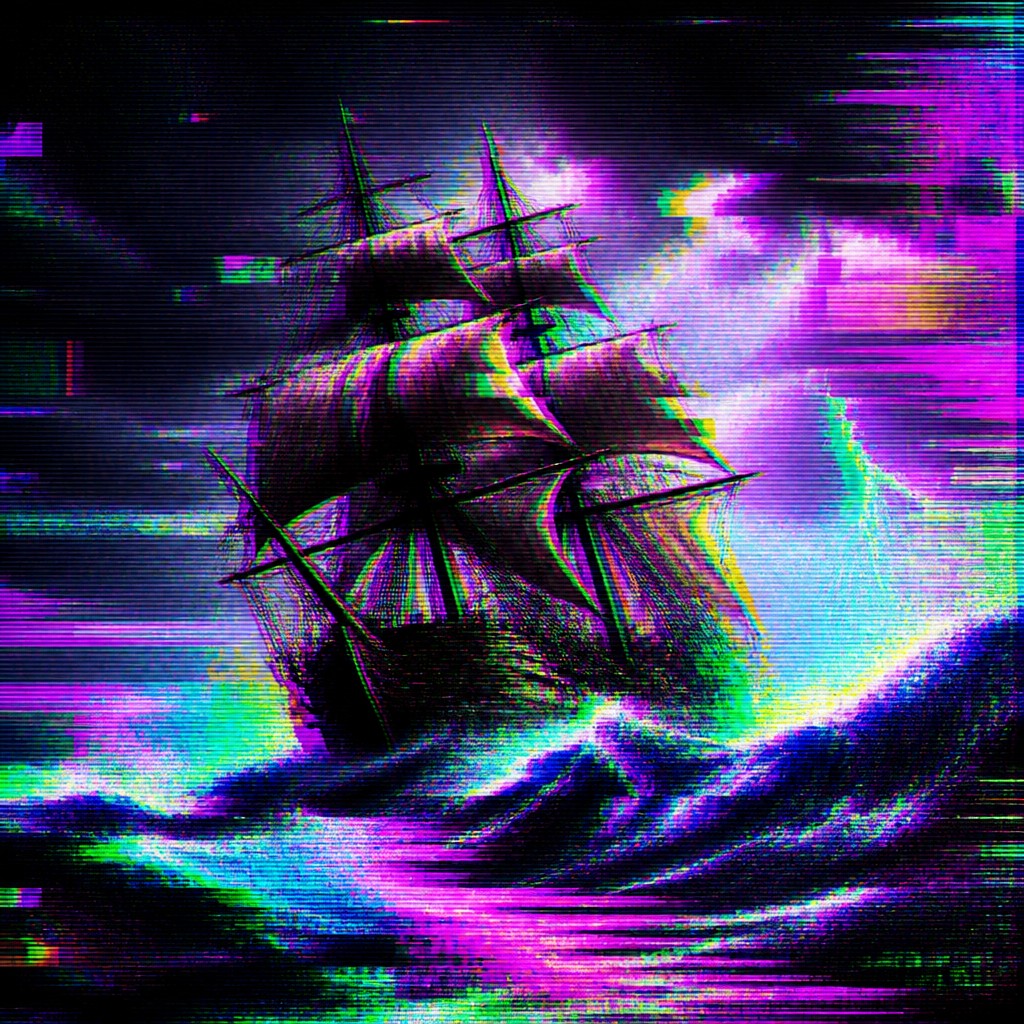
“sailing ship on a stormy sea”
How to Create Glitch Digital Art
Master the craft step by step — or skip straight to creating. Read the full guide →
- 1
Start with a clear base image
Choose a subject with strong silhouette and readable structure, such as a portrait, building, vehicle, or landscape. Glitch effects work best when the underlying image remains visible enough for the distortion to feel intentional.
- 2
Apply controlled digital corruption
Use channel offsets, displacement maps, slicing, pixel sorting, and compression simulation to introduce breakdown in specific zones. Vary the intensity so some areas collapse into noise while others stay comparatively intact.
- 3
Use layered noise and scan textures
Add static, scan lines, interlacing, and banding as overlays rather than flattening the whole image. Layering helps build depth and makes the piece resemble a screen under stress.
- 4
Balance color chaos with structure
Push saturated cyan, magenta, green, and purple into the corrupted areas, but anchor the composition with darker voids or neutral regions. Strong contrast keeps the work legible and visually disciplined.
- 5
Exploit software mistakes carefully
Databending, file re-saving, image slicing, and glitch filters can produce authentic-looking error patterns. Whether working manually or digitally, the goal is not random destruction but selective interference with a designed compositional result.
- 6
Write prompts that specify error behavior
In prompt-based generation, describe the subject first and then name the distortions you want, such as RGB separation, compression blocks, scan lines, static noise, and pixel-sorting streaks. This helps preserve subject recognition while steering the image toward electronic corruption.
The Story
History & Origins of Glitch Digital
Glitch art emerged from late-20th- and early-21st-century digital culture, when artists began treating software bugs, file corruption, signal loss, and hardware noise as usable materials rather than defects to be repaired. Its development is closely tied to experiments with databending, circuit bending, JPEG compression artifacts, screen capture errors, and the aesthetics of low-resolution media. It also reflects broader cultural fascination with broken interfaces, overloaded networks, and unstable digital experience.
As a visual lineage, glitch art draws from experimental video art, electronic music’s interest in noise and feedback, computer graphics, and post-internet imagery. It is not a single historical movement with a fixed canon, but a contemporary hybrid practice shaped by digital tools and by the look of malfunction itself. The style became especially recognizable through online image culture, where distorted screenshots, corrupted portraits, and synthetic interference effects circulated widely as a distinct visual language.
Influences: Glitch digital art is related to experimental video art, electronic noise aesthetics, and post-internet image culture, while also borrowing from the compositional clarity of graphic design and the fragmentary qualities of abstract art. It shares an interest in mechanical error with modern digital photographers and media artists who work with compression and signal loss, though it is defined less by a single school than by the visual consequences of corrupted digital systems. Its broader context includes the tradition of making art from technological limitation, from analog feedback to software malfunction.
Frequently Asked Questions
What defines glitch digital art?
It is defined by the aesthetic use of digital errors: channel shifts, scan lines, static, compression artifacts, and corrupted pixel patterns. The key idea is that malfunction becomes part of the composition rather than something hidden.
How is glitch art different from cyberpunk or general sci-fi art?
Cyberpunk and sci-fi often depict futuristic subjects or settings, while glitch art is primarily concerned with visual breakdown and electronic interference. A sci-fi scene can use glitch effects, but glitch art is defined by the treatment of the image itself.
Is glitch art always abstract?
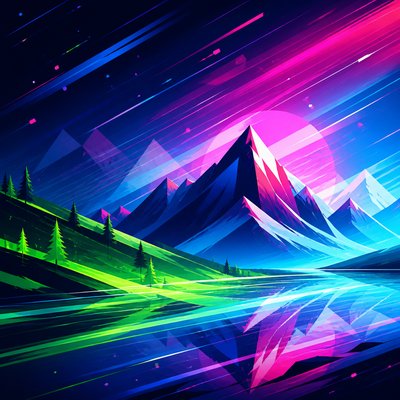
No. Many glitch works are partially abstract, but portraits, landscapes, objects, and scenes can all be rendered in this style. The subject usually stays recognizable even as the image surface becomes unstable.
What tools are used to make glitch art?
Artists use image-editing software, video tools, databending methods, compression experiments, and sometimes analog hardware or circuit-bent devices. Traditional media artists may also imitate the look with layered marks, fragmentation, and color misregistration.
Why does glitch art look so colorful and neon?
The intense cyan, magenta, green, and purple tones echo digital color channels and the artificial look of screen-based errors. These colors also help separate the corrupted regions from the underlying image.
Where is glitch art commonly used?
It appears in album artwork, motion graphics, posters, editorial illustration, game visuals, web design, and contemporary digital art projects. Its strong association with screens makes it especially effective in media that are already digitally native.

Create your first Glitch Digital artwork
Describe anything — or upload a photo — and see it in Glitch Digital Art Style in seconds.
Make Something with Glitch Digital
Compare Glitch Digital
Related Styles
Discover similar art styles