Glitch Art Style
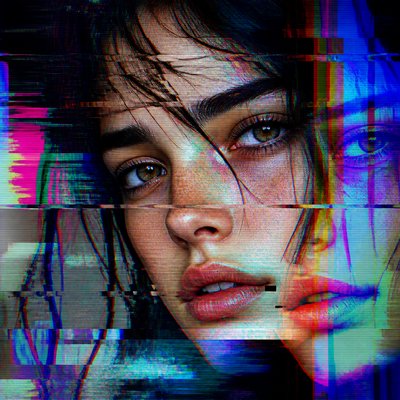
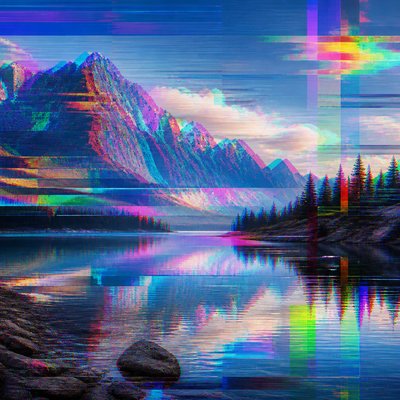
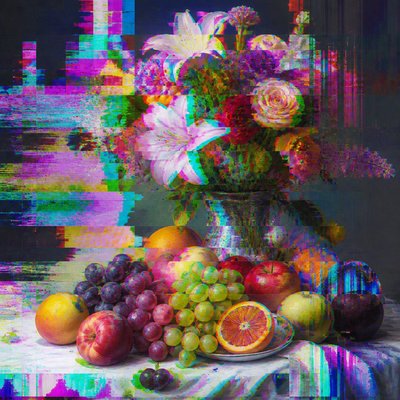
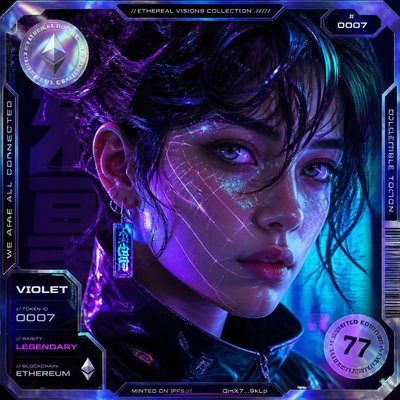
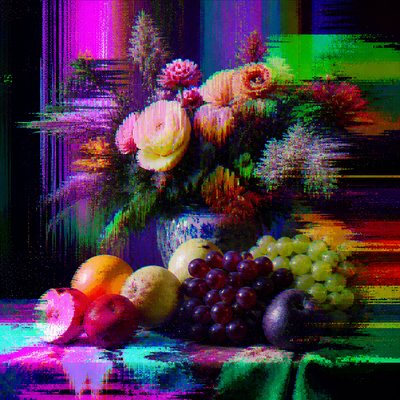
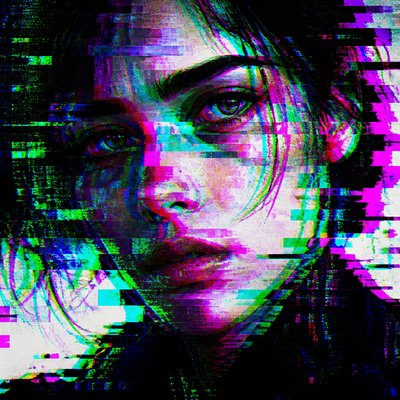
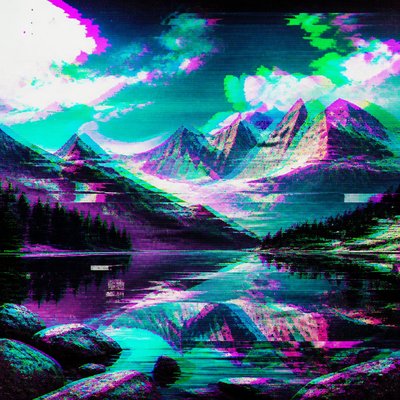
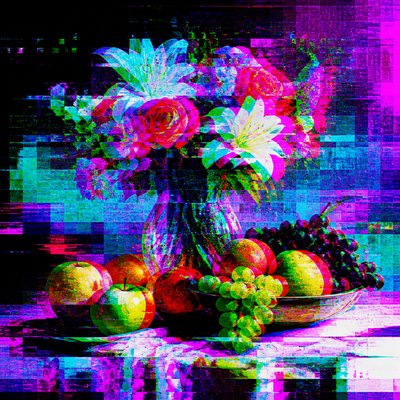
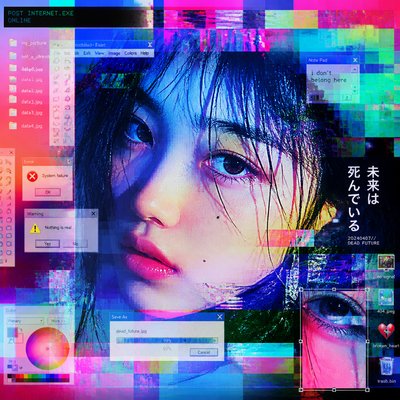
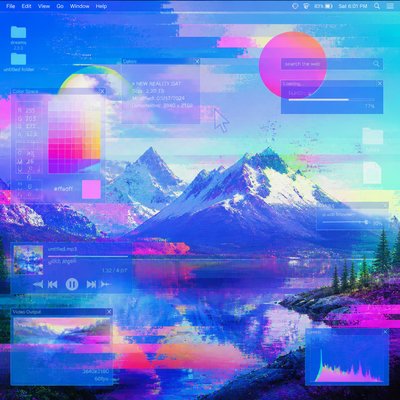
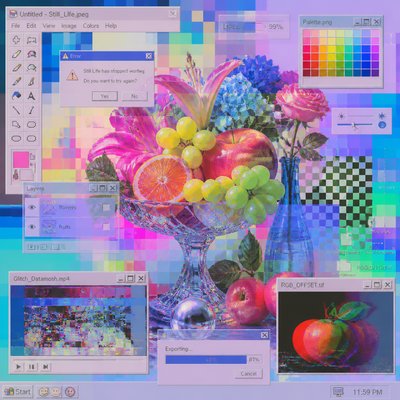
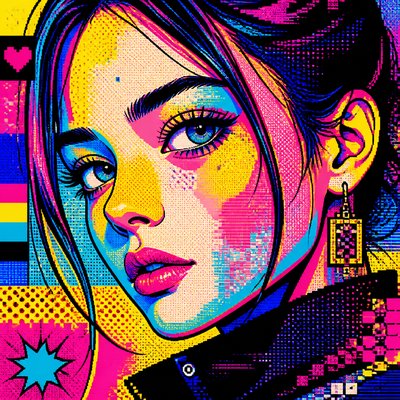
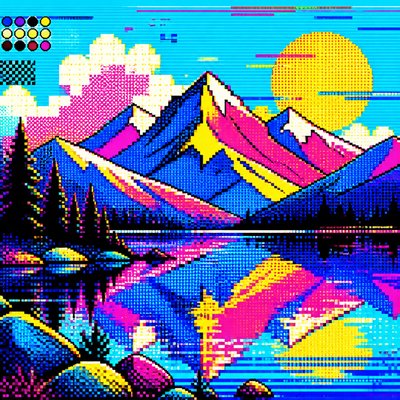
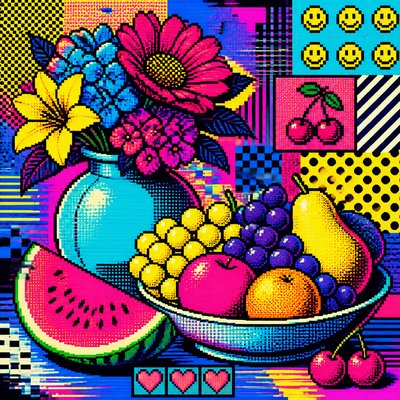
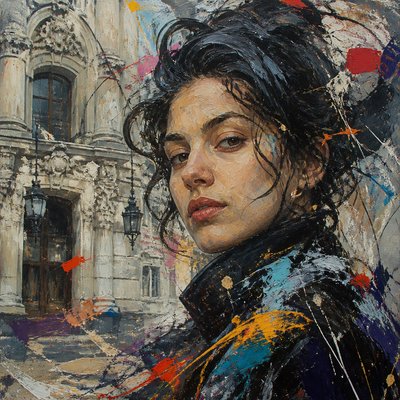
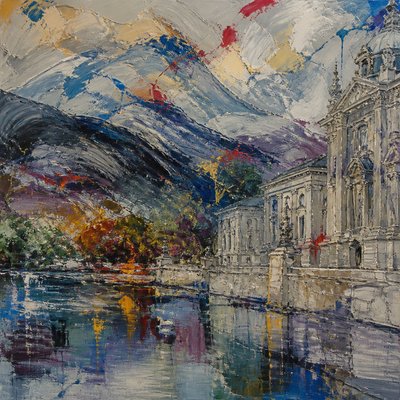
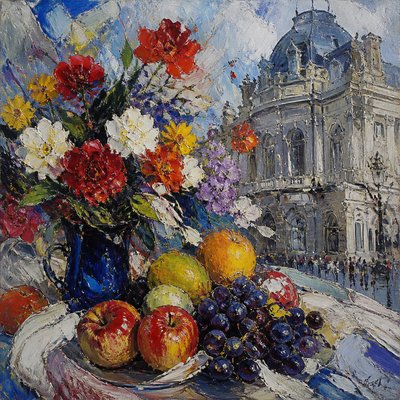
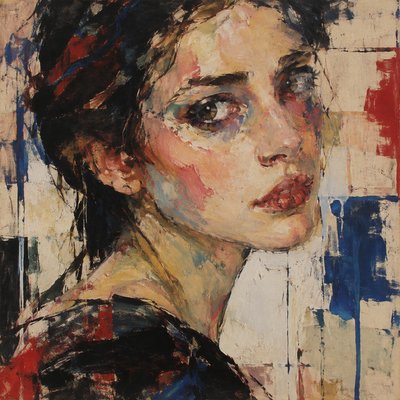
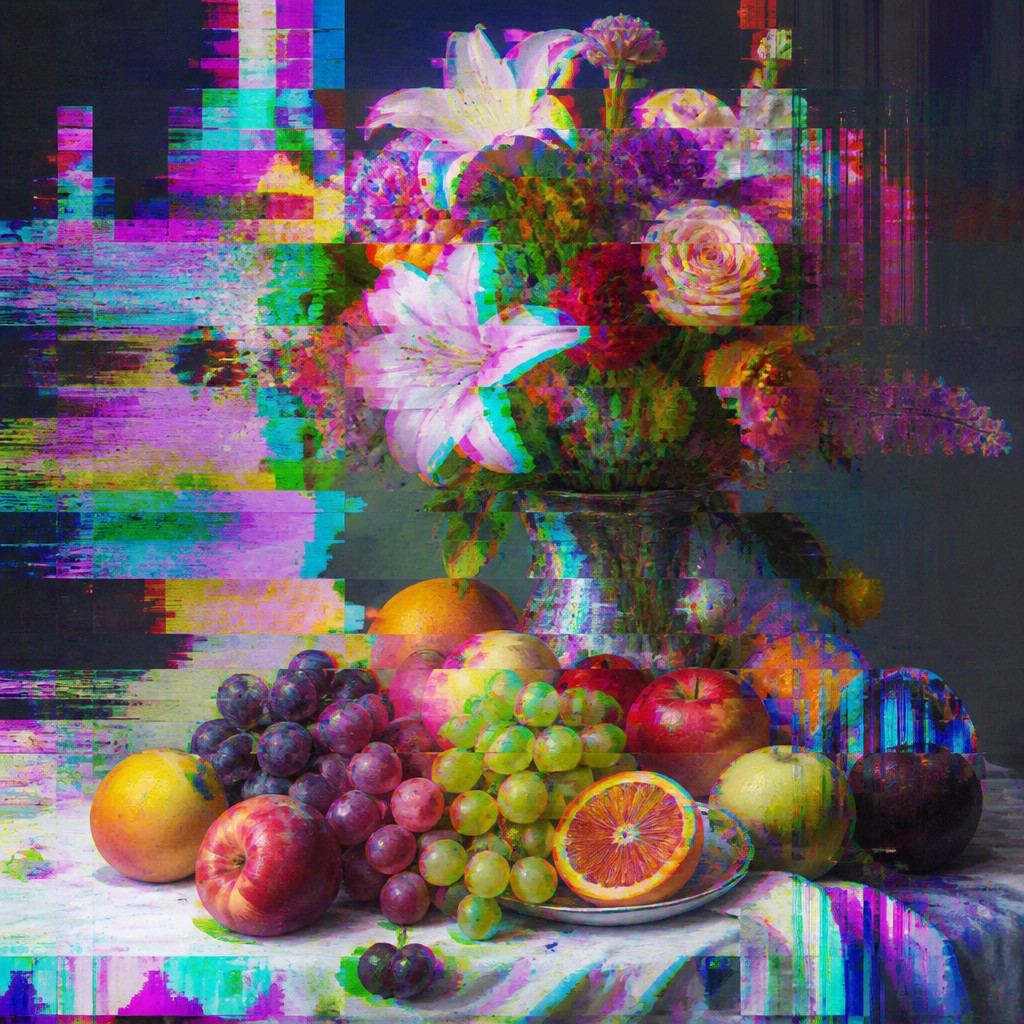
Glitch art uses digital errors, scan lines, pixel corruption, and datamoshing to turn technological failure into a readable aesthetic.
Instantly rendered in Glitch — or transform a photo
Glitch Gallery
Tap any artwork to explore it
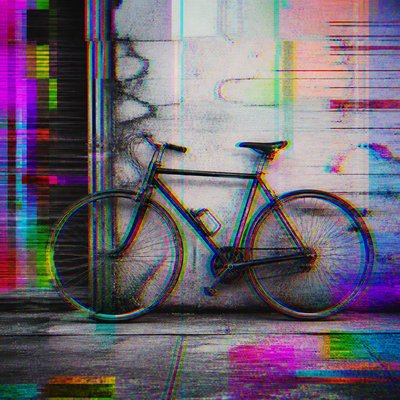
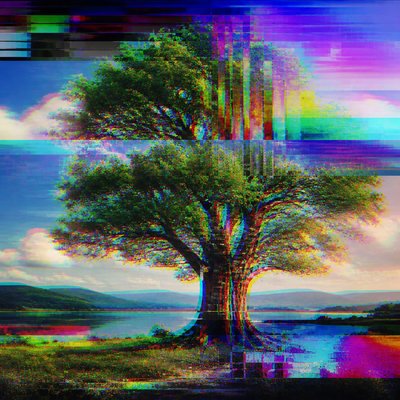
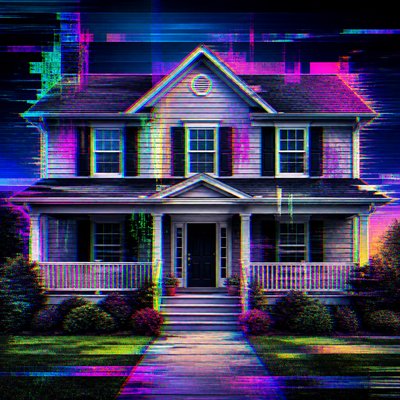
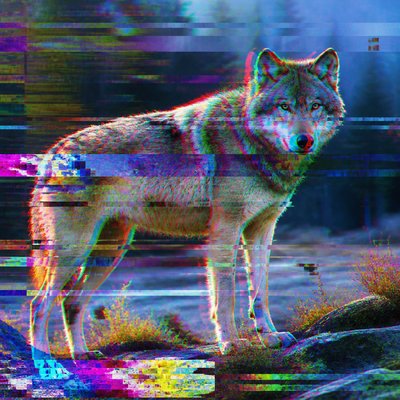
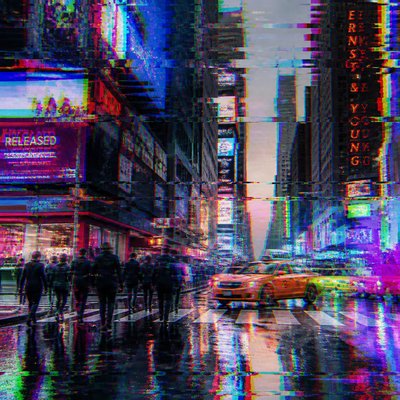
What is Glitch Art Style?
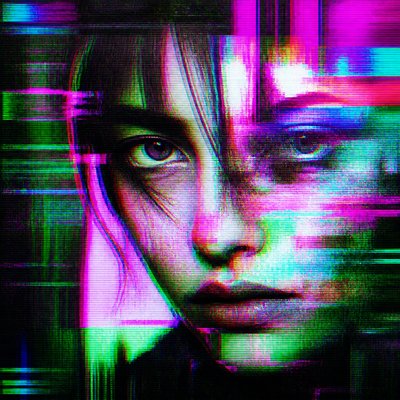
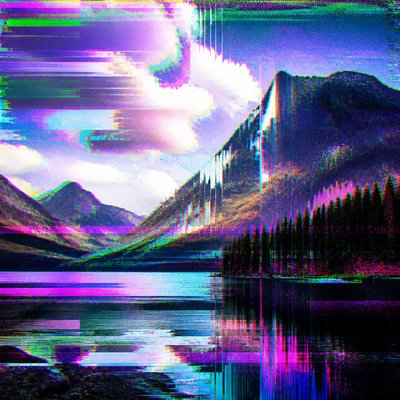
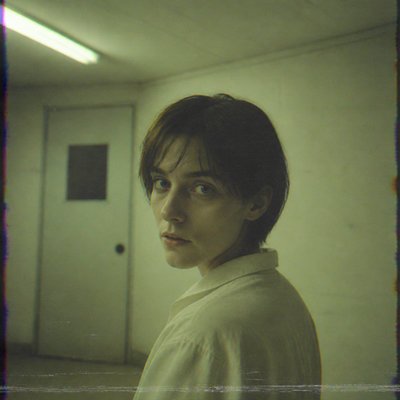
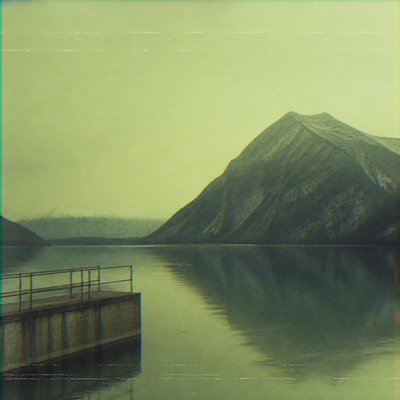
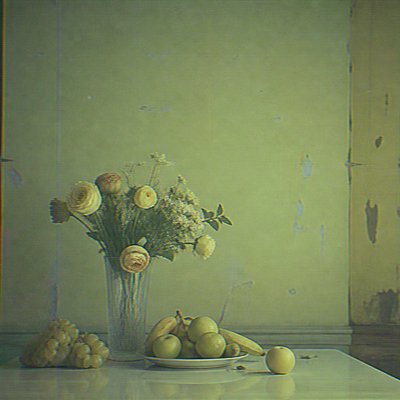
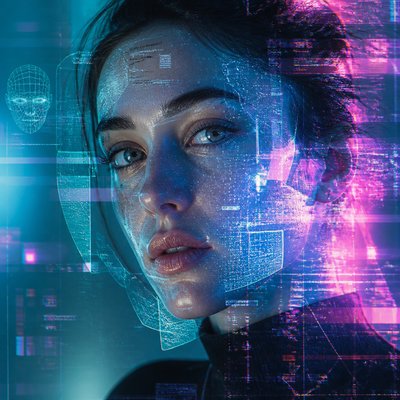
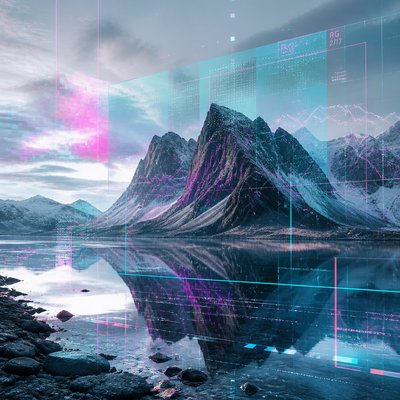
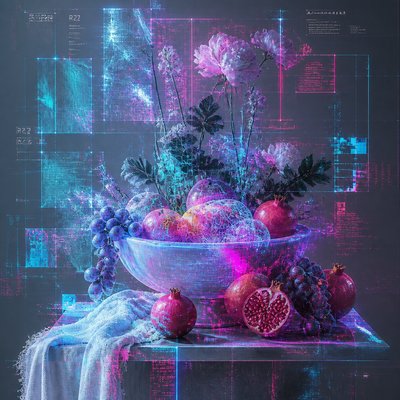
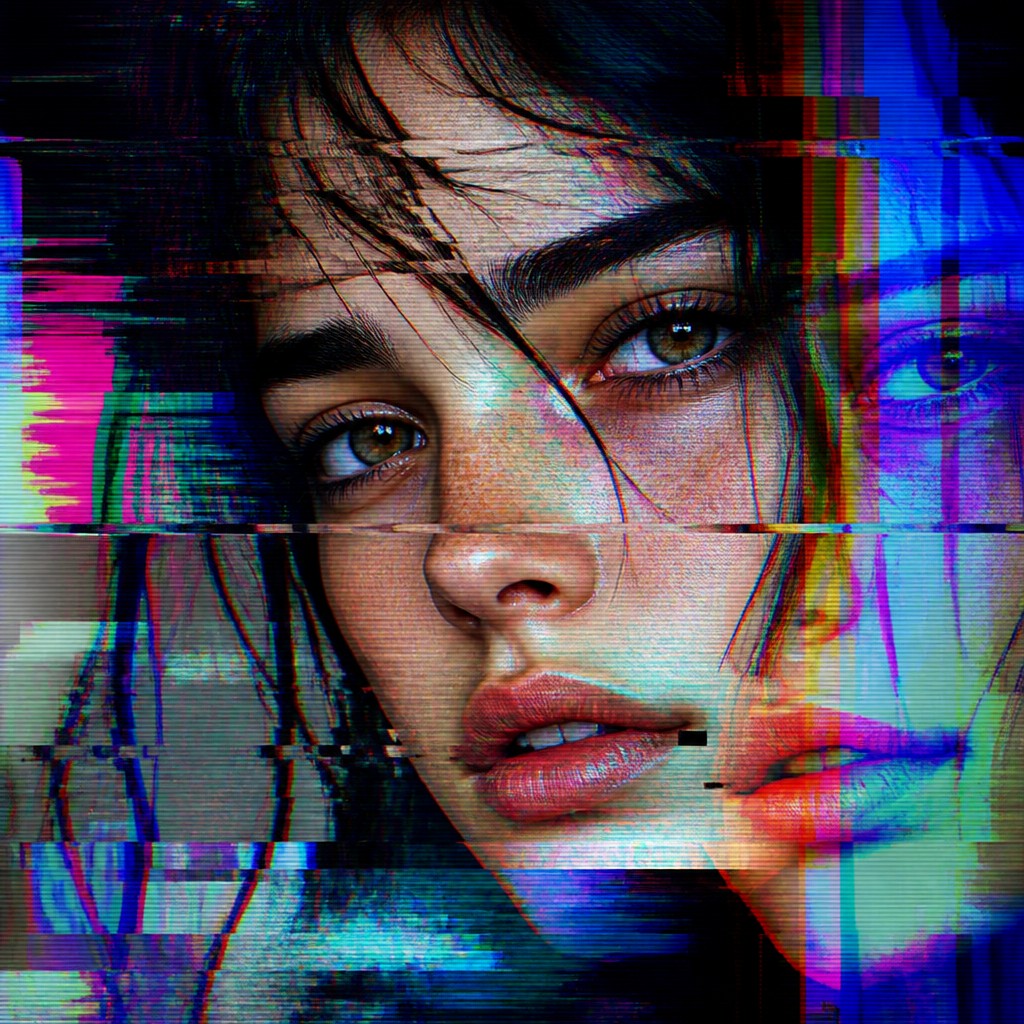
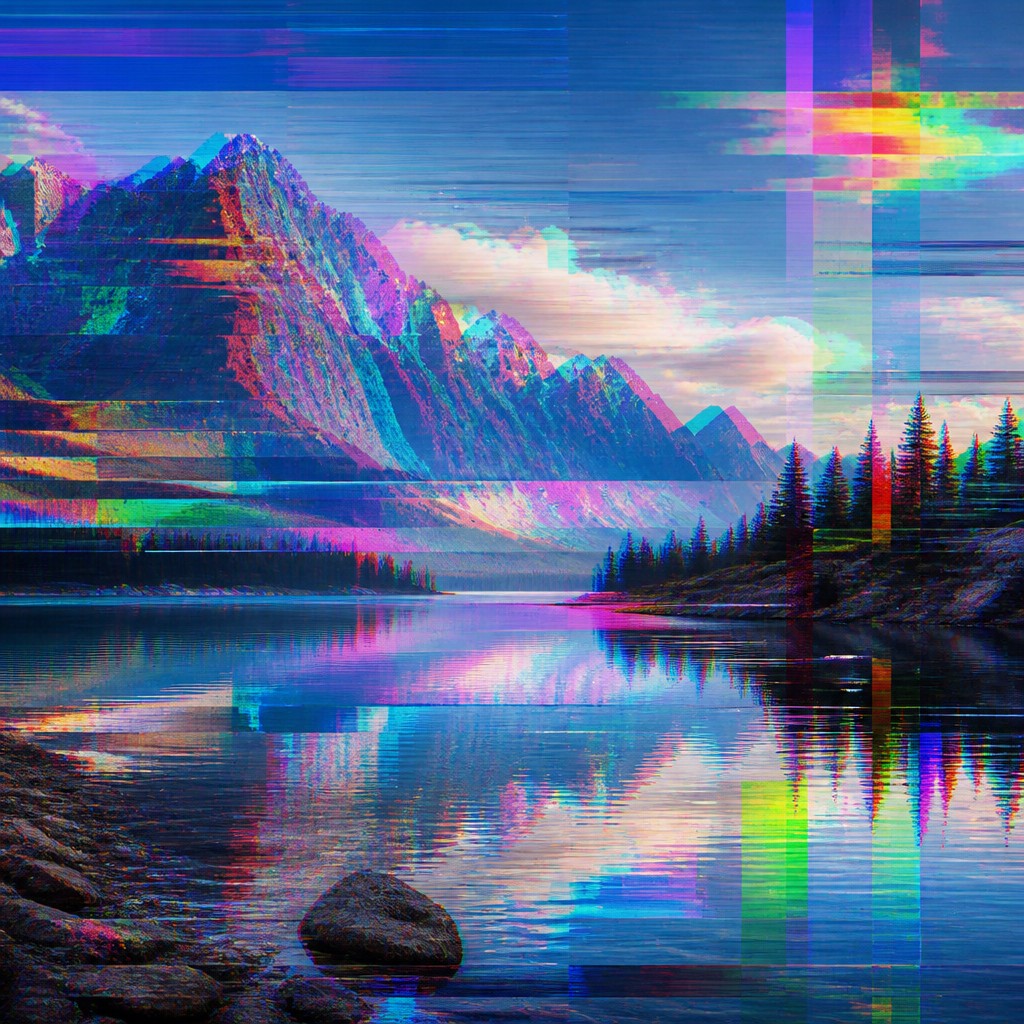
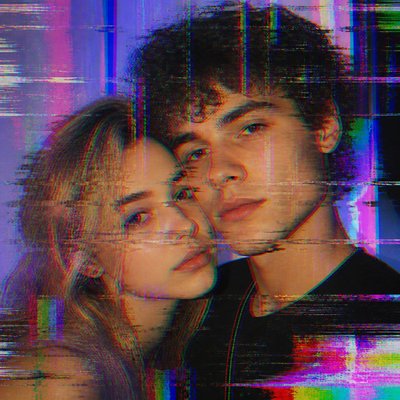
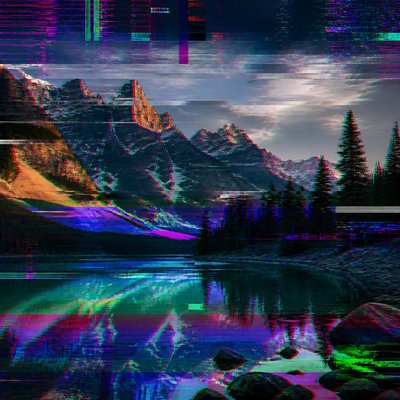
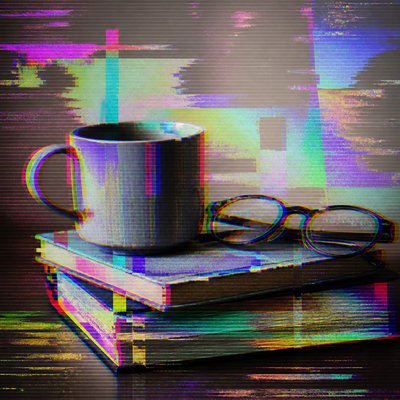
Glitch art is an aesthetic built from visible digital malfunction: broken pixels, scan-line tears, compression blocks, color-channel offsets, frame displacement, and other artifacts usually associated with file corruption or signal failure. Rather than hiding these errors, the style emphasizes them, using them as compositional material while keeping the underlying subject partly legible.
Its visual identity comes from the look of damaged media systems: video feedback, unstable transmission, corrupted image files, and interrupted playback. The result often feels both ordered and unstable, with recognizable forms pulled apart by banding, tearing, fragmentation, and chromatic separation. Glitch art is especially effective because it makes the machinery of digital image-making visible, turning malfunction into texture, motion, and rhythm.
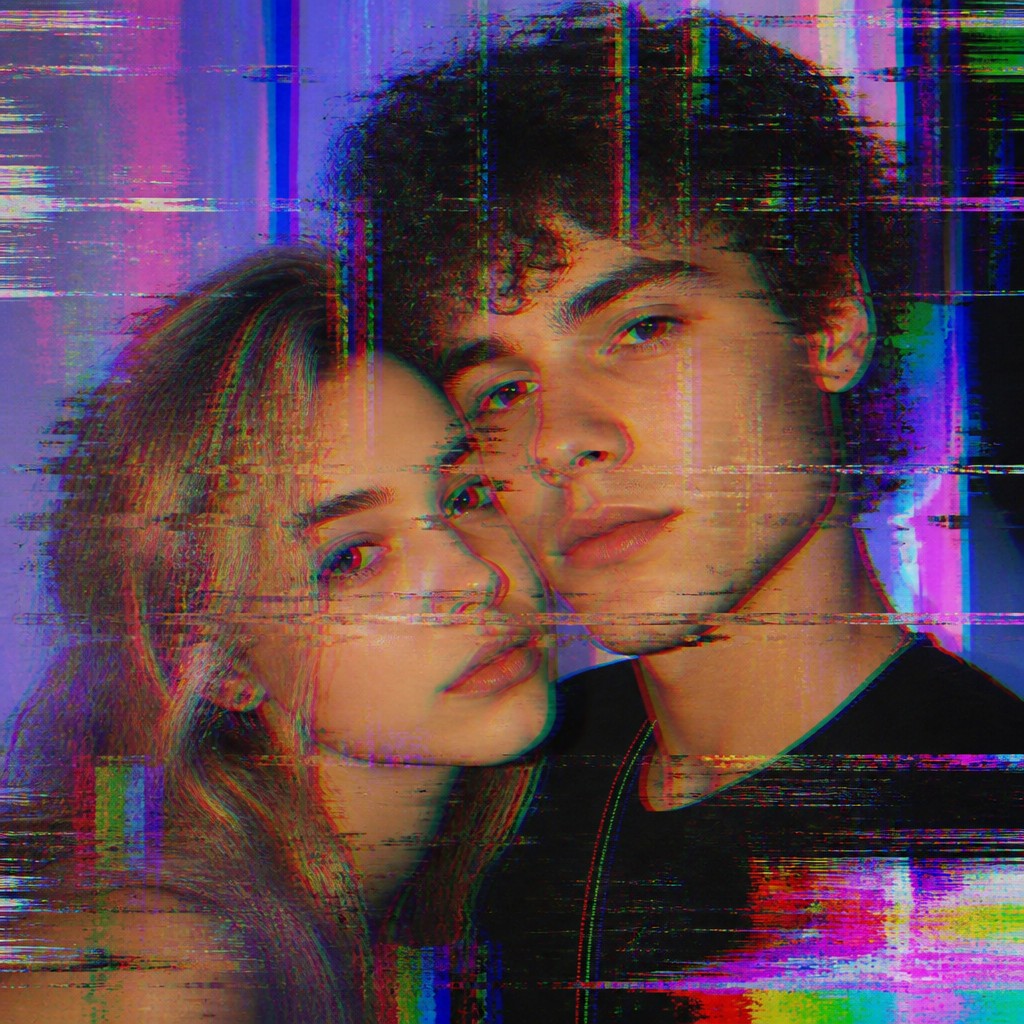
Try It On Your Photos
Upload any photo and convert it into Glitch Art Style — drag the sliders to compare before and after.
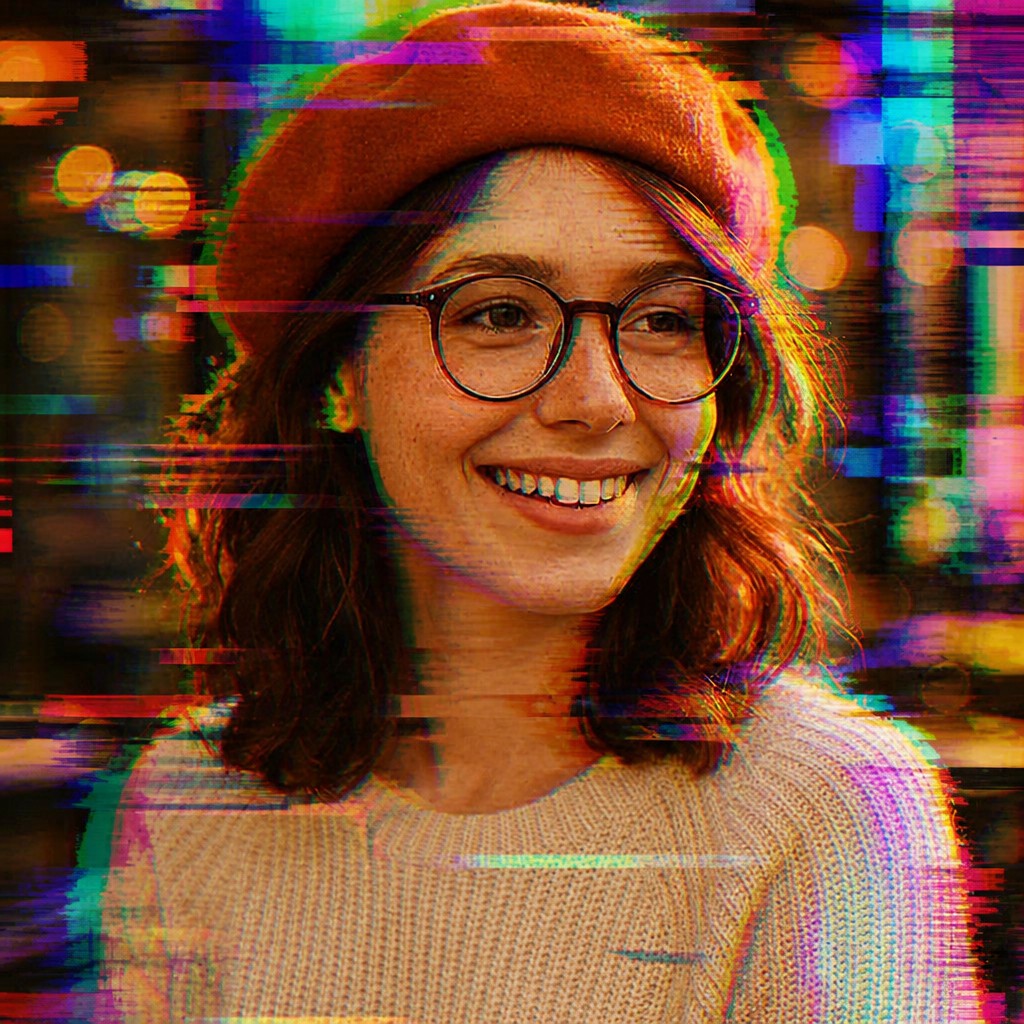

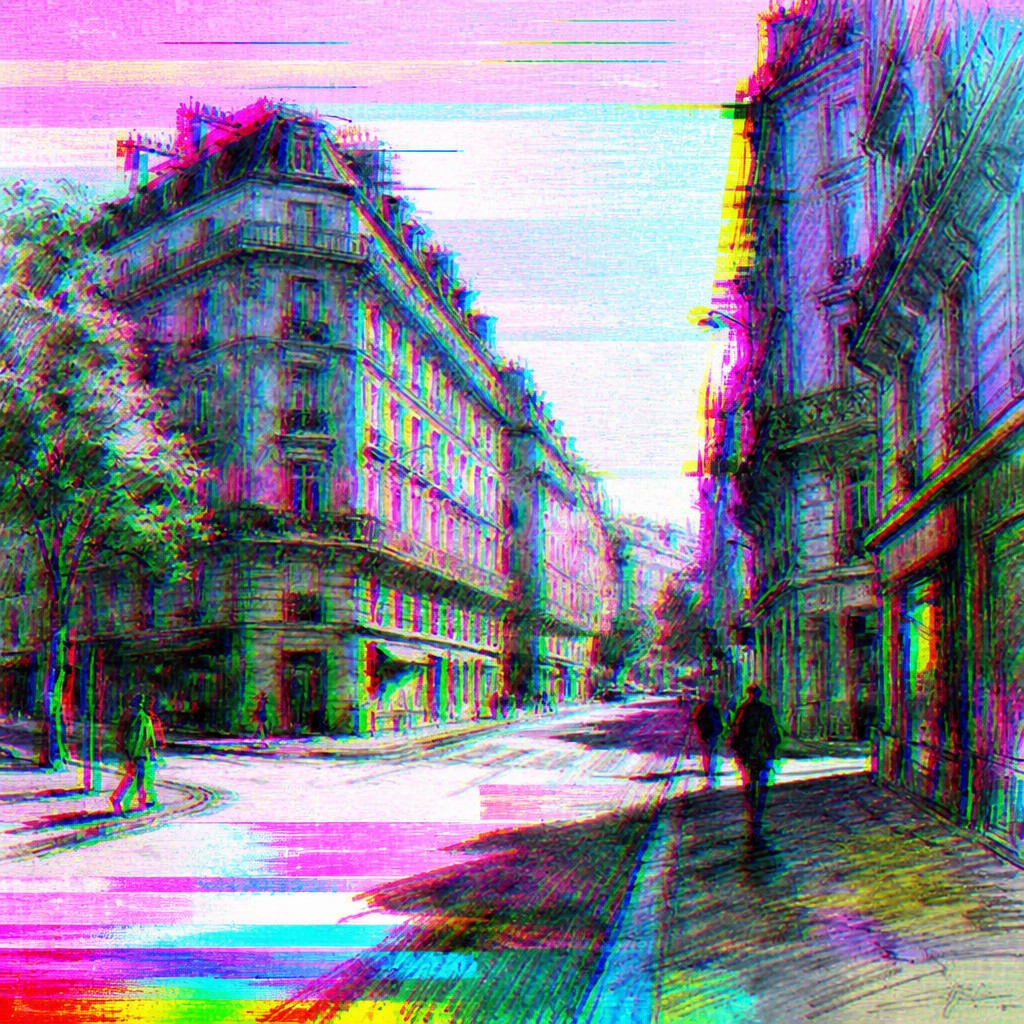
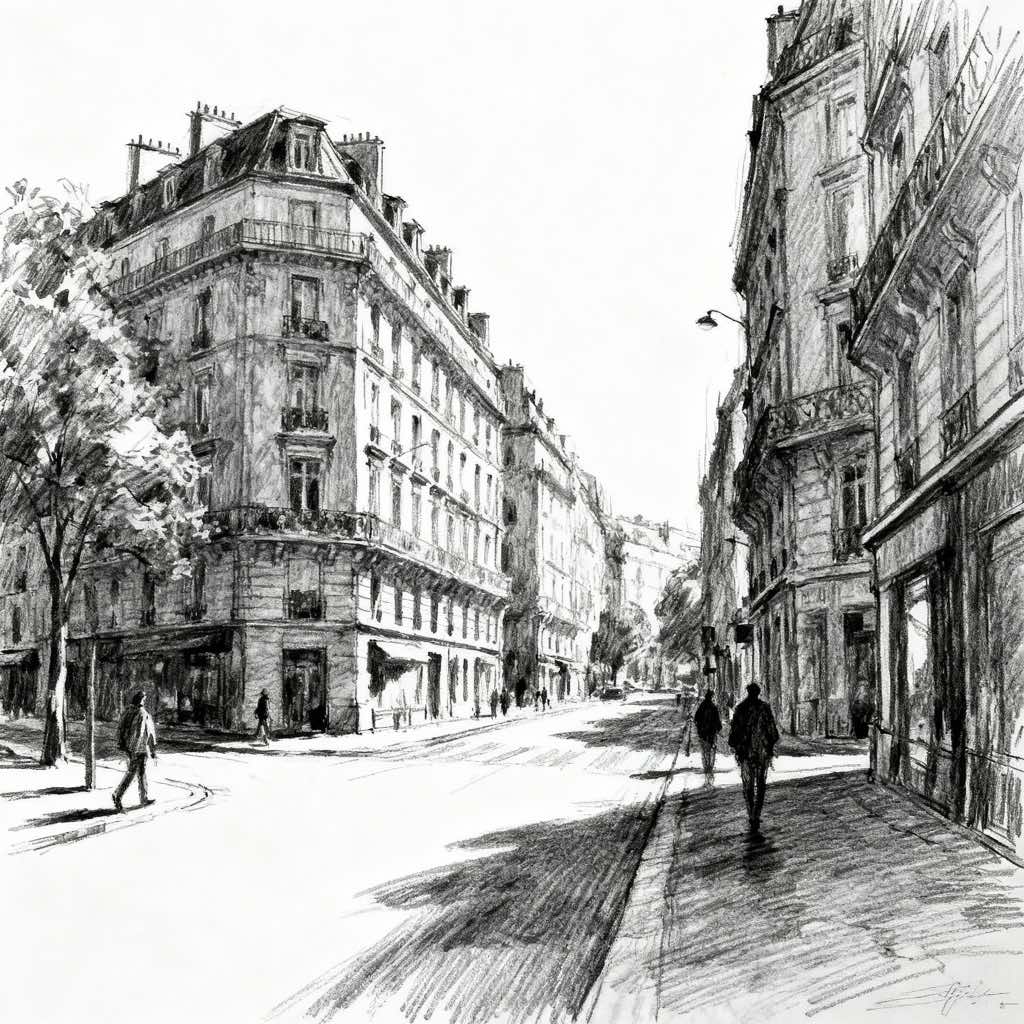
What Defines Glitch Art Style
The signature details, up close
Pixel fragmentation
Images break into square blocks, vertical slices, or scattered clusters of displaced pixels. This creates a sense that the file has partially decomposed while still retaining enough structure to be read.
Scan-line tearing
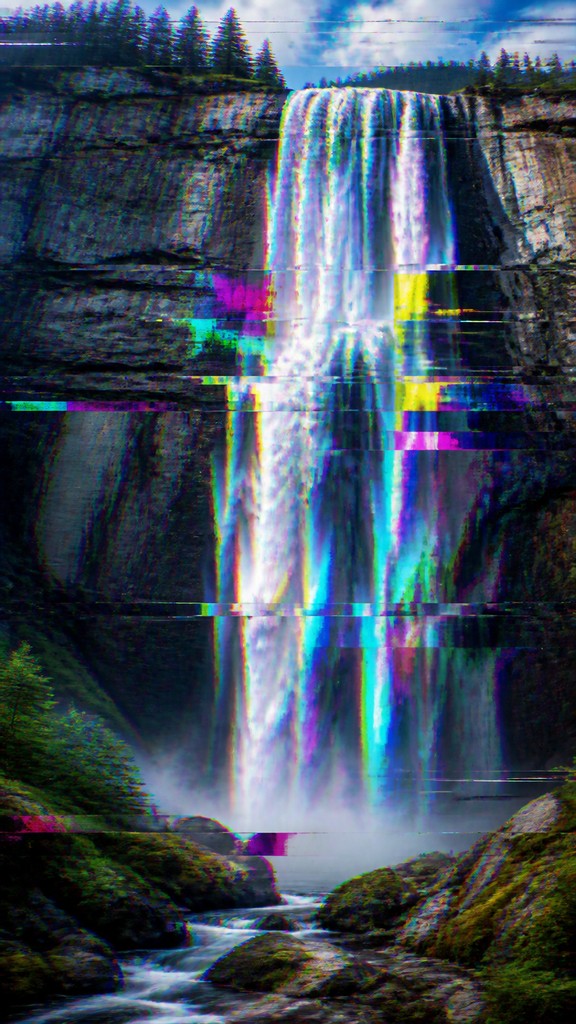
Horizontal breaks, rolling bands, and misaligned strips suggest a corrupted display or unstable transmission. These tears often divide the composition into shifted layers that no longer line up cleanly.
Chromatic aberration and RGB offsets
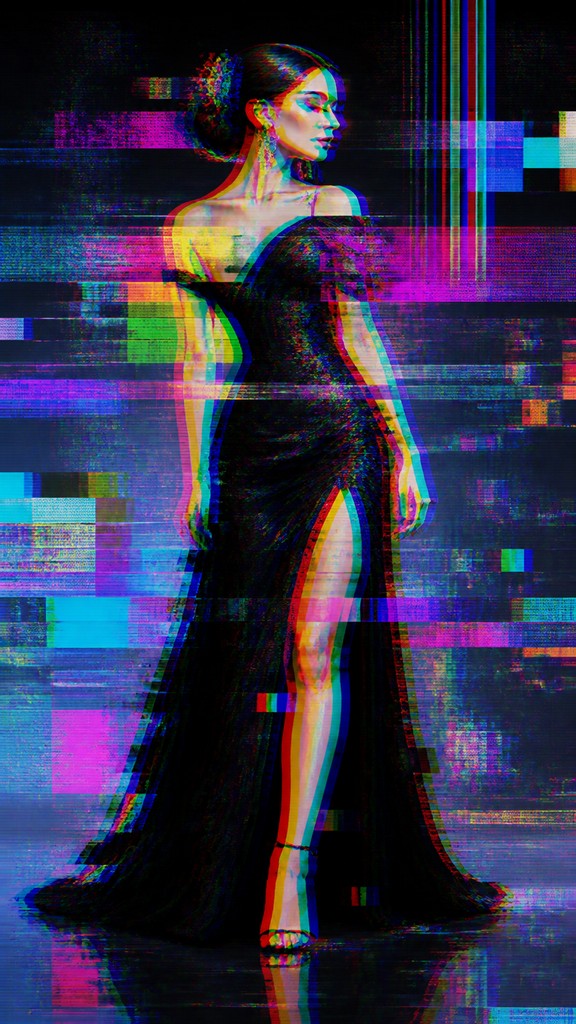
Edges split into red, green, and blue outlines, producing a digital halo or doubled contour. The effect mimics signal drift and color-channel misregistration.
Compression artifacts and banding
Blocky compression noise, posterized gradients, and harsh tonal steps create a visibly degraded surface. These marks evoke low-bandwidth video, damaged files, or overprocessed imagery.
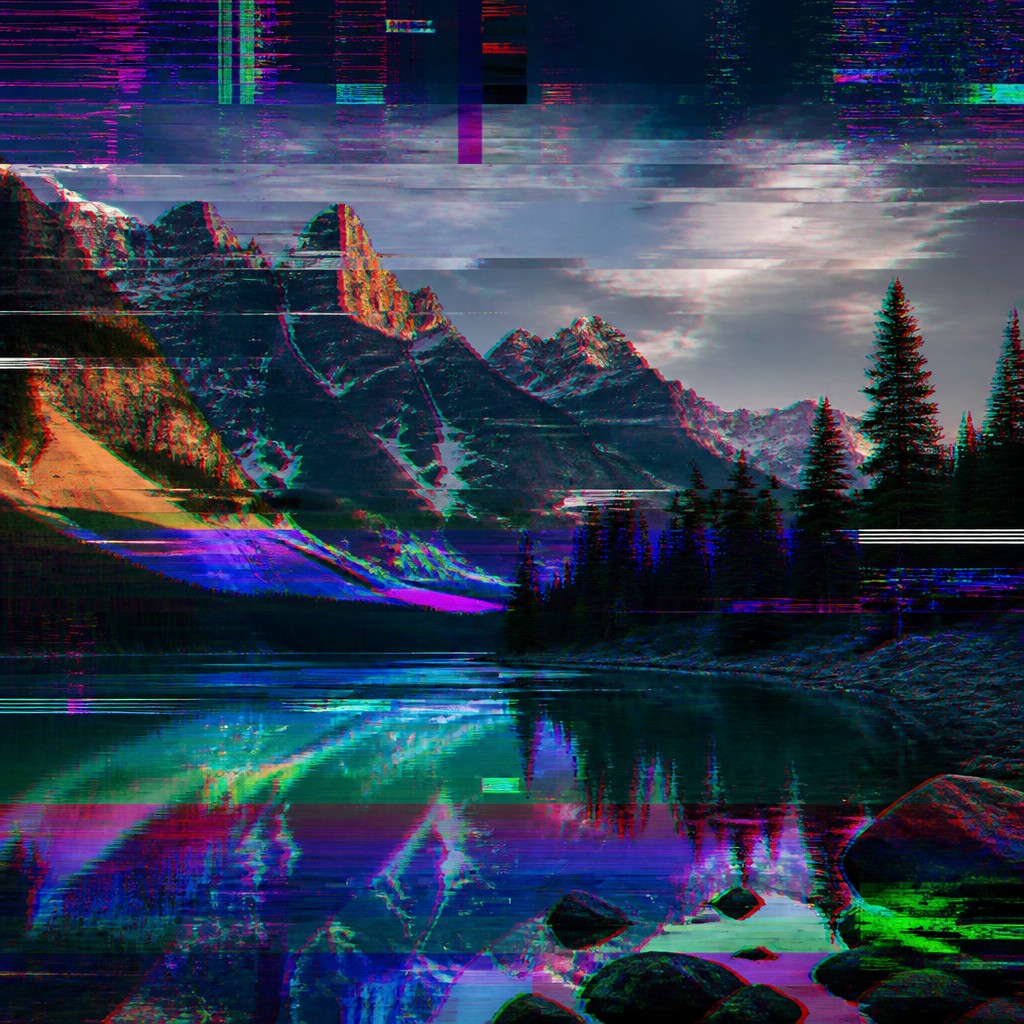
Datamosh-like smearing
Forms bleed into neighboring areas, as if motion data has been misapplied or overwritten. This produces streaks, ghost trails, and a liquid distortion of movement.
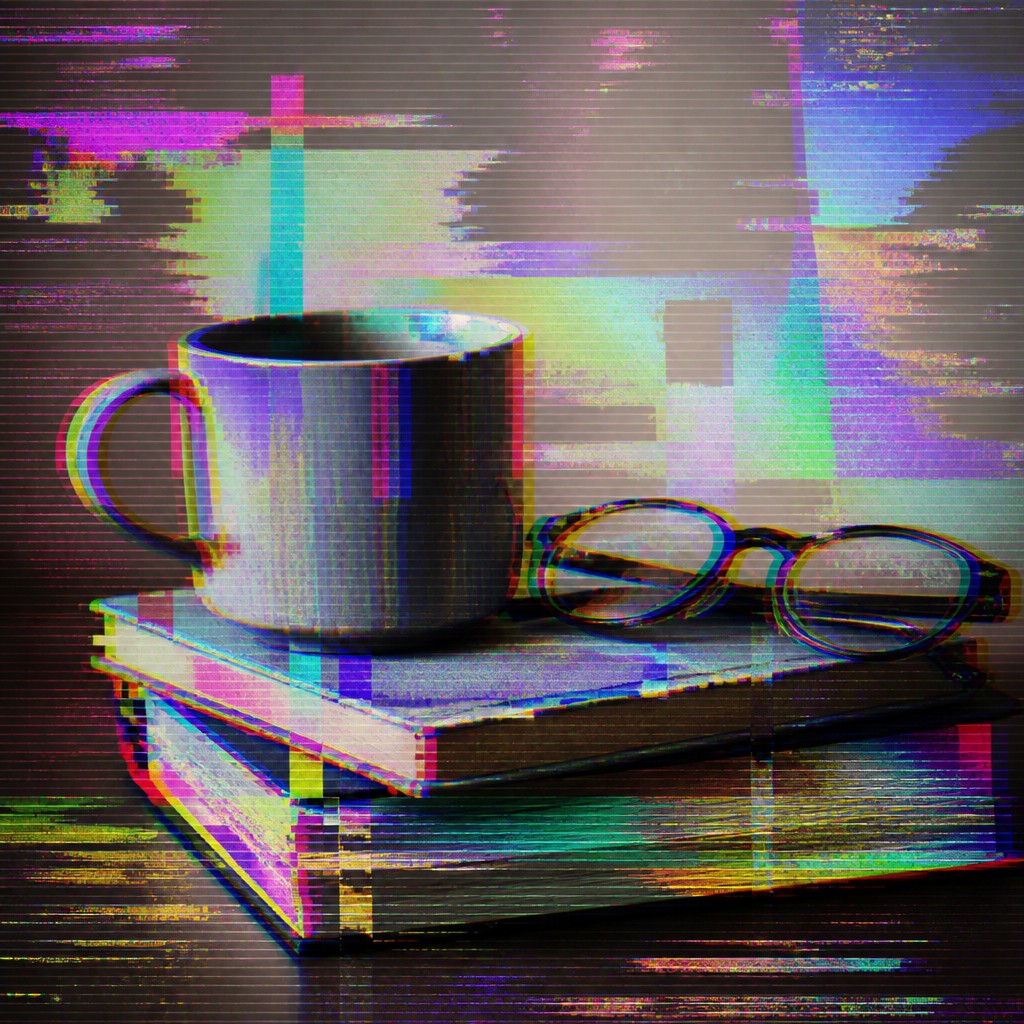
Ghost frames and duplication
Overlapping frames, echo images, and temporal jitter make the image feel unstable in time as well as space. The result resembles playback errors or recursive signal feedback.
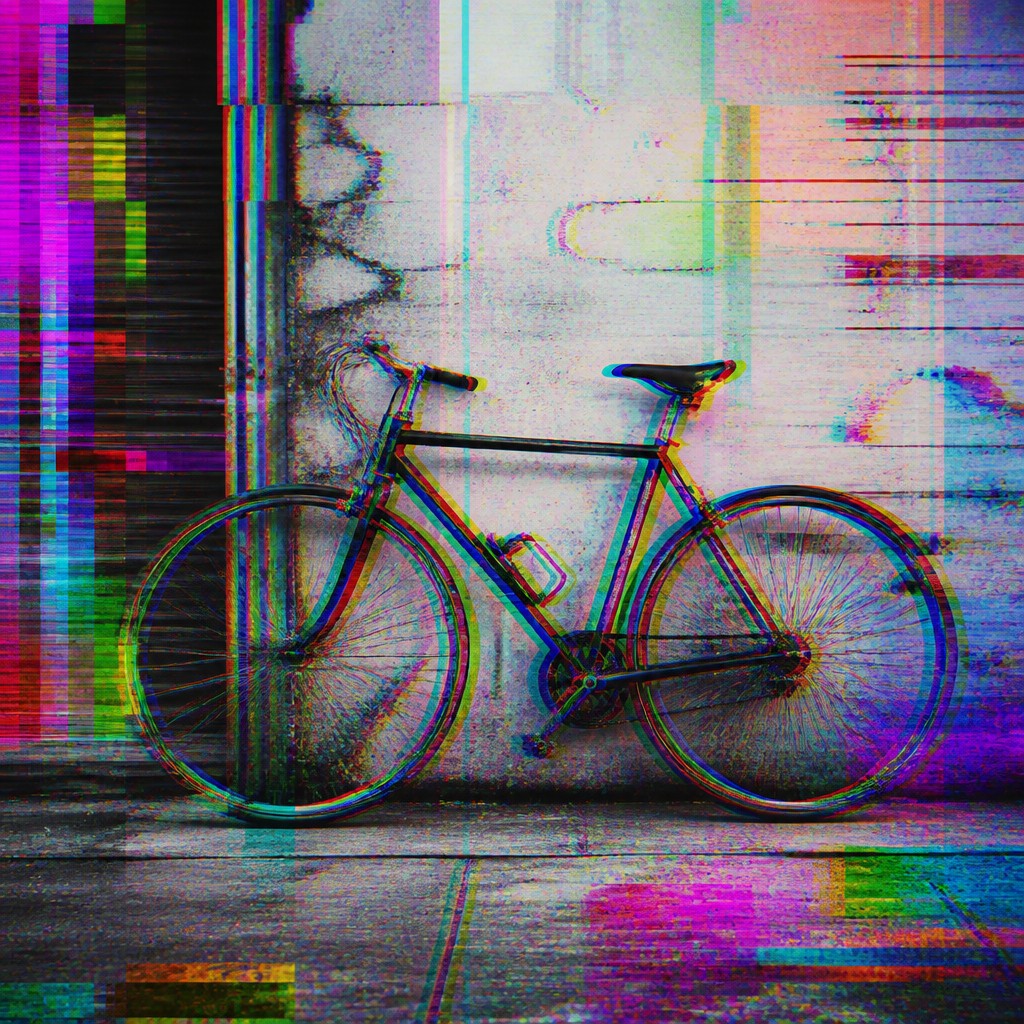
Neon inversion and static
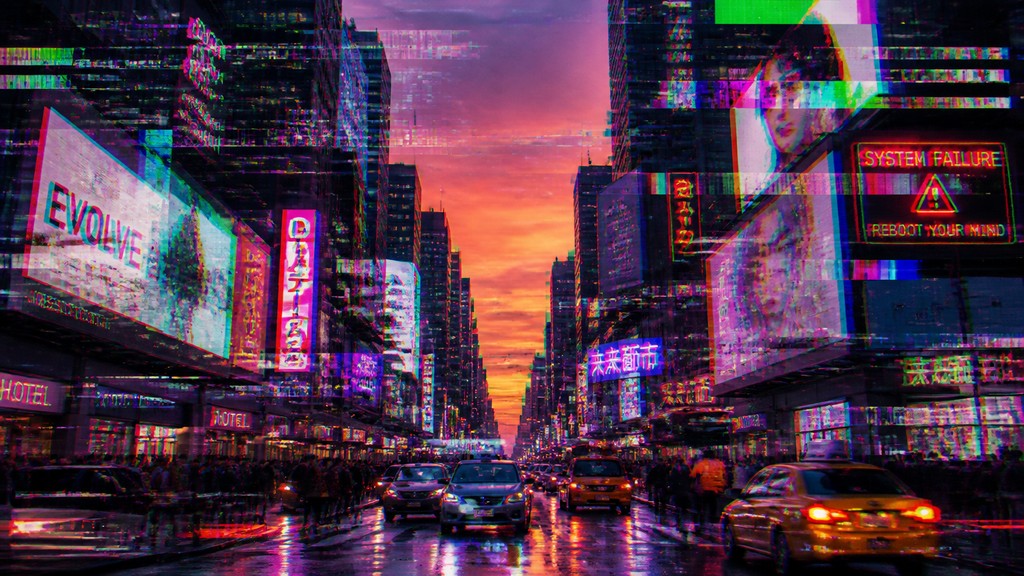
Unexpected bursts of fluorescent color, inverted hues, and rainbow noise punctuate intact regions. These accents intensify the contrast between legible subject matter and digital collapse.
Try It
Create Videos in Glitch Art Style
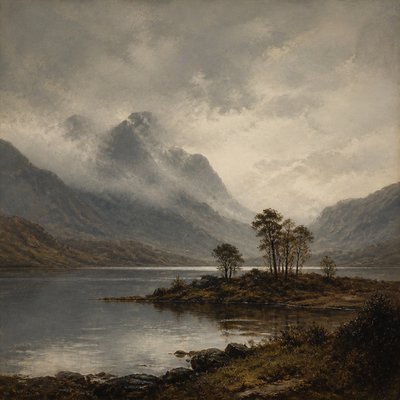
Styles aren't just for stills — describe a scene or animate an image and get a short video rendered in Glitch. Press play to see this pond come to life.
Make a VideoGlitch Prompt Ideas
Start from an idea — each one opens the generator with the style ready to go. See all 40 Glitch prompts →
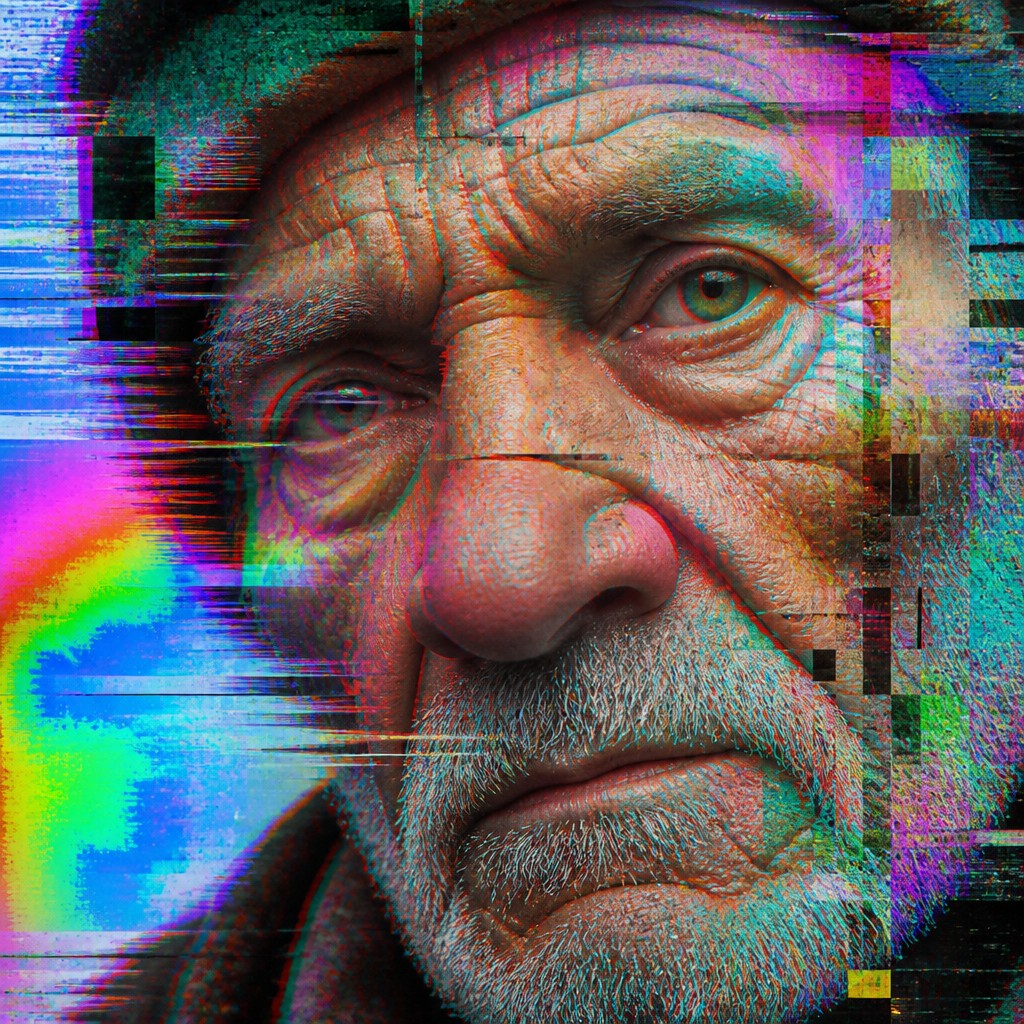
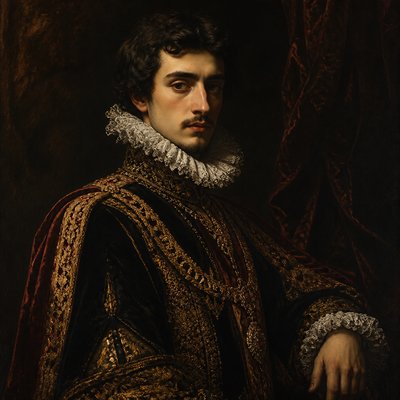
“close-up portrait of an elderly person with expressive weathered features”
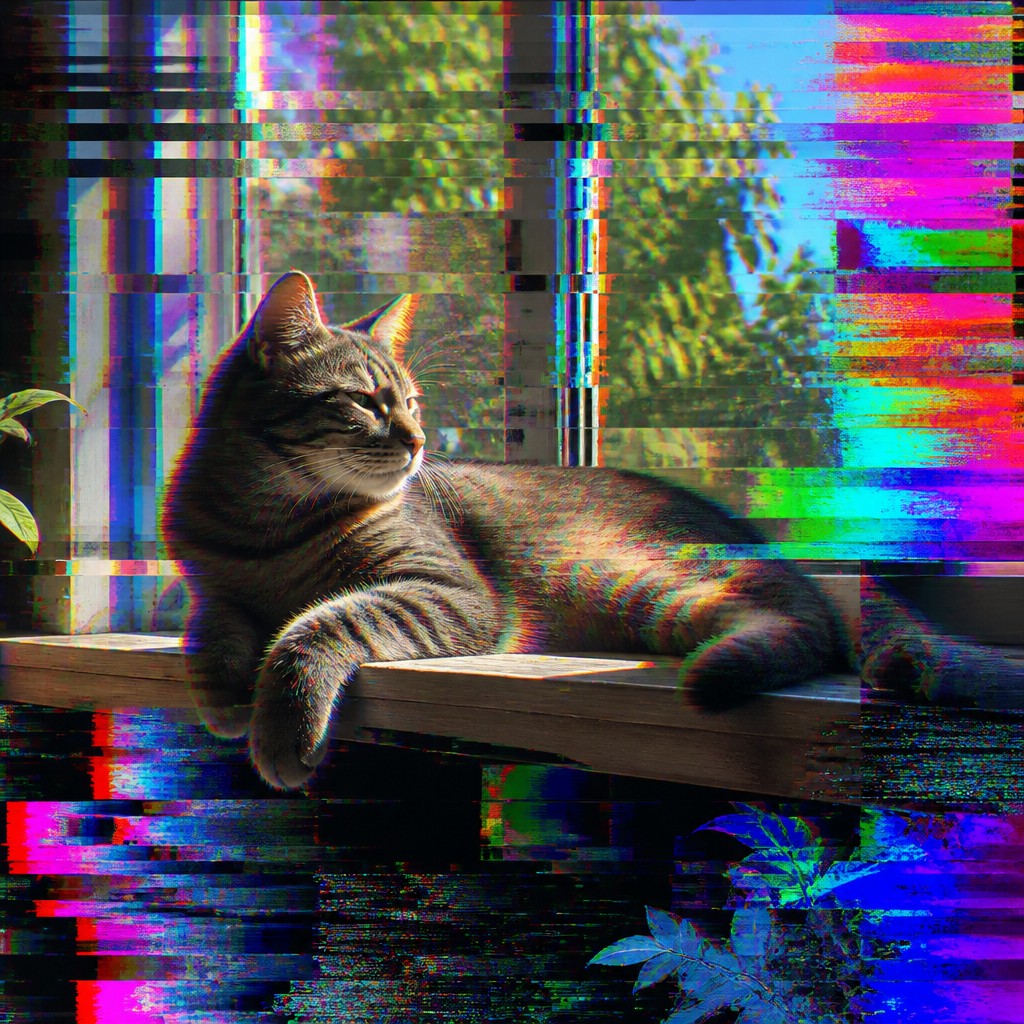
“a cat lounging in a sunlit window”
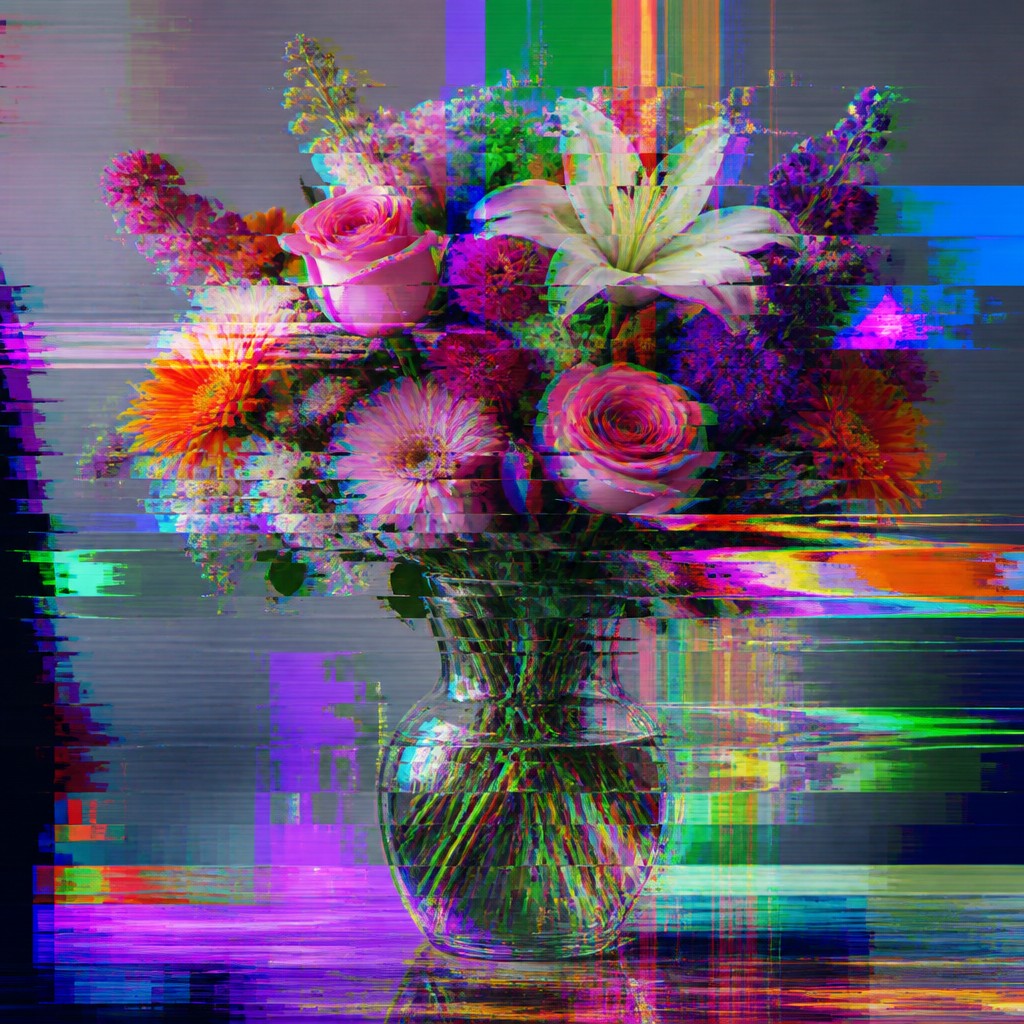
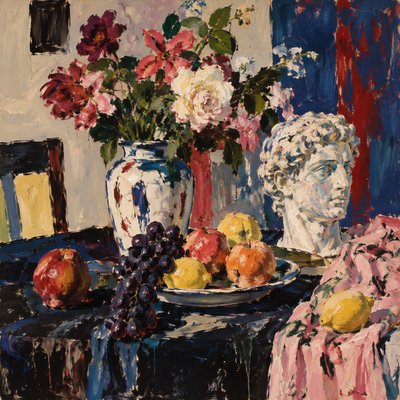
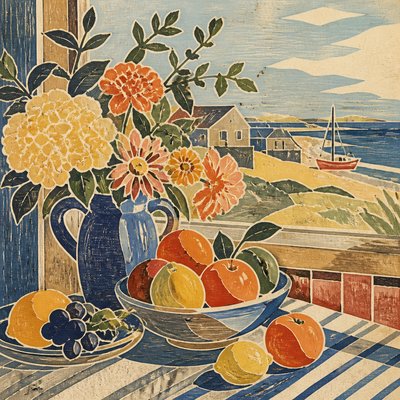
“bouquet of flowers in a glass vase”
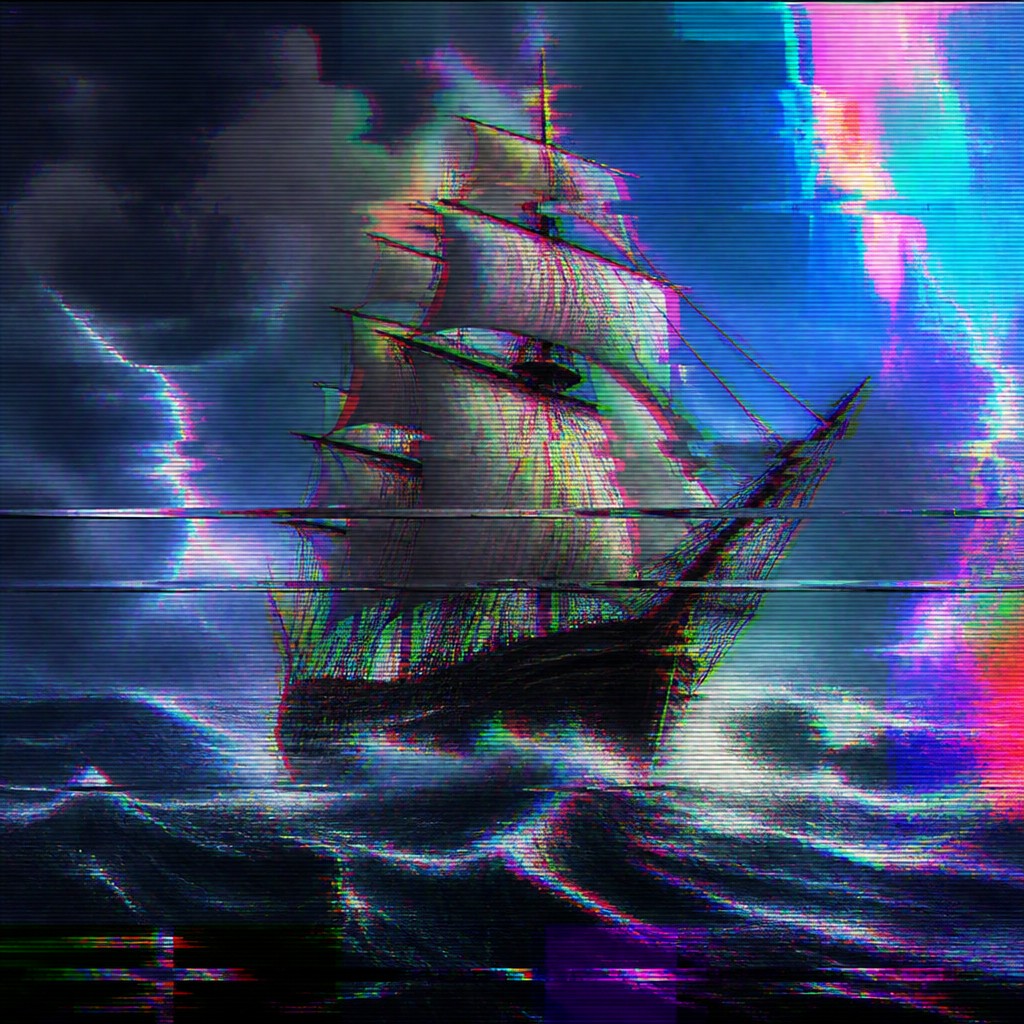
“sailing ship on a stormy sea”
How to Create Glitch Art
Master the craft step by step — or skip straight to creating. Read the full guide →
- 1
Start with a readable base image
Choose a clear subject with strong shapes and contrast, because glitch effects work best when the underlying image remains decipherable. Portraits, architecture, product shots, and typography all respond well to controlled distortion.
- 2
Distort in layers, not all at once
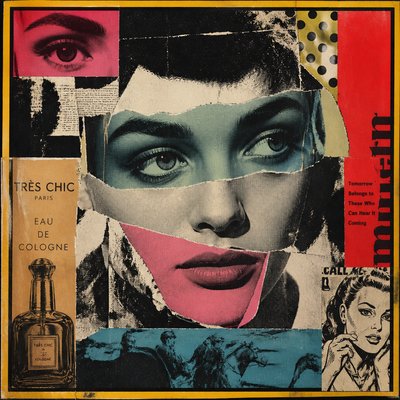
Apply separate effects for tearing, color shift, pixelation, and compression so the image feels like multiple kinds of failure happening together. In traditional work, this can be approximated with fragmented collage, shredded printouts, or layered acetate; in digital work, use channel offsets, displacement, and compression passes.
- 3
Preserve areas of stability
Leave some parts clean or only lightly altered to create contrast and legibility. Glitch art depends on tension between order and breakdown, so a fully destroyed image often reads less clearly than one with intact anchors.
- 4
Use time-based errors for motion
If working with video, datamoshing, frame interpolation mistakes, or recursive feedback can create authentic smear and ghosting effects. For still images, you can simulate this by duplicating and shifting partial forms across the composition.
- 5
Push color and contrast selectively
Introduce RGB splitting, neon inversions, and banding in concentrated zones rather than flattening the whole image. Strong color contrast makes the corruption feel intentional instead of accidental.
- 6
Prompt with specific malfunction cues
When generating images digitally, describe the subject first and then specify the error language: scan-line tears, displaced pixel slices, compression blocks, chromatic aberration, ghosted frames, and rainbow static. The best results usually combine one clear subject with several precise digital-artifact terms.
The Story
History & Origins of Glitch
Glitch art emerged from the visual culture of digital media, especially the late 20th and early 21st centuries, when artists and designers began using compression errors, corrupted files, broken video signals, and software bugs as intentional expressive tools. Its lineage includes experimental video art, electronic signal interference, and databending practices, along with broader traditions of chance-based and anti-aesthetic art that treat system failure as a creative force rather than a defect.
The style developed alongside the spread of consumer digital imaging, internet culture, and ubiquitous video compression, which made artifacts like pixelation, banding, and frame tearing familiar to a wide audience. Glitch art also overlaps with net art, post-internet aesthetics, and media archaeology, reflecting an interest in the instability of digital representation and the fragility of the technologies that produce it.
Influences: Glitch art draws from video art, electronic signal interference, databending, and internet-era design, as well as broader experimental practices that embrace error and chance. Its visual logic also overlaps with postmodern appropriation and media-focused work by pioneering video artists and influential digital-media artists, who explored the aesthetics of technological systems and digital media, though glitch art itself is less a single historical movement than a cross-media language of failure, noise, and broken transmission.
Frequently Asked Questions
What defines glitch art?
Glitch art is defined by the deliberate use of digital errors and media corruption as an aesthetic. Common features include pixel fragmentation, compression artifacts, color-channel shifts, scan-line tears, and smearing that resembles corrupted video or damaged files. The key idea is that malfunction becomes part of the composition rather than something to correct.
Is glitch art always abstract?
No. Glitch art can be abstract, but it is often most effective when the subject remains partially readable. Many works preserve a portrait, object, or scene while distorting it through visible digital failure, which creates tension between recognition and breakdown.
How is glitch art different from vaporwave or cyberpunk?
Glitch art is a visual process centered on error and signal failure, while vaporwave is a nostalgic style associated with retro digital imagery and slowed-down consumer culture. Cyberpunk is broader and more narrative, usually involving high-tech, low-life futures; glitch effects may appear in cyberpunk imagery, but they are not the same style.
What techniques are used to make glitch art?
Artists use methods such as databending, compression abuse, frame corruption, channel shifting, pixel sorting, feedback loops, and deliberate file damage. In hands-on or digital workflows, these techniques can be combined with collage, layered editing, or motion-based distortion to create controlled instability.
Where is glitch art commonly used?
It appears in album covers, posters, motion graphics, experimental video, web design, fashion imagery, and editorial illustration. It is also common in music visuals and brand identity when a project wants to suggest digital instability, futurism, or technological disruption.
Can glitch art be made from photographs?
Yes. Photographs are one of the most common starting points because their realism makes the corruption more striking. A strong photo with clear edges and contrast allows the distortions to read as intentional and visually compelling rather than accidental noise.
Create your first Glitch artwork
Describe anything — or upload a photo — and see it in Glitch Art Style in seconds.
Make Something with Glitch
Compare Glitch
Related Styles
Discover similar art styles