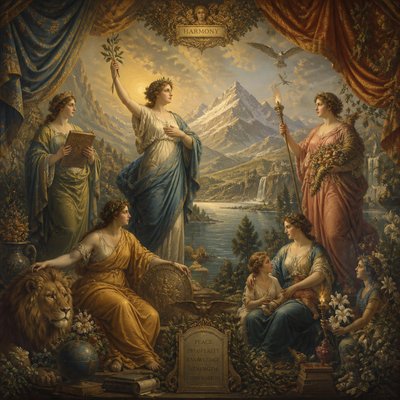
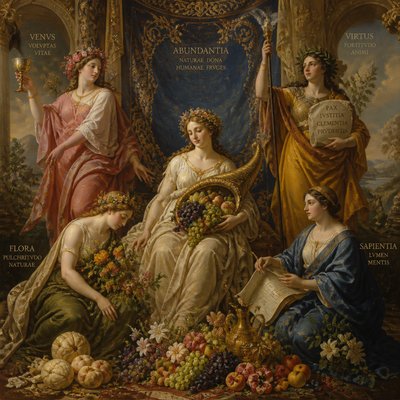
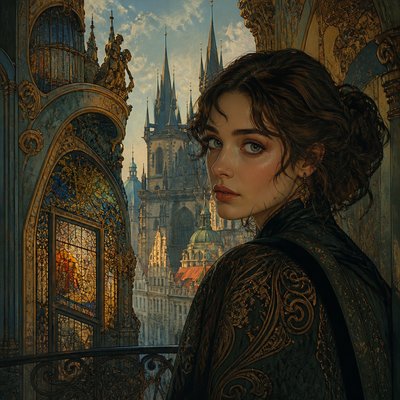
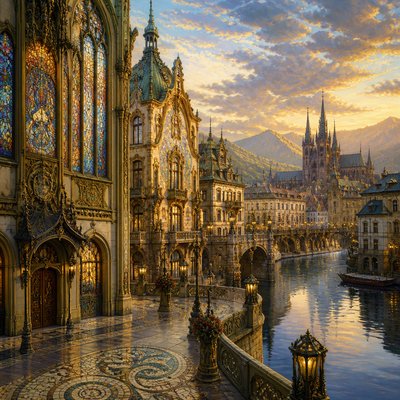
Airbrush Art Style
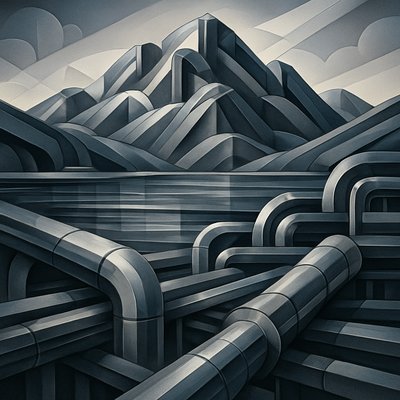
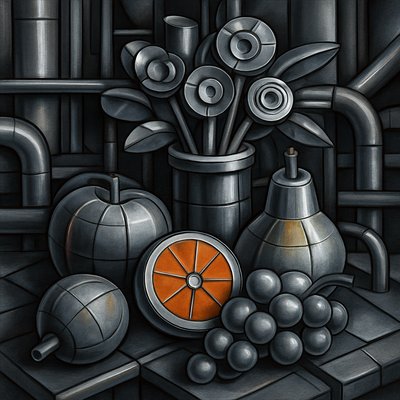
Explore airbrush art: seamless gradients, luminous highlights, chrome-like realism, and soft-focus color used on vehicles, canvas, and digital images.
Instantly rendered in Airbrush — or transform a photo
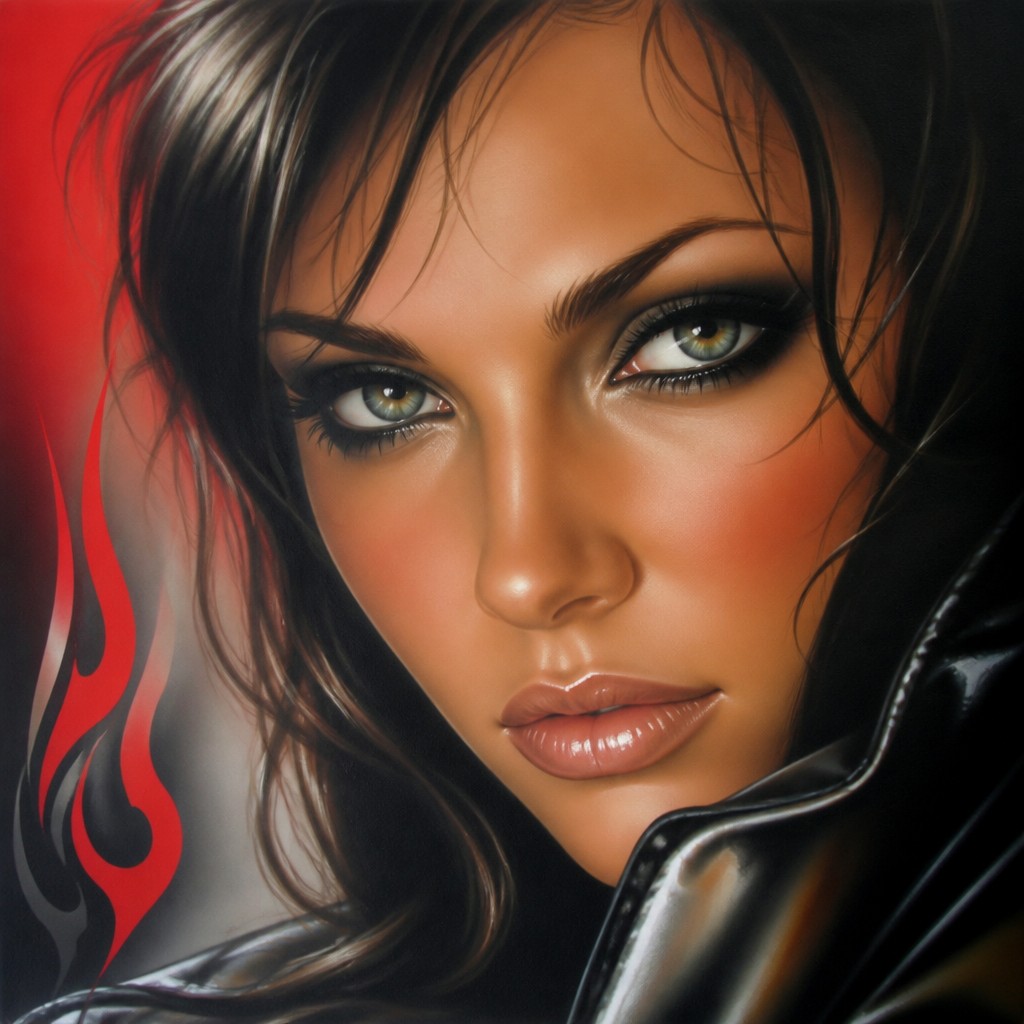
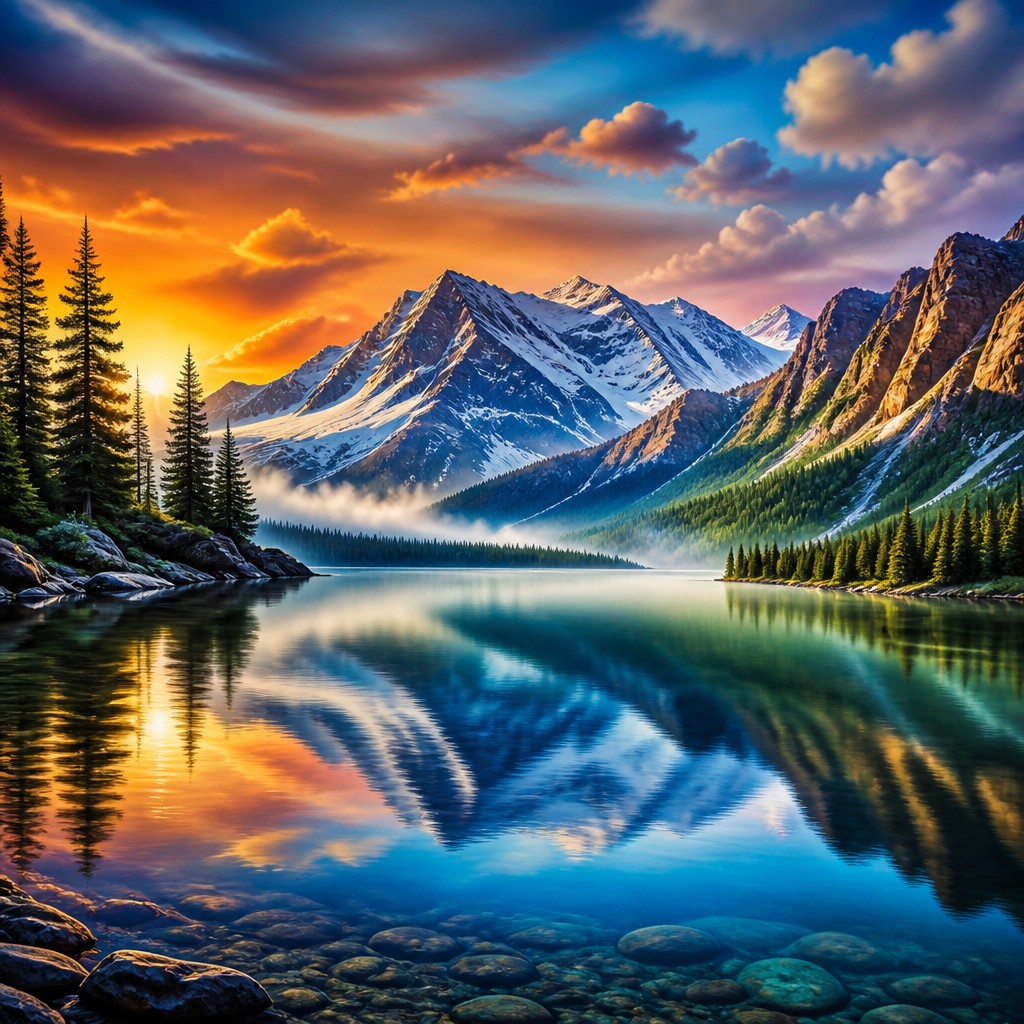
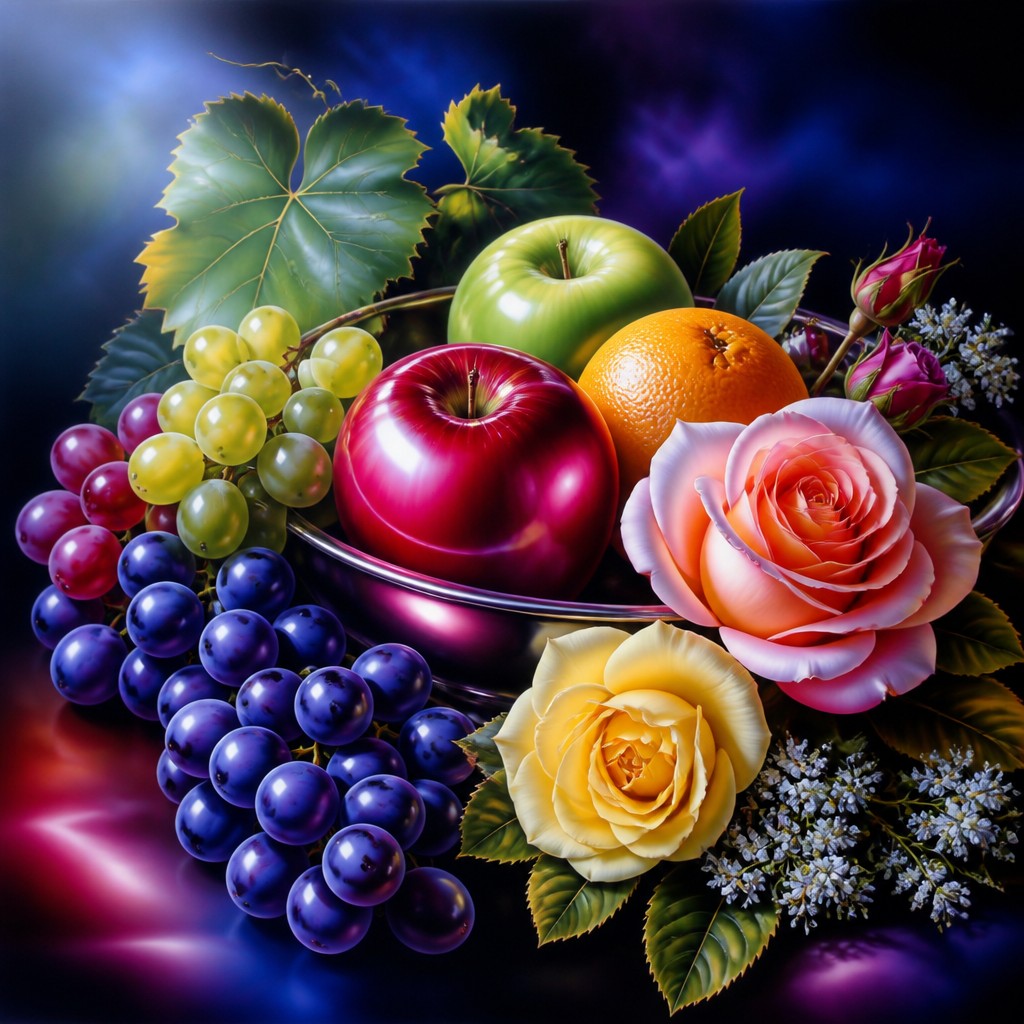
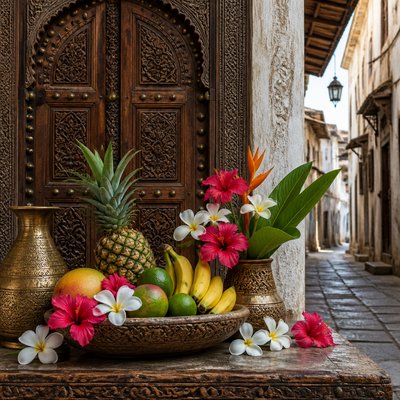
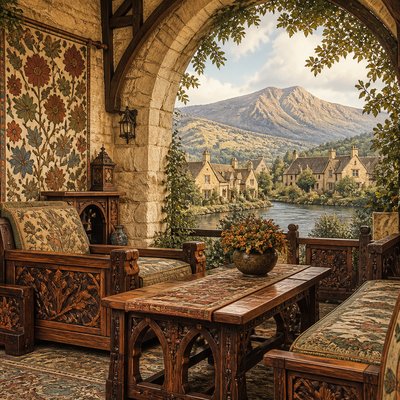
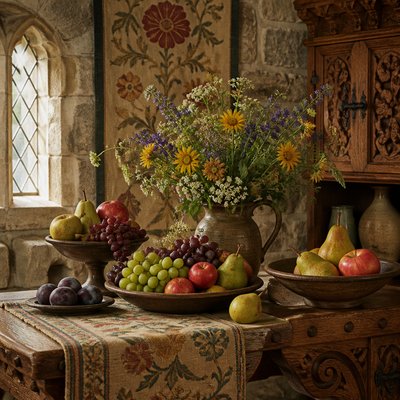
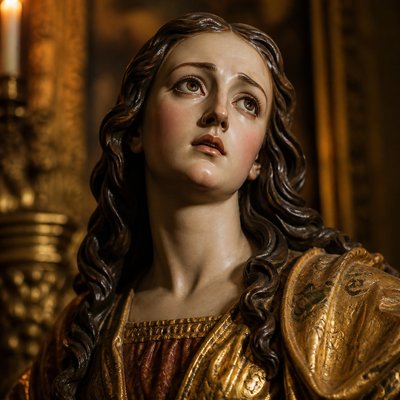
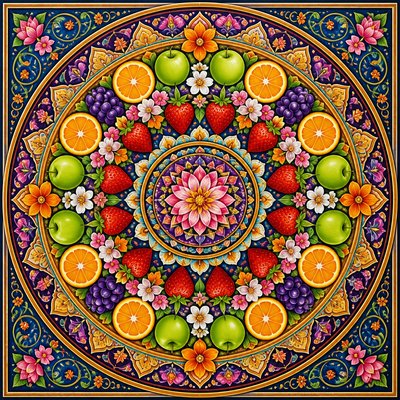
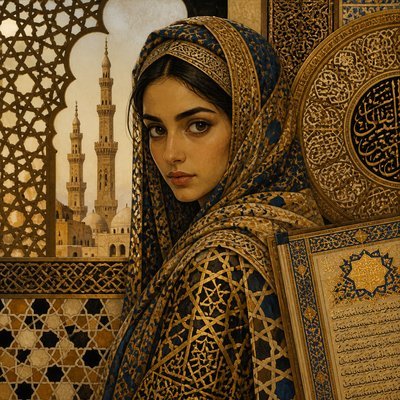
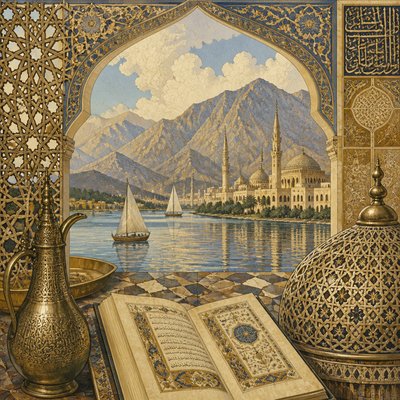
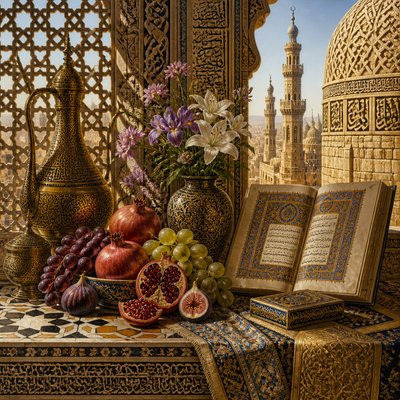
Airbrush Gallery
Tap any artwork to explore it

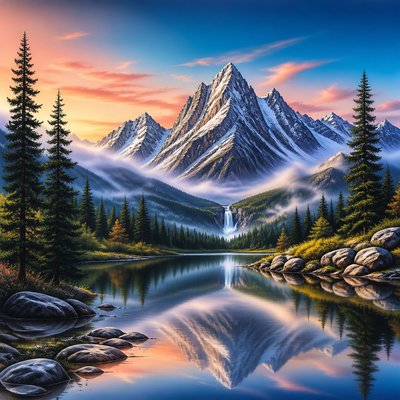
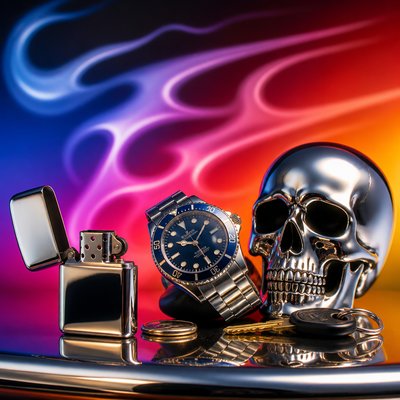
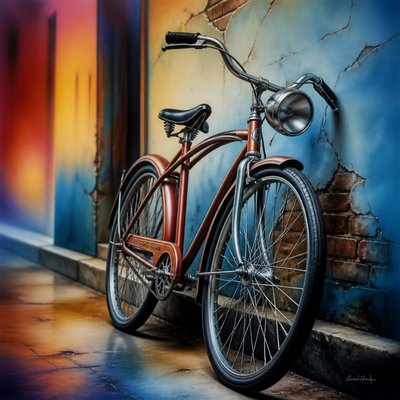
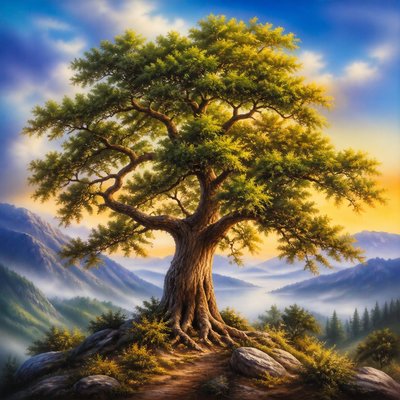
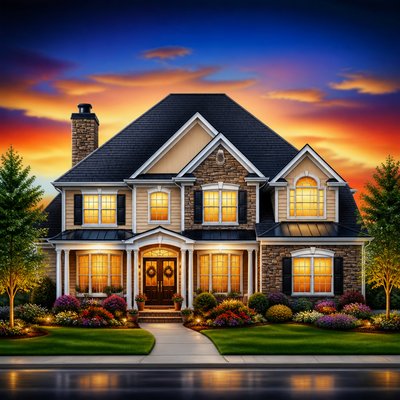
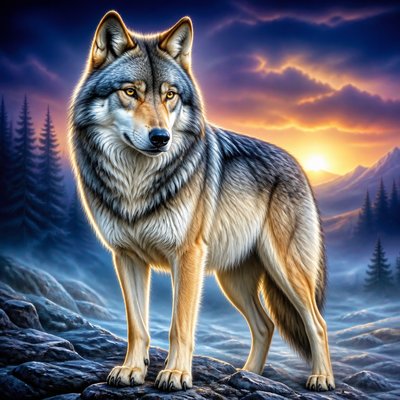
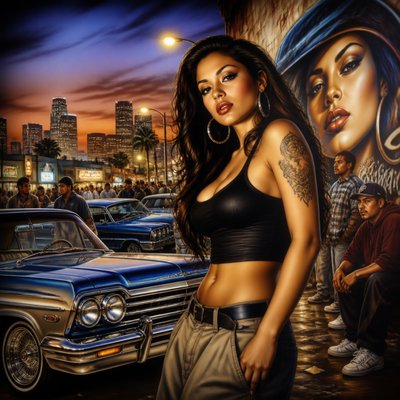
What is Airbrush Art Style?
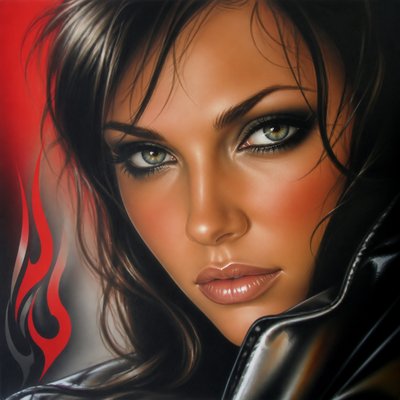
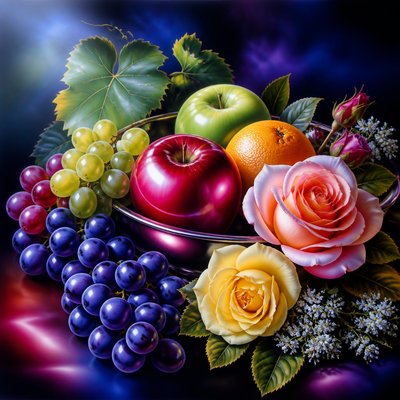
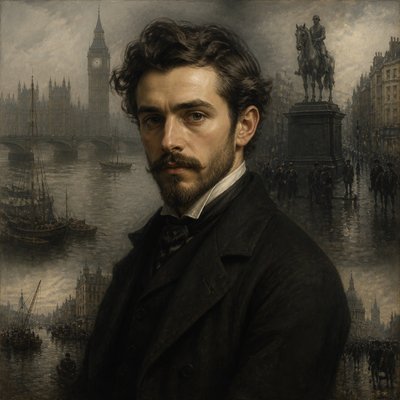
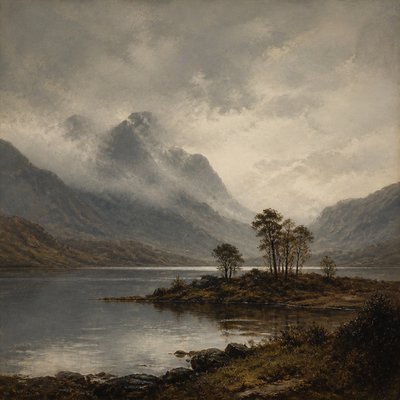
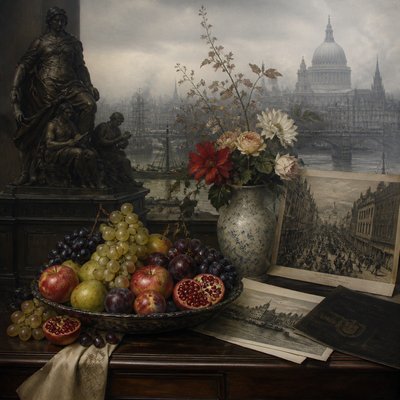
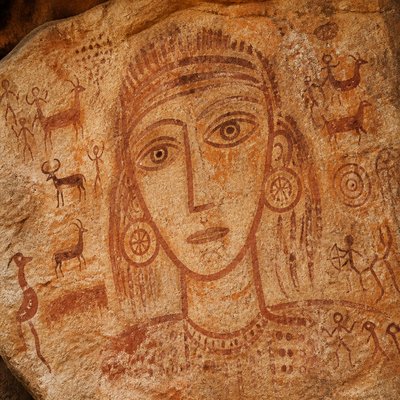
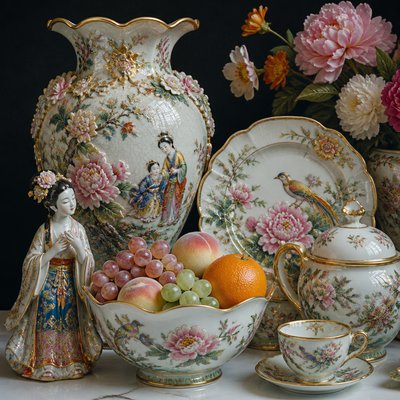
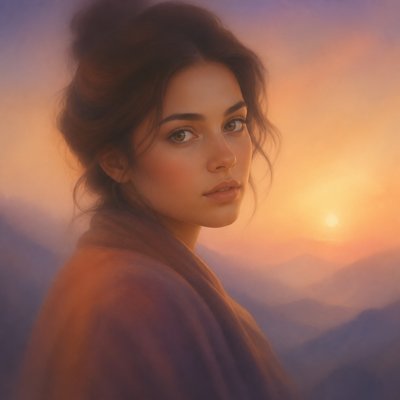
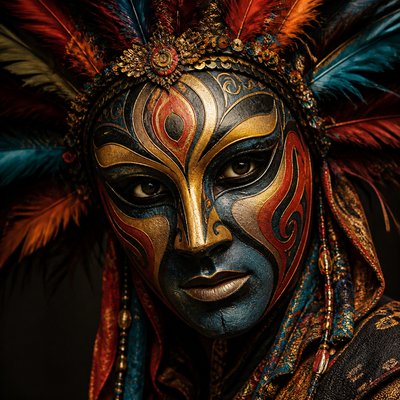
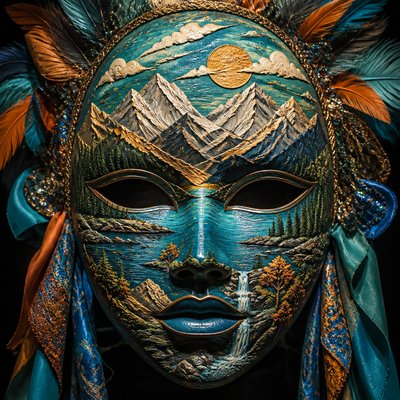
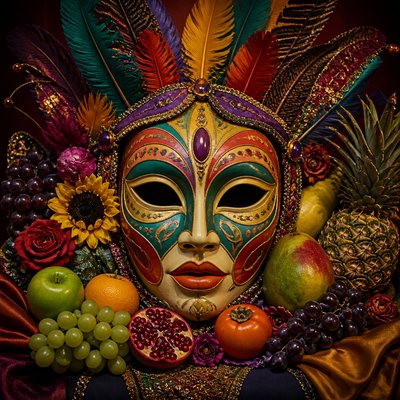
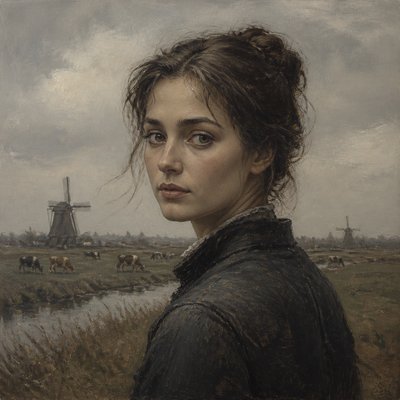
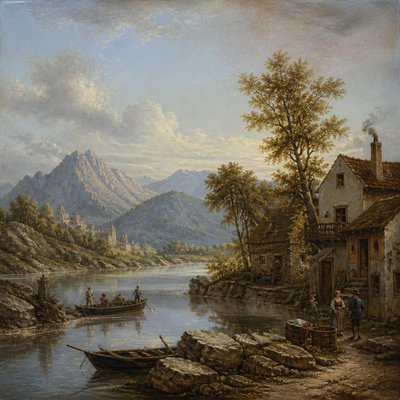
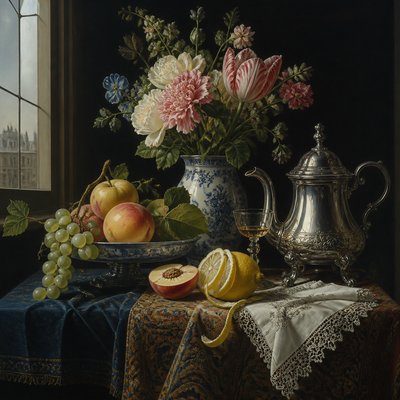
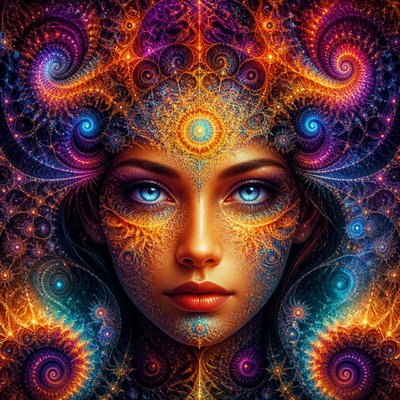
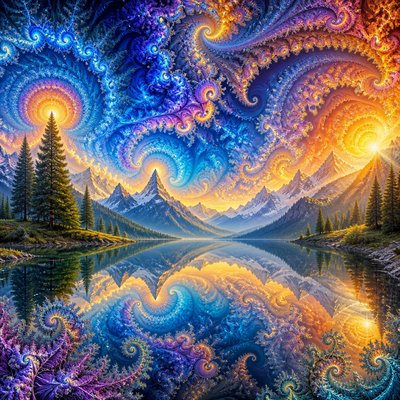
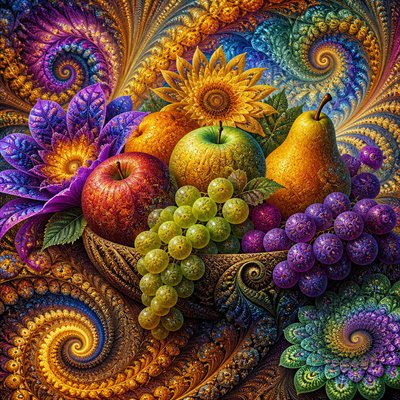
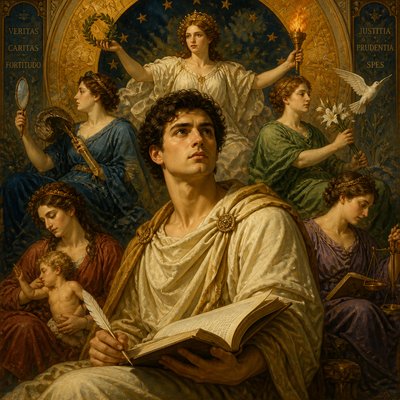
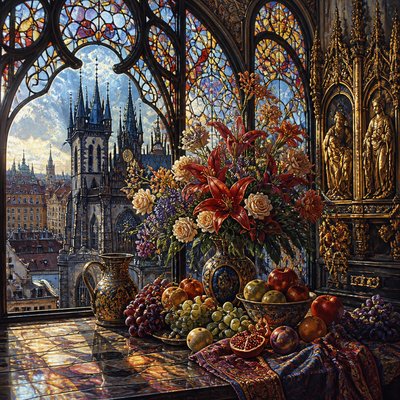
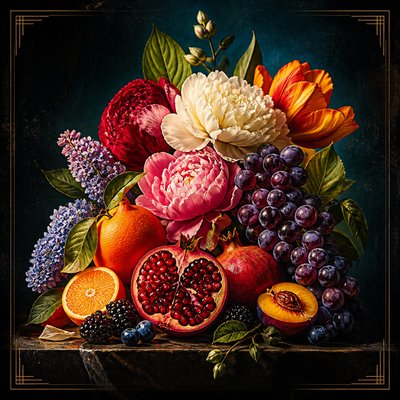
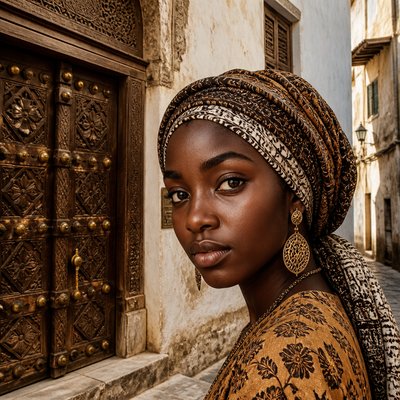
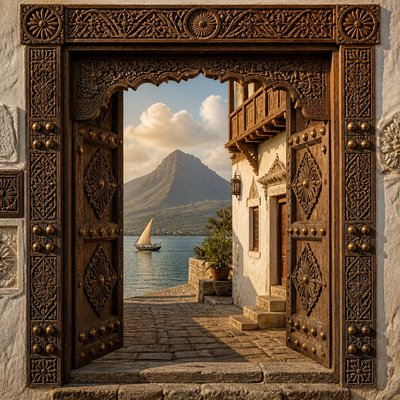
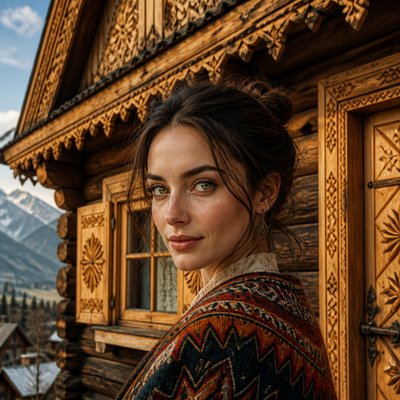
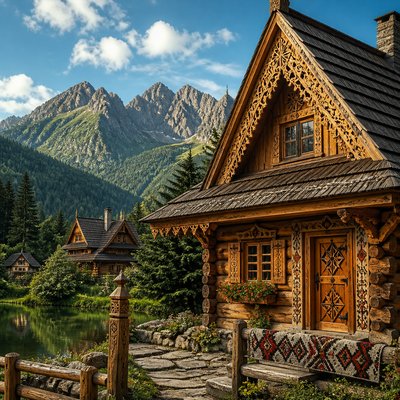
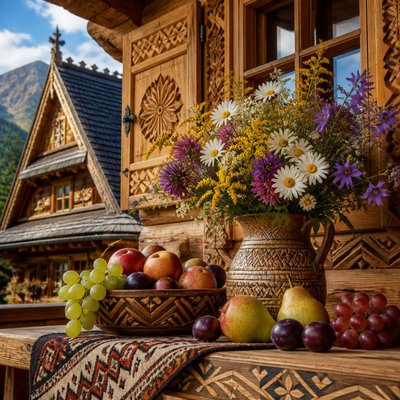
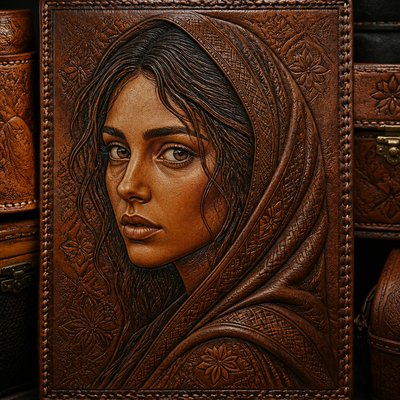
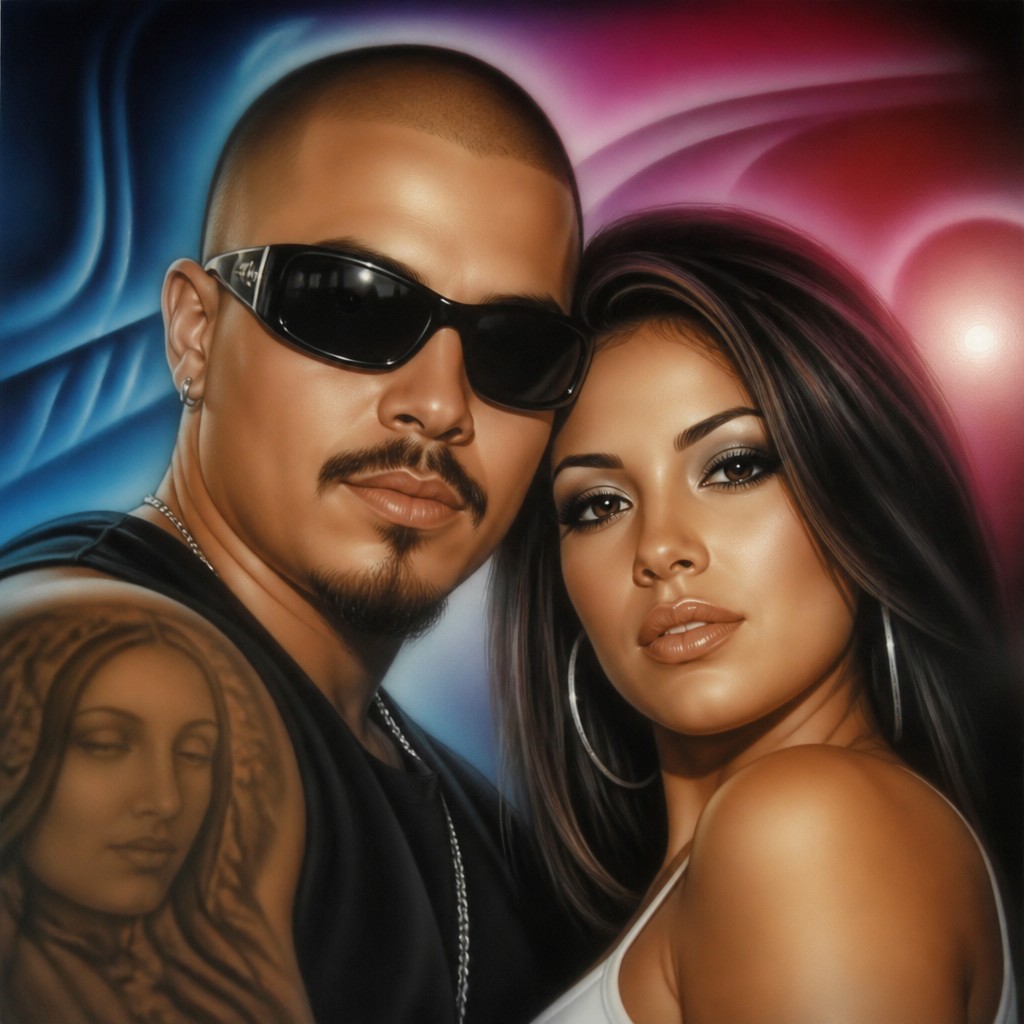
Airbrush art is a polished image-making style built from finely atomized pigment rather than visible brush marks. Its defining effect is a continuous transition between tones: shadows dissolve into midtones, highlights glow softly, and surfaces such as skin, metal, glass, and painted panels appear exceptionally smooth. The result can be realistic, illustrative, fantastical, or boldly graphic, depending on the subject and palette.
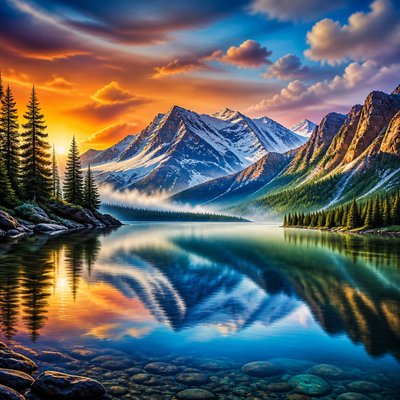
The style often combines soft atmospheric modeling with sharply controlled silhouettes. Masking creates crisp boundaries around lettering, flames, mechanical parts, or vehicle graphics, while unmasked overspray produces mist, bloom, and luminous transitions. Saturated fades, reflective chrome, dramatic lighting, and custom-surface finishing are common, although airbrush techniques can also produce restrained portraits, product imagery, and natural scenes.
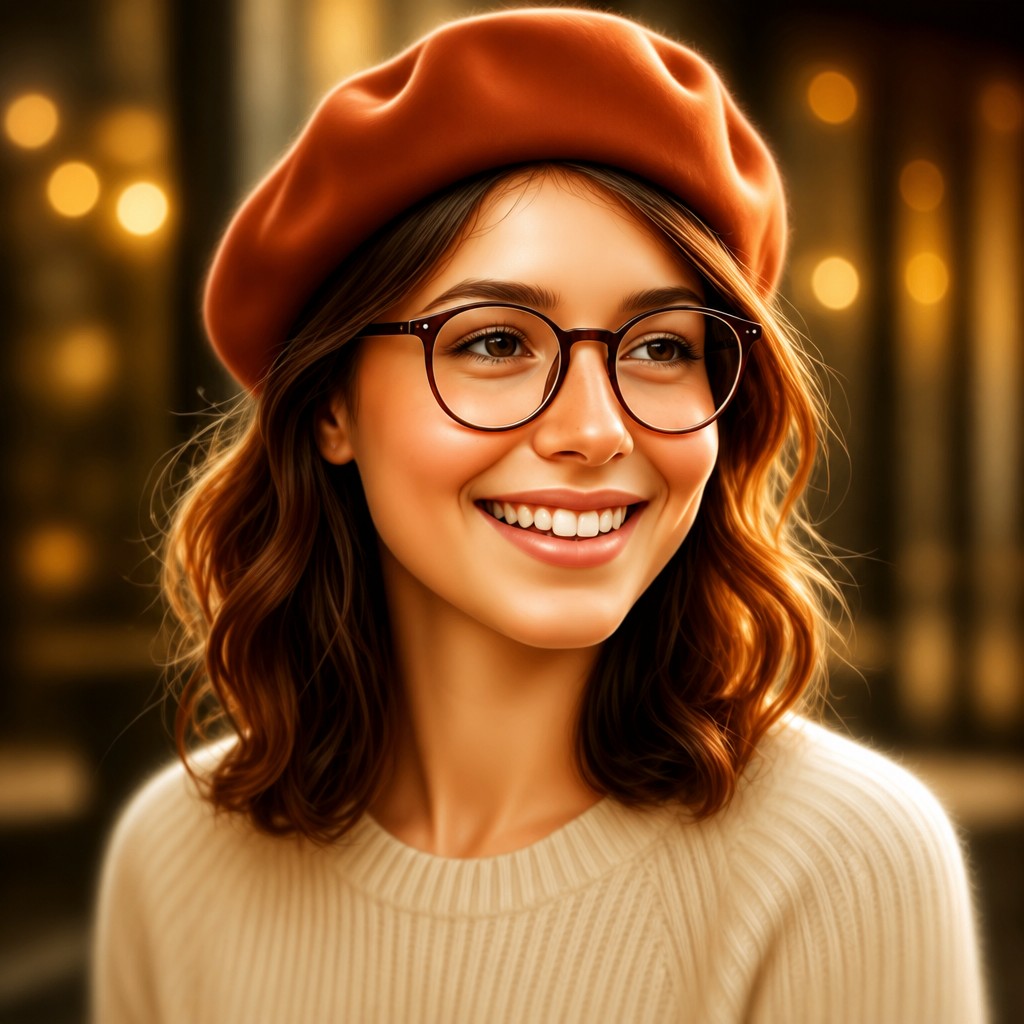
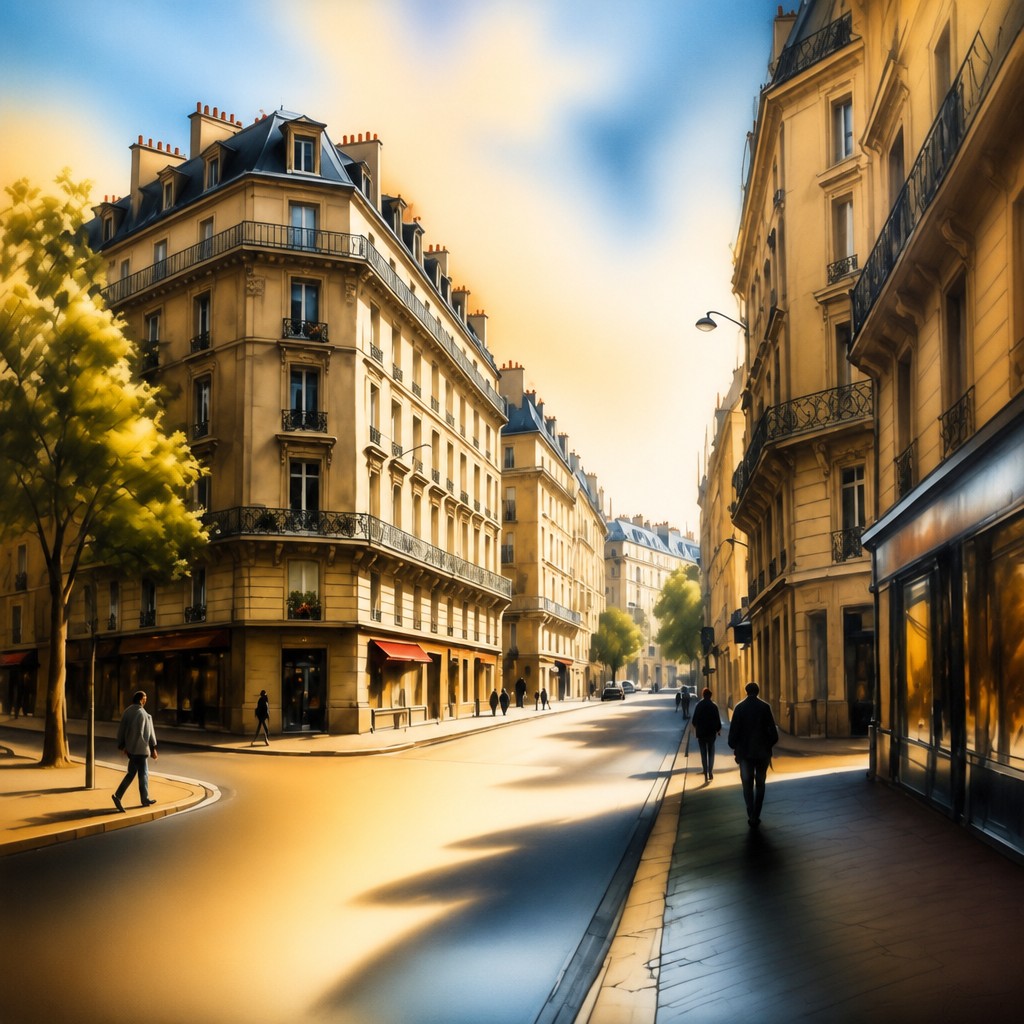
Try It On Your Photos
Upload any photo and convert it into Airbrush Art Style — drag the sliders to compare before and after.

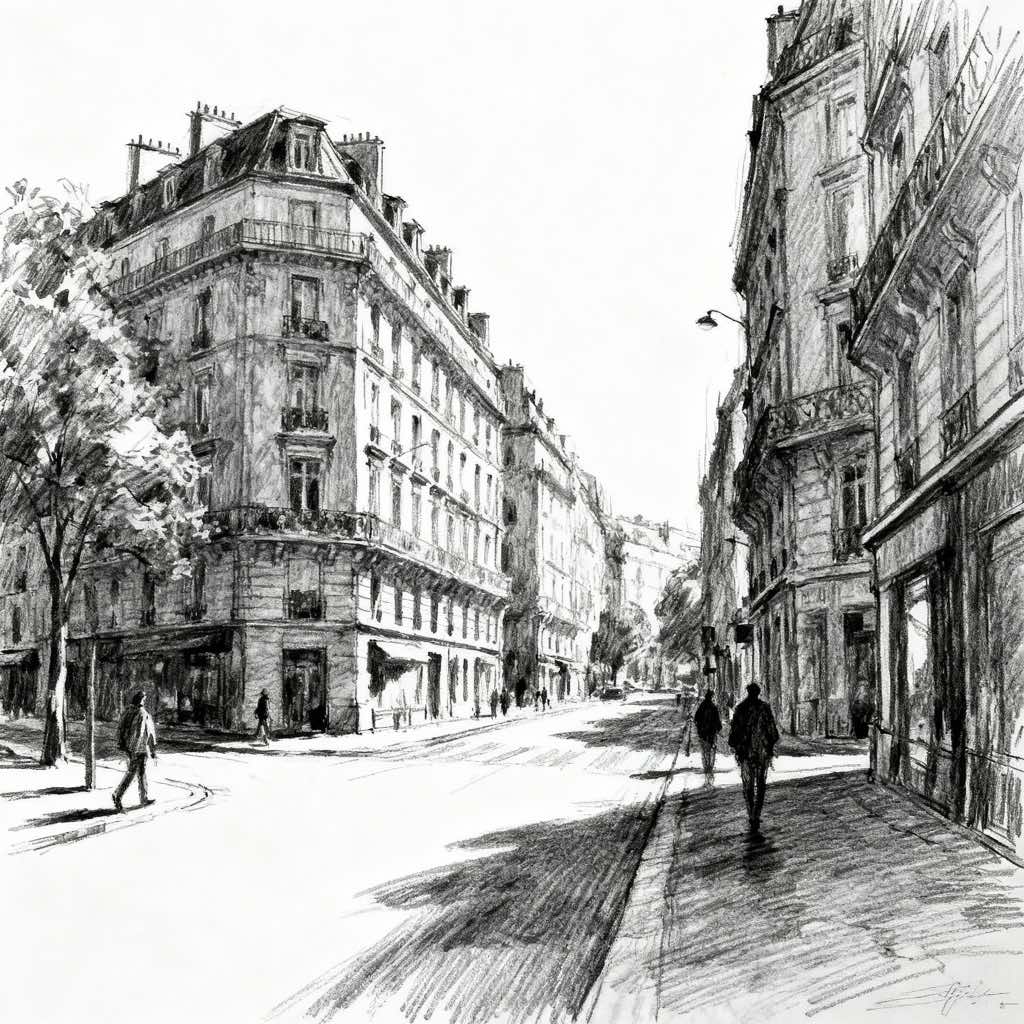
What Defines Airbrush Art Style
The signature details, up close
Seamless tonal gradients
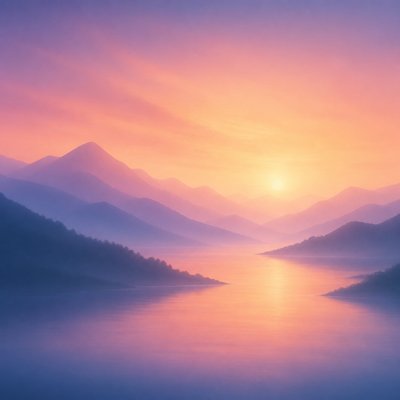
Colors and values transition gradually without obvious bristle marks or abrupt modeling. Multiple translucent passes create volume through accumulated changes in tone.
Soft-focus luminosity
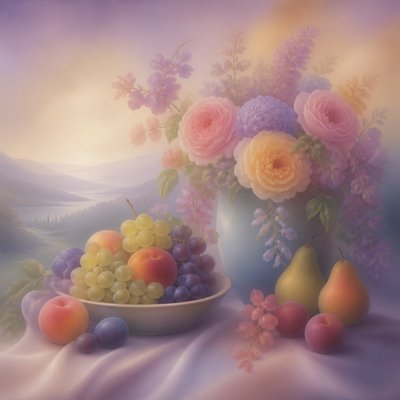
Glowing highlights, diffused reflections, and hazy atmospheric edges give the image a polished, illuminated appearance. Bloom is usually controlled so that important contours remain readable.
Hyperreal surface rendering
The technique excels at smooth skin, polished chrome, glass, lacquer, plastic, and metallic surfaces. Reflections and value shifts are carefully simplified into clean, readable shapes.
Masked precision
Hard masks, frisket film, stencils, or digital selections preserve crisp edges beside soft sprayed transitions. This contrast is especially visible in lettering, flames, vehicle graphics, and mechanical forms.
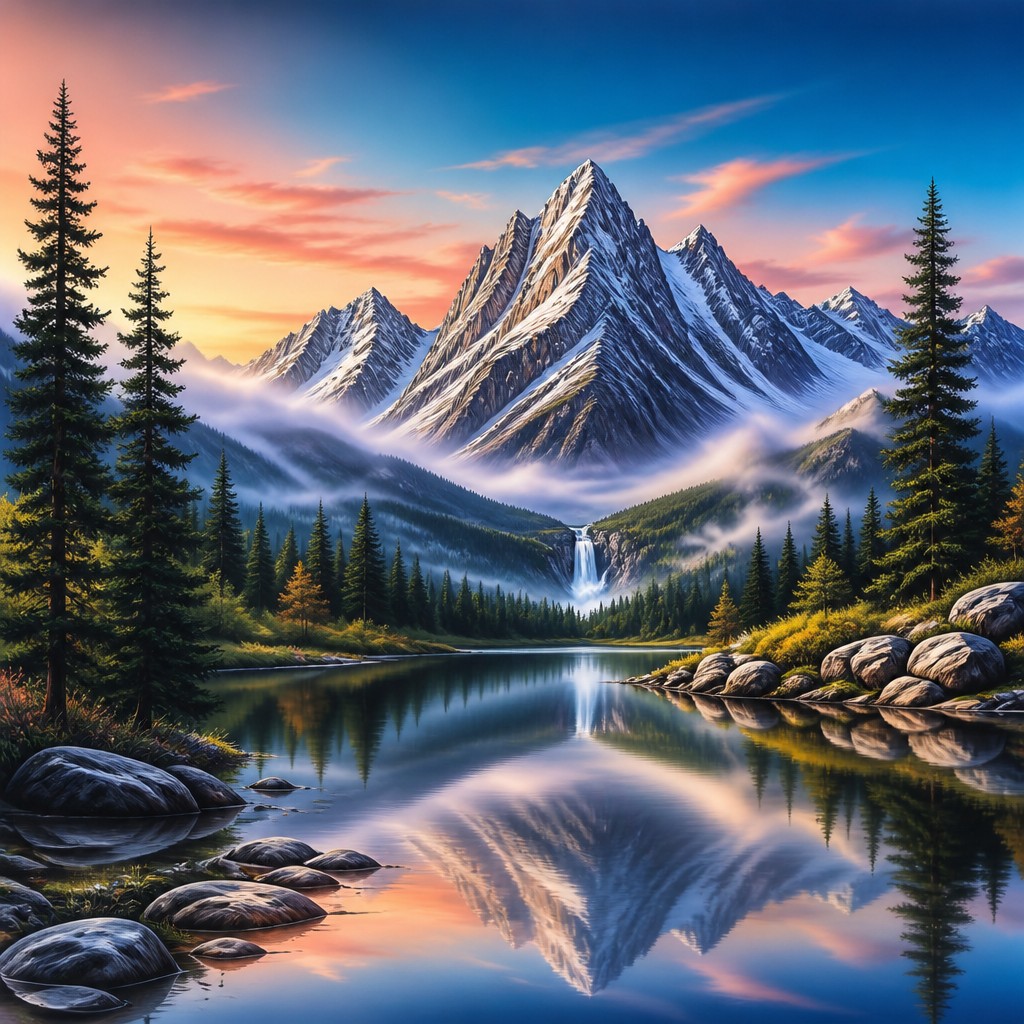
Saturated color fades
Vivid hues often blend through luminous transitions rather than flat blocks of paint. Gradients may move from dark jewel tones to electric highlights or from warm colors into cool atmospheric shadows.
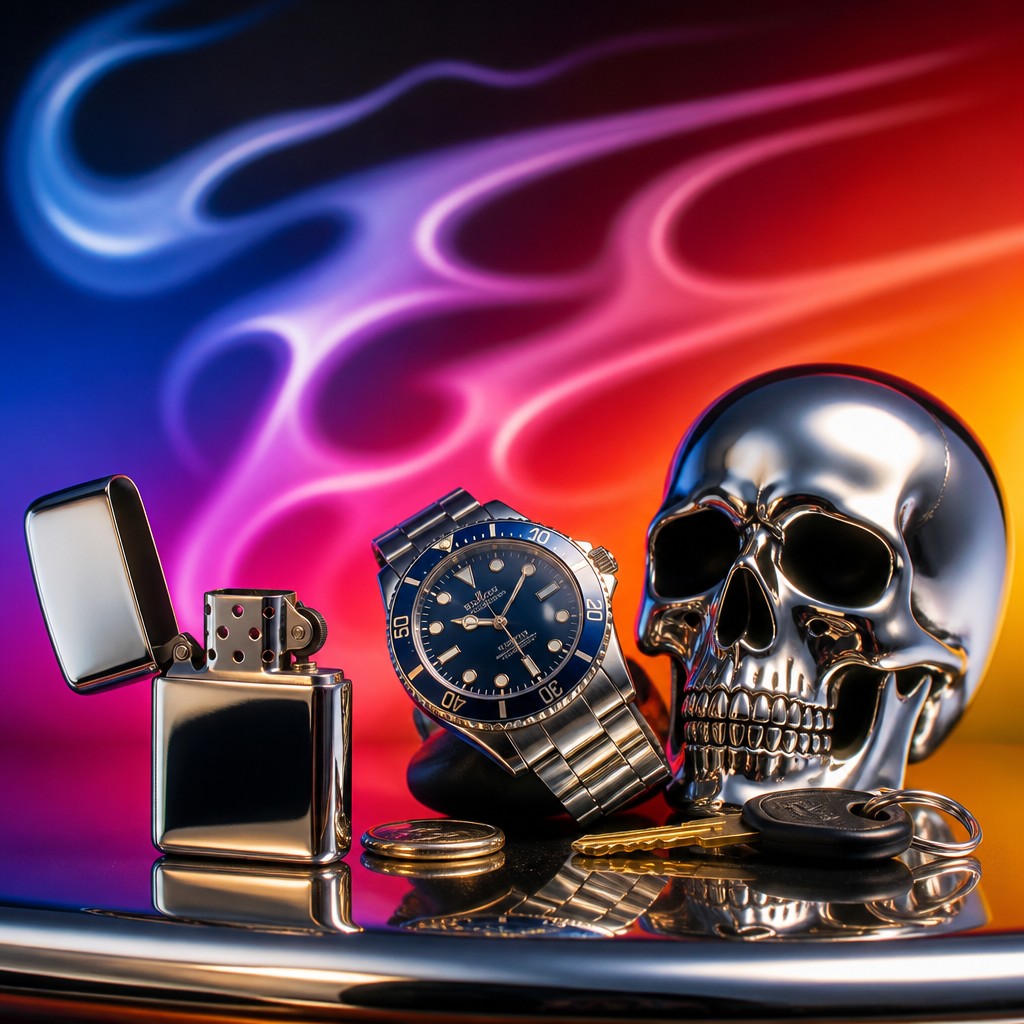
Reflective and aerodynamic forms
Custom vehicle panels, helmets, instruments, and futuristic objects are frequent subjects because their curved surfaces showcase controlled gradients and sharp reflections.
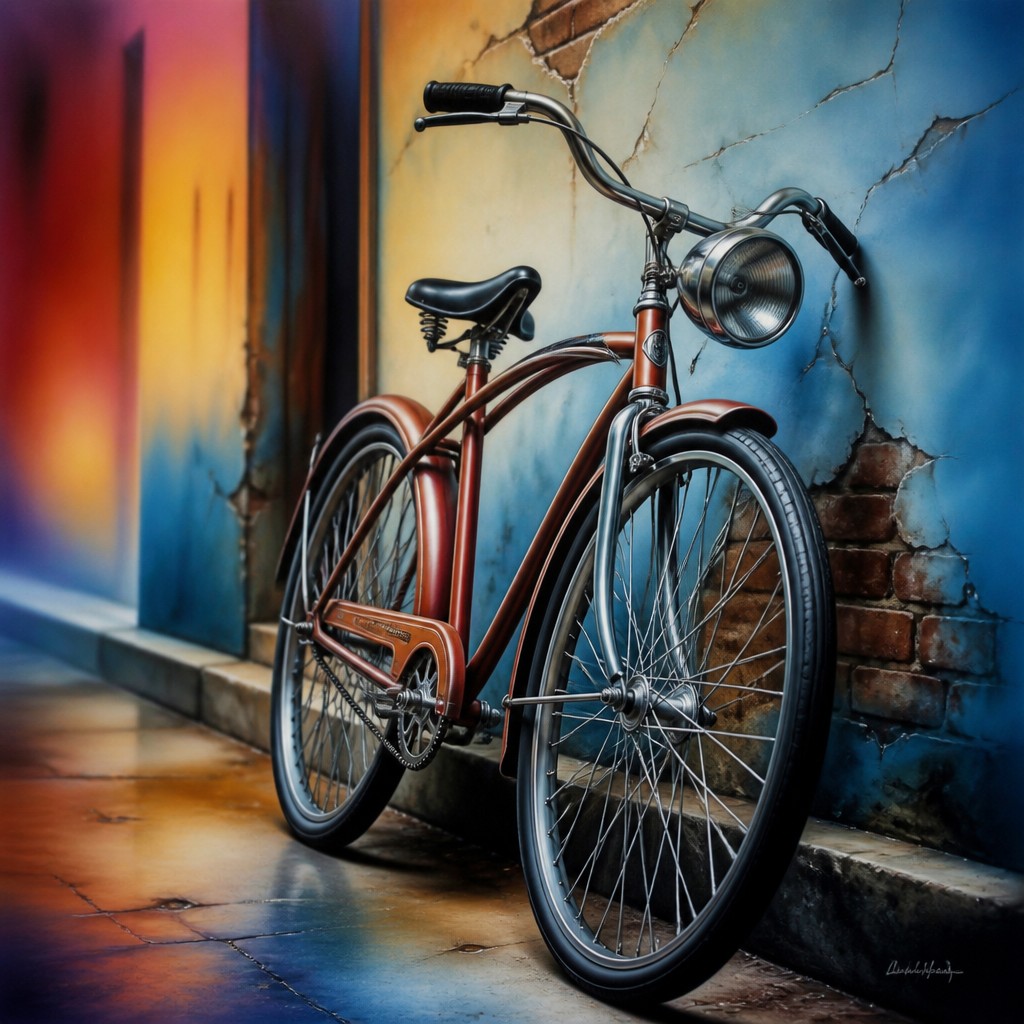
Clean, finished presentation
The final image typically has a smooth, retouched surface with little evidence of process. Fine texture may be minimized to emphasize precision, polish, and visual impact.
Airbrush Prompt Ideas
Start from an idea — each one opens the generator with the style ready to go. See all 40 Airbrush prompts →
How to Create Airbrush Art
Master the craft step by step — or skip straight to creating. Read the full guide →
- 1
Build form with translucent passes
In traditional work, thin layers of diluted paint establish broad shadows before darker accents and highlights are added. Avoid trying to reach full opacity in one spray; gradual buildup preserves smooth transitions.
- 2
Use masks for edge control
Apply frisket film, stencils, tape, or carefully cut masks to separate crisp graphic shapes from misty shading. In digital software, combine selections and layer masks with a low-opacity soft brush.
- 3
Plan reflections and highlights
Map the major light source and reflective bands before rendering chrome, glass, or lacquer. A few accurately placed sharp highlights over broad soft gradients usually read more convincingly than many small details.
- 4
Manage the airbrush surface
Keep the spray distance, pressure, and paint flow consistent, and test opacity on a separate surface. Digitally, use pressure-sensitive opacity, a soft round brush, low-flow glazing, and occasional hard-edged brushes for finishing.
- 5
Specify material and lighting in prompts
For prompt-based generation, describe the subject, surface, light direction, gradient behavior, edge treatment, and background separately. Terms such as seamless tonal blending, polished chrome, masked contours, diffused glow, and saturated color transitions help communicate the intended finish.
- 6
Refine with controlled contrast
Reserve the strongest contrast for focal areas and let secondary forms dissolve into softer transitions. A final pass can sharpen selected edges and reflections without eliminating the atmospheric softness.
The Story
History & Origins of Airbrush
Airbrushing emerged as a commercial and fine-art tool in the late nineteenth century, when handheld atomizing devices made it possible to apply thin, even layers of paint. It became important in retouching, advertising illustration, technical imagery, sign painting, and photographic finishing, where seamless tonal control was useful.
From the mid-twentieth century onward, airbrush methods became associated with polished commercial illustration, custom automotive painting, fantasy imagery, album and poster graphics, and highly finished editorial work. Contemporary digital painting and image-processing software reproduce the same logic through gradient tools, soft brushes, masks, opacity controls, and layered compositing, extending the aesthetic beyond physical spray equipment.
Influences: Airbrush art draws from commercial illustration, photographic retouching, sign painting, automotive custom culture, pinstriping, fantasy and science-fiction illustration, and the polished visual language of mid-to-late twentieth-century popular graphics. It also relates to photorealism through its attention to surfaces, to poster design through its controlled silhouettes and saturated palettes, and to digital painting through layered gradients, masking, and soft-edged compositing.
Frequently Asked Questions
What defines airbrush art?
The defining feature is the use of extremely smooth, sprayed or simulated transitions with minimal visible brushwork. It commonly combines soft atmospheric shading with crisp masked edges, luminous highlights, and carefully rendered surfaces.
Is airbrush art a historical movement or a technique?
It is primarily a technique and visual language rather than a single formal art movement. Airbrushing has been used across commercial illustration, vehicle customization, retouching, fine art, fantasy imagery, and digital image-making.
How does airbrush art differ from spray paint art?
Both use atomized paint, but airbrush work generally offers finer control over pressure, paint flow, scale, and tonal blending. Spray paint art often emphasizes broad marks, stencils, and urban surfaces, while airbrush art is especially associated with detailed gradients and polished realism.
Can airbrush art be made digitally?
Yes. Digital soft brushes, opacity controls, gradient tools, blur effects, and layer masks closely reproduce the behavior of sprayed pigment. Digital methods also make it easier to revise edges, isolate materials, and combine sharp details with diffused lighting.
What subjects work well with this style?
Curved reflective objects such as cars, motorcycles, helmets, instruments, chrome machines, and lacquered surfaces are particularly effective. Portraits, animals, fantasy characters, landscapes, and typography also work well when their lighting and edges are clearly described.
How can I prevent an image from looking overly blurry?
Separate softness from structure: keep gradients and glow around the forms, but retain crisp focal contours, material reflections, and key facial or mechanical details. In a prompt, specify sharp masked edges, selective focus, controlled highlights, and soft transitions rather than universal blur.
Create your first Airbrush artwork
Describe anything — or upload a photo — and see it in Airbrush Art Style in seconds.
Related Styles
Discover similar art styles