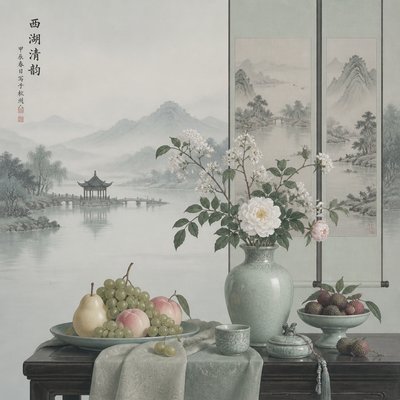
Video Art Style
Explore Video Art Style: CRT scanlines, phosphor glow, analog ghosting, signal distortion, and luminous monitor-wall compositions.
Instantly rendered in Video — or transform a photo
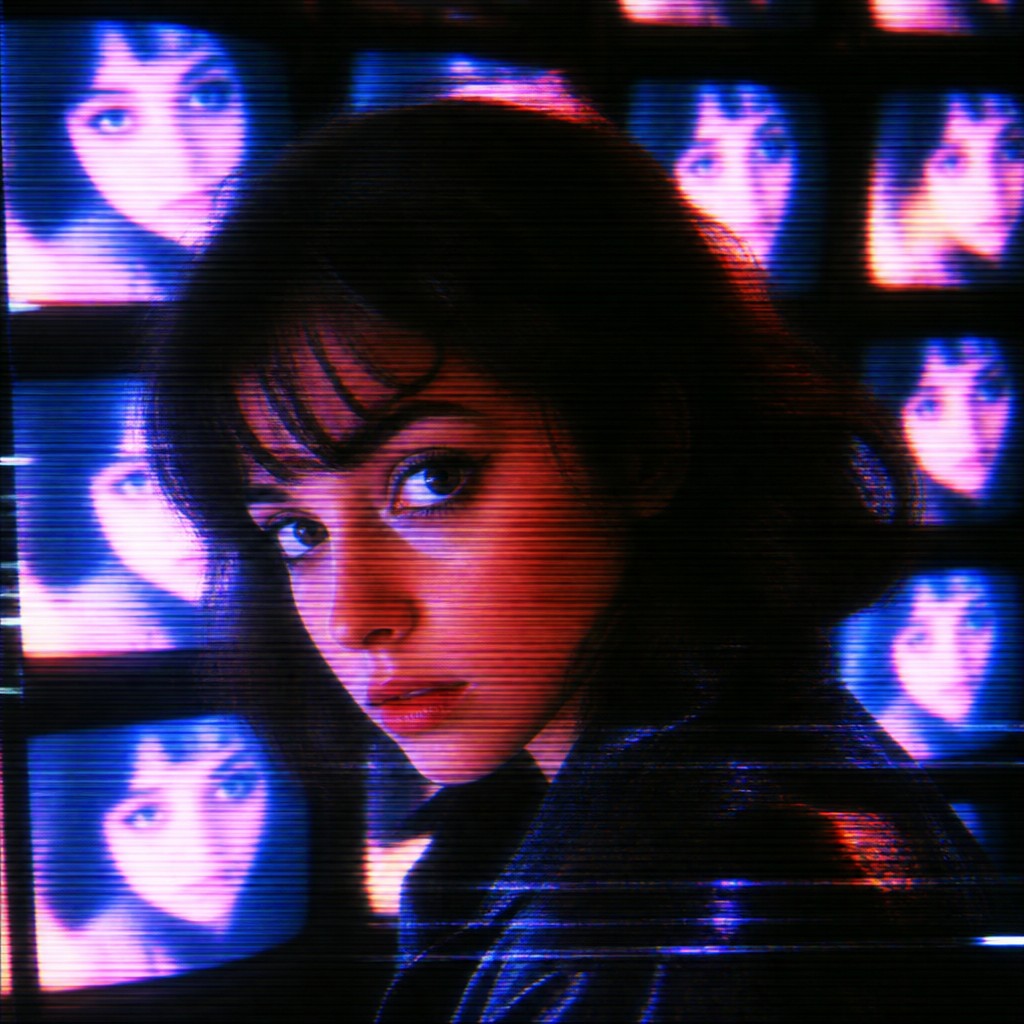
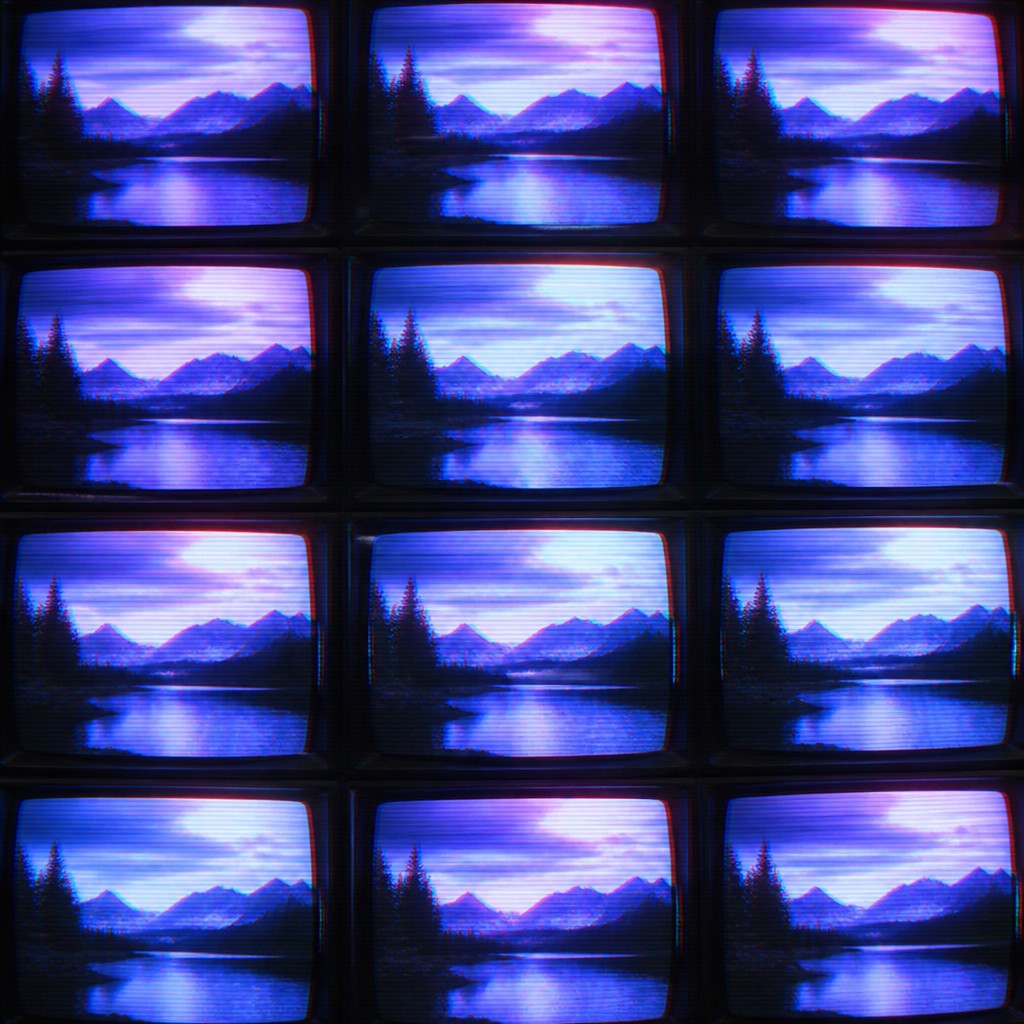
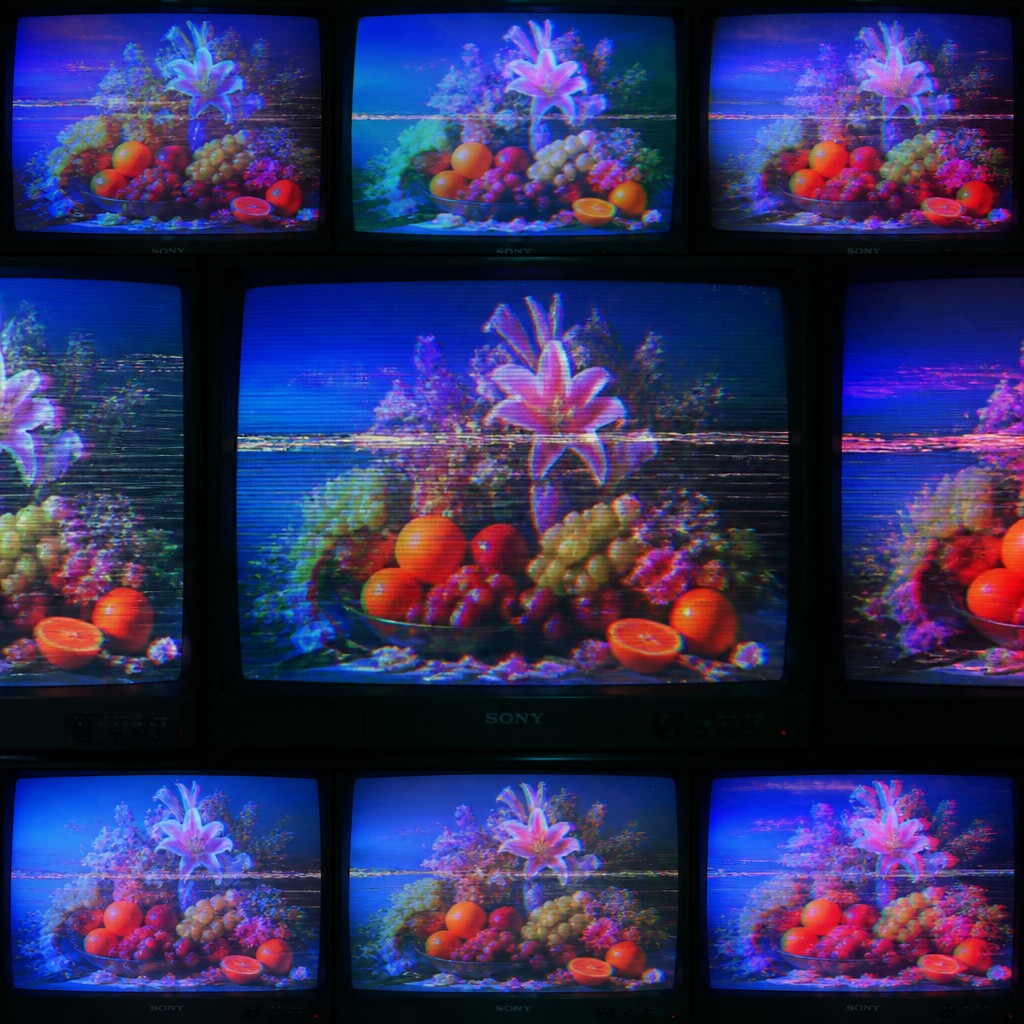
Video Gallery
Tap any artwork to explore it
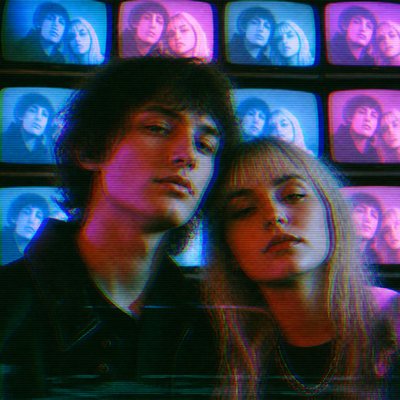
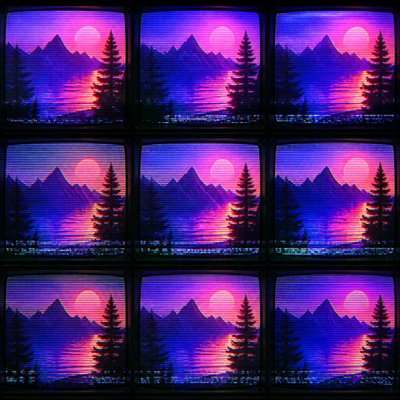
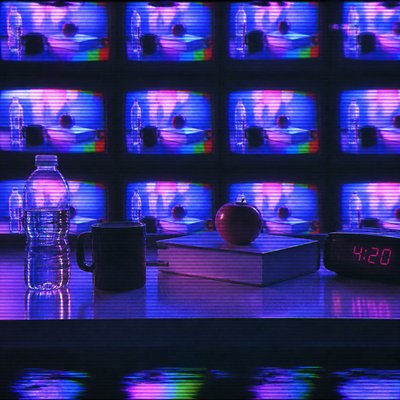
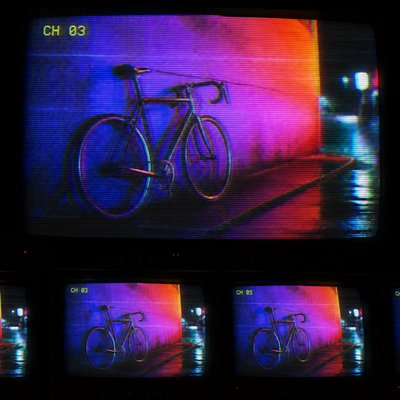
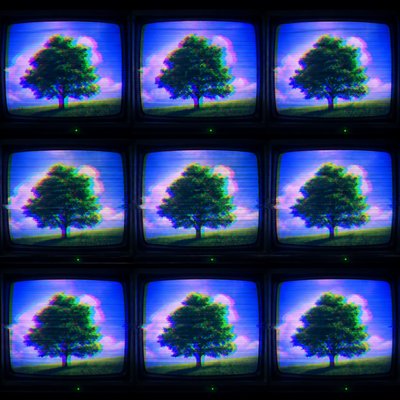
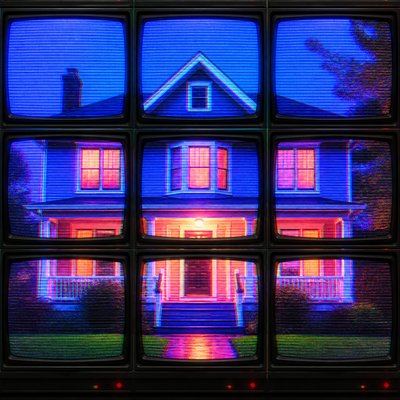
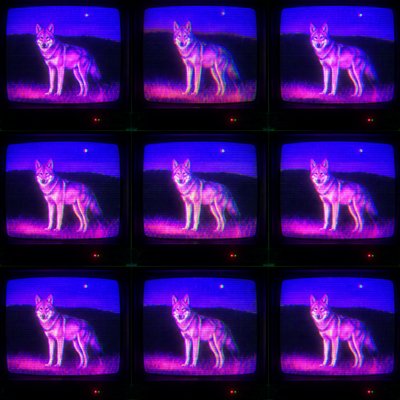
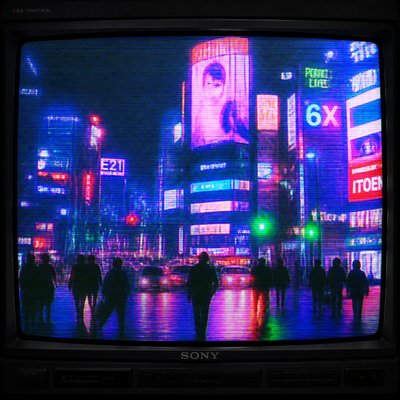
What is Video Art Style?
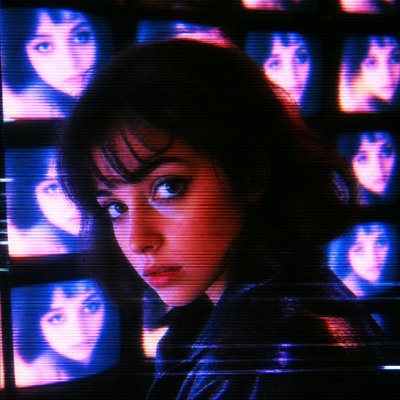
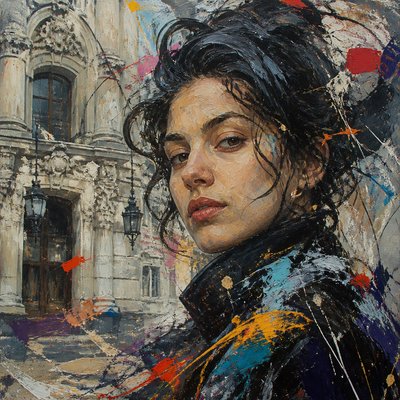
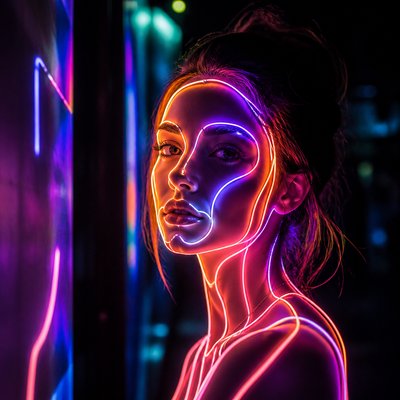
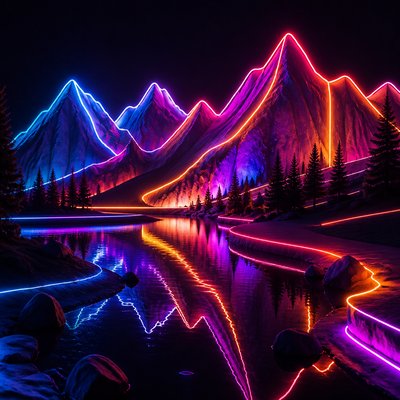
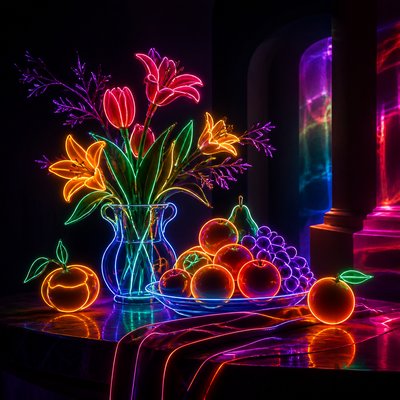
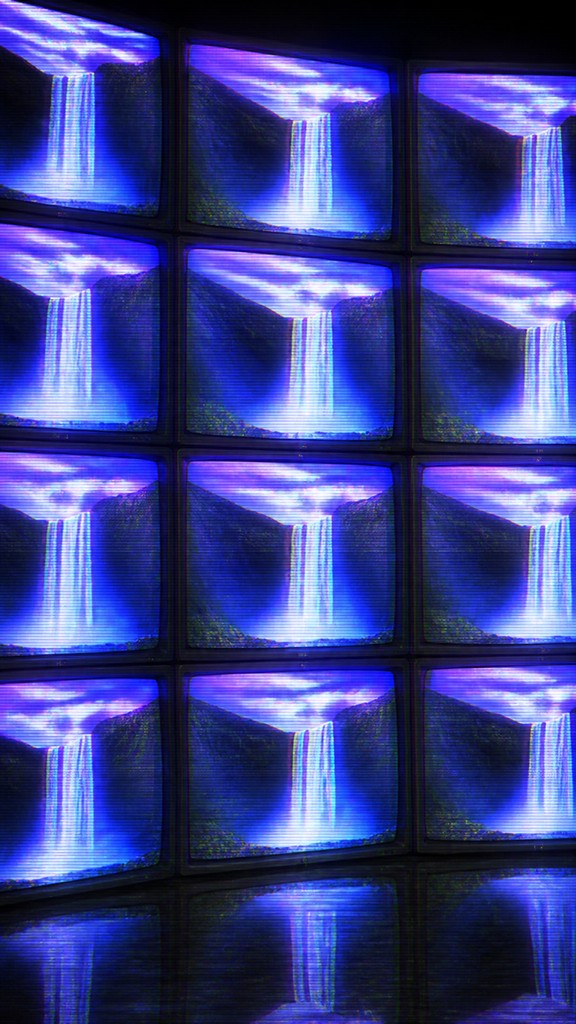
Video Art Style is a screen-based aesthetic built from the visual behavior of analog television and early electronic image systems. It combines visible CRT scanlines, phosphor bloom, soft signal echoes, tracking errors, color bleeding, and layered monitor imagery to create compositions that feel simultaneously technological, tactile, and unstable.
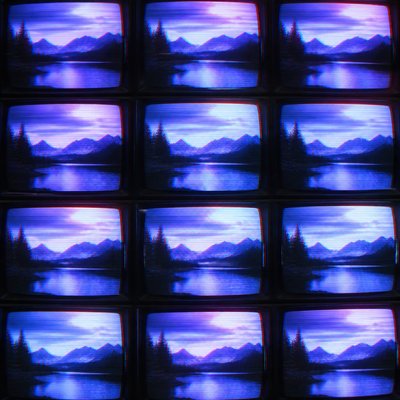
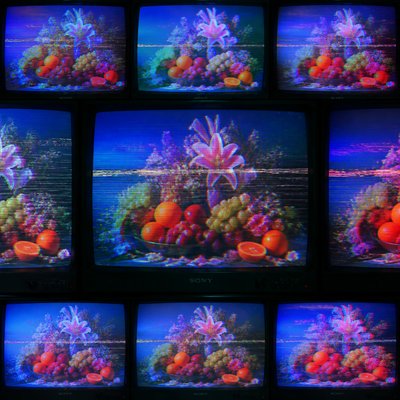
Rather than presenting a clean digital image, the style makes transmission and display part of the subject. Colors appear electrically saturated, contours can drift or duplicate, and repeated screens suggest surveillance, broadcast environments, video installations, or a wall of synchronized monitors. The resulting glow and distortion evoke a period when images were shaped by circuitry, magnetic tape, and cathode-ray displays.
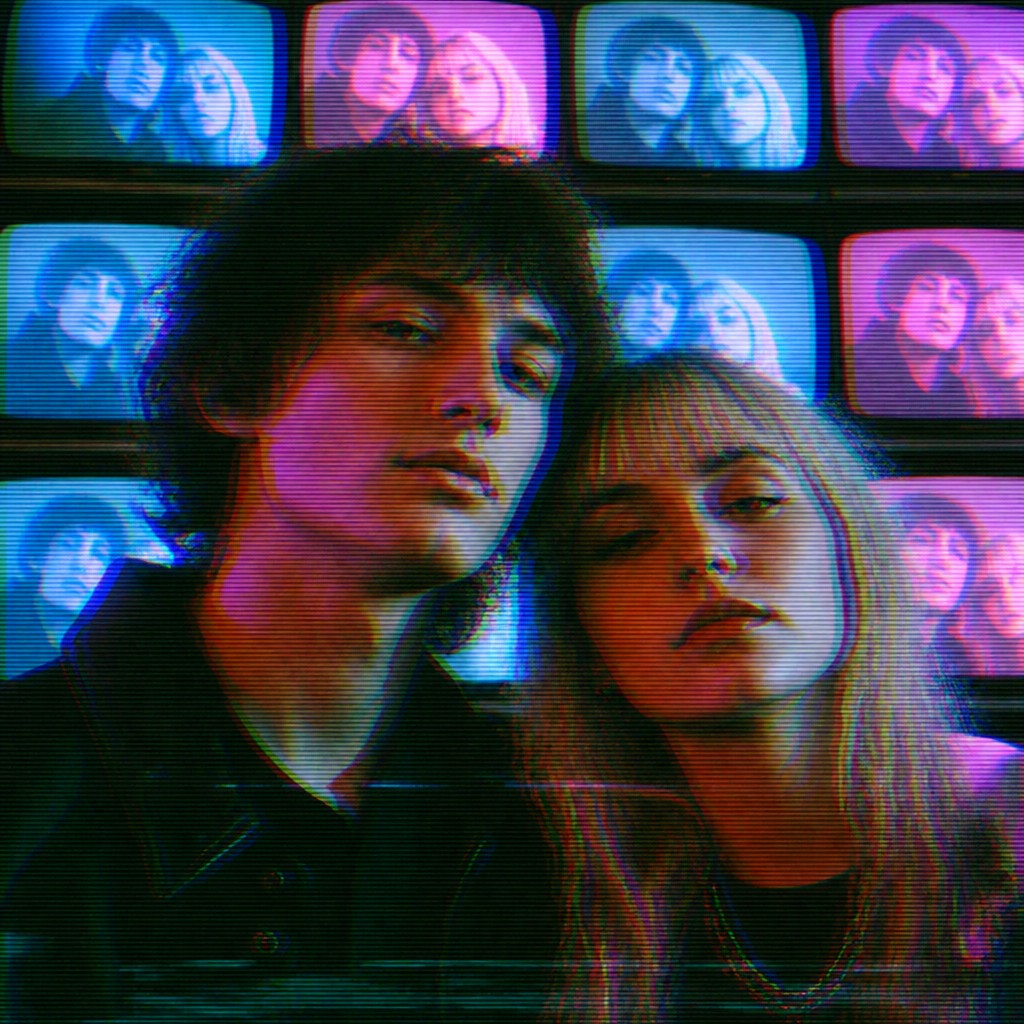
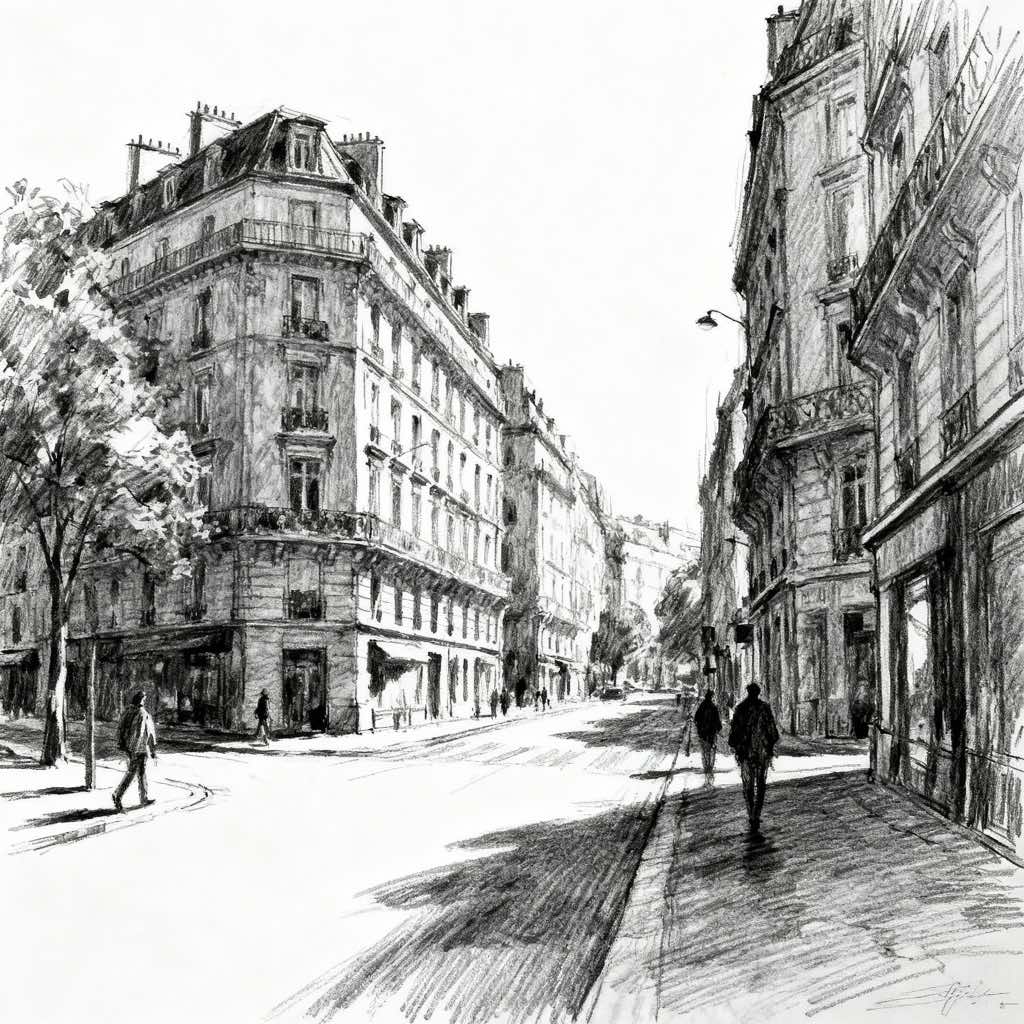
Try It On Your Photos
Upload any photo and convert it into Video Art Style — drag the sliders to compare before and after.
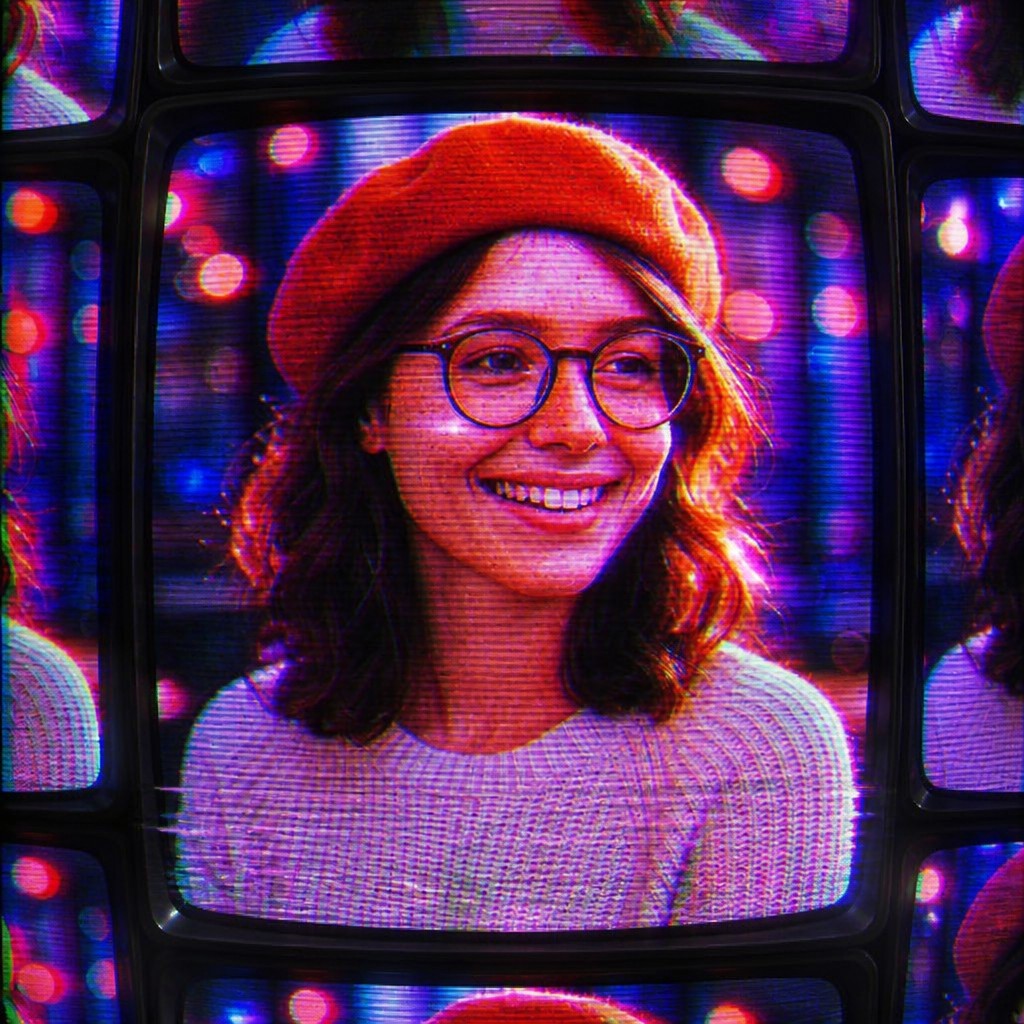

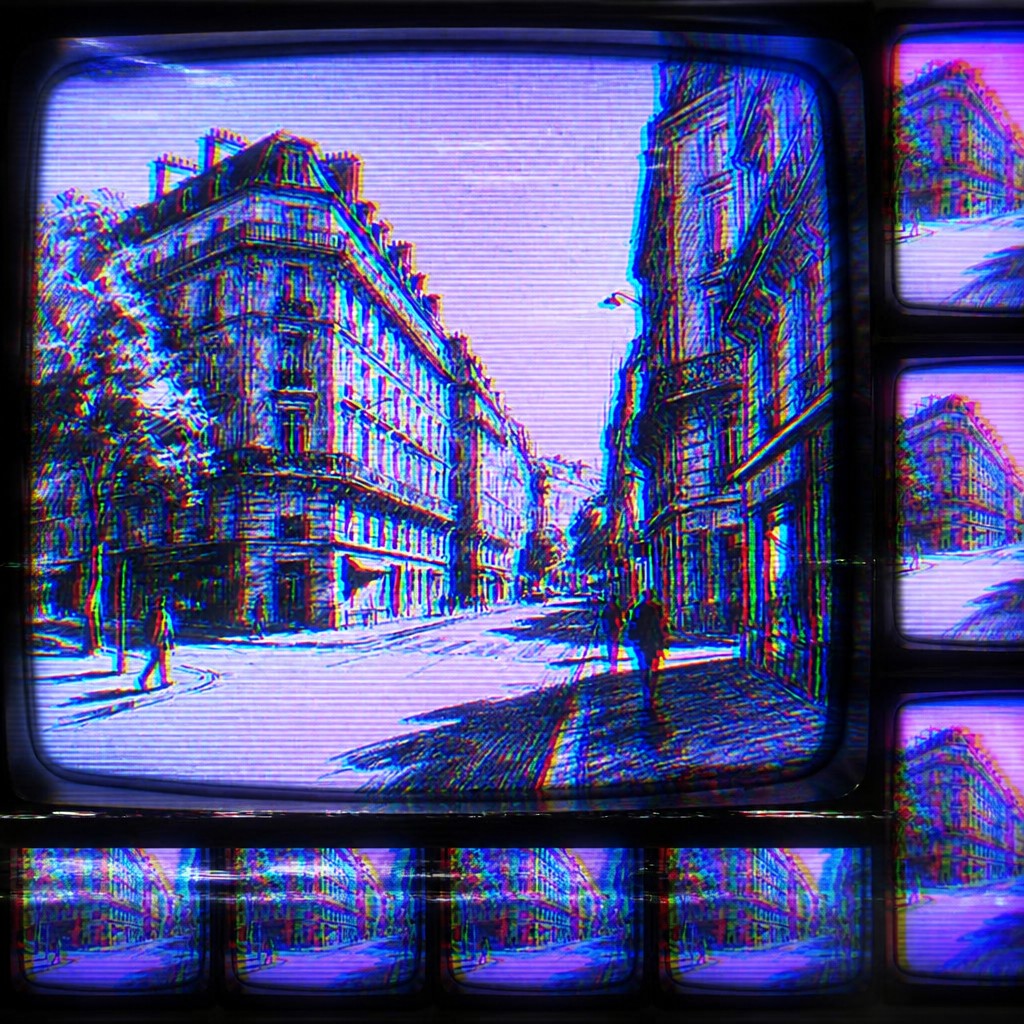
What Defines Video Art Style
The signature details, up close
Visible CRT scanlines
Fine horizontal lines divide the image into electronically refreshed bands. They add period-specific texture and make the screen surface feel physically present.
Phosphor glow
Bright areas bloom softly against darker surroundings, resembling colored light emitted by a cathode-ray display. The glow is especially effective around text, faces, neon forms, and high-contrast silhouettes.
Analog ghosting
Faint duplicate contours trail behind moving or high-contrast subjects. This creates temporal depth and suggests persistence, delay, or imperfect magnetic recording.
Tracking and signal distortion
Horizontal tearing, wavering edges, misaligned bands, and unstable synchronization interrupt otherwise recognizable imagery. These errors should feel integrated into the picture rather than added as random decoration.
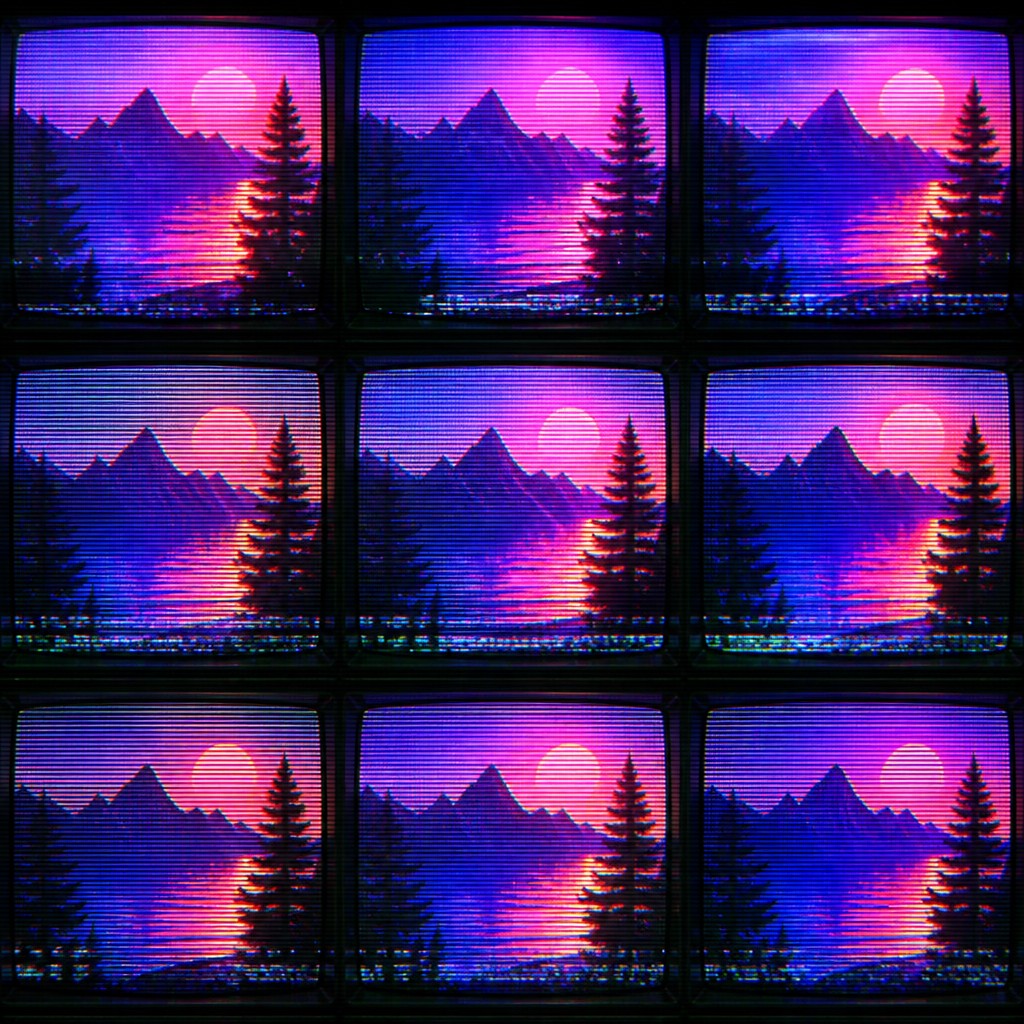
Saturated color bleed
Electric reds, cyans, magentas, greens, and blues spread beyond their intended boundaries. Soft chromatic fringes and imperfect color registration give the image an analog electronic character.
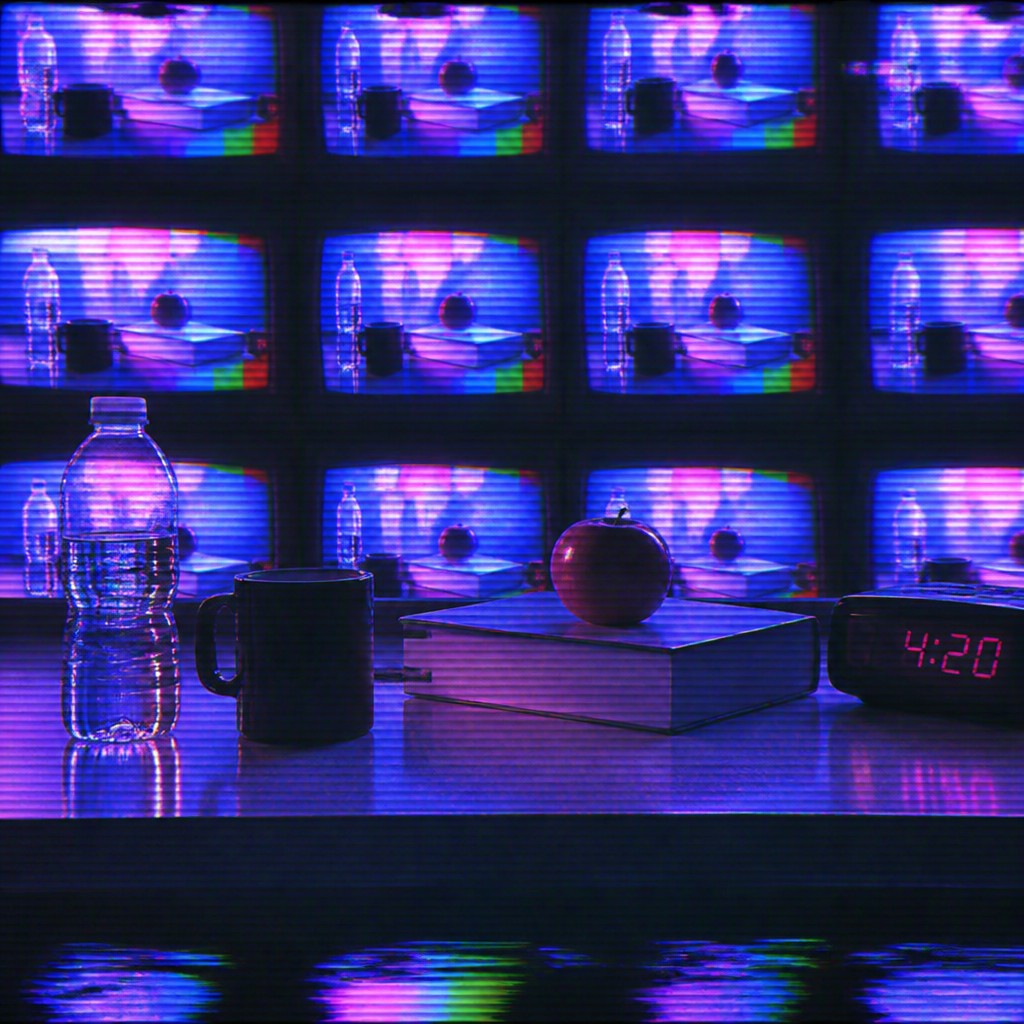
Monitor-wall repetition
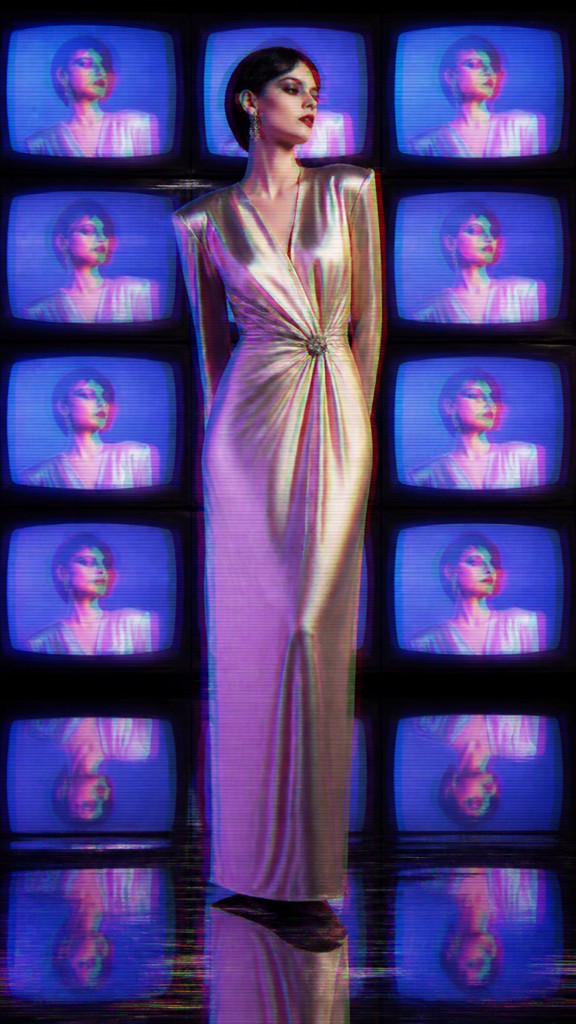
A single subject may appear across tiled screens, nested displays, or repeated frames. Variation in brightness, timing, and distortion prevents the grid from feeling mechanically identical.
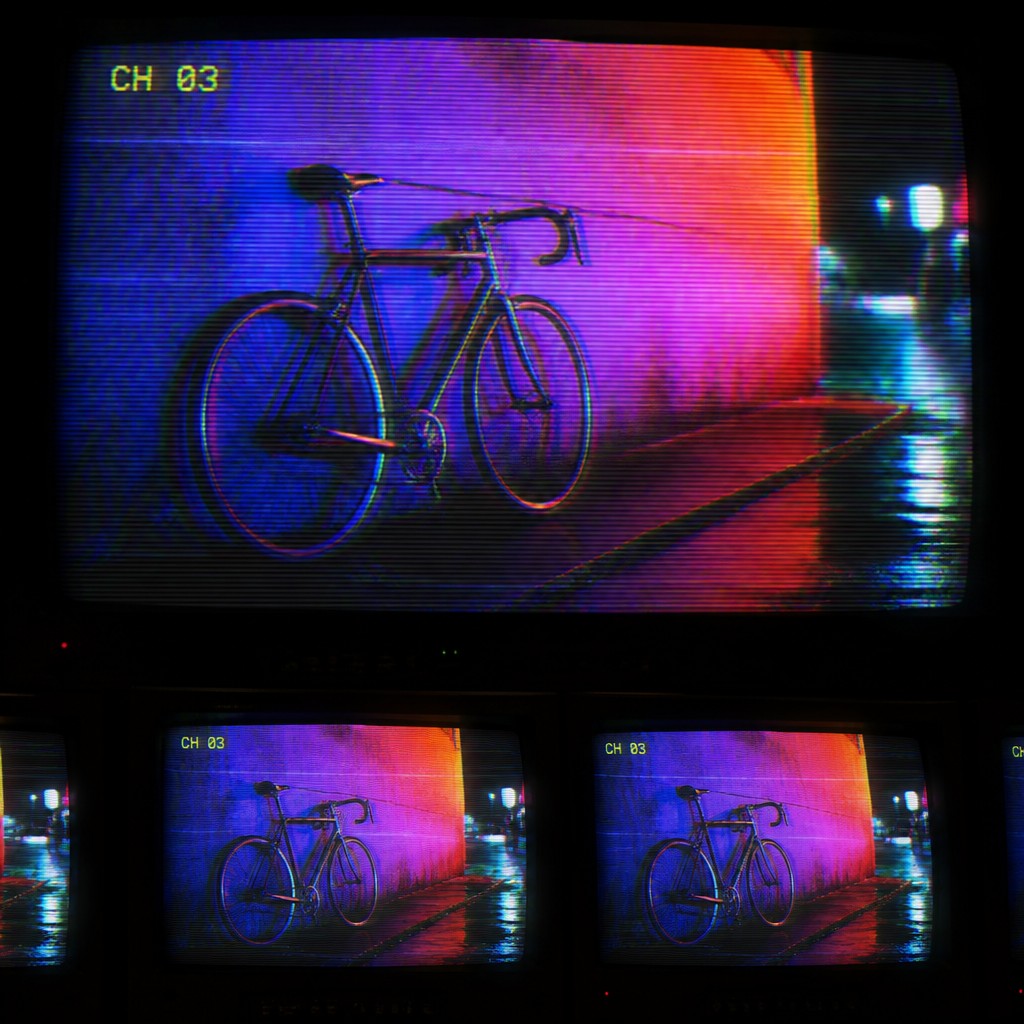
Luminous electronic atmosphere
Dark surrounding space allows the screens to function as light sources. Haze, reflections, cables, shadowed equipment, and deep blacks reinforce the immersive installation-like mood.
Try It
Create Videos in Video Art Style
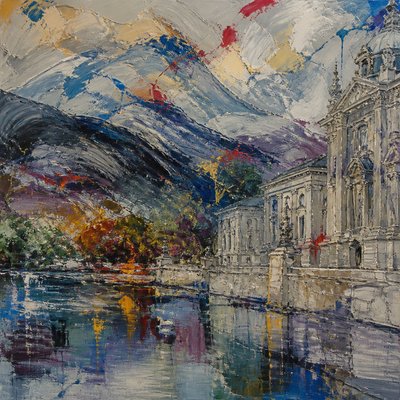
Styles aren't just for stills — describe a scene or animate an image and get a short video rendered in Video. Press play to see this pond come to life.
Make a VideoVideo Prompt Ideas
Start from an idea — each one opens the generator with the style ready to go. See all 40 Video prompts →
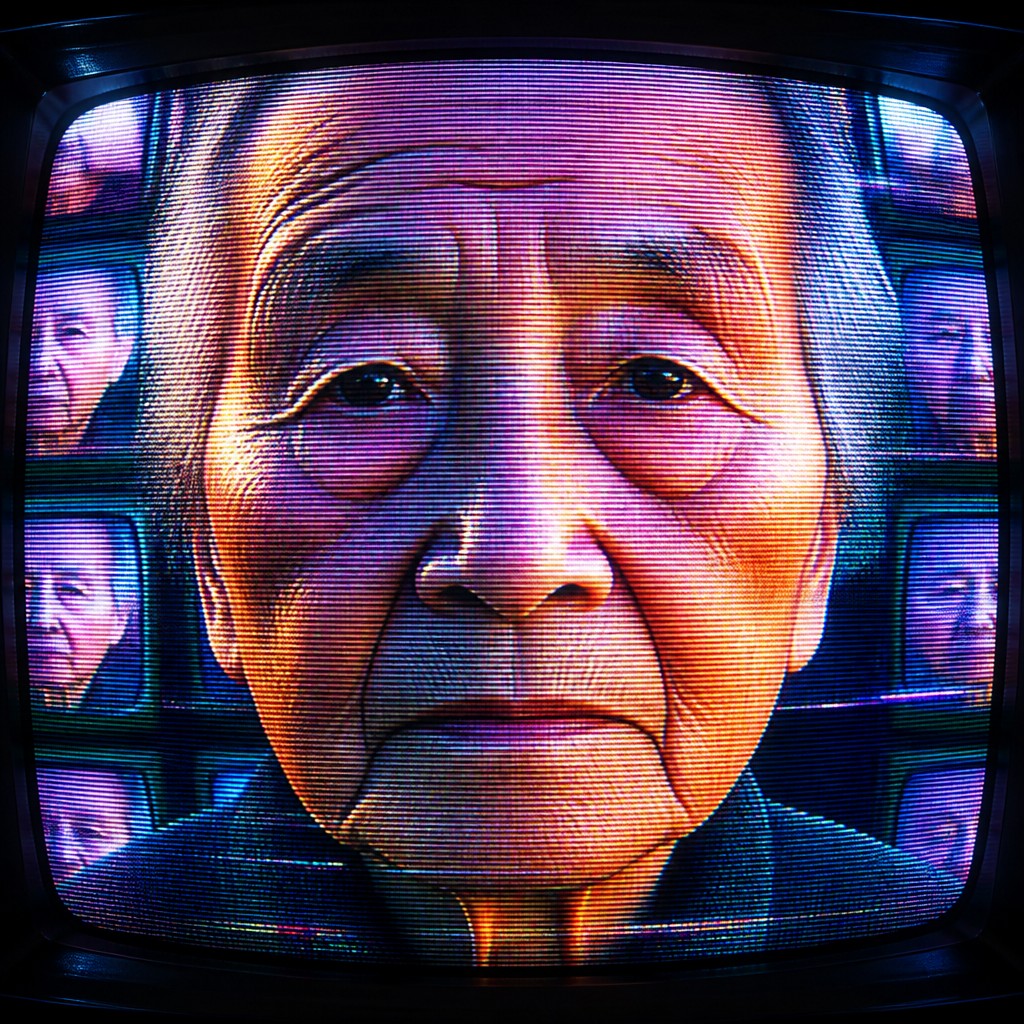
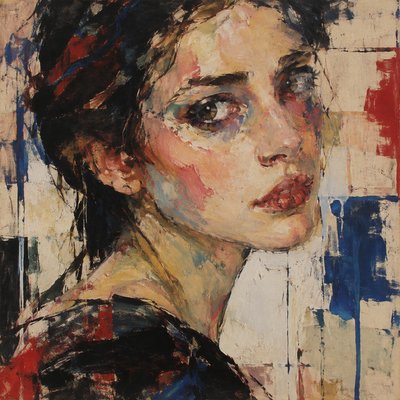
“close-up portrait of an elderly person with expressive weathered features”
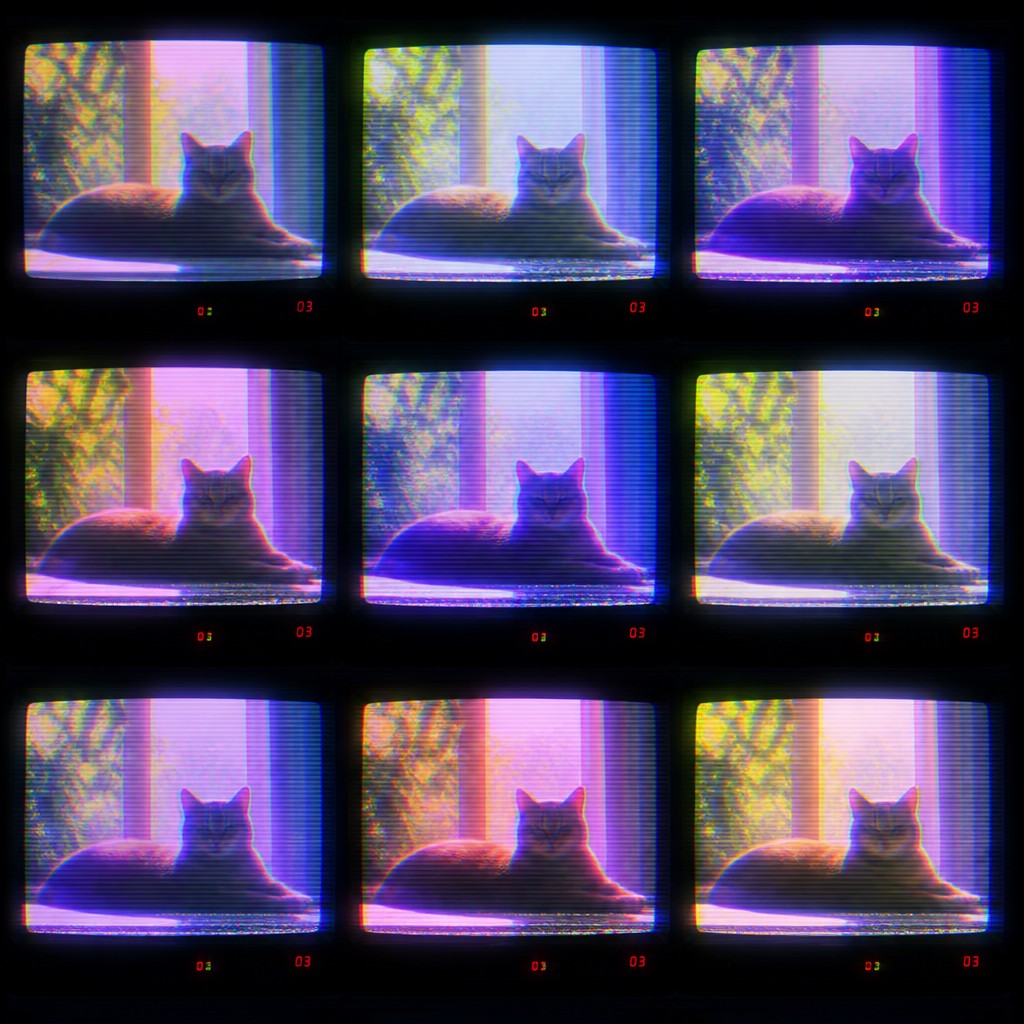
“a cat lounging in a sunlit window”
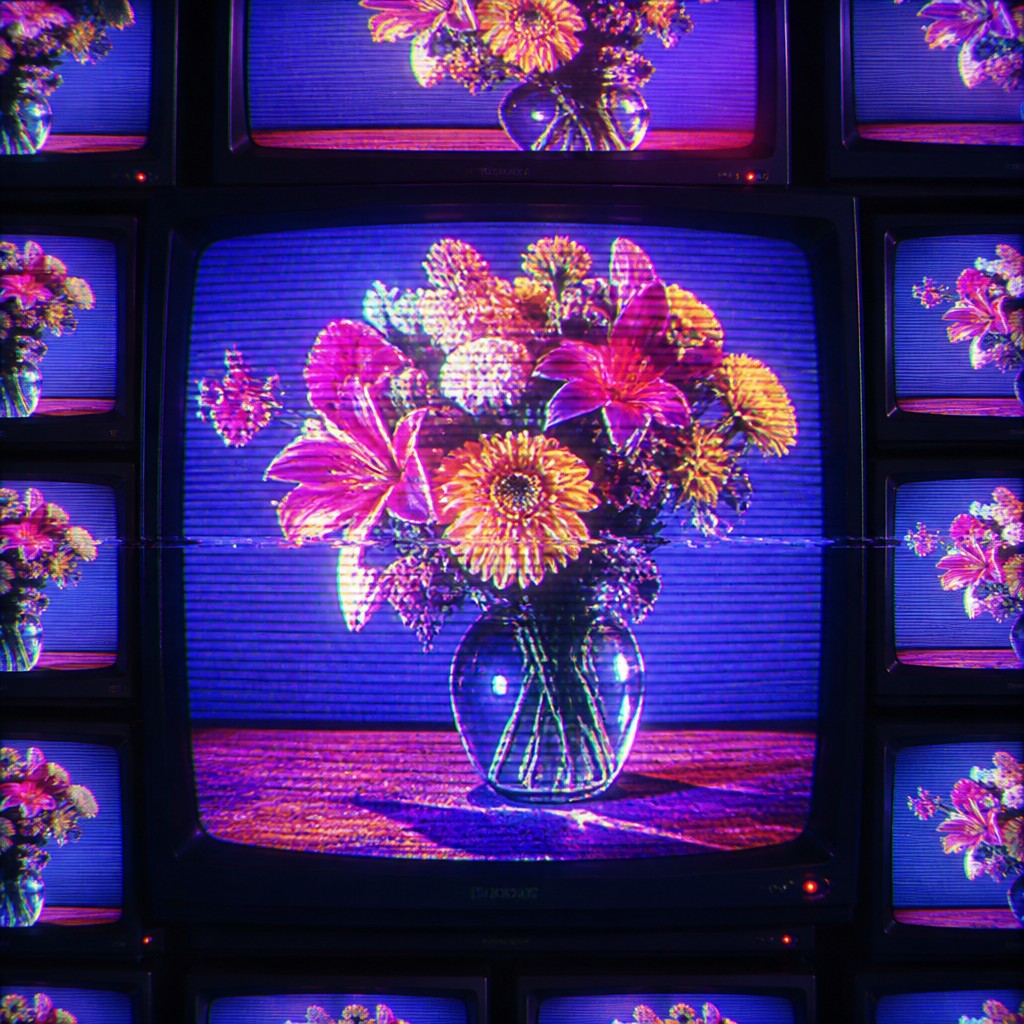
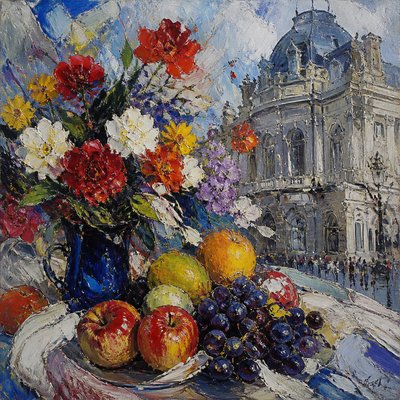
“bouquet of flowers in a glass vase”
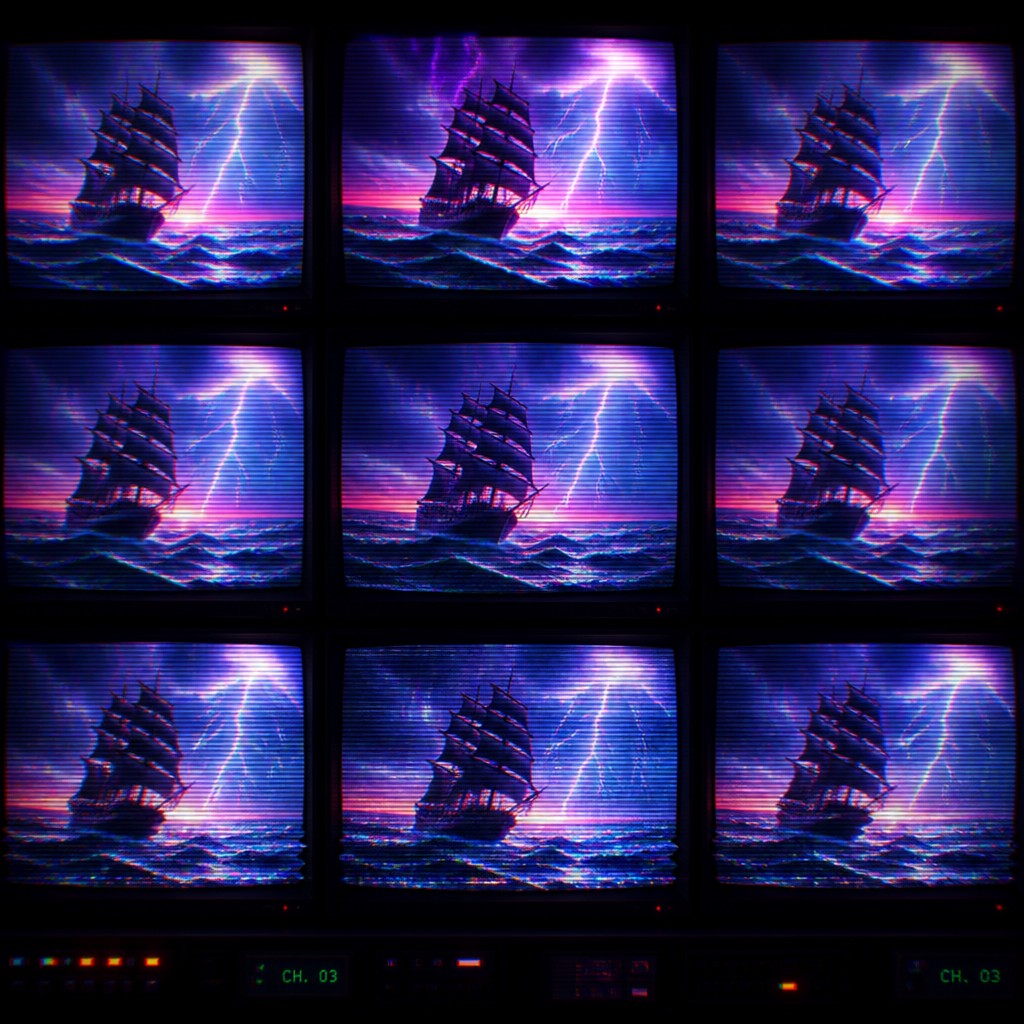
“sailing ship on a stormy sea”
How to Create Video Art
Master the craft step by step — or skip straight to creating. Read the full guide →
- 1
Build a dark display environment
Begin with a nearly black room, deep shadows, or a subdued background so the screens and phosphor highlights provide the main illumination. Add reflections or colored spill light to make the electronic glow affect the surrounding space.
- 2
Layer analog imperfections
Use horizontal scanlines, RGB channel separation, softened duplicate frames, tape noise, and horizontal tracking breaks in restrained layers. Keep the underlying subject legible unless deliberate abstraction is the goal.
- 3
Design with luminous color
Favor high-chroma cyan, magenta, electric blue, acid green, and warm red against dark values. Blur or feather selected edges so color appears to bleed through the display rather than sit as a perfectly sharp digital fill.
- 4
Use repetition and feedback
Duplicate the subject into a monitor grid, nested frame, or recursive screen arrangement. Change scale, brightness, timing, or distortion between copies to suggest live video feedback and imperfect synchronization.
- 5
Photograph or process physical screens
For a practical analog approach, film or photograph a CRT display, introduce controlled interference, and adjust focus, exposure, or shutter timing. Digital compositing can then combine multiple passes of scanlines, glow, ghosting, and color offset.
- 6
Write prompts around signal behavior
Specify the subject first, then describe CRT scanlines, phosphor bloom, analog ghosting, tracking distortion, saturated color bleed, and a repeated monitor wall. Mention whether the result should remain recognizable or become heavily abstracted.
The Story
History & Origins of Video
Video Art Style is a contemporary synthesis rather than a formally defined historical movement. Its aesthetic lineage comes from experimental video art and electronic image-making that developed from the 1960s onward, when portable video equipment, analog editing, feedback systems, and video synthesizers enabled artists to manipulate television signals as an artistic material.
It also draws on broadcast interference, television test patterns, public-access imagery, music-video graphics, computer terminals, and installation-based monitor walls. Modern digital tools can reproduce and exaggerate these analog behaviors, turning scanlines, chromatic misregistration, ghost frames, and tracking noise into deliberate compositional elements.
Influences: The style is closely related to experimental video art, electronic image synthesis, analog television culture, broadcast interference, glitch aesthetics, installation art, music-video graphics, cyberpunk imagery, and retro-futurist design. It also shares methods with feedback-based abstraction, expanded cinema, surveillance-screen imagery, and early computer-display graphics, but places unusual emphasis on the monitor as both image and luminous object.
Frequently Asked Questions
What defines Video Art Style?
Its defining features are CRT scanlines, phosphor glow, analog ghosting, tracking instability, saturated color bleed, and repeated monitor imagery. The image should feel generated or displayed by an imperfect electronic system rather than rendered as a clean digital picture.
Is Video Art Style a historical art movement?
Not in this specific form. It is a contemporary style that synthesizes visual techniques associated with experimental video art, analog television, electronic image processing, and screen-based installation.
How is it different from ordinary glitch art?
Glitch art can use any kind of digital corruption, compression failure, or software error. Video Art Style is more specifically tied to analog display behavior, including scanlines, phosphor bloom, magnetic ghosting, tracking errors, and the glow of physical monitors.
Can subjects remain recognizable in this style?
Yes. Moderate scanlines, glow, and ghosting can preserve portraits, architecture, landscapes, or objects while giving them an electronic atmosphere. Stronger feedback, repetition, and signal tearing can push the same subject toward abstraction.
What subjects work well with this aesthetic?
Night scenes, portraits, neon architecture, dancers, machines, surveillance spaces, sci-fi environments, and reflective surfaces respond especially well to the style. High-contrast silhouettes and luminous details make the scanlines and phosphor effects more visible.
How can I make the effect look convincingly analog?
Combine several related imperfections instead of applying one generic distortion filter. Use restrained scanlines, uneven brightness, slight RGB misregistration, soft frame echoes, horizontal tracking breaks, and screen reflections, while avoiding perfectly uniform noise across the entire image.

Create your first Video artwork
Describe anything — or upload a photo — and see it in Video Art Style in seconds.
Related Styles
Discover similar art styles