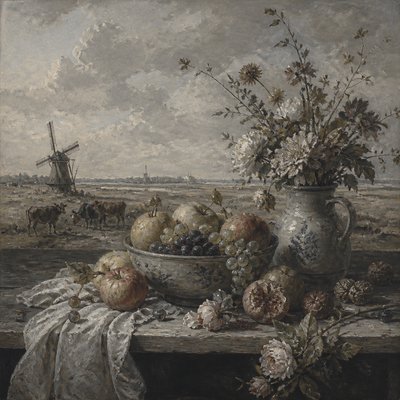
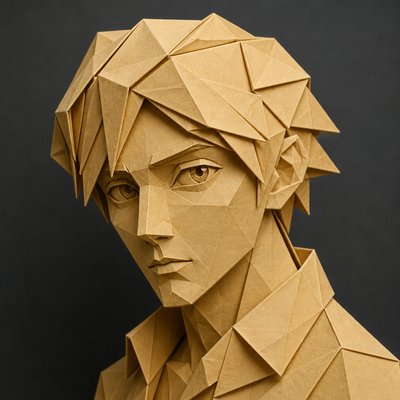
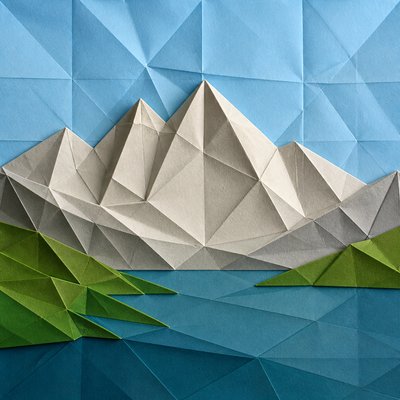
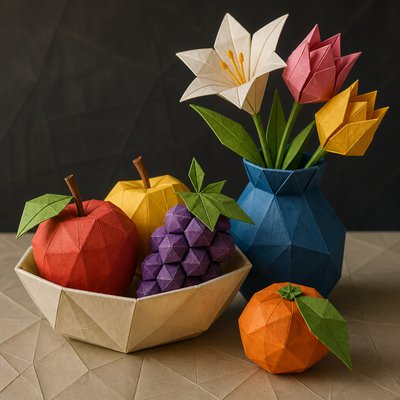
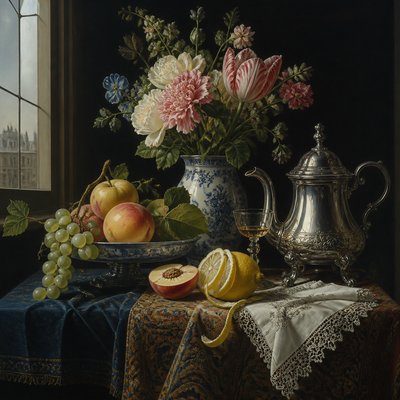
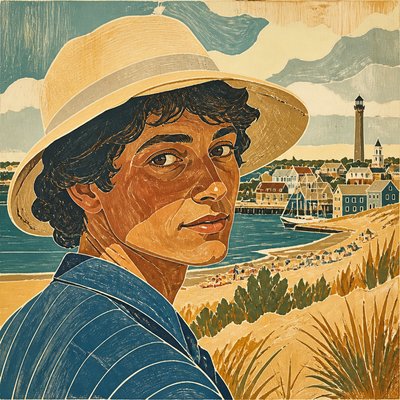
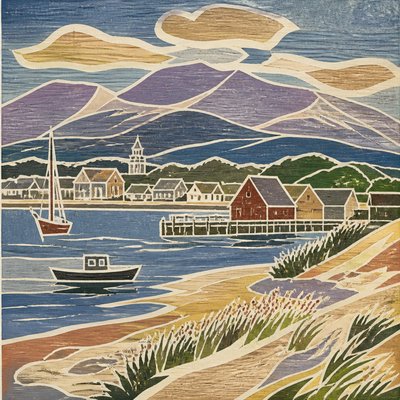
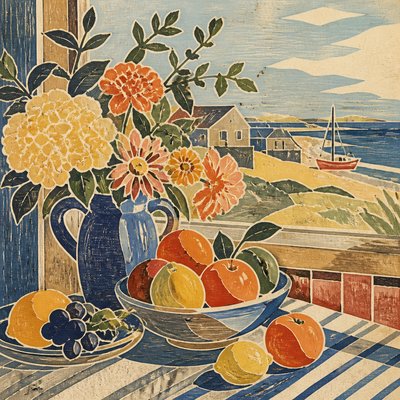
ASCII Art Style
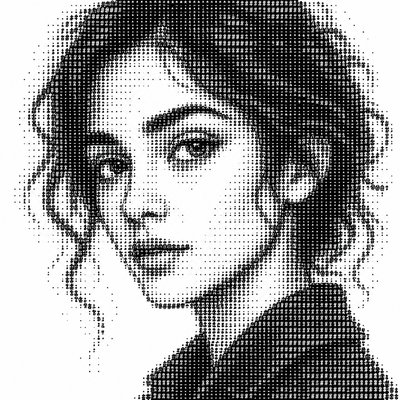
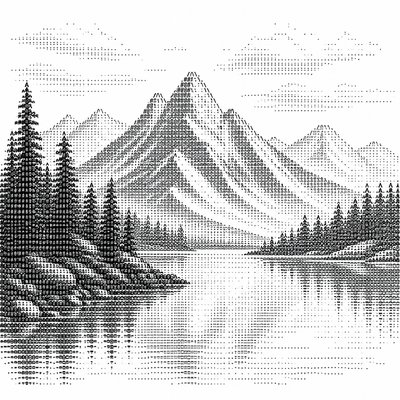
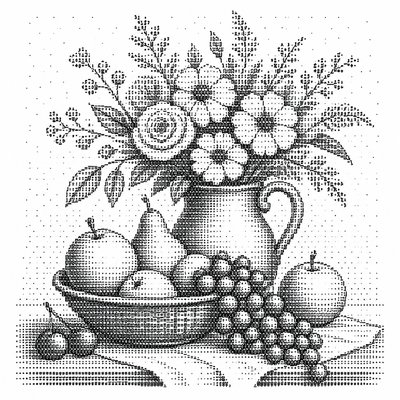
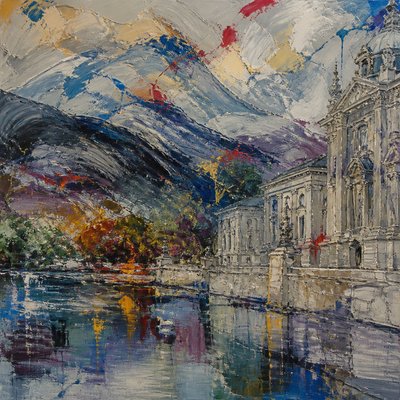
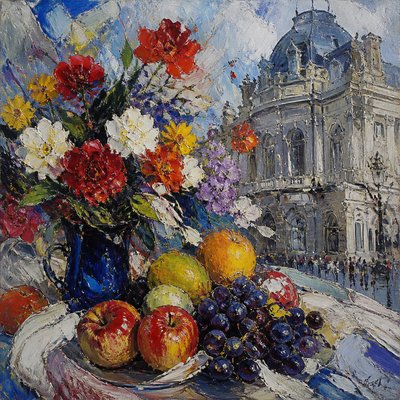
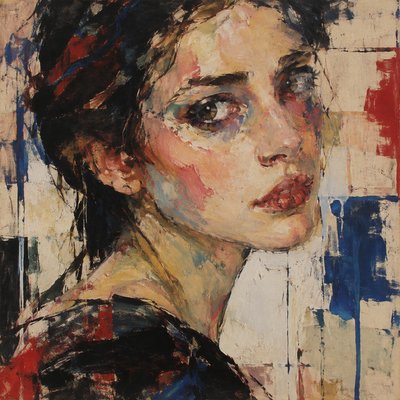
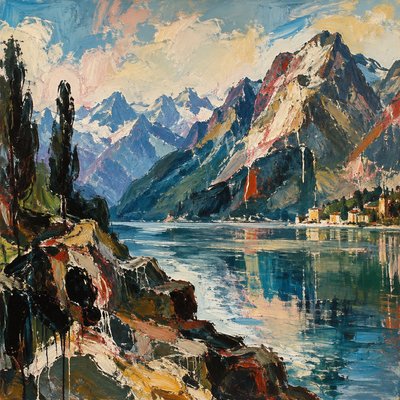
ASCII art uses keyboard characters to build images with text, density, and spacing—minimal, nostalgic, and distinctly digital.
Instantly rendered in ASCII — or transform a photo
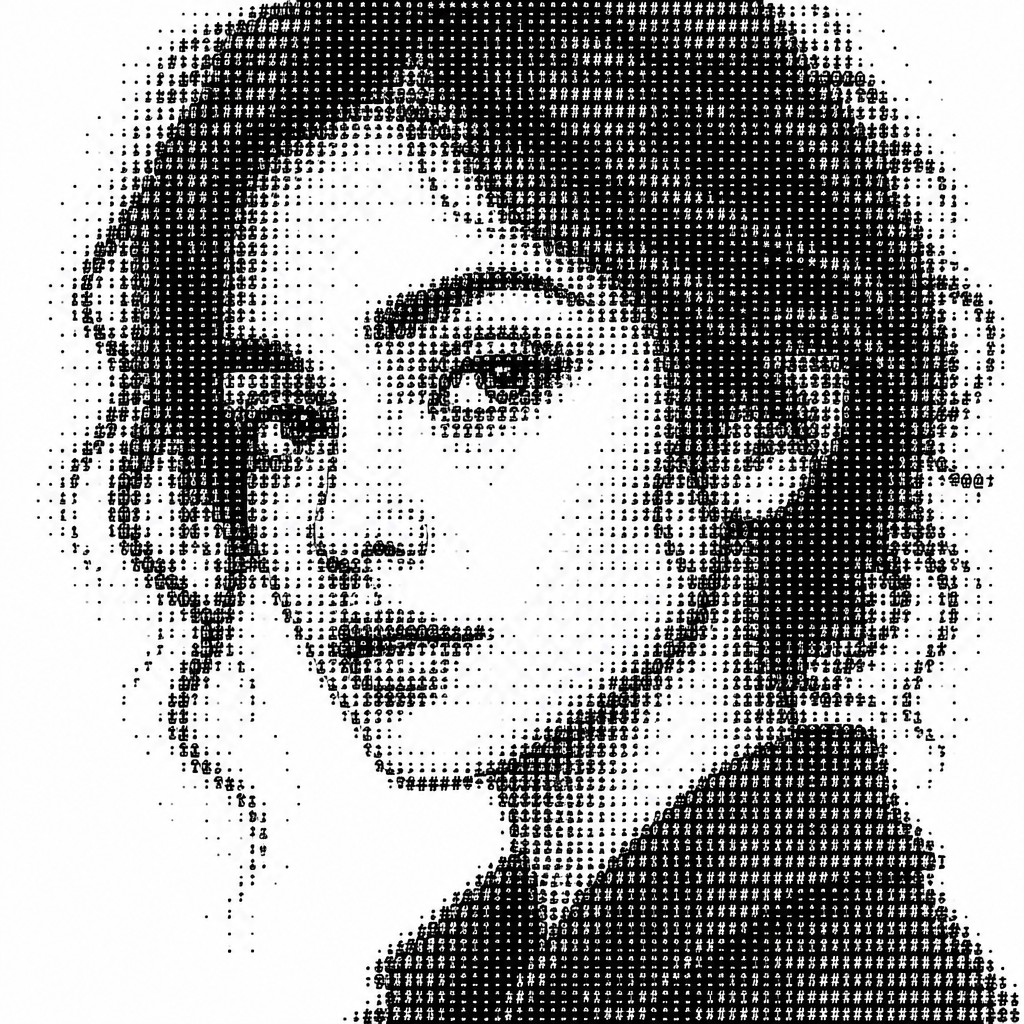
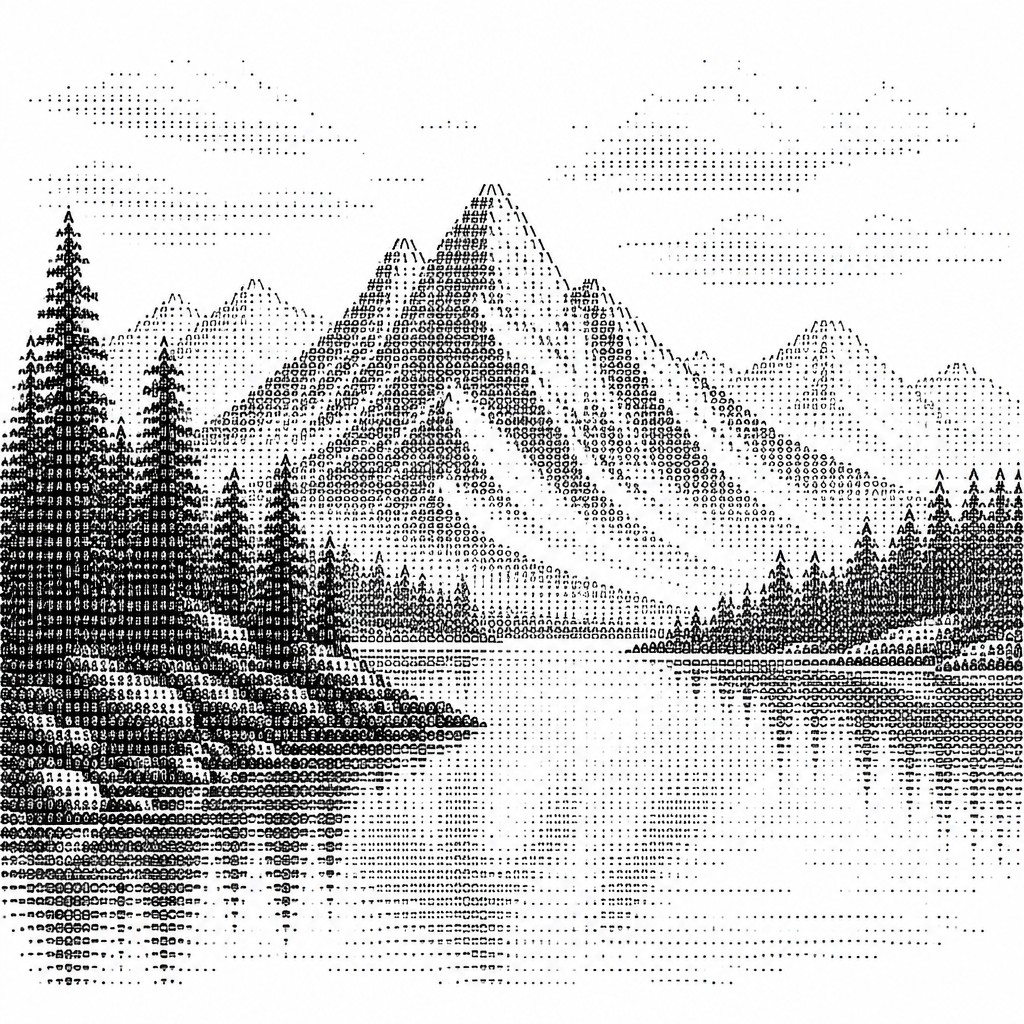
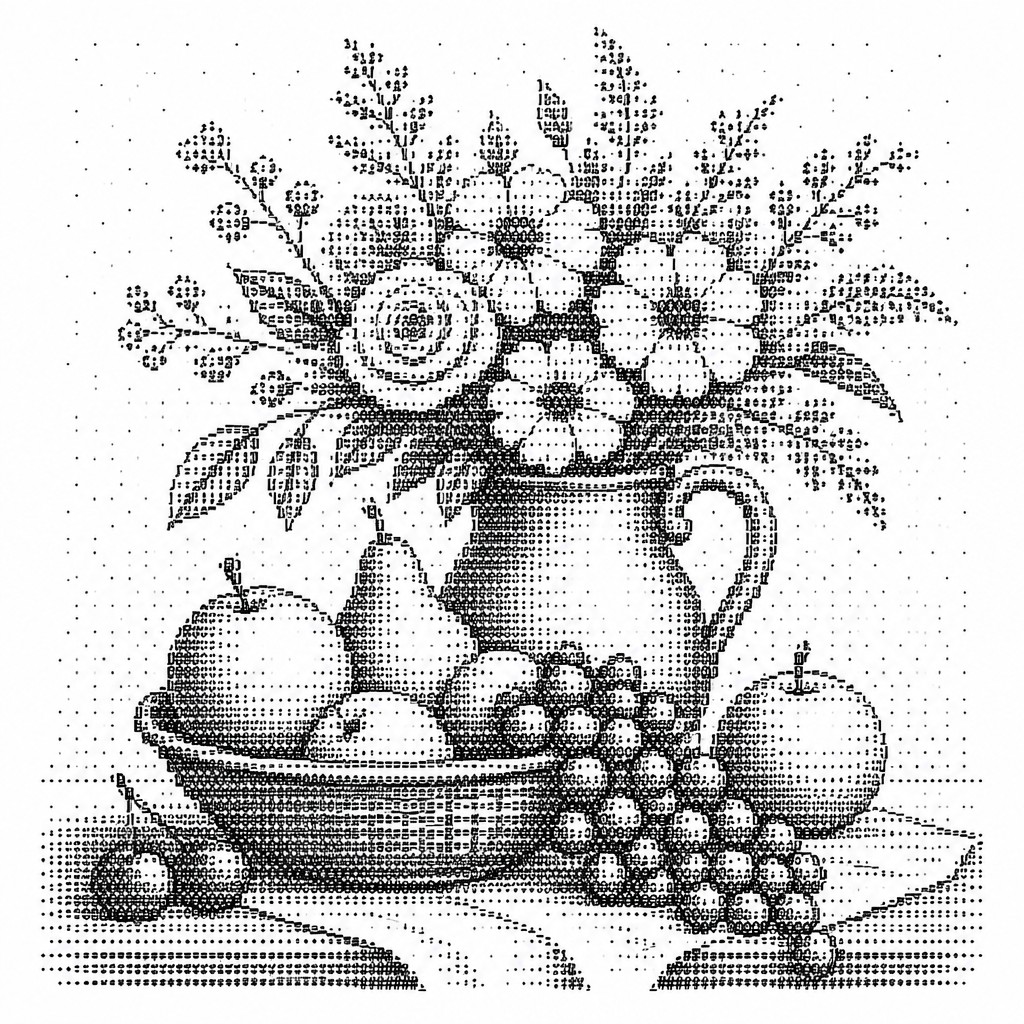
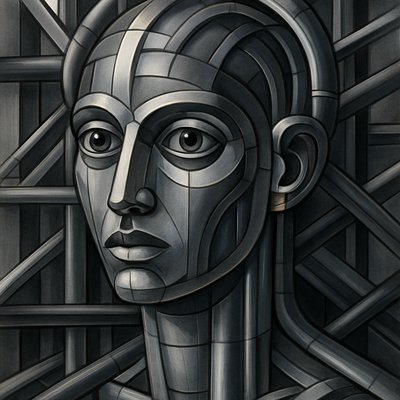
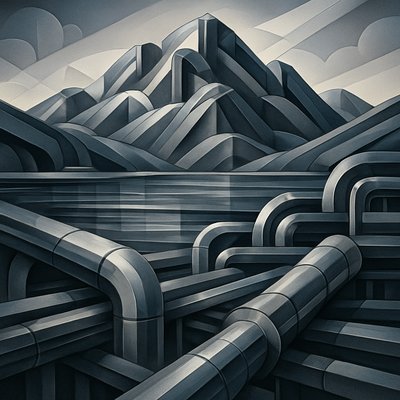
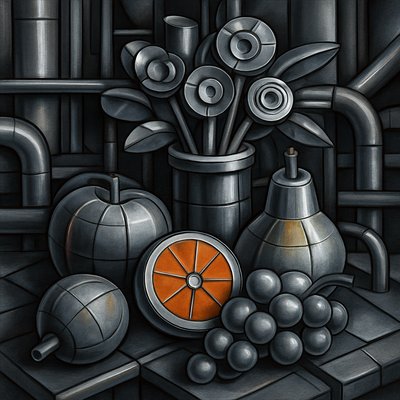
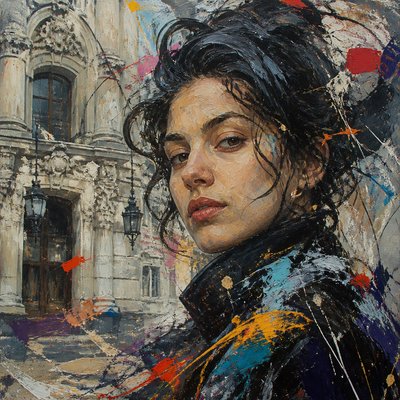
ASCII Gallery
Tap any artwork to explore it
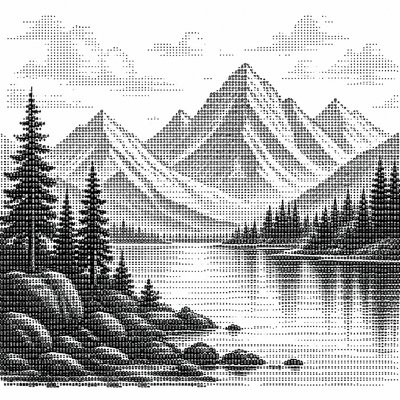
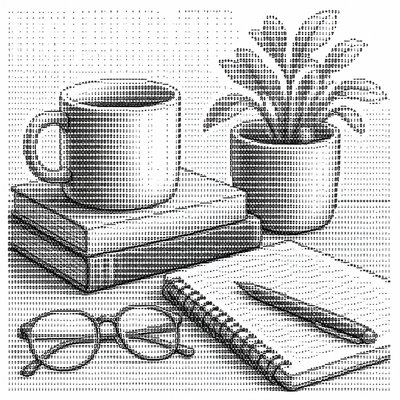
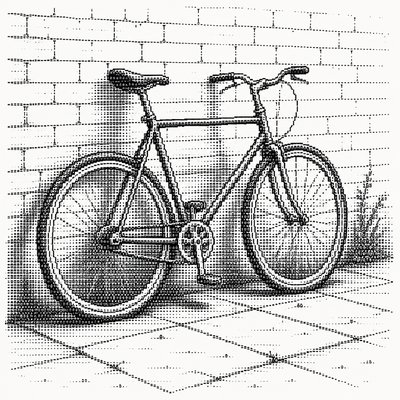
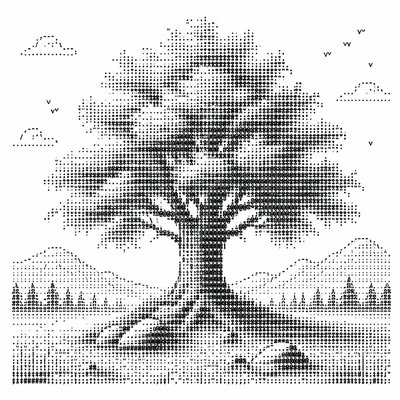
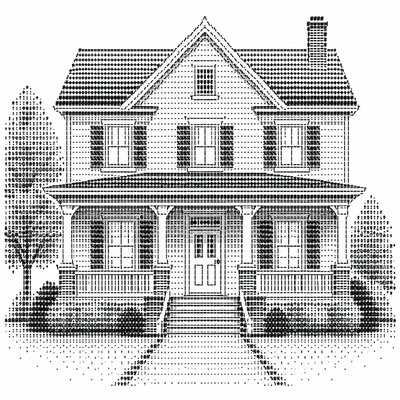
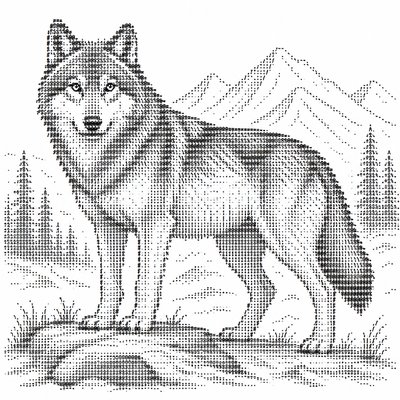
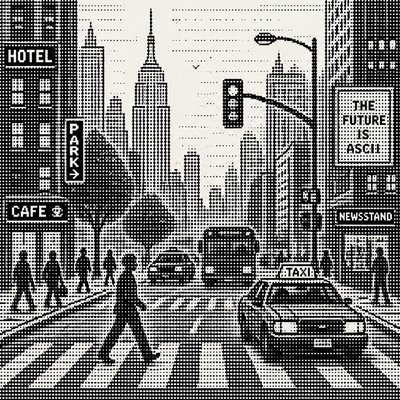
What is ASCII Art Style?
ASCII art is image-making with text alone: letters, numbers, punctuation marks, and symbols arranged on a fixed grid to suggest forms, shadows, and edges. Instead of brushstrokes or continuous shading, it relies on character density and spacing, so an image emerges from the visual weight of glyphs such as @, #, %, :, ., and blank space.
Its visual identity is inseparable from the technologies that produced it: monospaced fonts, terminal displays, typewriters, bulletin boards, and early computer culture. The style can be playful or highly intricate, ranging from simple emoticons and logos to elaborate portraits and scenes. It looks the way it does because each character functions like a pixel of tone and structure, forcing artists to simplify, abstract, and translate shapes into a strict text-based code.
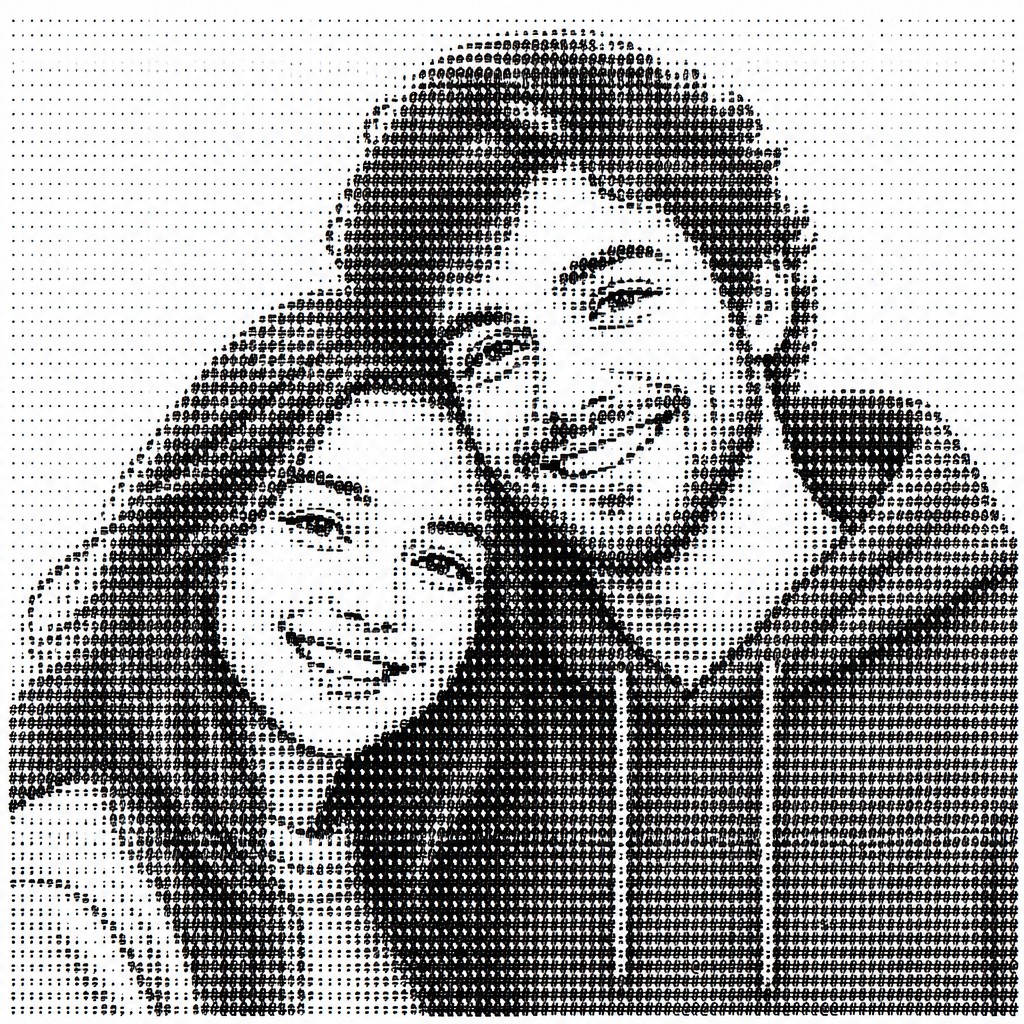
Try It On Your Photos
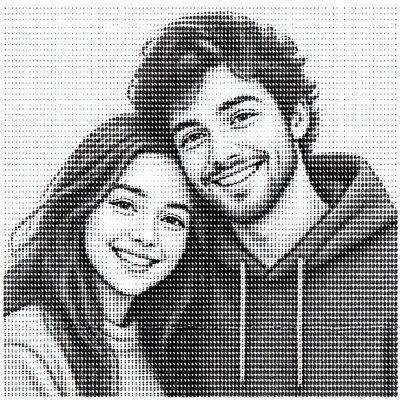
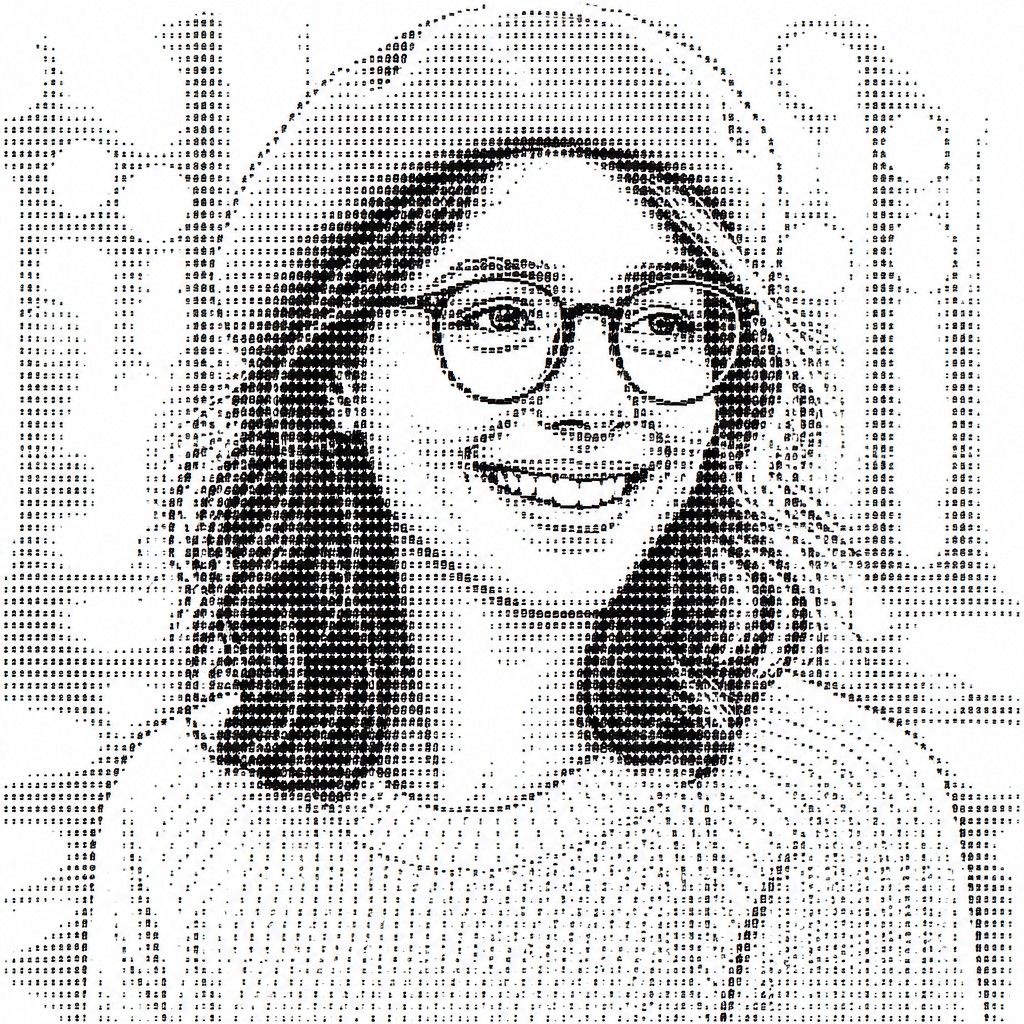
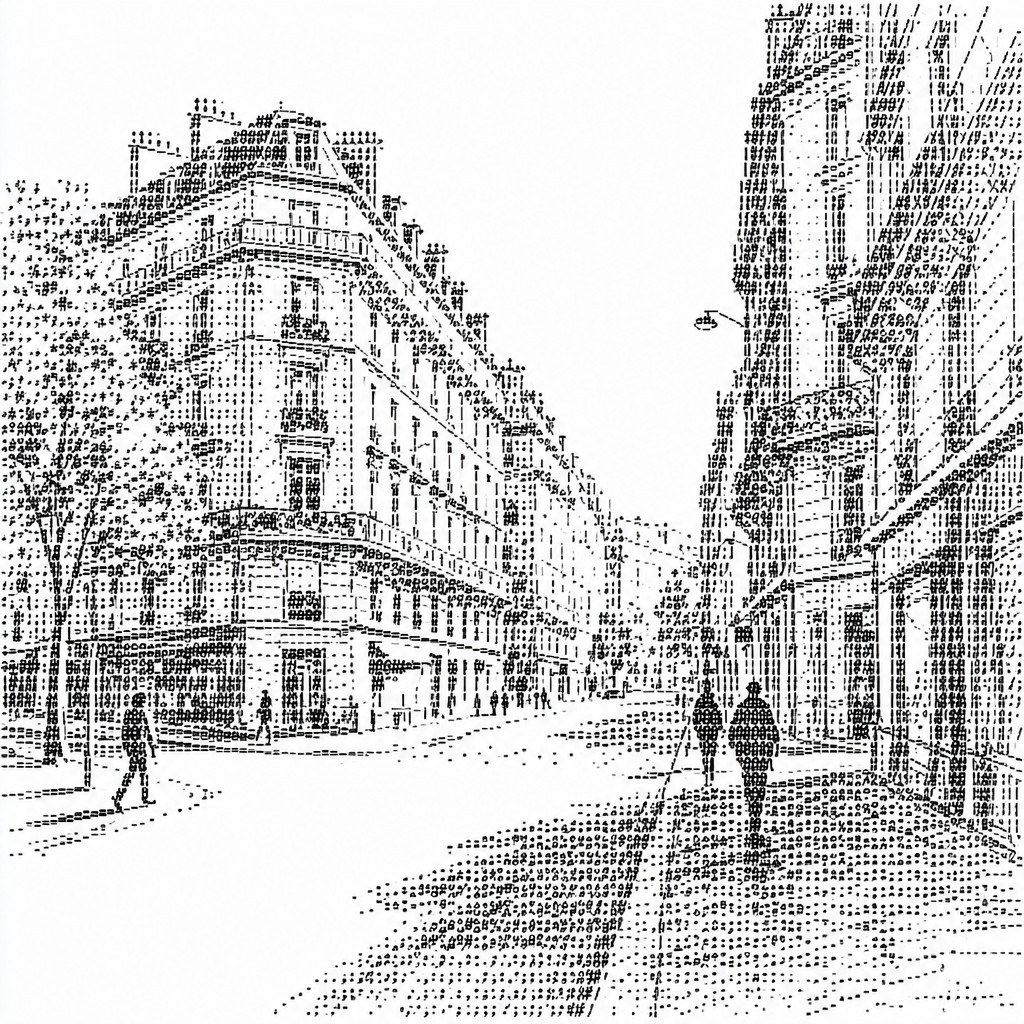
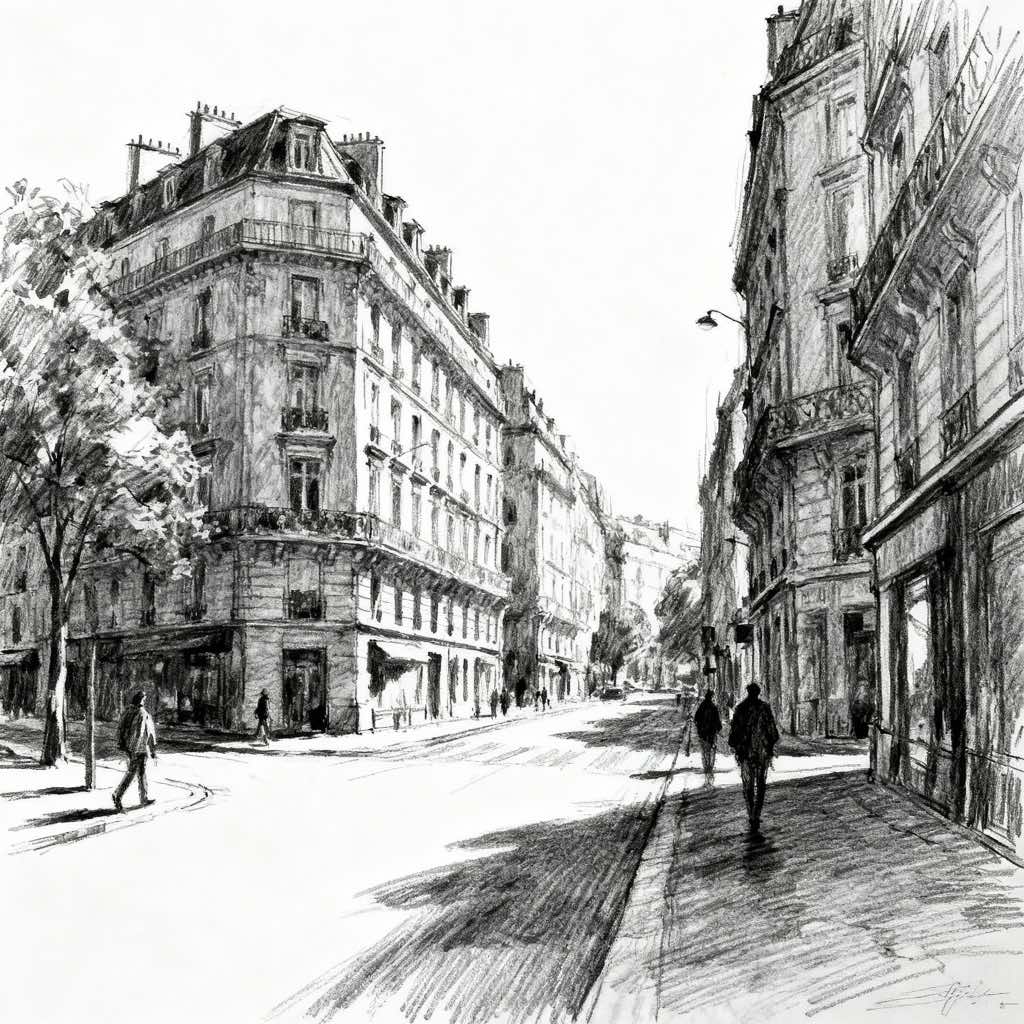
Upload any photo and convert it into ASCII Art Style — drag the sliders to compare before and after.

What Defines ASCII Art Style
The signature details, up close
Monospaced grid structure
ASCII images depend on fixed-width characters so spacing remains consistent across each line. This rigid grid is what allows letters and symbols to lock into recognizable forms.
Tone from character density
Dark areas are built with dense marks like @, #, % and M, while lighter areas use punctuation, thin strokes, or blank space. The result mimics shading without using actual grayscale.
Text as both medium and image
The artwork is made entirely of readable keyboard characters, not drawn outlines or painted fills. Letterforms become visual elements, often losing their literal linguistic meaning.
High reliance on simplification
Because the medium is limited, subjects are reduced to essential contours, silhouettes, and tonal blocks. This gives the style its graphic clarity and iconic, almost schematic look.
Nostalgic terminal aesthetic
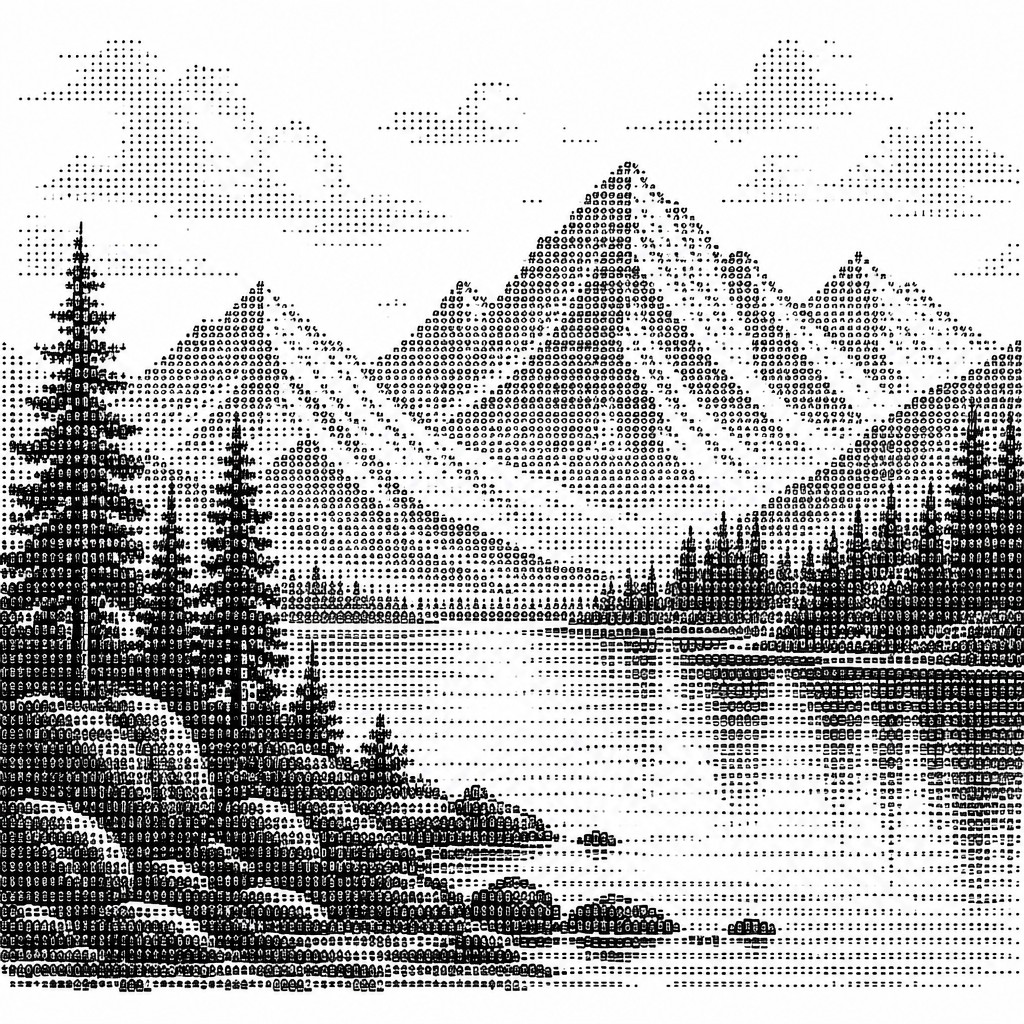
The style evokes early computing, BBS culture, and command-line interfaces. Plain backgrounds and monochrome presentation reinforce its retro digital identity.
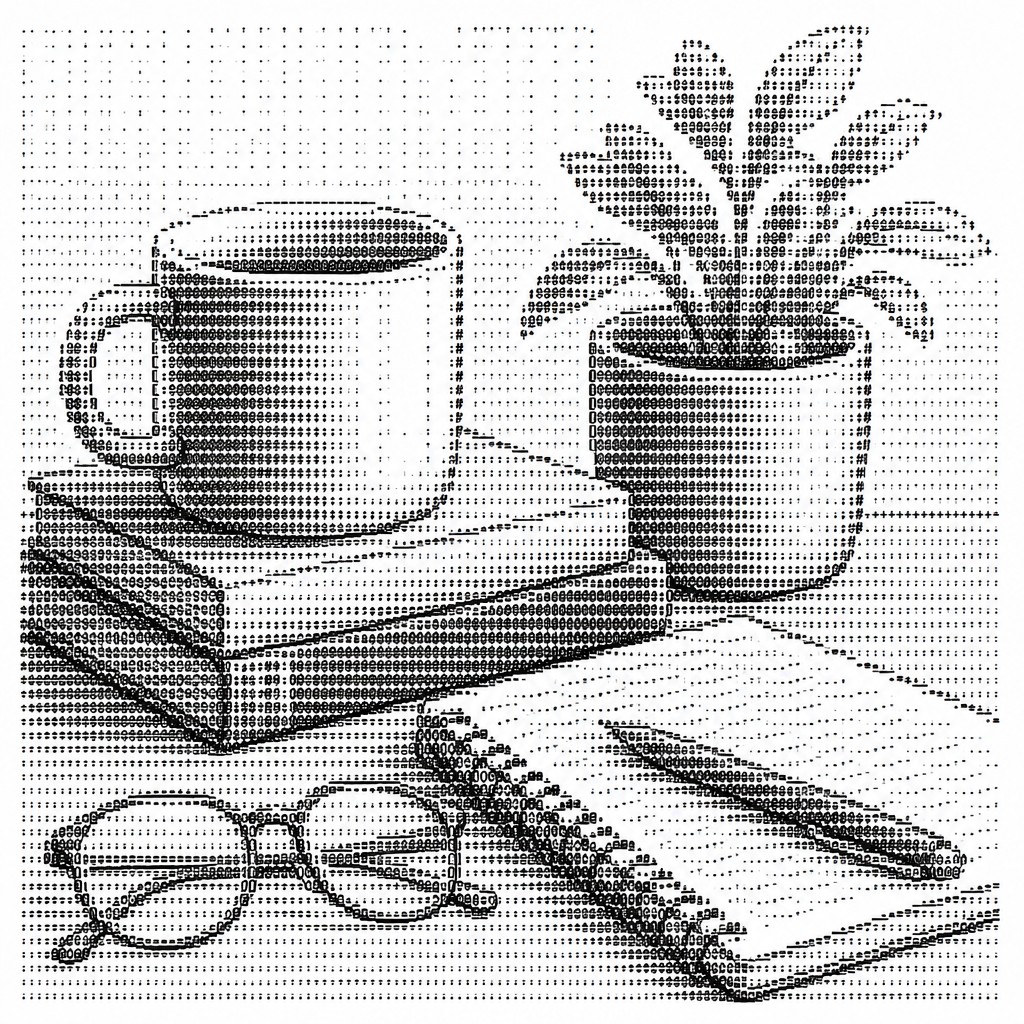
Pattern-based shading and contouring
Repeated symbols, diagonal stair-step edges, and strategic punctuation are used to model faces, objects, and depth. Small changes in character choice can strongly alter the image's perceived form.
Try It
Create Videos in ASCII Art Style
Styles aren't just for stills — describe a scene or animate an image and get a short video rendered in ASCII. Press play to see this pond come to life.
Make a VideoASCII Prompt Ideas
Start from an idea — each one opens the generator with the style ready to go. See all 40 ASCII prompts →
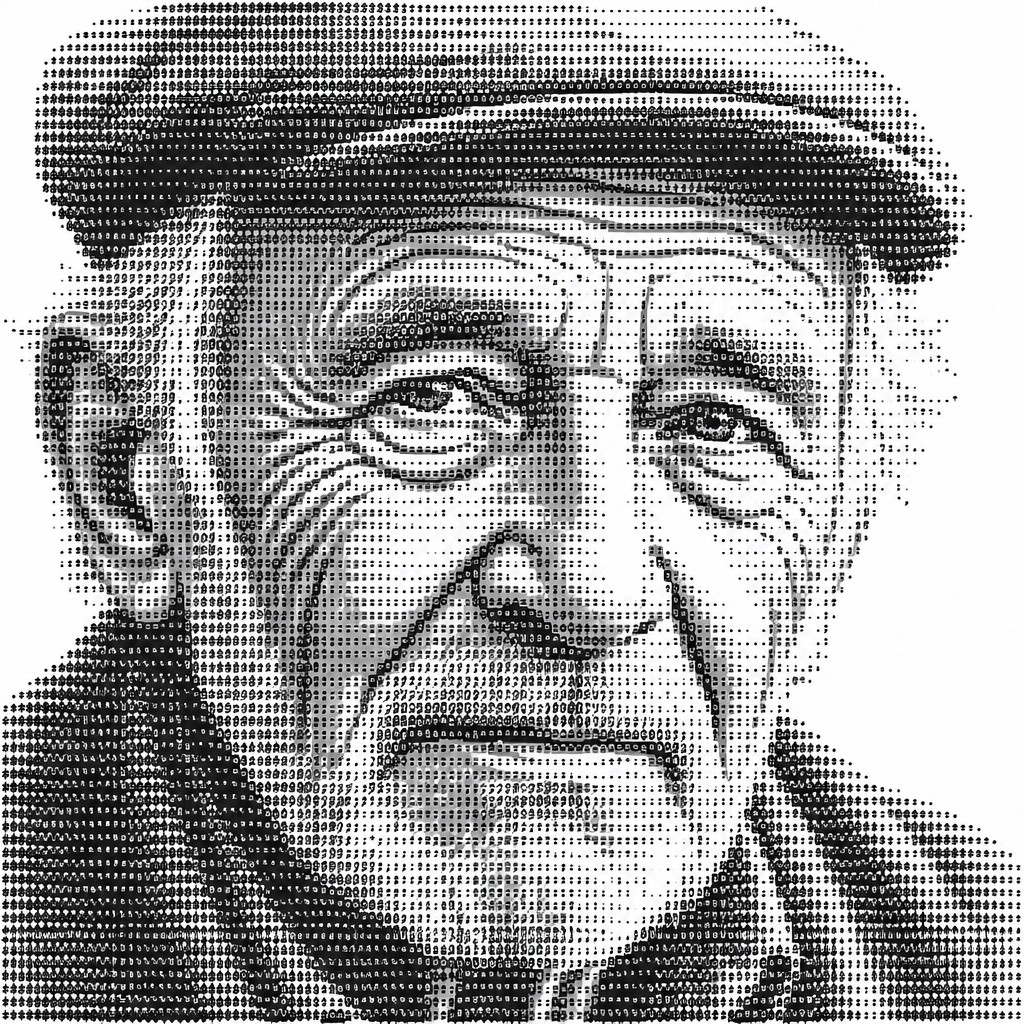
“close-up portrait of an elderly person with expressive weathered features”
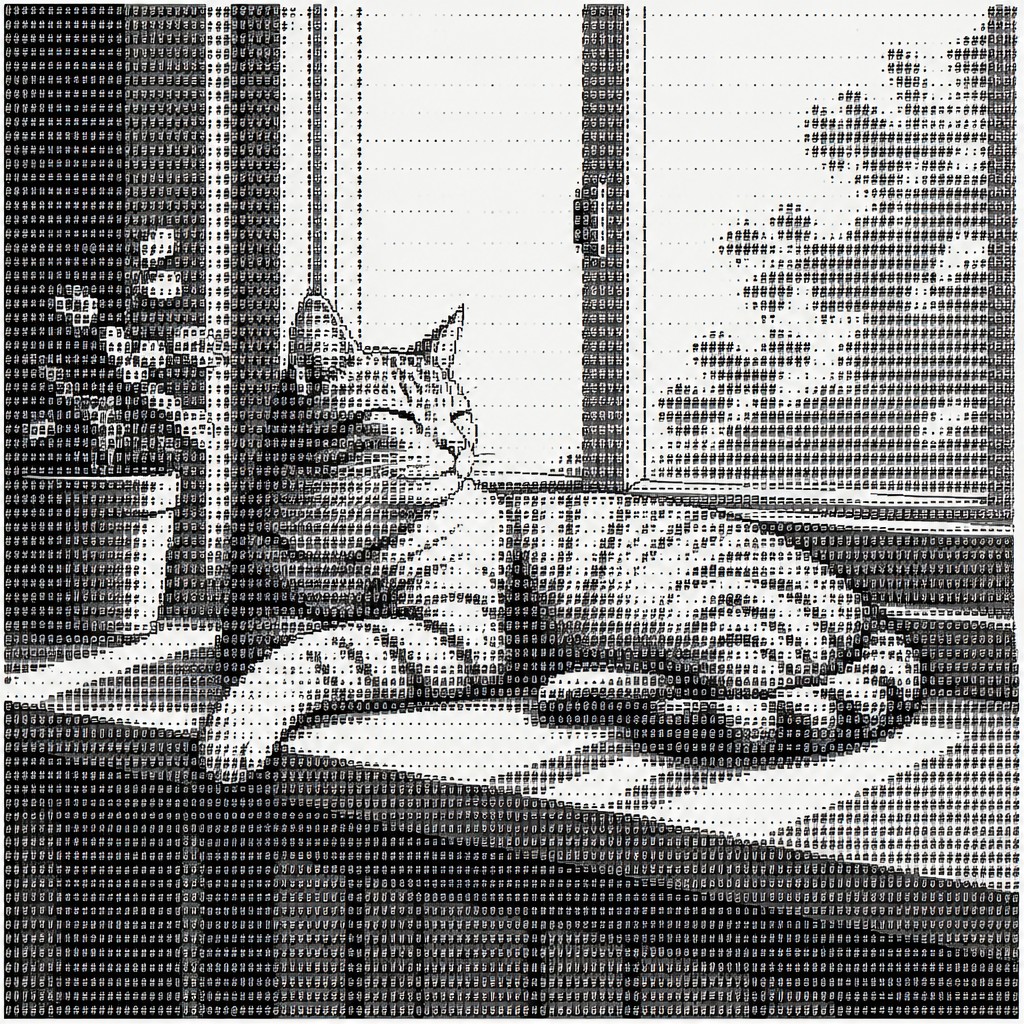
“a cat lounging in a sunlit window”
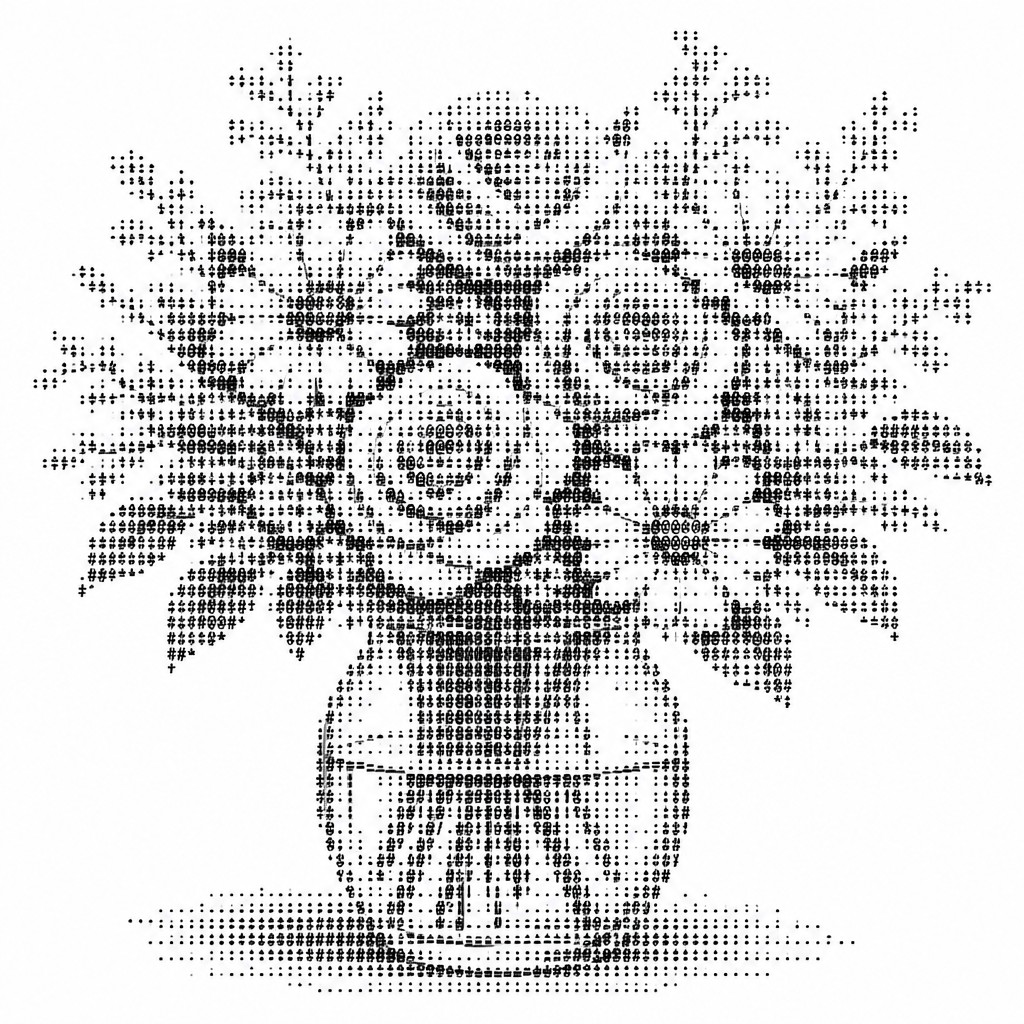
“bouquet of flowers in a glass vase”
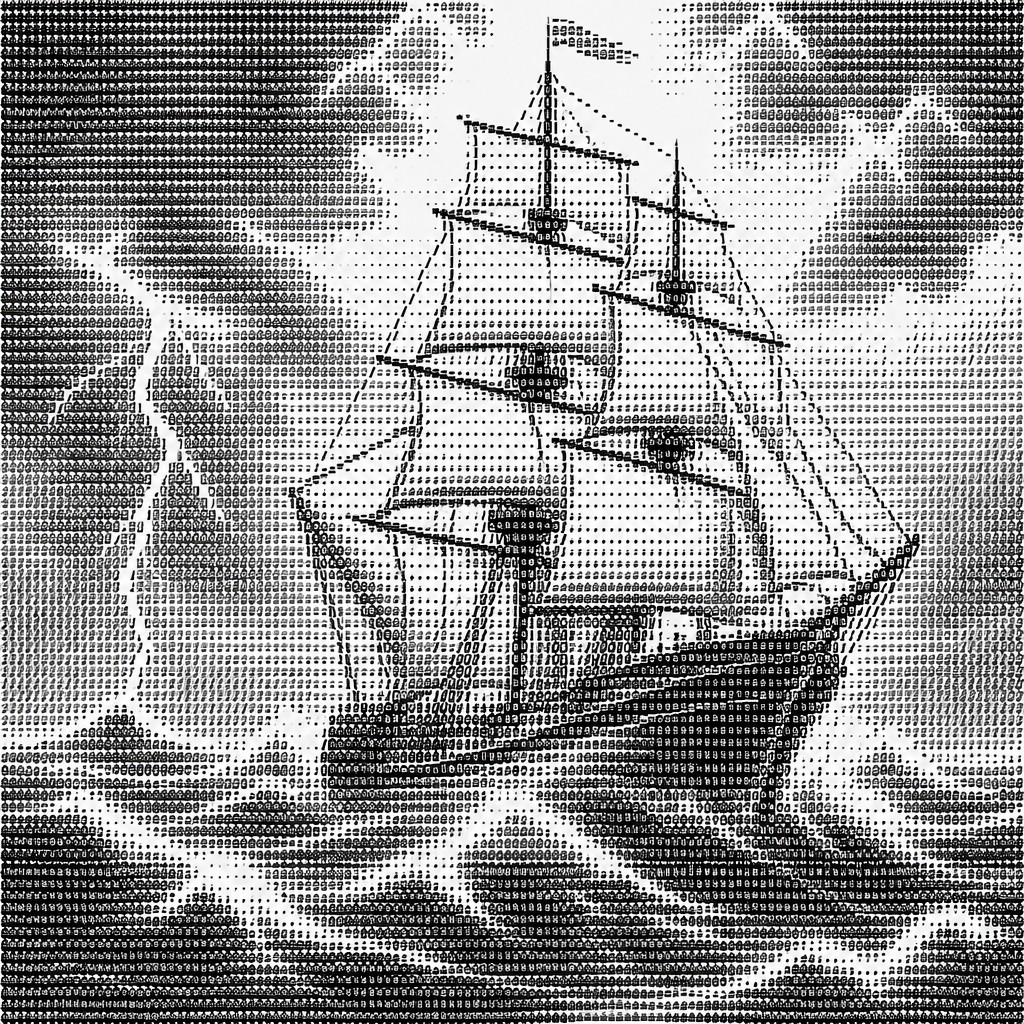
“sailing ship on a stormy sea”
How to Create ASCII Art
Master the craft step by step — or skip straight to creating. Read the full guide →
- 1
Start with a simple silhouette
Choose a subject with a clear outline and strong light-dark separation, such as a face, animal, skull, or object. Reduce it to its most essential contours before assigning characters to the darkest and lightest areas.
- 2
Work in a monospaced font and fixed grid
Use a text editor or any tool that preserves character spacing exactly. ASCII art breaks easily if the font is proportional, so alignment is crucial for preserving shape and readability.
- 3
Map density to value
Treat dense characters as shadows and sparse characters or spaces as highlights. Build transitions gradually with symbols like @ # % * + = - : . so the image reads as modeled rather than flat.
- 4
Refine contours with punctuation
Use slashes, brackets, underscores, parentheses, and vertical bars to shape edges, facial features, and object boundaries. The contour often matters more than exact detail, so prioritize clear line flow over realism.
- 5
Keep the composition monochrome and restrained
Avoid color, gradients, and mixed media effects if you want an authentic result. The strongest pieces preserve the strict text-only constraint and rely on spacing, rhythm, and contrast.
- 6
For prompt-based generation, specify text-grid constraints
Ask for an image rendered entirely from ASCII characters, on a fixed monospaced grid, with monochrome text and no continuous tones. Mention the subject, the desired level of detail, and the light-to-dark character logic.

The Story
History & Origins of ASCII
ASCII art developed alongside early computing, teleprinters, typewriters, and text terminals, when images had to be represented using printable characters rather than graphics files. It became especially visible in the late 20th century through bulletin board systems, email, chat rooms, usenet, and software demos, where users shared signatures, banners, icons, and portraits created from text.
Its aesthetic lineage reaches back to typewriter art, calligrams, concrete poetry, and other text-based visual traditions that treat letters as both language and image. It also overlaps with the practical constraints of early digital interfaces, where monospaced character grids encouraged a graphic language based on repetition, density, and alignment rather than continuous line or paint.
Influences: ASCII art draws from typewriter art, concrete poetry, calligrams, and early digital display culture, where text and image frequently overlap. It also shares conceptual territory with minimal graphic design and the constraint-driven aesthetics of terminal graphics and computer demo scenes, while remaining distinct from traditional illustration because the character set itself becomes the mark-making system.
Frequently Asked Questions
What defines ASCII art?
ASCII art is artwork made entirely from text characters arranged to form an image. Its defining features are monospaced alignment, tonal variation through character density, and a strictly text-based surface.
Is ASCII art the same as typing a picture with emojis or Unicode symbols?
Not exactly. Traditional ASCII art uses the basic keyboard character set, especially the printable ASCII characters common on standard keyboards. Emoji and expanded Unicode art are related forms, but they are usually described more broadly as text art or Unicode art.
Why does ASCII art look blocky or low-resolution?
It is constrained by character cells rather than pixels, so every mark has to do multiple jobs at once. The blocky look is part of the style's identity and comes from the fixed-width grid and limited symbol palette.
What kinds of subjects work best in ASCII art?
Subjects with strong silhouettes and clear tonal structure work best, such as faces, animals, skulls, machines, buildings, and logos. Highly detailed scenes can work too, but they usually need careful simplification to remain legible.
How do I make ASCII art from a photo?
Start by converting the photo to a grayscale structure in your mind, then translate dark areas into dense symbols and highlights into spaces or sparse punctuation. A successful conversion usually favors contrast, clear edges, and simplified forms over fine detail.
Where is ASCII art commonly used?
It appears in terminal graphics, retro digital interfaces, internet forums, chat signatures, programmer culture, and experimental typography. It is also used in posters, logos, memes, and conceptual artworks that want a deliberately low-tech digital feel.

Create your first ASCII artwork
Describe anything — or upload a photo — and see it in ASCII Art Style in seconds.
Make Something with ASCII
Compare ASCII
Related Styles
Discover similar art styles