Digital Painting Art Style
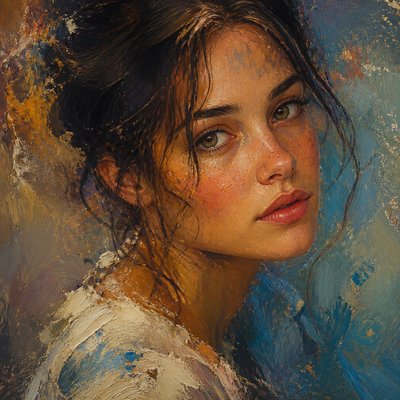
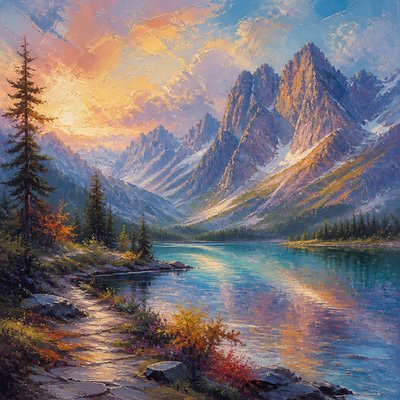
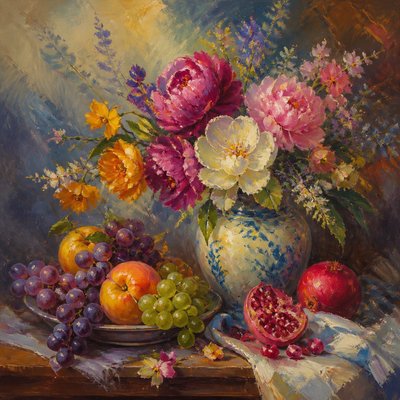
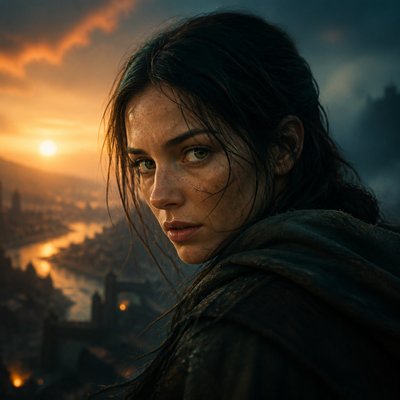
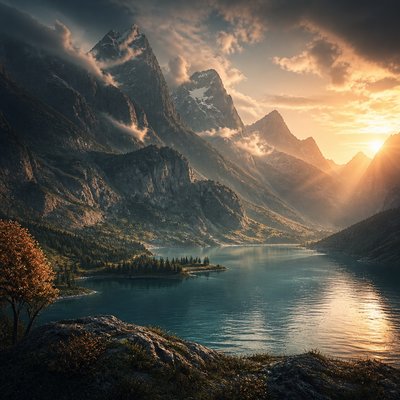
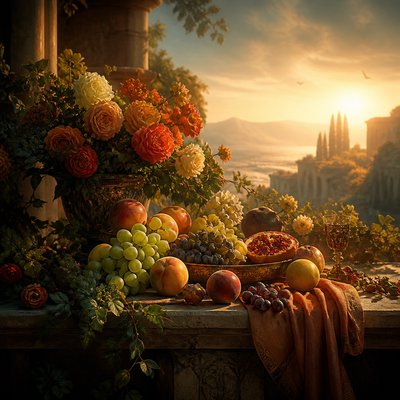
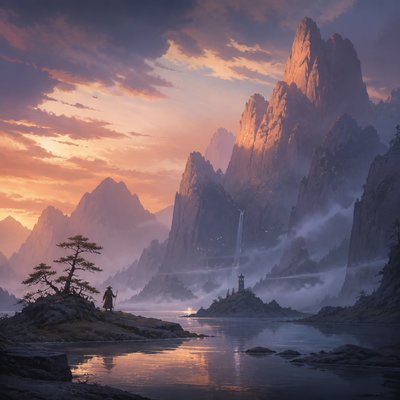
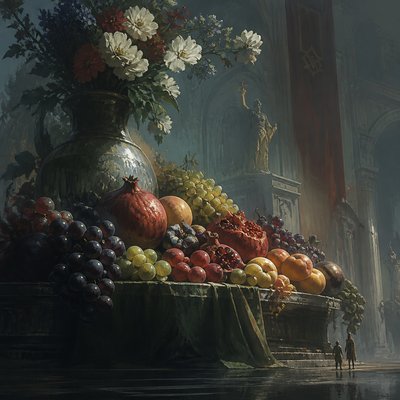
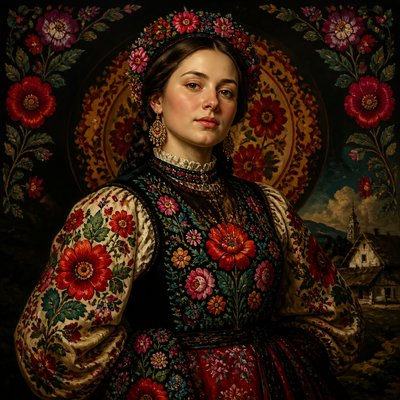
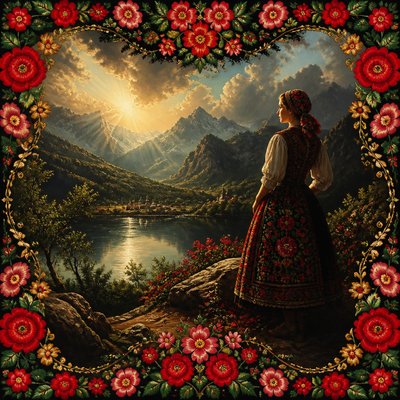
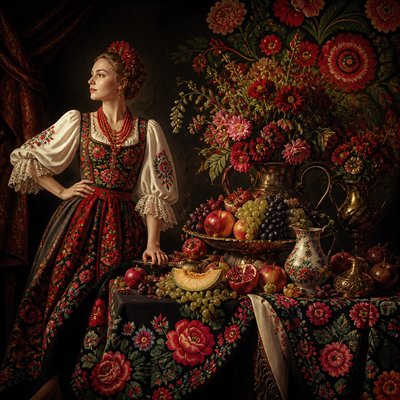
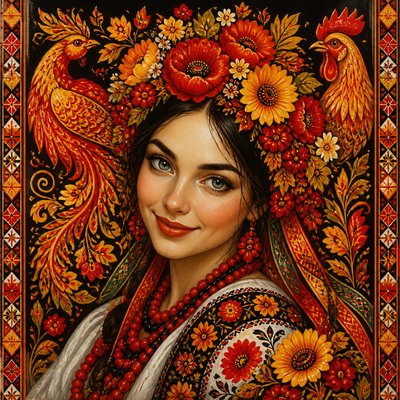
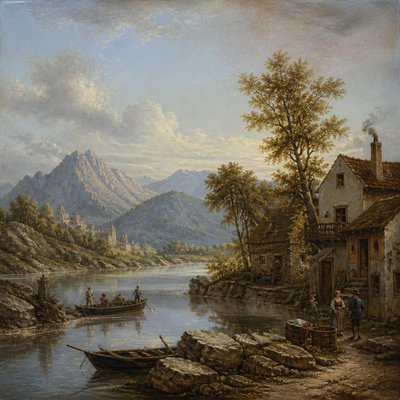
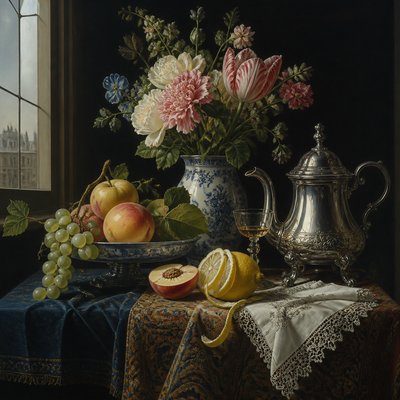
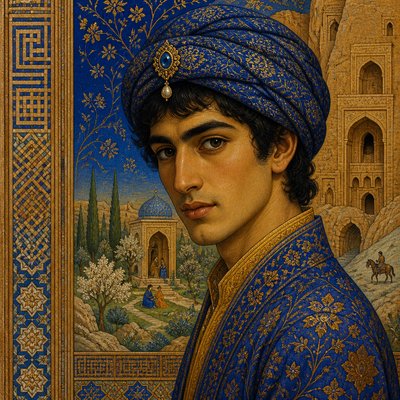
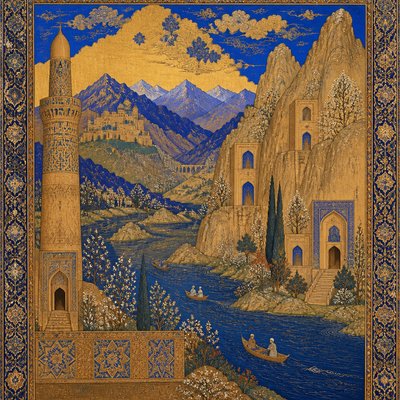
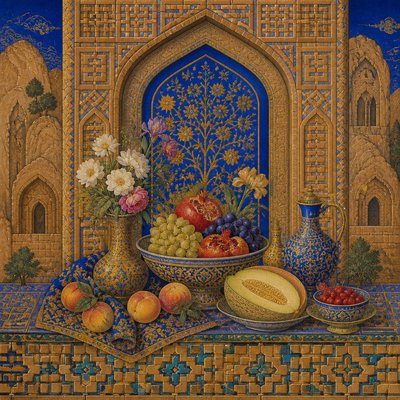
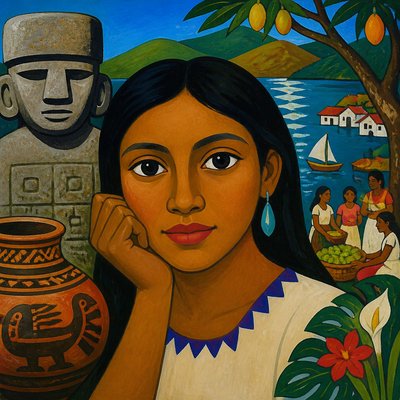
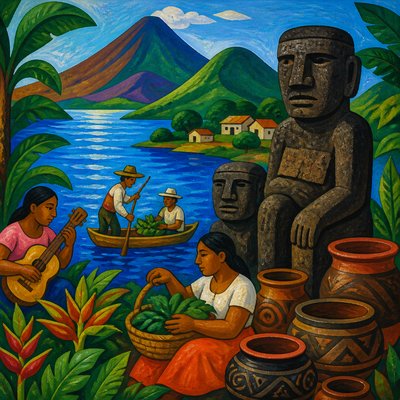
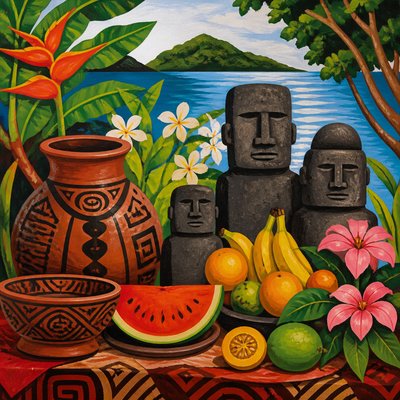
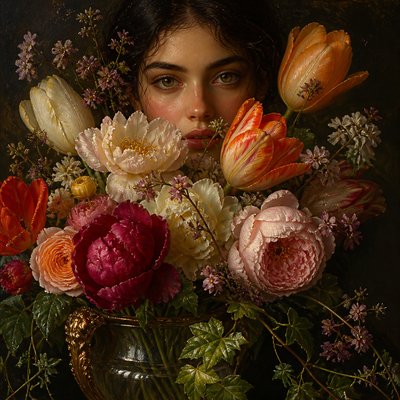
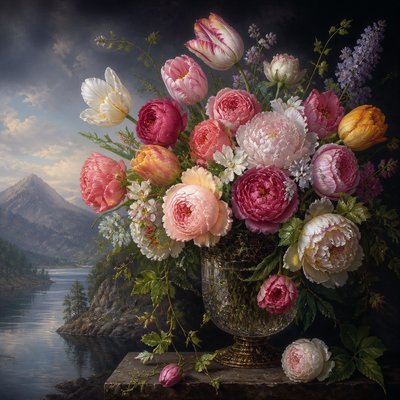
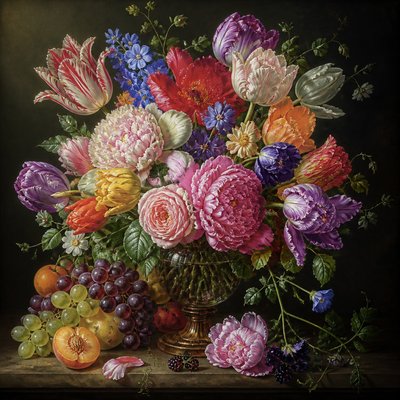
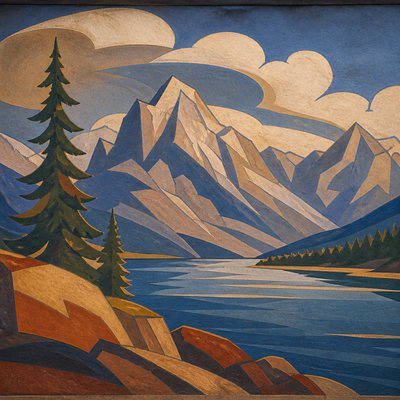
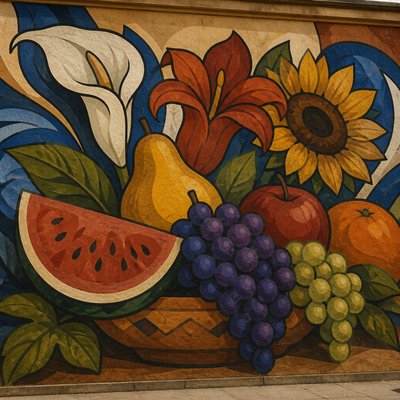
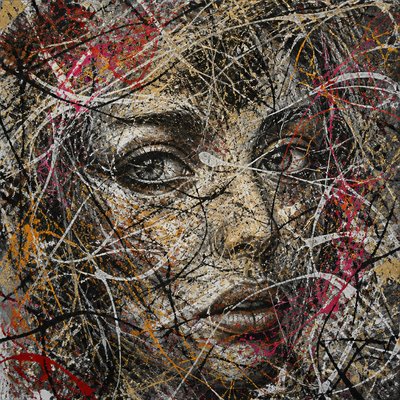
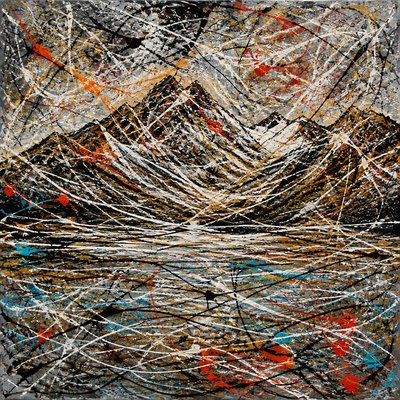
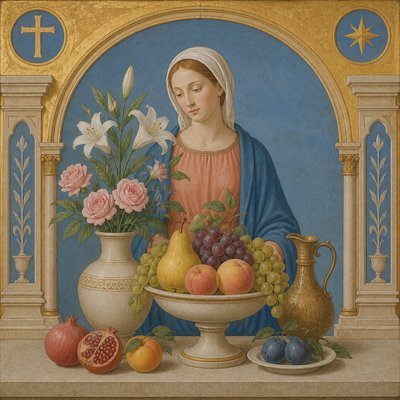
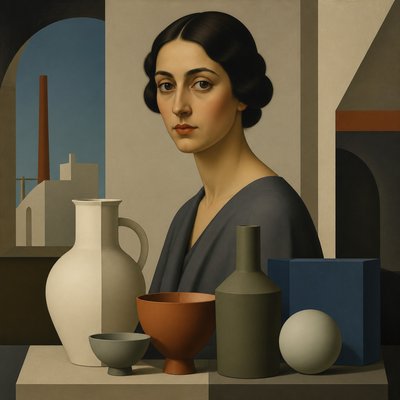
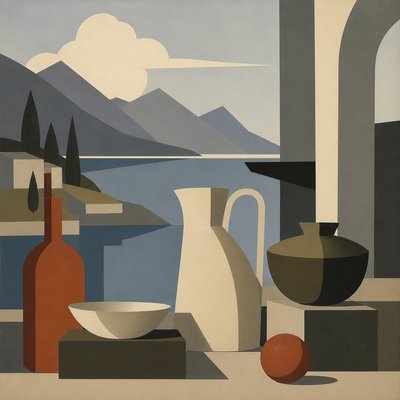
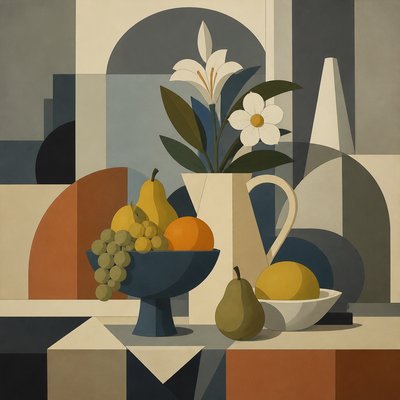
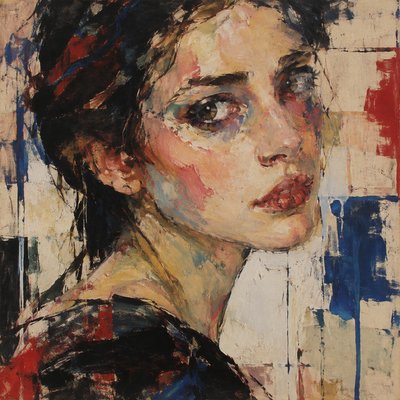
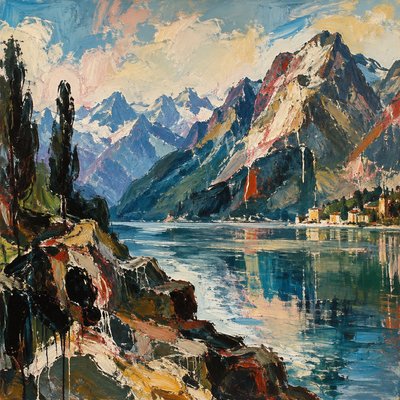
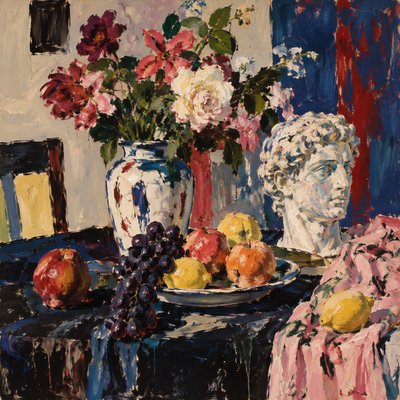
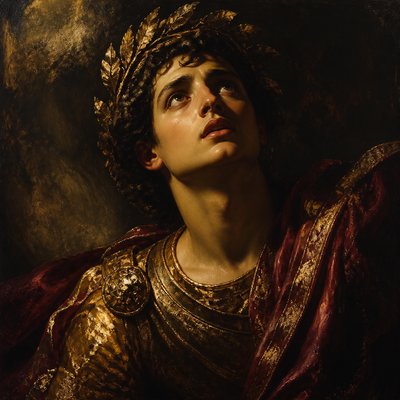
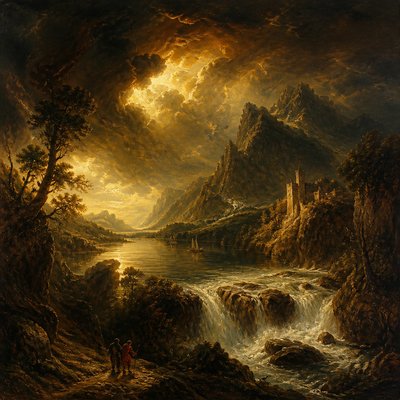
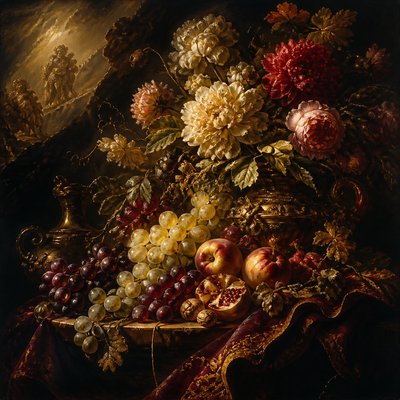
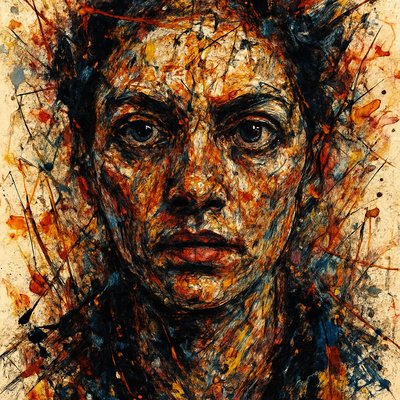
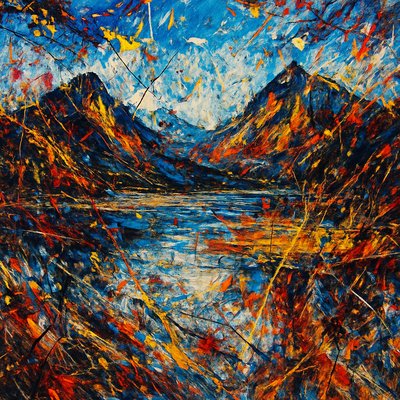
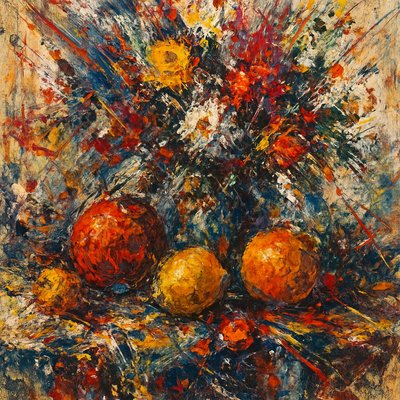
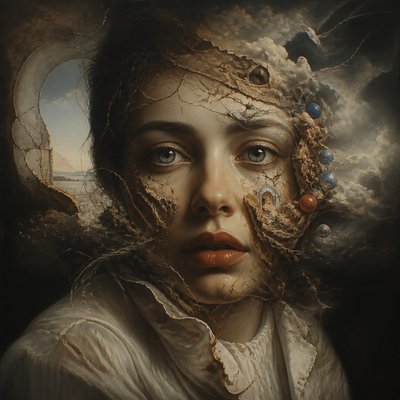
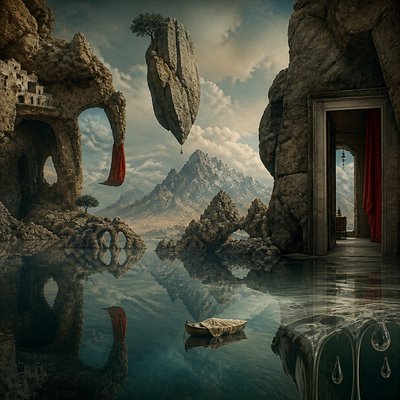
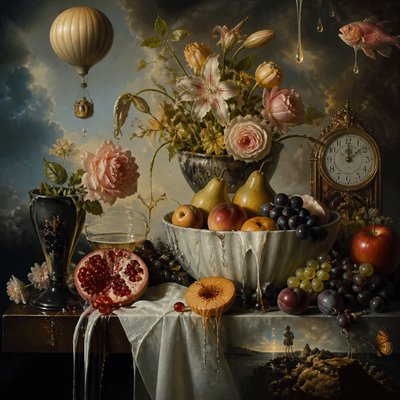
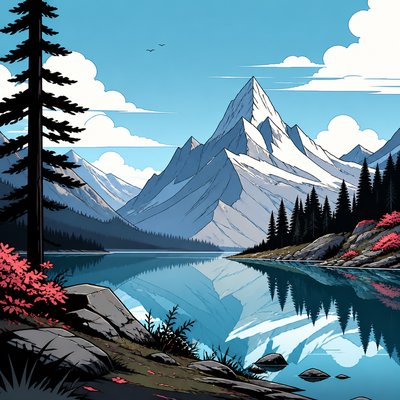
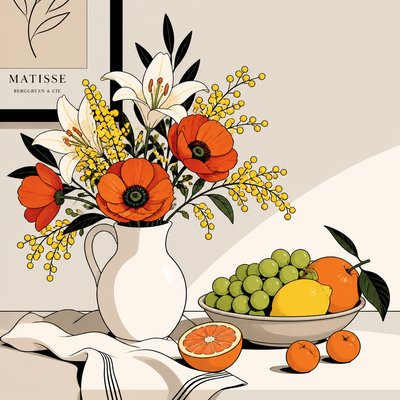
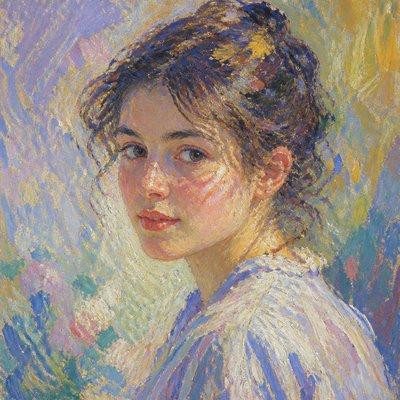
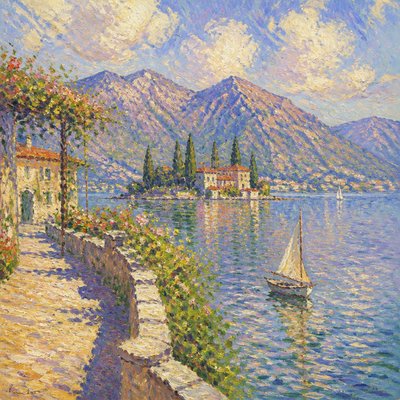
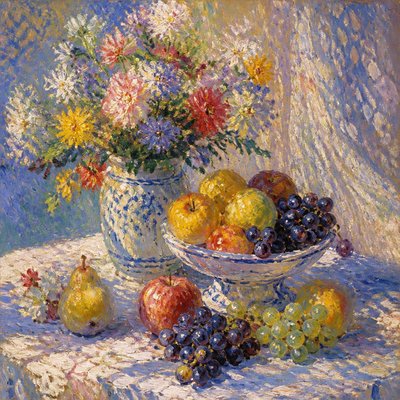
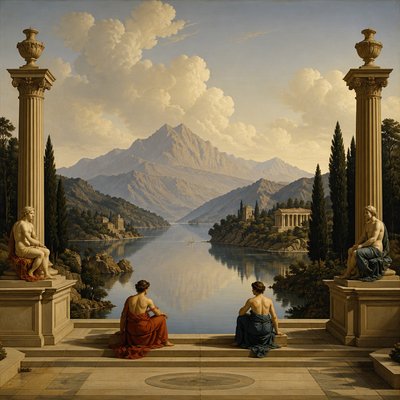
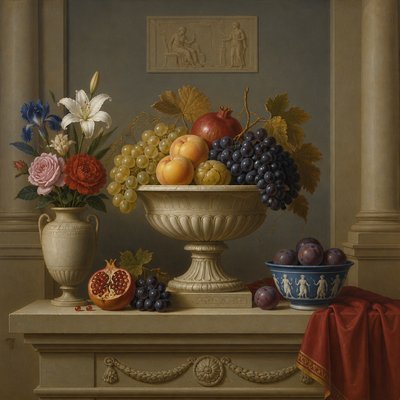
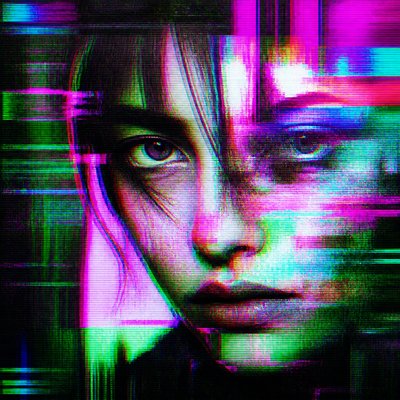
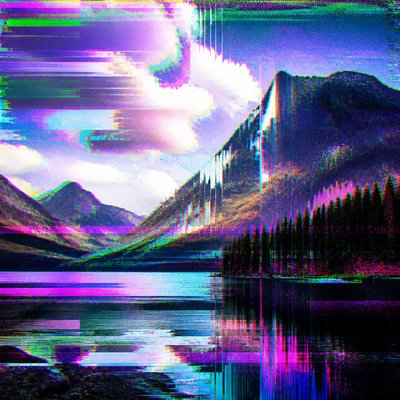
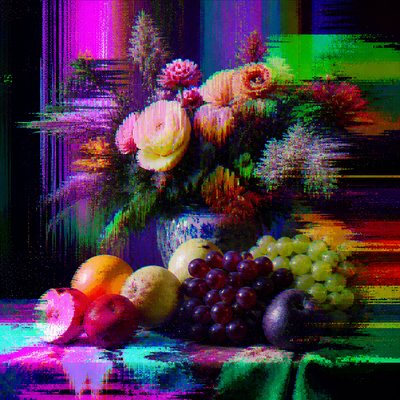
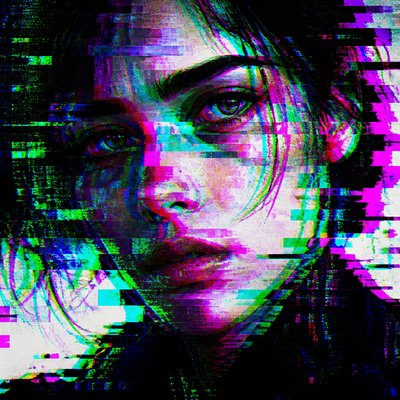
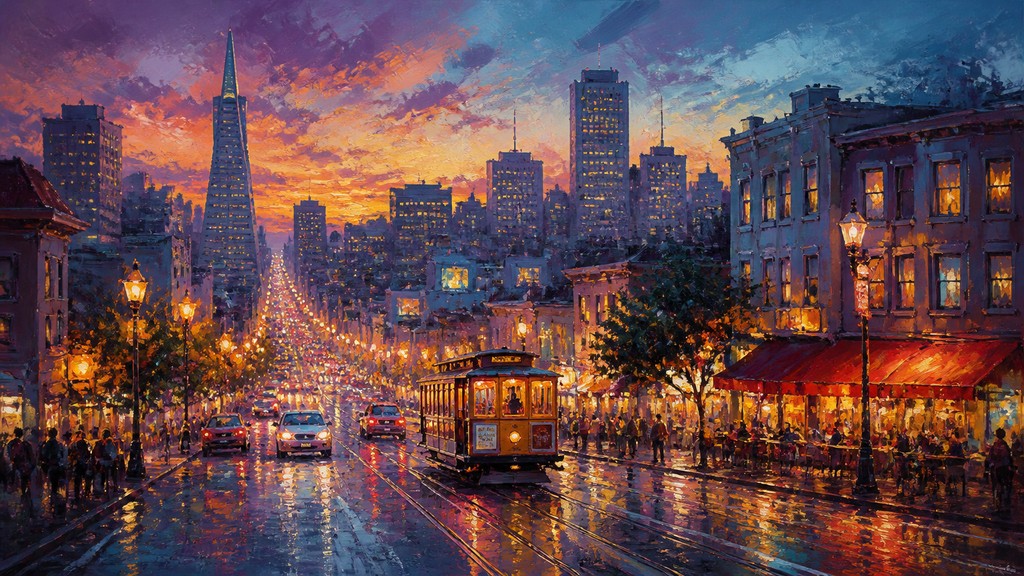
Painterly digital art with visible brushwork, layered color, atmospheric blends, and the feel of traditional media with digital control.
Instantly rendered in Digital Painting — or transform a photo
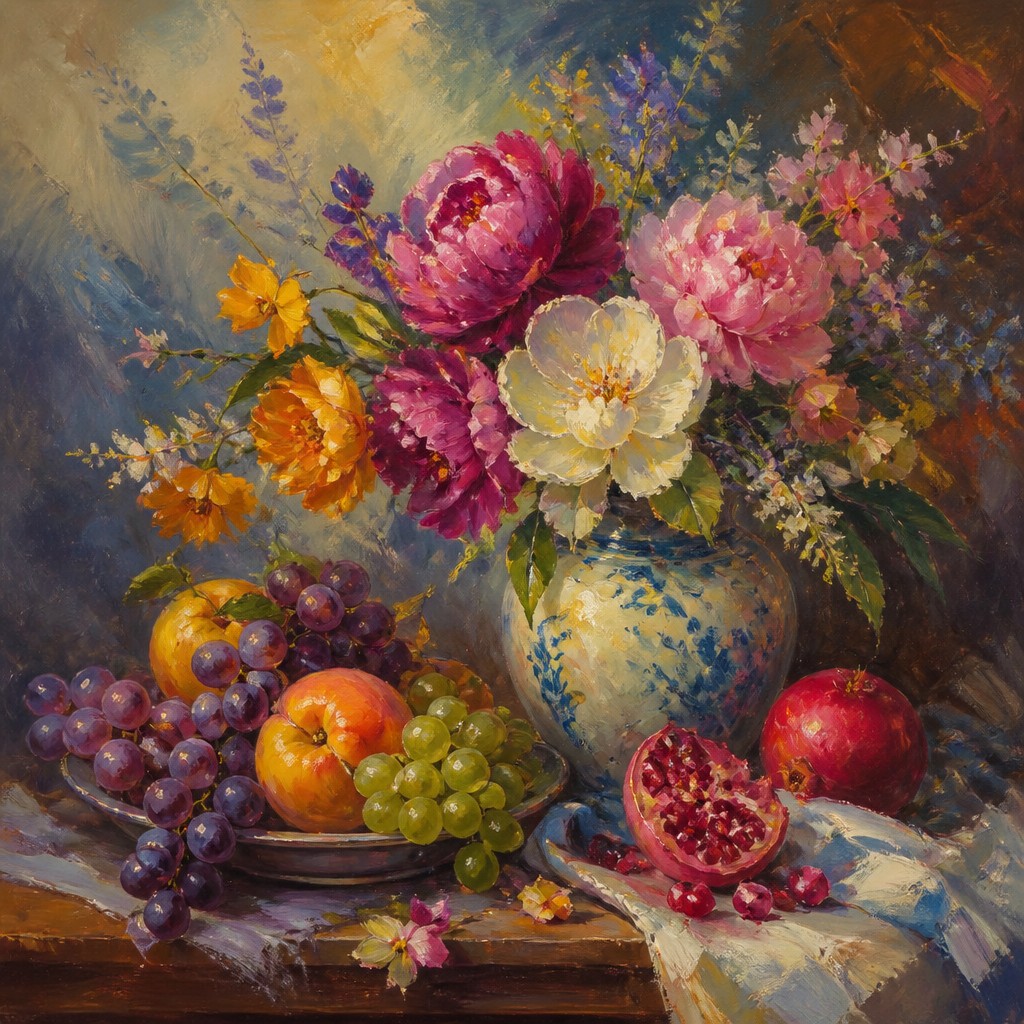
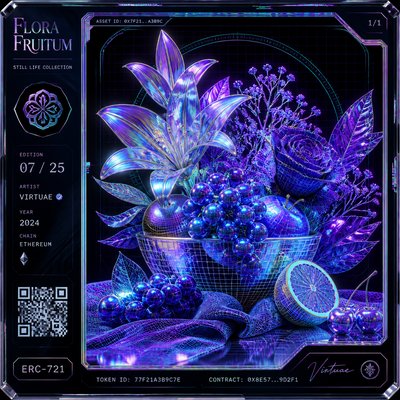
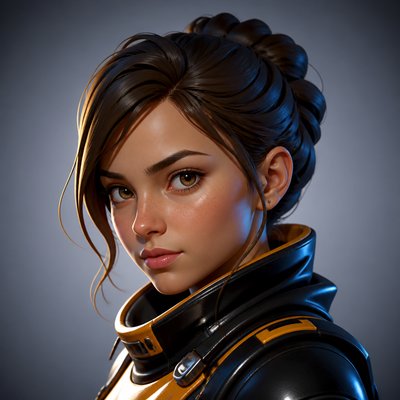
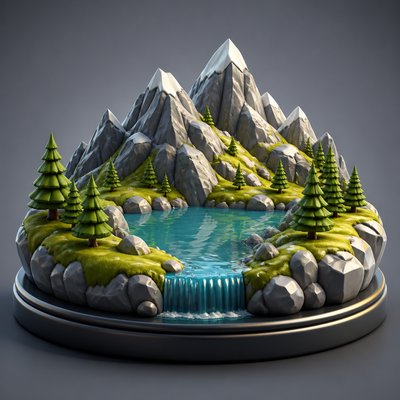
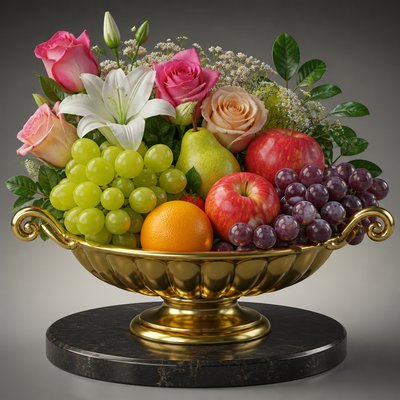
Digital Painting Gallery
Tap any artwork to explore it
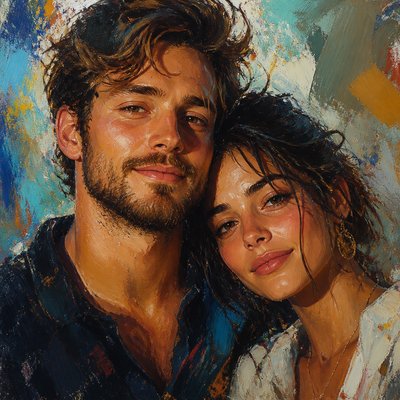
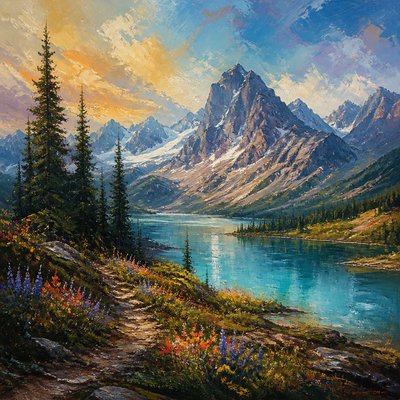
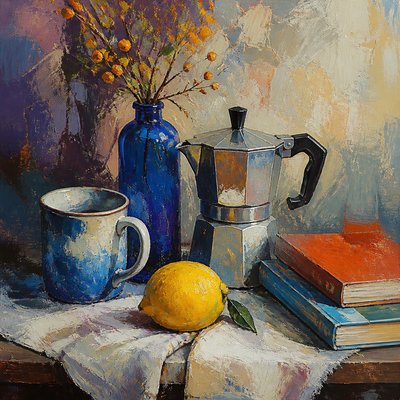
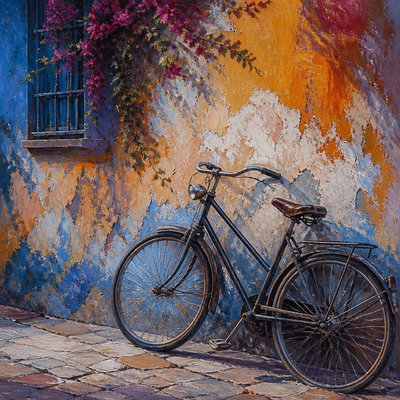
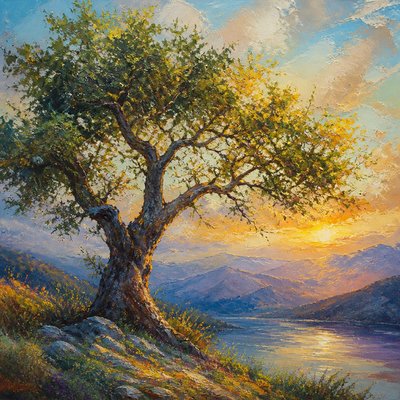
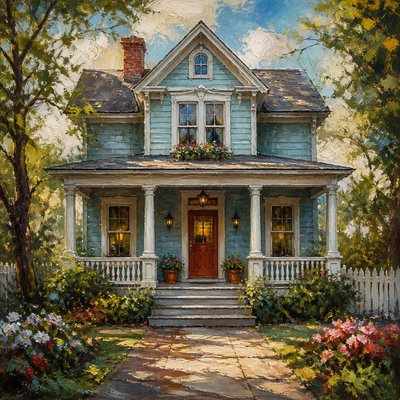
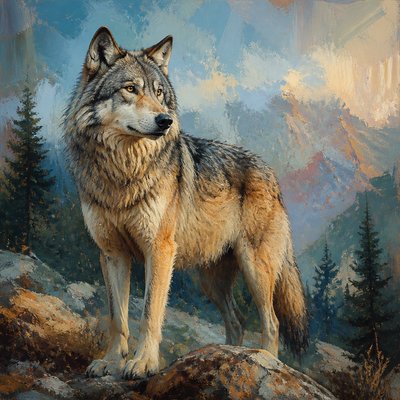
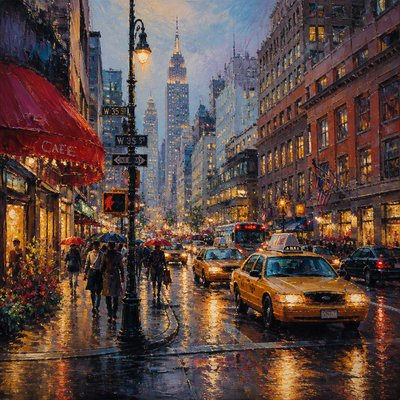
What is Digital Painting Art Style?
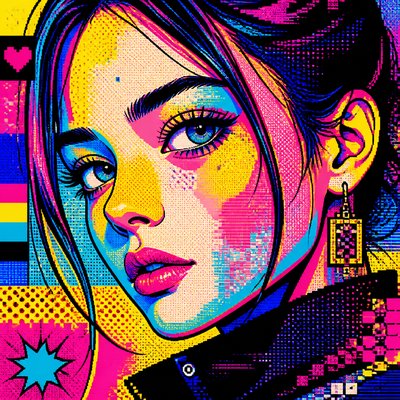
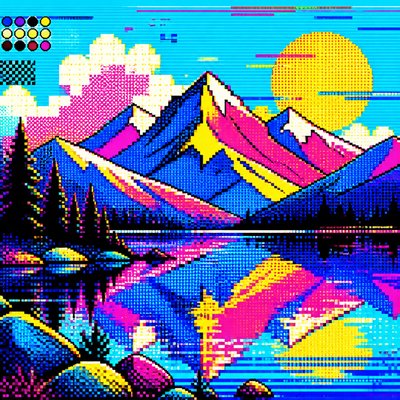
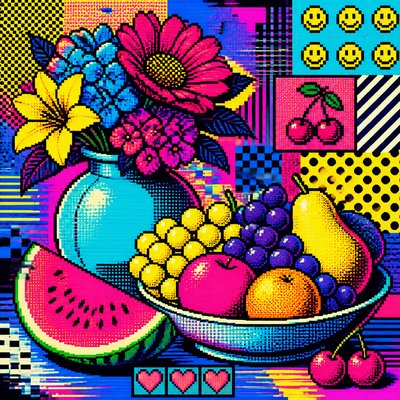
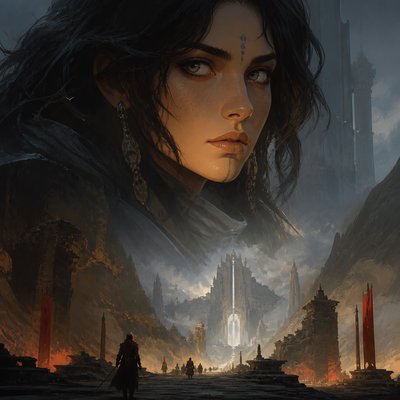
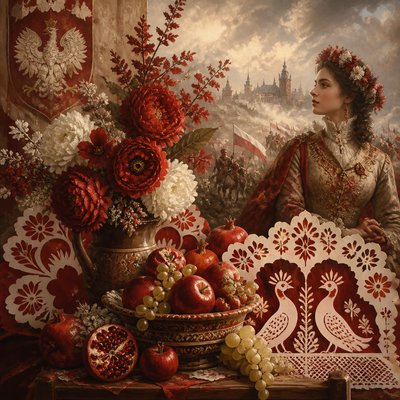
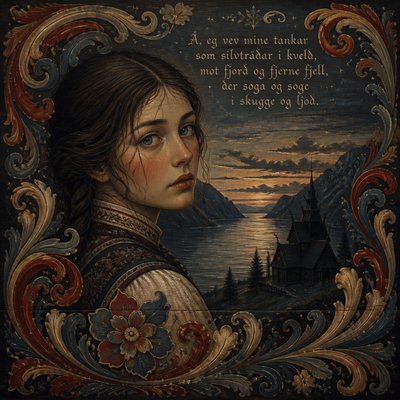
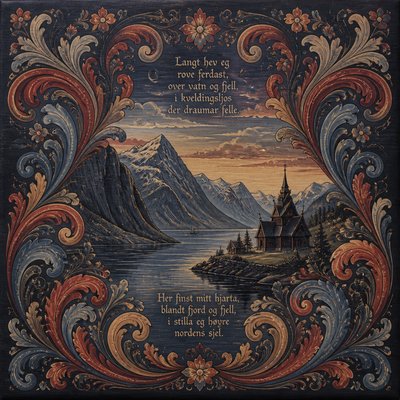
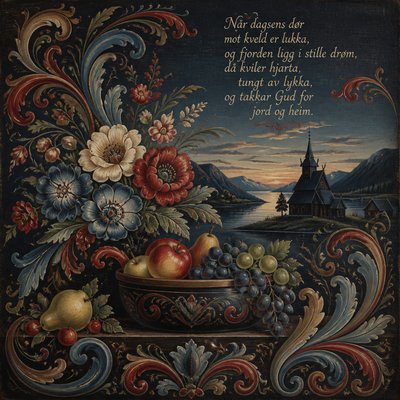
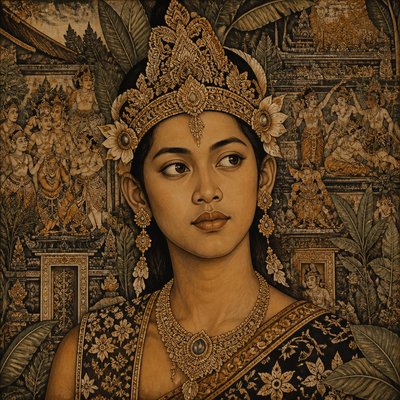
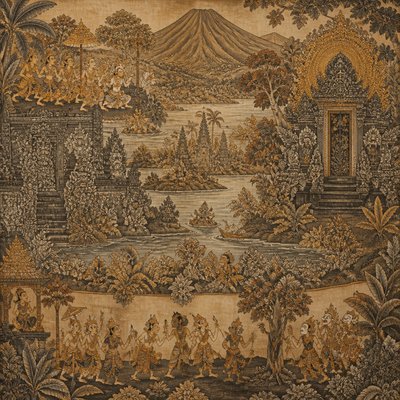
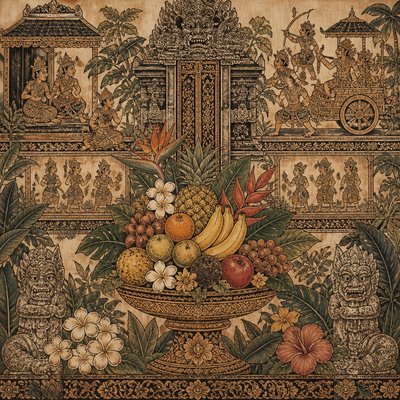
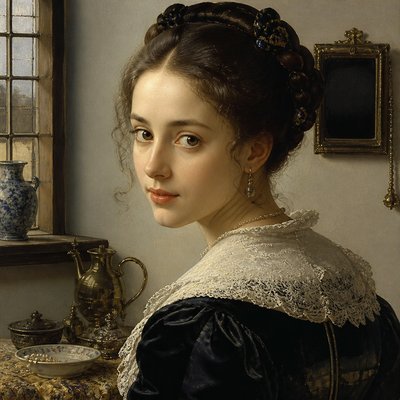
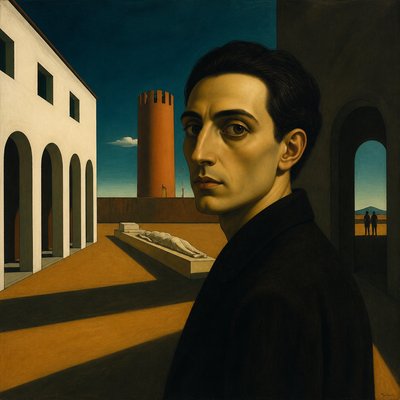
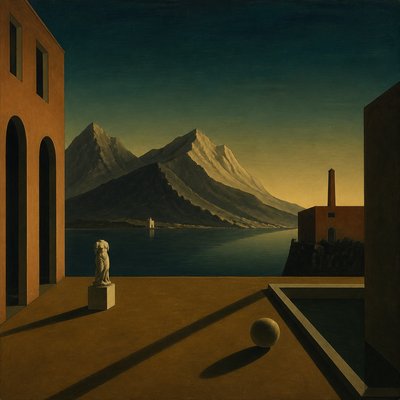
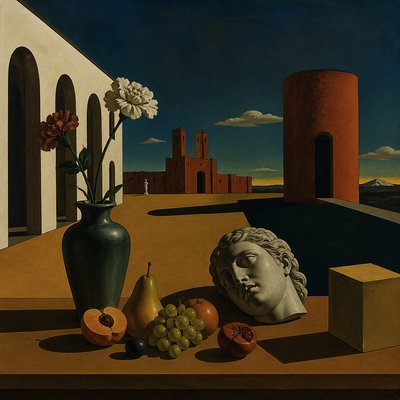
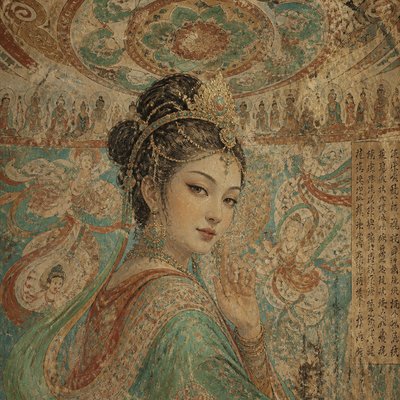
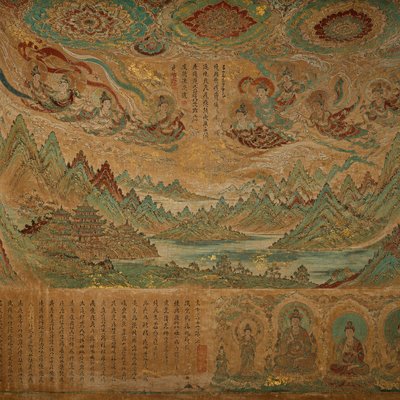
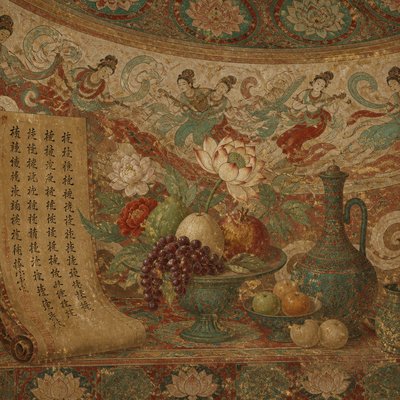
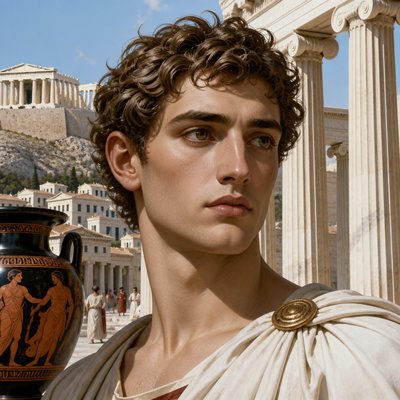
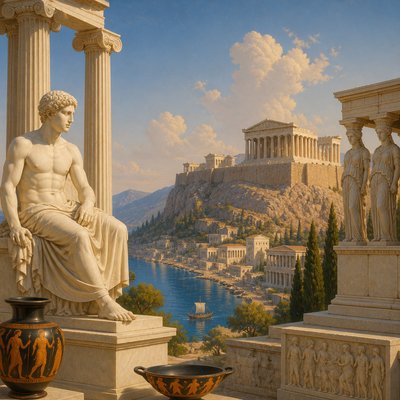
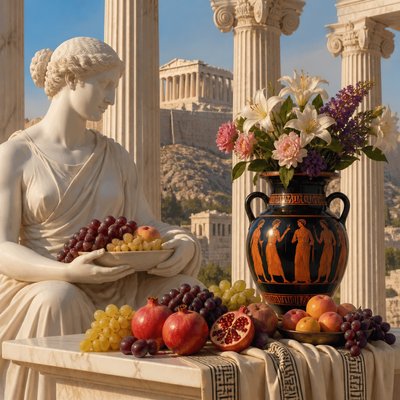
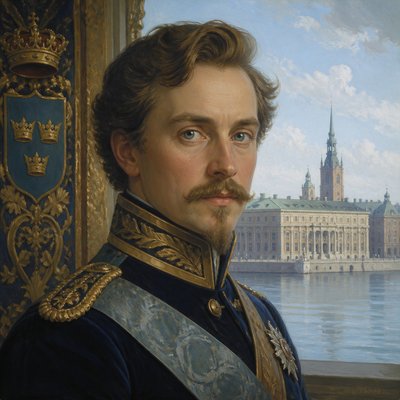
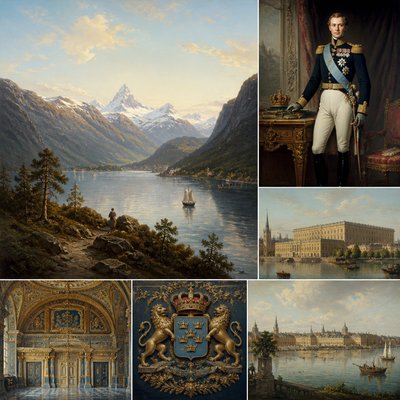
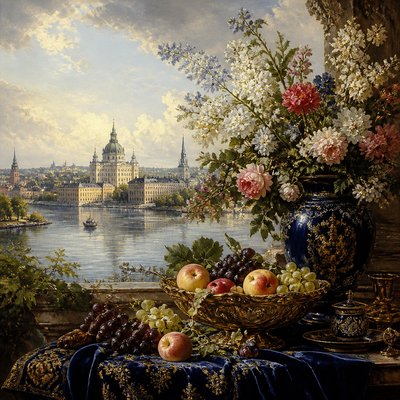
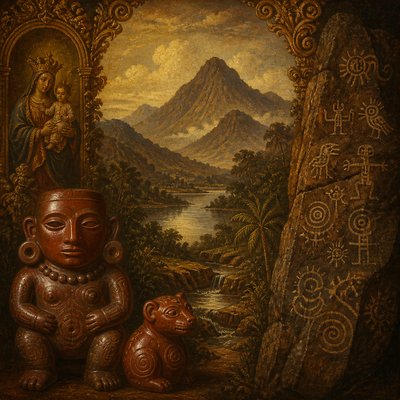
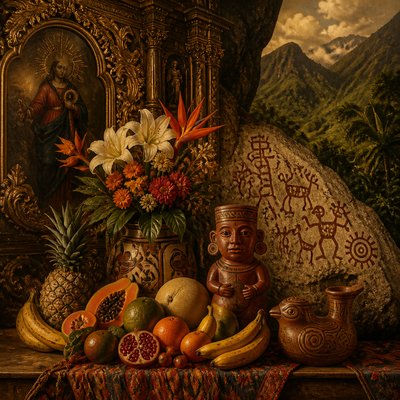
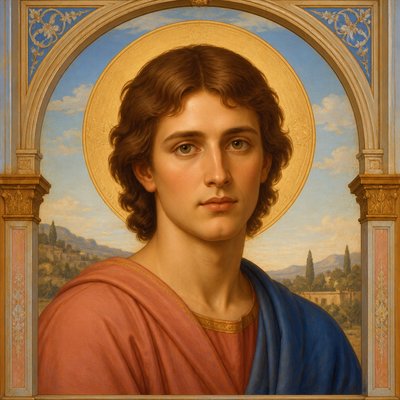
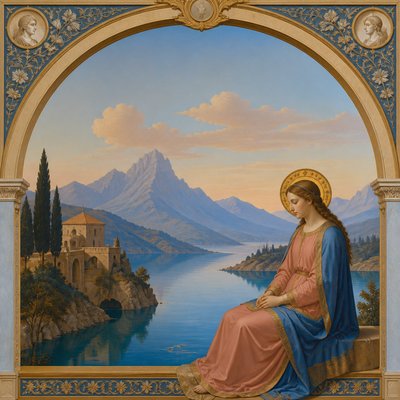
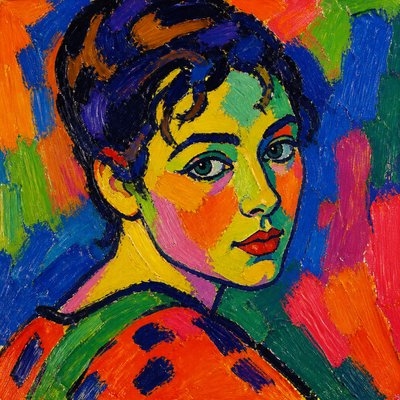
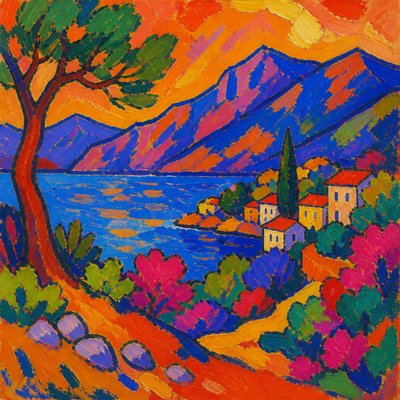
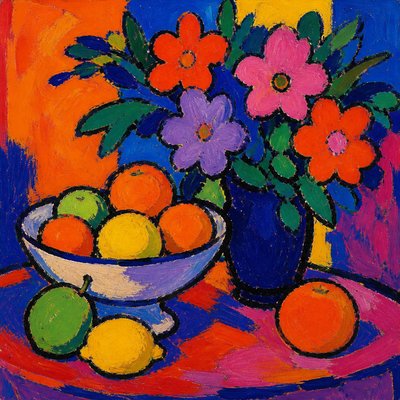
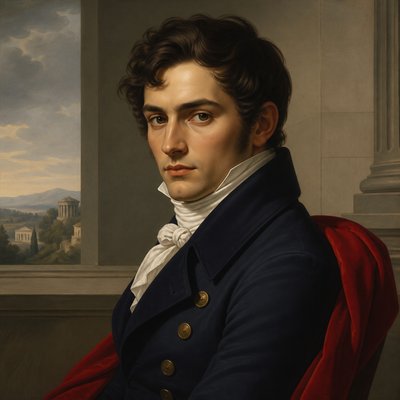
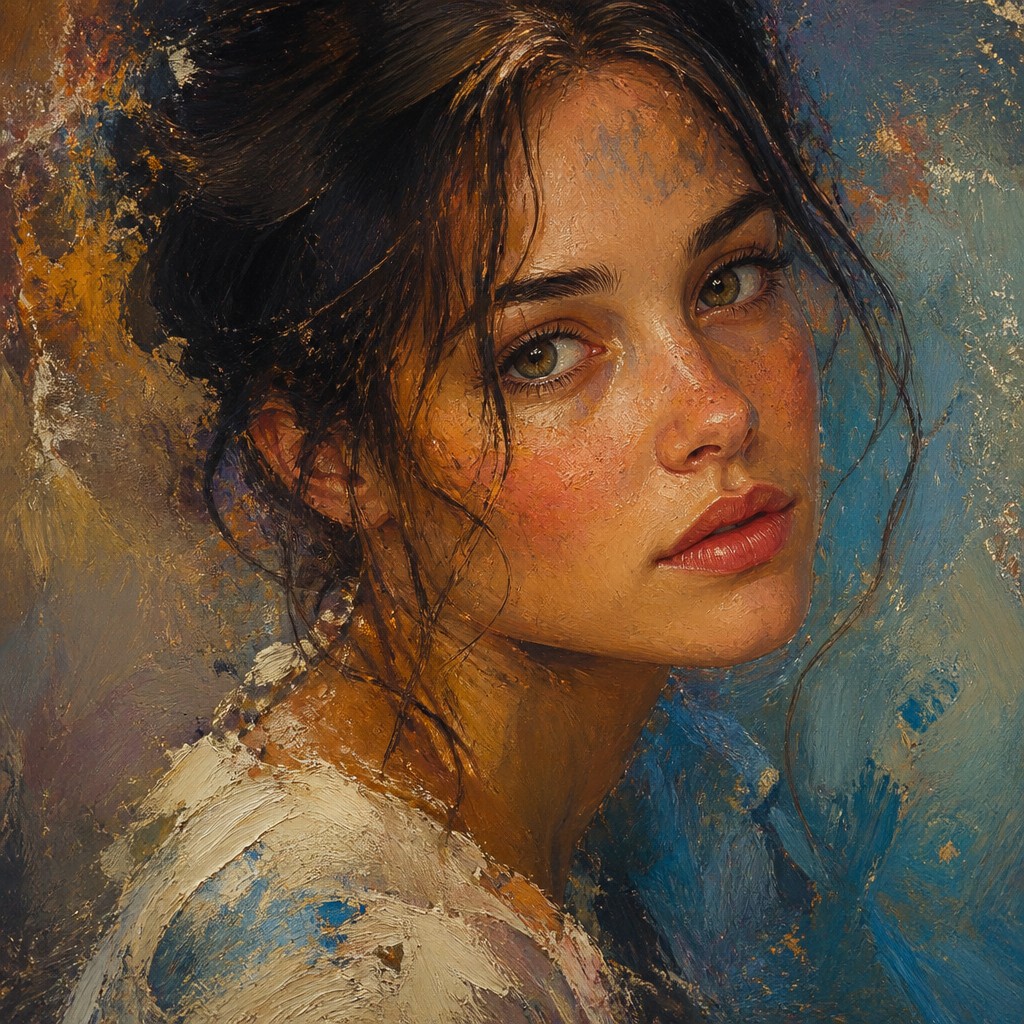
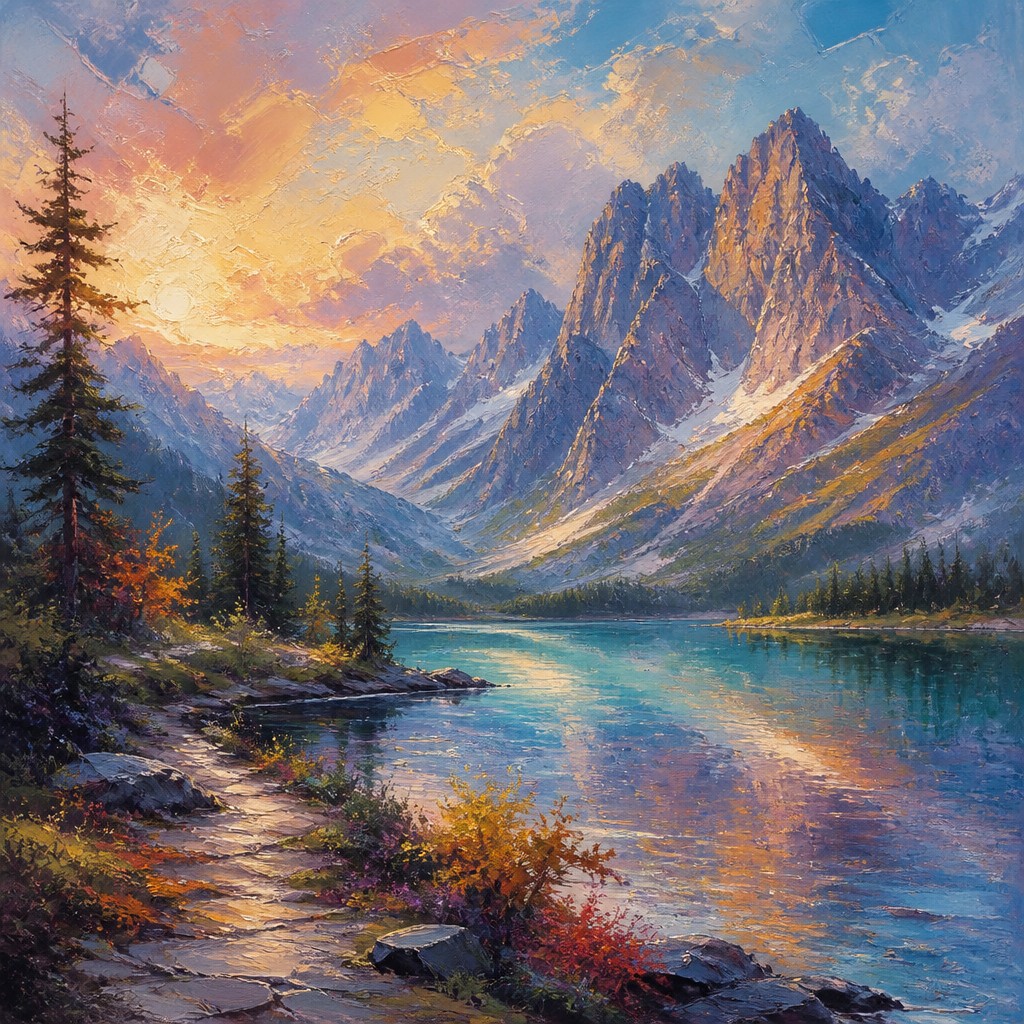
Digital painting is a painterly image-making style created with digital tools that imitate the look and behavior of traditional media. It is defined by visible brushstrokes, layered color, blended passages, and a hand-made surface quality, even when the image is built entirely on a screen. The style can look loose and expressive or highly refined, but it usually preserves the sense of paint being pushed, glazed, scumbled, or feathered across a surface.
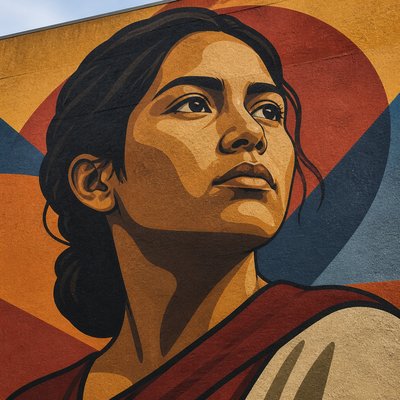
What distinguishes digital painting from ordinary digital illustration is its emphasis on painterly handling rather than clean vector edges or flat fills. Artists use pressure-sensitive brushes, custom textures, masks, blend modes, and unlimited layers to combine the spontaneity of painting with the precision of digital editing. The result often echoes oil painting, watercolor, gouache, pastel, or mixed media, while allowing sharper corrections, luminous color layering, and controlled transitions that are difficult to achieve physically.
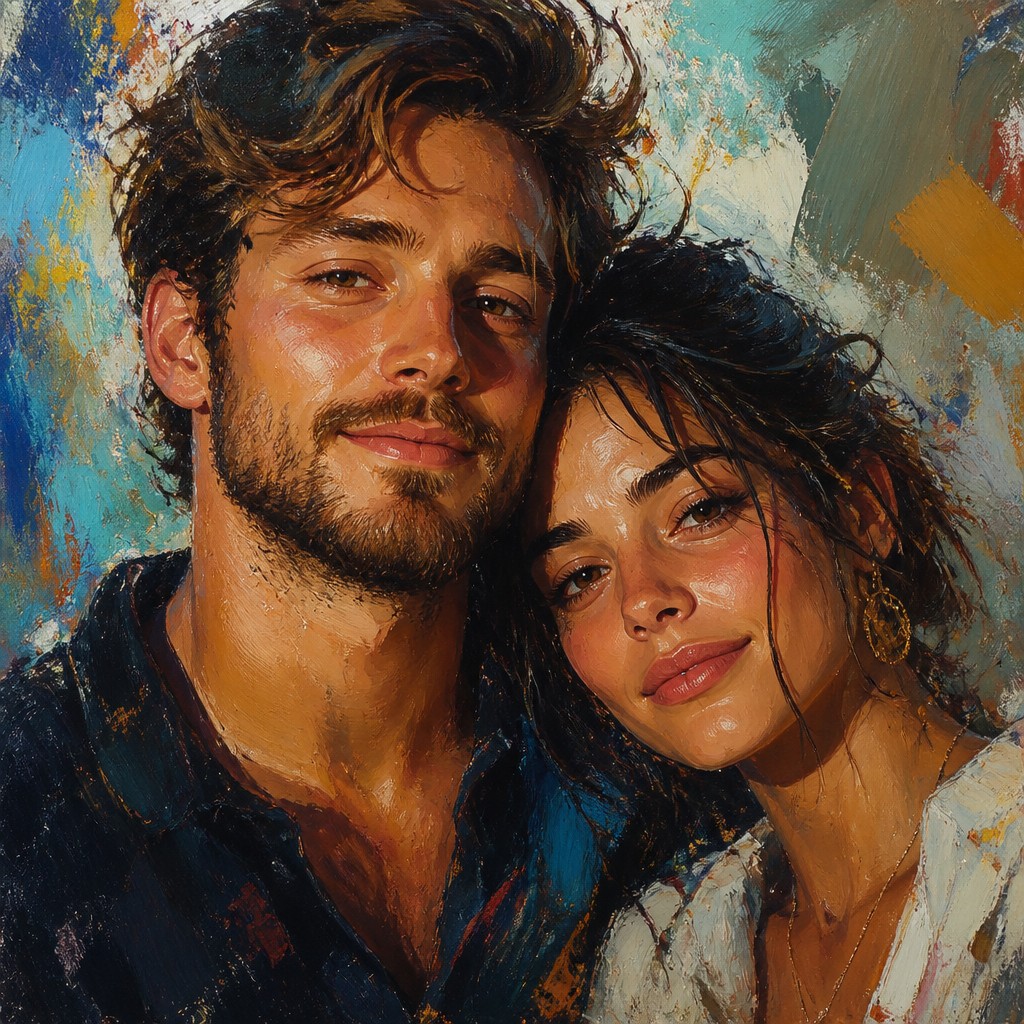
Try It On Your Photos
Upload any photo and convert it into Digital Painting Art Style — drag the sliders to compare before and after.
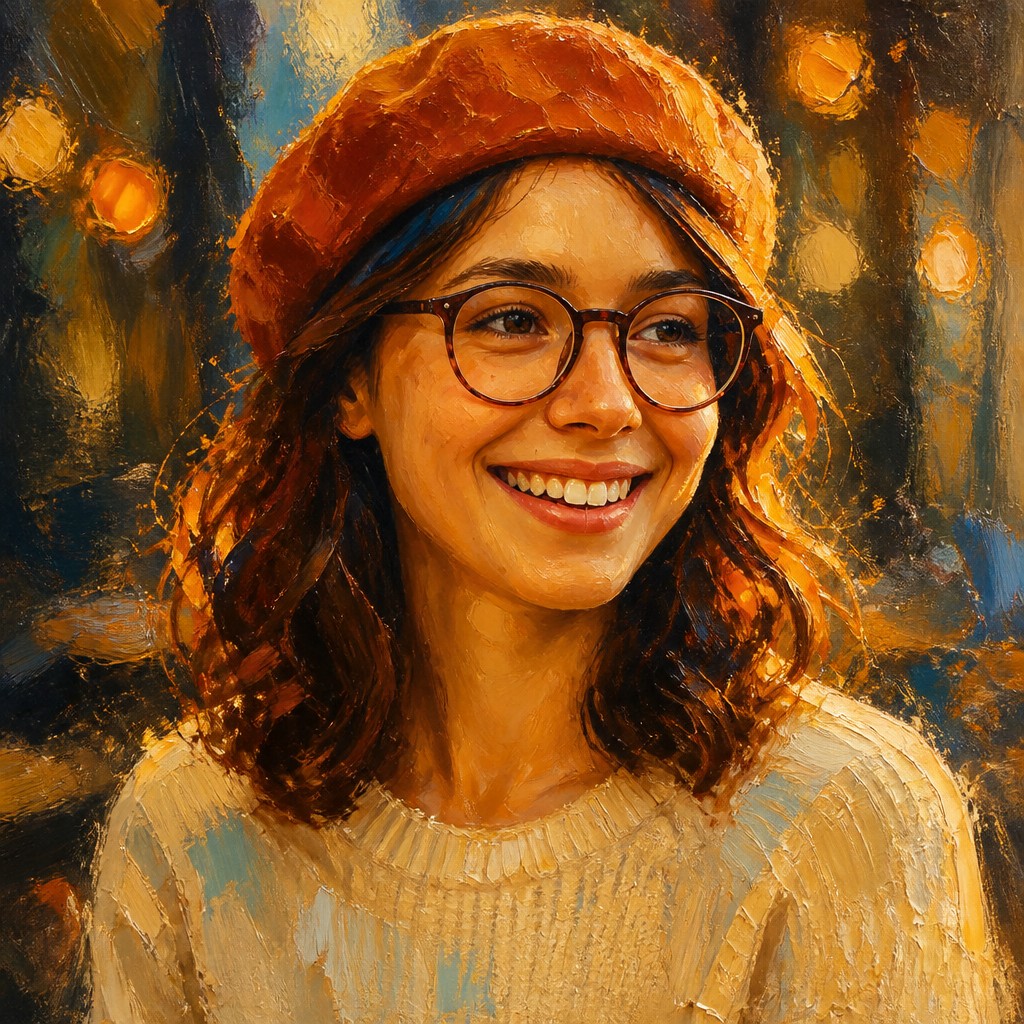

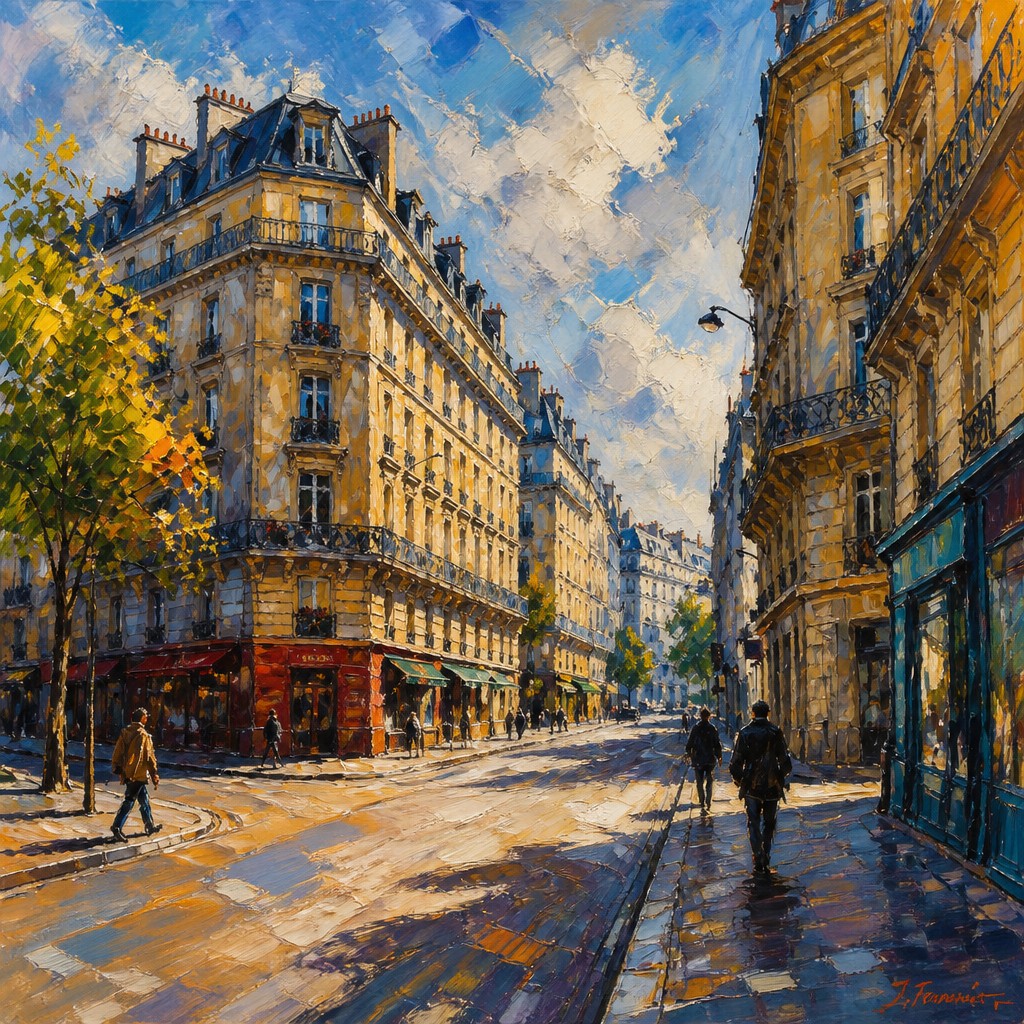
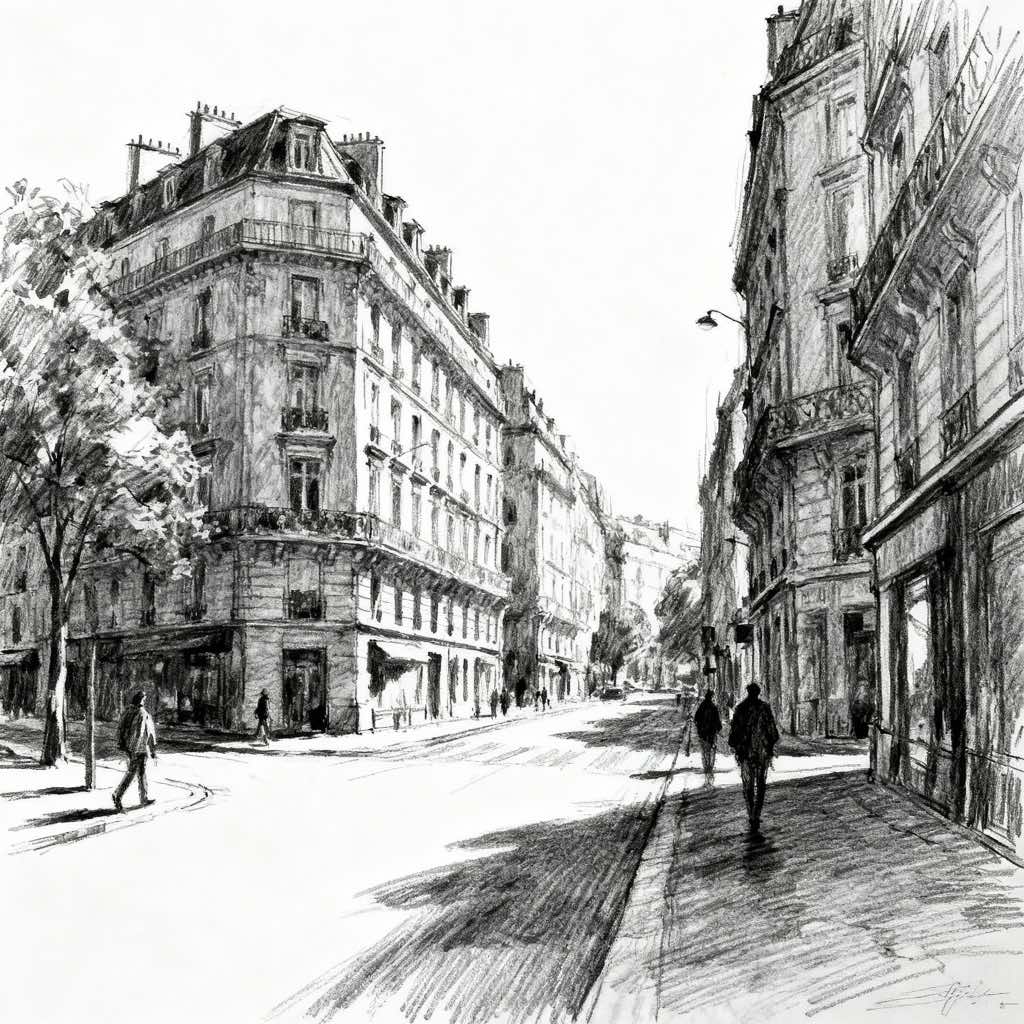
What Defines Digital Painting Art Style
The signature details, up close
Visible painterly strokes
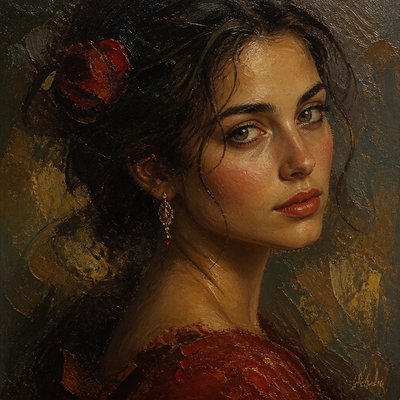
Brush marks are usually left readable rather than fully smoothed away. This gives the image energy and preserves the sensation of direct hand movement.
Layered color depth
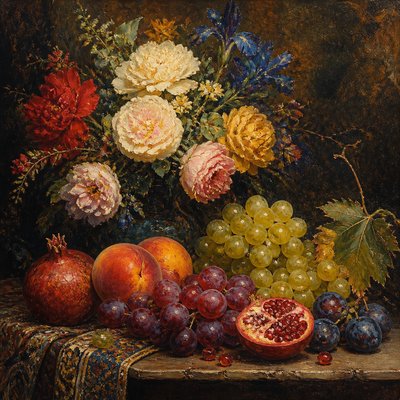
Color is often built up in translucent passes, creating luminous shadows, rich midtones, and subtle optical mixing. Glazes and overlays are common even when simulated digitally.
Controlled texture
Surfaces may resemble canvas tooth, wet paint, dry brush, or pigment grain. Texture helps unify the image and makes the digital medium feel materially grounded.
Mixed edge handling
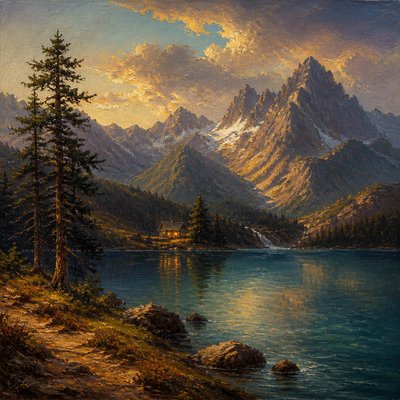
Sharp focal areas often sit beside softened or dissolving edges. This contrast directs attention and adds atmosphere, much like traditional painting.
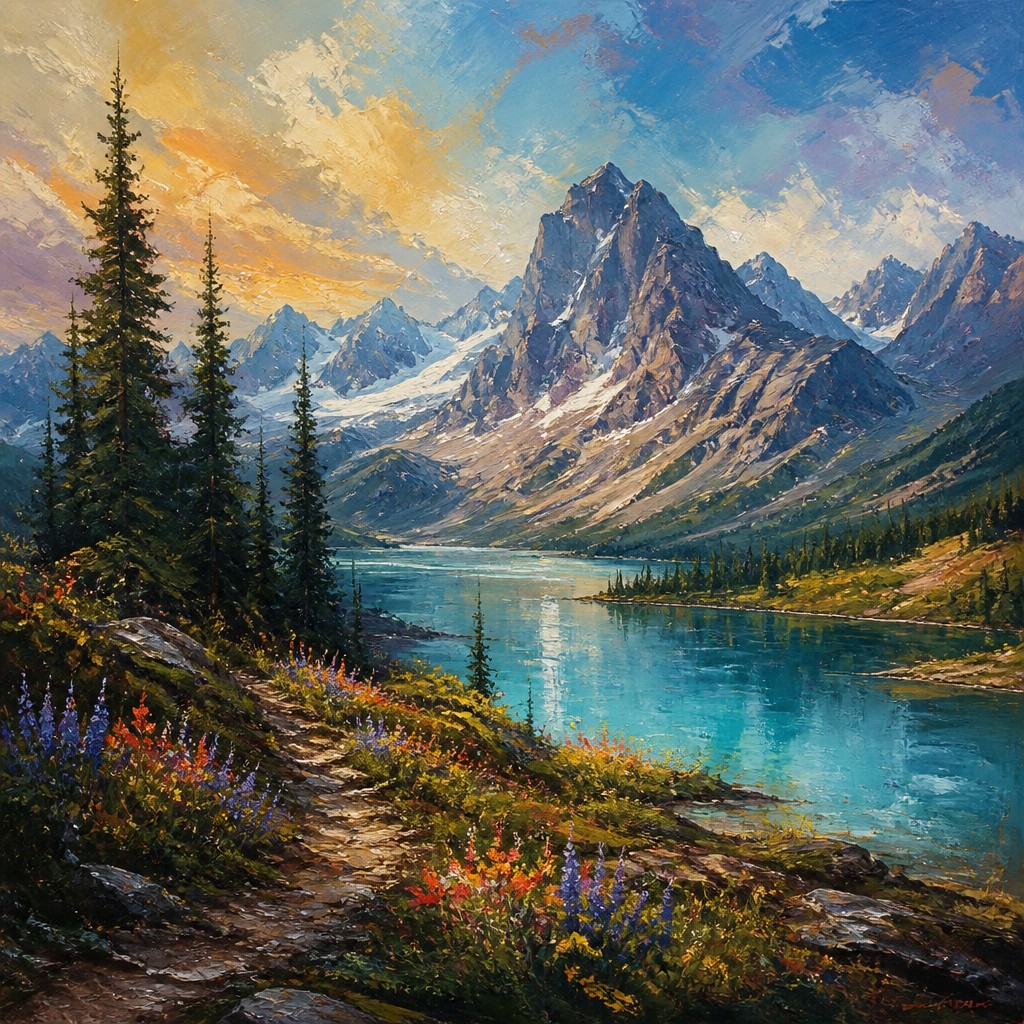
Expressive mark-making
Confident gestural strokes, block-in shapes, and selective detailing are typical. The image often balances spontaneity with deliberate refinement.
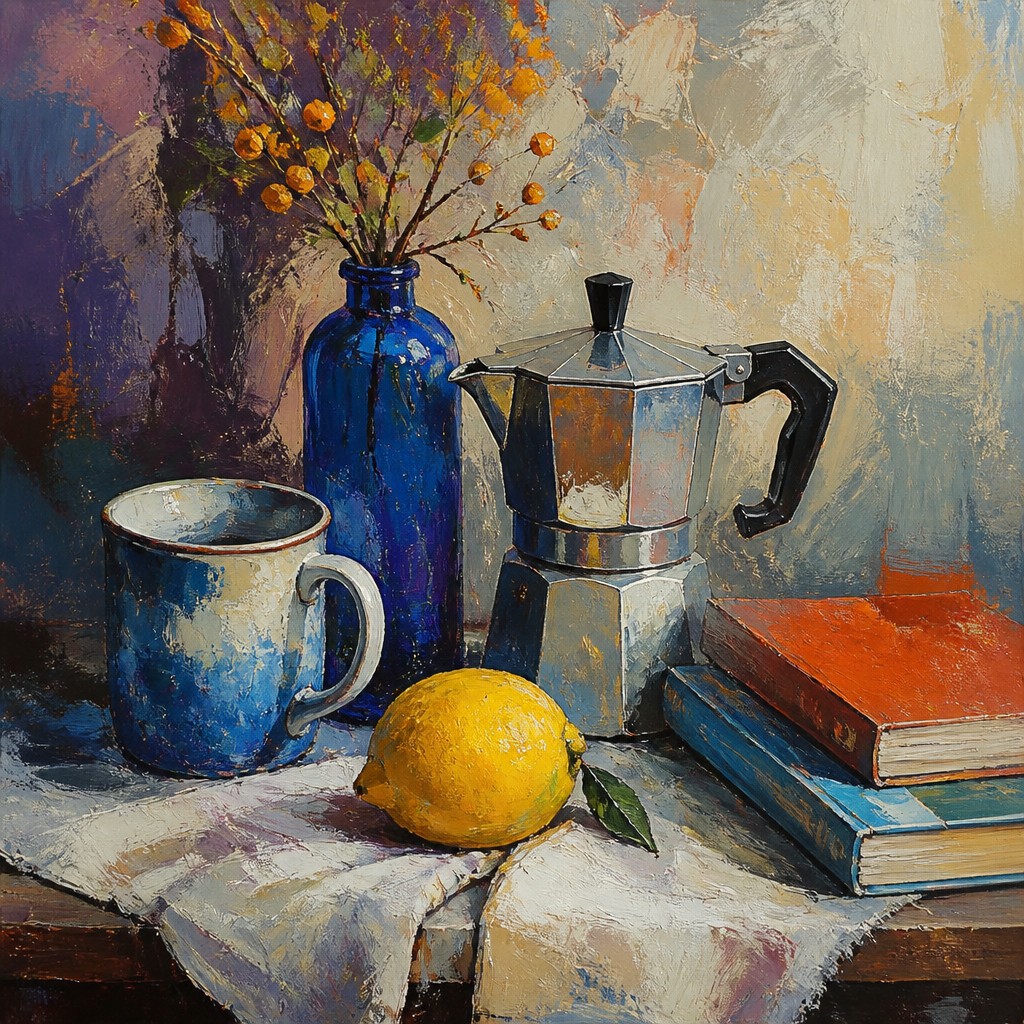
Temperature and value shifts
Warm-cool relationships, luminous highlights, and nuanced shadows create depth and mood. The style often relies on subtle transitions rather than flat color separation.
Try It
Create Videos in Digital Painting Art Style
Styles aren't just for stills — describe a scene or animate an image and get a short video rendered in Digital Painting. Press play to see this pond come to life.
Make a VideoDigital Painting Prompt Ideas
Start from an idea — each one opens the generator with the style ready to go. See all 40 Digital Painting prompts →
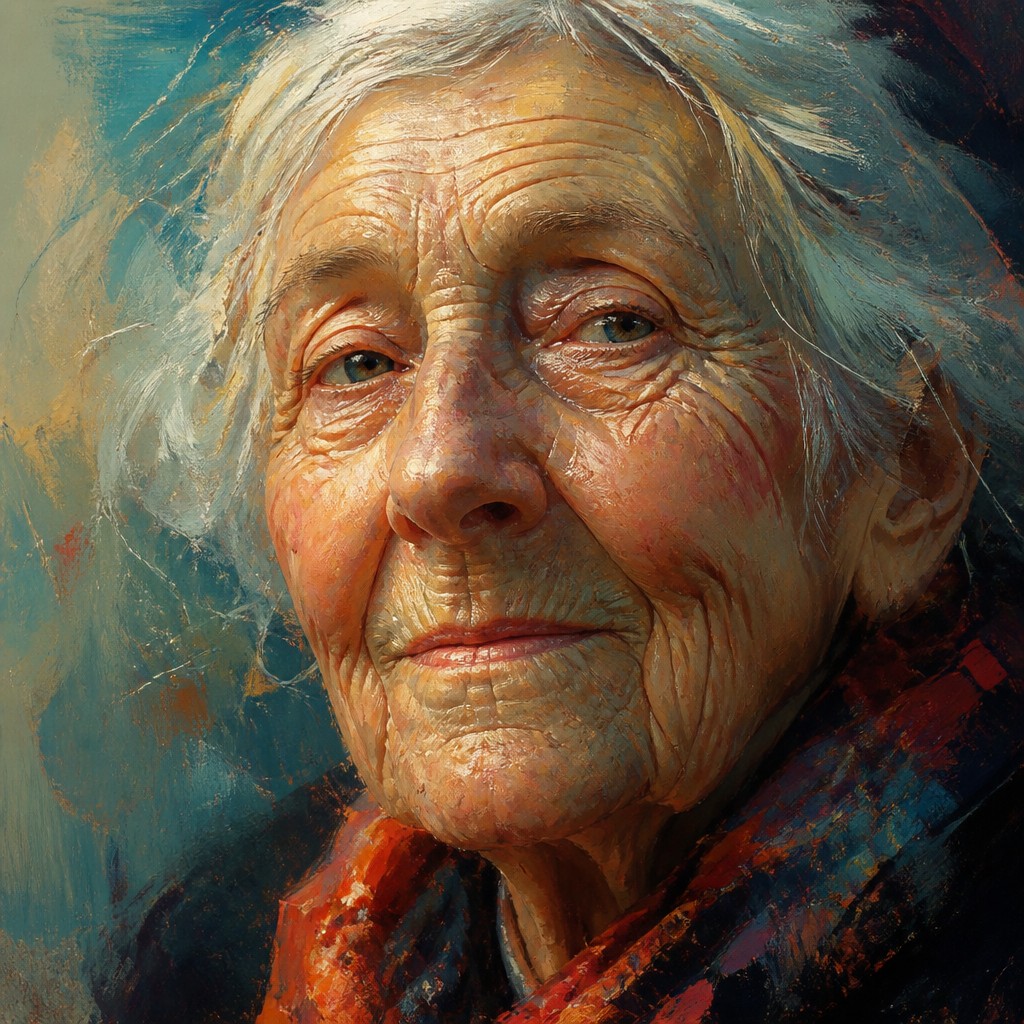
“close-up portrait of an elderly person with expressive weathered features”
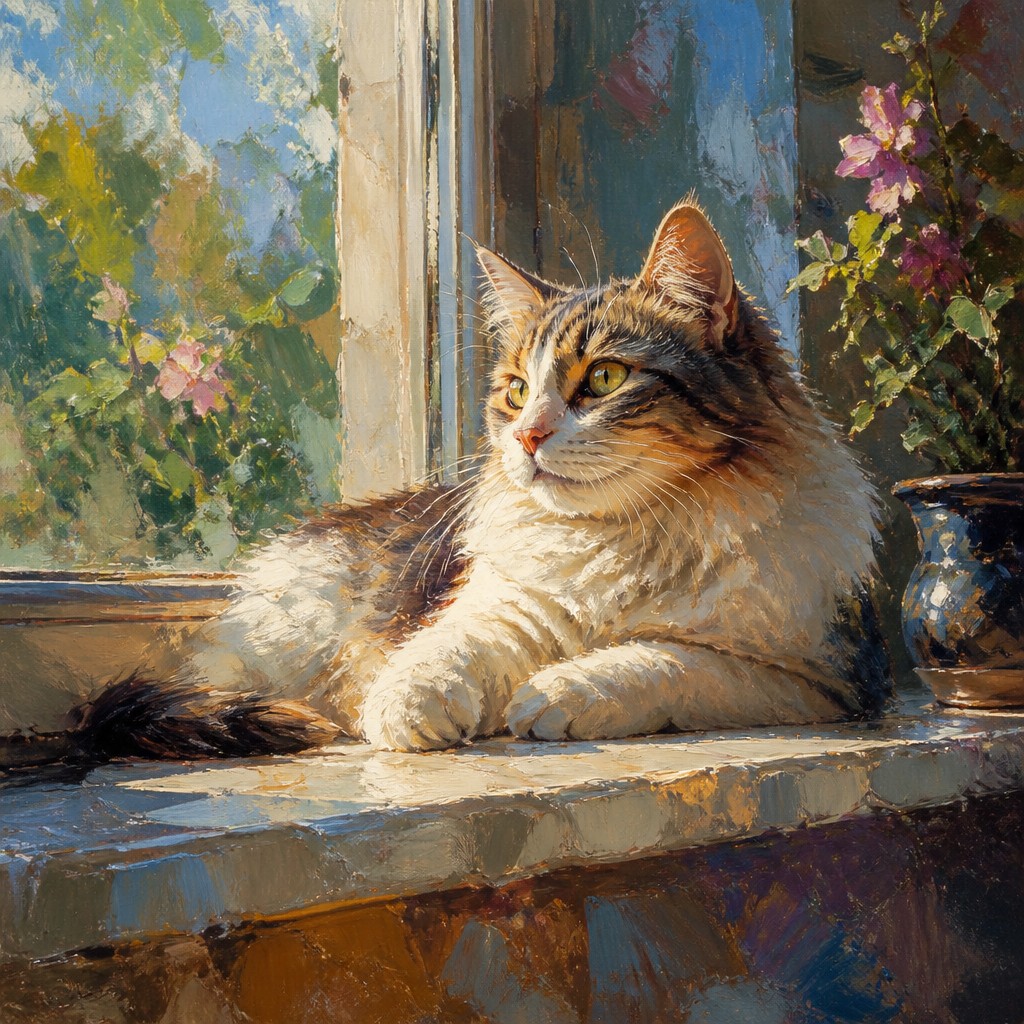
“a cat lounging in a sunlit window”
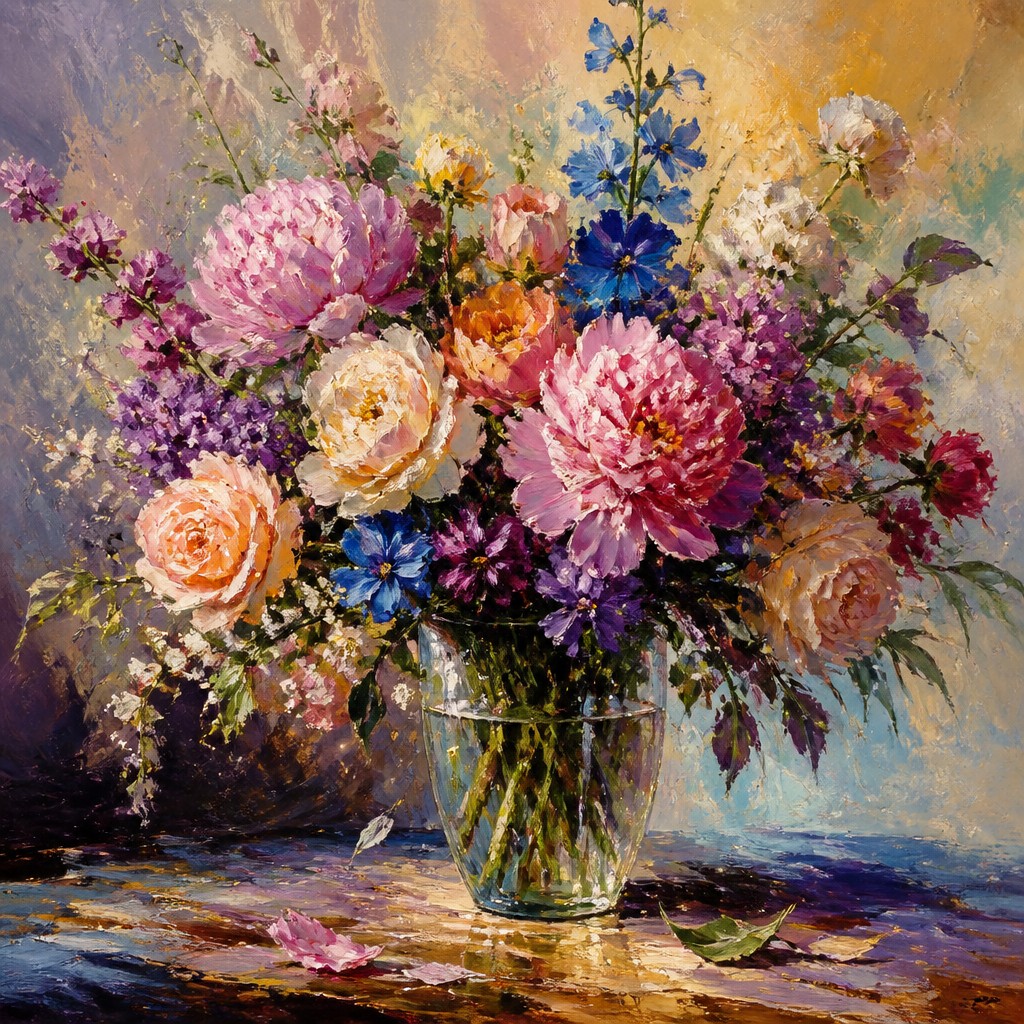
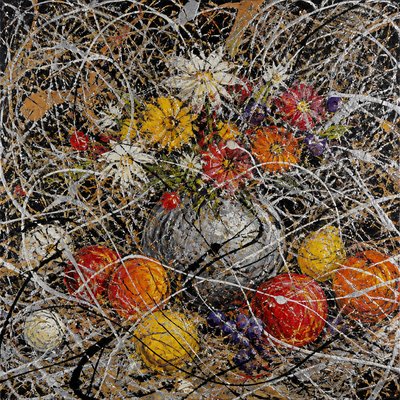
“bouquet of flowers in a glass vase”
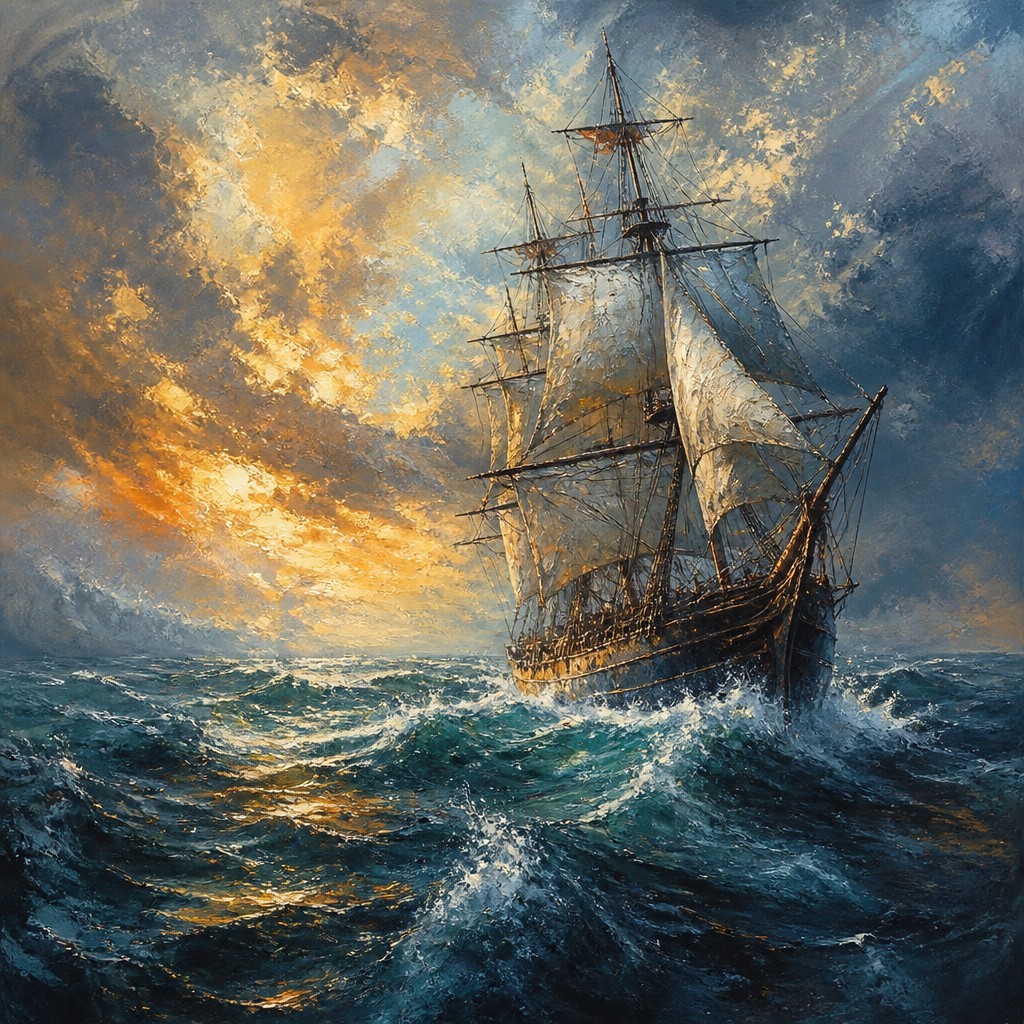
“sailing ship on a stormy sea”
How to Create Digital Painting Art
Master the craft step by step — or skip straight to creating. Read the full guide →
- 1
Block in the composition with broad shapes
Start with large value masses and simplified color areas before adding detail. Whether using digital brushes or traditional media, a strong underpainting helps preserve the painterly structure.
- 2
Use layered passes instead of one uniform finish
Build the image through translucent glazes, opaque corrections, and selective detailing. In digital work, layers and blend modes can imitate the buildup of oil or watercolor while allowing easy revision.
- 3
Vary the brushwork deliberately
Combine broad gestural strokes with tighter edge control around the focal point. Custom brushes, pressure sensitivity, and brush opacity variation help create a more natural hand-painted rhythm.
- 4
Preserve some surface texture
Avoid over-blurring or excessive smoothing, which can make the image feel plastic. Keep traces of brush texture, grain, or edge irregularity so the image retains tactile presence.
- 5
For text-to-image prompts, specify painterly materials and handling
Describe visible brushstrokes, layered glazes, impasto-like texture, soft atmospheric blends, and crisp-versus-diffused edges. Clear material language helps the result feel like a painting rather than a generic illustration.
- 6
For image-to-image, guide the transformation with lighting and texture cues
Emphasize preserving the subject while converting surfaces into painted marks, rich color transitions, and hand-worked edges. A moderate strength setting usually keeps the composition readable while shifting the surface into a painterly look.

The Story
History & Origins of Digital Painting
Digital painting emerged in the late 20th century alongside the development of graphics tablets, stylus input, and increasingly sophisticated painting software. Early practitioners adapted habits from traditional painting into new digital environments, using layered workflows, brush simulation, and custom texture brushes to recreate the tactile effects of canvas, pigment, and paper. As hardware improved, especially pressure sensitivity and display tablets, digital painting became a major method for concept art, illustration, matte painting, entertainment design, and online publishing.
Its aesthetic lineage is broader than its software history. Digital painting draws from oil painting, watercolor, gouache, pastel, illustration, concept art, and the expressive handling associated with modern figurative painting. It also inherits from airbrush illustration, comics, fantasy art, and production art, where clarity, dramatic lighting, and controlled realism are important. The style developed not as a single historical movement, but as a contemporary hybrid practice that translates long-standing painterly traditions into digital form.
Influences: Digital painting is closely related to oil painting, watercolor, gouache, pastel, and airbrush illustration, but it also reflects the language of concept art and entertainment illustration. In terms of painterly precedent, it can evoke the color layering of leading 19th- and early-20th-century portrait painters, the expressive brushwork of major Post-Impressionist painters, the atmospheric portraiture of prominent Nordic portrait painters, and the tonal experimentation of the Impressionists, though digital painting itself is not a historical movement. Its contemporary identity comes from combining those traditions with software-based control, layering, and texture simulation.
Frequently Asked Questions
What defines digital painting?
Digital painting is image-making that uses digital tools to imitate or extend the look of traditional painting. Its defining features are visible brushwork, layered color, and a hand-painted appearance rather than flat vector shapes or photographic realism.
How is digital painting different from digital illustration?
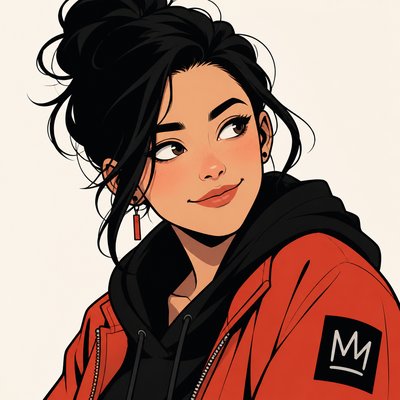
Digital illustration is a broad category that can include clean line art, flat design, vector art, and painterly work. Digital painting is a subset that prioritizes painterly surfaces, brush-based construction, and the visual feel of paint.
Is digital painting supposed to look realistic?
Not necessarily. Some digital paintings aim for realism, but many are stylized, atmospheric, or expressive. The important feature is the paint-like handling, not any specific subject matter or level of realism.
What tools are commonly used for digital painting?
Artists often use a stylus and pressure-sensitive tablet or display, along with software that supports brushes, layers, masks, and blending modes. The most important tools are the brush settings and the ability to build the image in stages.
Why does digital painting sometimes look more polished than traditional painting?
Digital tools allow artists to refine edges, adjust colors, and reorganize layers without damaging the image. That flexibility can produce very controlled transitions and luminous color combinations that are harder to revise in physical media.
Where is digital painting commonly used?
It is widely used in concept art, character art, book covers, game art, editorial illustration, and entertainment design. It also appears in personal fine-art practice and online commissions because it supports both expressive and production-oriented workflows.
Create your first Digital Painting artwork
Describe anything — or upload a photo — and see it in Digital Painting Art Style in seconds.
Make Something with Digital Painting
Compare Digital Painting
Related Styles
Discover similar art styles