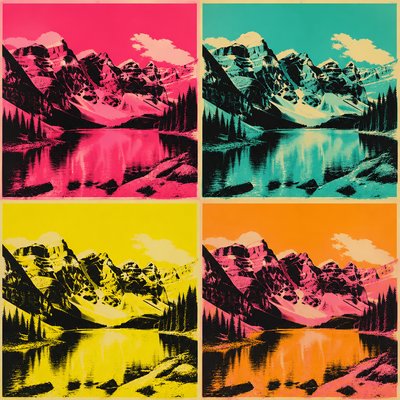
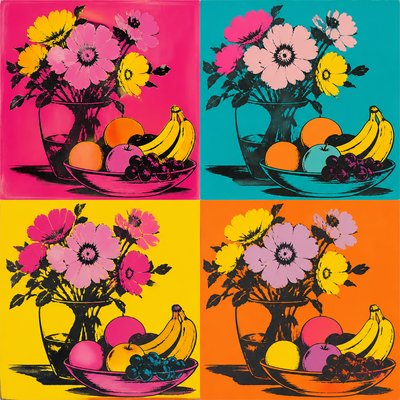
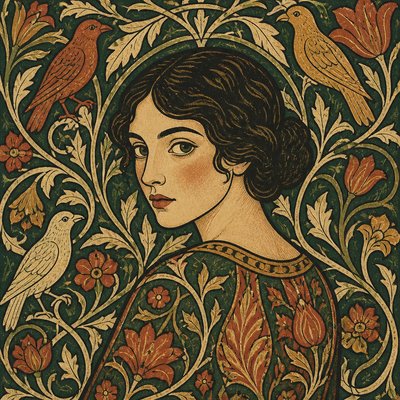
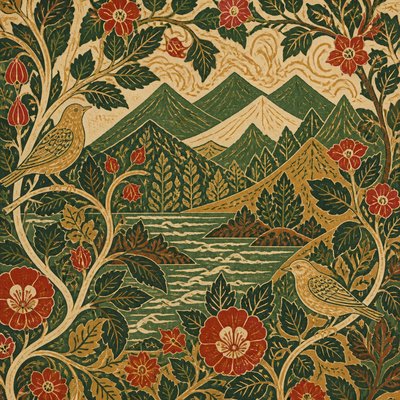
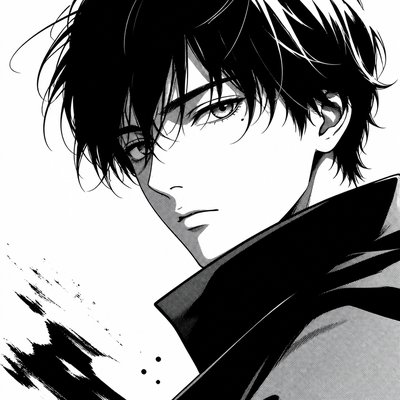
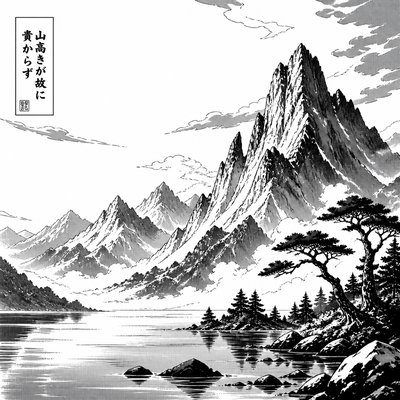
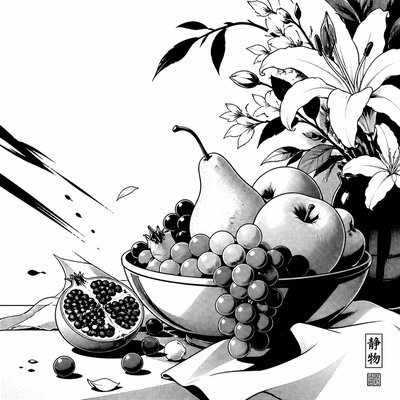
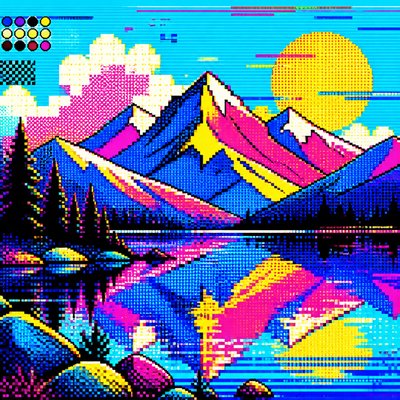
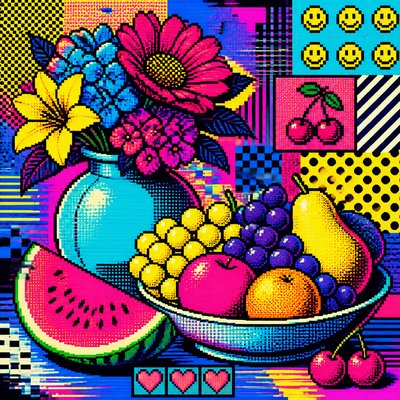
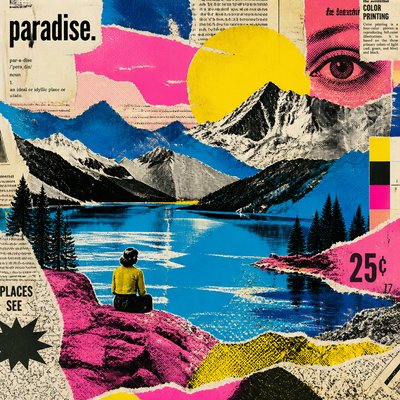
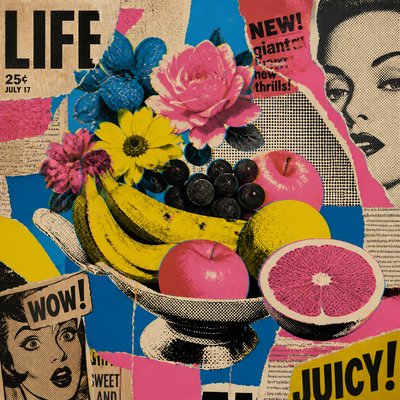
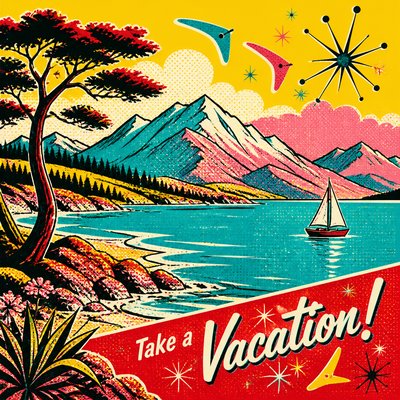
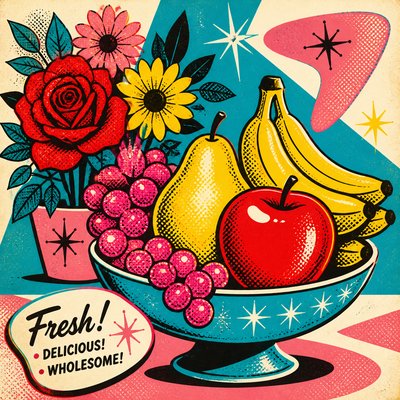
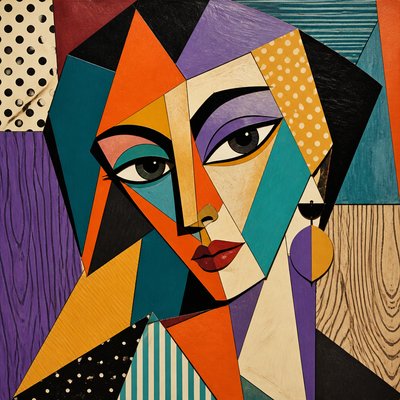
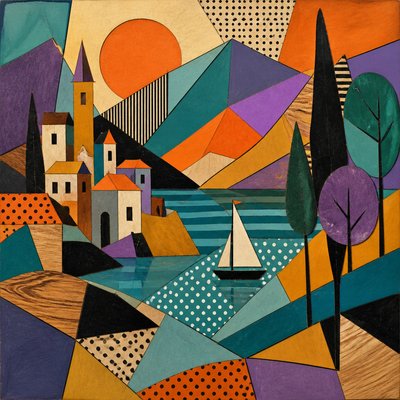
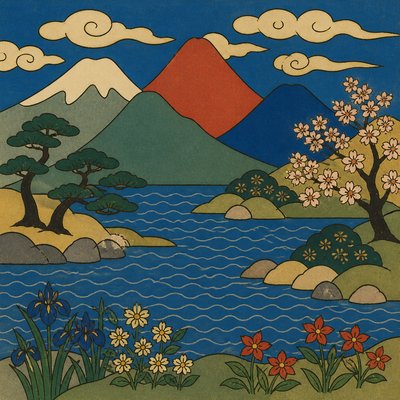
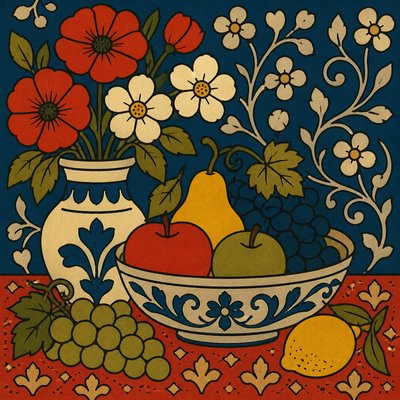
Linocut Print Style
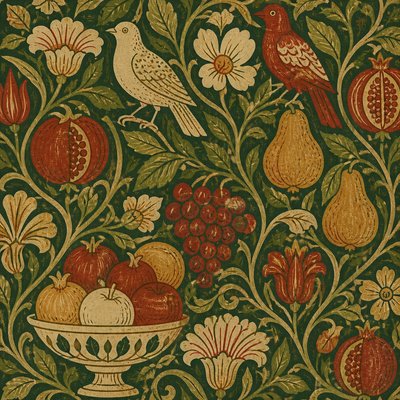
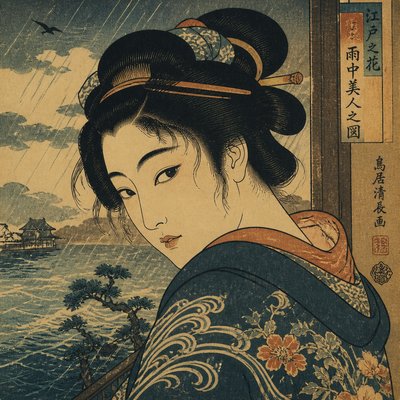
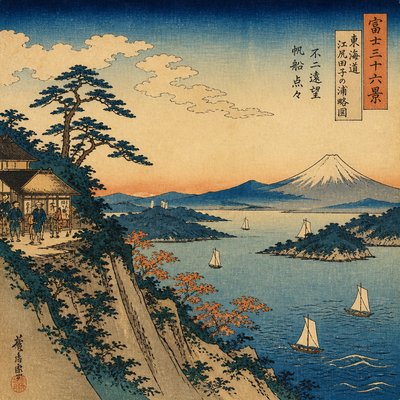
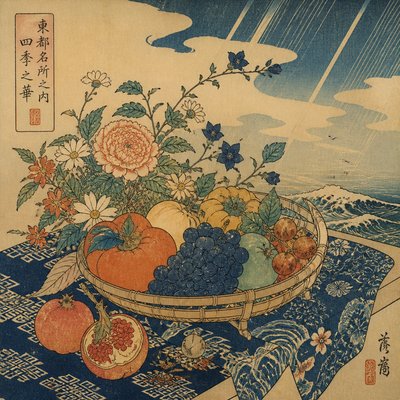
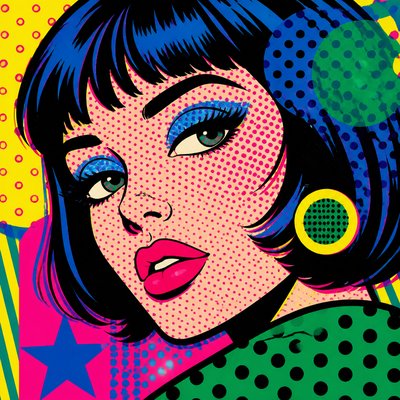
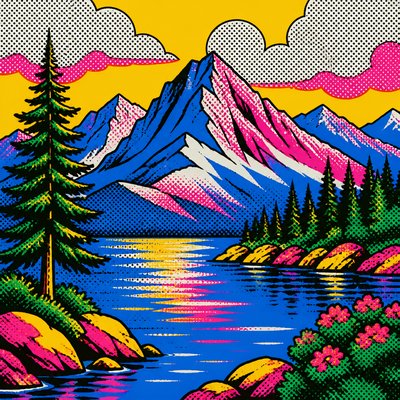
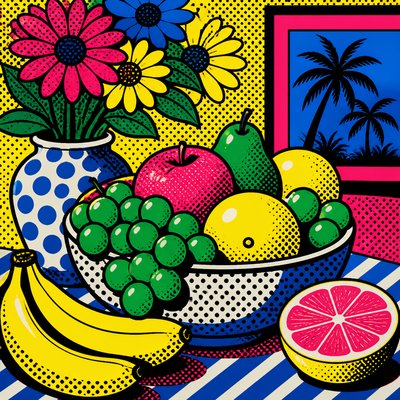
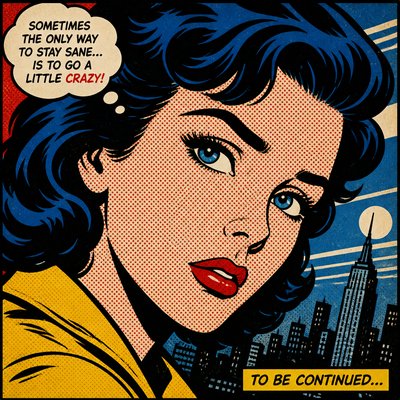
Explore linocut print style: bold gouged lines, flat ink fields, limited palettes, and tactile relief-print texture for graphic images.
Instantly rendered in Linocut Print — or transform a photo
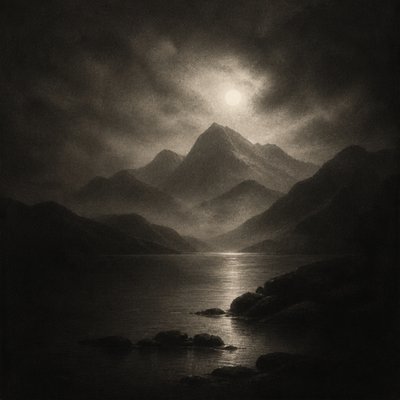
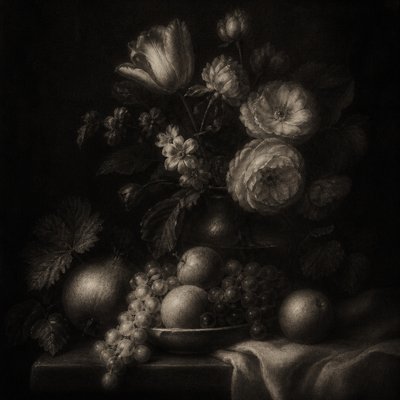
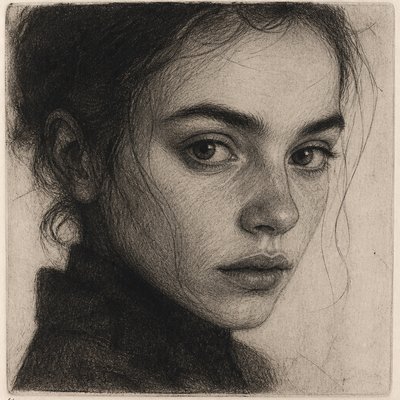
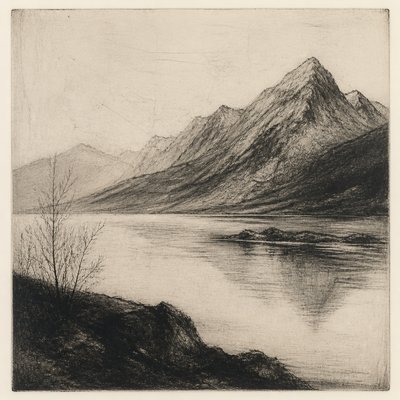
Linocut Print Gallery
Tap any artwork to explore it

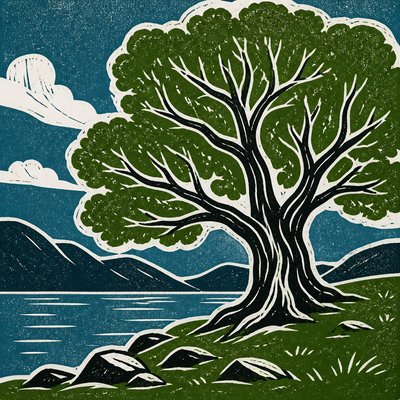
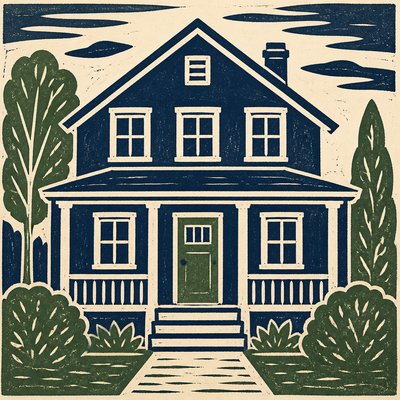
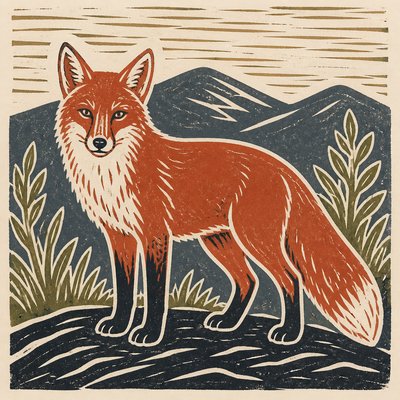
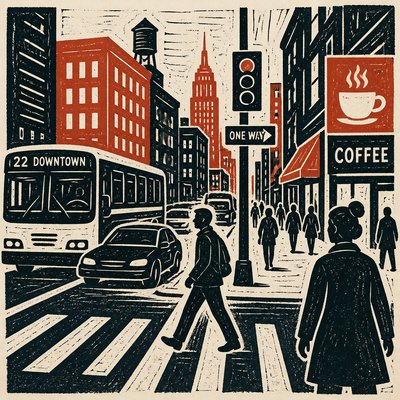
What is Linocut Print Style?
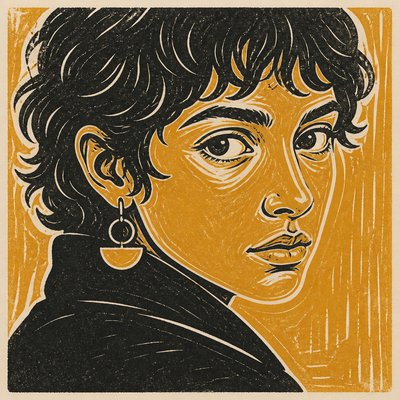
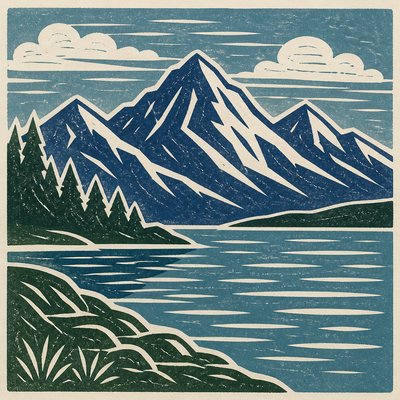
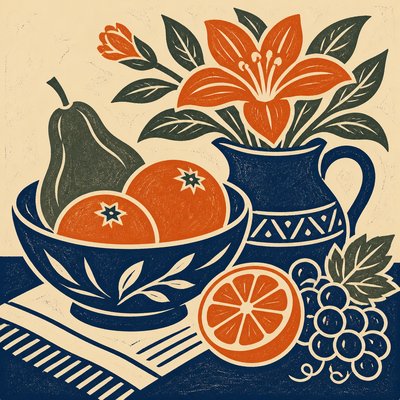
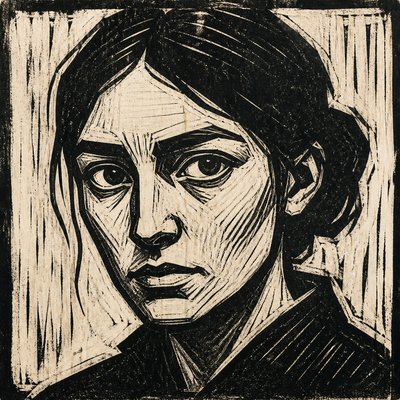
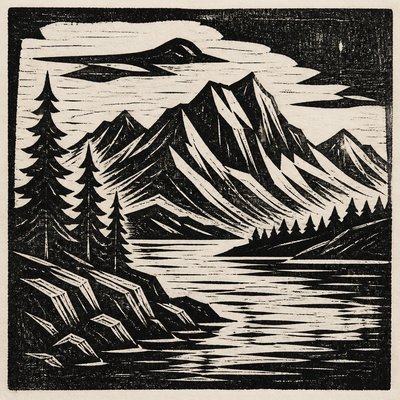
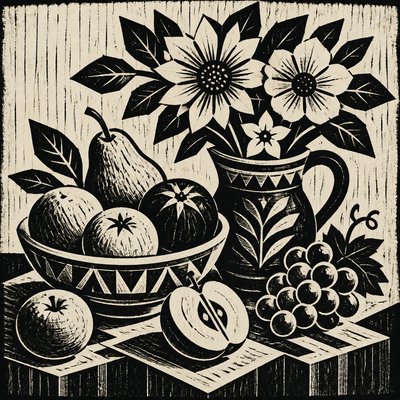
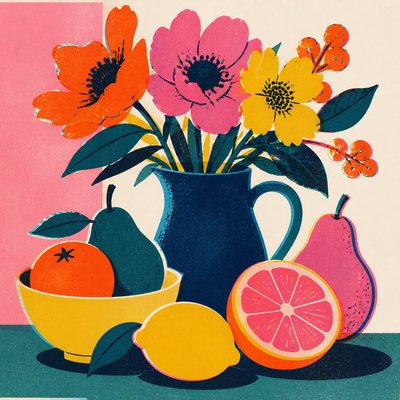
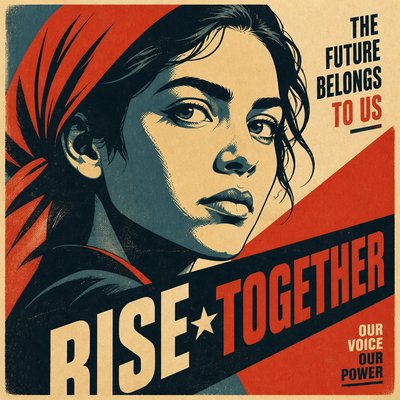
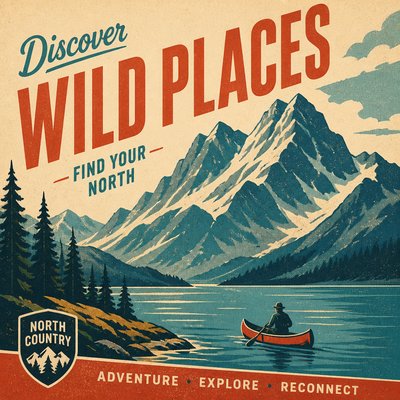
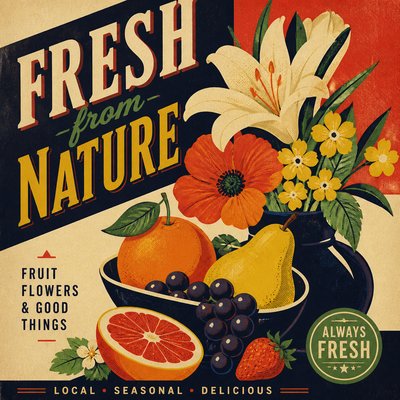
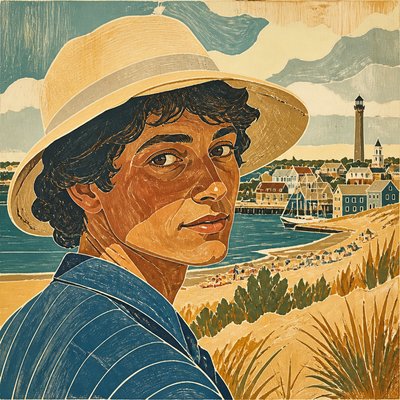
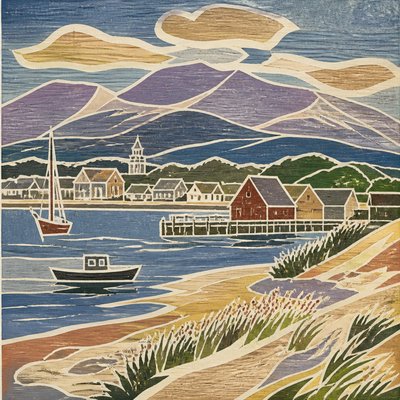
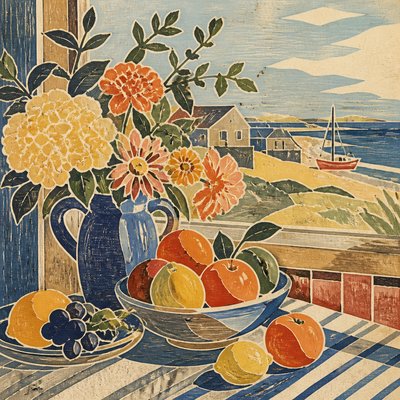
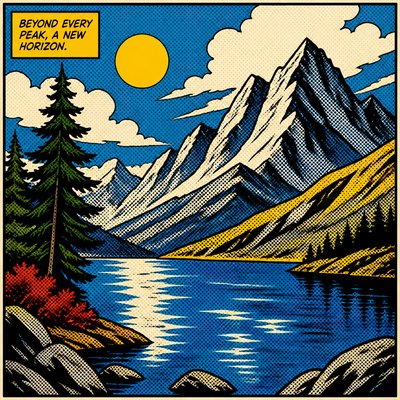
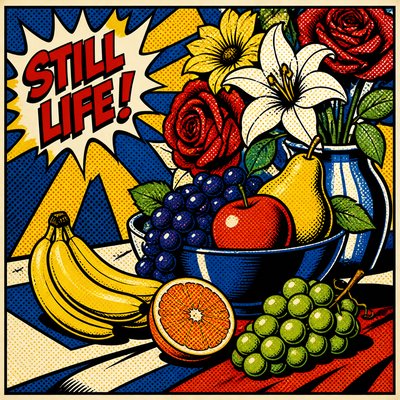
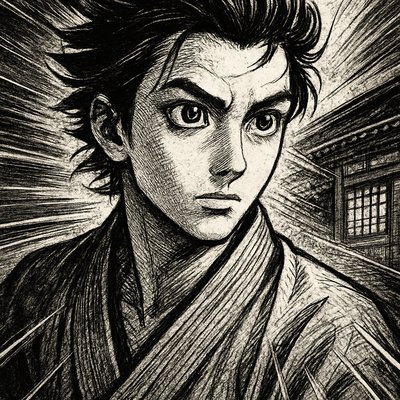
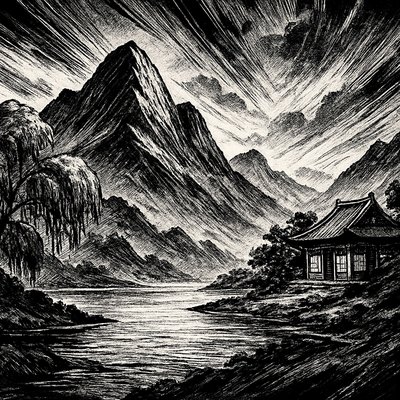
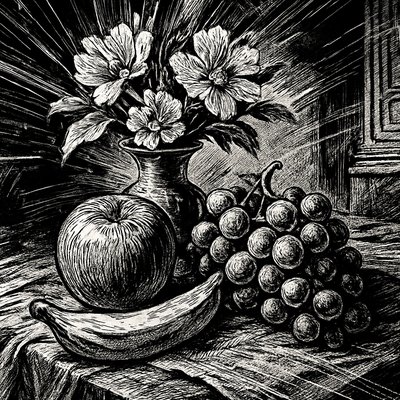
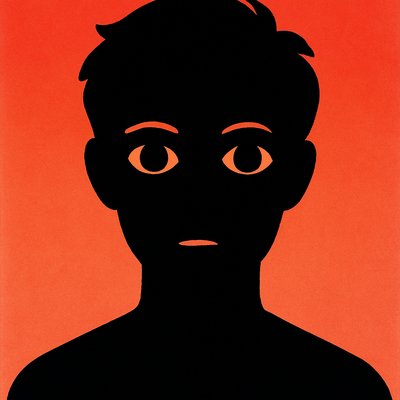
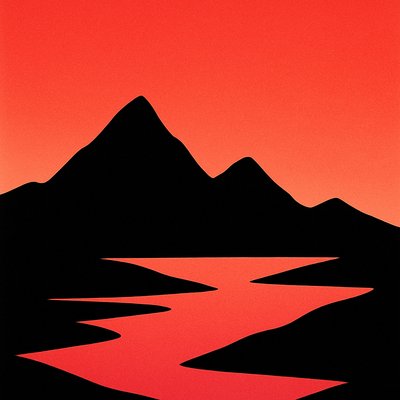
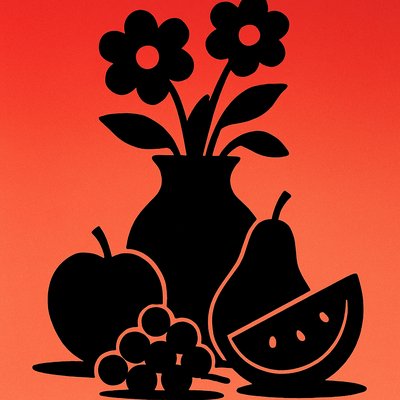
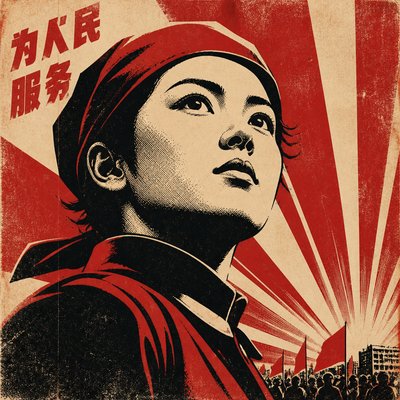
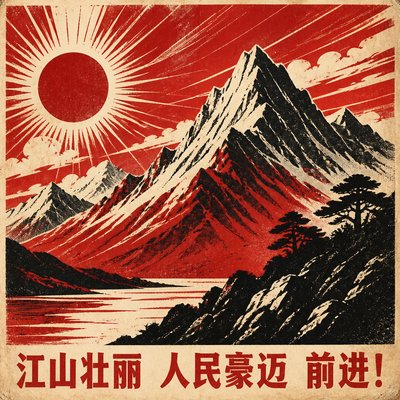
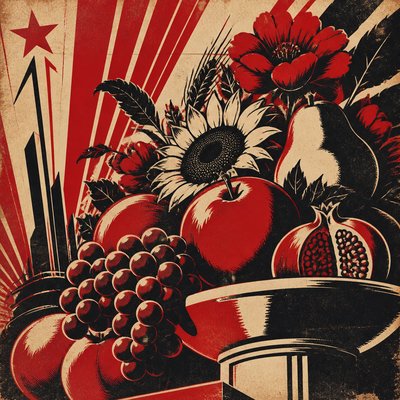
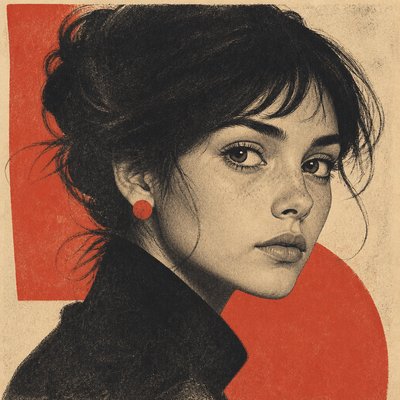
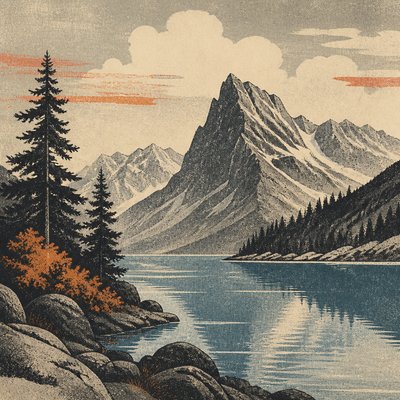
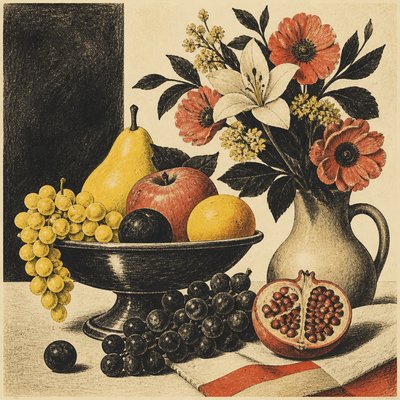
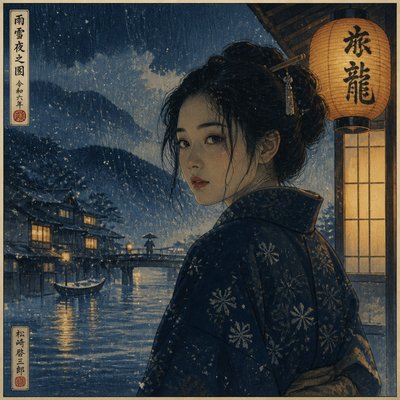
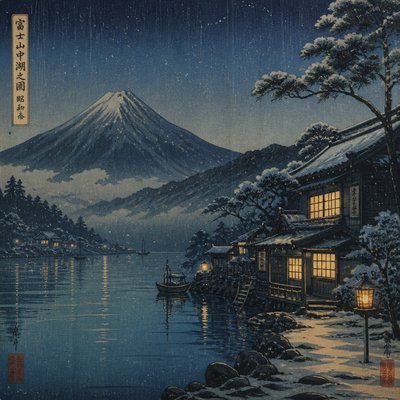
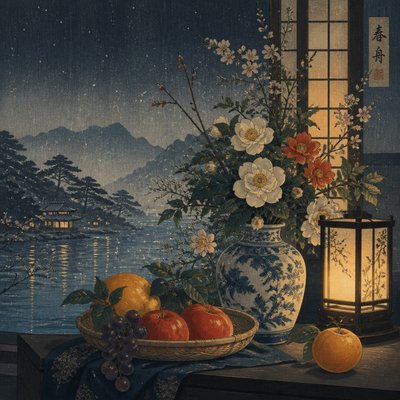
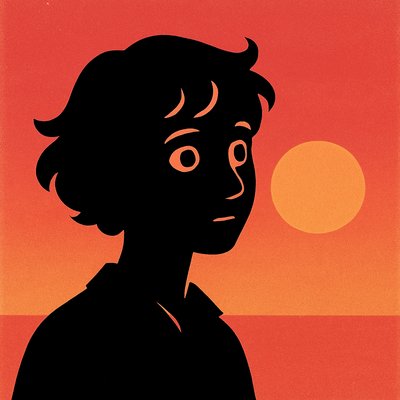
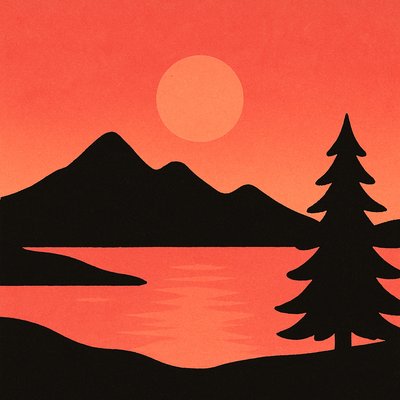
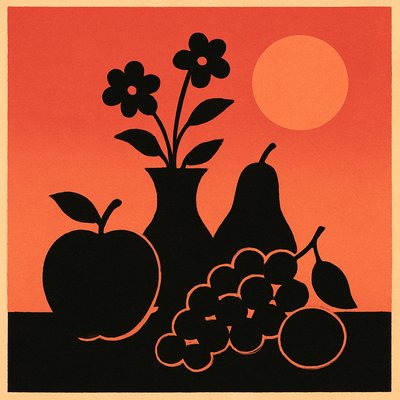
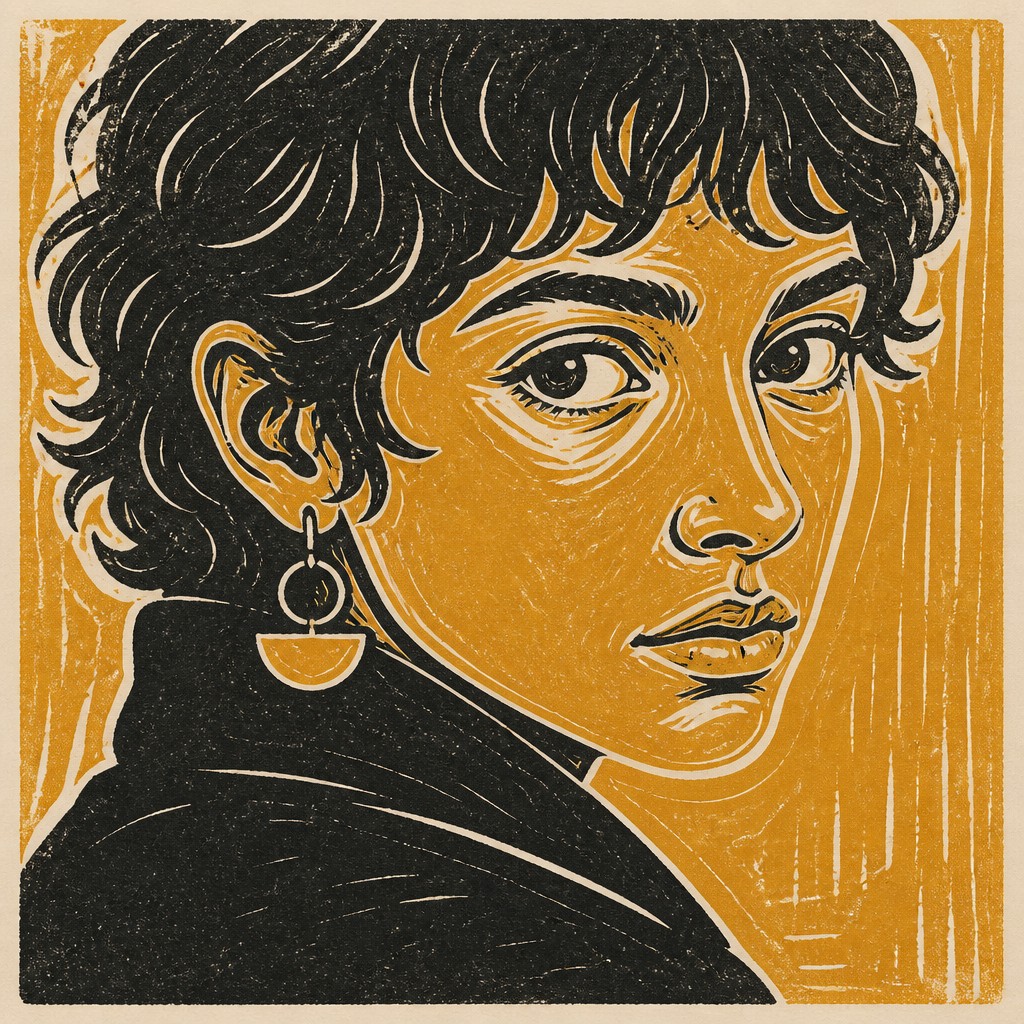
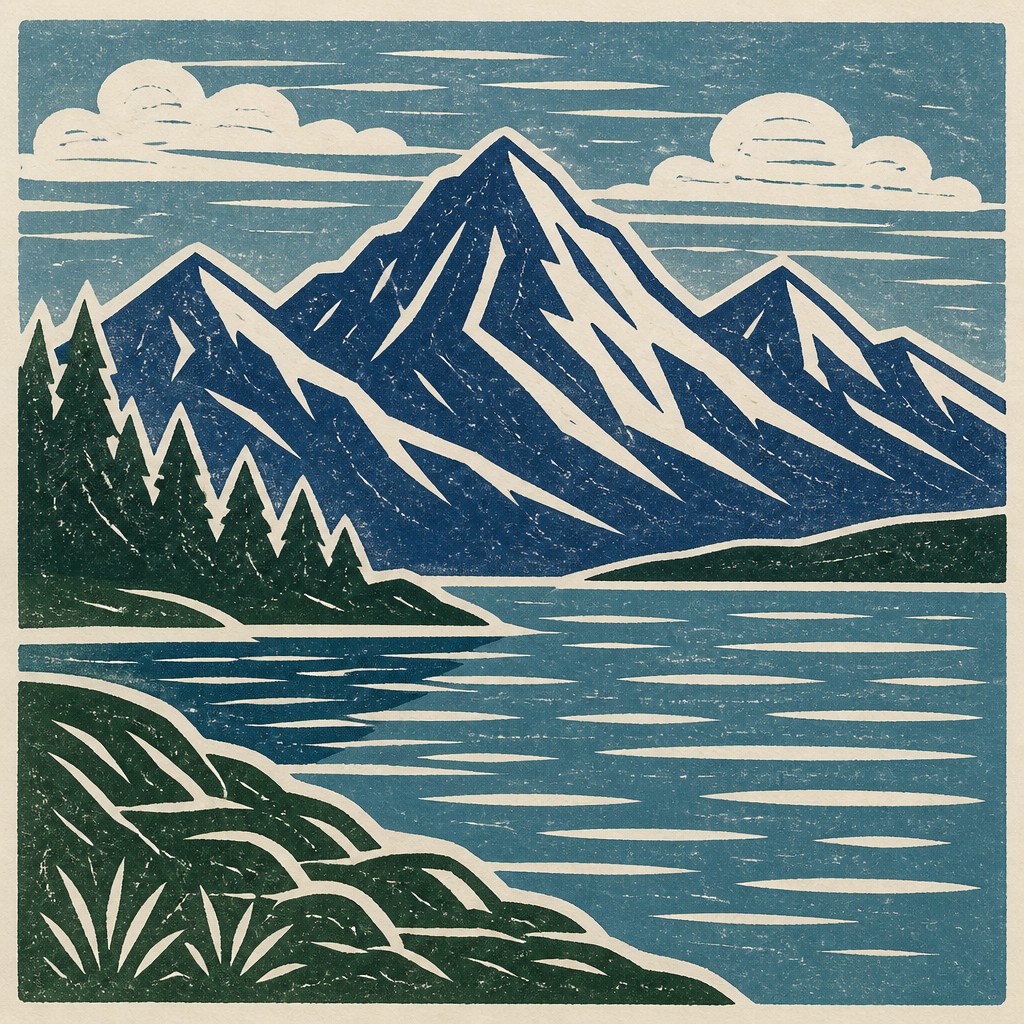
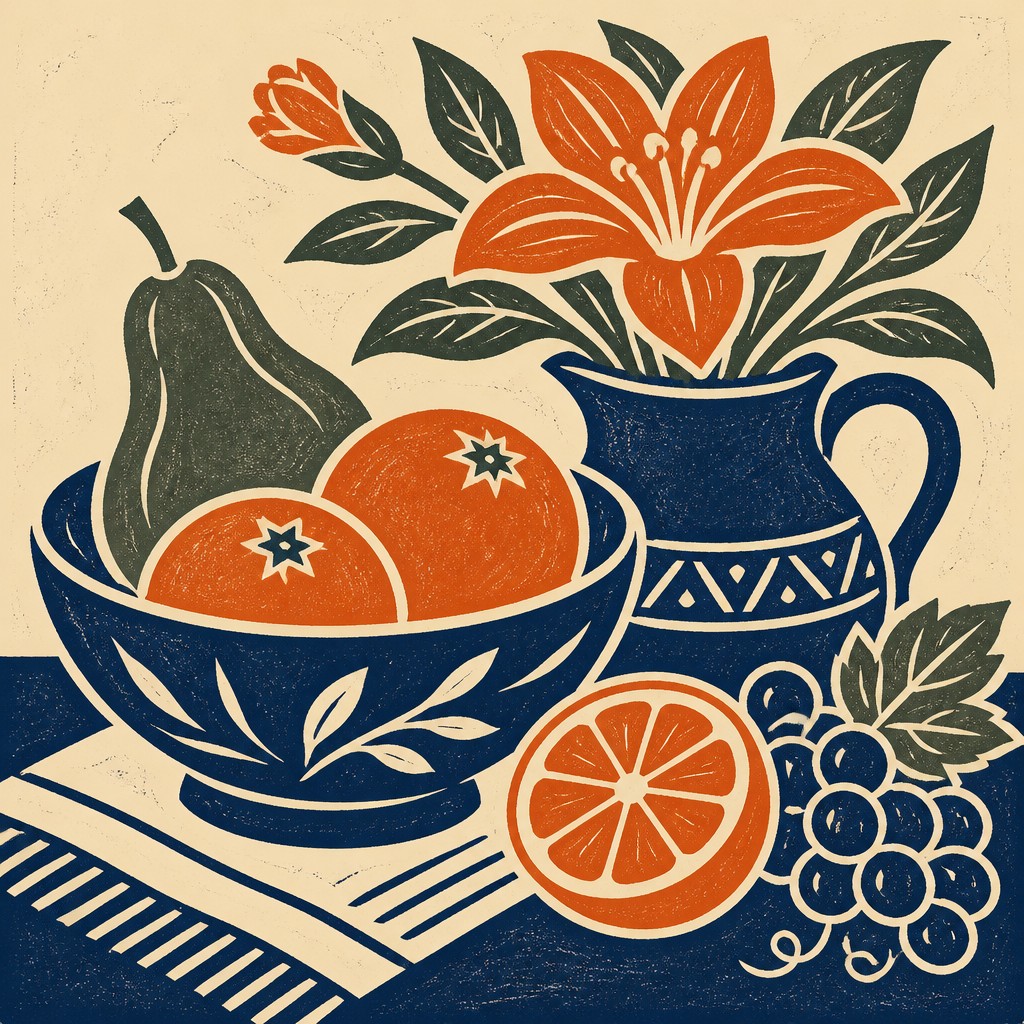
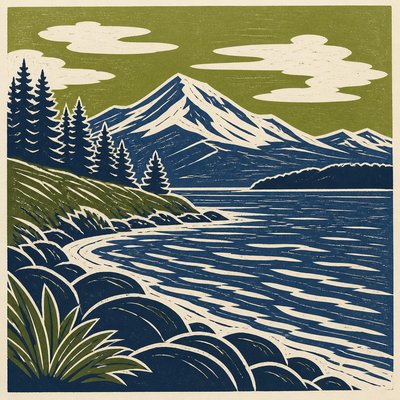
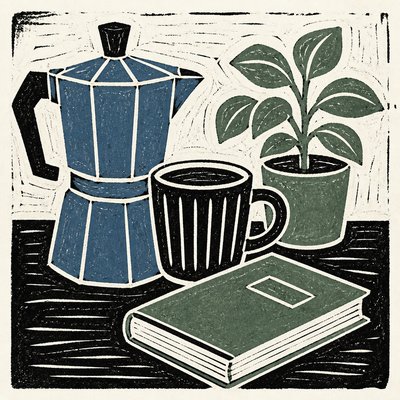
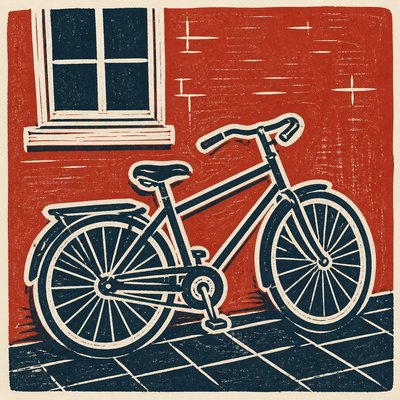
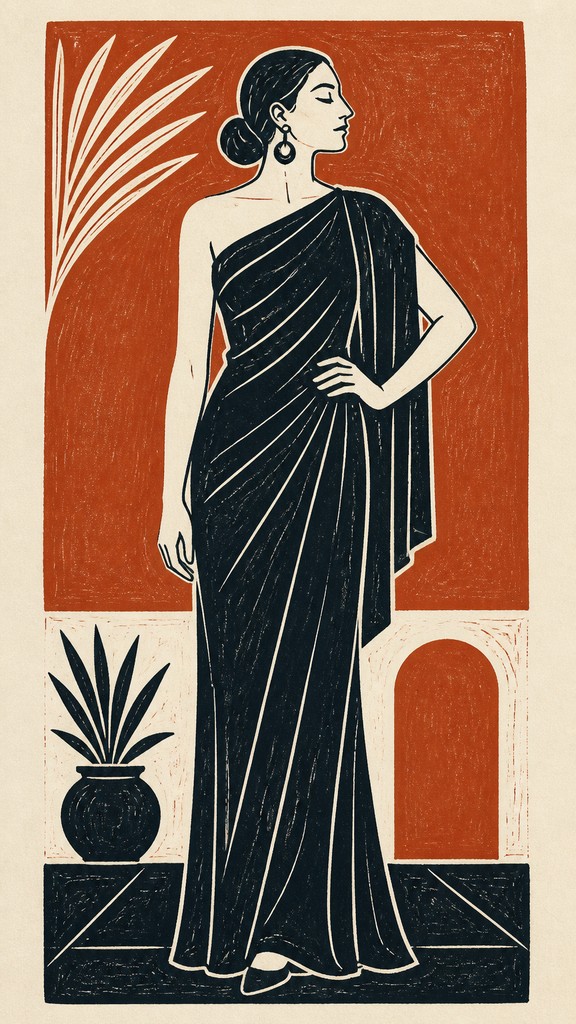
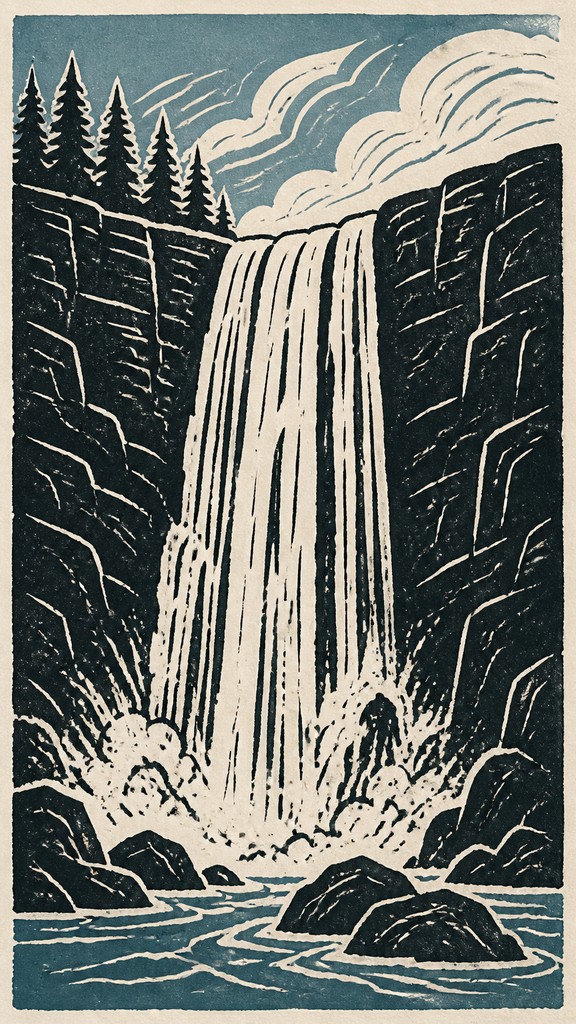
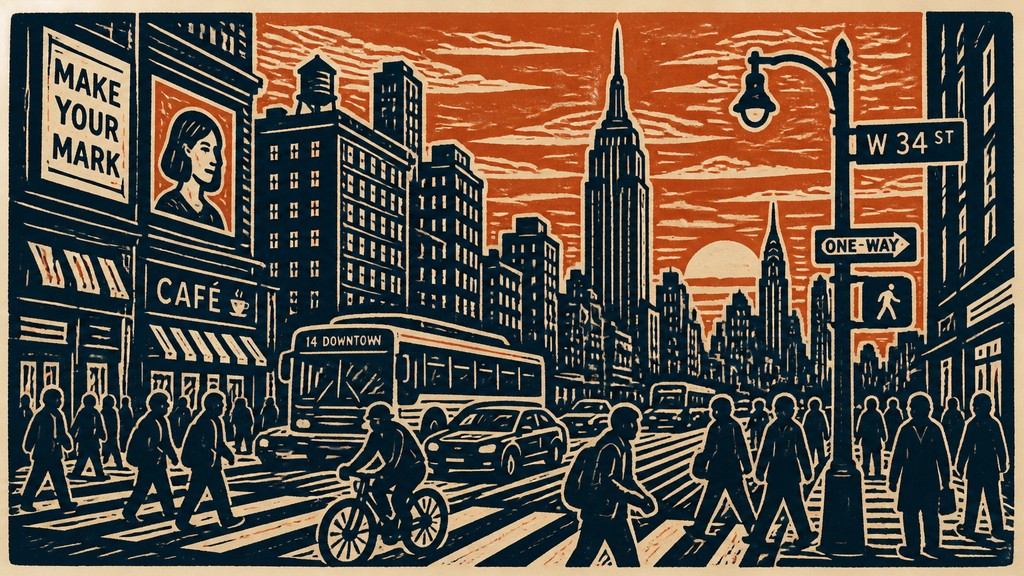
Linocut print style is a relief-print aesthetic defined by broad carved marks, simplified shapes, flat areas of ink, and strong positive-negative contrast. The image appears to have been cut into a sheet of linoleum, inked on its raised surface, and pressed onto paper. White or unprinted lines often function as the drawing itself, producing a distinctive gouged, hand-cut character.
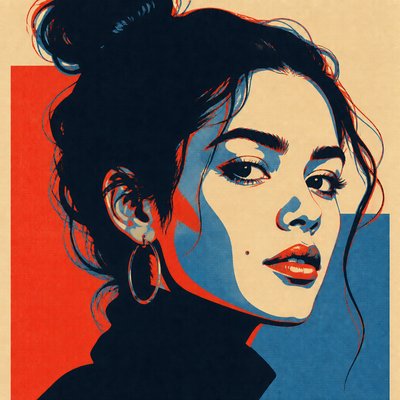
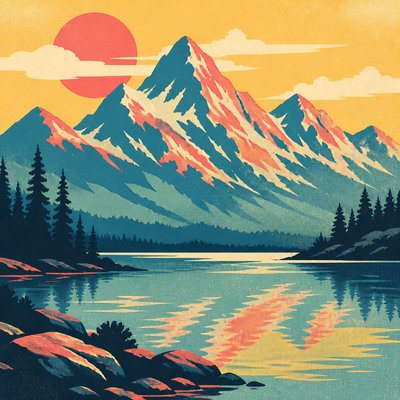
The style favors visual economy over gradual modeling. Forms are reduced to a small number of interlocking shapes, shadows become solid masses, and color is commonly restricted to two or three assertive tones. Slight irregularities, uneven ink coverage, and softened edges add the tactile evidence of a handmade print, even when the image is created digitally.

Try It On Your Photos
Upload any photo and convert it into Linocut Print Style — drag the sliders to compare before and after.


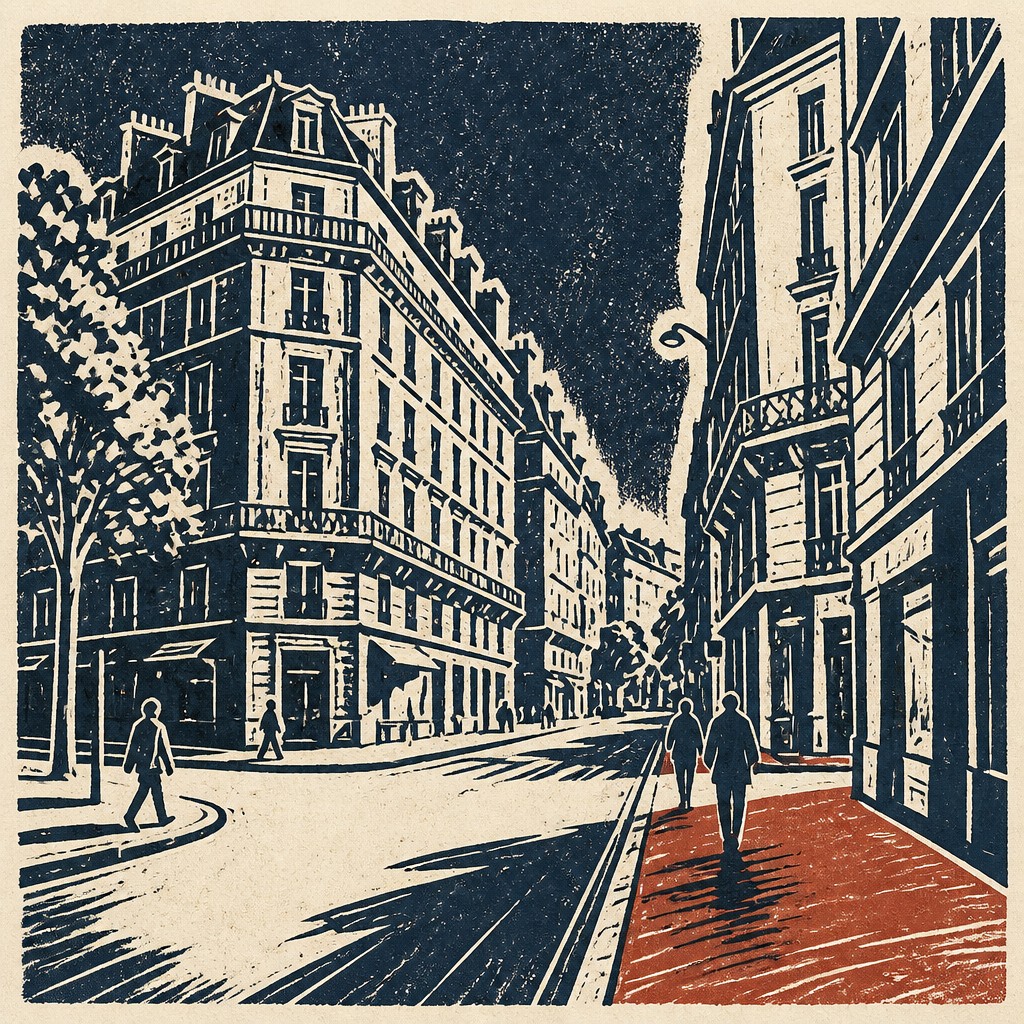
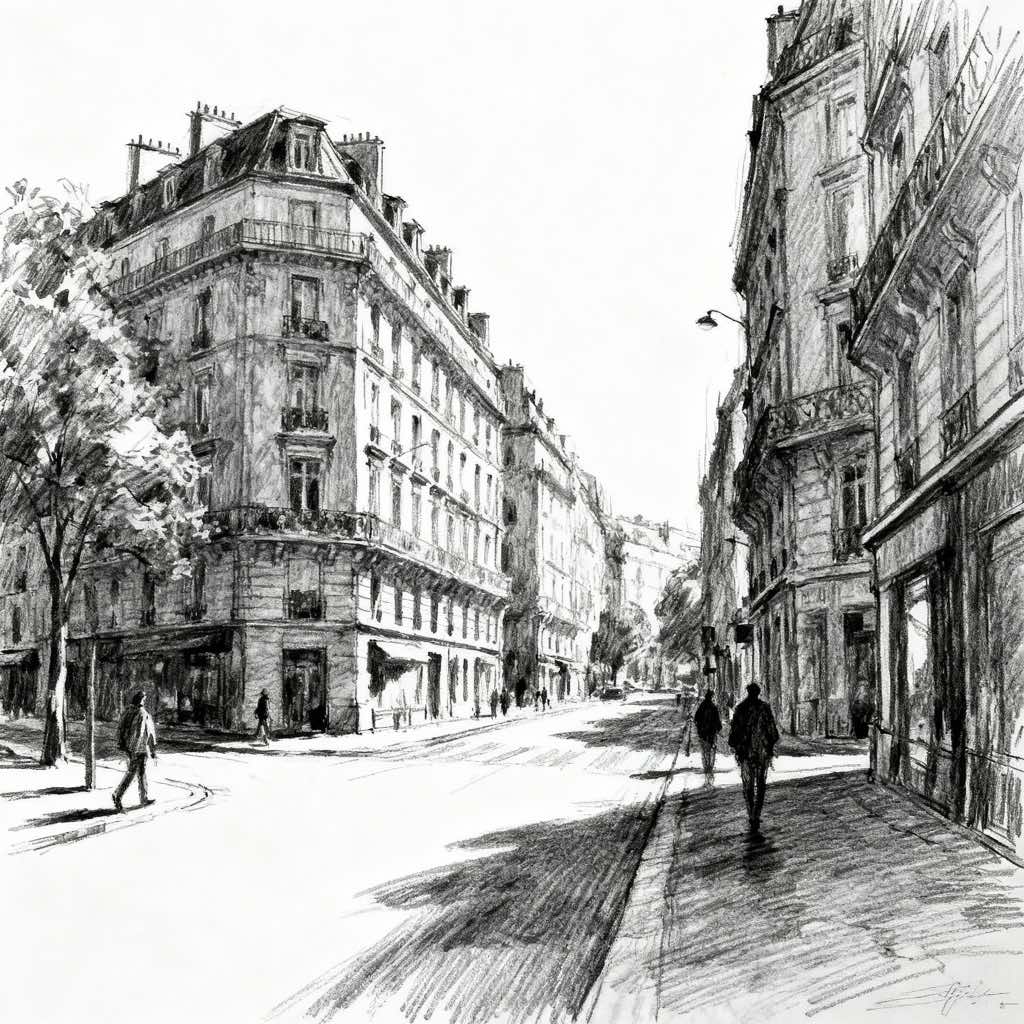
What Defines Linocut Print Style
The signature details, up close
Gouged linear marks
Lines are cut away from the block, leaving exposed paper in the final print. Marks tend to be chunky, rounded, and visibly directional rather than delicate or mechanically uniform.
Flat ink fields
Large areas of color remain largely unmodulated, with little atmospheric shading or soft blending. Tonal structure is created through shape, spacing, and contrast.
High positive-negative contrast
Printed ink and unprinted paper are treated as equally important design elements. Bold silhouettes and clear openings make the image readable at a glance.
Restricted palette
Traditional and contemporary examples often use black and paper white, a two-color scheme, or a small number of solid inks. Each color is assigned a clear structural role.
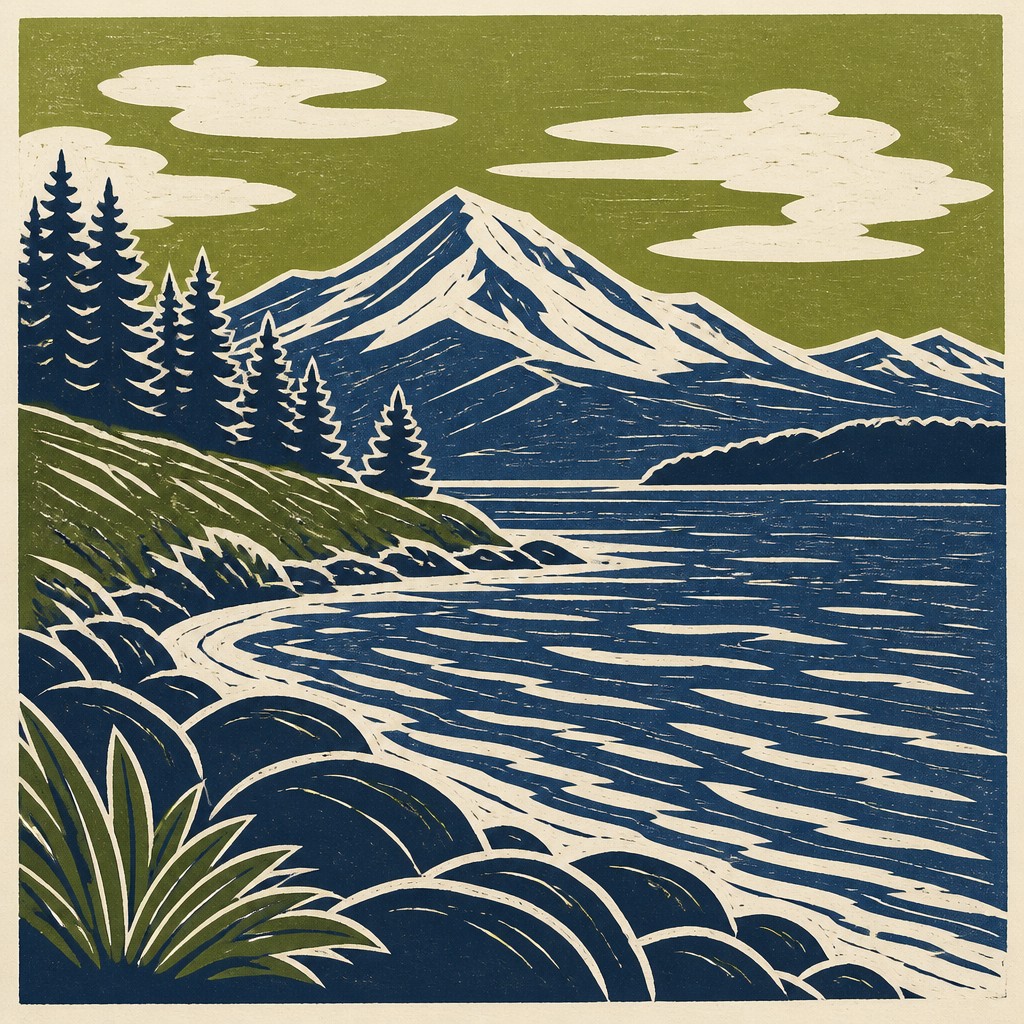
Simplified forms
Complex subjects are reduced to recognizable contours and essential internal marks. Fine detail is omitted or translated into a few expressive cuts.
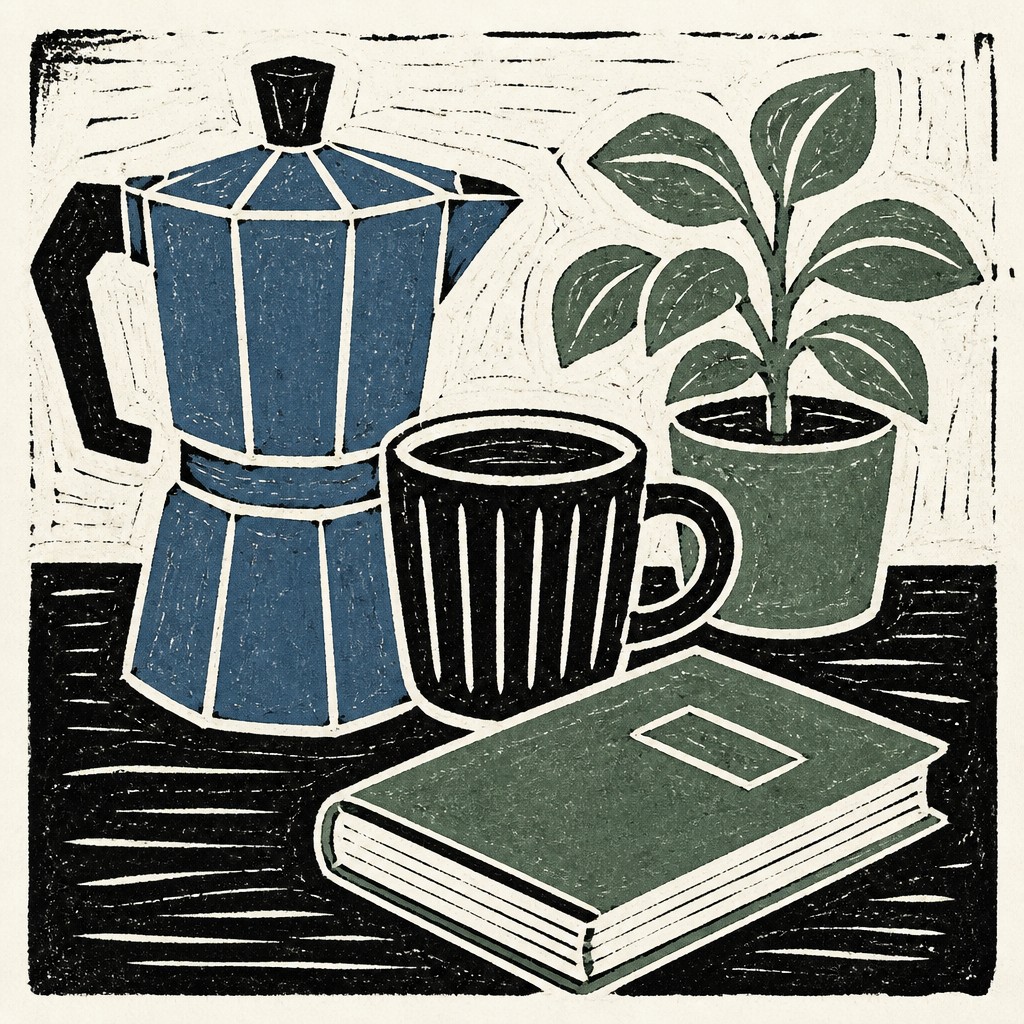
Hand-pressed surface
Subtle grain, uneven coverage, slight registration shifts, and rough edges suggest ink transferred under pressure onto absorbent paper. These imperfections contribute to the style’s physical warmth.
Try It
Create Videos in Linocut Print Style
Styles aren't just for stills — describe a scene or animate an image and get a short video rendered in Linocut Print. Press play to see this pond come to life.
Make a VideoLinocut Print Prompt Ideas
Start from an idea — each one opens the generator with the style ready to go. See all 40 Linocut Print prompts →
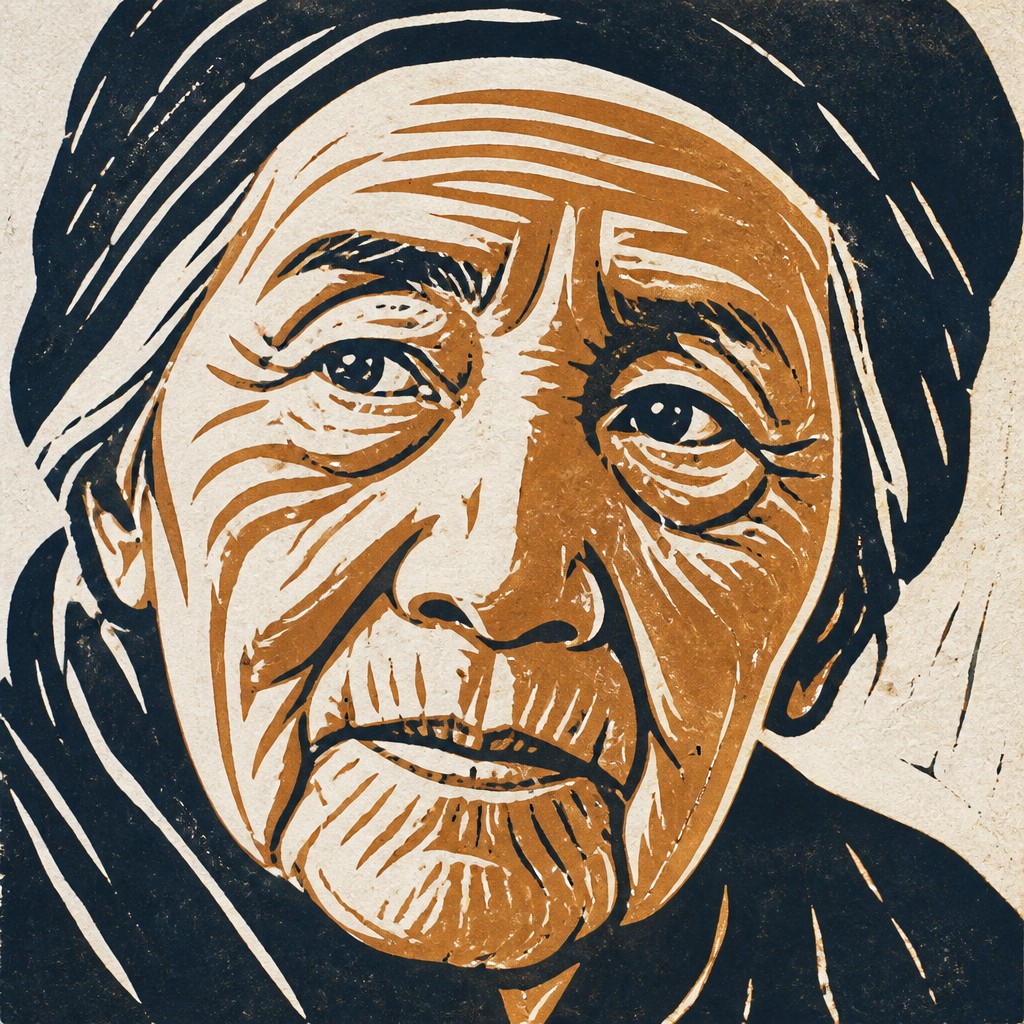
“close-up portrait of an elderly person with expressive weathered features”
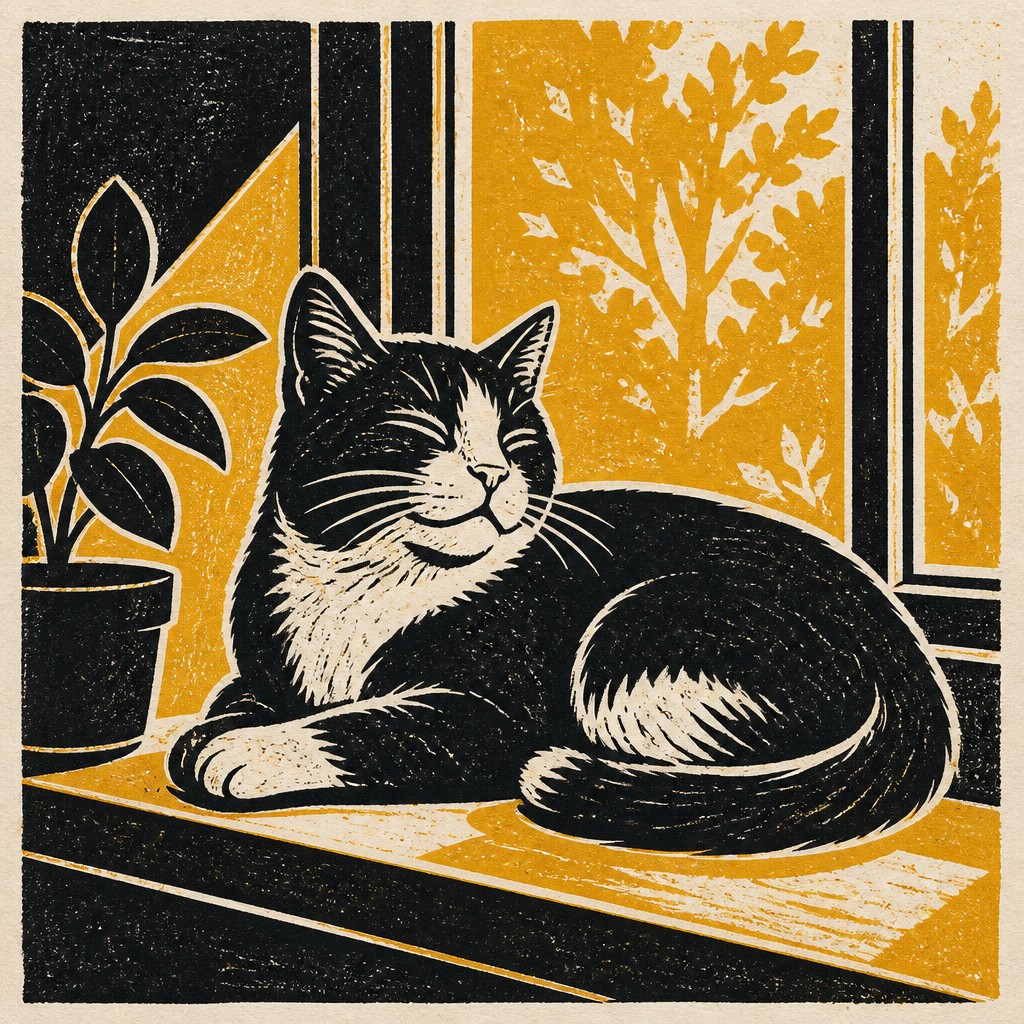
“a cat lounging in a sunlit window”
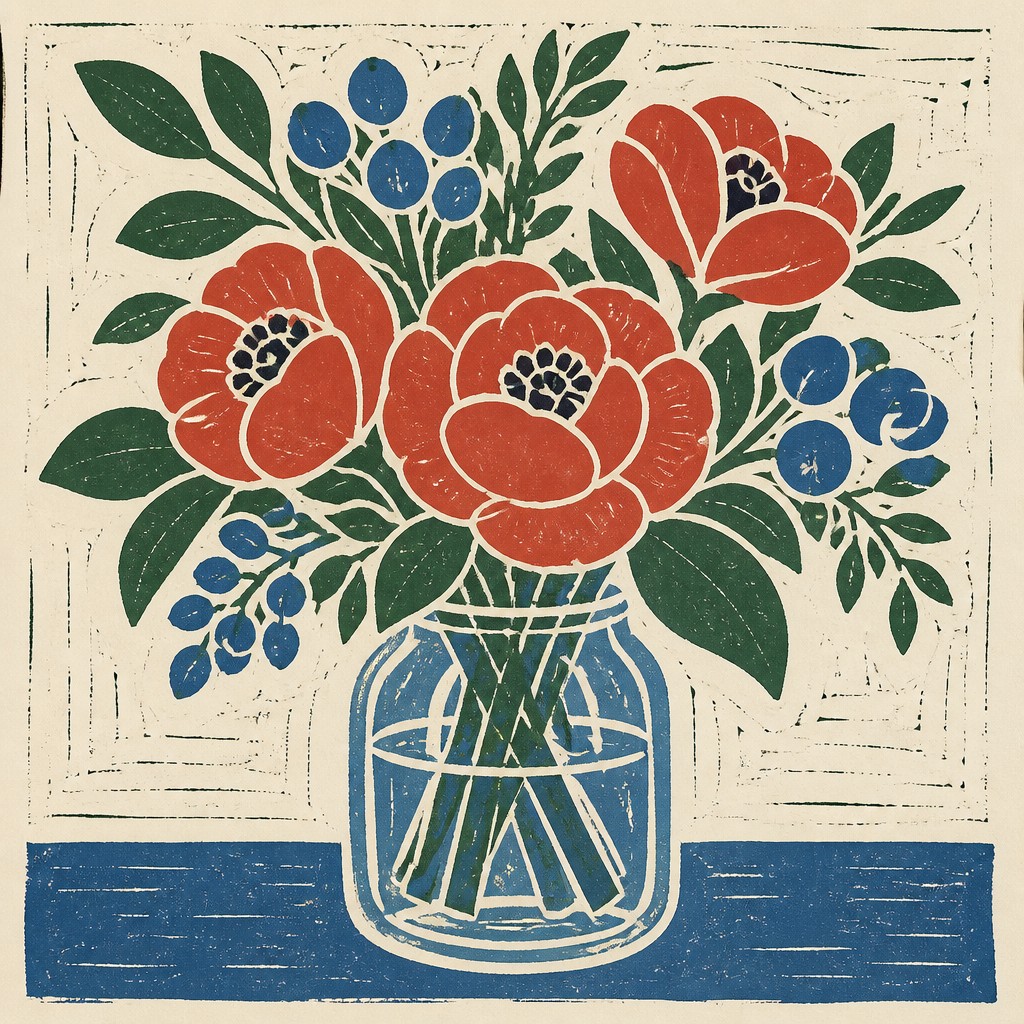
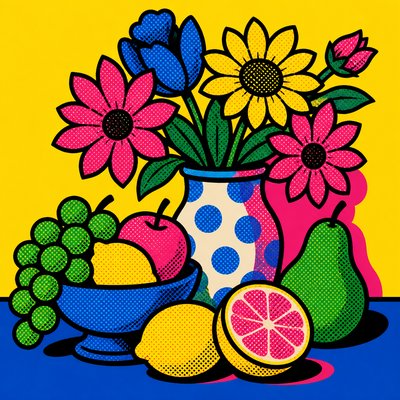
“bouquet of flowers in a glass vase”
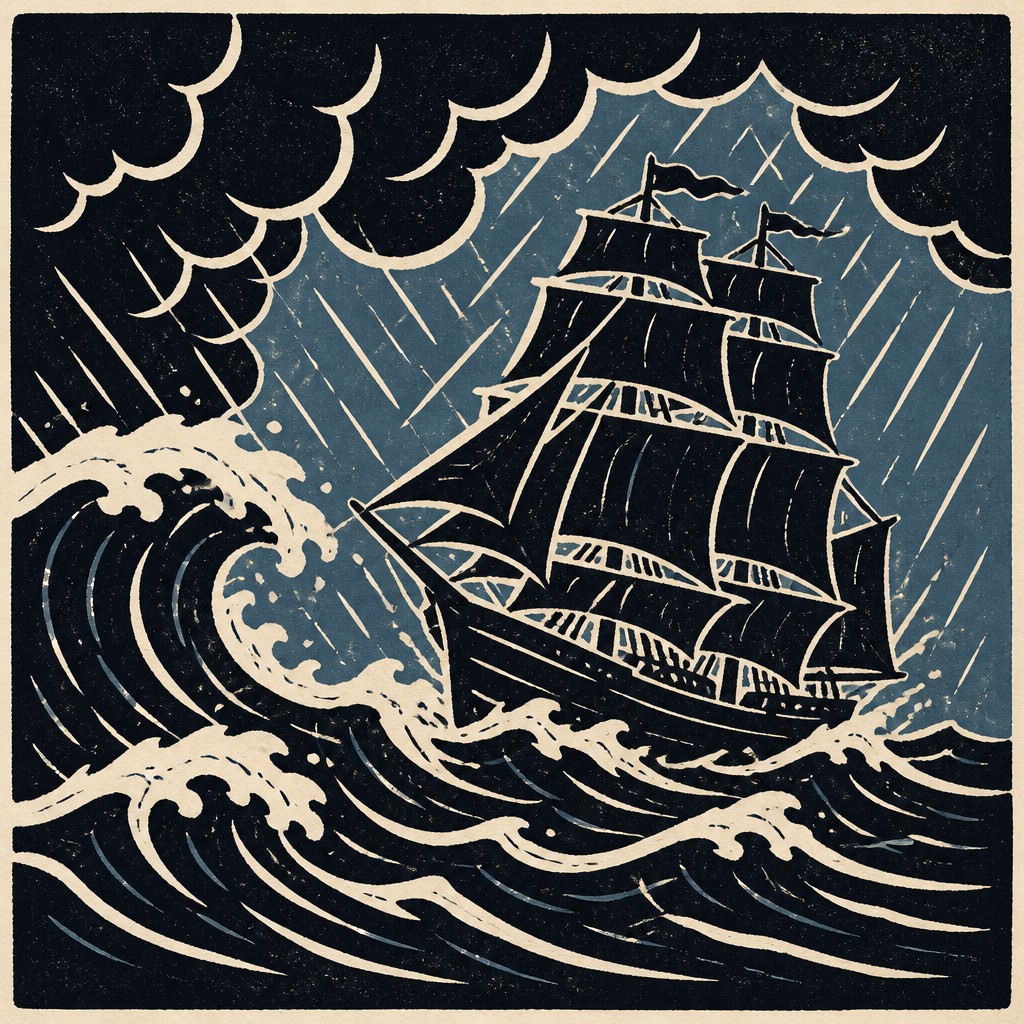
“sailing ship on a stormy sea”
How to Create Linocut Print Art
Master the craft step by step — or skip straight to creating. Read the full guide →
- 1
Carve for the light
In a traditional block, remove every area that should remain the color of the paper and preserve the raised areas that will receive ink. Plan the image in reverse, especially when adding lettering or directional forms.
- 2
Build with a few shapes
Reduce the subject to a strong silhouette, two or three major value masses, and a small set of internal cuts. Use gouged marks to describe texture instead of relying on gradients or fine hatching.
- 3
Control the palette
Start with black and warm paper, then introduce one accent color if needed. For multi-block or reduction printing, keep each color as a separate, clearly registered layer.
- 4
Preserve material evidence
On paper, use a brayer and firm, even pressure while allowing minor ink variation to remain visible. Digitally, add restrained paper grain, imperfect edges, and slight ink density changes without obscuring the main shapes.
- 5
Compose a text prompt precisely
Specify the subject, a limited two- or three-color palette, chunky white gouges, flat solid ink, bold silhouettes, rounded cutting marks, and hand-pressed paper texture. Mention the desired level of detail and contrast to prevent a generic polished illustration.
The Story
History & Origins of Linocut Print
Linocut developed from relief-print traditions such as woodcut, but uses linoleum as the carving surface. Linoleum became widely available in the late 19th century, and artists and printmakers adopted it during the early 20th century because it was softer, more uniform, and easier to cut than many woods. The medium became especially associated with modernist experimentation, educational printmaking, poster design, and accessible small-edition art.
Contemporary linocut aesthetics include both traditional hand-printed work and digitally constructed images that imitate carved marks, limited inks, and paper impressions. The characteristic look therefore belongs partly to the physical medium and partly to a broader graphic language shaped by relief printing, poster art, editorial illustration, and modernist simplification.
Influences: Linocut print style draws directly from woodcut and other relief-print traditions, as well as early 20th-century modernist graphic reduction. It is closely related to poster art, folk and community printmaking, editorial illustration, screen-print aesthetics, and the bold silhouettes of comics and public graphic design. Contemporary versions also borrow digital layering, vector simplification, and simulated paper grain while retaining the visual logic of carved marks and limited ink.
Frequently Asked Questions
What defines linocut print style?
It is defined by carved or gouged marks, flat ink areas, simplified forms, and strong contrast between printed color and exposed paper. A limited palette and visible handmade irregularity are also common. The overall image should feel designed for relief printing rather than shaded like a painting.
Is linocut the same as woodcut?
Both are relief-print processes: the raised surface receives ink while the carved areas remain unprinted. Linoleum is softer and more consistent than wood, so it often produces smoother, rounder cuts and is accessible to beginners. The visual results can overlap, but the mark quality and working process differ.
How many colors should a linocut use?
There is no fixed limit, but one to three colors best preserves the style’s graphic clarity. Each additional color usually requires a separate block, carefully registered layer, or reduction-printing stage. A restricted palette also makes the composition easier to read.
Can linocut style be made digitally?
Yes. Build the image from hard-edged shapes, subtract light-colored gouges, and avoid smooth gradients. Add restrained paper grain, uneven ink coverage, and small registration imperfections to suggest a physical print rather than a clean vector graphic.
What subjects work well in this style?
Subjects with clear silhouettes and strong internal patterns work especially well, including plants, animals, landscapes, architecture, portraits, and posters. Busy scenes should be simplified into a few overlapping masses so that the carved marks remain legible.
How does linocut differ from screen print?
Linocut creates its image by carving away a relief block, while screen printing pushes ink through a stencil or mesh. Both can use flat colors and bold shapes, but linocut is more likely to show directional cuts, irregular edges, and the physical character of a carved surface.
Create your first Linocut Print artwork
Describe anything — or upload a photo — and see it in Linocut Print Style in seconds.
Related Styles
Discover similar art styles