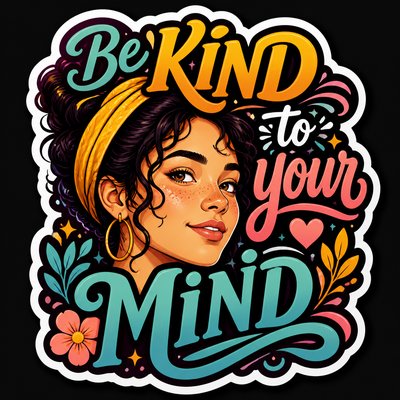
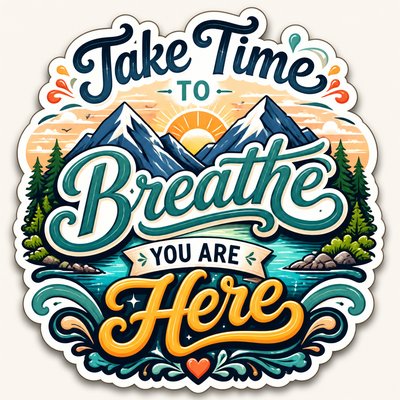
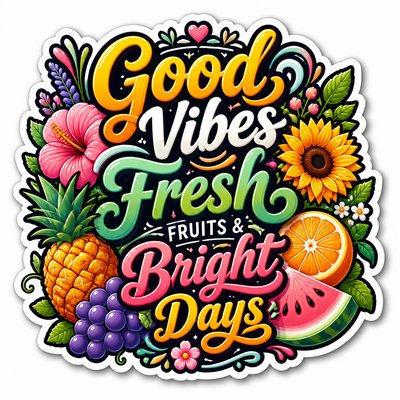
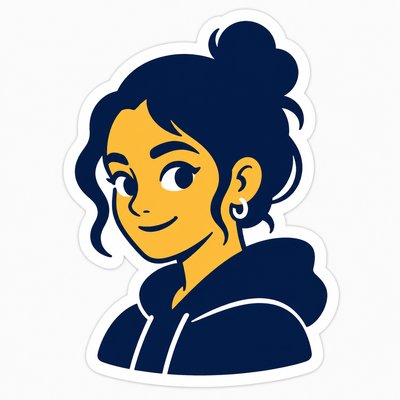
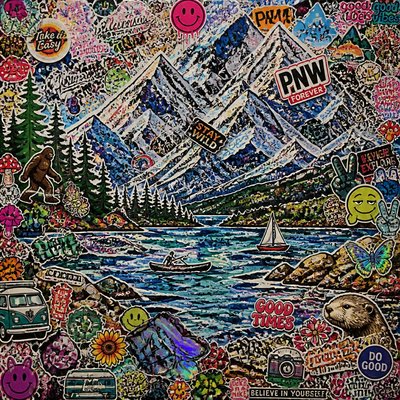
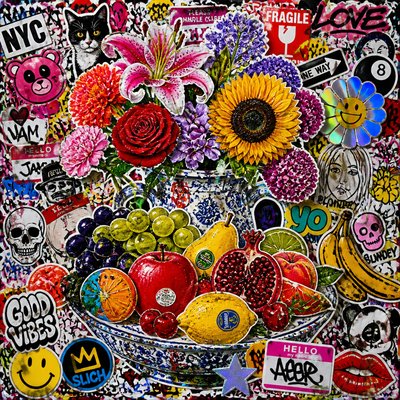
3D Puffy Sticker Design
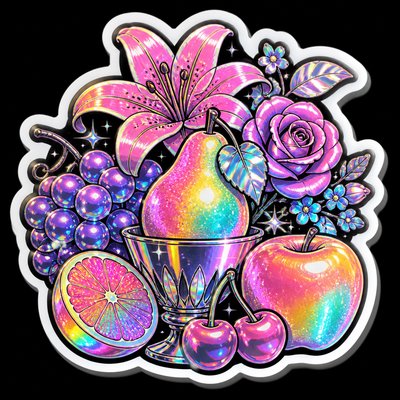
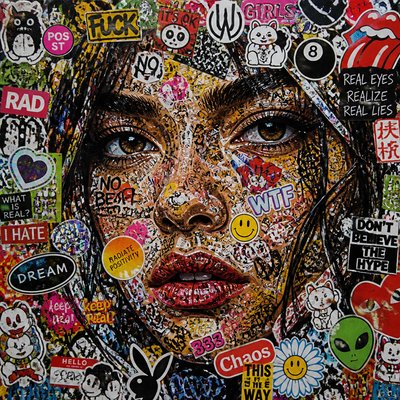
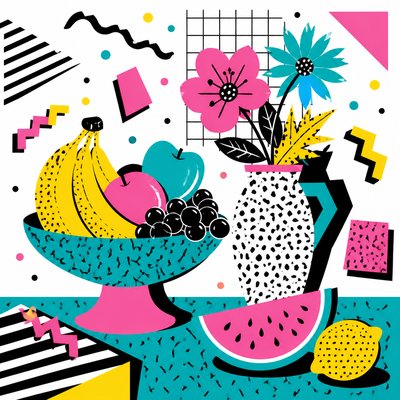
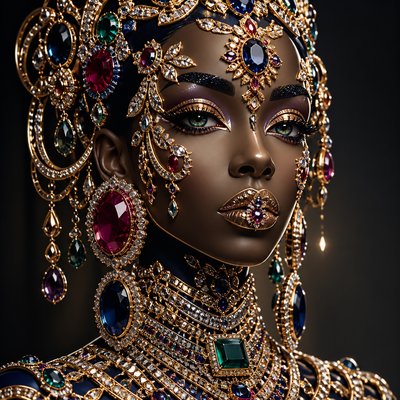
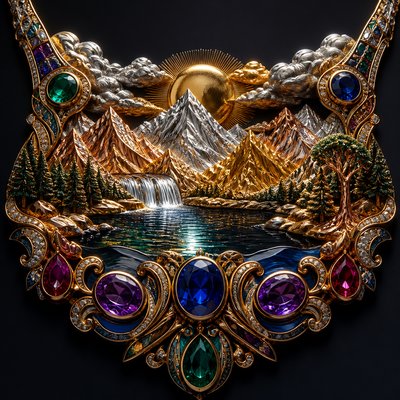
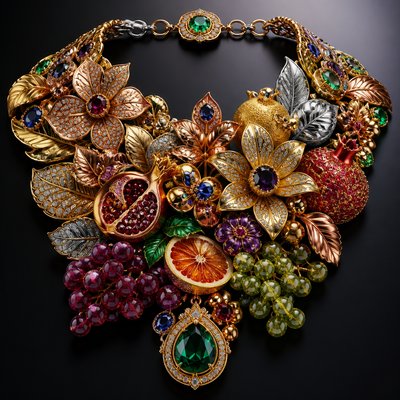
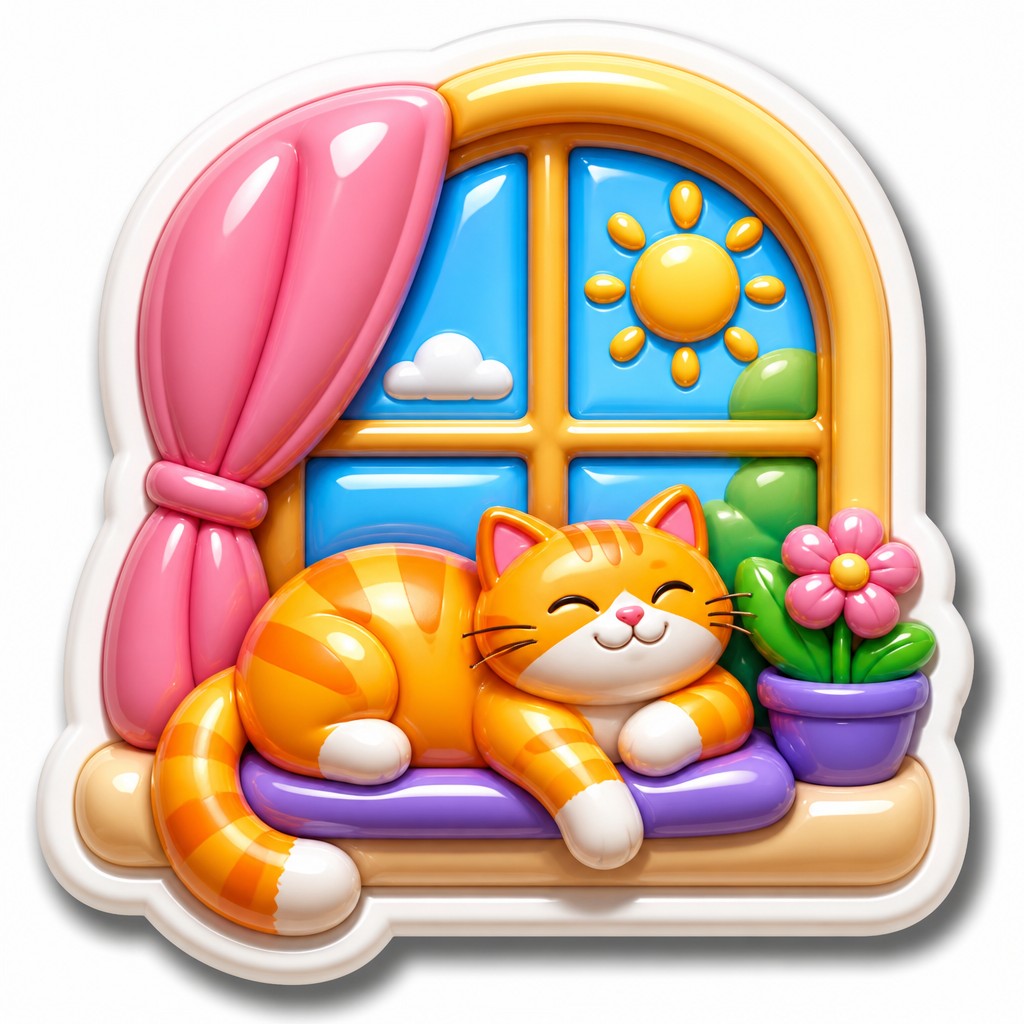
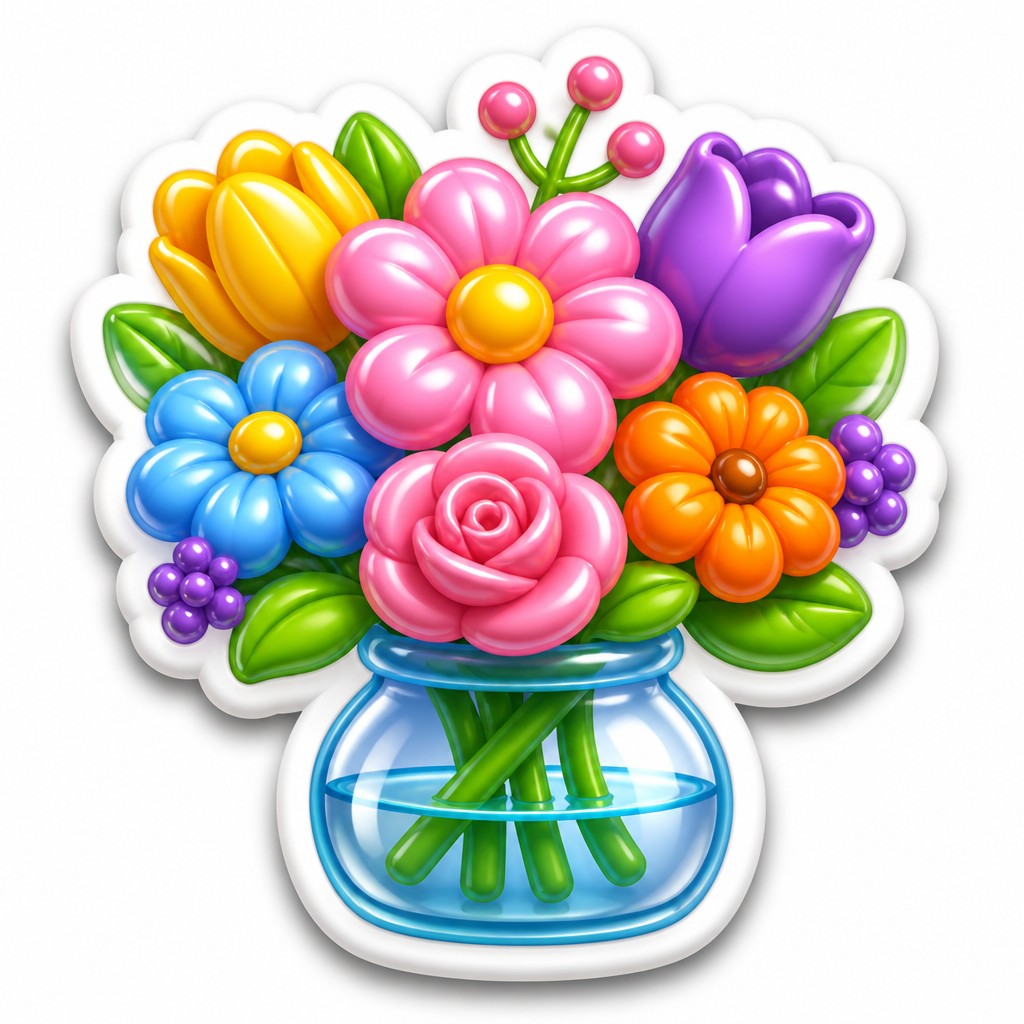
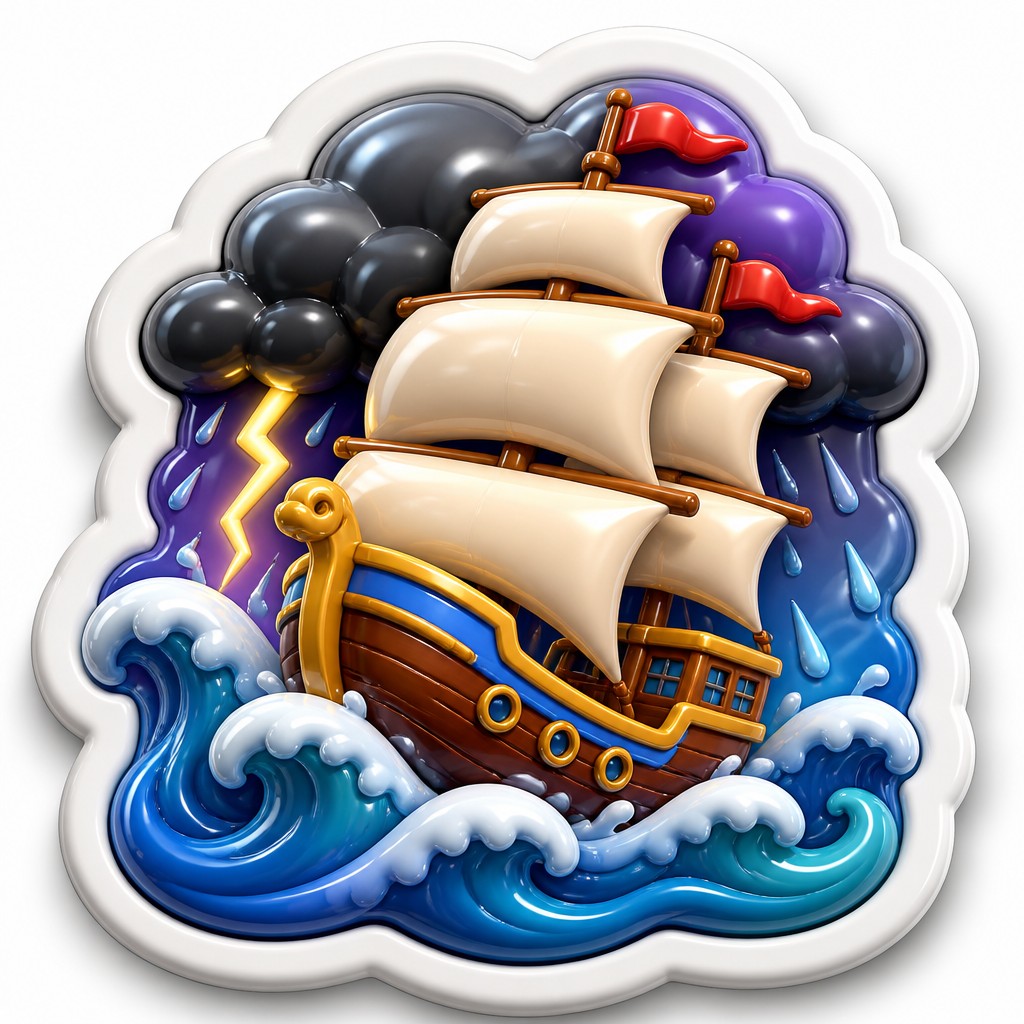
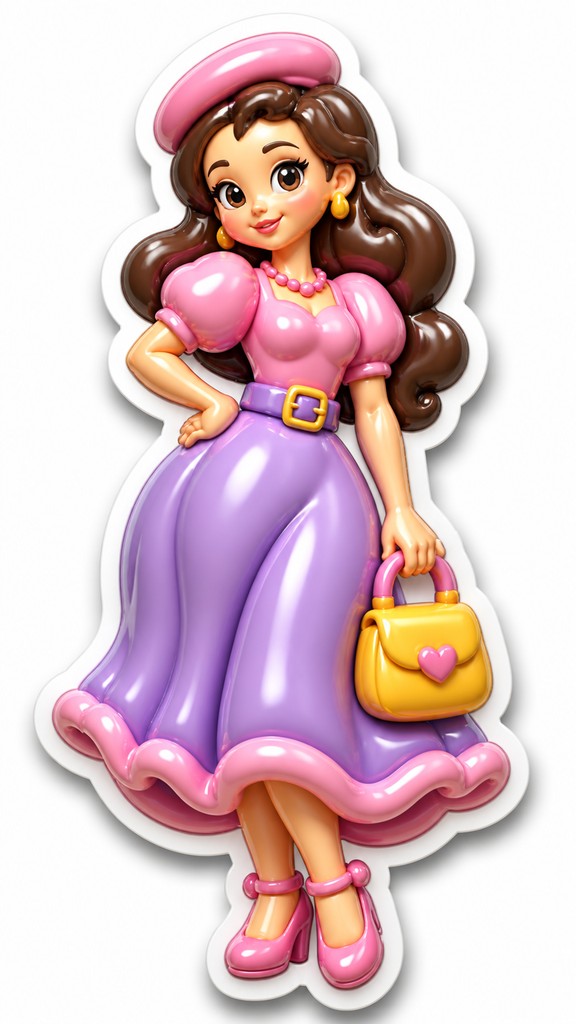
Glossy raised stickers with bold shapes, soft shadows, and candy-bright colors in a playful dimensional vinyl look.
Instantly rendered in 3D Puffy Sticker Design — or transform a photo
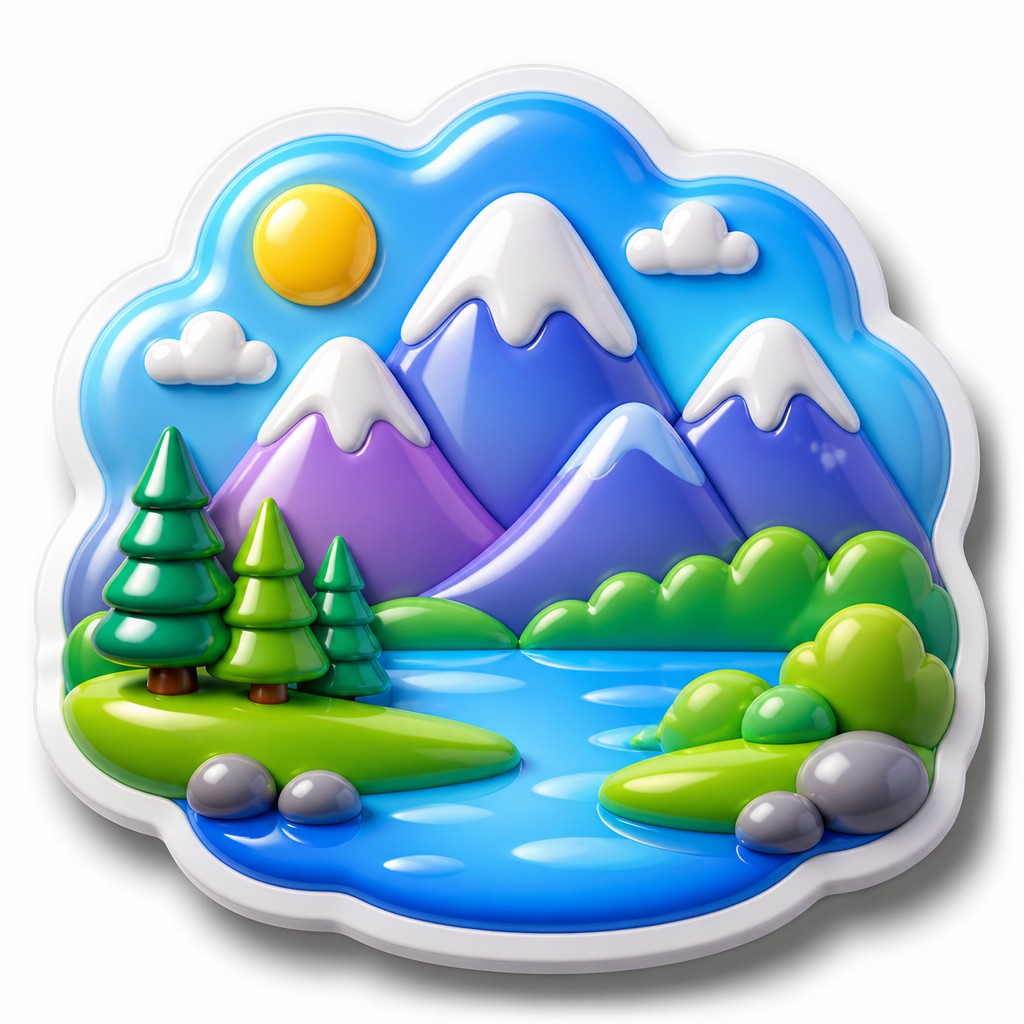
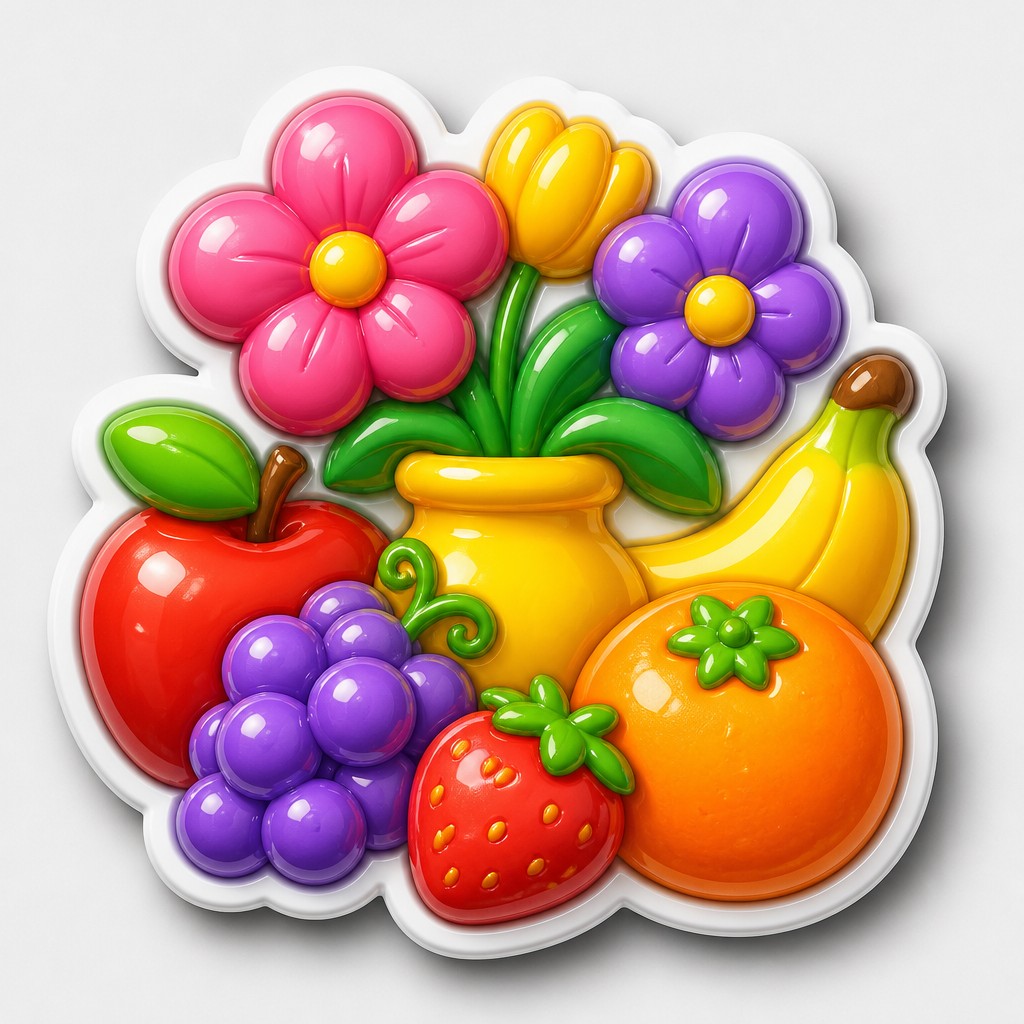
3D Puffy Sticker Design Gallery
Tap any artwork to explore it
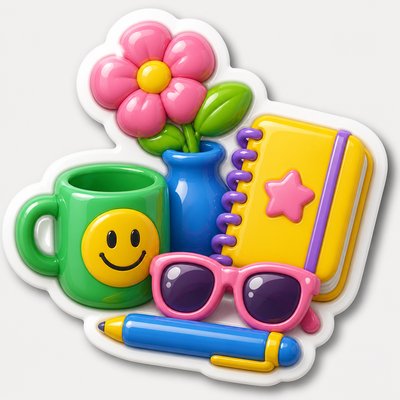
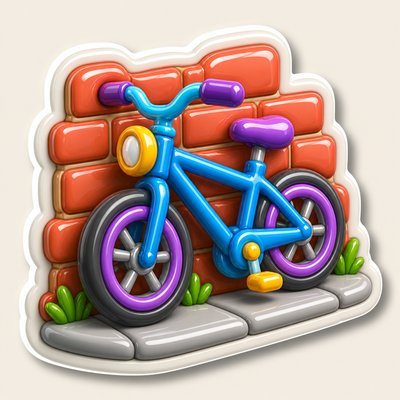

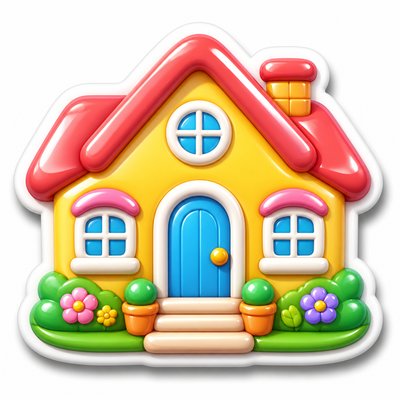
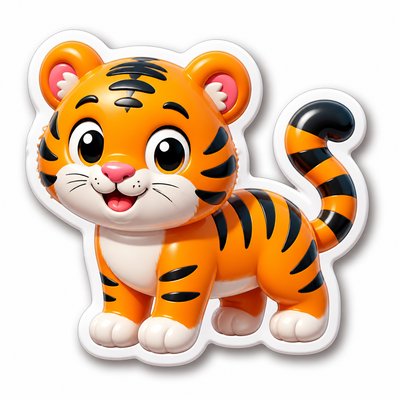
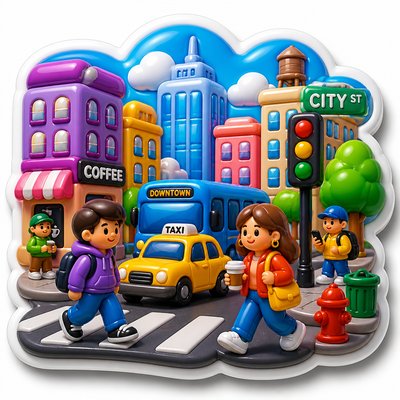
What is 3D Puffy Sticker Design?
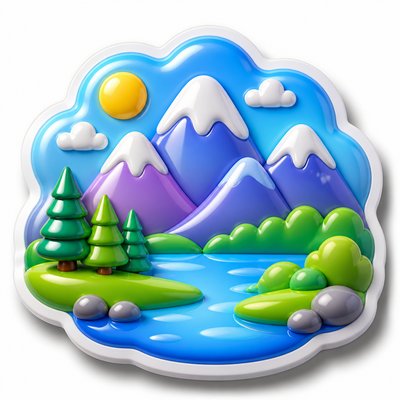
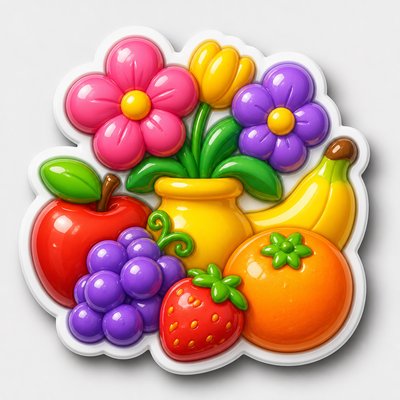
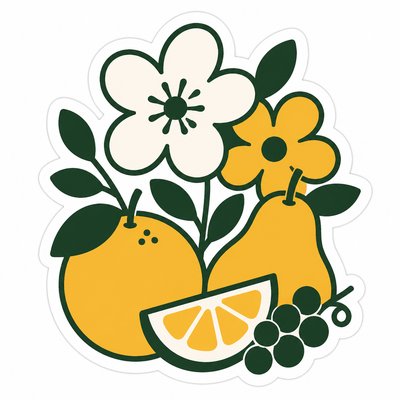
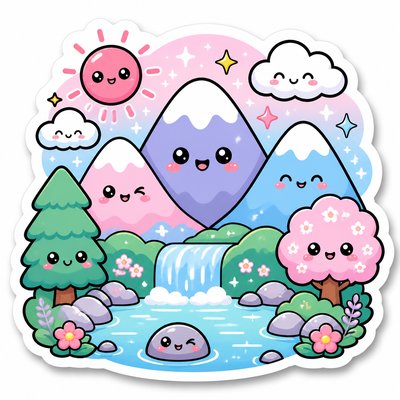
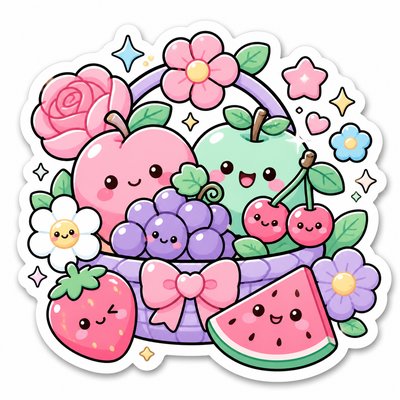
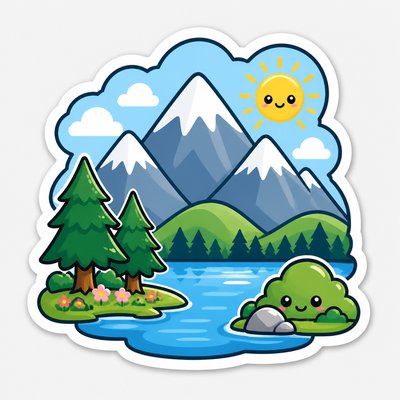
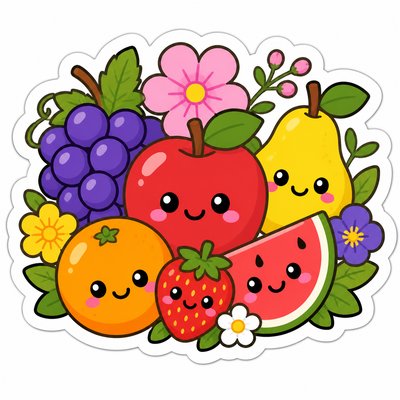
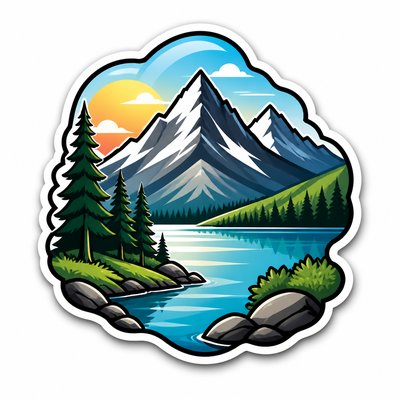
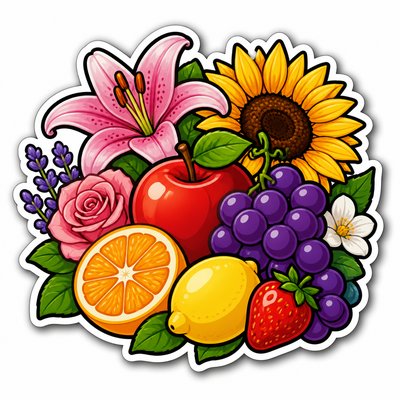
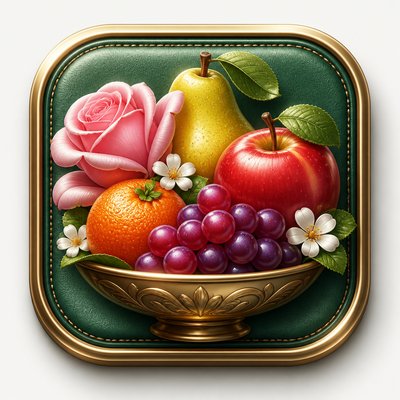
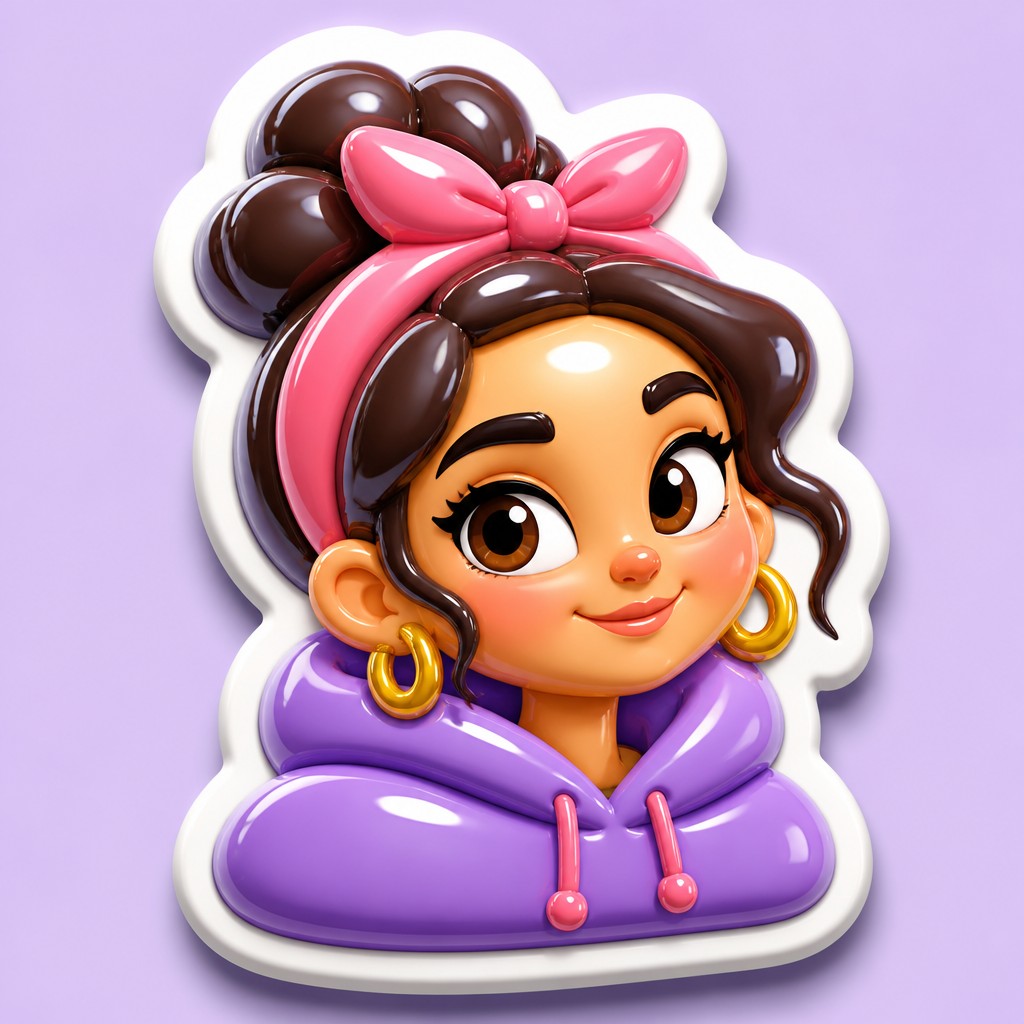
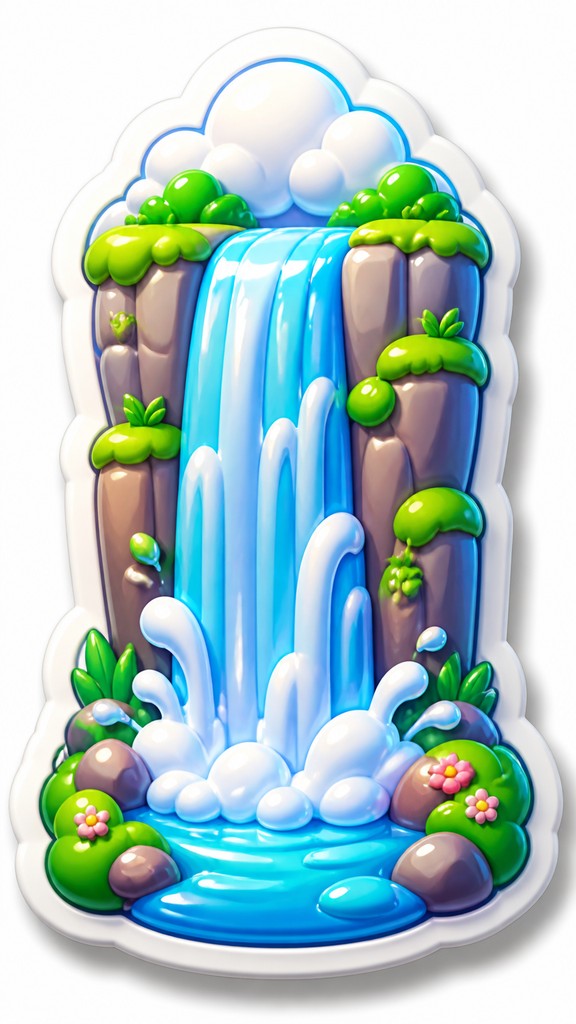
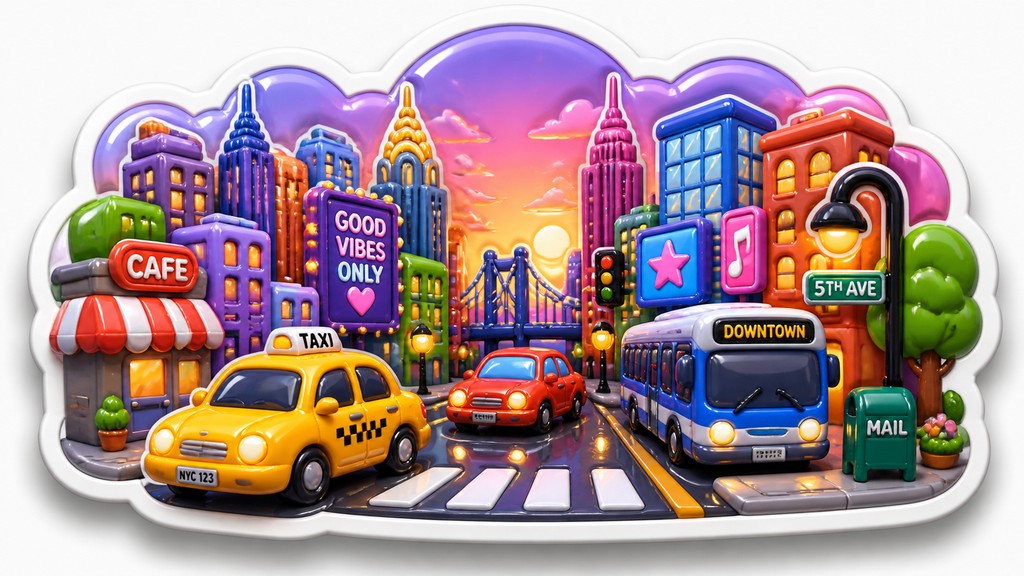
3D Puffy Sticker Design is a contemporary decorative style that mimics the look of classic puffy stickers: small, tactile forms with inflated volume, rounded edges, and a glossy, raised surface. The aesthetic is defined by simplified silhouettes, thick white borders, and bright, saturated color palettes that make each object read like a die-cut sticker lifted off the page.
The style feels playful because it borrows from physical materials associated with childhood craft, stationery, and novelty sticker sheets. Its visual logic depends on exaggerated highlights, soft drop shadows, and smooth convex curvature, all of which simulate vinyl or gel-filled plastic. Even when the subject is complex, the form is usually reduced to clear, friendly shapes so the sticker reads instantly at small scale.
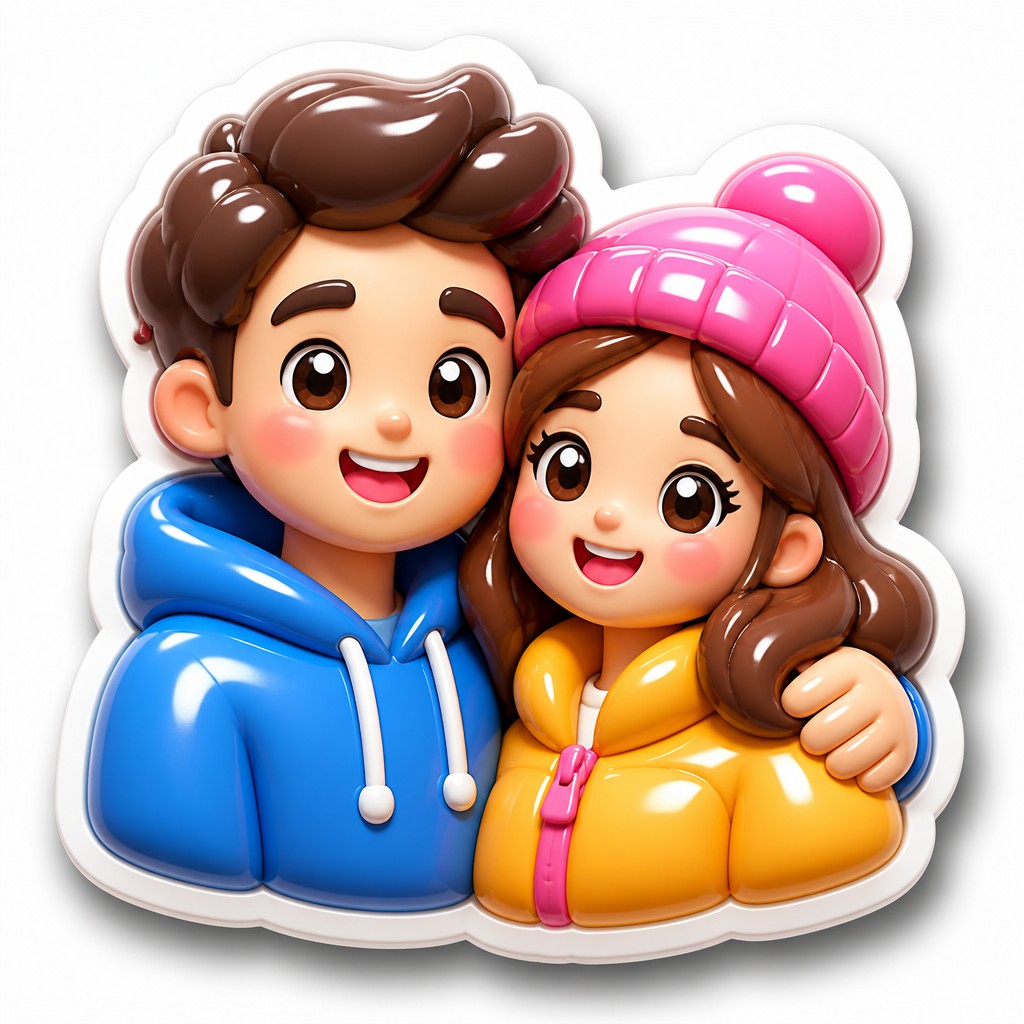
Try It On Your Photos
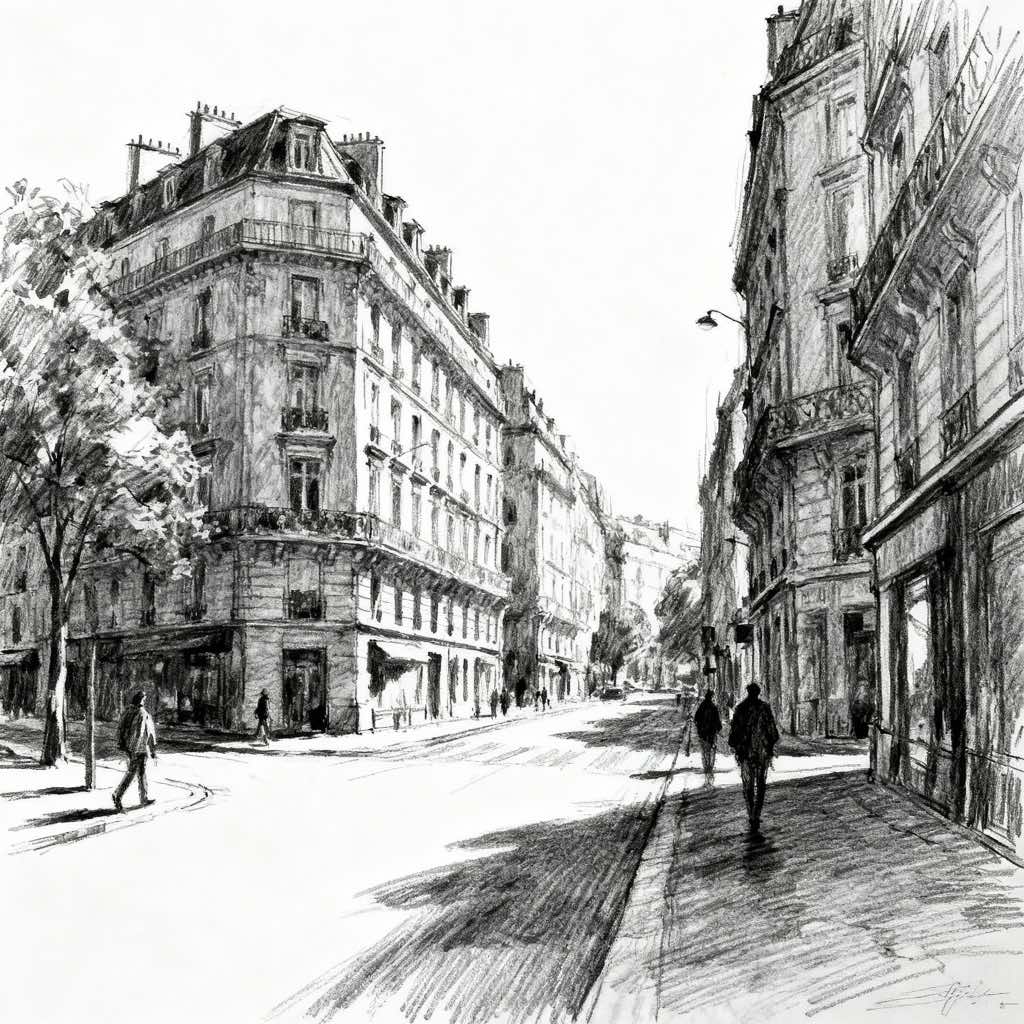
Upload any photo and convert it into 3D Puffy Sticker Design — drag the sliders to compare before and after.
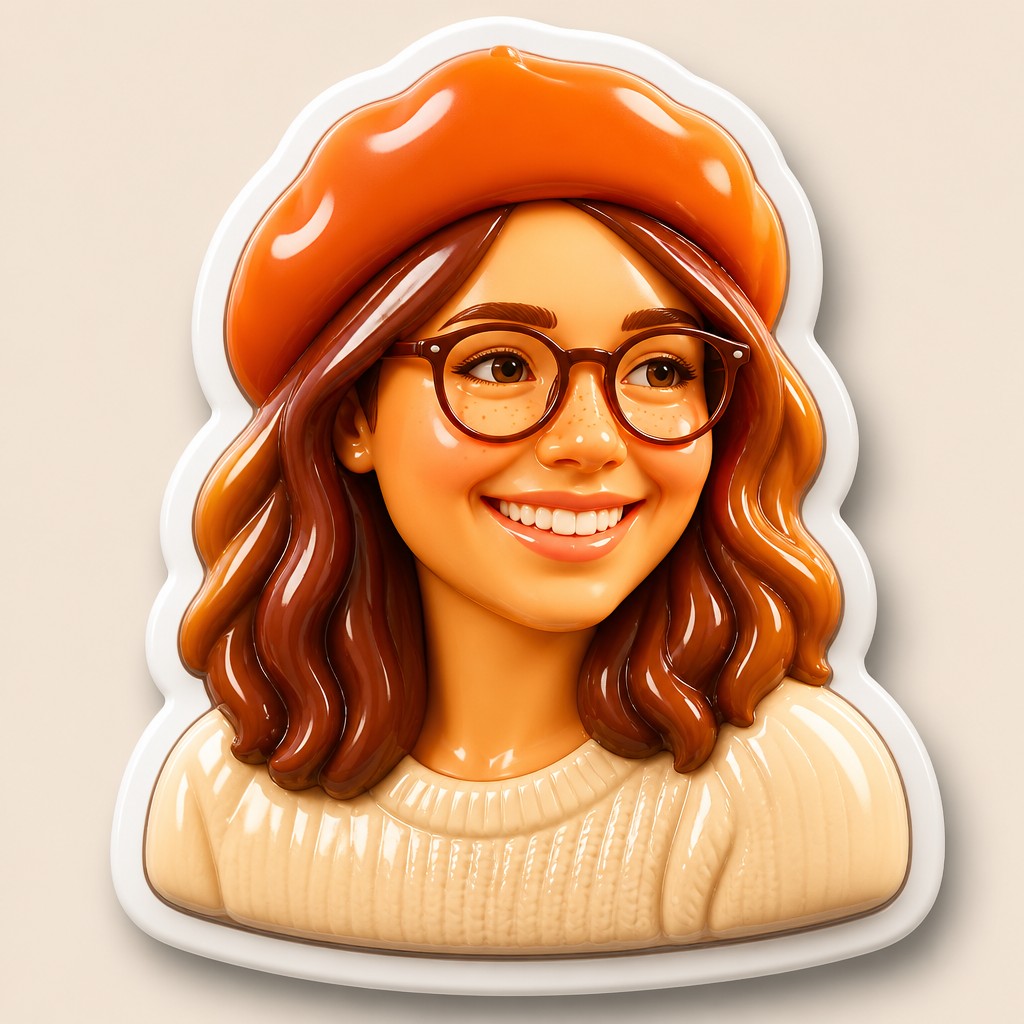

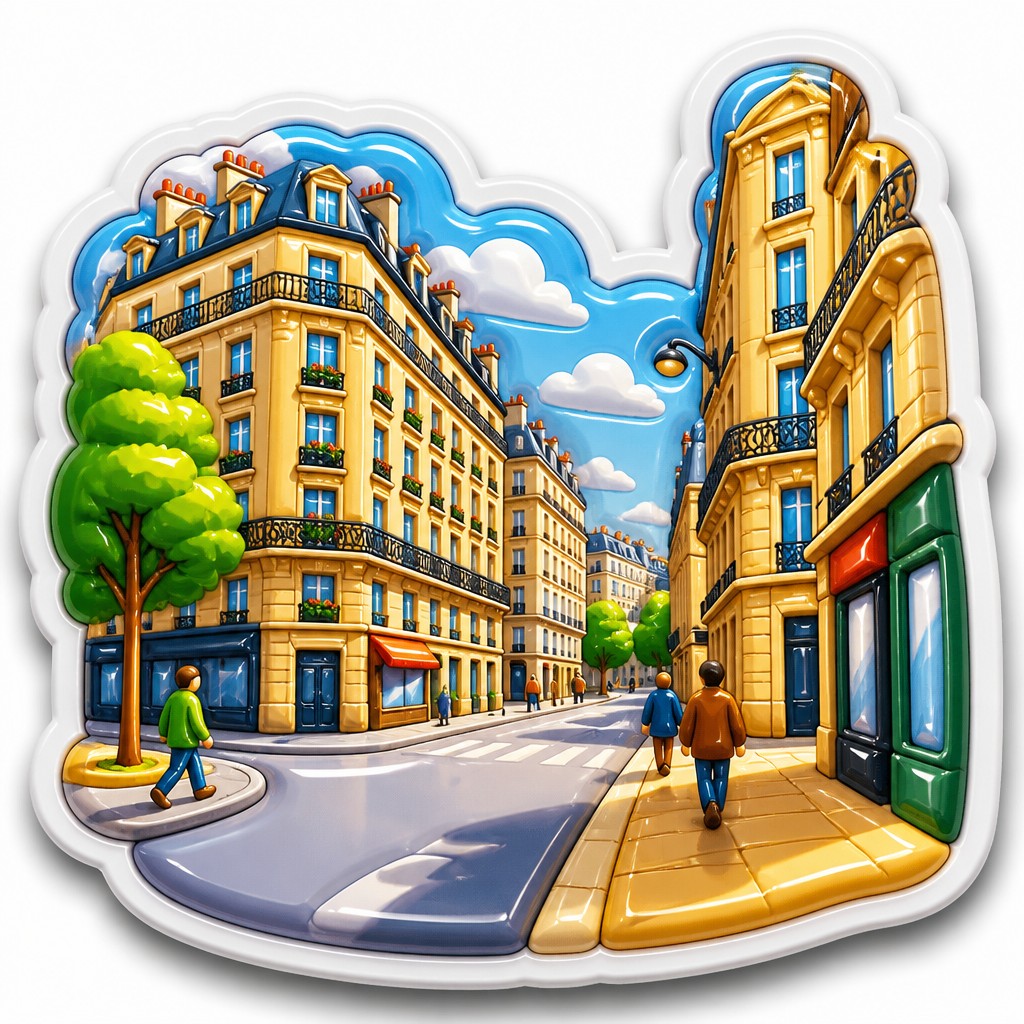
What Defines 3D Puffy Sticker Design
The signature details, up close
Inflated, convex form
The subject appears softly puffed up, as if filled with air or gel. Curves are rounded and continuous, with no harsh angles unless the motif itself requires them.
Thick die-cut border
A white outline often surrounds the entire silhouette, separating it cleanly from the background. This border is a key part of the sticker illusion and helps the shape read as a collectible decal.
Glossy plastic sheen
Highlights are bright and controlled, imitating vinyl, lacquer, or polished plastic. The surface usually looks smooth rather than textured, with a soft reflective finish.
Soft drop shadow
A gentle shadow beneath the object creates the sense that it is hovering slightly above the background. The shadow is usually diffuse and understated rather than dramatic.
Candy-bright color palette
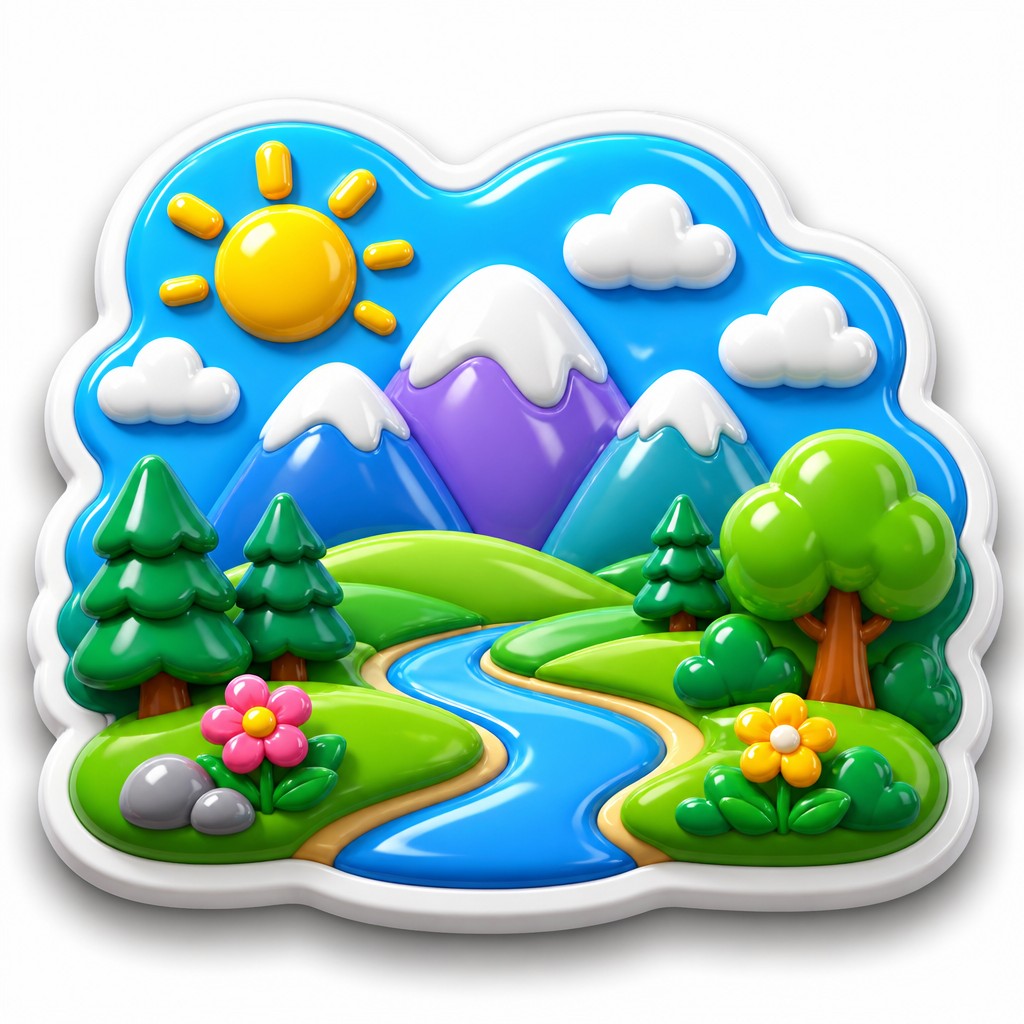
Colors tend to be saturated, cheerful, and high contrast, often resembling bubblegum, toy packaging, or candy wrappers. Gradients are smooth and rounded to reinforce the dimensional effect.
Simplified silhouette and icon-like clarity
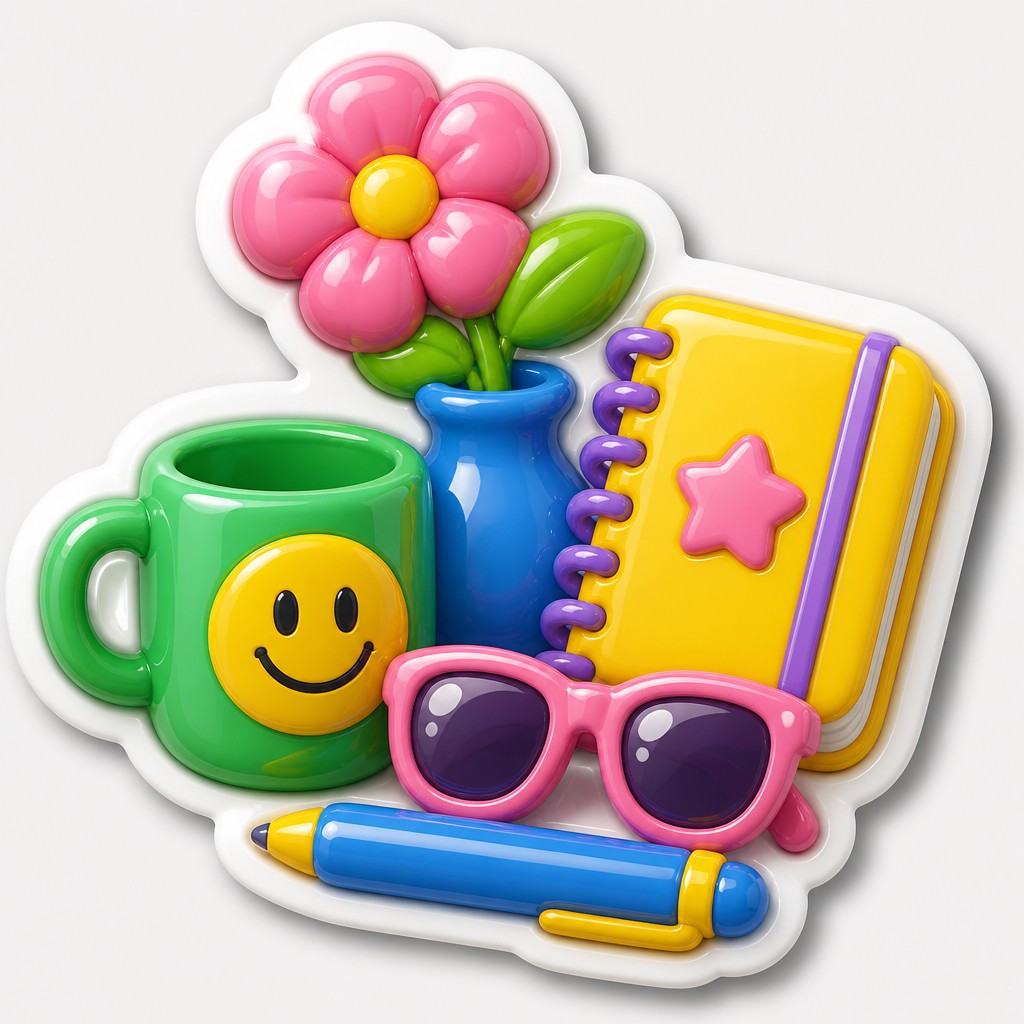
Subjects are usually reduced to bold, readable shapes with minimal internal detail. This keeps the sticker legible at small size and makes the style feel playful and graphic.
Try It
Create Videos in 3D Puffy Sticker Design
Styles aren't just for stills — describe a scene or animate an image and get a short video rendered in 3D Puffy Sticker Design. Press play to see this pond come to life.
Make a Video3D Puffy Sticker Design Prompt Ideas
Start from an idea — each one opens the generator with the style ready to go. See all 40 3D Puffy Sticker Design prompts →
How to Create 3D Puffy Sticker Design Art
Master the craft step by step — or skip straight to creating. Read the full guide →
- 1
Design for a single clear silhouette
Start with a simple, recognizable shape and avoid excessive detail. In traditional work, outline the form cleanly before adding shading; in digital work, use vector-like edges or a crisp mask so the sticker reads as one cohesive object.
- 2
Build the inflated volume with smooth shading
Use soft gradients to suggest a rounded, puffed surface rather than hard modeling. Place highlights along the upper curves and deepen the edges slightly so the form feels convex and tactile.
- 3
Add the die-cut border and separation shadow
A thick white outline around the whole object is one of the most important features of the style. Then add a small, blurred shadow underneath to lift the sticker visually from the background.
- 4
Keep the surface glossy and clean
Limit texture, grain, and painterly marks so the finish feels like smooth vinyl or plastic. Specular highlights should be bright but controlled, with no roughness interrupting the sheen.
- 5
Use concise prompt language for generation
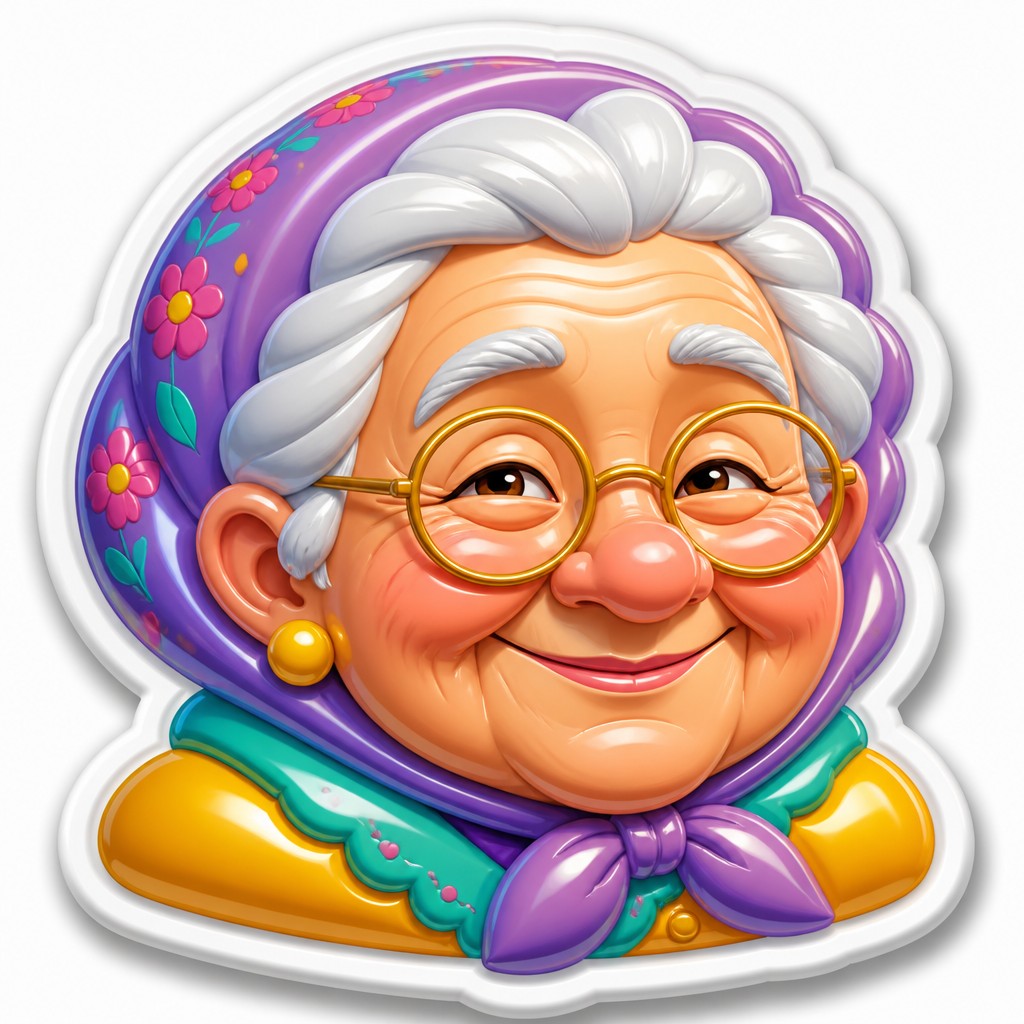
When prompting, specify the subject, the puffy sticker treatment, rounded inflated volume, thick white border, soft shadow, and glossy candy colors. If generating variations, describe the object first and keep the style cues consistent so the result stays legible and sticker-like.
The Story
History & Origins of 3D Puffy Sticker Design
Puffy sticker design does not belong to a single historical art movement. Its visual lineage comes from late 20th-century consumer culture: novelty stickers, die-cut decals, scrapbook embellishments, toy packaging graphics, and the glossy visual language of advertising and product design. The familiar raised look echoes manufactured craft objects such as foam stickers and gel stickers that became widely popular in stationery and children’s products.
Digitally, the style grew more visible as vector illustration and 3D rendering tools made it easy to simulate inflated surfaces, specular highlights, and cutout borders. It also draws from cartoon graphics and simplified icon design, where forms are reduced for immediate legibility. In contemporary image-making, it functions as a hybrid of illustration, product-rendered realism, and nostalgic tactile design.
Influences: 3D Puffy Sticker Design draws from the visual culture of novelty stickers, children’s stationery, die-cut decals, and the simplified readability of cartoon iconography. It also overlaps with vector illustration, toy-like product graphics, and the polished surface treatment seen in digital 3D rendering; in broader art-historical terms, its clarity and emphasis on shape recall the graphic reduction found in modern commercial illustration rather than a fine-art movement.
Frequently Asked Questions
What defines 3D Puffy Sticker Design?
It is defined by an inflated, raised look, a glossy surface, and a thick white border that makes the subject feel like a sticker. The style usually uses simple shapes, bright colors, and a soft shadow to create a tactile, collectible appearance.
How is it different from flat sticker art?
Flat sticker art emphasizes clean outlines and graphic shapes, but it does not simulate depth as strongly. Puffy sticker design adds convex volume, specular highlights, and the sense of a soft, padded surface.
How is it different from 3D cartoon rendering?
3D cartoon rendering can aim for full scenes, character animation, or more naturalistic lighting. Puffy sticker design is more compressed and decorative: it usually presents a single object or character as a cutout with a border, simplified geometry, and a deliberately sticker-like finish.
Can this style be used for logos or icons?
Yes, especially for playful brands, app icons, merchandise, and packaging graphics. The style works well when the design needs to be readable at small sizes while still feeling friendly and dimensional.
What subjects work best in this style?
Simple objects, cute animals, food items, symbols, and expressive characters work especially well because they can be reduced to bold shapes. Complex scenes are possible, but they usually need to be simplified so the sticker silhouette stays clear.
How do I make my image look more like a real puffy sticker?
Use a thick white contour, soft rounded edges, bright highlights, and a shadow that suggests the object is slightly lifted from the page. Avoid heavy texture, complex backgrounds, and sharp lighting that would make the object feel too realistic or too flat.
Create your first 3D Puffy Sticker Design artwork
Describe anything — or upload a photo — and see it in 3D Puffy Sticker Design in seconds.
Make Something with 3D Puffy Sticker Design
Compare 3D Puffy Sticker Design
Related Styles
Discover similar art styles