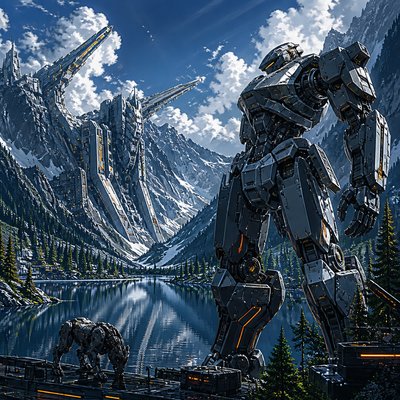
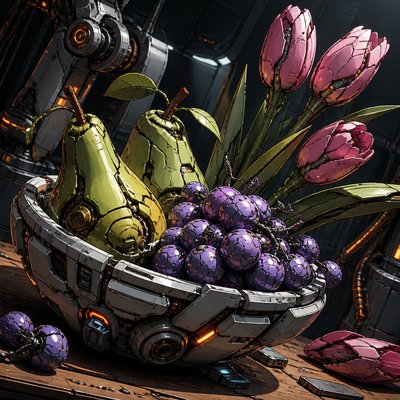
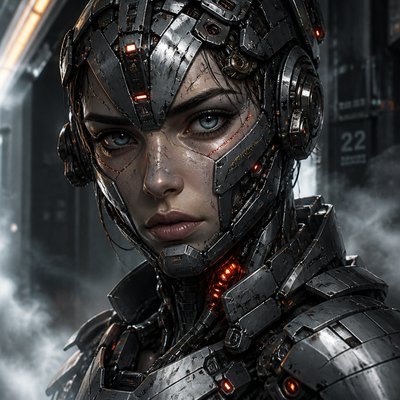
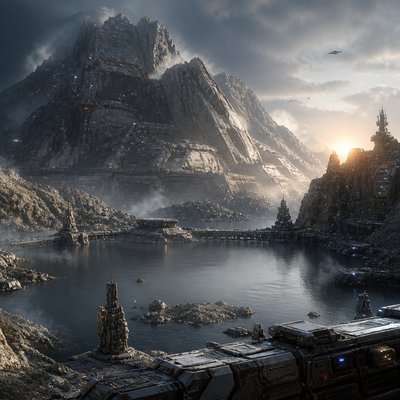
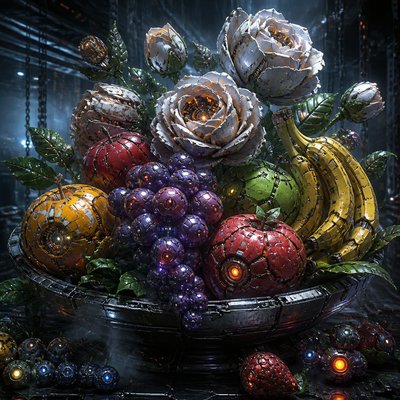
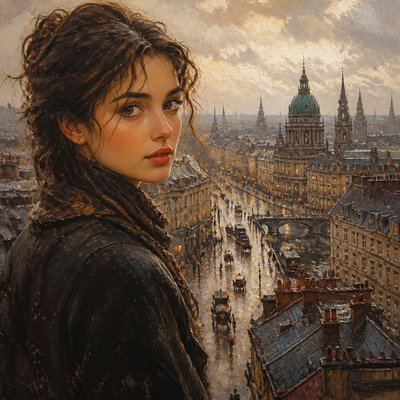
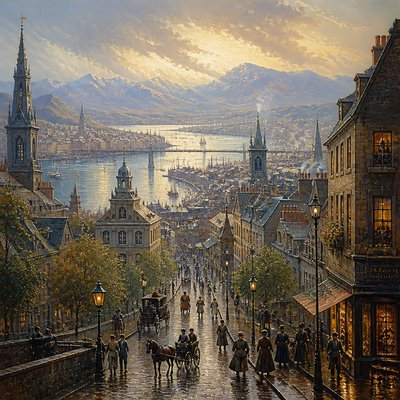
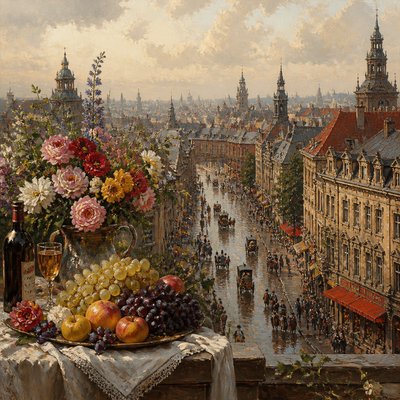
Mecha Pilot Interface View
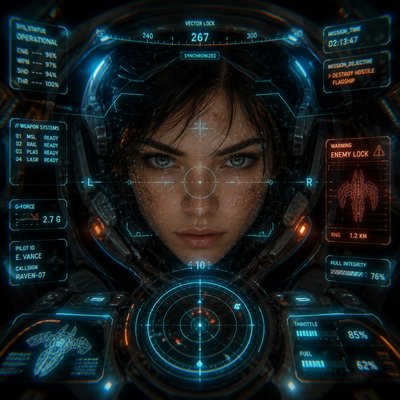
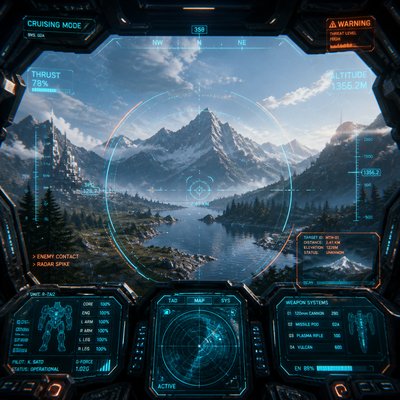
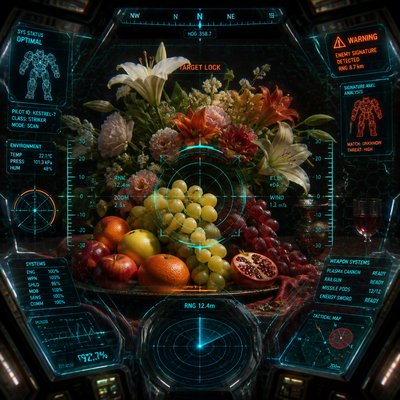
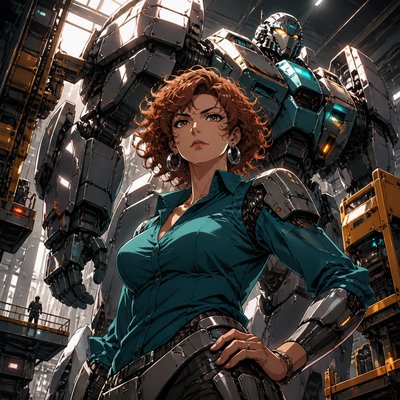
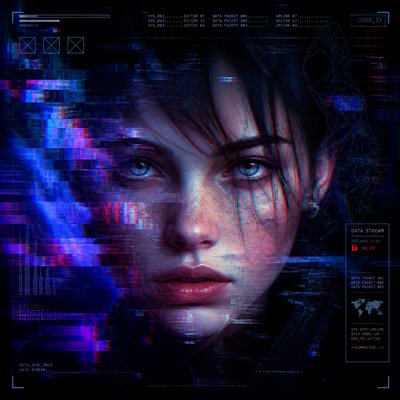
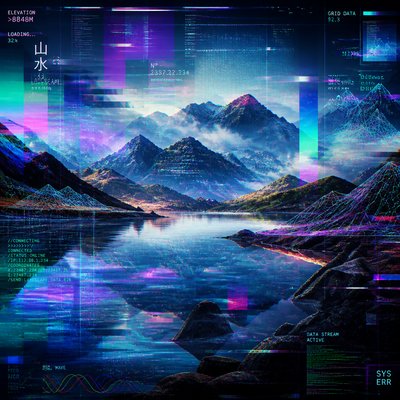
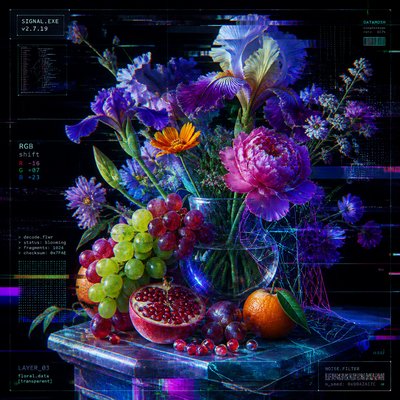
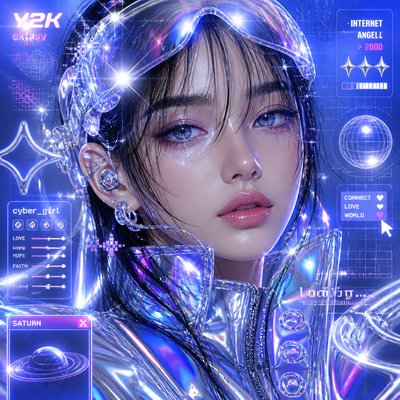
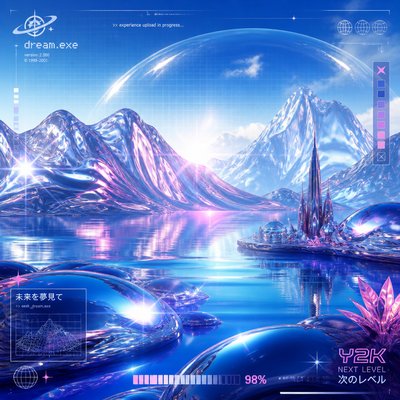
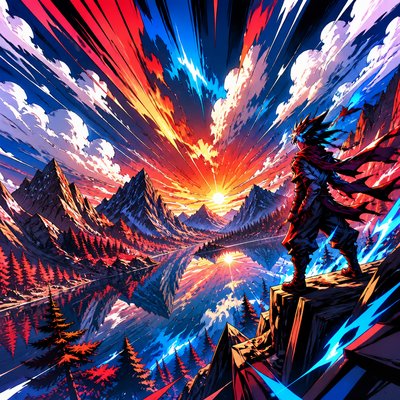
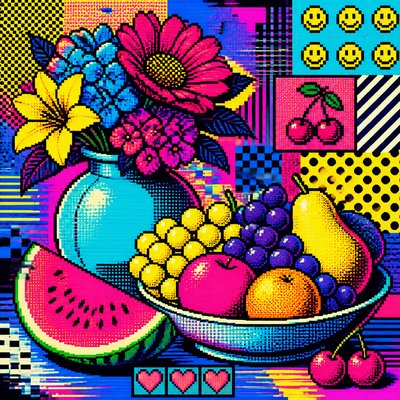
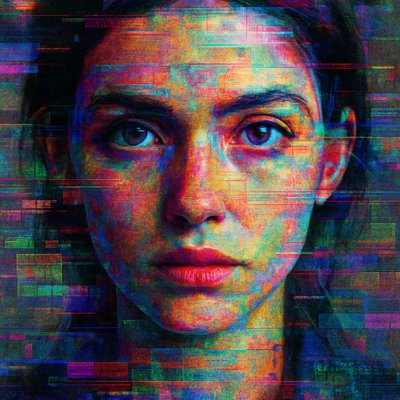
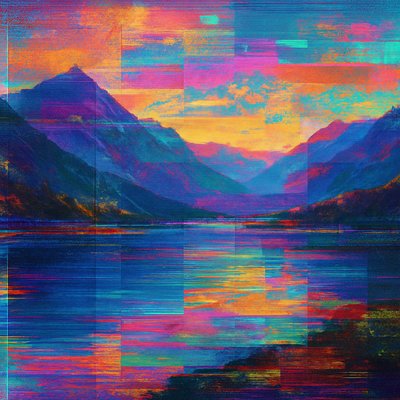
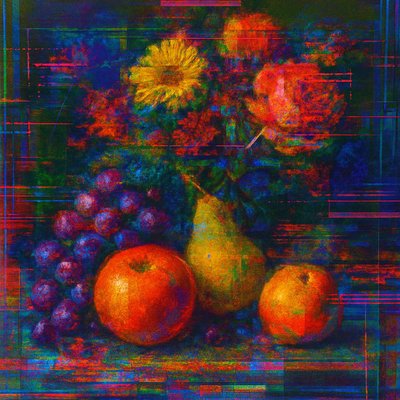
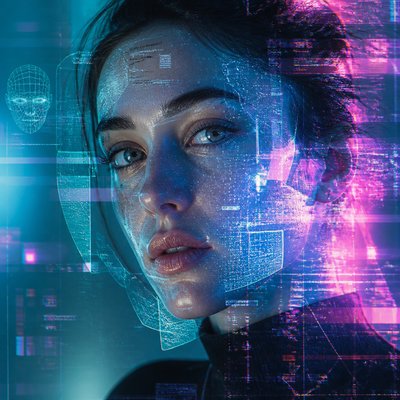
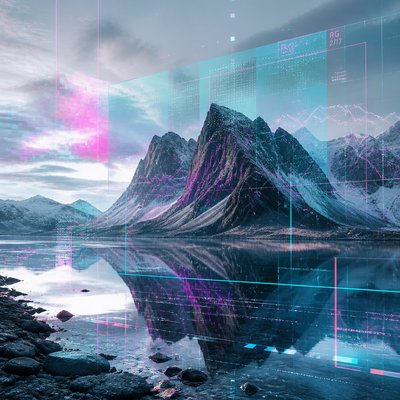
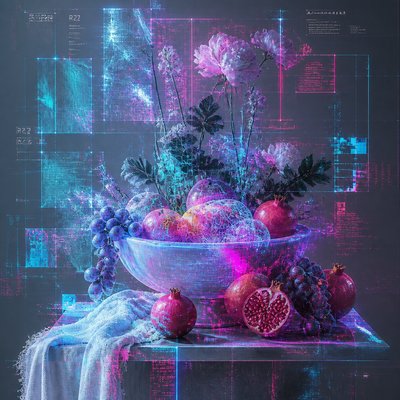
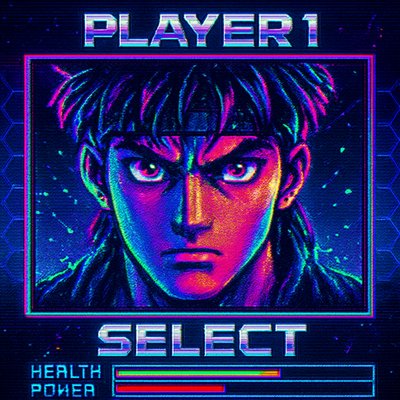
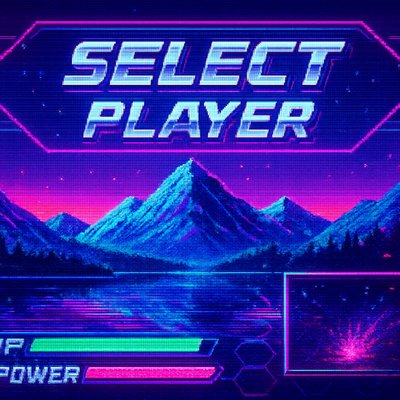
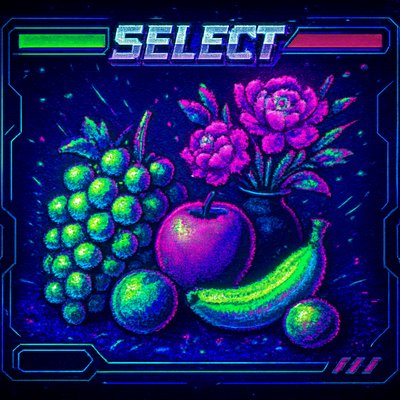
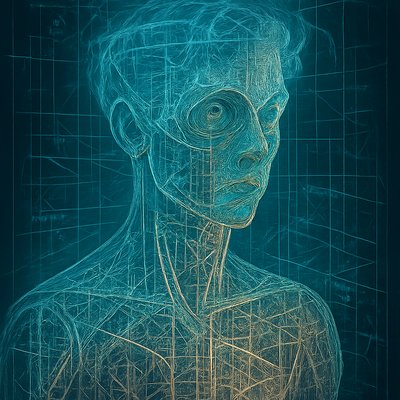
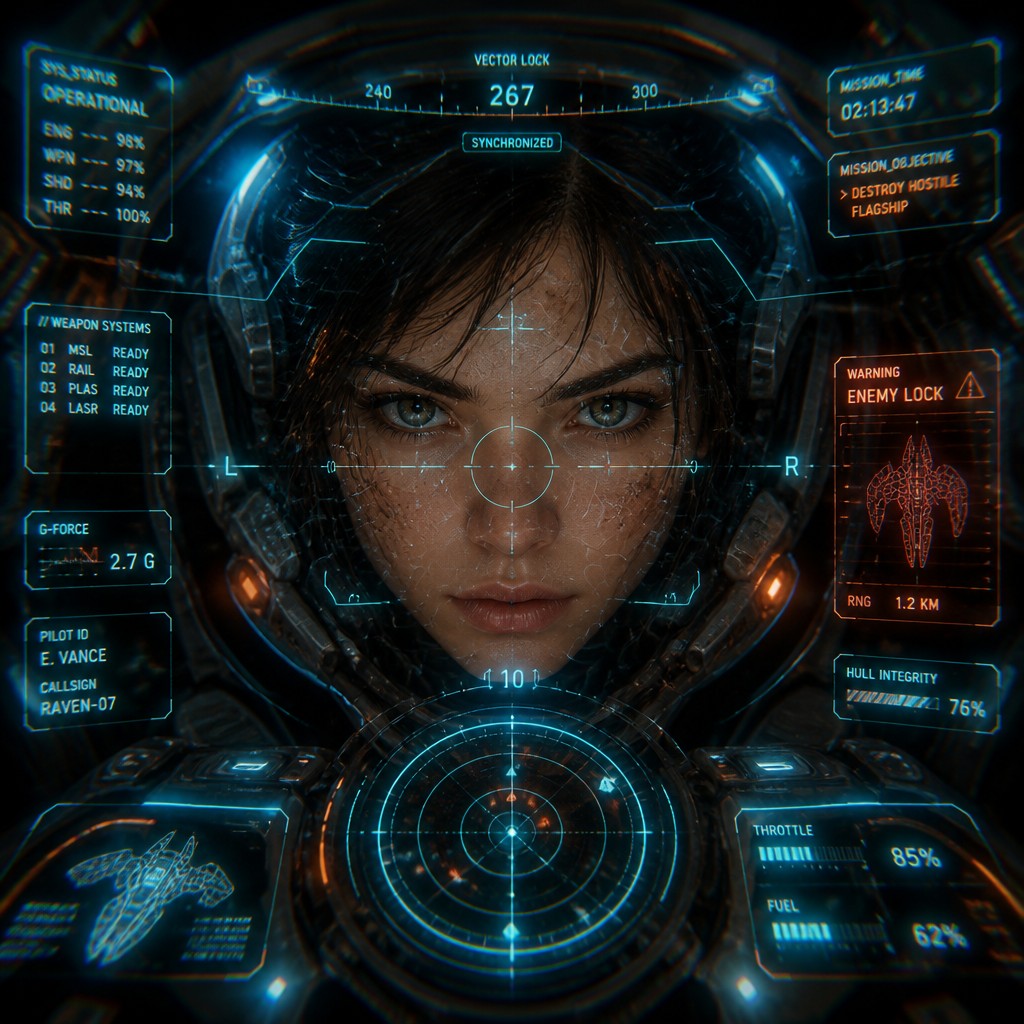
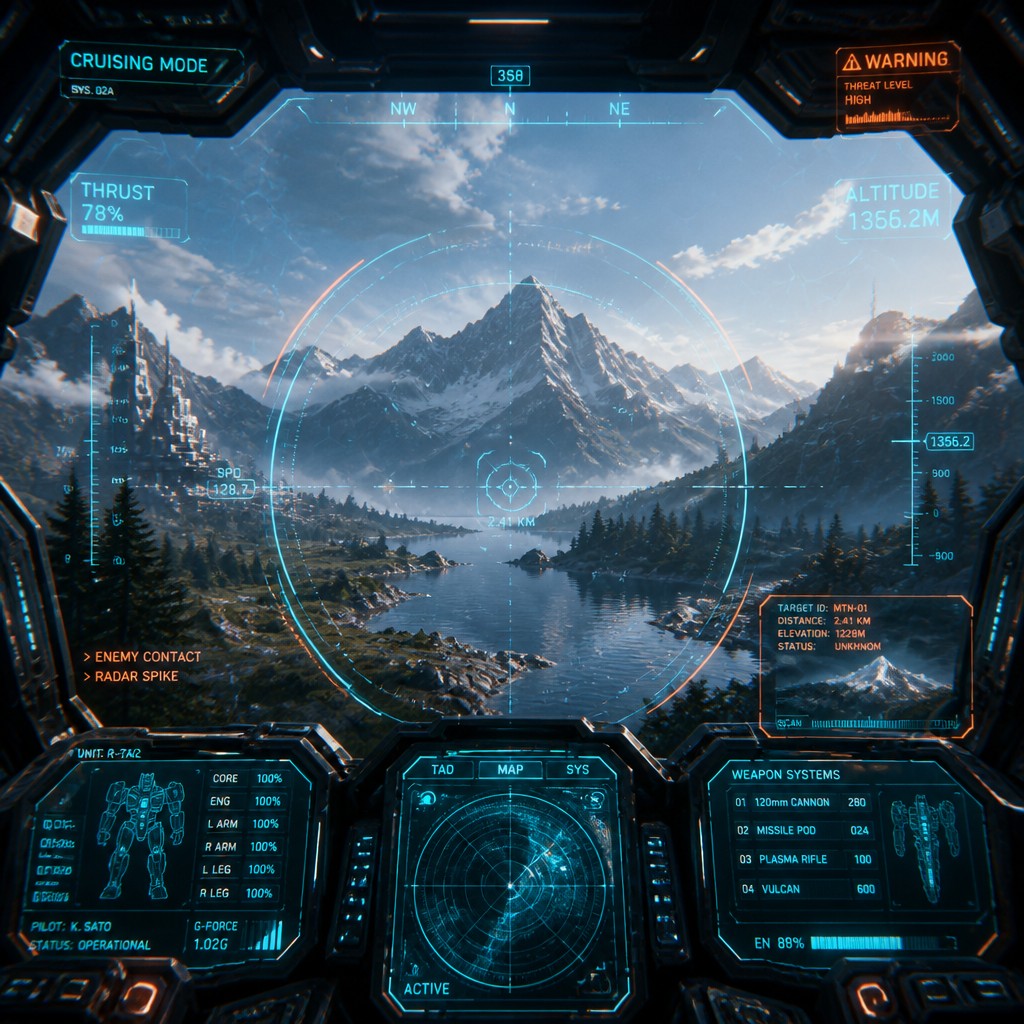
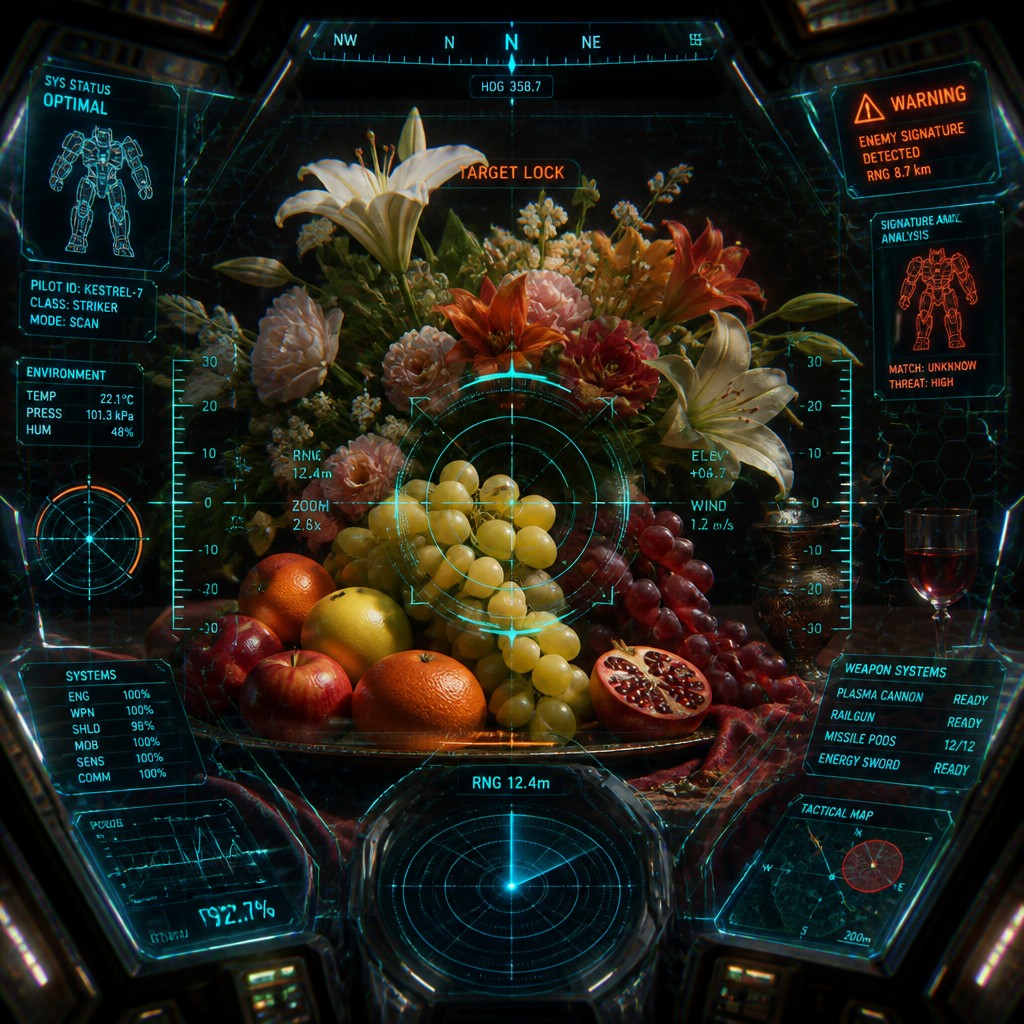
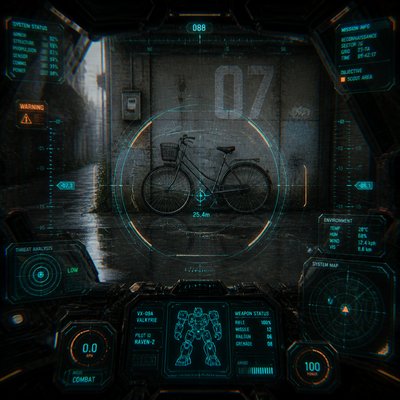
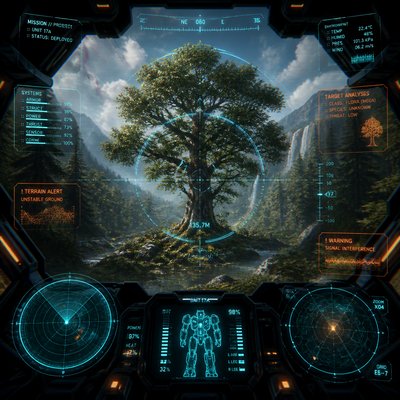
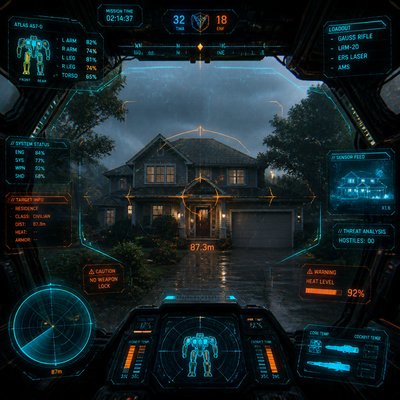
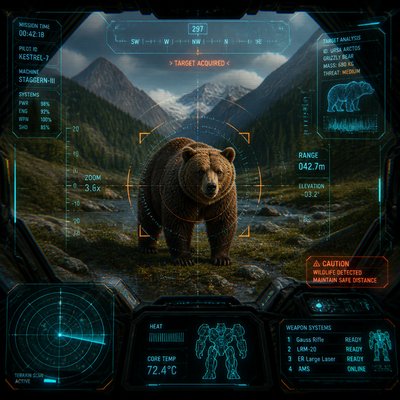
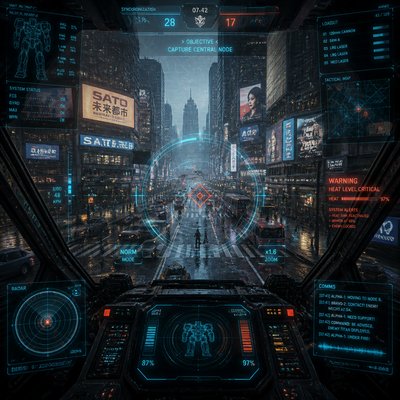
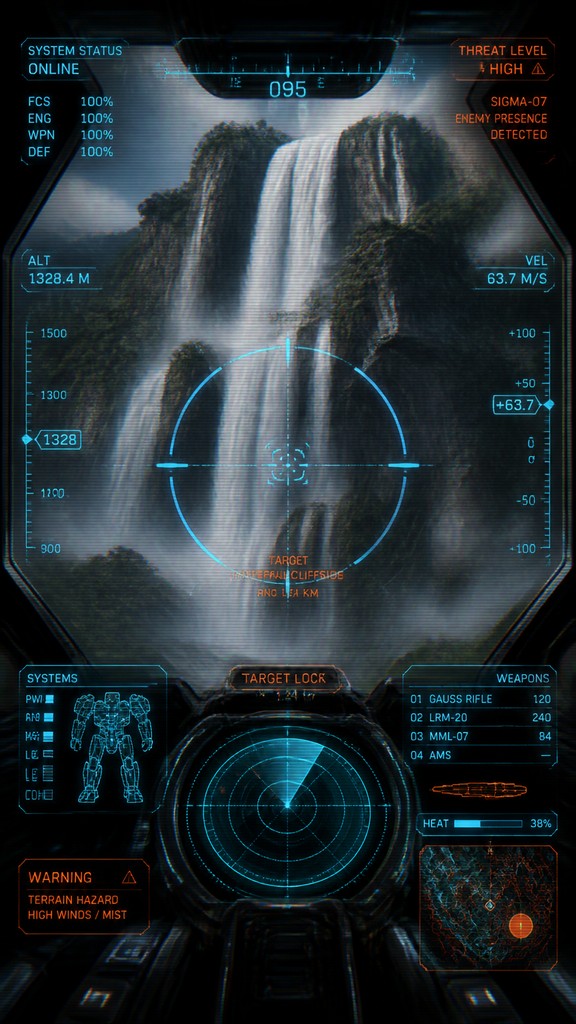
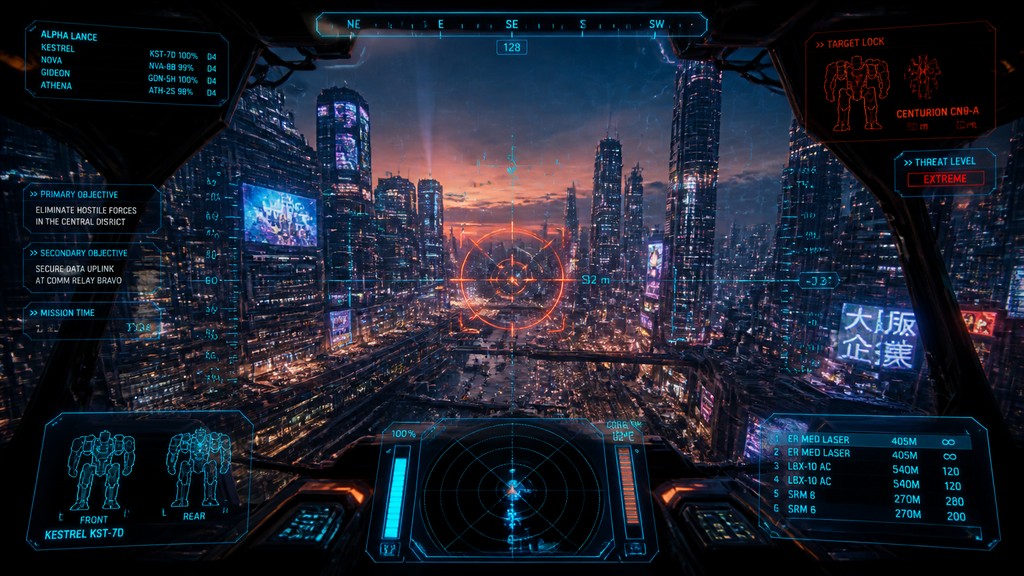
Futuristic cockpit view with HUD overlays, targeting reticles, holographic readouts, and mecha interface framing the subject.
Instantly rendered in Mecha Pilot Interface View — or transform a photo
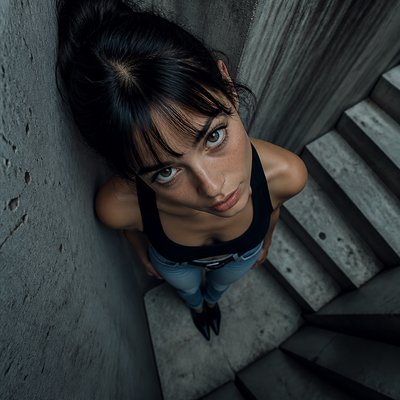
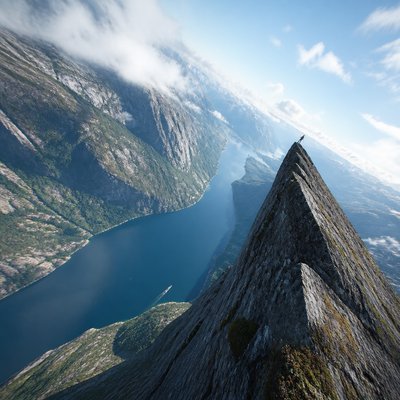
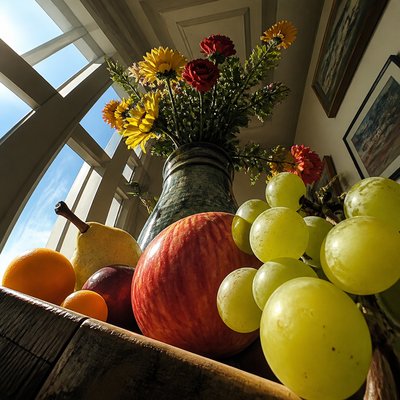
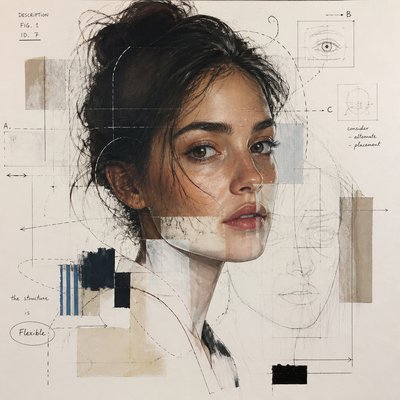
Mecha Pilot Interface View Gallery
Tap any artwork to explore it
What is Mecha Pilot Interface View?
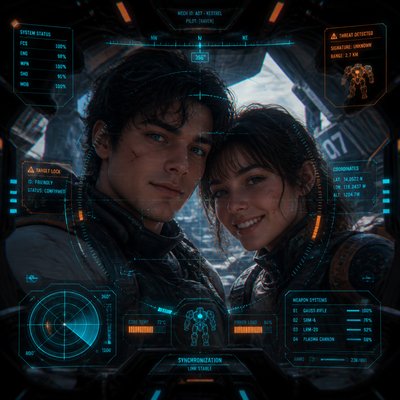
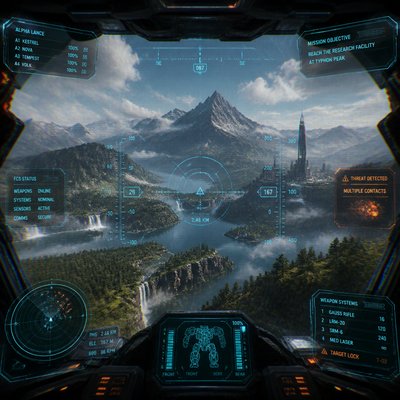
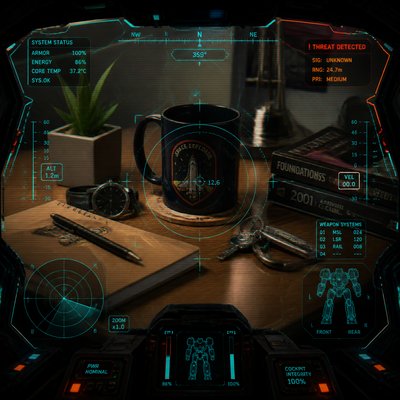
Mecha Pilot Interface View is a science-fiction framing style that depicts a subject as if seen from inside a giant robot’s cockpit. The central image is surrounded by layered heads-up display elements: targeting reticles, status bars, warning icons, scan lines, grid overlays, and translucent data panels that create the sense of a live tactical interface.
Its visual identity comes from the visual language of piloted machinery in anime, game UI design, military avionics, and motion graphics. The composition is usually dark at the edges and brighter at the center, with glowing cyan, orange, and red interface accents drawing attention toward the subject. Reflections on the canopy, subtle chromatic aberration, and the feeling of looking through protective glass help make the scene feel enclosed, technical, and operational rather than purely decorative.
Try It On Your Photos
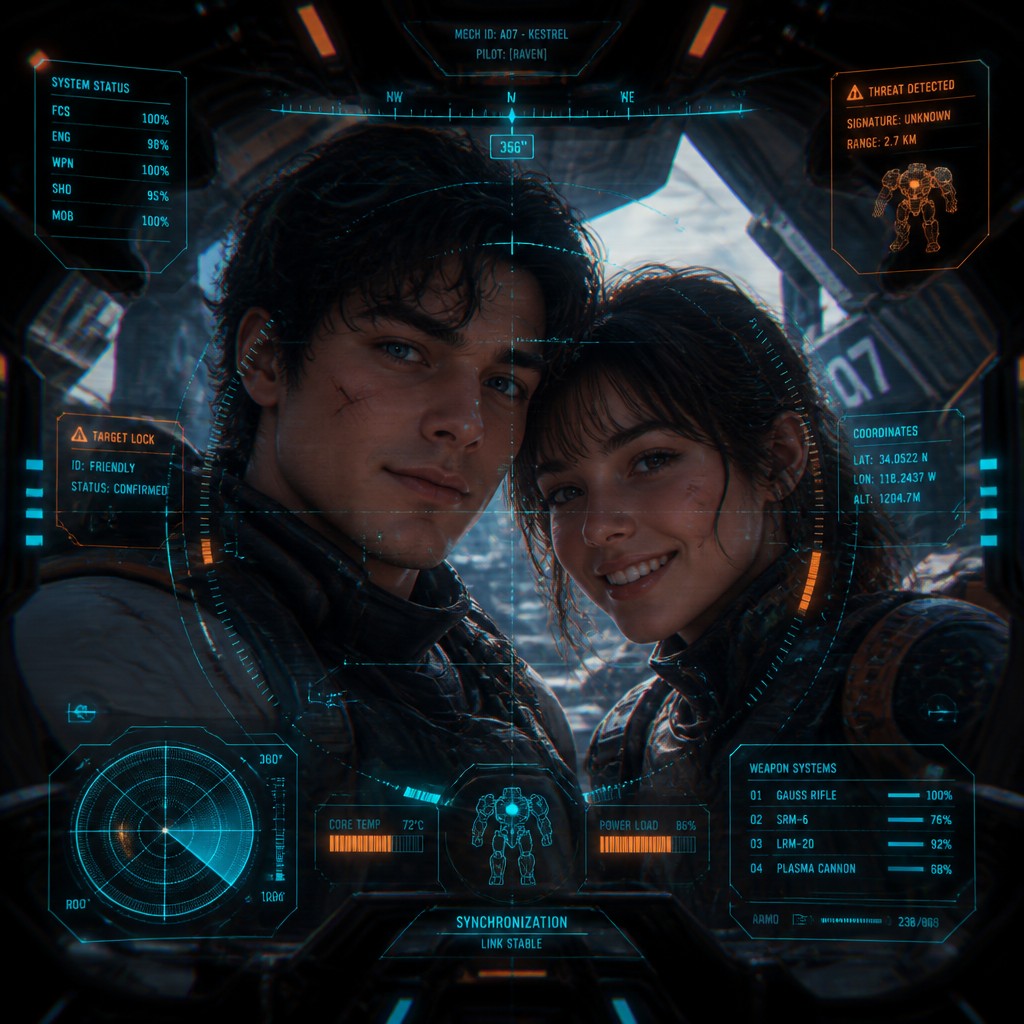
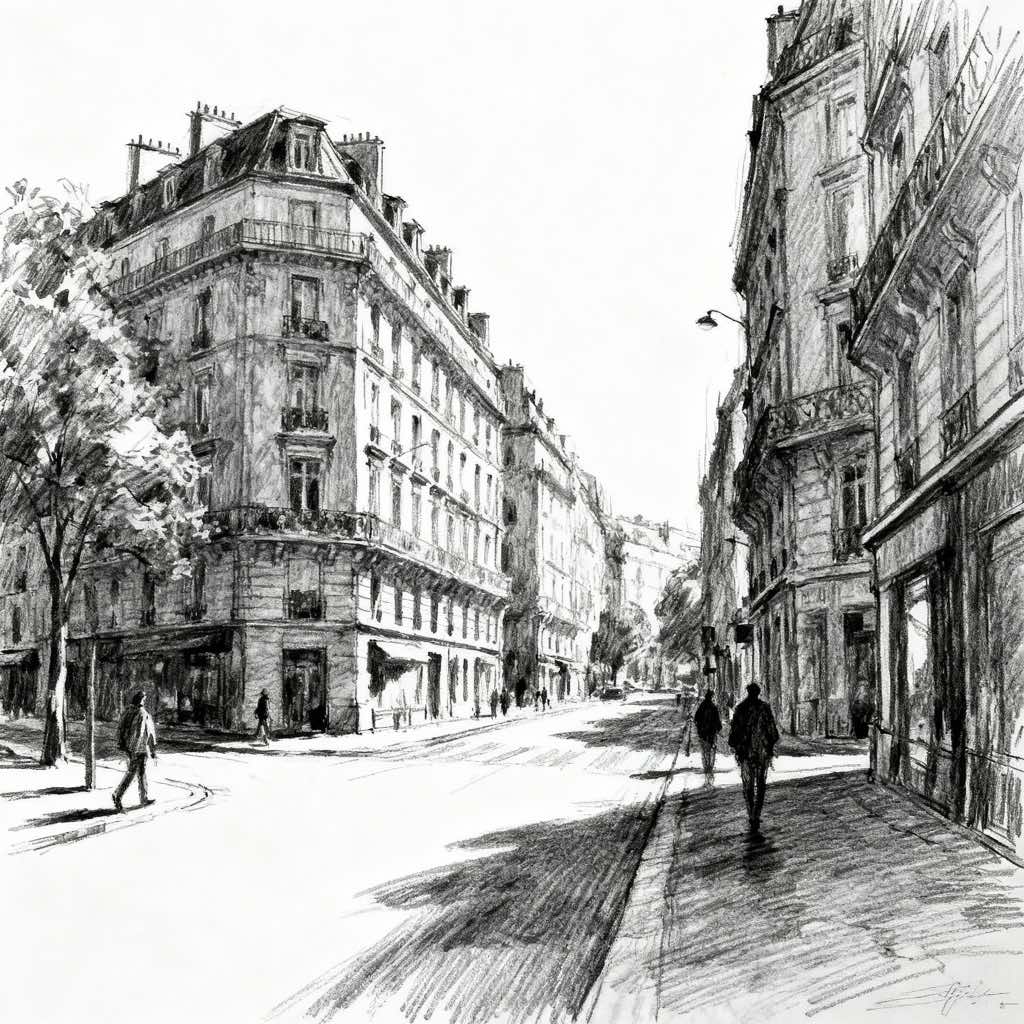
Upload any photo and convert it into Mecha Pilot Interface View — drag the sliders to compare before and after.

What Defines Mecha Pilot Interface View
The signature details, up close
Cockpit framing
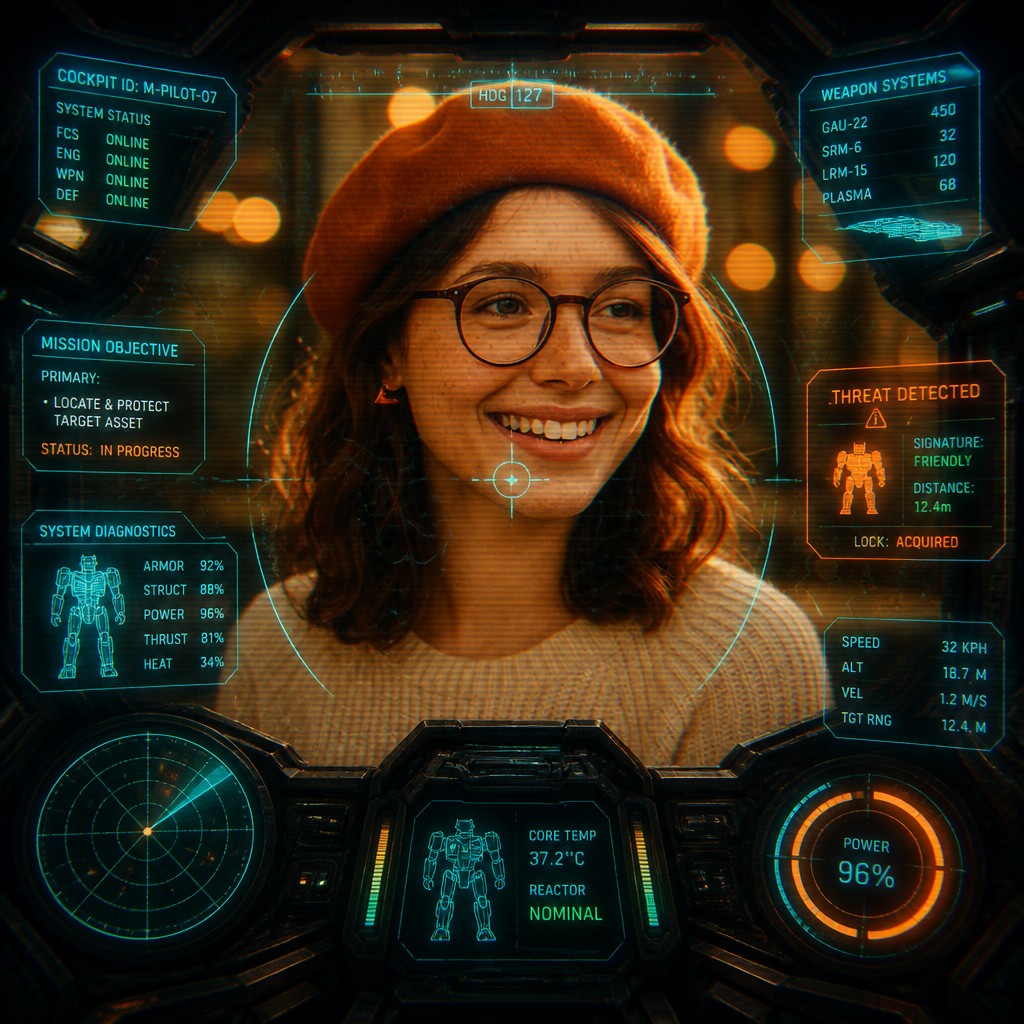
The subject is seen as though through a mecha canopy or control station, with dark peripheral shadows and curved glass reflections enclosing the composition. This framing makes the viewer feel like the pilot rather than an outside observer.
HUD overlays
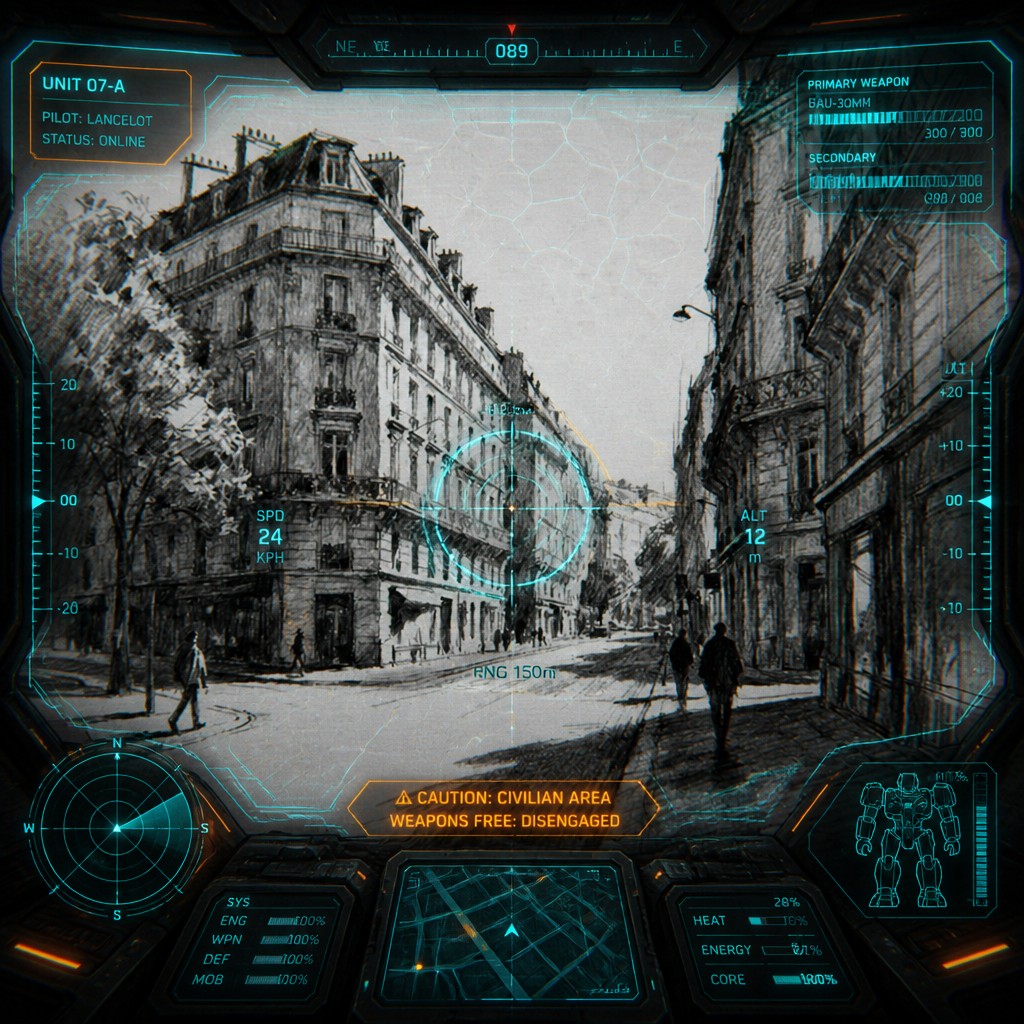
Layered interface elements such as reticles, labels, bars, and diagnostic panels sit over the image instead of beside it. These graphics imply targeting, navigation, and machine status information.
Glowing interface colors
Cyan and orange are especially common because they read clearly against dark backgrounds and suggest advanced electronics. Red is often used sparingly for warnings, locks, and alerts.
Technical texture
Faint scan lines, hex grids, telemetry marks, and lens distortion create a screen-like or projected-display quality. These details make the image feel mediated by machinery rather than directly viewed.
Center-weighted composition
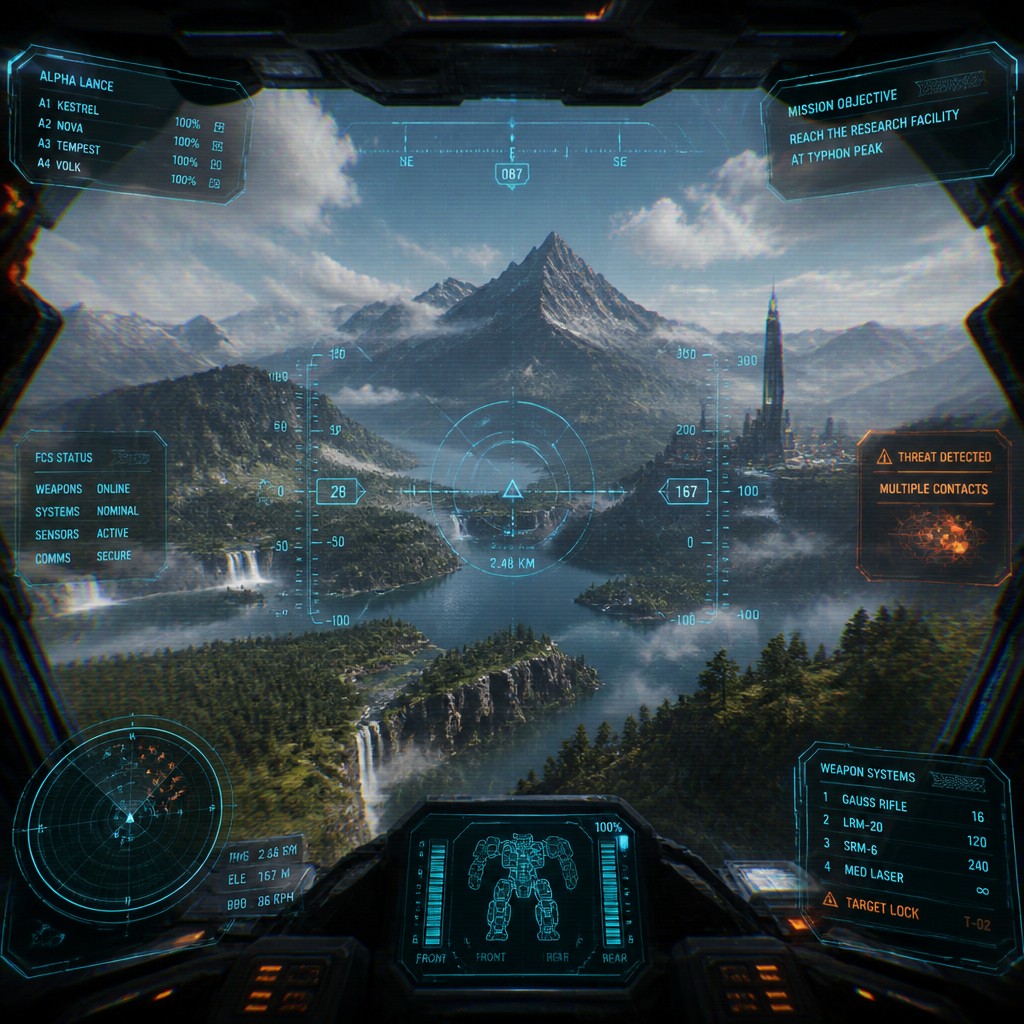
The most important subject usually sits at the center while interface activity accumulates at the edges. This organizes attention the way a cockpit display would, prioritizing target clarity.
High-tech realism with stylization
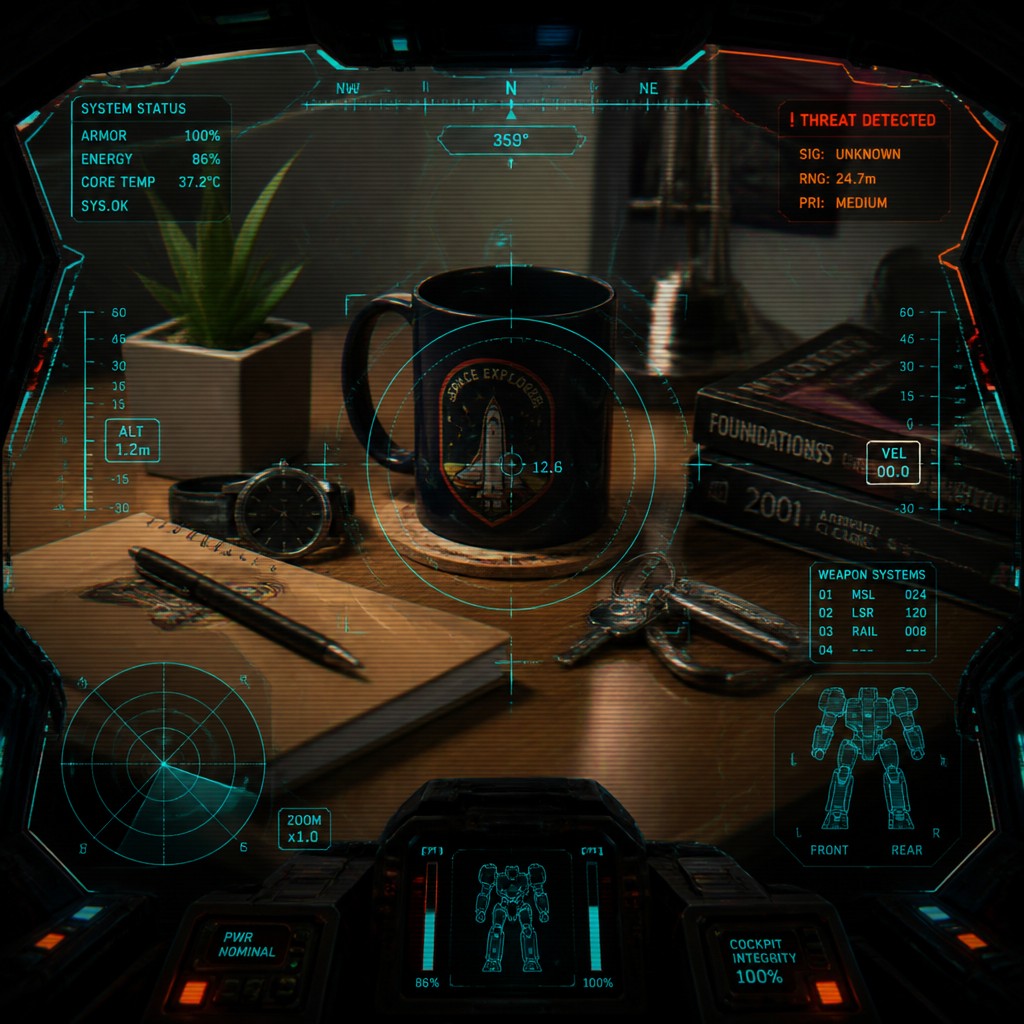
The style blends believable instrument design with stylized sci-fi graphics. Even when highly illustrated, it preserves the logic of a functioning control interface.
Try It
Create Videos in Mecha Pilot Interface View
Styles aren't just for stills — describe a scene or animate an image and get a short video rendered in Mecha Pilot Interface View. Press play to see this pond come to life.
Make a VideoMecha Pilot Interface View Prompt Ideas
Start from an idea — each one opens the generator with the style ready to go. See all 40 Mecha Pilot Interface View prompts →
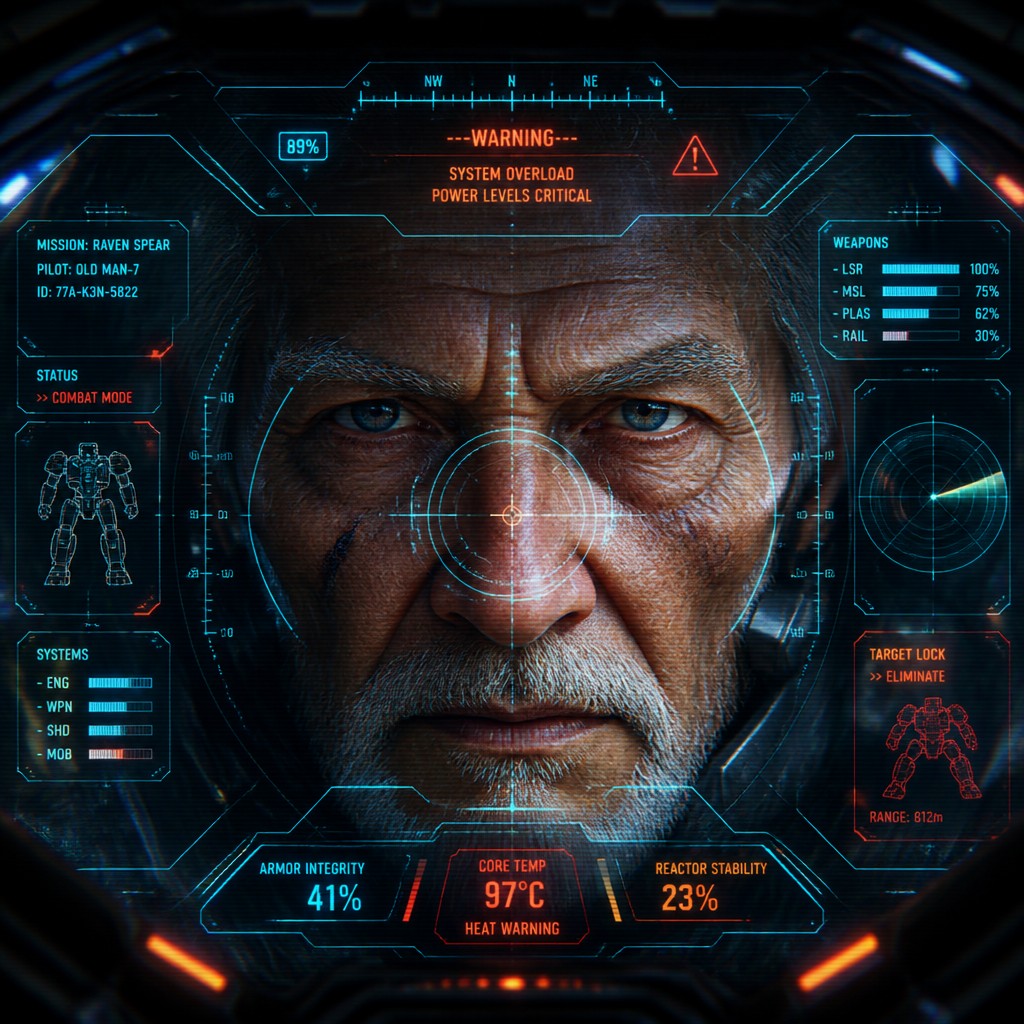
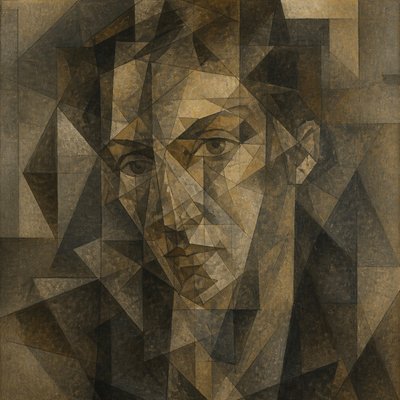
“close-up portrait of an elderly person with expressive weathered features”
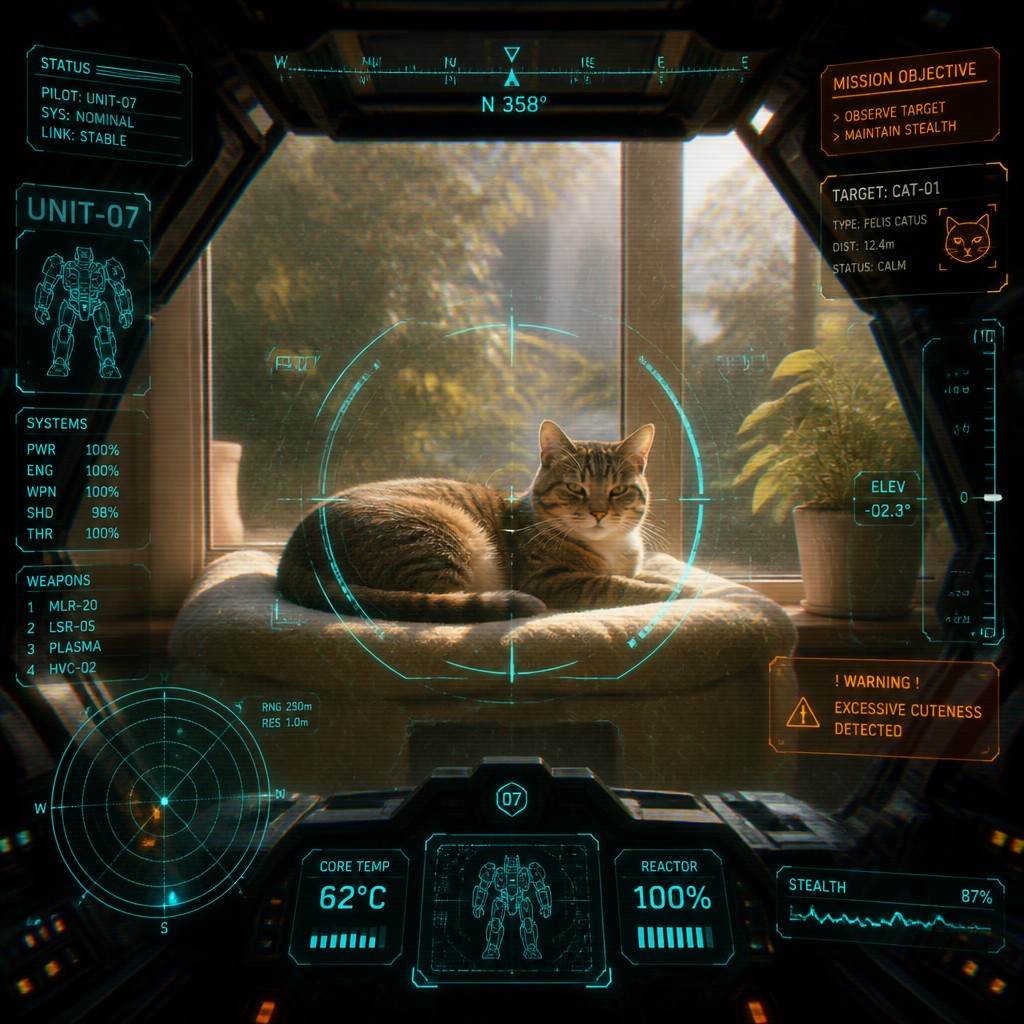
“a cat lounging in a sunlit window”
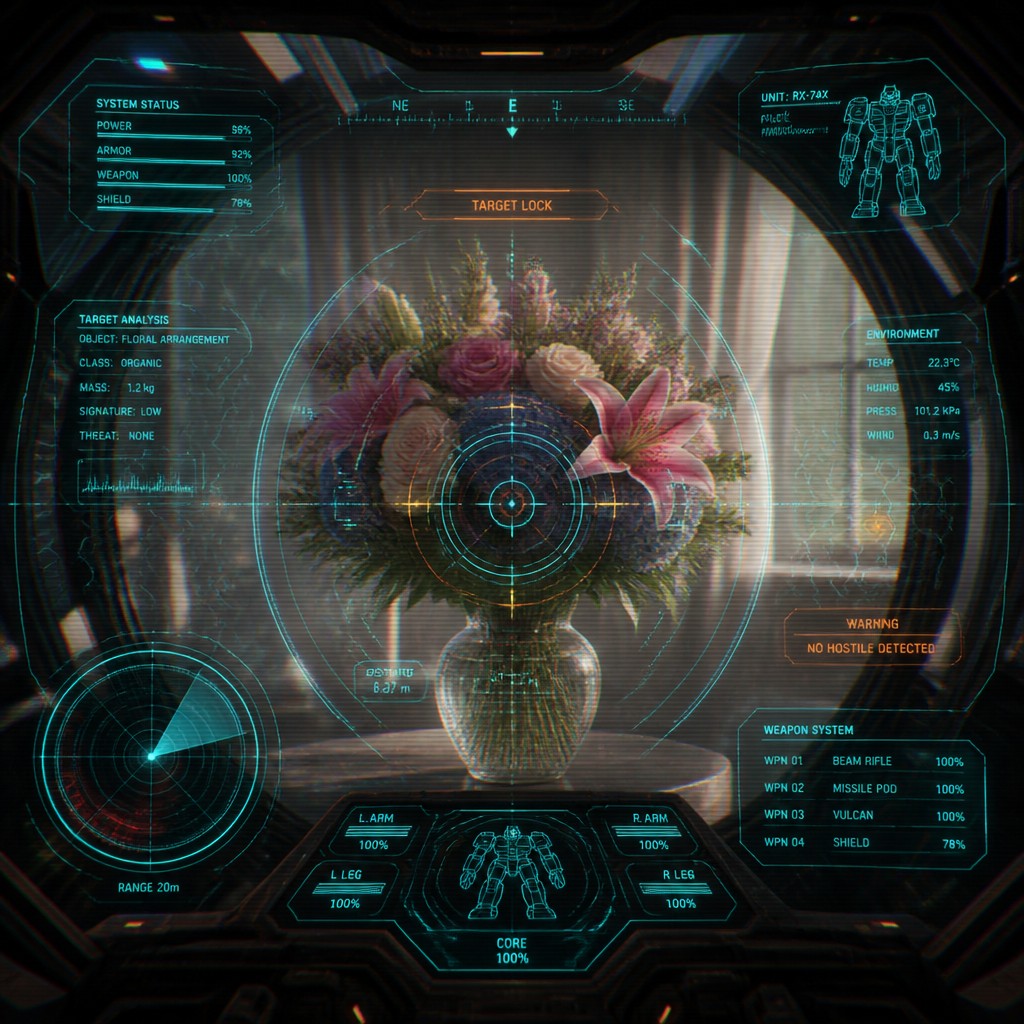
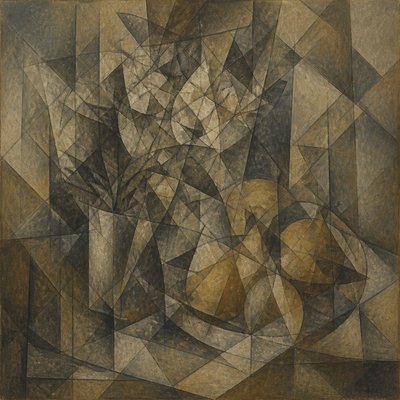
“bouquet of flowers in a glass vase”
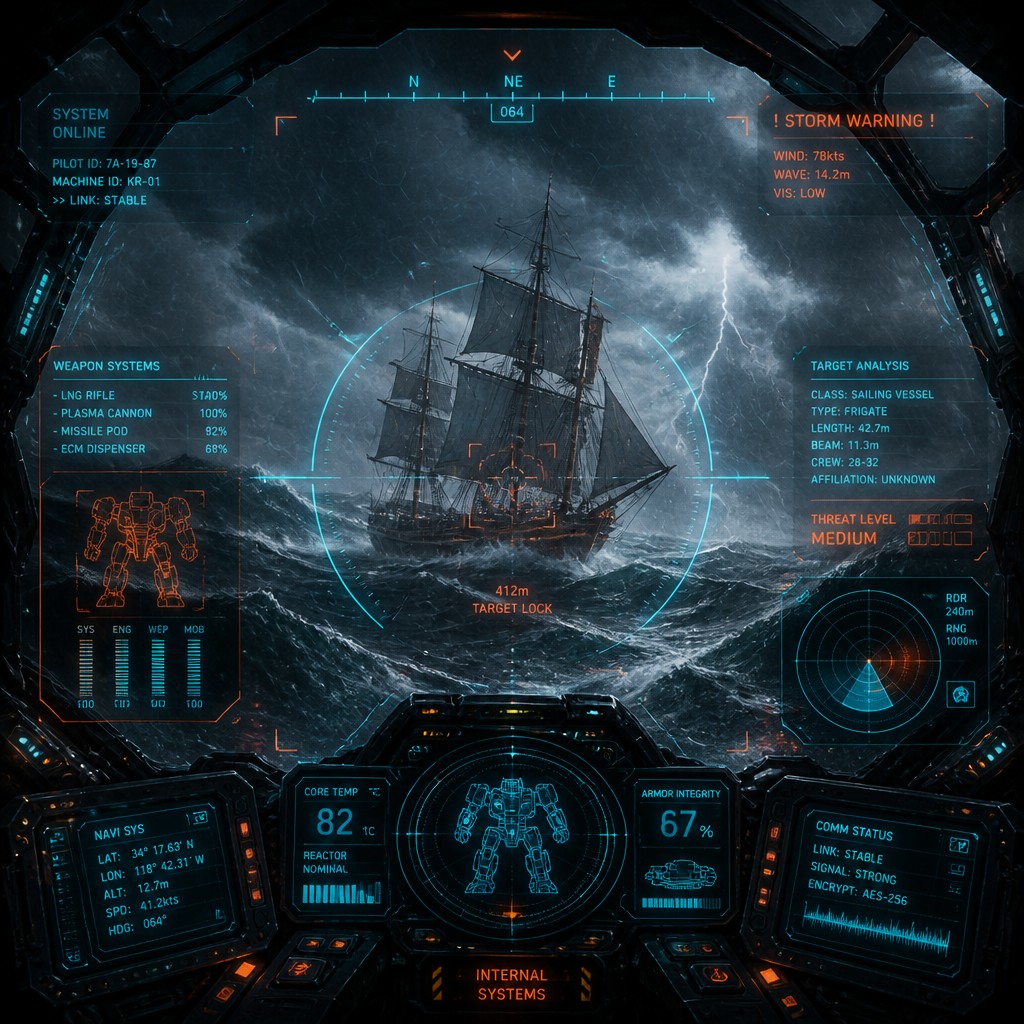
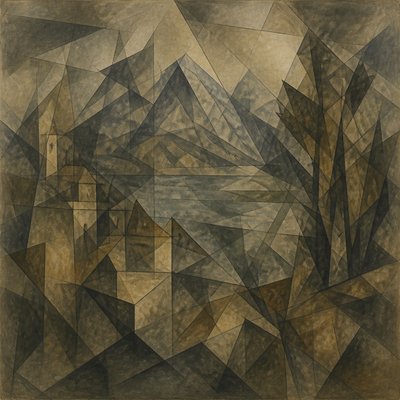
“sailing ship on a stormy sea”
How to Create Mecha Pilot Interface View Art
Master the craft step by step — or skip straight to creating. Read the full guide →
- 1
Build a cockpit frame first
Start with a central subject and reserve the edges for canopy shadows, curved glass reflections, and control-panel silhouettes. This creates the sensation that the viewer is inside a machine looking outward.
- 2
Layer readable HUD elements
Add reticles, gauges, warning triangles, signal bars, and floating readouts in semi-transparent layers. Keep the graphics aligned to the image perspective so they feel integrated rather than pasted on.
- 3
Use a limited luminous palette
Work with a dark base and a few bright interface colors such as cyan, orange, amber, and red. Strong contrast helps the overlays remain legible while preserving the cockpit atmosphere.
- 4
Distort like a display surface
Introduce scan lines, subtle bloom, chromatic aberration, and glass reflections to suggest a screen or canopy between the viewer and the scene. In digital work, these effects can be added with overlays and blending modes; in drawing or painting, they can be suggested with line rhythm and soft edge treatment.
- 5
Think like a systems designer
When writing prompts, specify what the interface is doing: targeting, scanning, locking on, monitoring vitals, or plotting coordinates. The more operational the language, the more convincingly the image reads as a cockpit interface.
- 6
Prompt for composition and materials
Mention layered holographic panels, translucent data displays, dark cockpit periphery, and luminous elements converging on the center. If transforming a photo, keep the face or subject visible while letting the interface frame it so the original image remains recognizable.
The Story
History & Origins of Mecha Pilot Interface View
This style has no single historical origin as a formal art movement; it is an AI-native and pop-culture-derived aesthetic built from the visual traditions of mecha anime, science-fiction cinema, video-game HUDs, and real-world cockpit instrumentation. Its most direct lineage comes from Japanese giant-robot franchises, where viewers regularly see battle scenes through pilot displays, targeting systems, and layered diagnostic graphics that externalize the machine’s point of view.
Over time, this look was reinforced by digital interface design, motion graphics, and game UI conventions, all of which popularized translucent panels, scanlines, grid systems, and luminous vector typography. As a result, Mecha Pilot Interface View is best understood as a synthesis of cinematic cockpit imagery and futuristic user-interface language rather than a historically bounded style with a fixed canon.
Influences: This aesthetic draws from Japanese mecha anime and the broader visual culture of sci-fi interfaces. Important roots include the cockpit and machine-perspective imagery associated with major Japanese giant-robot franchises, alongside the graphic language of avionics, military targeting systems, and computer-generated HUD design. It also overlaps with cyberpunk display aesthetics, science-fiction matte painting, and contemporary motion graphics, all of which favor luminous data overlays and technologically mediated vision.
Frequently Asked Questions
What defines Mecha Pilot Interface View?
It is defined by the sense that the viewer is inside a mech cockpit, looking through a transparent canopy or display system. The key ingredients are HUD overlays, targeting graphics, scan lines, and a dark peripheral frame around a central subject.
How is it different from generic sci-fi art?
Generic sci-fi art may show futuristic machines, but this style is specifically about mediated viewpoint and interface framing. The image is organized as if it were being seen through a pilot display, not simply as a scene in the future.
Is this the same as cyberpunk?
Not exactly. Cyberpunk often focuses on urban decay, neon signage, and social themes, while this style emphasizes military-mechanical control systems and cockpit visualization. The two can overlap when the interface uses neon color and dense digital overlays.
Can I use this style for portraits?
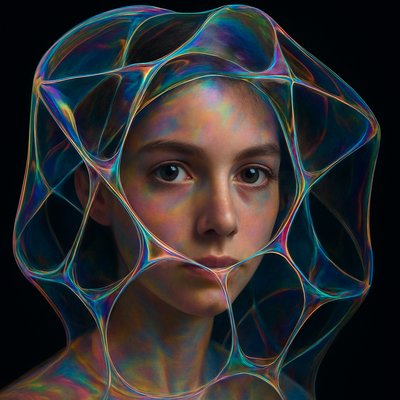
Yes, portraits work especially well because the cockpit frame can turn a face into a tactical subject, like a pilot being scanned or monitored. Keep the facial features clear and let the HUD elements support, rather than obscure, the likeness.
What subjects work best in this style?
Pilots, robots, spacecraft, battle scenes, cityscapes, and technical dashboards are all strong choices. Any subject that benefits from a sense of targeting, surveillance, or system monitoring fits naturally.
How do I make it feel authentic instead of cluttered?
Use the interface sparingly and keep the central subject readable. Real cockpit design is structured and purposeful, so the overlays should appear functional, aligned, and informative rather than randomly decorative.
Create your first Mecha Pilot Interface View artwork
Describe anything — or upload a photo — and see it in Mecha Pilot Interface View in seconds.
Make Something with Mecha Pilot Interface View
Related Styles
Discover similar art styles