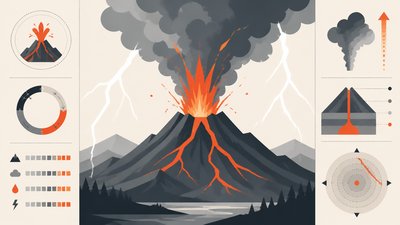
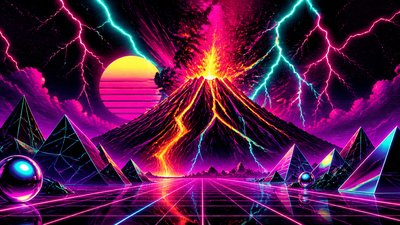
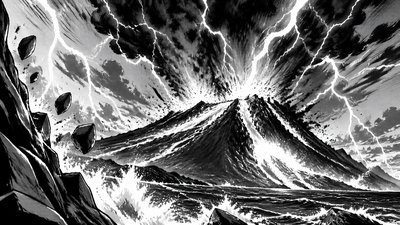
Vintage Jewelry Design YouTube Thumbnail
Create Vintage Jewelry Design YouTube thumbnails with AI — describe anything and get a widescreen YouTube thumbnail in seconds.
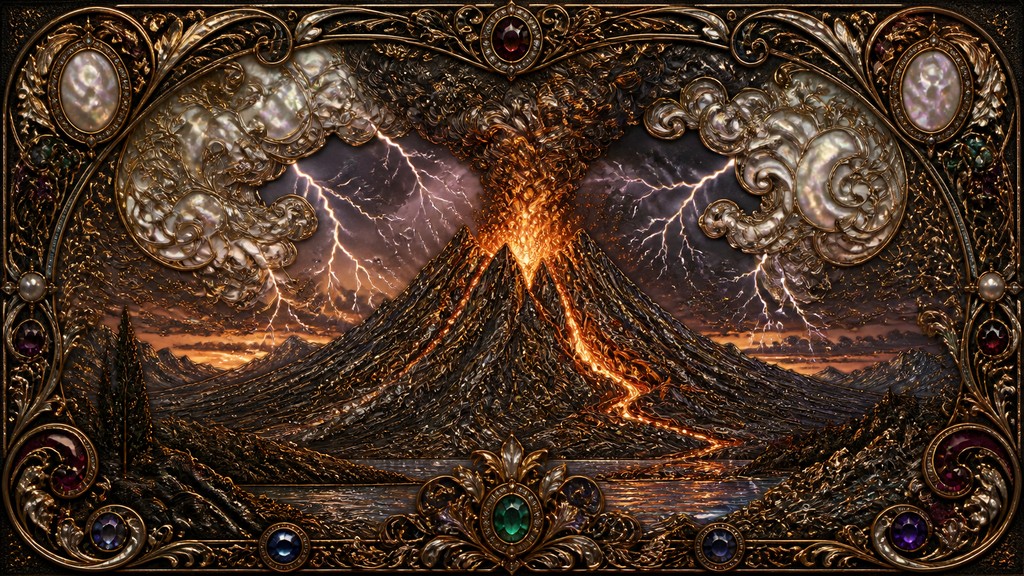
Rendered in Vintage Jewelry Design at 1536×864 — learn about this style
Why Vintage Jewelry Design Works for YouTube thumbnails
Ornate antique-inspired jewelry with filigree, engraved metalwork, pearls, gemstones, and romantic Victorian-Era detail.
- ✦Intricate filigree: Thin, curling metalwork forms open lace-like patterns that make the piece feel delicate and handcrafted. This is one of the clearest markers of the style.
- ✦Aged precious metals: Gold, silver, and copper are usually shown with patina, soft tarnish, or worn highlights rather than mirror-bright polish. The age effect gives the design an heirloom quality.
- ✦Gemstone-rich accents: Small but vivid stones such as garnet, emerald, sapphire, amethyst, and pearl are used as focal points. Their saturated color contrasts with the muted metal tones.
Those qualities translate directly into YouTube thumbnails: the style stays readable at wide banner formats, and every generation is unique to your prompt. Want the full picture? Explore the Vintage Jewelry Design guide →
How It Works
Describe it
Type what you want your YouTube thumbnail to show.
Generate
The AI renders it in Vintage Jewelry Design at 1536×864 — regenerate and refine as much as you like.
Download & use
Save your YouTube thumbnail and use it anywhere.
Frequently Asked Questions
How do I make a Vintage Jewelry Design YouTube thumbnail?
Type what you want into the generator (or upload a photo), and it renders your YouTube thumbnail in Vintage Jewelry Design at 1536×864 — sized and framed for YouTube thumbnails. You can iterate as many times as you like until it's right.
Is the Vintage Jewelry Design YouTube thumbnail maker free?
You can try it free — every new account gets credits to generate. No design skills or software needed.
Can I use my own photo?
Yes — switch to Image to Image mode, upload a photo, and it will be transformed into Vintage Jewelry Design while keeping your subject and composition.
What size is the YouTube thumbnail?
YouTube thumbnails generate at 1536×864 pixels (16:9 widescreen), and you can upscale or re-generate at other sizes in the generator.