Infographic Poster Design YouTube Thumbnail
Create Infographic Poster Design YouTube thumbnails with AI — describe anything and get a widescreen YouTube thumbnail in seconds.
Rendered in Infographic Poster Design at 1536×864 — learn about this style
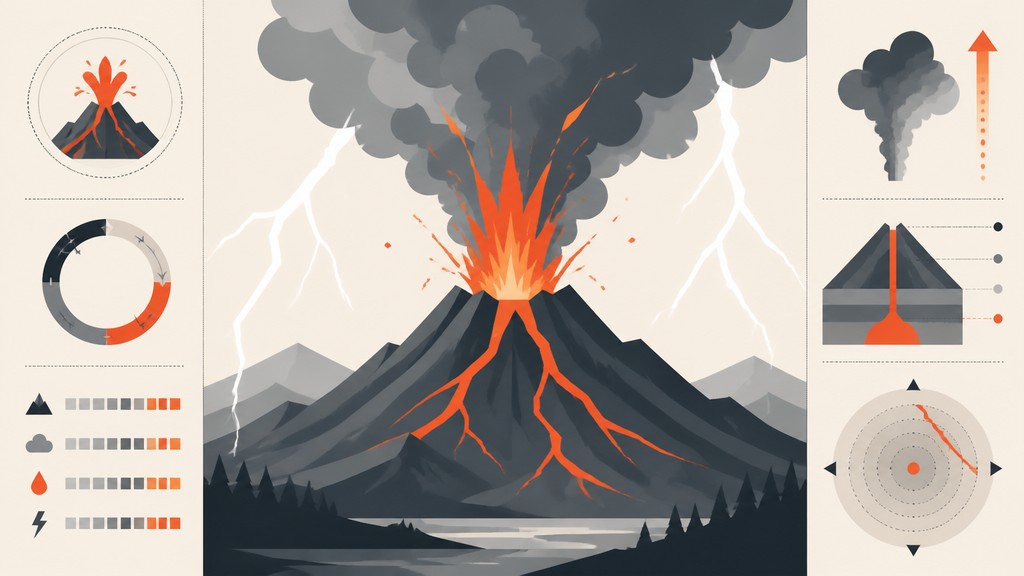
Why Infographic Poster Design Works for YouTube thumbnails
Clean, data-rich posters using grids, icons, charts, and bold typography to explain complex information with clarity.
- ✦Grid-based composition: Layouts are organized on a modular grid with clear alignments and repeated spacing systems. This gives the poster a rational structure and helps viewers navigate multiple information blocks without confusion.
- ✦Typography as structure: Headlines, labels, captions, and numerical callouts are used as visual architecture rather than decoration. Type sizes, weights, and spacing create hierarchy and control the reading path.
- ✦Diagrammatic devices: Lines, arrows, connectors, segmented circles, legends, and callout labels are common. These devices show relationships, sequences, comparisons, and data flow at a glance.
Those qualities translate directly into YouTube thumbnails: the style stays readable at wide banner formats, and every generation is unique to your prompt. Want the full picture? Explore the Infographic Poster Design guide →
How It Works
Describe it
Type what you want your YouTube thumbnail to show.
Generate
The AI renders it in Infographic Poster Design at 1536×864 — regenerate and refine as much as you like.
Download & use
Save your YouTube thumbnail and use it anywhere.
Frequently Asked Questions
How do I make a Infographic Poster Design YouTube thumbnail?
Type what you want into the generator (or upload a photo), and it renders your YouTube thumbnail in Infographic Poster Design at 1536×864 — sized and framed for YouTube thumbnails. You can iterate as many times as you like until it's right.
Is the Infographic Poster Design YouTube thumbnail maker free?
You can try it free — every new account gets credits to generate. No design skills or software needed.
Can I use my own photo?
Yes — switch to Image to Image mode, upload a photo, and it will be transformed into Infographic Poster Design while keeping your subject and composition.
What size is the YouTube thumbnail?
YouTube thumbnails generate at 1536×864 pixels (16:9 widescreen), and you can upscale or re-generate at other sizes in the generator.