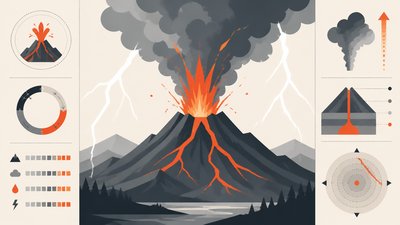
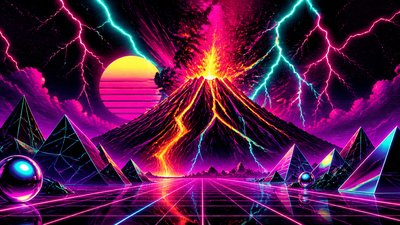
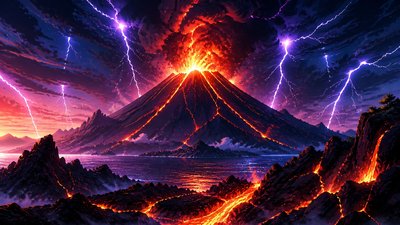
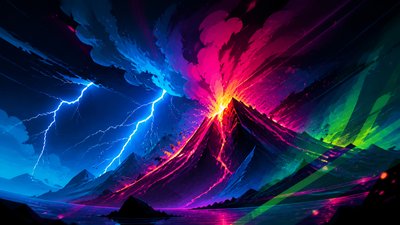
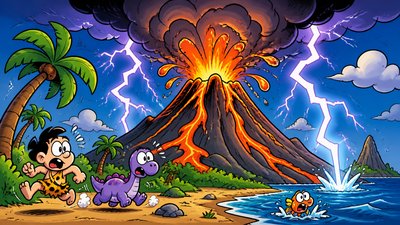
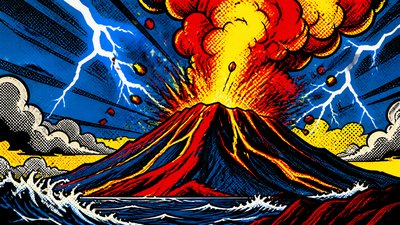
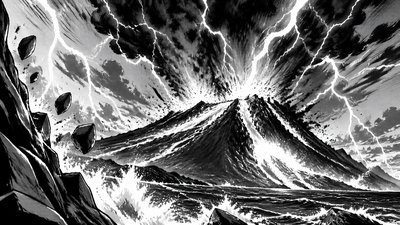
Glitch Digital Art Style YouTube Thumbnail
Create Glitch Digital Art Style YouTube thumbnails with AI — describe anything and get a widescreen YouTube thumbnail in seconds.
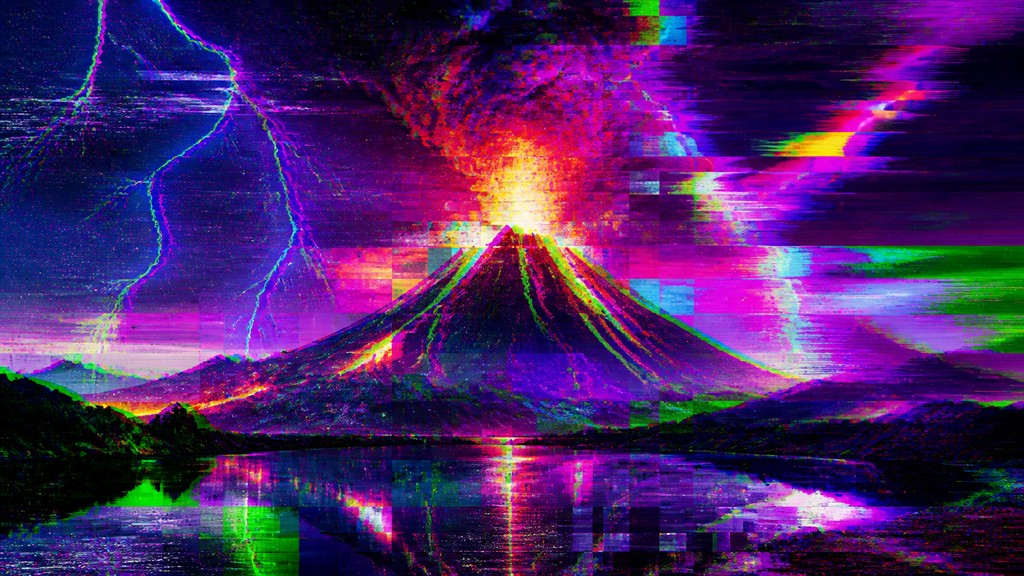
Rendered in Glitch Digital at 1536×864 — learn about this style
Why Glitch Digital Art Style Works for YouTube thumbnails
Glitch digital art uses corruption, pixel sorting, and scan-line noise to turn digital errors into a recognizably broken aesthetic.
- ✦Channel separation: Red, green, and blue channels are offset so edges split into colored halos. This creates chromatic displacement that makes the image feel unstable or electronically misregistered.
- ✦Scan lines and interlacing: Horizontal bands, line skipping, and ghost doubles mimic CRT displays and damaged video signals. These marks give the surface a broadcast-like texture.
- ✦Pixel sorting and streaking: Groups of pixels are dragged into ribbons, smears, or vertical cascades. The effect suggests a file being pulled apart while preserving fragments of the original subject.
Those qualities translate directly into YouTube thumbnails: the style stays readable at wide banner formats, and every generation is unique to your prompt. Want the full picture? Explore the Glitch Digital Art Style guide →
How It Works
Describe it
Type what you want your YouTube thumbnail to show.
Generate
The AI renders it in Glitch Digital Art Style at 1536×864 — regenerate and refine as much as you like.
Download & use
Save your YouTube thumbnail and use it anywhere.
Frequently Asked Questions
How do I make a Glitch Digital Art Style YouTube thumbnail?
Type what you want into the generator (or upload a photo), and it renders your YouTube thumbnail in Glitch Digital Art Style at 1536×864 — sized and framed for YouTube thumbnails. You can iterate as many times as you like until it's right.
Is the Glitch Digital Art Style YouTube thumbnail maker free?
You can try it free — every new account gets credits to generate. No design skills or software needed.
Can I use my own photo?
Yes — switch to Image to Image mode, upload a photo, and it will be transformed into Glitch Digital Art Style while keeping your subject and composition.
What size is the YouTube thumbnail?
YouTube thumbnails generate at 1536×864 pixels (16:9 widescreen), and you can upscale or re-generate at other sizes in the generator.