Zen Circle Minimalism Art Style Concept Art
Create Zen Circle Minimalism Art Style concept art pieces with AI — describe anything and get a widescreen concept art in seconds.
Rendered in Zen Circle Minimalism at 1536×864 — learn about this style
Why Zen Circle Minimalism Art Style Works for Concept art pieces
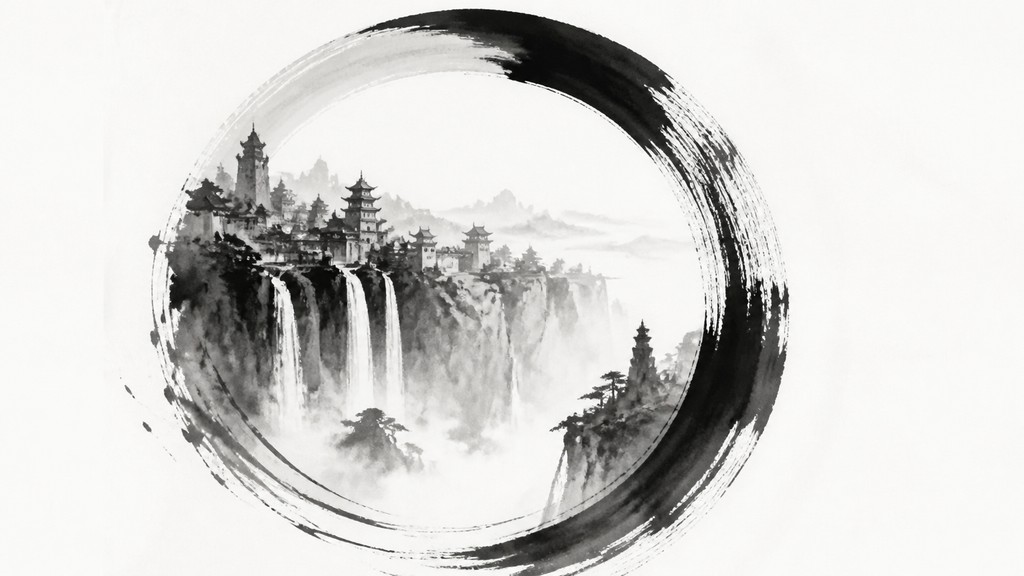
Minimal Zen ensō circle art with ink, white space, dry brush texture, and meditative asymmetry inspired by Japanese calligraphy.
- ✦Ensō-like circular gesture: The circle is the defining motif, usually drawn in one fluid motion or made to look that way. It may be closed, open, uneven, or slightly broken, but it always suggests wholeness through imperfection.
- ✦Extreme negative space: Large areas of untouched white or pale space frame the mark and intensify its presence. The emptiness is intentional and structural, not accidental.
- ✦Monochrome ink palette: The style usually relies on black ink, charcoal, and diluted greys. Color is rare and, when used, is generally subdued and secondary to the brush form.
Those qualities translate directly into concept art pieces: the style stays readable at wide banner formats, and every generation is unique to your prompt. Want the full picture? Explore the Zen Circle Minimalism Art Style guide →
How It Works
Describe it
Type what you want your concept art to show.
Generate
The AI renders it in Zen Circle Minimalism Art Style at 1536×864 — regenerate and refine as much as you like.
Download & use
Save your concept art and use it anywhere.
Frequently Asked Questions
How do I make a Zen Circle Minimalism Art Style concept art?
Type what you want into the generator (or upload a photo), and it renders your concept art in Zen Circle Minimalism Art Style at 1536×864 — sized and framed for concept art pieces. You can iterate as many times as you like until it's right.
Is the Zen Circle Minimalism Art Style concept art maker free?
You can try it free — every new account gets credits to generate. No design skills or software needed.
Can I use my own photo?
Yes — switch to Image to Image mode, upload a photo, and it will be transformed into Zen Circle Minimalism Art Style while keeping your subject and composition.
What size is the concept art?
Concept art pieces generate at 1536×864 pixels (16:9 widescreen), and you can upscale or re-generate at other sizes in the generator.







