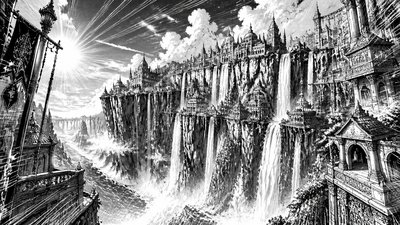
Matte Painting Digital Art Style Concept Art
Create Matte Painting Digital Art Style concept art pieces with AI — describe anything and get a widescreen concept art in seconds.
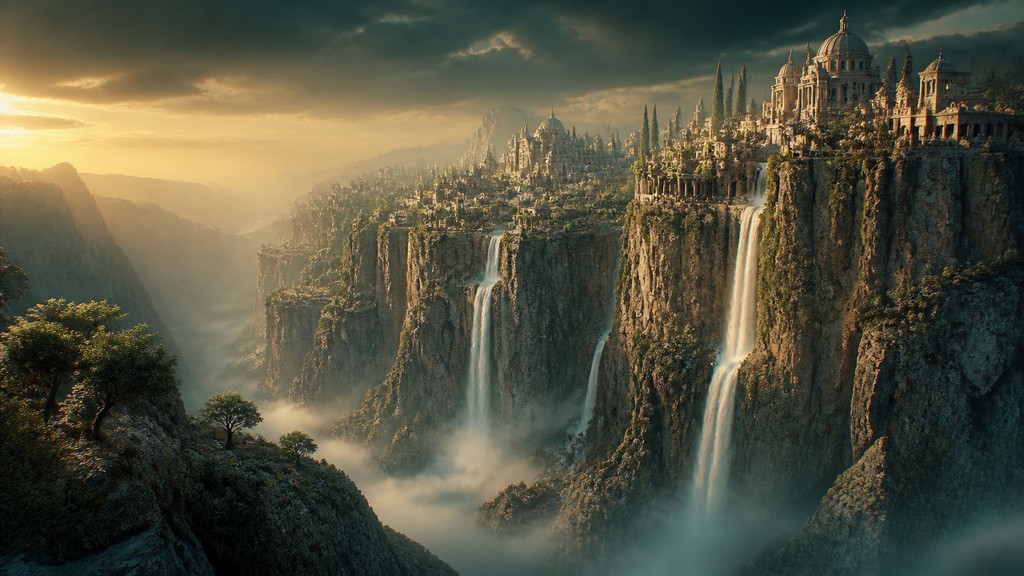
Rendered in Matte Painting Digital at 1536×864 — learn about this style
Why Matte Painting Digital Art Style Works for Concept art pieces
Cinematic digital environments blending photography, 3D elements, and painterly compositing for filmic worlds and believable scale.
- ✦Seamless compositing: Multiple sources—photographs, rendered geometry, and painted corrections—are merged so the final scene reads as one coherent environment. Edges, textures, and lighting are matched carefully to avoid visible seams.
- ✦Cinematic scale: The composition usually emphasizes vast spaces, monumental structures, or sweeping landscapes. Foreground, midground, and background are arranged to create depth and a sense of production design.
- ✦Atmospheric perspective: Distant forms are softened by haze, mist, or particulate light, which increases depth and realism. This layering helps separate planes and supports the illusion of great distance.
Those qualities translate directly into concept art pieces: the style stays readable at wide banner formats, and every generation is unique to your prompt. Want the full picture? Explore the Matte Painting Digital Art Style guide →
How It Works
Describe it
Type what you want your concept art to show.
Generate
The AI renders it in Matte Painting Digital Art Style at 1536×864 — regenerate and refine as much as you like.
Download & use
Save your concept art and use it anywhere.
Frequently Asked Questions
How do I make a Matte Painting Digital Art Style concept art?
Type what you want into the generator (or upload a photo), and it renders your concept art in Matte Painting Digital Art Style at 1536×864 — sized and framed for concept art pieces. You can iterate as many times as you like until it's right.
Is the Matte Painting Digital Art Style concept art maker free?
You can try it free — every new account gets credits to generate. No design skills or software needed.
Can I use my own photo?
Yes — switch to Image to Image mode, upload a photo, and it will be transformed into Matte Painting Digital Art Style while keeping your subject and composition.
What size is the concept art?
Concept art pieces generate at 1536×864 pixels (16:9 widescreen), and you can upscale or re-generate at other sizes in the generator.