Ukiyo-e Anime Fusion Portrait Concept Art
Create Ukiyo-e Anime Fusion Portrait concept art pieces with AI — describe anything and get a widescreen concept art in seconds.
Rendered in Ukiyo-e Anime Fusion Portrait at 1536×864 — learn about this style
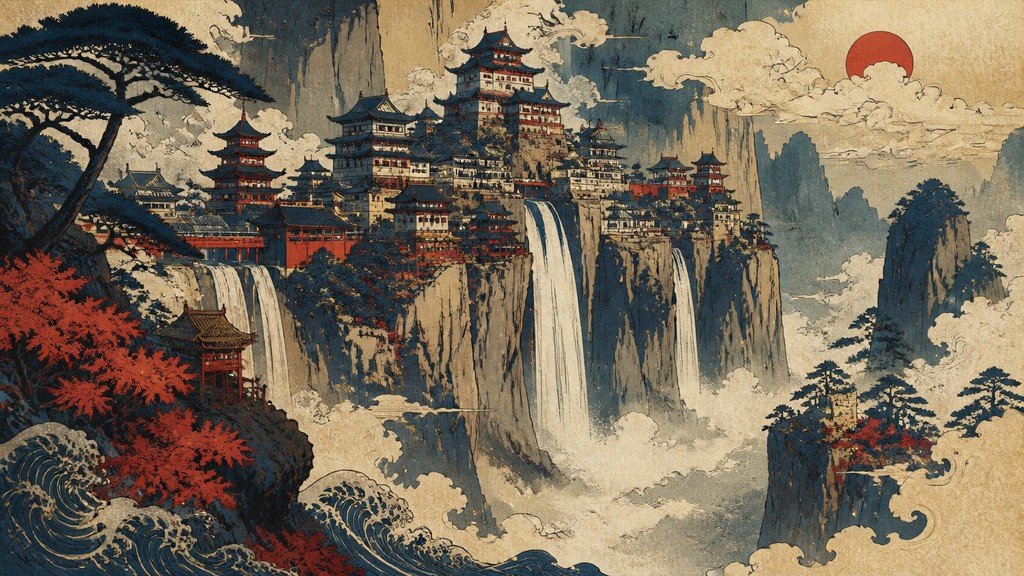
Why Ukiyo-e Anime Fusion Portrait Works for Concept art pieces
Bold ukiyo-e linework meets anime character design, flat color planes, wave motifs, and aged-paper textures.
- ✦Bold carved-line contours: Figures are defined by strong outlines and varied line weights that echo woodblock printing. Lines often feel deliberate and slightly uneven, as if they were cut or inked by hand.
- ✦Flat color planes: Shading is minimized in favor of broad, uncluttered areas of color. This creates a printlike surface and keeps forms legible at a glance.
- ✦Limited traditional palette: Deep indigo, vermillion, muted browns, cream, and subdued grays are common. The restrained palette helps unify the historical and anime influences.
Those qualities translate directly into concept art pieces: the style stays readable at wide banner formats, and every generation is unique to your prompt. Want the full picture? Explore the Ukiyo-e Anime Fusion Portrait guide →
How It Works
Describe it
Type what you want your concept art to show.
Generate
The AI renders it in Ukiyo-e Anime Fusion Portrait at 1536×864 — regenerate and refine as much as you like.
Download & use
Save your concept art and use it anywhere.
Frequently Asked Questions
How do I make a Ukiyo-e Anime Fusion Portrait concept art?
Type what you want into the generator (or upload a photo), and it renders your concept art in Ukiyo-e Anime Fusion Portrait at 1536×864 — sized and framed for concept art pieces. You can iterate as many times as you like until it's right.
Is the Ukiyo-e Anime Fusion Portrait concept art maker free?
You can try it free — every new account gets credits to generate. No design skills or software needed.
Can I use my own photo?
Yes — switch to Image to Image mode, upload a photo, and it will be transformed into Ukiyo-e Anime Fusion Portrait while keeping your subject and composition.
What size is the concept art?
Concept art pieces generate at 1536×864 pixels (16:9 widescreen), and you can upscale or re-generate at other sizes in the generator.







