Renaissance Art Style Concept Art
Create Renaissance Art Style concept art pieces with AI — describe anything and get a widescreen concept art in seconds.
Rendered in Renaissance at 1536×864 — learn about this style
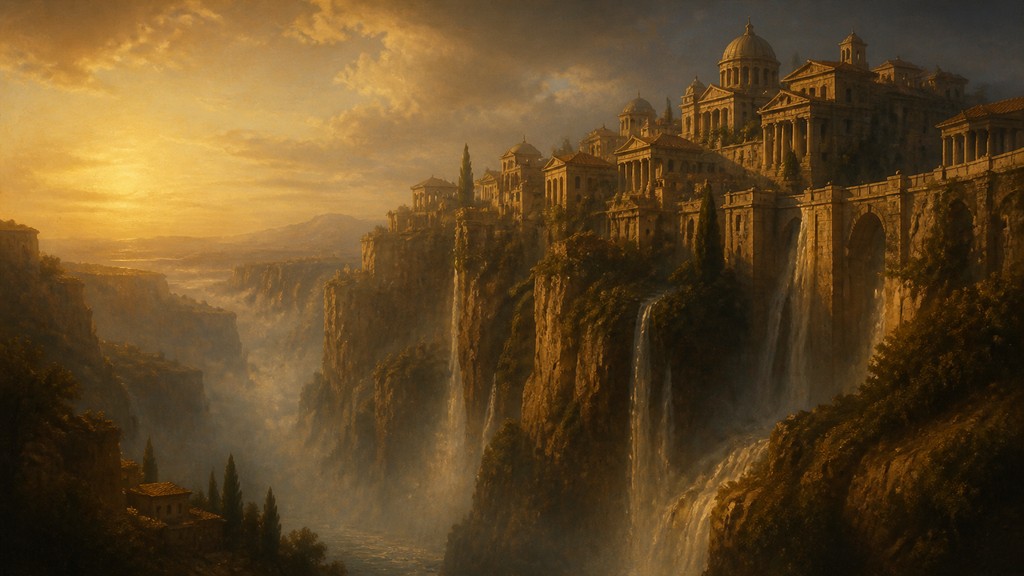
Why Renaissance Art Style Works for Concept art pieces
Classical revival art with idealized figures, linear perspective, sfumato, chiaroscuro, and balanced proportions.
- ✦Idealized human anatomy: Figures are rendered with carefully proportioned bodies, balanced poses, and a controlled sense of beauty. Even when based on real observation, the result is often more harmonious than strictly literal.
- ✦Linear perspective: Space is organized using converging lines and a coherent viewpoint, creating convincing depth. Architectural settings and interiors often recede with mathematical clarity.
- ✦Sfumato and soft transitions: Edges, shadows, and facial contours often blur gently rather than snapping into hard outlines. This creates a smoky, atmospheric realism associated especially with leading master painters of the style.
Those qualities translate directly into concept art pieces: the style stays readable at wide banner formats, and every generation is unique to your prompt. Want the full picture? Explore the Renaissance Art Style guide →
How It Works
Describe it
Type what you want your concept art to show.
Generate
The AI renders it in Renaissance Art Style at 1536×864 — regenerate and refine as much as you like.
Download & use
Save your concept art and use it anywhere.
Frequently Asked Questions
How do I make a Renaissance Art Style concept art?
Type what you want into the generator (or upload a photo), and it renders your concept art in Renaissance Art Style at 1536×864 — sized and framed for concept art pieces. You can iterate as many times as you like until it's right.
Is the Renaissance Art Style concept art maker free?
You can try it free — every new account gets credits to generate. No design skills or software needed.
Can I use my own photo?
Yes — switch to Image to Image mode, upload a photo, and it will be transformed into Renaissance Art Style while keeping your subject and composition.
What size is the concept art?
Concept art pieces generate at 1536×864 pixels (16:9 widescreen), and you can upscale or re-generate at other sizes in the generator.







