Kawaii Sticker Design Concept Art
Create Kawaii Sticker Design concept art pieces with AI — describe anything and get a widescreen concept art in seconds.
Rendered in Kawaii Sticker Design at 1536×864 — learn about this style
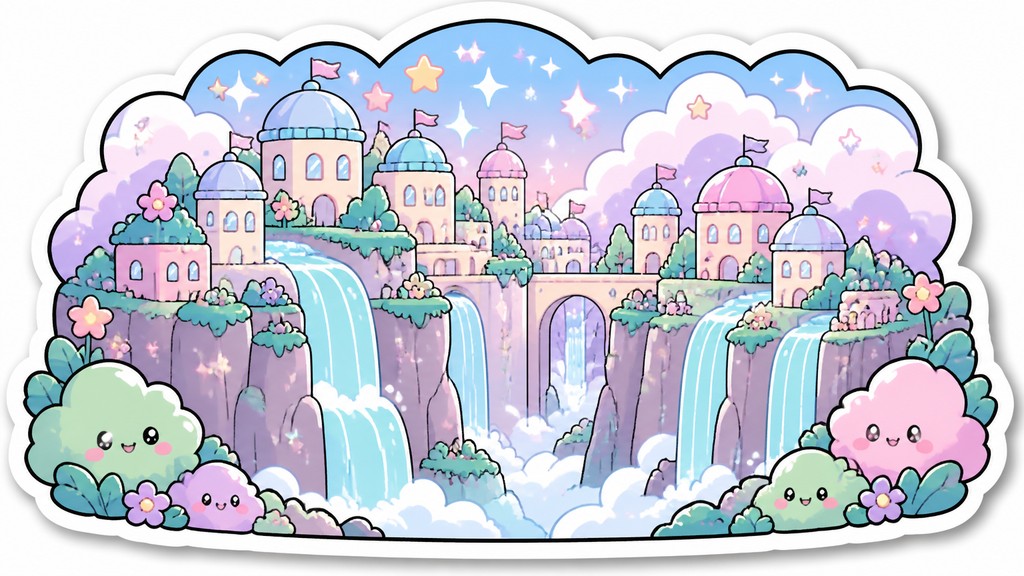
Why Kawaii Sticker Design Works for Concept art pieces
Cute Japanese-inspired sticker art with pastel colors, thick outlines, chibi characters, and glossy, die-cut charm.
- ✦Rounded chibi proportions: Figures are compressed into compact, childlike shapes with oversized heads, tiny bodies, and soft curves. This makes subjects feel cute, harmless, and easy to recognize at a glance.
- ✦Thick black outlines: Uniform outlines separate the character cleanly from the background and keep the image readable at small scale. The linework is usually smooth and even, with little or no sketchiness.
- ✦Pastel flat coloring: Colors are typically soft pinks, baby blues, mint greens, lavenders, and buttery yellows. The palette stays light and gentle, with limited contrast and minimal realistic color variation.
Those qualities translate directly into concept art pieces: the style stays readable at wide banner formats, and every generation is unique to your prompt. Want the full picture? Explore the Kawaii Sticker Design guide →
How It Works
Describe it
Type what you want your concept art to show.
Generate
The AI renders it in Kawaii Sticker Design at 1536×864 — regenerate and refine as much as you like.
Download & use
Save your concept art and use it anywhere.
Frequently Asked Questions
How do I make a Kawaii Sticker Design concept art?
Type what you want into the generator (or upload a photo), and it renders your concept art in Kawaii Sticker Design at 1536×864 — sized and framed for concept art pieces. You can iterate as many times as you like until it's right.
Is the Kawaii Sticker Design concept art maker free?
You can try it free — every new account gets credits to generate. No design skills or software needed.
Can I use my own photo?
Yes — switch to Image to Image mode, upload a photo, and it will be transformed into Kawaii Sticker Design while keeping your subject and composition.
What size is the concept art?
Concept art pieces generate at 1536×864 pixels (16:9 widescreen), and you can upscale or re-generate at other sizes in the generator.







