Gothic Jewelry Design Concept Art
Create Gothic Jewelry Design concept art pieces with AI — describe anything and get a widescreen concept art in seconds.
Rendered in Gothic Jewelry Design at 1536×864 — learn about this style
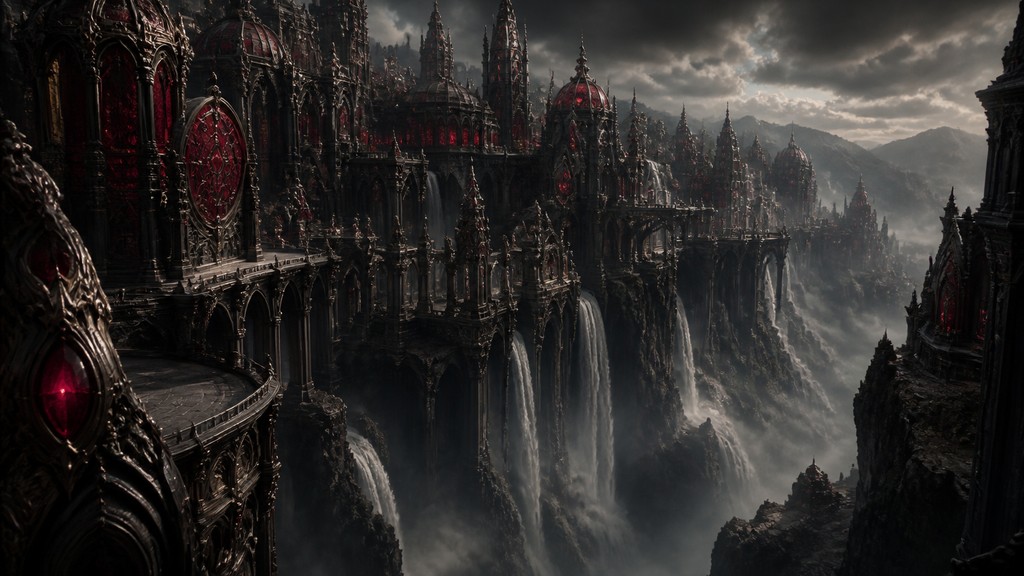
Why Gothic Jewelry Design Works for Concept art pieces
Dark romantic jewelry with crosses, skulls, black metal, crimson stones, filigree, and medieval motifs.
- ✦Blackened and tarnished metals: The most recognizable material cue is oxidized black or tarnished silver, often contrasted with small polished highlights. This gives the jewelry a weathered, ritualistic appearance instead of a bright commercial finish.
- ✦Crimson gemstone accents: Deep red stones, especially garnet-like or ruby-like settings, are used as focal points. Their saturated color provides a blood-red glow that heightens the style’s dark-romantic mood.
- ✦Medieval and ecclesiastical motifs: Crosses, arches, heraldic forms, rosaries, and cathedral-like tracery appear frequently. These references connect the jewelry to sacred art, chivalric symbolism, and gothic architecture.
Those qualities translate directly into concept art pieces: the style stays readable at wide banner formats, and every generation is unique to your prompt. Want the full picture? Explore the Gothic Jewelry Design guide →
How It Works
Describe it
Type what you want your concept art to show.
Generate
The AI renders it in Gothic Jewelry Design at 1536×864 — regenerate and refine as much as you like.
Download & use
Save your concept art and use it anywhere.
Frequently Asked Questions
How do I make a Gothic Jewelry Design concept art?
Type what you want into the generator (or upload a photo), and it renders your concept art in Gothic Jewelry Design at 1536×864 — sized and framed for concept art pieces. You can iterate as many times as you like until it's right.
Is the Gothic Jewelry Design concept art maker free?
You can try it free — every new account gets credits to generate. No design skills or software needed.
Can I use my own photo?
Yes — switch to Image to Image mode, upload a photo, and it will be transformed into Gothic Jewelry Design while keeping your subject and composition.
What size is the concept art?
Concept art pieces generate at 1536×864 pixels (16:9 widescreen), and you can upscale or re-generate at other sizes in the generator.







