Coastal Interior Design Concept Art
Create Coastal Interior Design concept art pieces with AI — describe anything and get a widescreen concept art in seconds.
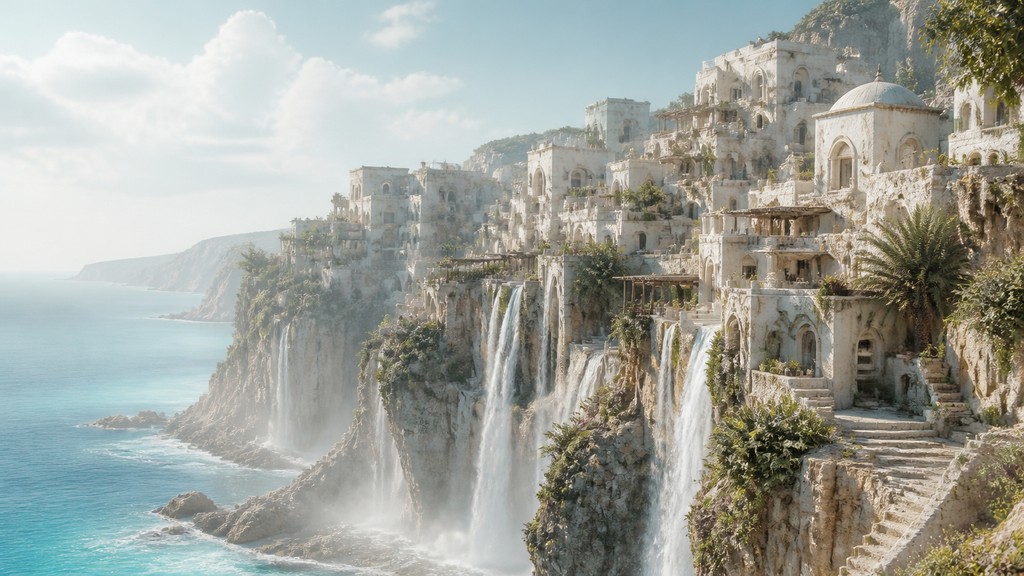
Rendered in Coastal Interior Design at 1536×864 — learn about this style
Why Coastal Interior Design Works for Concept art pieces
Light, airy seaside interiors with natural textures, weathered neutrals, and relaxed nautical details.
- ✦Light, sun-washed color palette: Rooms typically use whites, creams, sand, pale blue, and soft gray-green. These colors make spaces feel cooler, brighter, and visually open.
- ✦Natural fibers and woven textures: Linen, cotton, jute, seagrass, wicker, rattan, and cane are common. Texture replaces heavy pattern as the main source of visual richness.
- ✦Whitewashed and weathered finishes: Painted wood, matte walls, and lightly distressed surfaces suggest sun exposure and sea air. Finishes are usually soft and low-gloss rather than polished.
Those qualities translate directly into concept art pieces: the style stays readable at wide banner formats, and every generation is unique to your prompt. Want the full picture? Explore the Coastal Interior Design guide →
How It Works
Describe it
Type what you want your concept art to show.
Generate
The AI renders it in Coastal Interior Design at 1536×864 — regenerate and refine as much as you like.
Download & use
Save your concept art and use it anywhere.
Frequently Asked Questions
How do I make a Coastal Interior Design concept art?
Type what you want into the generator (or upload a photo), and it renders your concept art in Coastal Interior Design at 1536×864 — sized and framed for concept art pieces. You can iterate as many times as you like until it's right.
Is the Coastal Interior Design concept art maker free?
You can try it free — every new account gets credits to generate. No design skills or software needed.
Can I use my own photo?
Yes — switch to Image to Image mode, upload a photo, and it will be transformed into Coastal Interior Design while keeping your subject and composition.
What size is the concept art?
Concept art pieces generate at 1536×864 pixels (16:9 widescreen), and you can upscale or re-generate at other sizes in the generator.







