ASCII Art Style Concept Art
Create ASCII Art Style concept art pieces with AI — describe anything and get a widescreen concept art in seconds.
Rendered in ASCII at 1536×864 — learn about this style
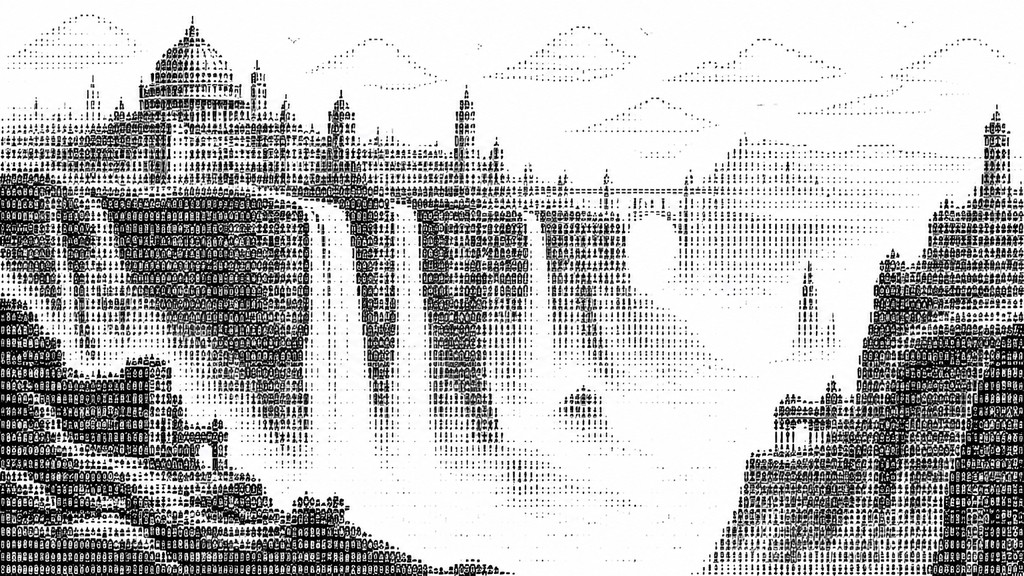
Why ASCII Art Style Works for Concept art pieces
ASCII art uses keyboard characters to build images with text, density, and spacing—minimal, nostalgic, and distinctly digital.
- ✦Monospaced grid structure: ASCII images depend on fixed-width characters so spacing remains consistent across each line. This rigid grid is what allows letters and symbols to lock into recognizable forms.
- ✦Tone from character density: Dark areas are built with dense marks like @, #, % and M, while lighter areas use punctuation, thin strokes, or blank space. The result mimics shading without using actual grayscale.
- ✦Text as both medium and image: The artwork is made entirely of readable keyboard characters, not drawn outlines or painted fills. Letterforms become visual elements, often losing their literal linguistic meaning.
Those qualities translate directly into concept art pieces: the style stays readable at wide banner formats, and every generation is unique to your prompt. Want the full picture? Explore the ASCII Art Style guide →
How It Works
Describe it
Type what you want your concept art to show.
Generate
The AI renders it in ASCII Art Style at 1536×864 — regenerate and refine as much as you like.
Download & use
Save your concept art and use it anywhere.
Frequently Asked Questions
How do I make a ASCII Art Style concept art?
Type what you want into the generator (or upload a photo), and it renders your concept art in ASCII Art Style at 1536×864 — sized and framed for concept art pieces. You can iterate as many times as you like until it's right.
Is the ASCII Art Style concept art maker free?
You can try it free — every new account gets credits to generate. No design skills or software needed.
Can I use my own photo?
Yes — switch to Image to Image mode, upload a photo, and it will be transformed into ASCII Art Style while keeping your subject and composition.
What size is the concept art?
Concept art pieces generate at 1536×864 pixels (16:9 widescreen), and you can upscale or re-generate at other sizes in the generator.







