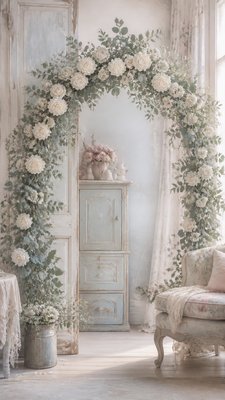
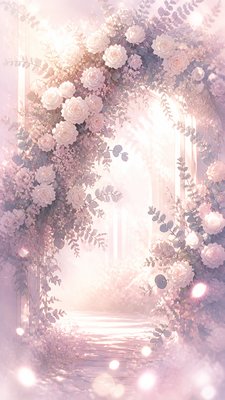
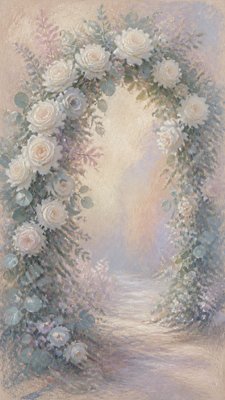
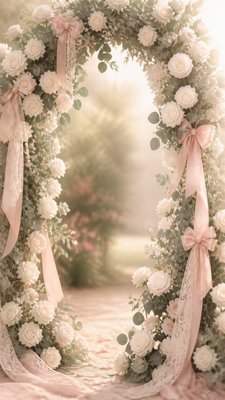
Die-Cut Sticker Design Wedding Invitation Art
Create Die-Cut Sticker Design wedding invitations with AI — describe anything and get a vertical wedding invitation in seconds.
Rendered in Die-Cut Sticker Design at 864×1536 — learn about this style

Why Die-Cut Sticker Design Works for Wedding invitations
Die-cut sticker design uses bold outlines, flat color, and a cut-to-shape silhouette for clean, print-ready decals.
- ✦Contour-following silhouette: The artwork is cut to the exact outer edge of the design, so the composition must read as one unified shape. This gives the sticker a finished, custom-made appearance rather than a generic rectangle.
- ✦Bold outline structure: Thick black linework defines forms and separates color areas clearly. The outline also helps the subject remain legible when printed small or viewed at a distance.
- ✦Flat color with gentle depth: Colors are usually saturated and limited in number, with subtle gradients or soft shading added only where they support clarity. The look stays graphic rather than painterly.
Those qualities translate directly into wedding invitations: the style stays readable at tall print and screen formats, and every generation is unique to your prompt. Want the full picture? Explore the Die-Cut Sticker Design guide →
How It Works
Describe it
Type what you want your wedding invitation to show.
Generate
The AI renders it in Die-Cut Sticker Design at 864×1536 — regenerate and refine as much as you like.
Download & use
Save your wedding invitation and use it anywhere.
Frequently Asked Questions
How do I make a Die-Cut Sticker Design wedding invitation?
Type what you want into the generator (or upload a photo), and it renders your wedding invitation in Die-Cut Sticker Design at 864×1536 — sized and framed for wedding invitations. You can iterate as many times as you like until it's right.
Is the Die-Cut Sticker Design wedding invitation maker free?
You can try it free — every new account gets credits to generate. No design skills or software needed.
Can I use my own photo?
Yes — switch to Image to Image mode, upload a photo, and it will be transformed into Die-Cut Sticker Design while keeping your subject and composition.
What size is the wedding invitation?
Wedding invitations generate at 864×1536 pixels (9:16 vertical), and you can upscale or re-generate at other sizes in the generator.