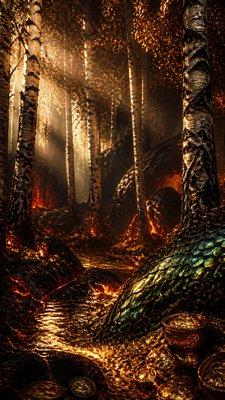
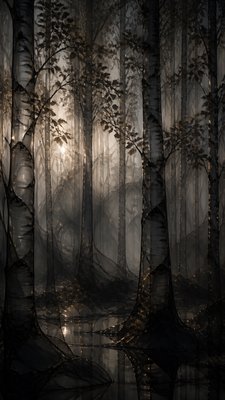
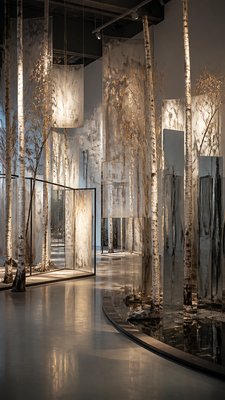
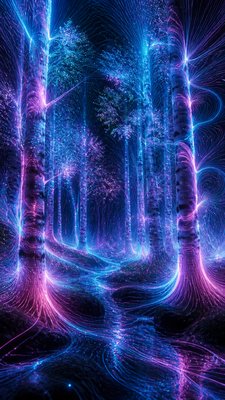
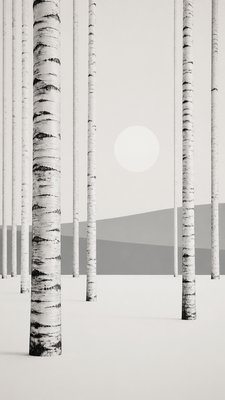
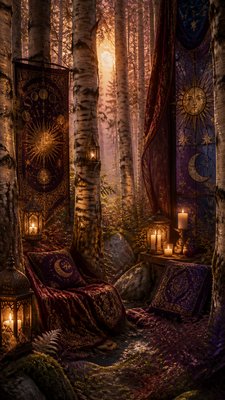
Glyph Icon Design Wall Art
Create Glyph Icon Design wall art prints with AI — describe anything and get a vertical wall art print in seconds.
Rendered in Glyph Icon Design at 864×1536 — learn about this style
Why Glyph Icon Design Works for Wall art prints
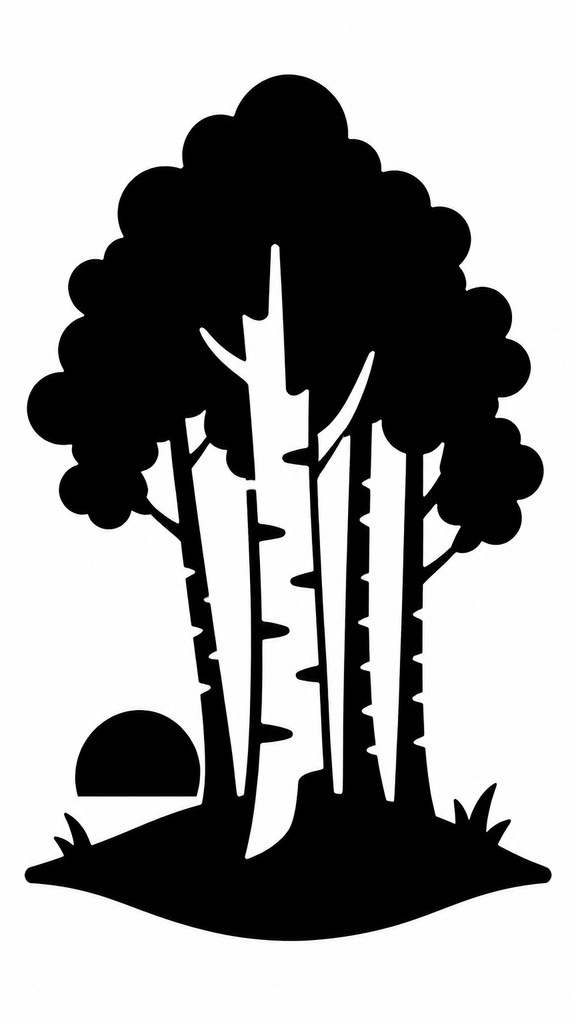
Bold black silhouette icons with no internal detail, designed for instant recognition, small sizes, and clean universal visual communication.
- ✦Single filled silhouette: The subject is rendered as one solid mass, usually black on white, with no line art or interior modeling. This creates maximum clarity and makes the icon readable even when scaled down.
- ✦No internal detail: Windows, folds, textures, facial features, and surface information are omitted. Recognition depends entirely on the outer contour and the overall shape language.
- ✦Clean continuous contour: The outline is smooth, precise, and uninterrupted, often built from mathematically controlled curves and sharp corners. Visual noise is minimized so the form feels crisp and dependable.
Those qualities translate directly into wall art prints: the style stays readable at tall print and screen formats, and every generation is unique to your prompt. Want the full picture? Explore the Glyph Icon Design guide →
How It Works
Describe it
Type what you want your wall art print to show.
Generate
The AI renders it in Glyph Icon Design at 864×1536 — regenerate and refine as much as you like.
Download & use
Save your wall art print and use it anywhere.
Frequently Asked Questions
How do I make a Glyph Icon Design wall art print?
Type what you want into the generator (or upload a photo), and it renders your wall art print in Glyph Icon Design at 864×1536 — sized and framed for wall art prints. You can iterate as many times as you like until it's right.
Is the Glyph Icon Design wall art print maker free?
You can try it free — every new account gets credits to generate. No design skills or software needed.
Can I use my own photo?
Yes — switch to Image to Image mode, upload a photo, and it will be transformed into Glyph Icon Design while keeping your subject and composition.
What size is the wall art print?
Wall art prints generate at 864×1536 pixels (9:16 vertical), and you can upscale or re-generate at other sizes in the generator.