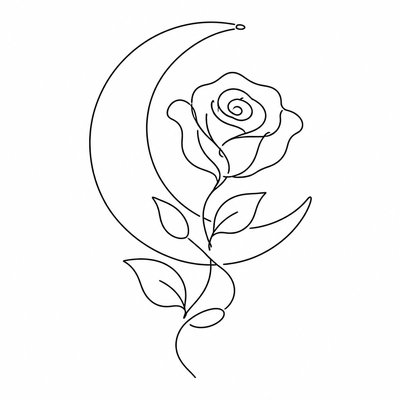
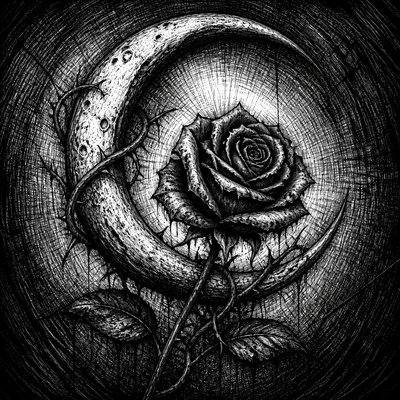
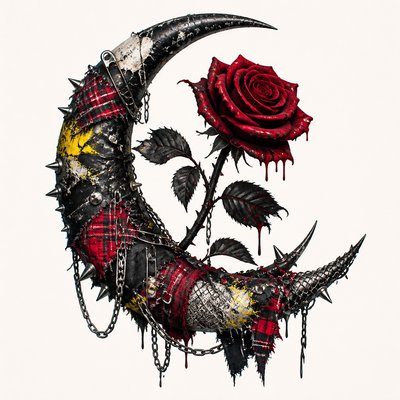
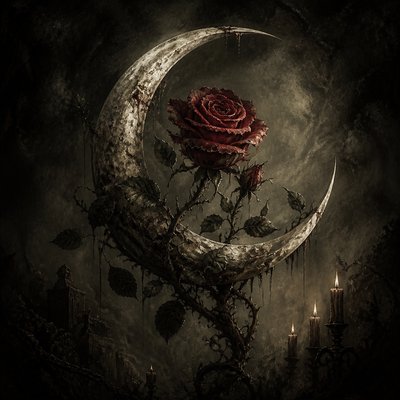
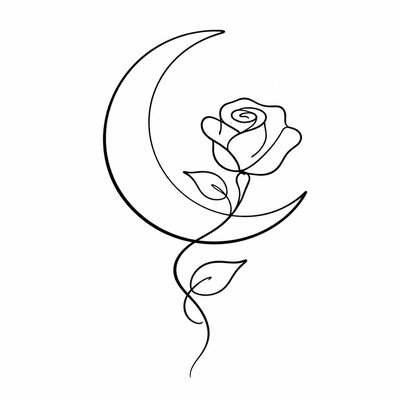
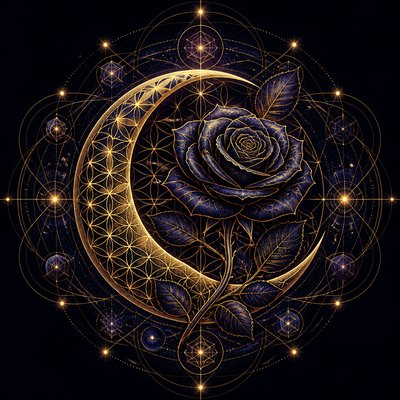
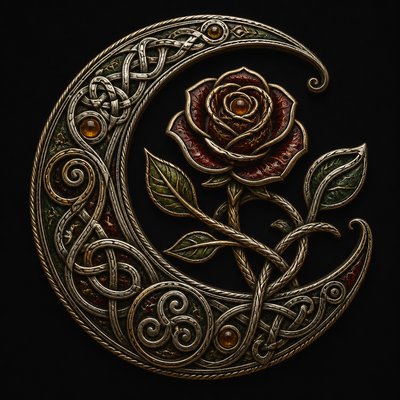
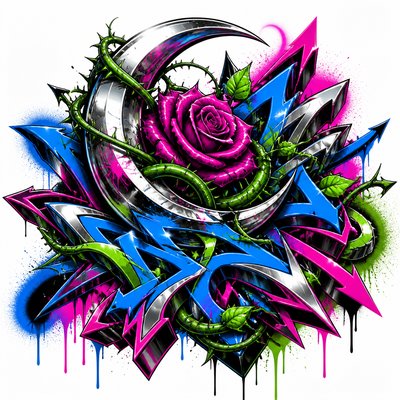
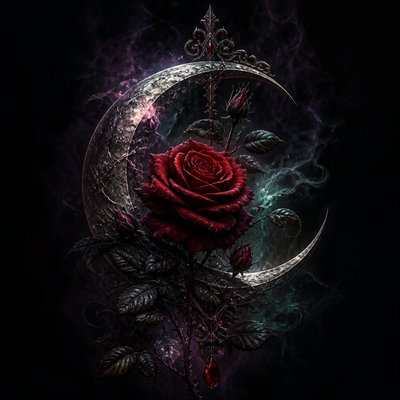
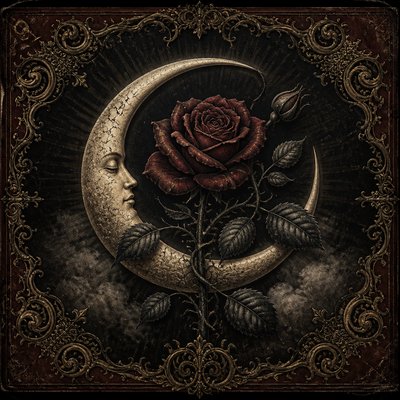
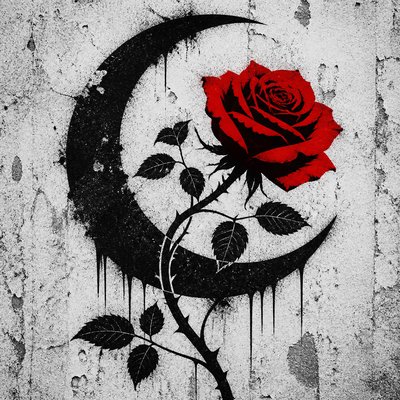
Wabi-Sabi Kintsugi Painting Tattoo Design
Create Wabi-Sabi Kintsugi Painting tattoo designs with AI — describe anything and get a perfectly square tattoo design in seconds.
Rendered in Wabi-Sabi Kintsugi Painting at 1024×1024 — learn about this style
Why Wabi-Sabi Kintsugi Painting Works for Tattoo designs
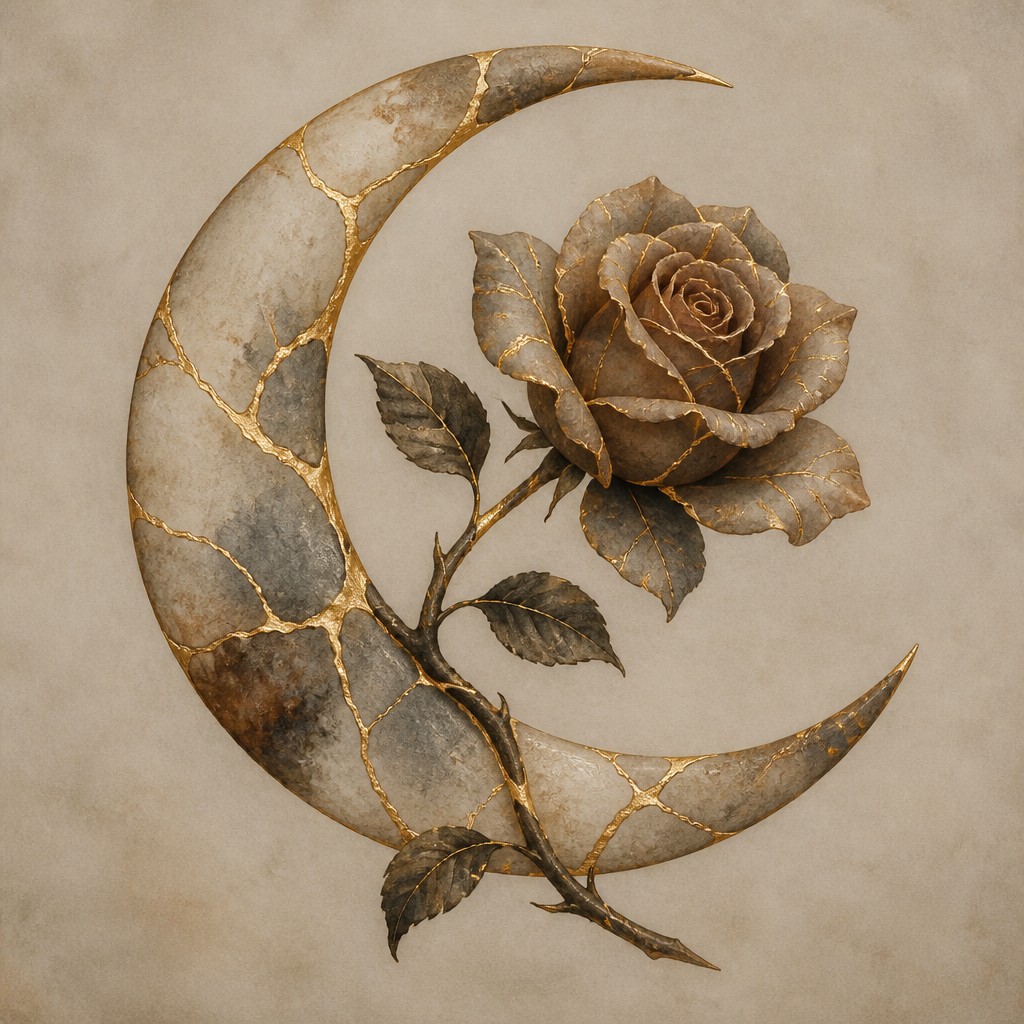
Muted, weathered surfaces repaired with gold seams: a calm aesthetic of imperfection, repair, and time-worn beauty.
- ✦Visible golden repairs: The defining feature is crack lines traced or filled with luminous gold, brass, or warm metallic tones. These seams are not hidden; they are emphasized as the most meaningful part of the composition.
- ✦Muted earth palette: Colors usually stay subdued: ash grey, taupe, aged ivory, clay, brown, charcoal, and desaturated umber. The restrained palette makes the metallic repairs appear brighter and more symbolic.
- ✦Weathered texture: Surfaces often look worn, matte, and time-marked, with patina, scuffs, chips, and subtle staining. The texture suggests age and use rather than polished perfection.
Those qualities translate directly into tattoo designs: the style stays readable at avatar and thumbnail sizes, and every generation is unique to your prompt. Want the full picture? Explore the Wabi-Sabi Kintsugi Painting guide →
How It Works
Describe it
Type what you want your tattoo design to show.
Generate
The AI renders it in Wabi-Sabi Kintsugi Painting at 1024×1024 — regenerate and refine as much as you like.
Download & use
Save your tattoo design and use it anywhere.
Frequently Asked Questions
How do I make a Wabi-Sabi Kintsugi Painting tattoo design?
Type what you want into the generator (or upload a photo), and it renders your tattoo design in Wabi-Sabi Kintsugi Painting at 1024×1024 — sized and framed for tattoo designs. You can iterate as many times as you like until it's right.
Is the Wabi-Sabi Kintsugi Painting tattoo design maker free?
You can try it free — every new account gets credits to generate. No design skills or software needed.
Can I use my own photo?
Yes — switch to Image to Image mode, upload a photo, and it will be transformed into Wabi-Sabi Kintsugi Painting while keeping your subject and composition.
What size is the tattoo design?
Tattoo designs generate at 1024×1024 pixels (1:1), and you can upscale or re-generate at other sizes in the generator.