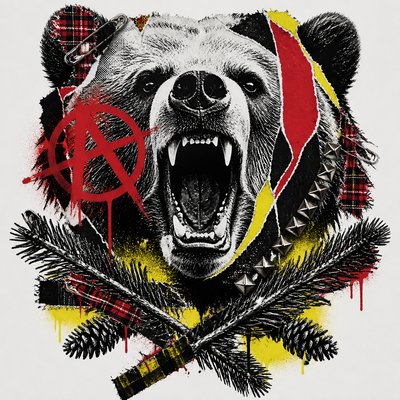
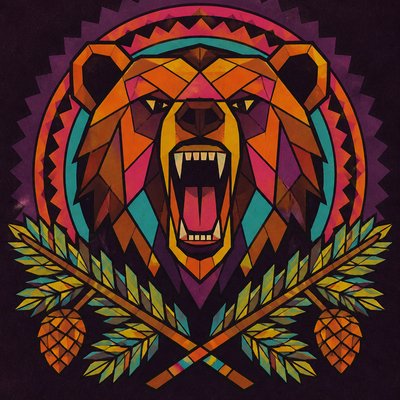
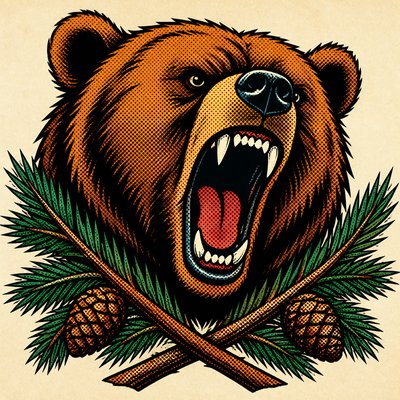
Medieval Gothic Art T-Shirt Design
Create Medieval Gothic Art t-shirt designs with AI — describe anything and get a perfectly square t-shirt design in seconds.
Rendered in Medieval Gothic at 1024×1024 — learn about this style

Why Medieval Gothic Art Works for T-shirt designs
Medieval Gothic art: 12th–15th century European religious imagery with elongated figures, gold leaf, and ornate cathedral manuscript detail.
- ✦Elongated, graceful figures: Bodies are often slender with extended proportions, small heads, and flowing gestures. This creates an ethereal, devotional presence rather than anatomical realism.
- ✦Luminous color and gold leaf: Ultramarine, vermillion, crimson, green, and gilded highlights produce a jewel-like effect. Gold leaf suggests sacred light and increases the sense of preciousness.
- ✦Flat or hierarchical space: Depth is often compressed, symbolic, or secondary to the arrangement of figures. Important subjects may be made larger or placed centrally to emphasize spiritual meaning.
Those qualities translate directly into t-shirt designs: the style stays readable at avatar and thumbnail sizes, and every generation is unique to your prompt. Want the full picture? Explore the Medieval Gothic Art guide →
How It Works
Describe it
Type what you want your t-shirt design to show.
Generate
The AI renders it in Medieval Gothic Art at 1024×1024 — regenerate and refine as much as you like.
Download & use
Save your t-shirt design and use it anywhere.
Frequently Asked Questions
How do I make a Medieval Gothic Art t-shirt design?
Type what you want into the generator (or upload a photo), and it renders your t-shirt design in Medieval Gothic Art at 1024×1024 — sized and framed for t-shirt designs. You can iterate as many times as you like until it's right.
Is the Medieval Gothic Art t-shirt design maker free?
You can try it free — every new account gets credits to generate. No design skills or software needed.
Can I use my own photo?
Yes — switch to Image to Image mode, upload a photo, and it will be transformed into Medieval Gothic Art while keeping your subject and composition.
What size is the t-shirt design?
T-shirt designs generate at 1024×1024 pixels (1:1), and you can upscale or re-generate at other sizes in the generator.