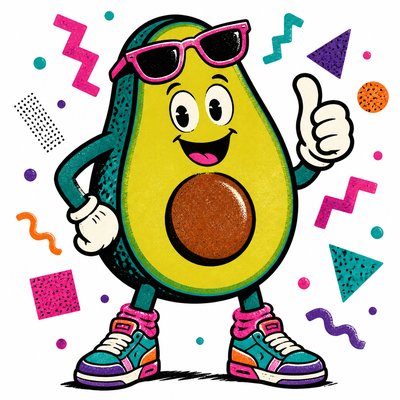
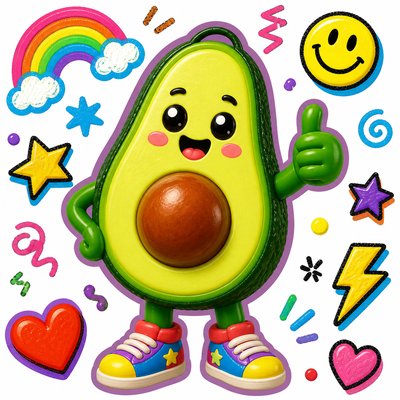
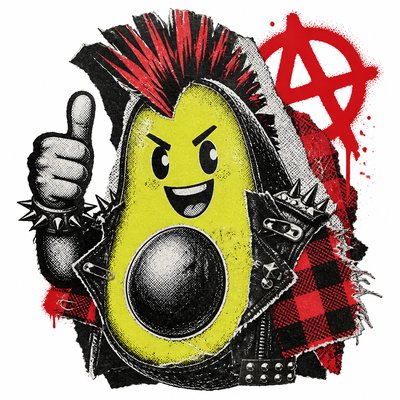
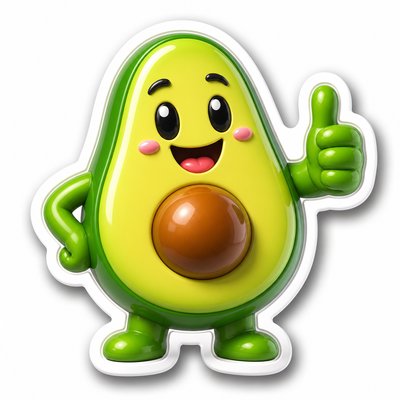
Storybook Watercolor Sticker Maker
Create Storybook Watercolor stickers with AI — describe anything and get a perfectly square sticker in seconds.
Rendered in Storybook Watercolor at 1024×1024 — learn about this style

Why Storybook Watercolor Works for Stickers
Soft, nostalgic children's book illustration with watercolor washes, paper texture, gentle brushwork, and warm earthy tones.
- ✦Transparent watercolor washes: Color appears in layered translucent passes rather than opaque fills. This creates soft tonal variation and lets underlying paper texture remain visible.
- ✦Visible paper grain: The surface often looks like cold-pressed watercolor paper with subtle fibers and tooth. That texture helps the image feel handcrafted and physically painted.
- ✦Soft, irregular edges: Forms often feather out, pool slightly, or bleed at the borders. Hard outlines are minimized unless they serve a storybook-illustration function.
Those qualities translate directly into stickers: the style stays readable at avatar and thumbnail sizes, and every generation is unique to your prompt. Want the full picture? Explore the Storybook Watercolor guide →
How It Works
Describe it
Type what you want your sticker to show.
Generate
The AI renders it in Storybook Watercolor at 1024×1024 — regenerate and refine as much as you like.
Download & use
Save your sticker and use it anywhere.
Frequently Asked Questions
How do I make a Storybook Watercolor sticker?
Type what you want into the generator (or upload a photo), and it renders your sticker in Storybook Watercolor at 1024×1024 — sized and framed for stickers. You can iterate as many times as you like until it's right.
Is the Storybook Watercolor sticker maker free?
You can try it free — every new account gets credits to generate. No design skills or software needed.
Can I use my own photo?
Yes — switch to Image to Image mode, upload a photo, and it will be transformed into Storybook Watercolor while keeping your subject and composition.
What size is the sticker?
Stickers generate at 1024×1024 pixels (1:1), and you can upscale or re-generate at other sizes in the generator.