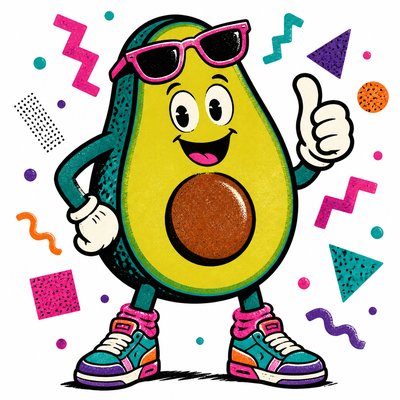
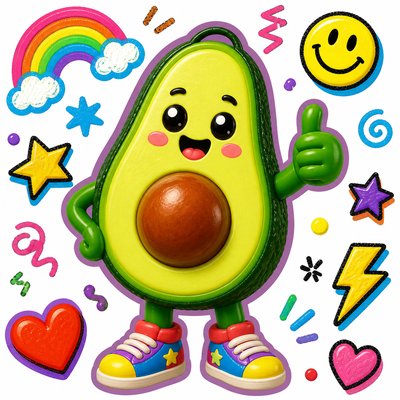
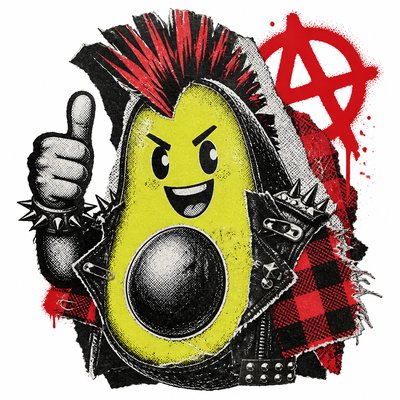
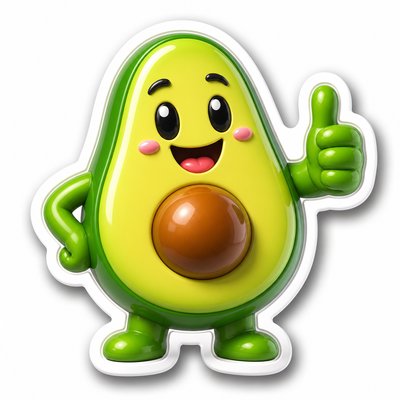
Ink in Water Sticker Maker
Create Ink in Water stickers with AI — describe anything and get a perfectly square sticker in seconds.
Rendered in Ink in Water at 1024×1024 — learn about this style
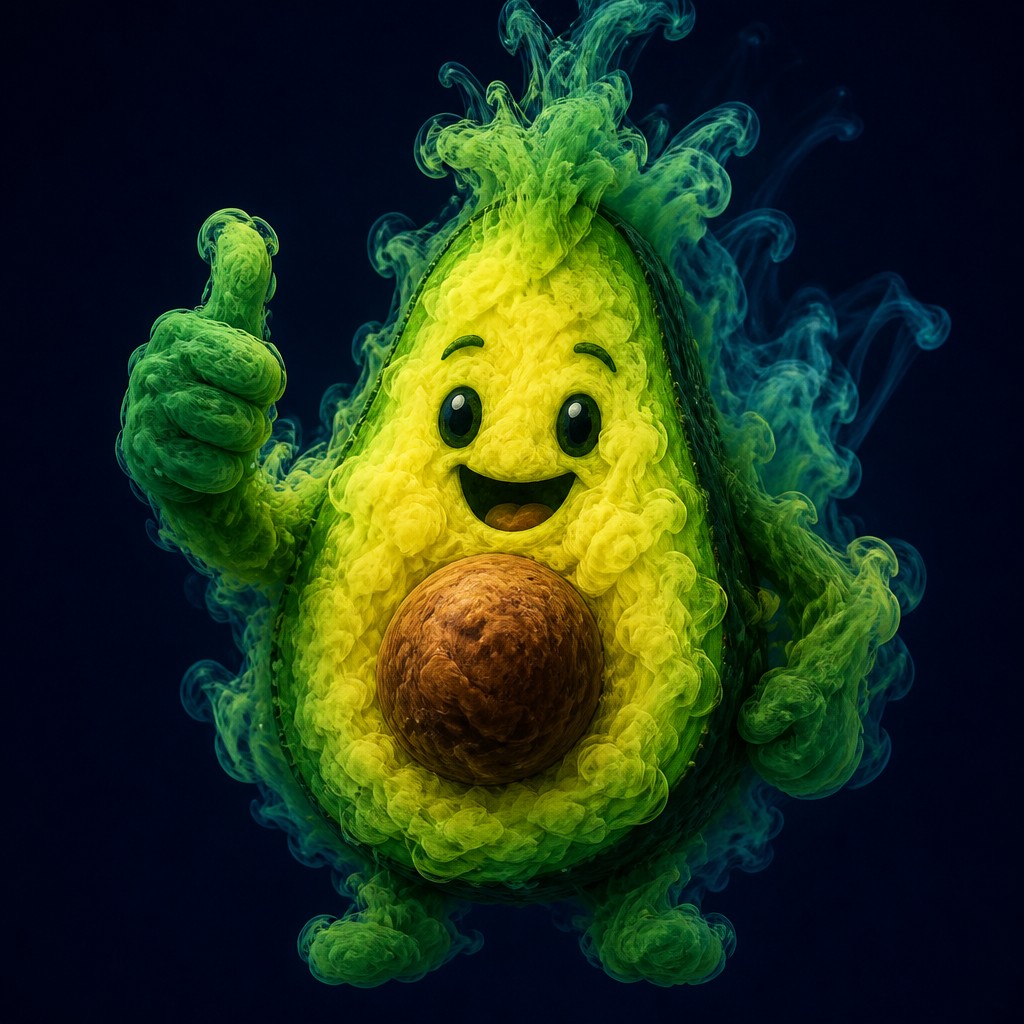
Why Ink in Water Works for Stickers
Fluid color clouds diffusing in water-like space, with soft blooming edges, luminous swirls, and dreamlike translucent movement.
- ✦Diffused pigment clouds: The central forms look like ink or dye dispersing in water, with soft, expanding masses rather than hard edges. Their boundaries break into misty gradients and drifting particulate textures.
- ✦Wisping tendrils and plumes: Fine filaments curl outward from denser areas, creating a sense of underwater or atmospheric motion. These tendrils help the image feel dynamic even when the composition is static.
- ✦Luminous color bleeding: Colors overlap and blend through transparent layers, producing glowing transitions and saturated blooms. The palette often moves from intense cores to delicate washes at the edges.
Those qualities translate directly into stickers: the style stays readable at avatar and thumbnail sizes, and every generation is unique to your prompt. Want the full picture? Explore the Ink in Water guide →
How It Works
Describe it
Type what you want your sticker to show.
Generate
The AI renders it in Ink in Water at 1024×1024 — regenerate and refine as much as you like.
Download & use
Save your sticker and use it anywhere.
Frequently Asked Questions
How do I make a Ink in Water sticker?
Type what you want into the generator (or upload a photo), and it renders your sticker in Ink in Water at 1024×1024 — sized and framed for stickers. You can iterate as many times as you like until it's right.
Is the Ink in Water sticker maker free?
You can try it free — every new account gets credits to generate. No design skills or software needed.
Can I use my own photo?
Yes — switch to Image to Image mode, upload a photo, and it will be transformed into Ink in Water while keeping your subject and composition.
What size is the sticker?
Stickers generate at 1024×1024 pixels (1:1), and you can upscale or re-generate at other sizes in the generator.