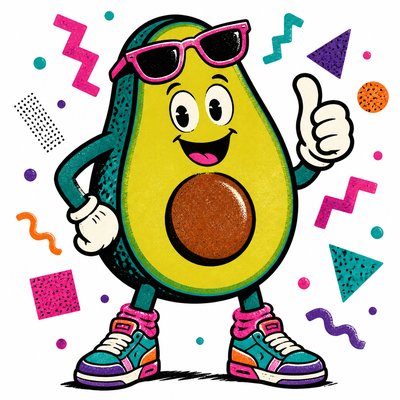
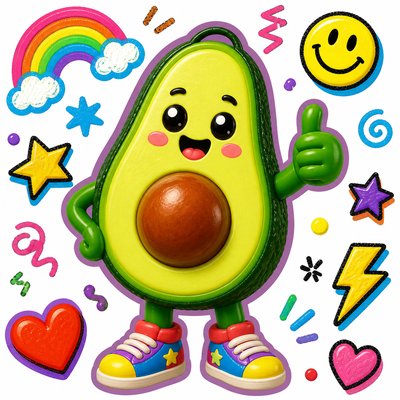
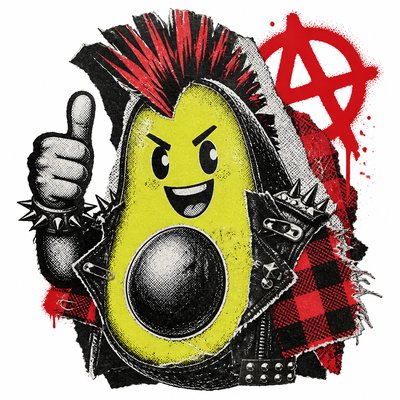
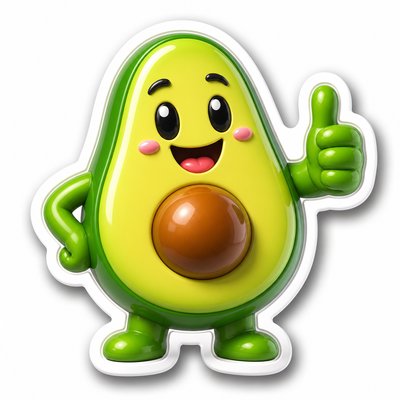
Digital Realism Art Style Sticker Maker
Create Digital Realism Art Style stickers with AI — describe anything and get a perfectly square sticker in seconds.
Rendered in Digital Realism at 1024×1024 — learn about this style

Why Digital Realism Art Style Works for Stickers
Hyperreal digital art blending photography, 3D rendering, and digital painting for polished, lifelike images with precise lighting and texture.
- ✦Photographic precision: Forms, edges, and textures are rendered with the kind of fidelity associated with high-resolution photography. Details such as pores, fabric weave, metal wear, and glass clarity are usually highly resolved.
- ✦Physically believable lighting: Light is handled with attention to real-world behavior, including soft shadows, bounce light, reflections, and refractions. The result often feels grounded because illumination supports the object's material logic.
- ✦Rich material surface detail: Different materials are distinguished by accurate surface response: matte skin, glossy plastic, brushed metal, polished stone, translucent liquid, or textured cloth. This material separation is central to the realism effect.
Those qualities translate directly into stickers: the style stays readable at avatar and thumbnail sizes, and every generation is unique to your prompt. Want the full picture? Explore the Digital Realism Art Style guide →
How It Works
Describe it
Type what you want your sticker to show.
Generate
The AI renders it in Digital Realism Art Style at 1024×1024 — regenerate and refine as much as you like.
Download & use
Save your sticker and use it anywhere.
Frequently Asked Questions
How do I make a Digital Realism Art Style sticker?
Type what you want into the generator (or upload a photo), and it renders your sticker in Digital Realism Art Style at 1024×1024 — sized and framed for stickers. You can iterate as many times as you like until it's right.
Is the Digital Realism Art Style sticker maker free?
You can try it free — every new account gets credits to generate. No design skills or software needed.
Can I use my own photo?
Yes — switch to Image to Image mode, upload a photo, and it will be transformed into Digital Realism Art Style while keeping your subject and composition.
What size is the sticker?
Stickers generate at 1024×1024 pixels (1:1), and you can upscale or re-generate at other sizes in the generator.