Conceptual Art Style Sticker Maker
Create Conceptual Art Style stickers with AI — describe anything and get a perfectly square sticker in seconds.
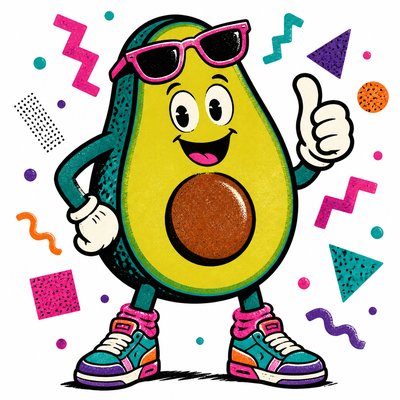
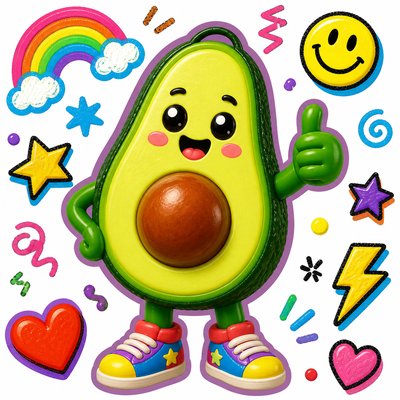
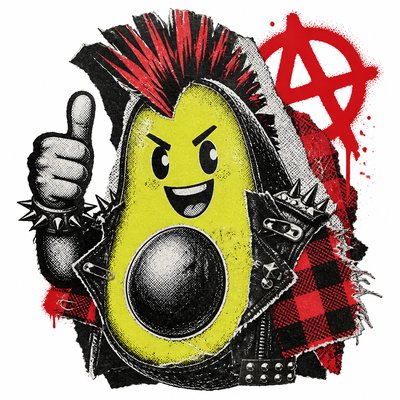
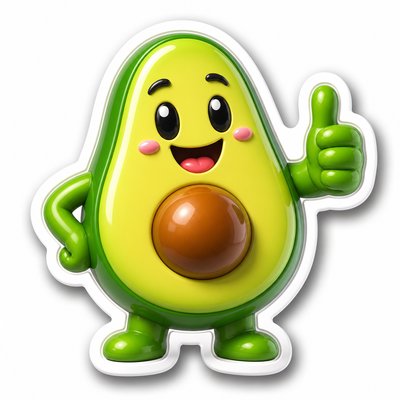
Rendered in Conceptual at 1024×1024 — learn about this style
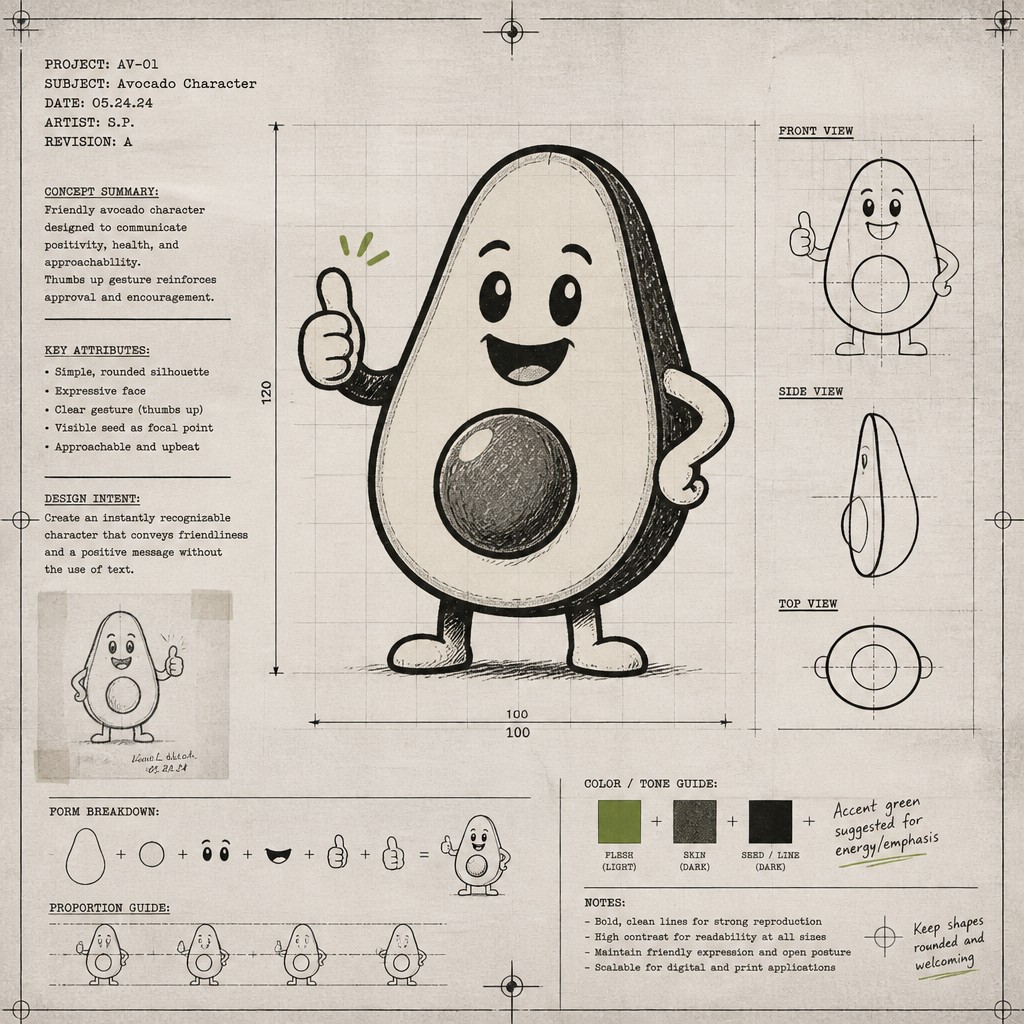
Why Conceptual Art Style Works for Stickers
Conceptual art emphasizes ideas over form, using text, diagrams, documentation, and minimal visuals to make meaning the subject.
- ✦Idea-first structure: The concept determines the work’s form, not the other way around. The image often functions as evidence, notation, or an index of an underlying thought experiment.
- ✦Text as image and meaning: Words, captions, instructions, labels, and typed notes are common visual elements. Text may explain the work, but it can also be the work itself.
- ✦Minimal or diagrammatic imagery: Forms are frequently reduced to outlines, grids, symbols, maps, or schematic marks. The goal is clarity of idea rather than optical richness.
Those qualities translate directly into stickers: the style stays readable at avatar and thumbnail sizes, and every generation is unique to your prompt. Want the full picture? Explore the Conceptual Art Style guide →
How It Works
Describe it
Type what you want your sticker to show.
Generate
The AI renders it in Conceptual Art Style at 1024×1024 — regenerate and refine as much as you like.
Download & use
Save your sticker and use it anywhere.
Frequently Asked Questions
How do I make a Conceptual Art Style sticker?
Type what you want into the generator (or upload a photo), and it renders your sticker in Conceptual Art Style at 1024×1024 — sized and framed for stickers. You can iterate as many times as you like until it's right.
Is the Conceptual Art Style sticker maker free?
You can try it free — every new account gets credits to generate. No design skills or software needed.
Can I use my own photo?
Yes — switch to Image to Image mode, upload a photo, and it will be transformed into Conceptual Art Style while keeping your subject and composition.
What size is the sticker?
Stickers generate at 1024×1024 pixels (1:1), and you can upscale or re-generate at other sizes in the generator.