Art Toy Sculpture Sticker Maker
Create Art Toy Sculpture stickers with AI — describe anything and get a perfectly square sticker in seconds.
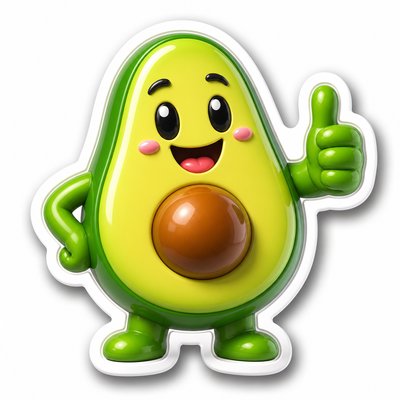
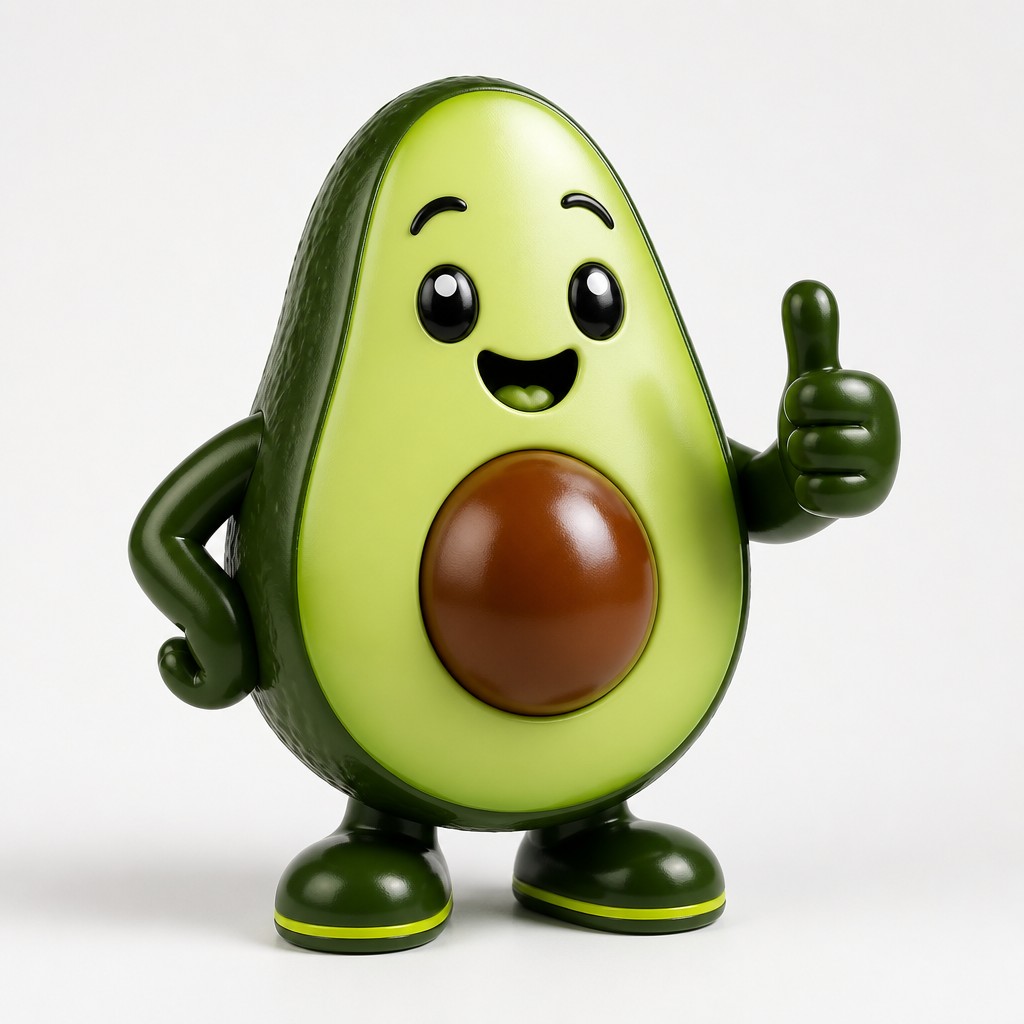
Rendered in Art Toy Sculpture at 1024×1024 — learn about this style
Why Art Toy Sculpture Works for Stickers
Designer toy aesthetic with smooth vinyl forms, bold proportions, matte-gloss finishes, and gallery-ready sculptural polish.
- ✦Simplified sculptural silhouettes: Forms are reduced to bold, rounded volumes with little extraneous detail. The shapes read immediately from a distance, often using oversized heads, compact bodies, and playful proportions.
- ✦Vinyl and resin material language: Surfaces typically evoke smooth plastic, cast resin, or polished composite materials. Even when the work is physically made from other media, it often mimics the clean finish and tactile precision of collectible objects.
- ✦Matte-and-gloss contrast: A key visual device is the deliberate alternation between soft matte areas and reflective gloss. This contrast adds depth, emphasizes form, and makes the object feel engineered rather than handmade in a rustic sense.
Those qualities translate directly into stickers: the style stays readable at avatar and thumbnail sizes, and every generation is unique to your prompt. Want the full picture? Explore the Art Toy Sculpture guide →
How It Works
Describe it
Type what you want your sticker to show.
Generate
The AI renders it in Art Toy Sculpture at 1024×1024 — regenerate and refine as much as you like.
Download & use
Save your sticker and use it anywhere.
Frequently Asked Questions
How do I make a Art Toy Sculpture sticker?
Type what you want into the generator (or upload a photo), and it renders your sticker in Art Toy Sculpture at 1024×1024 — sized and framed for stickers. You can iterate as many times as you like until it's right.
Is the Art Toy Sculpture sticker maker free?
You can try it free — every new account gets credits to generate. No design skills or software needed.
Can I use my own photo?
Yes — switch to Image to Image mode, upload a photo, and it will be transformed into Art Toy Sculpture while keeping your subject and composition.
What size is the sticker?
Stickers generate at 1024×1024 pixels (1:1), and you can upscale or re-generate at other sizes in the generator.