VFX Compositing Digital Art Style Icon Maker
Create VFX Compositing Digital Art Style icons with AI — describe anything and get a perfectly square icon in seconds.
Rendered in VFX Compositing Digital at 1024×1024 — learn about this style
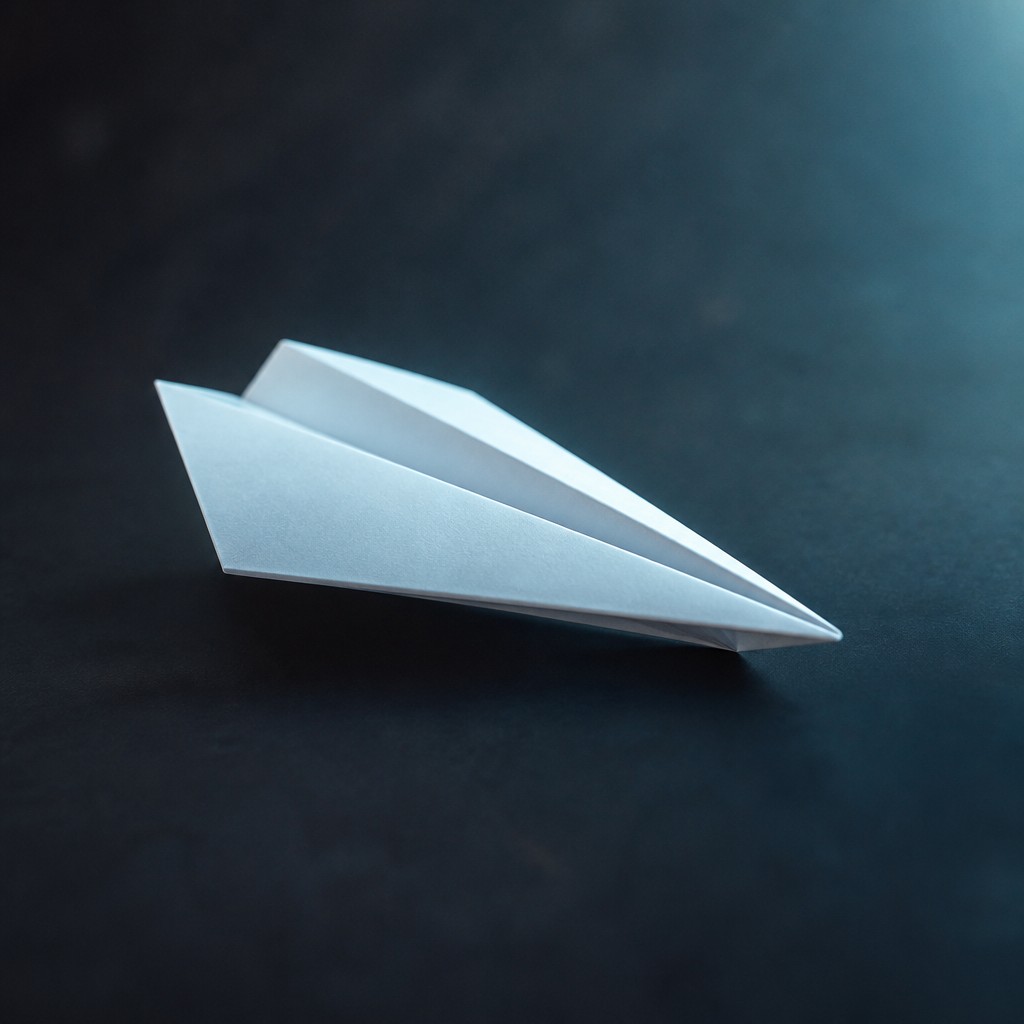
Why VFX Compositing Digital Art Style Works for Icons
Seamless cinematic compositing that blends photo and CGI into believable, high-impact scenes with filmic lighting and depth.
- ✦Seamless source integration: Objects from different origins are made to appear physically present in one environment. Edges are softened or reworked so nothing reads as pasted on, composited, or separately rendered.
- ✦Cinematic color grading: Shadows and highlights are often split-toned, with controlled contrast and a filmic palette. This grading helps bind diverse elements into a unified emotional and visual tone.
- ✦Realistic light behavior: Volumetric light, contact shadows, bounce light, and light wrap are carefully matched across the frame. These cues make the scene feel like it obeys the same physical space.
Those qualities translate directly into icons: the style stays readable at avatar and thumbnail sizes, and every generation is unique to your prompt. Want the full picture? Explore the VFX Compositing Digital Art Style guide →
How It Works
Describe it
Type what you want your icon to show.
Generate
The AI renders it in VFX Compositing Digital Art Style at 1024×1024 — regenerate and refine as much as you like.
Download & use
Save your icon and use it anywhere.
Frequently Asked Questions
How do I make a VFX Compositing Digital Art Style icon?
Type what you want into the generator (or upload a photo), and it renders your icon in VFX Compositing Digital Art Style at 1024×1024 — sized and framed for icons. You can iterate as many times as you like until it's right.
Is the VFX Compositing Digital Art Style icon maker free?
You can try it free — every new account gets credits to generate. No design skills or software needed.
Can I use my own photo?
Yes — switch to Image to Image mode, upload a photo, and it will be transformed into VFX Compositing Digital Art Style while keeping your subject and composition.
What size is the icon?
Icons generate at 1024×1024 pixels (1:1), and you can upscale or re-generate at other sizes in the generator.











