Rococo Classical Art Style Icon Maker
Create Rococo Classical Art Style icons with AI — describe anything and get a perfectly square icon in seconds.
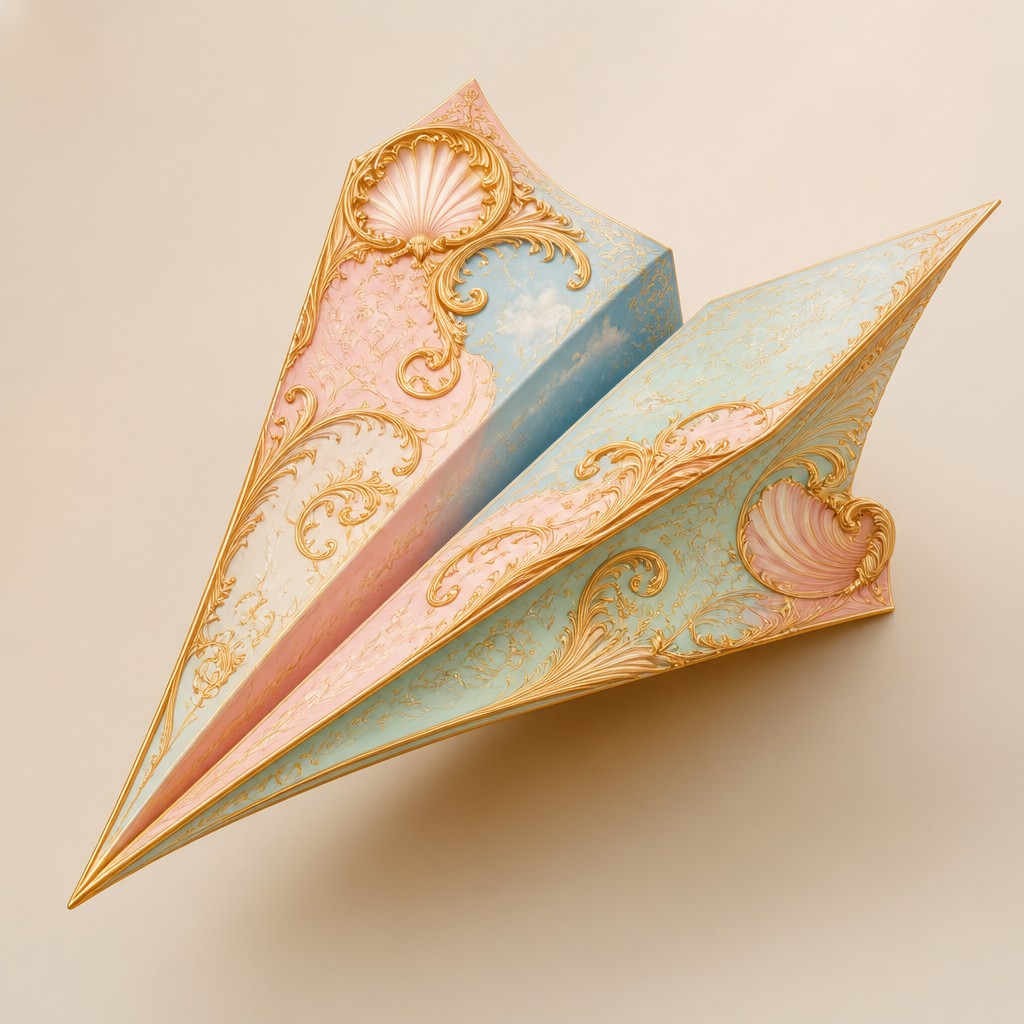
Rendered in Rococo Classical at 1024×1024 — learn about this style
Why Rococo Classical Art Style Works for Icons
Pastel ornament, gilded curves, and playful mythology define Rococo classical art, a graceful 18th-century decorative style.
- ✦Pastel palette: Rococo art typically uses powder pink, pale blue, mint green, cream, and soft gold. These colors create a light, airy effect rather than strong contrast.
- ✦Asymmetrical ornament: Shell forms, scrolls, arabesques, flowers, and curling foliage often organize the composition. The asymmetry gives the work a lively, flowing rhythm instead of rigid balance.
- ✦Delicate surfaces: Brushwork, glazing, and highlights suggest silk, satin, porcelain, lace, and polished wood. Surfaces appear tactile, refined, and luminous.
Those qualities translate directly into icons: the style stays readable at avatar and thumbnail sizes, and every generation is unique to your prompt. Want the full picture? Explore the Rococo Classical Art Style guide →
How It Works
Describe it
Type what you want your icon to show.
Generate
The AI renders it in Rococo Classical Art Style at 1024×1024 — regenerate and refine as much as you like.
Download & use
Save your icon and use it anywhere.
Frequently Asked Questions
How do I make a Rococo Classical Art Style icon?
Type what you want into the generator (or upload a photo), and it renders your icon in Rococo Classical Art Style at 1024×1024 — sized and framed for icons. You can iterate as many times as you like until it's right.
Is the Rococo Classical Art Style icon maker free?
You can try it free — every new account gets credits to generate. No design skills or software needed.
Can I use my own photo?
Yes — switch to Image to Image mode, upload a photo, and it will be transformed into Rococo Classical Art Style while keeping your subject and composition.
What size is the icon?
Icons generate at 1024×1024 pixels (1:1), and you can upscale or re-generate at other sizes in the generator.











