Quattrocento Perspective Renaissance Art Style Icon Maker
Create Quattrocento Perspective Renaissance Art Style icons with AI — describe anything and get a perfectly square icon in seconds.
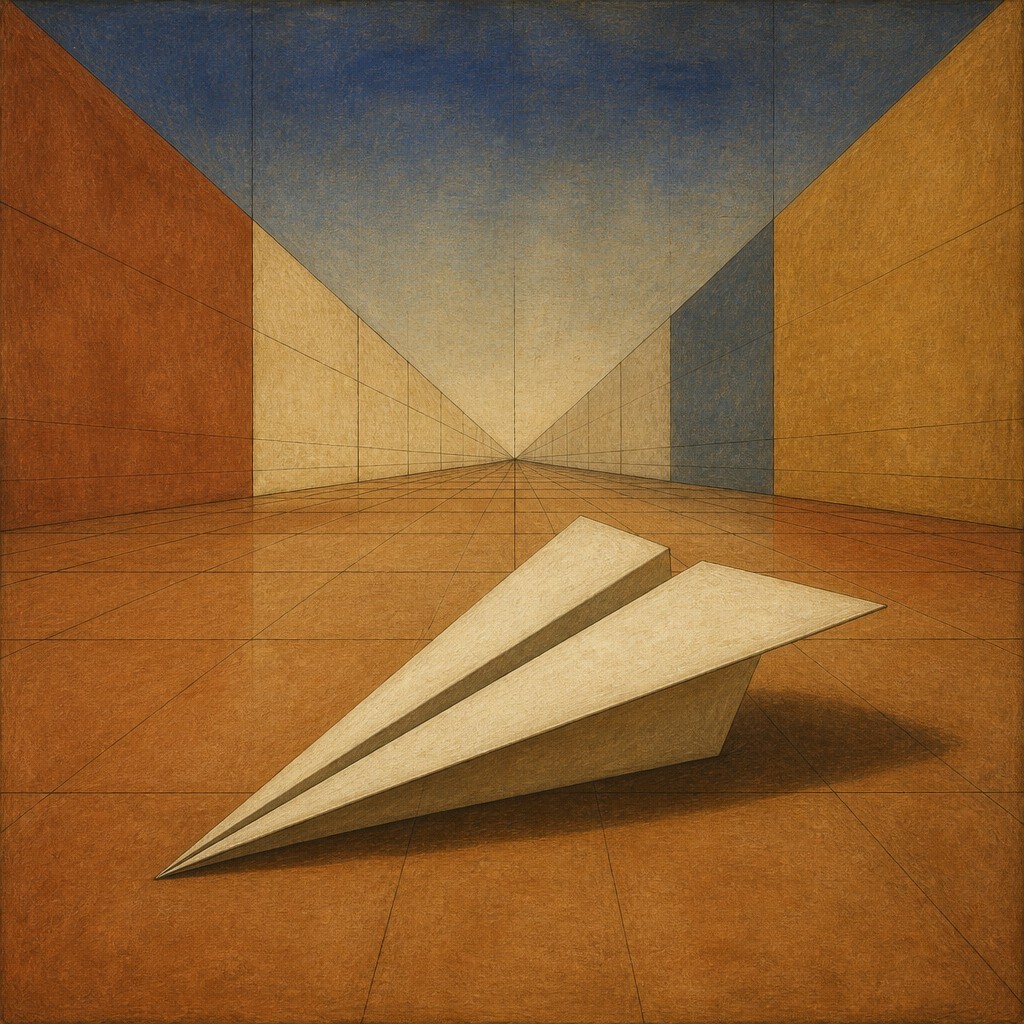
Rendered in Quattrocento Perspective Renaissance at 1024×1024 — learn about this style
Why Quattrocento Perspective Renaissance Art Style Works for Icons
Precise Renaissance art with single-point perspective, architectural order, warm earth tones, and calm spatial clarity.
- ✦Single-point linear perspective: Orthogonals converge toward one central vanishing point, creating a clear spatial hierarchy and a strong sense of depth. This gives the image a rational, constructed structure rather than a loose or atmospheric one.
- ✦Architectural framing: Arches, coffered ceilings, colonnades, pavements, and rectilinear rooms often organize the scene. Architecture is not merely background; it is part of the compositional logic.
- ✦Balanced geometric composition: Figures and objects are arranged according to stable shapes such as triangles, rectangles, and central axes. The result is poised and harmonious rather than crowded or asymmetrical.
Those qualities translate directly into icons: the style stays readable at avatar and thumbnail sizes, and every generation is unique to your prompt. Want the full picture? Explore the Quattrocento Perspective Renaissance Art Style guide →
How It Works
Describe it
Type what you want your icon to show.
Generate
The AI renders it in Quattrocento Perspective Renaissance Art Style at 1024×1024 — regenerate and refine as much as you like.
Download & use
Save your icon and use it anywhere.
Frequently Asked Questions
How do I make a Quattrocento Perspective Renaissance Art Style icon?
Type what you want into the generator (or upload a photo), and it renders your icon in Quattrocento Perspective Renaissance Art Style at 1024×1024 — sized and framed for icons. You can iterate as many times as you like until it's right.
Is the Quattrocento Perspective Renaissance Art Style icon maker free?
You can try it free — every new account gets credits to generate. No design skills or software needed.
Can I use my own photo?
Yes — switch to Image to Image mode, upload a photo, and it will be transformed into Quattrocento Perspective Renaissance Art Style while keeping your subject and composition.
What size is the icon?
Icons generate at 1024×1024 pixels (1:1), and you can upscale or re-generate at other sizes in the generator.











