Procedural Digital Art Style Icon Maker
Create Procedural Digital Art Style icons with AI — describe anything and get a perfectly square icon in seconds.
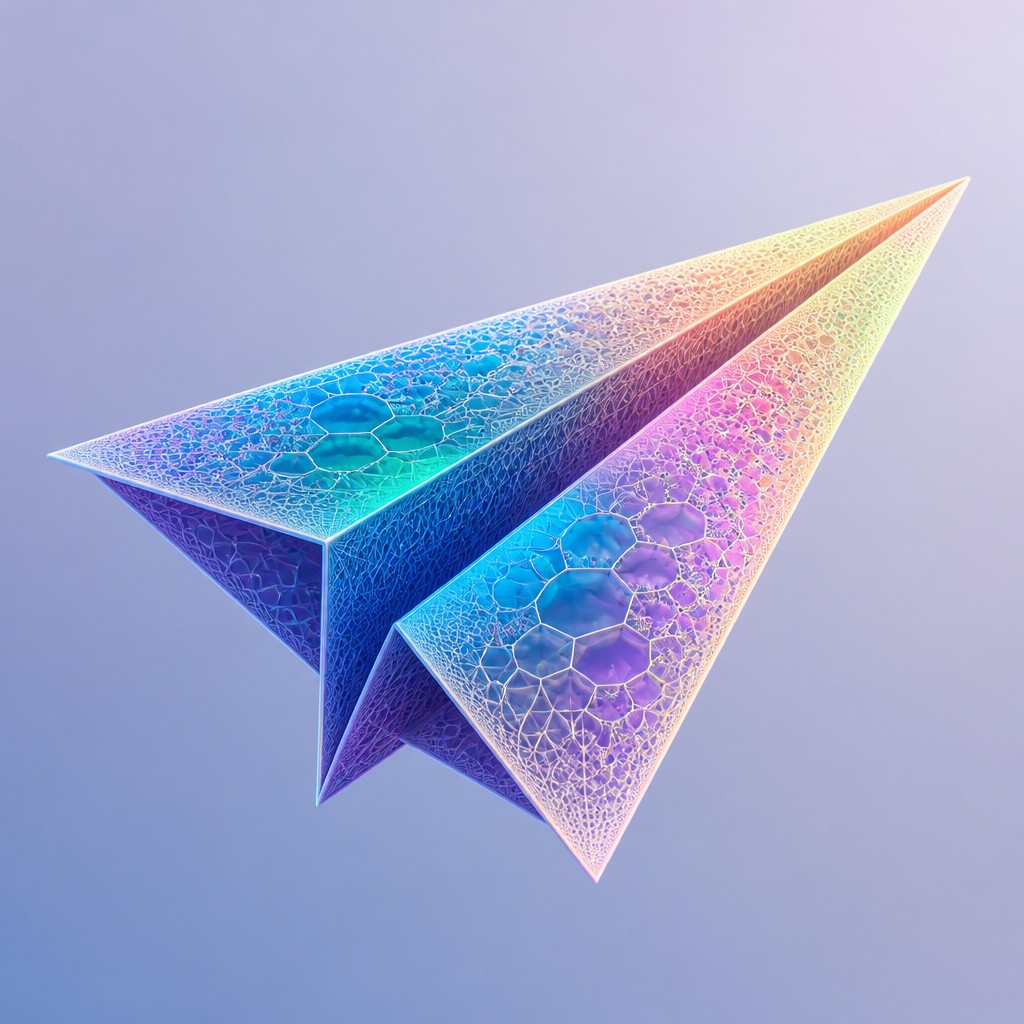
Rendered in Procedural Digital at 1024×1024 — learn about this style
Why Procedural Digital Art Style Works for Icons
Algorithm-driven digital art built from fractals, grids, noise fields, and procedural geometry with luminous synthetic depth.
- ✦Algorithmic structure: Images are organized by rules, formulas, or node-based systems rather than direct freehand depiction. This gives the work a sense of internal logic and repeatable structure.
- ✦Fractal repetition: Self-similar detail appears at multiple scales, so small elements echo the larger composition. This creates density without losing cohesion.
- ✦Voronoi and lattice geometry: Surfaces often look divided into cells, meshes, or wireframe frameworks. These computational structures make the image feel both technical and spatial.
Those qualities translate directly into icons: the style stays readable at avatar and thumbnail sizes, and every generation is unique to your prompt. Want the full picture? Explore the Procedural Digital Art Style guide →
How It Works
Describe it
Type what you want your icon to show.
Generate
The AI renders it in Procedural Digital Art Style at 1024×1024 — regenerate and refine as much as you like.
Download & use
Save your icon and use it anywhere.
Frequently Asked Questions
How do I make a Procedural Digital Art Style icon?
Type what you want into the generator (or upload a photo), and it renders your icon in Procedural Digital Art Style at 1024×1024 — sized and framed for icons. You can iterate as many times as you like until it's right.
Is the Procedural Digital Art Style icon maker free?
You can try it free — every new account gets credits to generate. No design skills or software needed.
Can I use my own photo?
Yes — switch to Image to Image mode, upload a photo, and it will be transformed into Procedural Digital Art Style while keeping your subject and composition.
What size is the icon?
Icons generate at 1024×1024 pixels (1:1), and you can upscale or re-generate at other sizes in the generator.











