Movie Poster Design Icon Maker
Create Movie Poster Design icons with AI — describe anything and get a perfectly square icon in seconds.
Rendered in Movie Poster Design at 1024×1024 — learn about this style
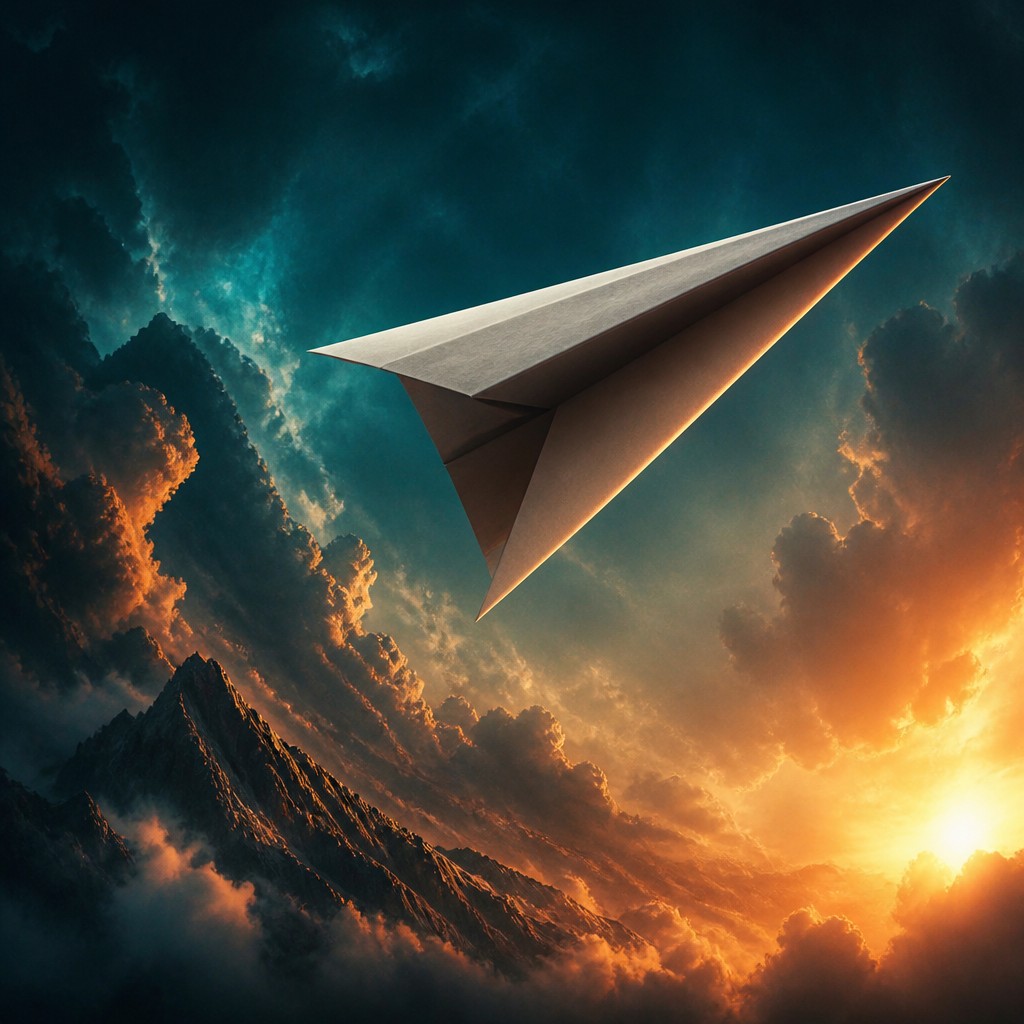
Why Movie Poster Design Works for Icons
Dramatic cinematic posters with bold compositions, character montages, atmospheric lighting, and blockbuster color grading.
- ✦Layered character montage: Multiple figures are stacked by scale and depth to suggest story relationships, often with a dominant hero in the foreground and supporting characters or threats behind. The arrangement creates instant narrative tension and a sense of ensemble cast.
- ✦Heroic scale and forced perspective: Main subjects are enlarged or positioned low in the frame so they feel monumental. Background elements may recede sharply to intensify drama and give the composition a cinematic, staged depth.
- ✦High-contrast lighting: Faces and bodies are often rim-lit against dark environments, with bright highlights carving out silhouettes. This makes the subject readable and theatrical while adding a sense of spectacle.
Those qualities translate directly into icons: the style stays readable at avatar and thumbnail sizes, and every generation is unique to your prompt. Want the full picture? Explore the Movie Poster Design guide →
How It Works
Describe it
Type what you want your icon to show.
Generate
The AI renders it in Movie Poster Design at 1024×1024 — regenerate and refine as much as you like.
Download & use
Save your icon and use it anywhere.
Frequently Asked Questions
How do I make a Movie Poster Design icon?
Type what you want into the generator (or upload a photo), and it renders your icon in Movie Poster Design at 1024×1024 — sized and framed for icons. You can iterate as many times as you like until it's right.
Is the Movie Poster Design icon maker free?
You can try it free — every new account gets credits to generate. No design skills or software needed.
Can I use my own photo?
Yes — switch to Image to Image mode, upload a photo, and it will be transformed into Movie Poster Design while keeping your subject and composition.
What size is the icon?
Icons generate at 1024×1024 pixels (1:1), and you can upscale or re-generate at other sizes in the generator.











