Motion Graphics Digital Art Style Icon Maker
Create Motion Graphics Digital Art Style icons with AI — describe anything and get a perfectly square icon in seconds.
Rendered in Motion Graphics Digital at 1024×1024 — learn about this style
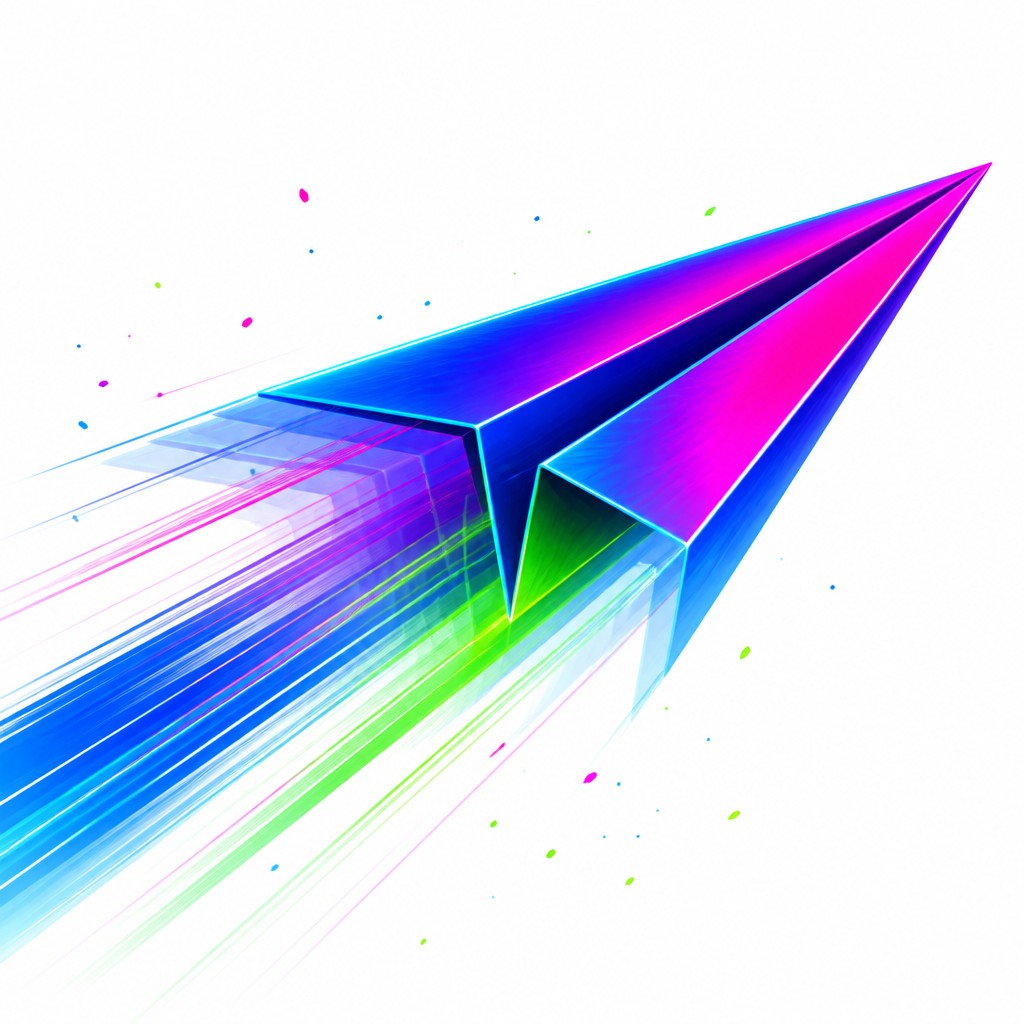
Why Motion Graphics Digital Art Style Works for Icons
Dynamic still-frame graphics with motion blur, kinetic typography, glowing gradients, and bold vector forms.
- ✦Kinetic composition: The frame is often arranged along diagonals or off-center vectors so the eye feels pulled across the image. This imbalance creates the impression of ongoing movement rather than a settled, static pose.
- ✦Motion blur and streaks: Blur trails, speed lines, and directional smears imply rapid movement frozen at a single instant. These effects are used sparingly or aggressively depending on whether the image aims for subtle motion or intense impact.
- ✦Layered duplication: Semi-transparent repeats of objects, letters, or silhouettes suggest frame-by-frame progression. This creates a visual echo that mimics animation timing and trailing exposure.
Those qualities translate directly into icons: the style stays readable at avatar and thumbnail sizes, and every generation is unique to your prompt. Want the full picture? Explore the Motion Graphics Digital Art Style guide →
How It Works
Describe it
Type what you want your icon to show.
Generate
The AI renders it in Motion Graphics Digital Art Style at 1024×1024 — regenerate and refine as much as you like.
Download & use
Save your icon and use it anywhere.
Frequently Asked Questions
How do I make a Motion Graphics Digital Art Style icon?
Type what you want into the generator (or upload a photo), and it renders your icon in Motion Graphics Digital Art Style at 1024×1024 — sized and framed for icons. You can iterate as many times as you like until it's right.
Is the Motion Graphics Digital Art Style icon maker free?
You can try it free — every new account gets credits to generate. No design skills or software needed.
Can I use my own photo?
Yes — switch to Image to Image mode, upload a photo, and it will be transformed into Motion Graphics Digital Art Style while keeping your subject and composition.
What size is the icon?
Icons generate at 1024×1024 pixels (1:1), and you can upscale or re-generate at other sizes in the generator.











